AI YouTube Shorts Generator
more
Create from a Youtube Short Template
Pick a proven format. Add your content. AI does the rest



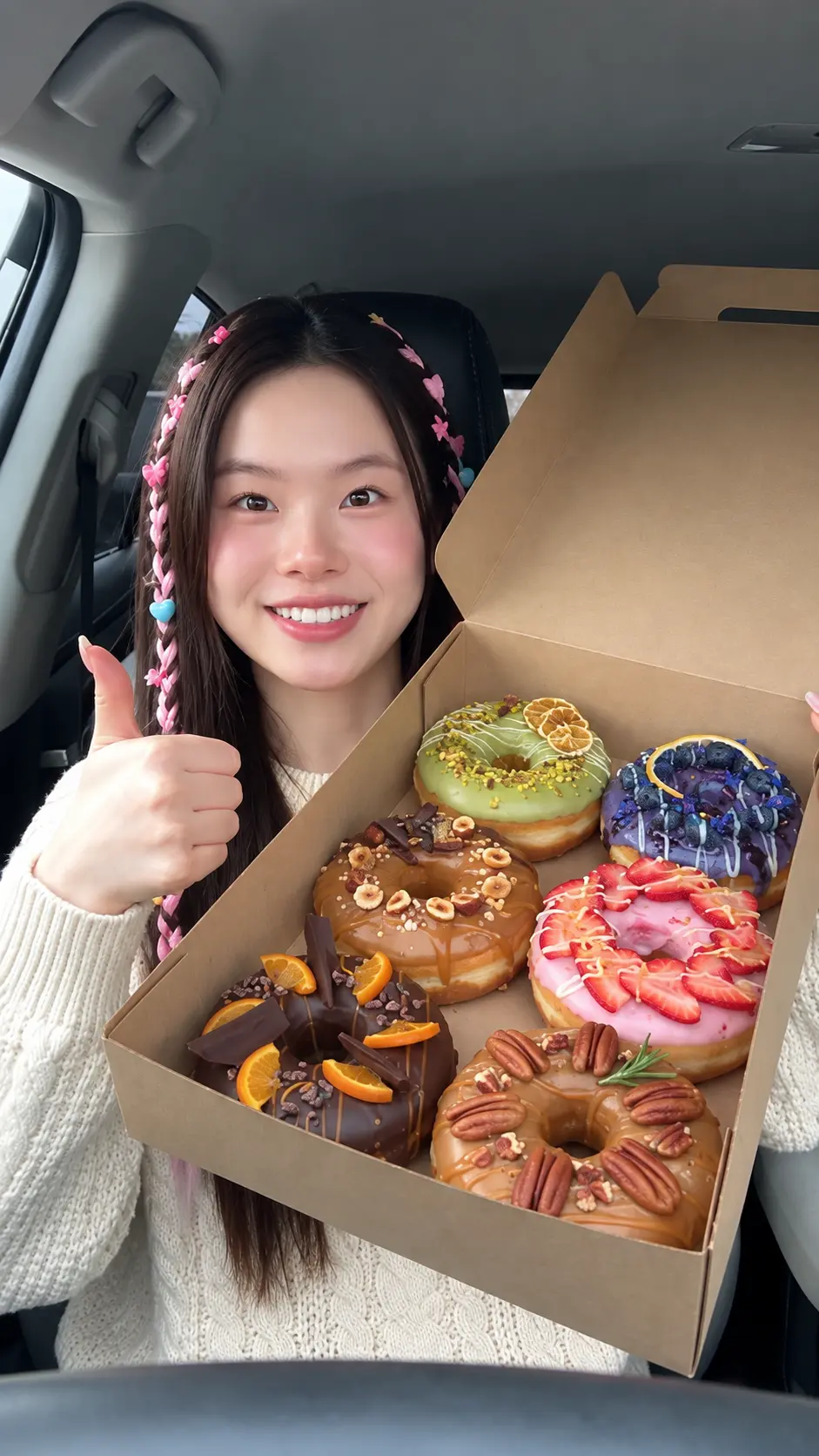
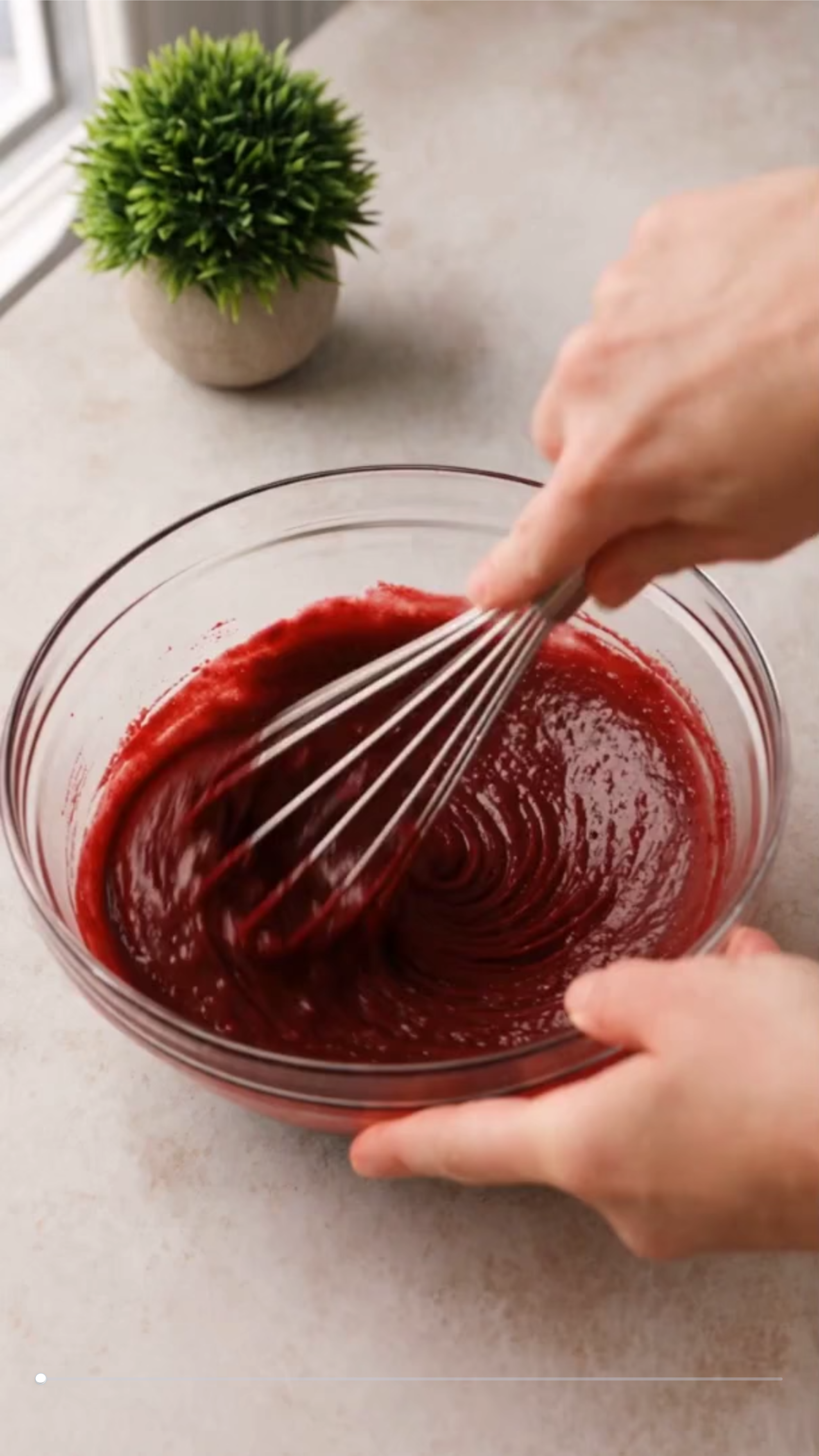

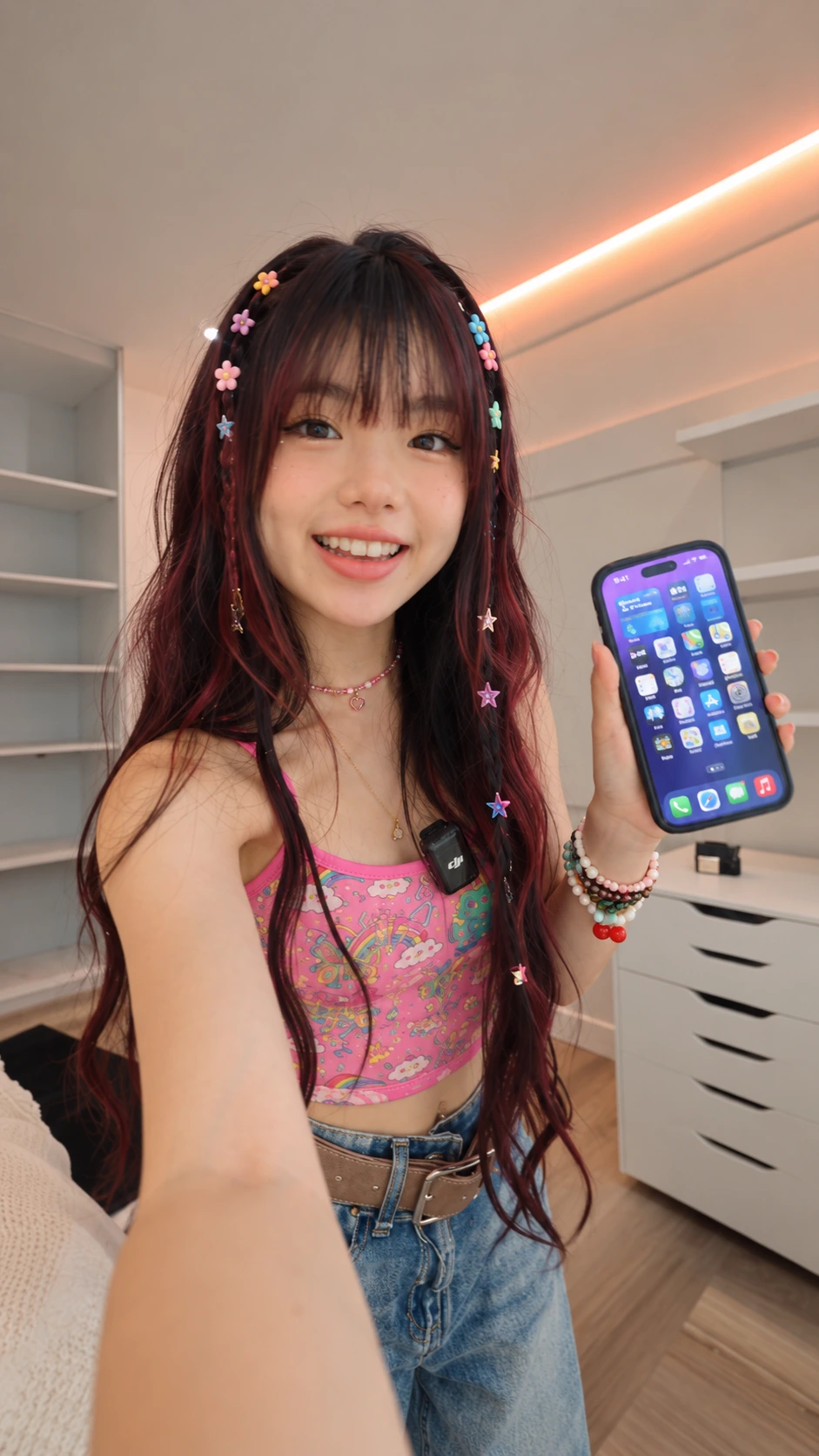
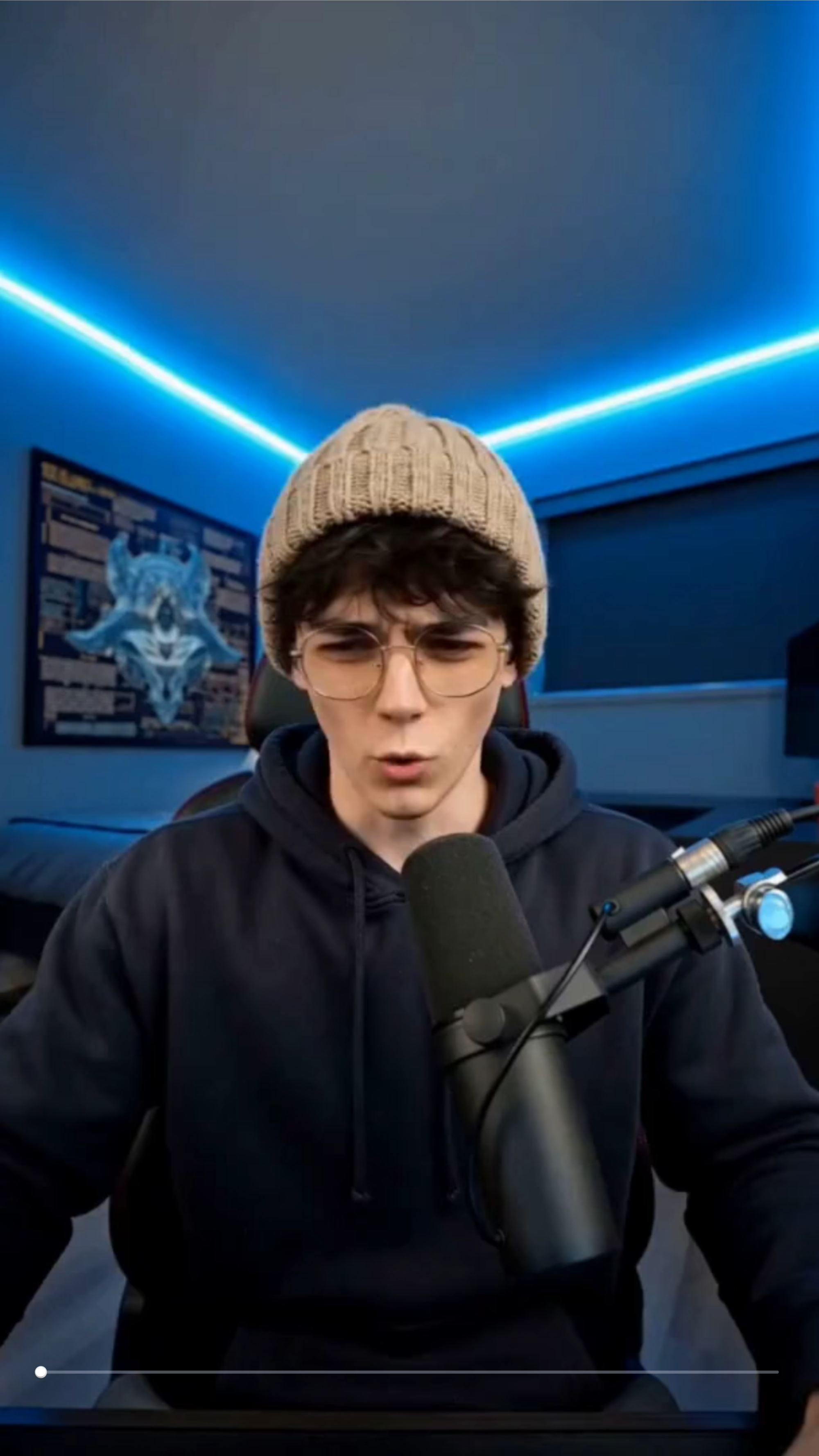


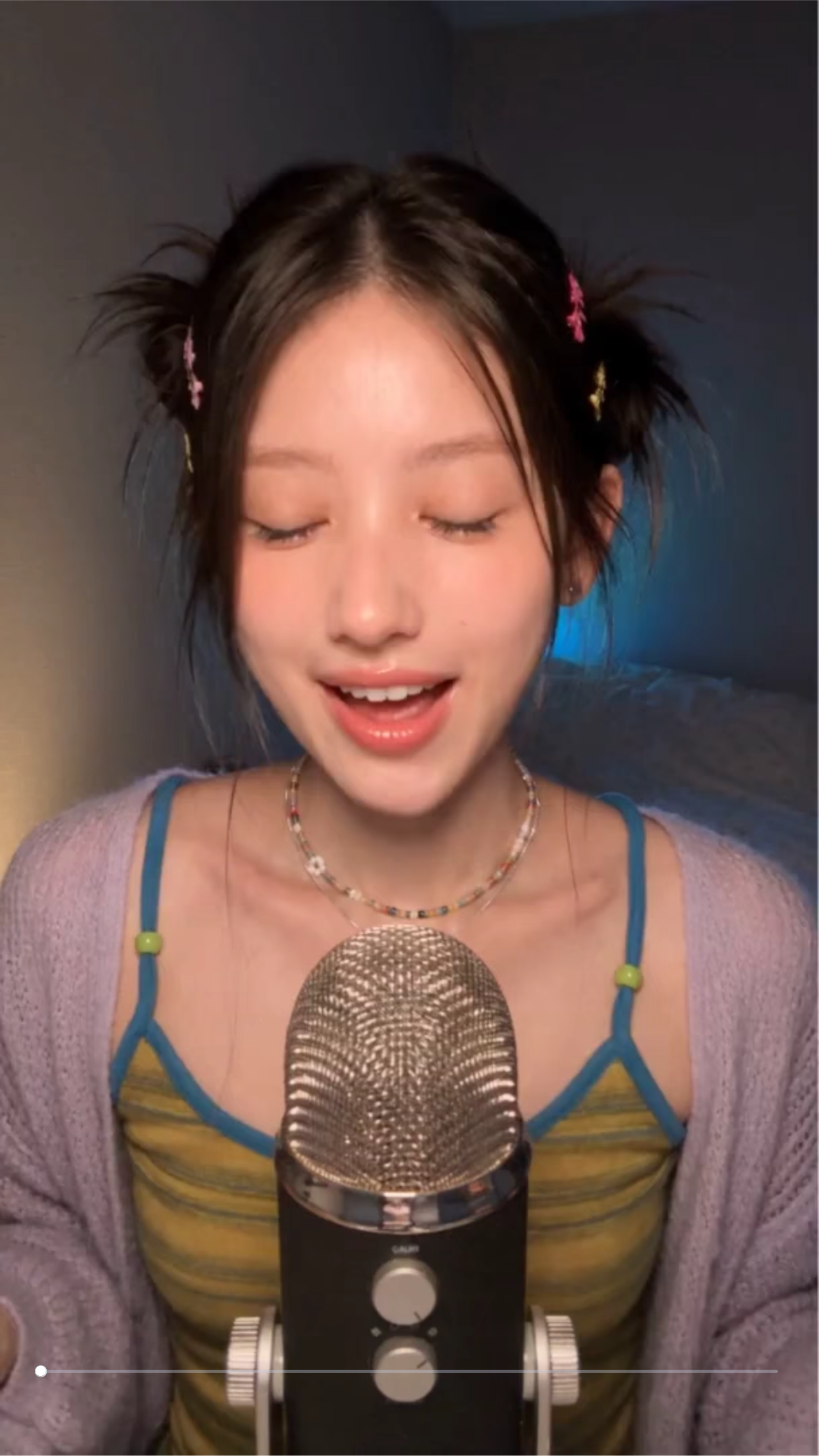
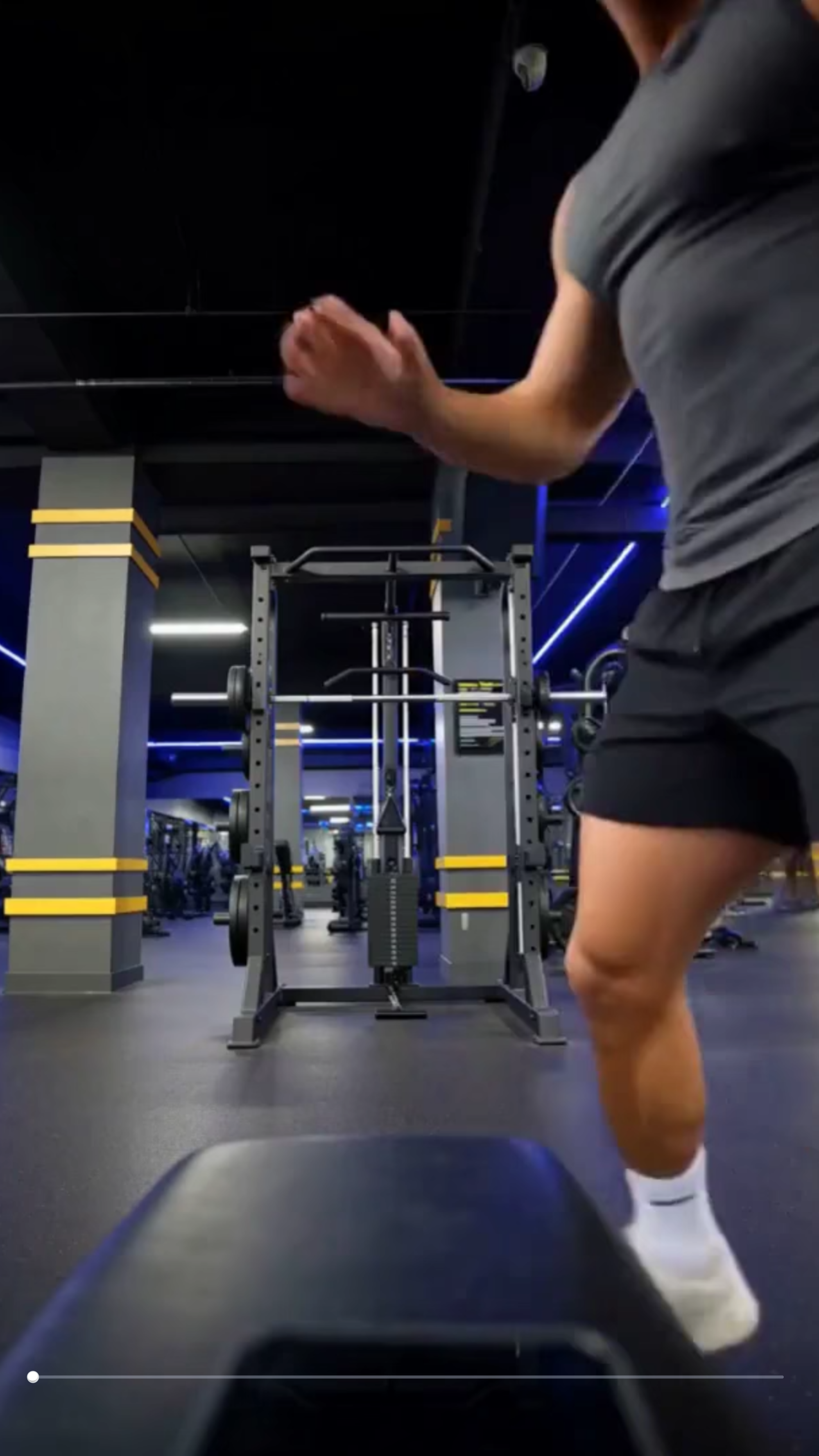
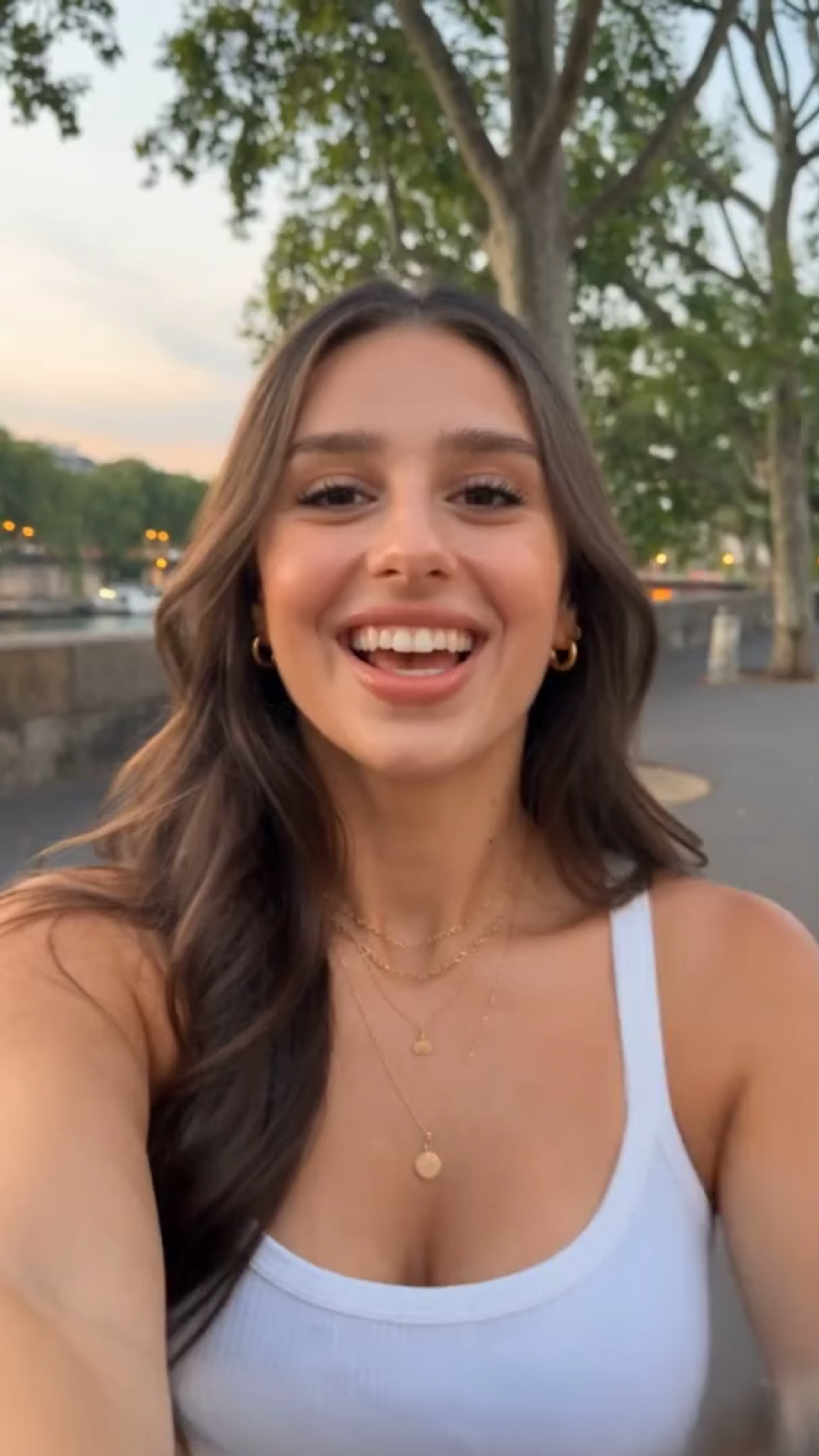
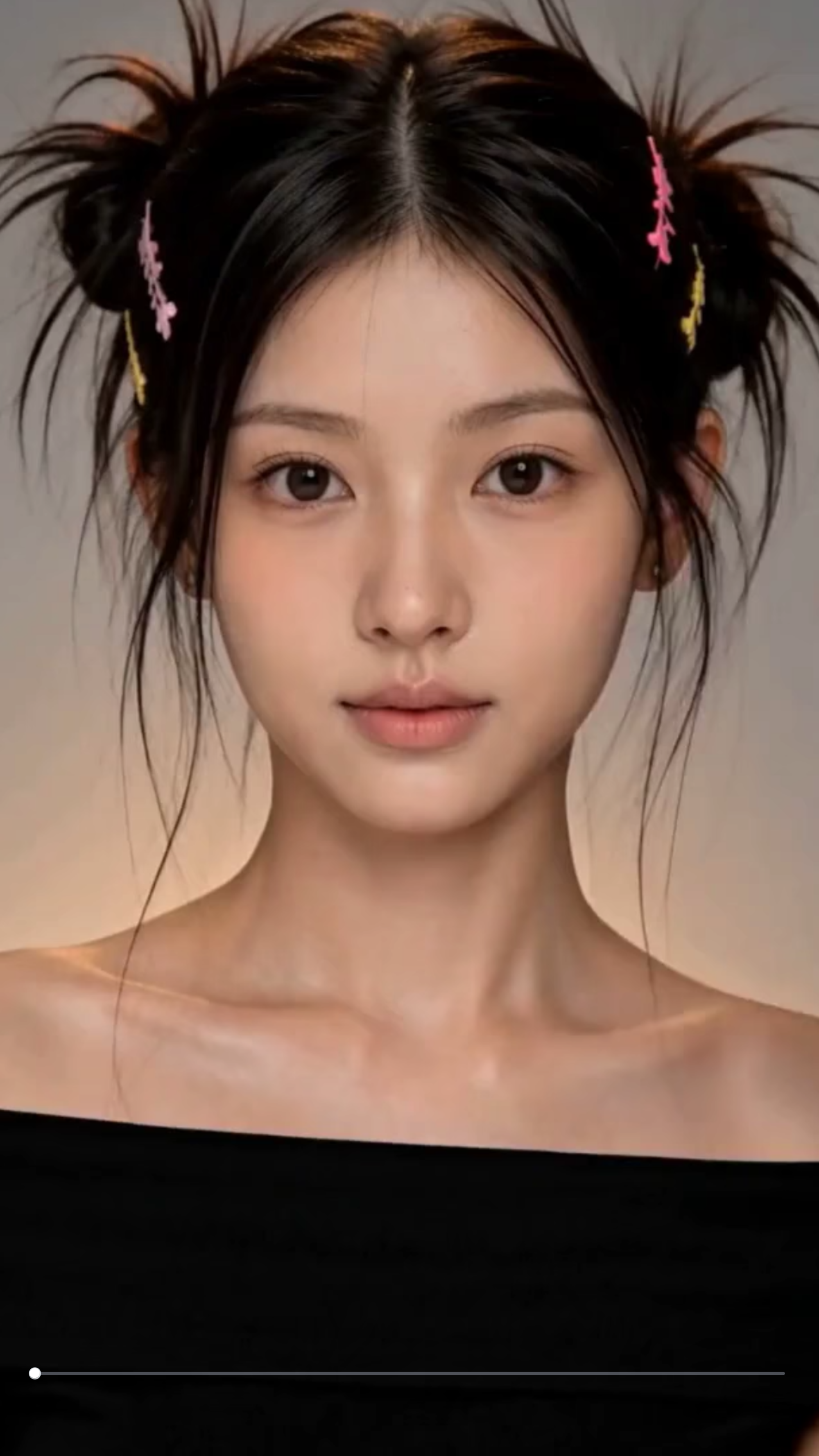
Create Engaging YouTube Shorts Online with AI
Template.net AI YouTube Shorts Generator transforms uploaded videos, clips, or other media into engaging short-form content using AI. Upload your footage, enter a text prompt or use voice input, then choose Seedance 2 or another supported AI model to create Shorts with structured scenes, AI-generated visuals, voiceovers, captions, music, transitions, and vertical layouts. Refine your Short online and prepare polished content for YouTube Shorts, social media campaigns, creator content, tutorials, product promotions, and audience engagement.
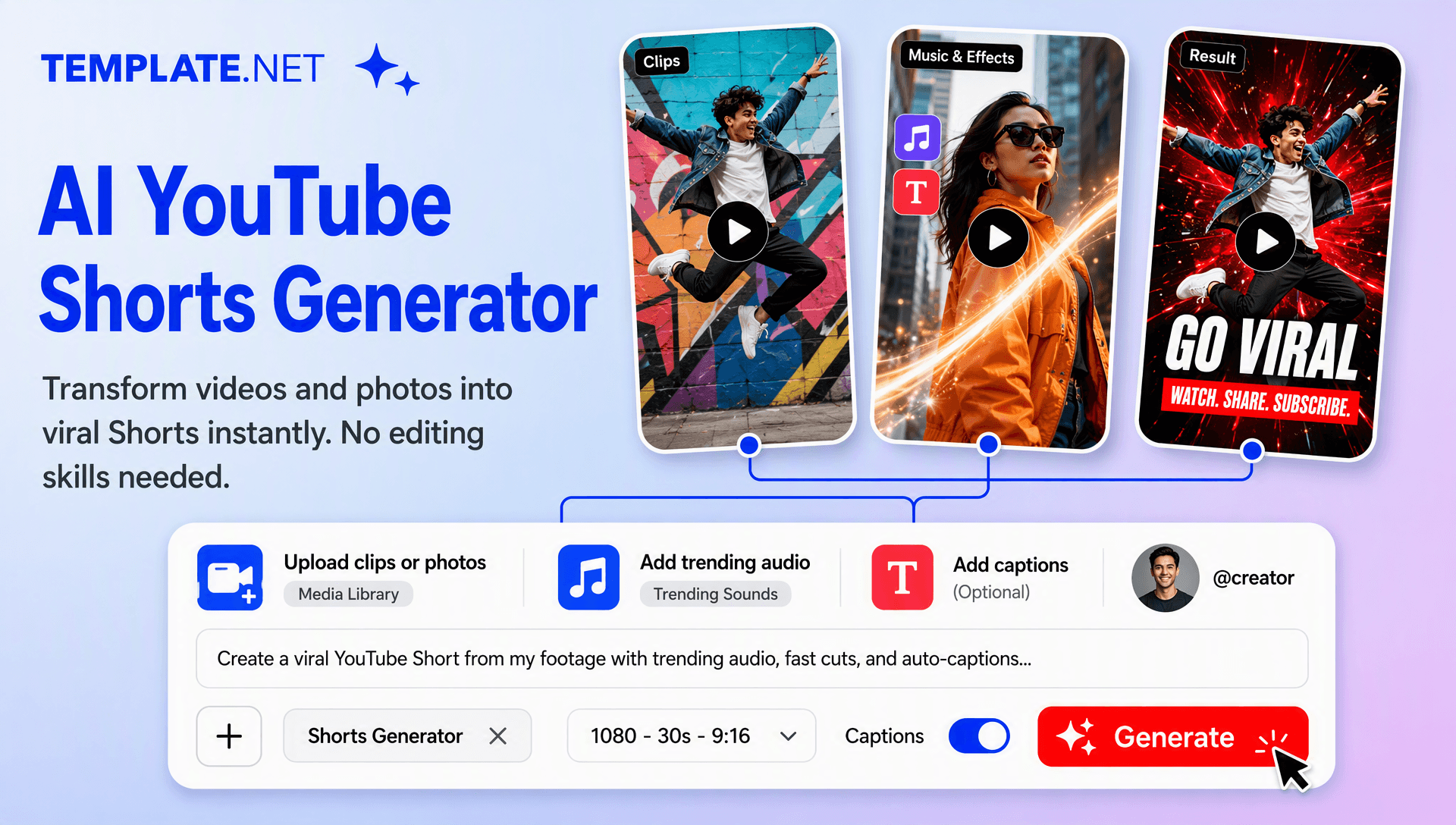
Create High-Impact YouTube Shorts for Creators, Brands, and Social Media
Everything you need to create polished YouTube Shorts faster with intelligent AI assistance.
AI-Powered YouTube Shorts Generation
Upload your video or clips, enter a text prompt or use voice input, and generate a complete Short with AI-assisted storytelling, scenes, transitions, narration, captions, and visual elements.
Upload Existing Videos and Clips
Bring your own footage into the workspace and transform long videos, recordings, tutorials, podcasts, product clips, or raw footage into engaging short-form content.
Prompt and Voice-Based Creation
Describe the topic, audience, tone, visual style, or desired result using a text prompt or voice instruction, giving you a simple way to direct the Short.
AI Highlight Selection
Identify useful moments from uploaded footage and build focused Shorts around key information, memorable scenes, product moments, reactions, or important talking points.
Vertical Shorts Optimization
Prepare content in a vertical format designed for YouTube Shorts, keeping important subjects and visual information clearly positioned for mobile viewing.
AI Scene Storyboarding
Organize your Short into a logical sequence of opening hooks, supporting scenes, key information, and closing moments for a smoother viewing experience.
AI Voiceover Creation
Add AI-generated narration to explain topics, introduce scenes, summarize content, or give your Short a more complete storytelling flow.
Dynamic Caption Styling
Add synchronized captions that make spoken content easier to follow and keep important words visible throughout fast-moving short-form videos.
Music and Sound Enhancement
Enhance Shorts with background music, sound effects, and audio transitions that complement the pace and mood of your content.
Fast-Paced Visual Transitions
Use scene changes, motion effects, zooms, and transitions to maintain visual momentum and create a more engaging short-form presentation.
Browser-Based Shorts Workspace
Create, edit, organize, and refine YouTube Shorts online without relying on complex desktop video-editing workflows.
Custom Short-Form Styles
Adapt generated Shorts to different creative directions, including educational, cinematic, promotional, entertaining, informative, faceless, and storytelling formats.
Multilingual Support
Create short-form content in 20+ multiple languages for multilingual audiences, international campaigns, educational content, and global social media publishing.
AI Video Editing and Refinement
Review the generated Short, adjust scenes and prompts, refine the visual flow, and make changes without rebuilding the entire project from scratch.
Multiple Aspect Ratio Options
Create videos in popular formats such as 9:16 for YouTube Shorts and other social platforms, with additional aspect ratios available for repurposing content across different channels.
Flexible Video Duration
Create concise short-form videos suited to quick explainers, tutorials, promotional clips, entertainment content, product highlights, and social media campaigns.
Download or Share Your Shorts
Export your completed video and share it through supported channels for collaboration, review, publishing, and social media distribution.
Scale Your Short-Form Content Strategy
Create multiple variations from different topics, uploaded clips, campaigns, tutorials, product launches, and long-form recordings to maintain a consistent flow of YouTube Shorts content.
How to Create Professional AI YouTube Shorts
Create engaging YouTube Shorts in a few simple steps.
Step 1 Upload Your Video and Enter Your Prompt
Upload a video, recording, podcast clip, tutorial, product footage, or other media. Enter a text prompt or use voice input to describe the Short you want to create, including the topic, style, audience, tone, and key moments to highlight.
Step 2 Customize Your YouTube Short
Review the generated Short and refine its scenes, captions, voiceover, music, transitions, visual effects, storytelling flow, and vertical layout. Choose Seedance 2 or another supported AI model to match your creative requirements.
Step 3 Save, Download, or Share
Preview your completed YouTube Short, then save or download the final video for publishing. Share it through supported channels for collaboration, review, and distribution across YouTube and other social platforms.
Turn Ideas and Existing Footage into Engaging YouTube Shorts
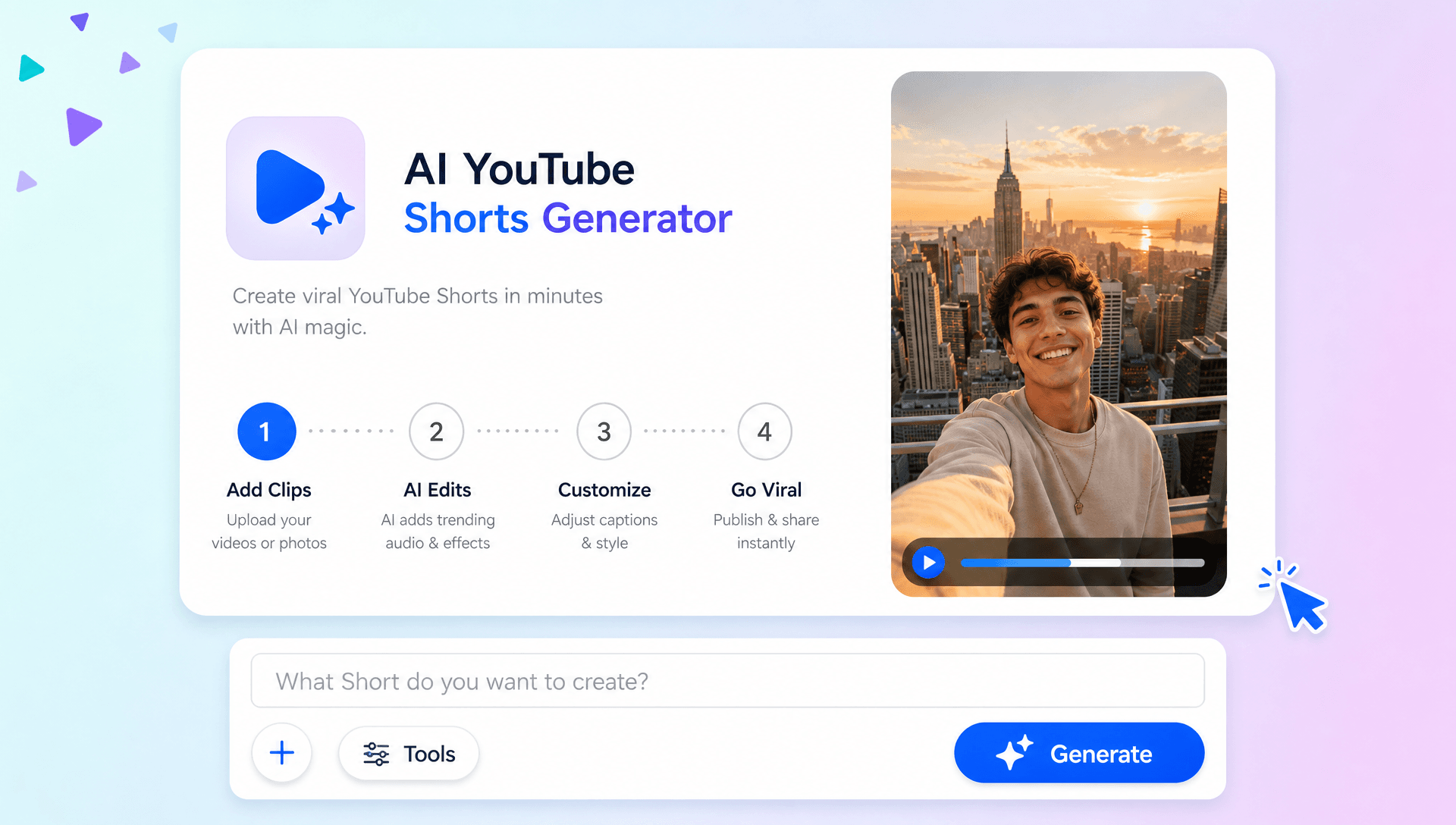
Capture Attention from the First Second
Create Shorts with focused openings, concise storytelling, dynamic scenes, and visual movement designed to keep viewers engaged from the beginning to the end.
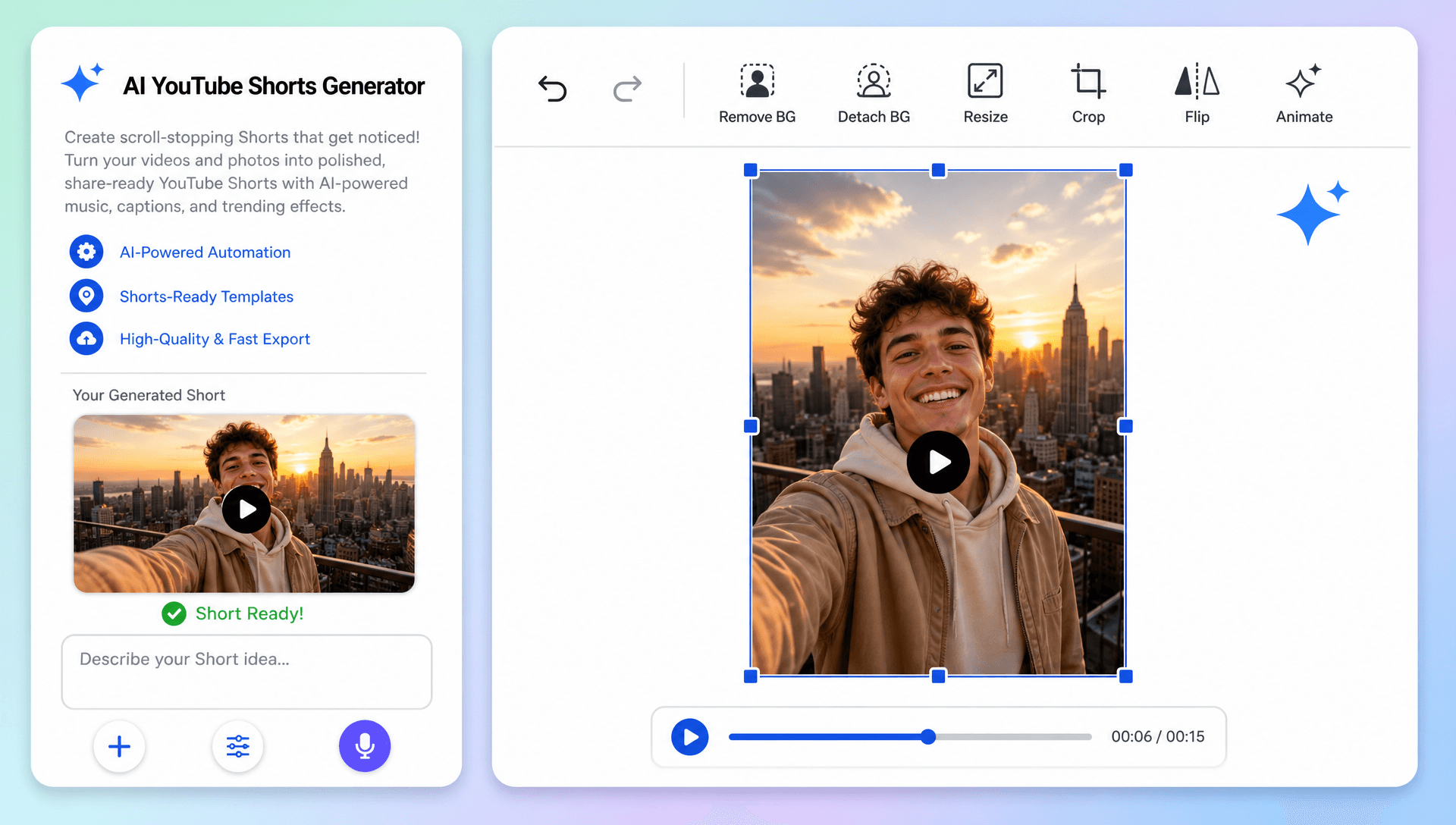
Repurpose Long Videos into Short-Form Content
Transform podcasts, tutorials, interviews, webinars, product videos, and other uploaded footage into concise Shorts by focusing on important moments, useful information, and engaging highlights.
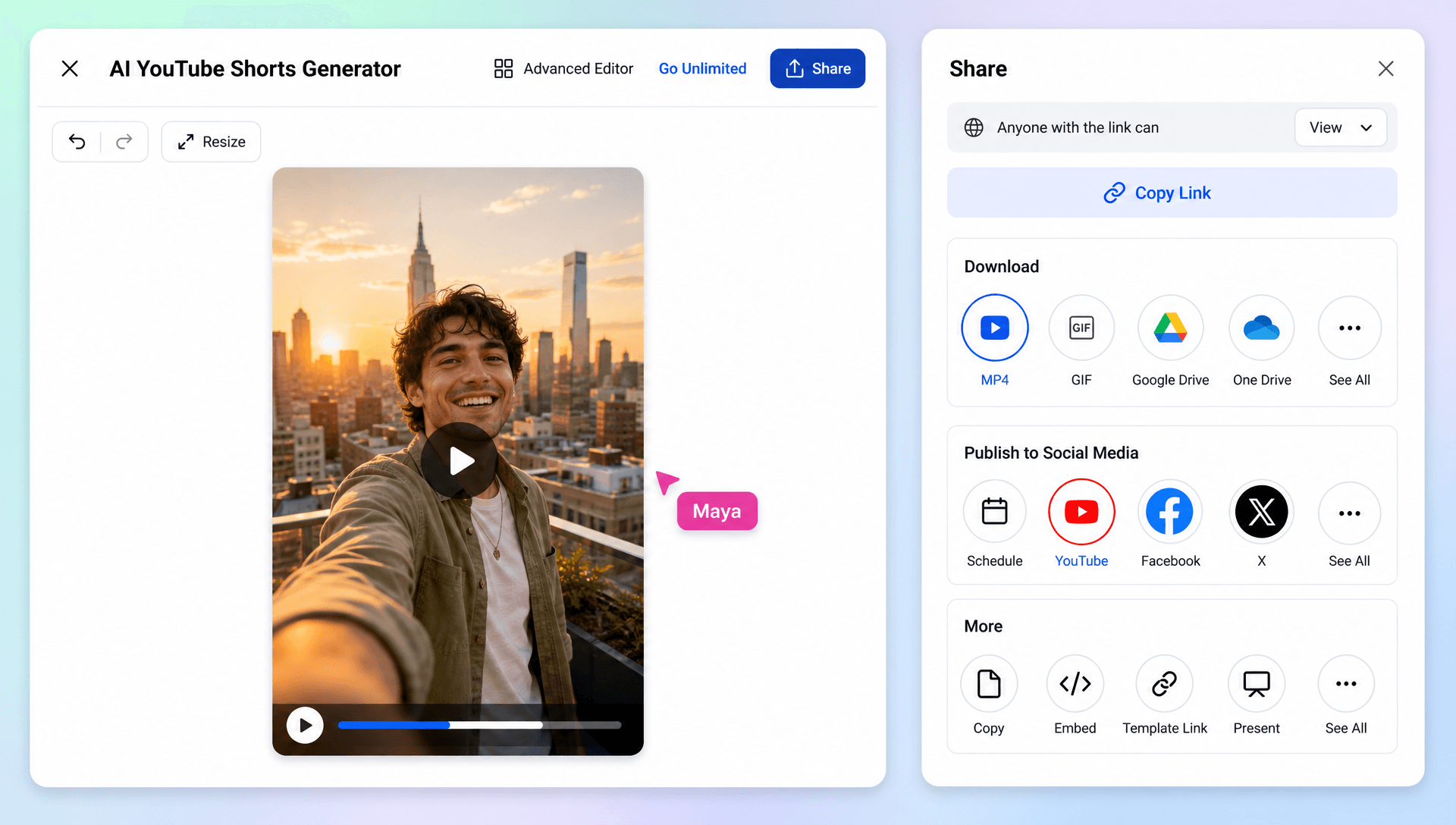
Build Consistent Content for Your Channel
Create multiple Shorts from different topics, recordings, campaigns, and content ideas while maintaining a consistent visual style, tone, and presentation across your YouTube channel.
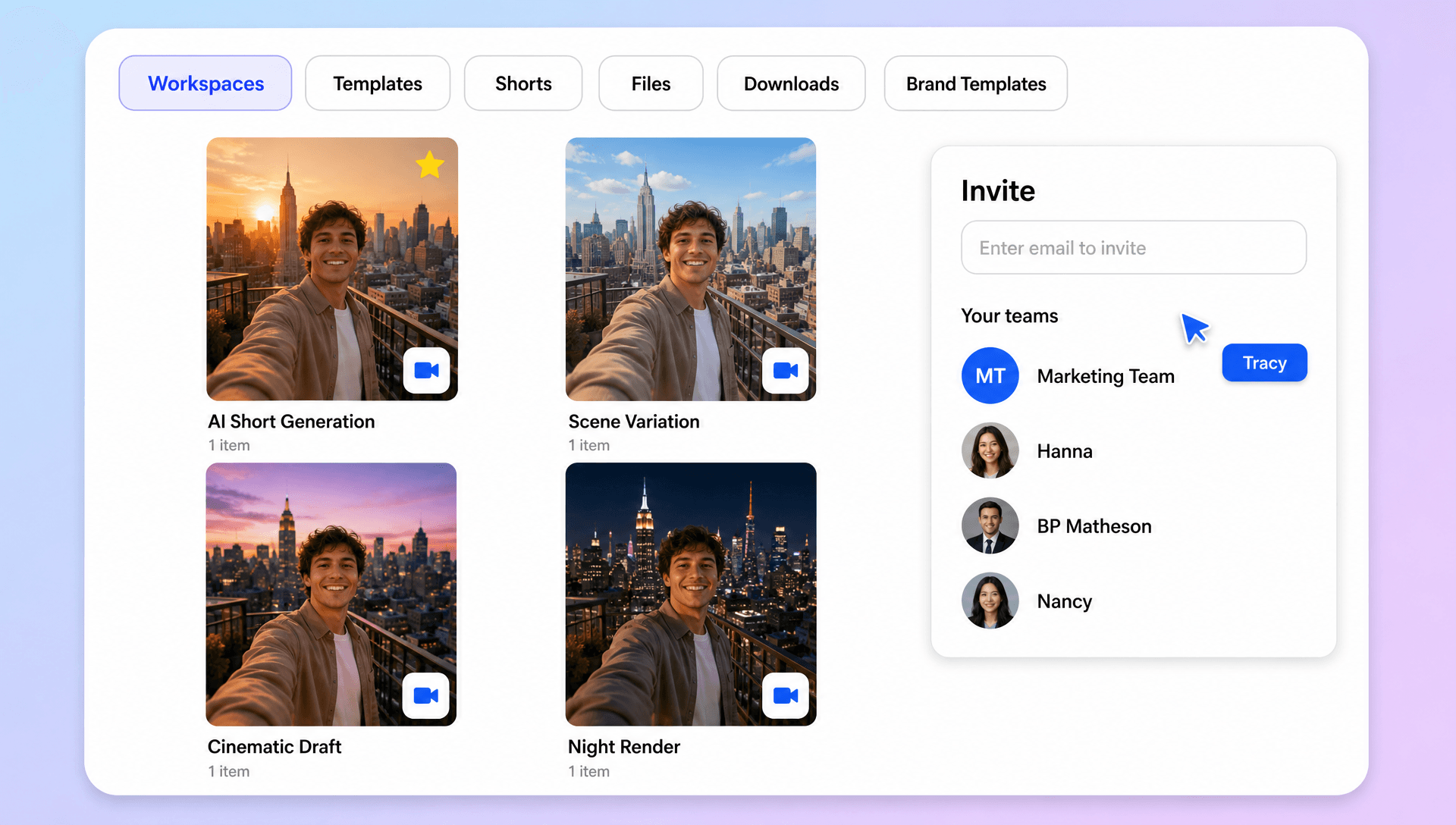
Simplify Your Short-Form Video Workflow
Manage uploads, AI generation, scene refinement, captions, voiceovers, music, editing, and final exports in one browser-based workspace, making it easier to produce and organize YouTube Shorts.
