AI Product Unboxing Video Generator
more
Create from a Product Unboxing Video Template
Pick a proven format. Add your content. AI does the rest
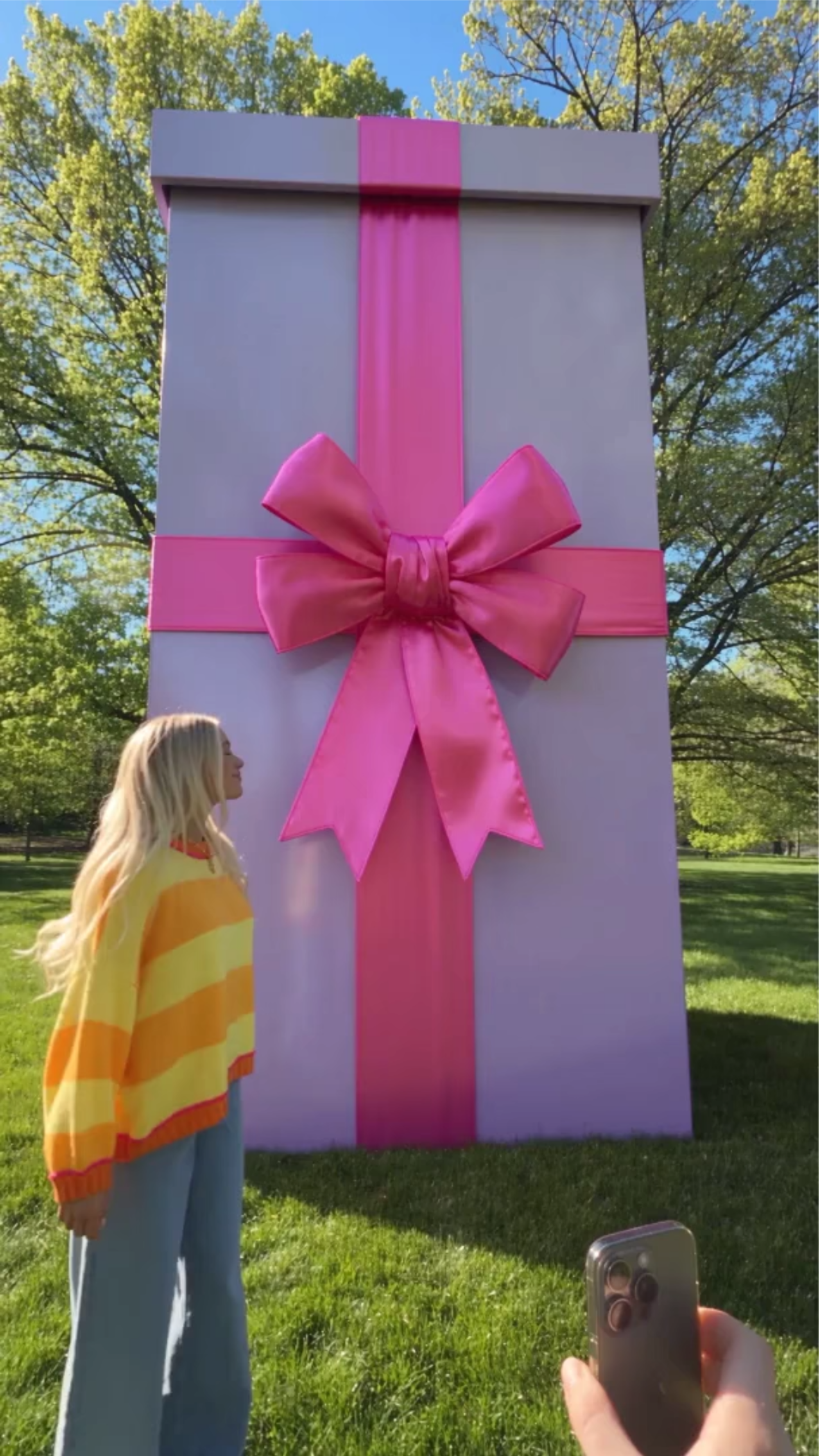
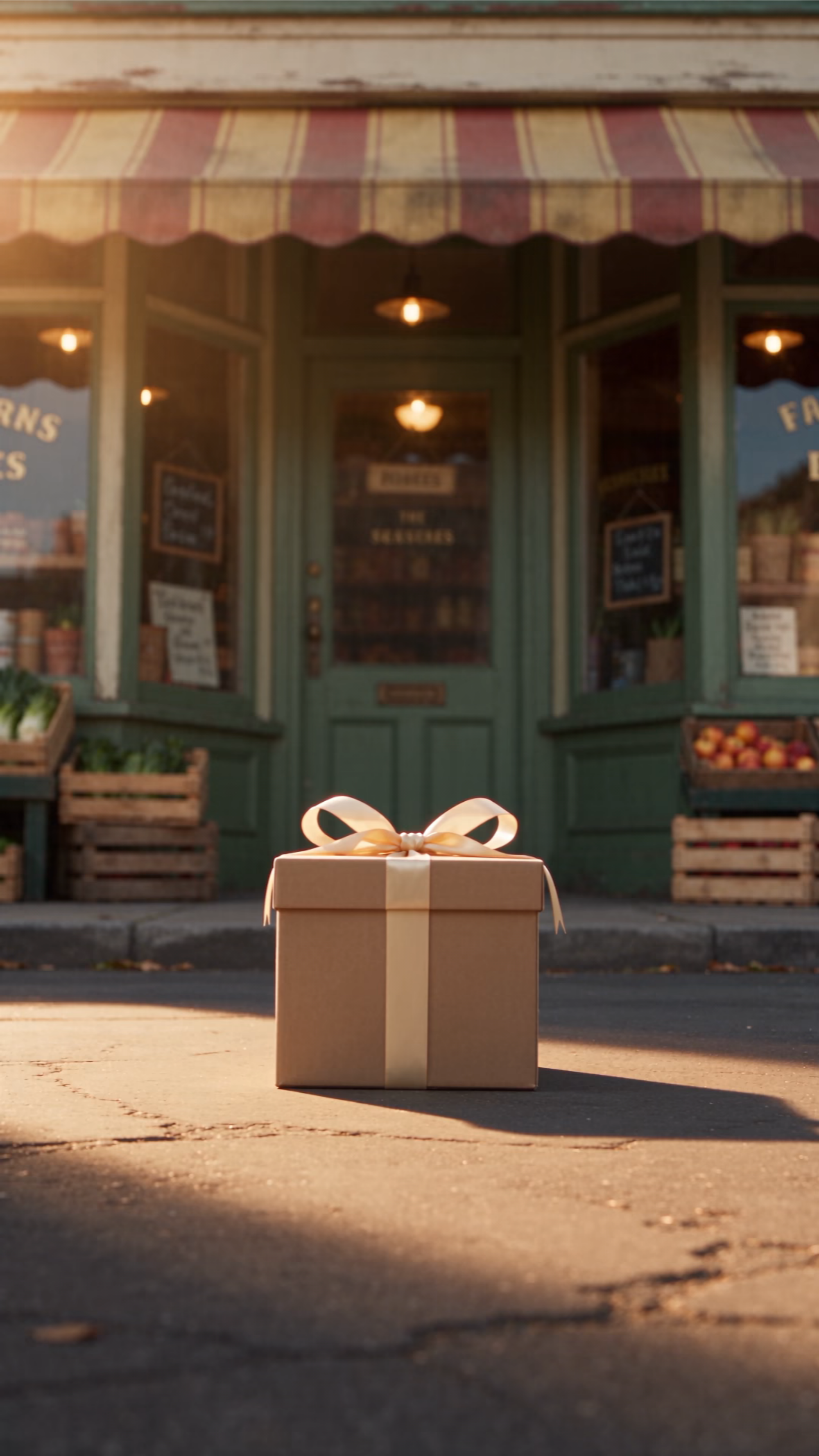
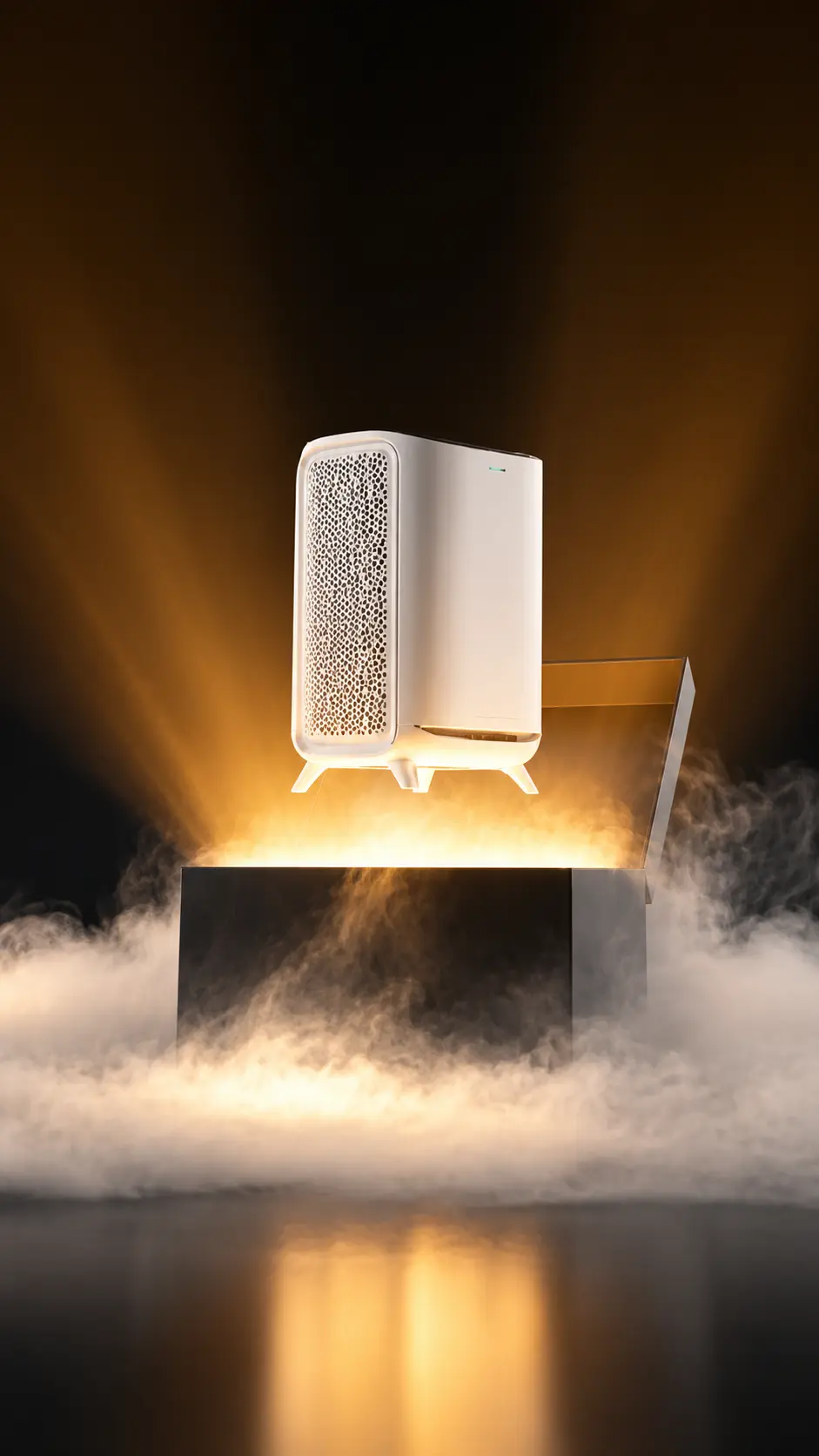
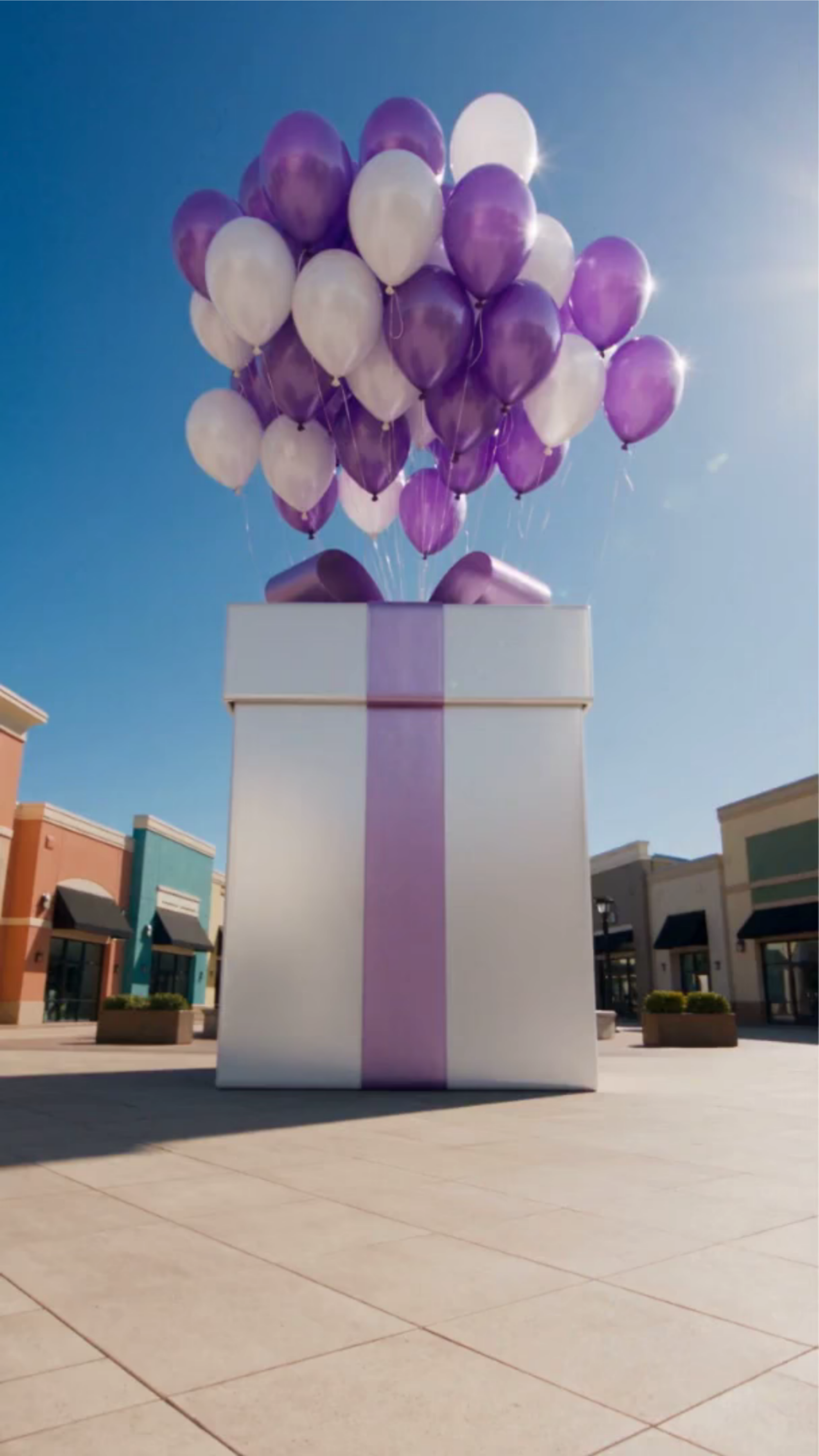

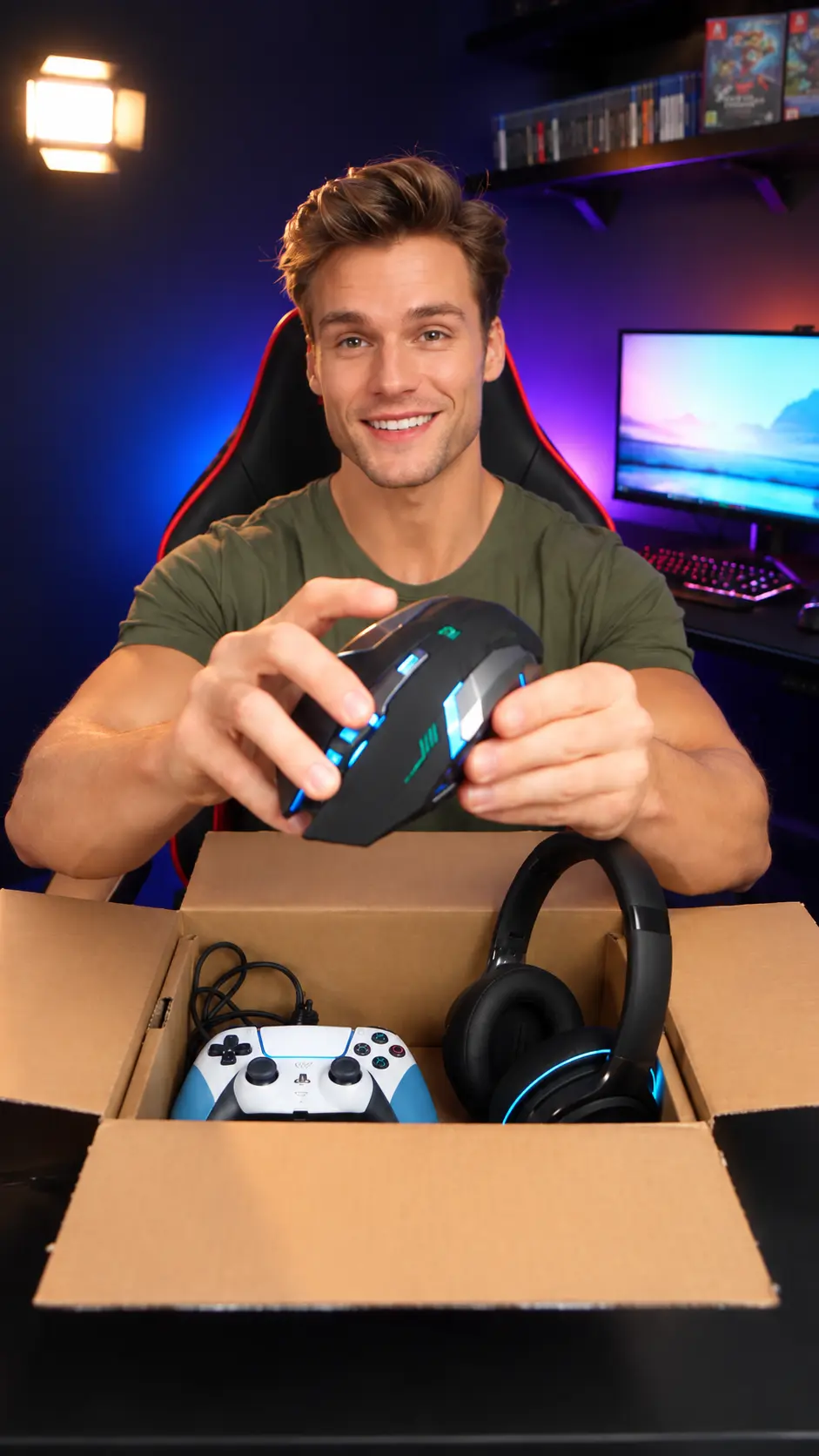
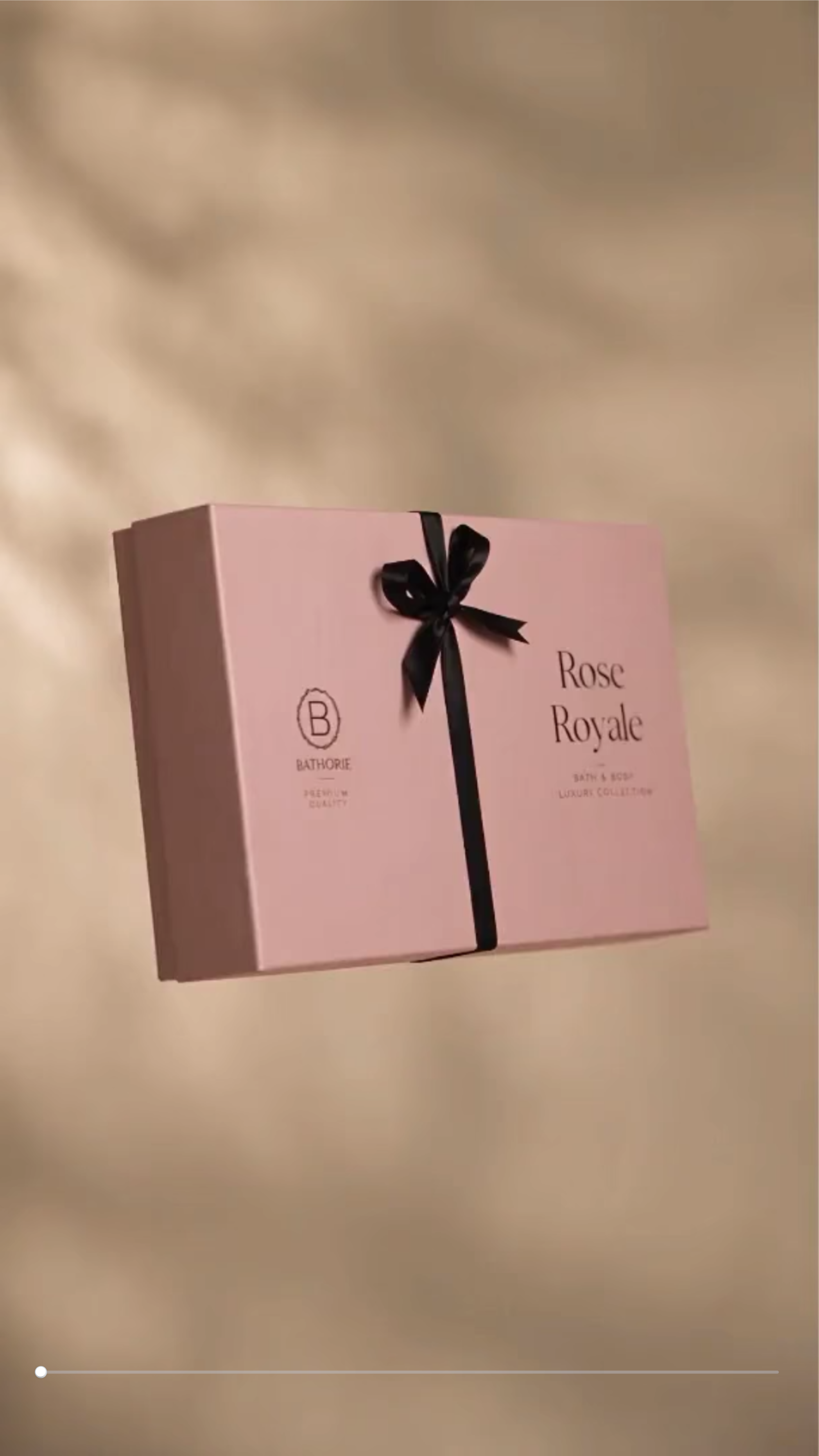
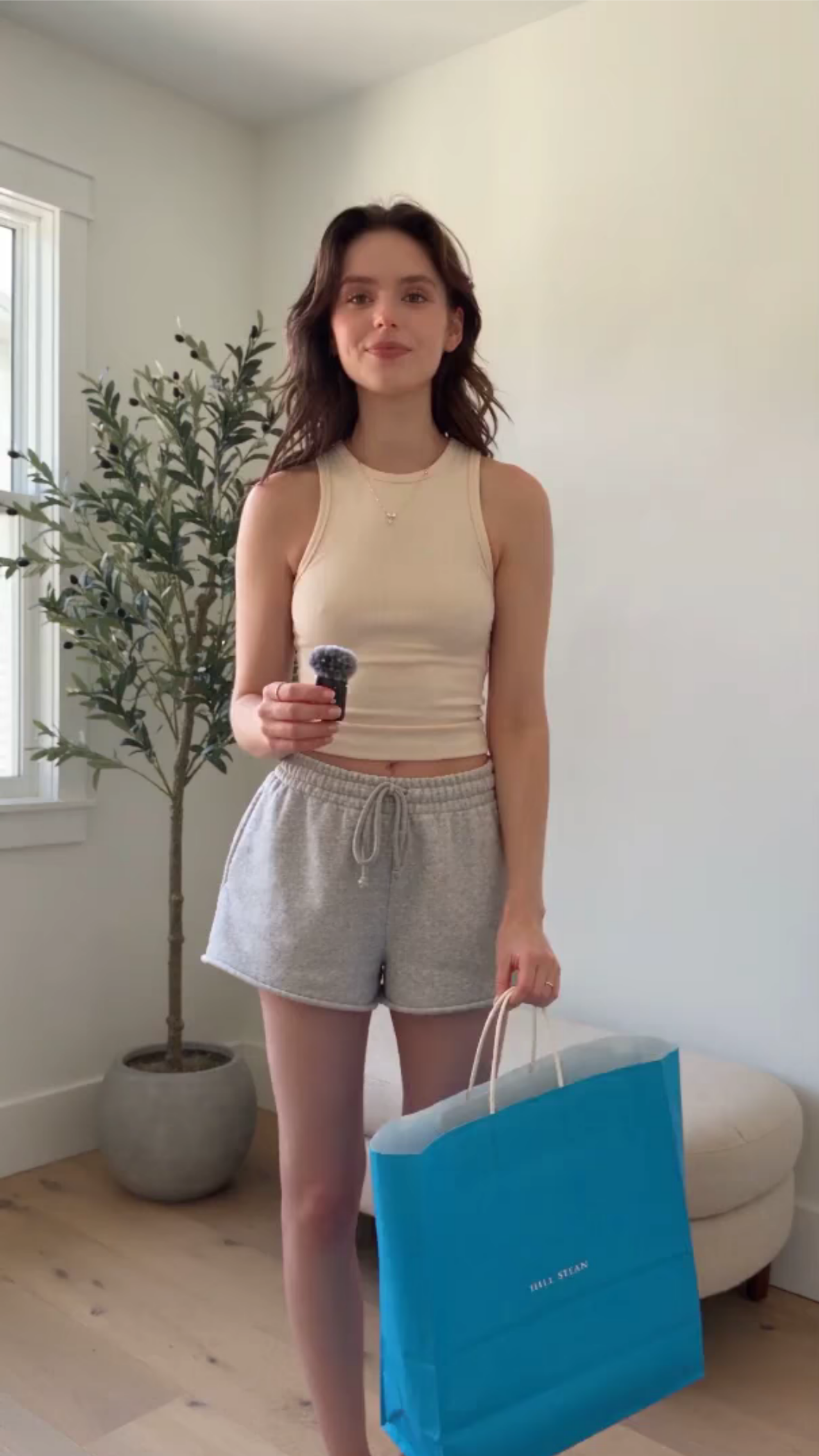
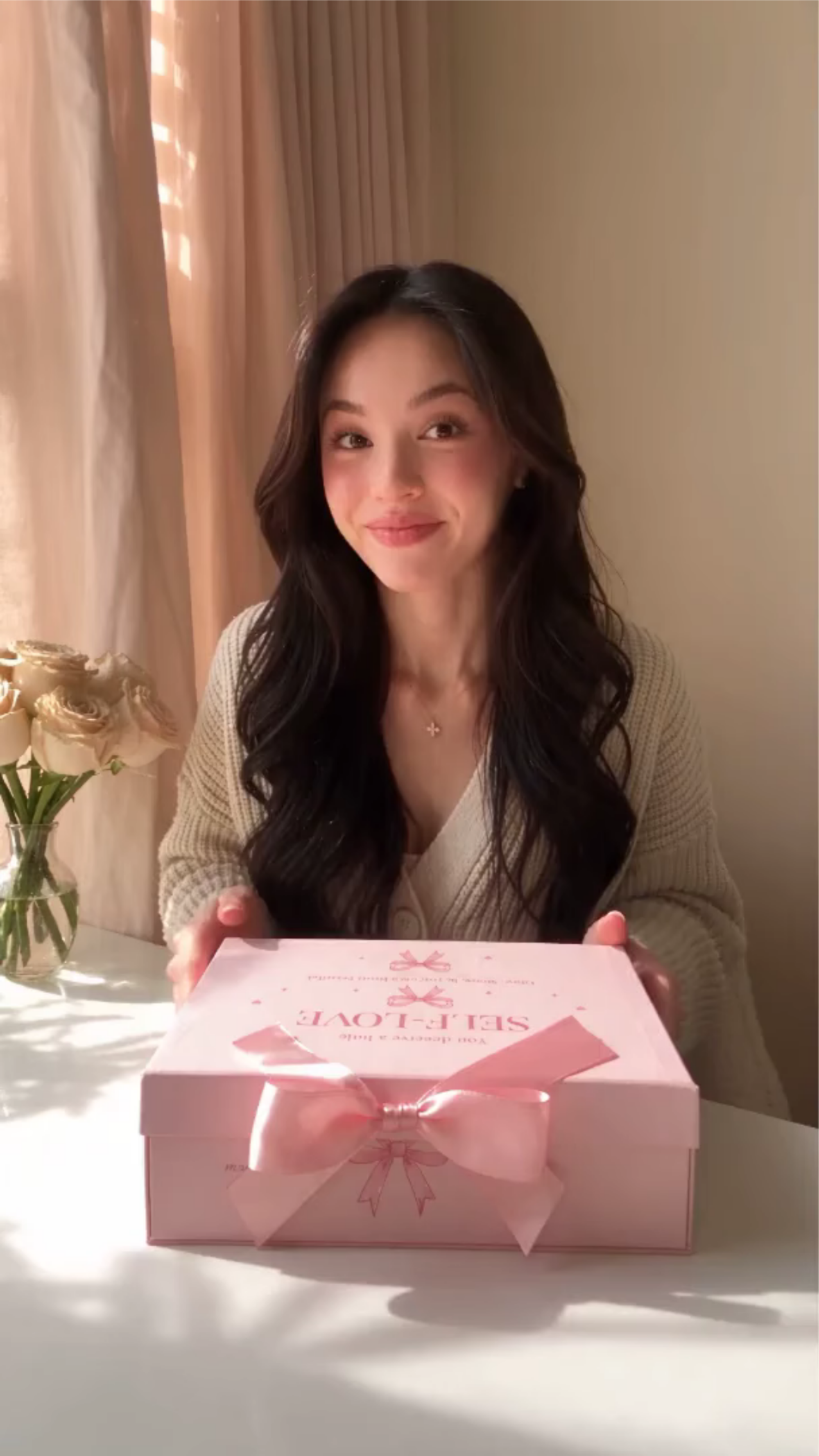
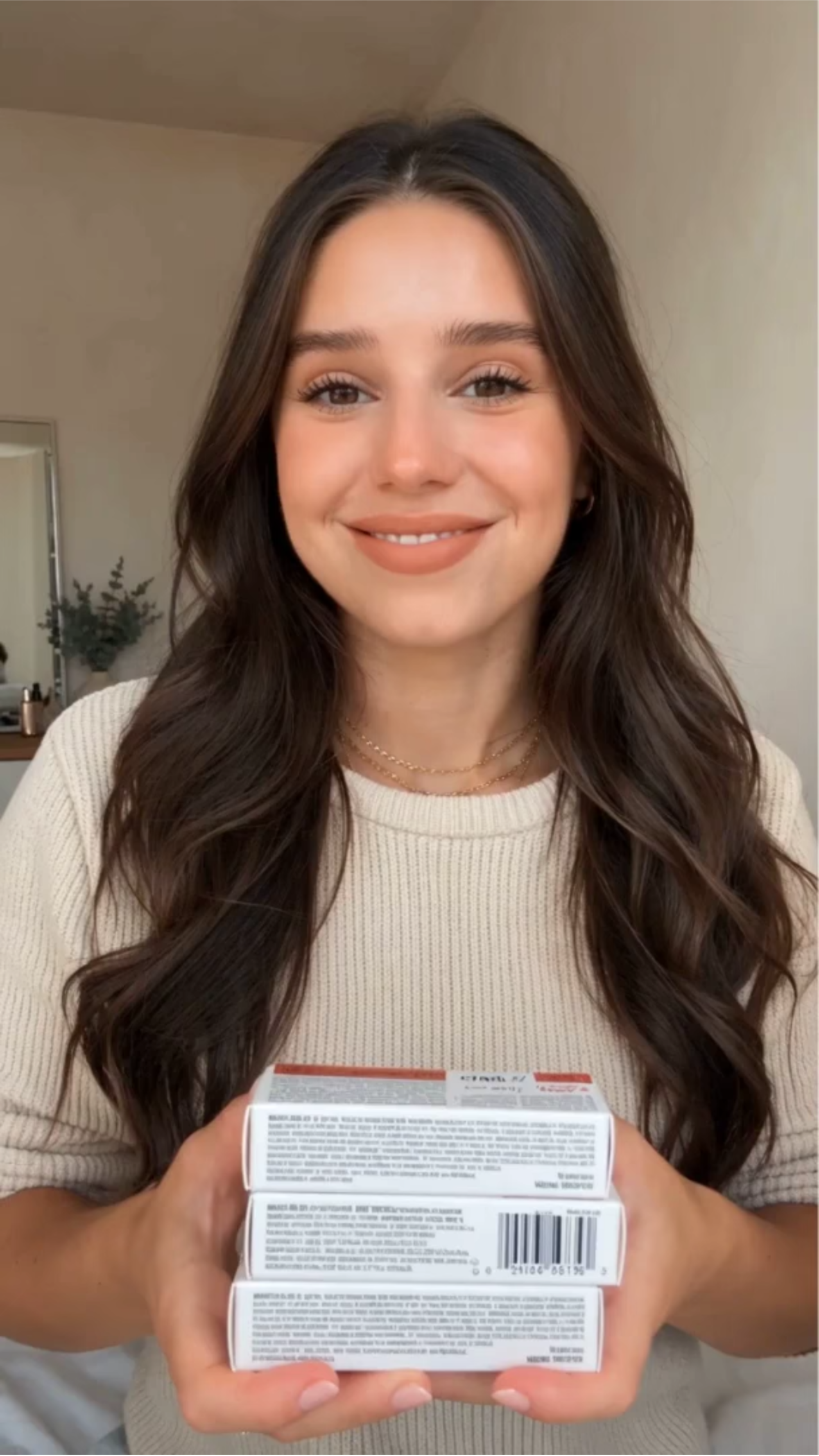
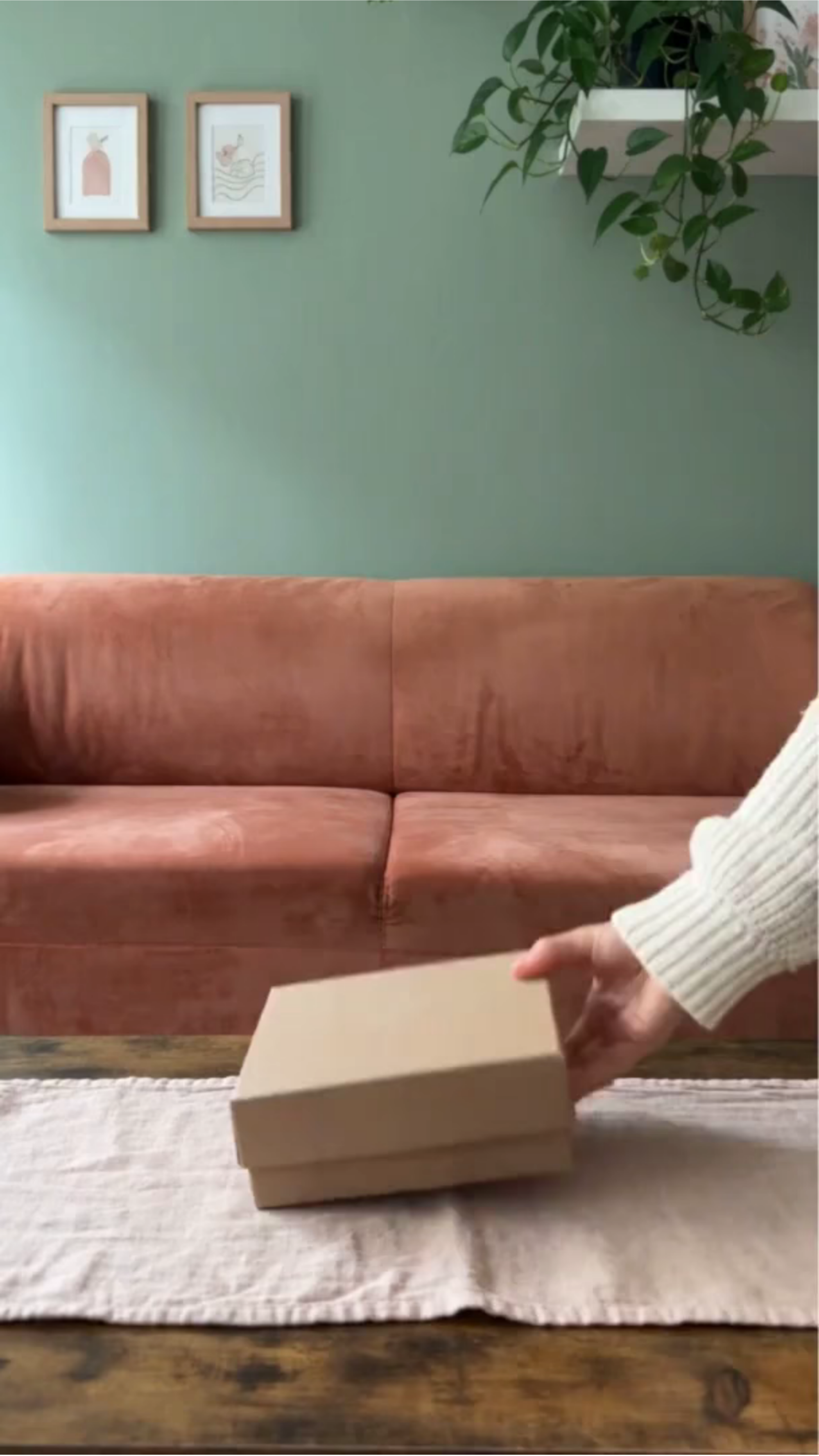
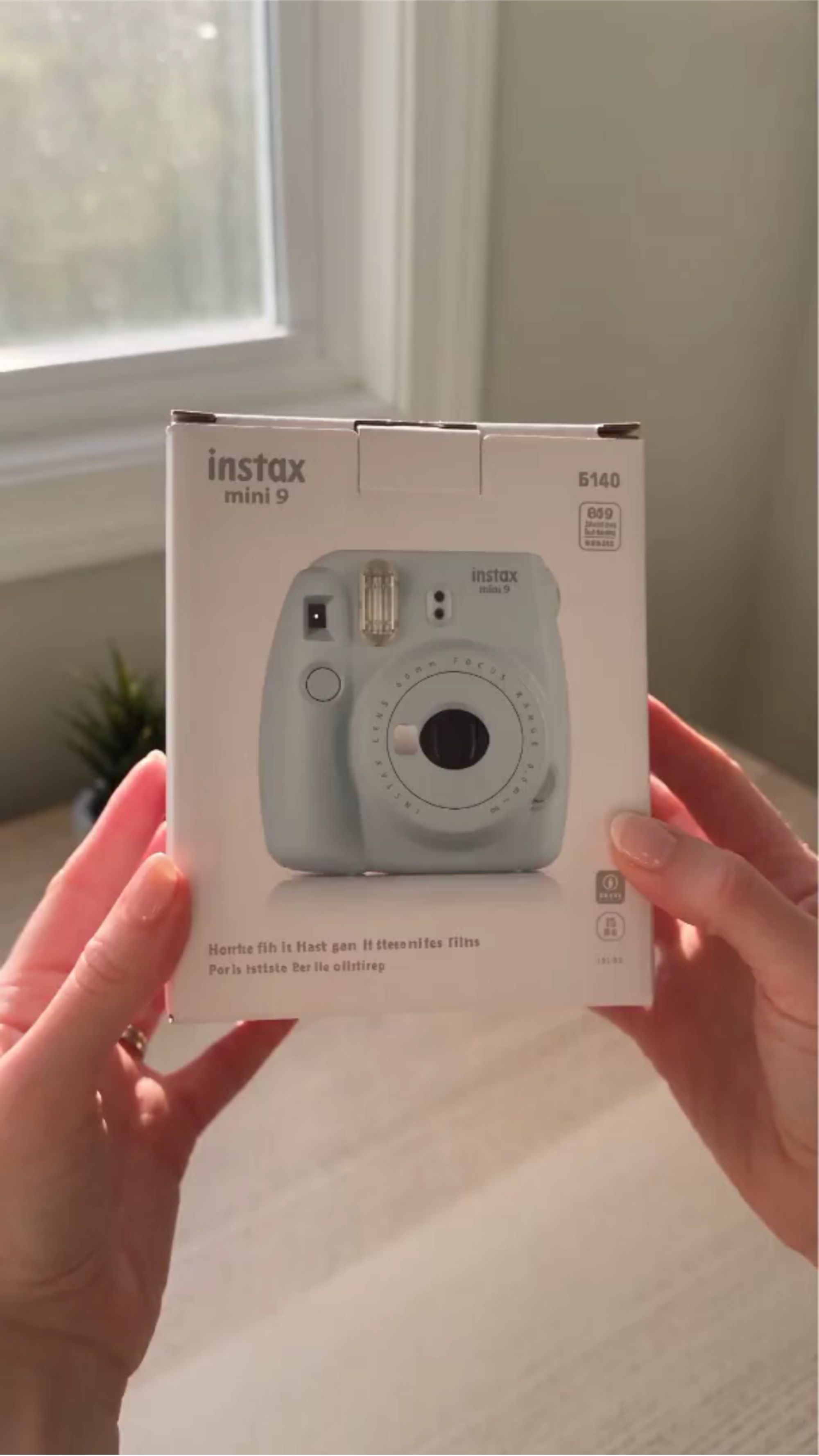
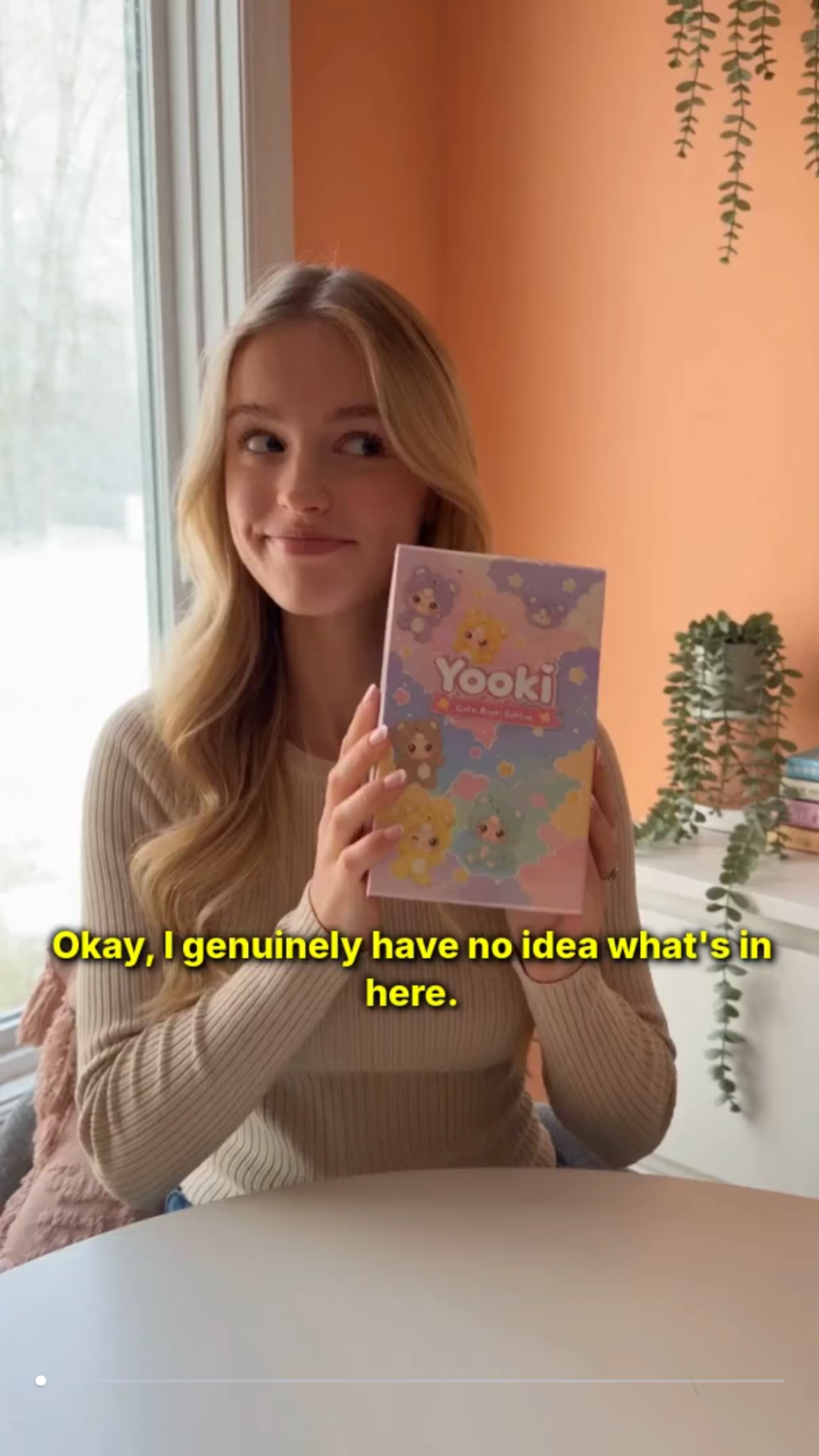
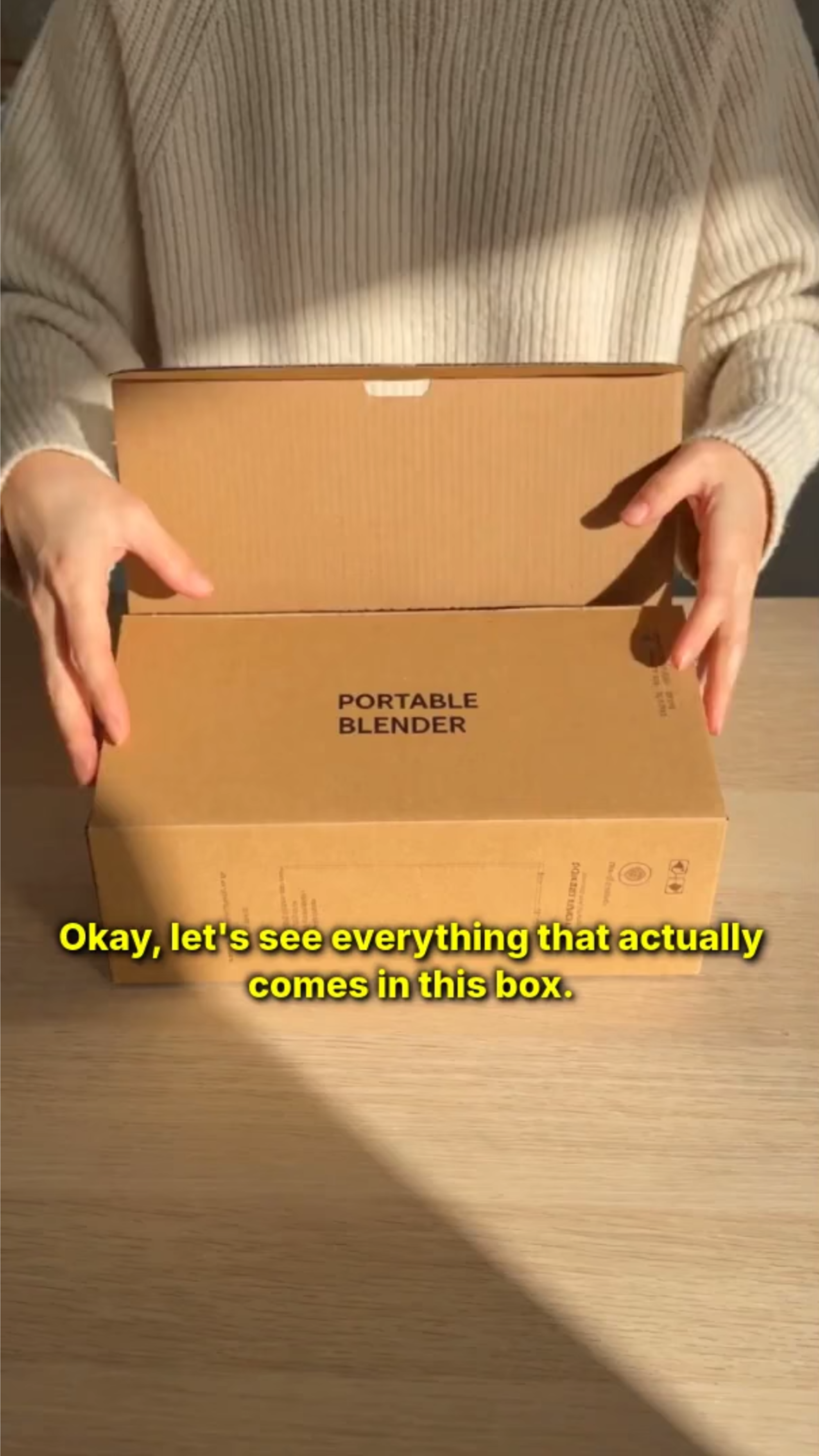
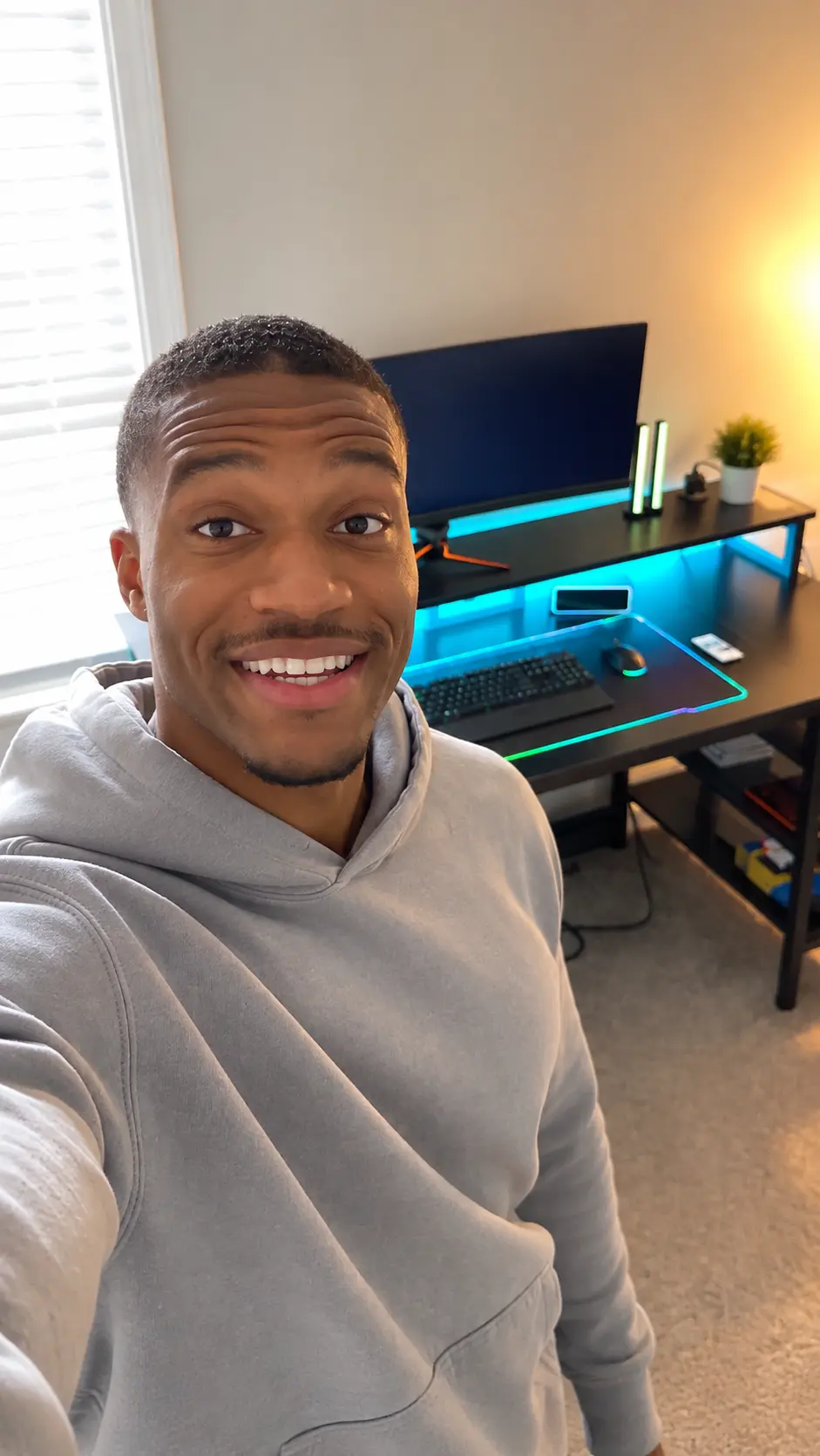
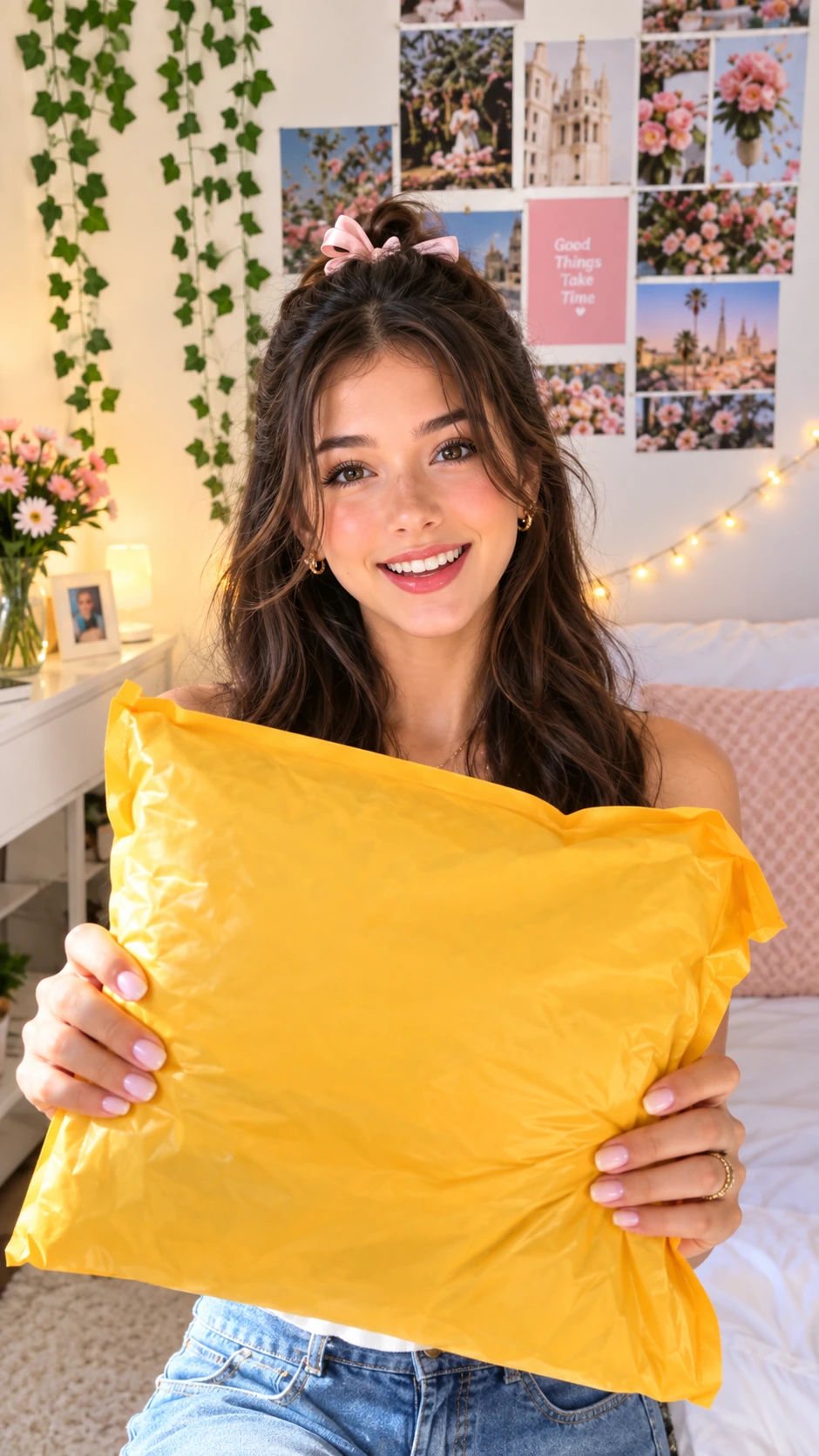
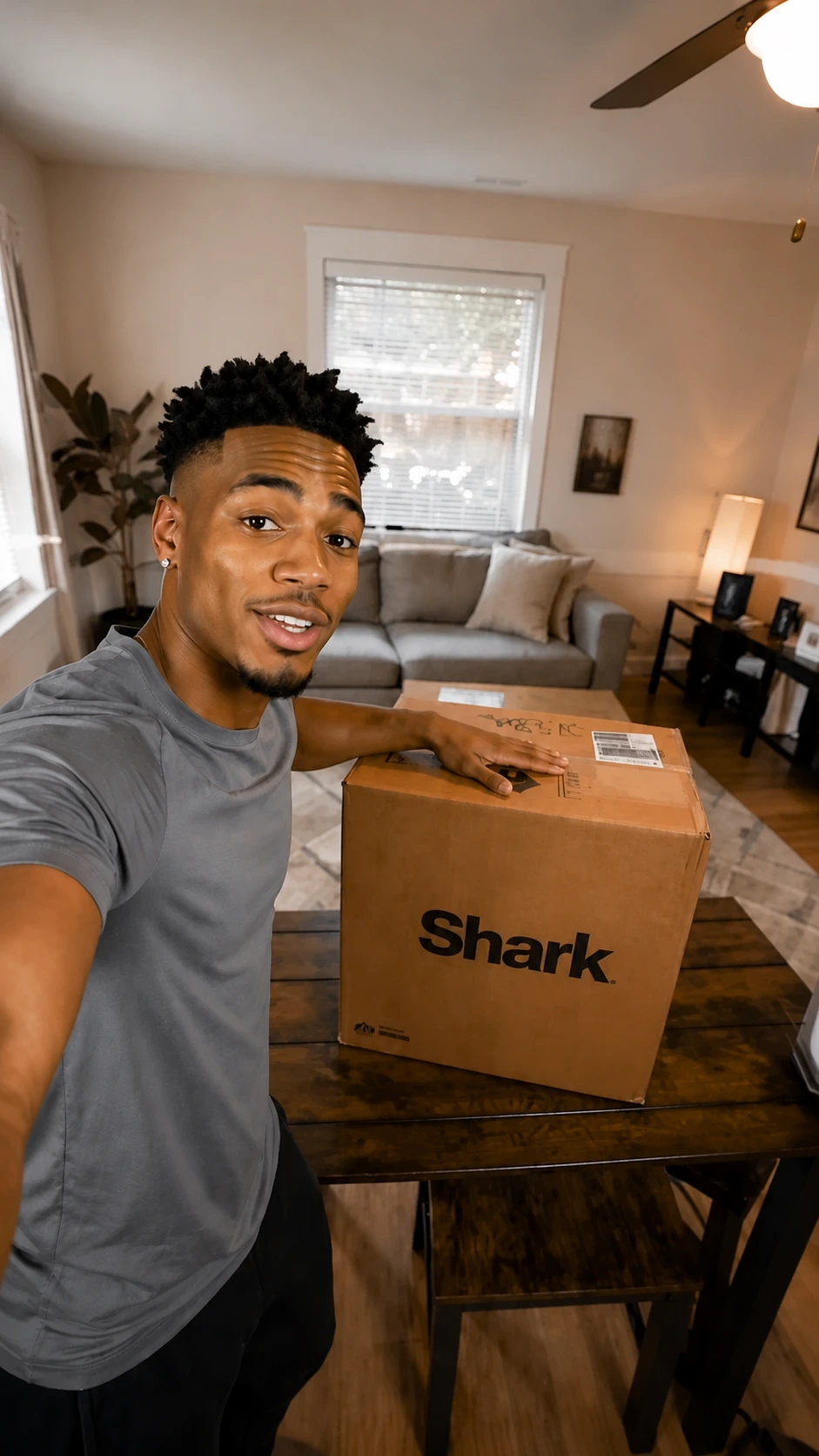
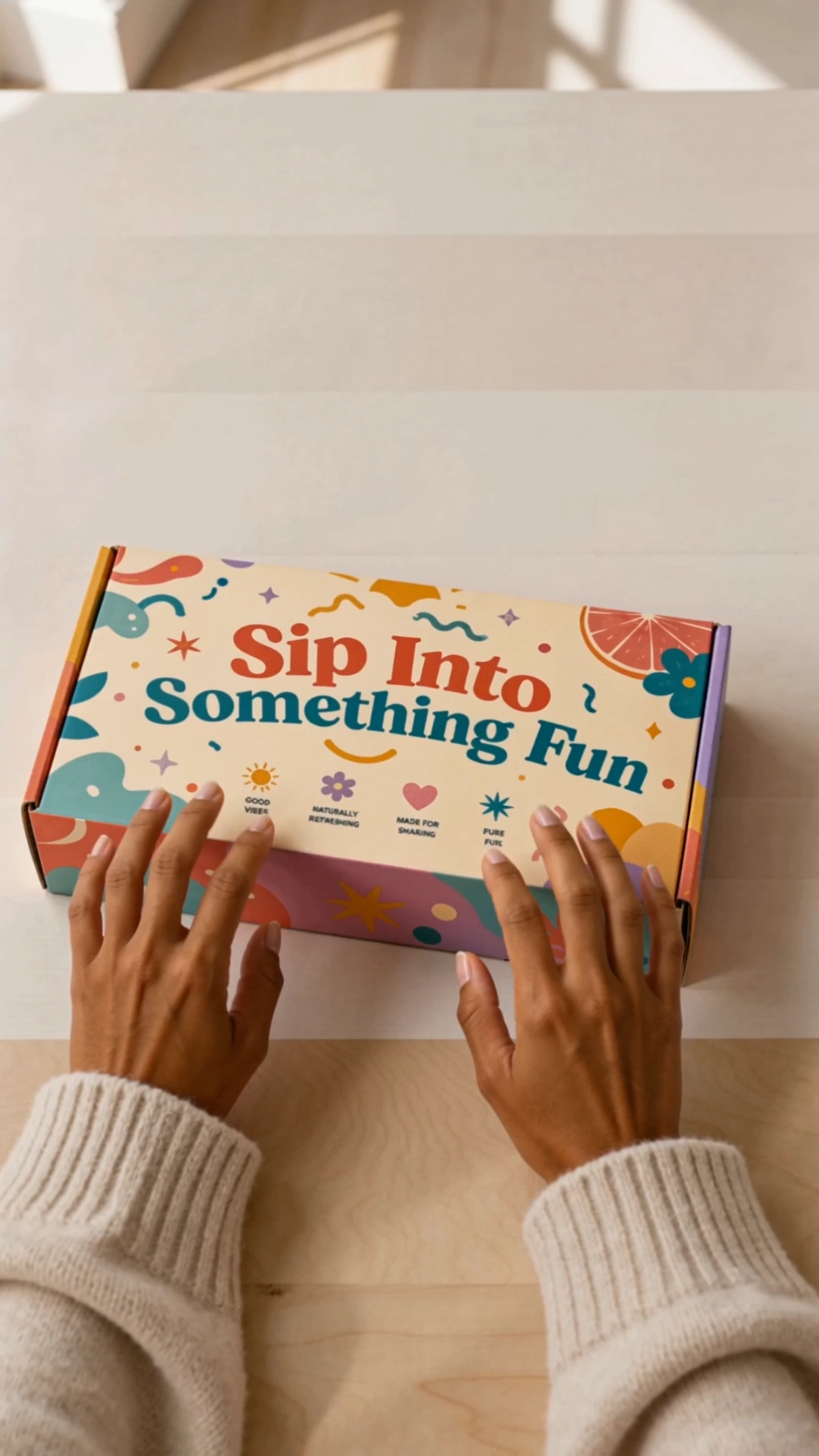
Create Engaging Product Reveals with AI Product Unboxing Video Generator
Template.net AI Product Unboxing Video Generator uses Seedance 2 by default to transform uploaded product photos, packaging visuals, and creative directions into polished unboxing videos. Upload your product images, enter a text prompt or use voice input, select from multiple AI models, and customize reveal scenes, product highlights, AI presenters, narration, captions, music, motion, branding, duration, resolution, and aspect ratios. Create engaging unboxing content for eCommerce stores, product launches, social media, product pages, influencer-style campaigns, and digital advertising with plans starting at just $12 monthly.
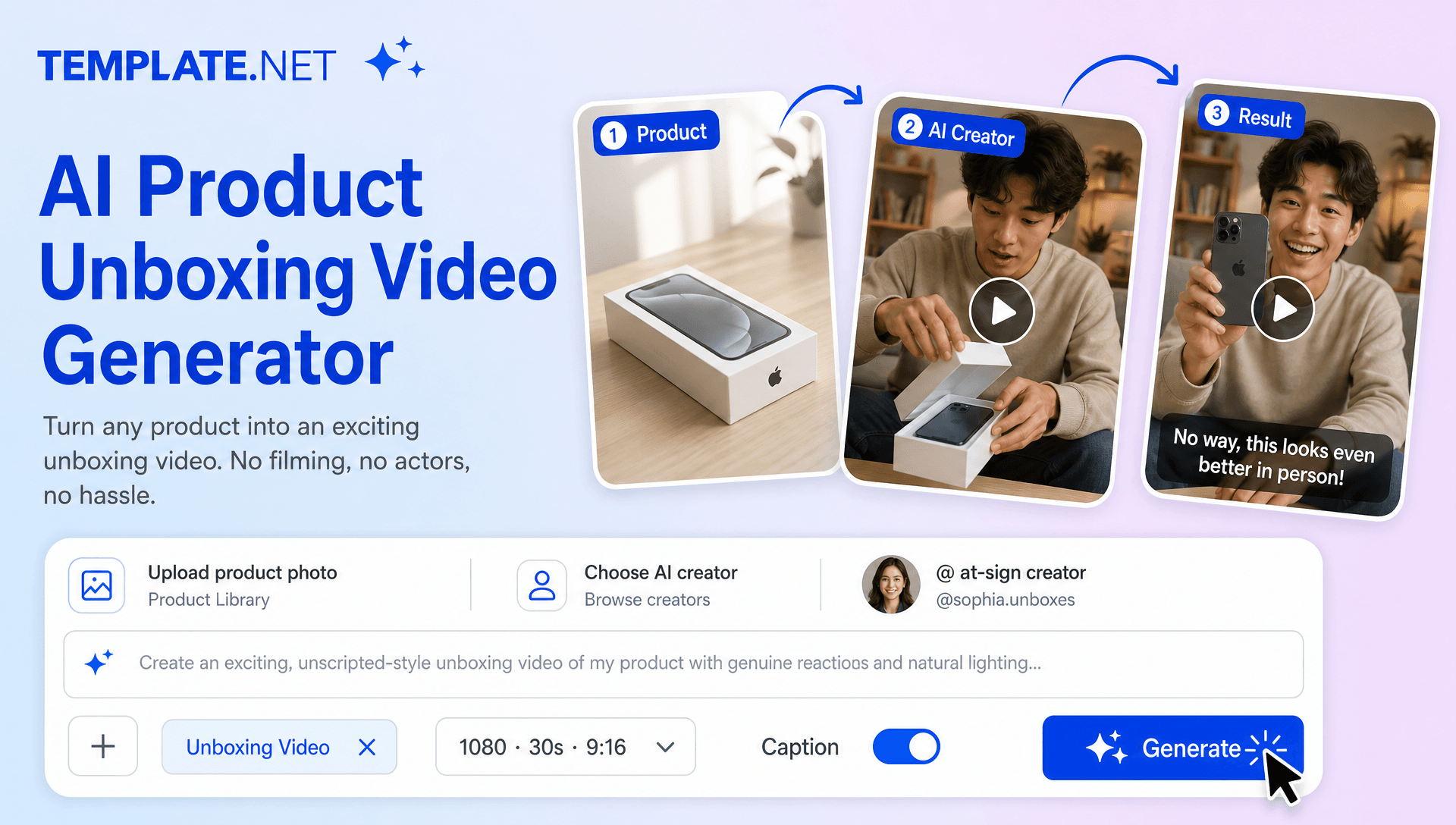
Turn Product Reveals into Engaging Unboxing Experiences
Everything you need to create polished product unboxing videos with intelligent AI assistance.
AI-Powered Product Unboxing Generation
Upload product photos, enter a text prompt or use voice input, and generate complete unboxing videos with packaging reveals, product introductions, storytelling, transitions, captions, narration, and engaging visual sequences.
Product Reveal Scenes
Turn uploaded product images into structured reveal moments that showcase packaging, opening sequences, product presentation, and first-look details. Create visual anticipation before highlighting the main product.
Upload Product Photos
Upload product images, packaging photos, lifestyle visuals, or multiple product views to provide the visual foundation for your unboxing video. Keep the featured product consistent throughout the generated sequence.
Packaging and Opening Storytelling
Create an engaging progression from package arrival to opening, product reveal, first impression, and feature discovery. AI organizes these moments into a natural sequence that makes the unboxing experience easier to follow.
AI Unboxing Presenter
Add AI presenters to introduce the product, explain what is included, highlight important features, or deliver first-impression style commentary. For presenter-focused campaigns, an AI Avatar Video workflow can provide an alternative approach to product storytelling.
First-Impression Experiences
Create creator-style scenes that focus on the initial product reveal, visual reactions, product details, and key takeaways. Adapt the tone for enthusiastic, premium, informative, casual, or lifestyle-oriented unboxing content.
Smart Unboxing Story Structure
Transform product information into a logical sequence covering the package, reveal, contents, product details, benefits, and closing message. AI helps turn a simple product concept into a complete visual story.
Multi-Model Video Creation
Use Seedance 2 as the default model and access multiple AI models for different visual treatments, motion styles, character presentations, and creative directions. Choose the approach that best matches your product and campaign.
Dynamic Product Close-Ups
Highlight packaging details, textures, product finishes, accessories, controls, and important design elements through close-up shots, camera movement, transitions, and cinematic visual effects.
Creator-Style Visual Storytelling
Build unboxing videos with conversational presentation, lifestyle environments, expressive characters, and social-first pacing. When character movement becomes central to the concept, Motion Capture AI and Character Animation can support related creative workflows.
AI Voiceover and Narration
Add narration to introduce the product, describe what is included, explain features, and communicate first impressions. Combine voice-led storytelling with captions and visual product highlights for a more complete viewing experience.
Captions and Product Highlights
Generate synchronized captions, feature callouts, product names, key benefits, and short promotional messages to reinforce important information throughout the unboxing sequence.
Browser-Based Unboxing Video Workspace
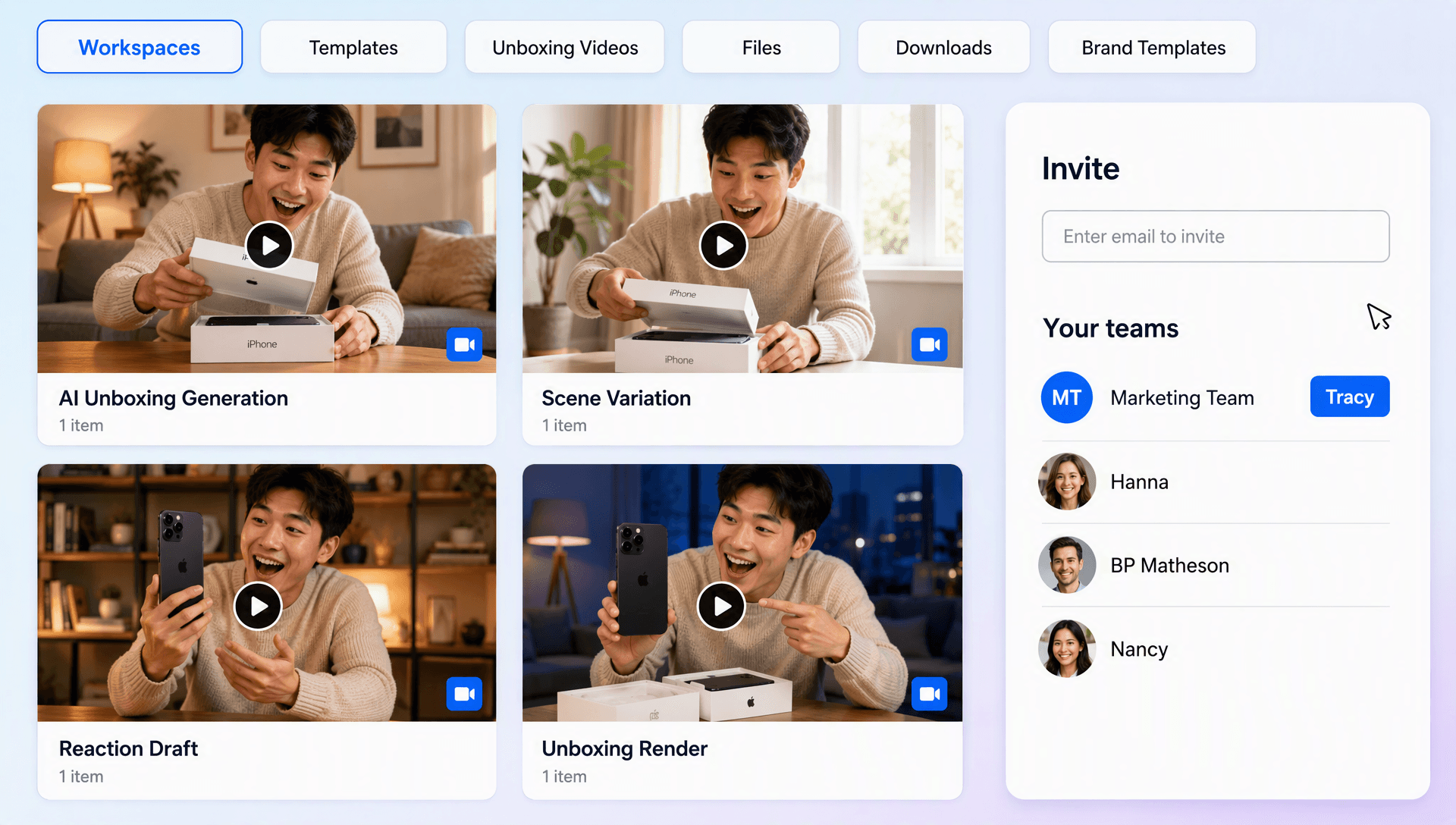
Create, customize, edit, organize, and manage product unboxing videos online from a browser-based workspace without depending on traditional filming and editing workflows.
Scale Product Unboxing Content
Turn one product into multiple unboxing concepts for product launches, eCommerce pages, social campaigns, influencer-style promotions, paid advertising, and seasonal marketing. For more advanced character-led concepts, related workflows such as Video-to-Character AI or Character Swap Video can extend the creative possibilities beyond standard product reveals.
Brand Identity Customization
Add logos, colors, fonts, product messaging, packaging visuals, and campaign-specific design directions to create unboxing videos that remain consistent with your brand identity.
Create Multiple Unboxing Variations
Generate different openings, reveal styles, creator presentations, product angles, hooks, and calls to action from the same product assets. Create campaign variations for new launches, seasonal promotions, bundles, and different social platforms.
Multilingual Support
Create product unboxing content in 20+ multiple languages, including English, Spanish, French, German, Italian, Portuguese, Hindi, Chinese, Japanese, Korean, Arabic, Turkish, Vietnamese, Thai, Malay, Polish, Dutch, Swedish, and more for multilingual campaigns and international audiences.
Download or Share Instantly
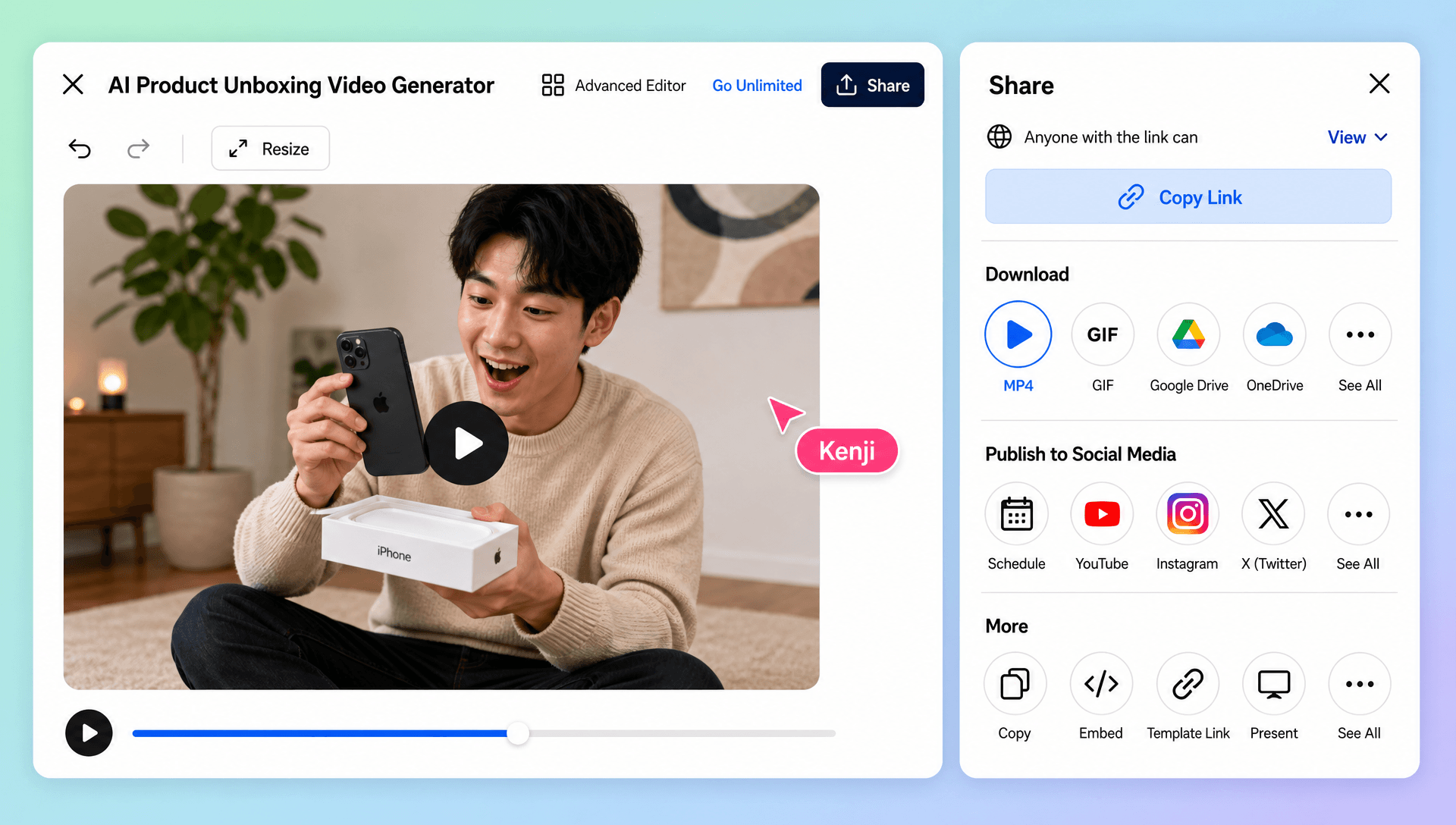
Export your finished unboxing videos in high quality or share them through Email, LinkedIn, WhatsApp, Facebook, X (Twitter), Pinterest, or through a live link or QR code for collaboration, approval, and publishing.
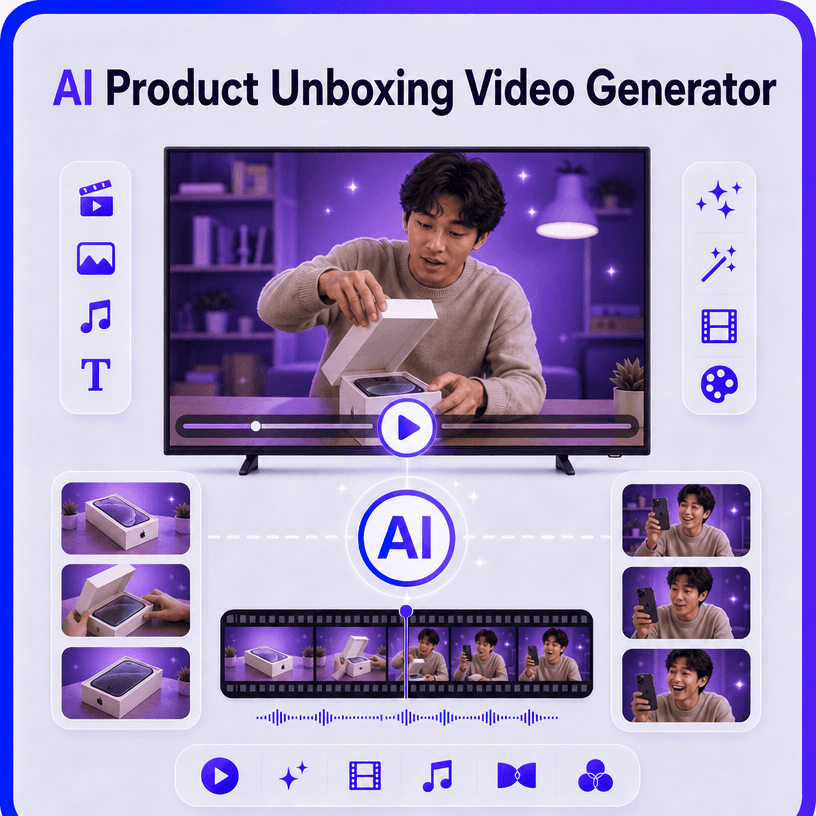
How to Create Professional AI Product Unboxing Videos
Create an engaging product unboxing video in a few simple steps.
Step 1 Upload Your Product and Enter Your Prompt
Upload product photos, packaging images, lifestyle visuals, or multiple product views. Enter a text prompt or use voice input to describe the opening sequence, product reveal, presentation style, target audience, and desired storytelling direction.
Step 2 Customize Your Product Unboxing Video
Review the generated unboxing and refine product reveals, packaging scenes, AI presenters, narration, captions, music, transitions, branding, motion, duration, resolution, and aspect ratio. Use AI Motion Control for more directed movement or AI Animation Tool workflows when animated product explanations complement the unboxing experience.
Step 3 Save, Download, or Share
Preview your completed product unboxing video, make final adjustments, then save or download the finished content. Share it through Email, LinkedIn, WhatsApp, Facebook, X (Twitter), or Pinterest, or generate a live link or QR code for collaboration and publishing.
Make Every Product Reveal More Engaging and Memorable
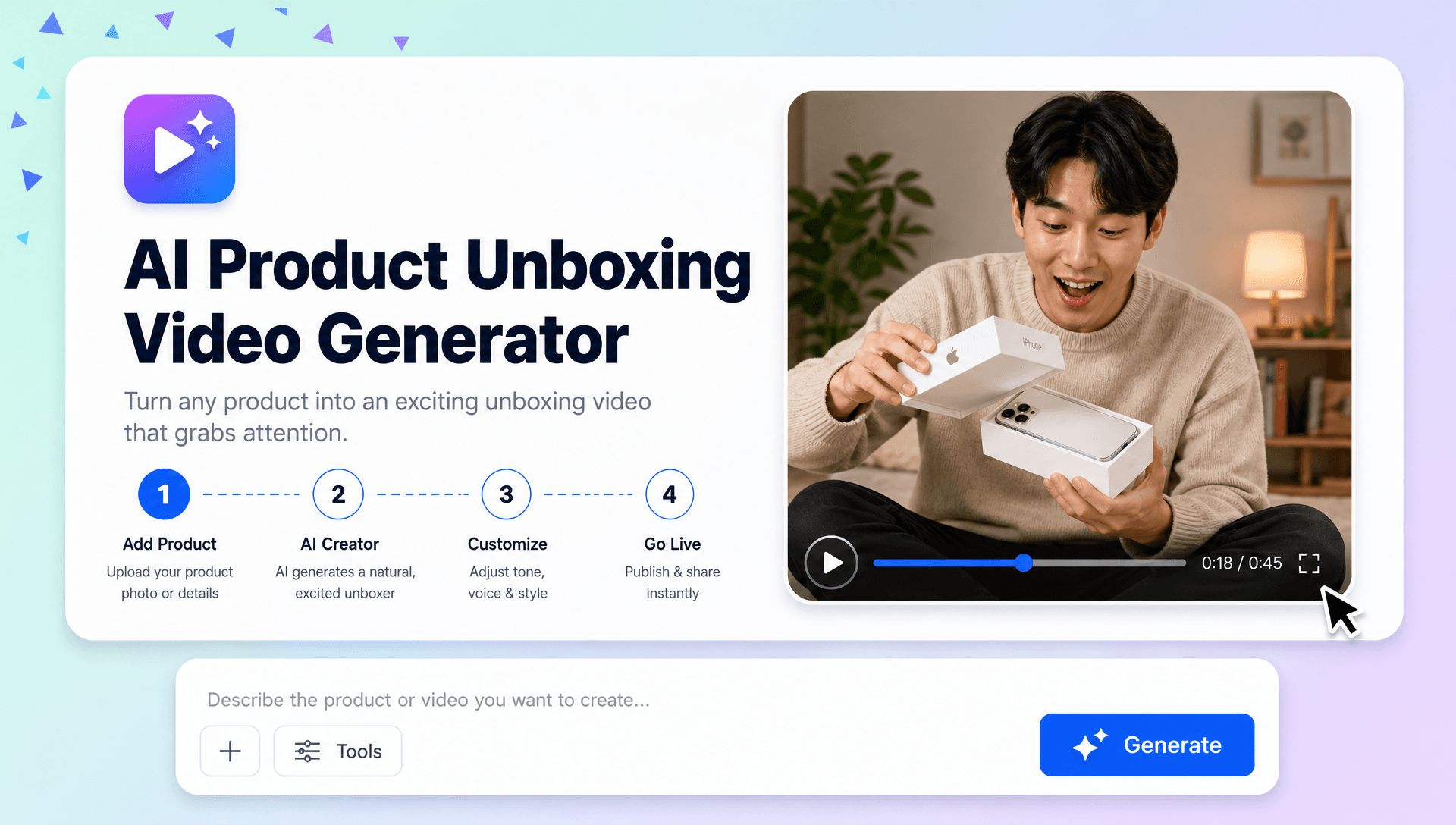
Build Anticipation Before the Product Reveal
Create structured opening sequences that introduce the packaging, build curiosity, and gradually reveal the product. Combine close-ups, cinematic camera movement, transitions, and product-focused storytelling to make the first-look experience more engaging.
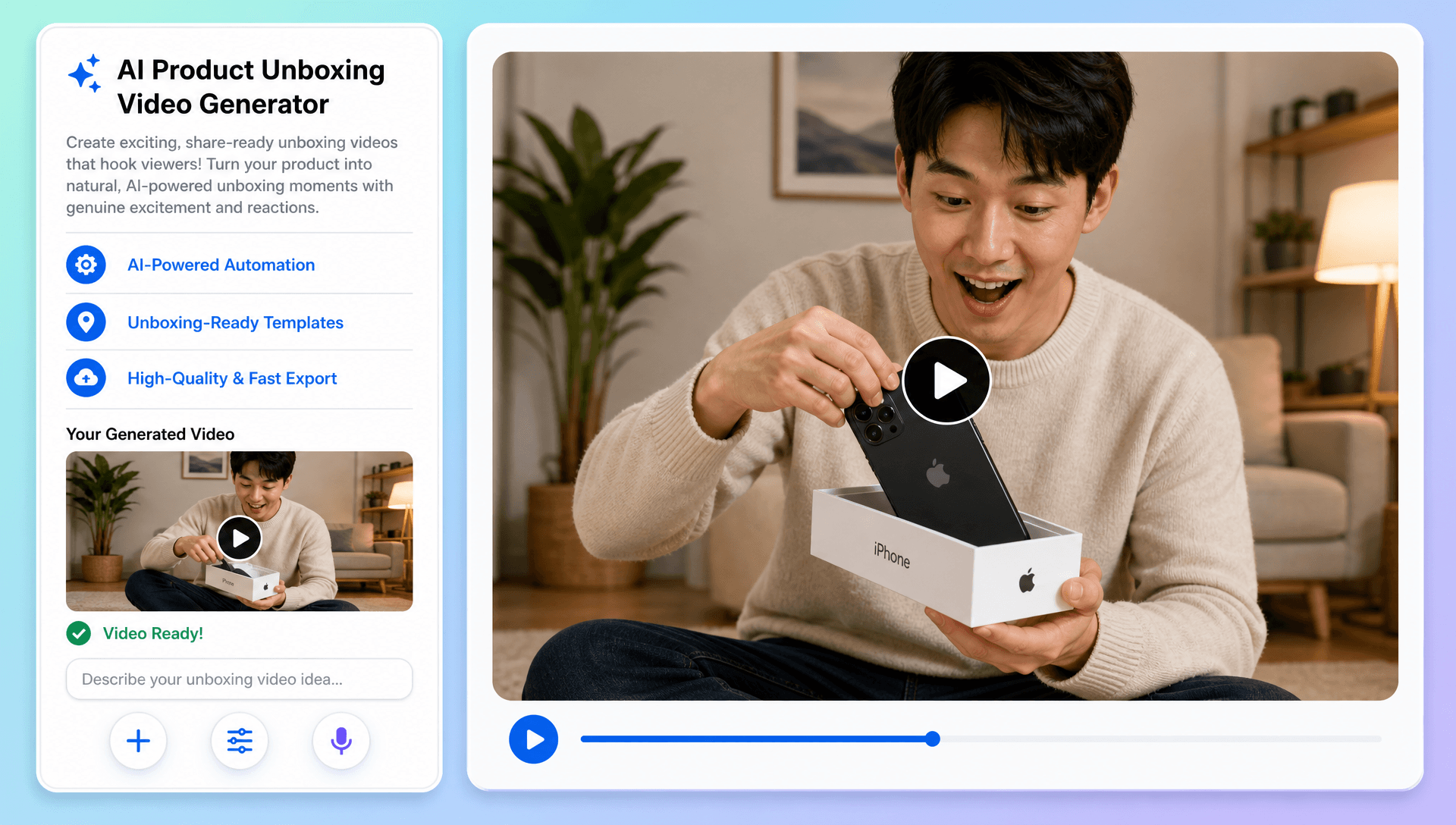
Turn First Impressions into Product Stories
Showcase the product through first impressions, key features, included accessories, product details, and lifestyle scenes. For creator-led presentations, an AI Avatar Video can complement the unboxing with a presenter-style experience, while Character Animation can support more visually expressive concepts.
Create More Content from Every Product Launch
Generate multiple unboxing variations with different hooks, reveal sequences, presenters, product angles, voiceovers, and visual styles. Extend the same product assets into broader AI Content Creation campaigns, product promotions, social advertisements, and eCommerce content.
Connect Unboxing with Advanced Video Workflows
Move beyond conventional product reveals when a campaign requires more creative motion or character-based storytelling. Related workflows such as Video Character Replacement, Motion Transfer AI, and Video-to-Character AI can support character-focused concepts, while AI Video Editing helps refine scenes, messaging, and final presentation.
