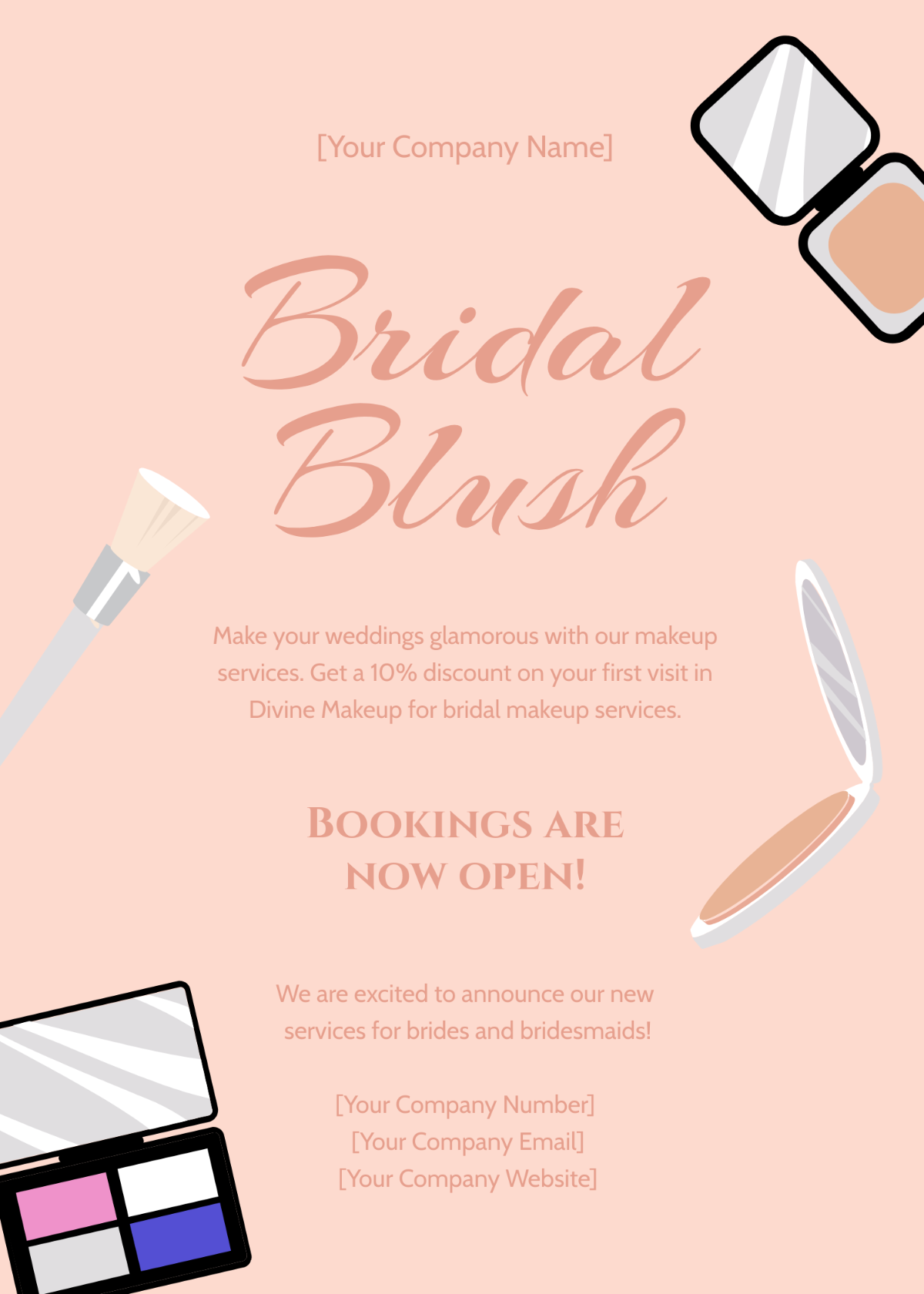
Free Announcement Templates: Customizable Design Guide, Sizes, and Download Formats

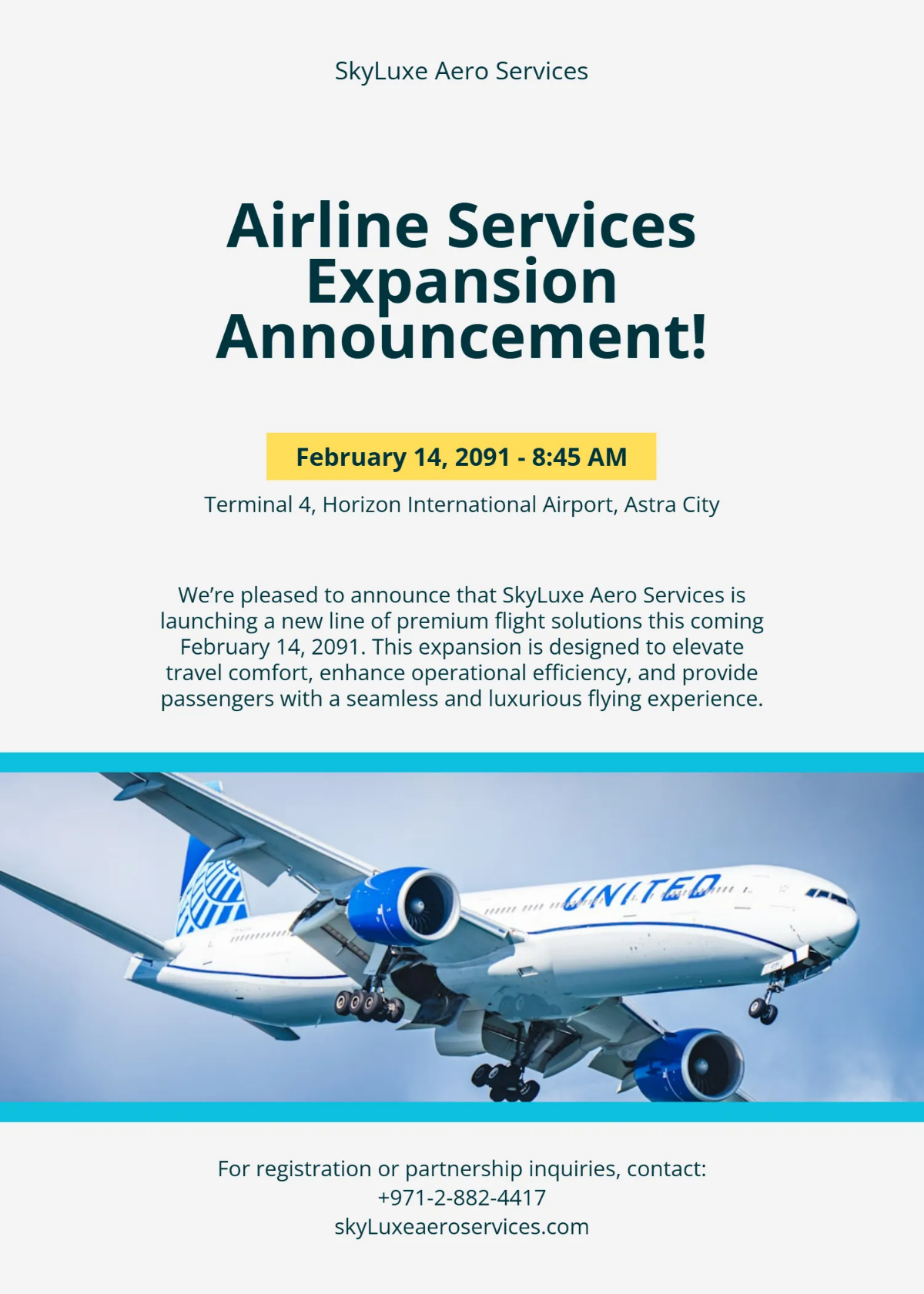
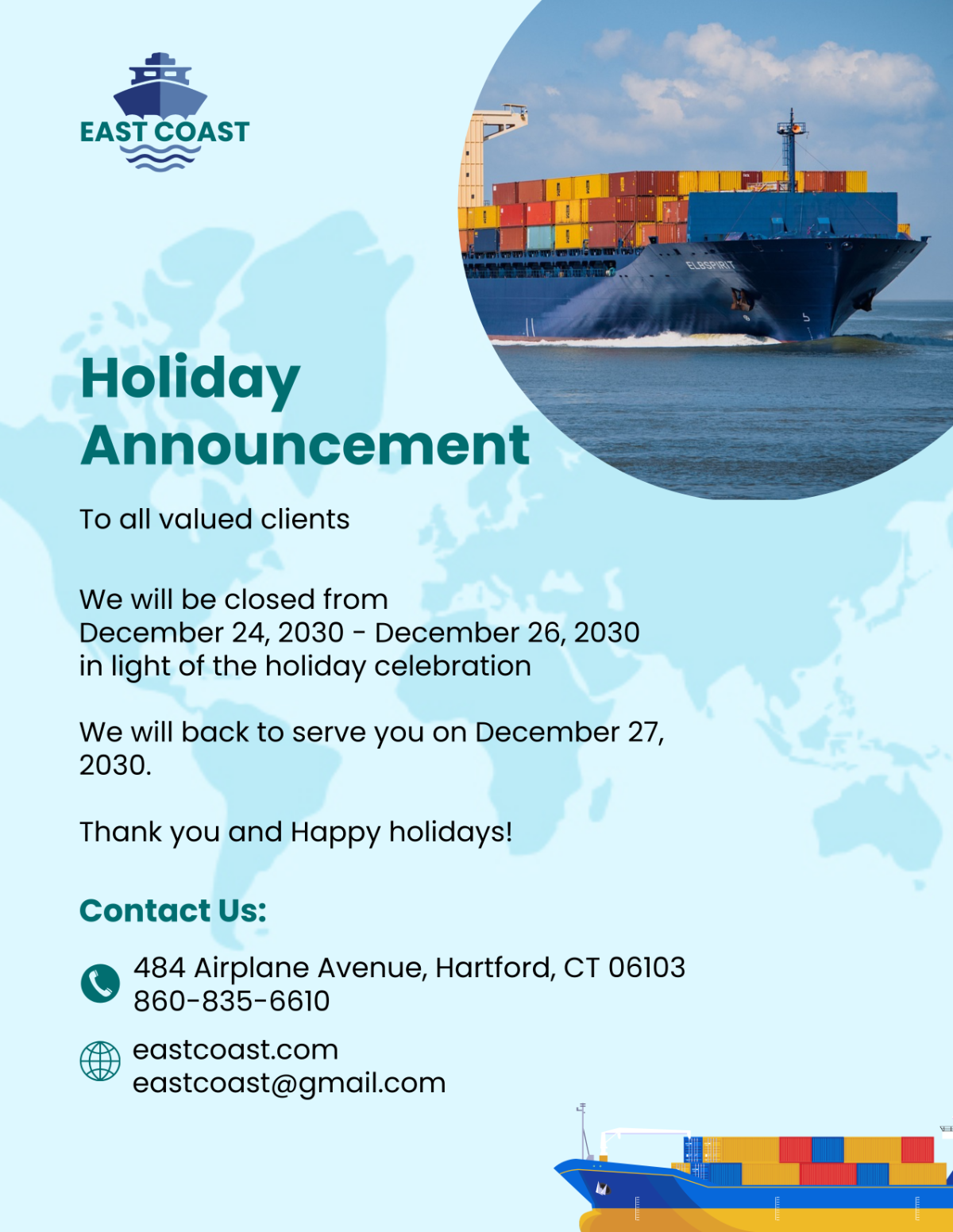
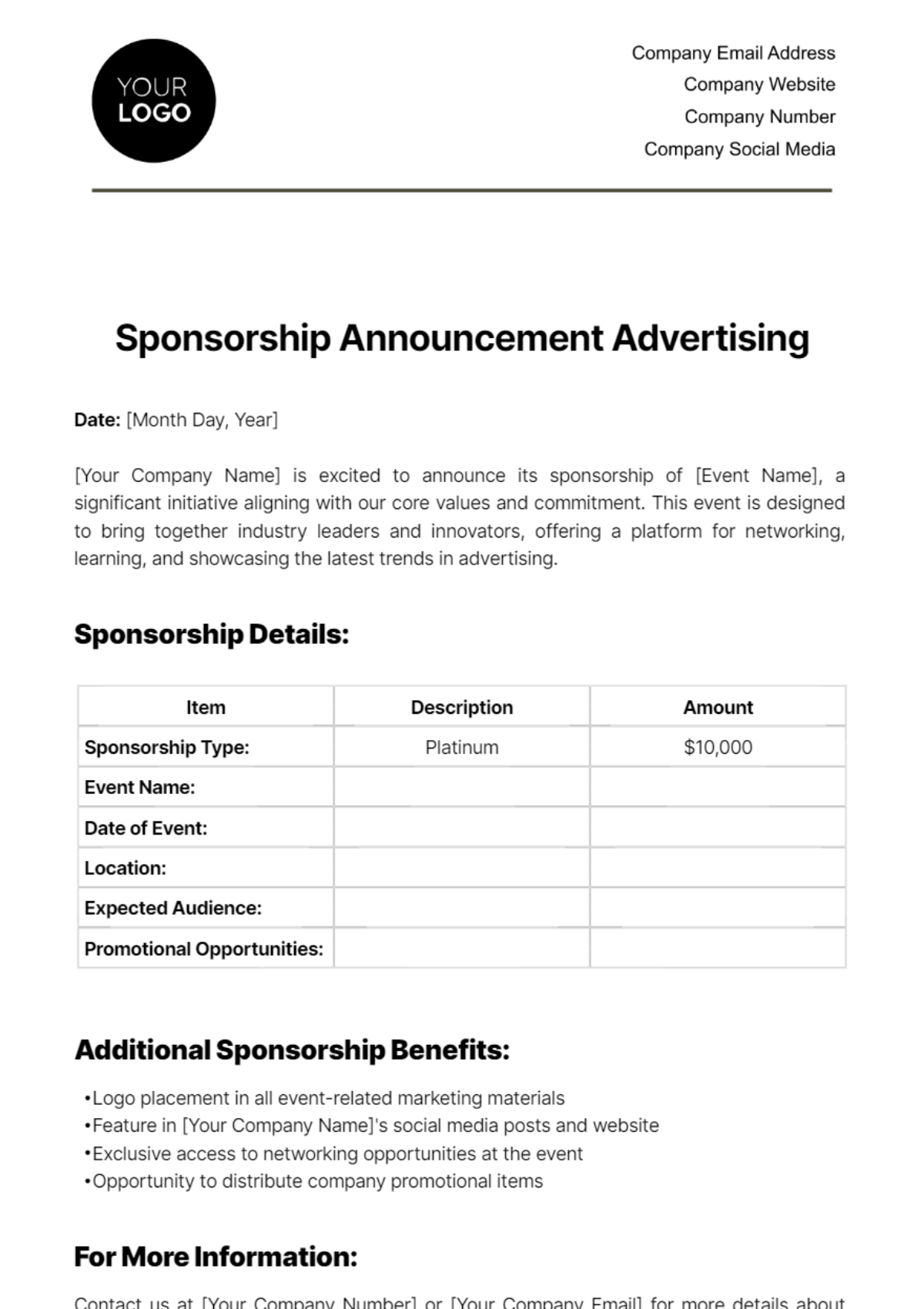
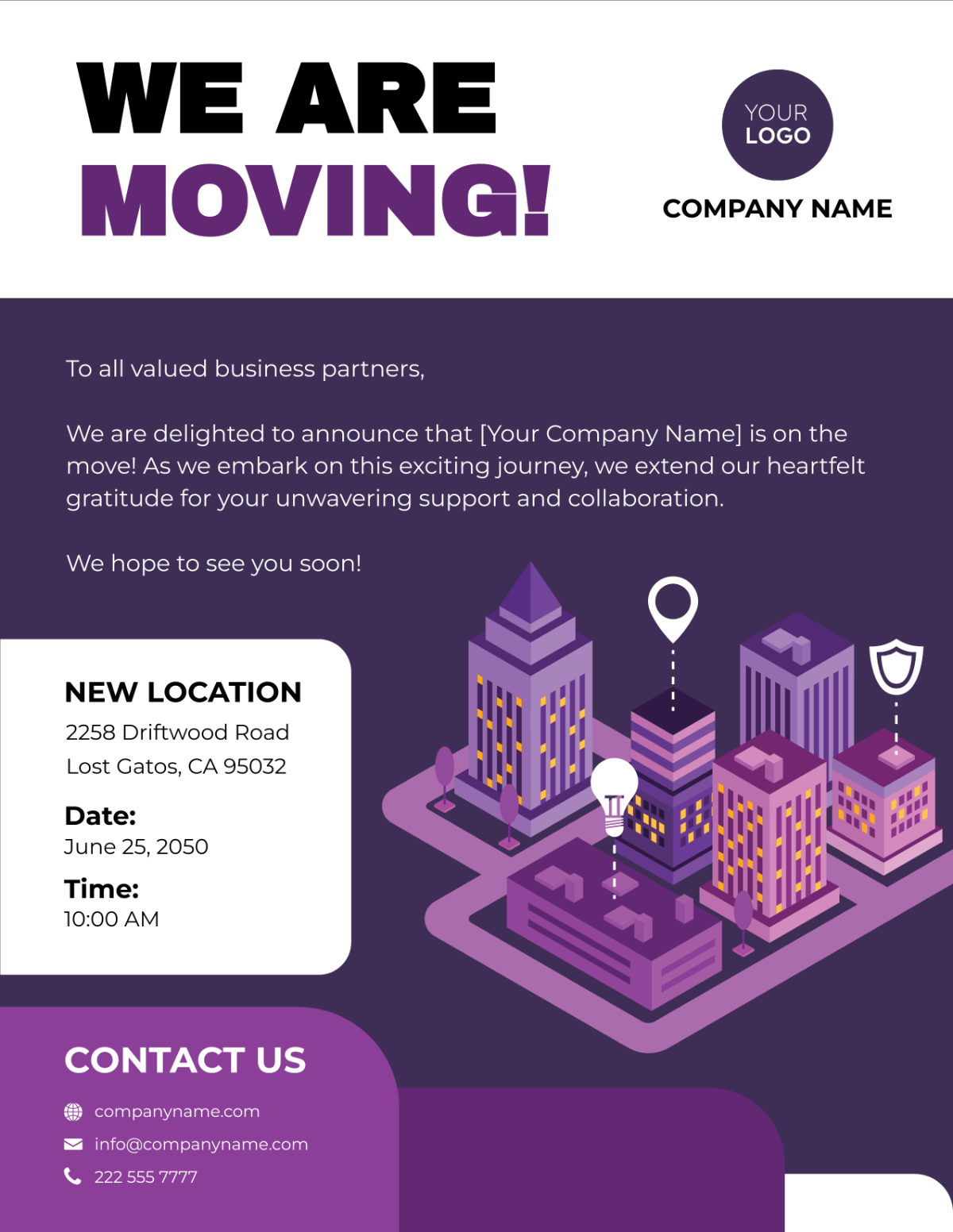
Announcement templates are pre-designed documents used to convey important messages or news to an audience effectively. Template.net provides customizable online templates that you can edit directly in your browser to create professional announcements quickly.
feature icon

What is a Announcement?

Announcement templates are documents designed to communicate important information such as events, updates, or changes to a specific audience in a clear and professional manner. These templates help you structure and style your message effectively for various purposes.

feature icon

Why should I use a Announcement?

You should use announcement templates because they save time, ensure consistent formatting, and help you deliver your message with a polished and professional appearance. Customizable templates make it easy to tailor announcements to your specific audience and purpose.

feature icon

Who uses Announcements?

Announcements are used by businesses, educational institutions, event organizers, and individuals who need to share important news or updates. They are essential for communicating effectively with customers, employees, students, or community members.

feature icon

What are the best tips for designing my Announcement?

Here are some effective tips for designing your announcement to ensure clarity and visual appeal:

  • Use clear and concise language to convey your message.
  • Choose readable fonts and appropriate font sizes.
  • Incorporate your brand colors to maintain consistency.
  • Include eye-catching headings to grab attention.
  • Use high-quality images or icons relevant to the announcement.
  • Maintain ample white space for readability.
  • Highlight important details such as dates and locations.
  • Use bullet points or lists to organize information.
  • Test your announcement for clarity before finalizing.
  • Ensure alignment and balance in the layout.
feature icon

What file formats can I download for my Announcement?

Template.net announcement templates support multiple export formats for easy editing, printing, and sharing. You can download your announcement templates in the following formats: Word, Apple Pages, PSD, Illustrator, Publisher, InDesign, Google Docs, and PDF.

feature icon

Can I create a Announcement using AI?

Template.net provides an AI-powered tool that generates new Announcement designs from prompts, helping you quickly create customized announcements without manual design work. Explore the Announcement Generator to start designing with AI.

feature icon

What are the standard sizes for printing my Announcement?

Common print sizes for your announcement templates ensure compatibility with standard printing options. Typical sizes include:

  • 8.5 × 11 inches (US Letter)
  • 5 × 7 inches (Postcard size)
  • 4 × 6 inches (Invitation size)
  • 11 × 17 inches (Tabloid)
  • Custom sizes depending on specific needs
feature icon

What key visual elements should I include in my Announcement?

To create an effective announcement, consider including the following key visual elements:

  • Bold headline to capture attention
  • Subheading for additional context
  • Relevant images or icons that complement the message
  • Brand logo for identity consistency
  • Call to action to guide the audience
  • Contact information for follow-up
  • Background patterns or colors to enhance readability
feature icon

What benefits do I get from using Announcement templates?

Using announcement templates offers several benefits to streamline your communication:

  • Time-saving by skipping design from scratch
  • Professional appearance with polished layouts
  • Easy customization to fit your message and branding
  • Consistent formatting for brand recognition
  • Multiple format options for versatile use
  • Browser-based editing with no software needed
feature icon

How can I reuse my Announcement templates efficiently?

You can efficiently reuse your announcement templates by saving editable versions and updating key details for each new message. Maintain a consistent style by keeping brand colors and fonts intact while changing text and images as needed. Using browser-based editing on Template.net allows easy access and quick modifications anytime.