
Free Backdrop Templates












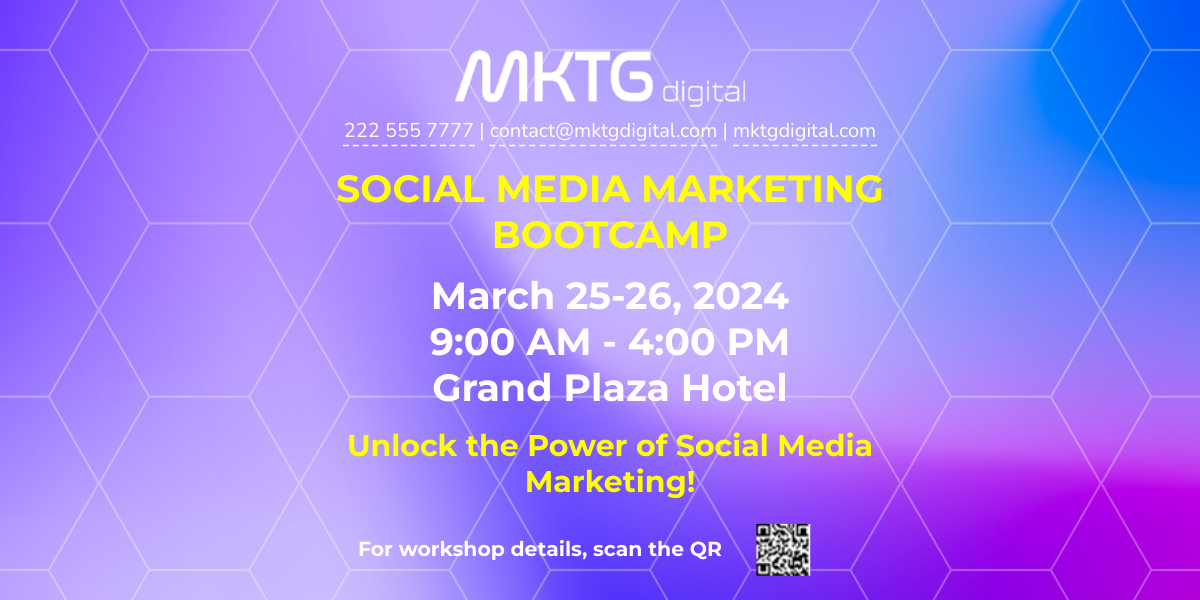





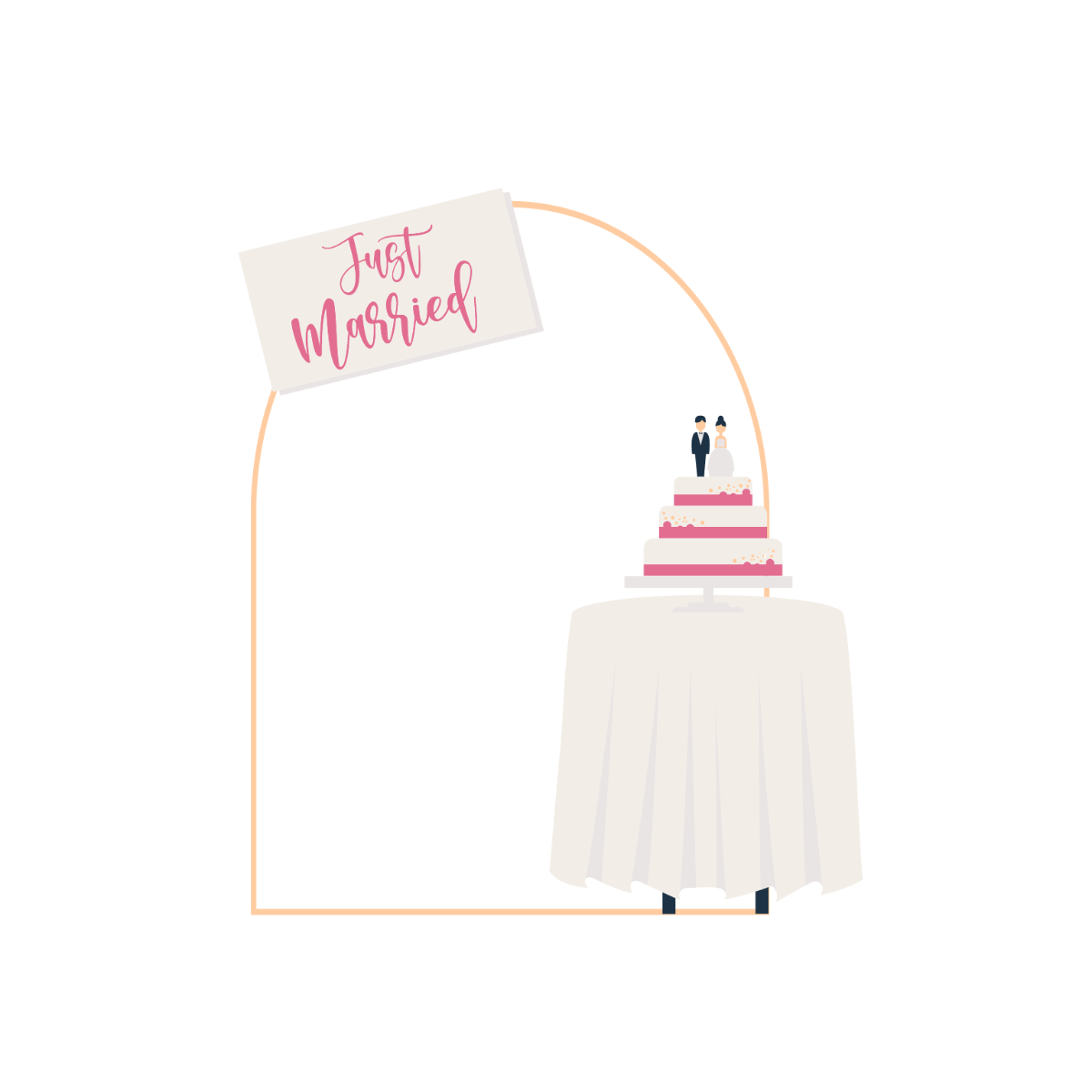


Free Backdrop Templates: Customizable Design Guide, Uses, and Download Formats
What is a Backdrop?
A Backdrop is a large decorative background used to enhance the visual appeal of events, presentations, or photo sessions. It typically features customizable designs that can be printed or displayed digitally to set the atmosphere or theme of an occasion.
Why should I use a Backdrop?
Using a Backdrop improves the overall aesthetic and professionalism of your event or presentation. It provides a cohesive visual theme, supports brand messaging, and creates engaging photo opportunities, making your occasion more memorable and impactful.
Who uses Backdrop?
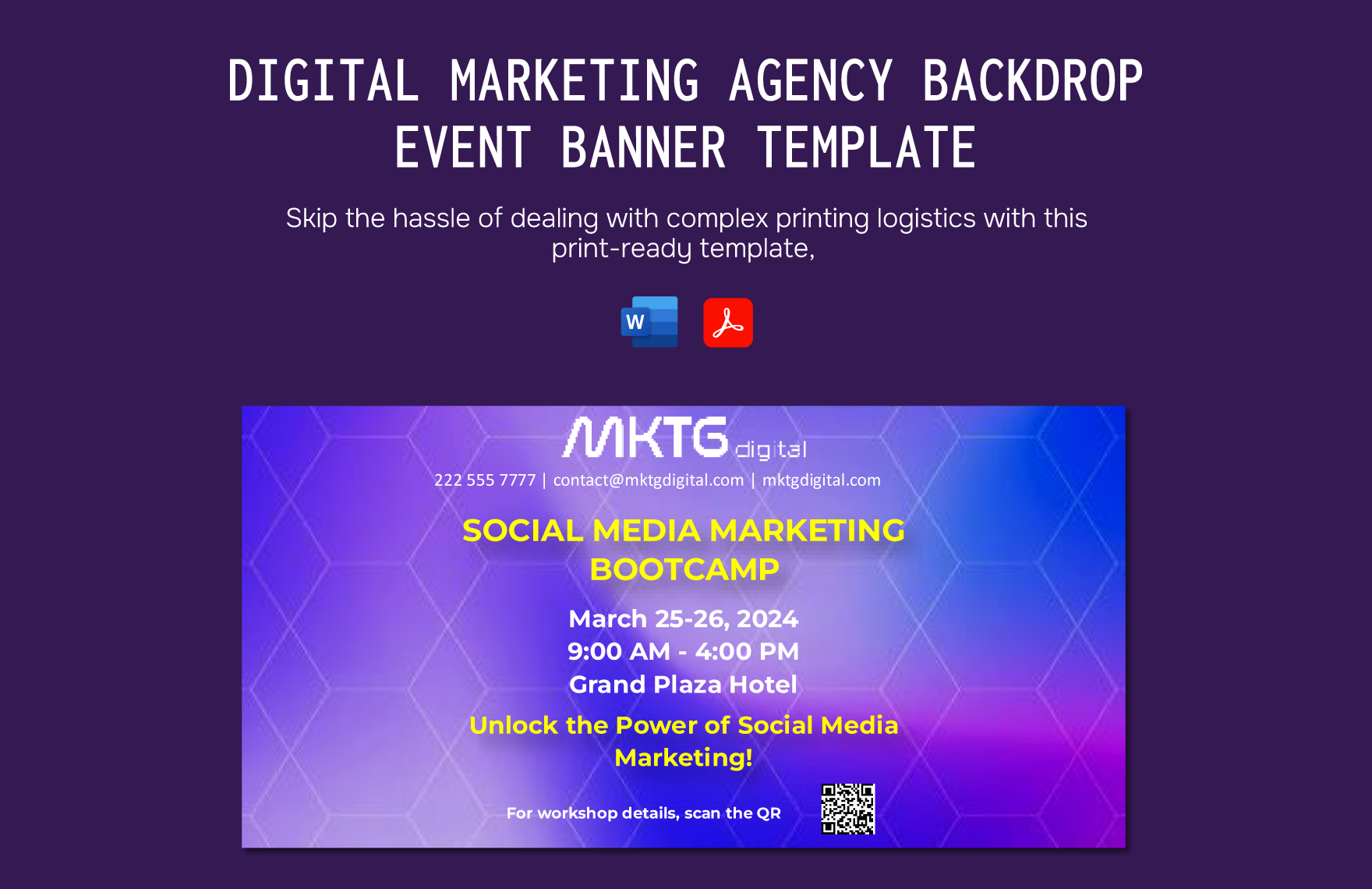
Backdrop templates are commonly used by event planners, photographers, marketers, educators, and corporate professionals who want to create visually appealing environments for conferences, weddings, trade shows, and photo shoots.
What are the best tips for completing my Backdrop?
When completing your Backdrop, consider the following tips:
- Choose appropriate dimensions based on the event space and display method.
- Use high-resolution images for clear and professional visuals.
- Incorporate brand colors and logos for consistency.
- Keep text minimal and readable from a distance.
- Test print samples to verify color accuracy.
Can I create a Backdrop using AI?
You can create a Backdrop using AI tools available on other parts of Template.net, but the Backdrop templates on this page are primarily designed to be customizable directly in your browser without AI generation. For AI-assisted creation, please visit the Template.net AI Template Generator.
What file formats can I download for my Backdrop?
Template.net Backdrop templates support multiple export formats including Illustrator, PDF, PNG, and JPEG, allowing you to select the best format for printing or digital display.
What essential elements should I include in a Backdrop?
Essential elements in a Backdrop include:
- Background design: Sets the tone and theme.
- Branding elements: Logos, slogans, or trademarks.
- Event details: Dates, names, or titles if applicable.
- Color scheme: Consistent with the event or brand.
- Visual balance: Proper spacing and alignment of elements.
How is Backdrop used in professional workflows?
In professional workflows, a Backdrop is used as a key visual asset for event branding, marketing campaigns, and media production. It is designed, customized, and approved digitally before printing or display, ensuring consistent messaging and high-quality presentation.
What are common use cases for Backdrop templates?
Common use cases for Backdrop templates include:
- Corporate events: Conferences, trade shows, and product launches.
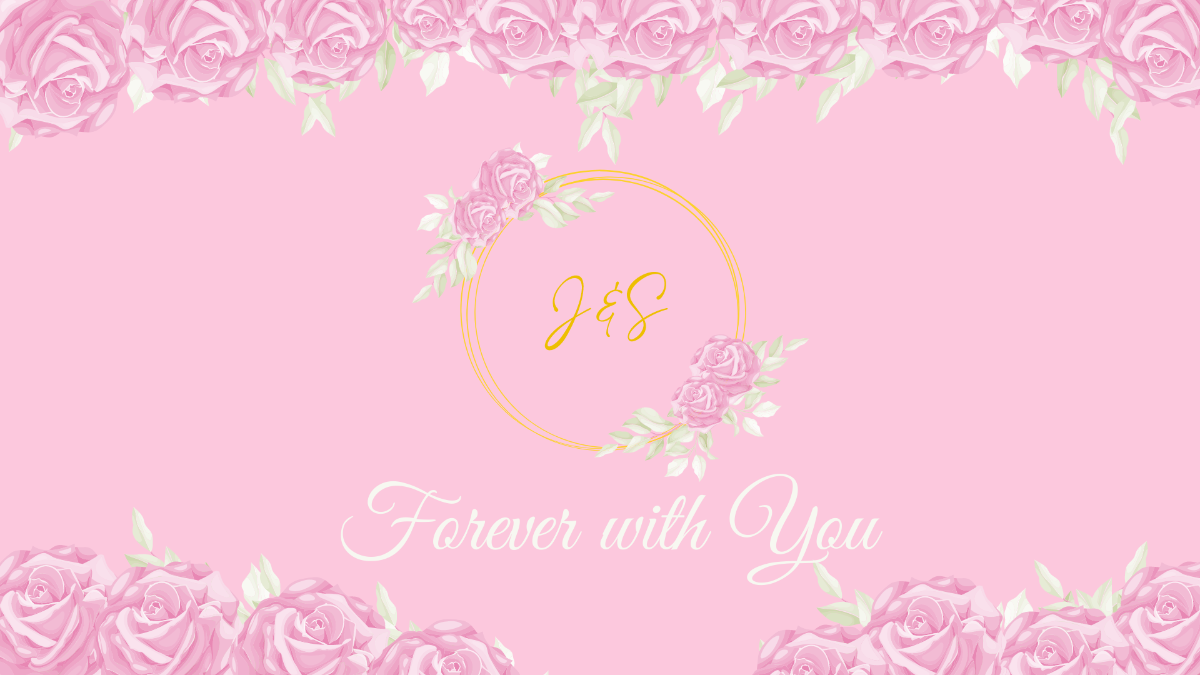
- Weddings and parties: Photo booths and ceremony decorations.
- Photography studios: Portrait and promotional shoots.
- Educational seminars: Speaker presentations and workshops.
- Marketing promotions: Brand activations and storefront displays.
