
Free Blue Templates





























Blue Templates: Design Guide, Sizes, and Download Formats
What is a Blue template?
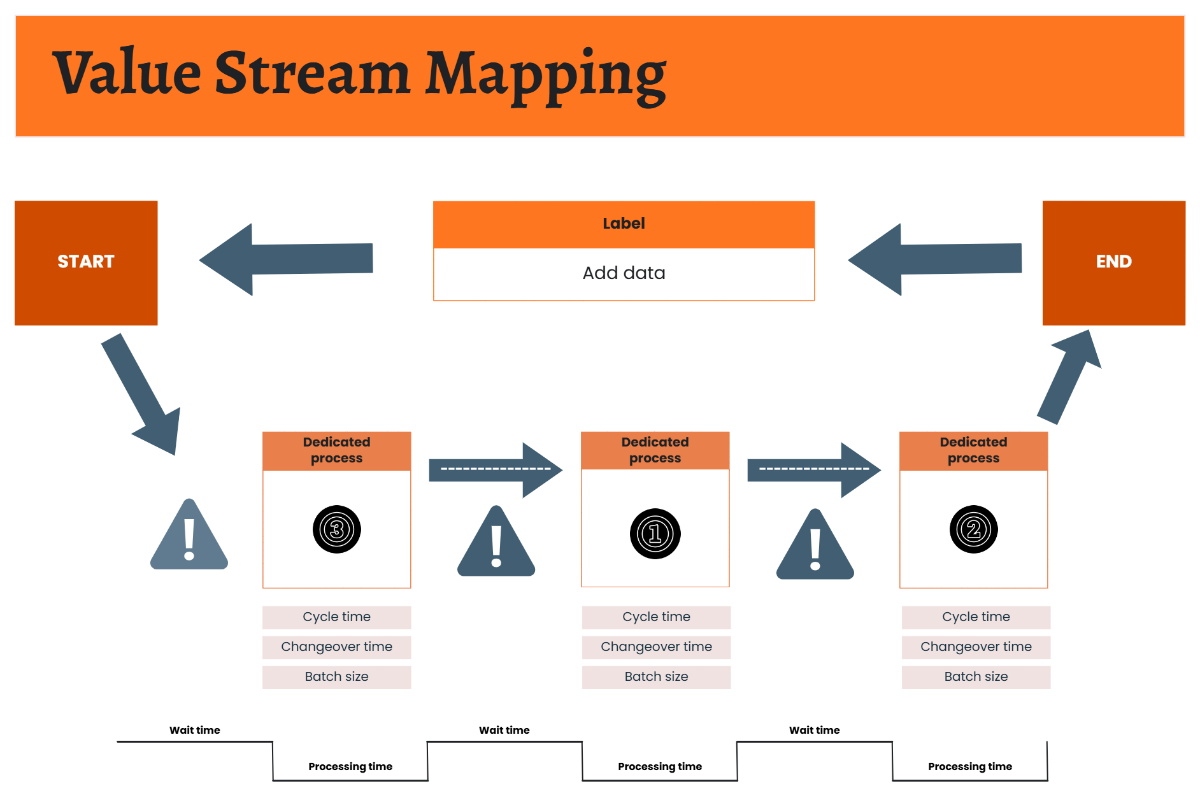
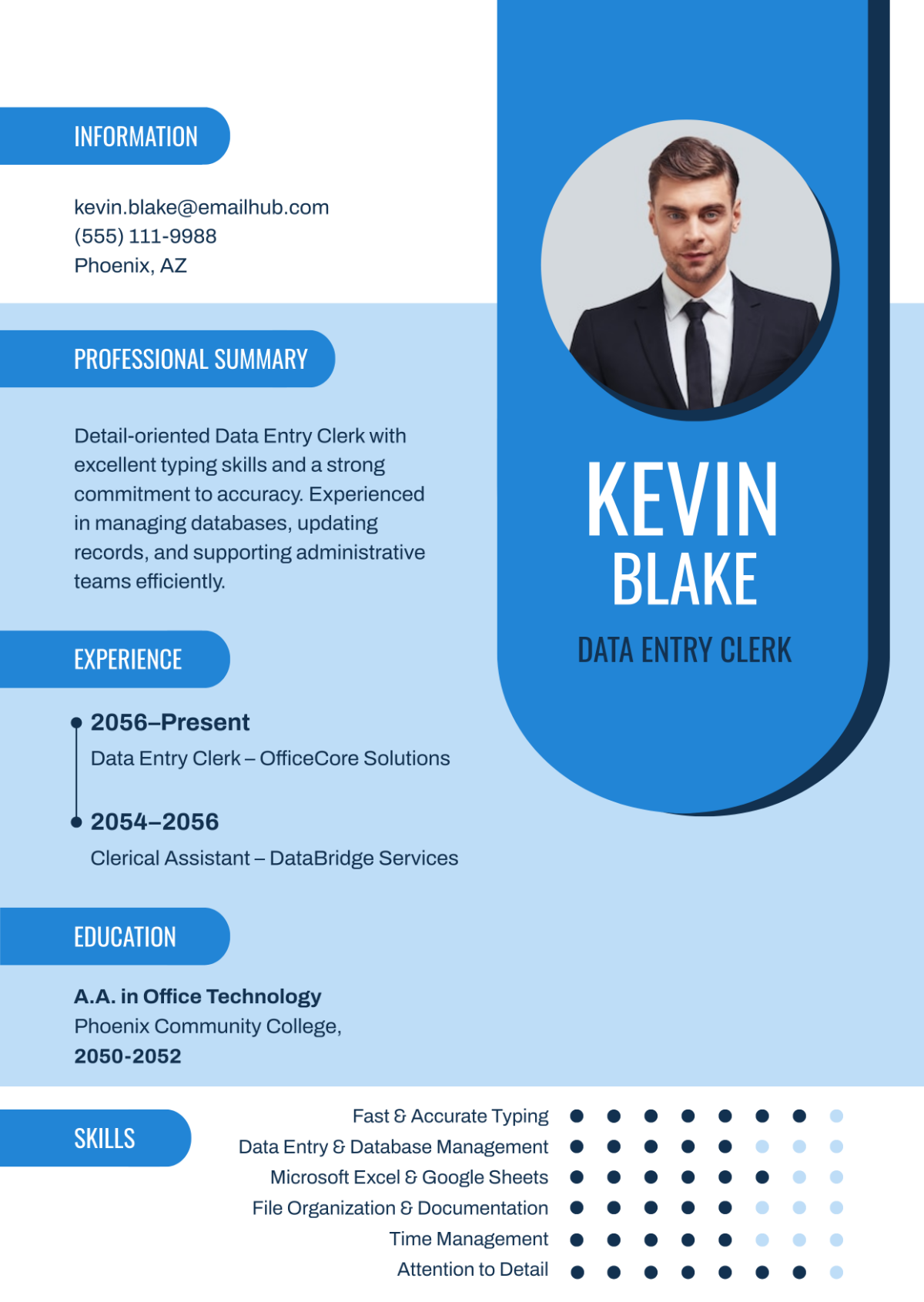
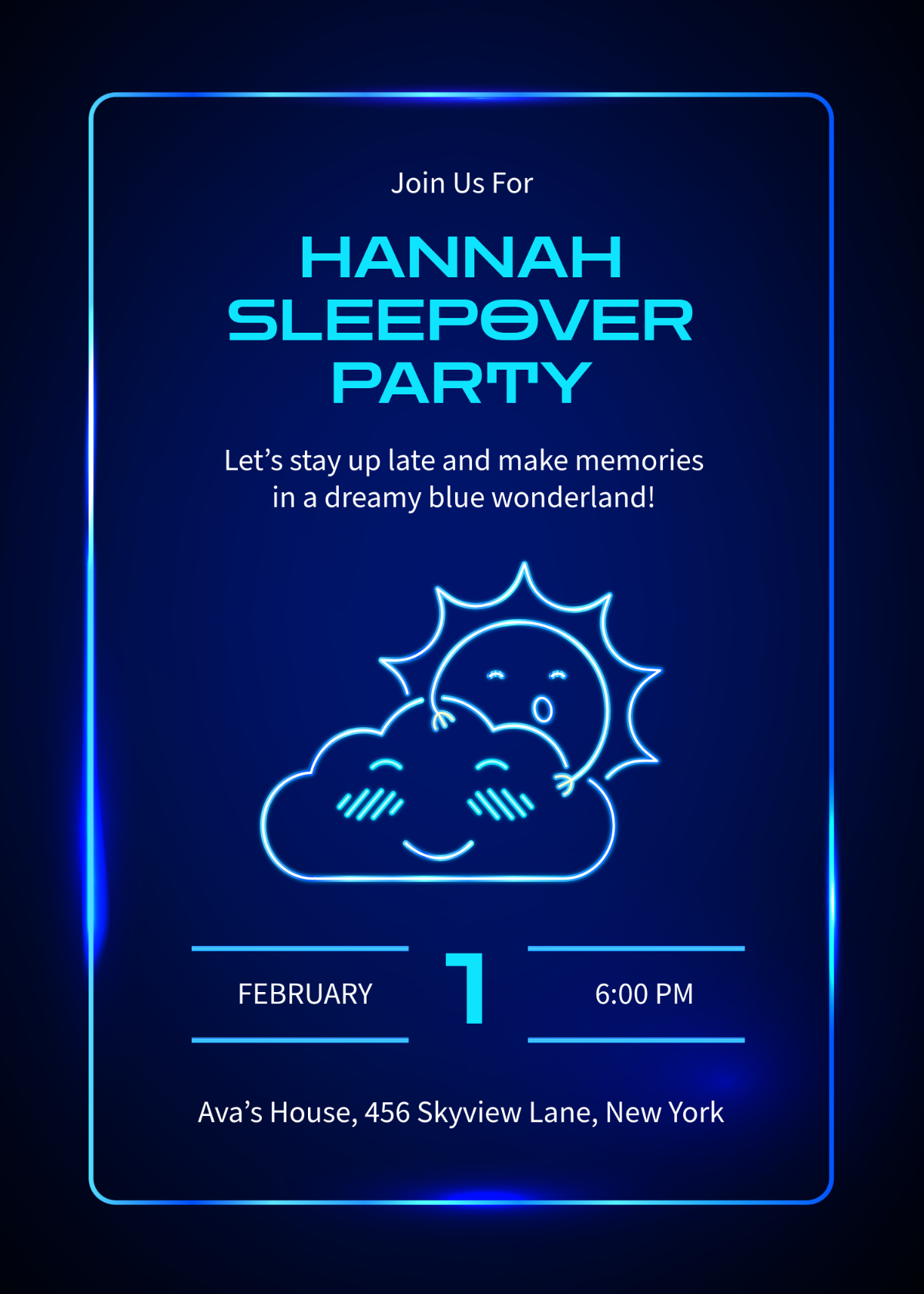
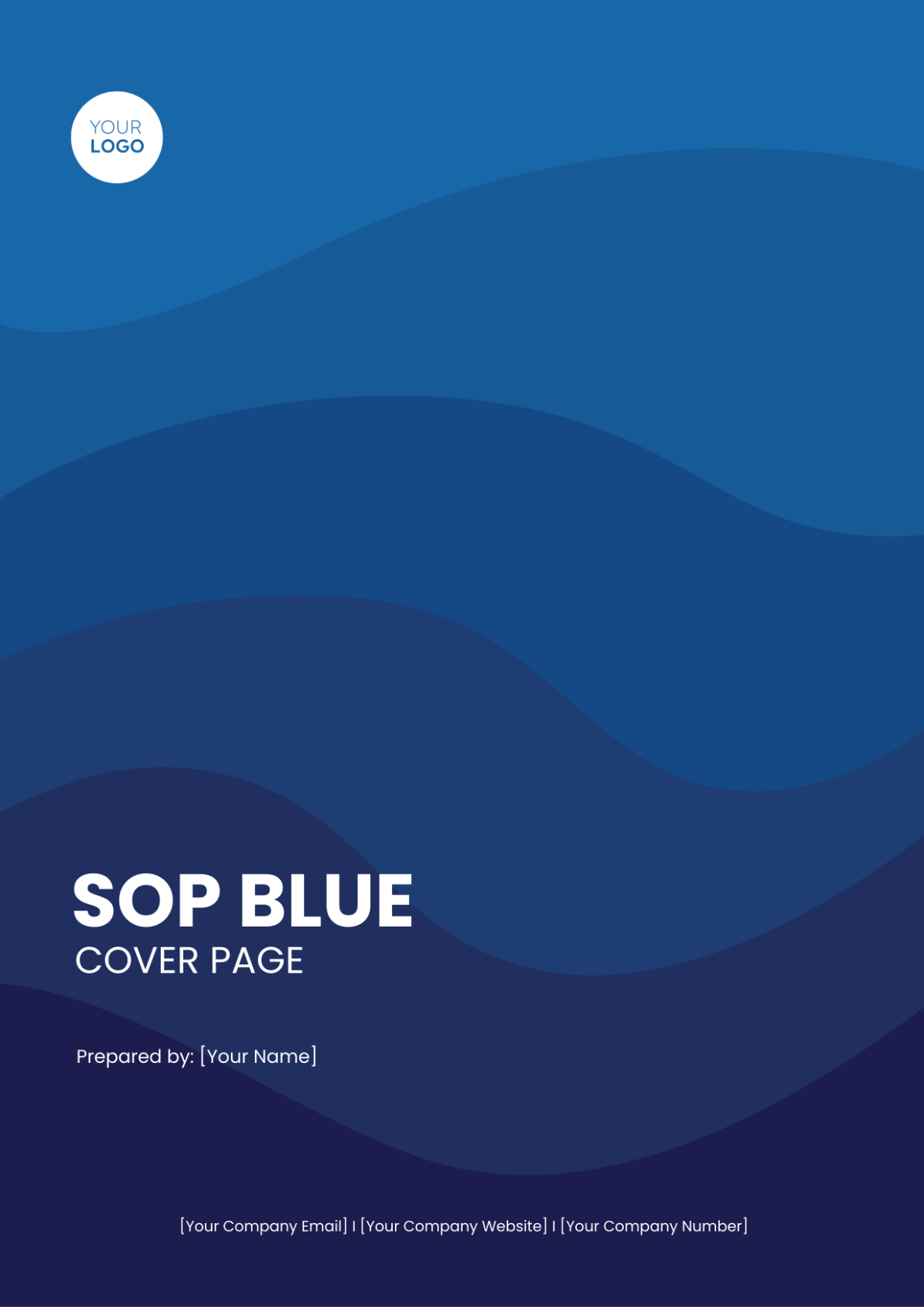
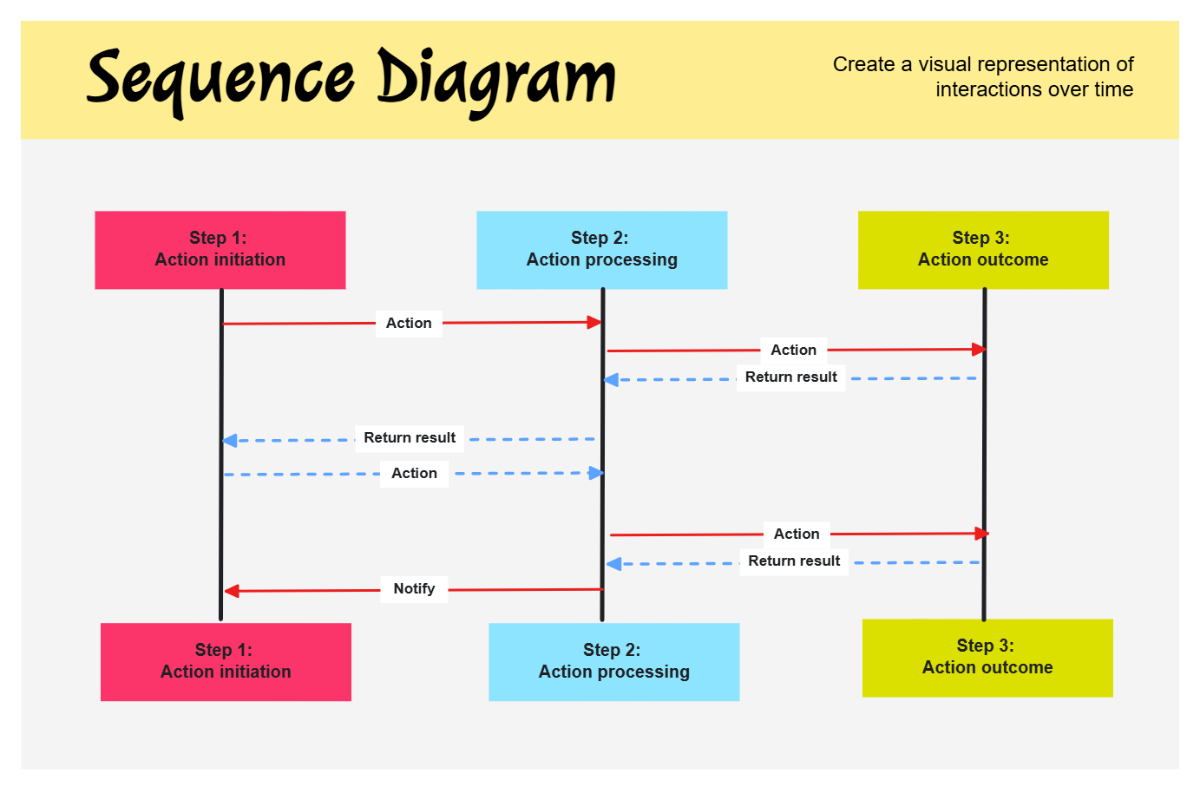
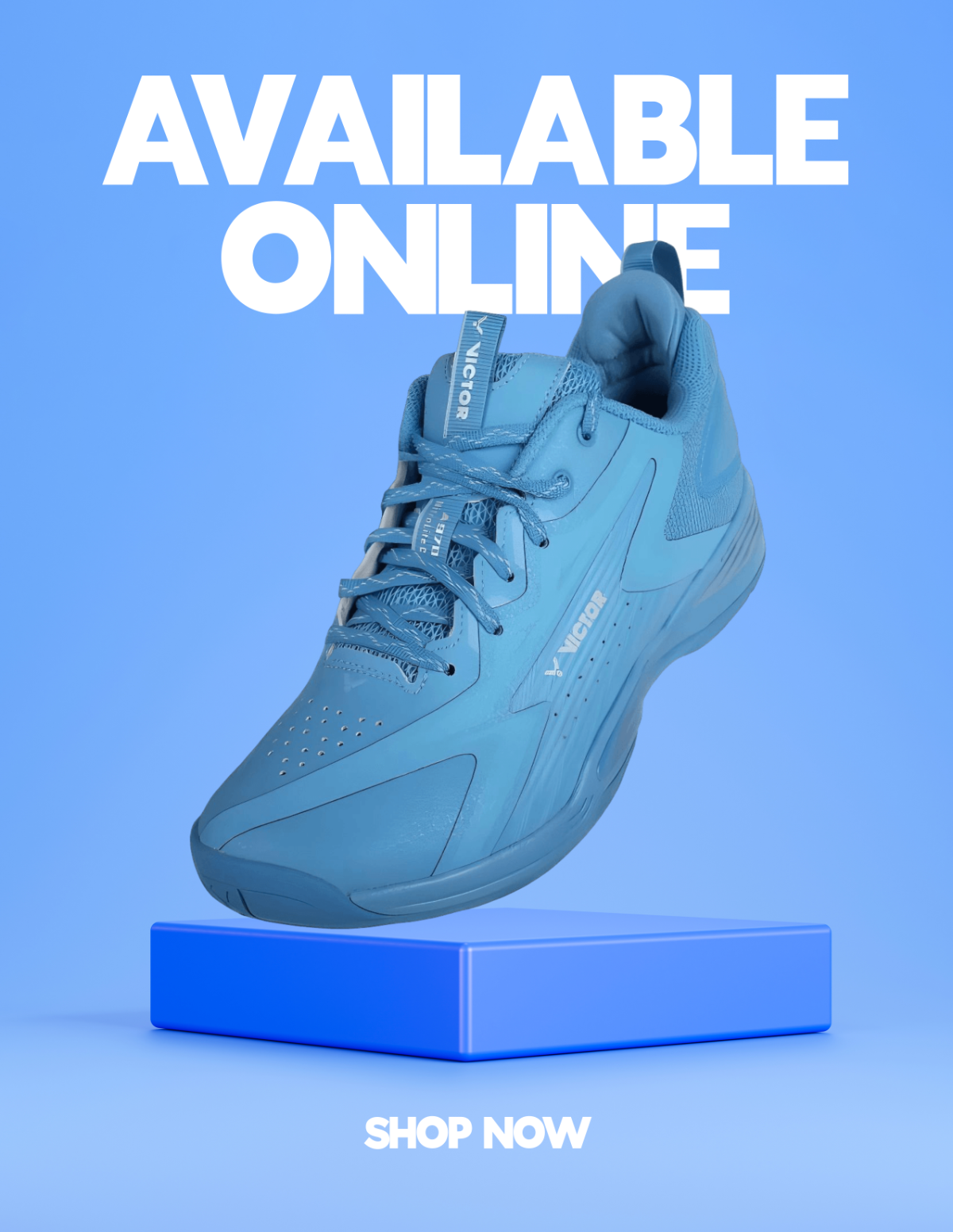
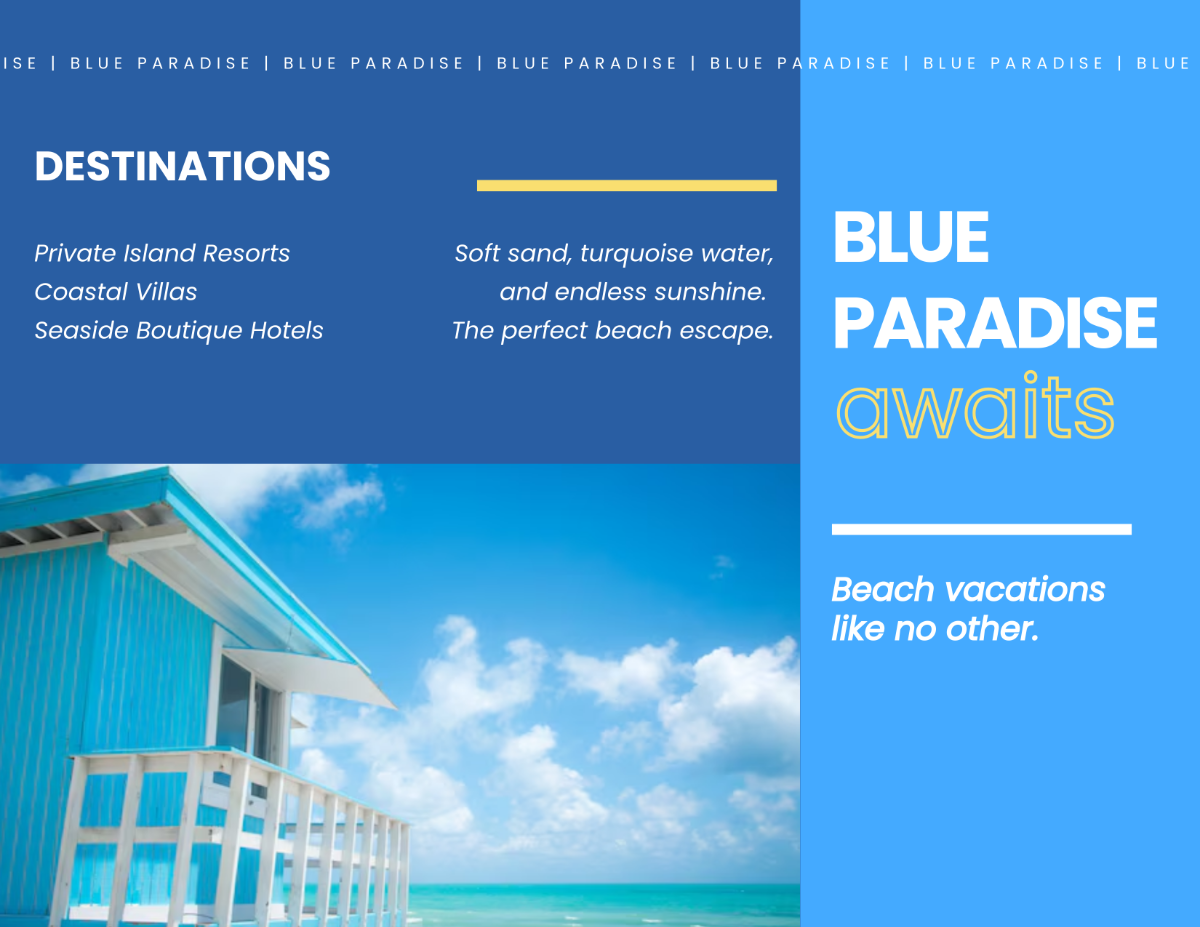
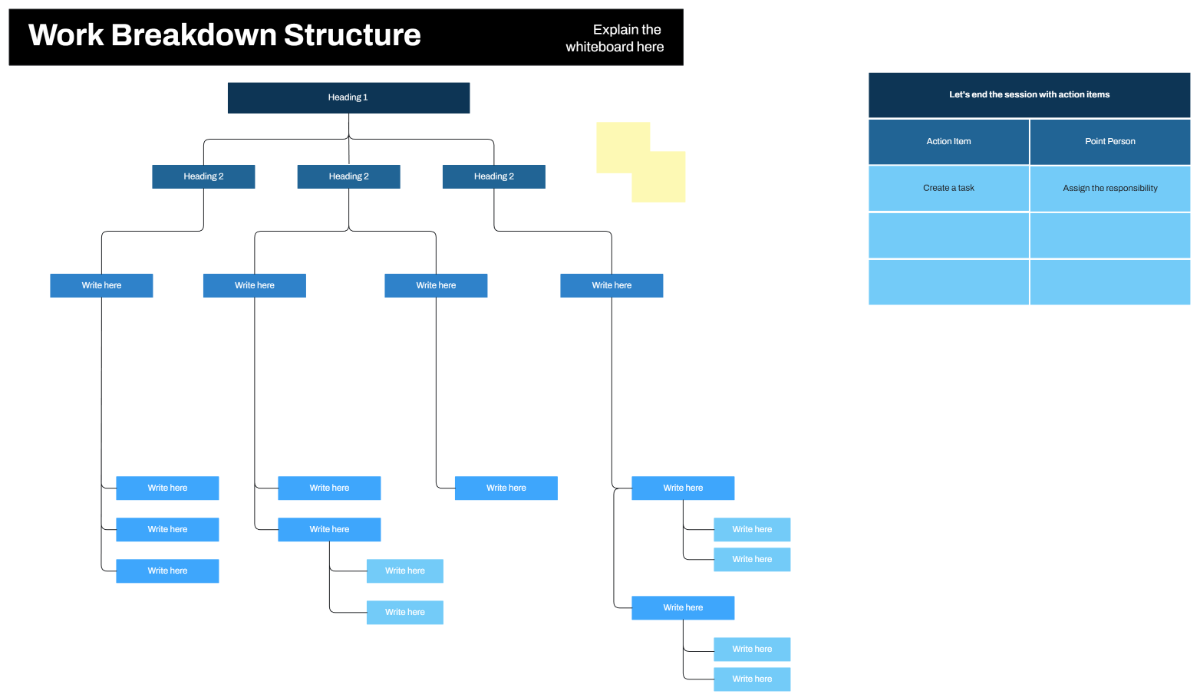
A Blue template is a design layout featuring blue-themed color palettes and visual elements that create a cohesive, calming, or professional look. These templates offer editable text areas and graphics to suit various projects, ensuring consistent style and easy customization.
Who typically uses Blue templates?
Blue templates are commonly used by business professionals, creative teams, and event planners seeking a trustworthy and modern aesthetic. The versatile color scheme suits corporate branding, marketing materials, and personal projects requiring a clean, professional look.
When should I use Blue templates?
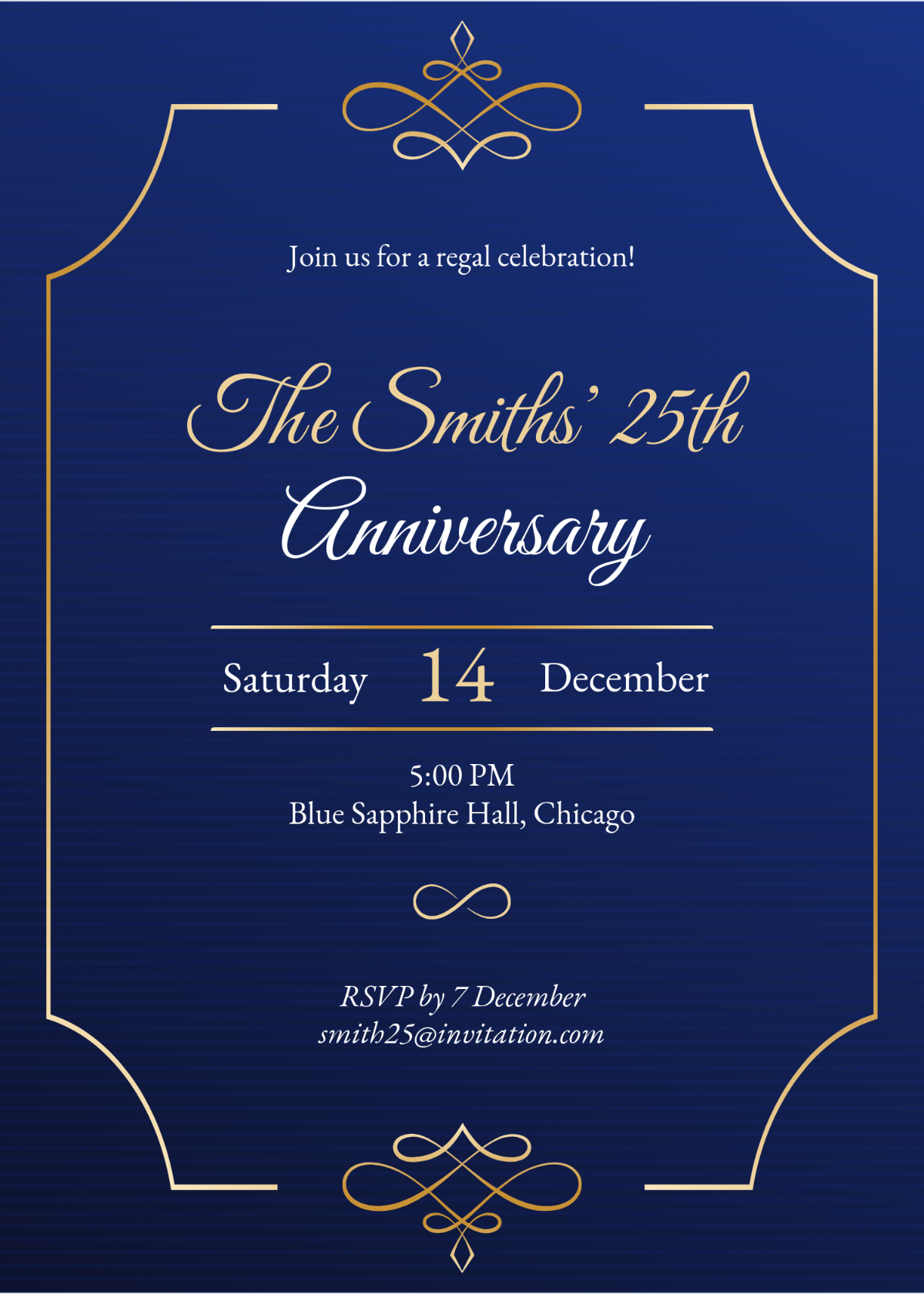
Blue templates are ideal for projects needing a professional and calming visual theme, such as business presentations, reports, invitations, or digital content. Use Blue templates when the color scheme supports brand identity or evokes trust and clarity in communication.
What design tips should I follow for Blue templates?
When designing with Blue templates, emphasize clean layout blocks and balance the blue color palette with white or neutral backgrounds. Use high-quality images and maintain consistent typography to enhance readability and visual appeal.
What are common sizes for Blue templates?
Blue templates often come in standard sizes such as 8.5 × 11 inches for documents, 4 × 6 inches for postcards, and 5 × 7 inches for invitations. Choosing appropriate sizes ensures compatibility with printing and digital display requirements.
What essential elements do Blue templates include?
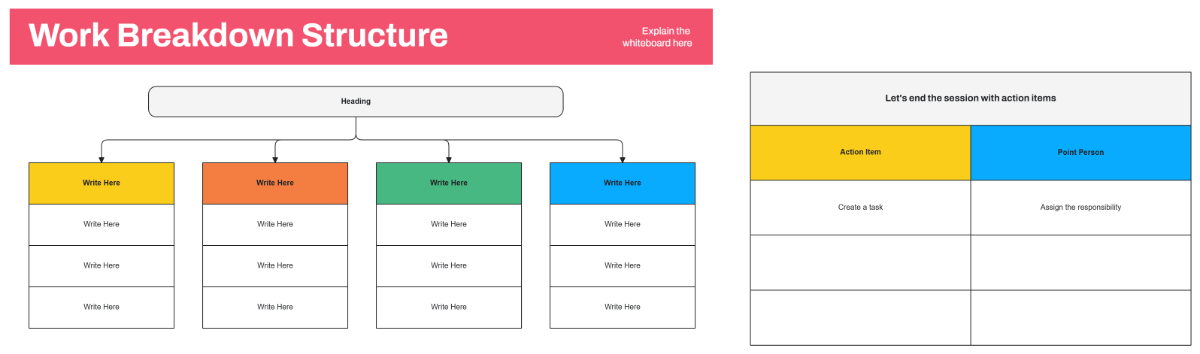
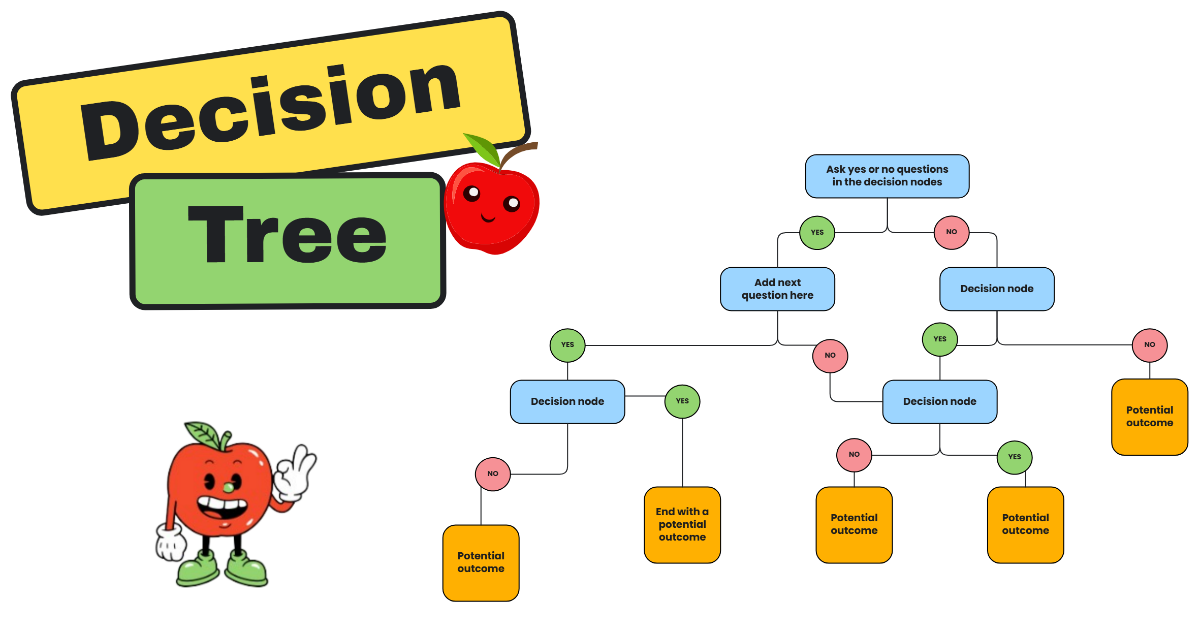
Blue templates typically feature layered design customization, editable text areas, graphic accents in blue tones, and structured layout blocks to organize content clearly and professionally.
How do I prepare Blue templates for printing?
To print Blue templates effectively, ensure the color palette is set to CMYK mode and use high-resolution graphics. Adjust margins and bleeds within the template's layout blocks to avoid cropping important design elements.
What file formats can I download for a Blue template?
Template.net Blue templates support multiple export formats for editing and printing, including Illustrator, Word, Publisher, PDF, PSD, Apple Pages, and Google Docs.
Can I create a new Blue template using AI?
Template.net provides an AI-powered tool capable of generating new Blue template designs with custom prompts and automated layout options. This tool helps create professional Blue-themed templates quickly and with easy online customization. Visit Template.net to explore this feature.
