
Free Break Templates
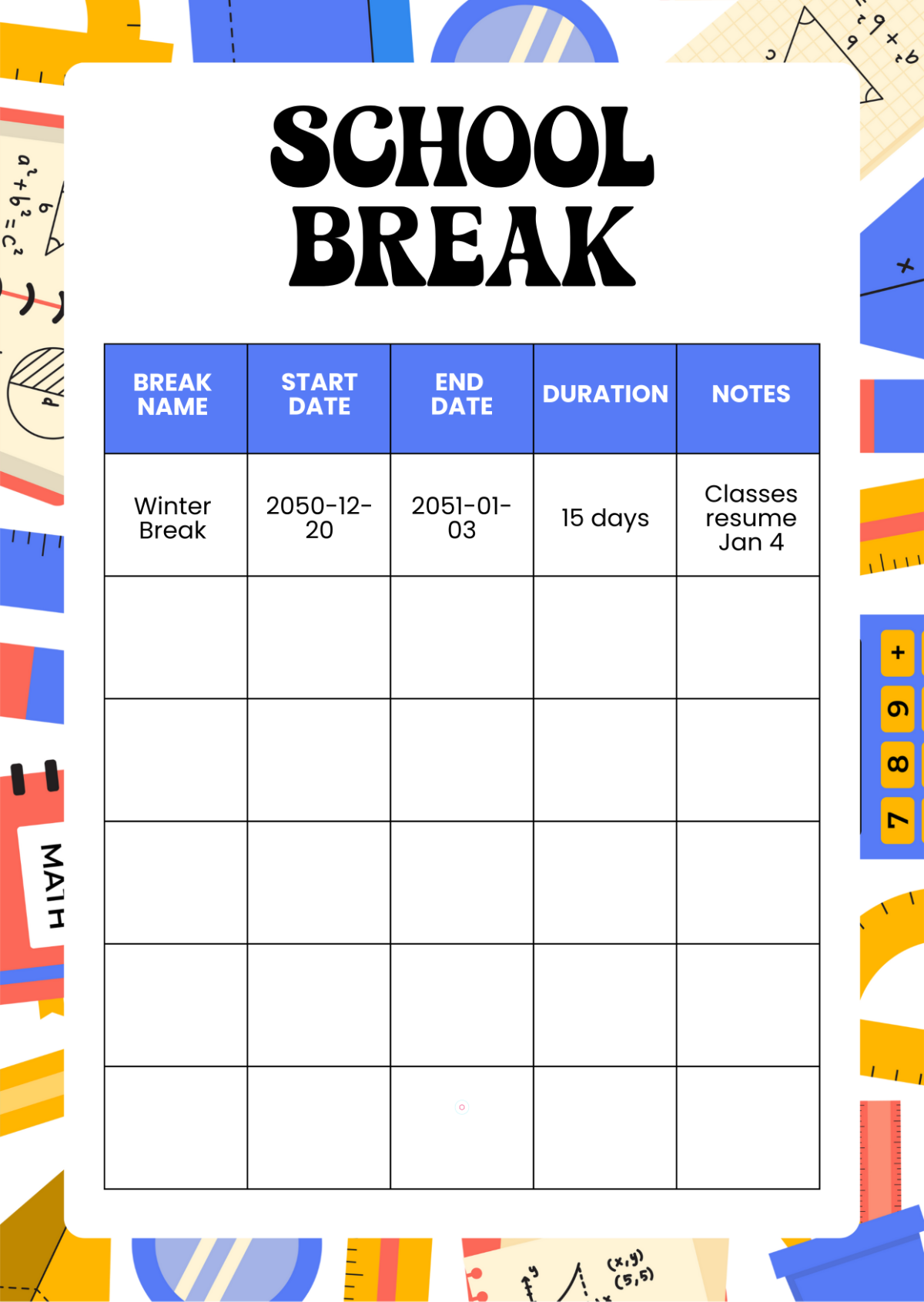
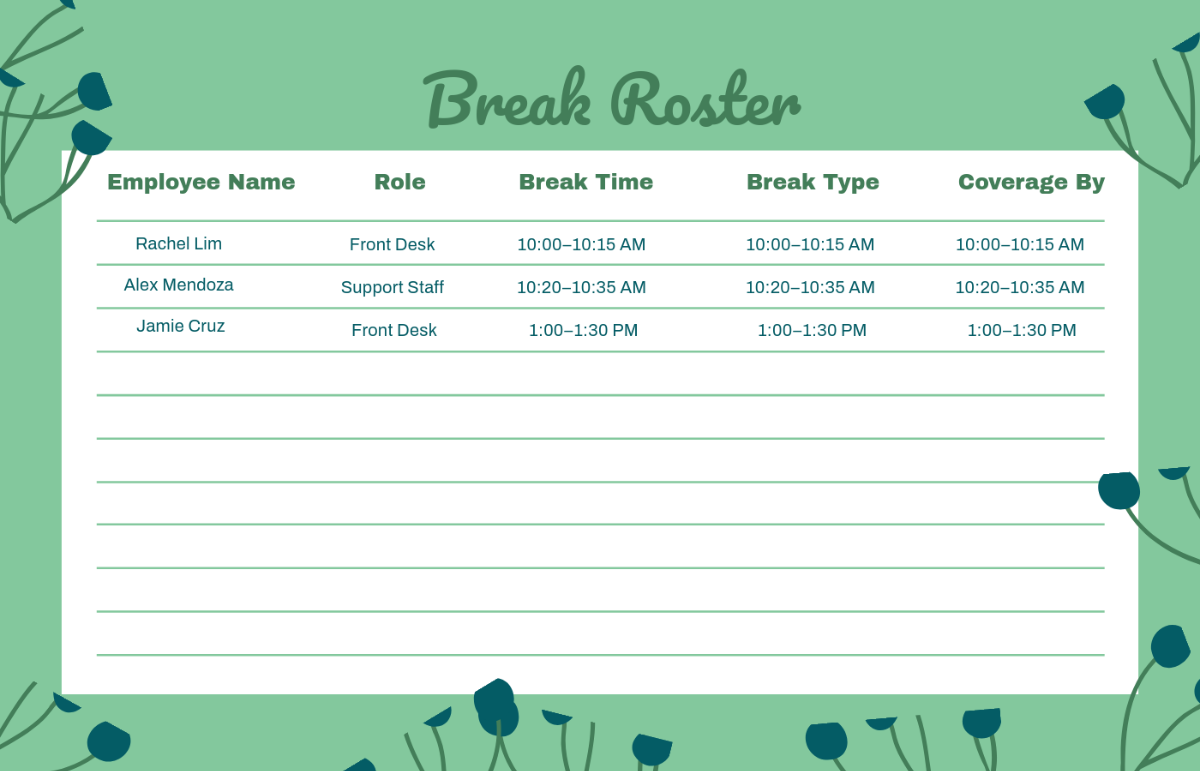
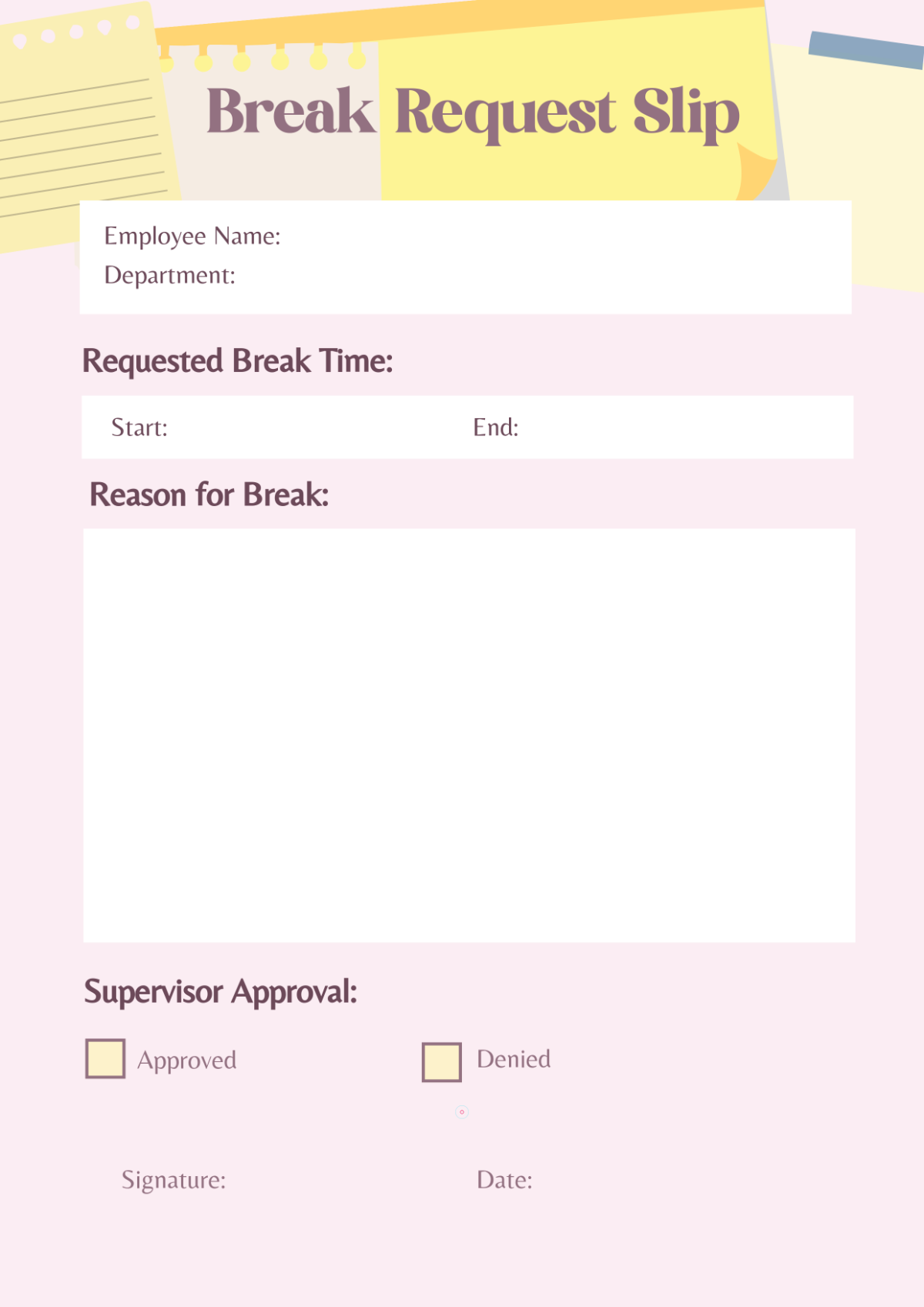
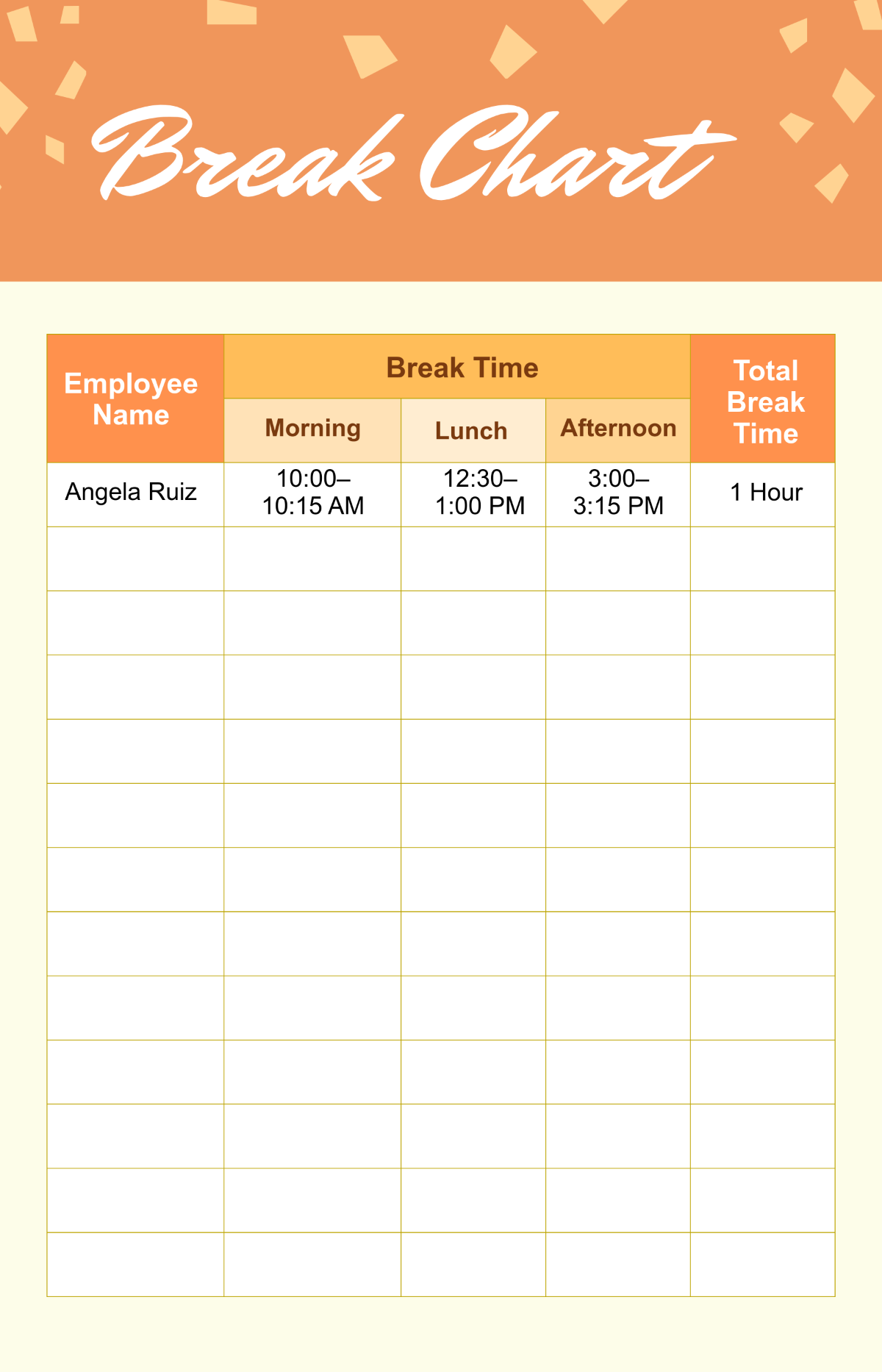


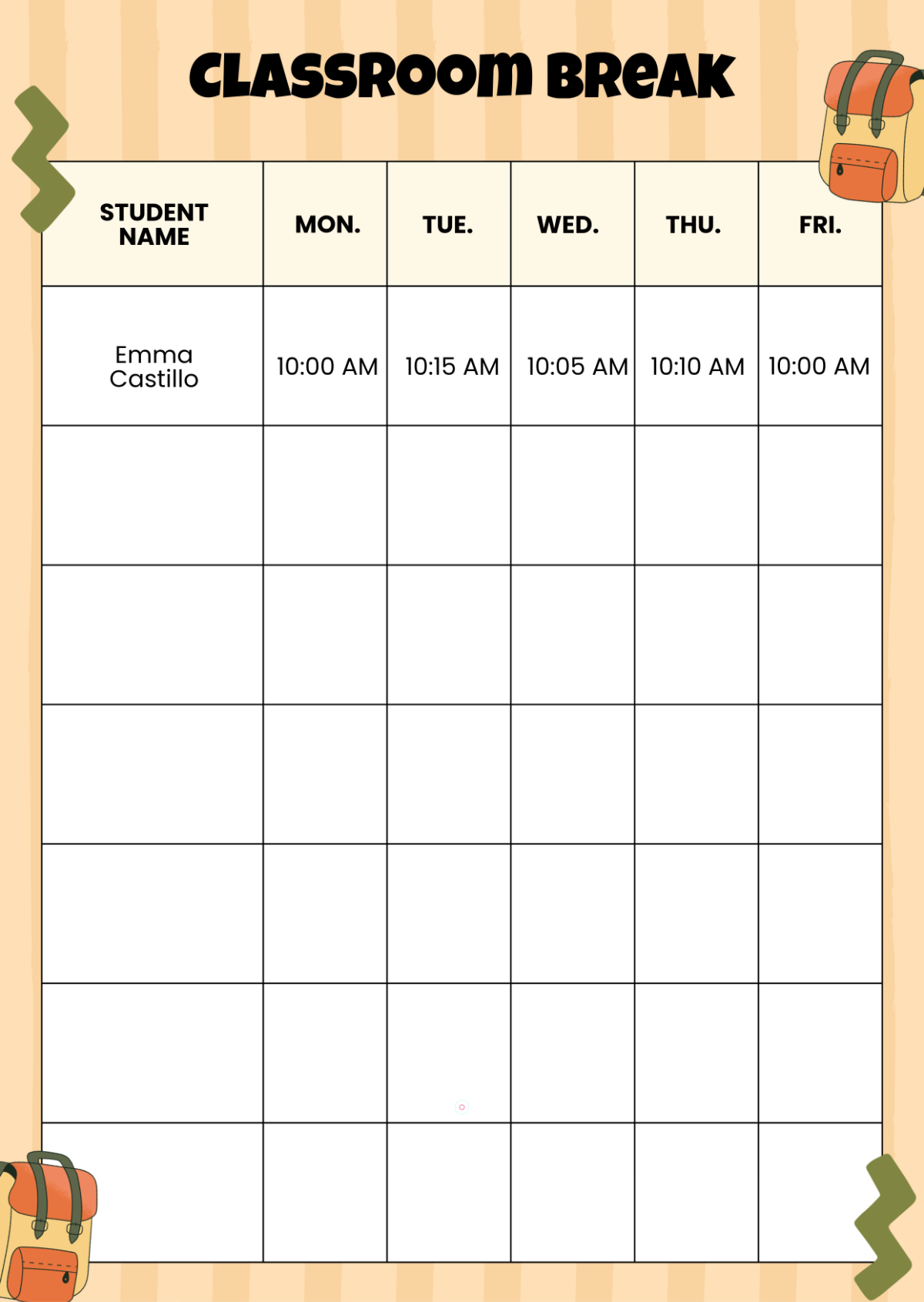
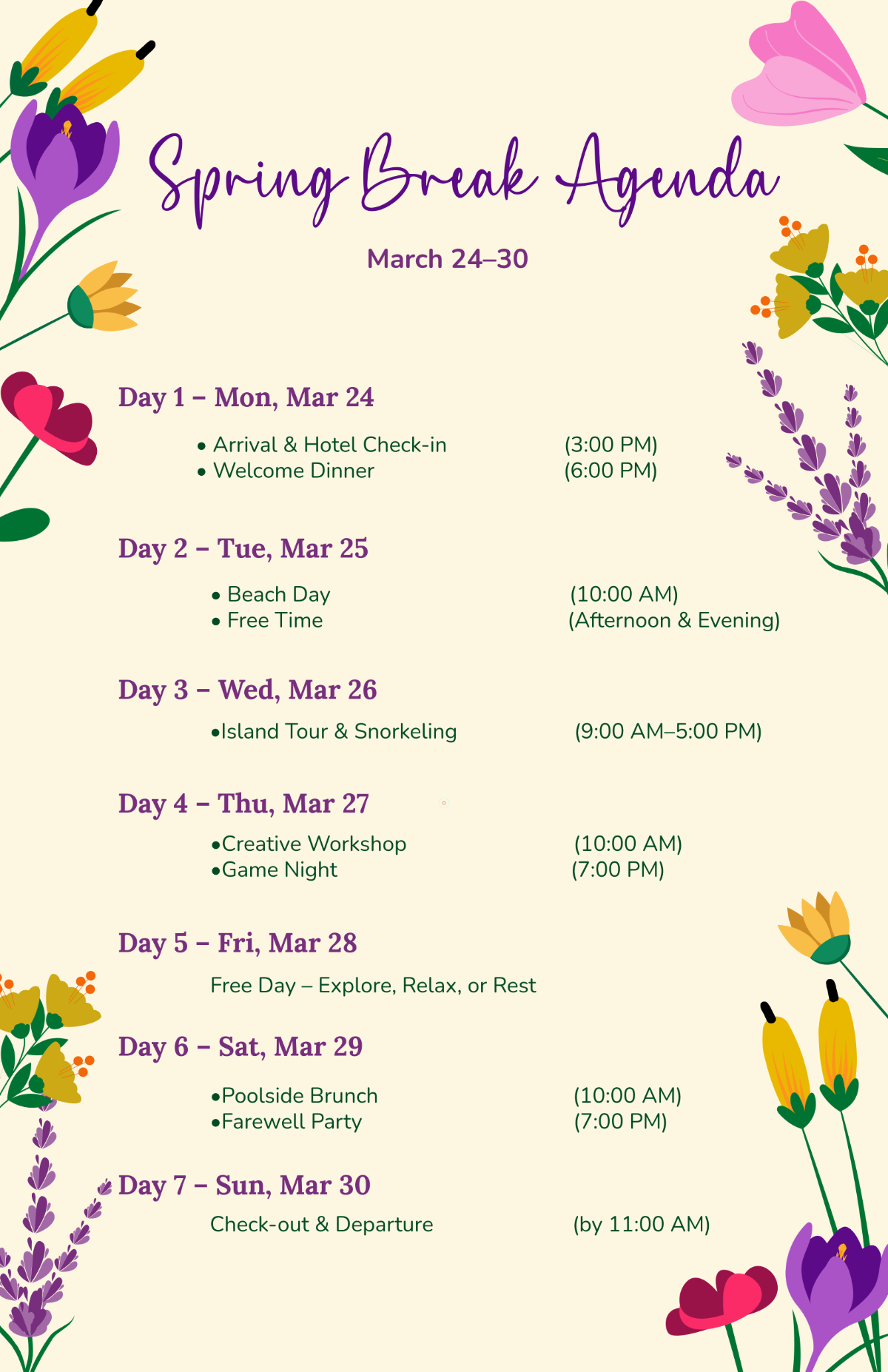
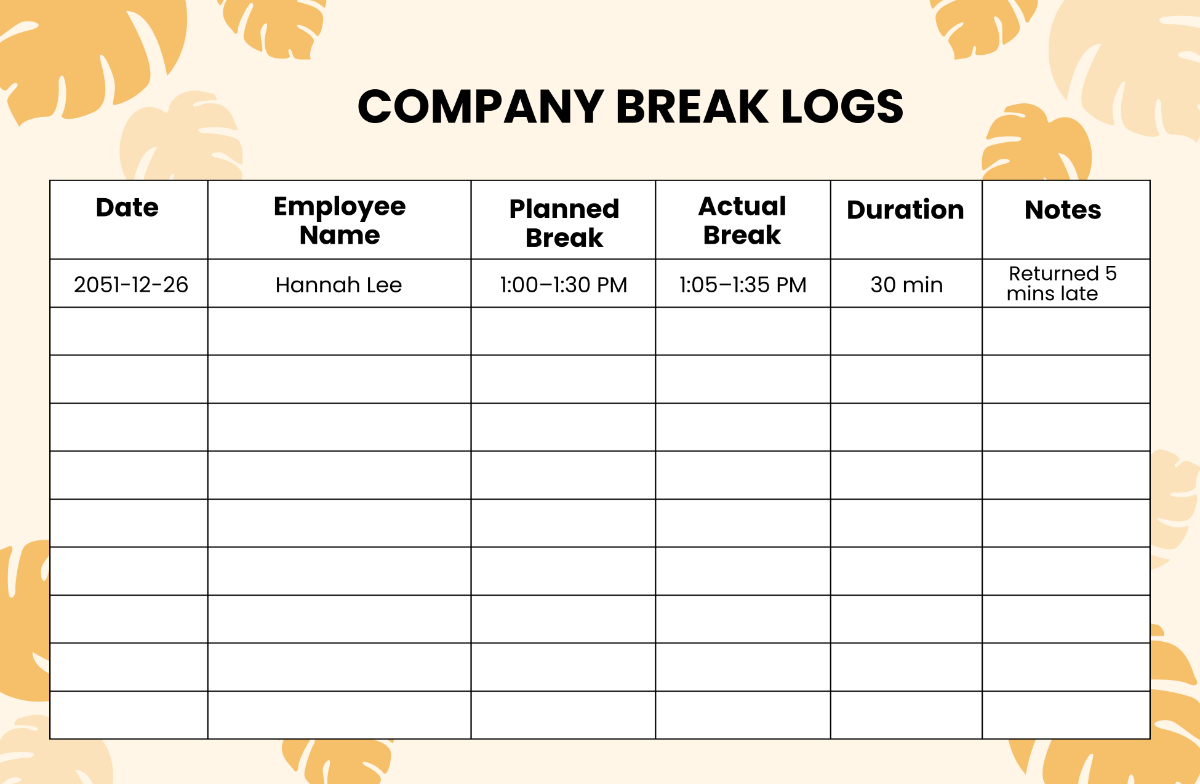
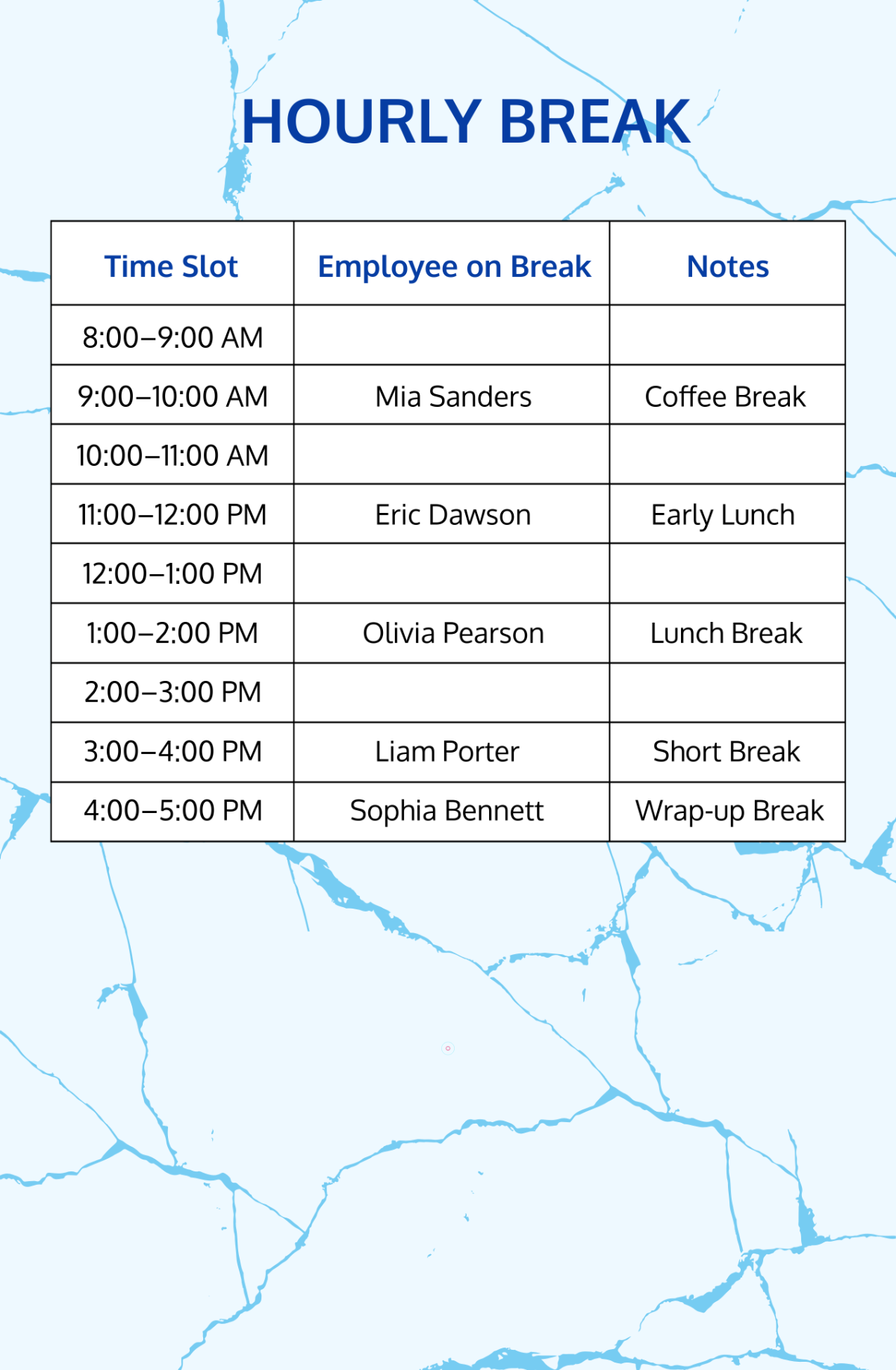

Free Break Templates: Editable Creative Options, Uses, and Online Customization
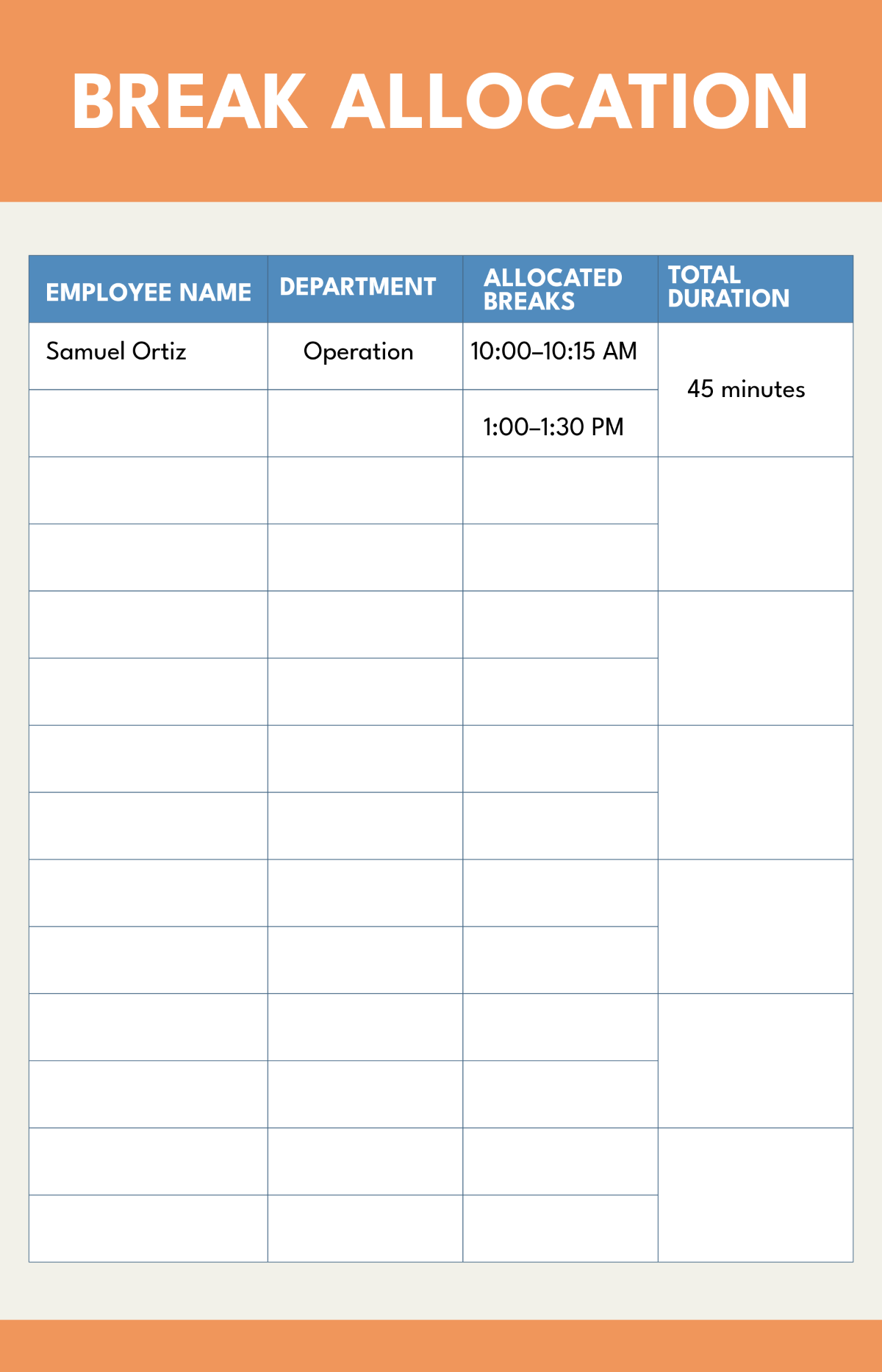
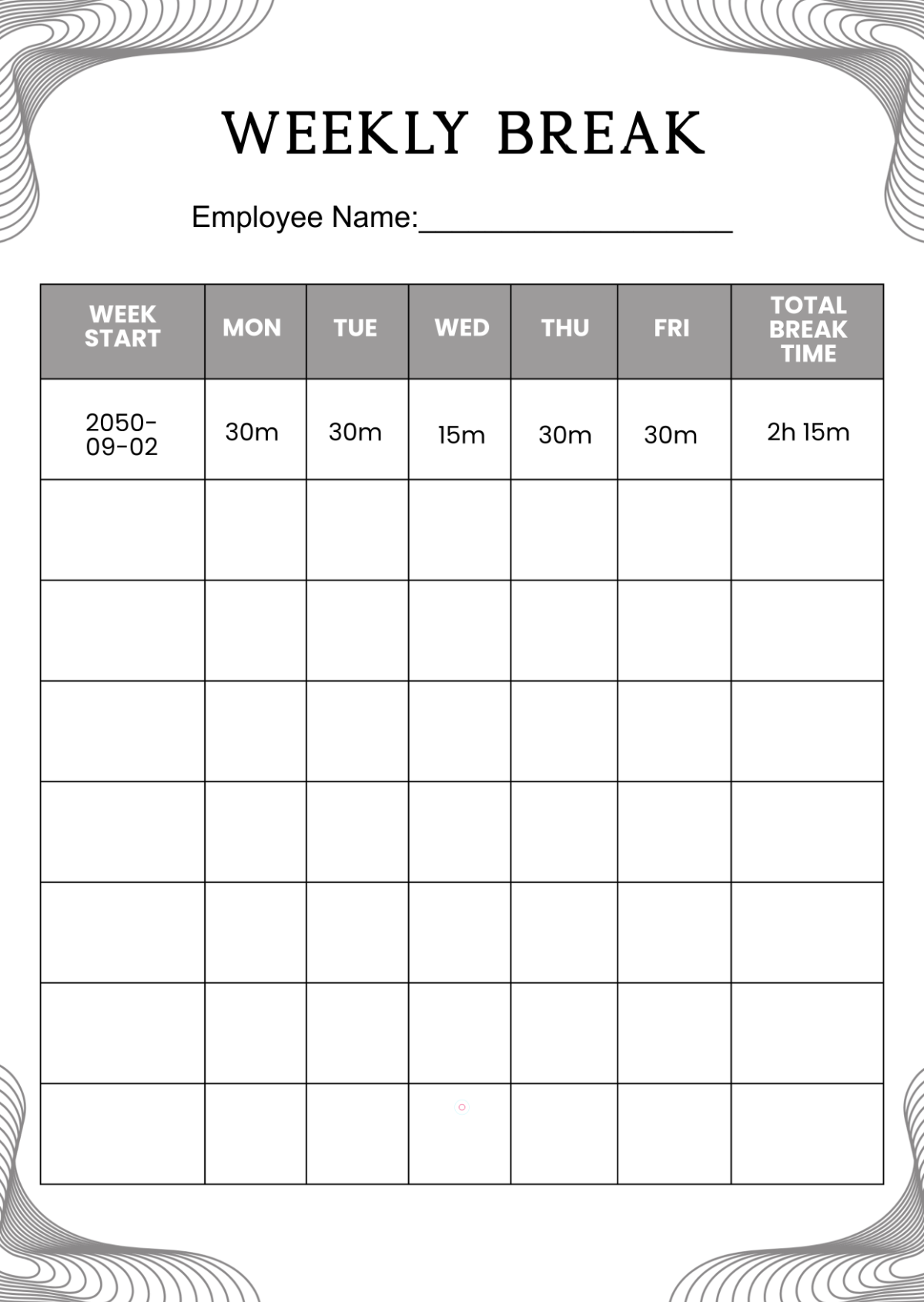
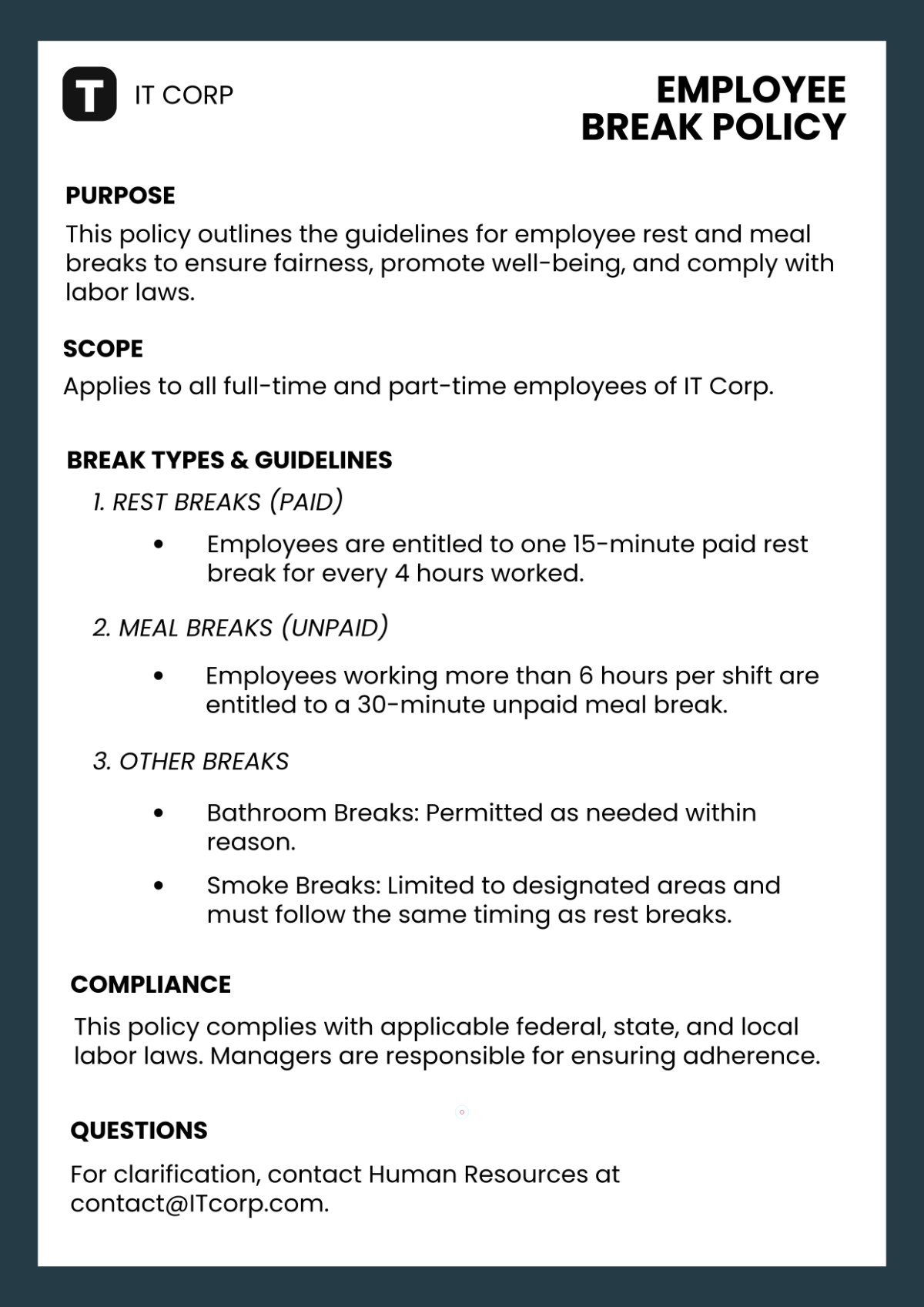
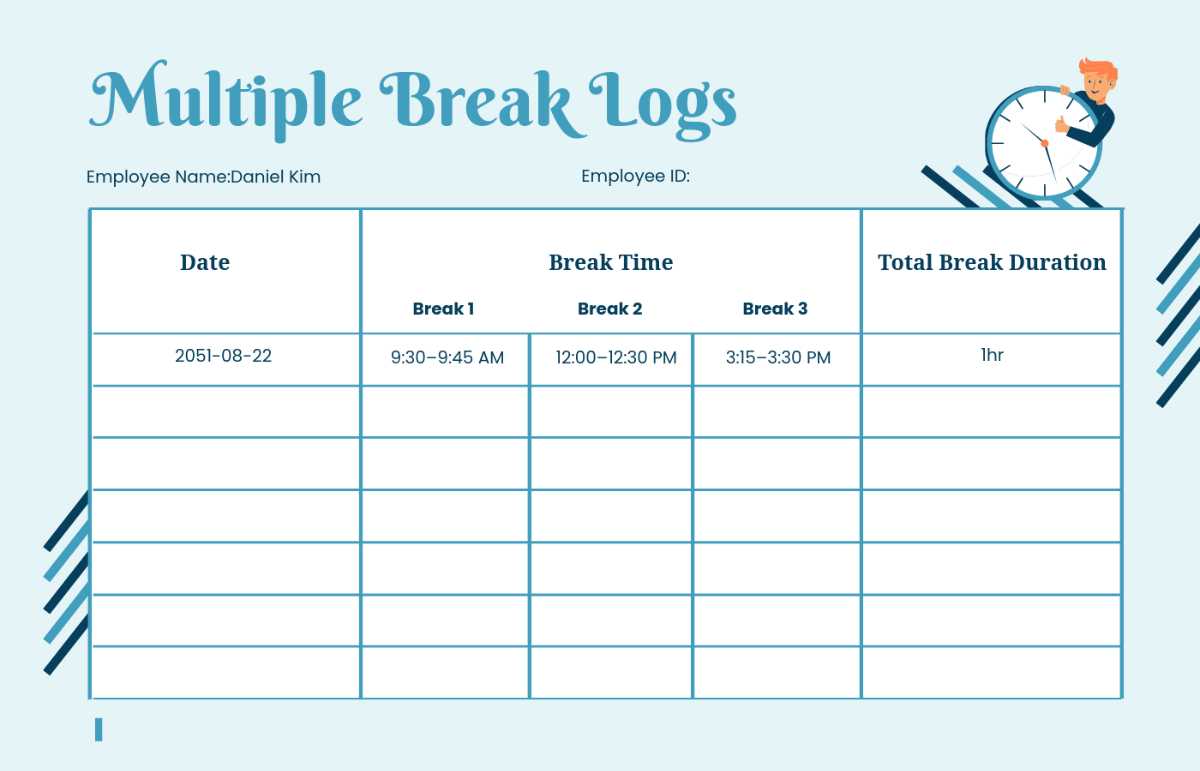
Break templates are professionally designed customizable layouts ideal for printable use and creative projects requiring planned pauses or intervals. Template.net offers a wide range of editable Break templates that you can modify and complete directly in your browser, enabling quick and convenient customization.
What is a Break?
A Break is a designated pause or interval in a schedule, document, or design that provides a clear separation or rest period. In template form, Break templates help you visually or structurally indicate such pauses, making them useful in workflows, presentations, or printed materials requiring planned interruptions or transitions.
Why should I use a Break?
You should use a Break to clearly define rest periods or transitions, improving readability and organization. Break templates help create visually distinct sections or pauses that enhance workflow clarity and make printed or digital materials easier to follow.
Who uses Break?
Break templates are commonly used by professionals in education, event planning, office management, and creative agencies who need to insert clear intervals or pauses in schedules, presentations, or printed materials. Anyone organizing time-based workflows or designing structured documents can benefit from Break templates.
What are the best tips for completing my Break?
When completing a Break template, consider these tips:
- Clear labeling: Use descriptive text to indicate the purpose and duration of the break.
- Consistent styling: Match colors and fonts to the overall design for cohesiveness.
- Appropriate spacing: Ensure breaks are visually distinct but not disruptive.
- Printable format: Check margins and size for clear print output.
Can I create a Break using AI?
You can create a Break using AI tools on Template.net or other platforms to generate custom layouts and text suggestions. However, the main focus here is on editable Break templates that you can modify directly in your browser for precise control and personalization.
When should I use a Break?
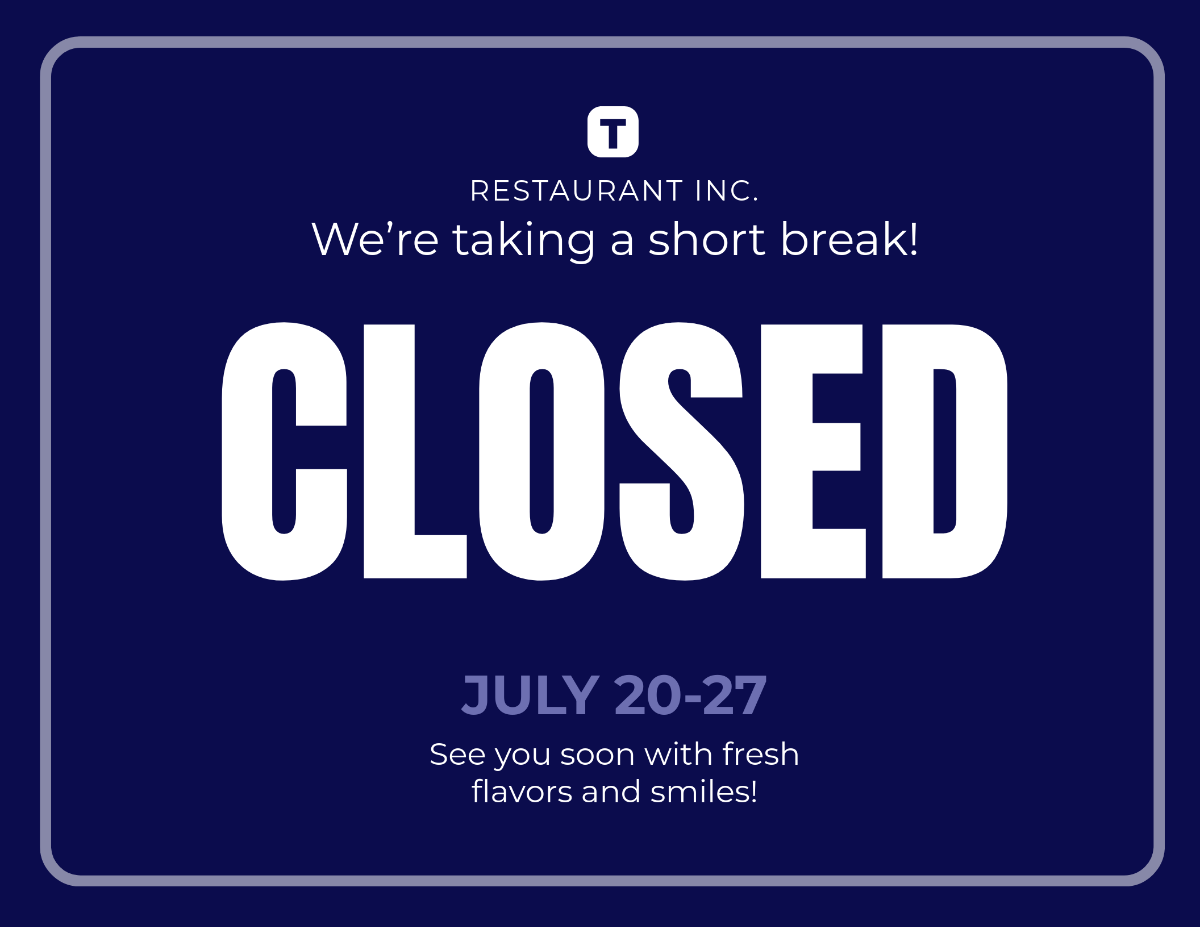
You should use a Break whenever you need to indicate a pause or transition in schedules, presentations, or printed materials. Break templates are ideal for meetings, training sessions, event programs, or any workflow that benefits from clearly defined intervals.
What are the essential elements of a Break template?
Essential elements of a Break template include:
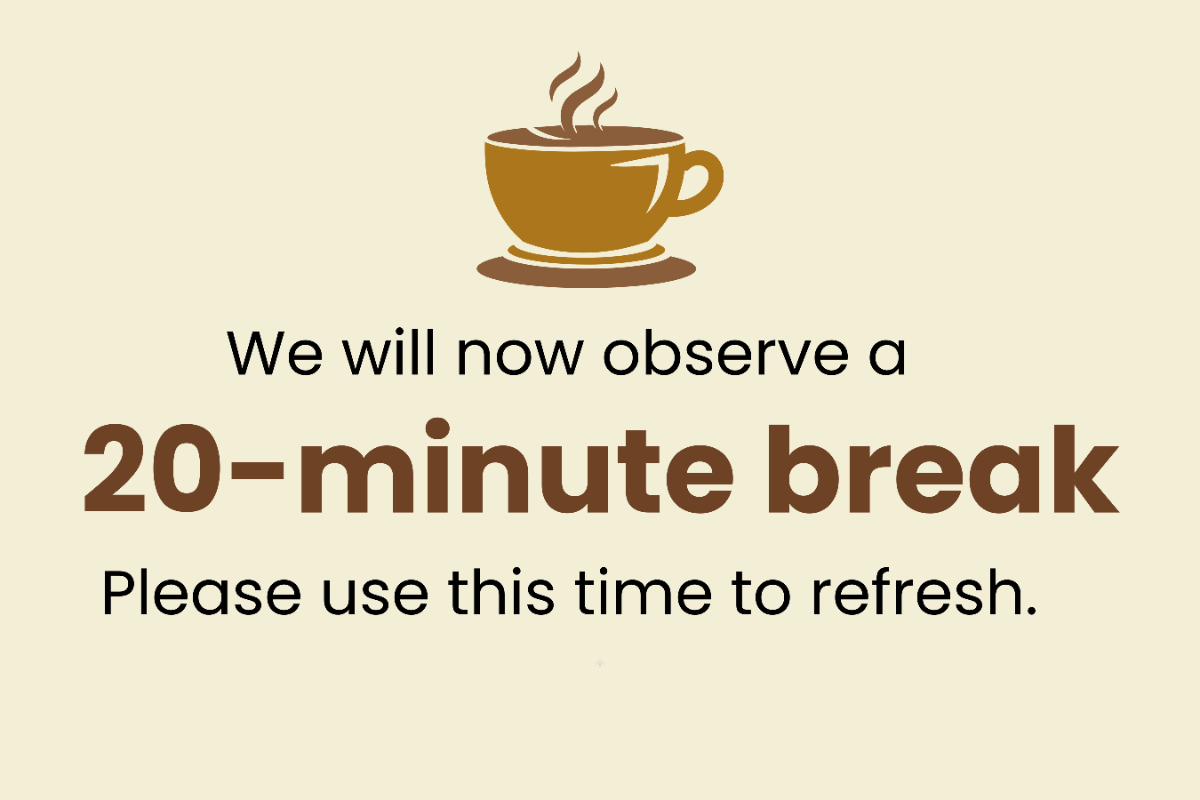
- Title or label: Clearly marks the break period.
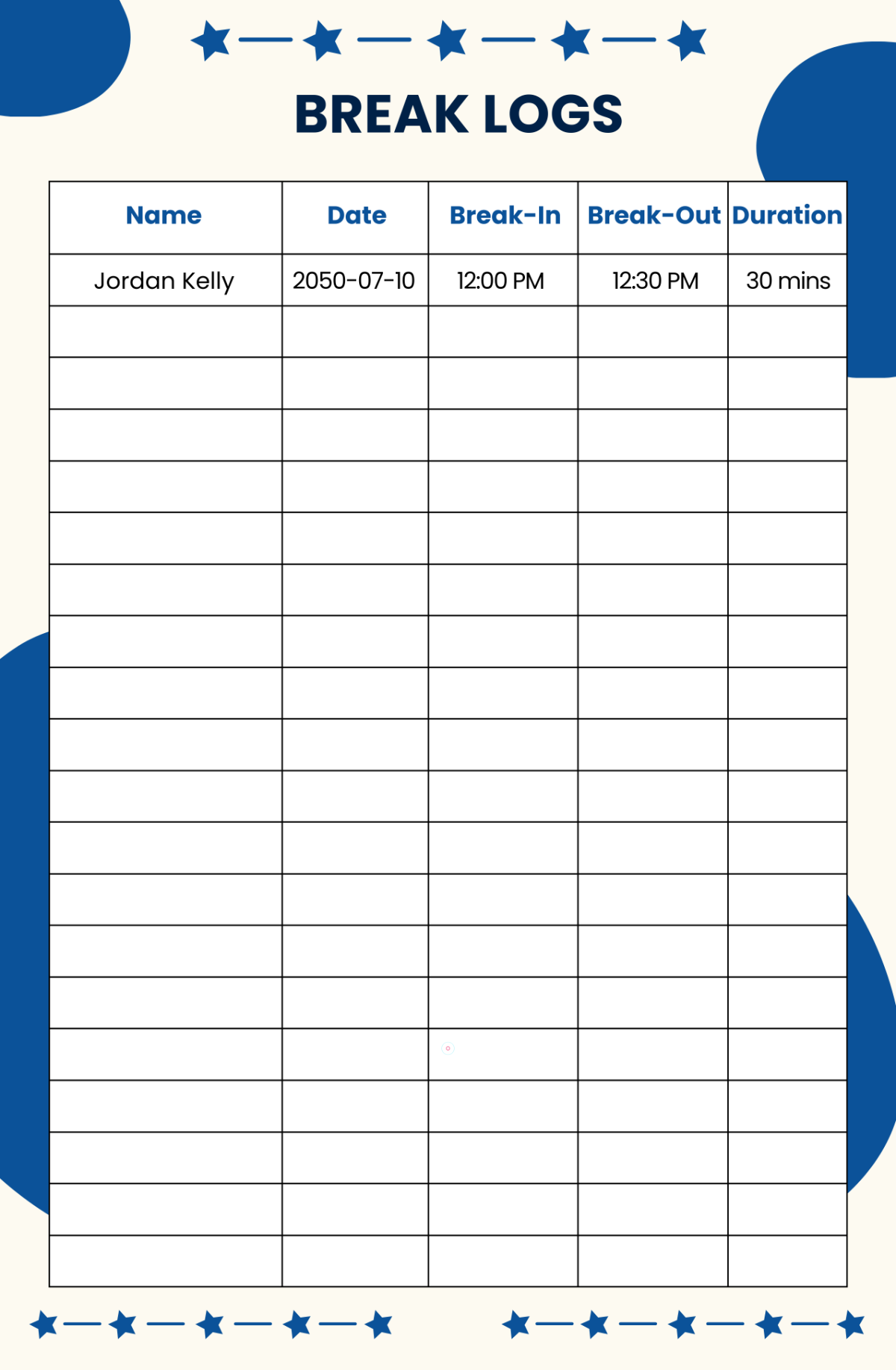
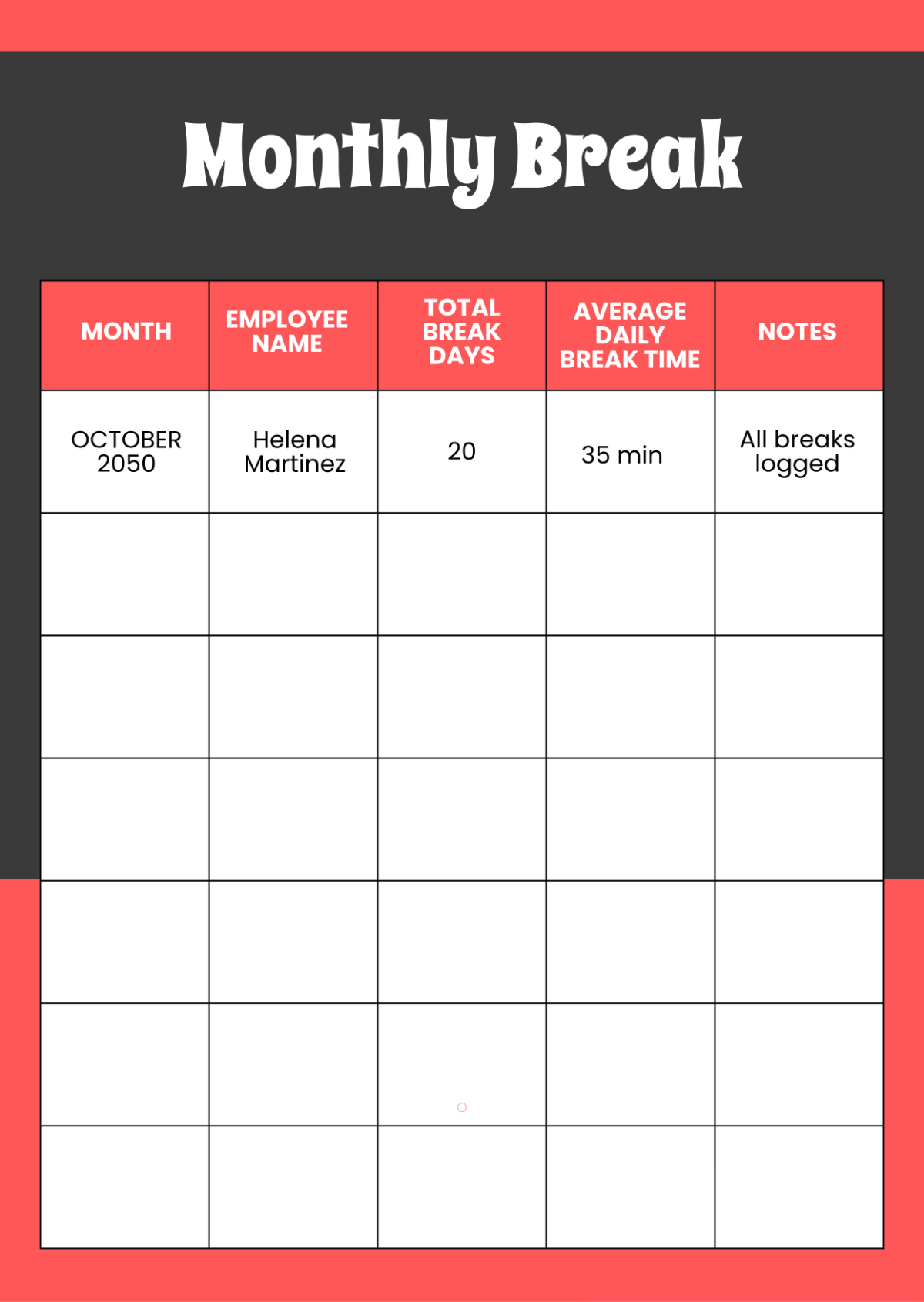
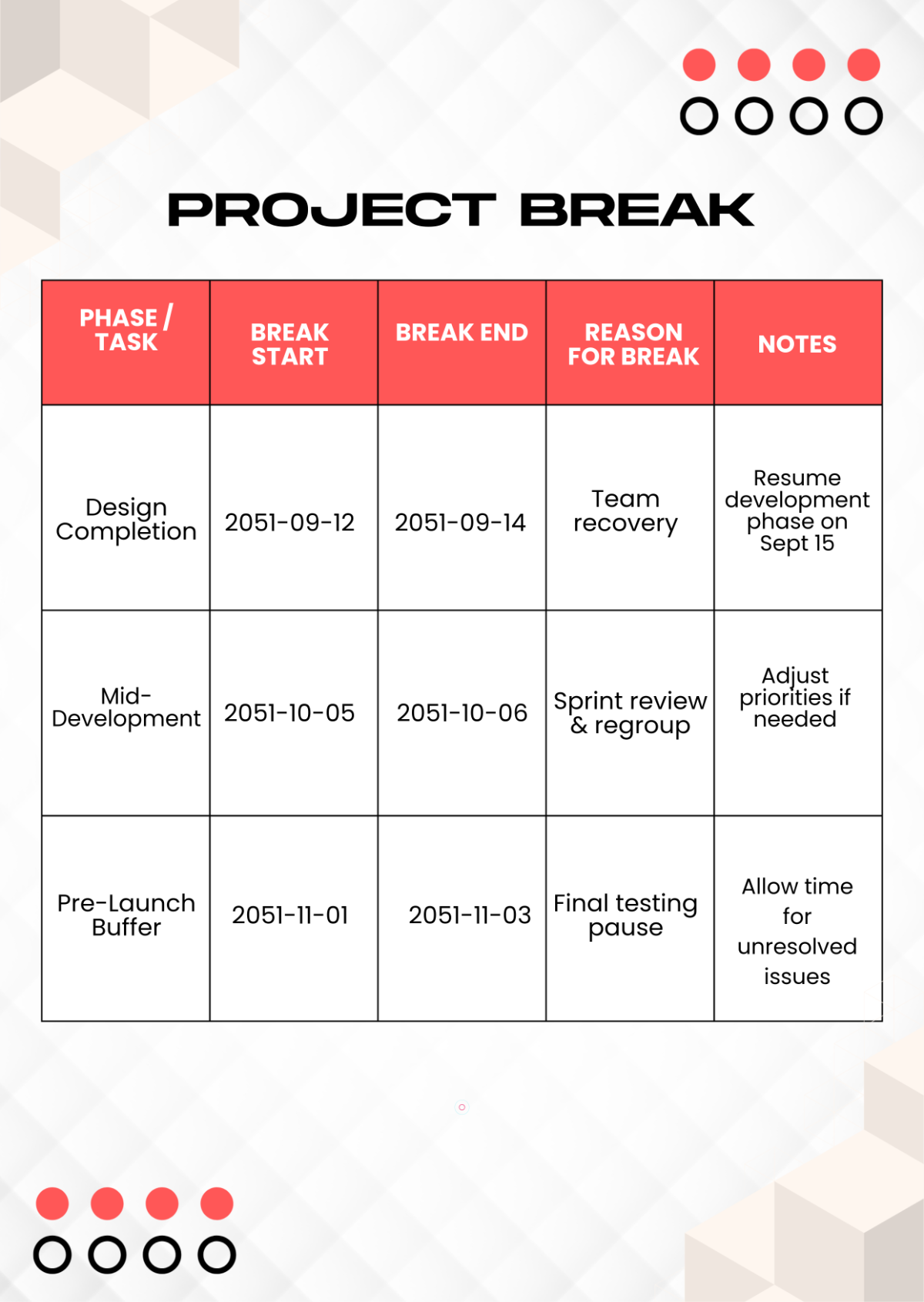
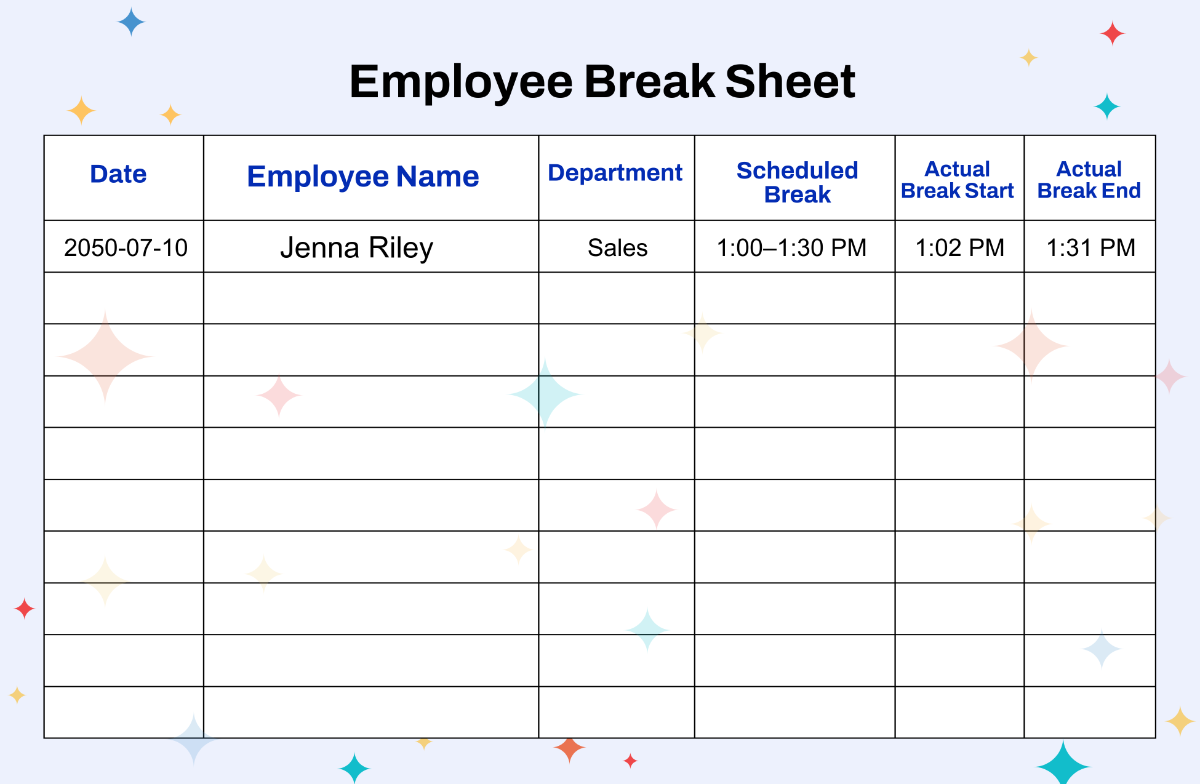
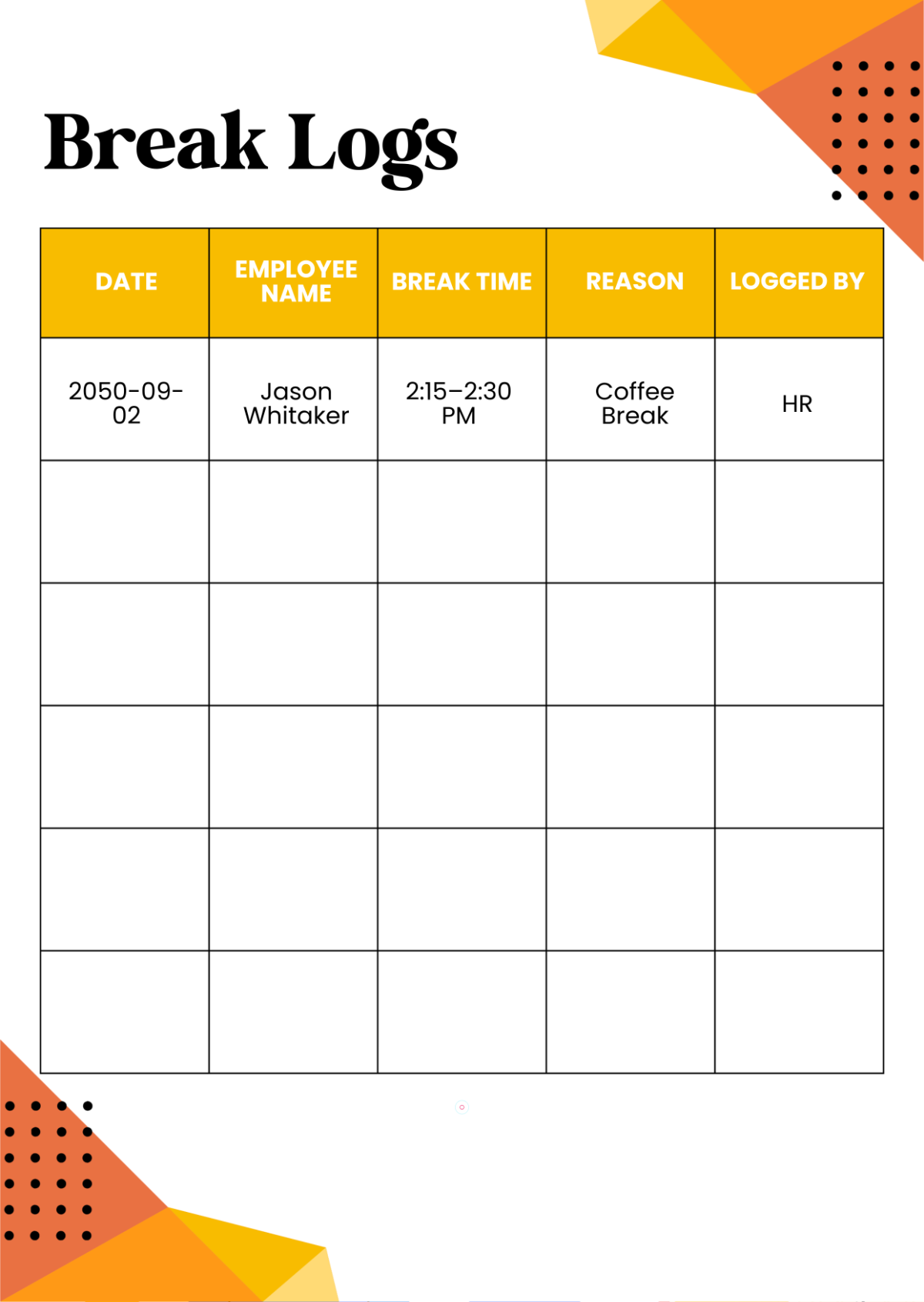
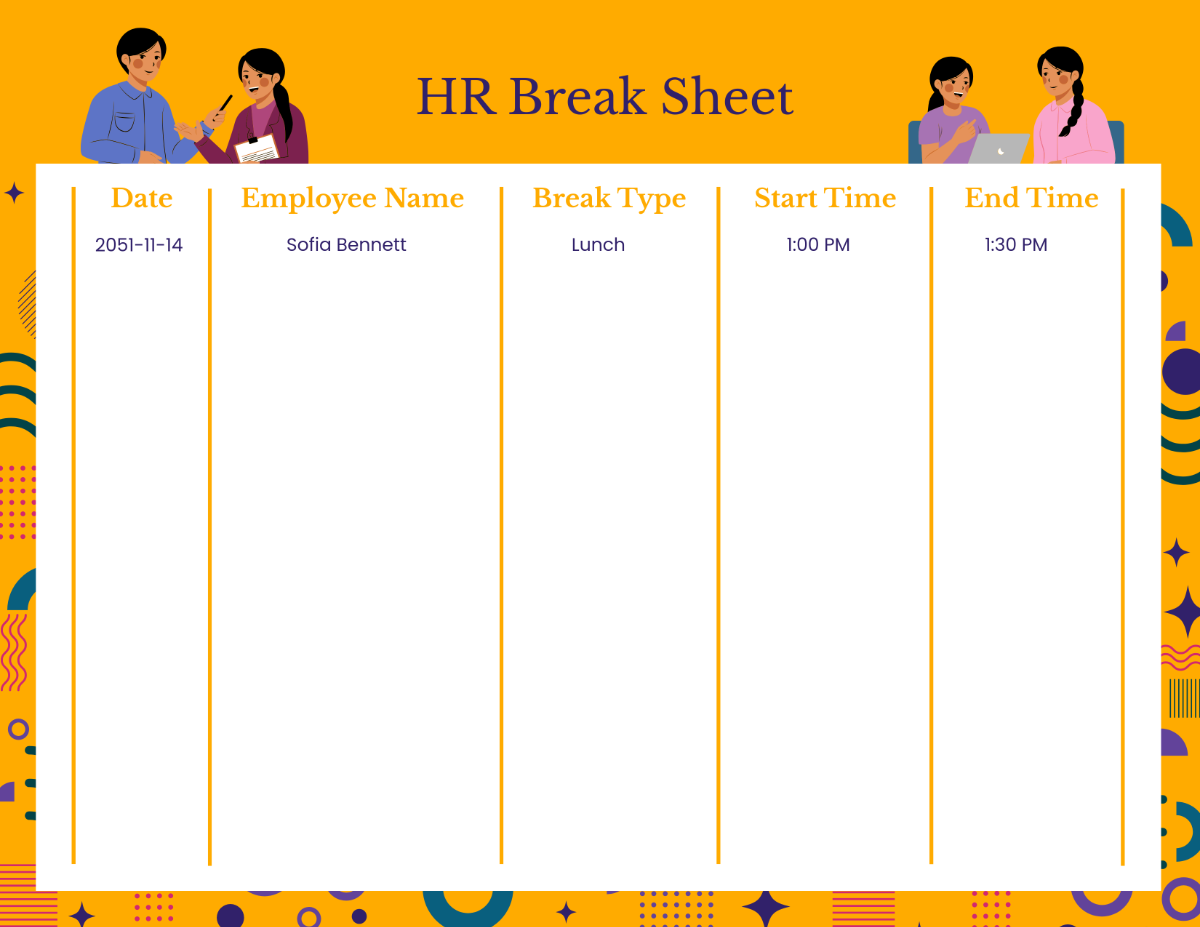
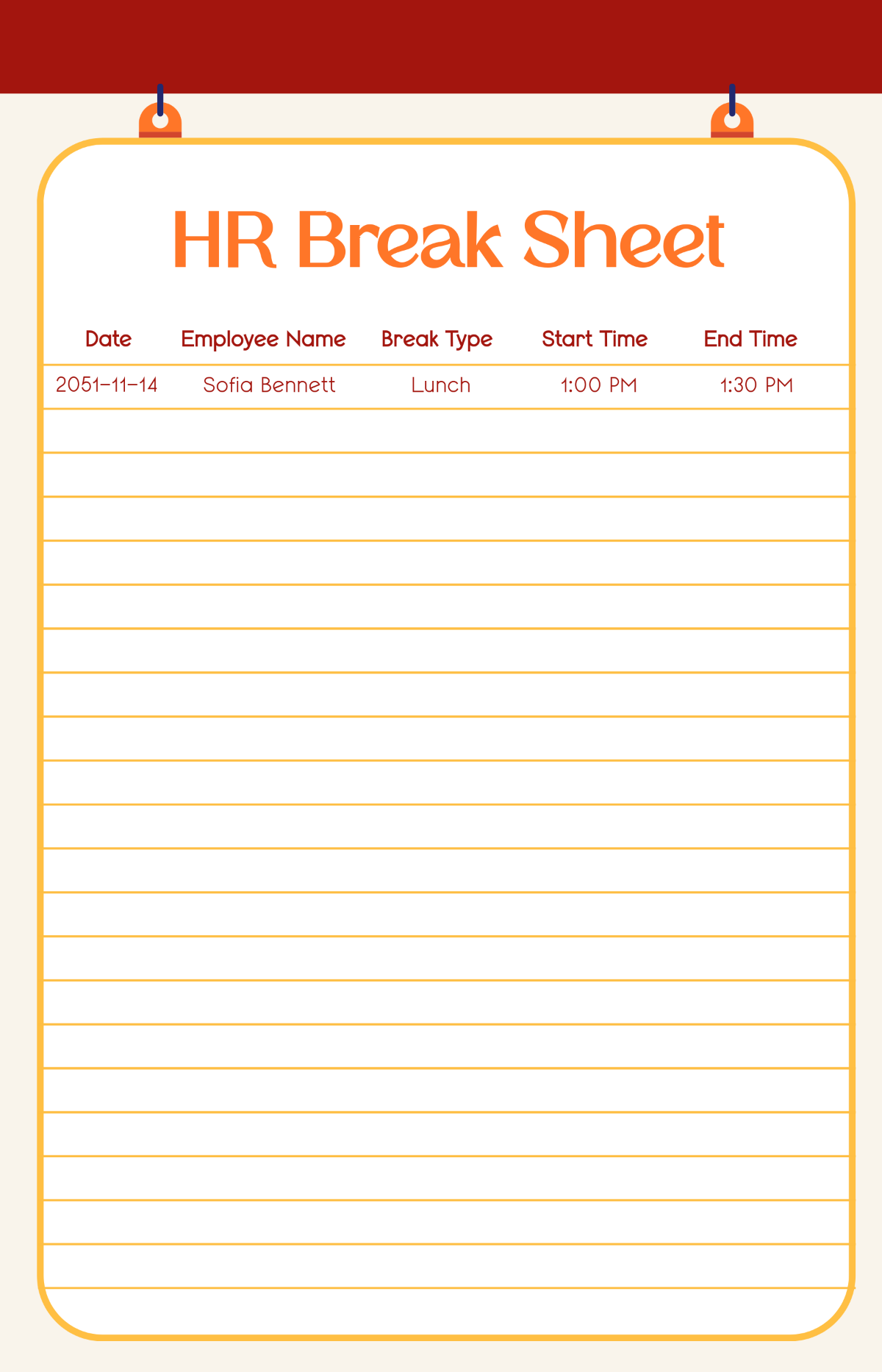
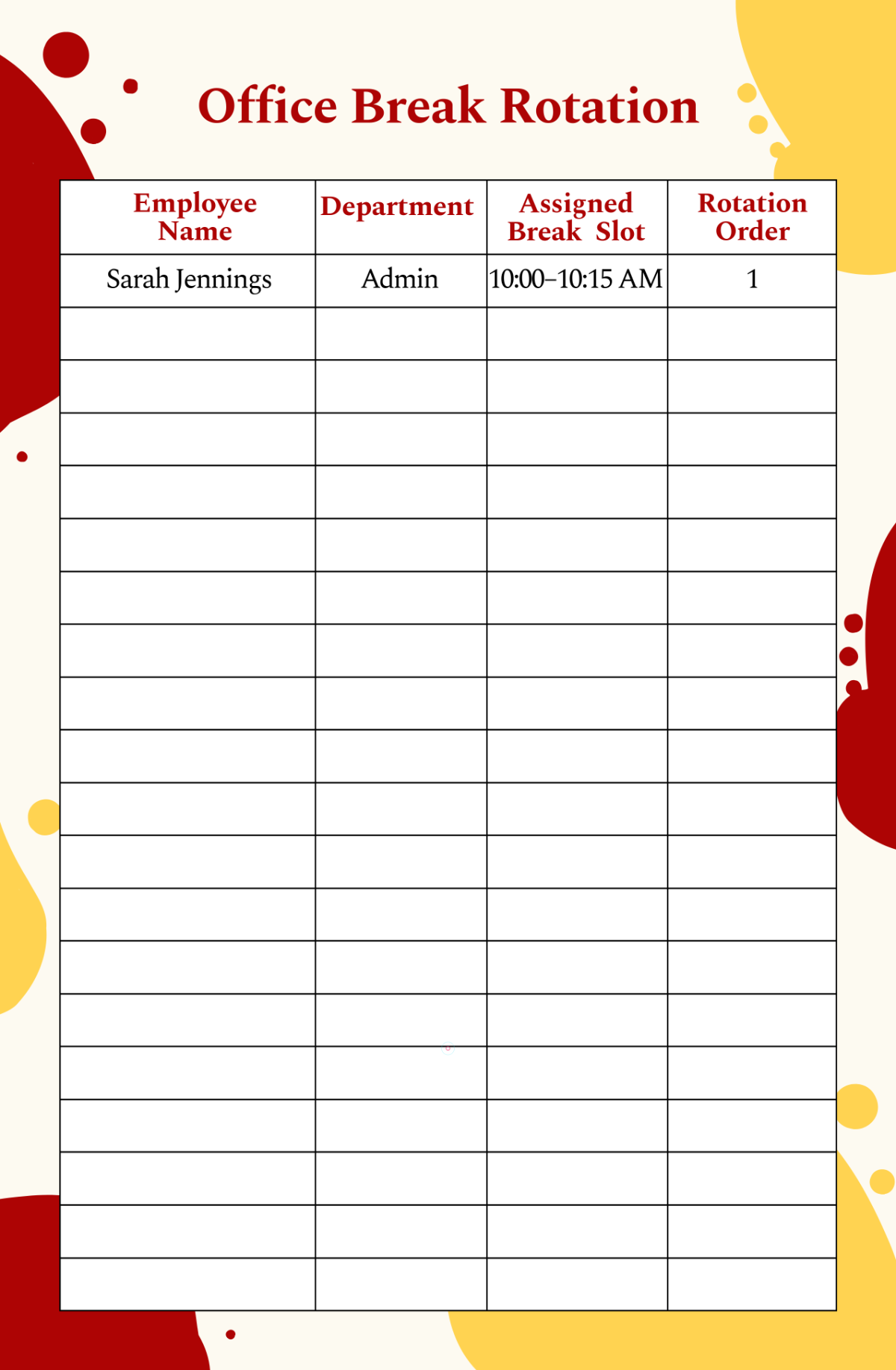
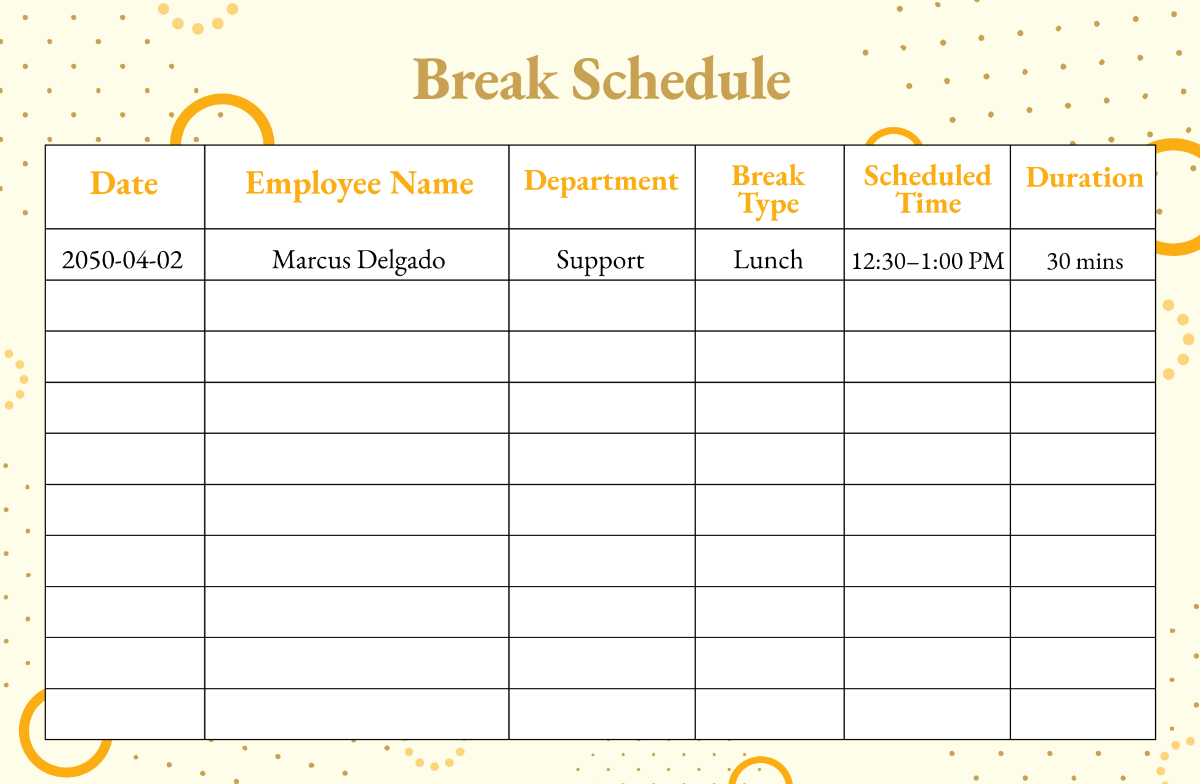
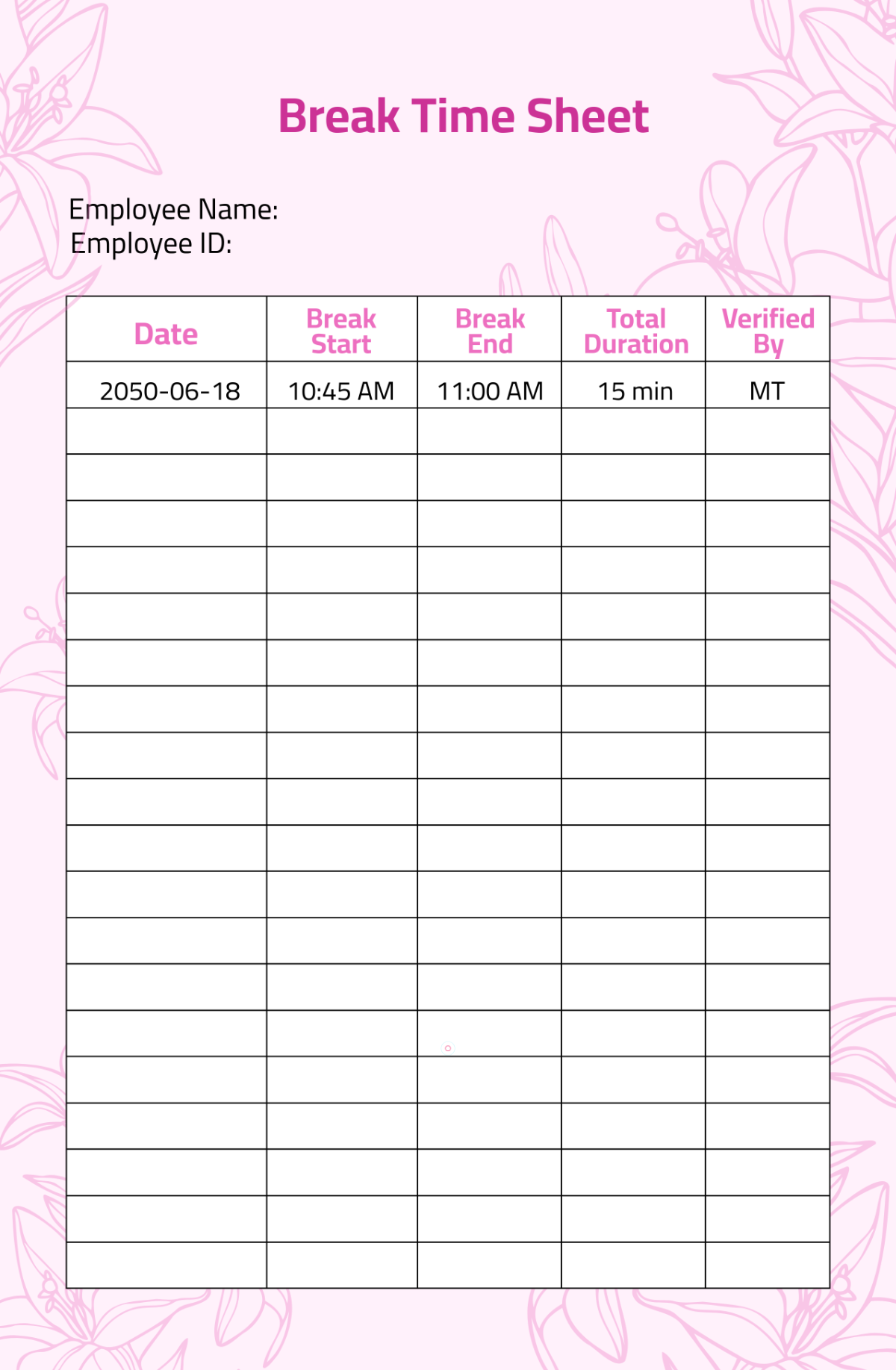
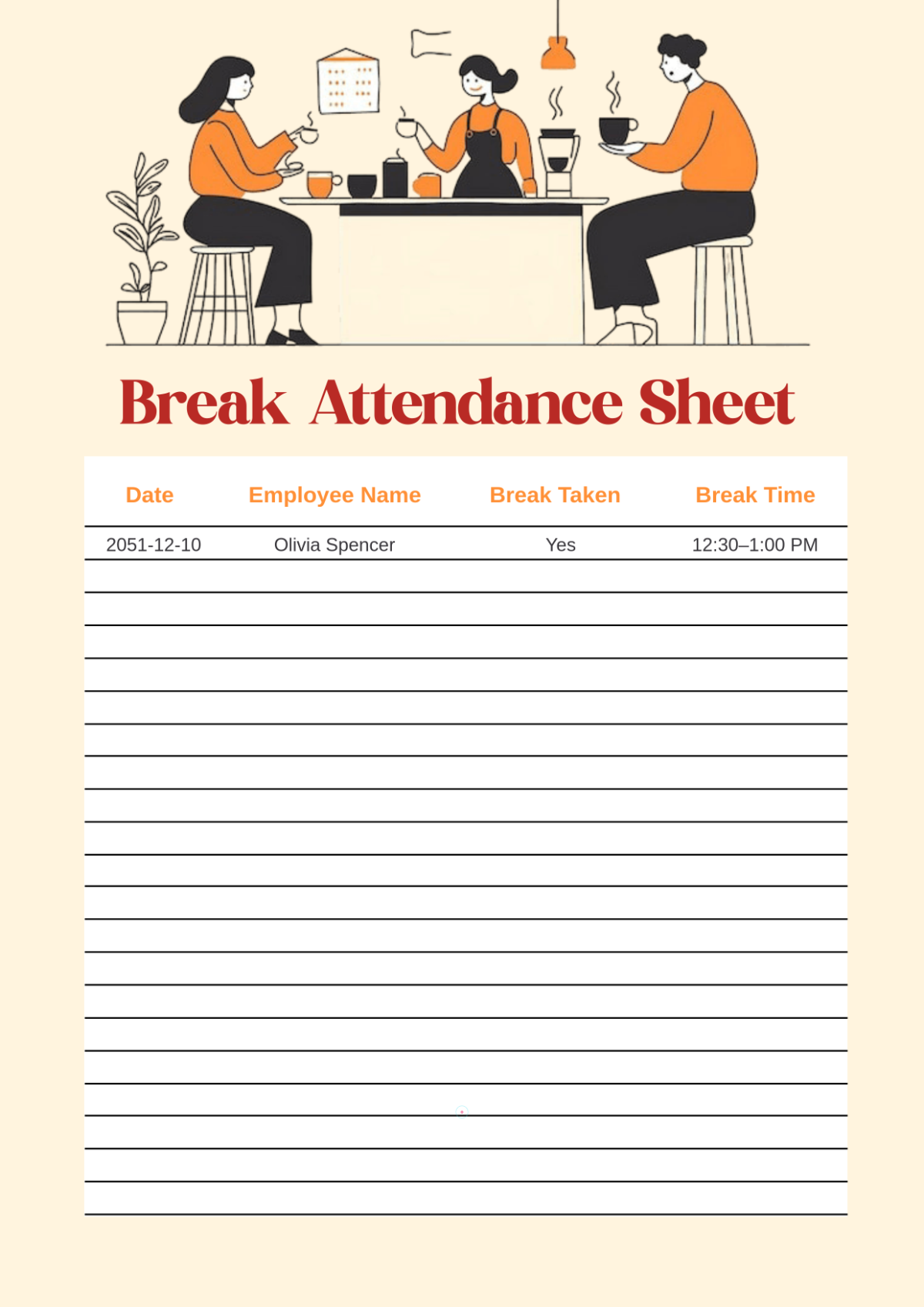
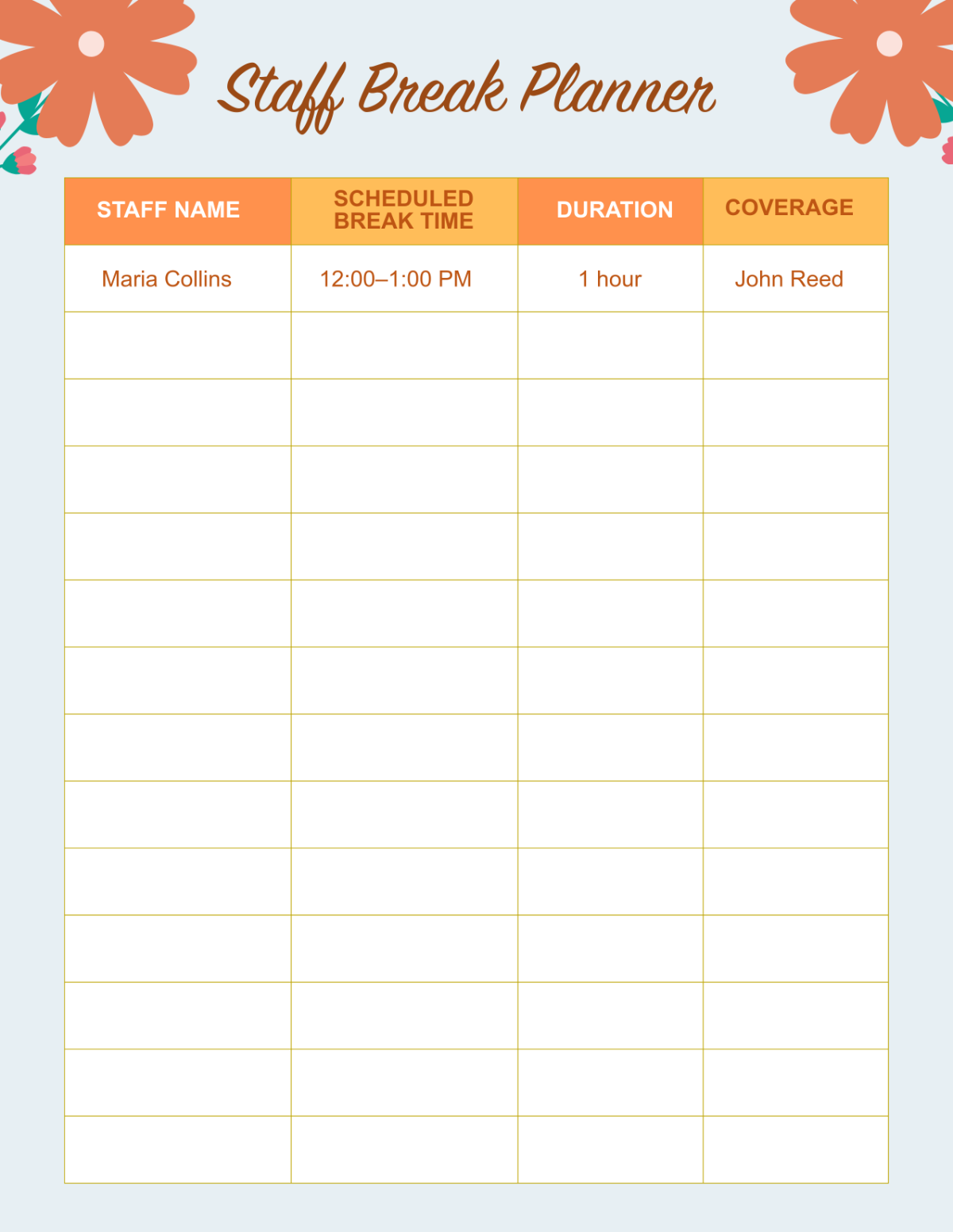
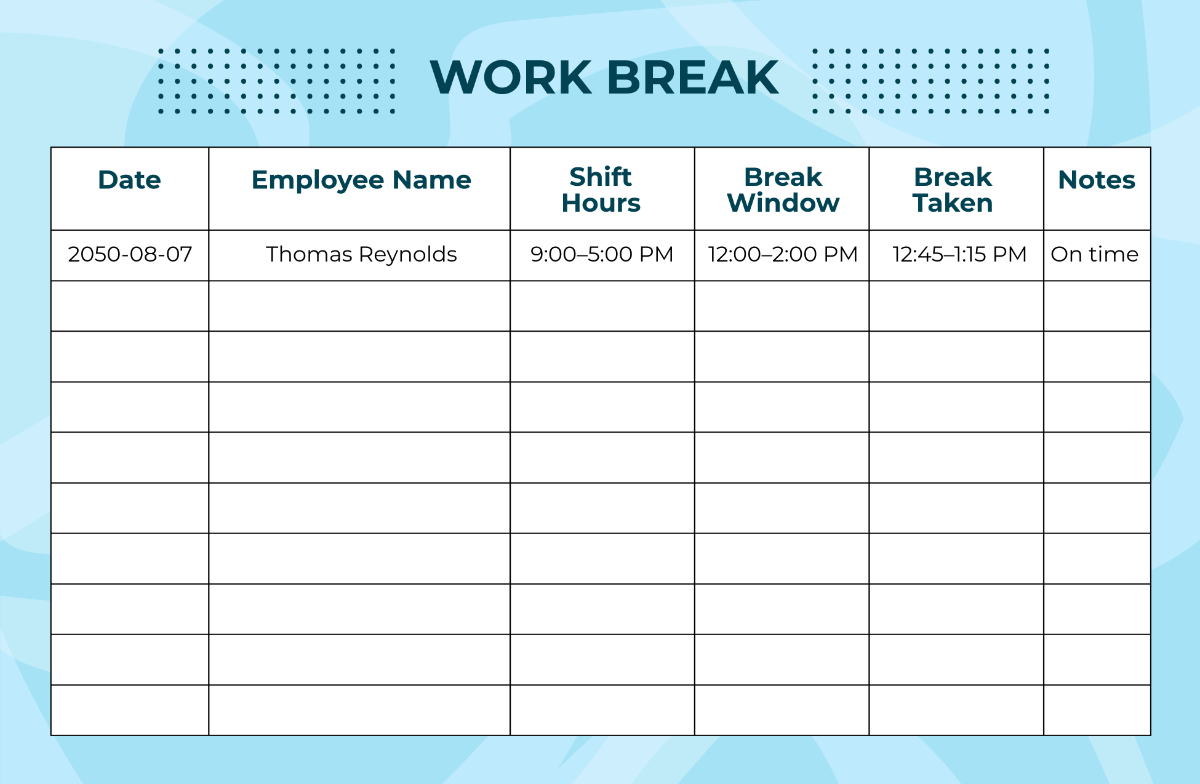
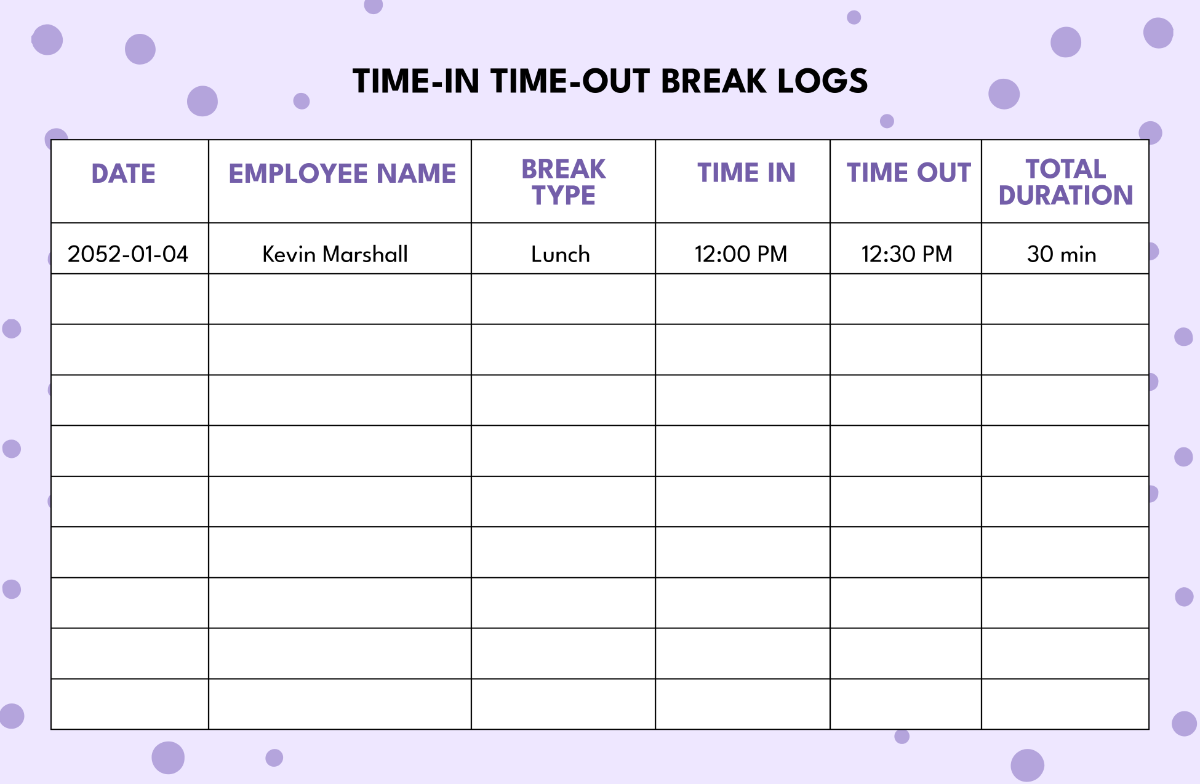
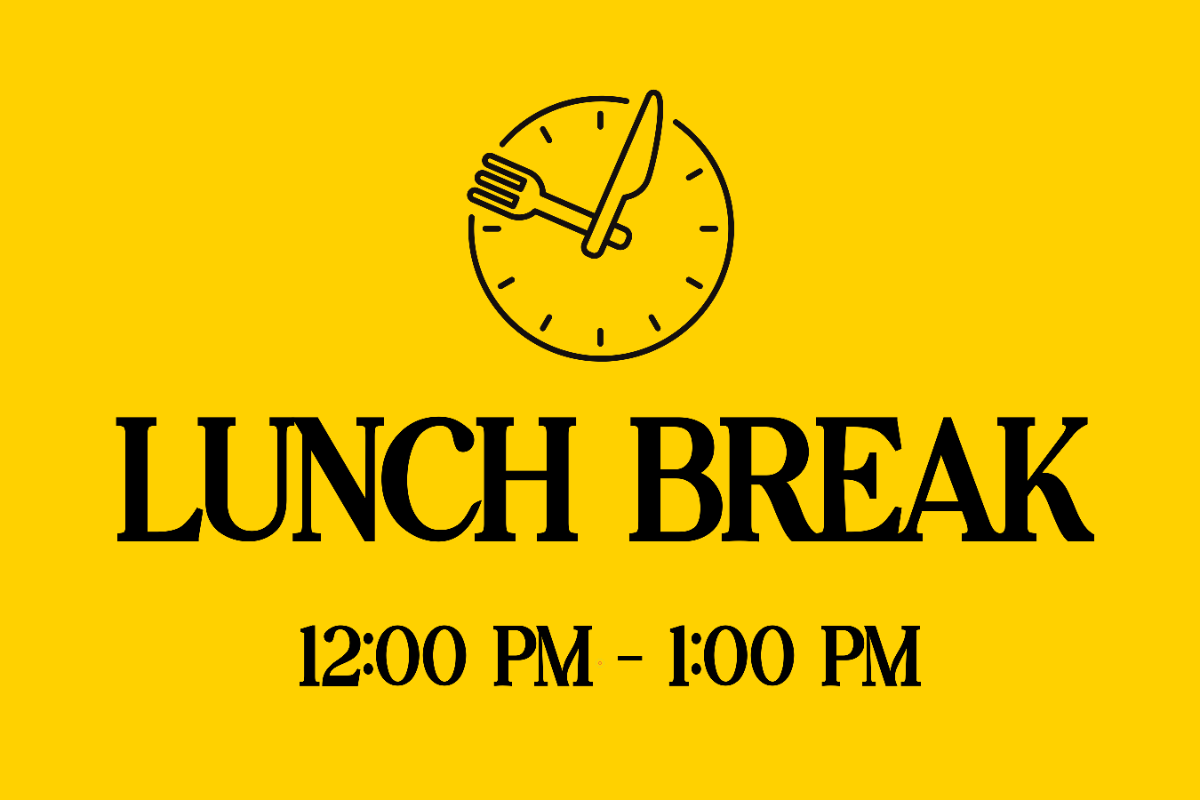
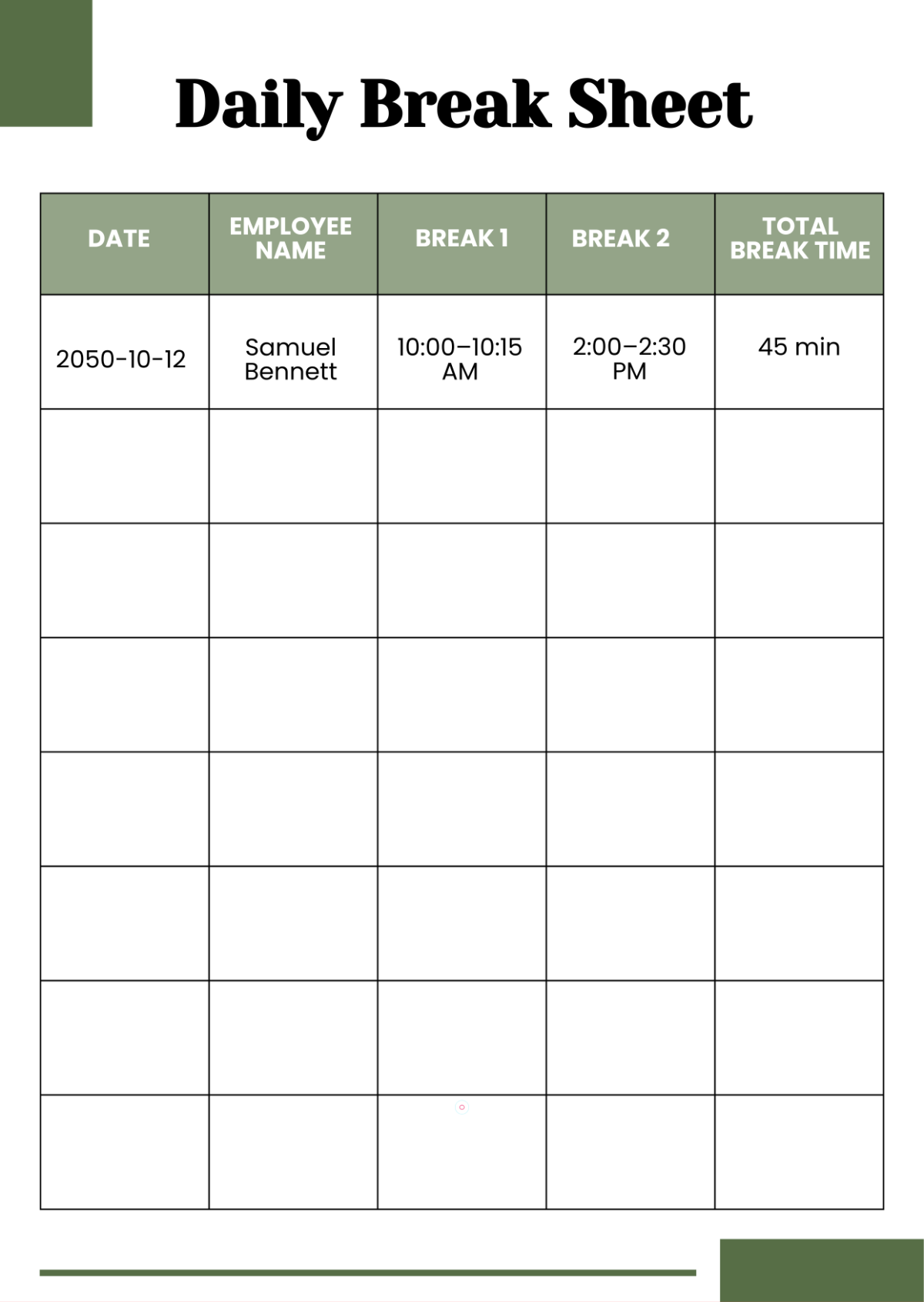
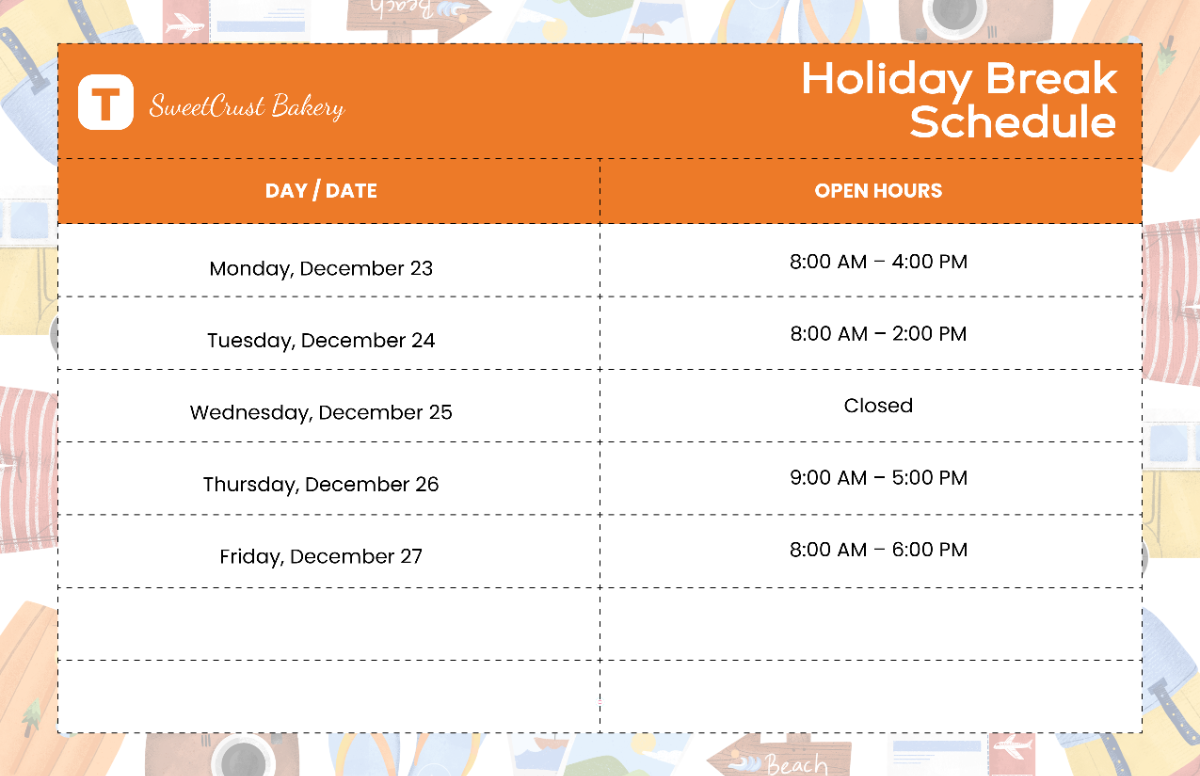
- Time frame: Specifies the duration or timing of the break.
- Visual separators: Lines, borders, or icons to distinguish the break.
- Instructions or notes: Optional text guiding users during the break.
How is Break used in professional workflows?
Break templates are used in professional workflows to organize schedules, improve time management, and enhance presentation clarity. They help professionals insert necessary pauses without confusion, facilitating smoother transitions and better audience or team engagement.
What are common use cases for Break templates?
Common use cases for Break templates include:
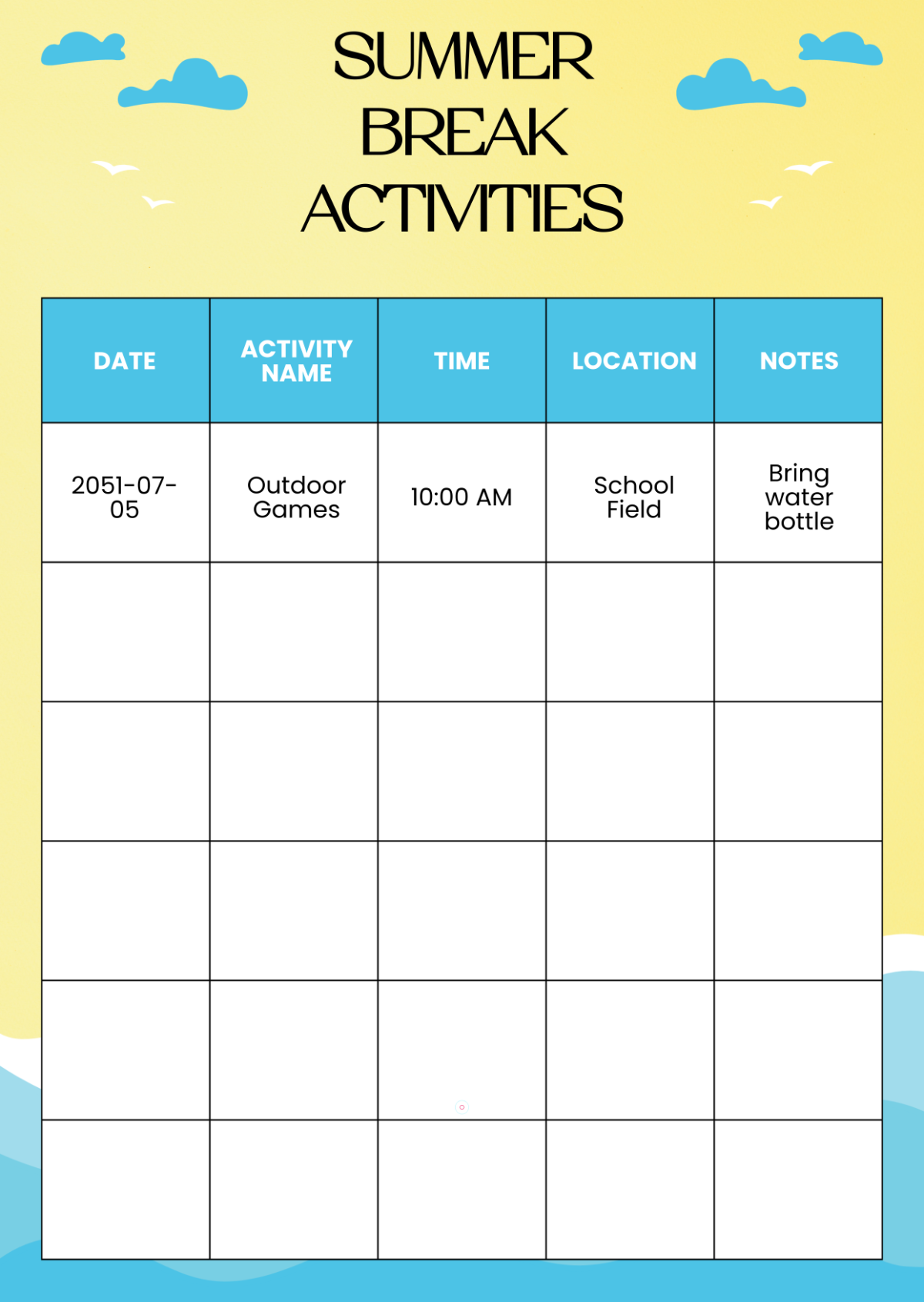
- Event agendas: Marking rest or networking periods.
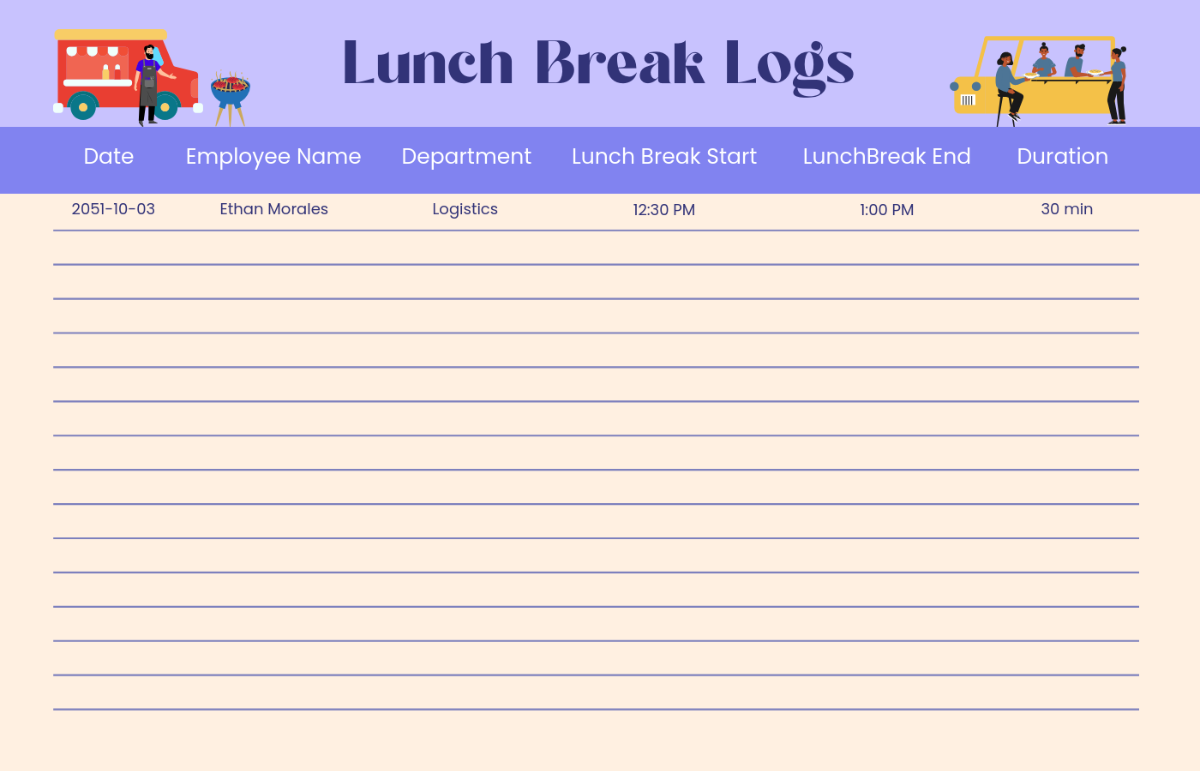
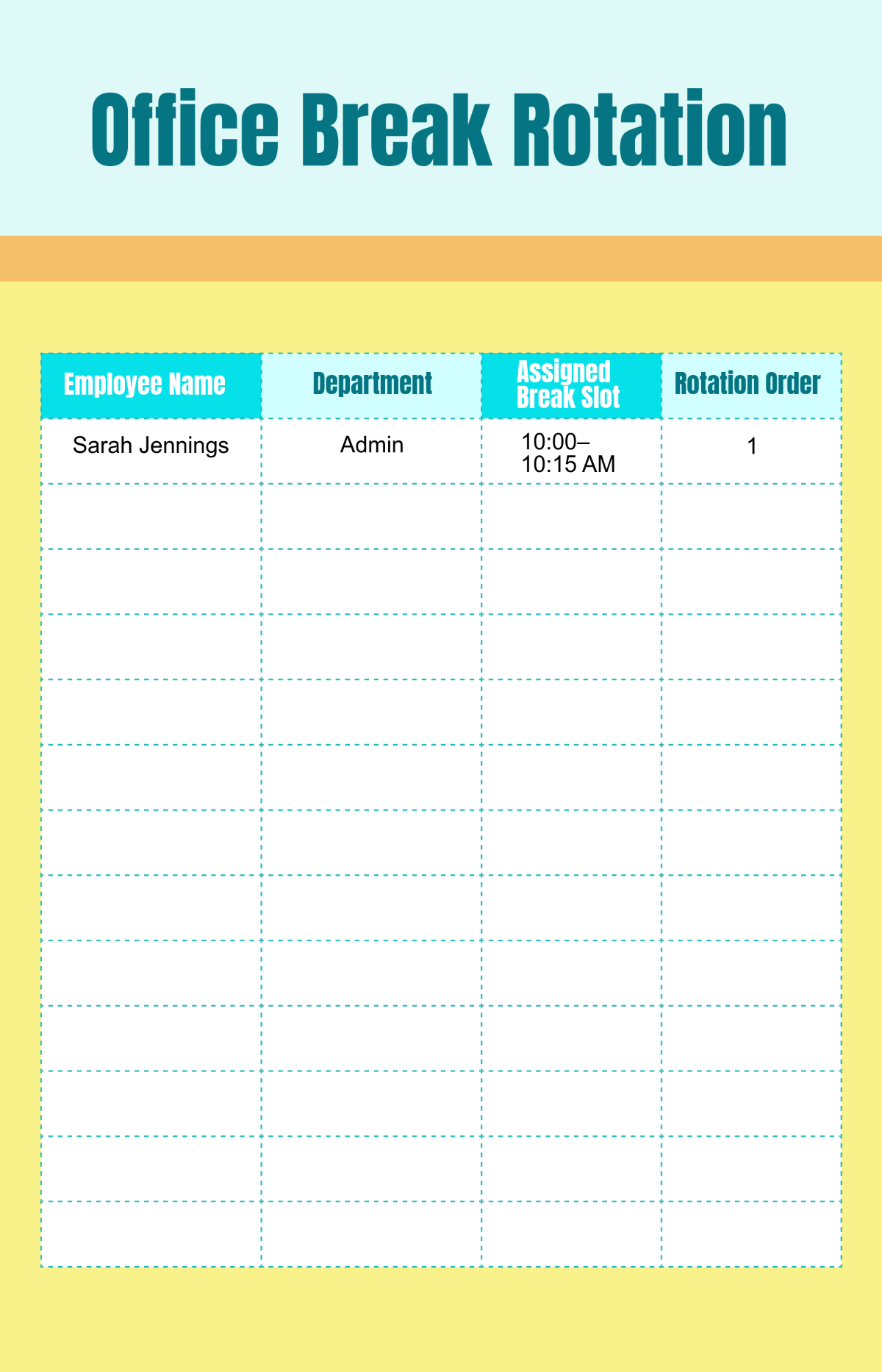
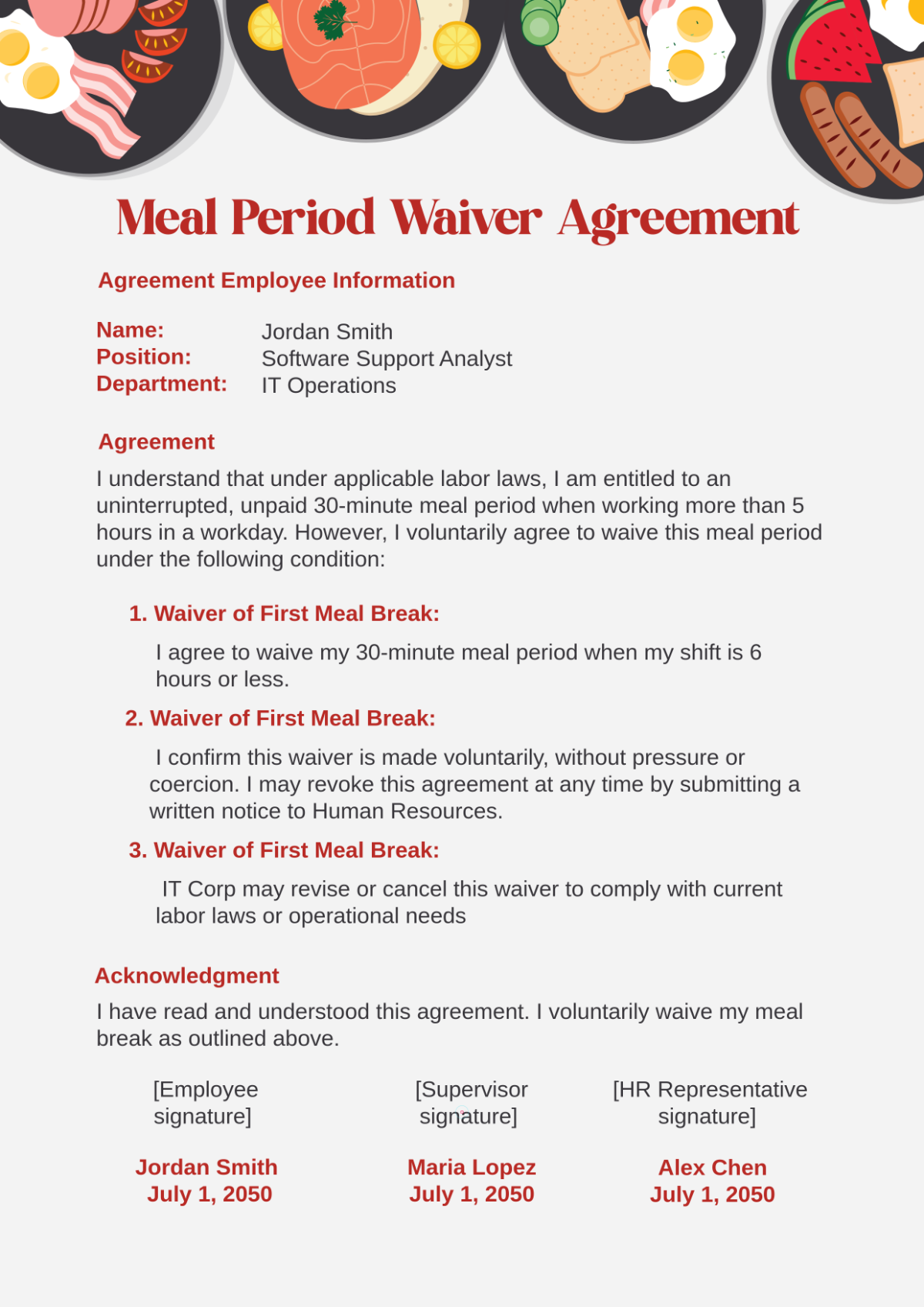
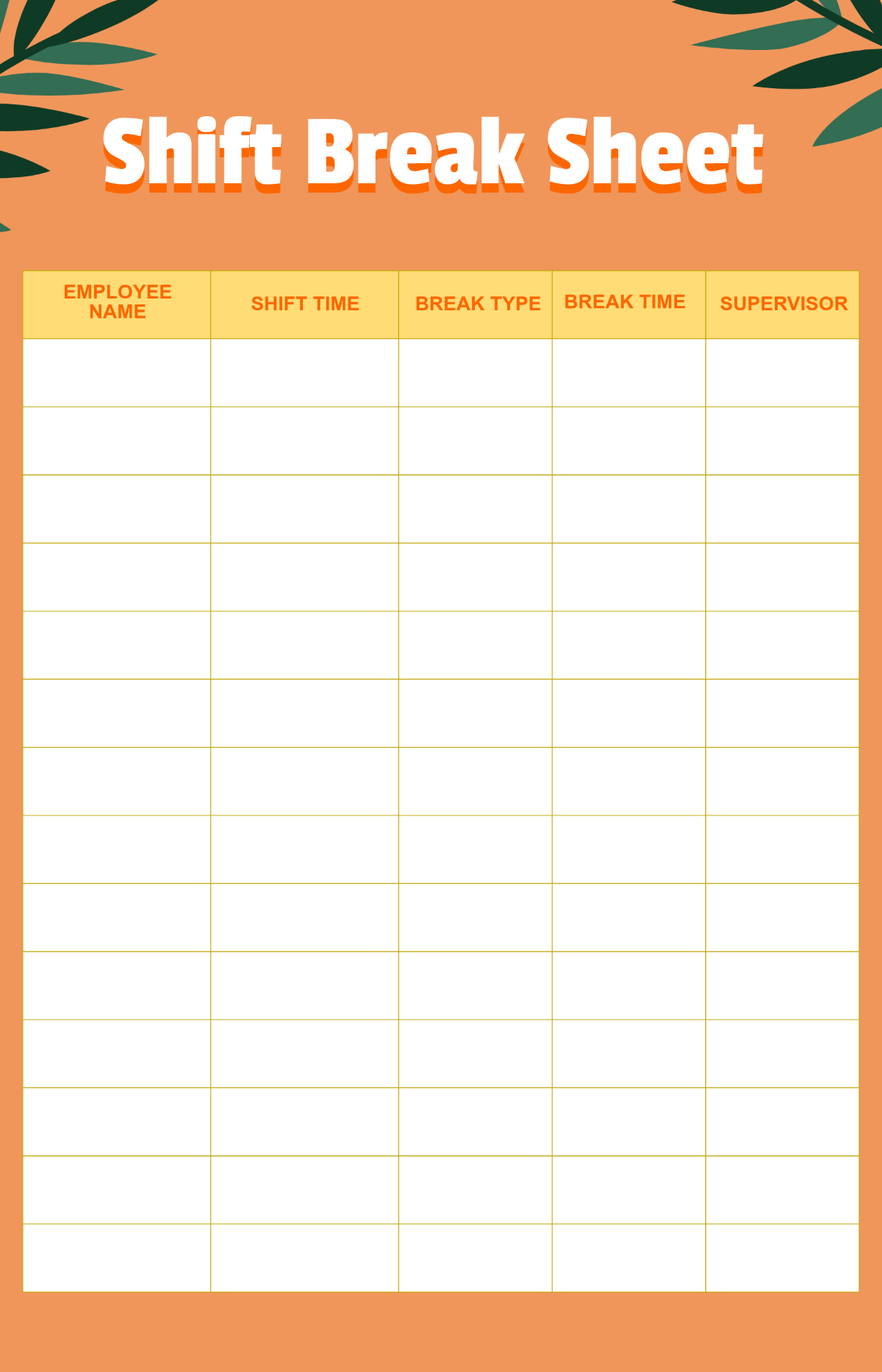
- Training schedules: Defining lunch or coffee breaks.
- Workday planners: Indicating intervals to improve productivity.
- Presentation slides: Signaling pauses or Q&A sessions.
