Free Case Study Templates: Editable Examples, Uses, and Download Formats

Case Study documents systematically analyze specific projects, challenges, or business scenarios to illustrate results and insights. Template.net provides editable online Case Study documents that you can fill out, customize, and complete directly in the browser for professional use.
feature icon

What is a Case Study?

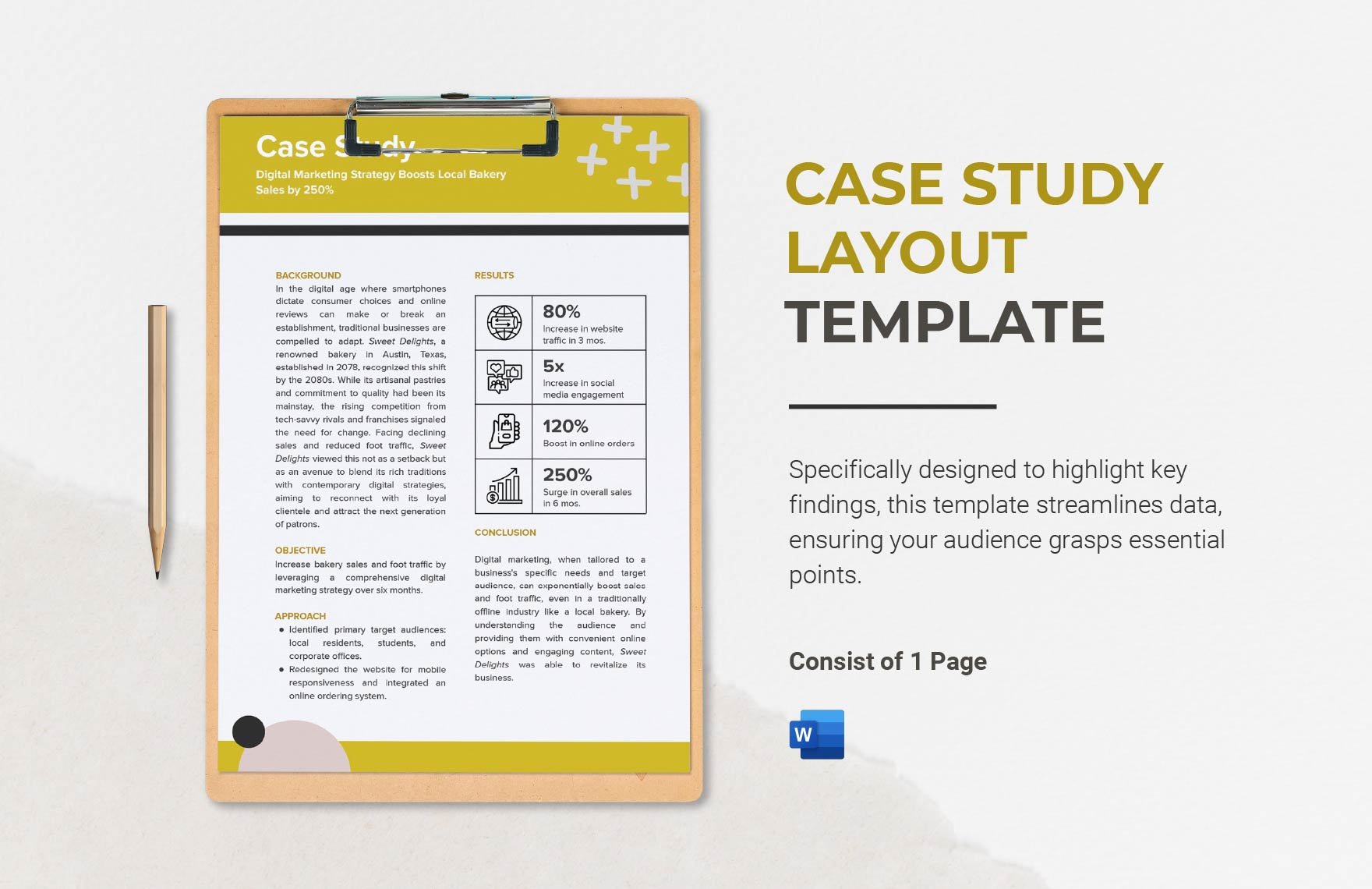
A Case Study is a detailed document that examines a particular project, situation, or problem to showcase practical outcomes and lessons learned. It typically includes background information, analysis, and results to provide comprehensive insights.

feature icon

Why should I use a Case Study?

You should use a Case Study to demonstrate real-world applications, validate solutions, and communicate complex information clearly. It supports decision-making, marketing efforts, and knowledge sharing by presenting structured evidence and outcomes.

feature icon

Who uses Case Studys?

Case Studies are used by professionals across industries such as marketers, consultants, educators, and business analysts to document success stories, challenges, and strategic approaches. They help stakeholders understand impact and process in various contexts.

feature icon

What are the best tips for completing my Case Study?

Effective completion of a Case Study involves focusing on clear structure and relevant content.

  • Define objectives – clarify the purpose of your study.
  • Gather accurate data – collect reliable facts and figures.
  • Use storytelling – present information in an engaging manner.
  • Highlight outcomes – emphasize measurable results.
  • Maintain clarity – write concisely and logically.
  • Include visuals – support text with charts or images.
  • Proofread carefully – ensure no errors or inconsistencies.
feature icon

What file formats can I download for my Case Study?

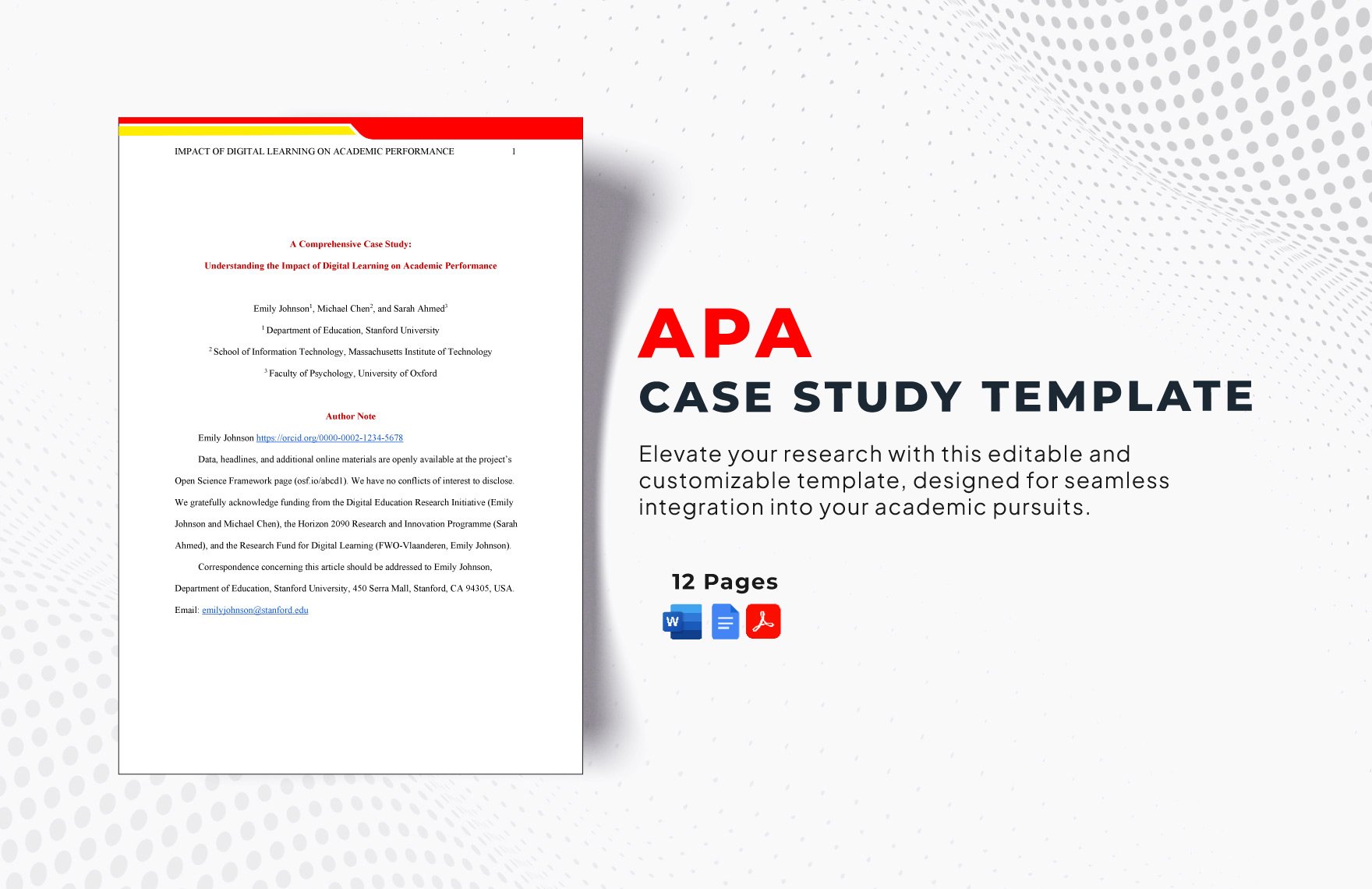
Template.net supports multiple export formats for your editable Case Study documents, enabling versatile editing and professional sharing. You can download your Case Study templates as Word, Google Docs, or PDF files.

feature icon

Can I create a Case Study using AI?

Template.net offers an AI-powered tool that generates new Case Study drafts based on your prompts, helping you create structured documents efficiently. You can access the tool at Case Study Generator.

feature icon

What essential sections should be included in my Case Study?

Your Case Study should include key sections to ensure completeness and clarity.

  • Introduction – overview and objectives
  • Background – context and relevant details
  • Challenges – problems or issues faced
  • Methodology – approach and processes used
  • Results – outcomes and data analysis
  • Conclusion – summary and lessons learned
  • Recommendations – suggested next steps
feature icon

What are the benefits of using Case Study in my business workflow?

In your business workflow, using a Case Study offers clear advantages.

  • Demonstrates value – validates products or services with real examples
  • Supports marketing – builds credibility and trust
  • Improves decision-making – provides data-driven insights
  • Facilitates training – shares knowledge and best practices
  • Enhances communication – simplifies complex information
feature icon

How do I ensure my Case Study follows professional standards?

To maintain professional standards in your Case Study, focus on accuracy, formatting, and compliance elements.

  • Use consistent formatting – headings, fonts, and spacing
  • Verify data accuracy – fact-check all information
  • Incorporate citations – reference sources properly
  • Maintain objectivity – present balanced analysis
  • Follow confidentiality rules – protect sensitive information
  • Proofread thoroughly – eliminate errors