
Free Cost Comparison Templates
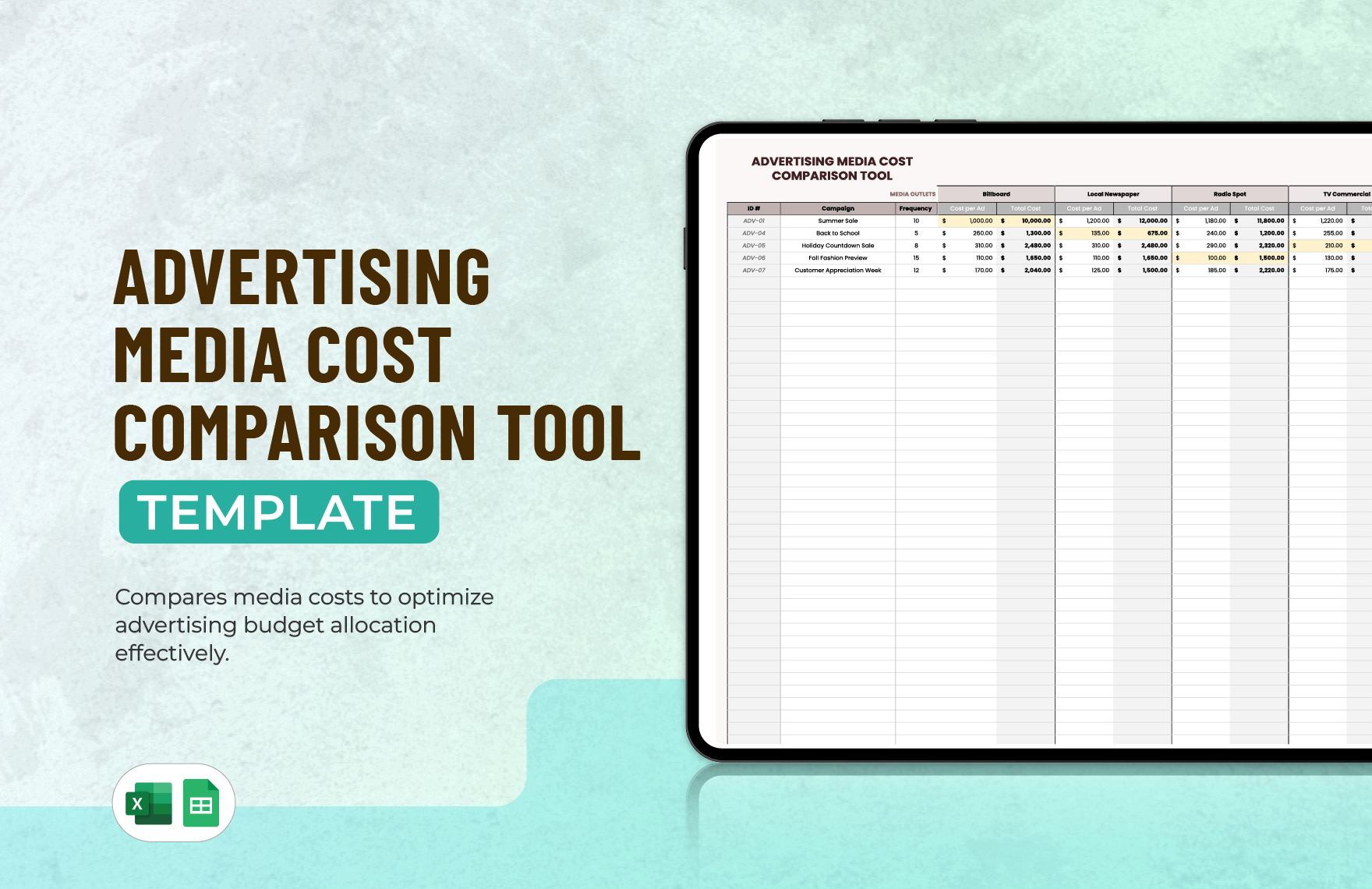
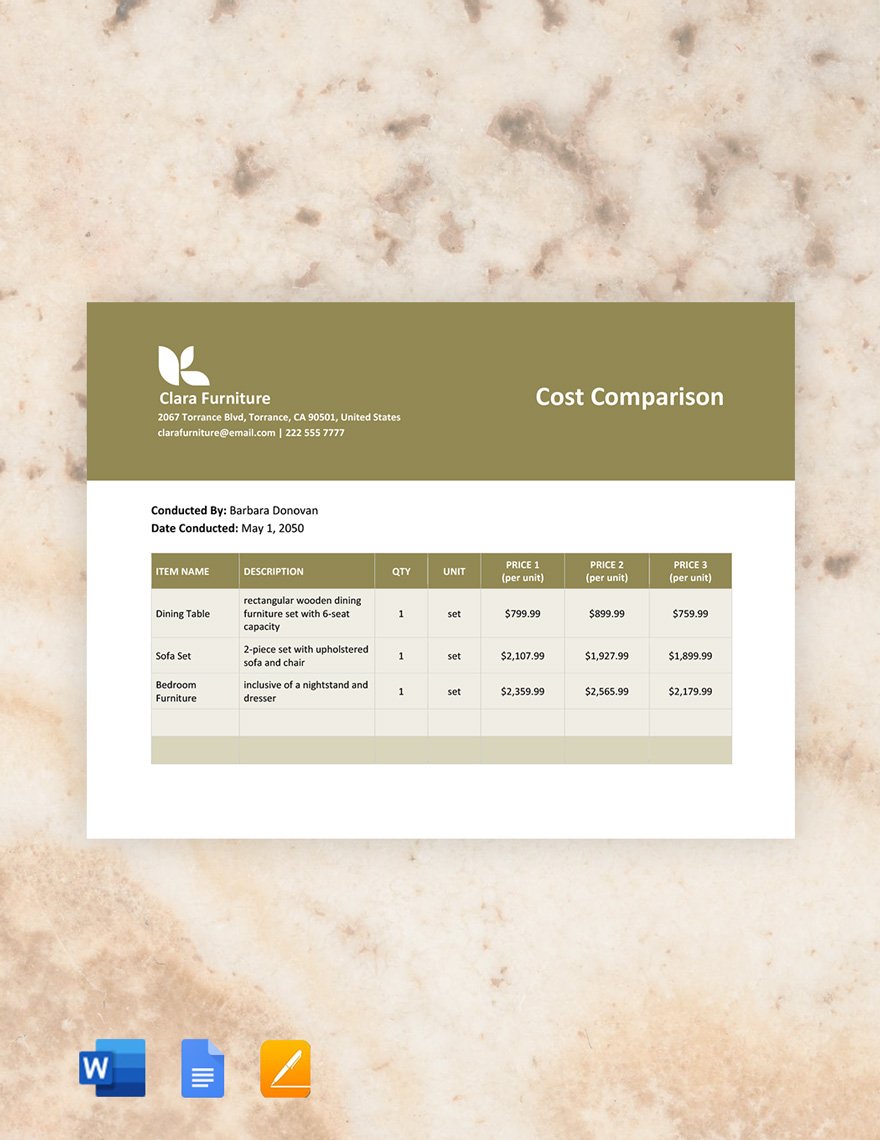
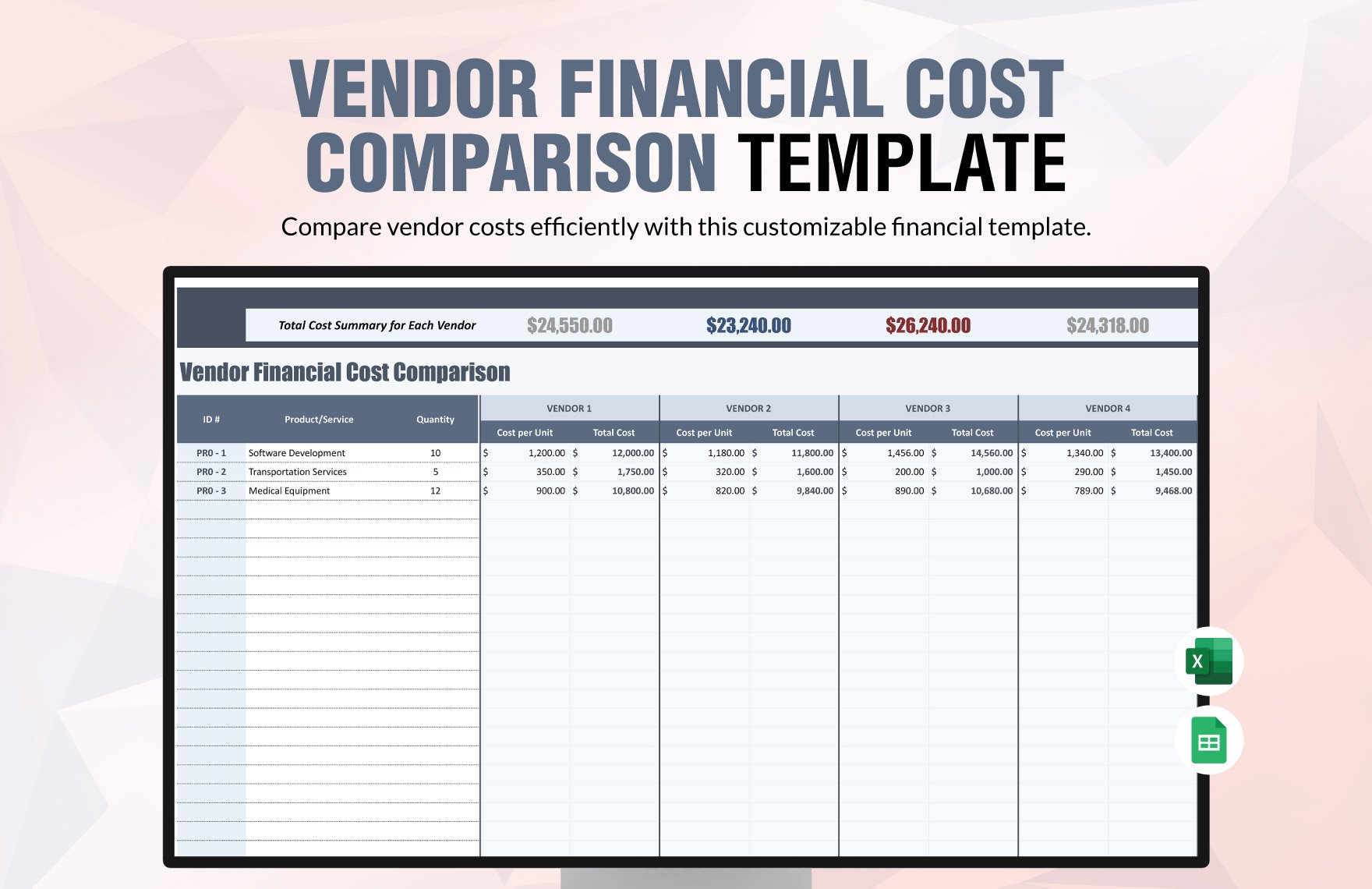
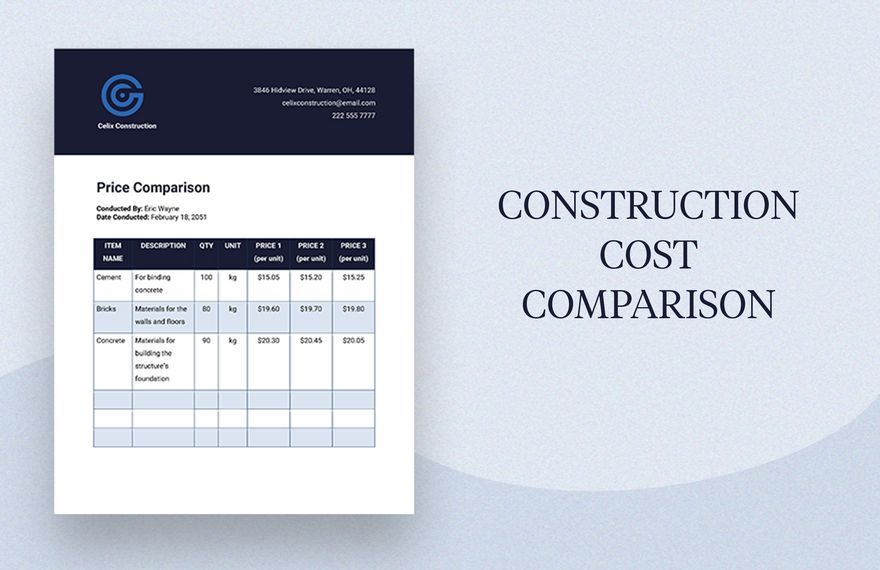
Free Cost Comparison Templates: Editable Uses, Benefits, and Customization
What is a Cost Comparison?
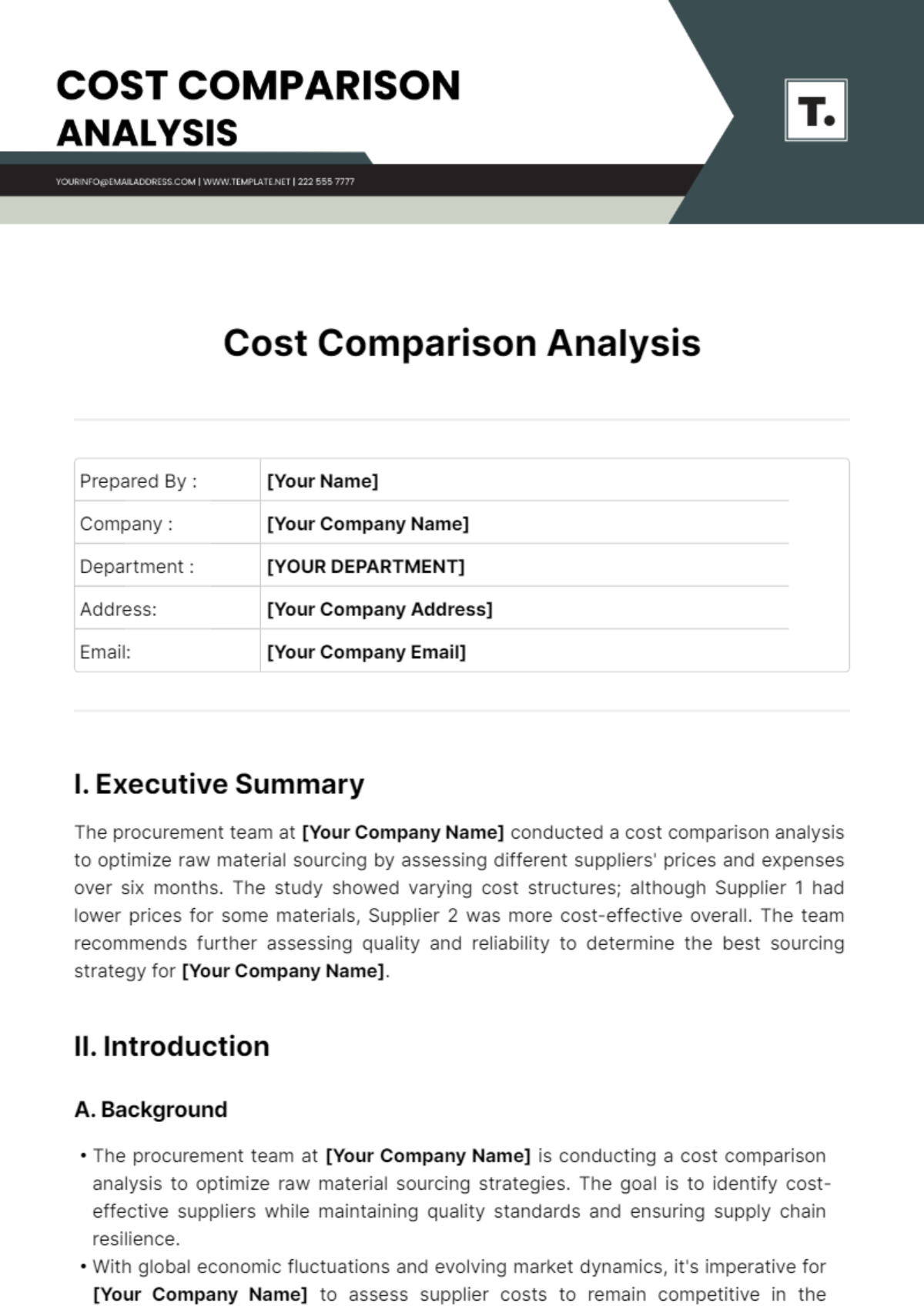
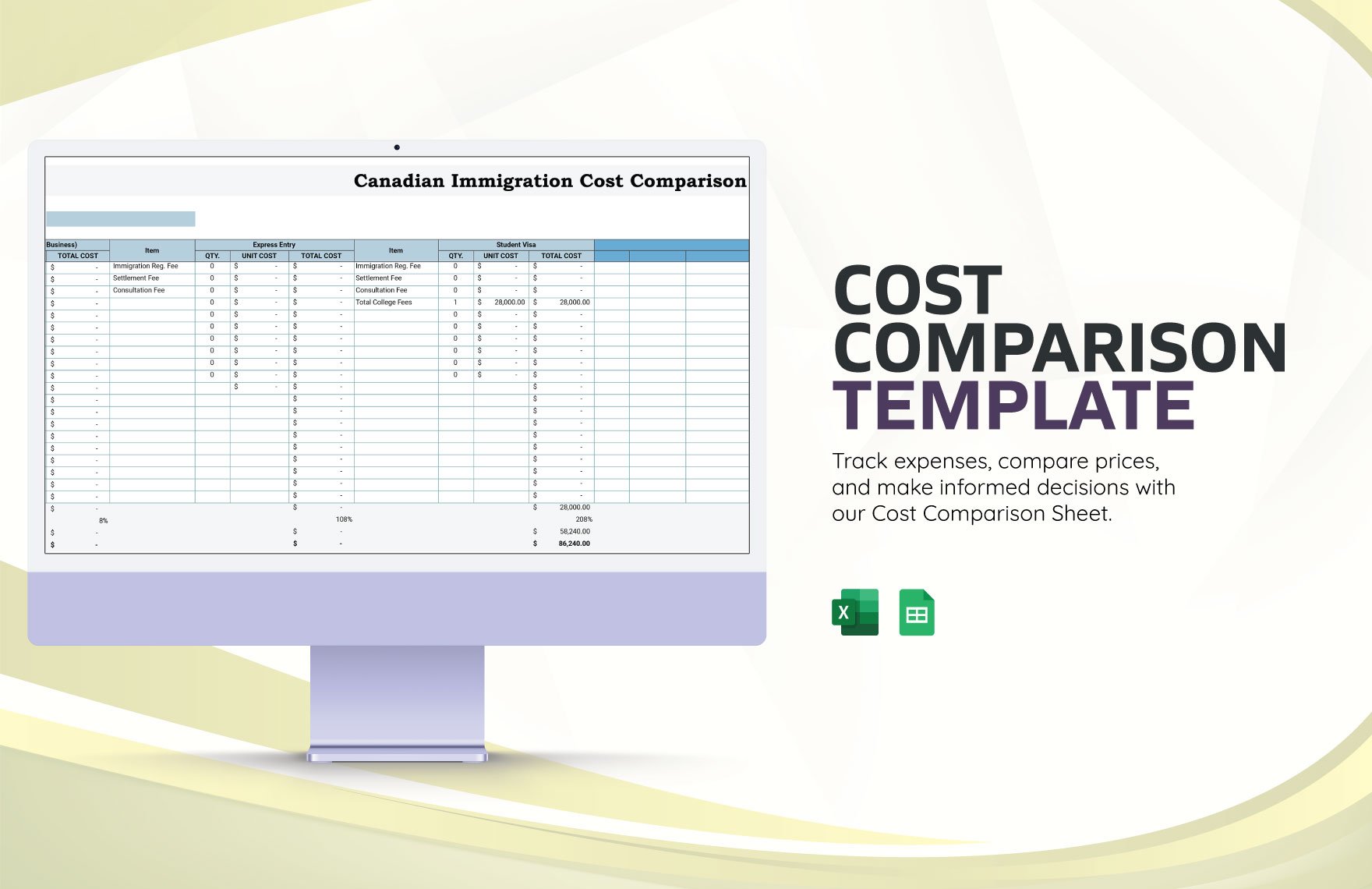
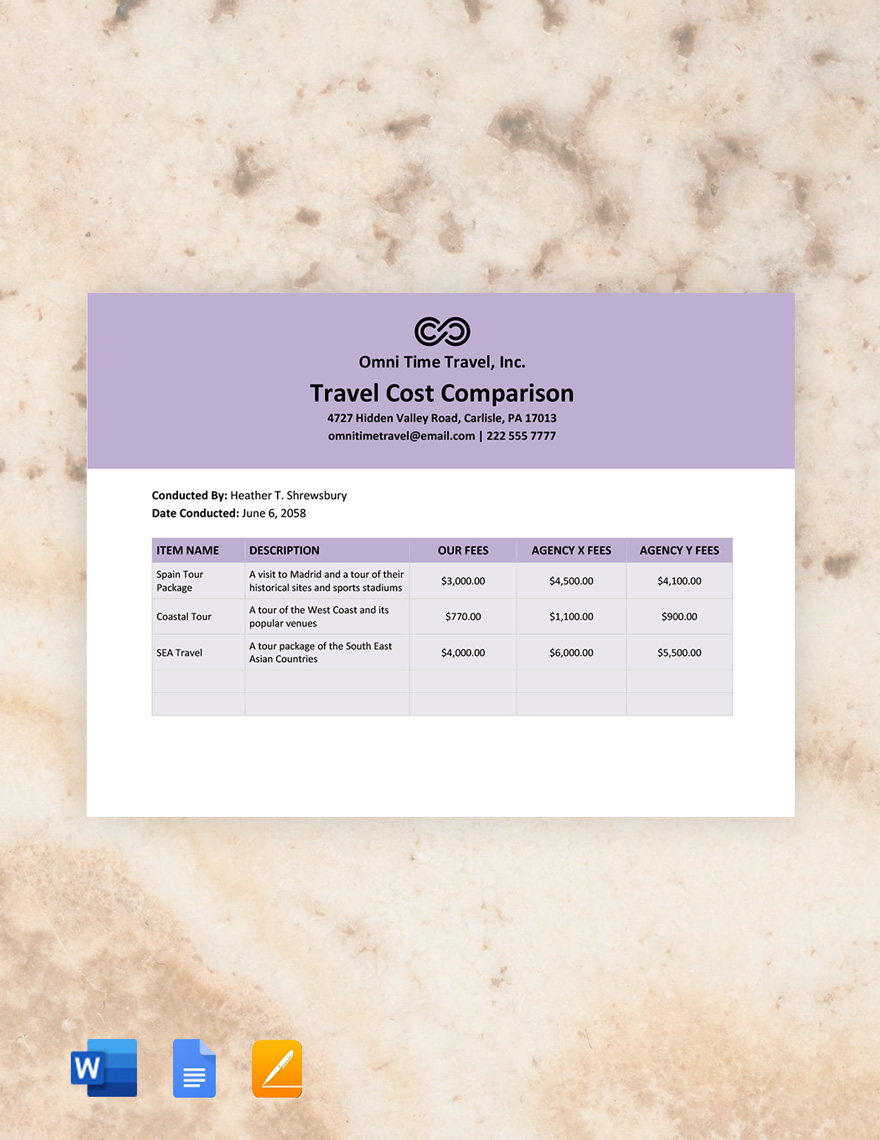
Cost Comparison is a systematic process of evaluating and contrasting the expenses of two or more options to identify the most economical choice. It helps you assess financial differences clearly and make informed decisions.
Why should I use a Cost Comparison?
Cost Comparison helps you avoid overspending by highlighting the most cost-effective option. It improves financial planning and supports transparent decision-making by organizing expenses in a clear, comparable format.
Who uses Cost Comparison?
Professionals such as business managers, procurement officers, financial analysts, and individual consumers use Cost Comparison to evaluate expenses and select the best financial options for projects, purchases, or services.
What are the best tips for completing my Cost Comparison?
To complete an effective Cost Comparison, start by listing all relevant cost components, use accurate data, include both direct and indirect expenses, and update figures regularly to reflect any changes.
Can I create a Cost Comparison using AI?
You can use AI tools to assist in generating Cost Comparison data, but Template.net primarily provides editable templates that you can customize directly in your browser for precision and control.
When should I use a Cost Comparison?
Use a Cost Comparison when deciding between products, services, or project options to ensure you choose the most cost-effective and suitable alternative based on detailed expense analysis.
What are the essential elements of a Cost Comparison?
A Cost Comparison should include the following essential elements:
- Item or service description to identify what is being compared
- Cost categories such as materials, labor, and overhead
- Total cost for each option
- Additional notes for clarifications or assumptions
How is Cost Comparison used in professional workflows?
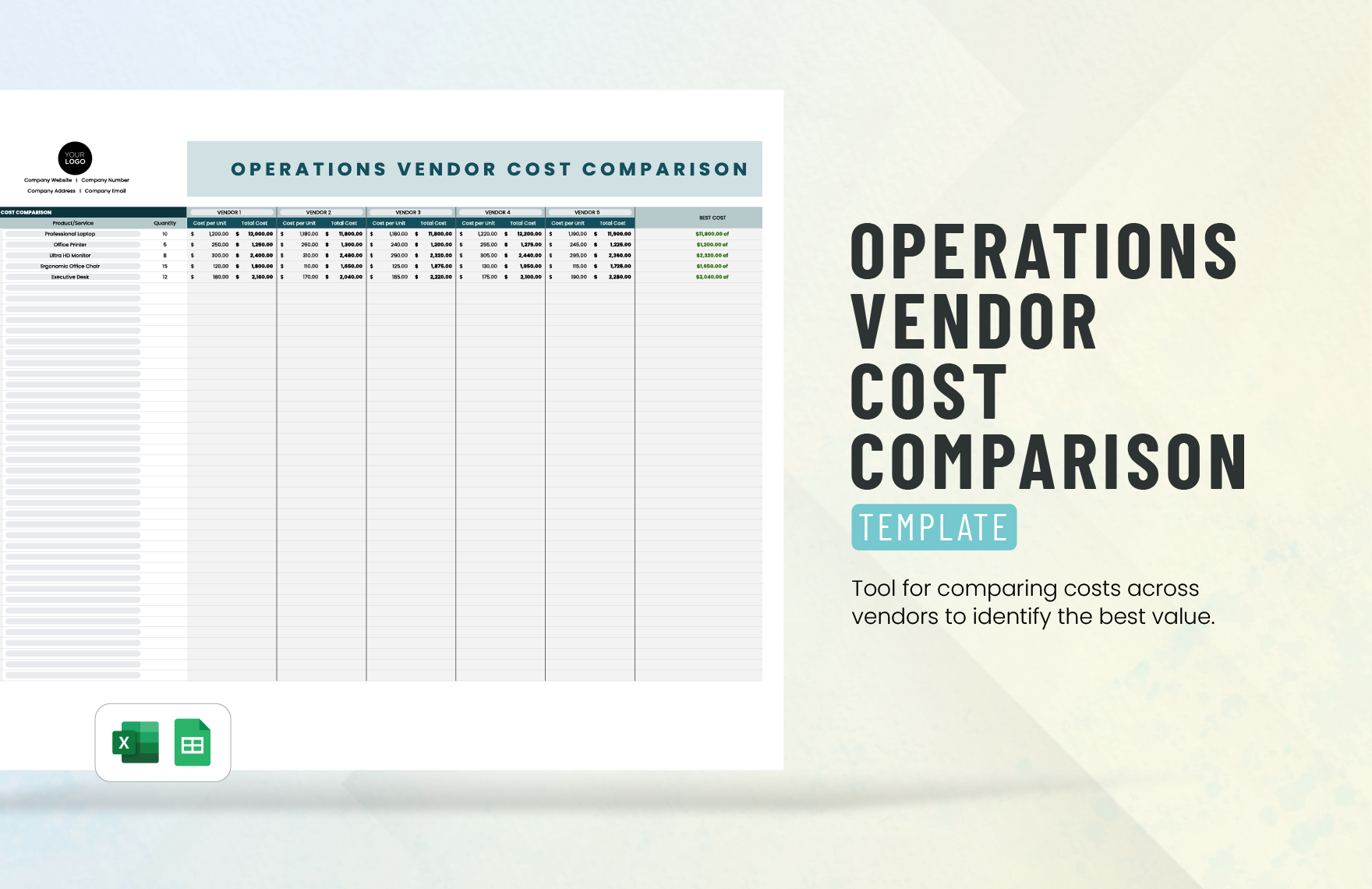
Cost Comparison is used in professional workflows to evaluate vendor bids, budget project expenses, and analyze financial feasibility, enabling organizations to optimize spending and achieve cost savings.
What are common use cases for Cost Comparison templates?
Common use cases for Cost Comparison templates include comparing supplier quotes, evaluating service plans, budgeting for projects, assessing investment options, and reviewing purchase alternatives.
