
Free Dark Blue Templates


















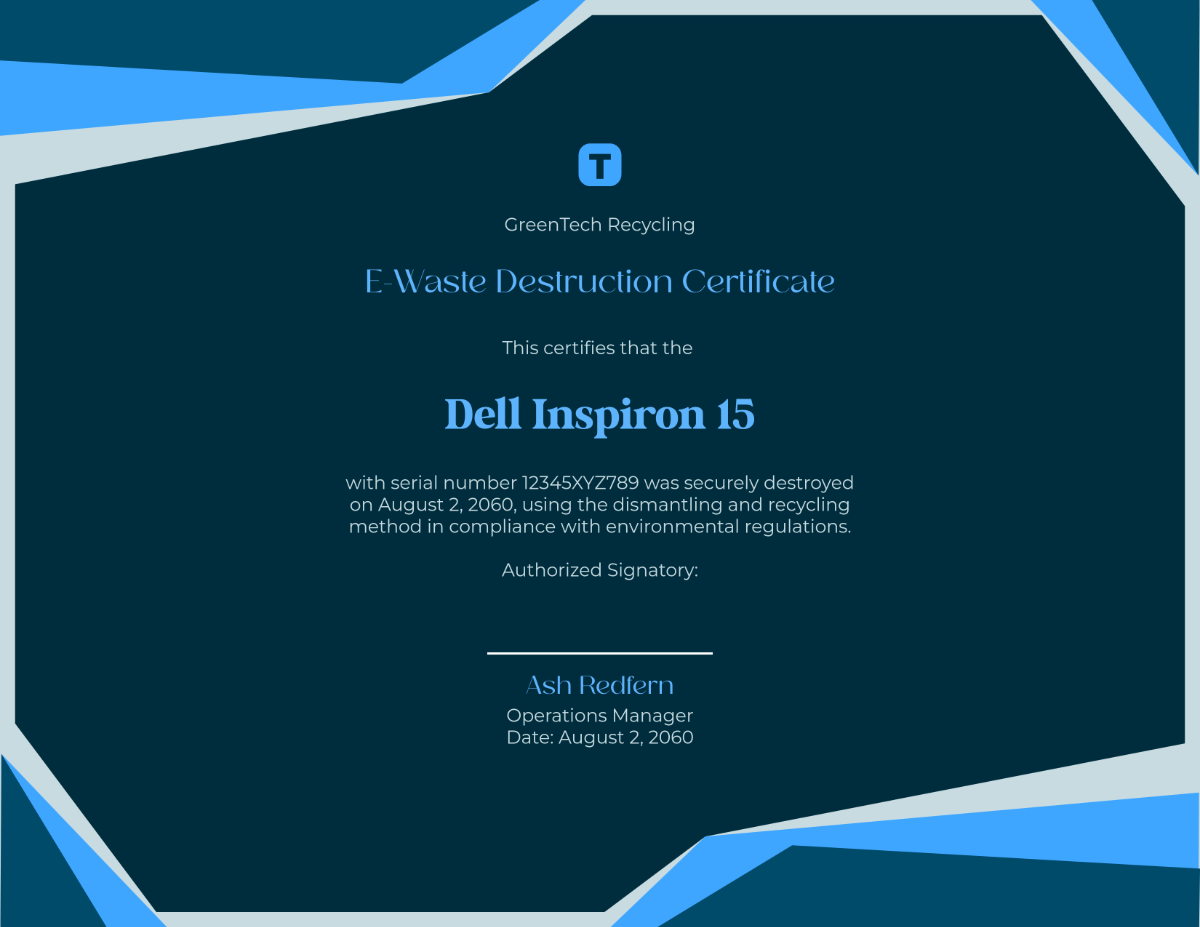




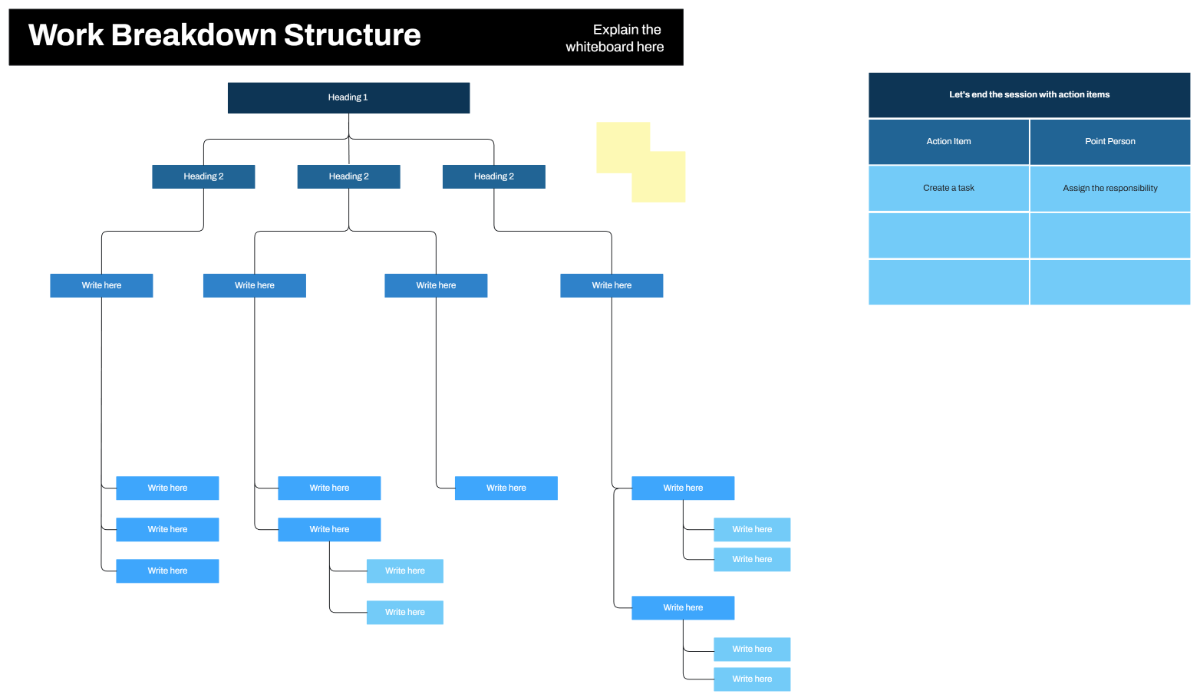





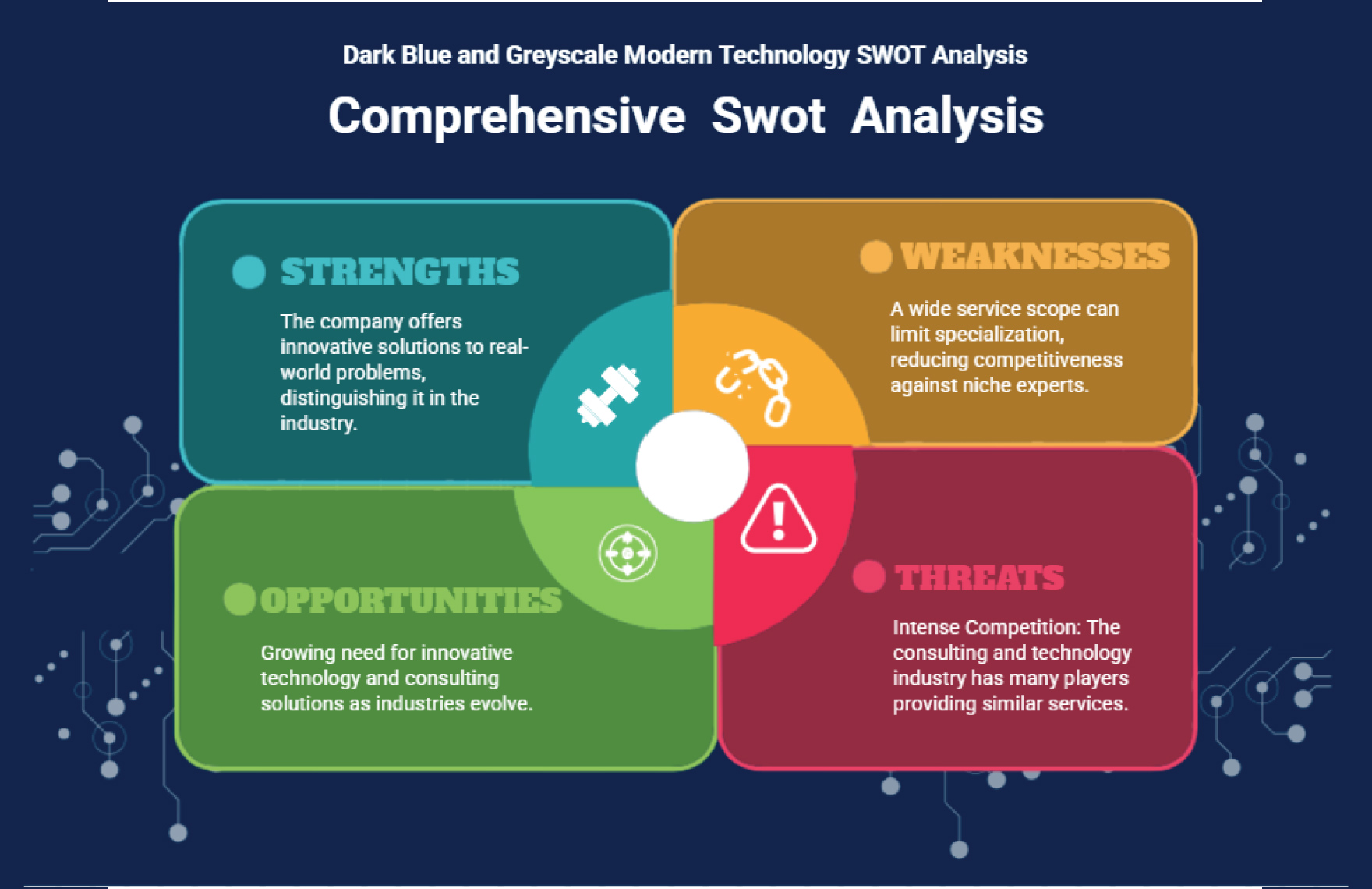
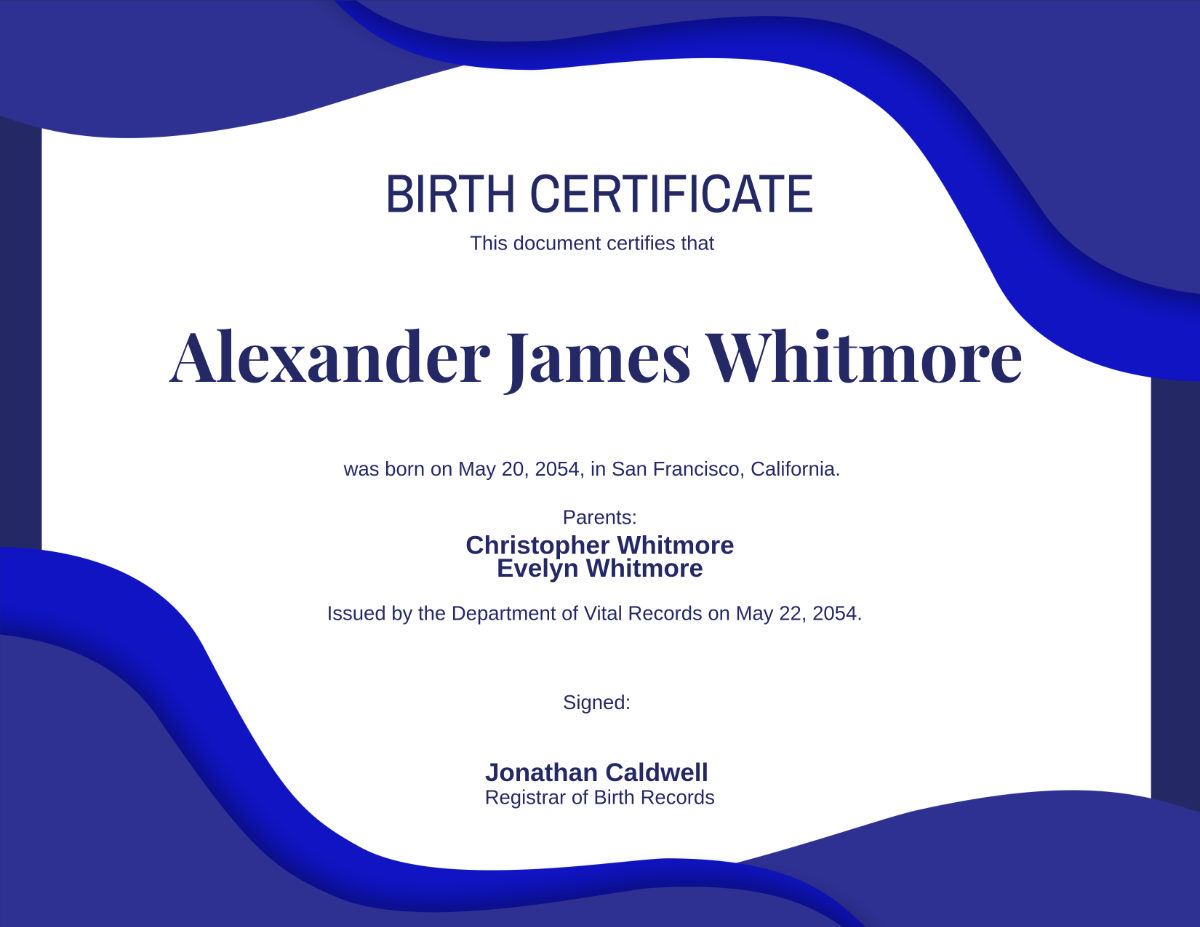




Dark Blue Templates: Design Guide, Sizes, and Usage
What is a Dark Blue template?
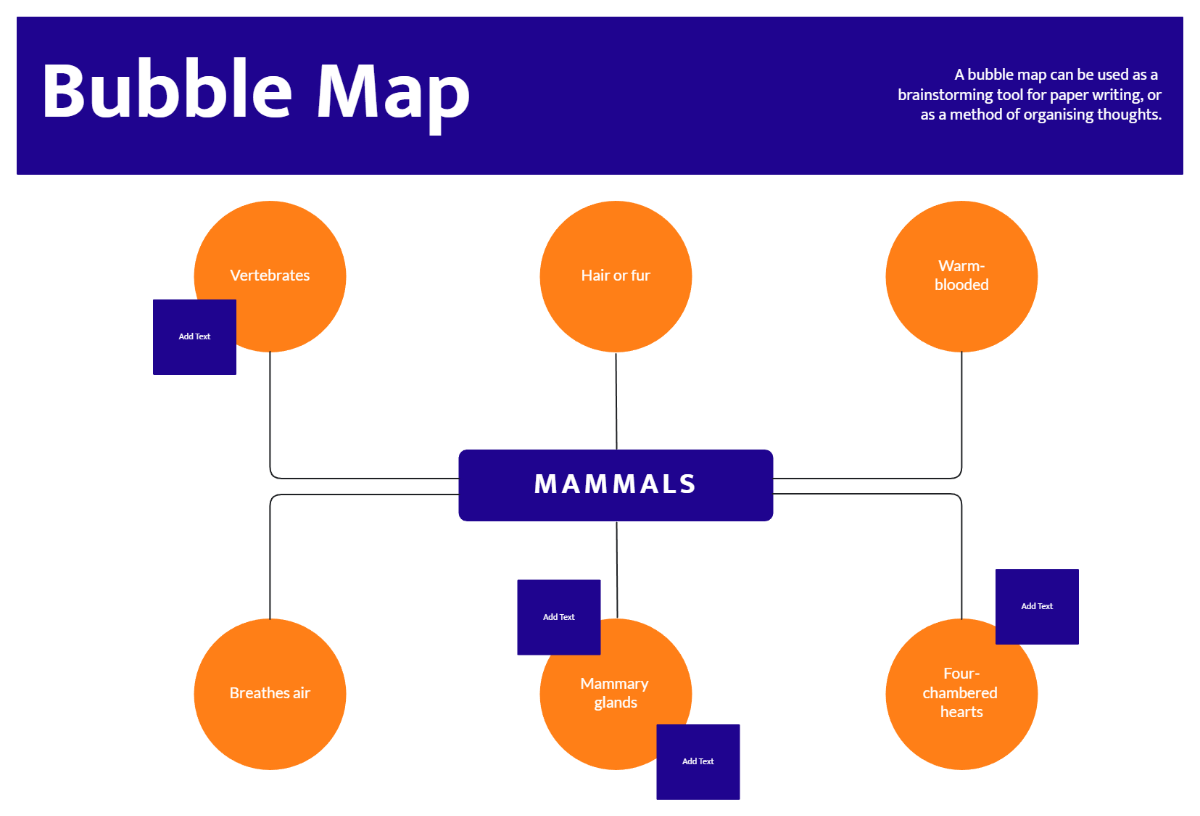
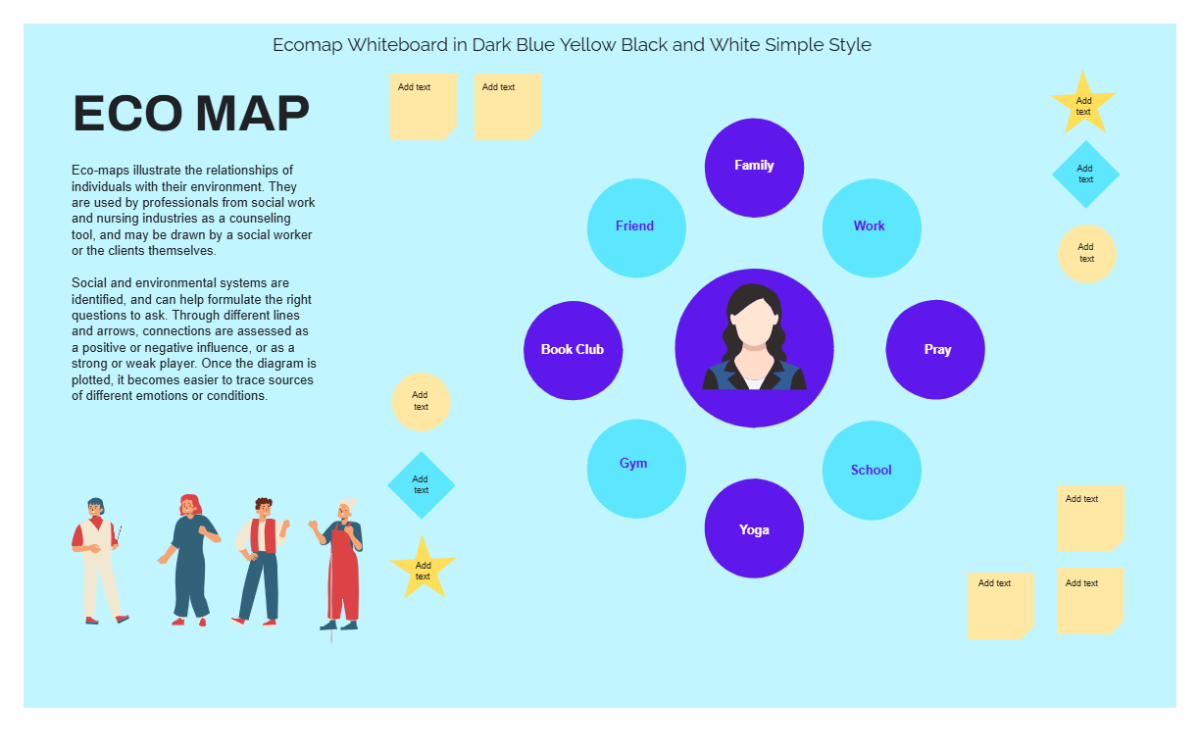
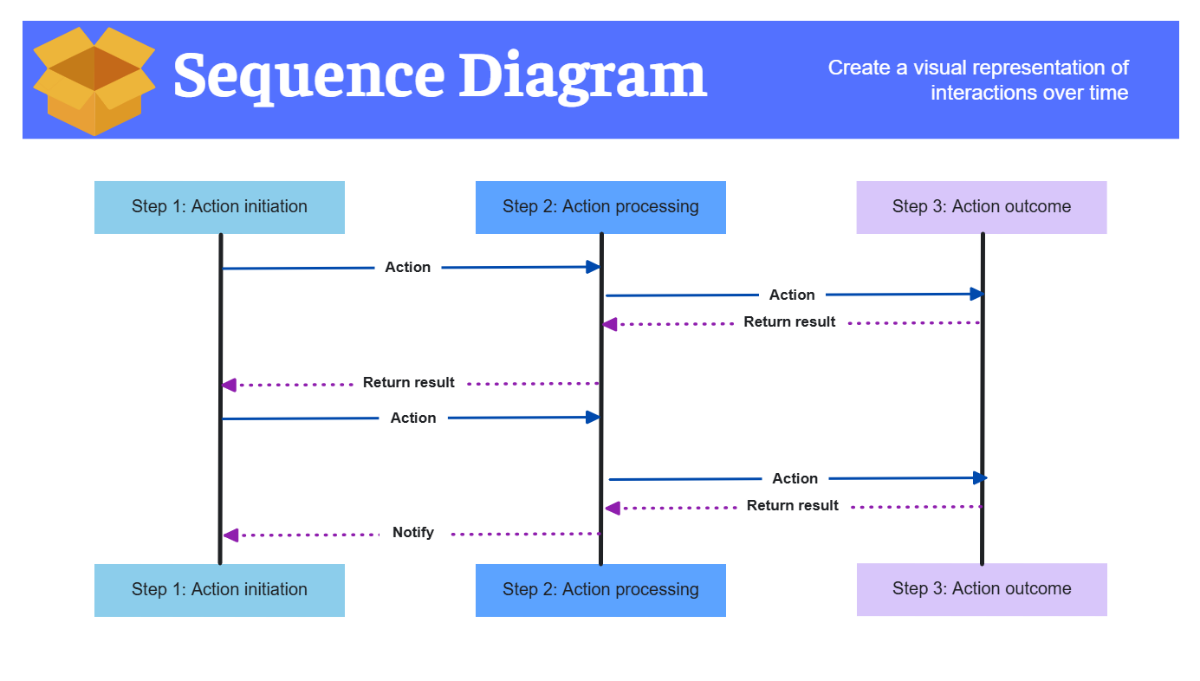
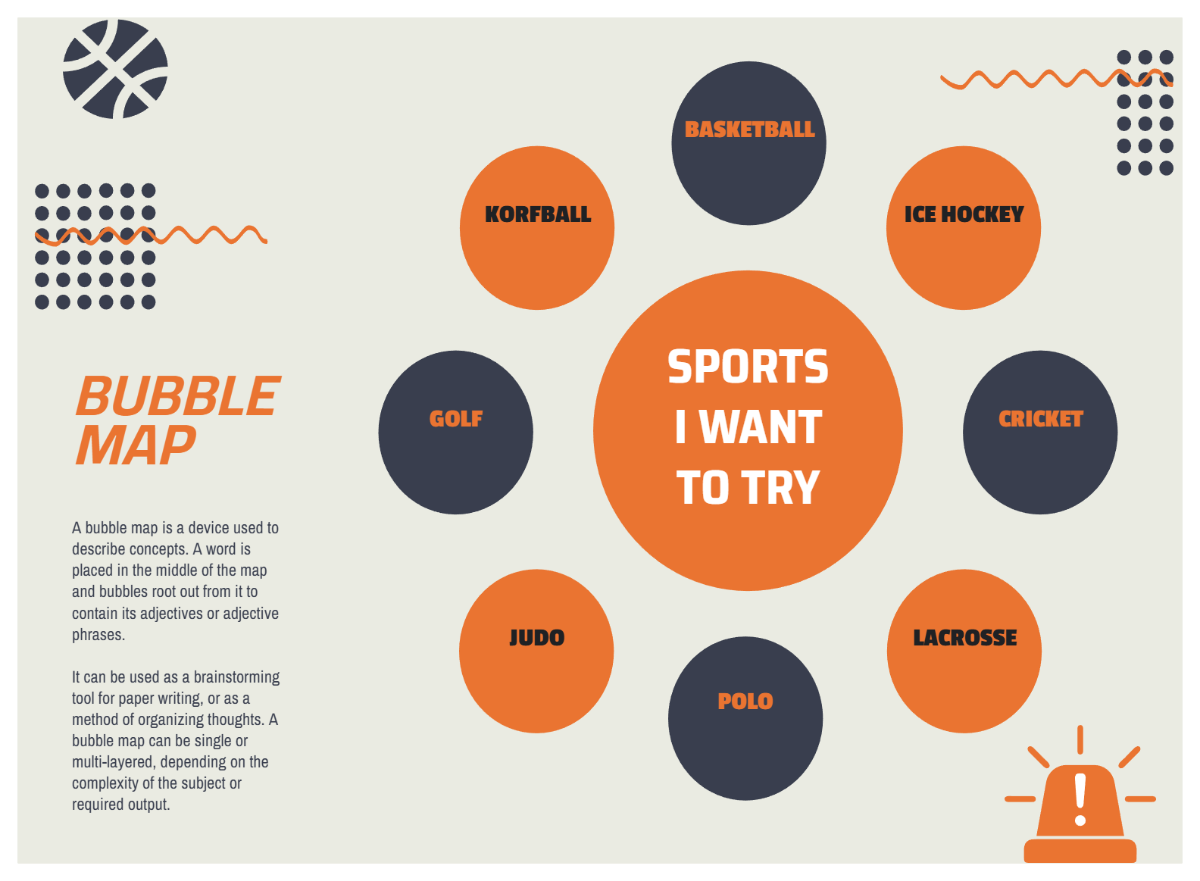
A Dark Blue template is a pre-designed layout that incorporates a rich dark blue color palette as its main visual theme. These templates include editable text areas, design layers, and professional layout blocks tailored to create striking visuals with a cohesive color scheme.
Who typically uses Dark Blue templates?
Dark Blue templates are typically used by professionals, creatives, and businesses seeking a polished and elegant design. These users benefit from layered customization and online editing features that enable quick creation of professional layouts without starting from scratch.
When should I use Dark Blue templates?
Dark Blue templates are perfect for projects requiring a formal, calm, or trustworthy tone, such as corporate presentations, portfolios, and event invitations. Use these templates whenever a strong visual theme with consistent color palette and professional graphics is needed.
What design tips can improve a Dark Blue template?
To enhance a Dark Blue template, use contrasting text colors like white or light gray for readability. Incorporate clean layout blocks, balance the dark blue with accent graphics, and keep editable text areas clear for easy customization while maintaining visual harmony.
What sizes are common for Dark Blue templates?
Dark Blue templates commonly come in sizes such as 8.5 × 11 inches for documents, 4 × 6 inches for postcards, and 5 × 7 inches for invitations. These sizes support versatile print and digital uses, with professional layout blocks optimized for clarity and impact.
What key elements should a Dark Blue template include?
A Dark Blue template should include editable text areas, layered design customization for images and graphics, a harmonious color palette, and clear headline sections to highlight key information. These elements ensure versatile, professional, and visually appealing designs.
How can I print Dark Blue templates effectively?
To print Dark Blue templates effectively, use high-quality printers and select paper that enhances color saturation. Ensure the color palette is adjusted for print fidelity and that design layers are preserved for sharp, professional results.
How can I customize the color palette in Dark Blue templates?
Customize the color palette in Dark Blue templates by adjusting accent colors to complement the dark blue base. Use online editing tools to modify design layers and graphics for a unique look while maintaining visual coherence and professional appeal.
Can I create a new Dark Blue template using AI?
Template.net provides an AI-powered tool that generates new Dark Blue template designs from prompts, enabling fast creation of personalized layouts with a consistent color palette and professional graphics. Explore this feature at Template.net.
