
Free Dashboard Templates



Free Dashboard Templates: Editable Design Guide, Uses, and Download Formats
What is a Dashboard?
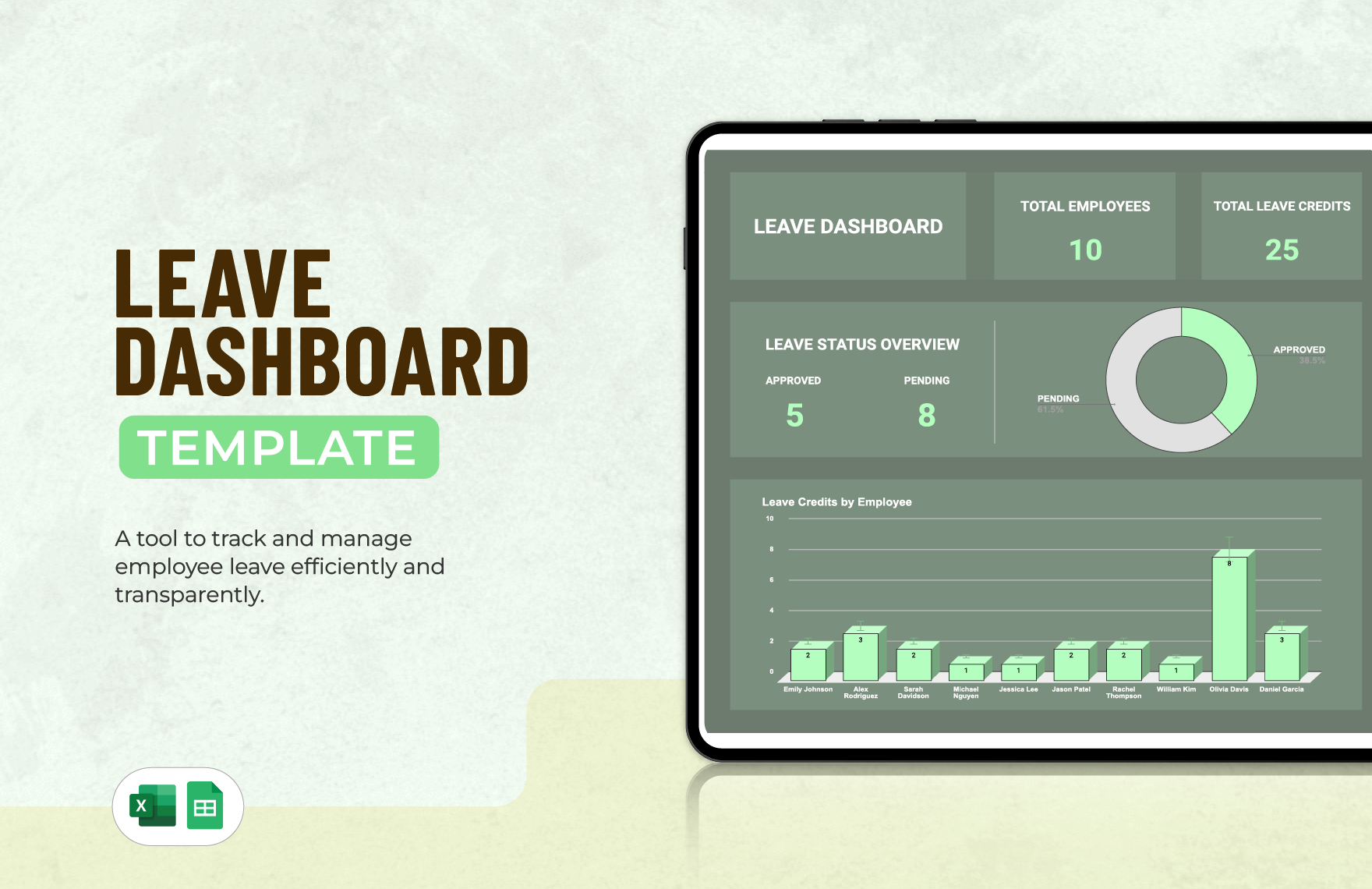
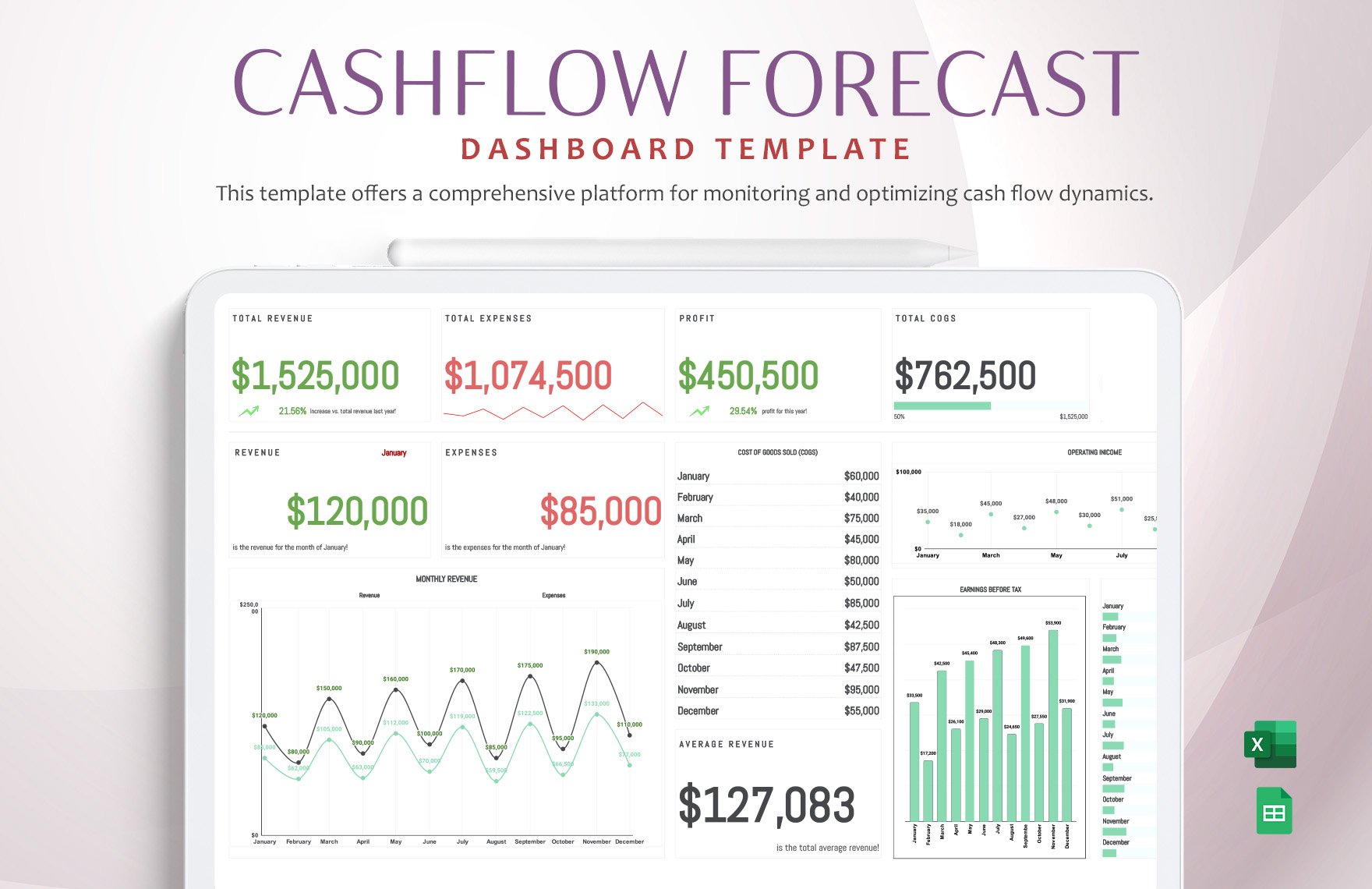
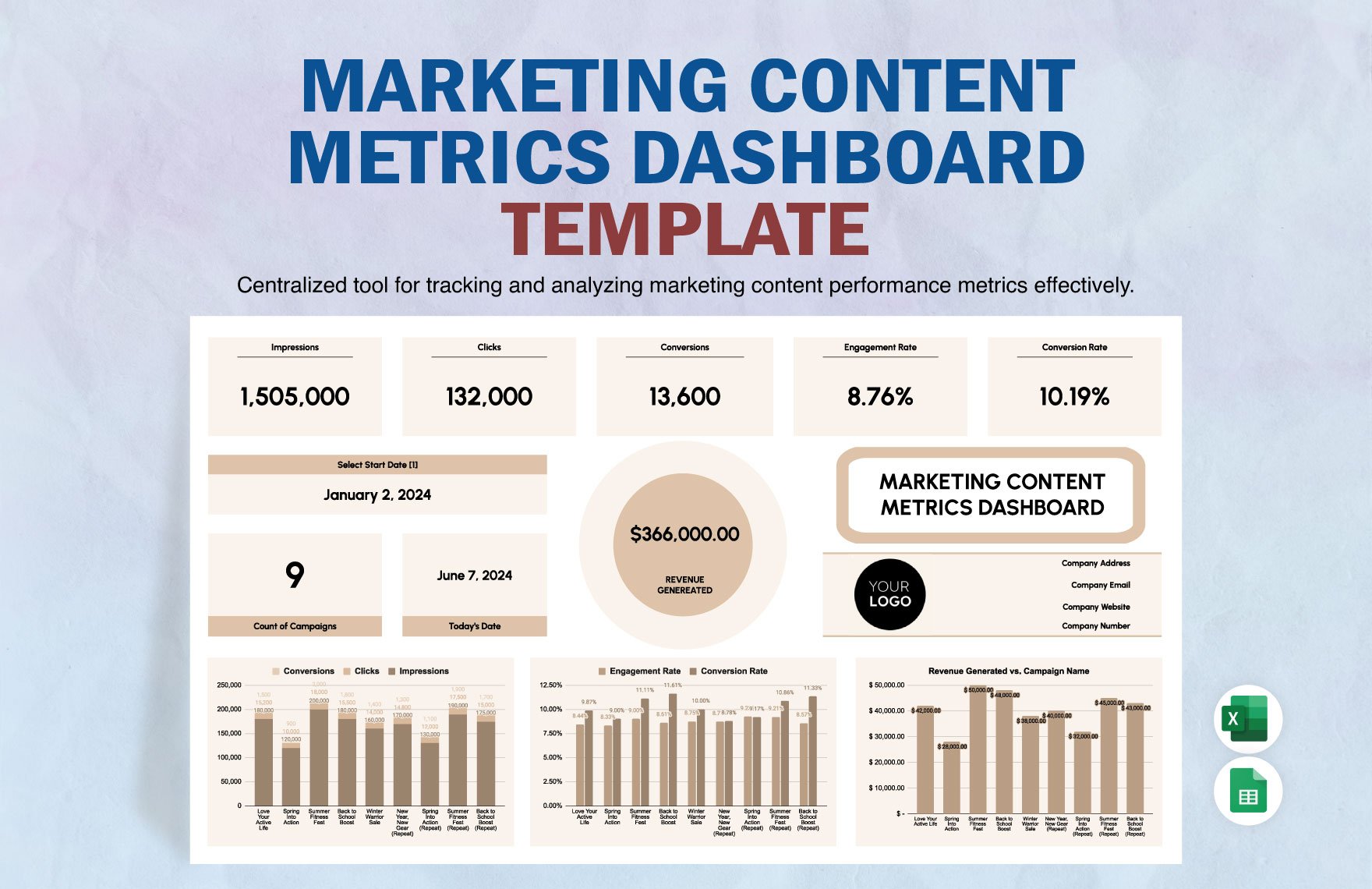
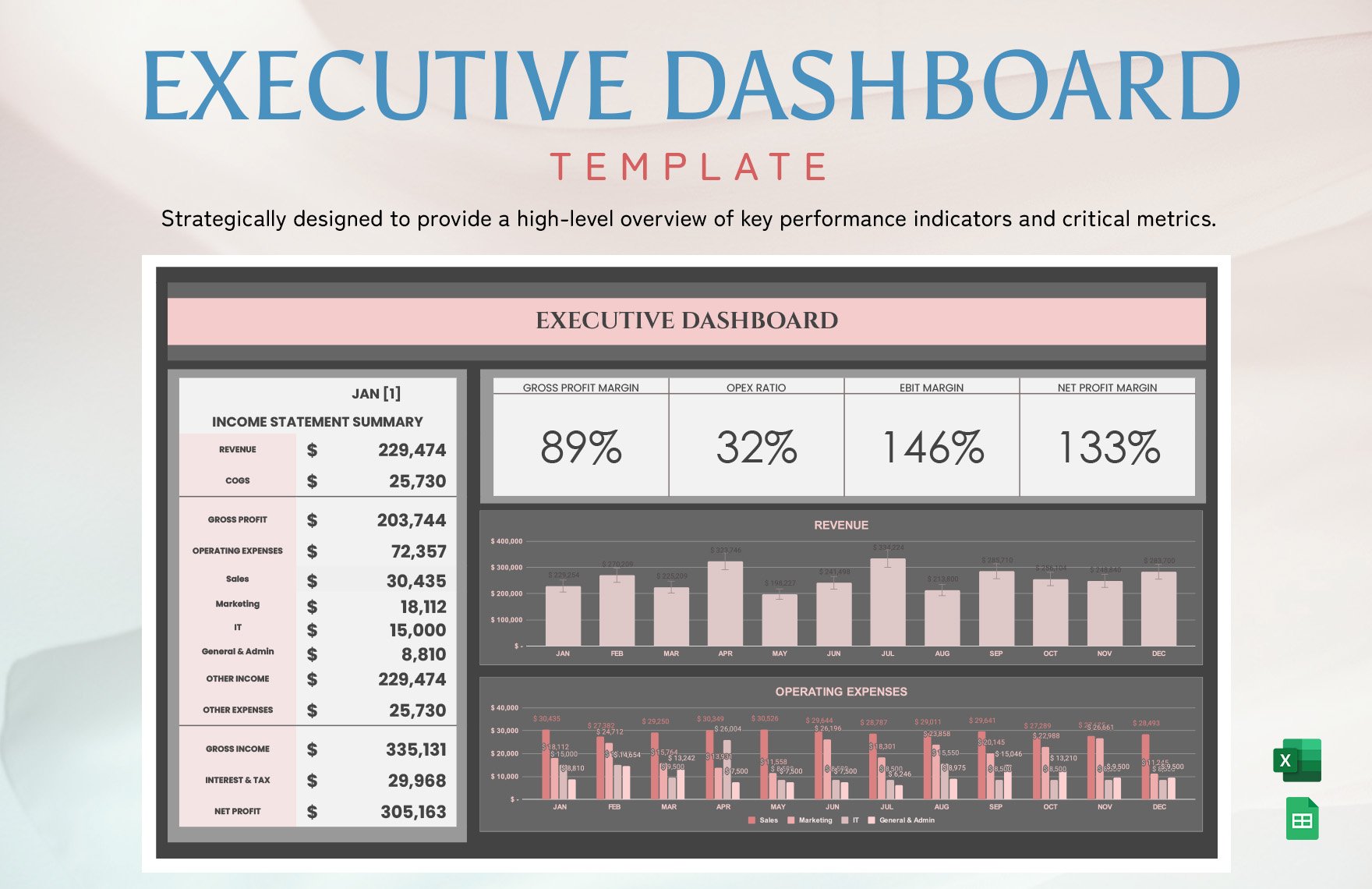
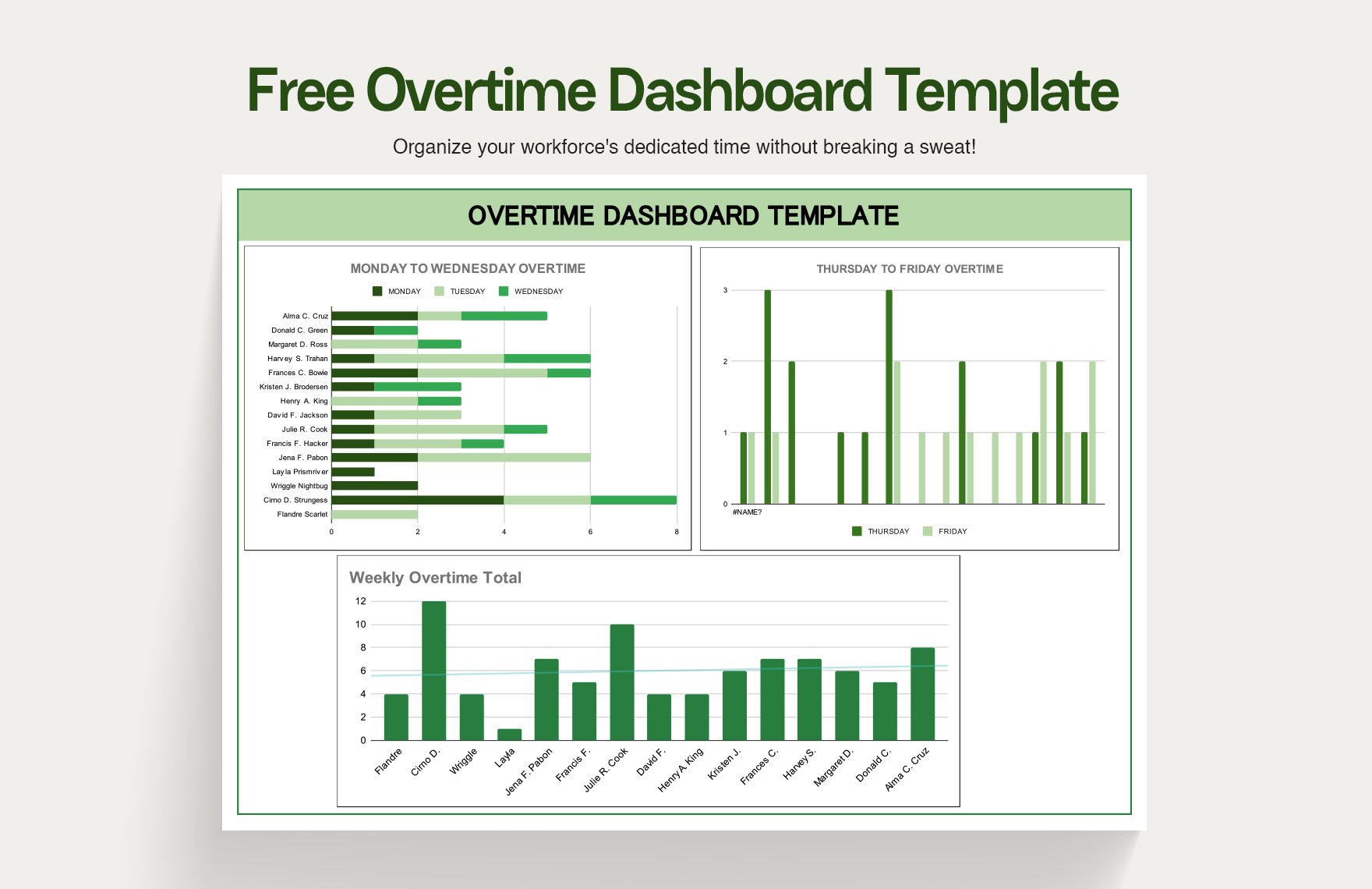
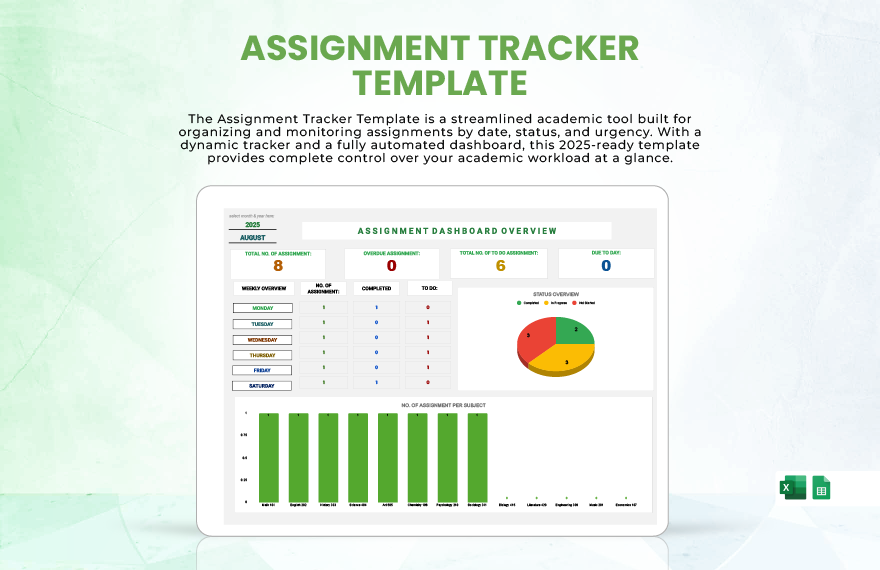
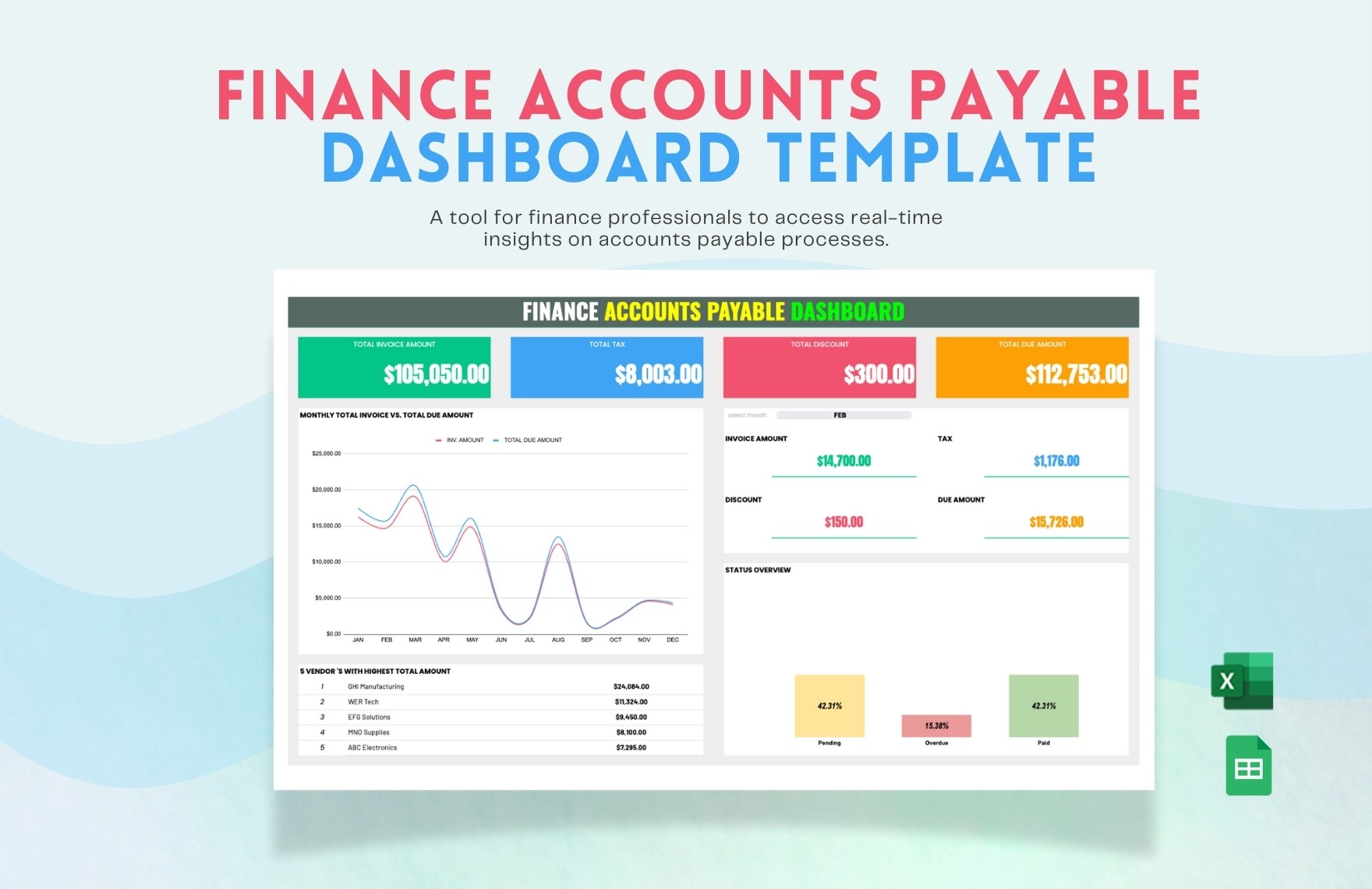
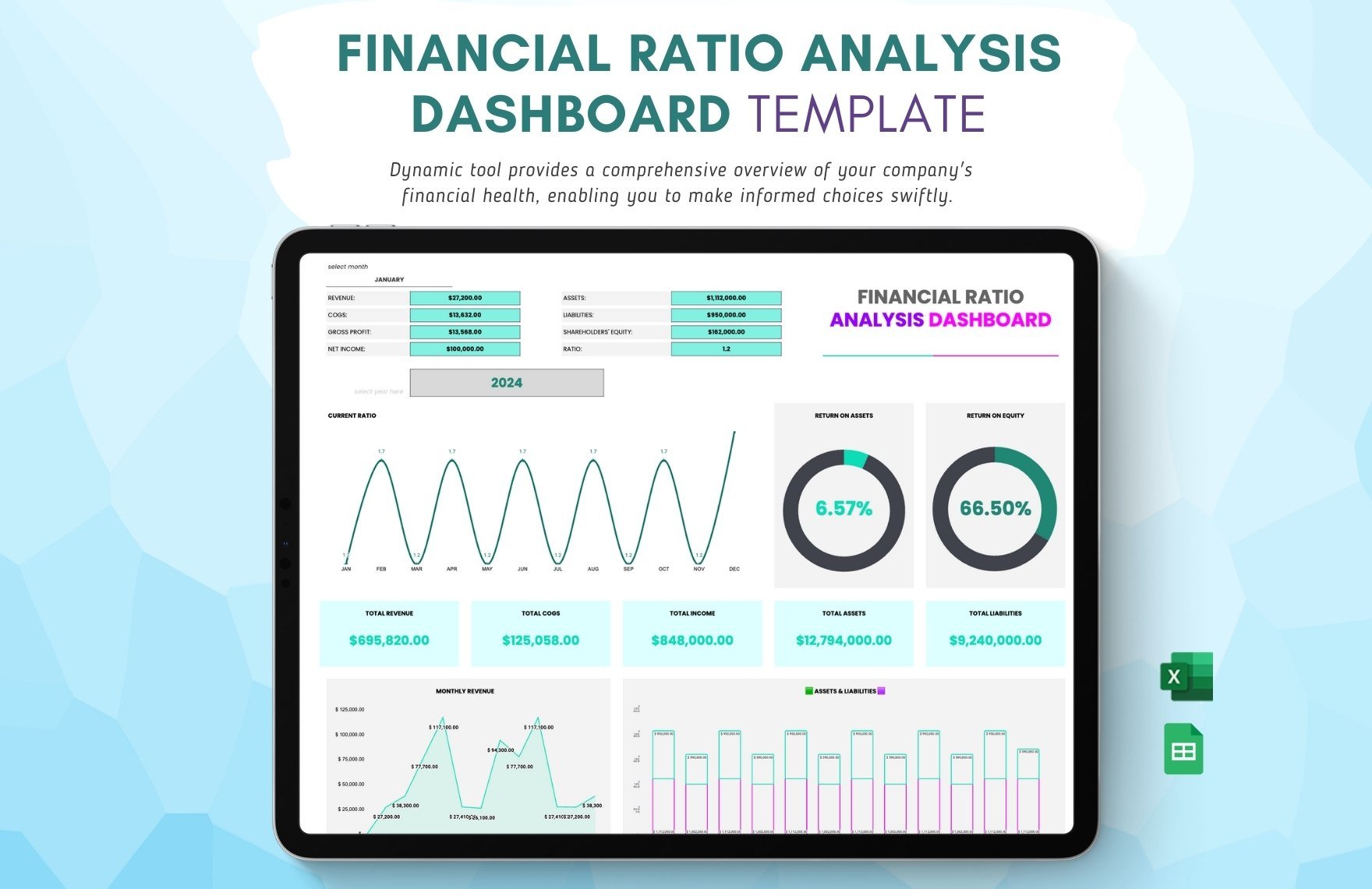
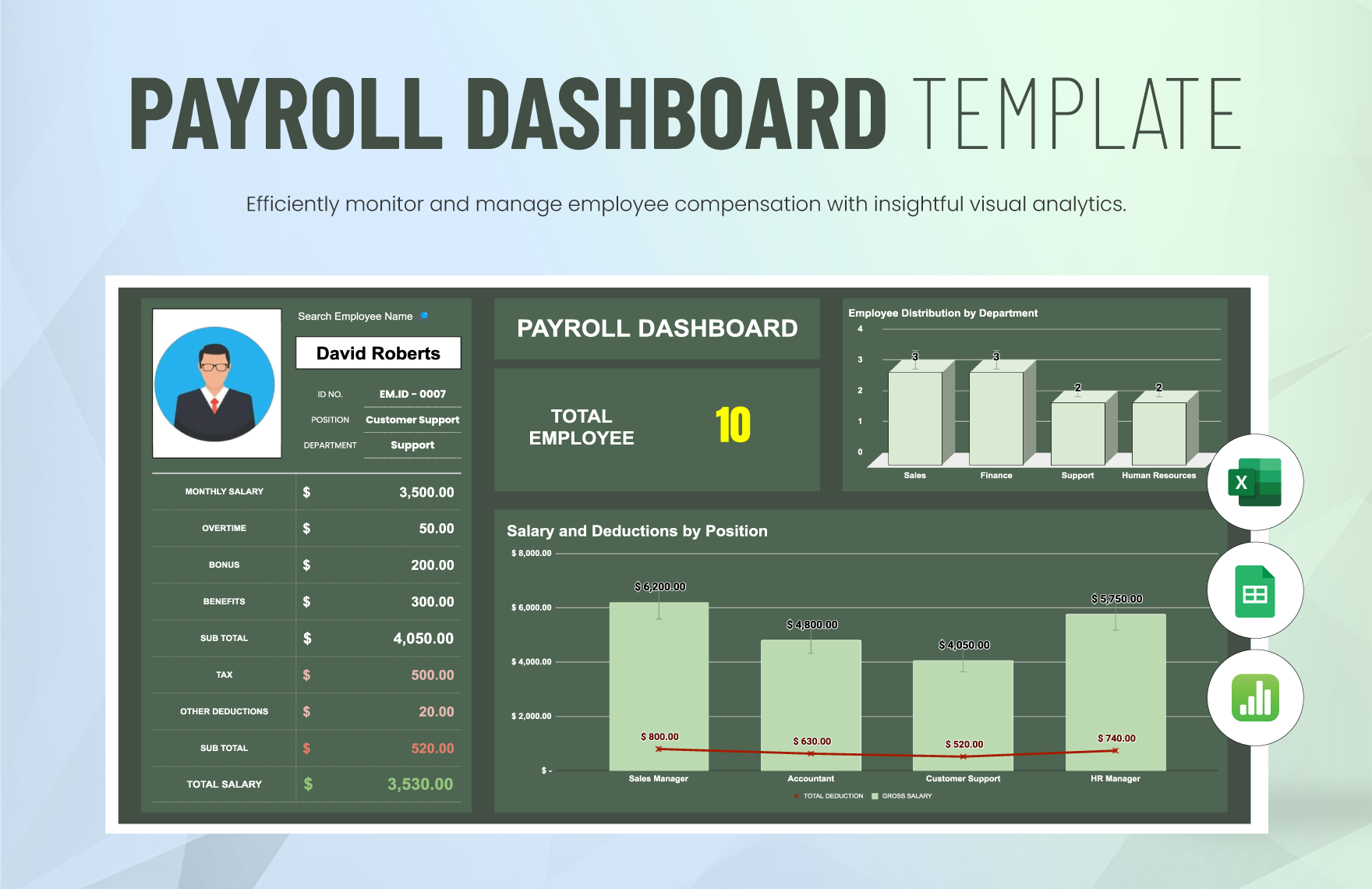
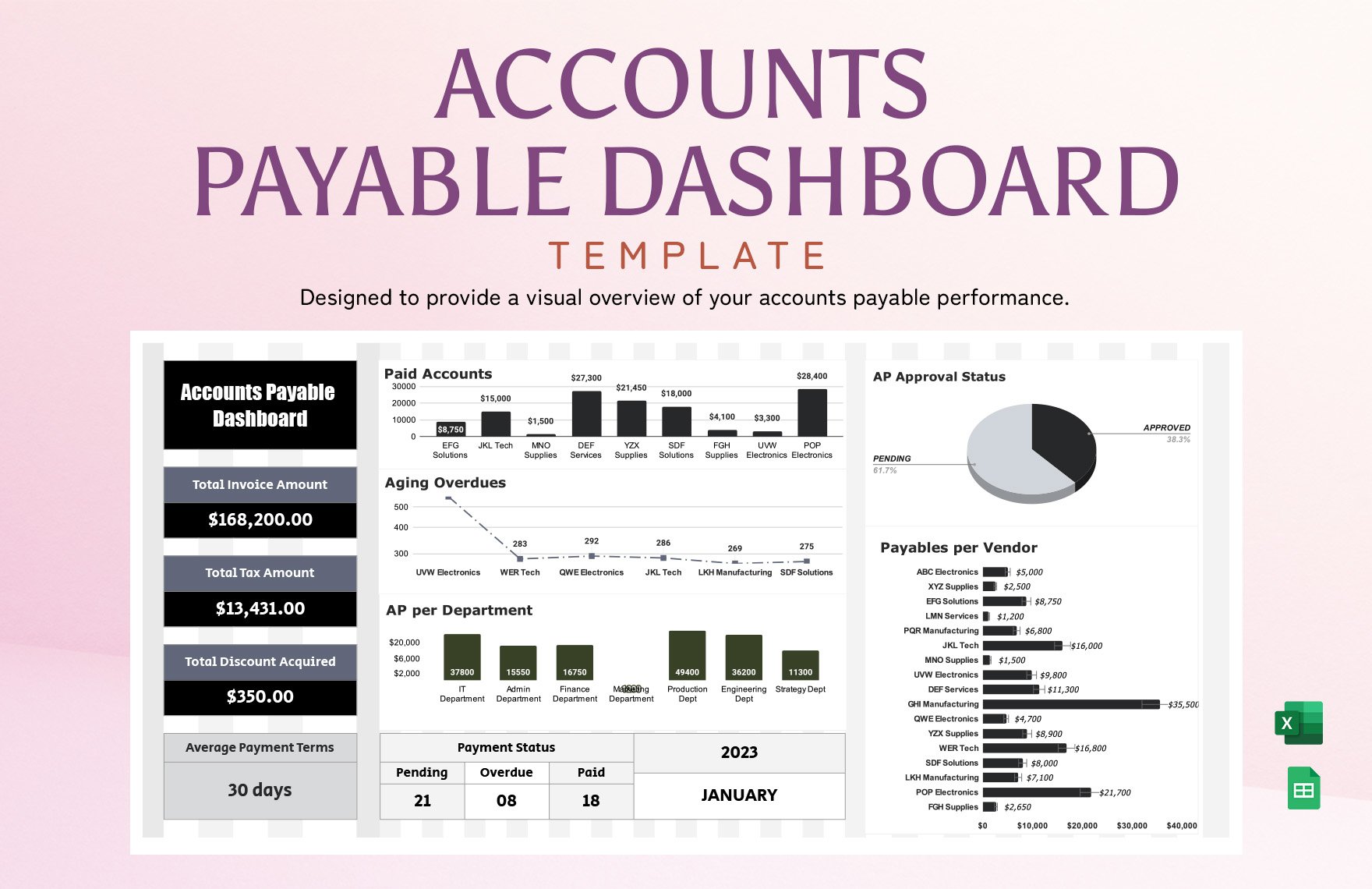
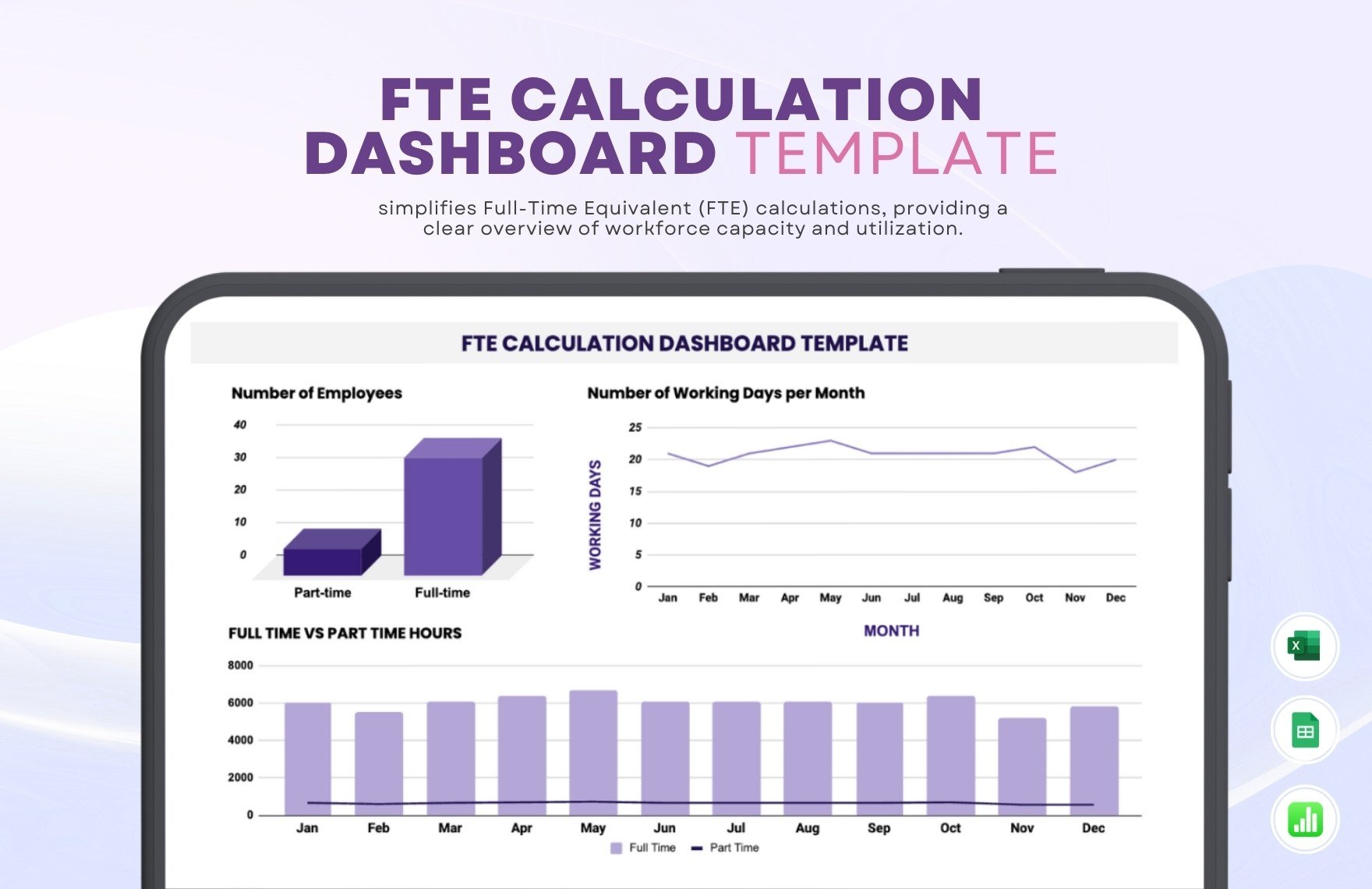
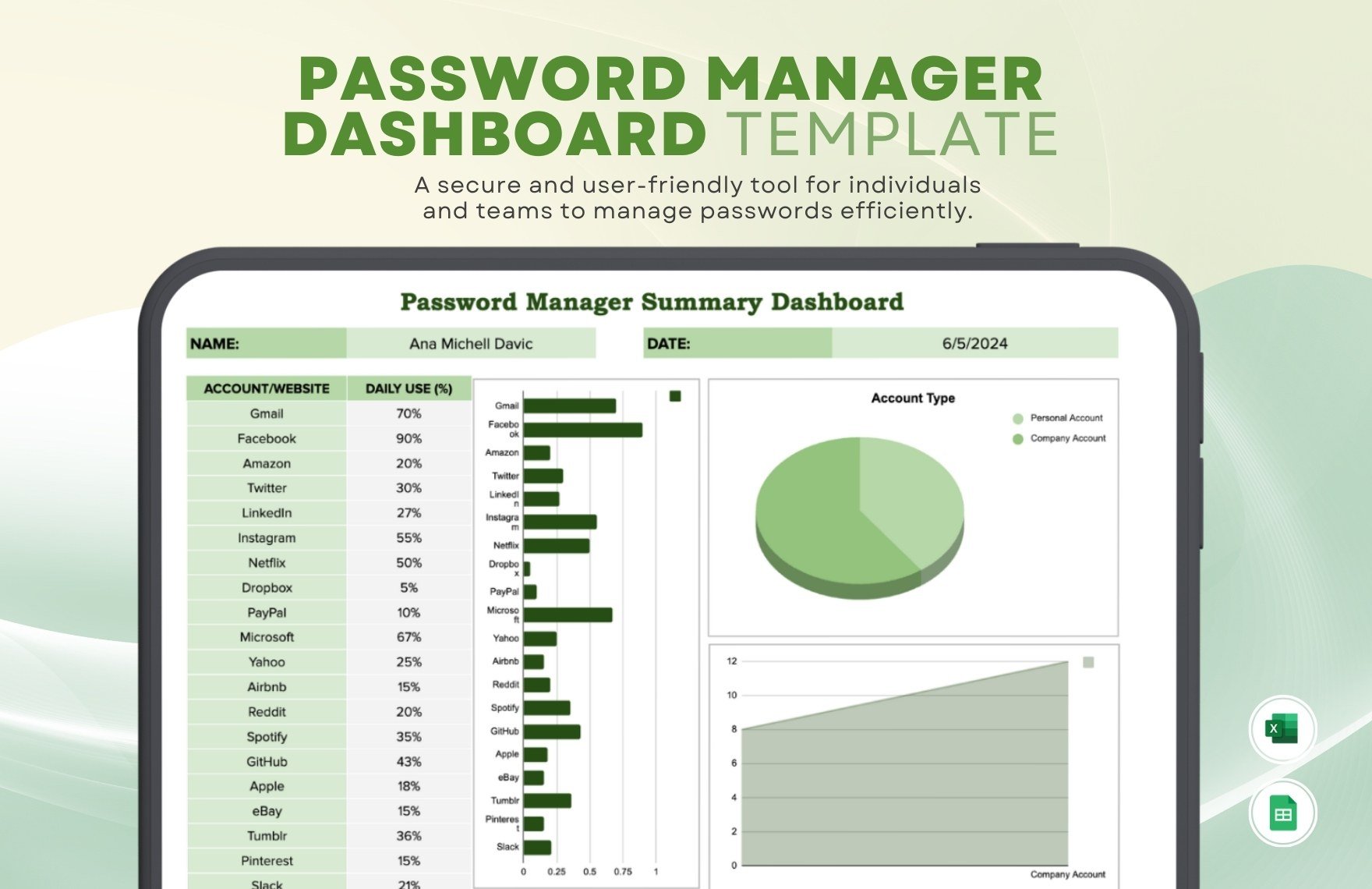
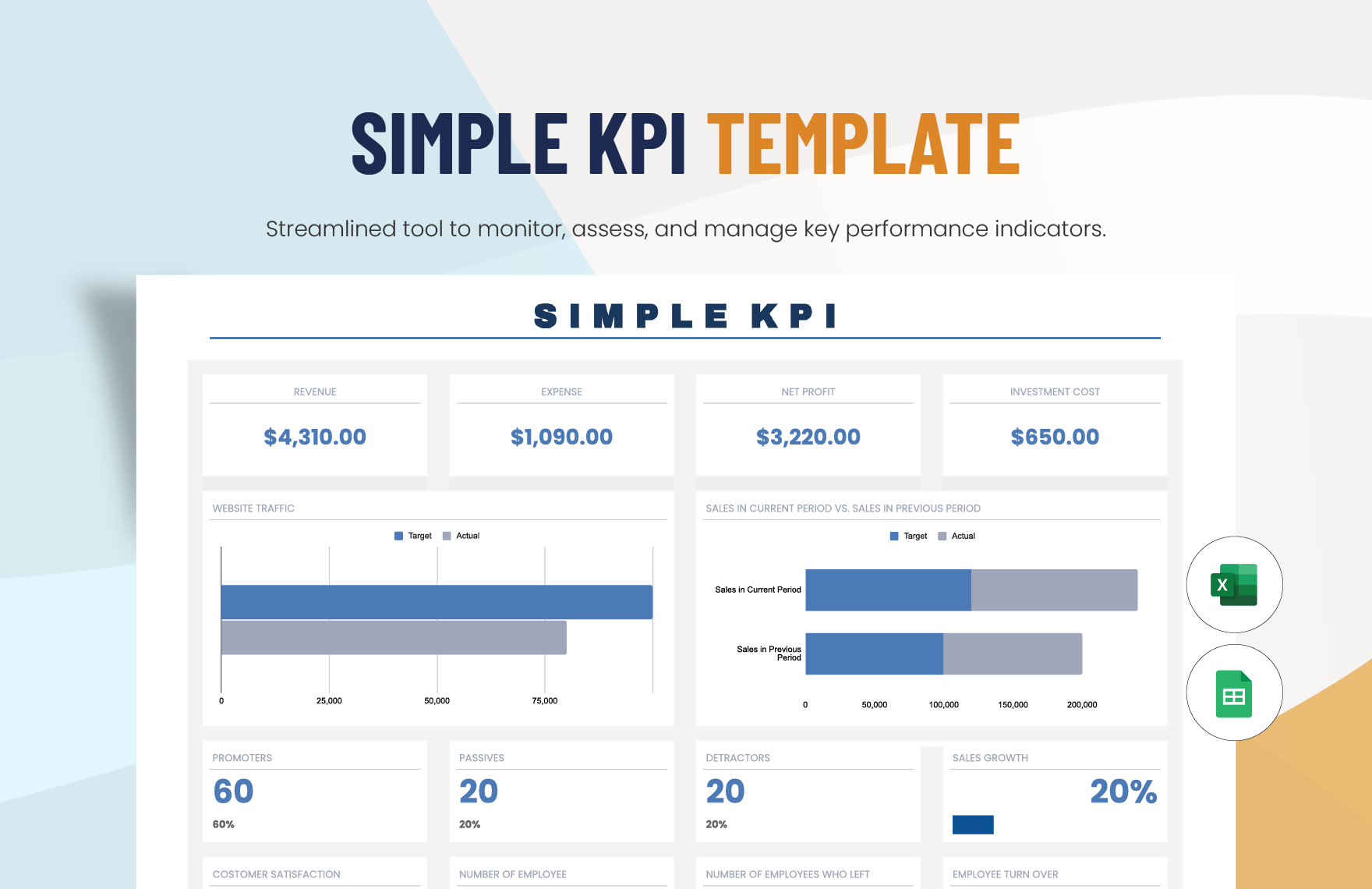
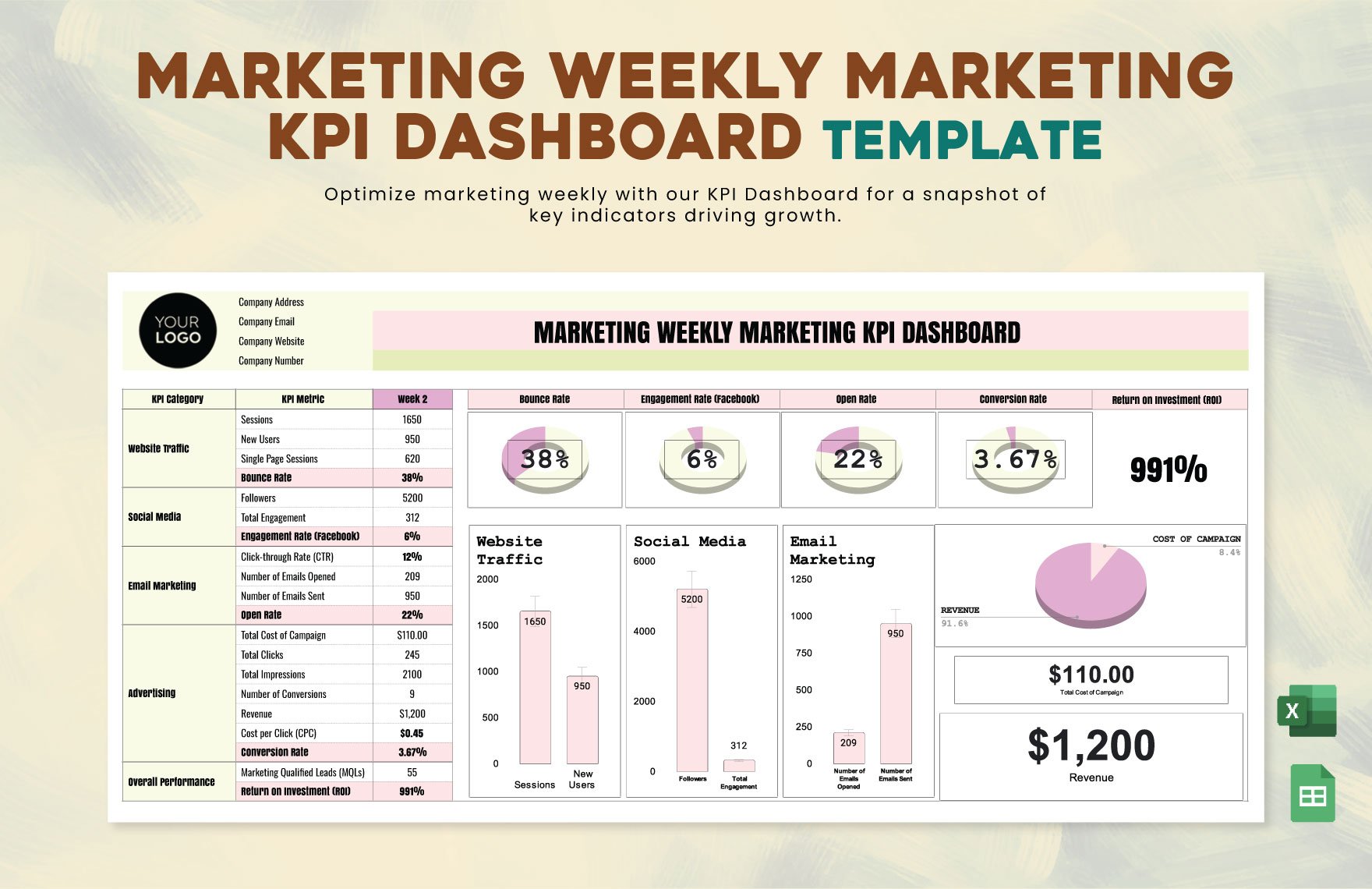
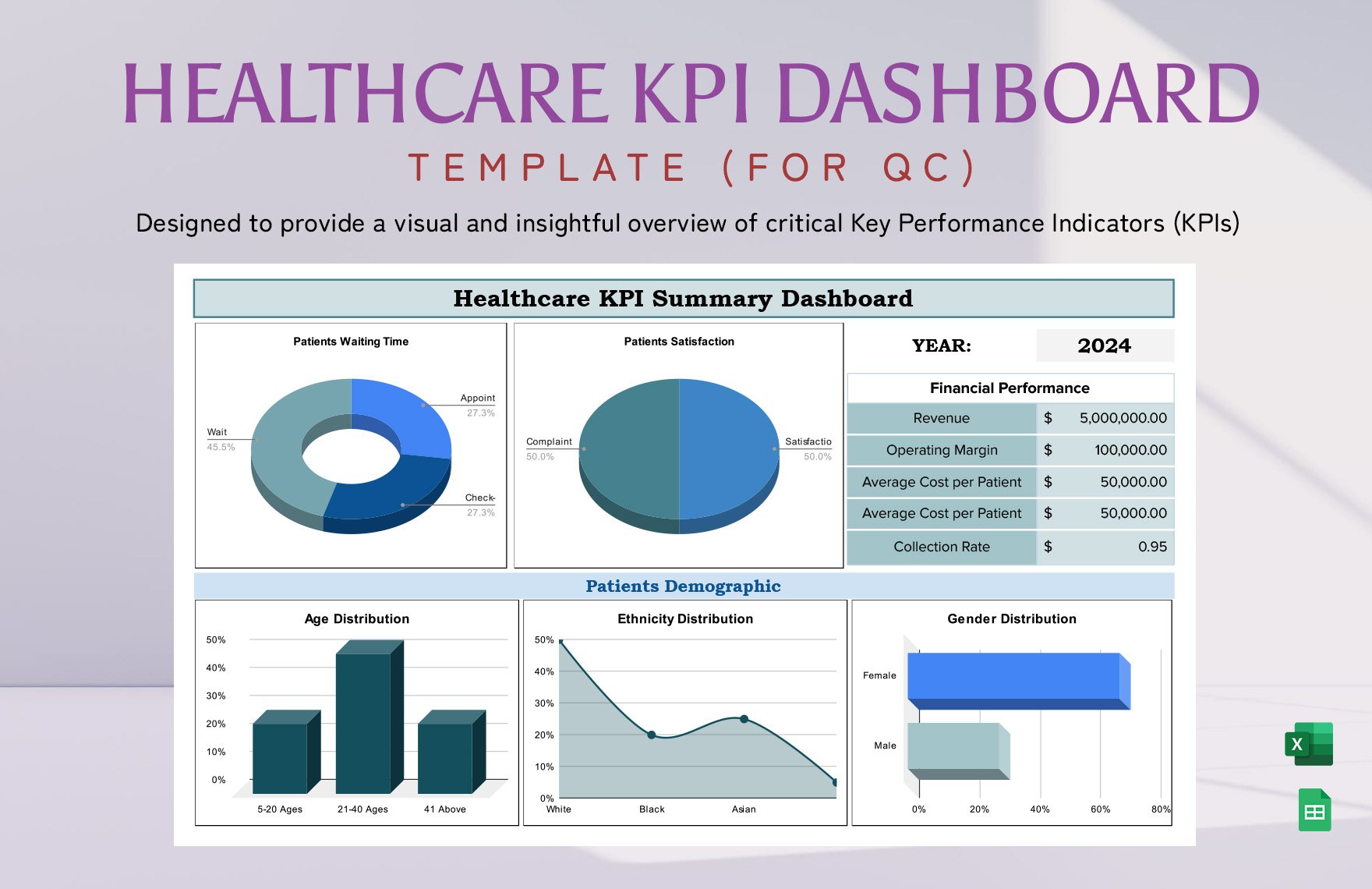
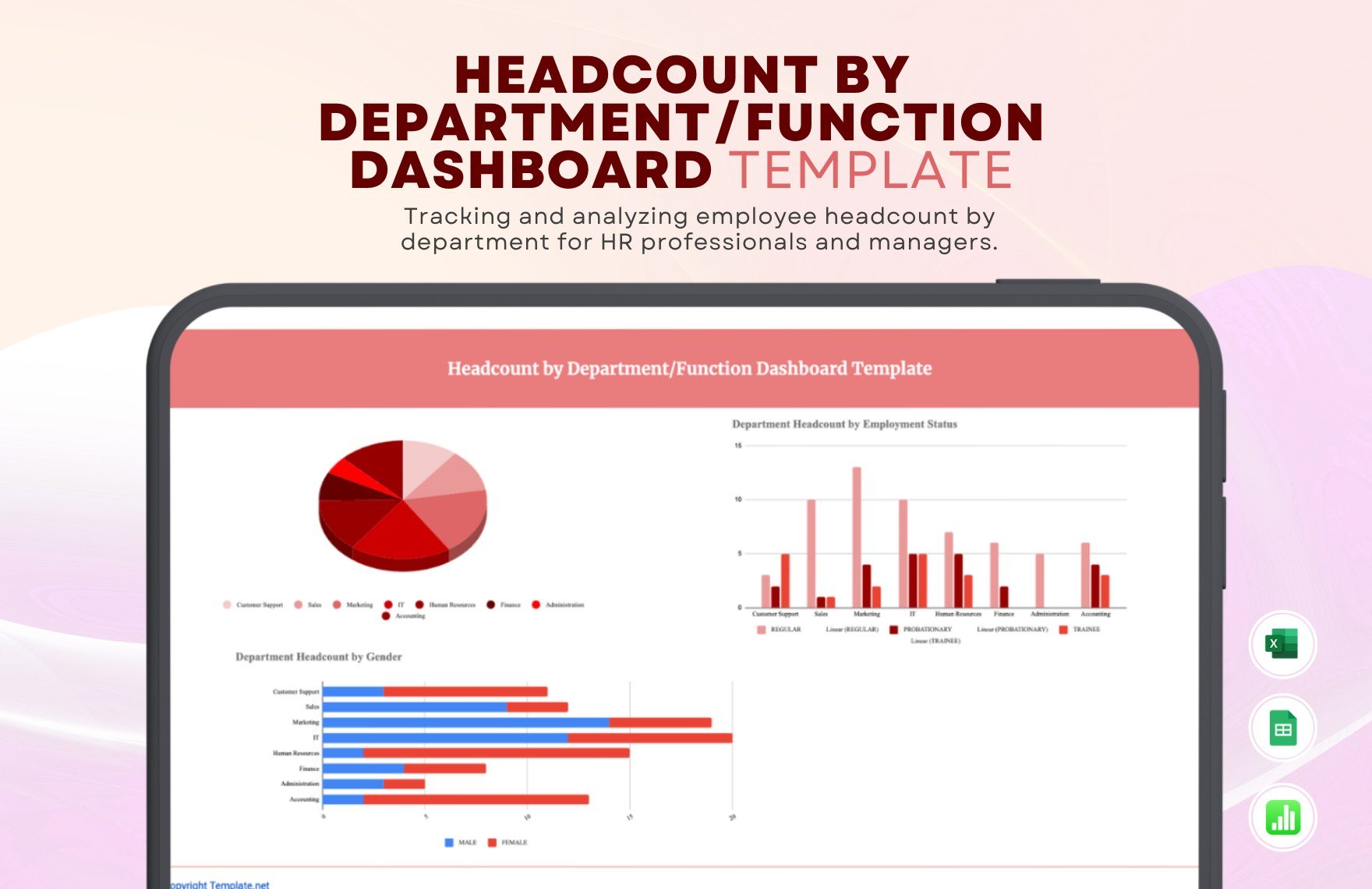
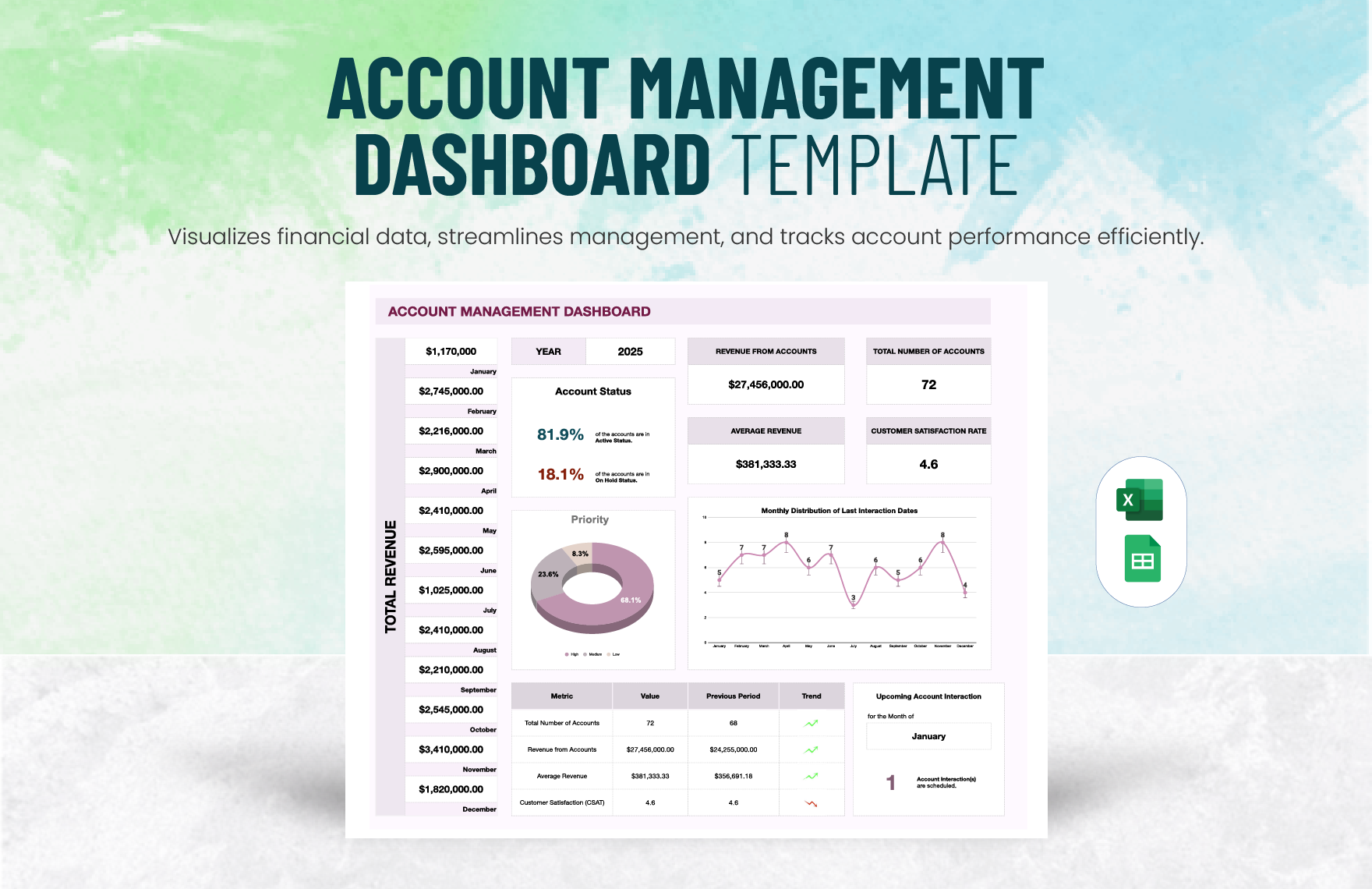
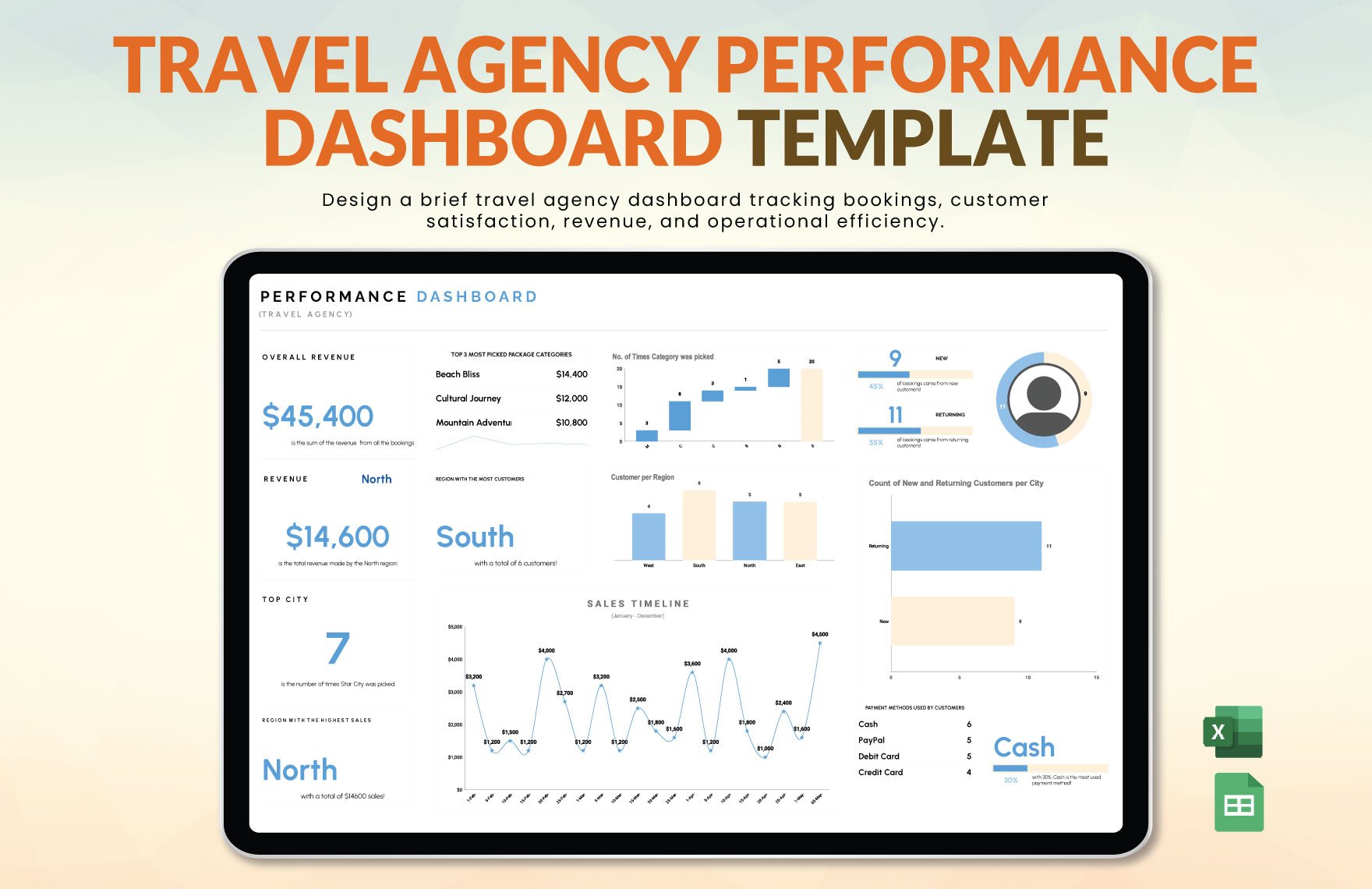
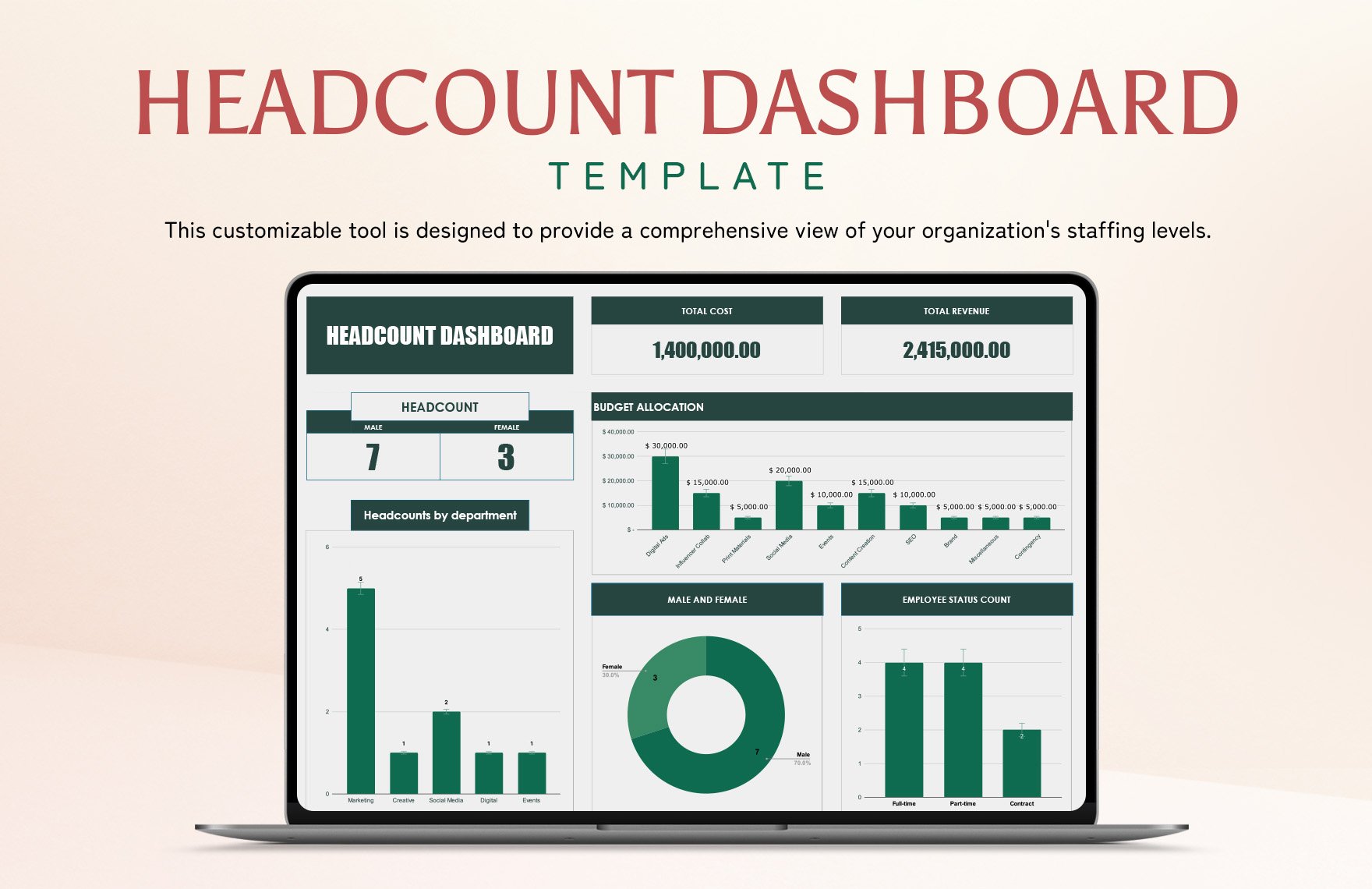
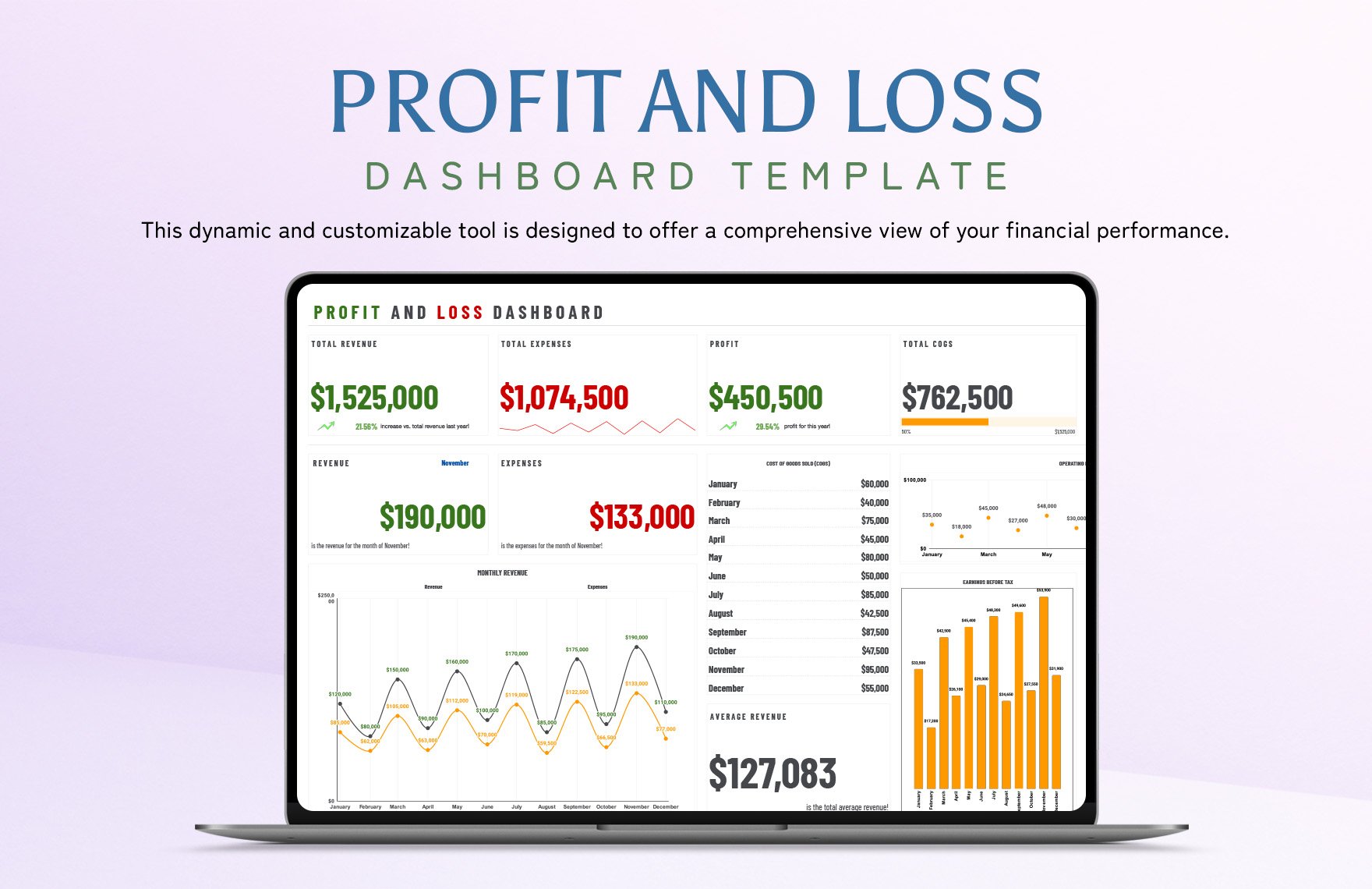
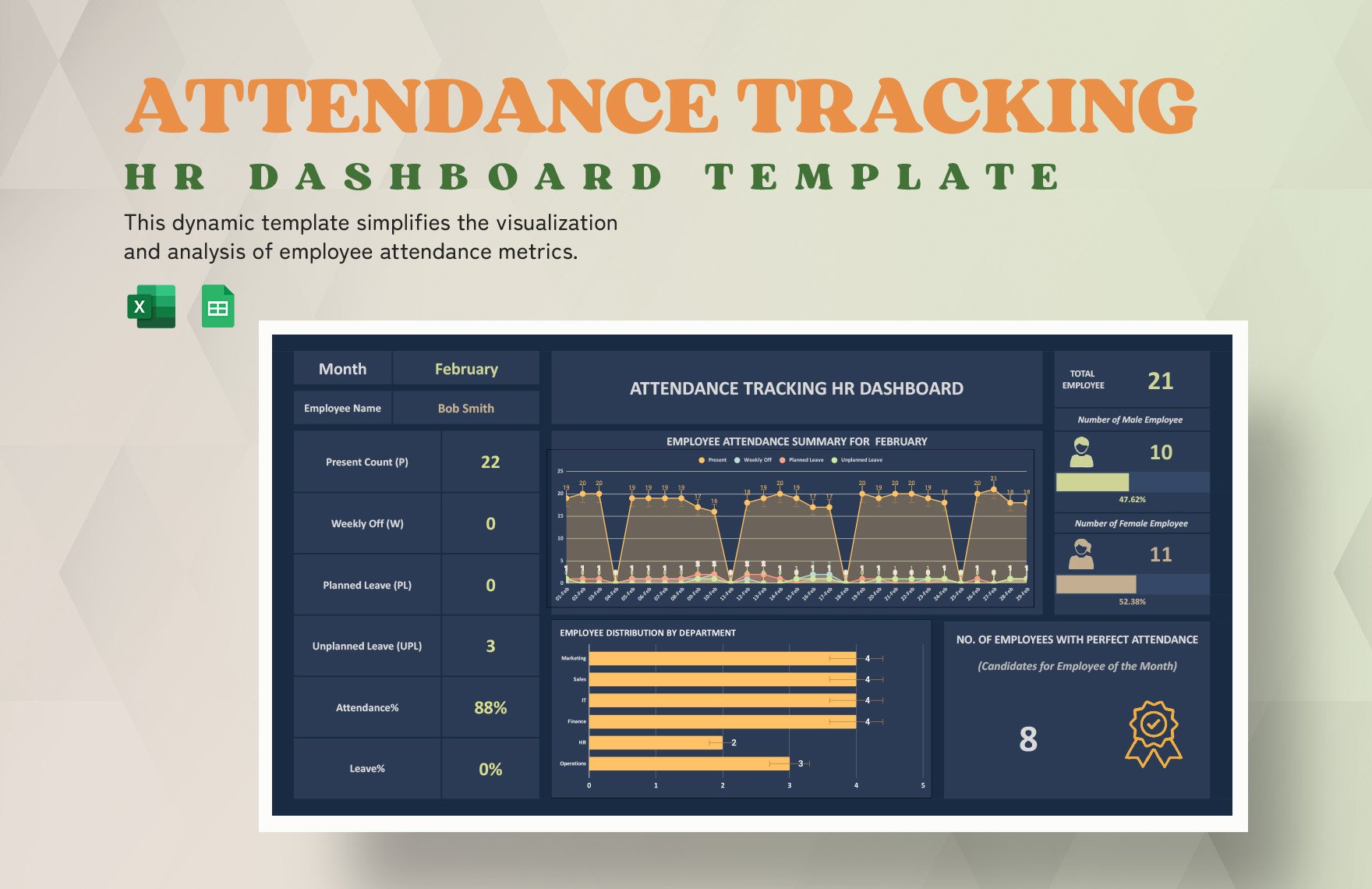
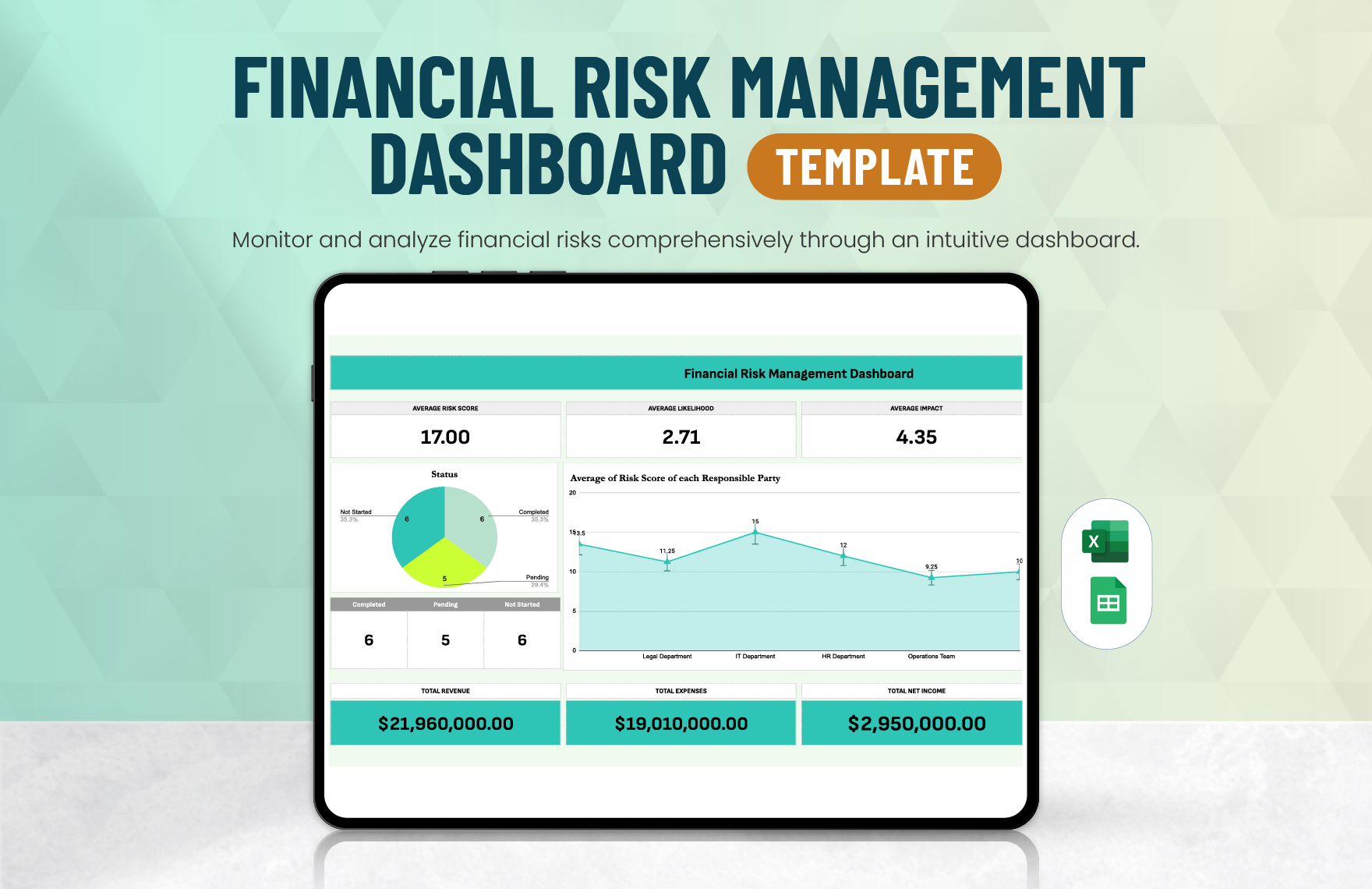
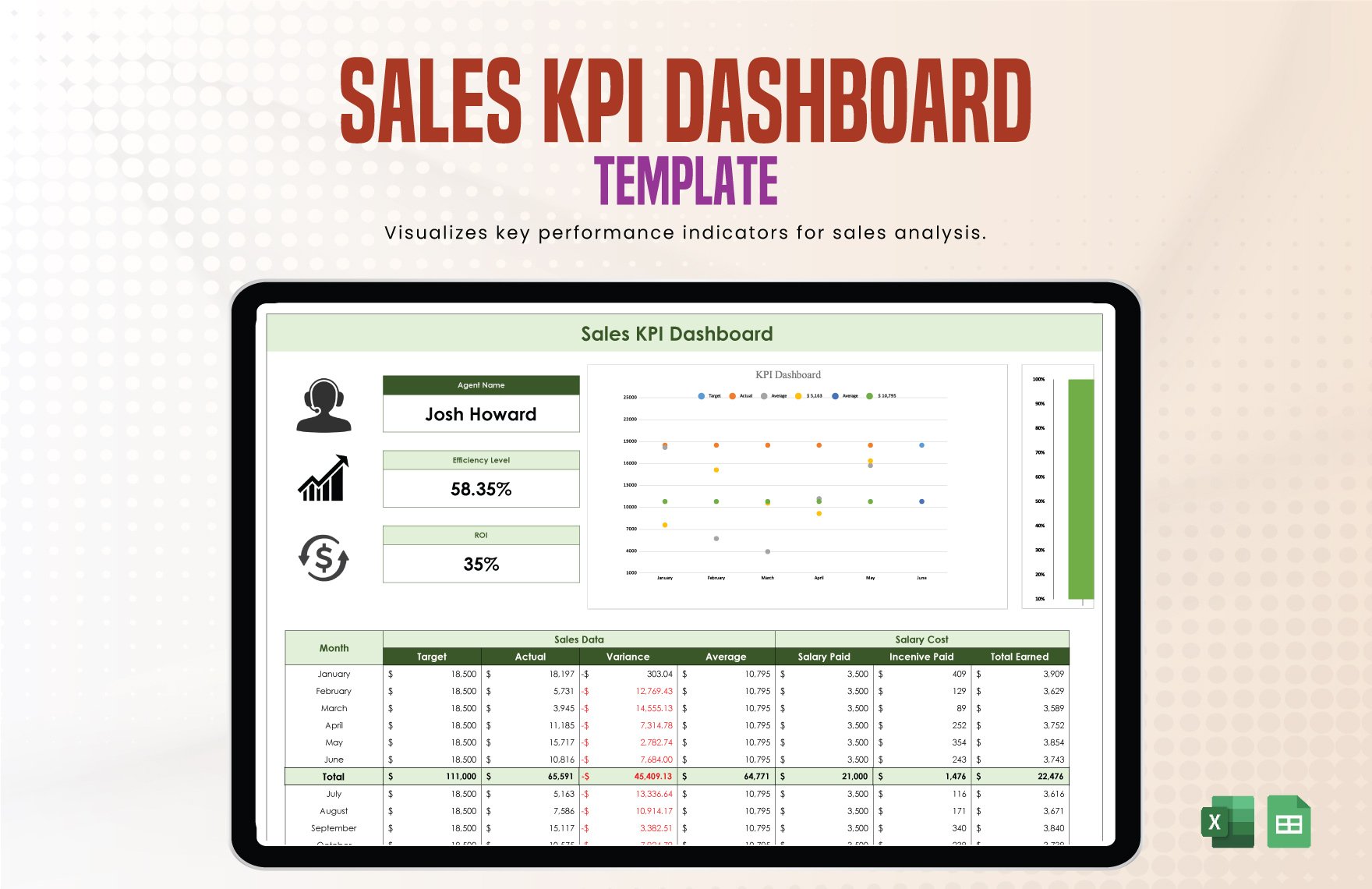
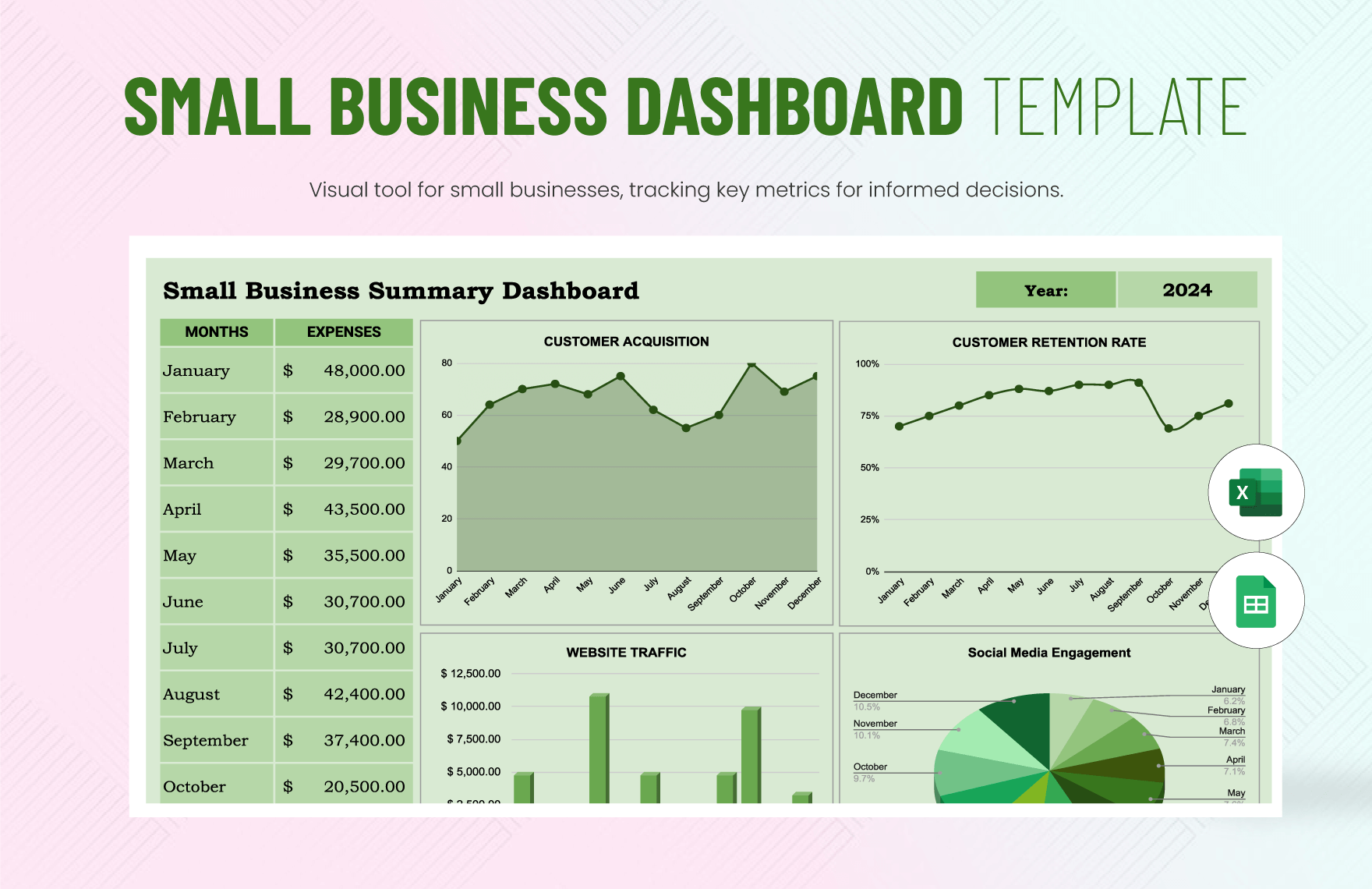
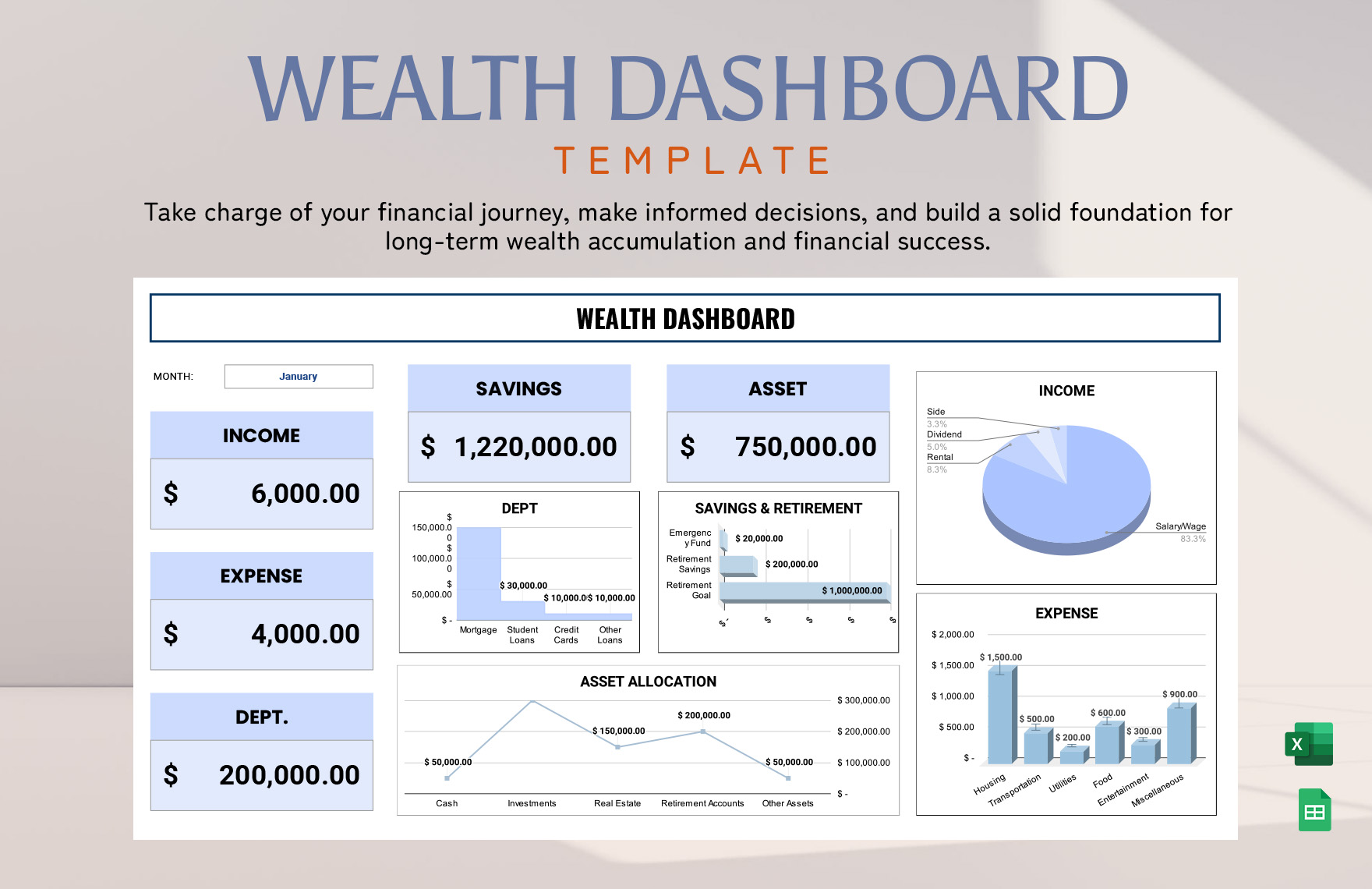
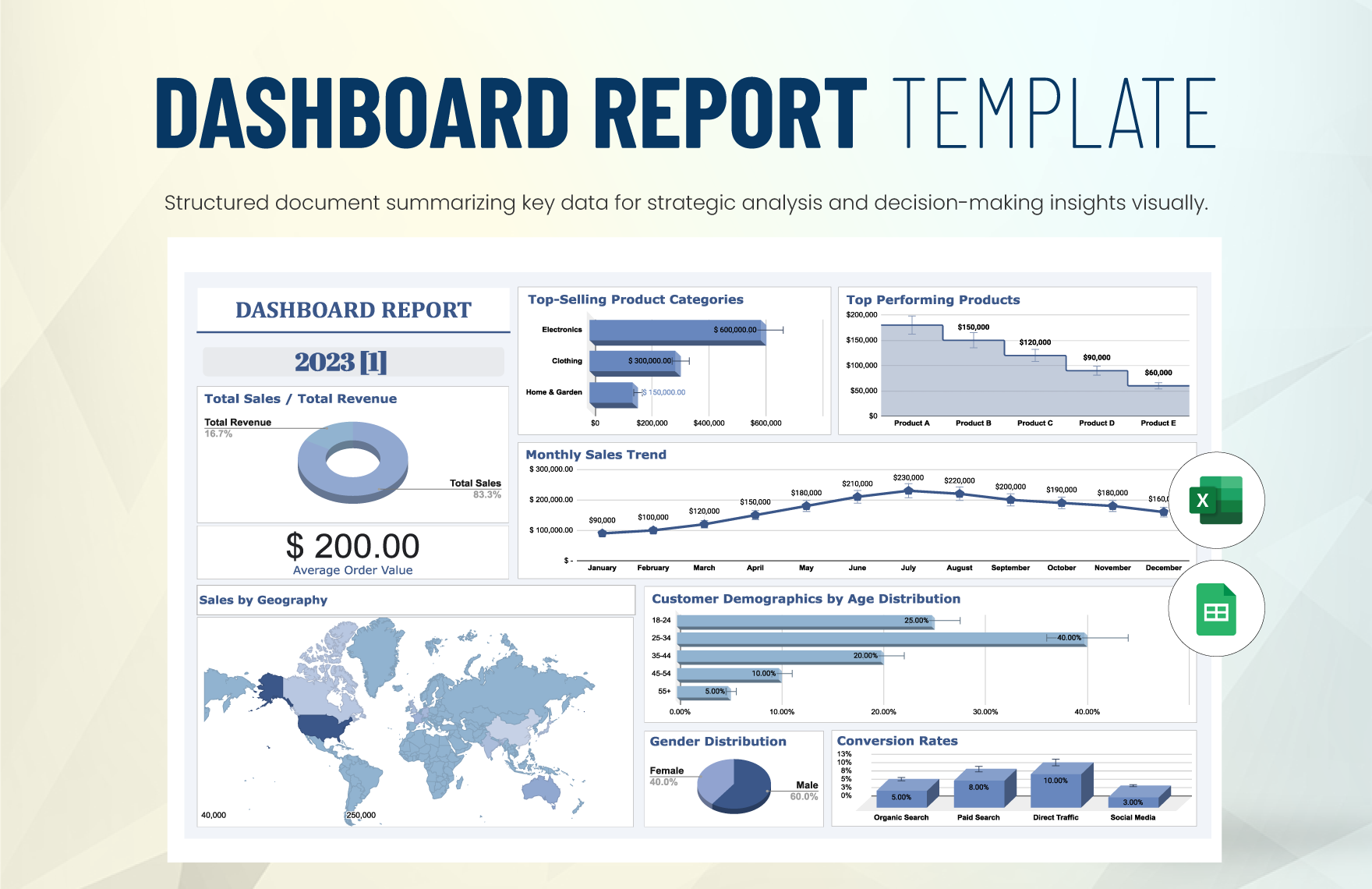
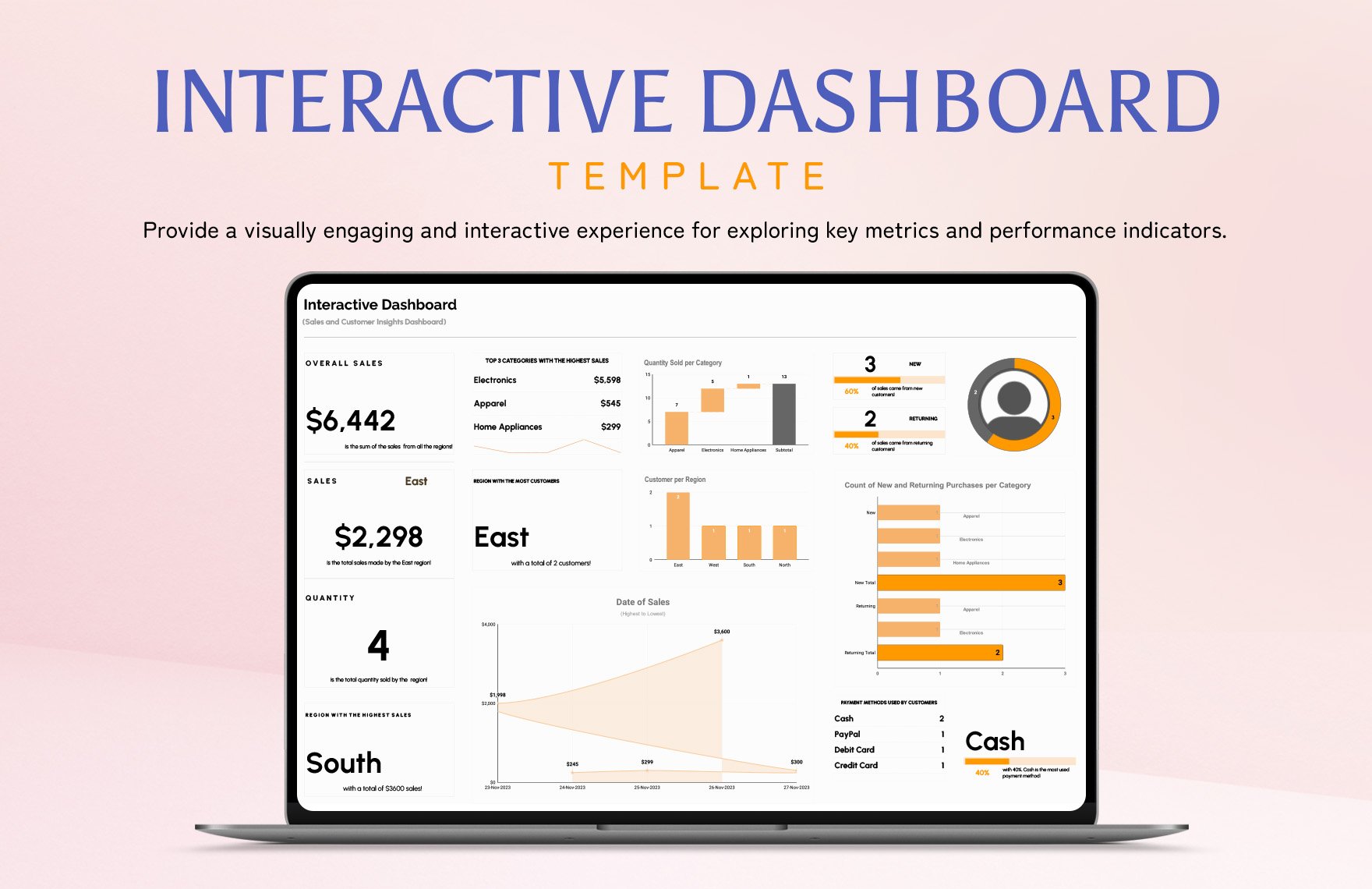
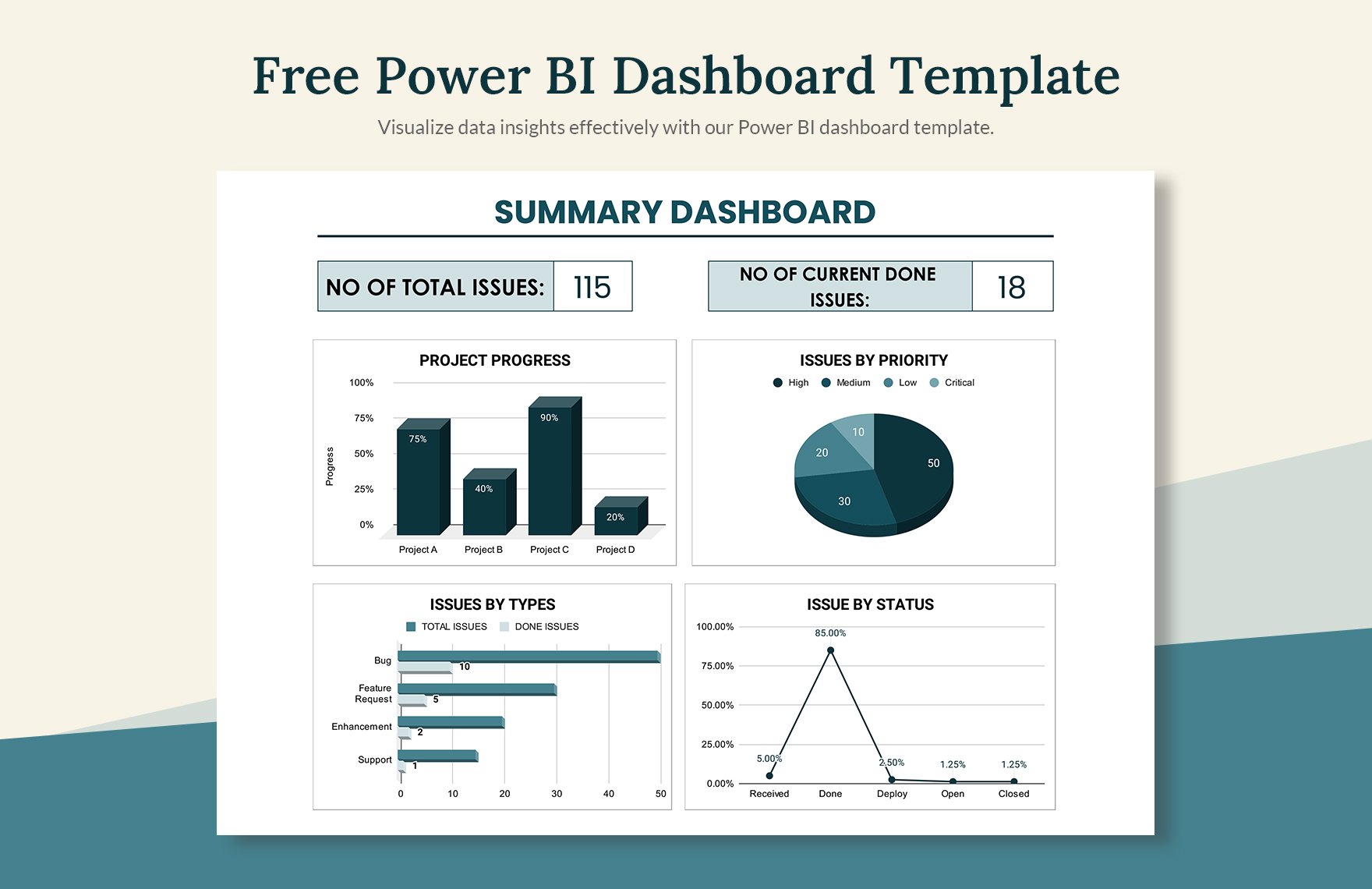
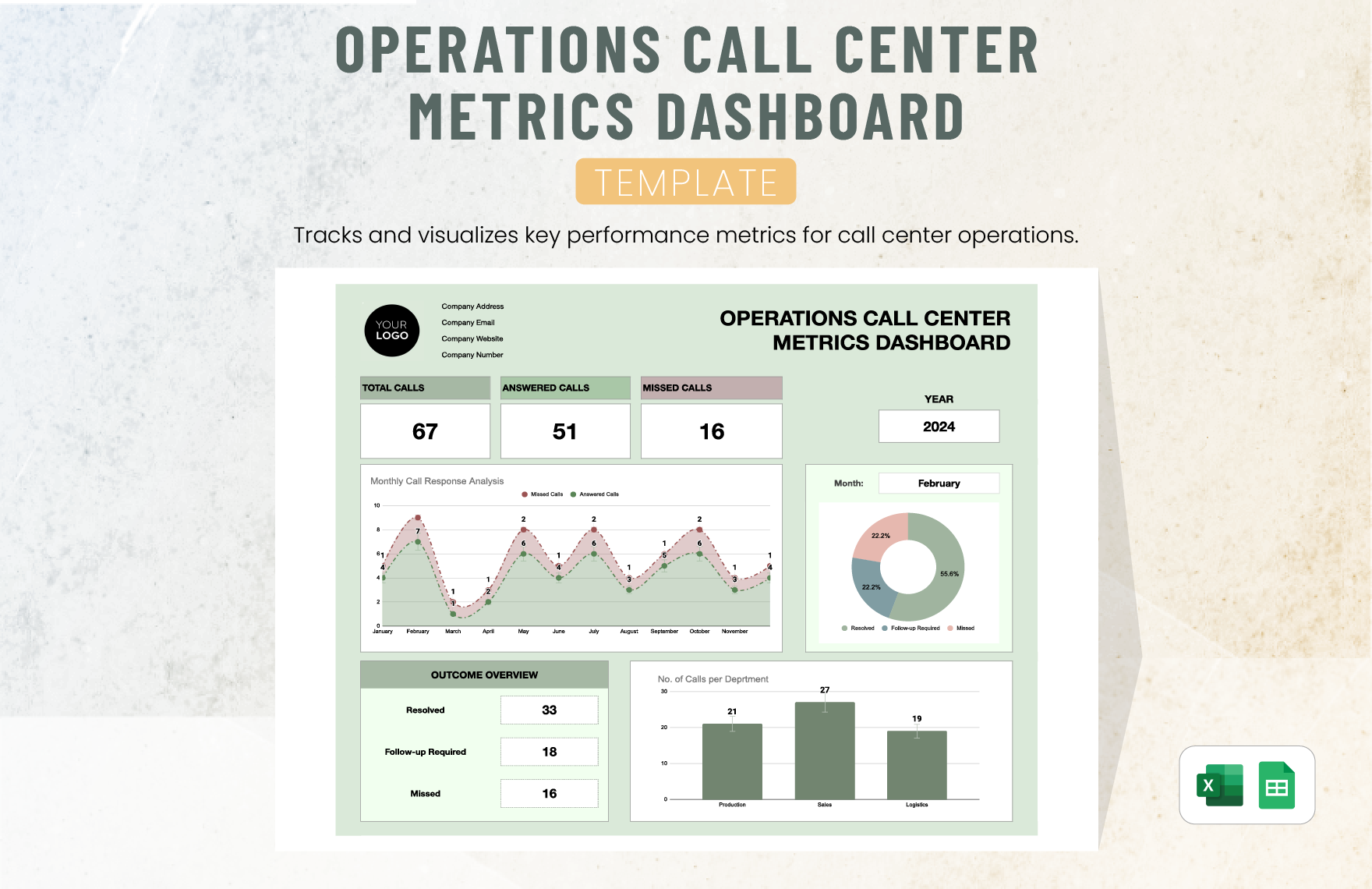
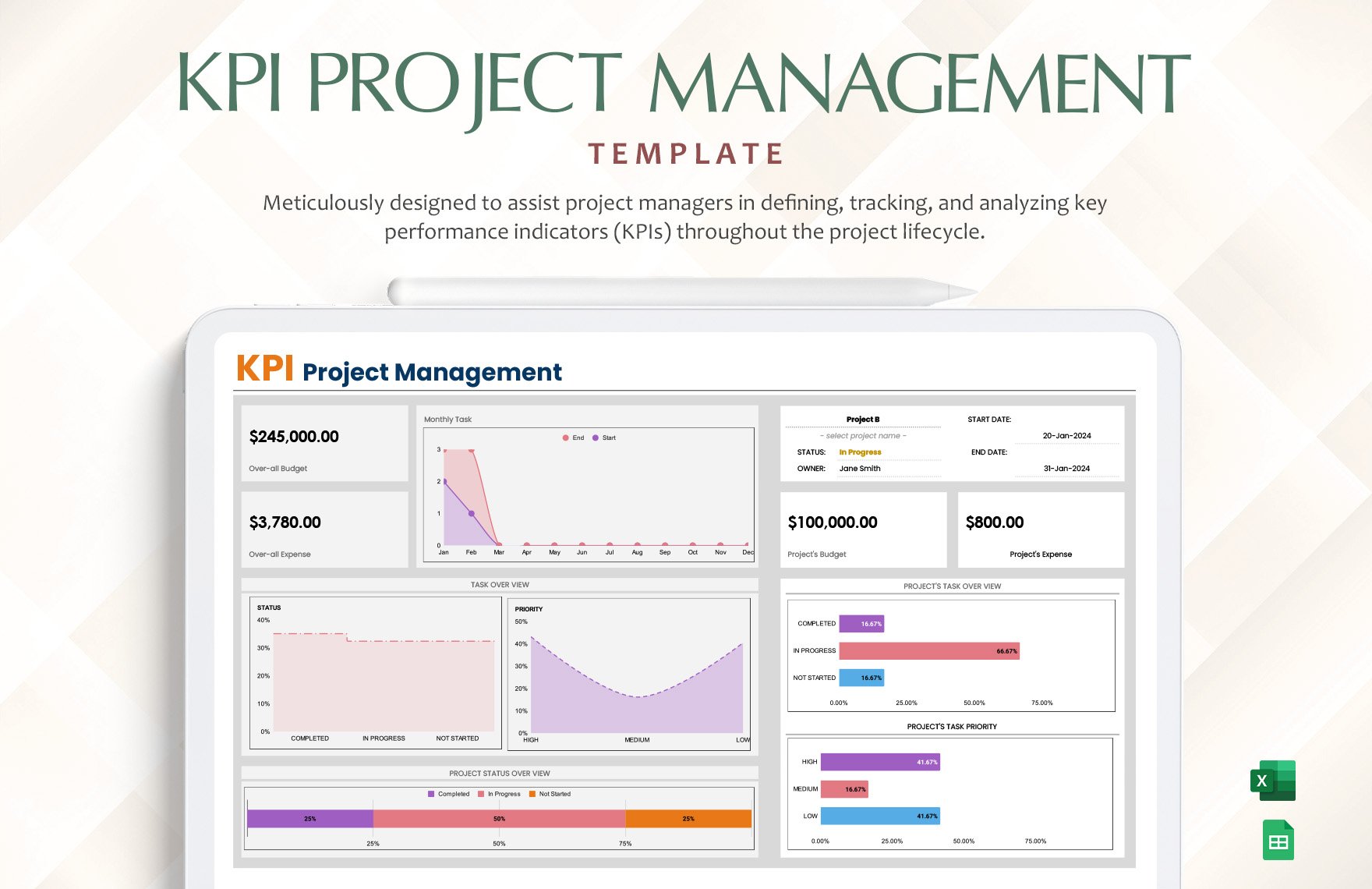
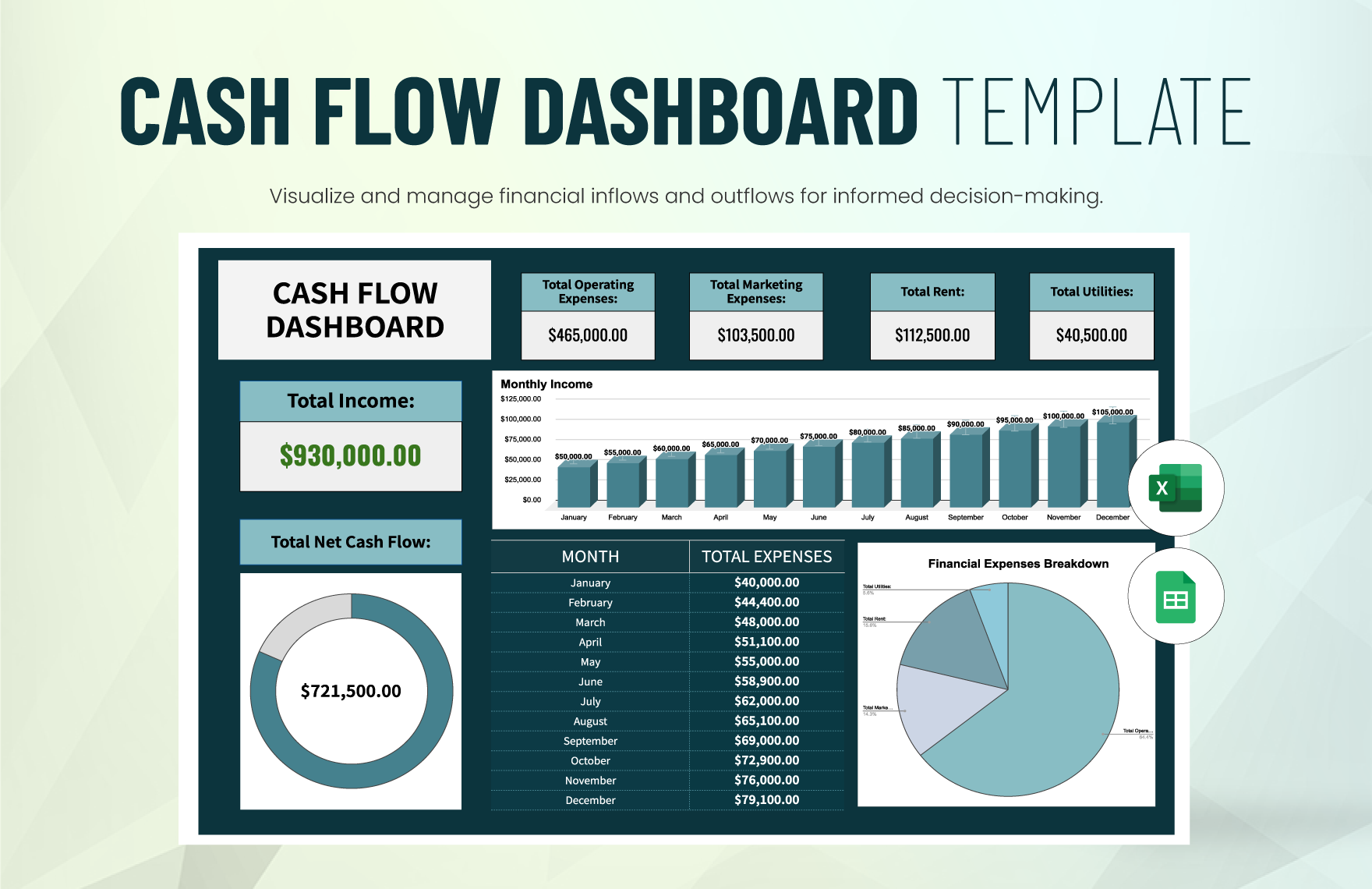
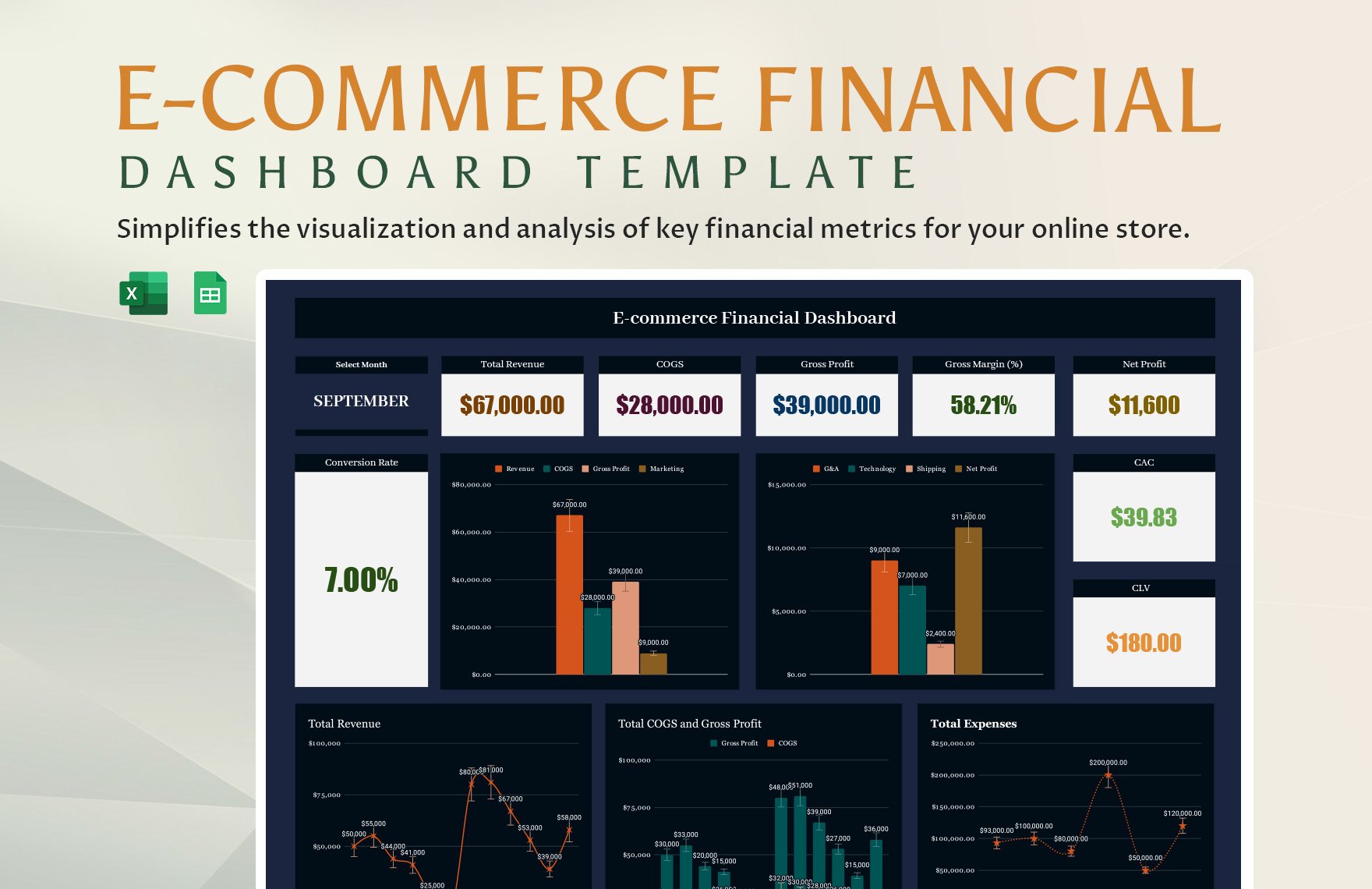
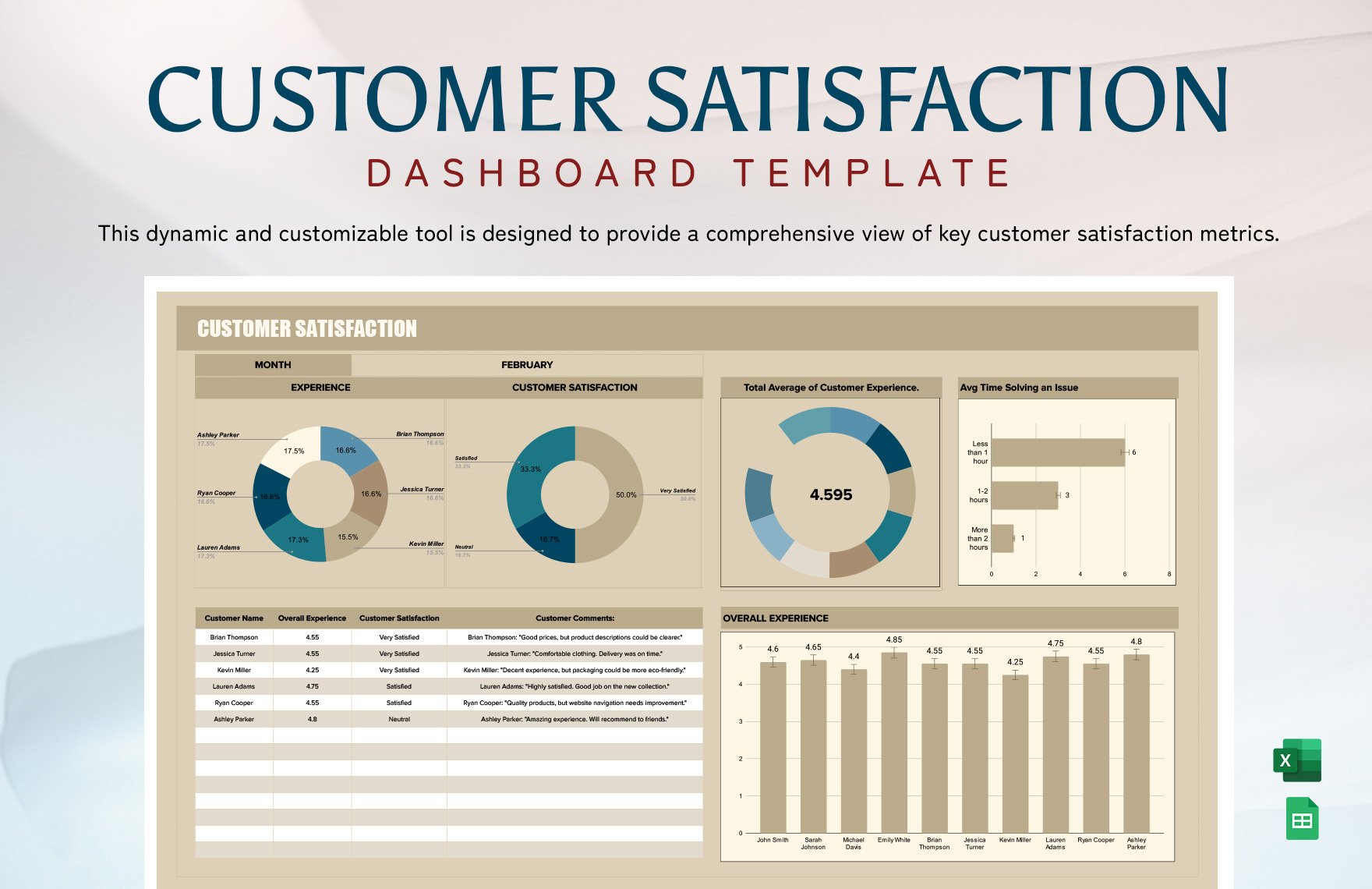
A Dashboard is a centralized visual tool that presents important metrics and data in a clear and concise format. It helps you monitor performance indicators, trends, and insights at a glance using charts, graphs, and tables.
Why should I use a Dashboard?
You should use a Dashboard to consolidate complex data into actionable visuals, enabling better decision-making and efficient monitoring of progress. Dashboards provide real-time insights that help you quickly identify issues and opportunities.
Who uses Dashboard?
Dashboard users typically include professionals such as business analysts, project managers, marketing teams, and executives who need to visualize data for performance tracking and reporting.
What are the best tips for completing my Dashboard?
When completing your Dashboard, focus on clarity and relevance by selecting key metrics, using consistent color schemes, and organizing elements logically. Keep the design simple and prioritize the most important data for your audience.
Can I create a Dashboard using AI?
You can create a Dashboard using AI-powered tools that automate data visualization and design suggestions. While Template.net specializes in editable templates, AI generation options are available elsewhere on the platform.
What file formats can I download for my Dashboard?
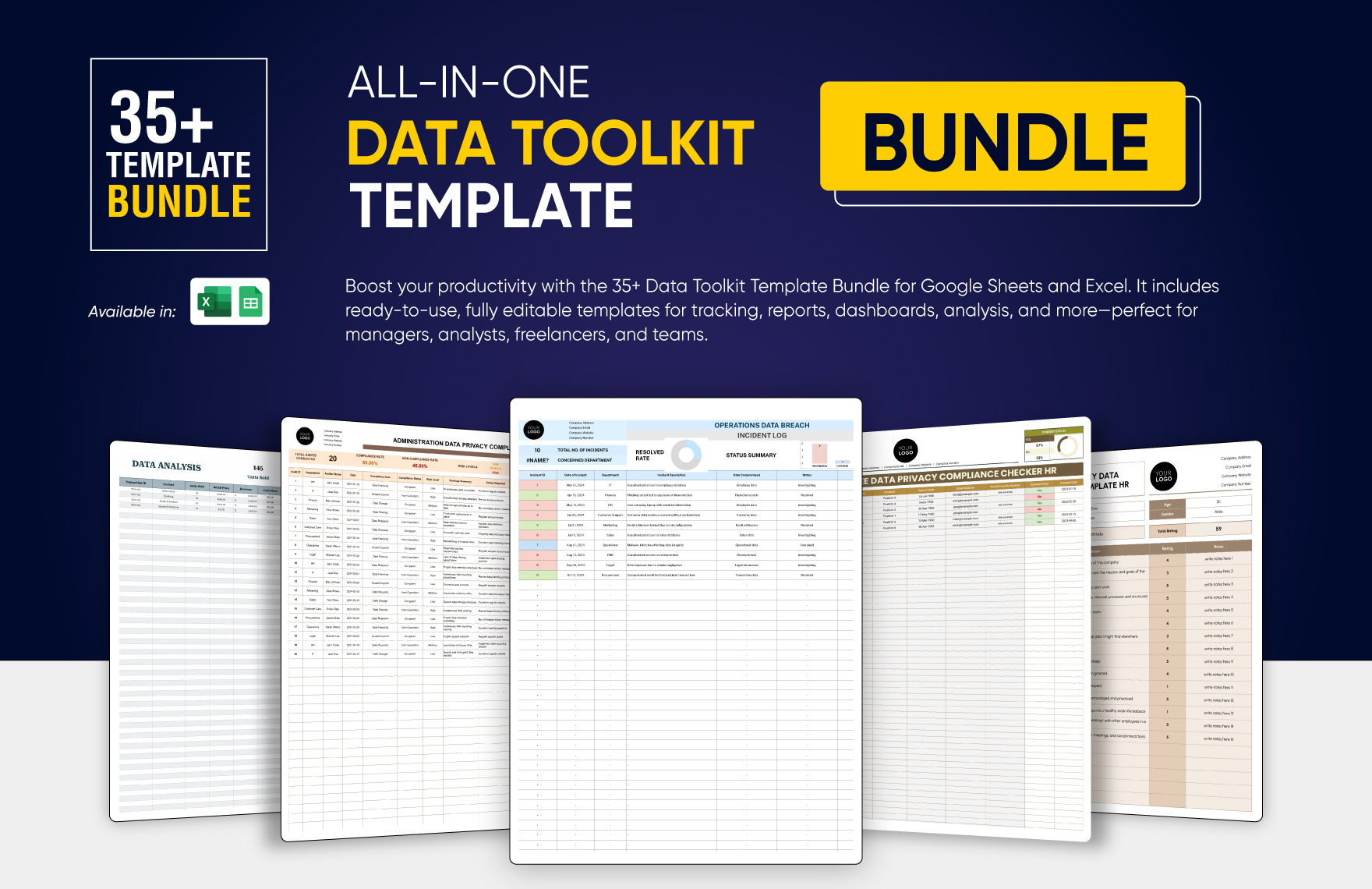
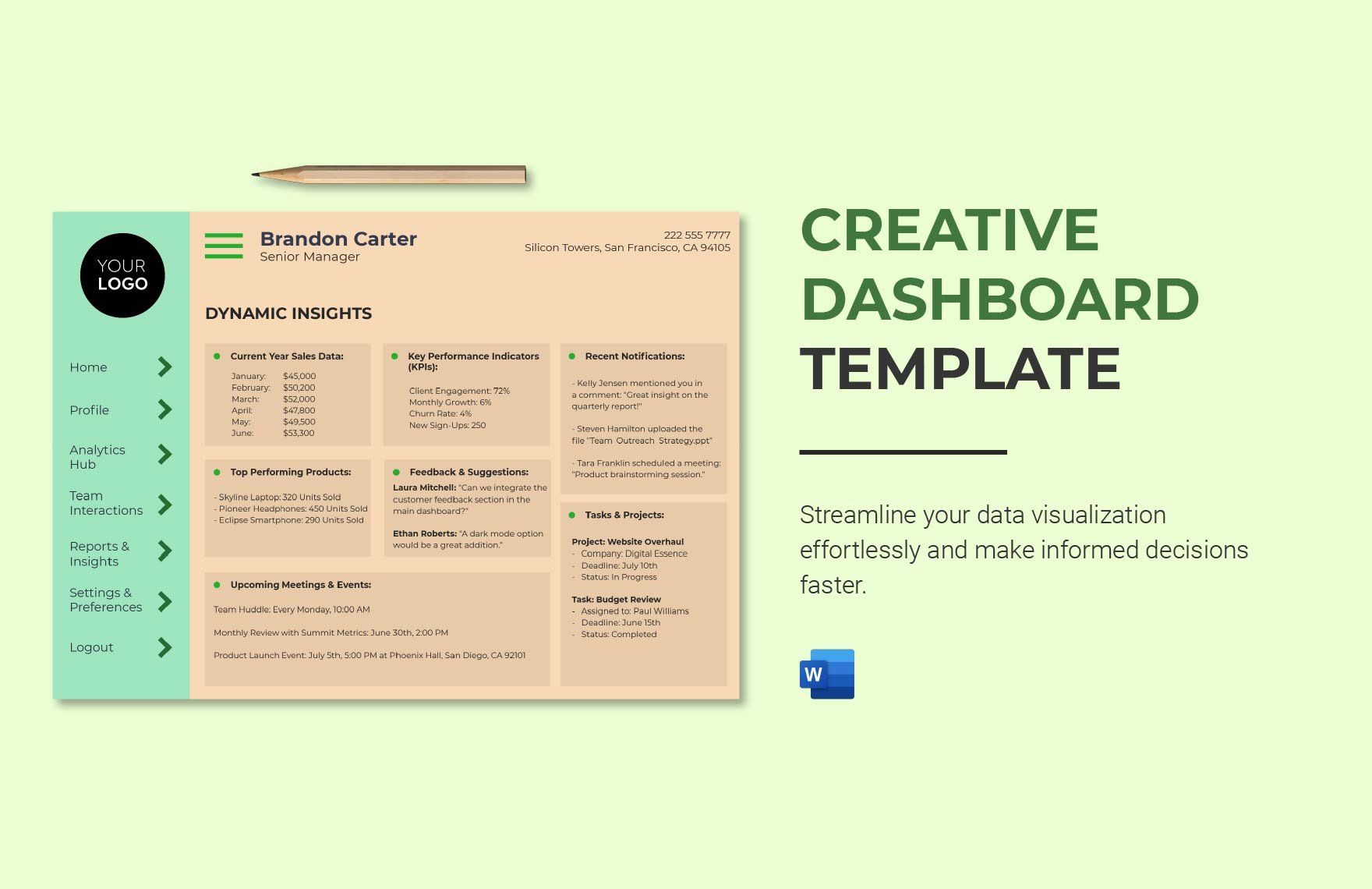
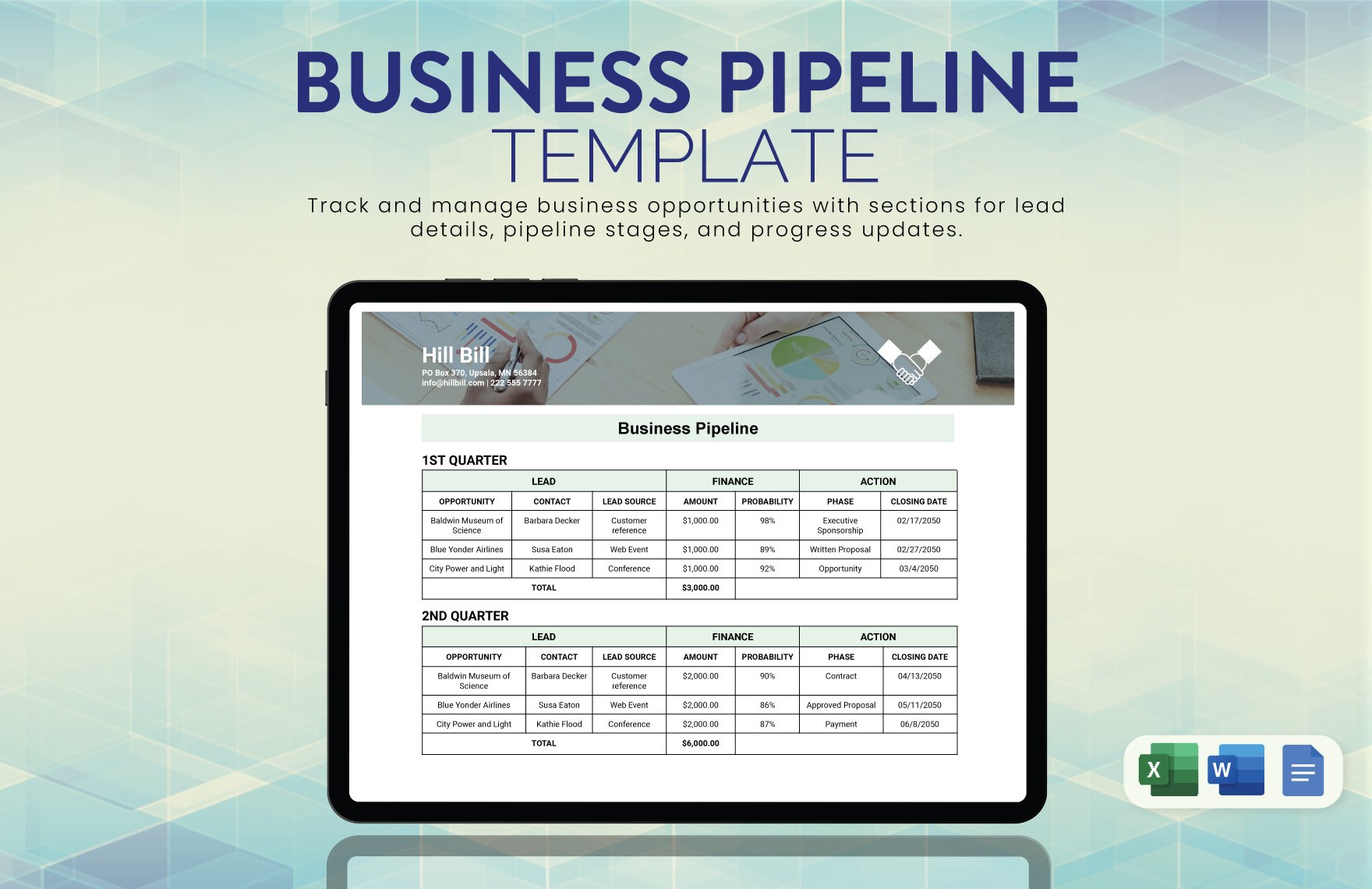
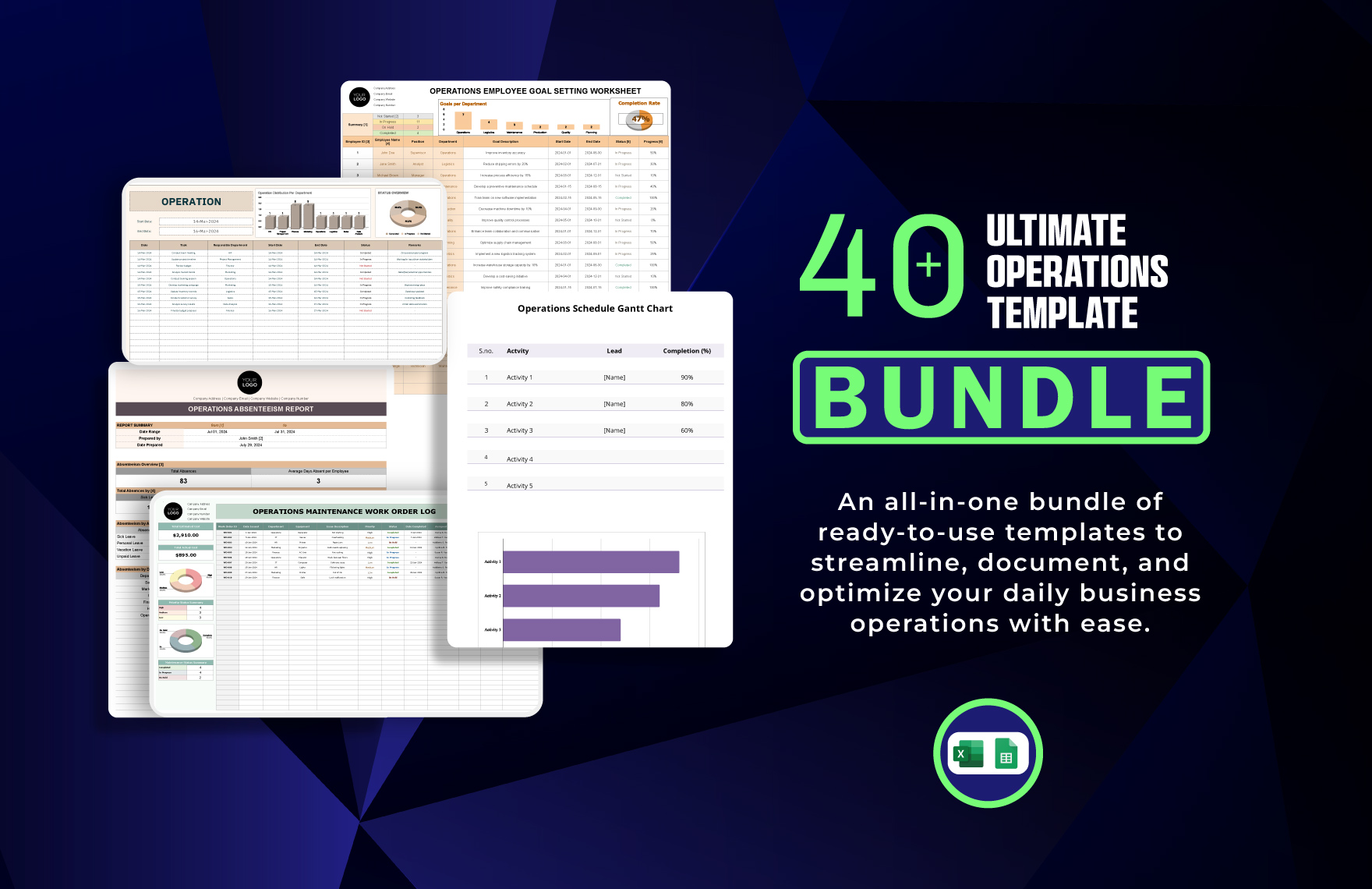
Template.net offers Dashboard templates downloadable in multiple file formats including Excel, Apple Numbers, Google Sheets, Word, and Google Docs.
What are the essential elements of a Dashboard?
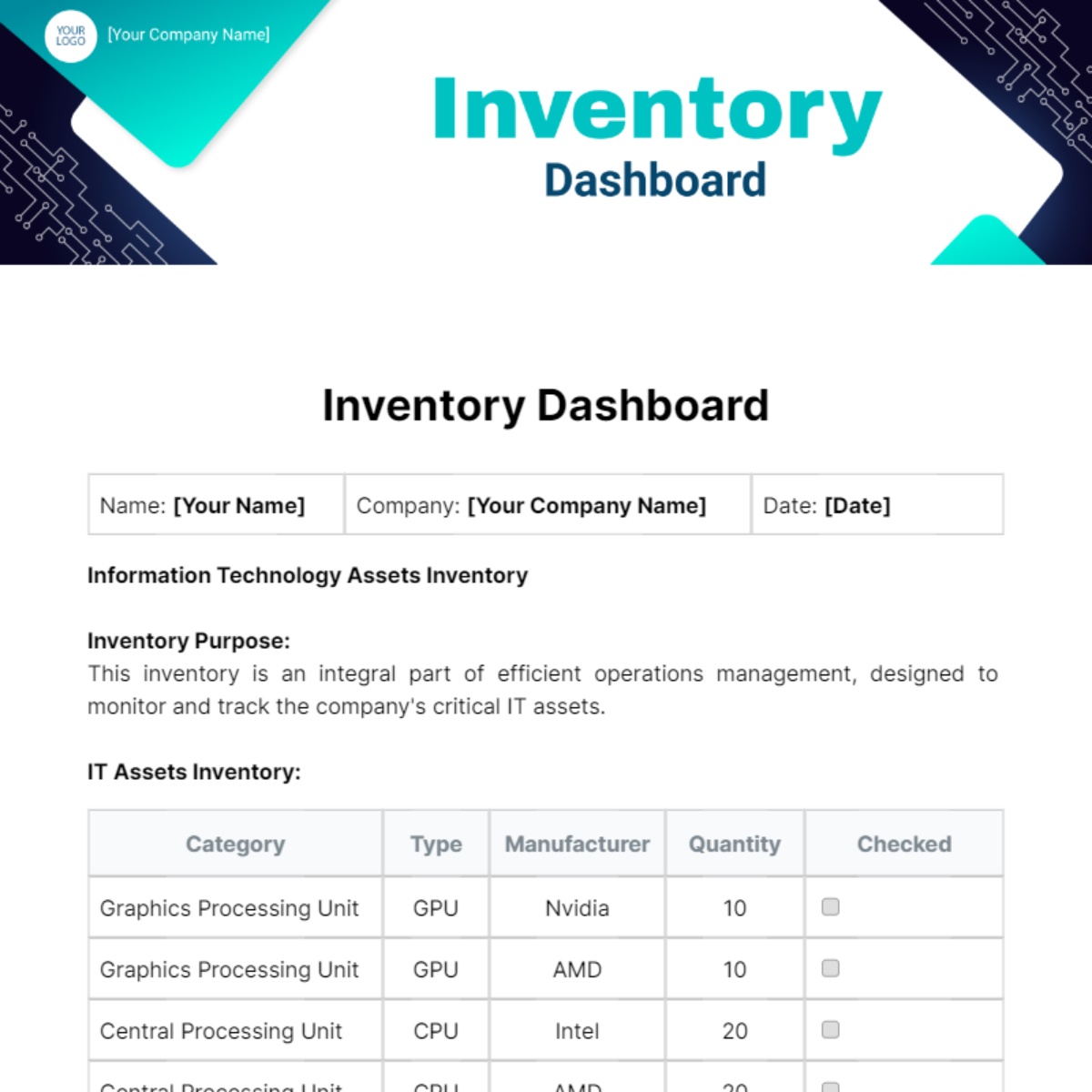
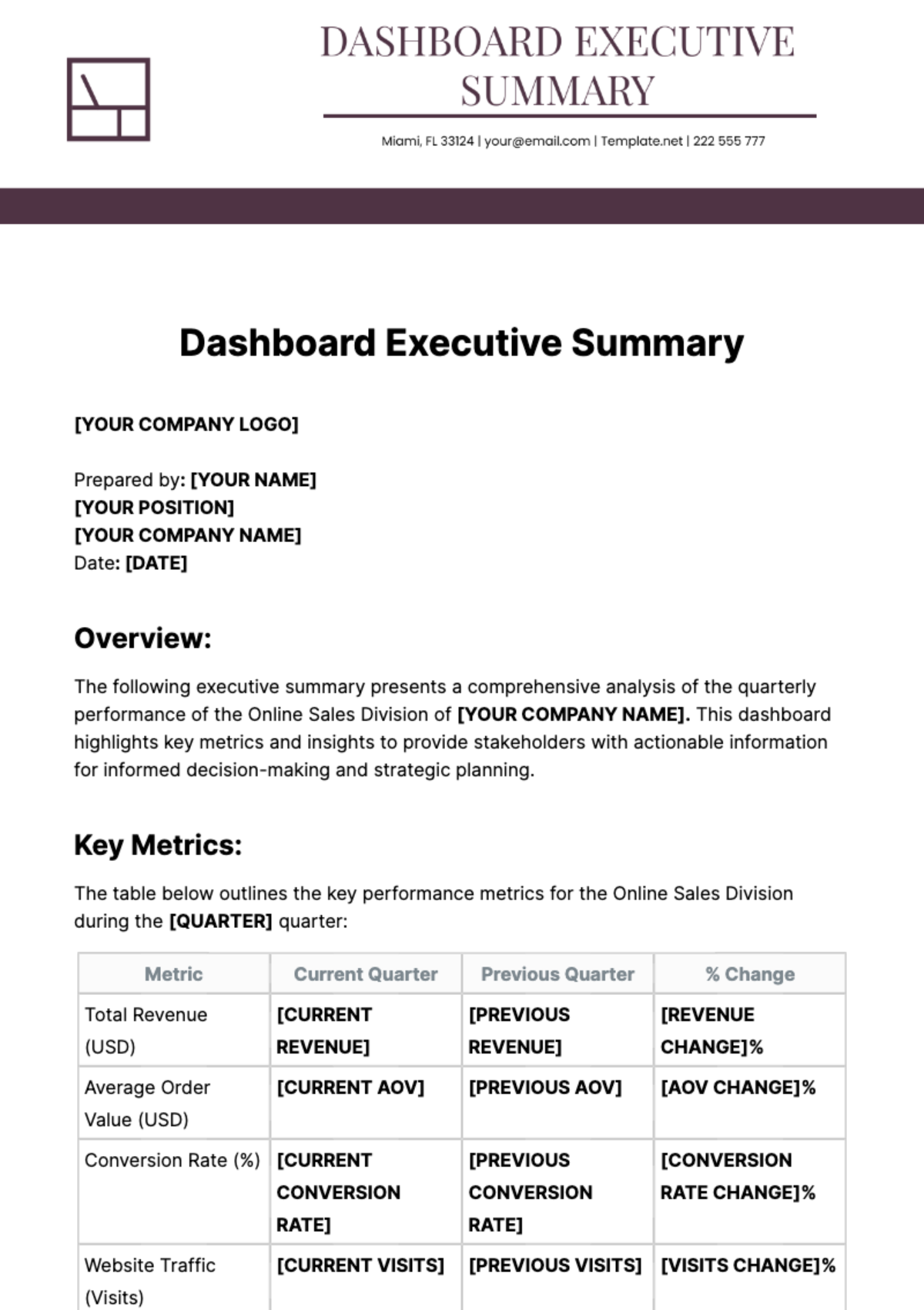
Essential elements of a Dashboard include clear headings, key performance indicators, charts or graphs, data filters, and summary tables. These components help you organize and highlight the most critical data effectively.
How is Dashboard used in professional workflows?
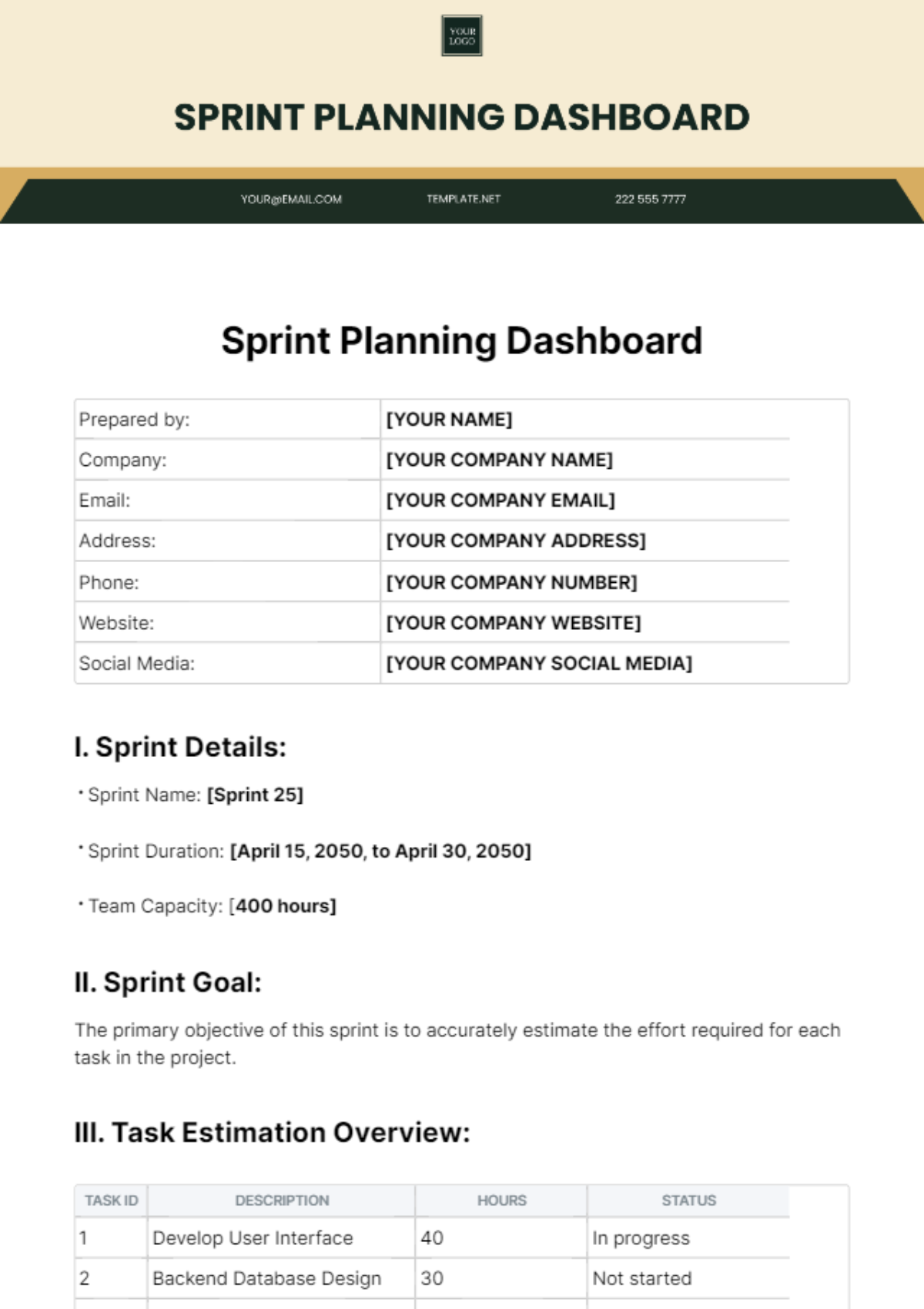
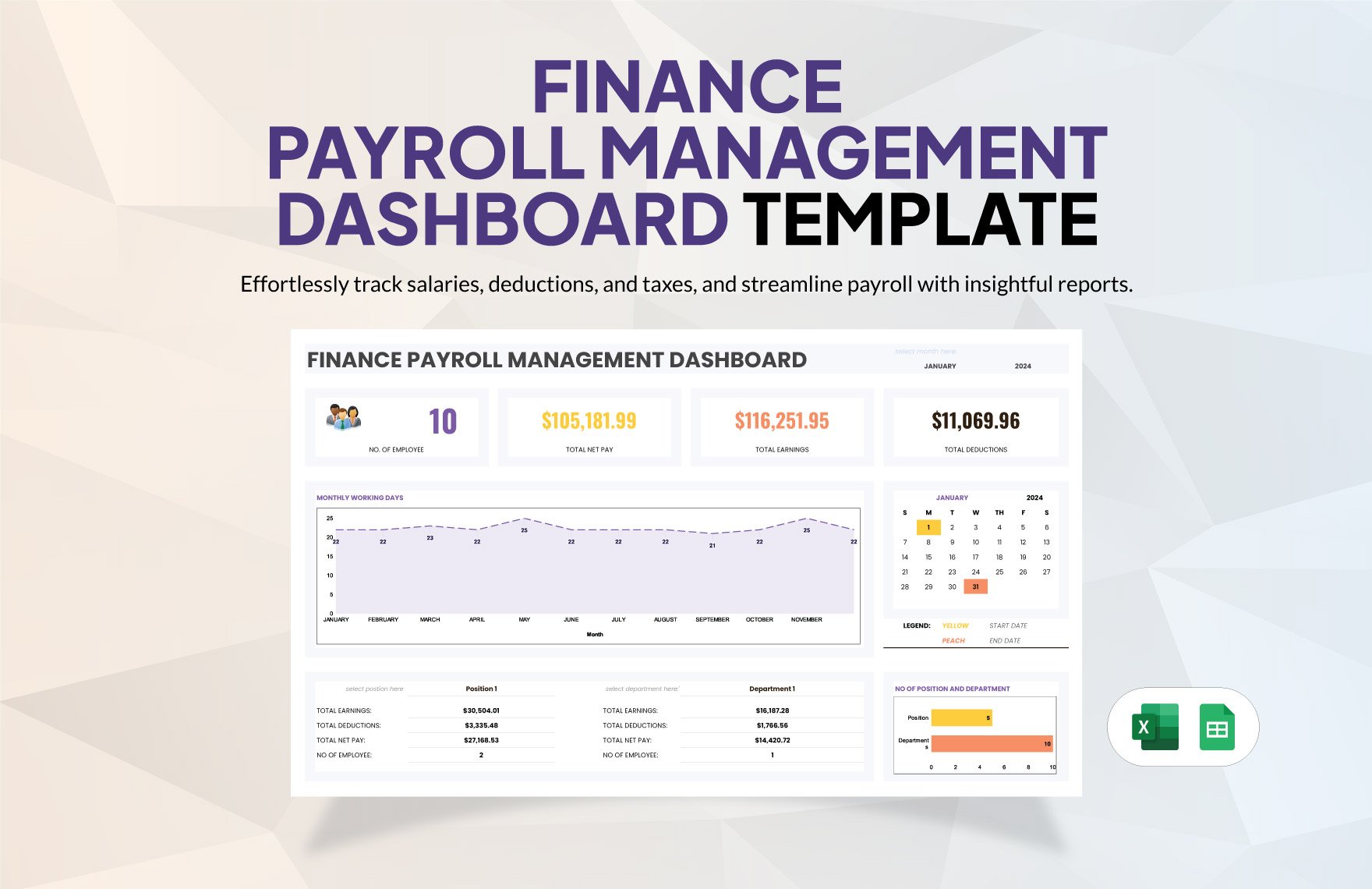
In professional workflows, a Dashboard is used to visualize project progress, sales performance, financial data, or operational metrics. It supports timely decision-making by providing stakeholders with up-to-date and actionable information.
What are common use cases for Dashboard templates?
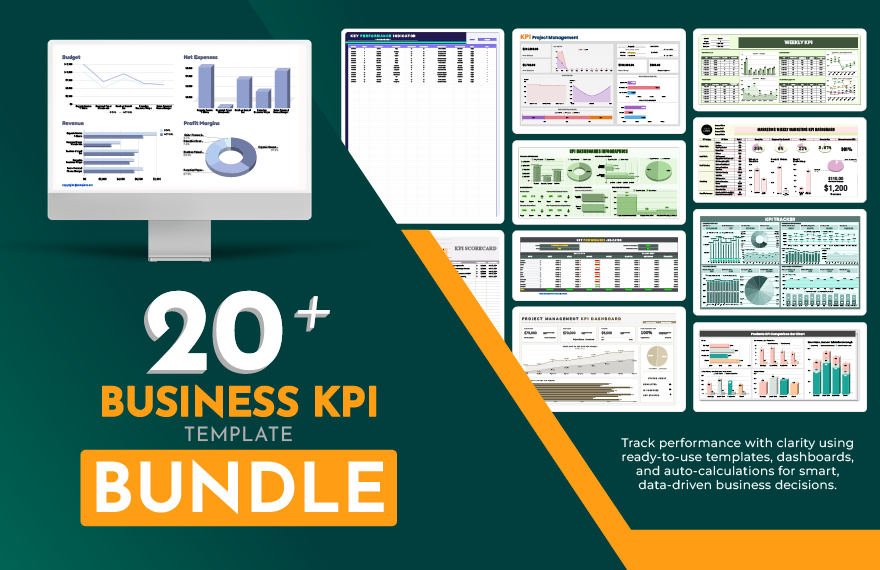
Common use cases for Dashboard templates include business reporting, marketing campaign tracking, financial analysis, project management, and customer data monitoring. These templates help standardize and accelerate data presentation.
