
Free Database Templates

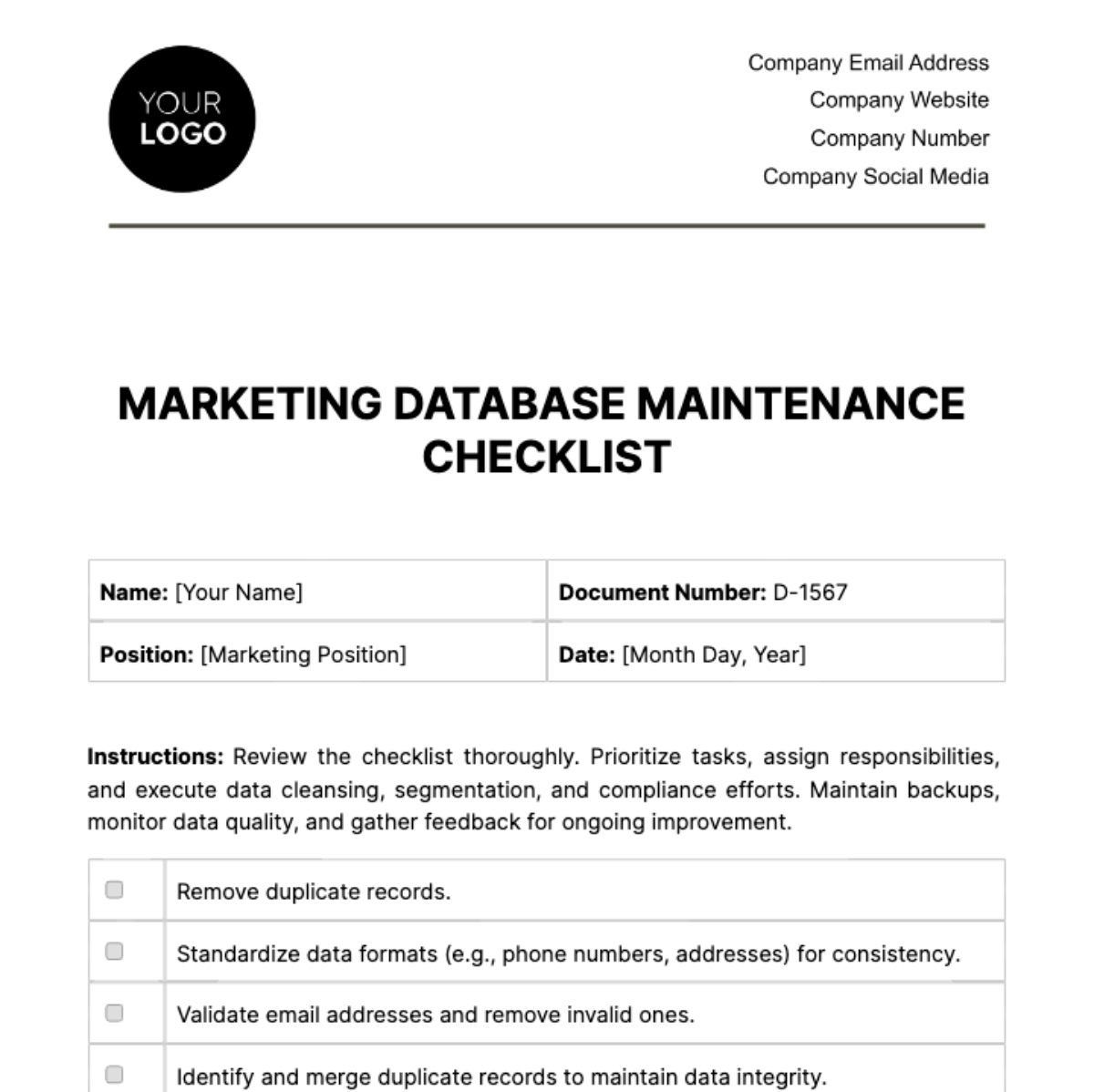
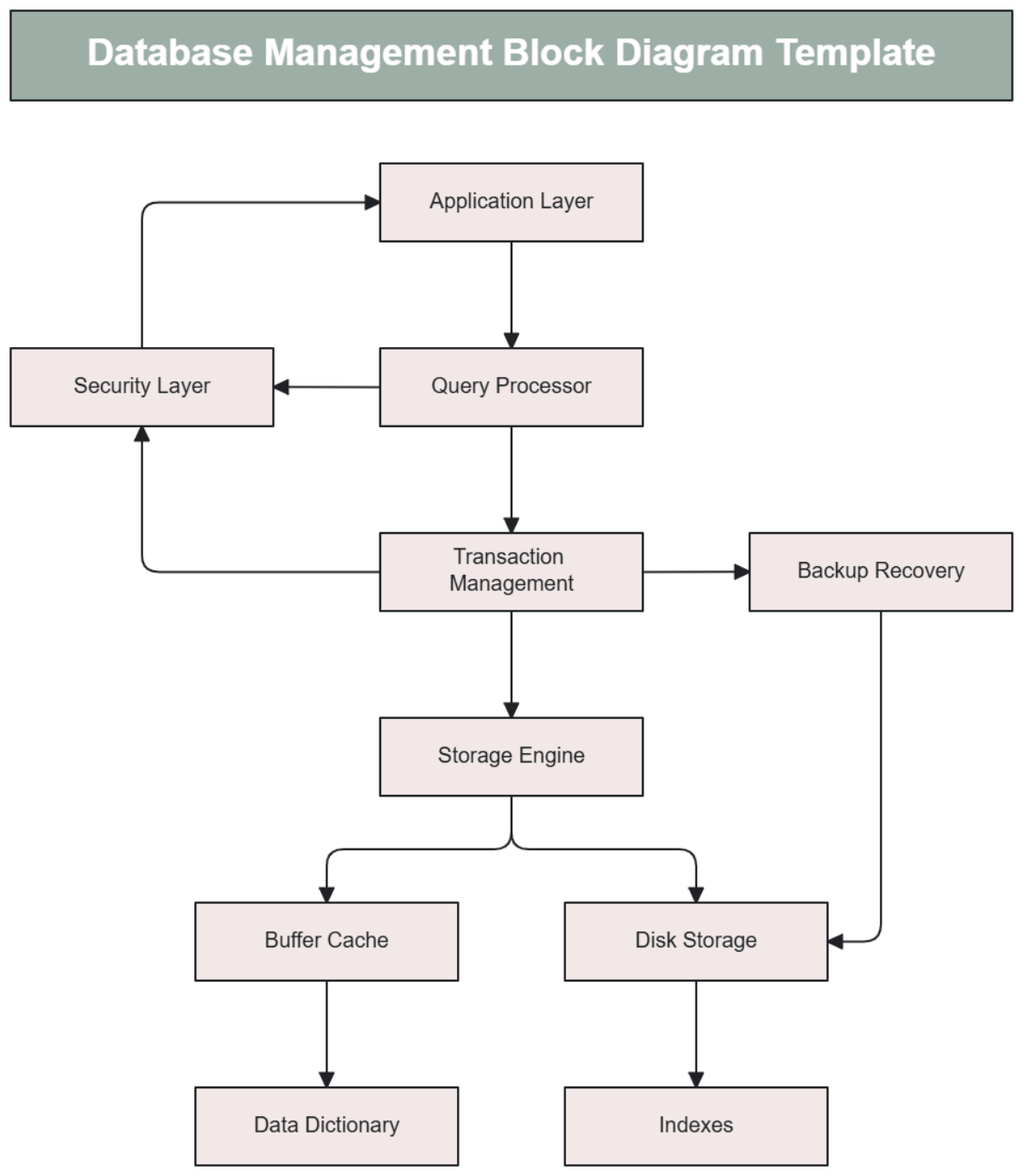
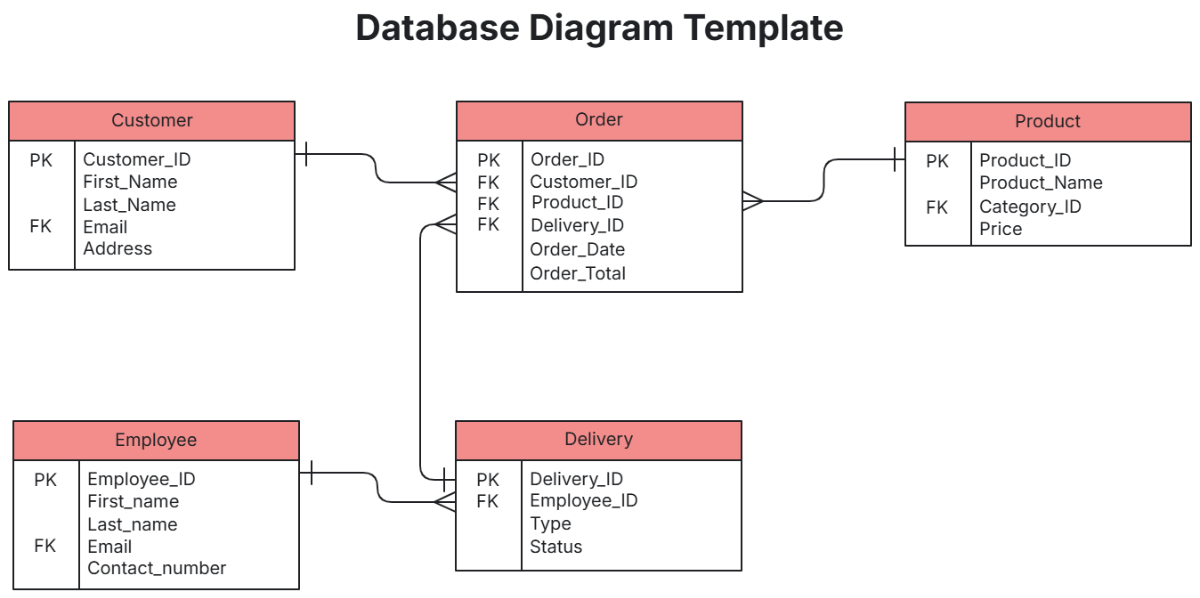
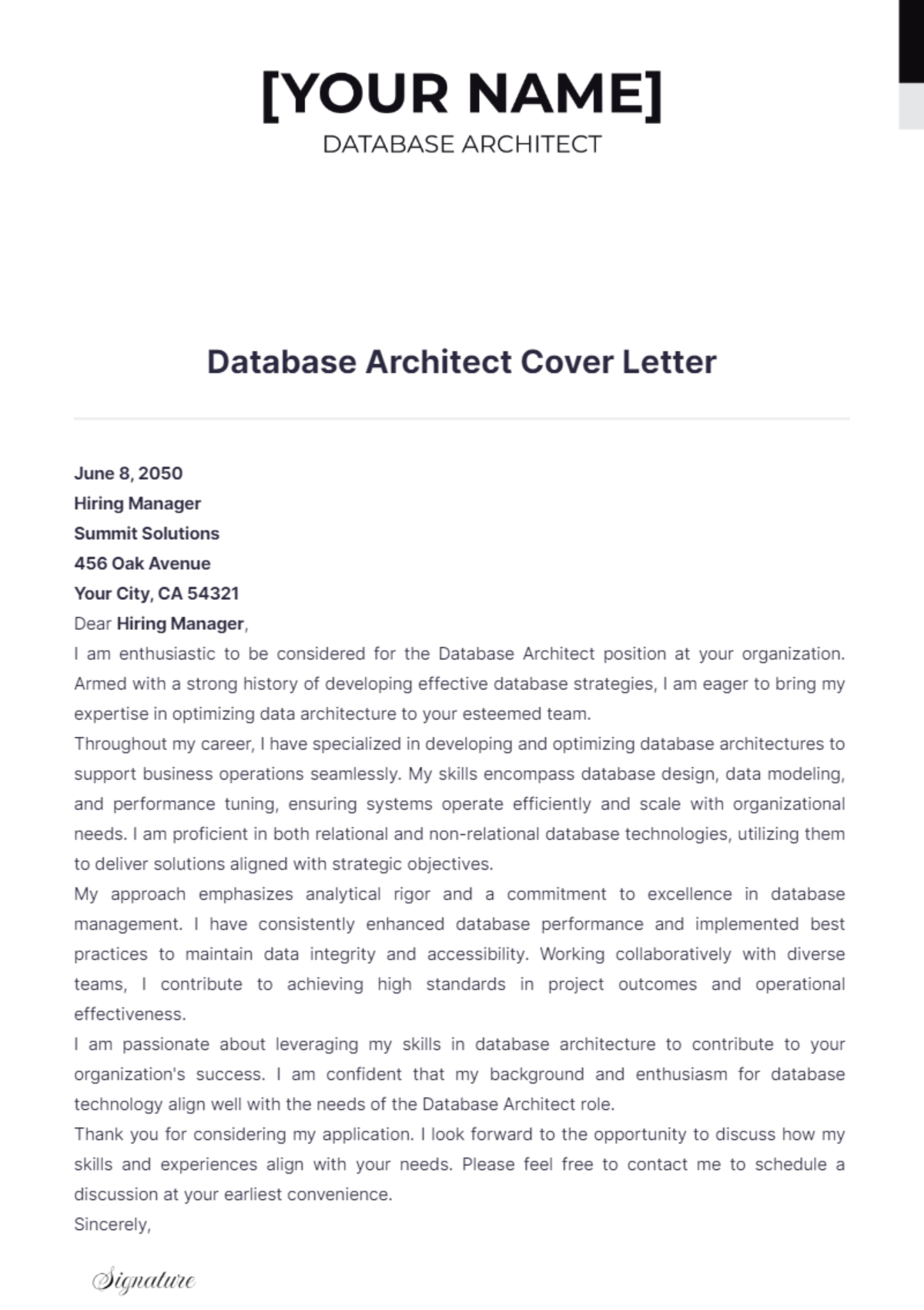





Free Database Templates: Editable Customization Guide and Uses
What is a Database?
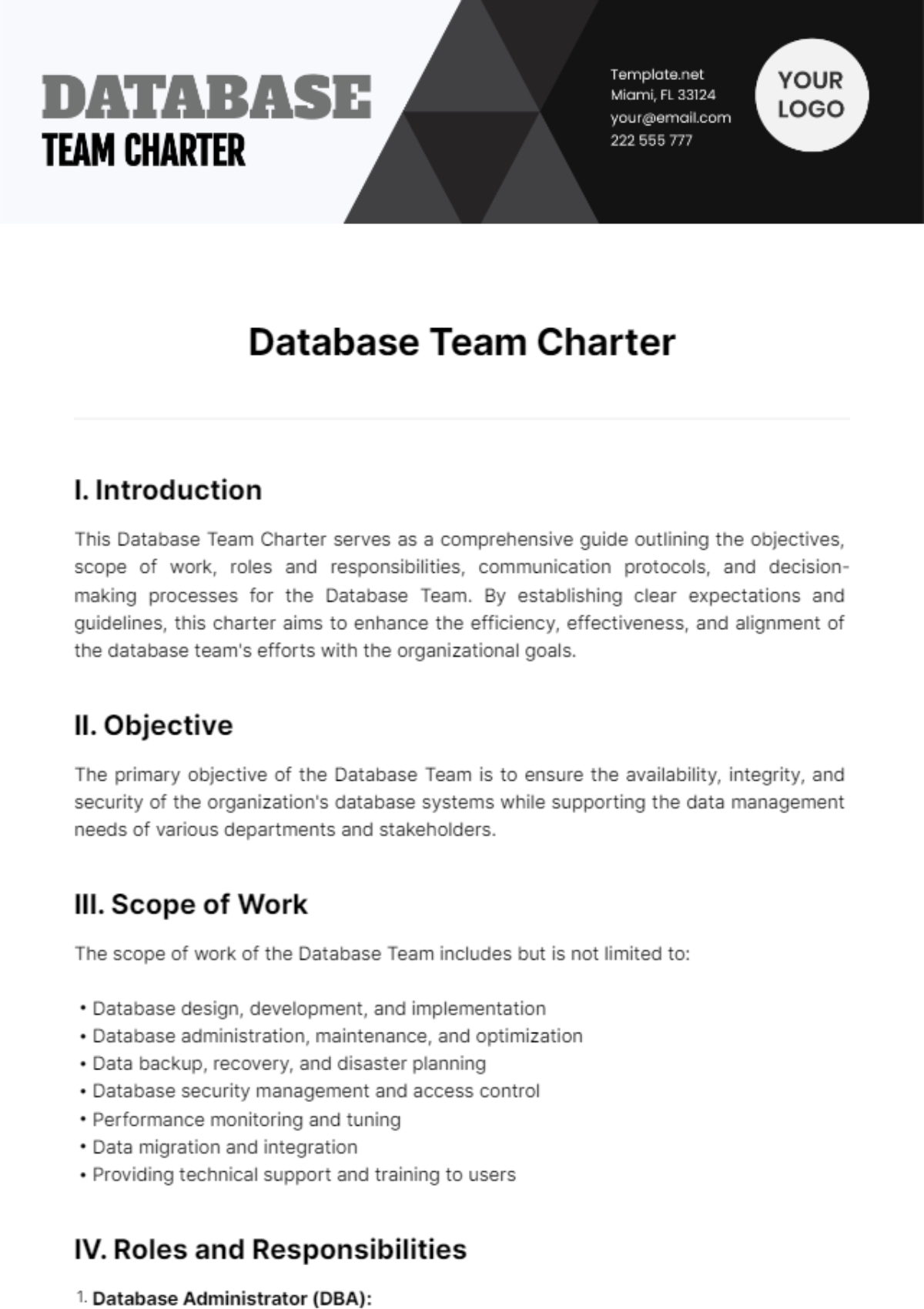
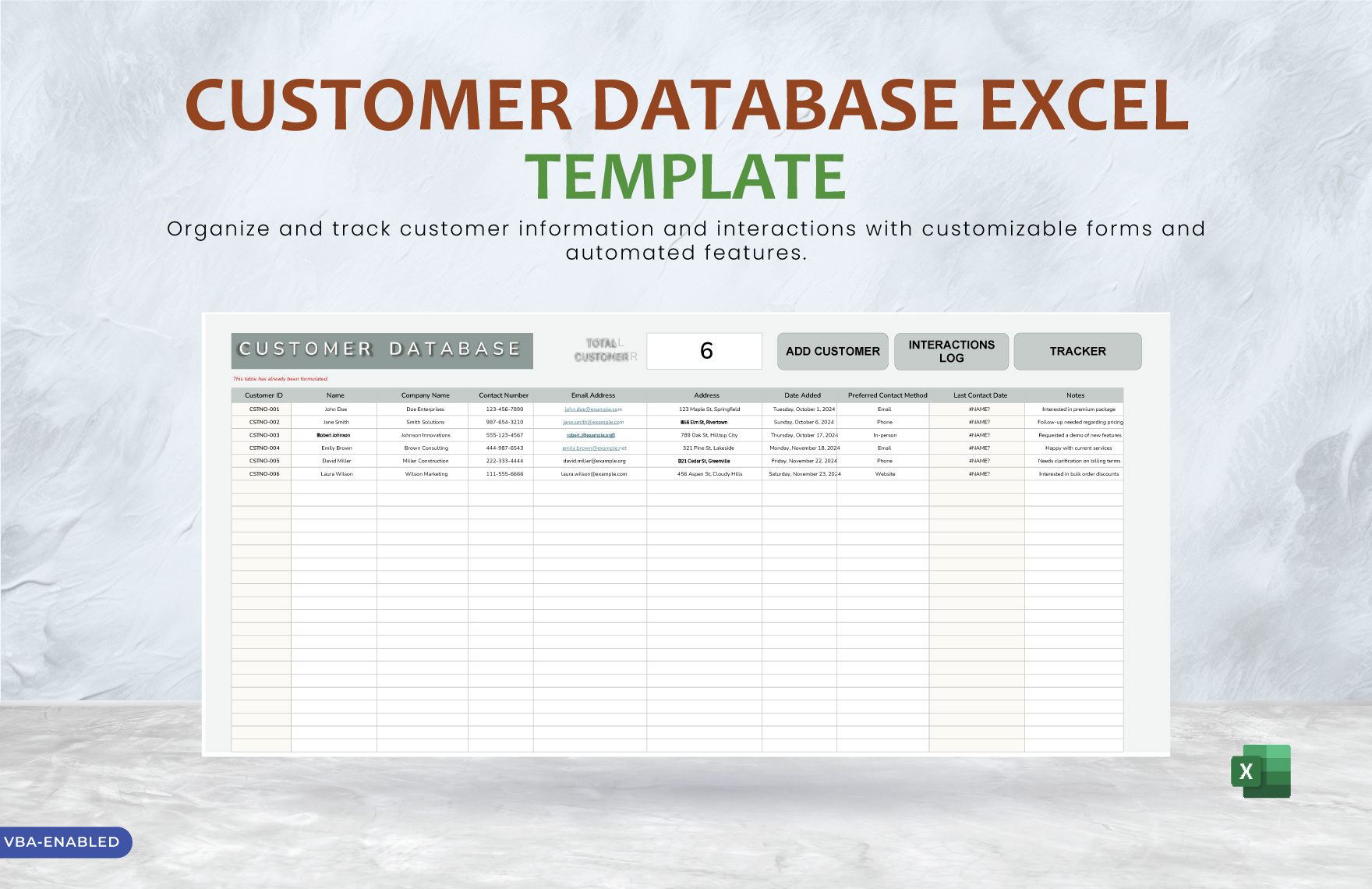
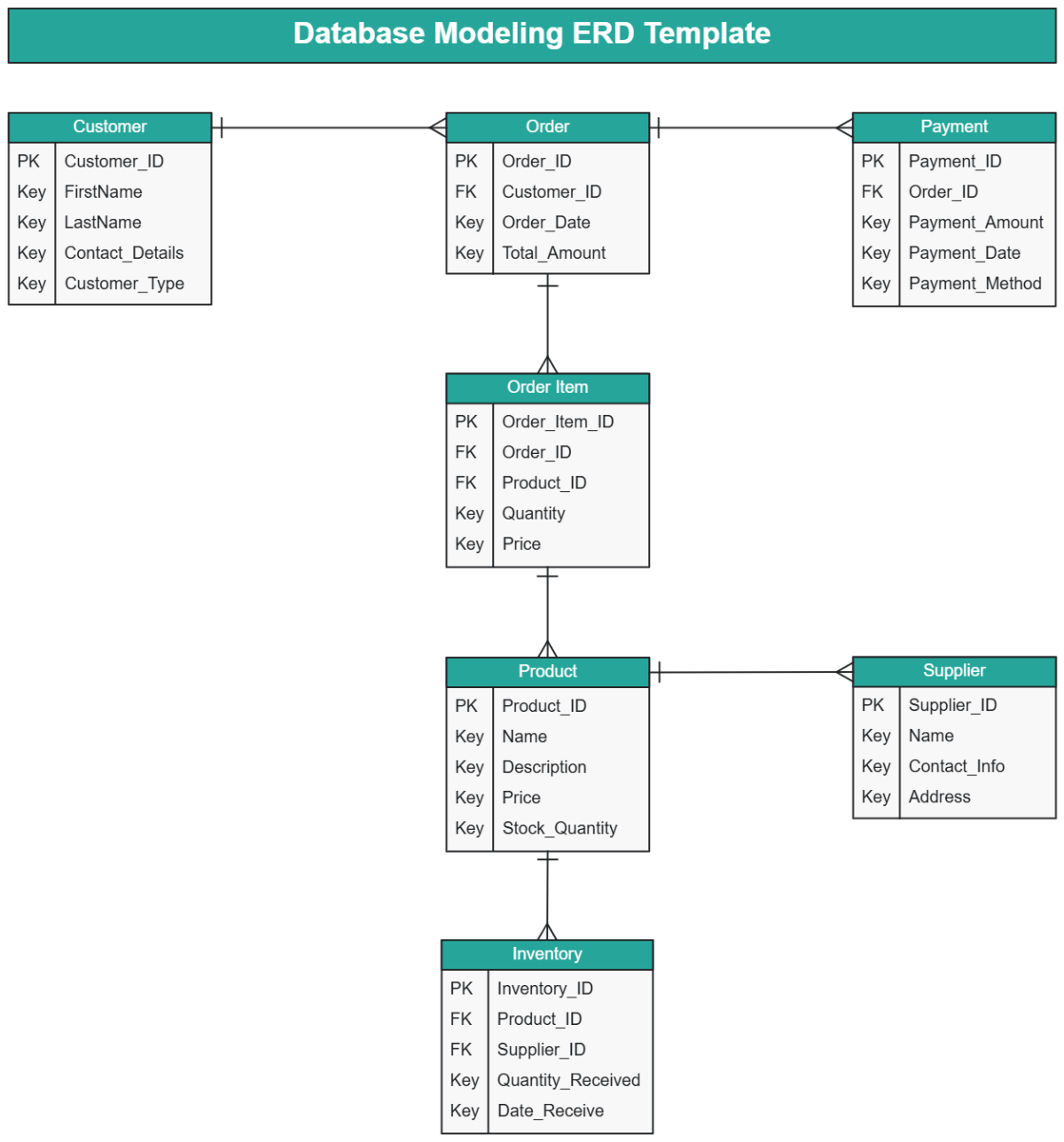
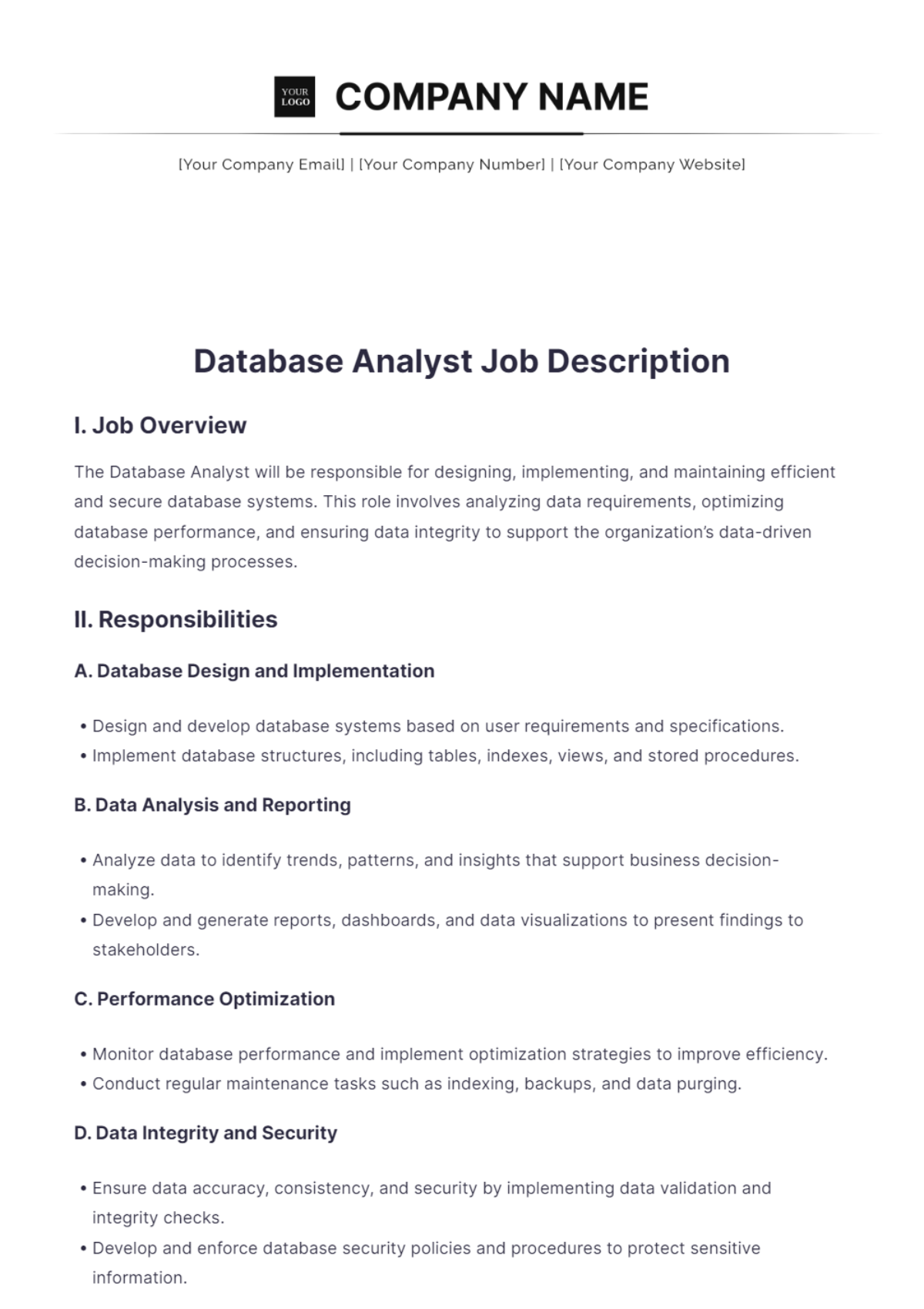
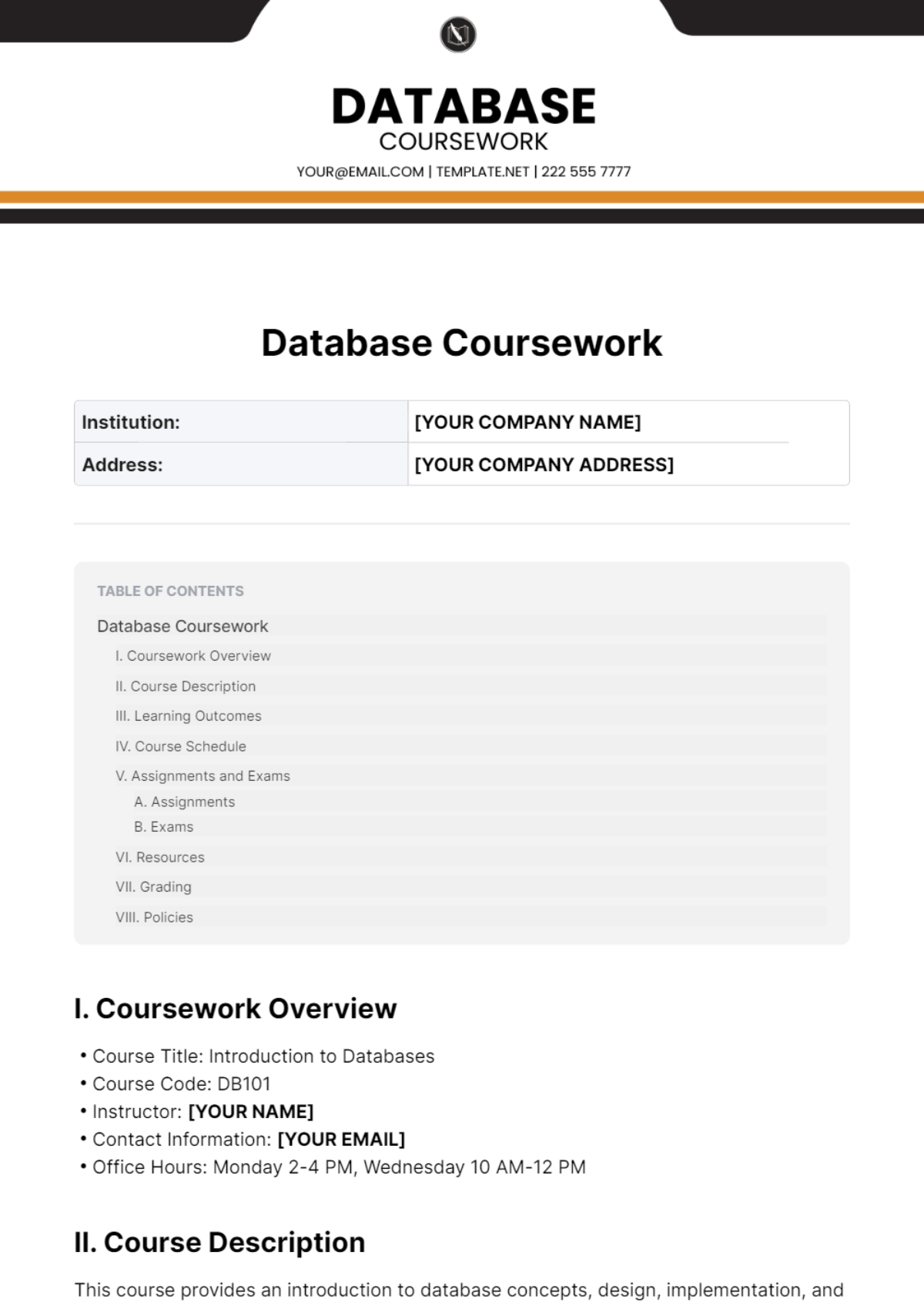
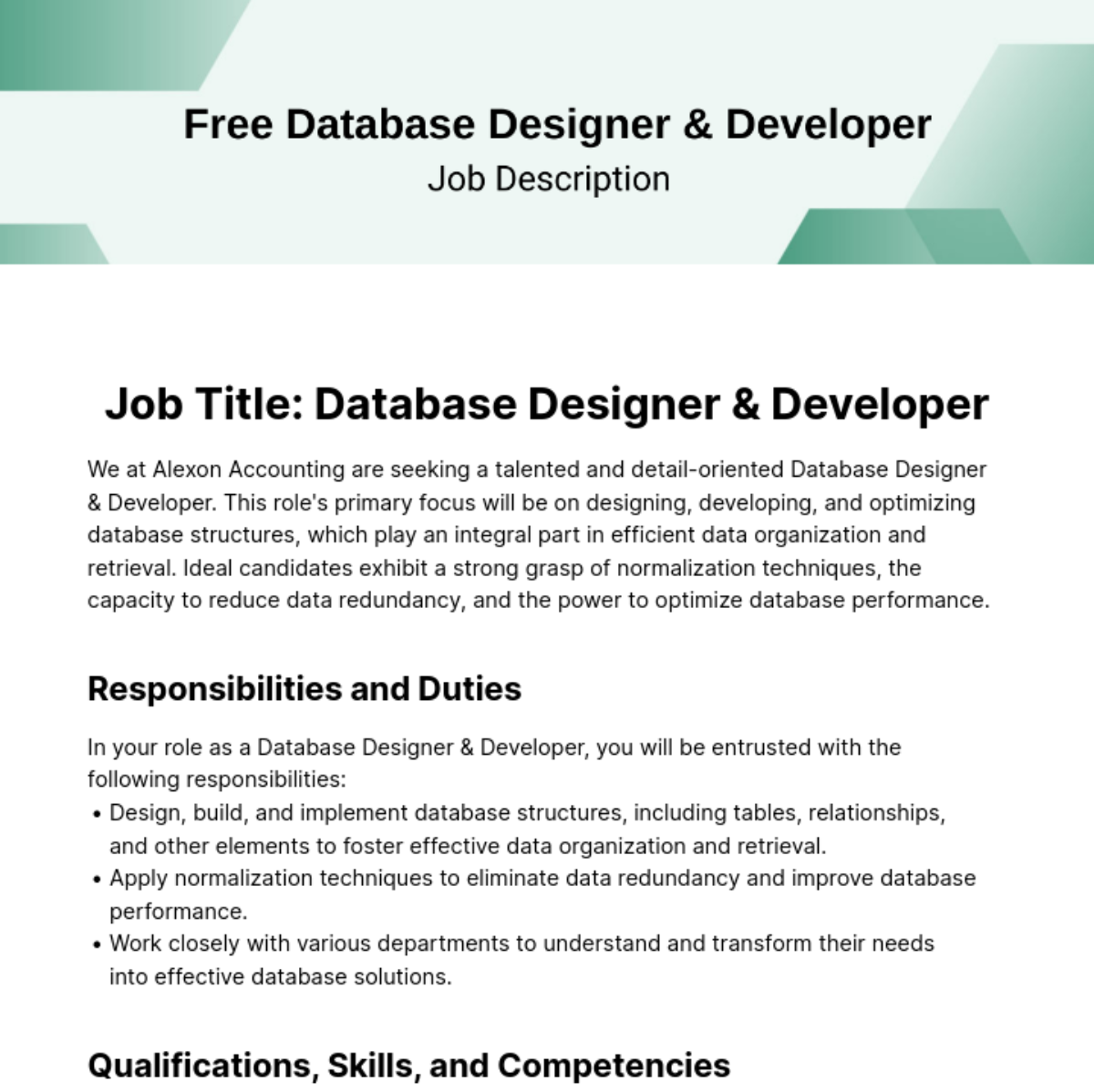
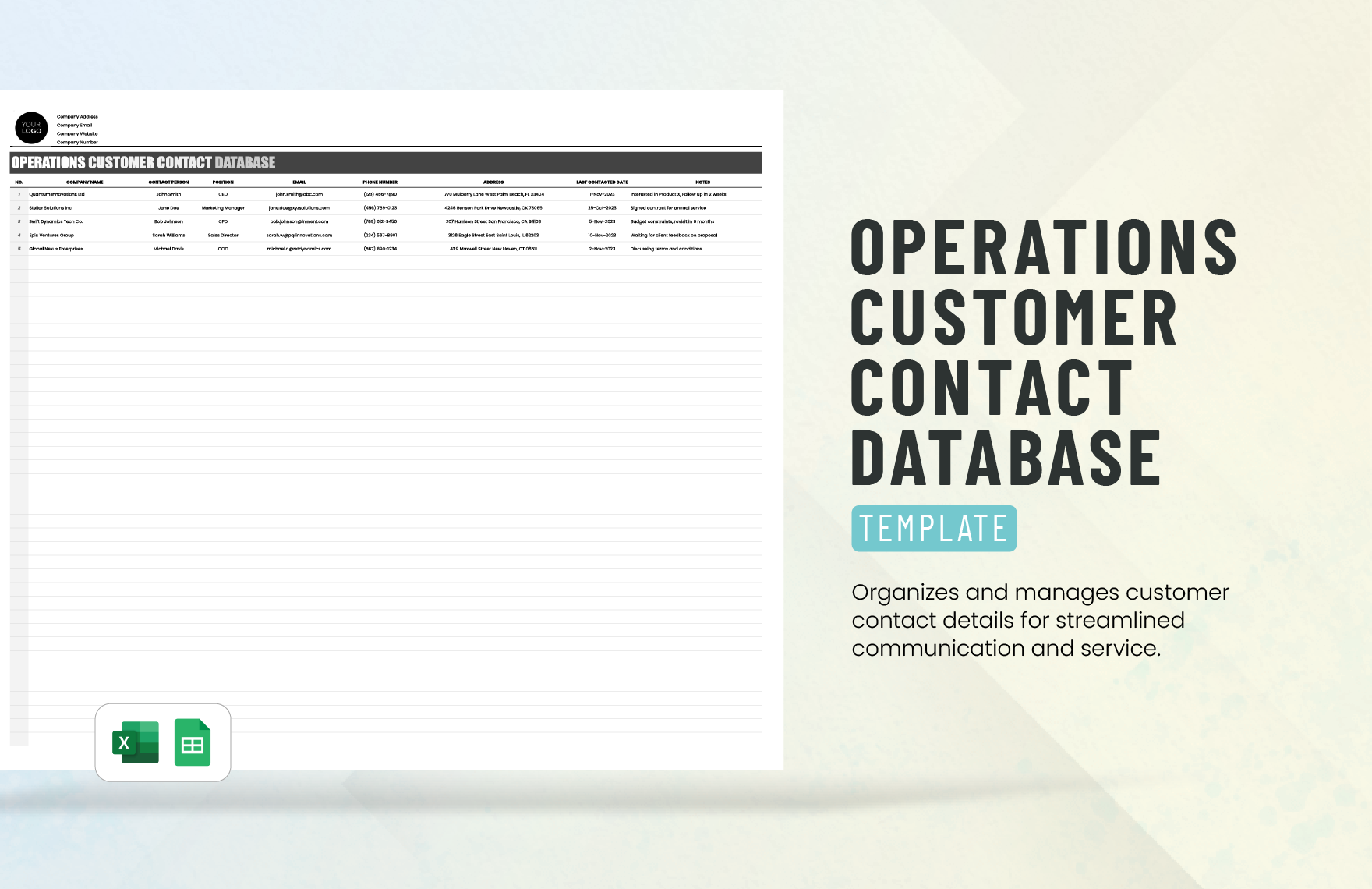
A Database is a structured collection of data that enables efficient storage, retrieval, and management of information. Databases use tables, fields, and records to organize data logically, helping users maintain order and accessibility in data-heavy environments.
Why should I use a Database?
Using a Database improves data organization, reduces errors, and streamlines workflows by centralizing information in one editable location. This allows faster decision-making and better data integrity for professional and personal projects.
Who uses Database?
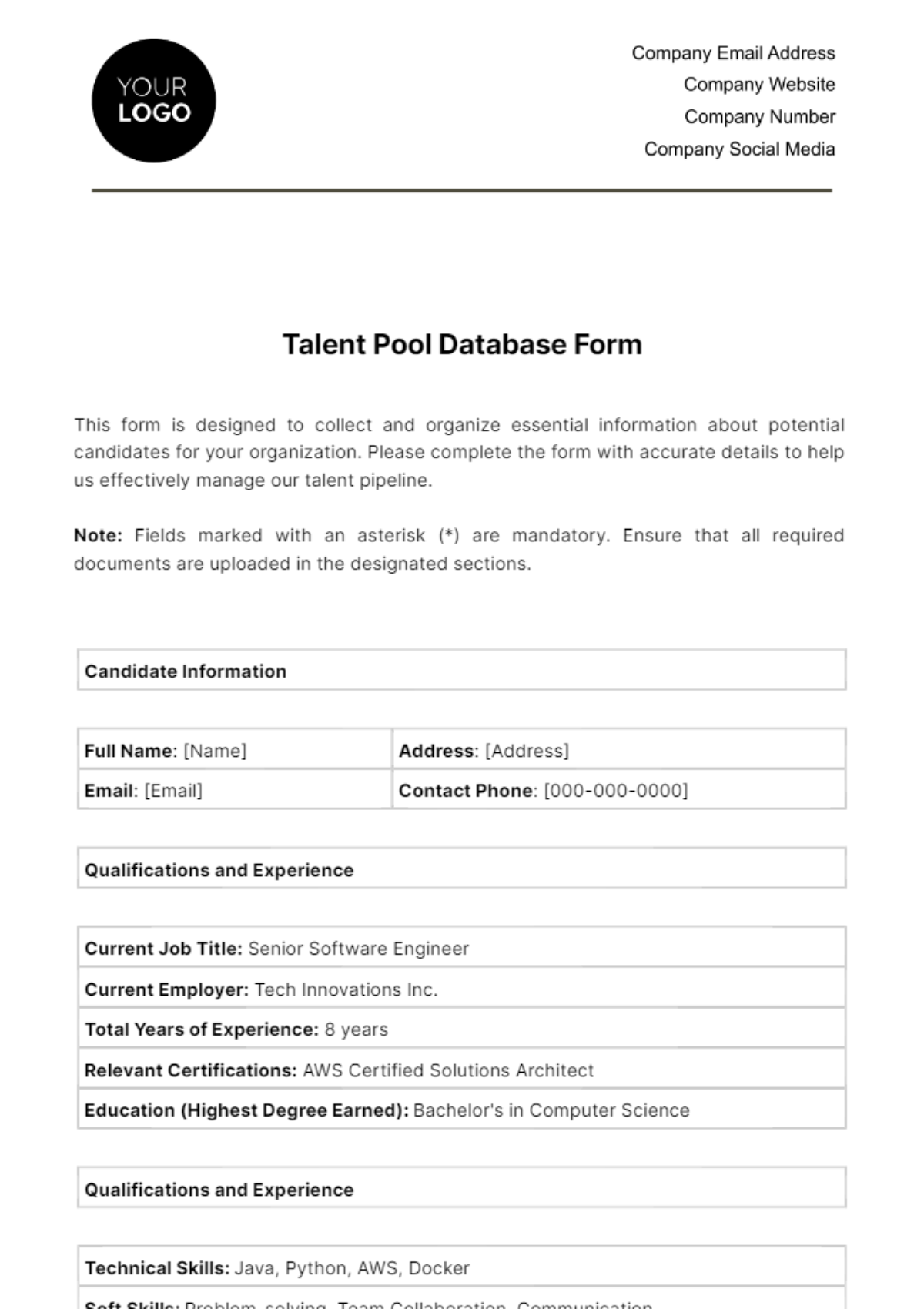
Professionals such as data analysts, project managers, business owners, and IT specialists use Database templates to organize client information, track inventory, or manage operations. Students and researchers also utilize databases to handle large data sets effectively.
What are the best tips for completing my Database?
To complete your Database effectively, start by defining clear categories and fields, then ensure consistent data entry. Use validation rules to avoid errors and regularly update records to maintain accuracy and relevance.
Can I create a Database using AI?
Yes, AI can assist in generating Database templates by suggesting structures and automating data organization. However, Template.net primarily offers editable templates you can customize directly without relying solely on AI generation.
When should I use a Database?
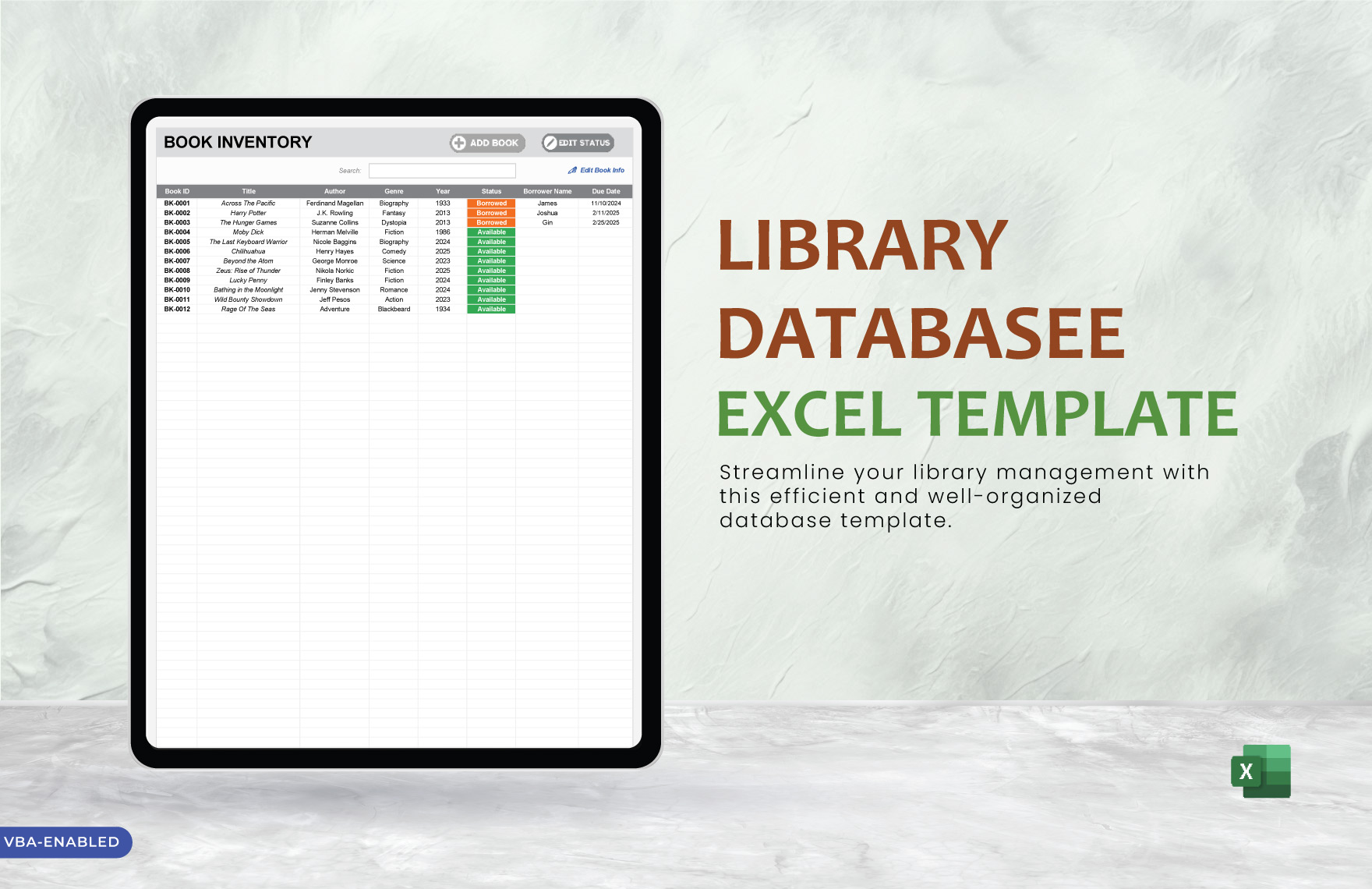
You should use a Database when managing large amounts of information that require systematic storage, quick retrieval, and easy updates, such as customer records, sales data, or inventory lists in professional workflows.
What essential elements should my Database include?
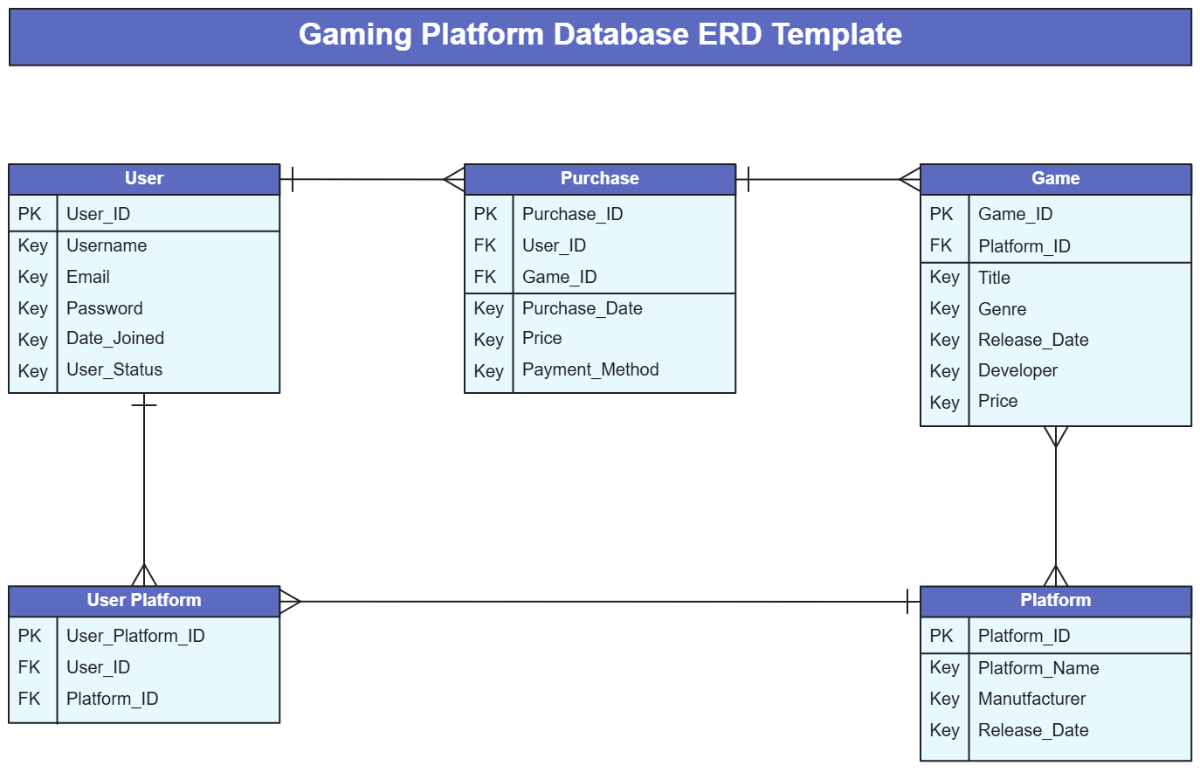
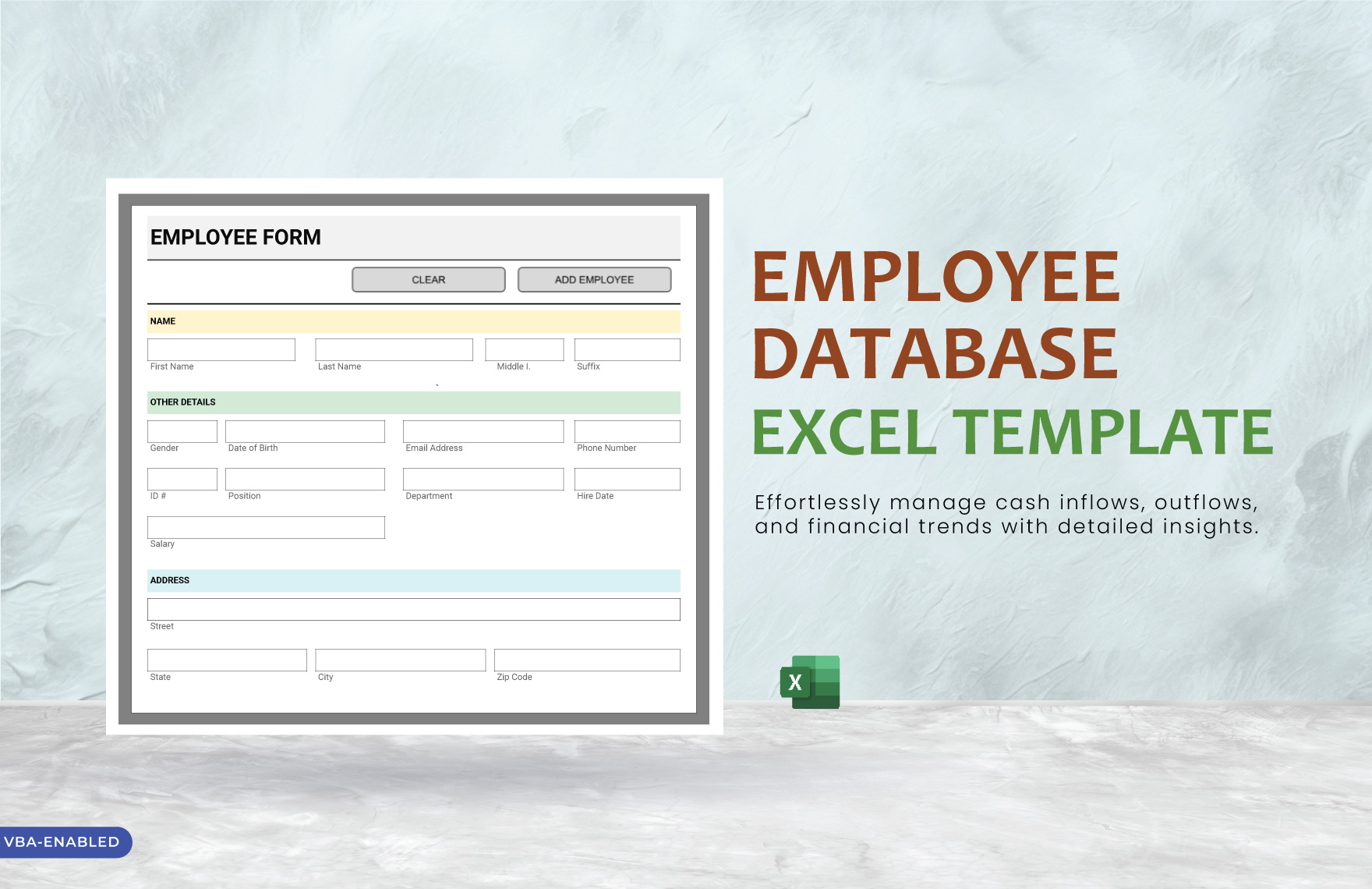
A well-structured Database includes key elements such as:
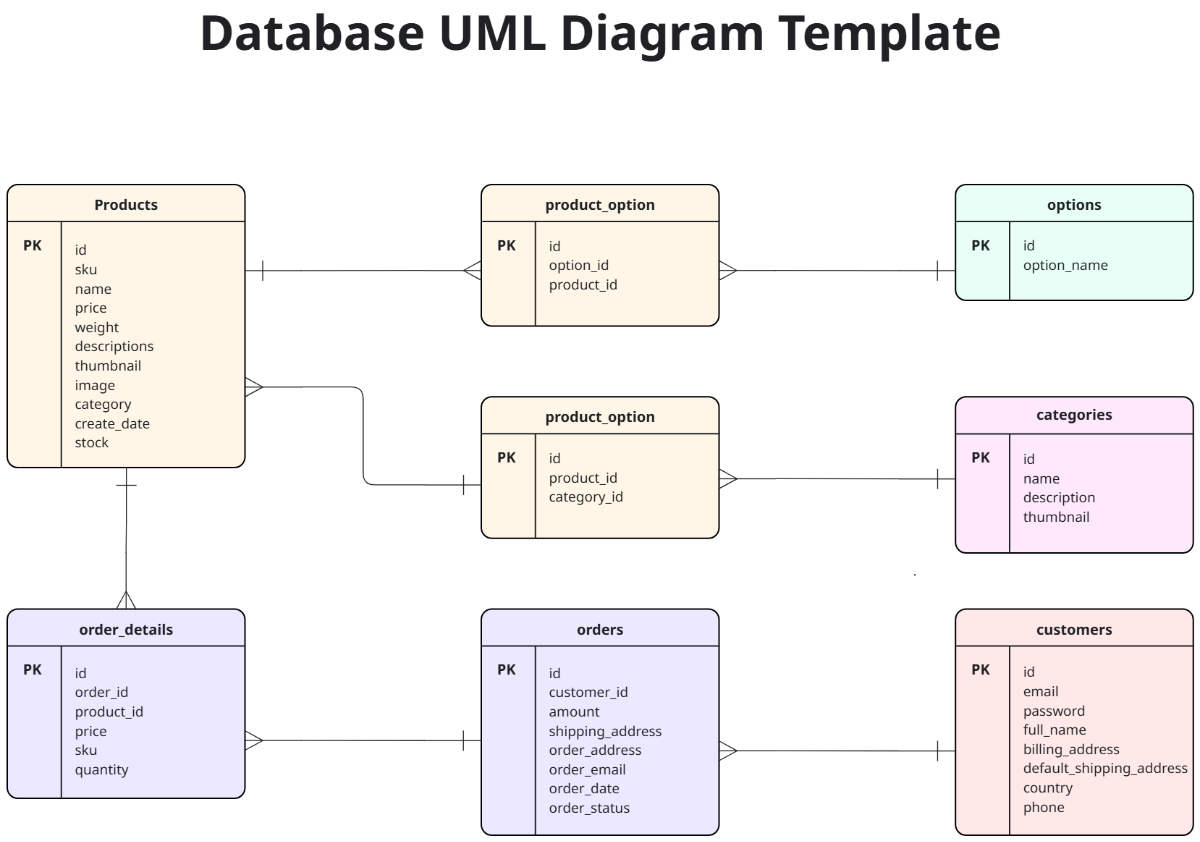
- Tables for grouping related data
- Fields specifying data types
- Records storing individual entries
- Primary keys to uniquely identify records
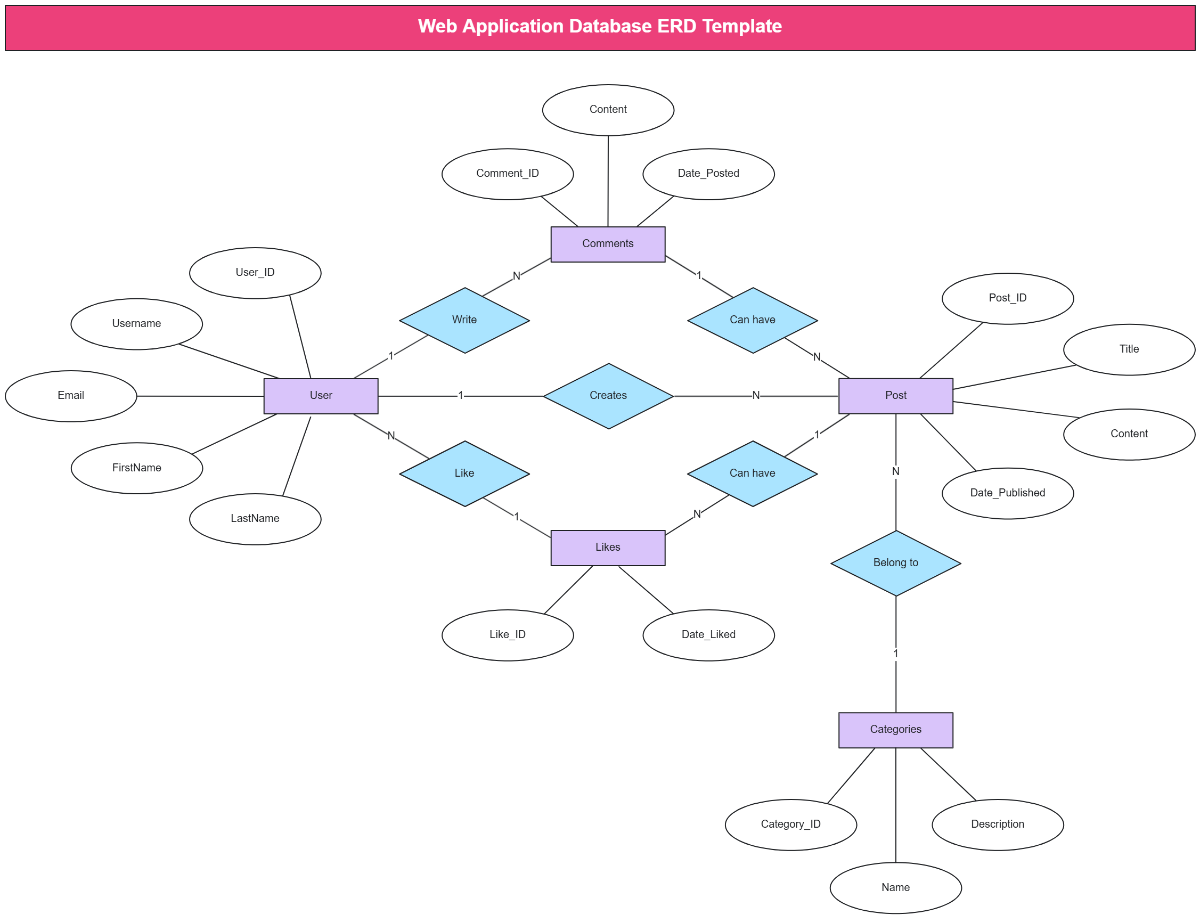
- Relationships linking related tables
How is Database used in professional workflows?
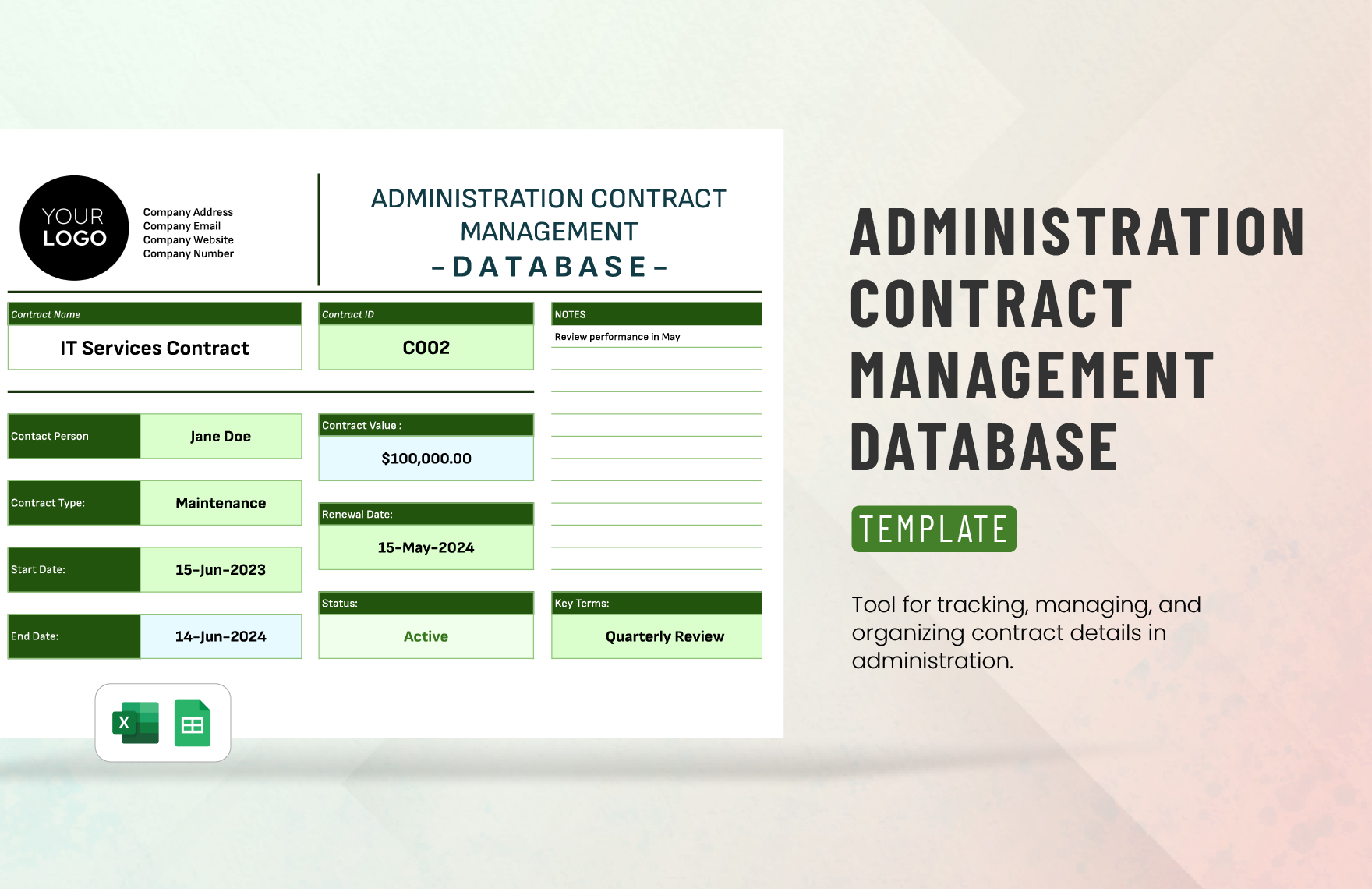
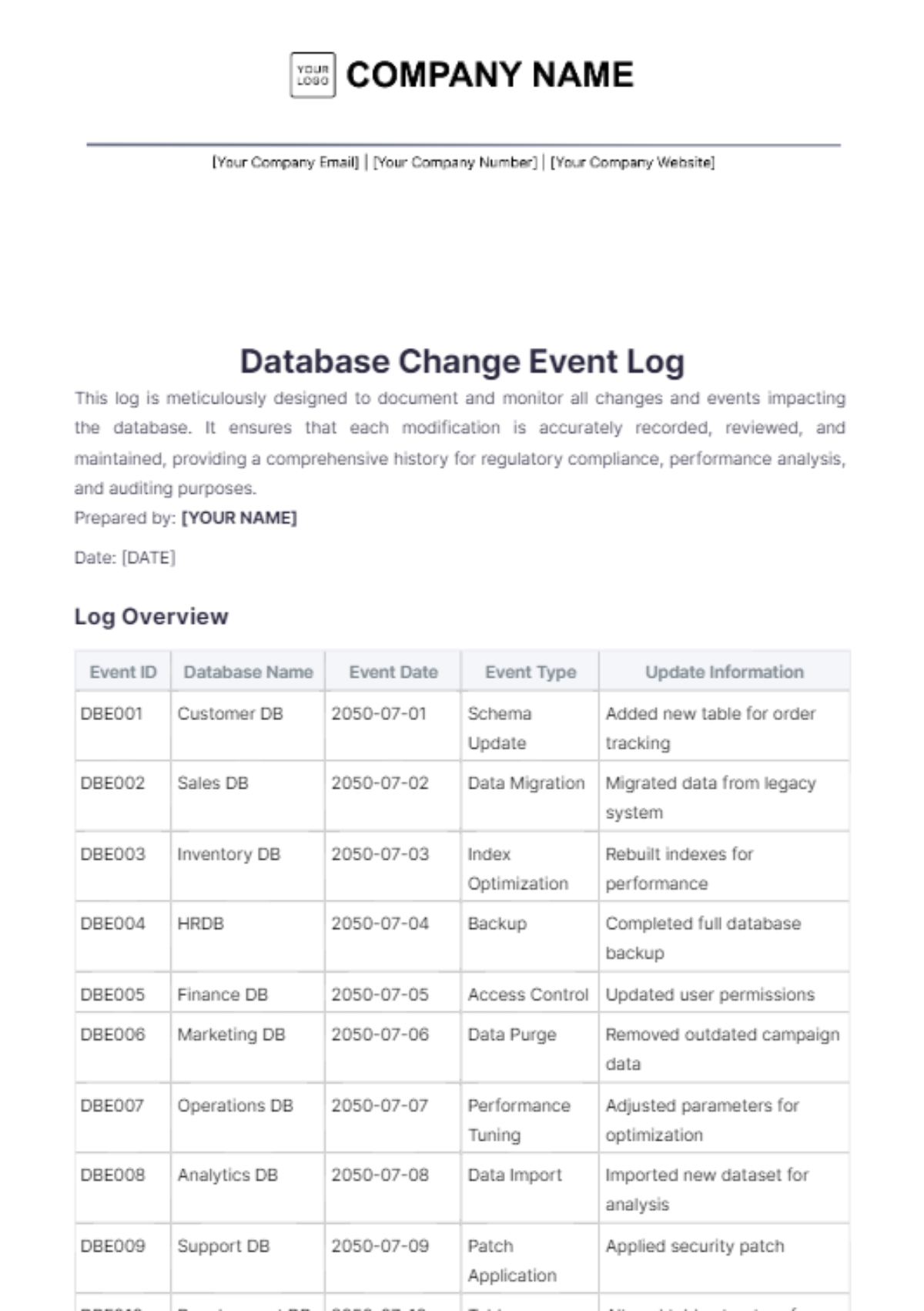
Database templates support professional workflows by centralizing data management, facilitating reporting, and enabling collaboration across teams. They help maintain consistency and improve efficiency in industries like finance, marketing, and operations.
What are common use cases for Database templates?
Common use cases for Database templates include customer relationship management, inventory tracking, project management, event planning, and academic research data collection, all benefiting from editable structured data organization.
