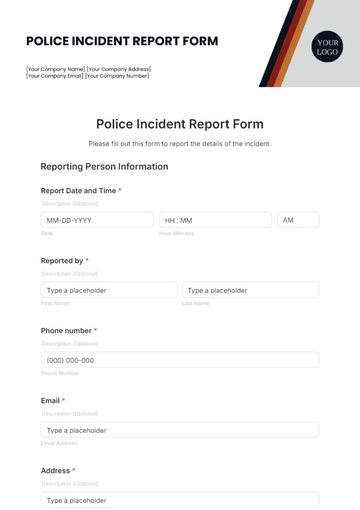
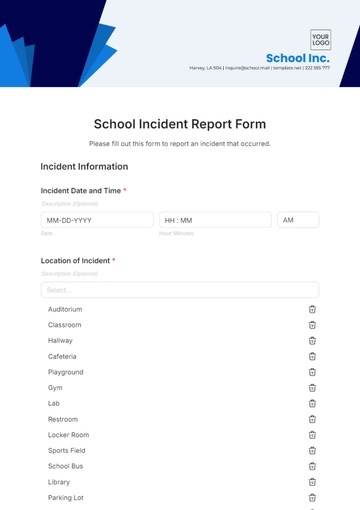
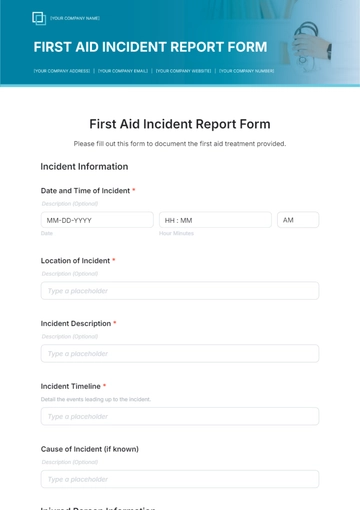
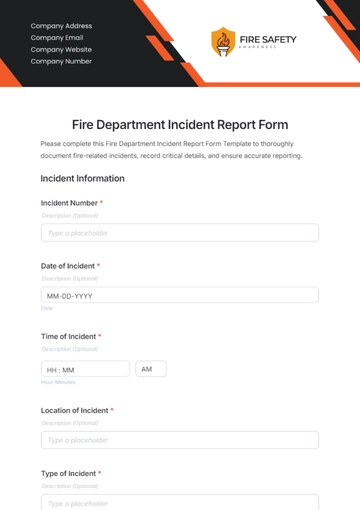
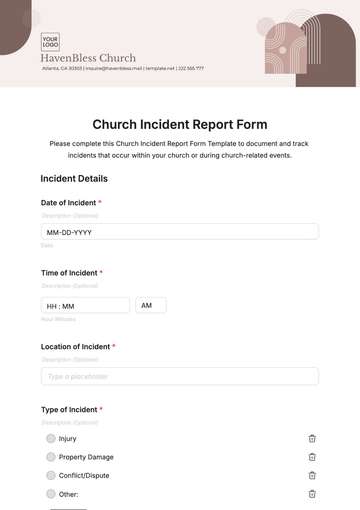
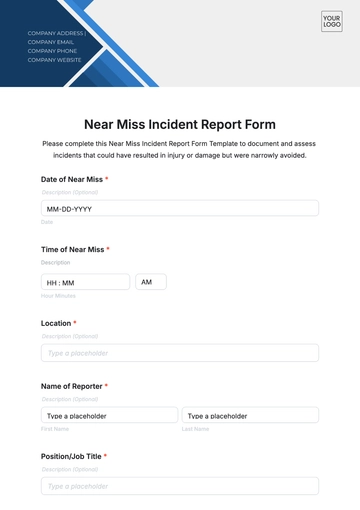
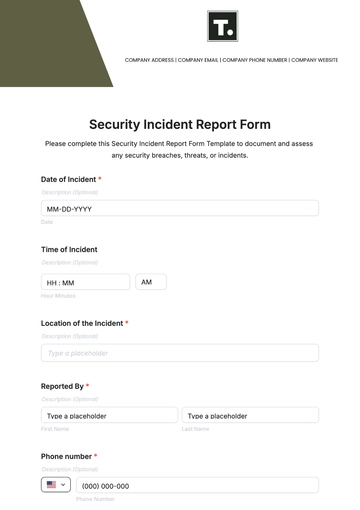
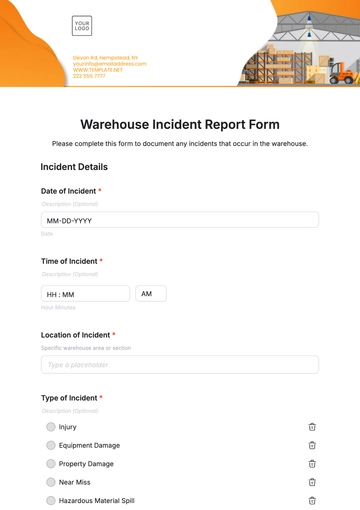
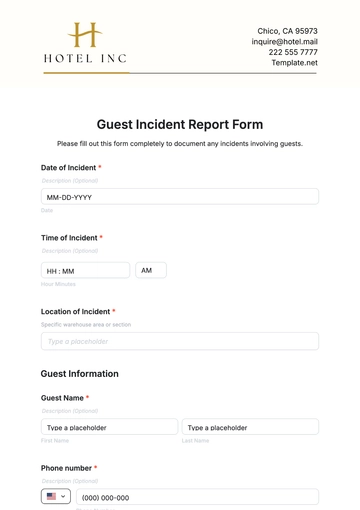
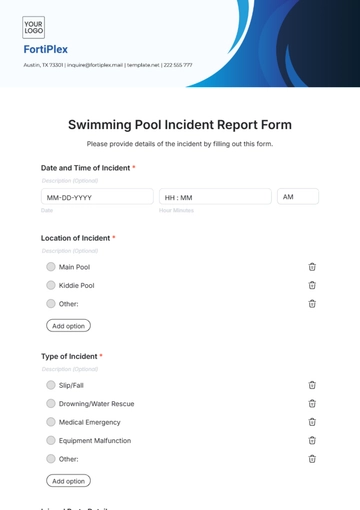
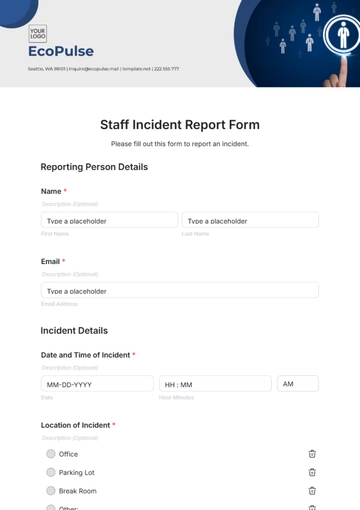
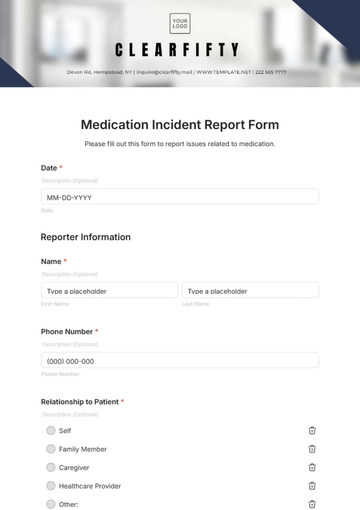
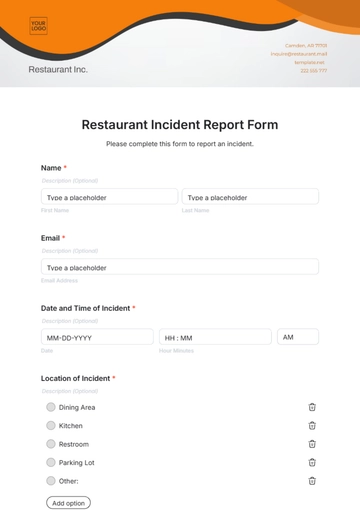
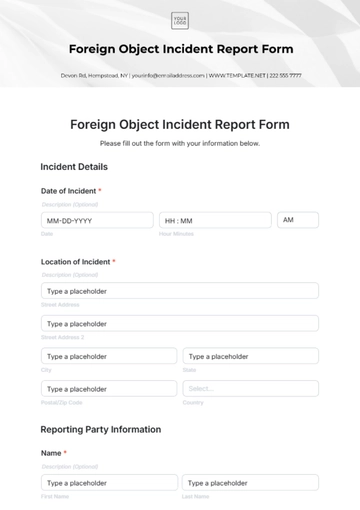
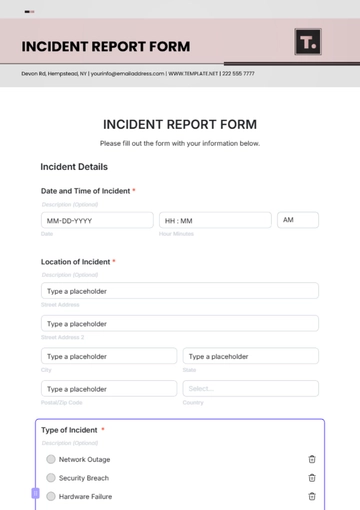
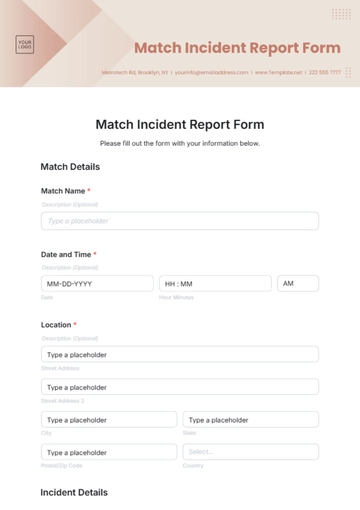
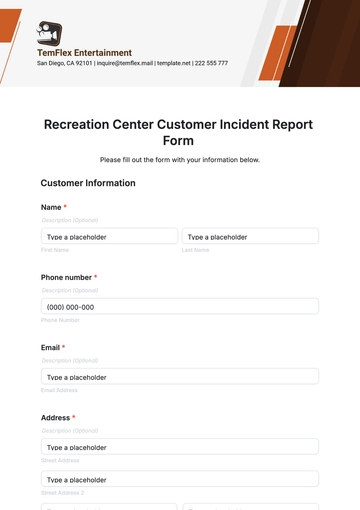
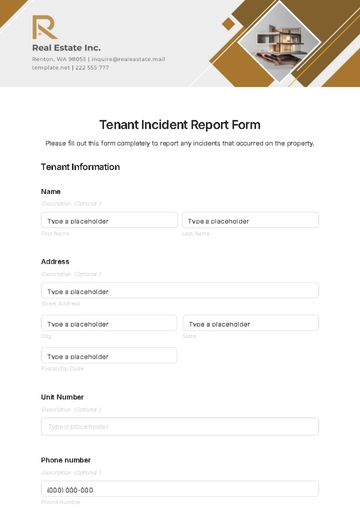
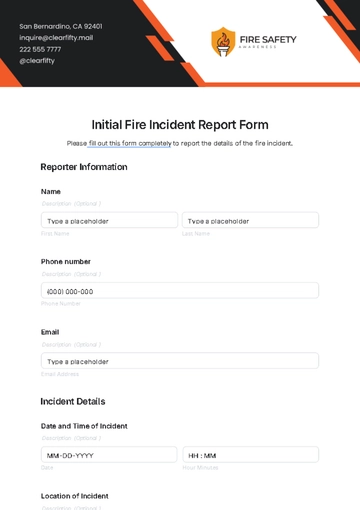
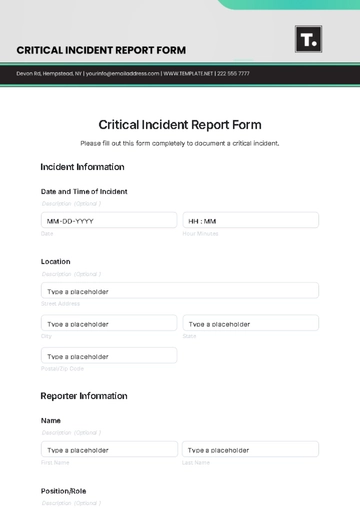
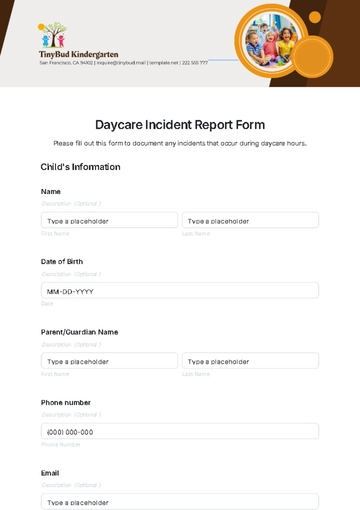
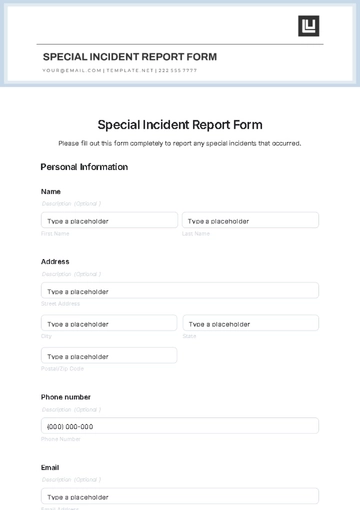
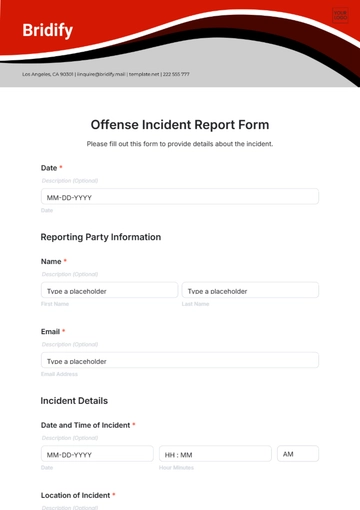
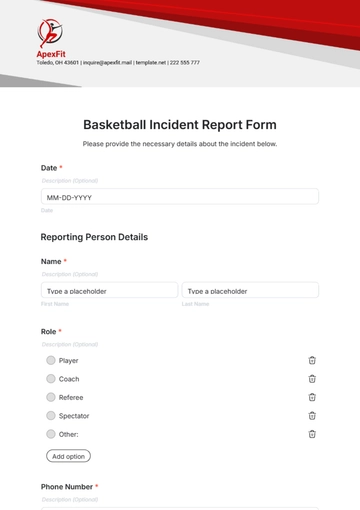
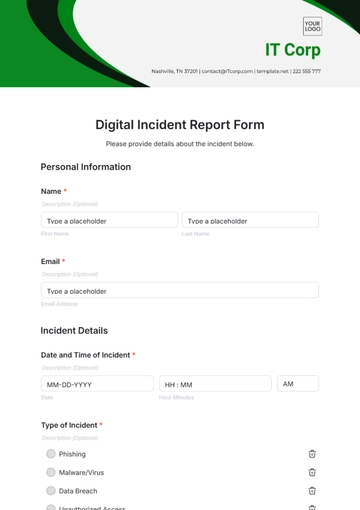
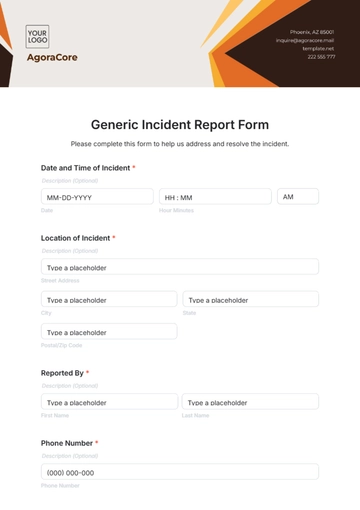
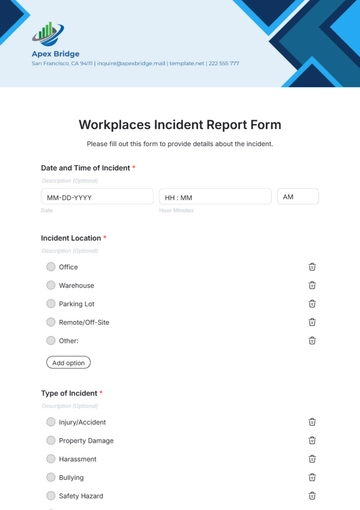
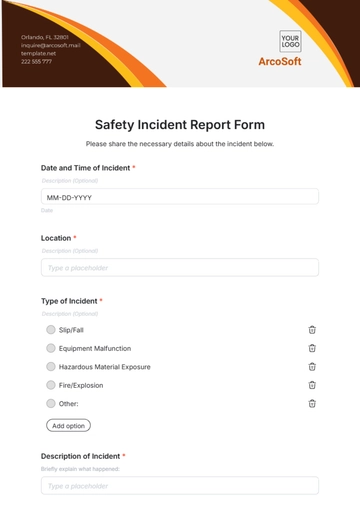
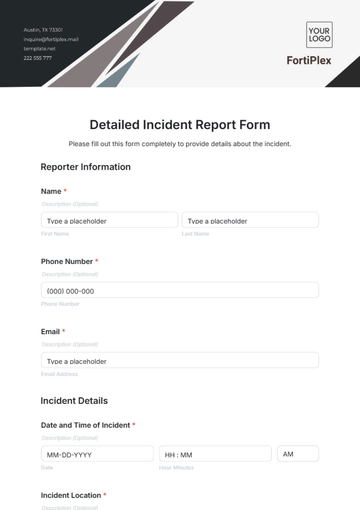
A Nursing Facility Incident Reported Form collects details about incidents occurring in nursing care settings. It helps healthcare staff document, review, and resolve patient safety events efficiently.
How to create a Nursing Facility Incident Reported Form for free?
Creating a detailed Nursing Facility Incident Reported Form takes just a few minutes.
- Customize a Free TemplateStart with this free editable, fillable, and printable form template and personalize it online for your nursing home, care facility, hospital unit, or eldercare service.
- Generate an On-Brand Nursing Facility Incident Reported Form with AIDescribe your form needs, and AI builds an editable, fillable Nursing Facility Incident Reported Form with fields and questions ready for immediate use or editing.
- Edit in the HTML5 EditorCustomize the form’s facility name, logo, colors, fonts, incident types, witness details, and layout in our drag-and-drop HTML5 editor.
- Download a Printable PDFDownload the completed Nursing Facility Incident Reported Form as a printable PDF for paper records or staff use.
- Share a Link to Collect Reports OnlinePublish your form with a shareable link to receive incident reports online from healthcare staff quickly and securely.