
Free Agenda Templates





Agenda Templates: Definition, Use Cases, and Formats

What is a Agenda?
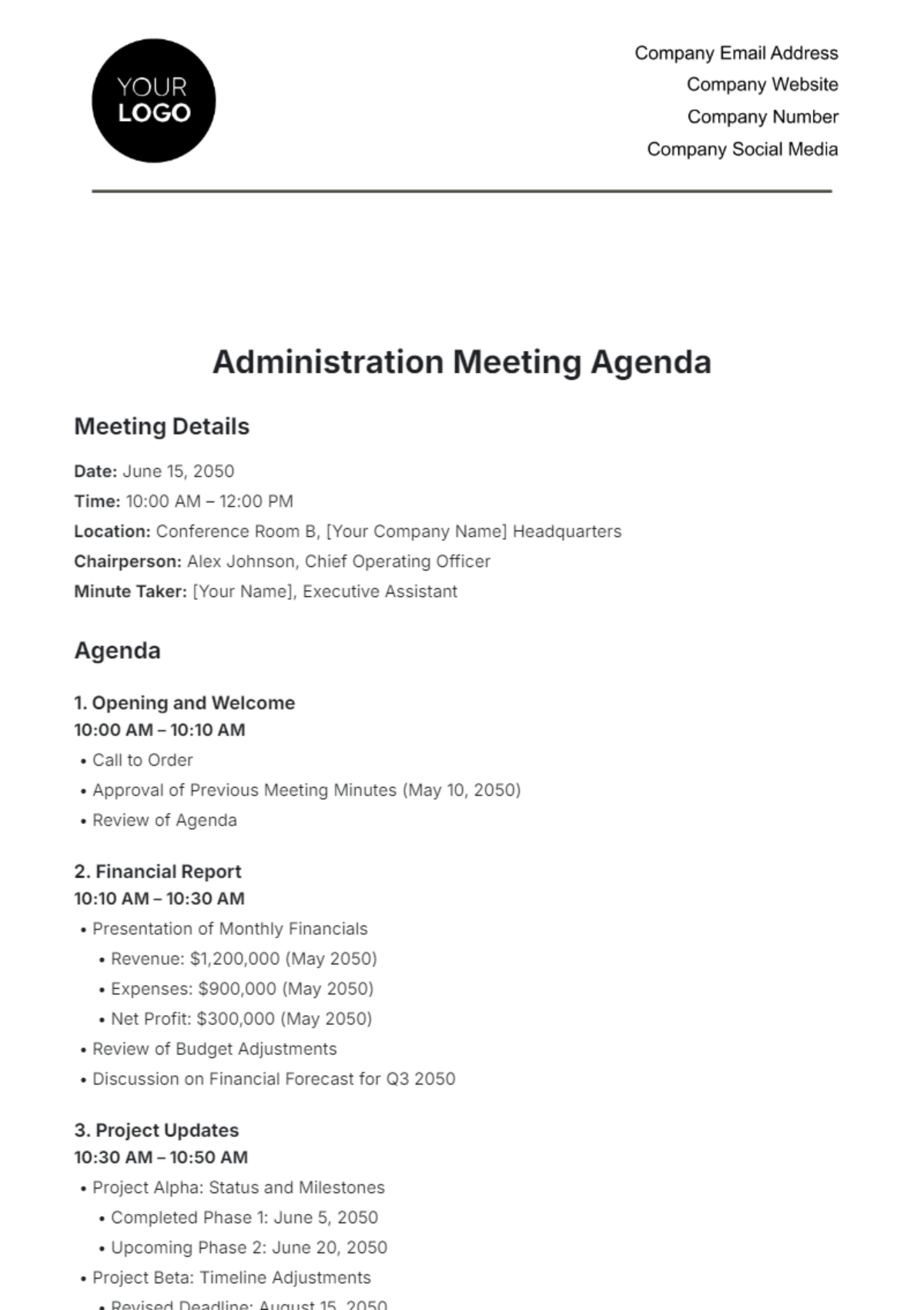
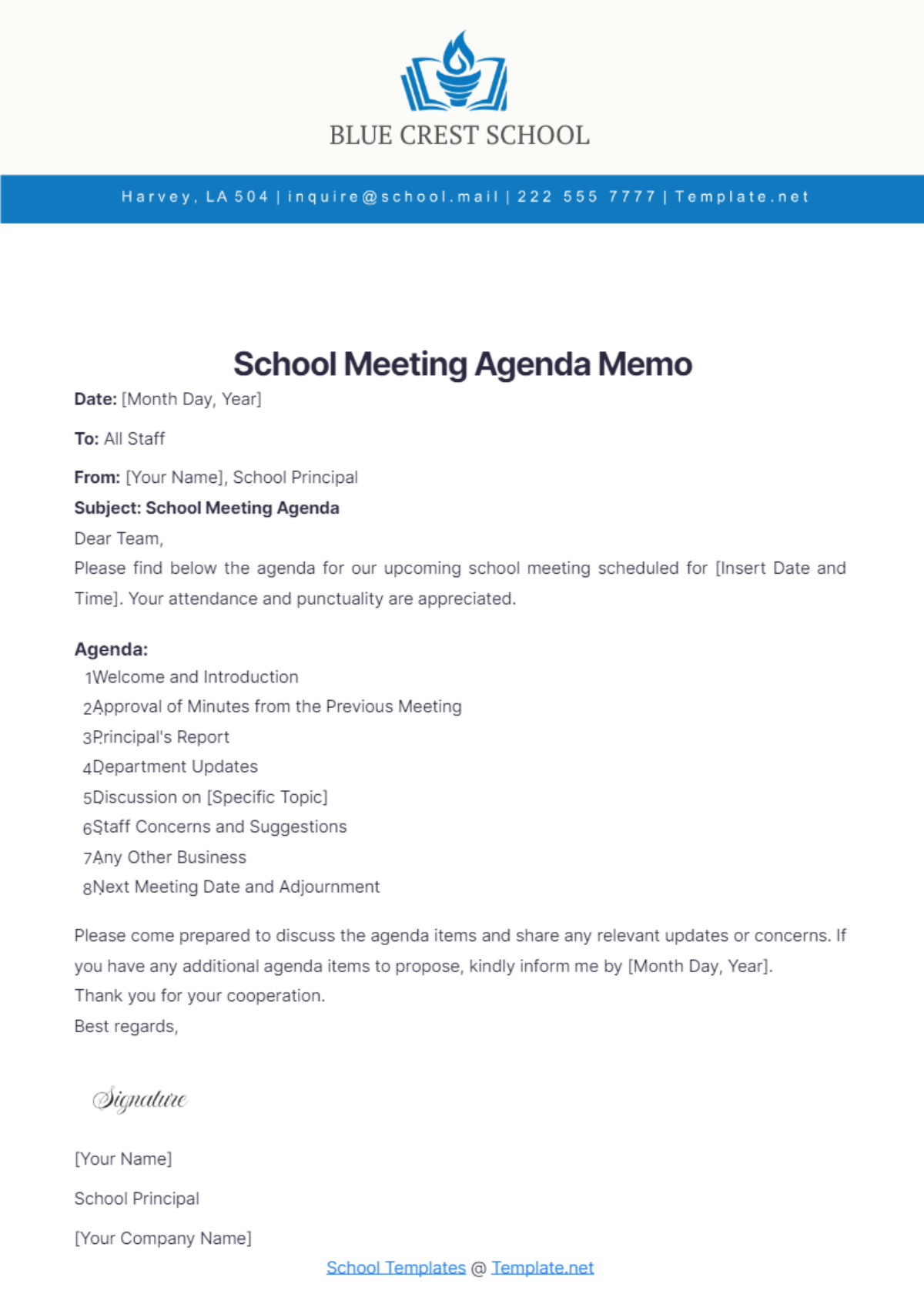
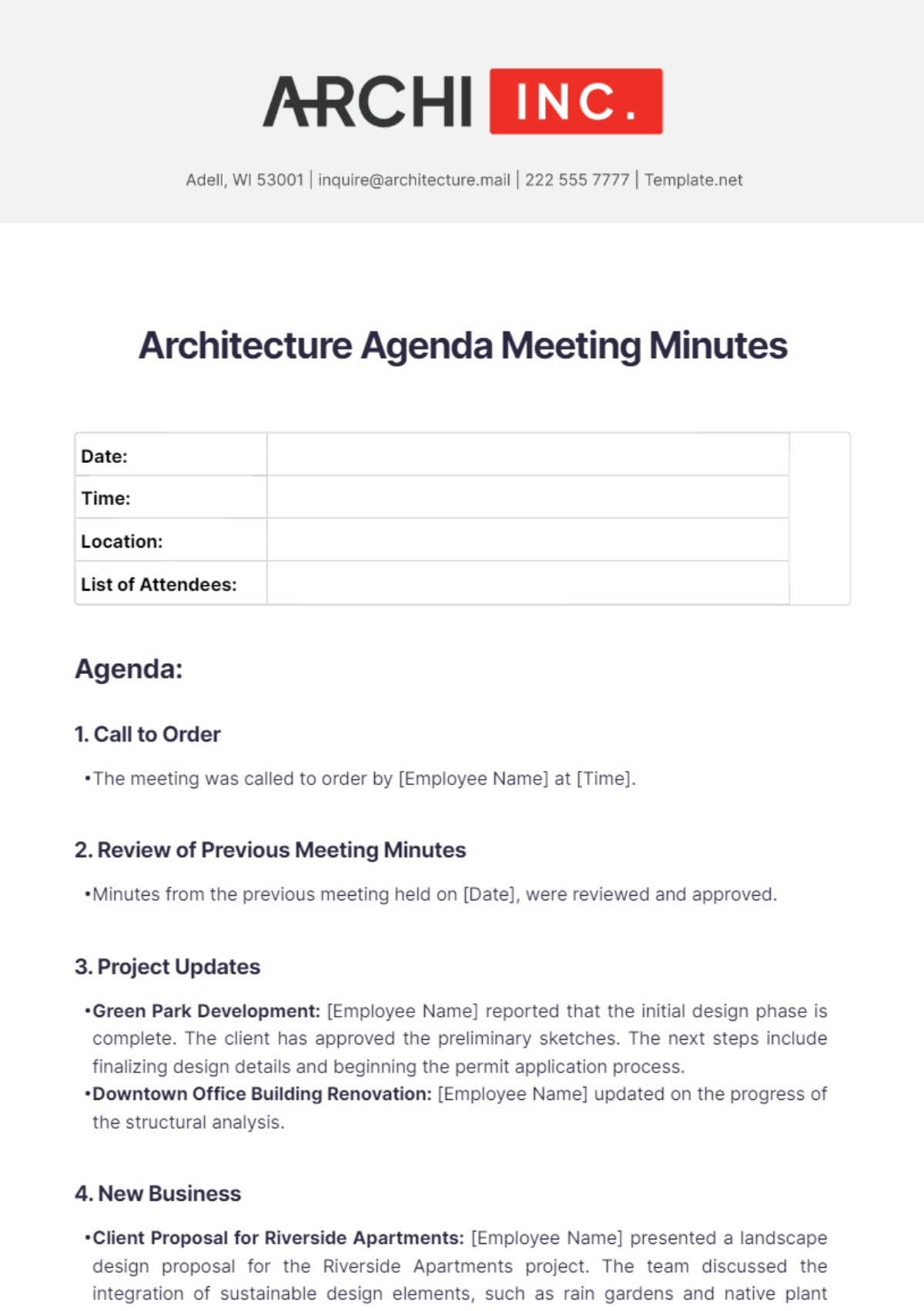
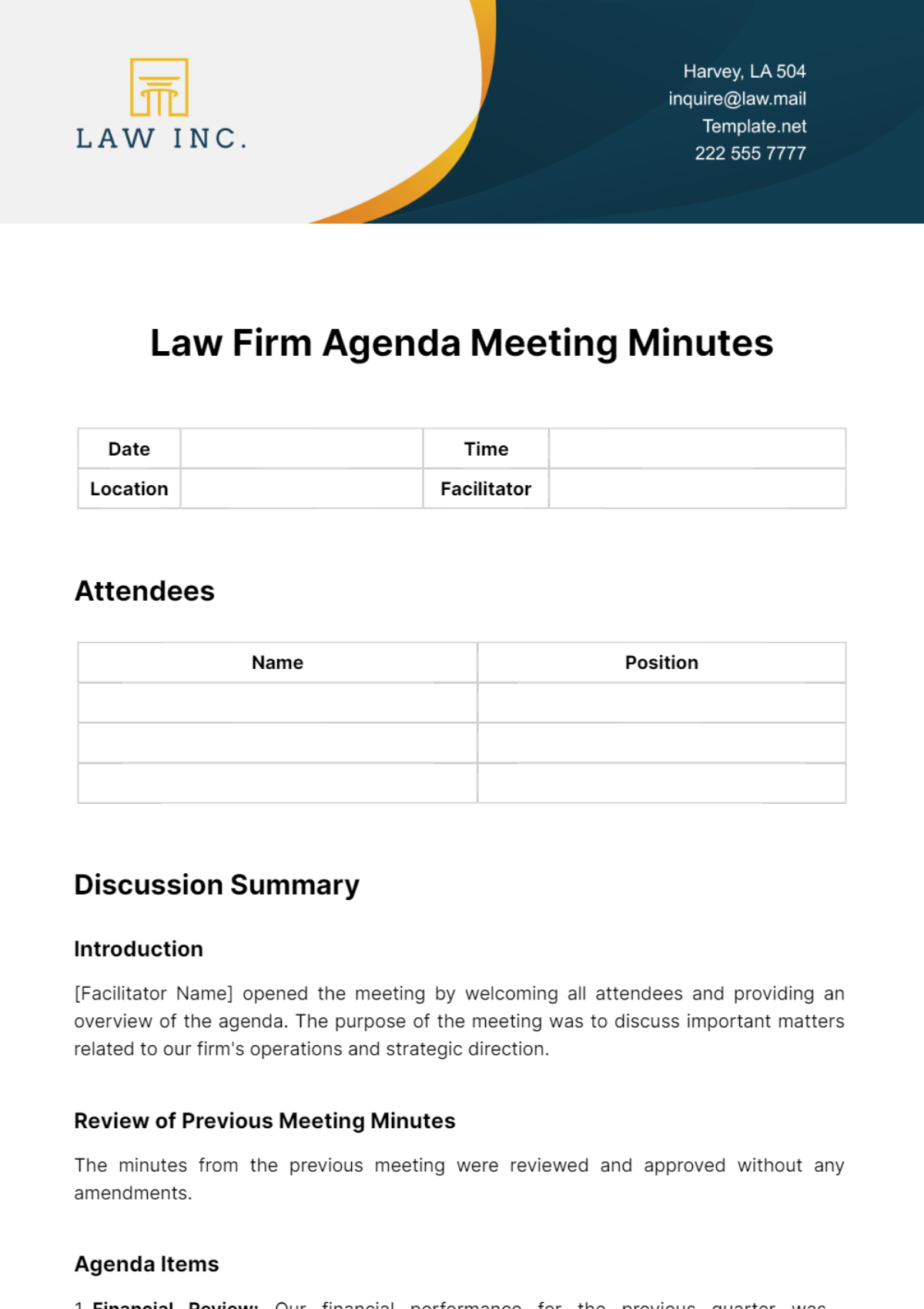
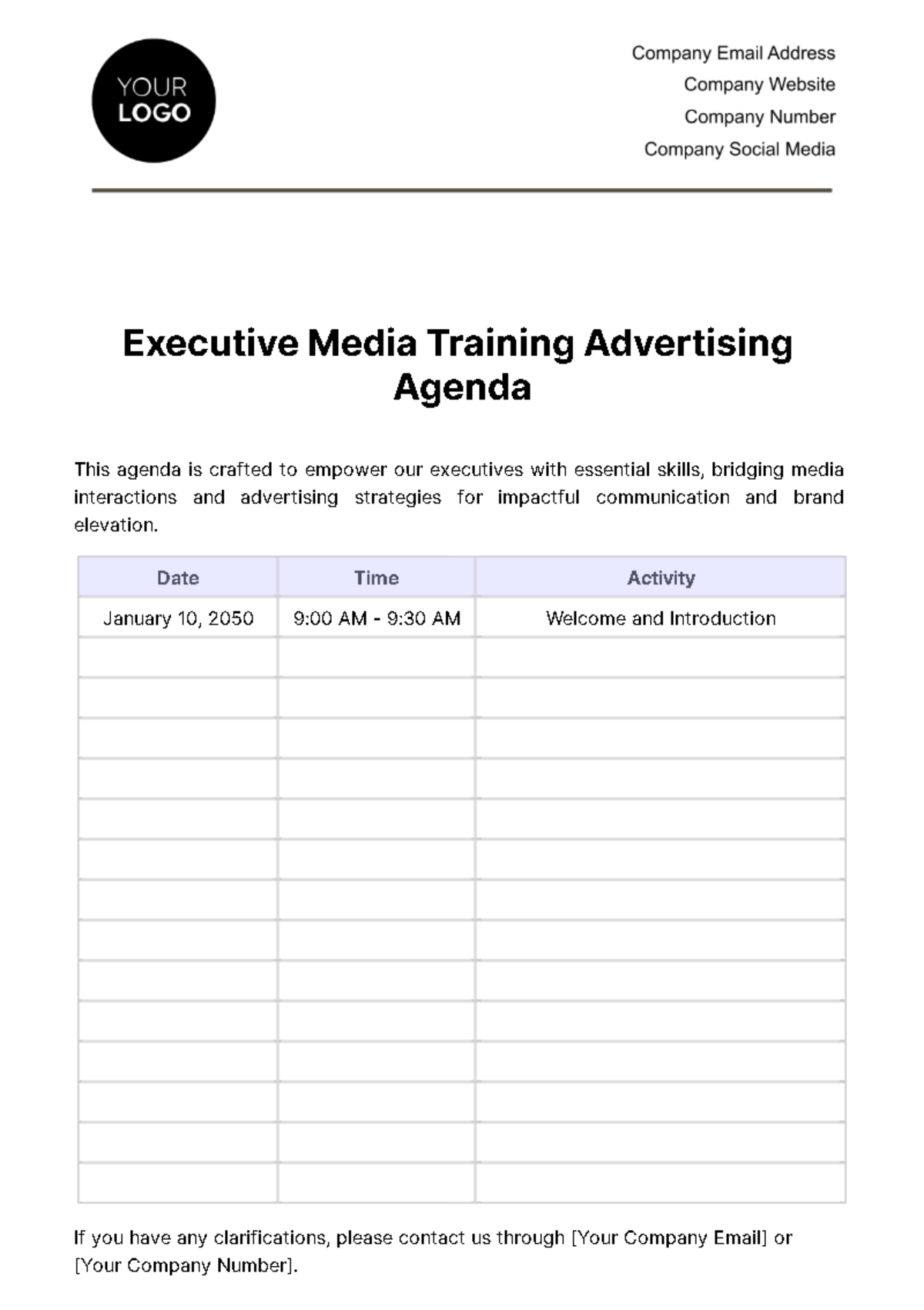
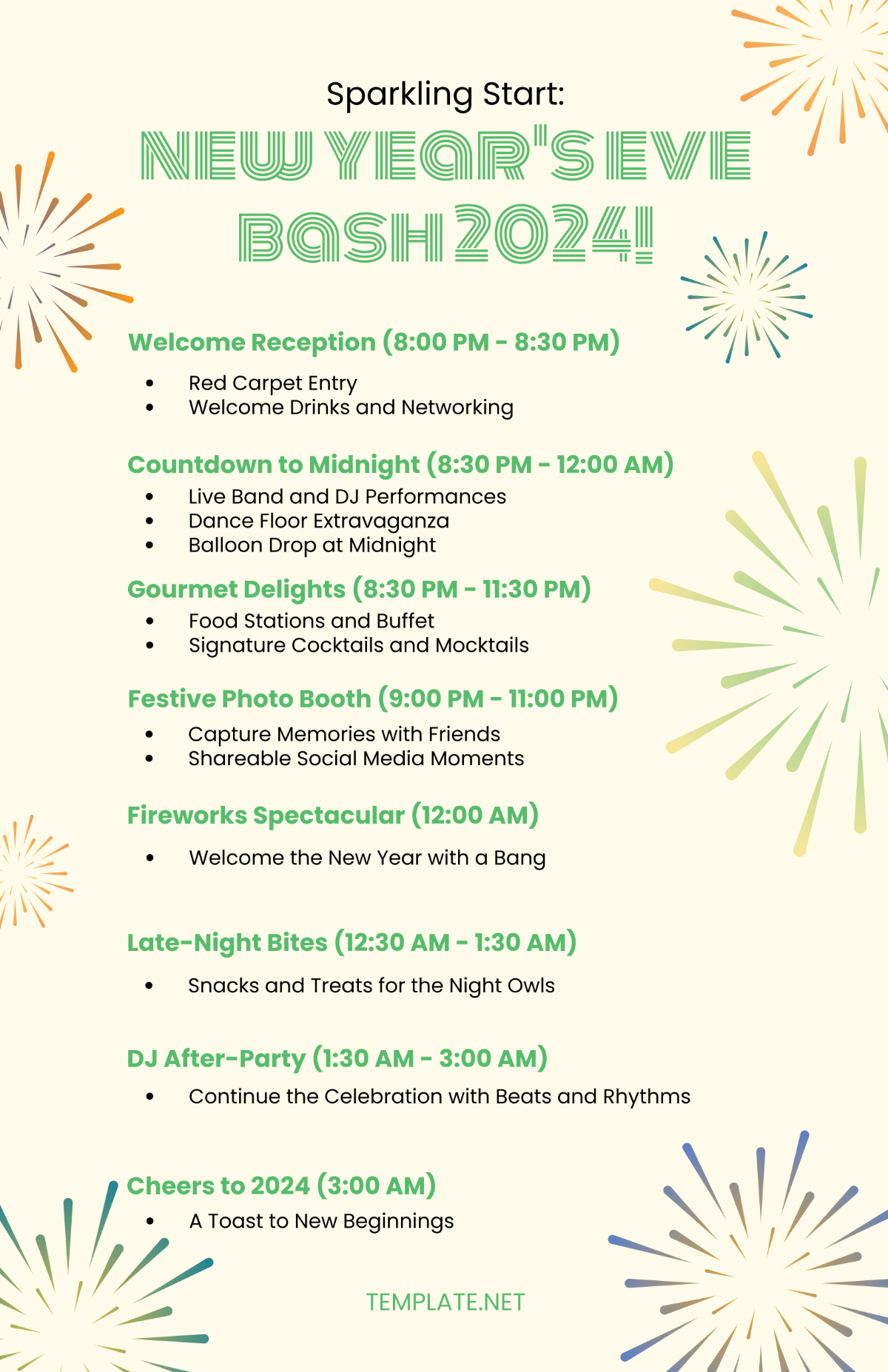
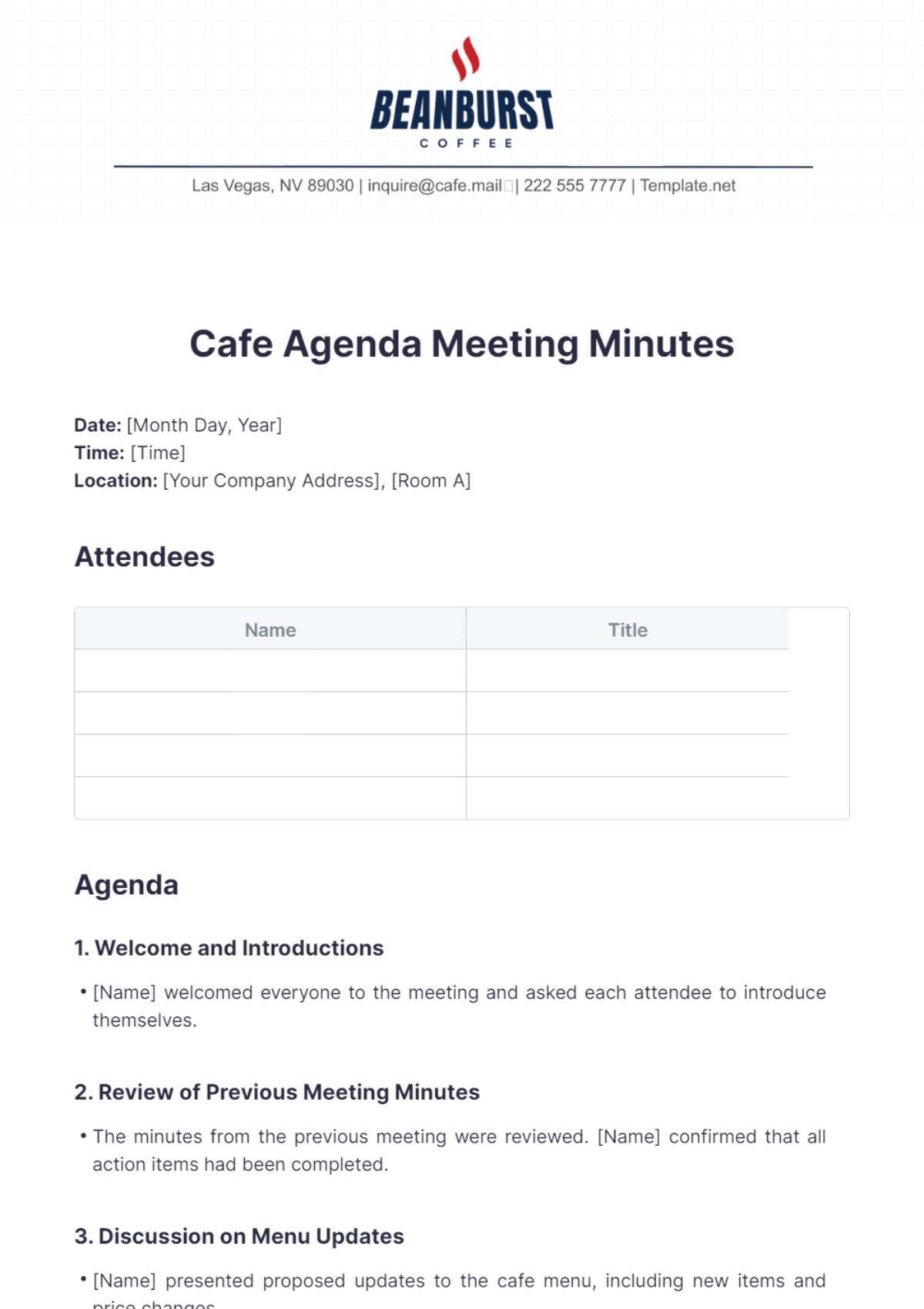
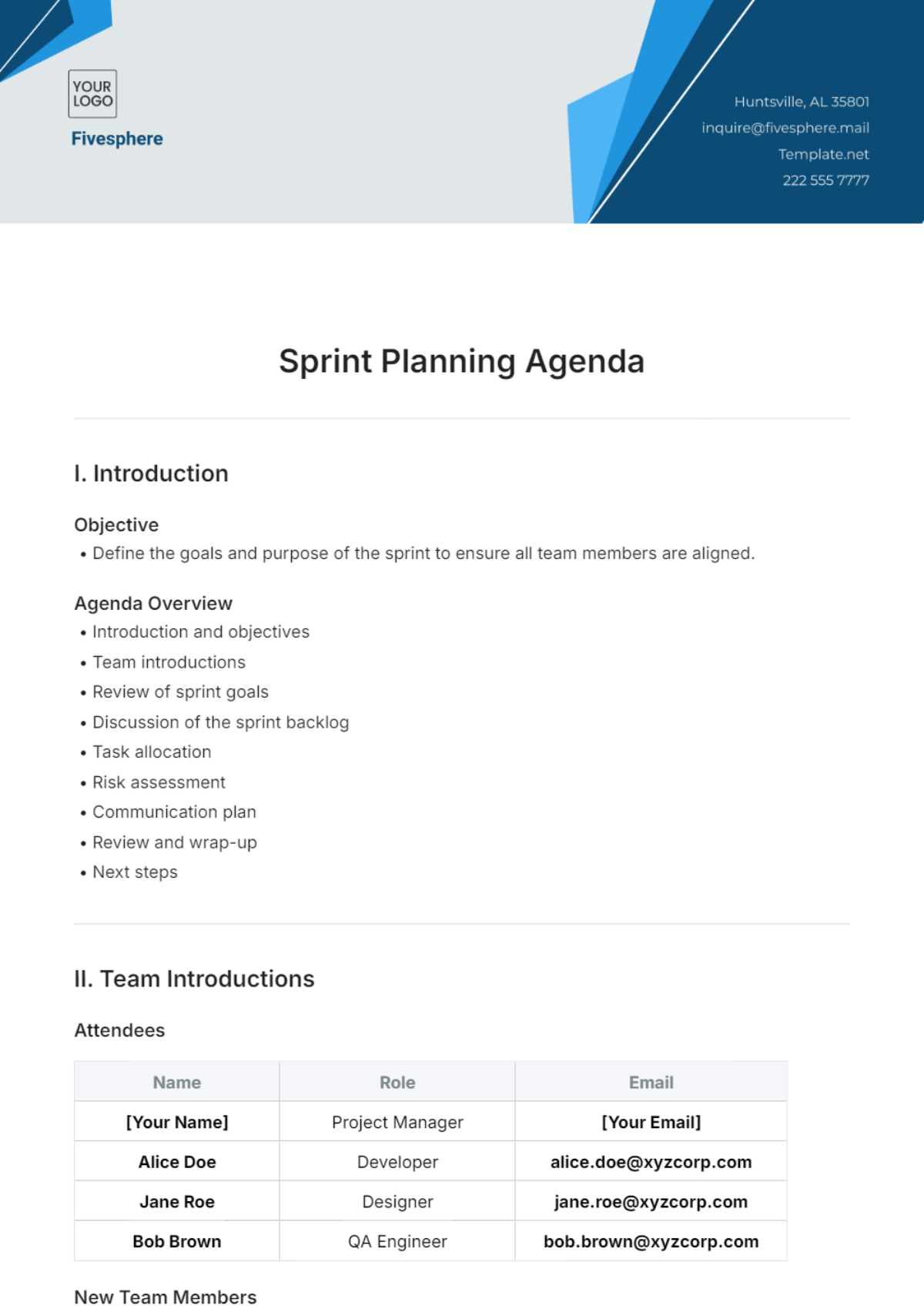
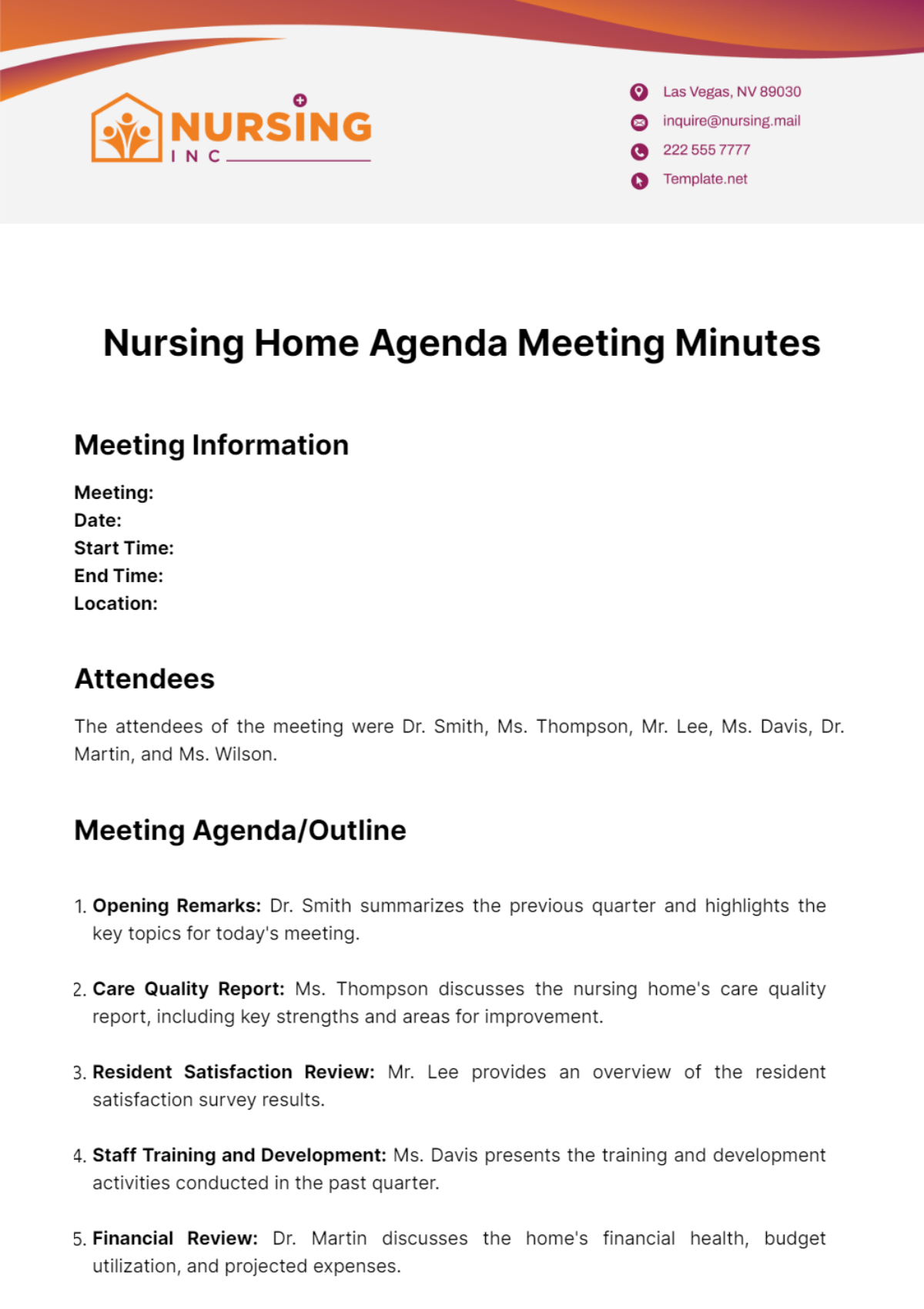
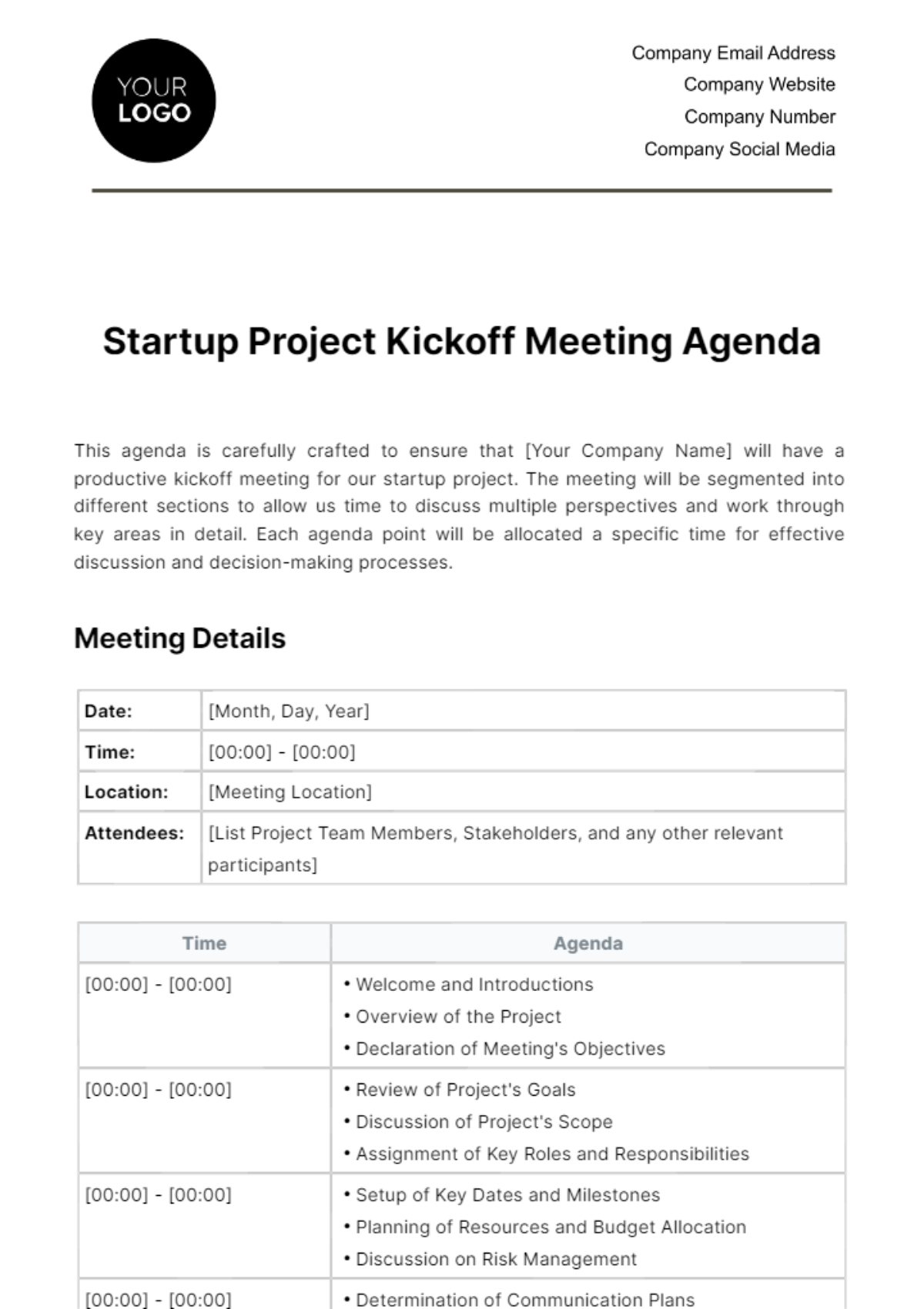
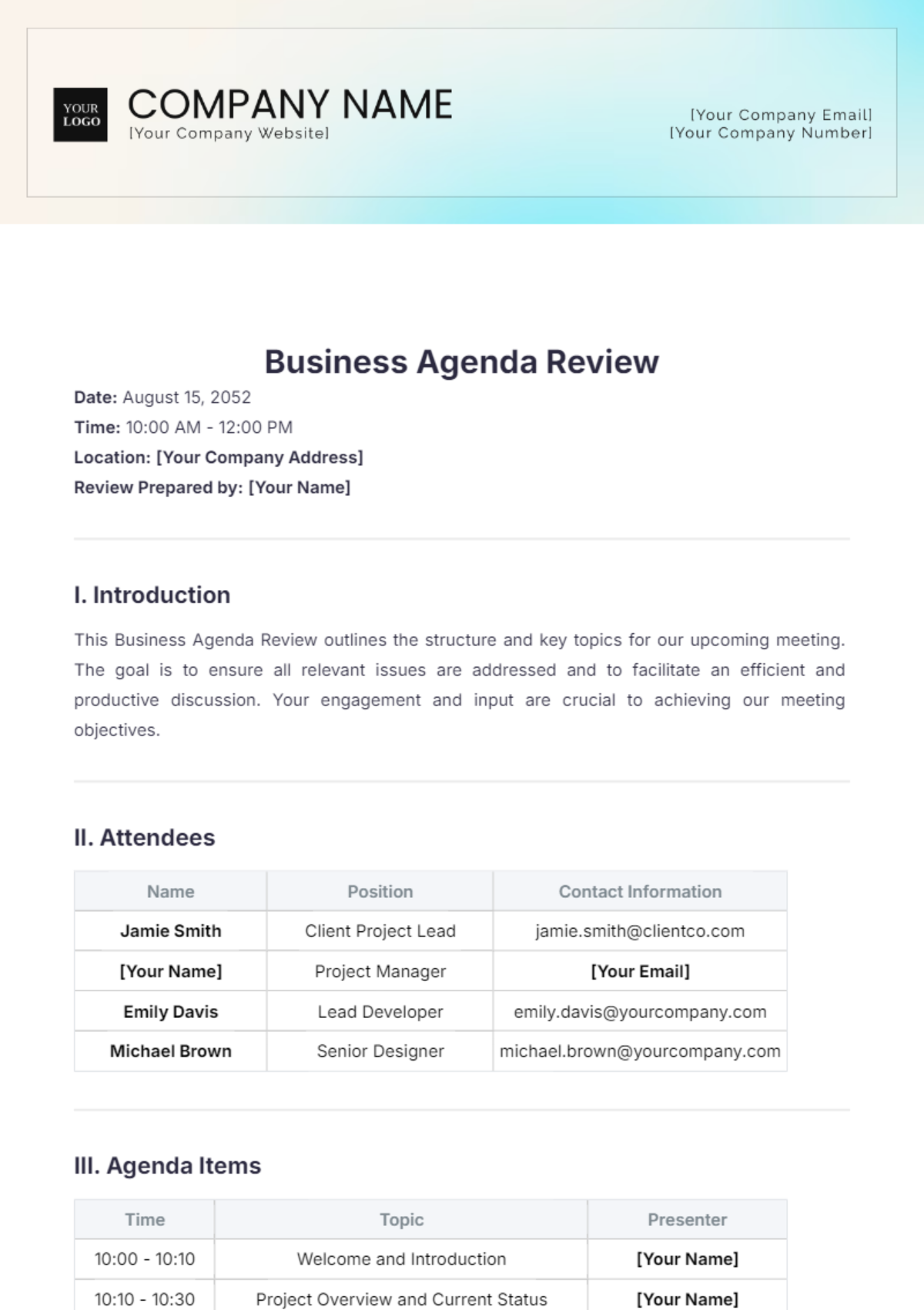
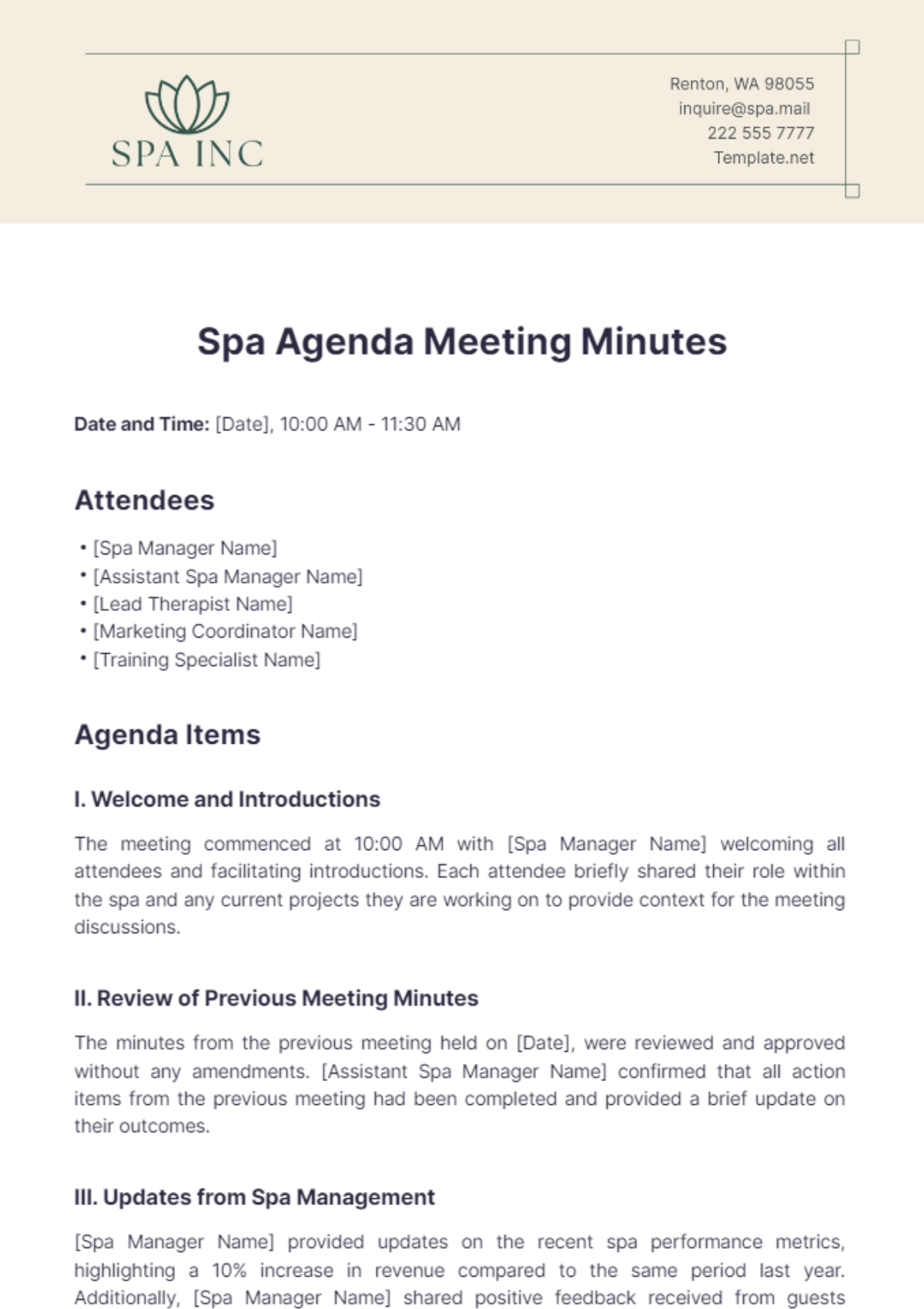
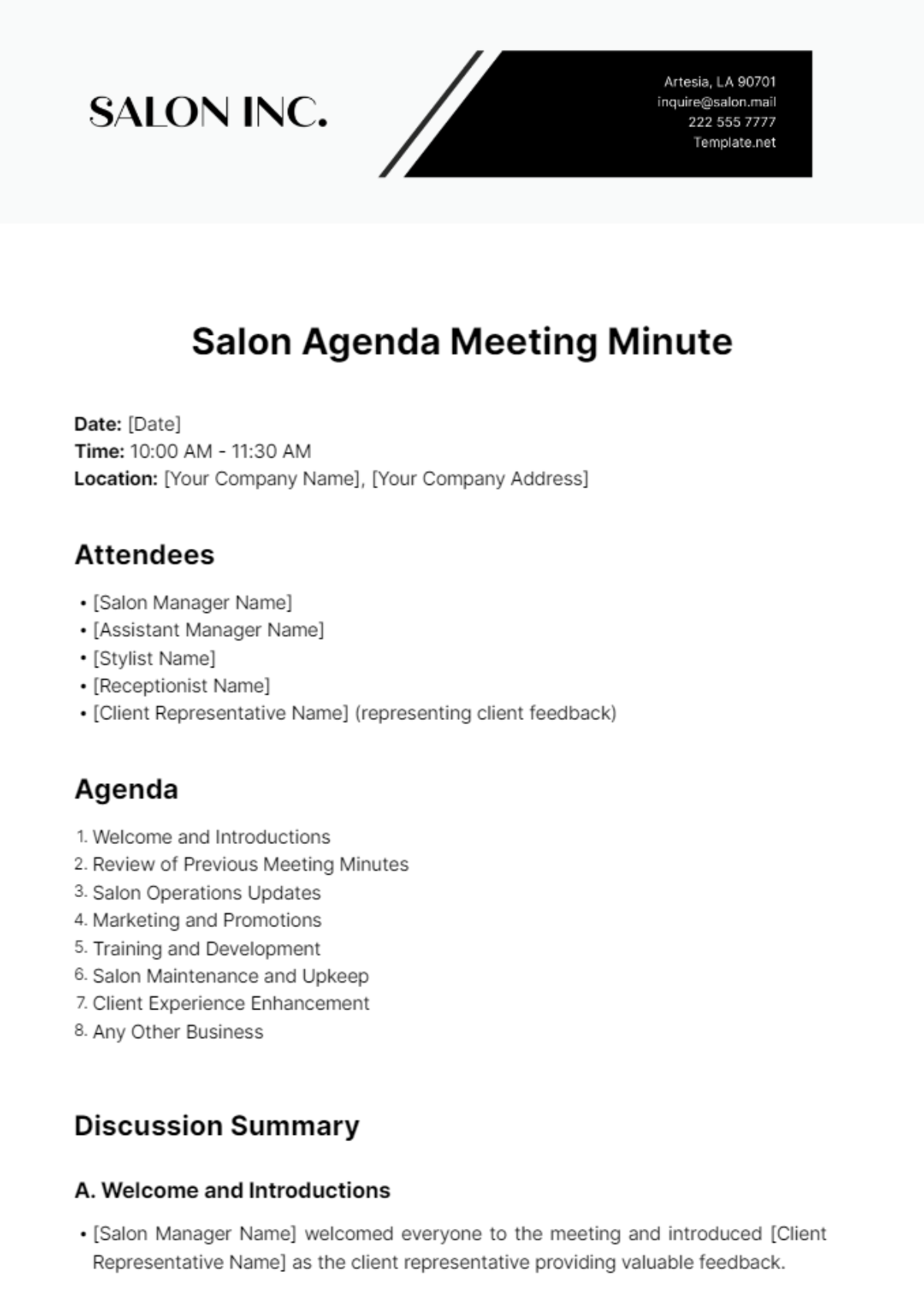
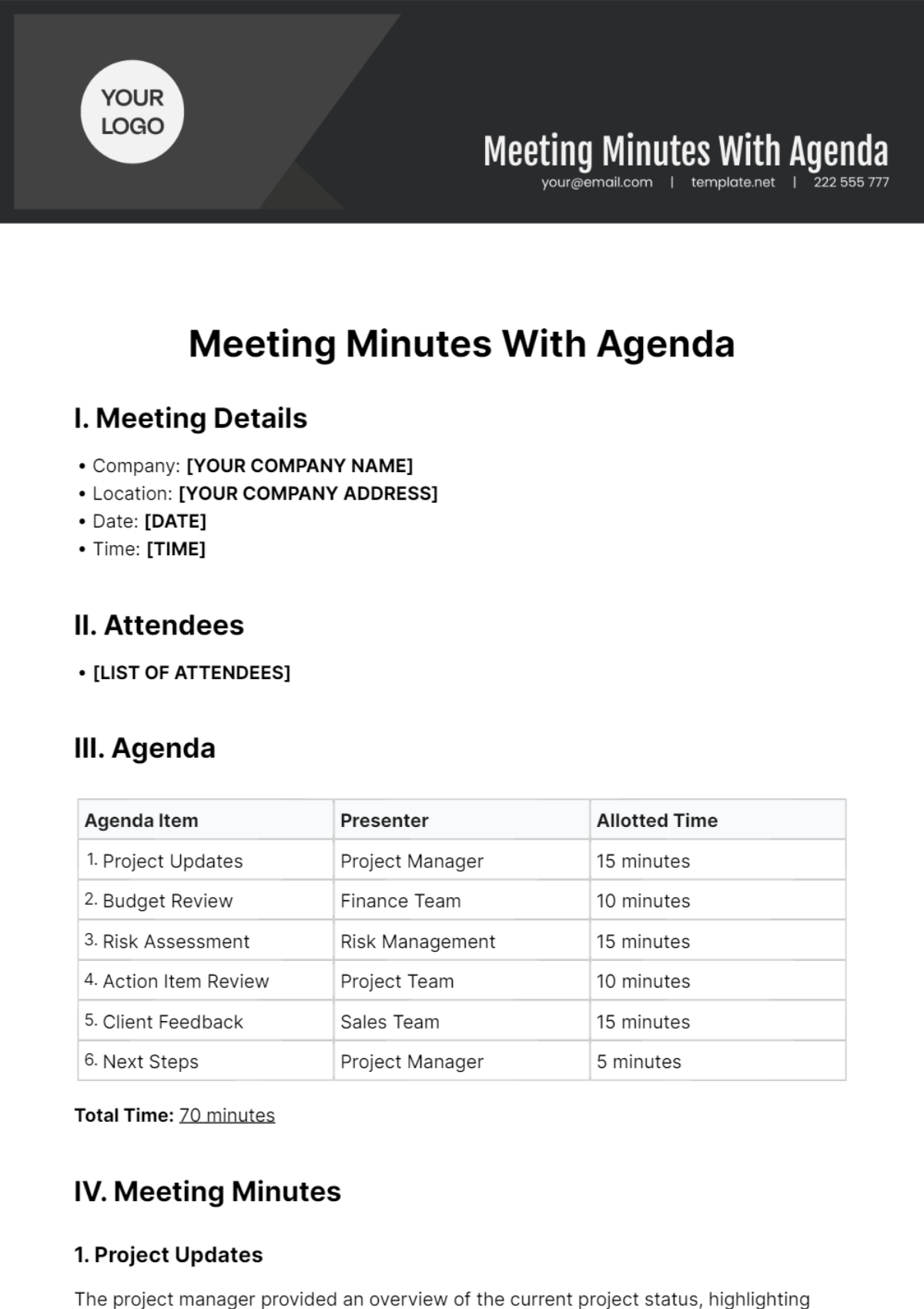
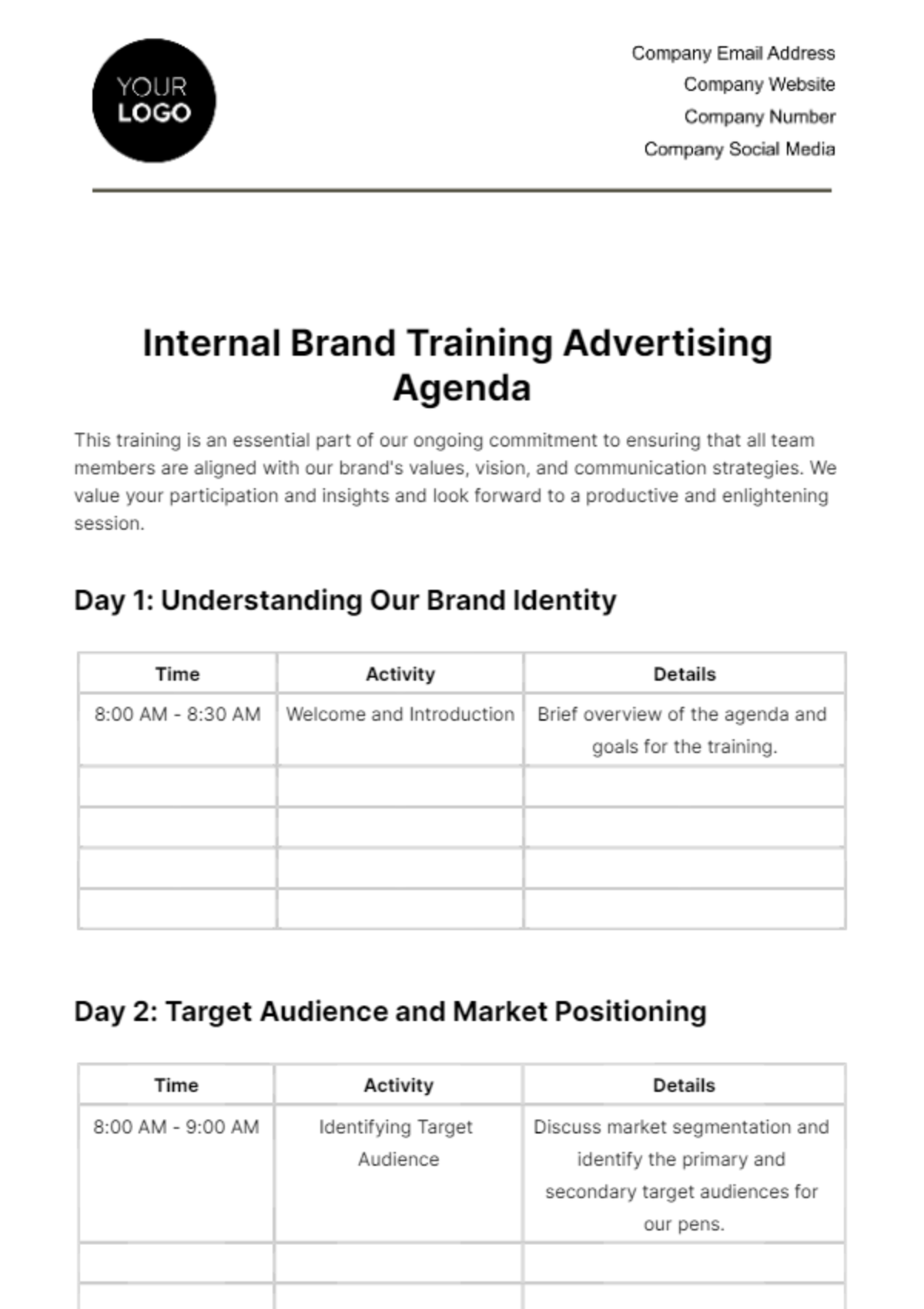
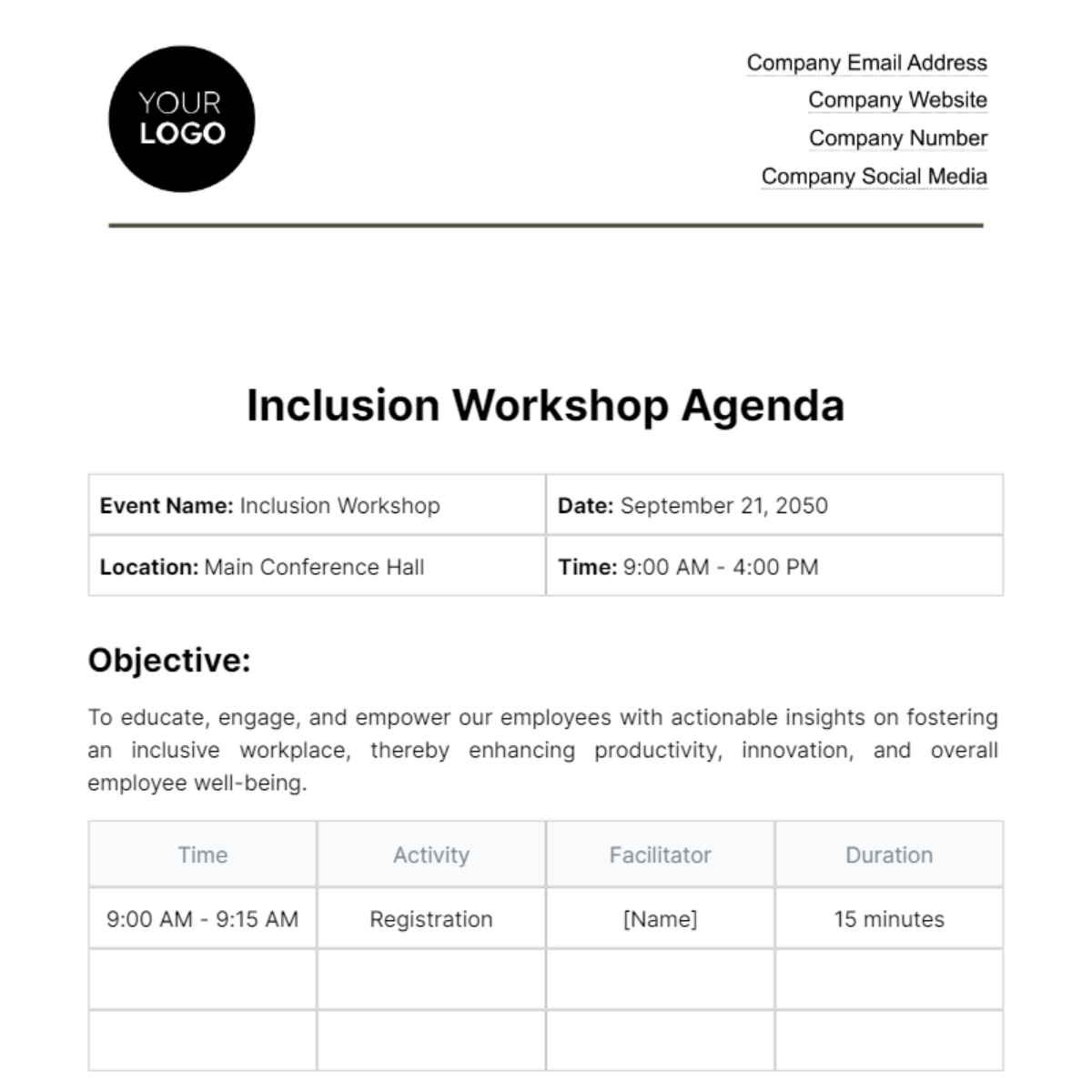
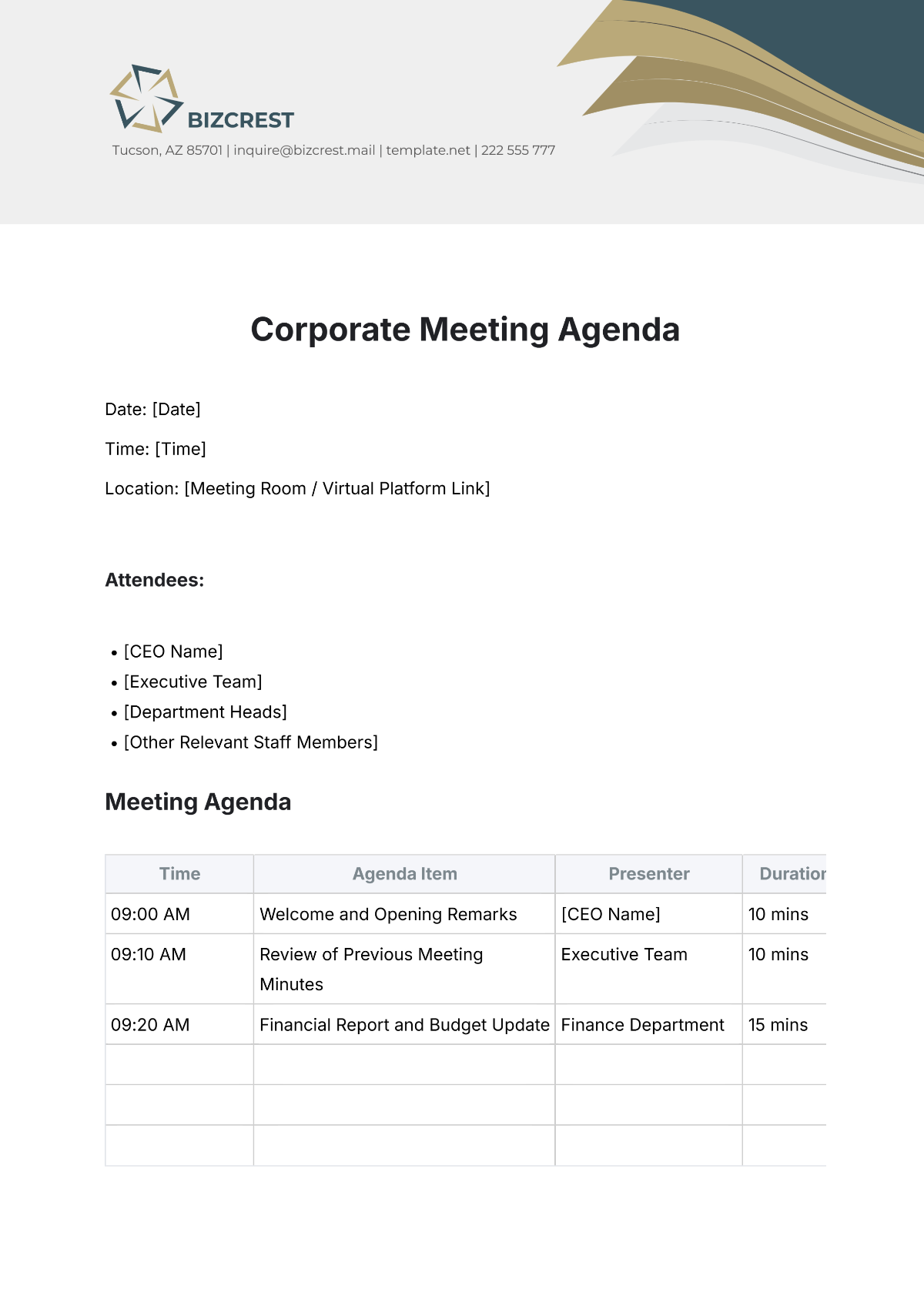
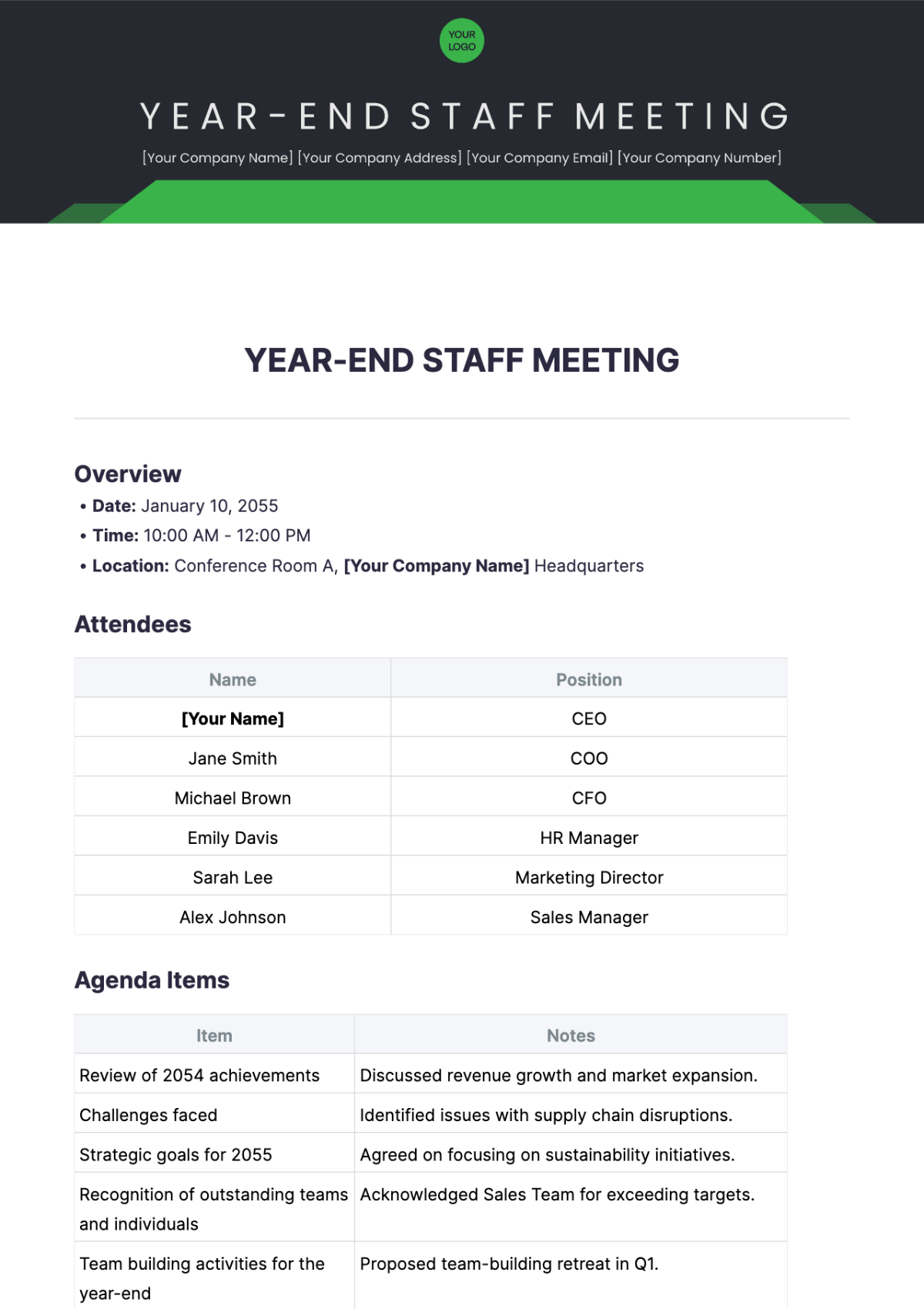
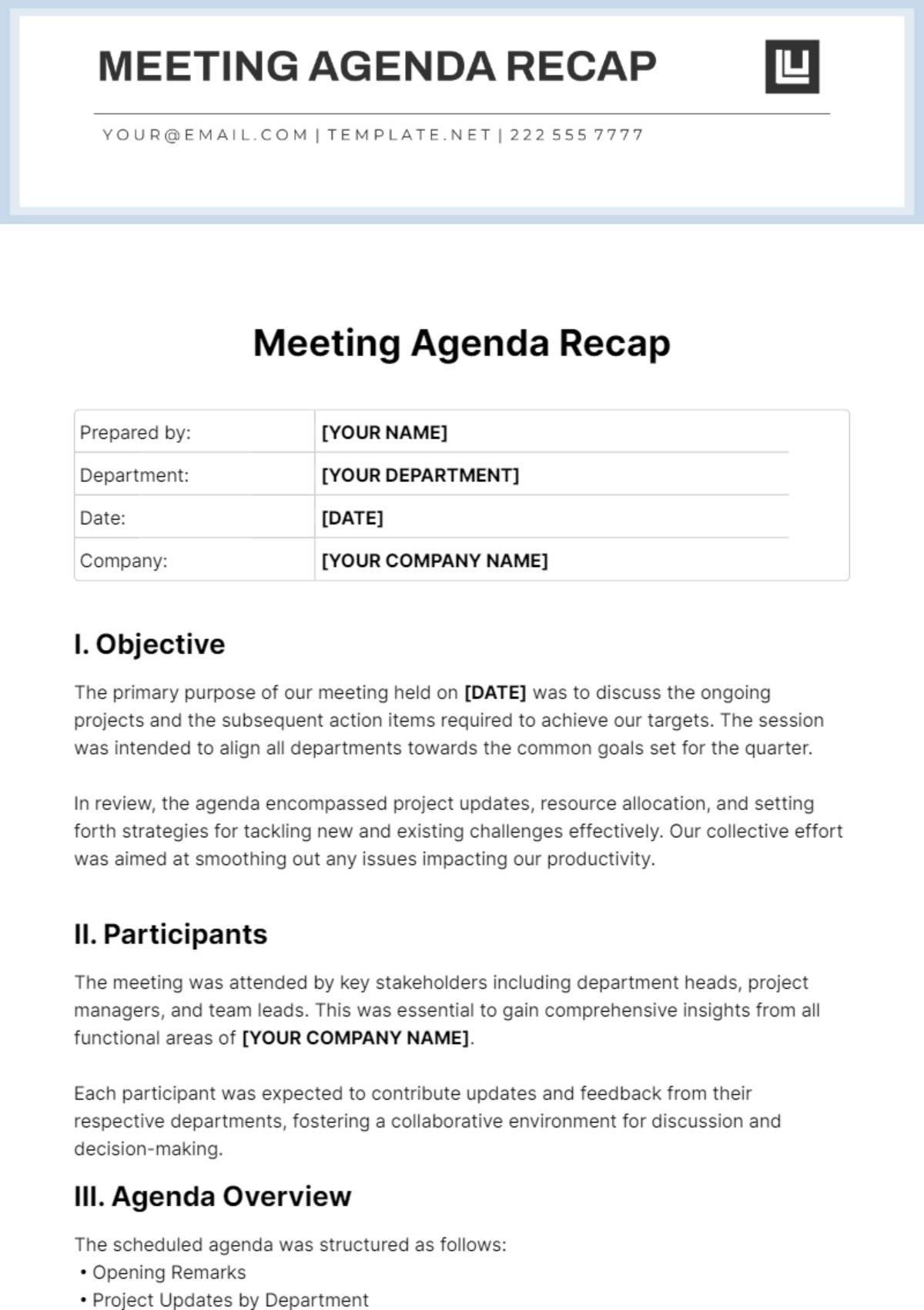
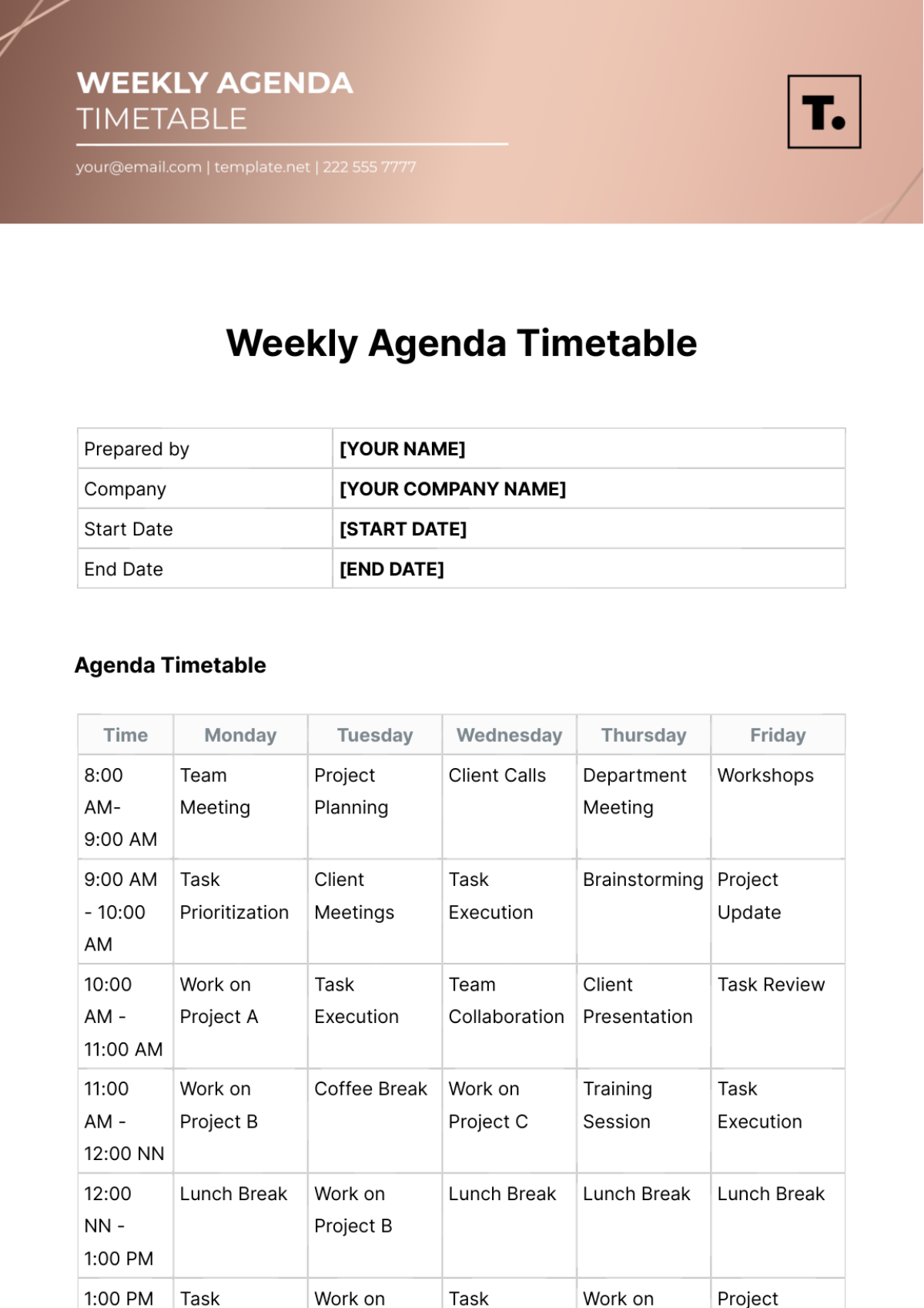
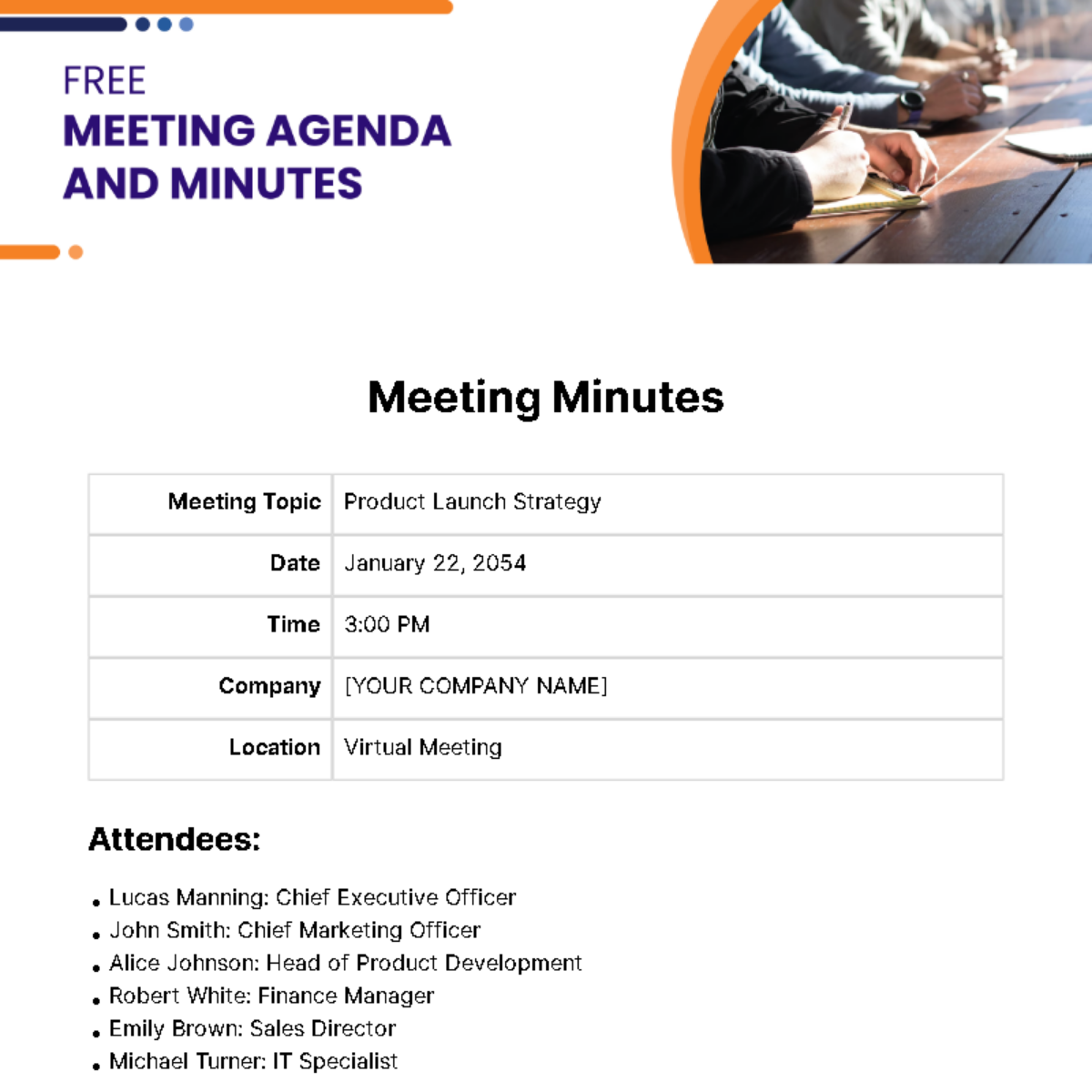
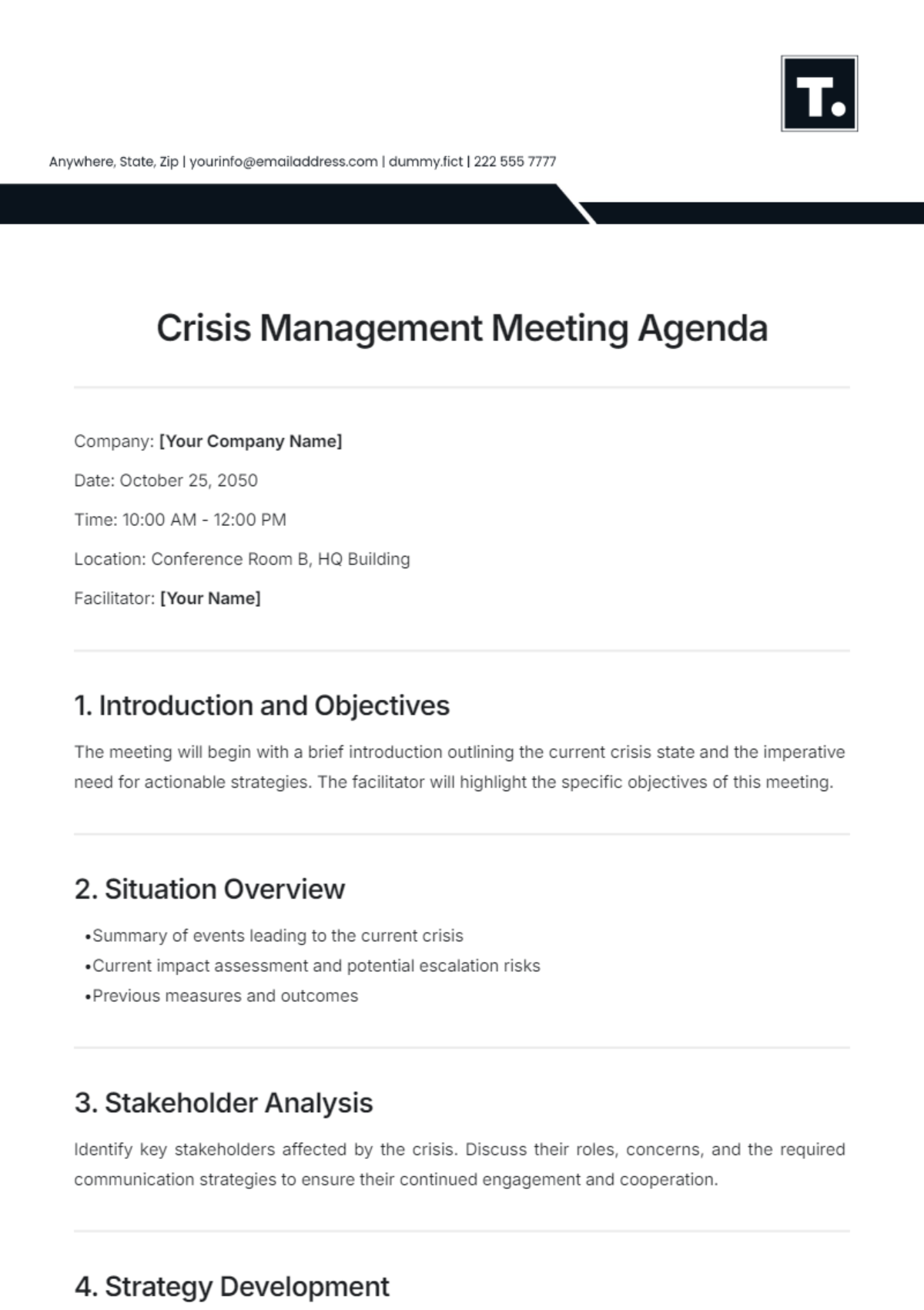
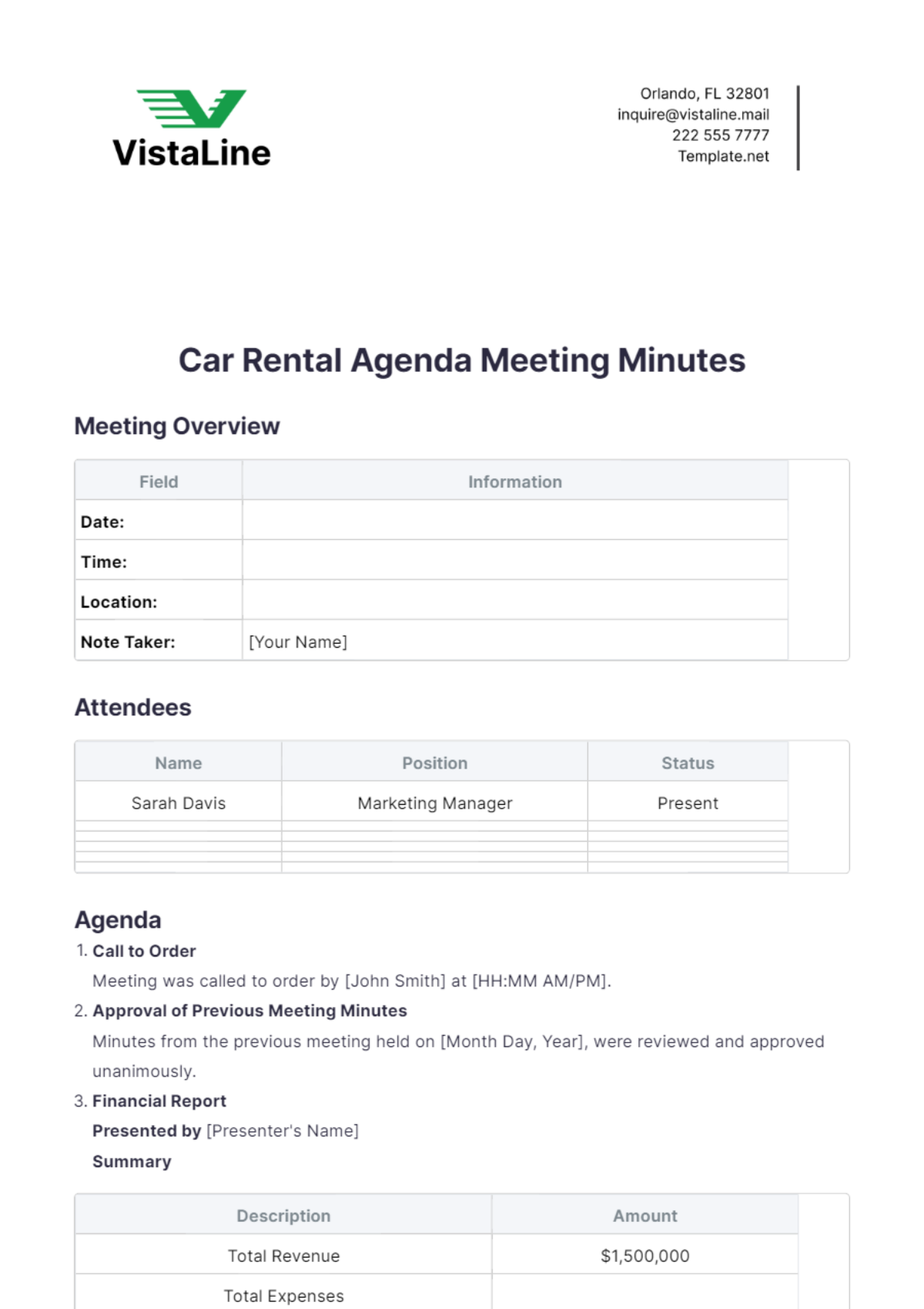
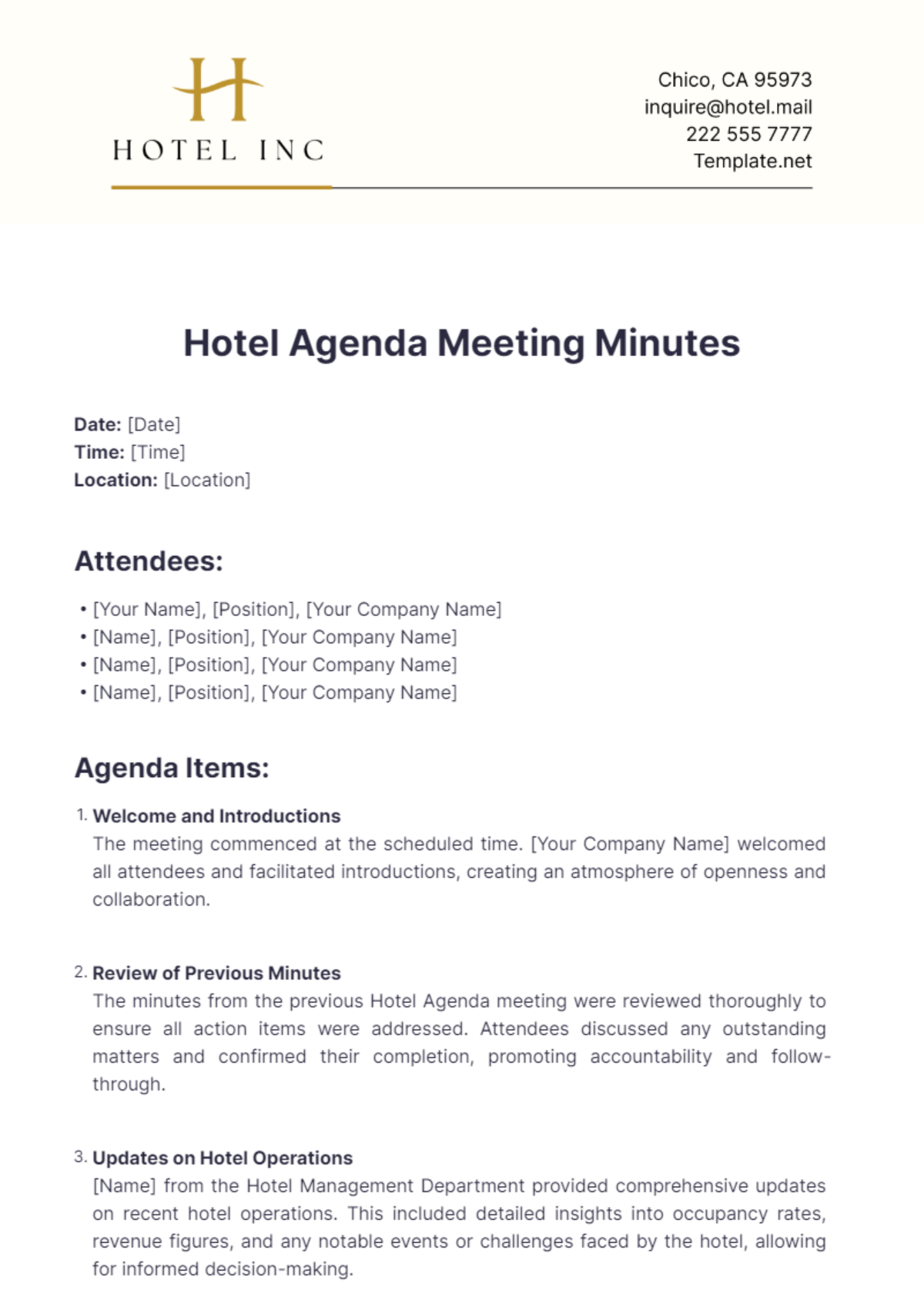
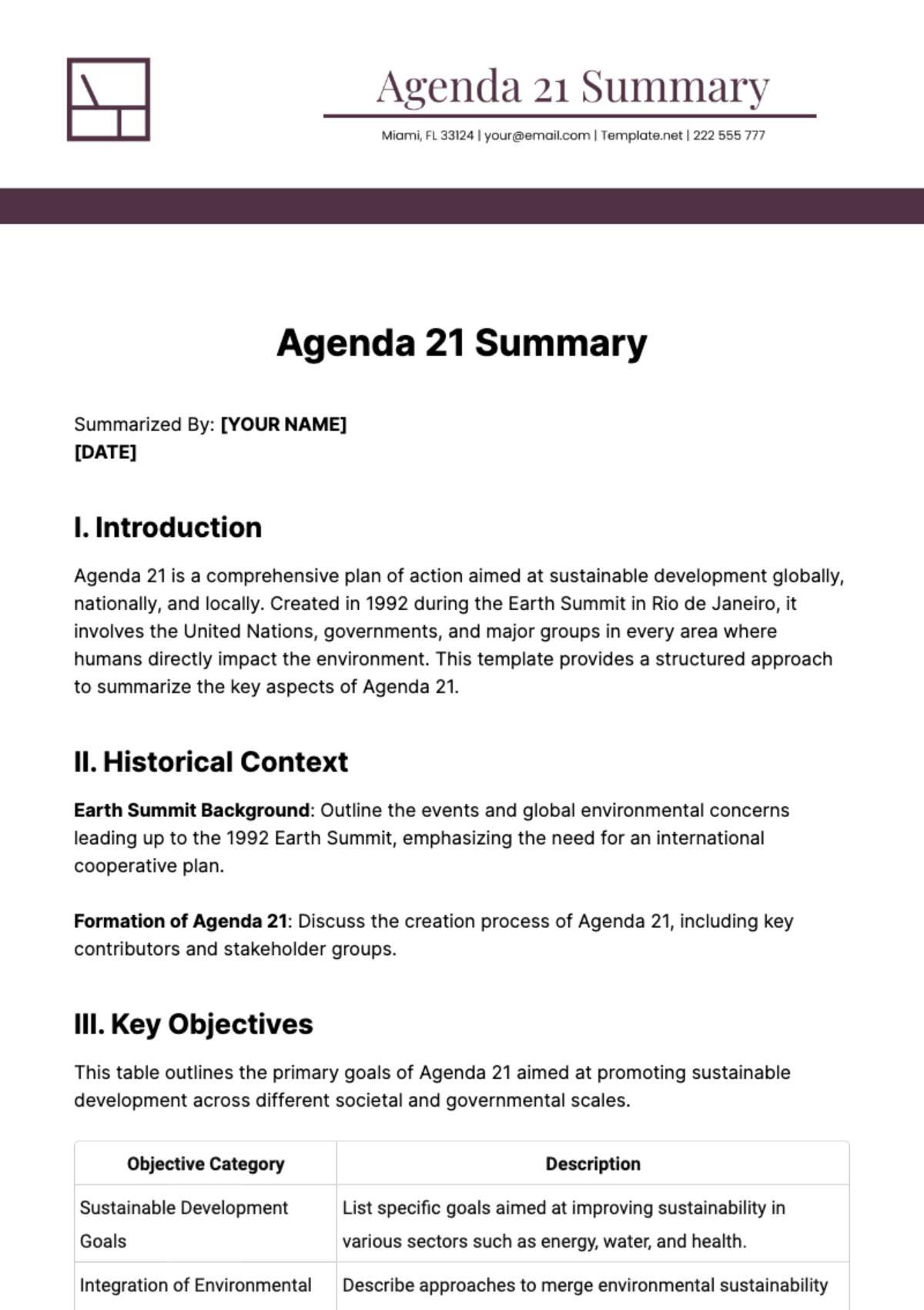
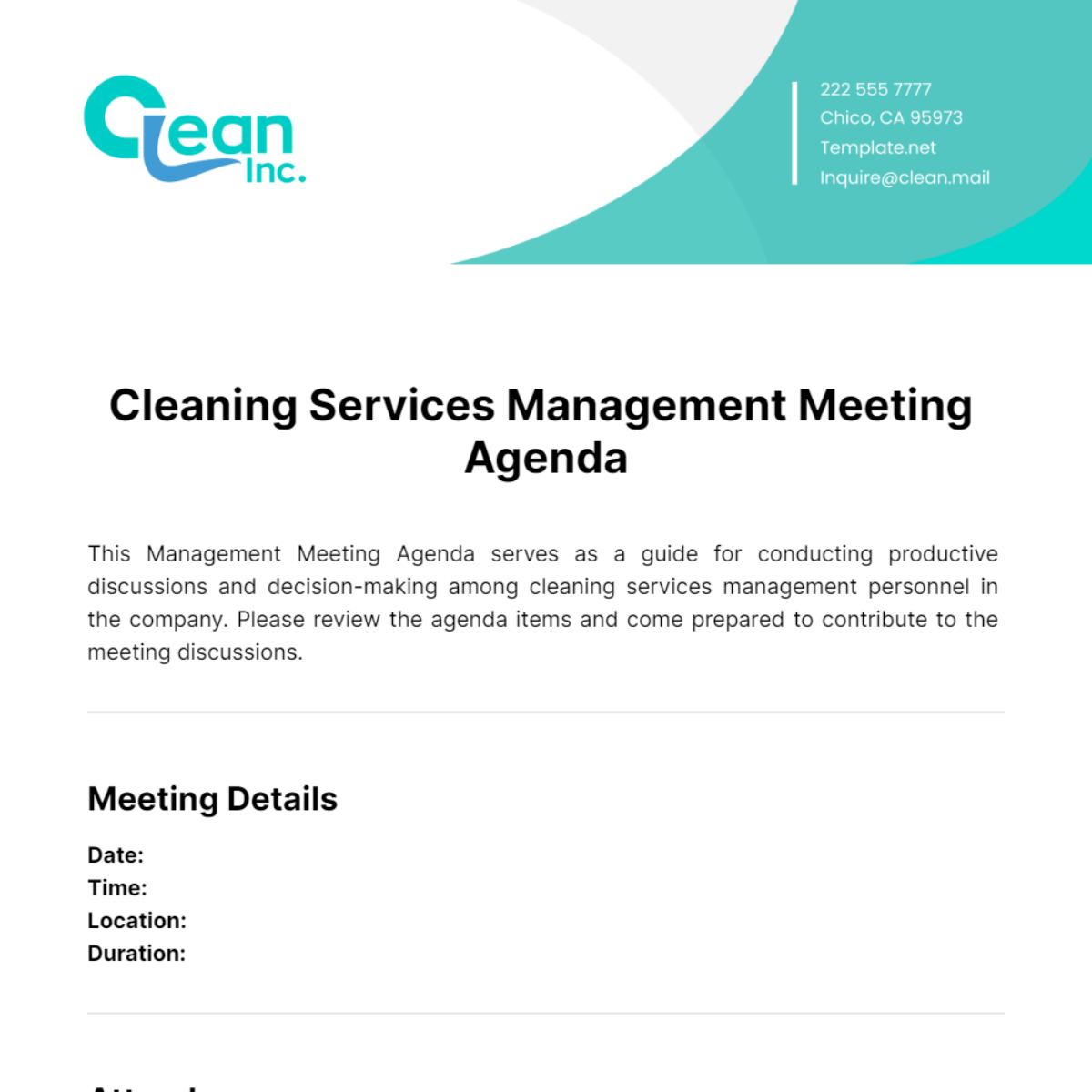
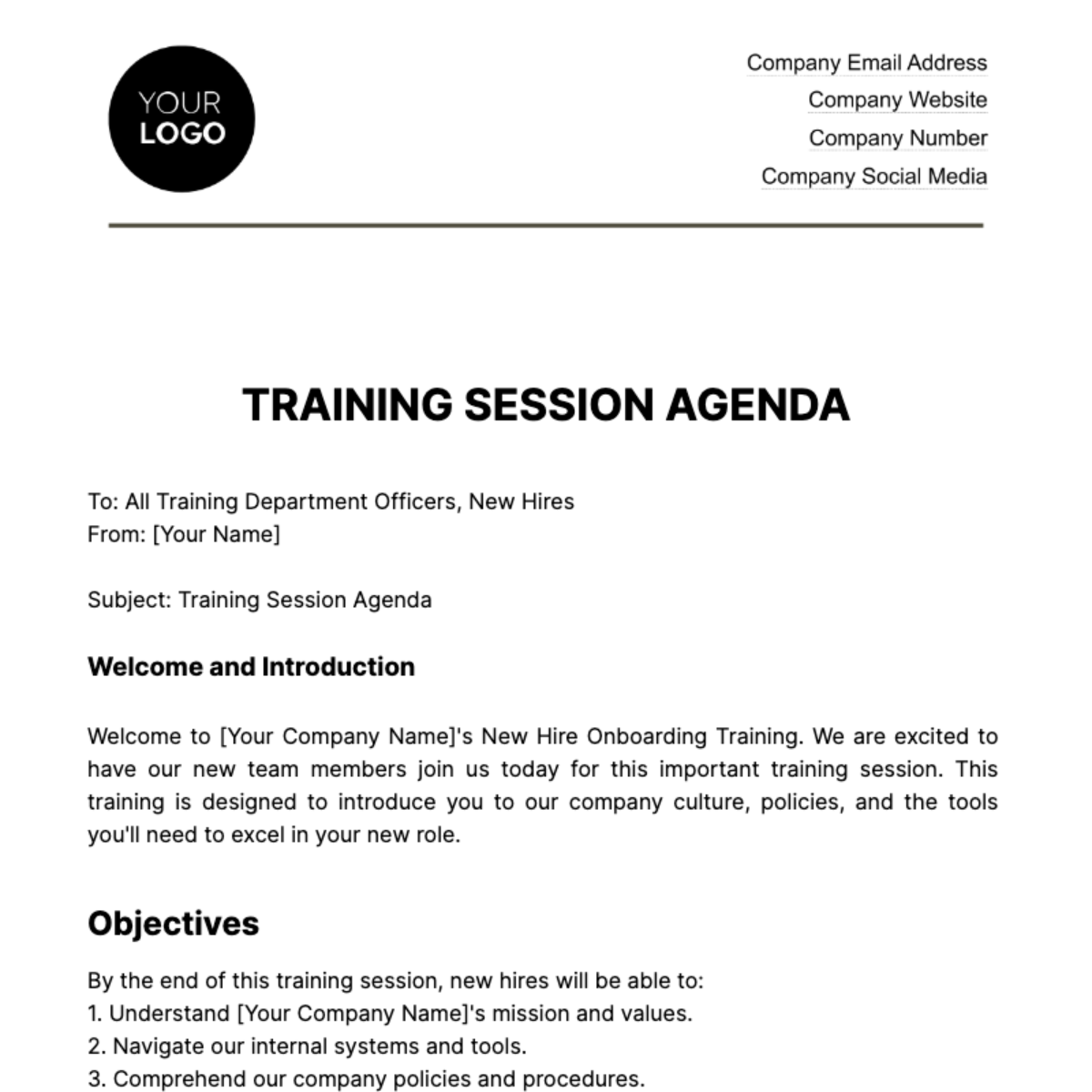
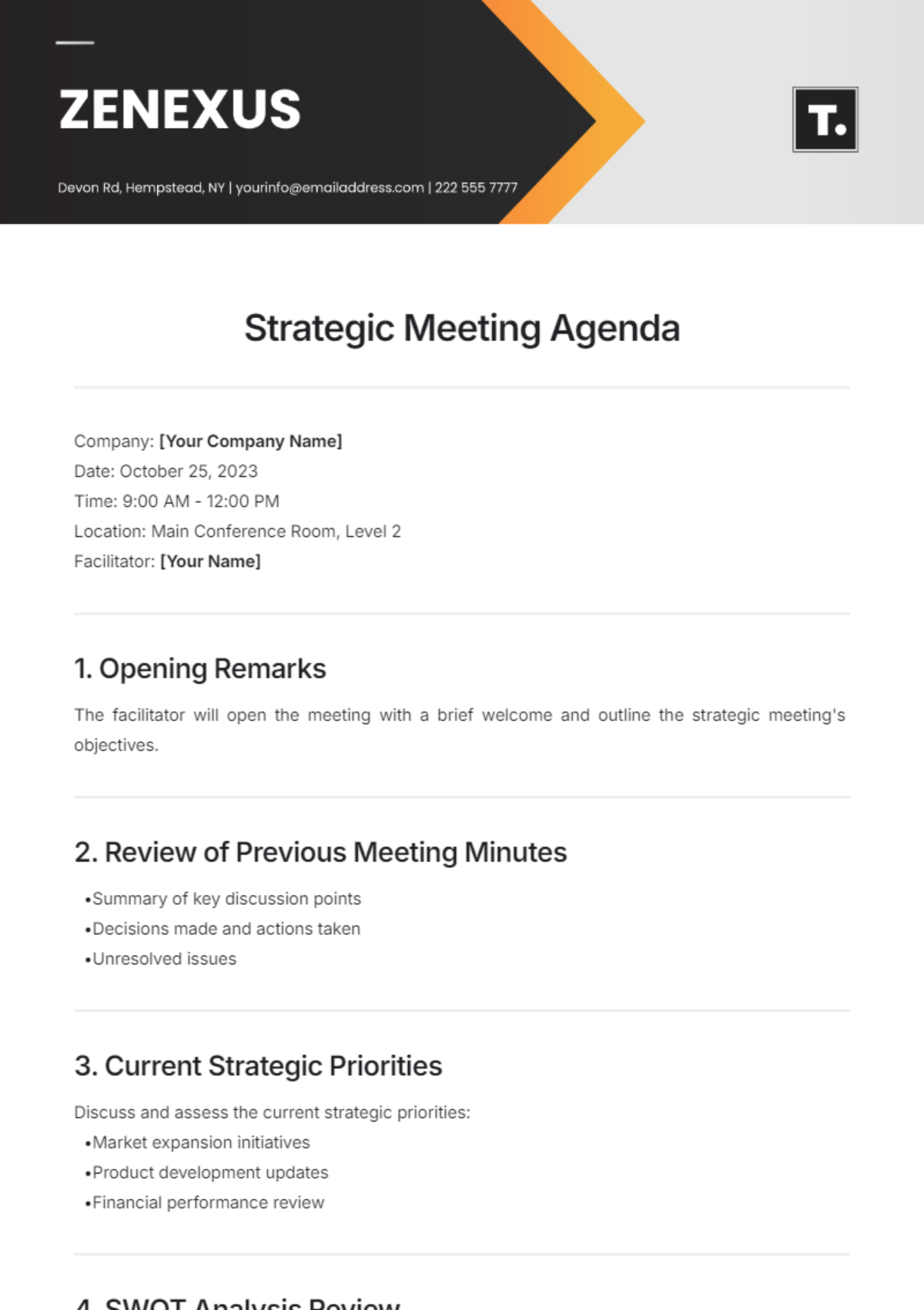
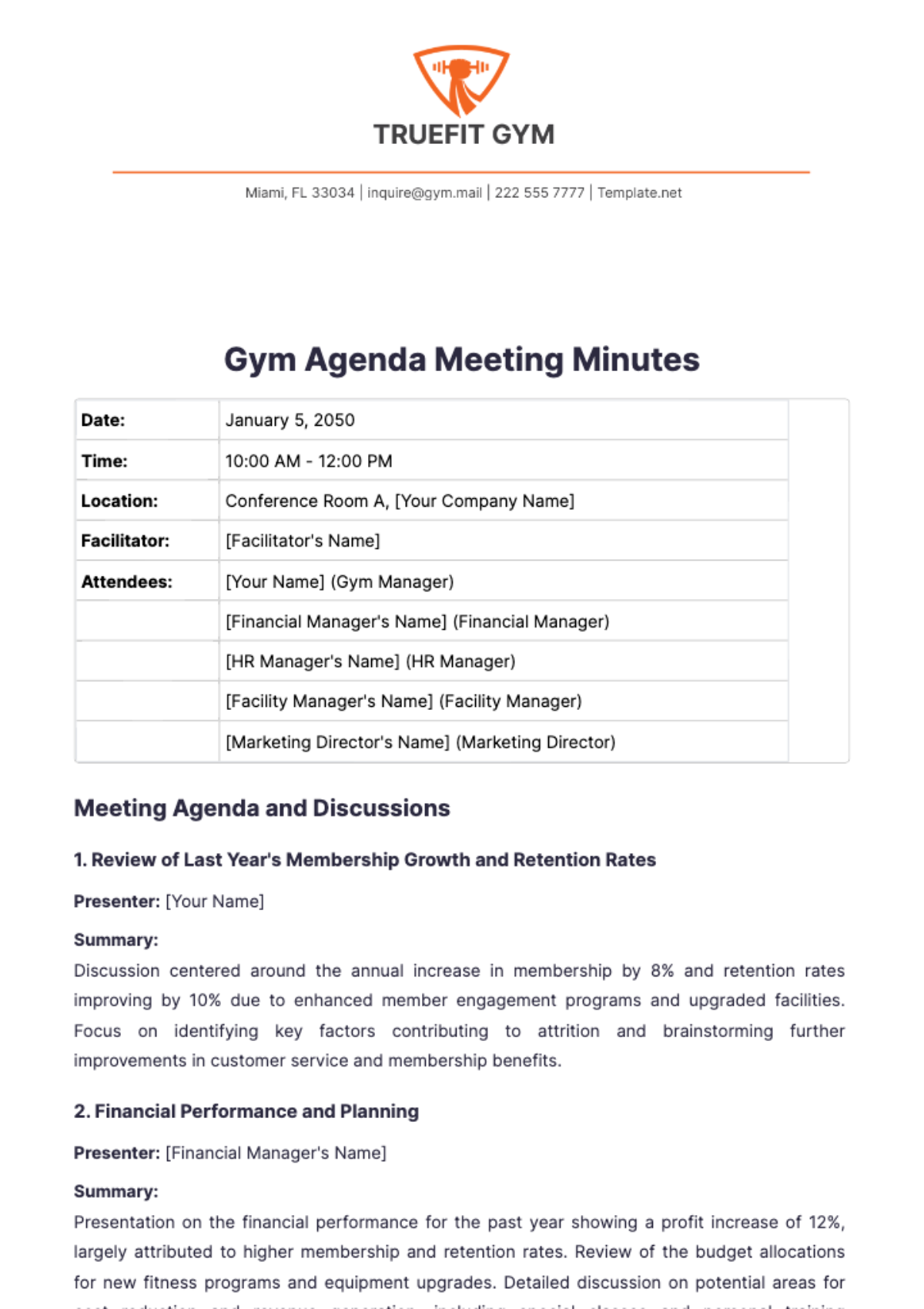
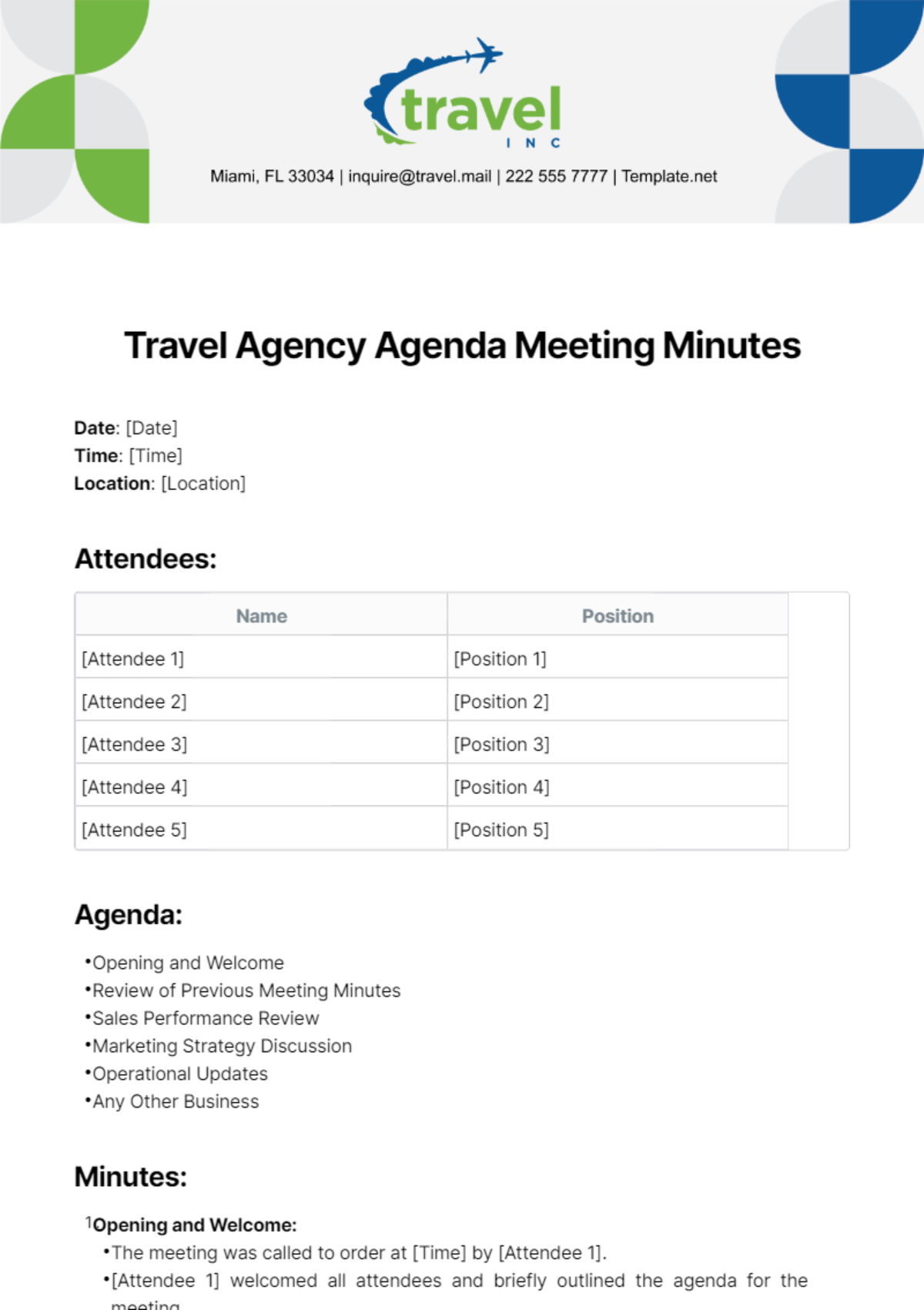
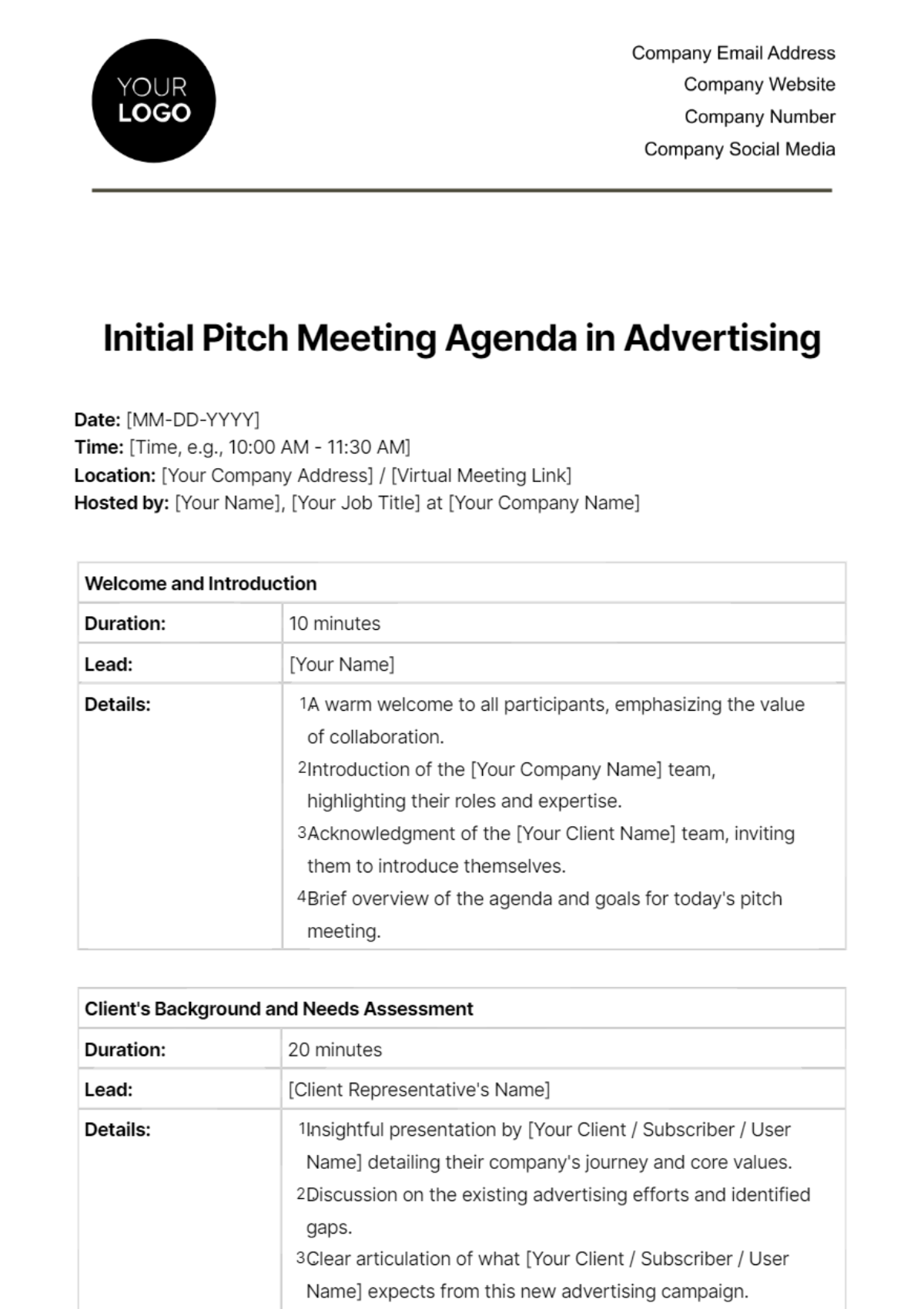
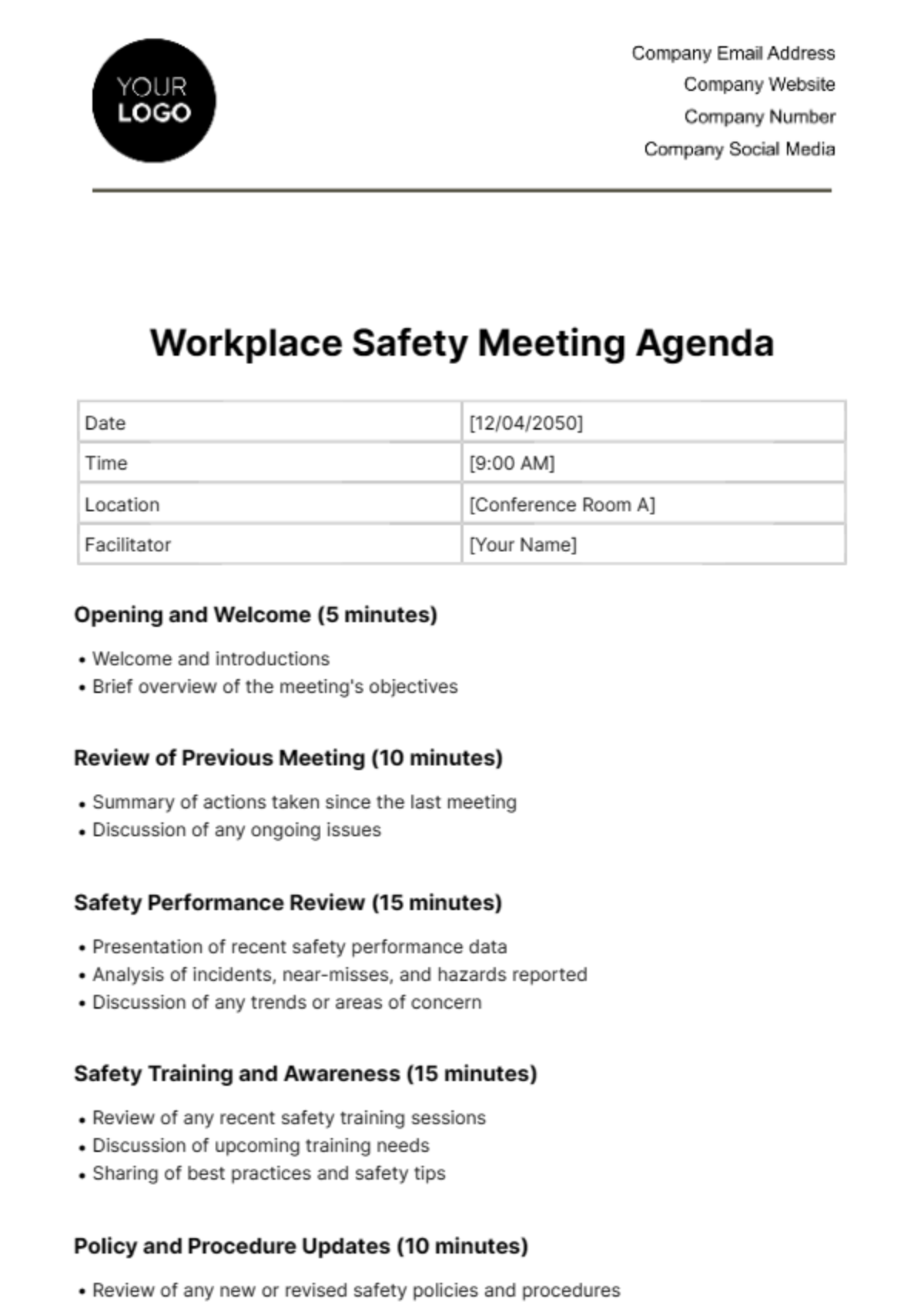
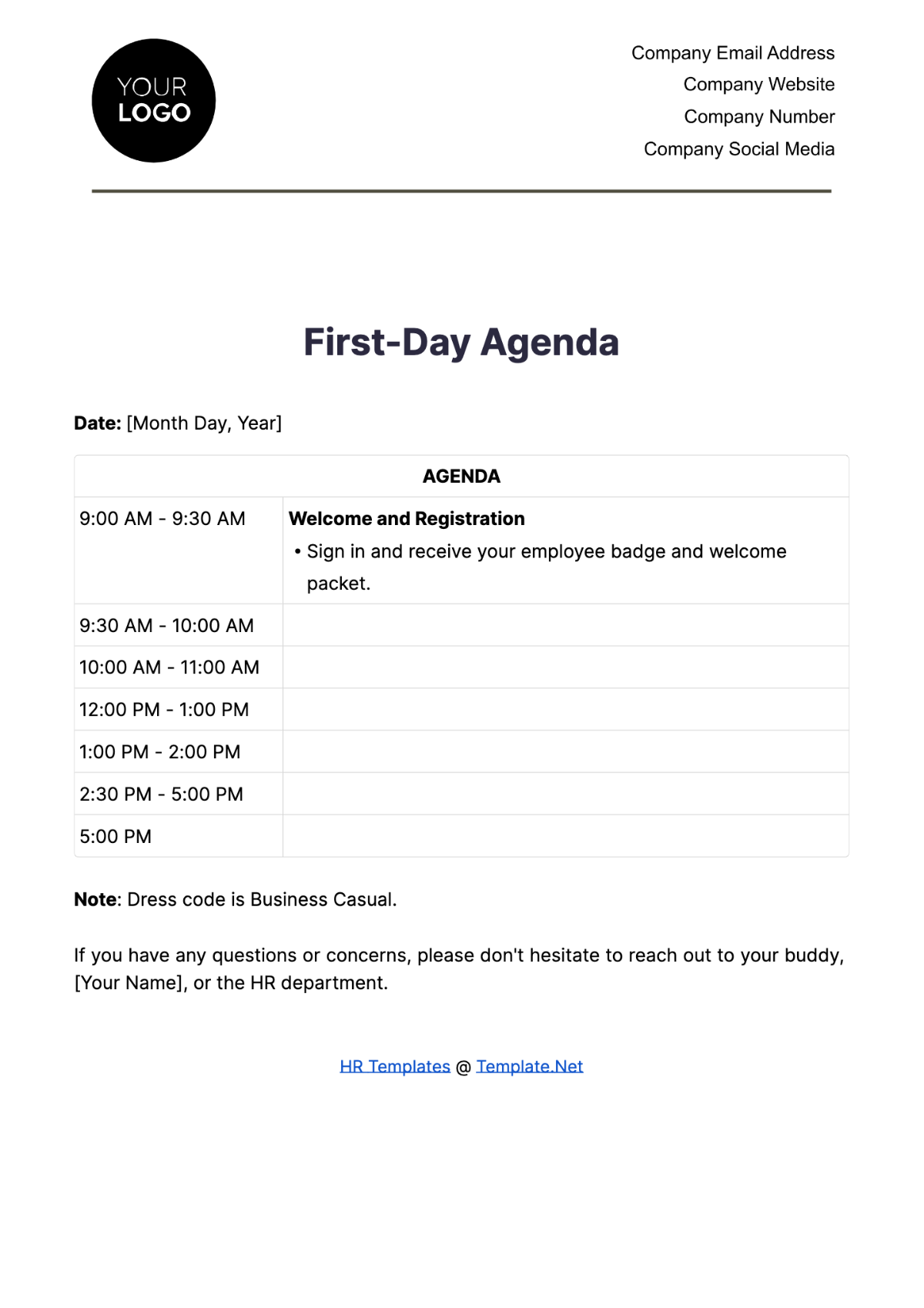
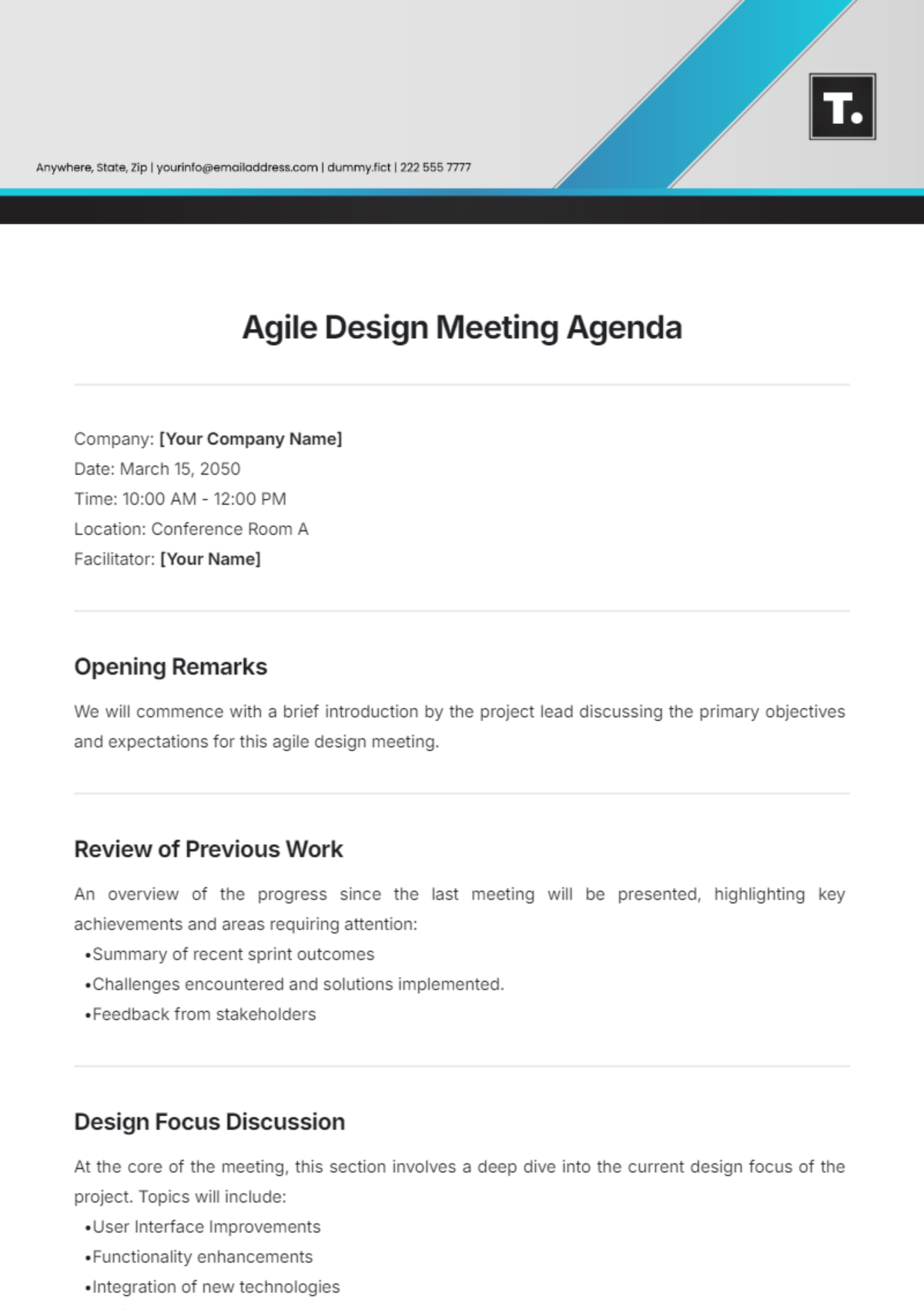
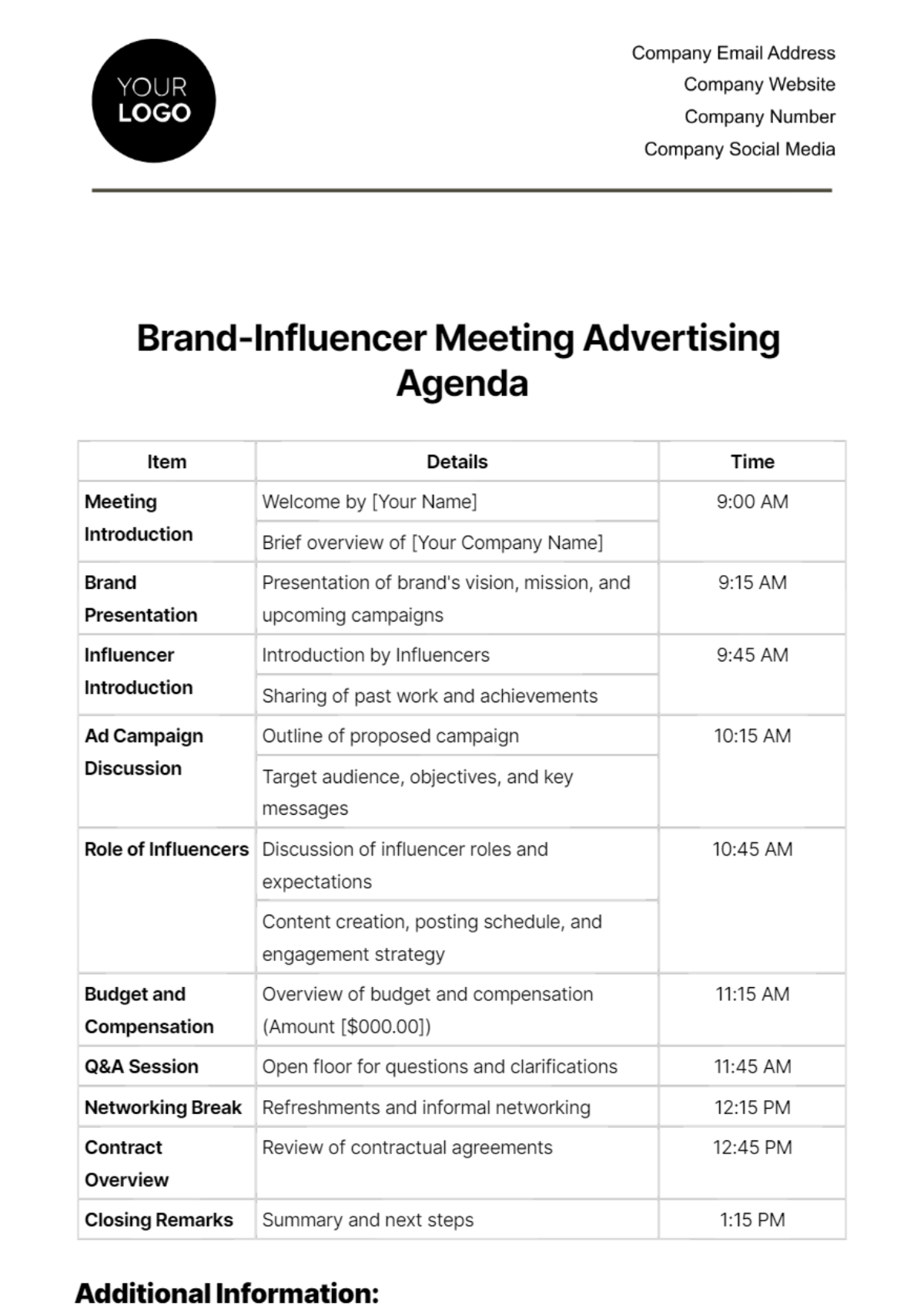
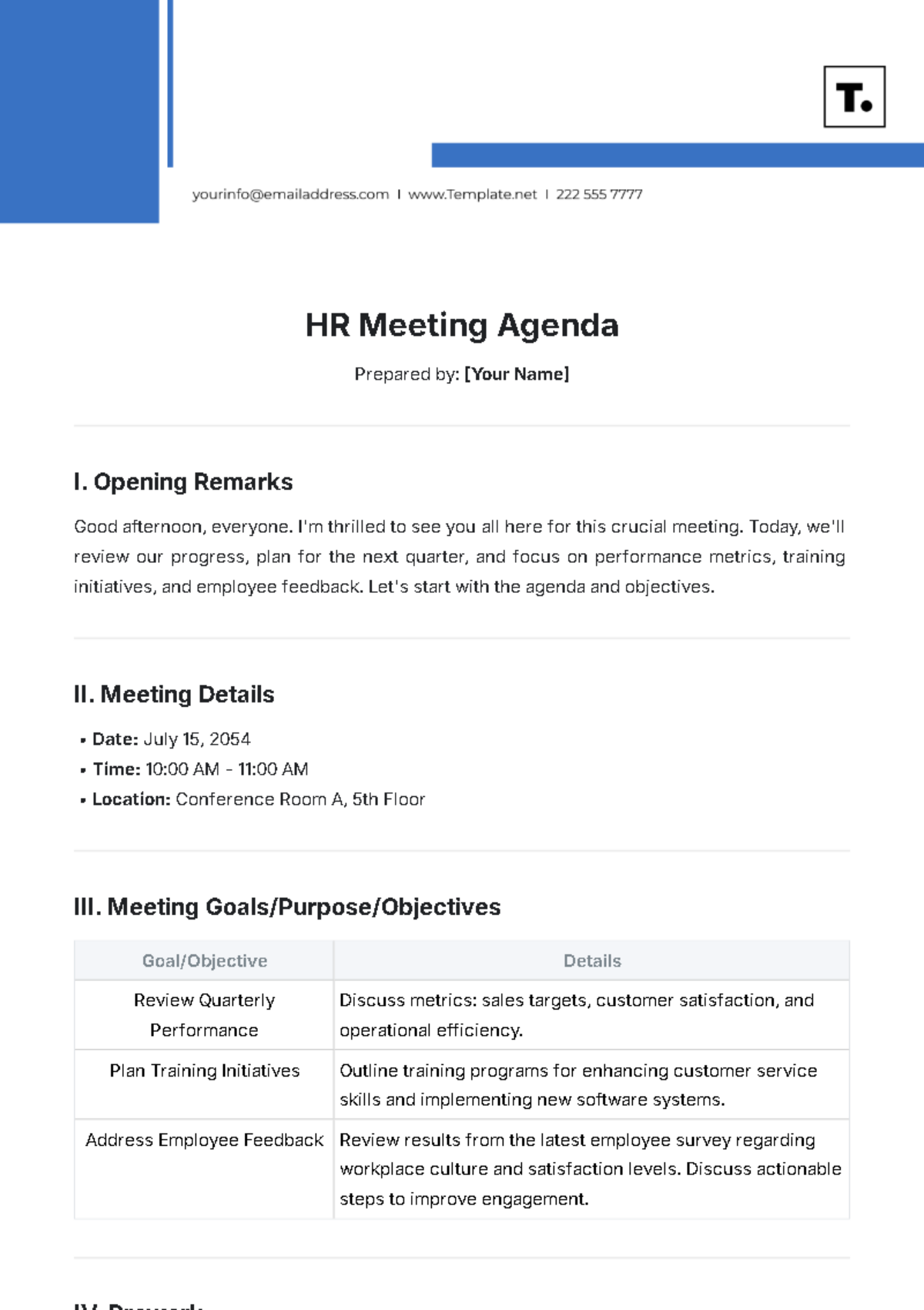
An agenda is a structured document listing topics, activities, and timelines for meetings or events to ensure organized discussion and efficient time management. Agenda templates provide a professional layout with sections for time slots, discussion points, and responsible parties. Template.net enables online editing for fast customization and printing.

Why use a Agenda?
Using an agenda promotes organized meetings by clearly outlining topics, time allocation, and goals, increasing productivity and focus. Agenda templates from Template.net offer business-ready layouts that speed up preparation through in-browser editing and professional formatting for print or digital sharing.

Who typically uses Agendas?
Agendas are typically used by professionals, managers, event planners, and teams to coordinate meetings and events. Template.net’s agenda templates cater to diverse users needing structured formatting for clear communication and time management, editable online for quick adaptation to various business contexts.

What sections should a Agenda include?
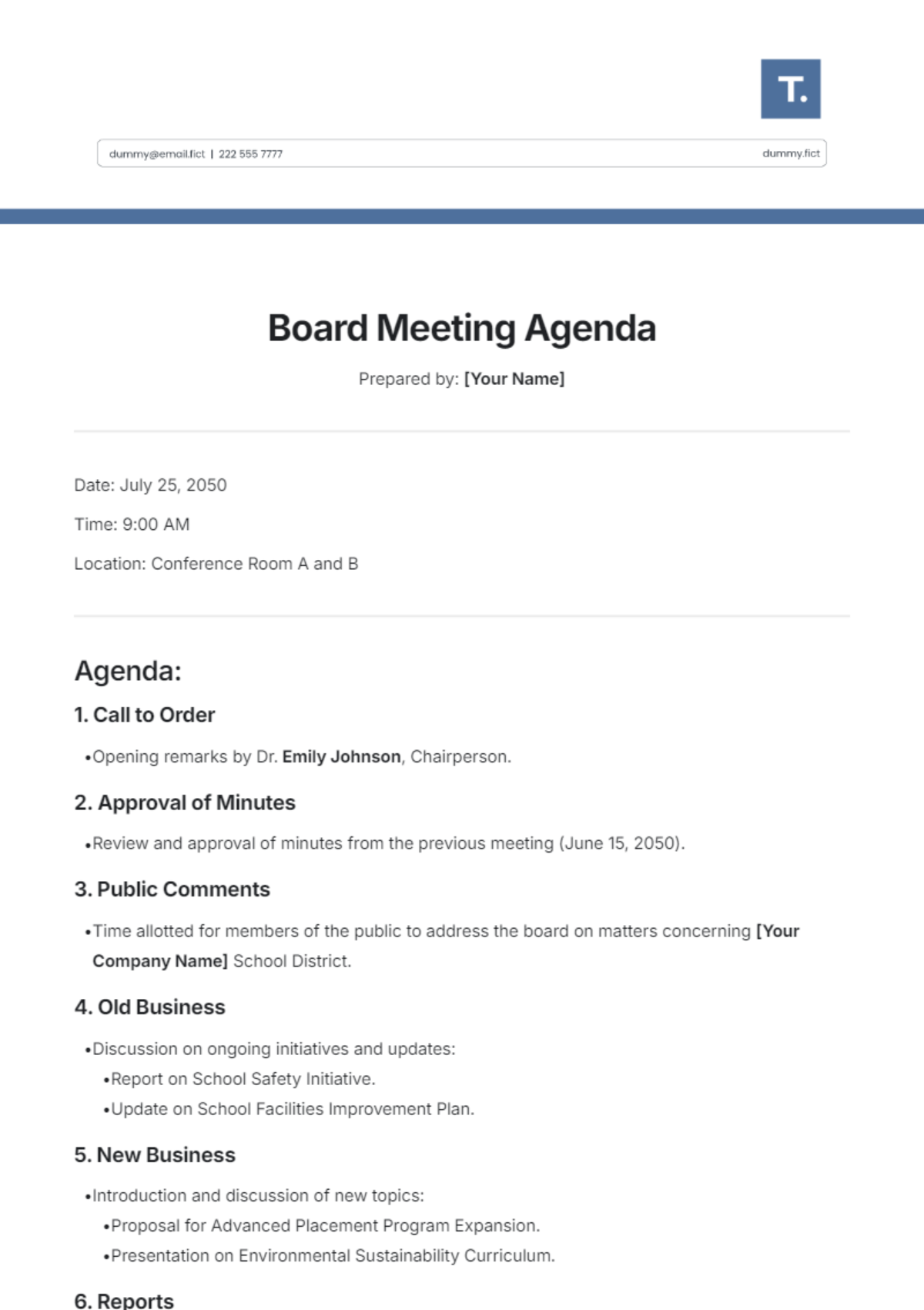
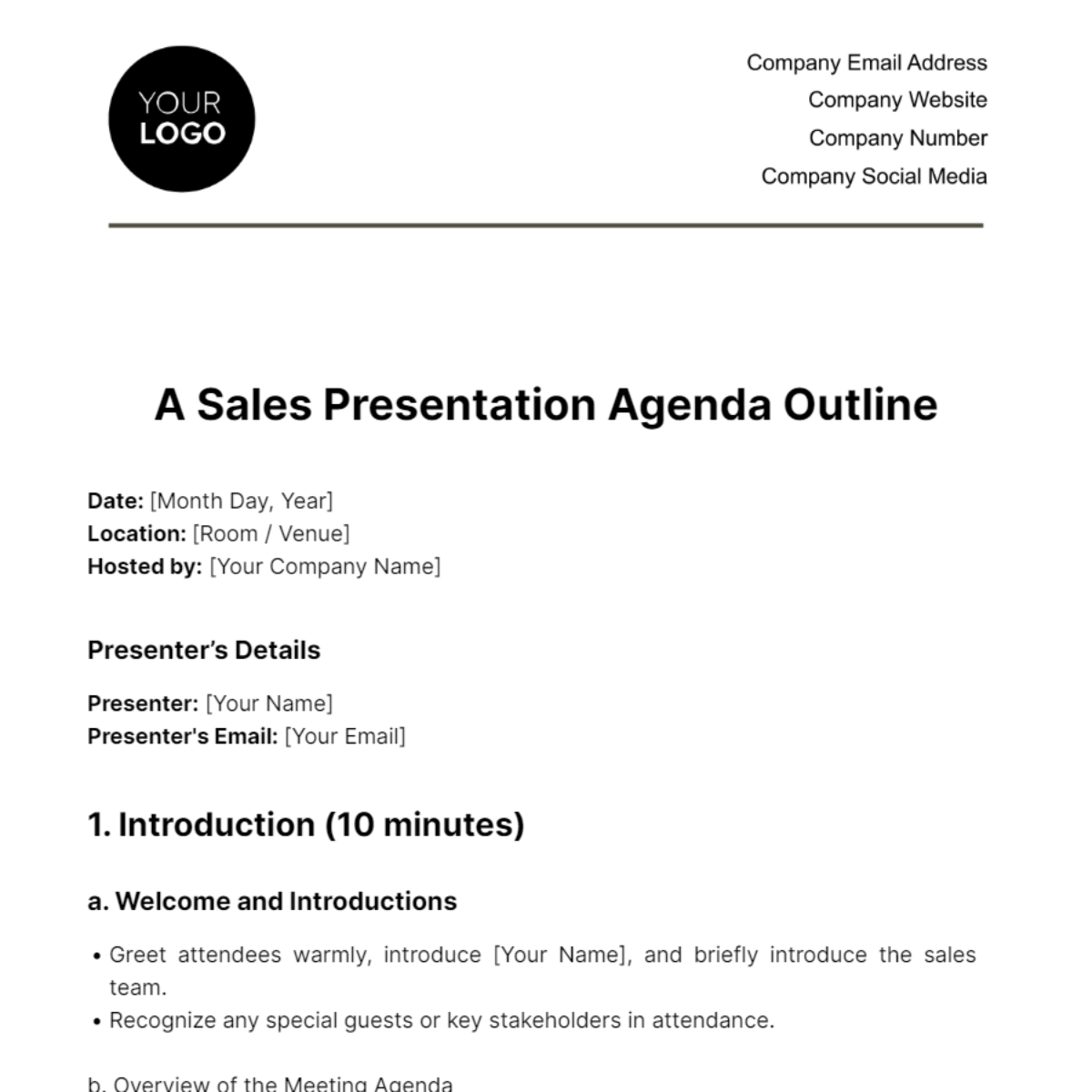
An effective agenda includes sections such as a header with meeting details, time slots, agenda items or topics, presenter or responsible person, and a notes or action items section. Template.net’s agenda templates feature these structured sections for clarity and professional presentation.

What are the best tips for formatting a Agenda?
Formatting an agenda requires clear headings, consistent time indicators, and well-organized topic lists with designated speakers. Use Template.net’s templates for structured formatting that ensures readability, business-ready style, and easy online editing to customize font, colors, and layout.

How do you print a Agenda?
To print an agenda, finalize the document in Template.net’s editor, then export to a print-ready PDF or compatible file format. The templates ensure professional layout and correct sizing, such as Letter size or A4, for sharp, clear printed copies suitable for meetings or distribution.

Is a Agenda legally and professionally acceptable?
An agenda is professionally acceptable as a formal document that outlines meeting structure and responsibilities, supporting compliance and accountability. Template.net’s agenda templates follow business-ready formatting standards that enhance professional credibility and can be used in legal or official contexts.

What file formats can I download for a Agenda?
Template.net agenda templates support multiple export formats for editing and printing, including Word, Google Docs, Excel, Google Sheets, PDF, Apple Pages, PowerPoint, Apple Keynote, and Google Slides.

Can I create a new Agenda using AI?
Template.net provides an AI-powered tool that generates structured agenda documents from prompts in 3–10 seconds, ready for online refinement and multi-format export. Use the Agenda Generator to create customized agendas quickly with professional layout and formatting.
