
Free Data Templates























Free Editable Data Templates: Customization Guide, Uses, and Download Formats

What is a Data?
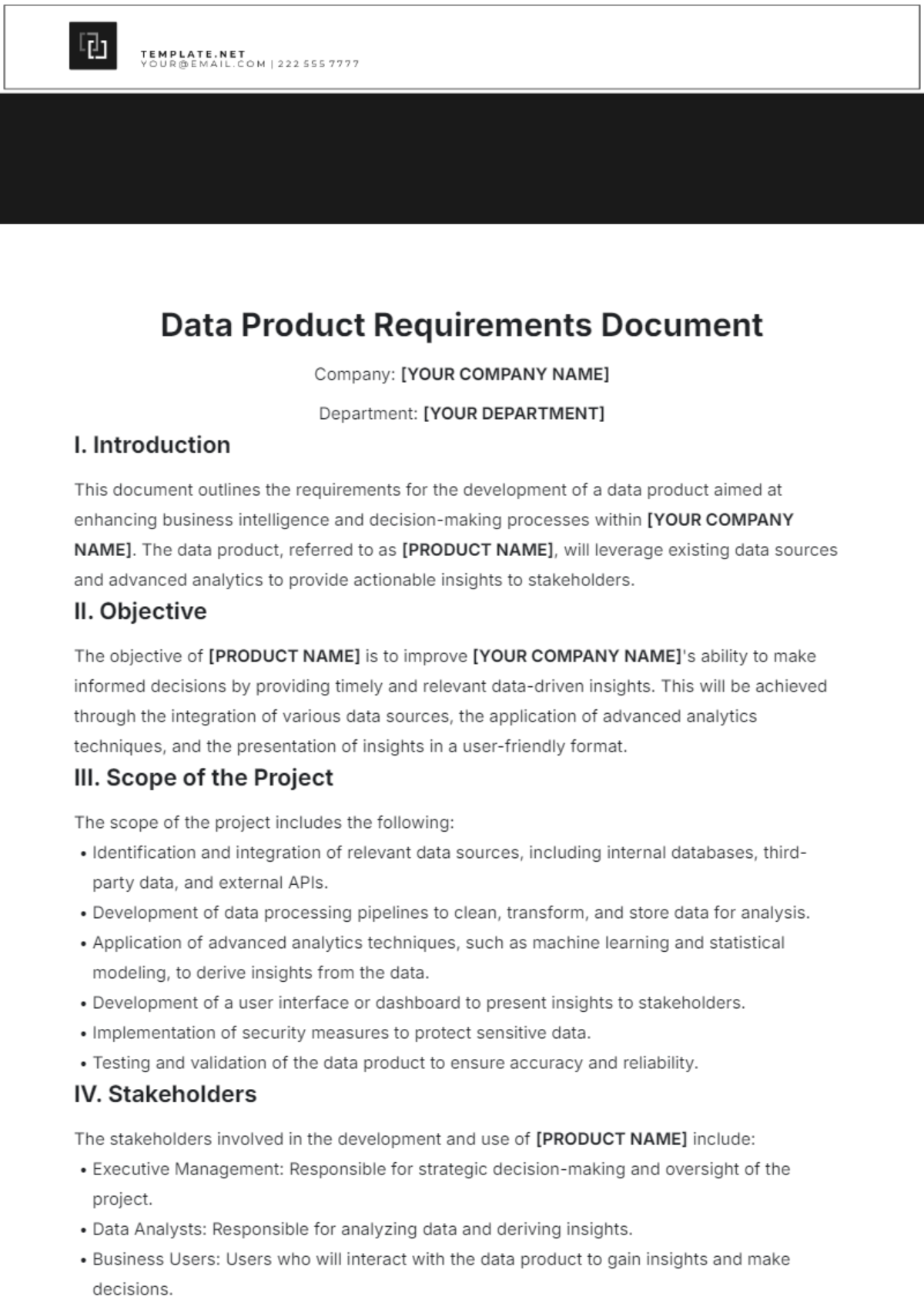
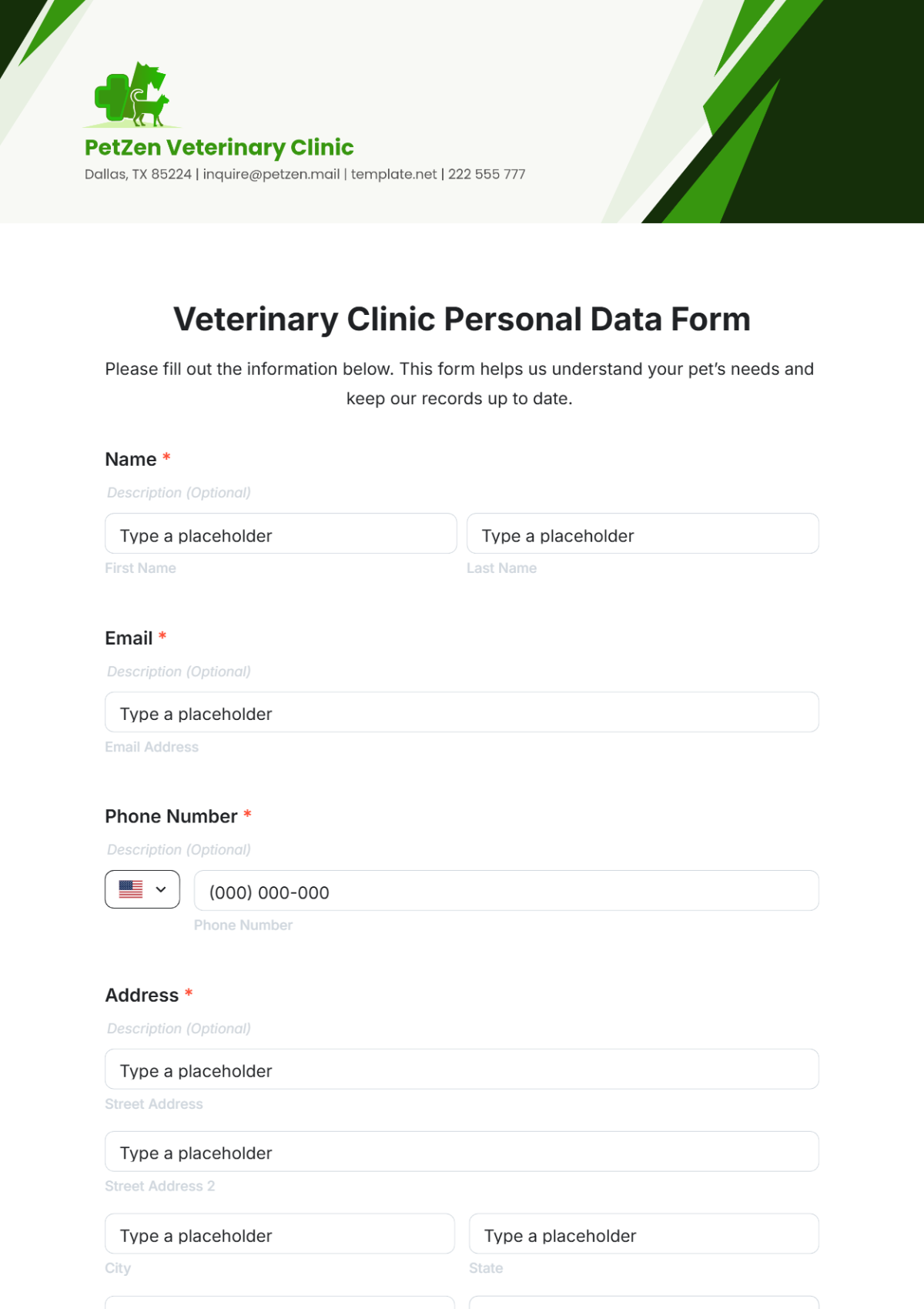
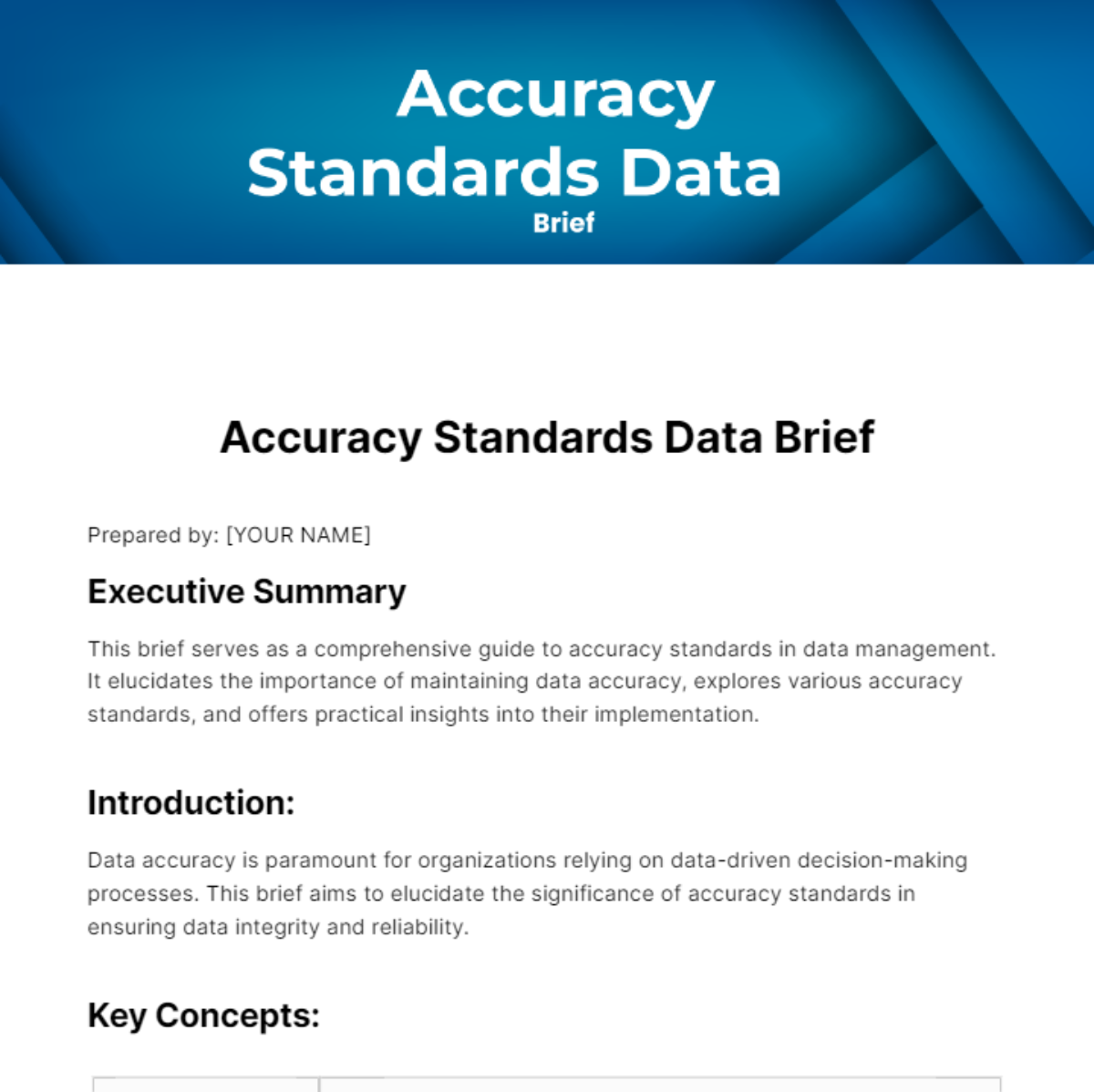
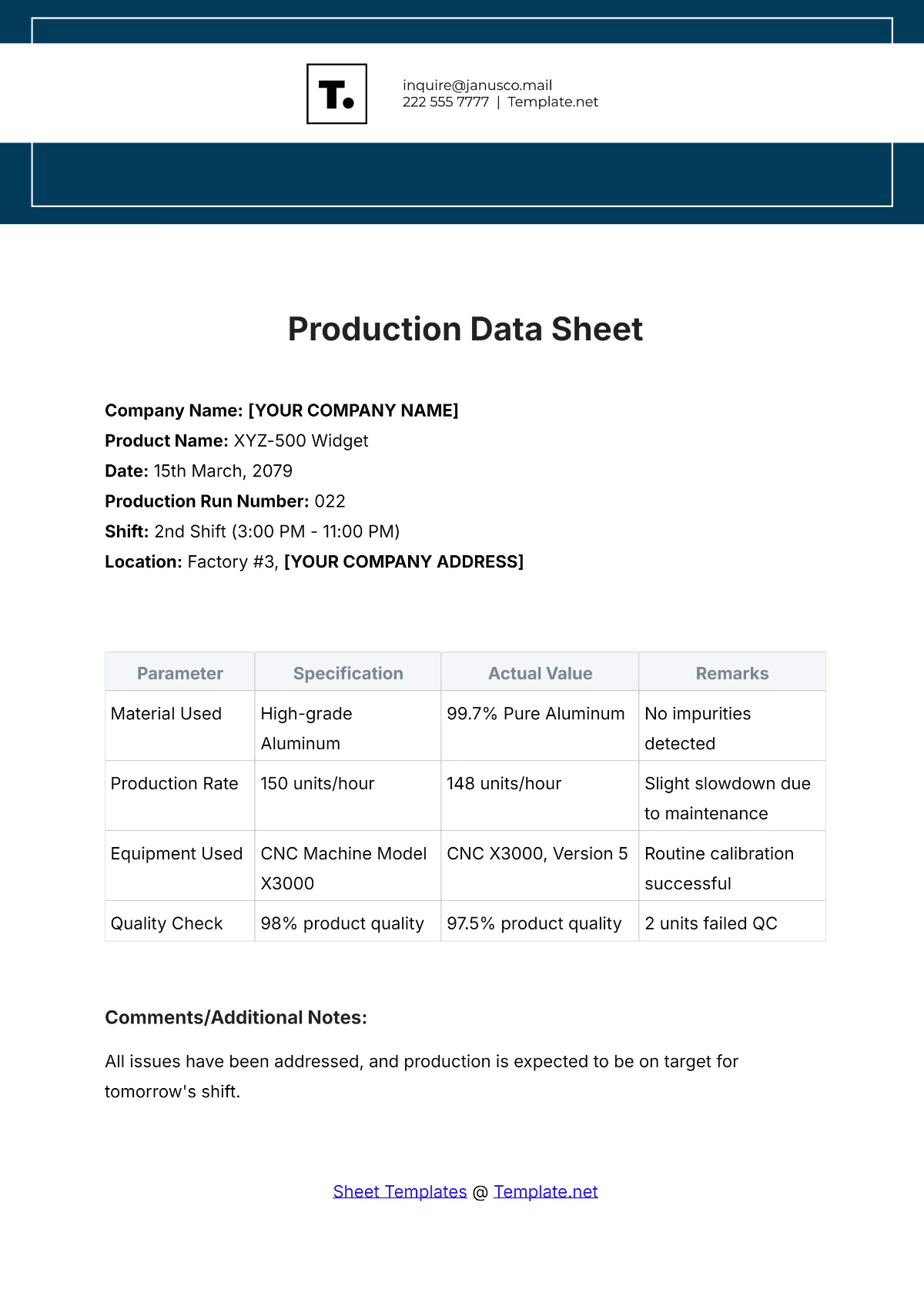
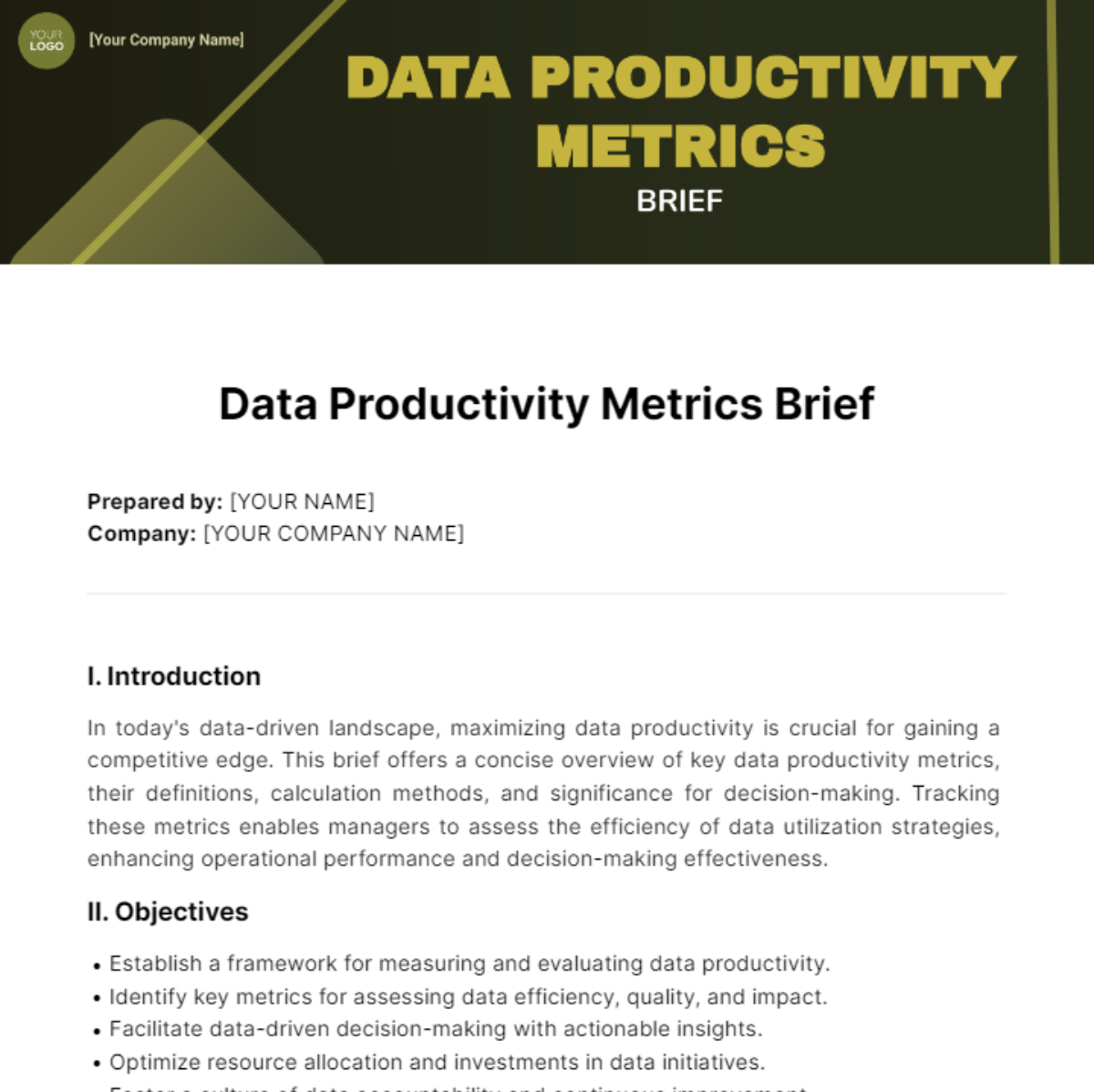
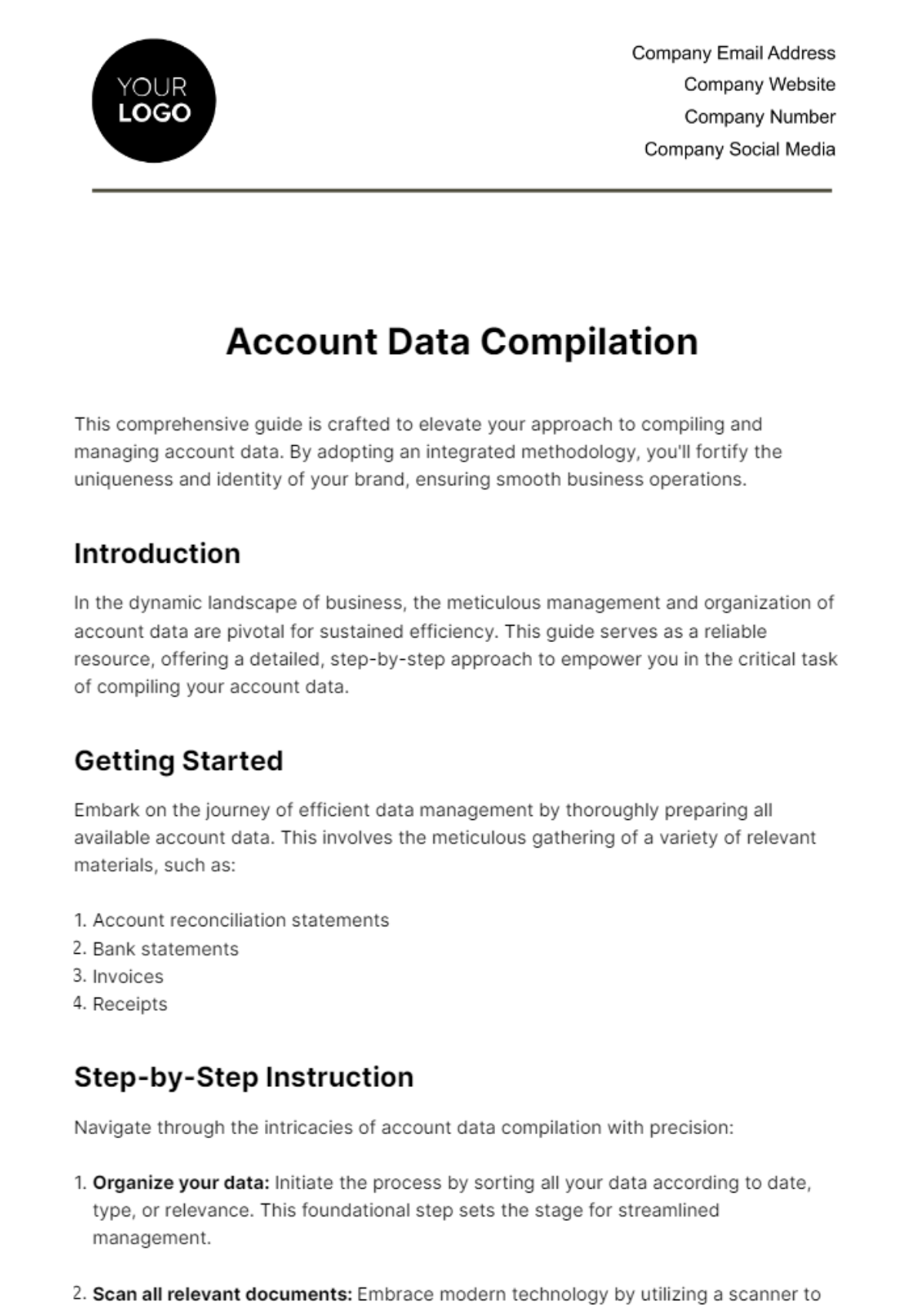
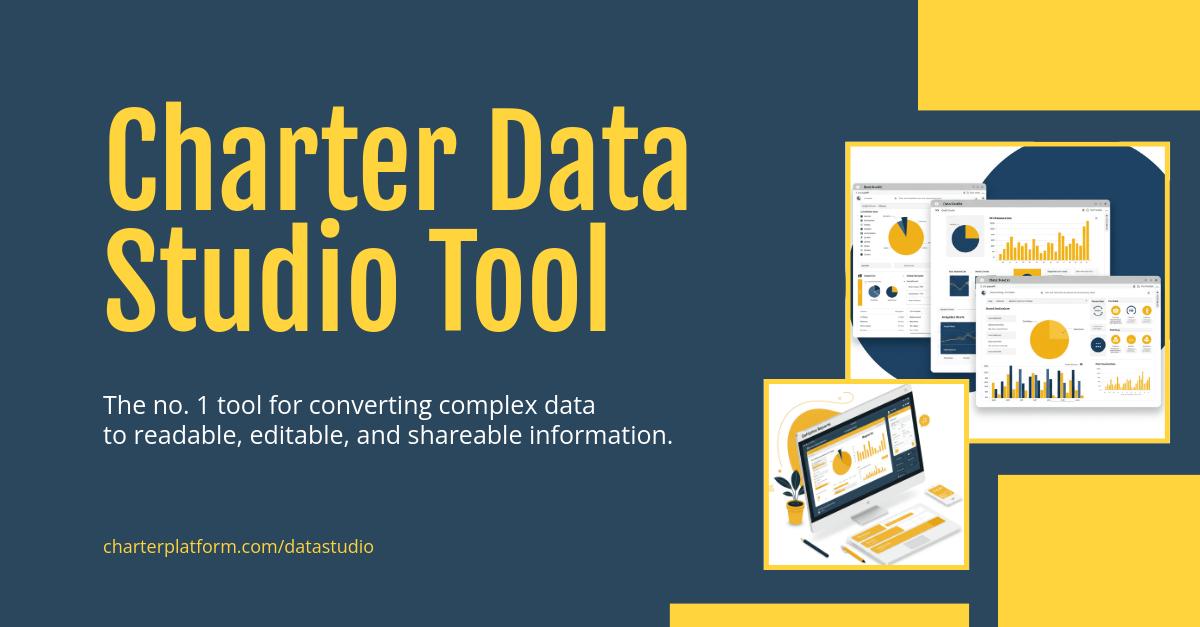
Data is structured information organized for analysis, management, or reporting purposes. Data templates provide a pre-designed format to collect, edit, and present such information efficiently, allowing you to work with consistent and organized content.

Why should I use a Data?
Using Data helps you organize and interpret information clearly and accurately. Editable Data templates simplify the process by providing ready-made layouts, reducing errors and saving time when compiling or analyzing information.

Who uses Data?
Data is used by professionals across industries including analysts, managers, researchers, and educators. Anyone who needs to collect, analyze, or report information benefits from using editable Data templates for reliable and standardized documentation.

What are the best tips for completing my Data?
To complete your Data effectively, follow these tips:
- Define objectives: Clarify the purpose of the data collection.
- Use consistent formats: Maintain uniform units and styles.
- Validate inputs: Check for accuracy and completeness.
- Organize logically: Arrange data in meaningful sections.
- Review regularly: Update and audit data for relevancy.

Can I create a Data using AI?
You can create and customize Data templates using AI tools available on Template.net or other platforms. AI can assist in generating structured layouts or suggesting improvements, but the core editable templates here allow you to modify data manually for precise control.

What file formats can I download for my Data?
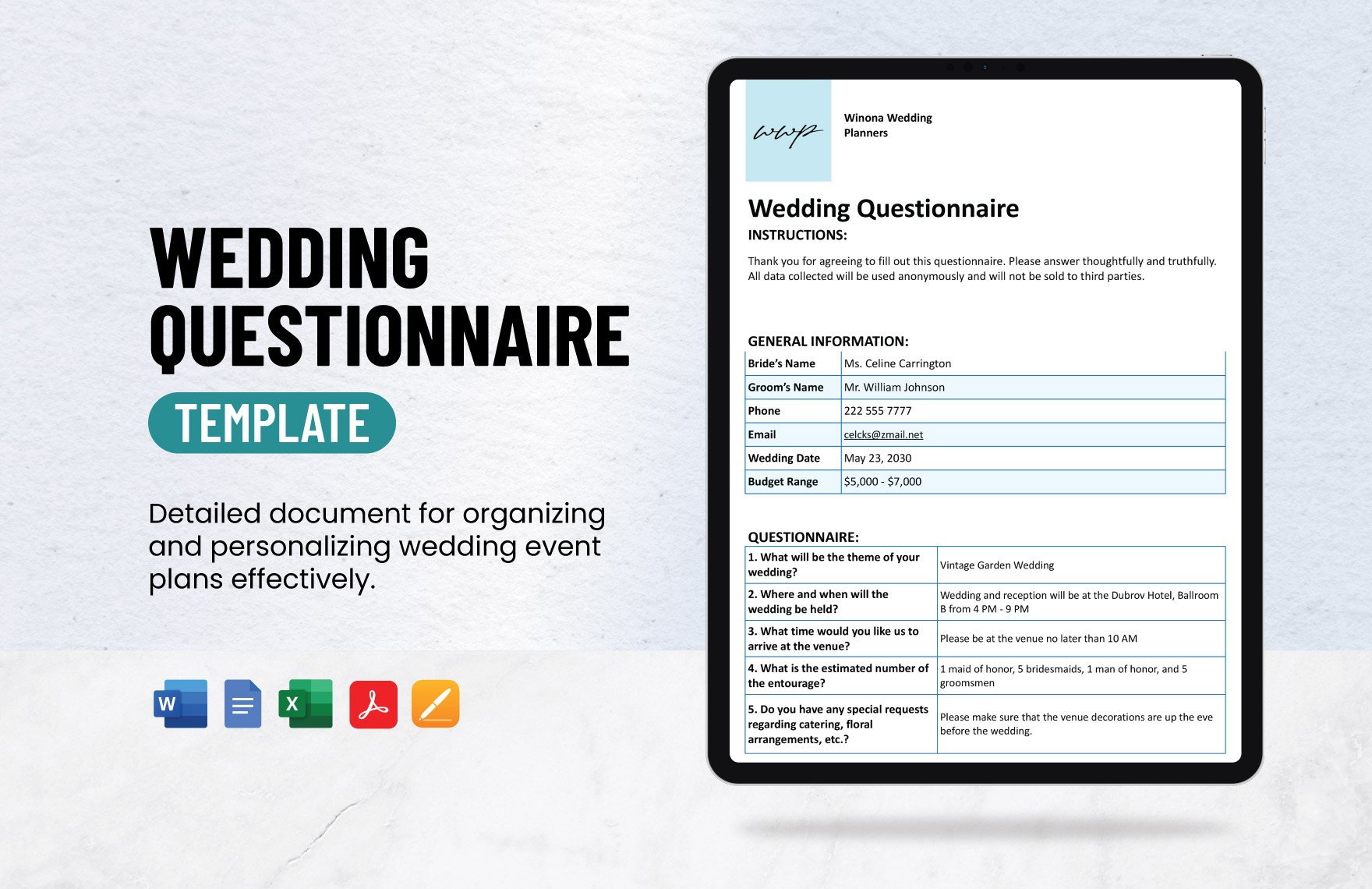
Template.net provides editable Data templates that support multiple download formats including Excel, Google Sheets, and Apple Numbers, allowing you to work seamlessly across different spreadsheet applications.

What are the essential elements of a Data?
Data typically includes several essential elements structured for clarity and function:
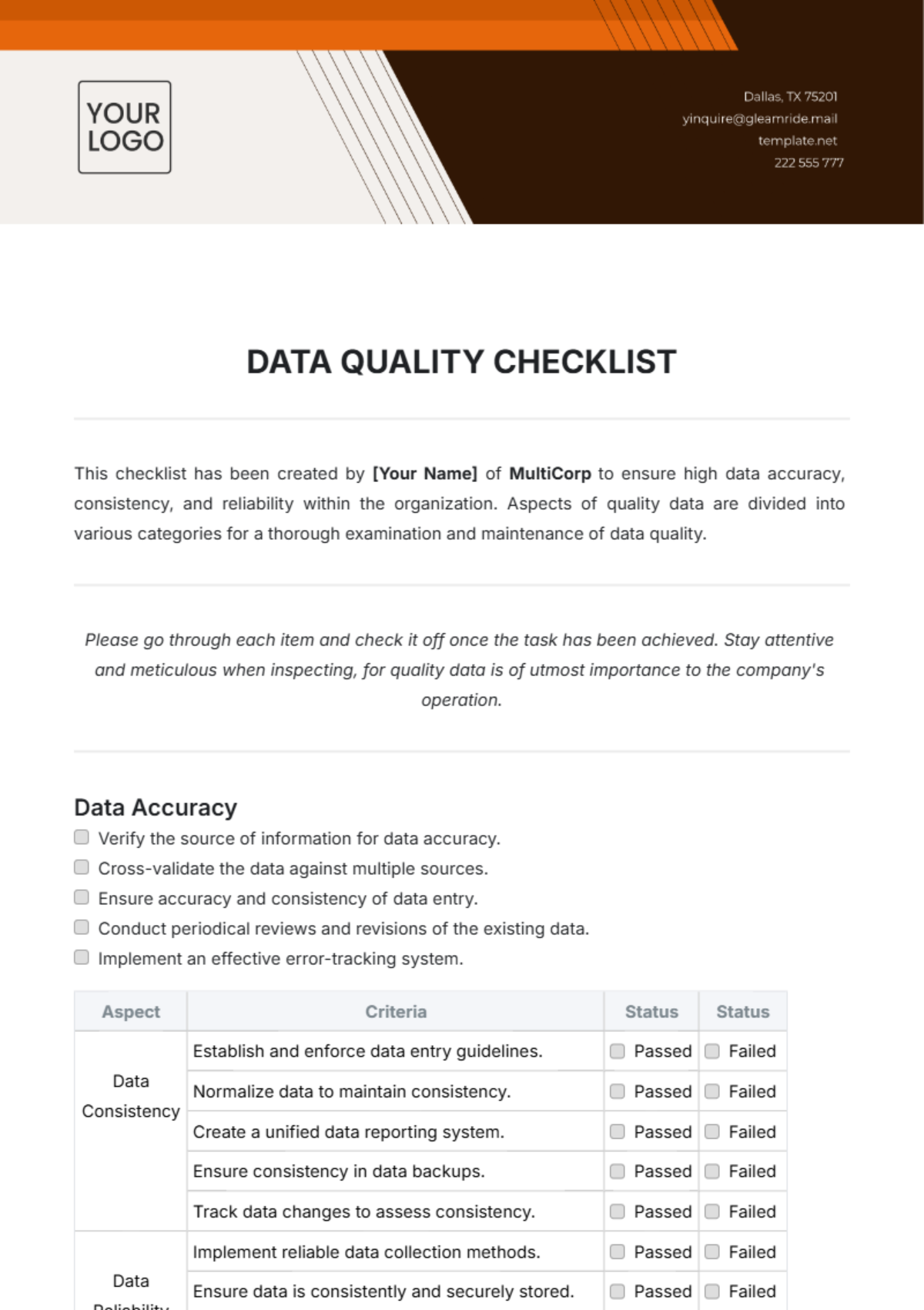
- Headers: Define categories or variables.
- Rows and columns: Organize individual data points.
- Labels: Describe data entries clearly.
- Formulas or calculations: Automate summaries or analytics.
- Metadata: Provide context such as dates or sources.

How is Data used in professional workflows?
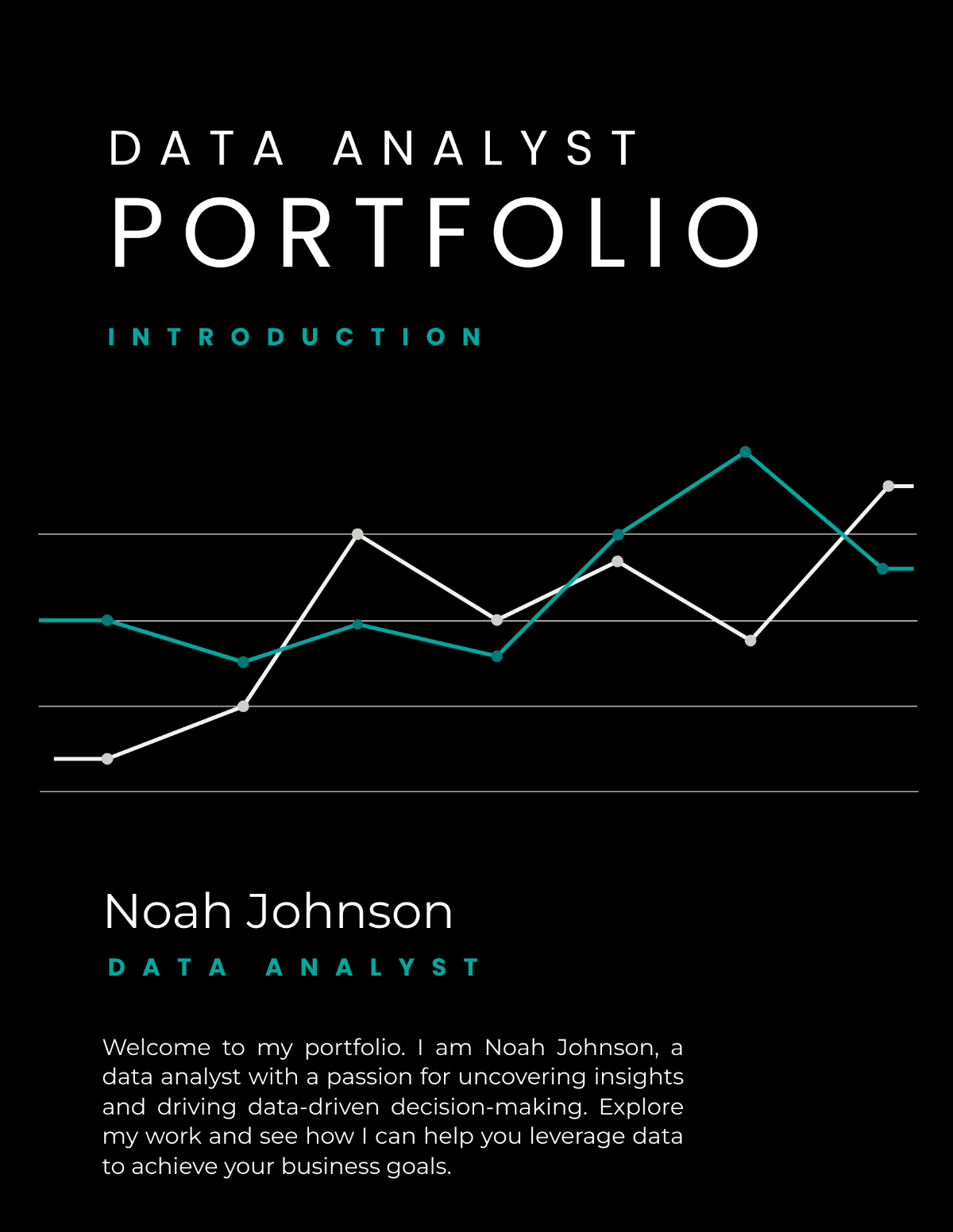
Data is integral to professional workflows for decision-making, reporting, and performance tracking. Editable templates enable professionals to collect consistent information, analyze trends, and communicate findings effectively across teams or stakeholders.

What are common use cases for Data templates?
Data templates are commonly used for:
- Financial reports: Tracking budgets and expenses.
- Project management: Monitoring progress and milestones.
- Inventory tracking: Managing stock levels.
- Research data: Organizing experimental results.
- Sales analysis: Evaluating performance metrics.
