
Free Photo Collage Templates





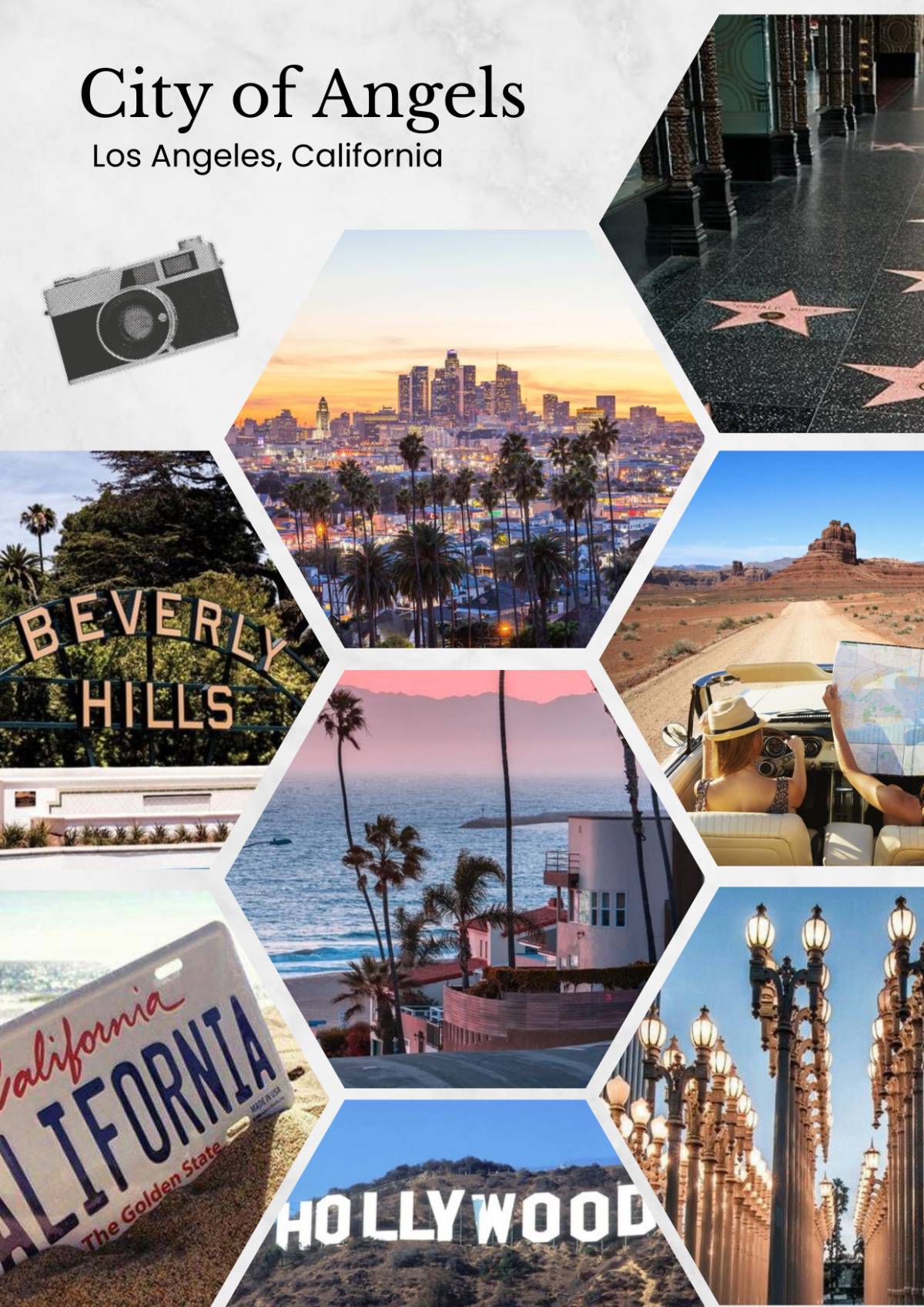

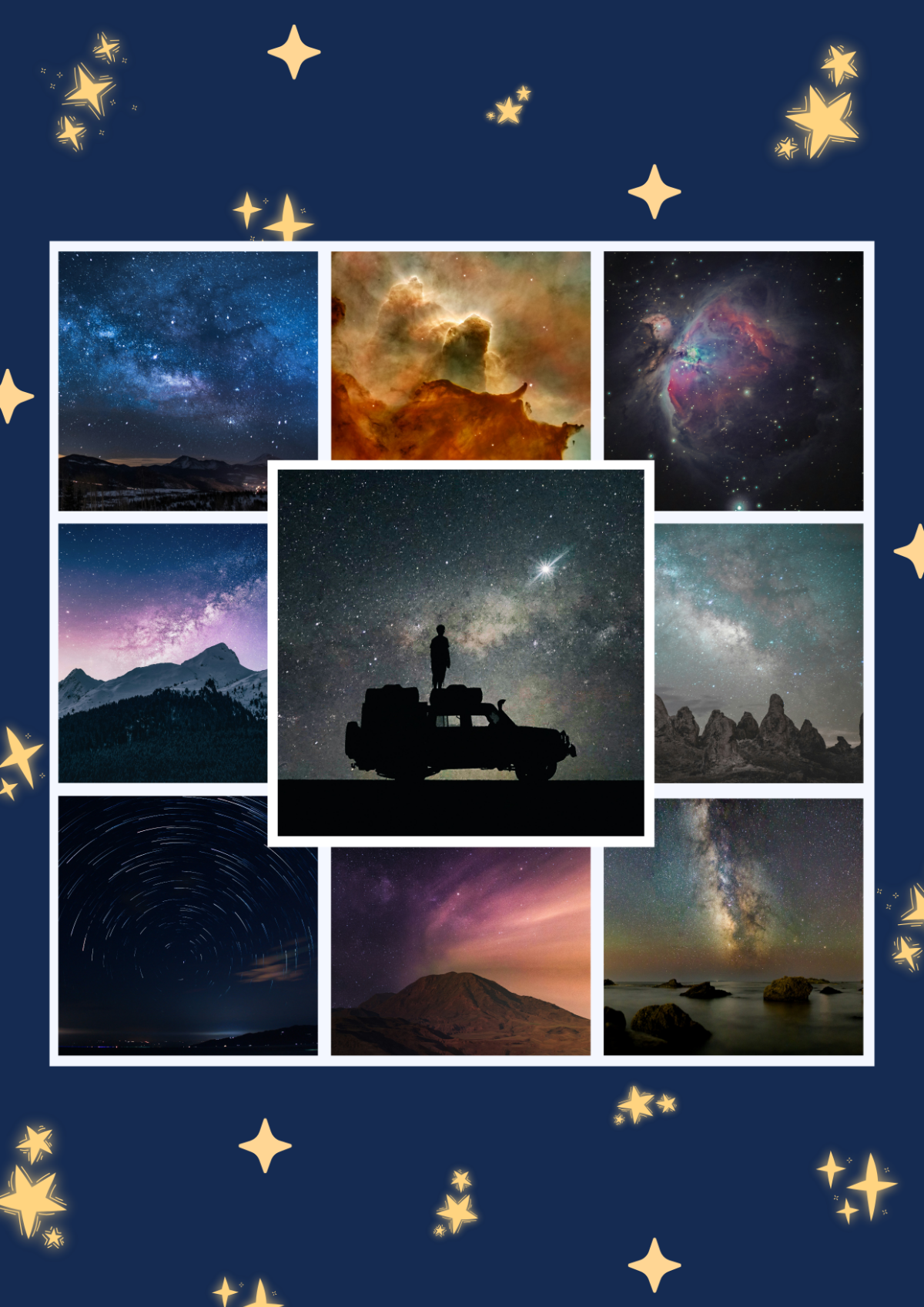

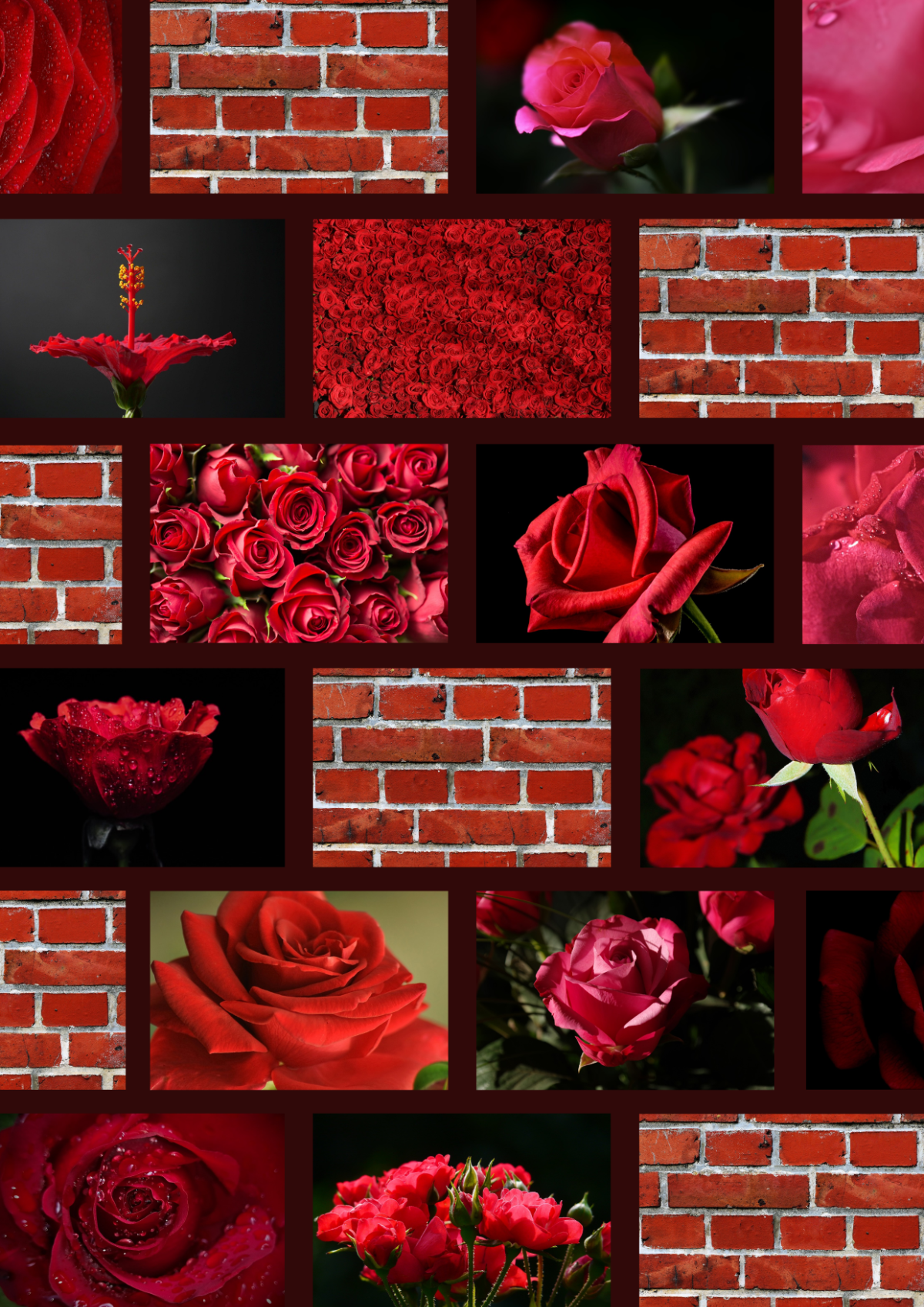

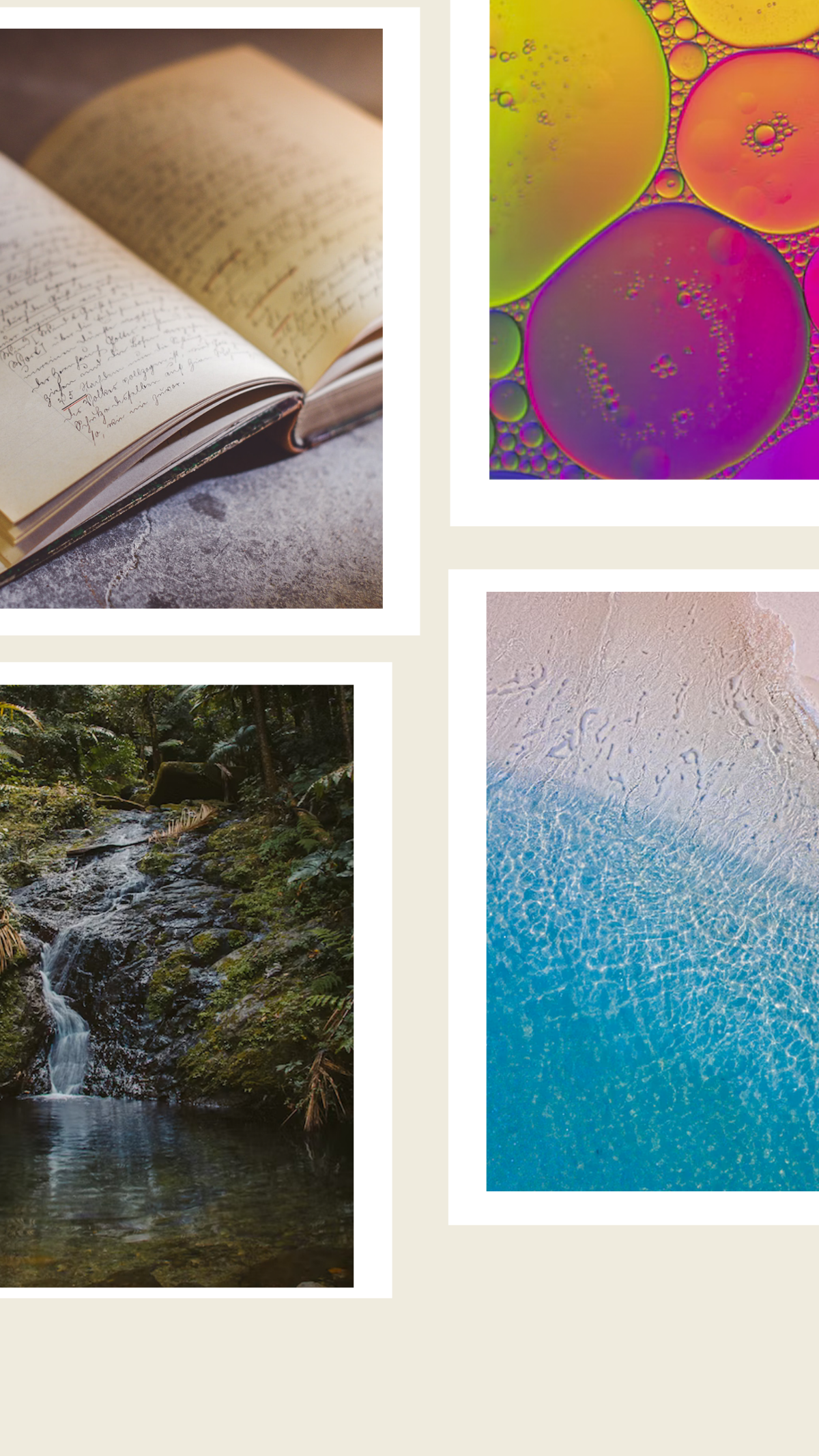
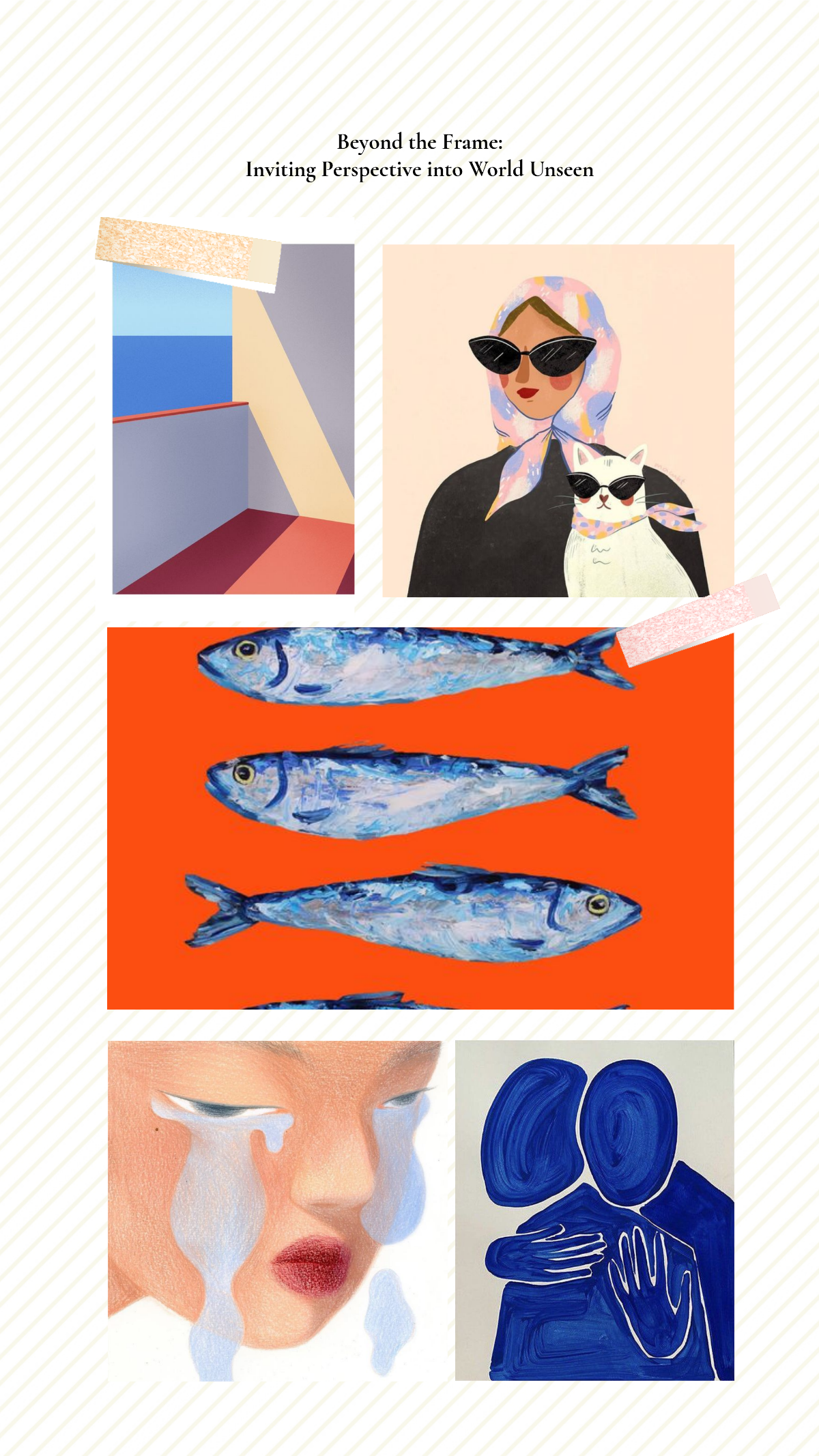



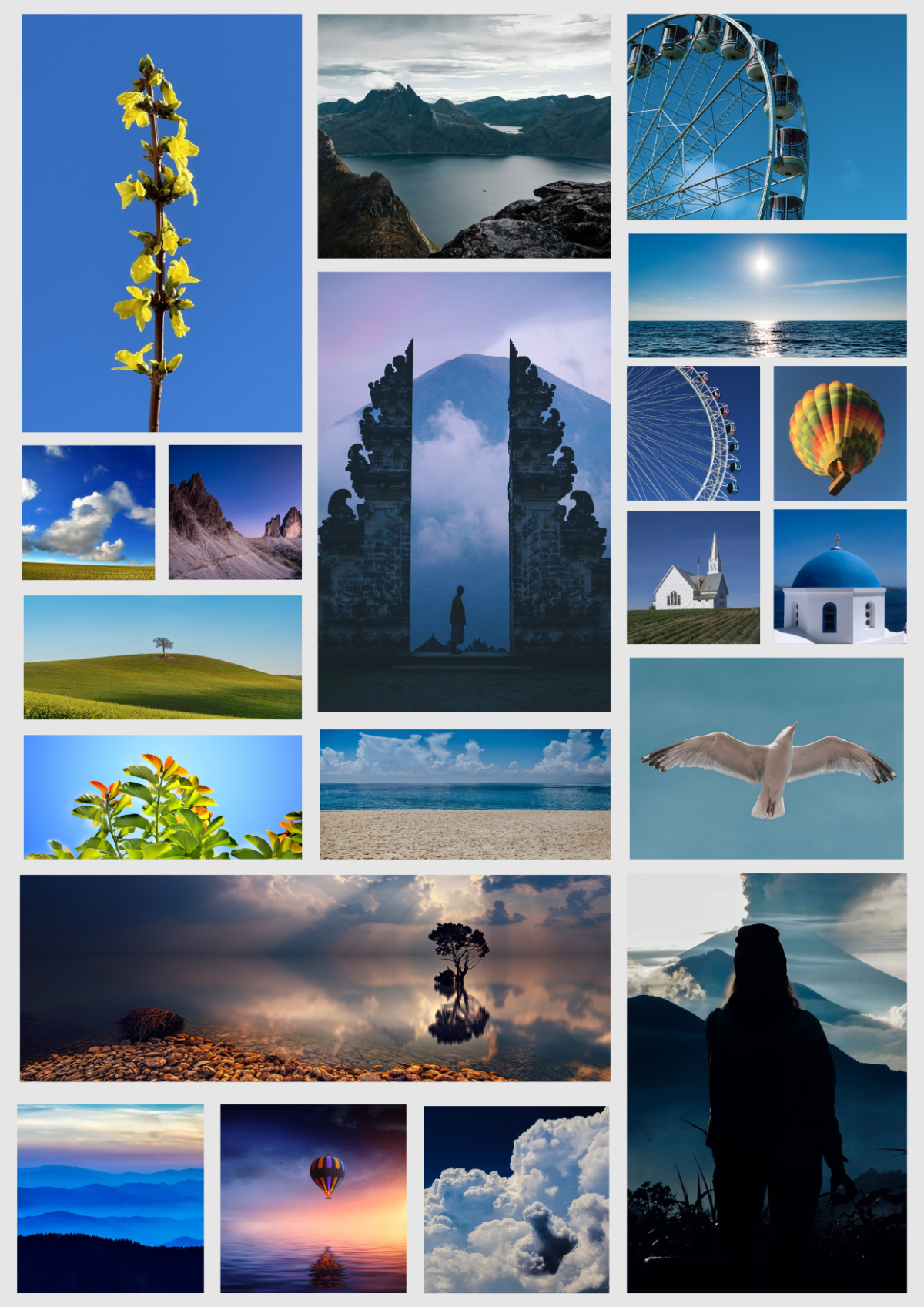

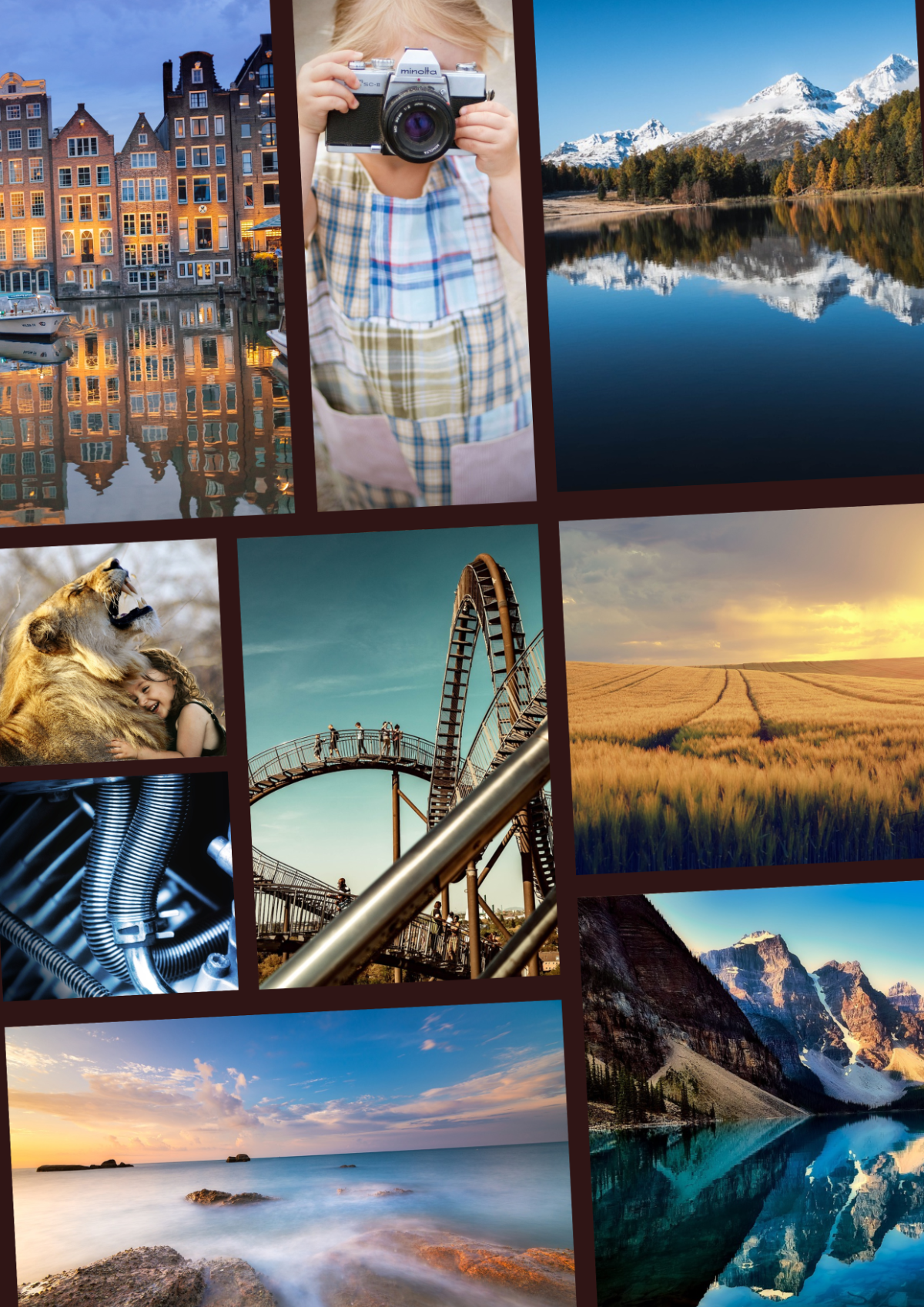

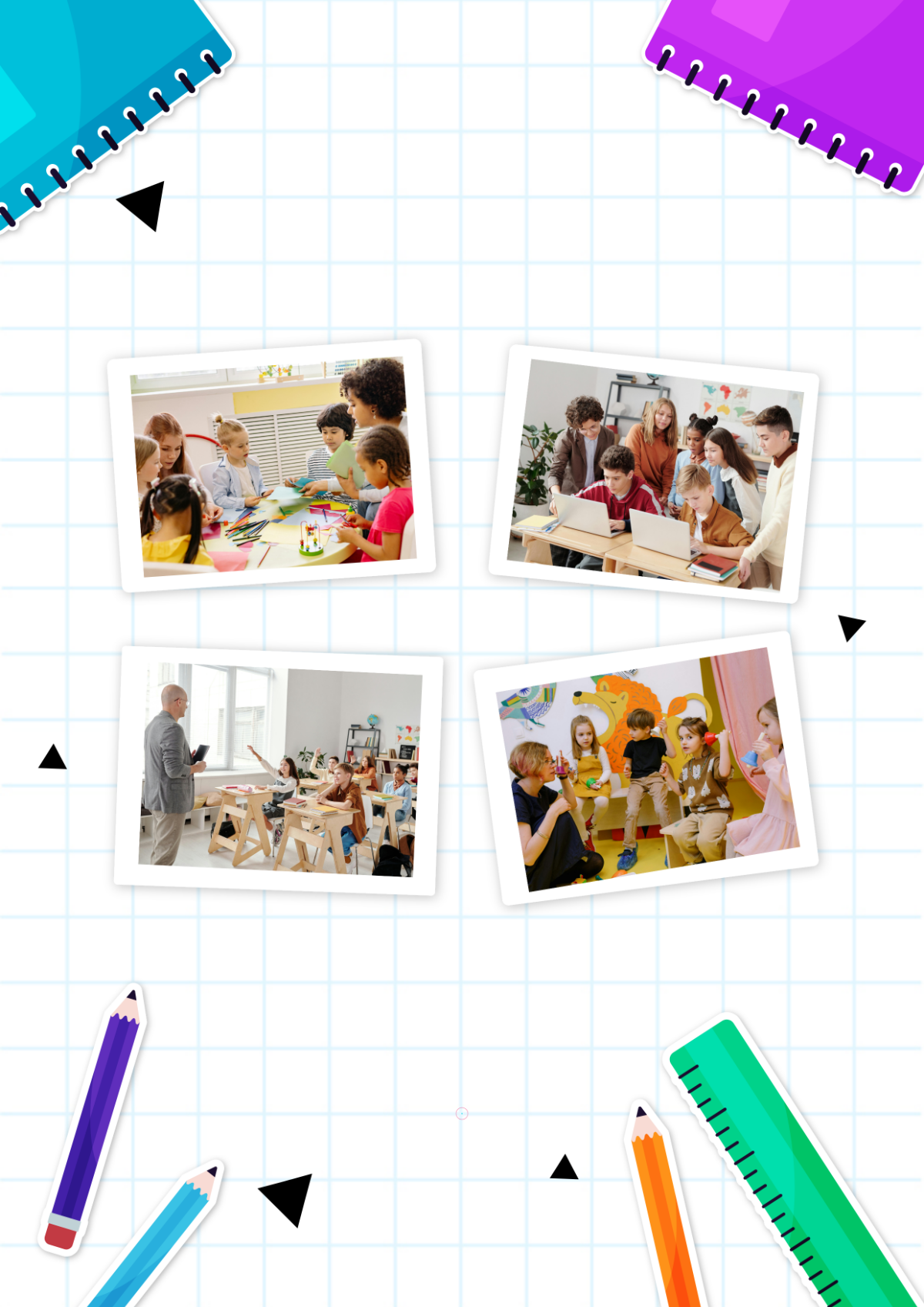
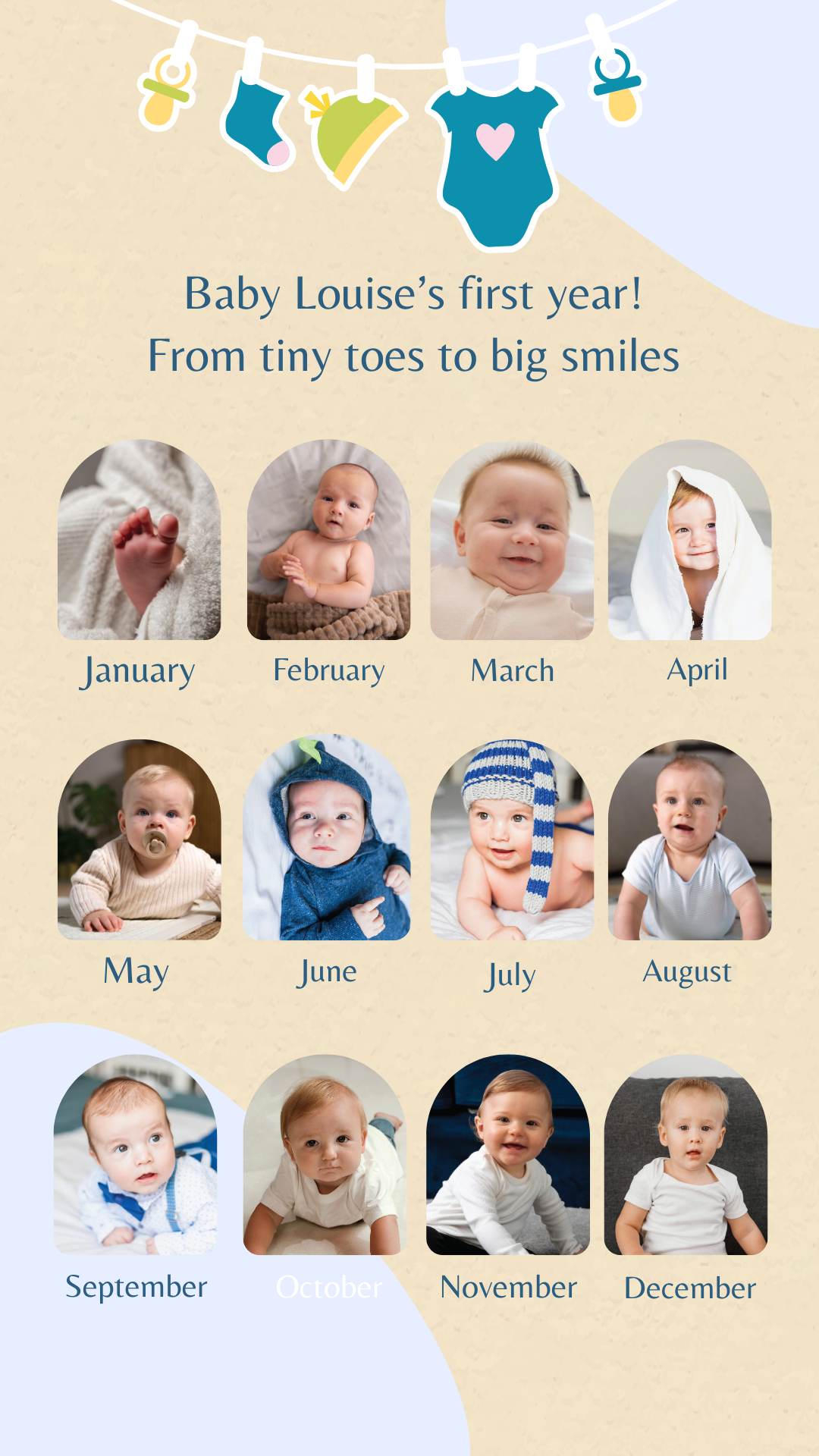
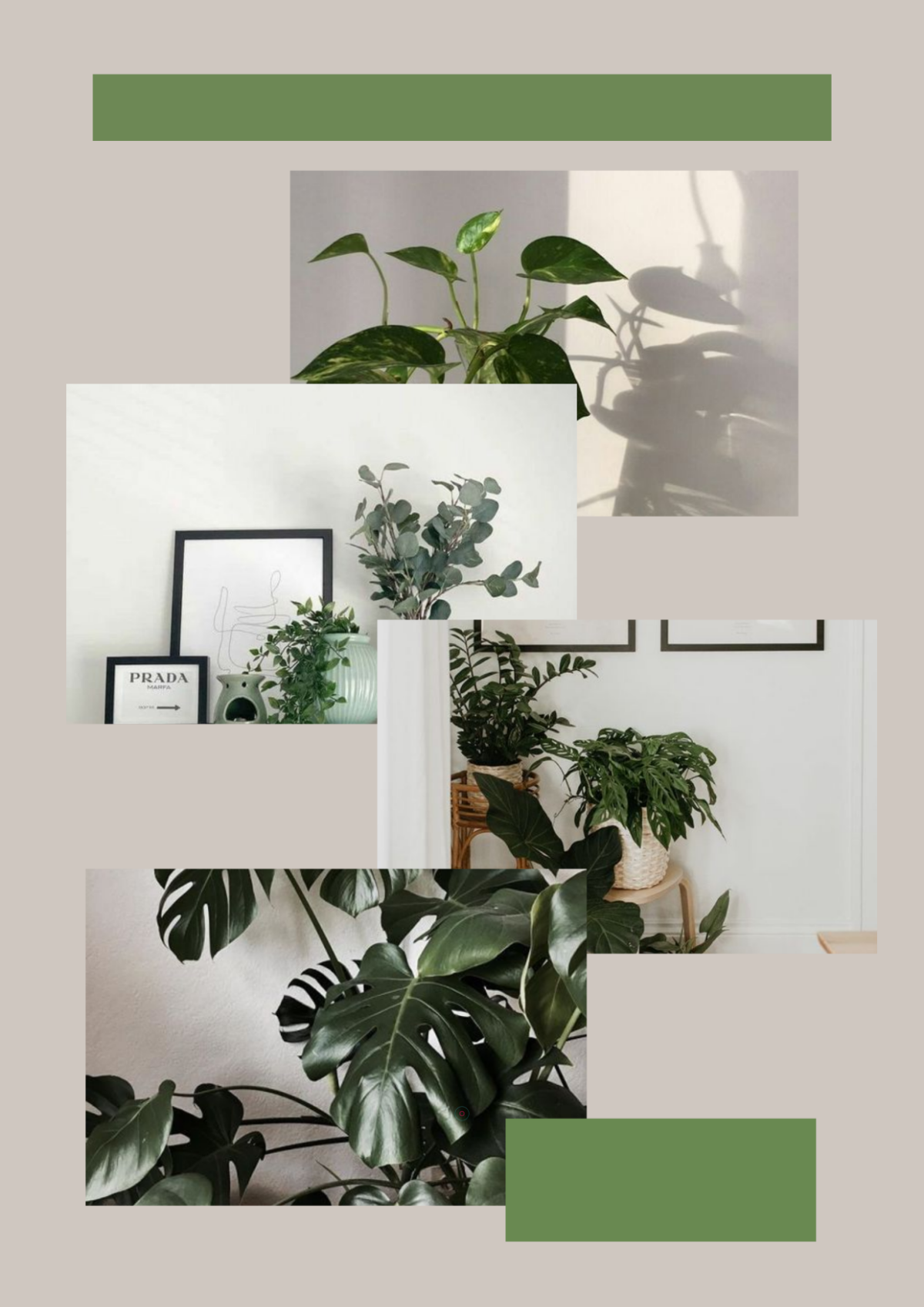

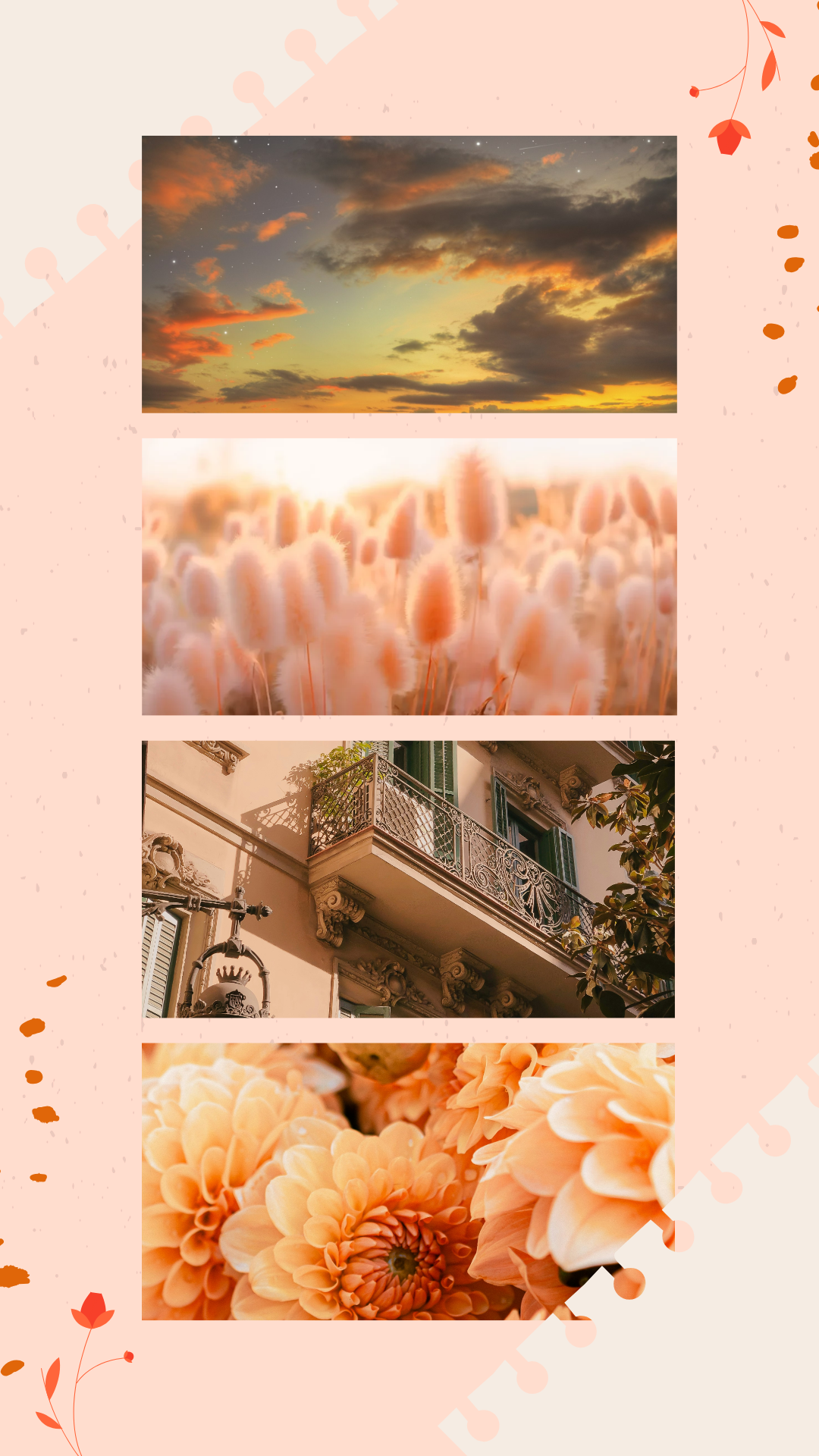


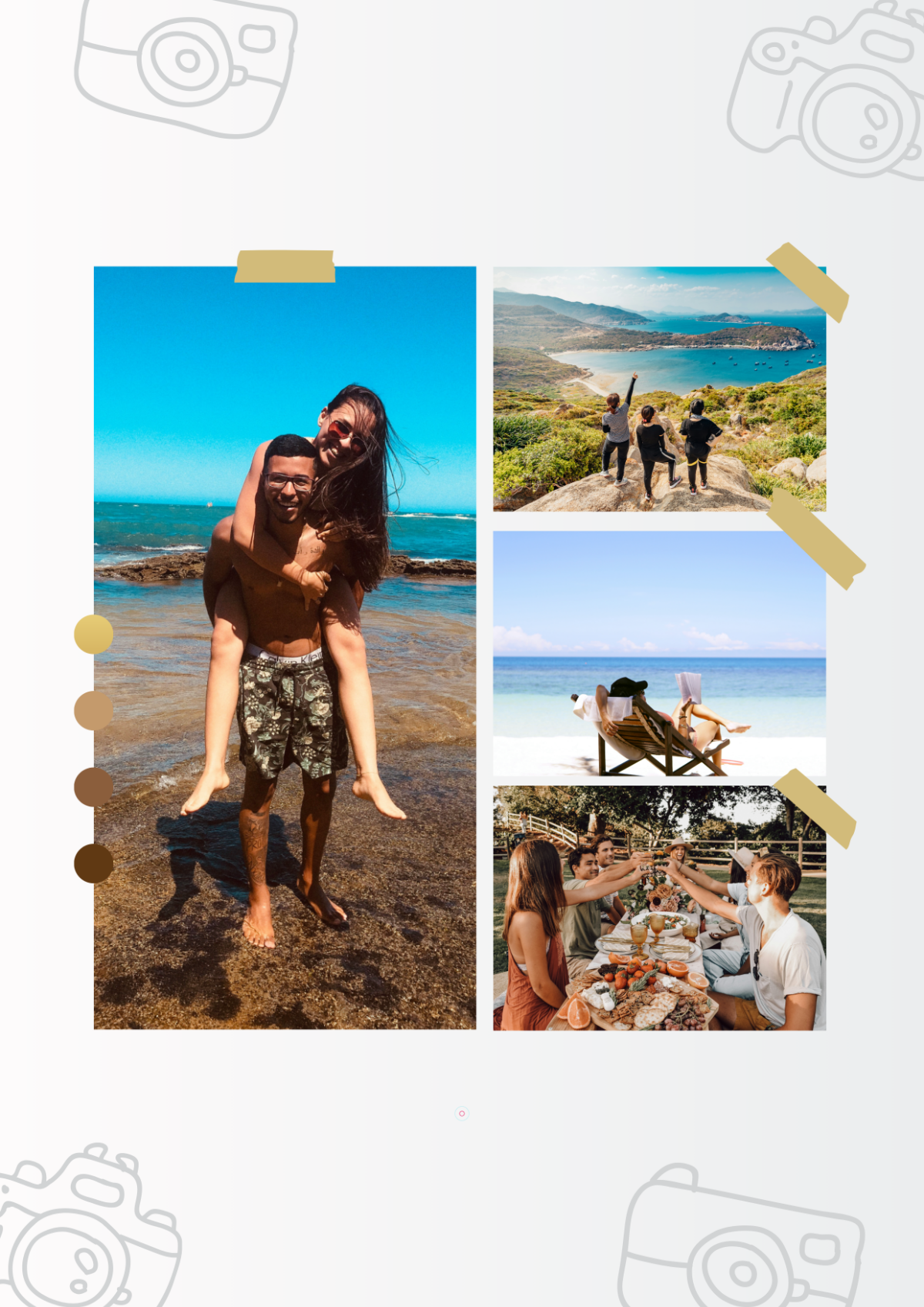

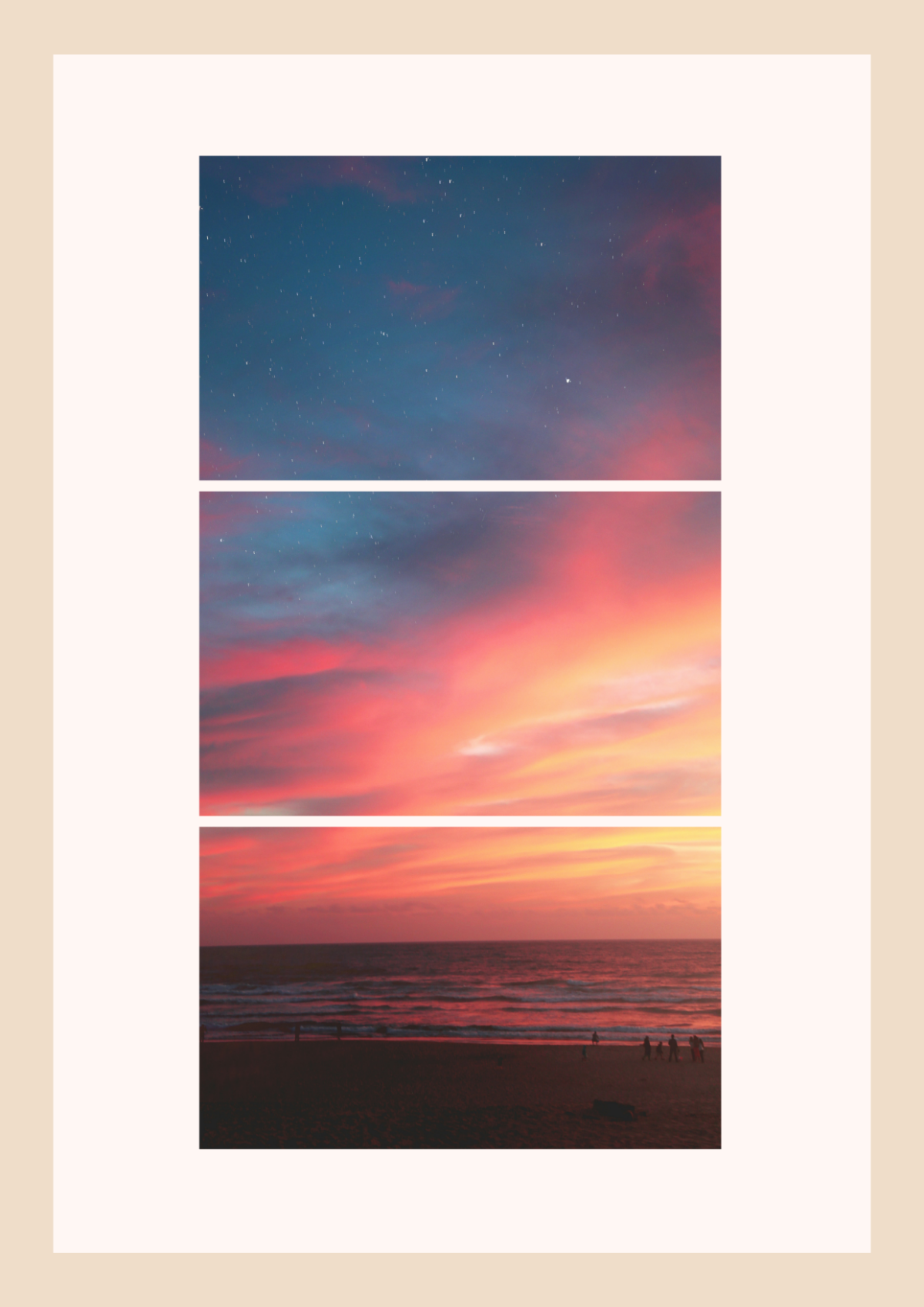
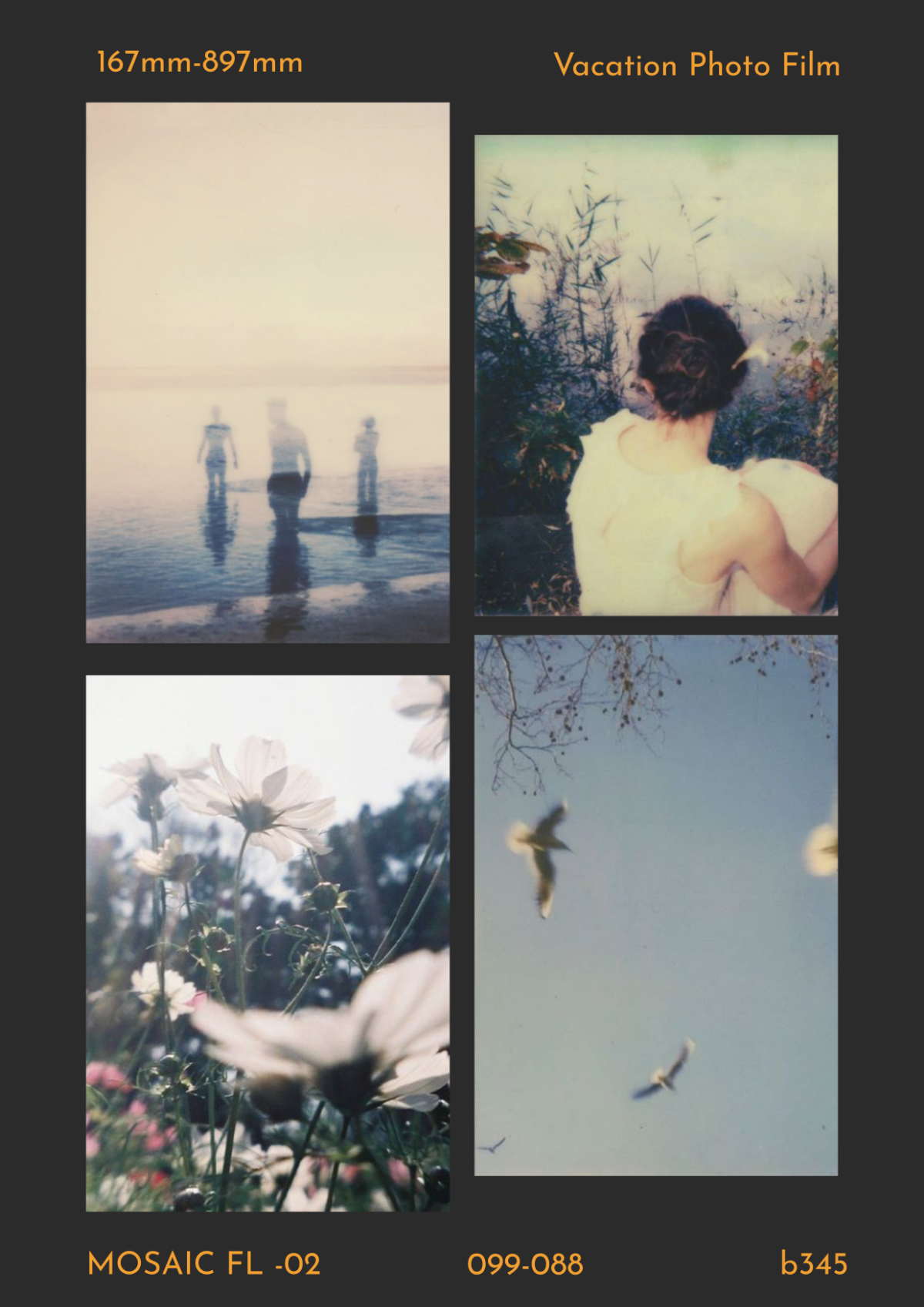




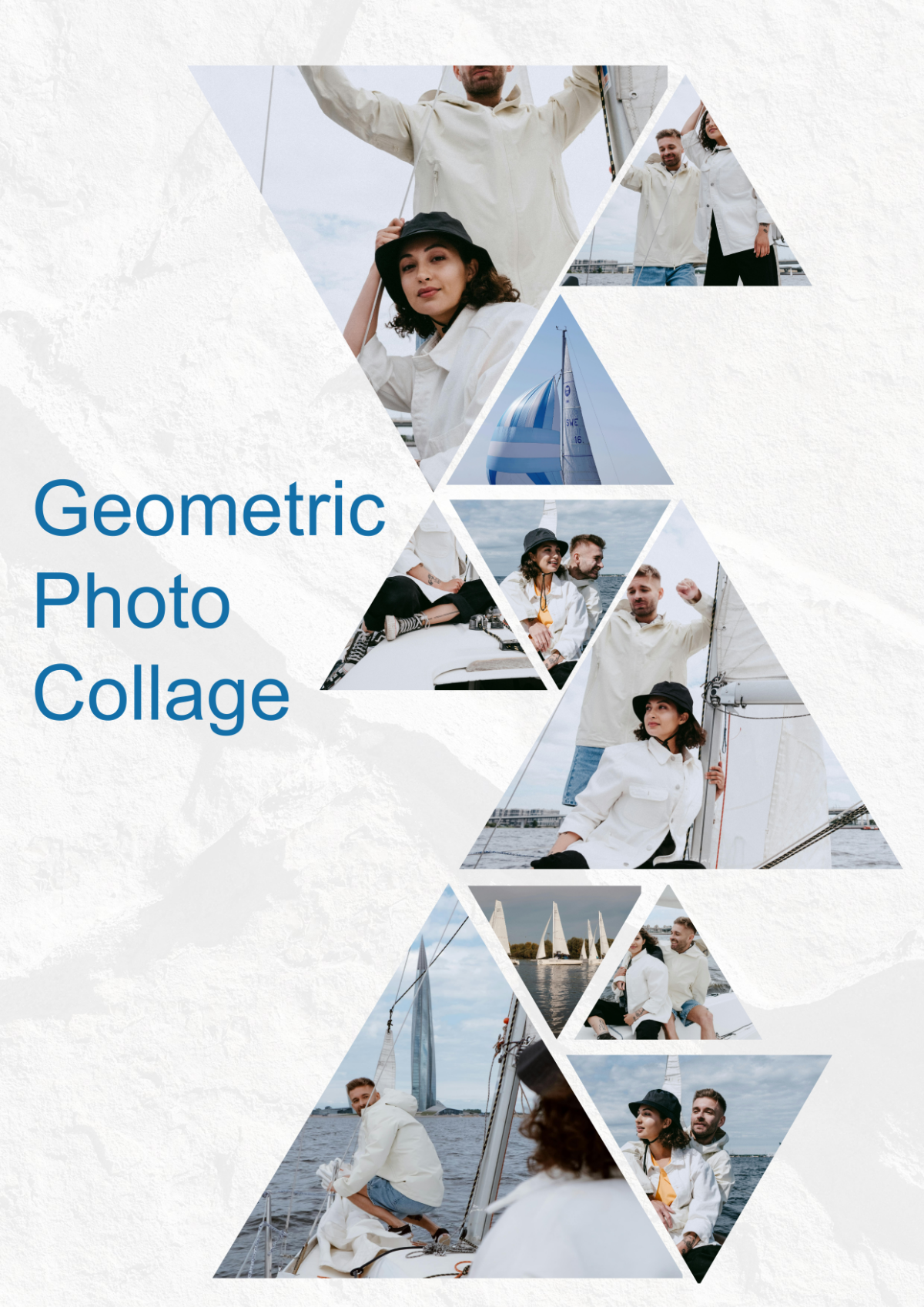
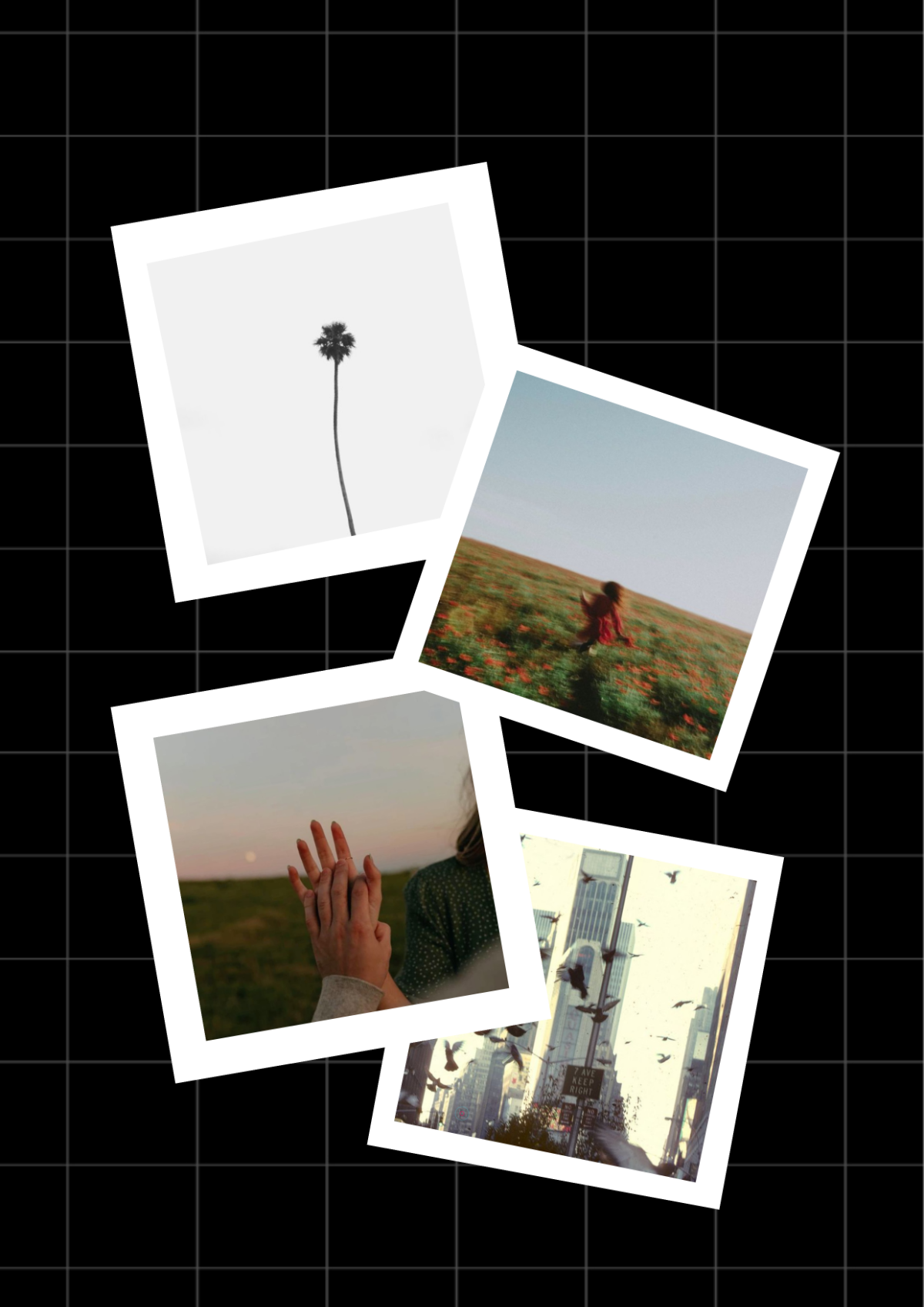

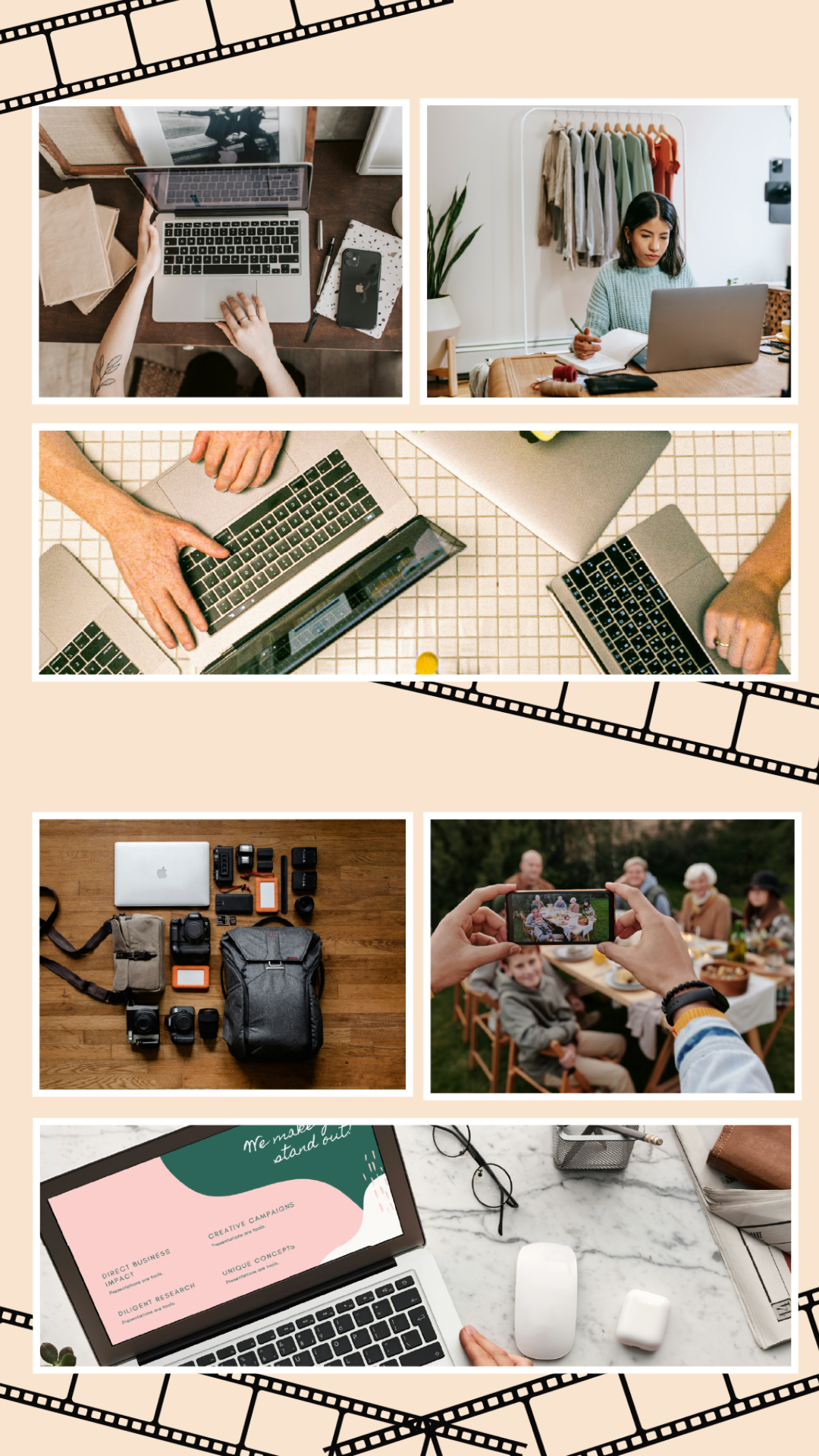



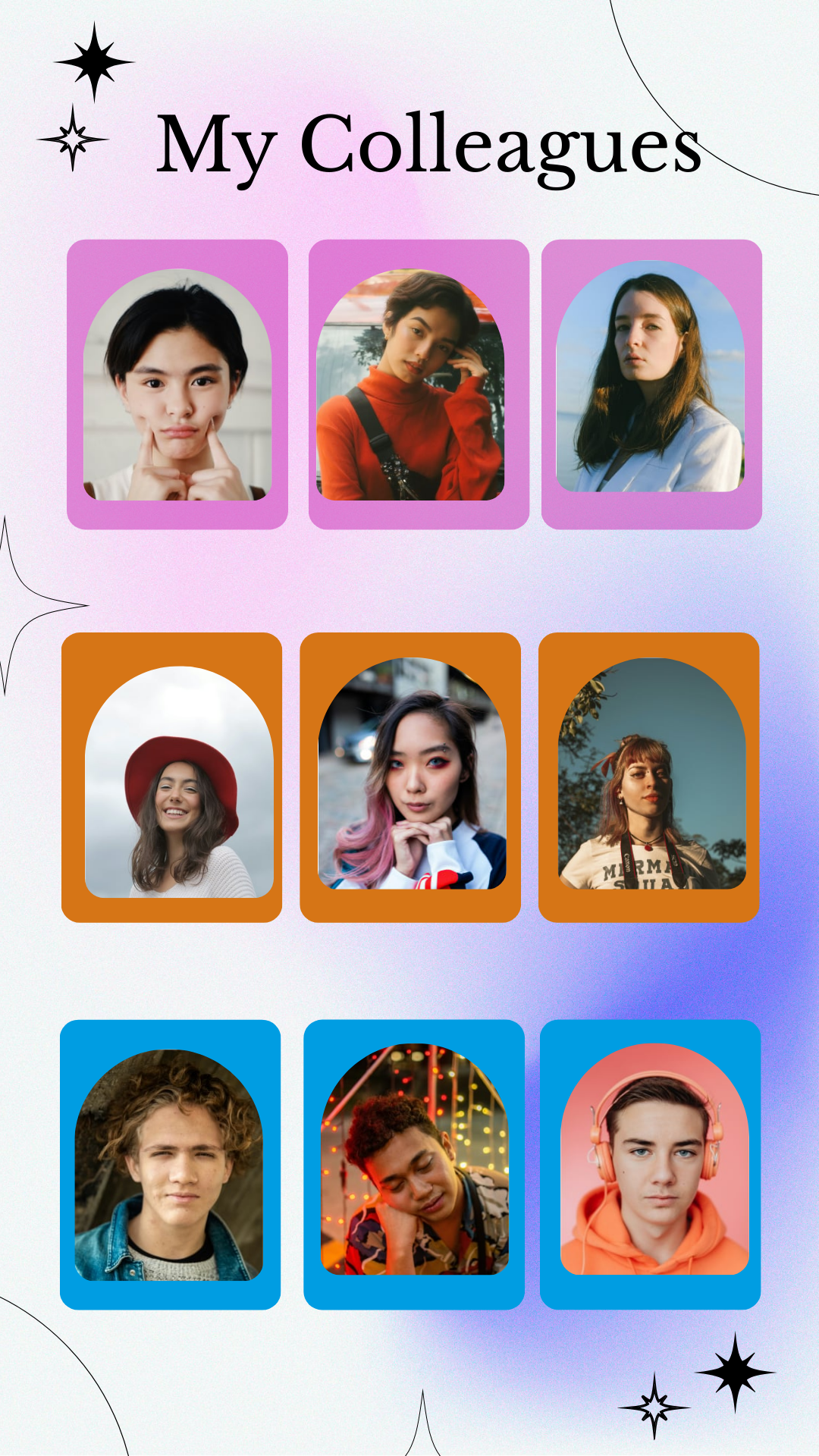
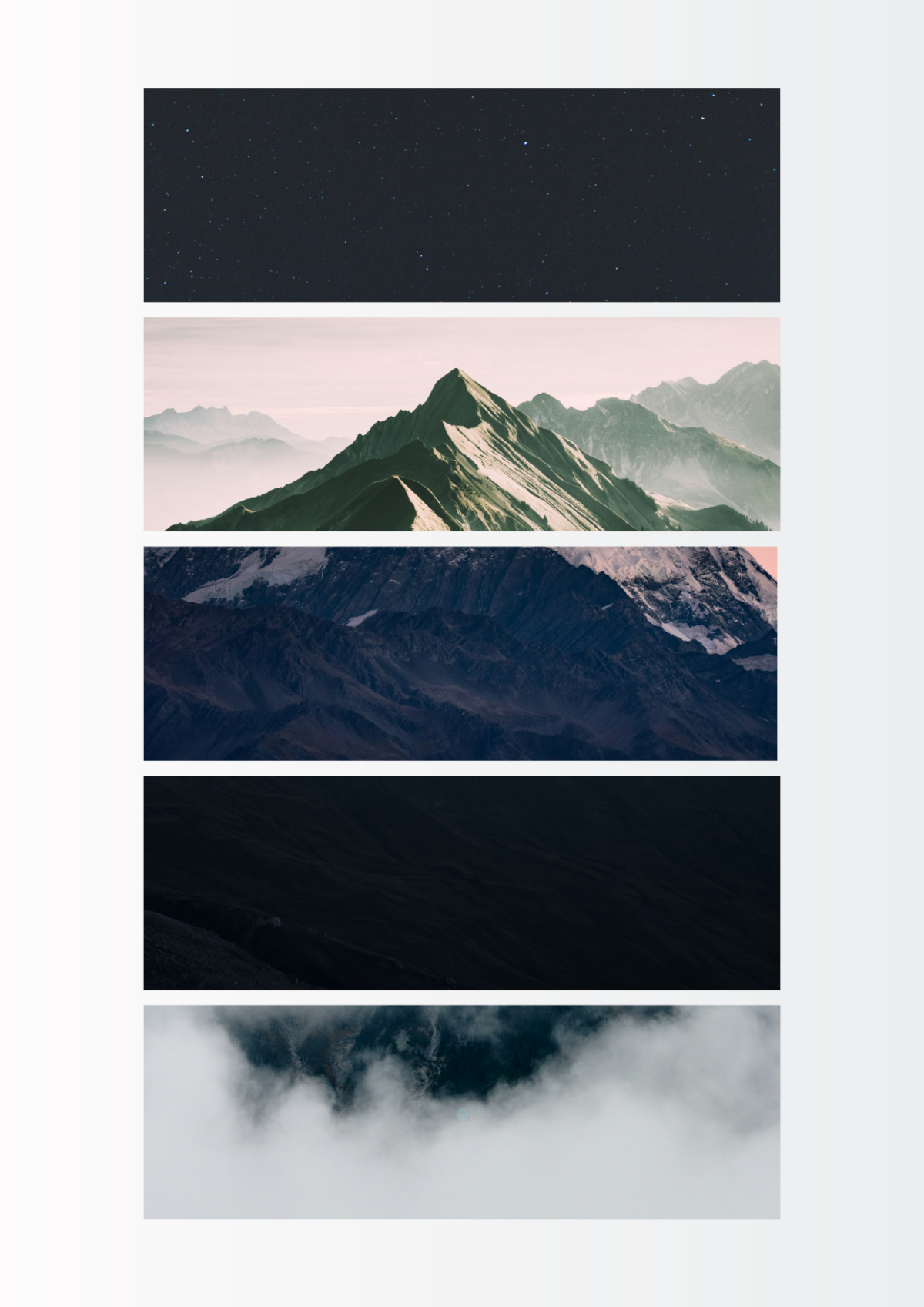



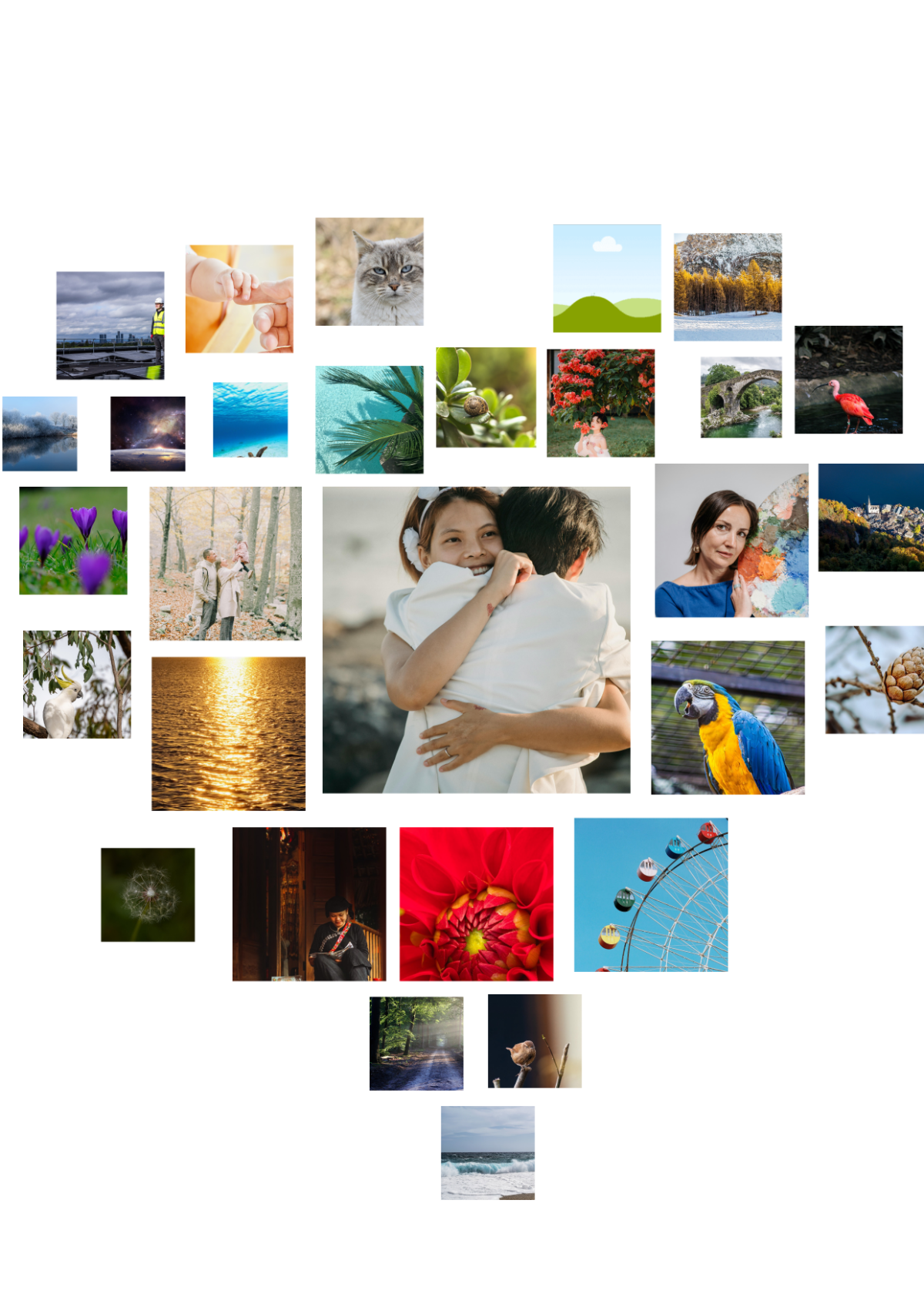

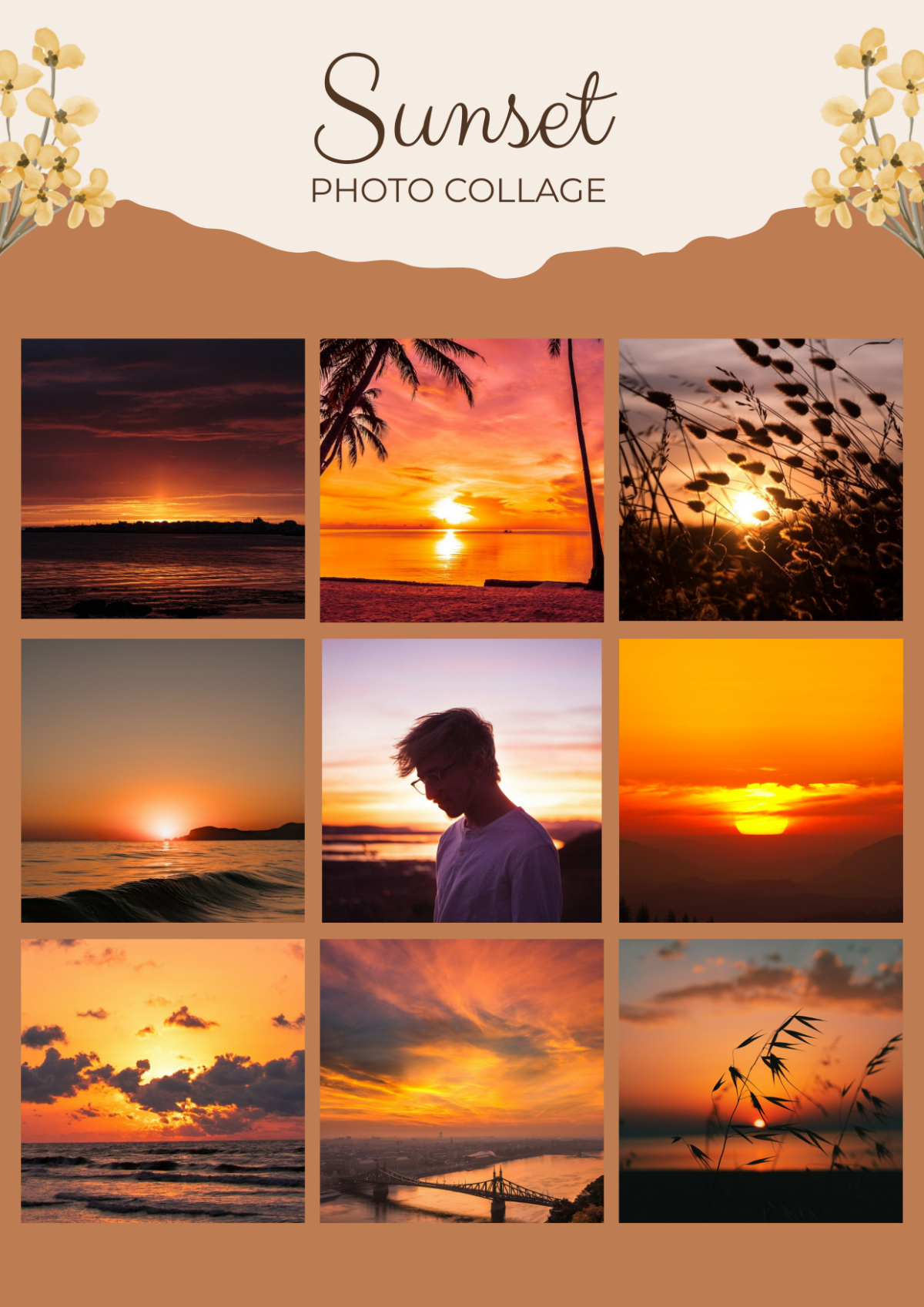
Free Photo Collage Templates: Customizable Design Guide, Sizes, and Download Formats

What is a Photo Collage?
A Photo Collage is a creative layout that combines multiple photos into one unified design, often used to display memories or themes visually. This template category offers you versatile designs that blend images artistically to create compelling visual stories.

Why should I use a Photo Collage?
You should use a Photo Collage to present multiple images in an engaging and cohesive way, making your photos stand out and tell a richer story. Collages are perfect for personal memories, marketing materials, or social media content because they maximize visual impact within a single frame.

Who uses Photo Collages?
Photo Collages are used by photographers, marketers, designers, event planners, social media managers, and anyone wanting to creatively showcase multiple images simultaneously. These templates serve individuals and professionals seeking visually appealing photo presentations.

What are the best tips for designing my Photo Collage?
Here are some essential tips for designing your Photo Collage effectively:
- Choose a cohesive color scheme to unify your images.
- Balance photo sizes for visual harmony.
- Use white space to avoid clutter.
- Incorporate thematic elements to tell a story.
- Select high-resolution photos for clarity.
- Experiment with layouts to find the best fit.
- Add text or captions sparingly to enhance meaning.
- Use contrasting backgrounds to highlight photos.
- Maintain consistent borders or frames around images.
- Preview your collage before finalizing for balance.

What file formats can I download for my Photo Collage?
Template.net's Photo Collage templates support multiple export formats so you can edit, print, or share easily. Available file formats include Word, PSD, Apple Pages, Publisher, Illustrator, Google Docs, and InDesign.

Can I create a Photo Collage using AI?
Yes, Template.net provides an AI-powered tool that generates new Photo Collage designs from your prompts. Explore the Photo Collage Generator to create unique collages effortlessly.

What are the ideal digital pixel dimensions for my Photo Collage?
When designing a digital Photo Collage, using standard pixel dimensions ensures optimal display across platforms. Consider these common sizes:
- 1080 × 1080 pixels for Instagram posts.
- 1920 × 1080 pixels for HD presentations.
- 1200 × 628 pixels for Facebook ads.
- 1080 × 1920 pixels for Instagram stories.
- 800 × 800 pixels for thumbnails.

What visual elements should I include in my Photo Collage?
To enhance your Photo Collage, include these visual elements:
- Photo frames or borders to separate images.
- Background textures or colors to add depth.
- Overlay shapes or icons for thematic accents.
- Text captions or titles for context.
- Shadow effects to create dimension.
- Consistent color filters for uniformity.
- Whitespace to prevent clutter.

What are the benefits of using a Photo Collage?
Using a Photo Collage offers several benefits:
- Showcases multiple photos in a single design.
- Enhances storytelling by combining images.
- Improves visual appeal for social media.
- Saves space compared to individual photos.
- Facilitates creative expression with layouts.
- Engages viewers through dynamic presentations.
- Supports branding with consistent themes.
