
Free Wedding Collage Templates



Wedding Collage Templates: Design Tips, Sizes, and Download Formats
What is a Wedding Collage?
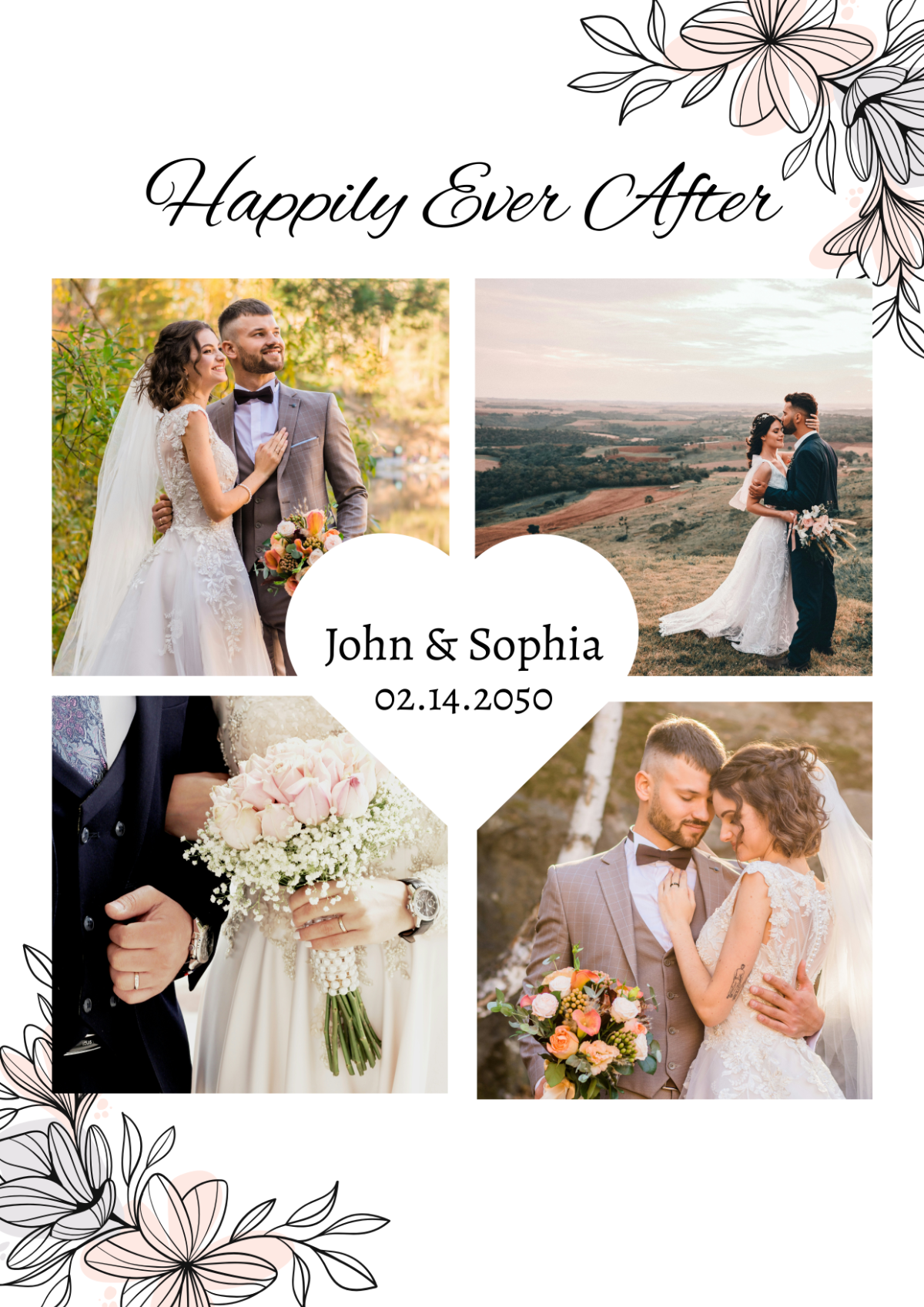
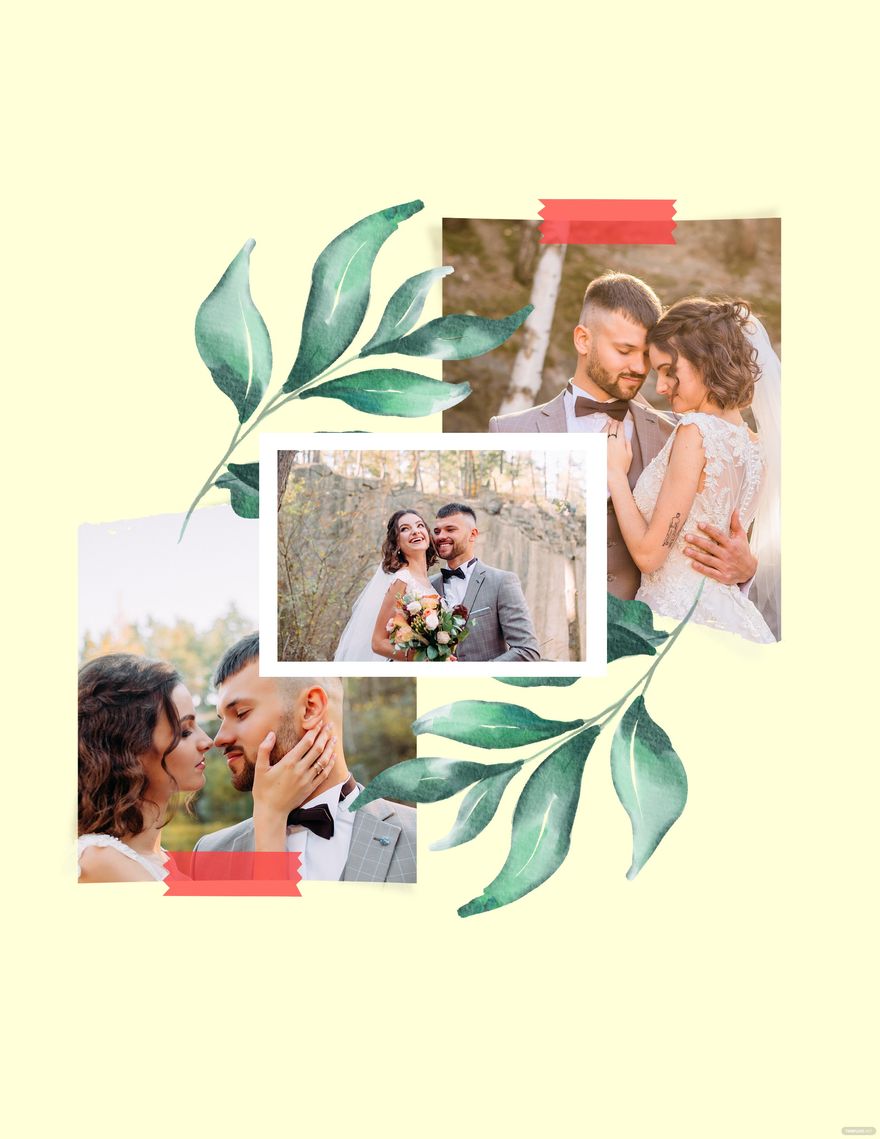
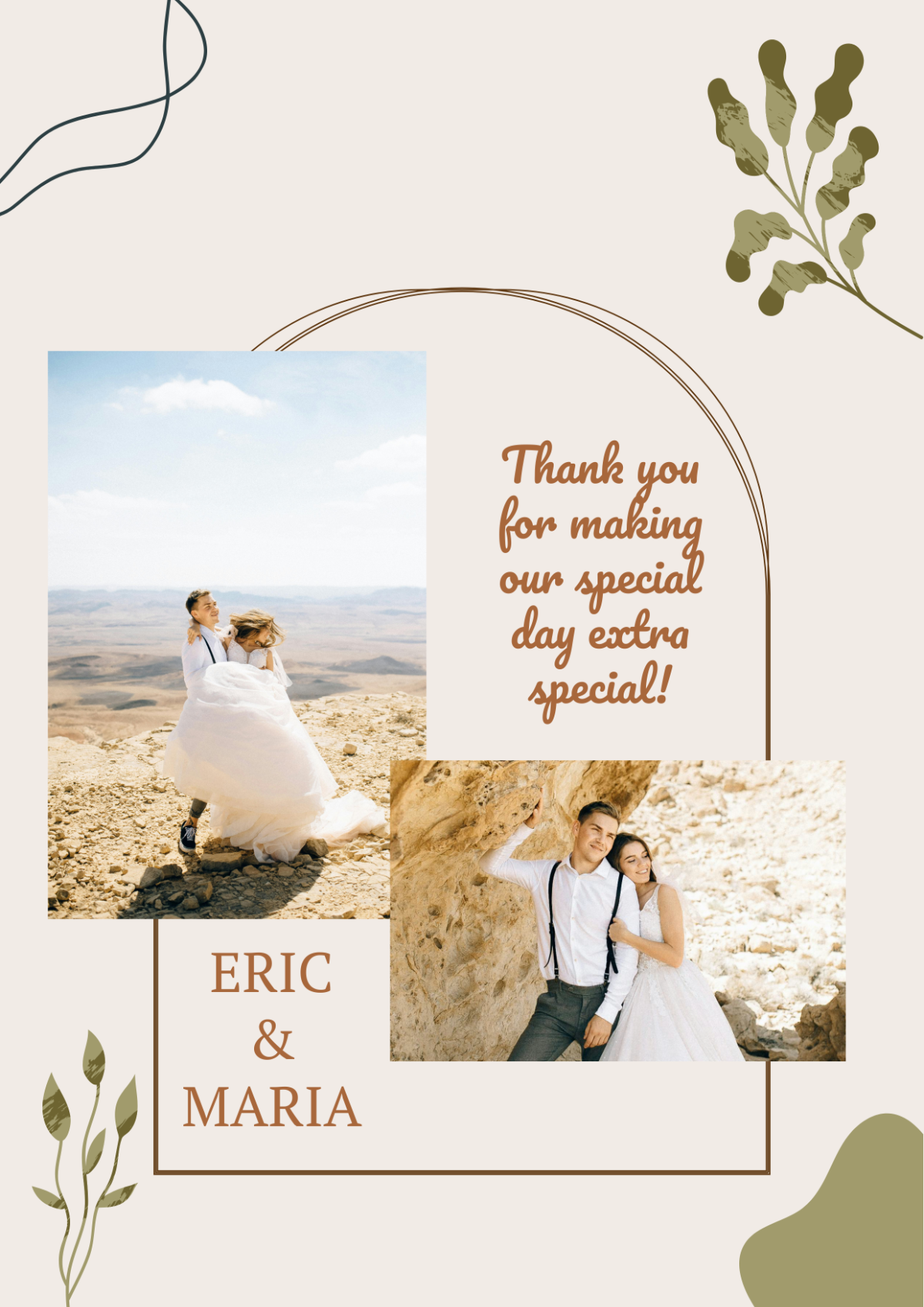
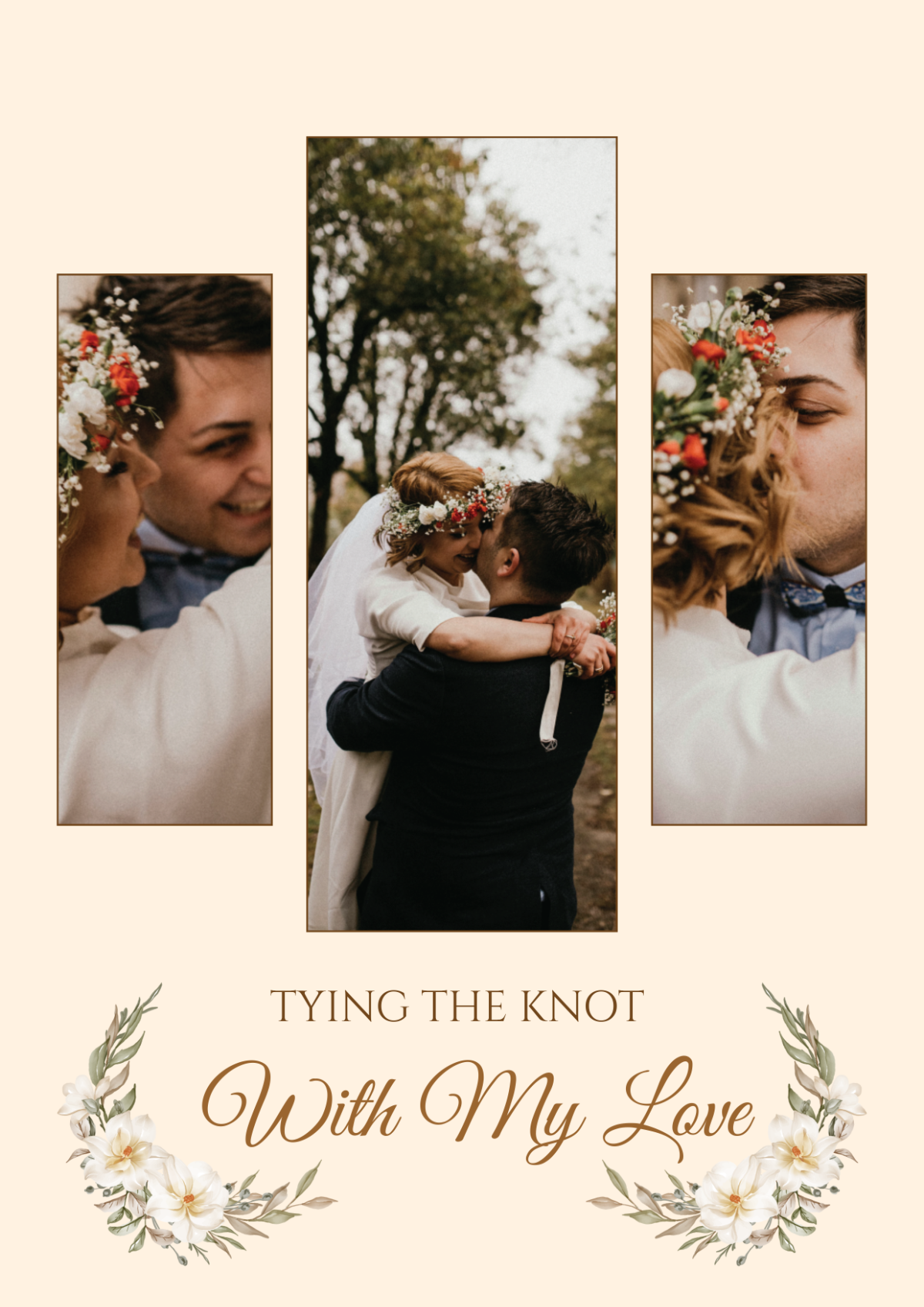
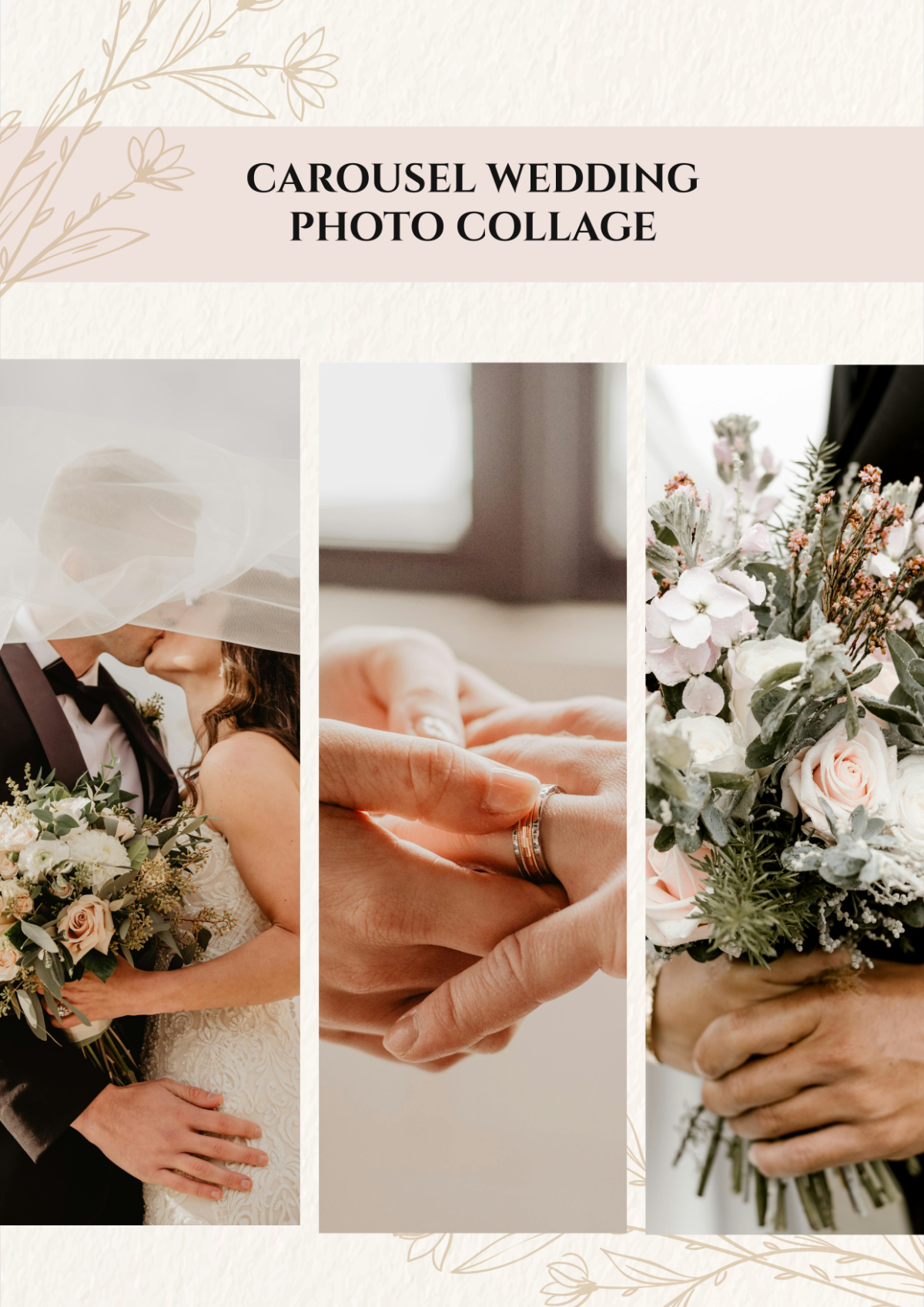
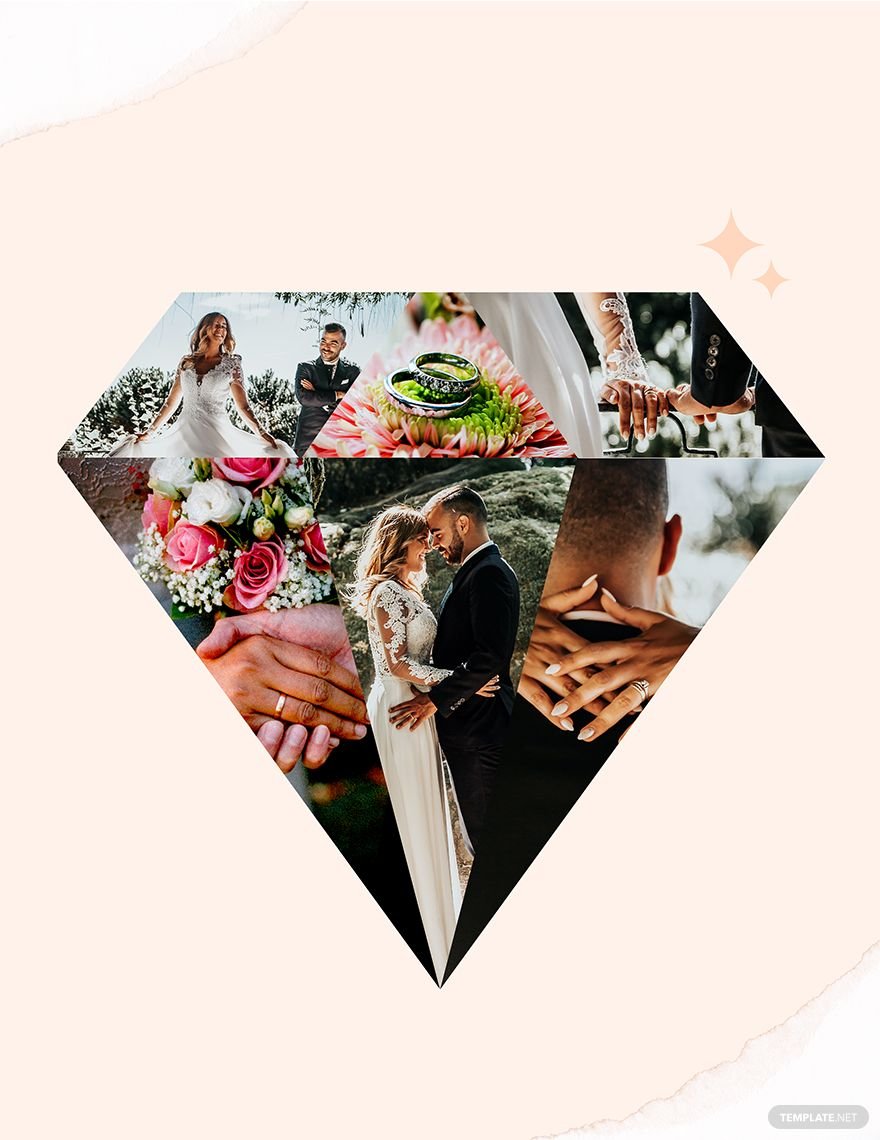
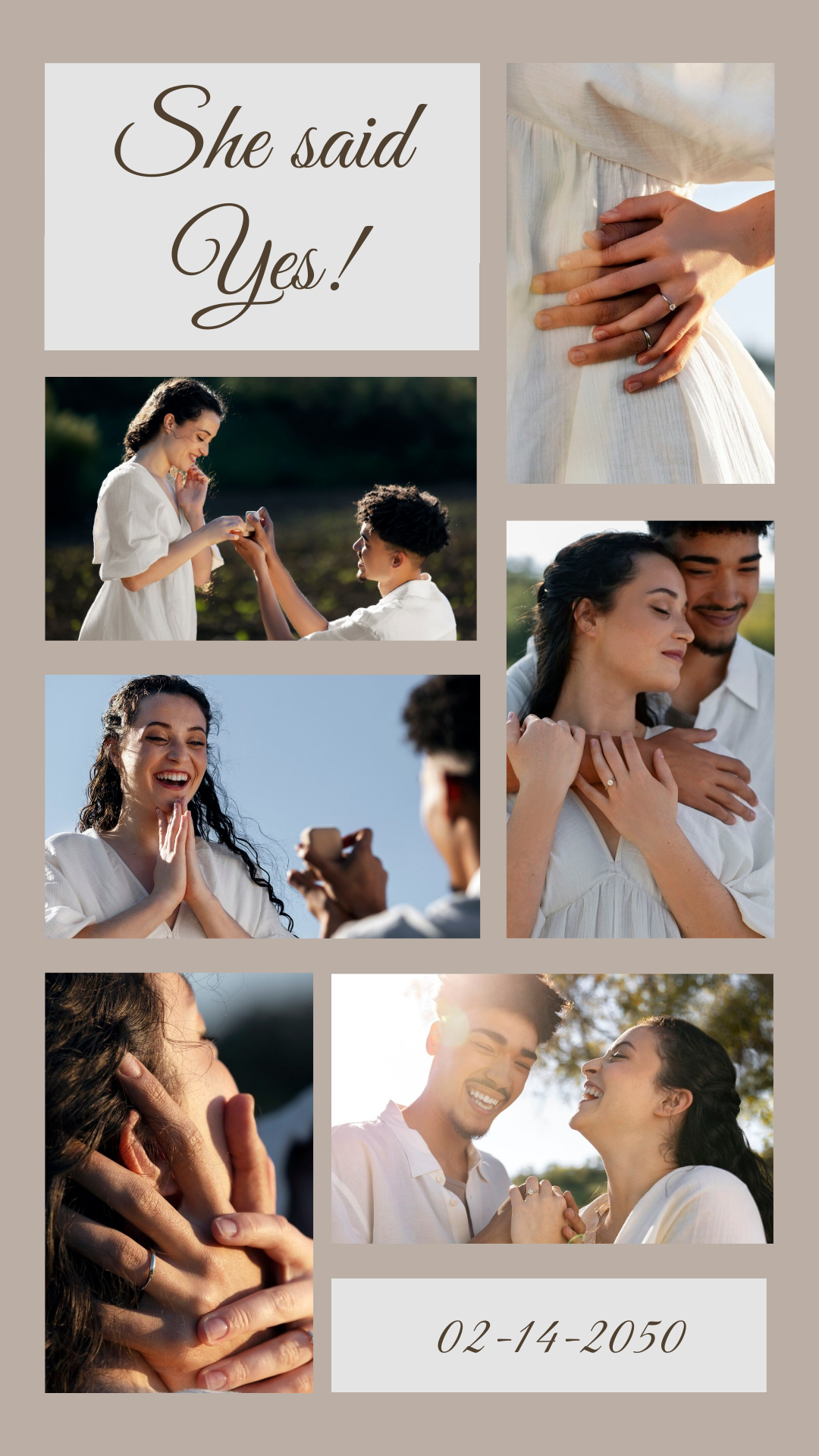
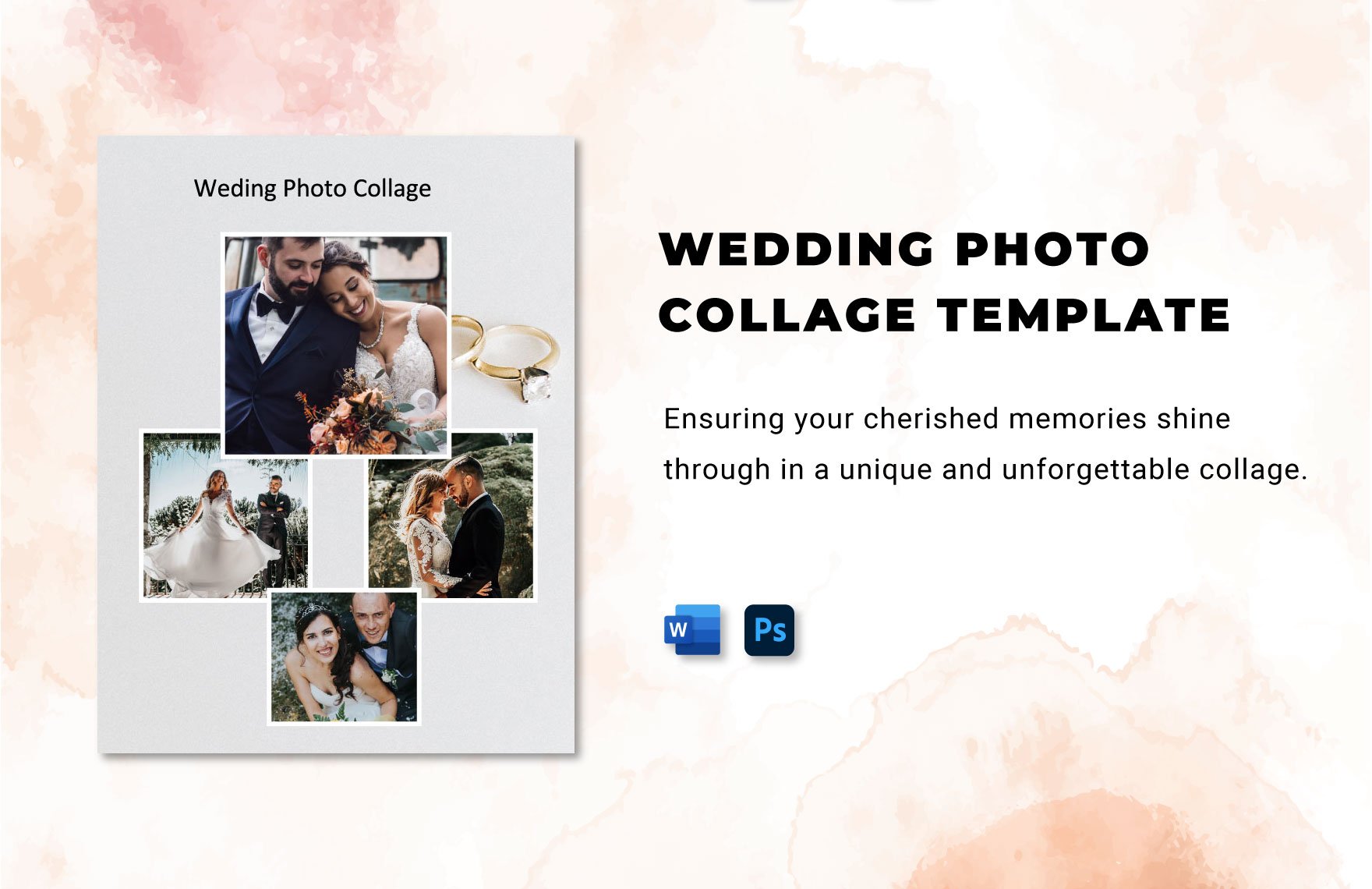
A wedding collage is a customizable layout that artistically combines multiple wedding photos into a single design. Wedding collage templates feature editable text areas, layered images, and graphic elements to highlight memorable moments. These templates allow quick creation of professional visual stories.
Why use a Wedding Collage?
Wedding collages help showcase multiple photos together, creating a meaningful and elegant keepsake or display. Using wedding collage templates enables fast online editing and layered design customization for a professional finish without design skills. This approach saves time while preserving memories beautifully.
Who typically uses Wedding Collages?
Wedding collages are commonly used by couples, photographers, and wedding planners who want to present wedding photos in a stylish format. Template.net’s wedding collage templates serve anyone seeking professional layouts that are easy to customize online for invitations, albums, or social media.
What size should a Wedding Collage be?
Wedding collages typically come in popular sizes like 8.5 × 11 inches, 12 × 12 inches, or custom dimensions suitable for prints or digital sharing. Template.net offers ready-made templates in standard sizes that you can edit and adapt online for any display purpose.
What are the best tips for designing a Wedding Collage?
Effective wedding collages balance photo arrangement, use consistent colors, and include editable text areas for dates or names. Using Template.net’s templates with layered design elements helps maintain harmony and allows fast online customization to achieve a polished look.
How do you print a Wedding Collage?
To print a wedding collage, select a high-resolution template and export it in a print-ready format. Template.net enables you to download templates in various formats suitable for professional printing. Use quality paper and ensure correct size settings like 8.5 × 11 inches for best results.
What elements should a Wedding Collage include?
A wedding collage should include multiple photos, graphic accents, editable text areas for names or dates, and a balanced layout. Template.net’s wedding collage templates feature layered design blocks that you can customize online to include all essential elements professionally.
Can I create a new Wedding Collage using AI?
Template.net provides an AI-powered tool that generates new Wedding Collage designs from user prompts, streamlining creative workflows. Use the Photo Collage Generator to create unique wedding collages quickly and customize them online.
