
Free Profile Templates















































Free Profile Templates: Customizable Design Guide, Sizes, and Download Formats
What is a Profile?
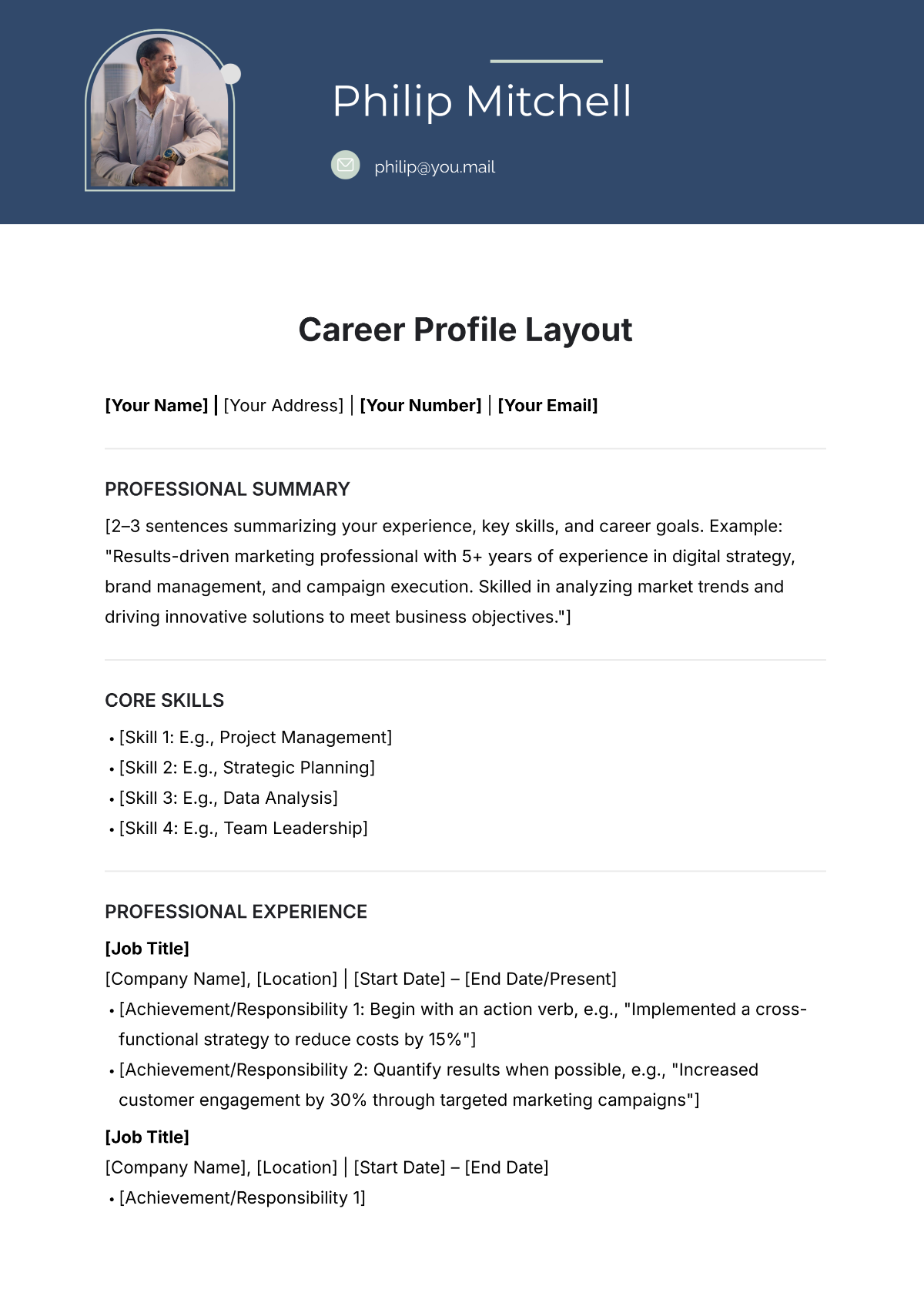
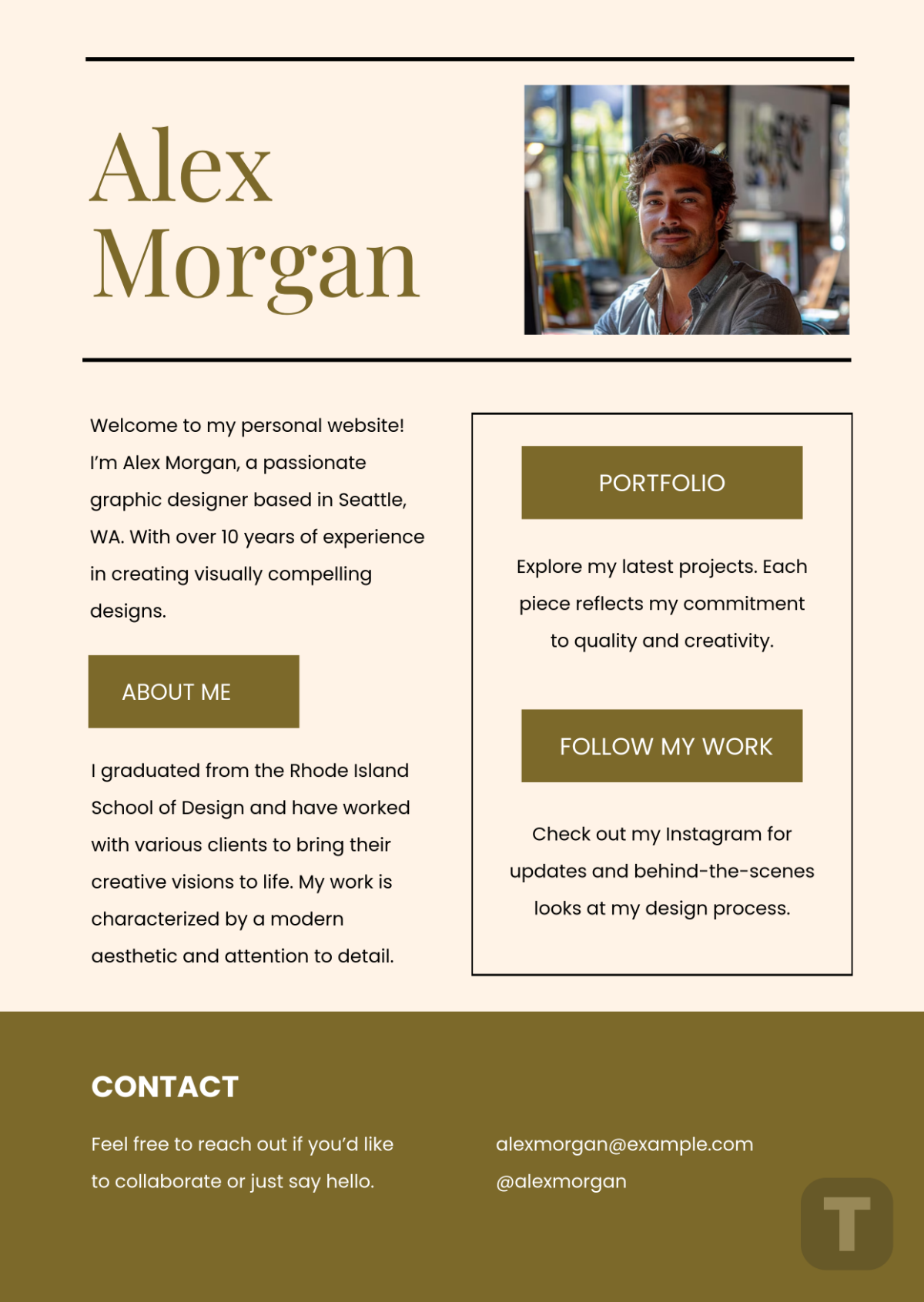
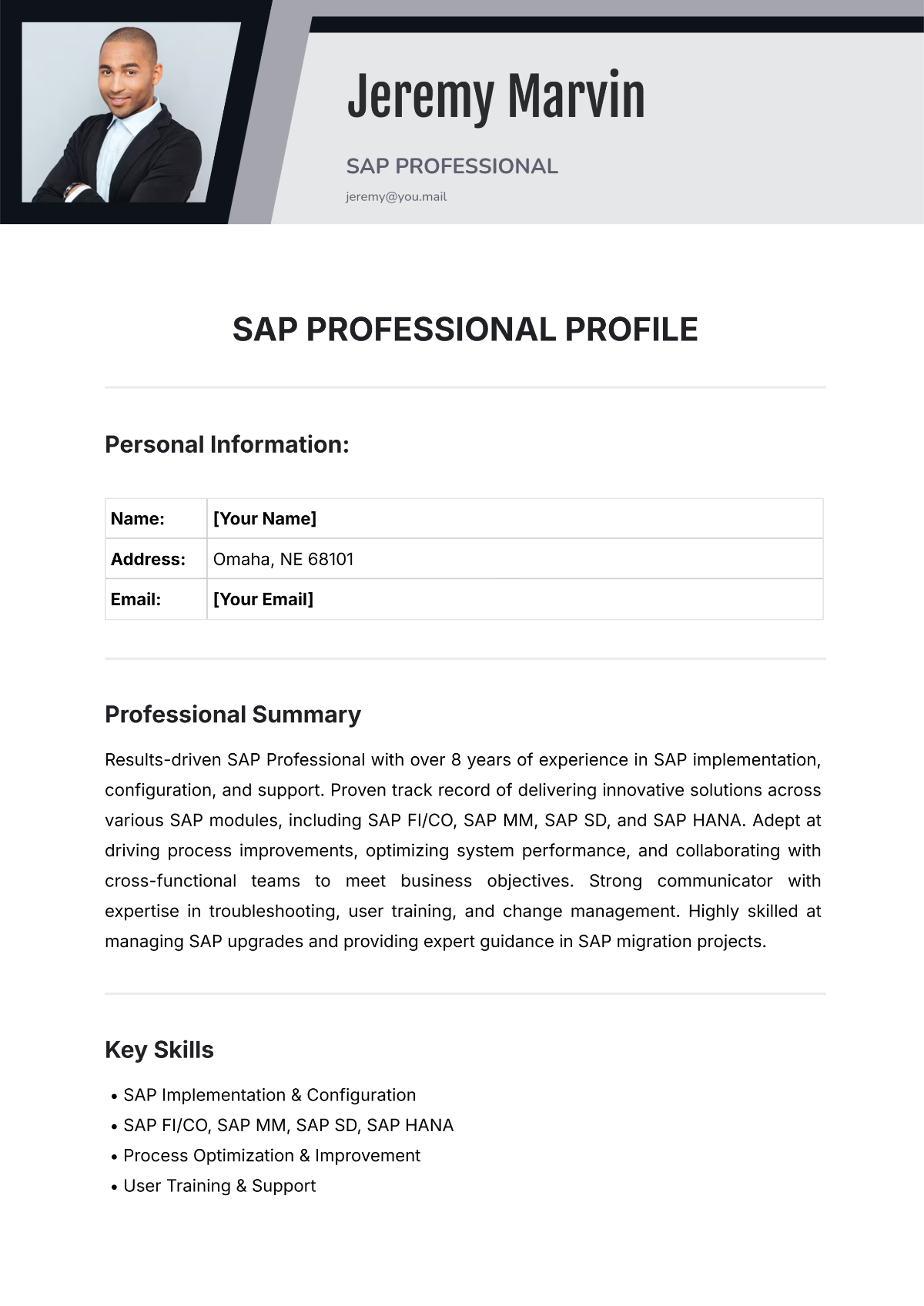
A Profile is a structured document that highlights key personal or professional information about an individual or organization. It typically includes biographical details, achievements, skills, and other relevant data presented clearly for easy sharing and reference.
Why should I use a Profile?
You should use a Profile to effectively communicate your qualifications, experience, and background in a concise and visually appealing way. It helps build credibility, make a strong first impression, and provide important information quickly to employers, clients, or networks.
Who uses Profiles?
Profiles are used by a wide range of individuals including job seekers, professionals, freelancers, entrepreneurs, and organizations. They are useful for networking, marketing, recruitment, and showcasing expertise across various industries and fields.
What are the best tips for designing my Profile?
Here are the top tips to design your Profile effectively:
- Keep it concise and focused on key information
- Use clean layouts with balanced white space
- Choose readable fonts and appropriate font sizes
- Incorporate a professional photo if applicable
- Highlight achievements and skills prominently
- Maintain consistent colors aligned with your personal brand
- Use bullet points for easy scanning
- Include contact information clearly
- Proofread for errors and typos
- Customize the design to fit your industry
What file formats can I download for my Profile?
Template.net offers Profile templates in multiple export formats for easy editing and sharing. You can download your profile in Word, Google Docs, PSD, InDesign, Apple Pages, Illustrator, PowerPoint, Apple Keynote, and Google Slides.
Can I create a Profile using AI?
Yes, Template.net provides an AI-powered tool that generates new Profile designs from your prompts. You can conveniently create customized profiles using the Profile Generator on the website.
What are the ideal digital pixel dimensions for a Profile?
When designing a digital Profile, consider these common pixel dimensions for optimal display:
- 1080 × 1080 pixels for social media profile images
- 800 × 1200 pixels for online portfolios or personal websites
- 600 × 800 pixels for email signatures and smaller embeds
- Scalable vector formats (SVG, EPS) for logos and icons within profiles
What visual elements should I include in my Profile?
Your Profile should include key visual elements to improve clarity and appeal:
- Professional headshot or avatar for personal connection
- Clear headings and subheadings to organize sections
- Icons or symbols to illustrate skills or contact info
- Consistent color scheme aligned with your personal or company brand
- Graphs or charts to showcase achievements if relevant
- Whitespace to prevent clutter and enhance readability
What are the benefits of using a Profile?
Using a Profile offers several benefits for your personal and professional presence:
- Improves visibility and recognition in your field
- Facilitates networking by summarizing your key attributes
- Supports job applications with a concise overview
- Enhances personal branding consistency
- Saves time by providing ready-to-share information
- Showcases achievements clearly and professionally
