
Free Recap Templates
Free Recap Templates: Editable Guide, Uses, and Download Formats

What is a Recap?
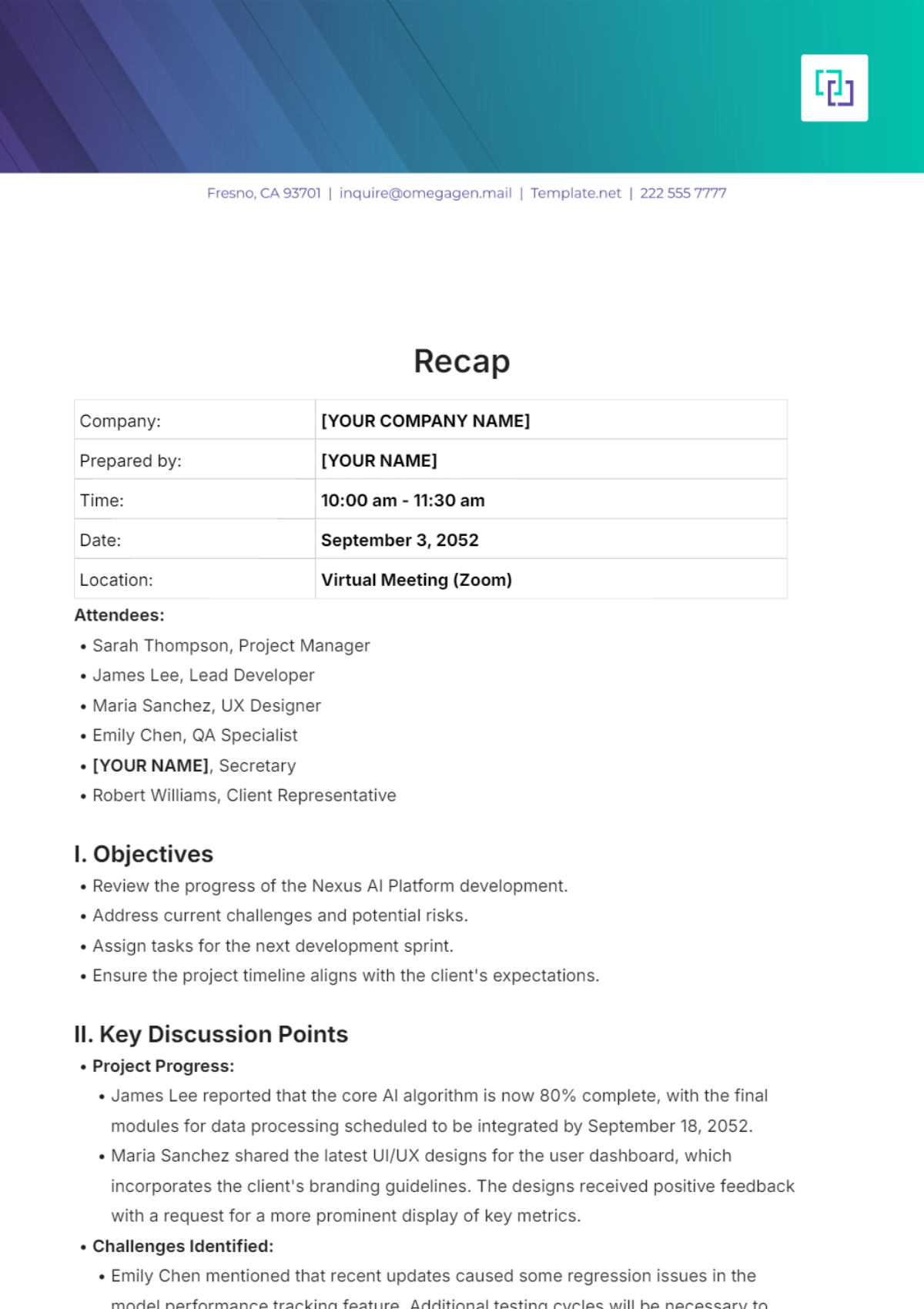
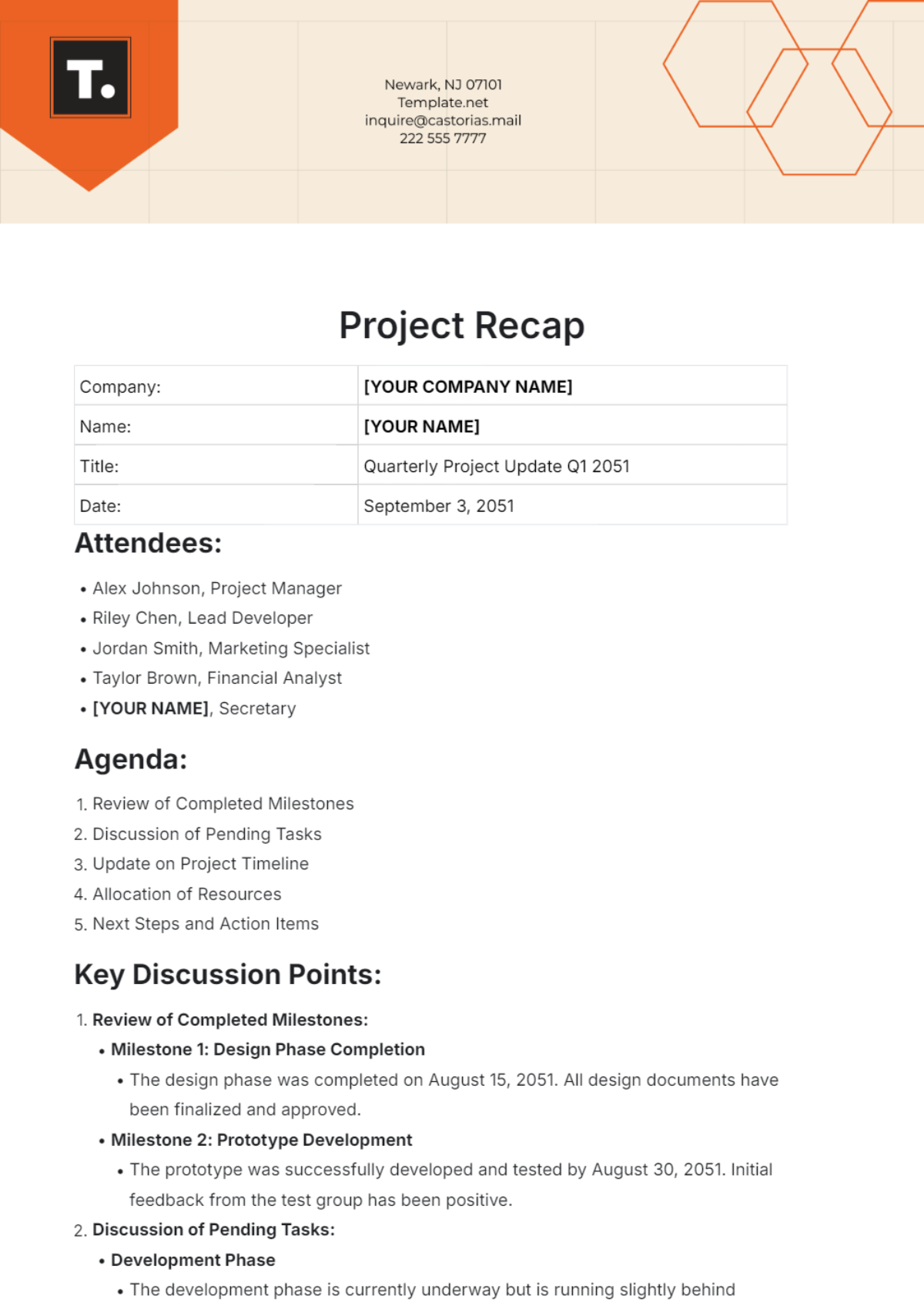
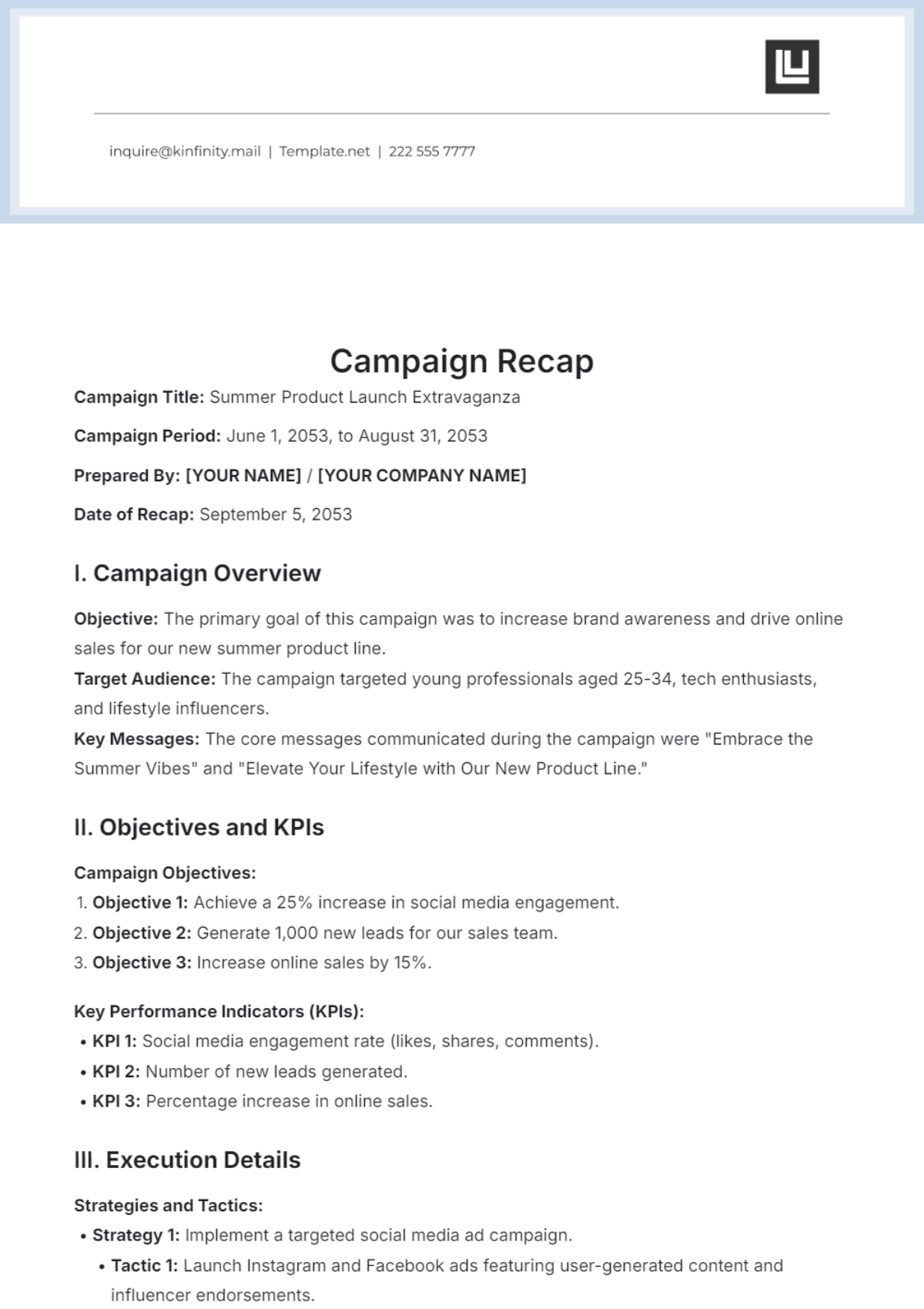
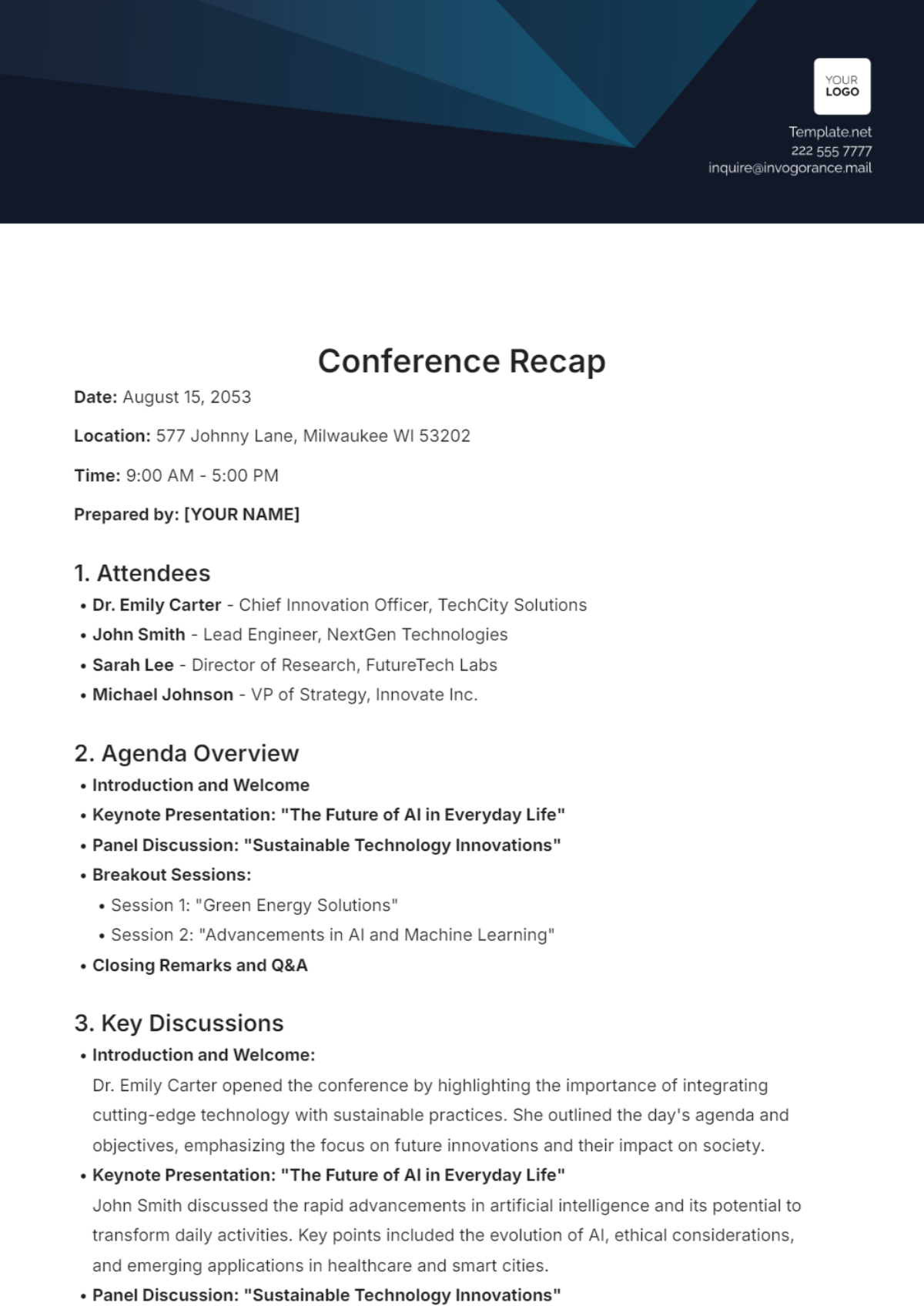
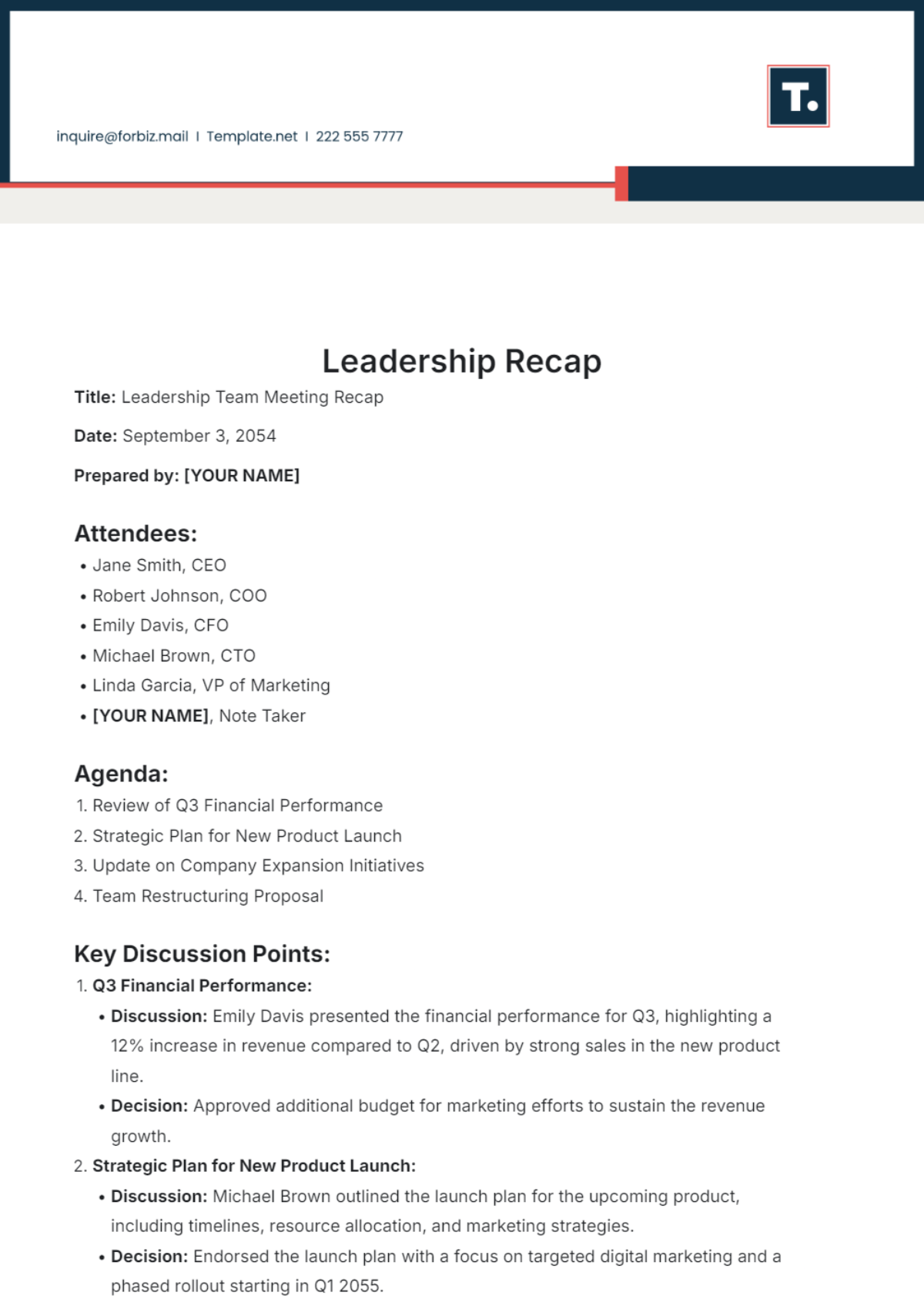
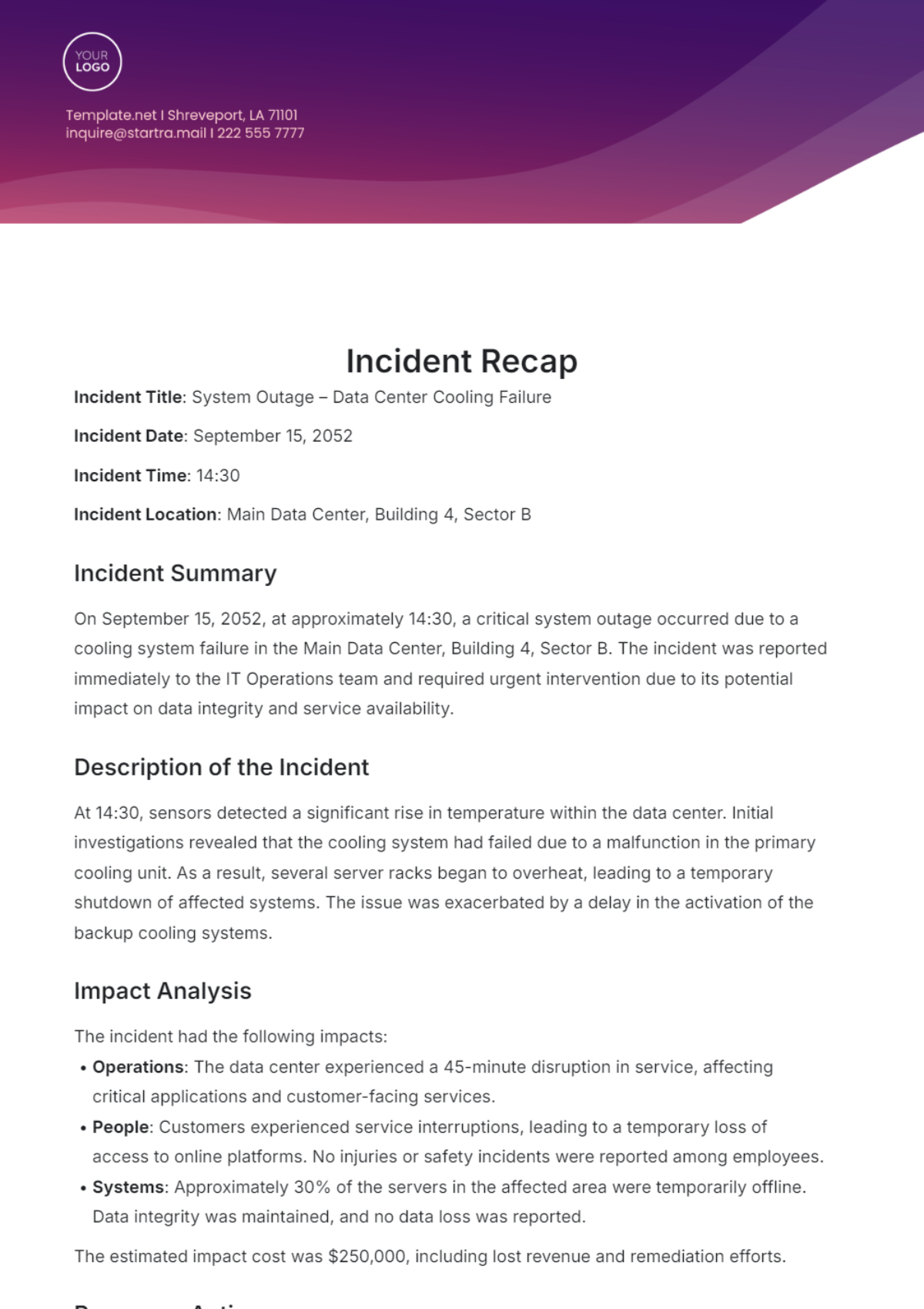
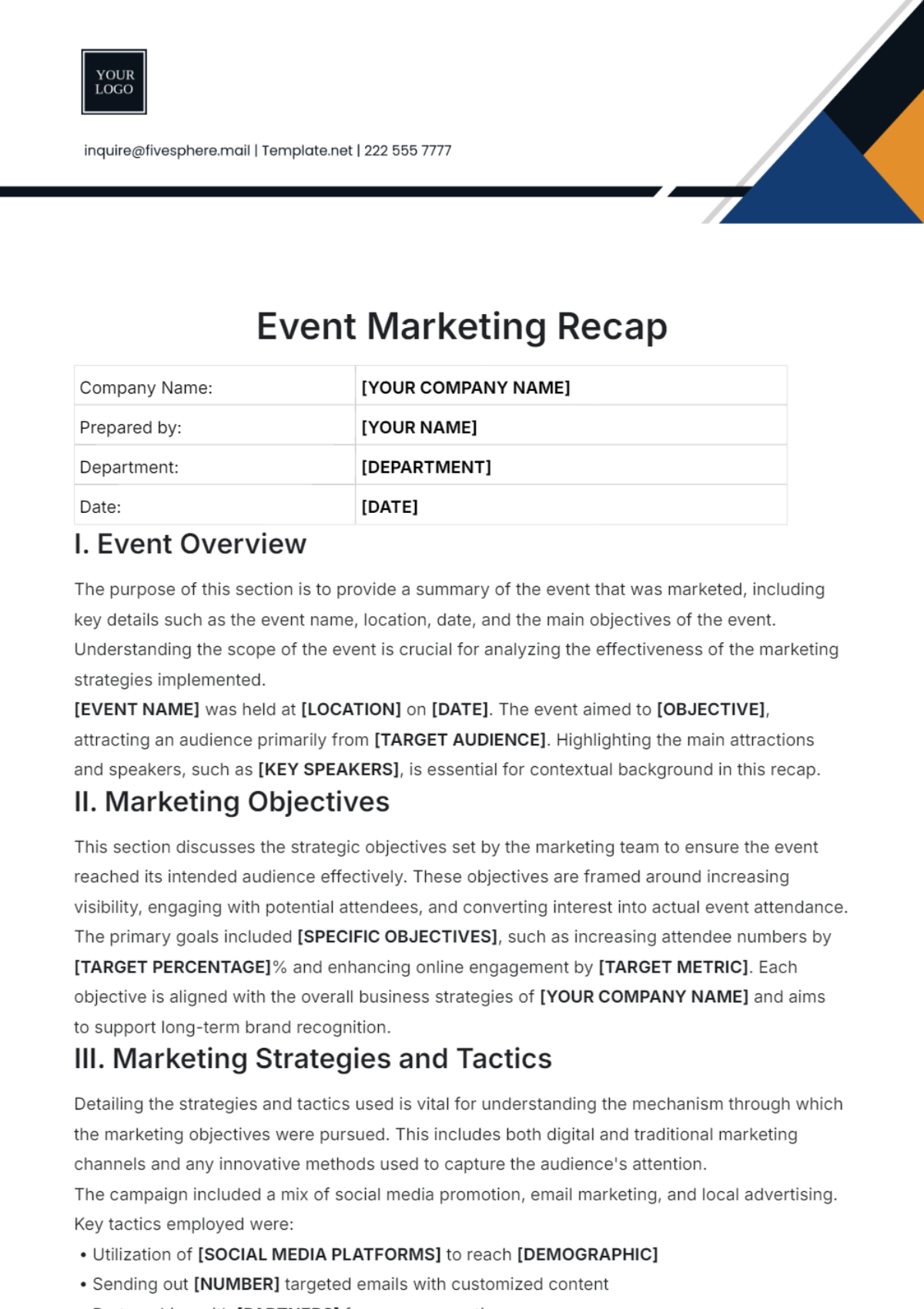
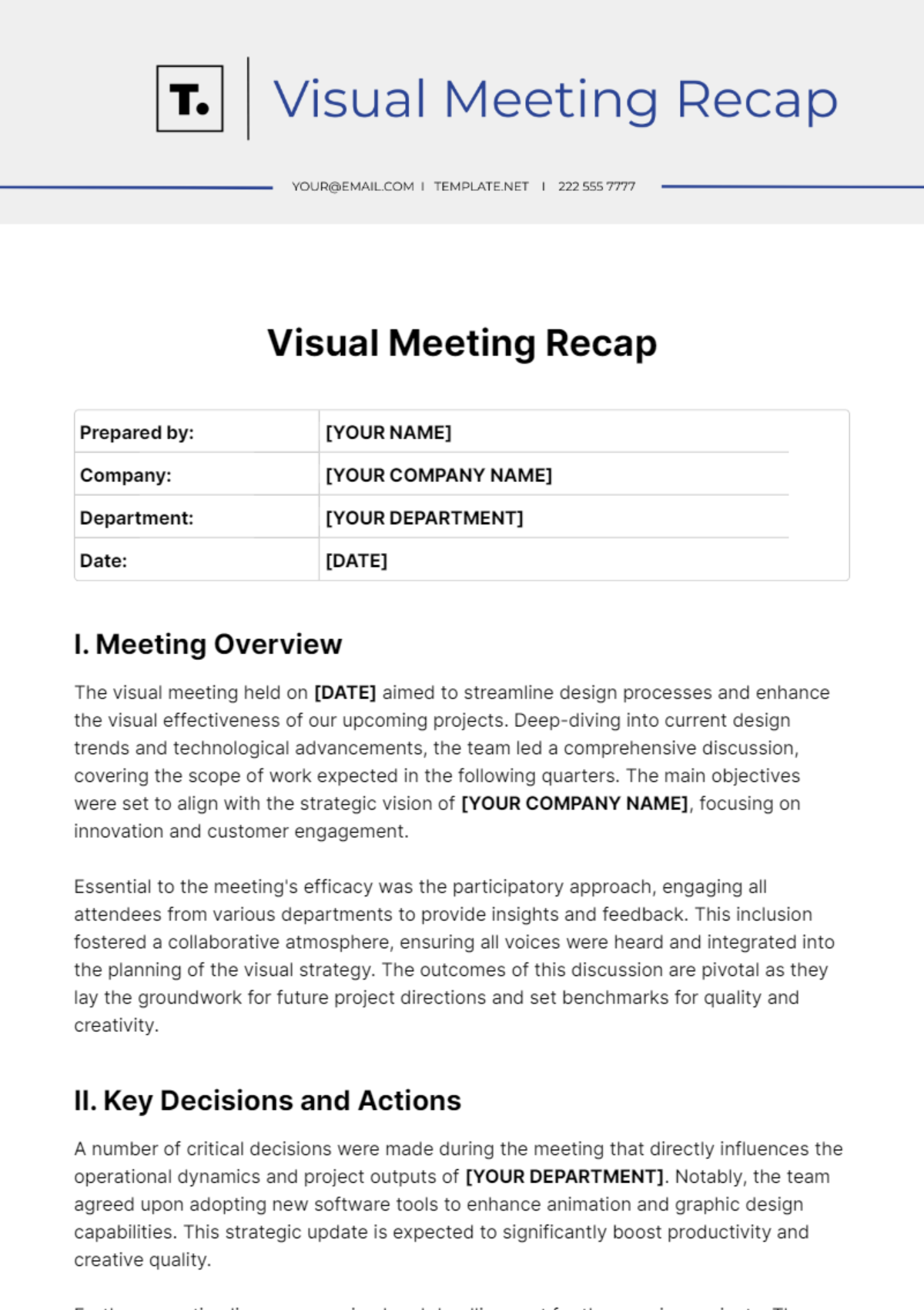
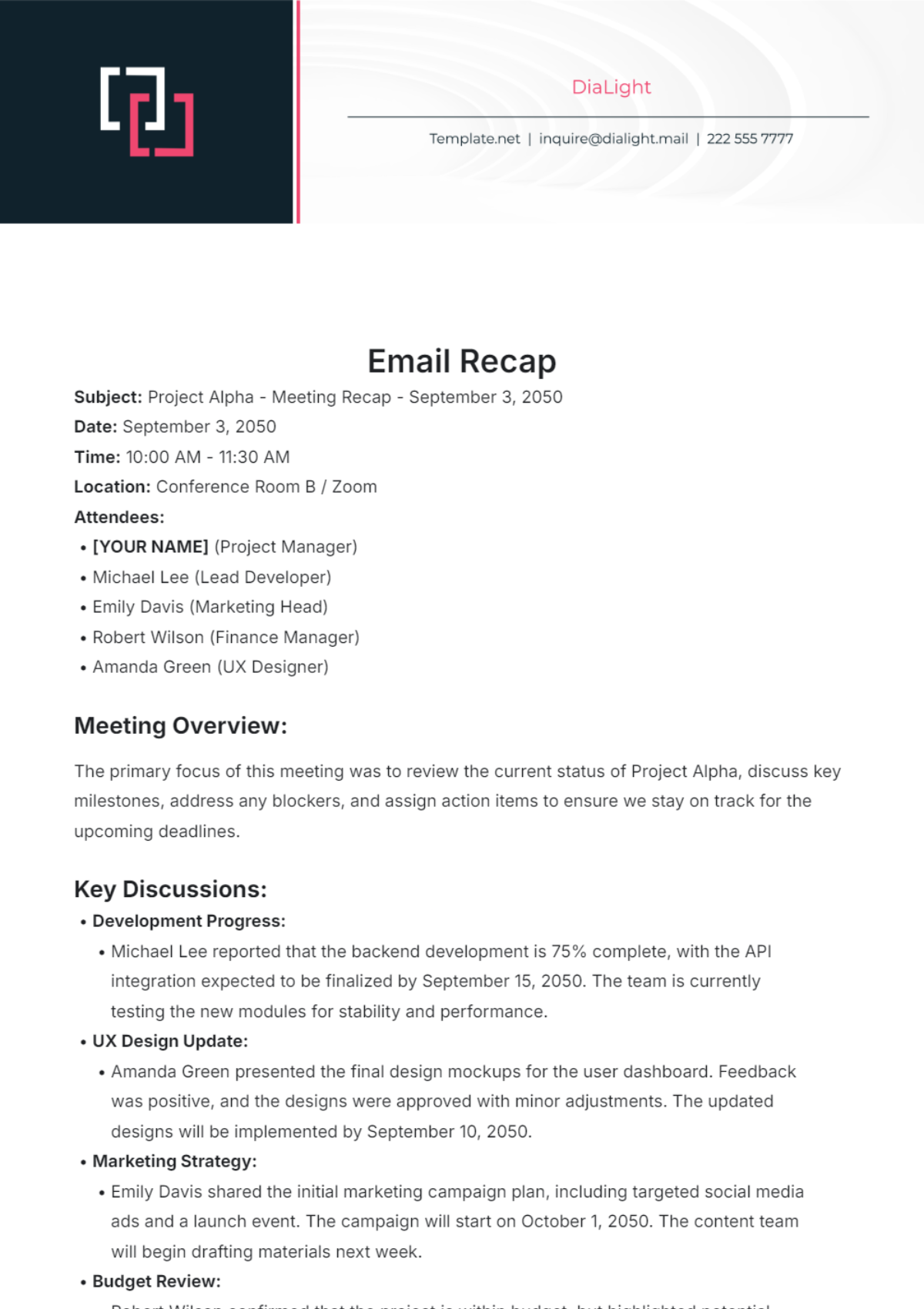
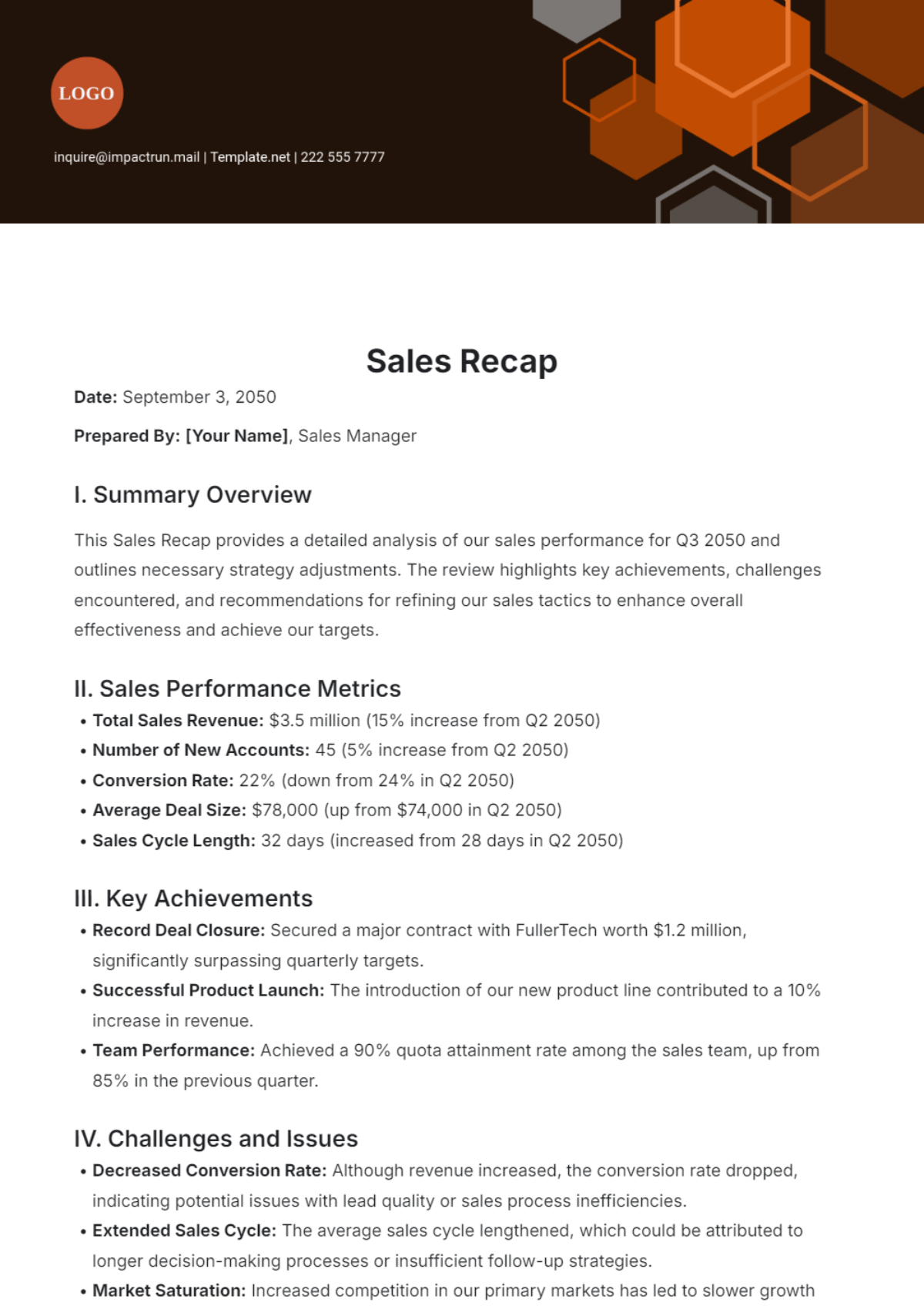
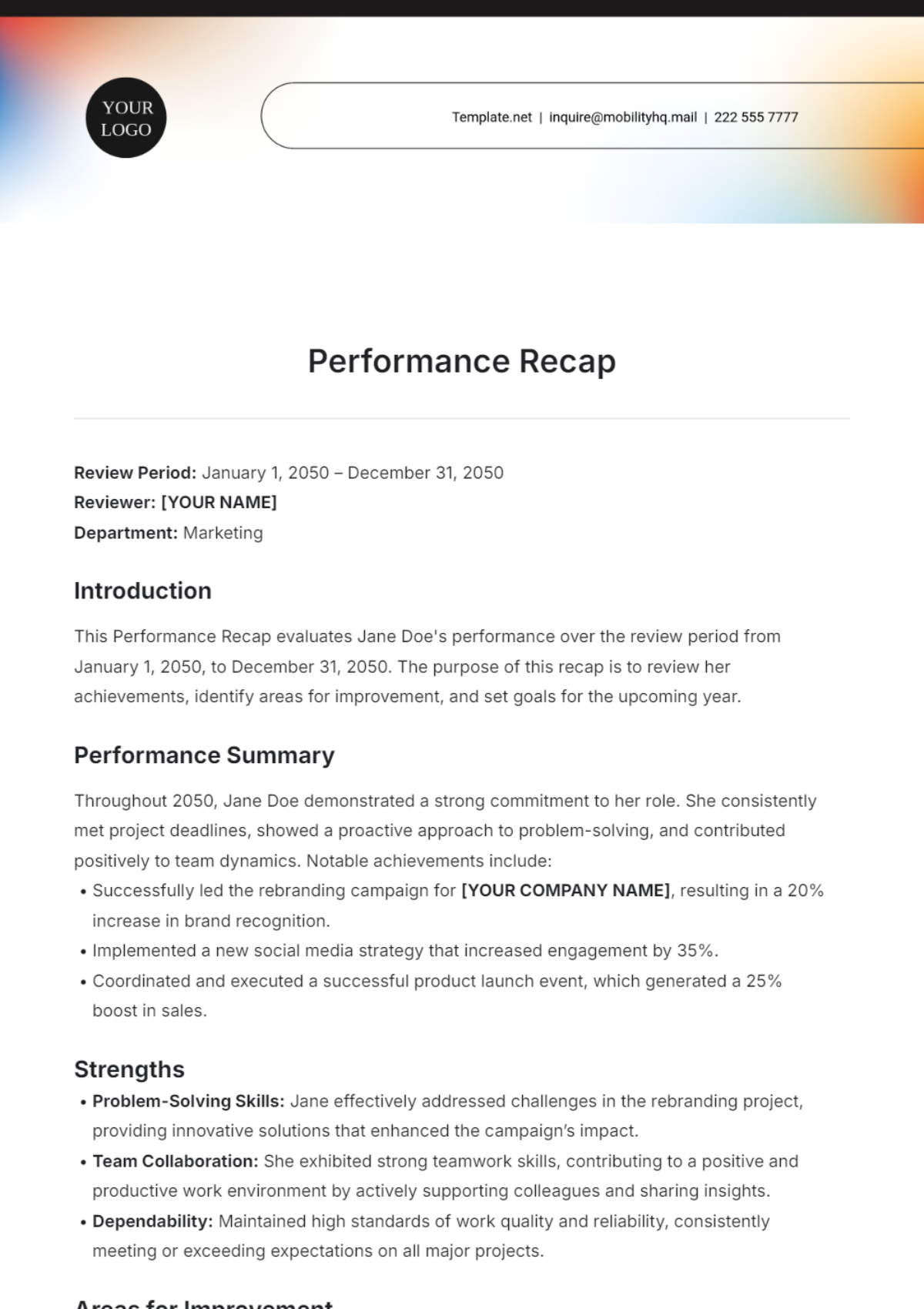
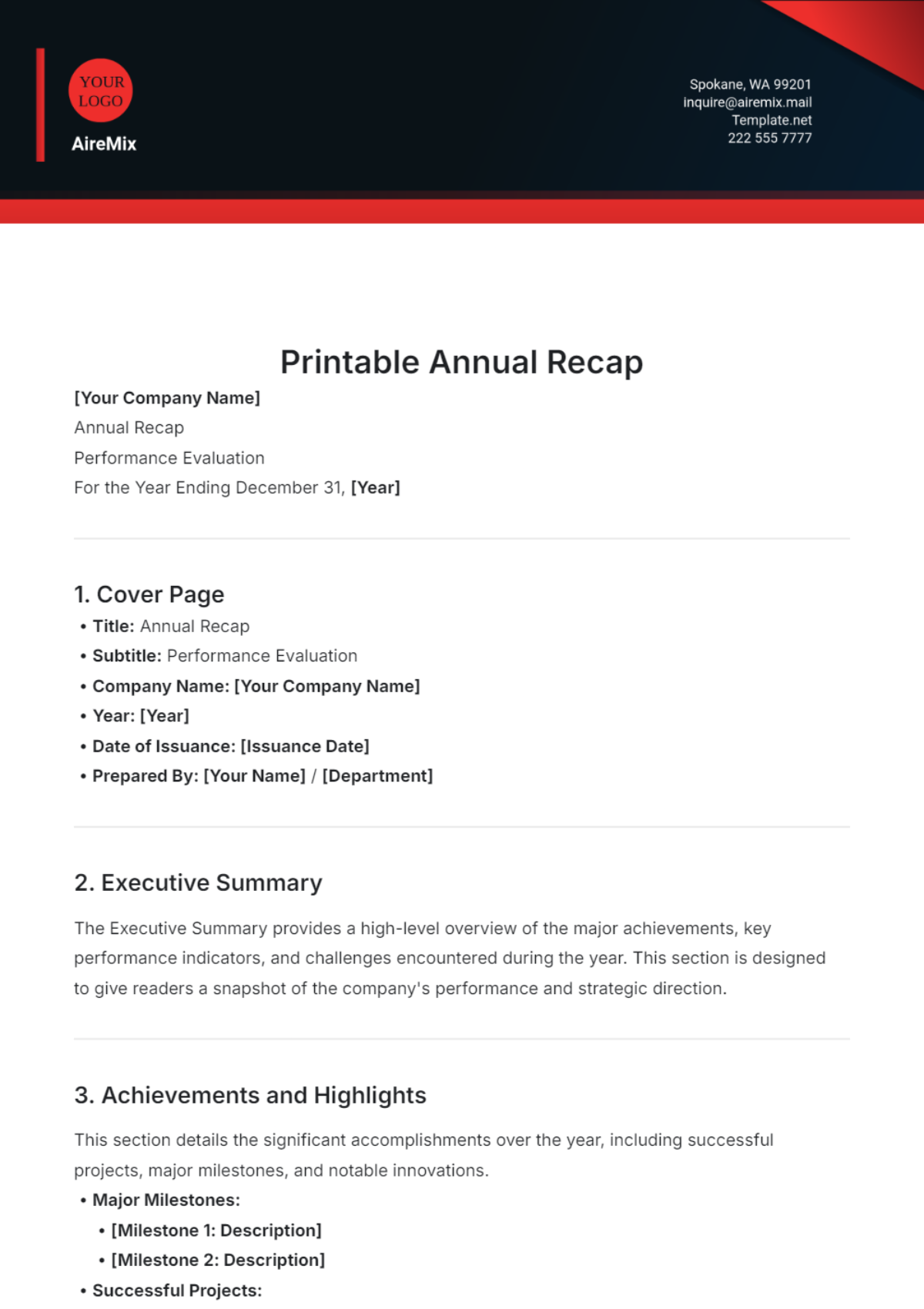
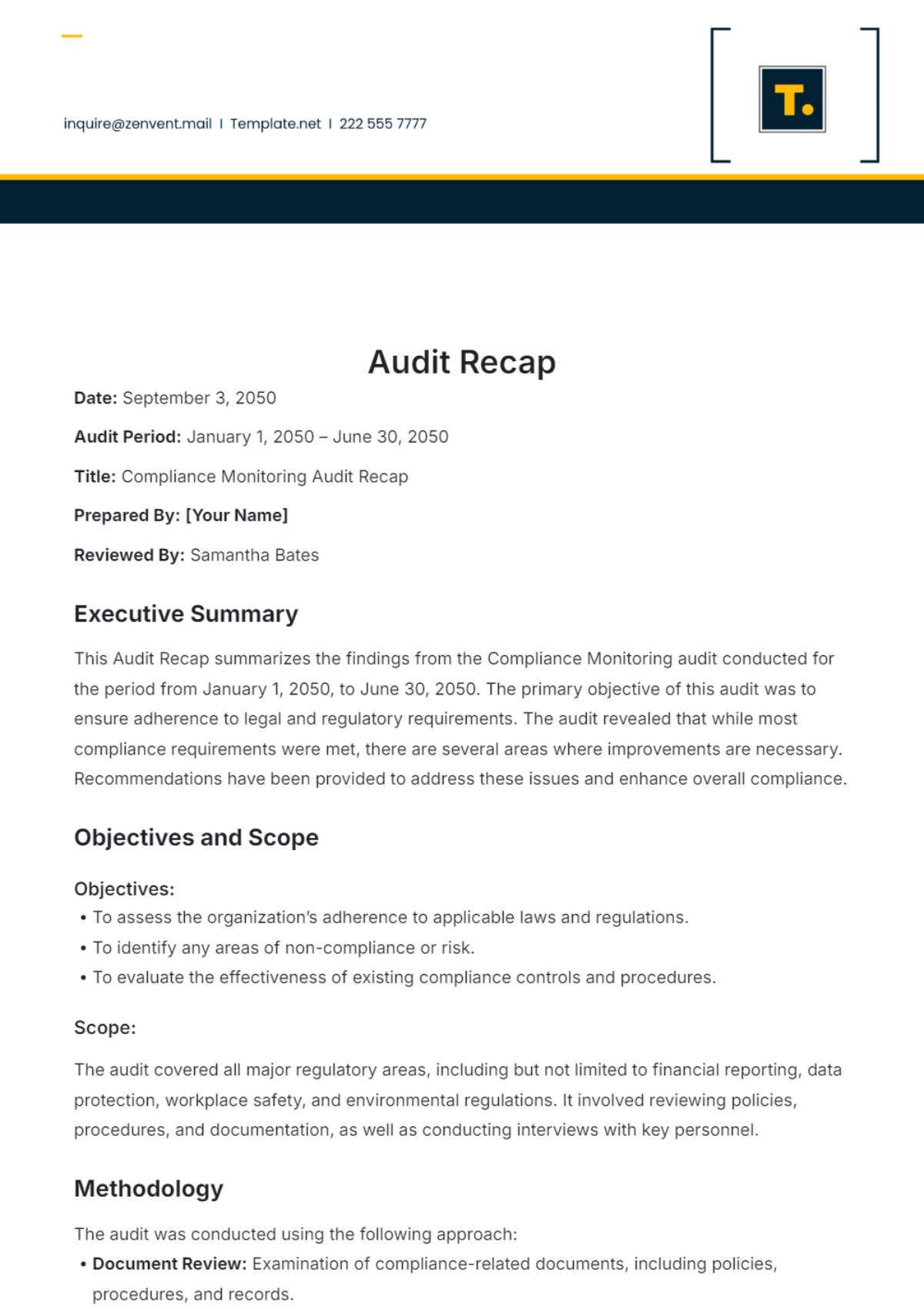
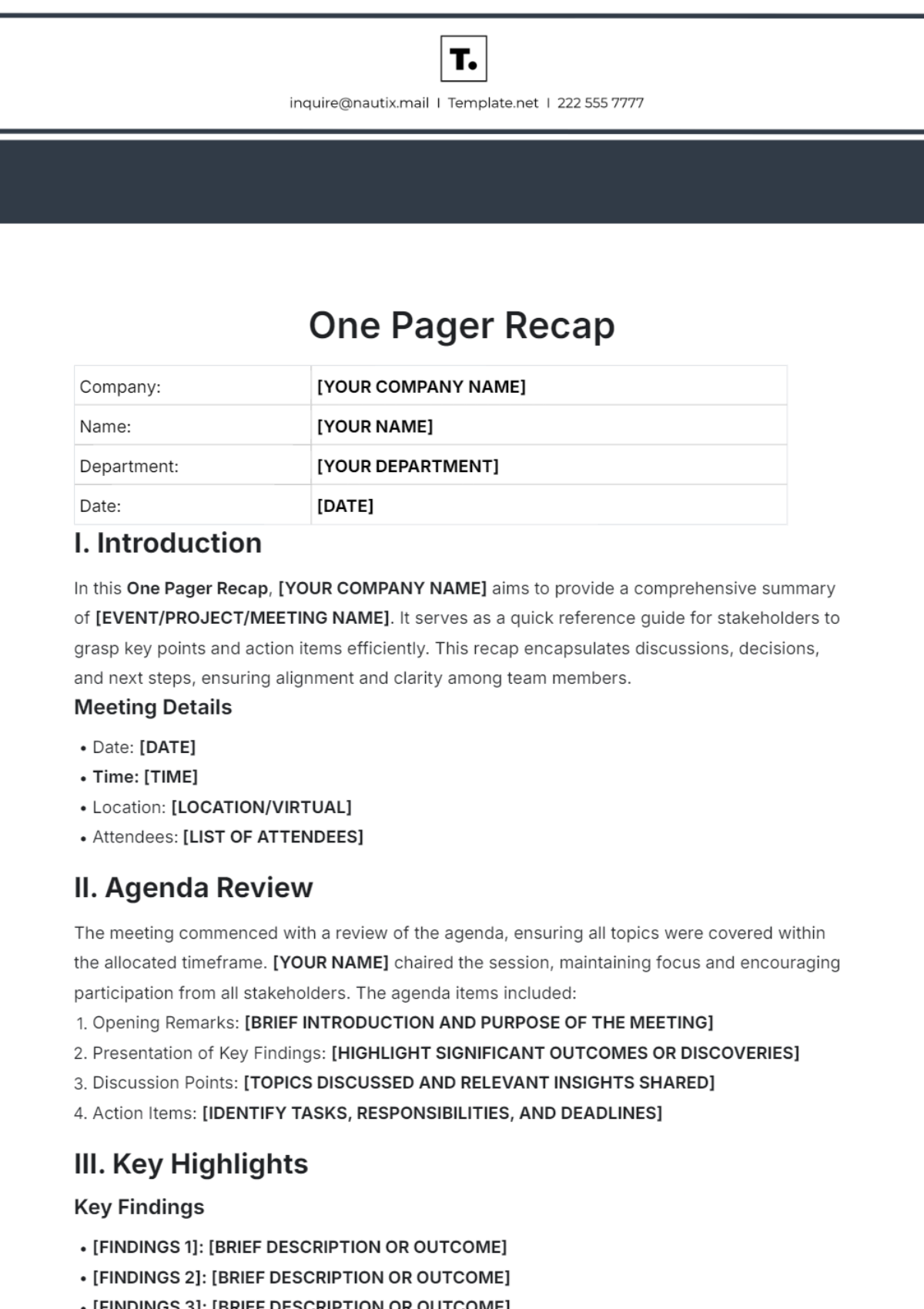
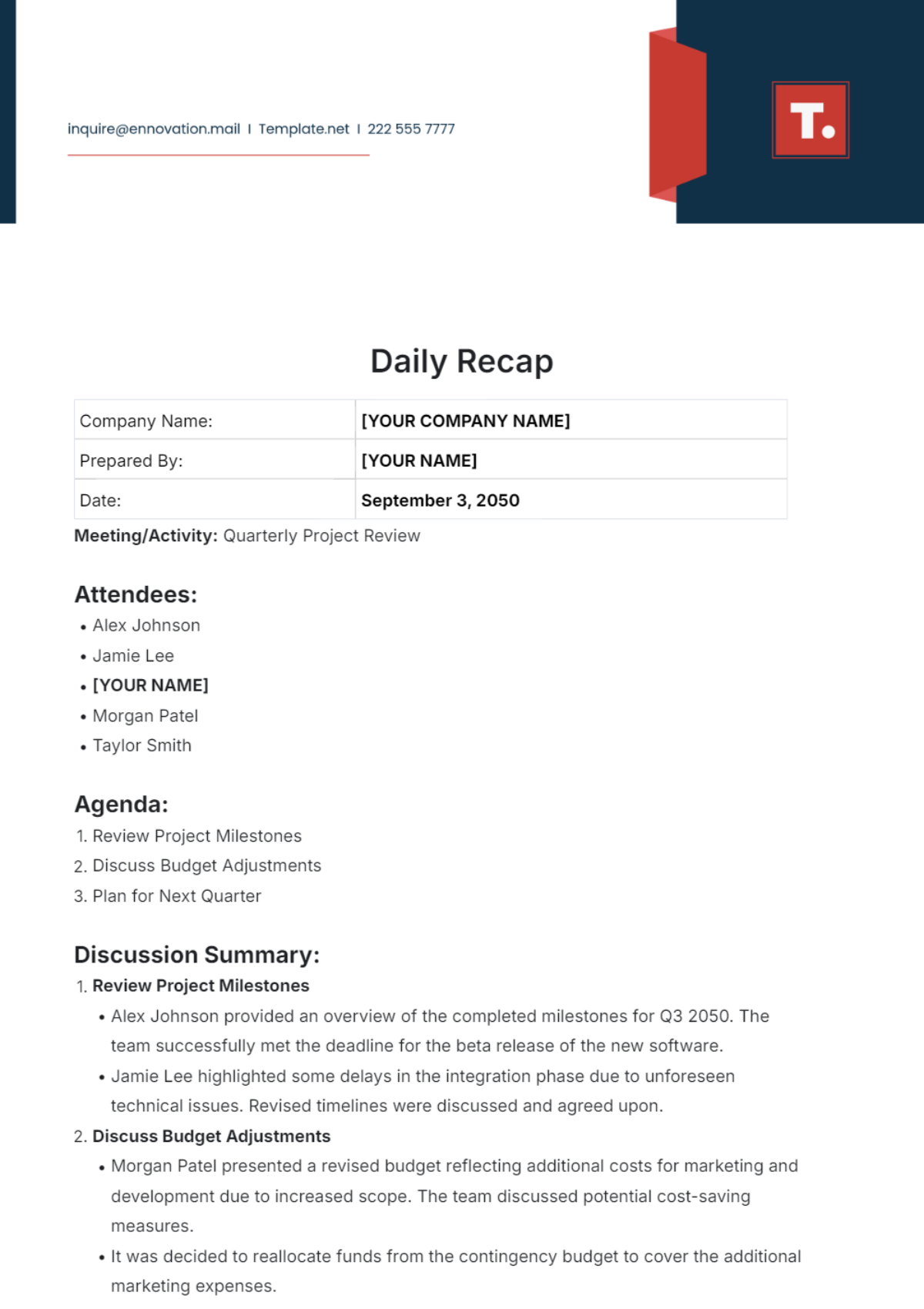
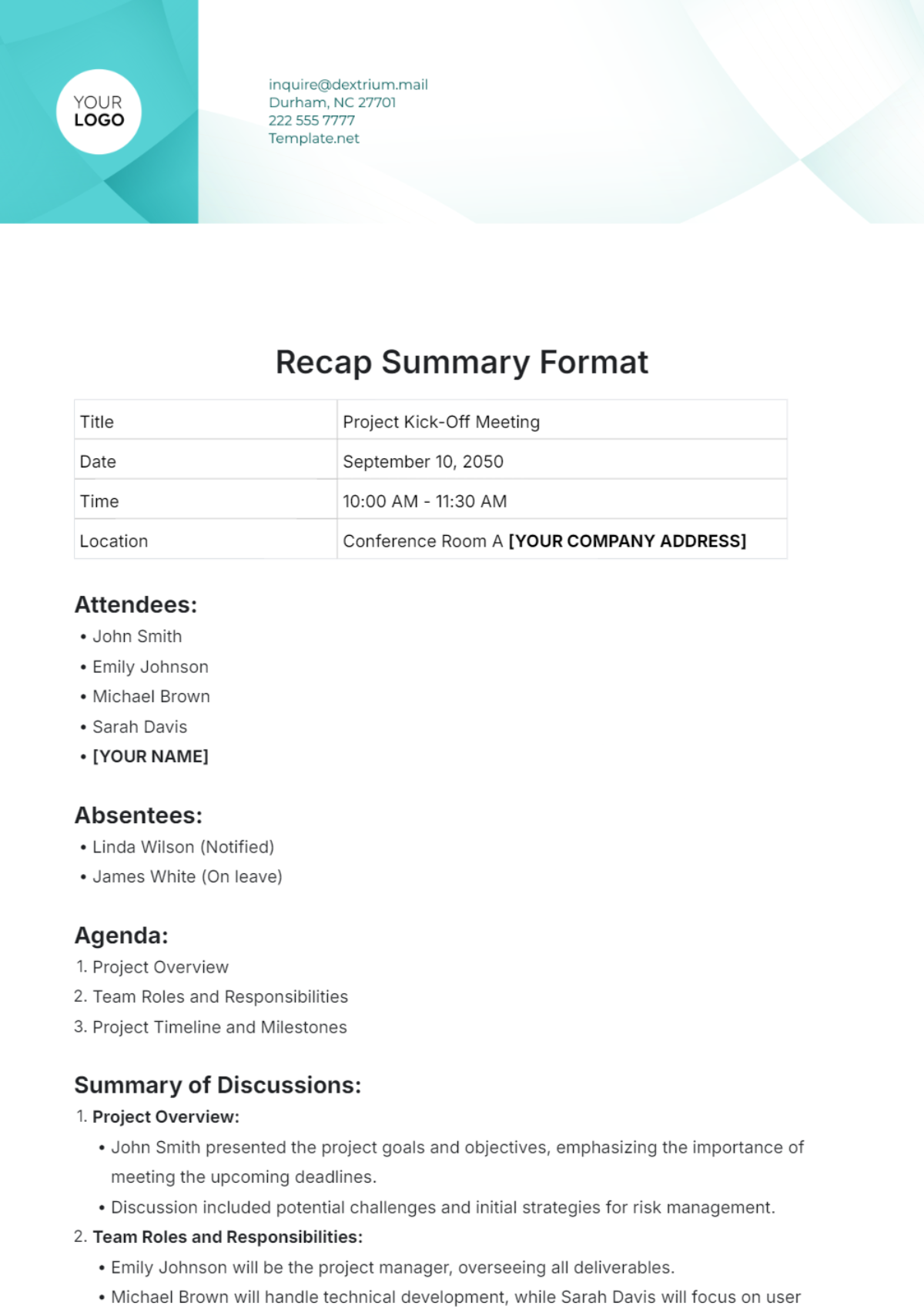
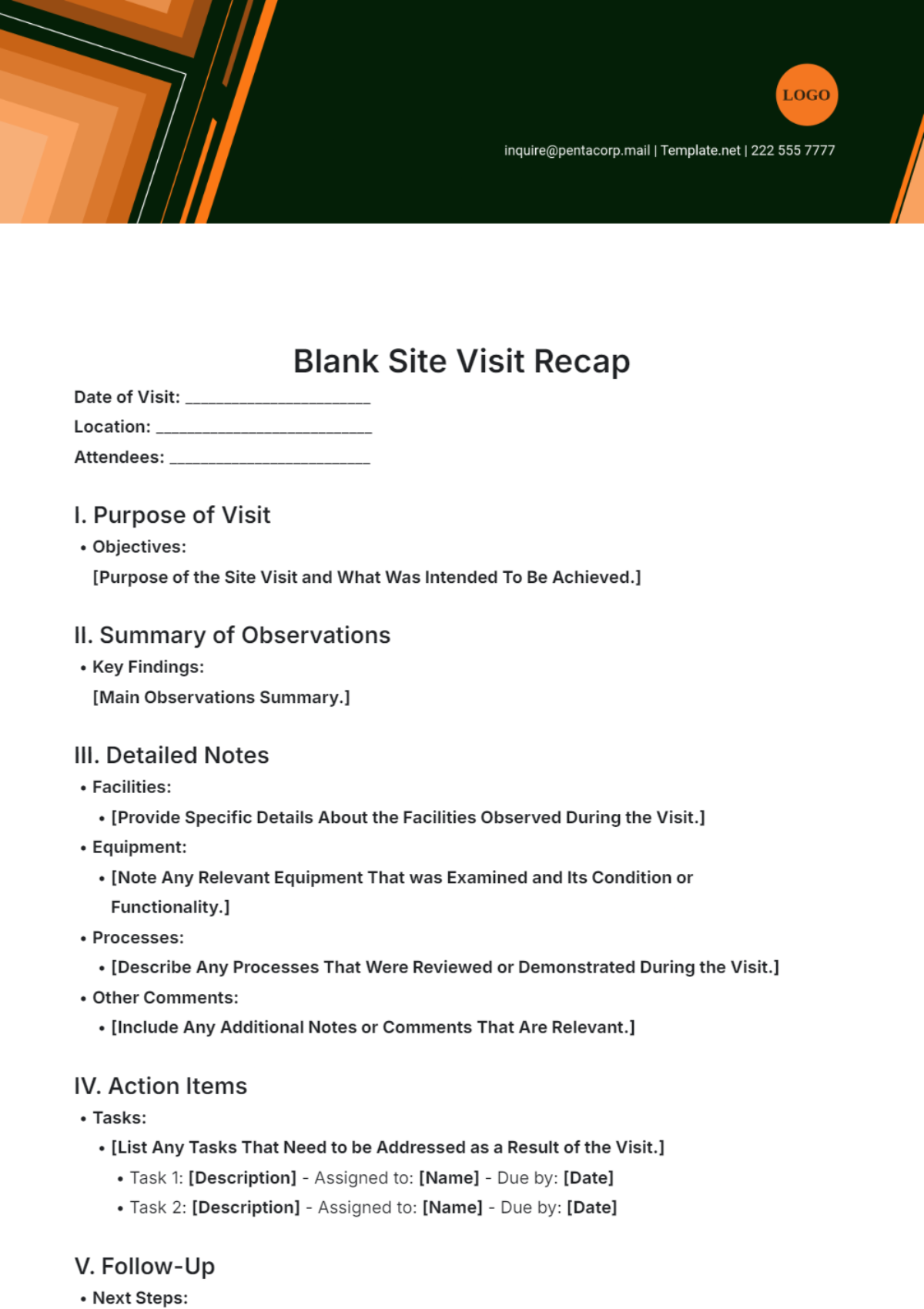
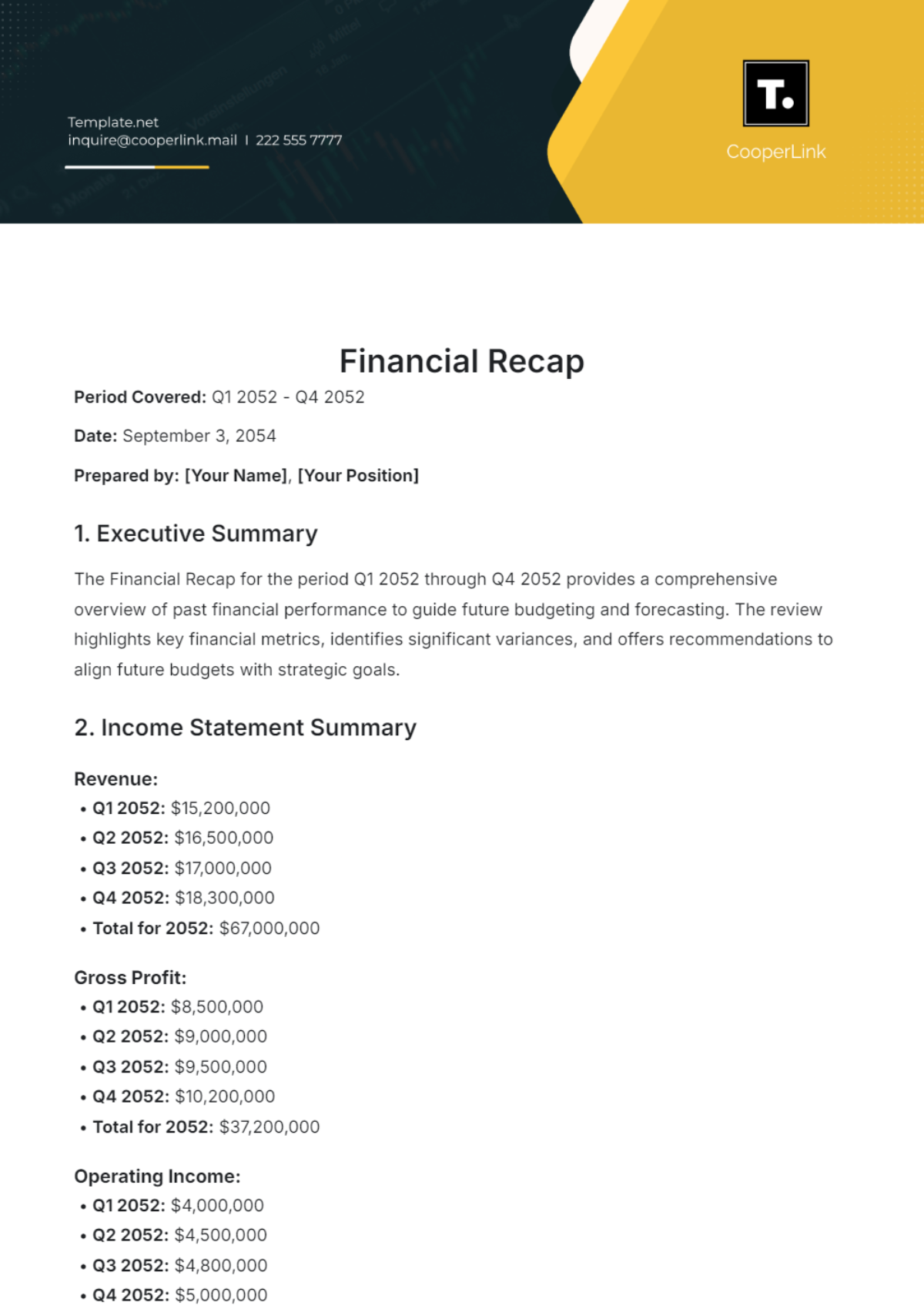
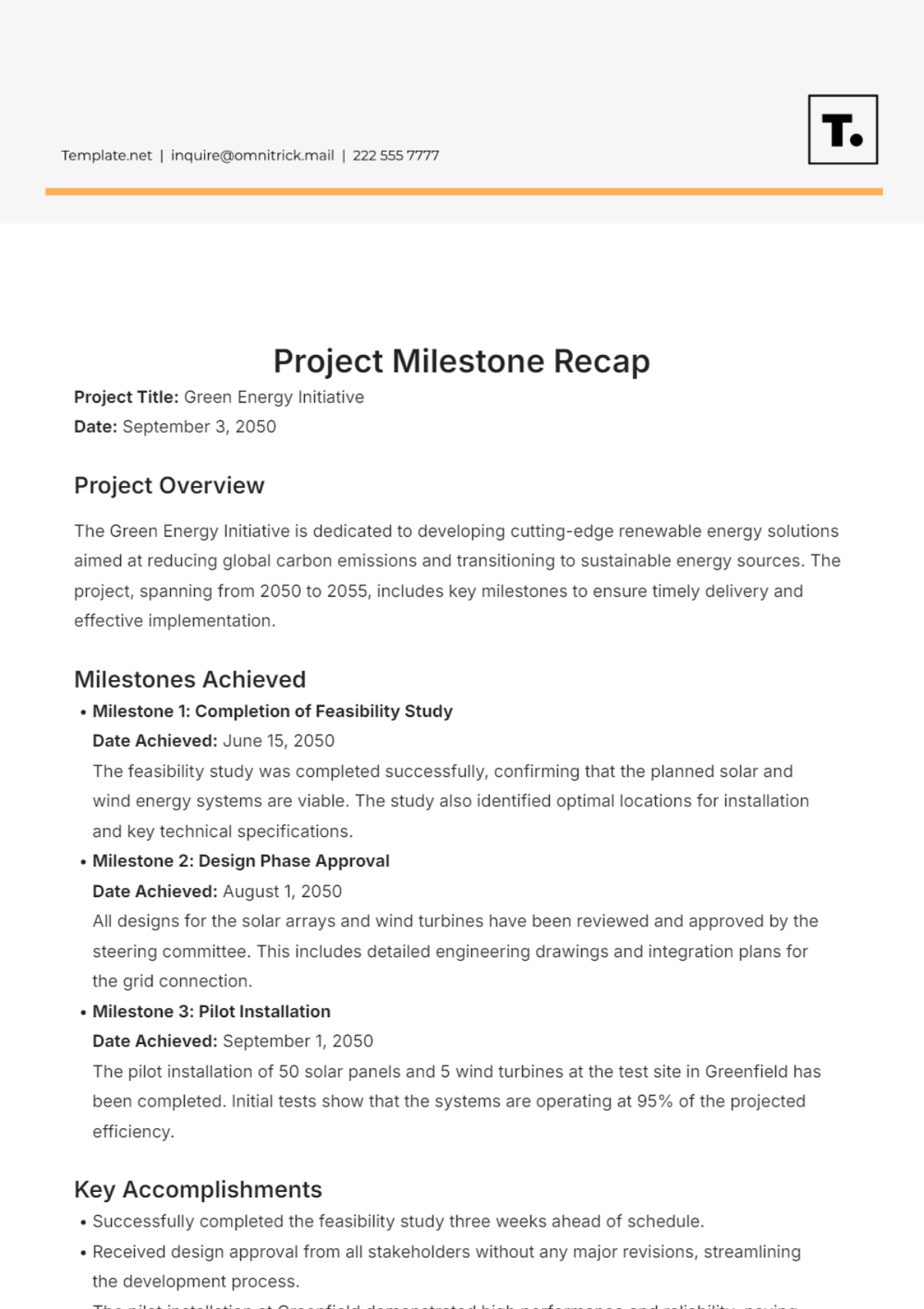
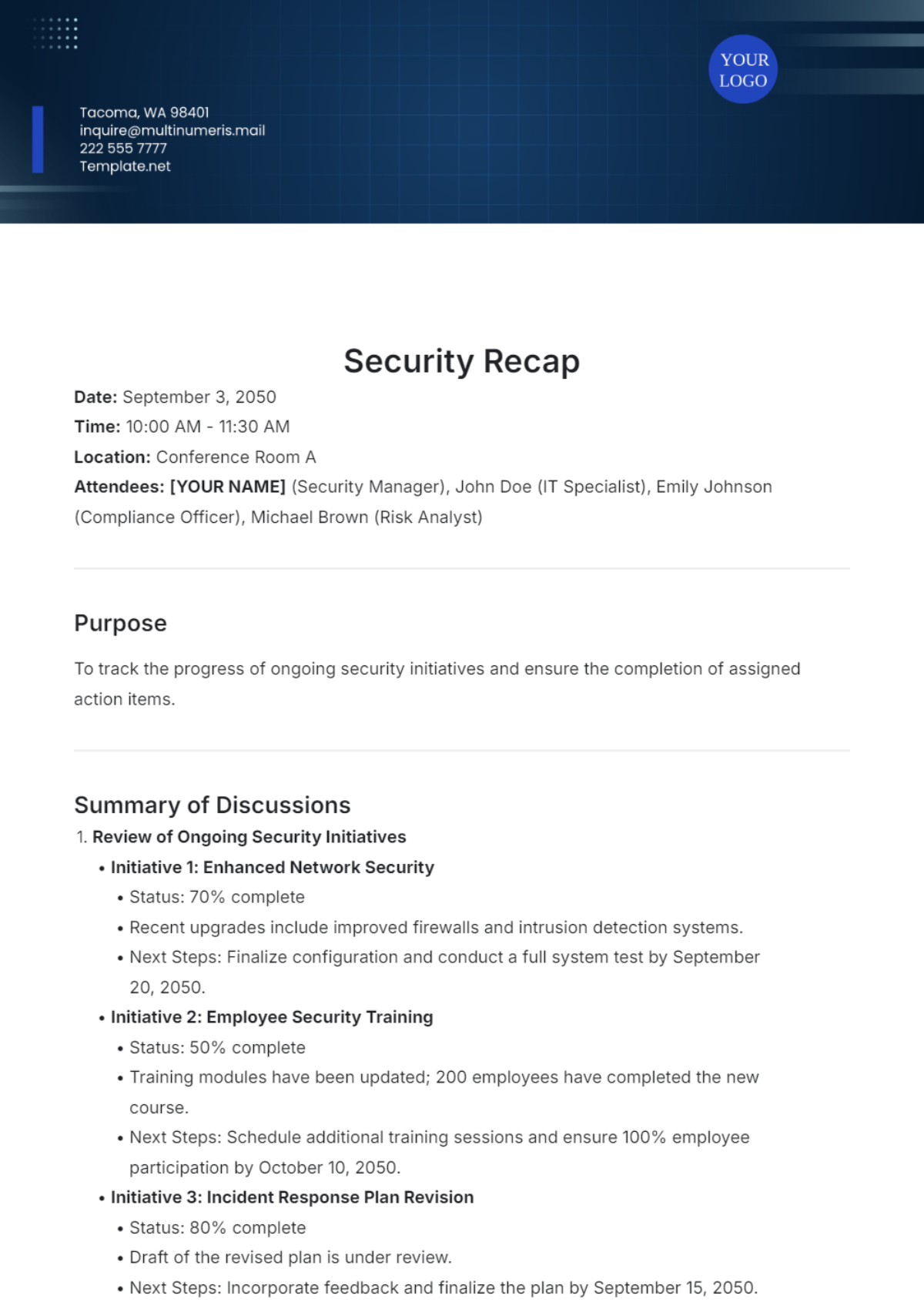
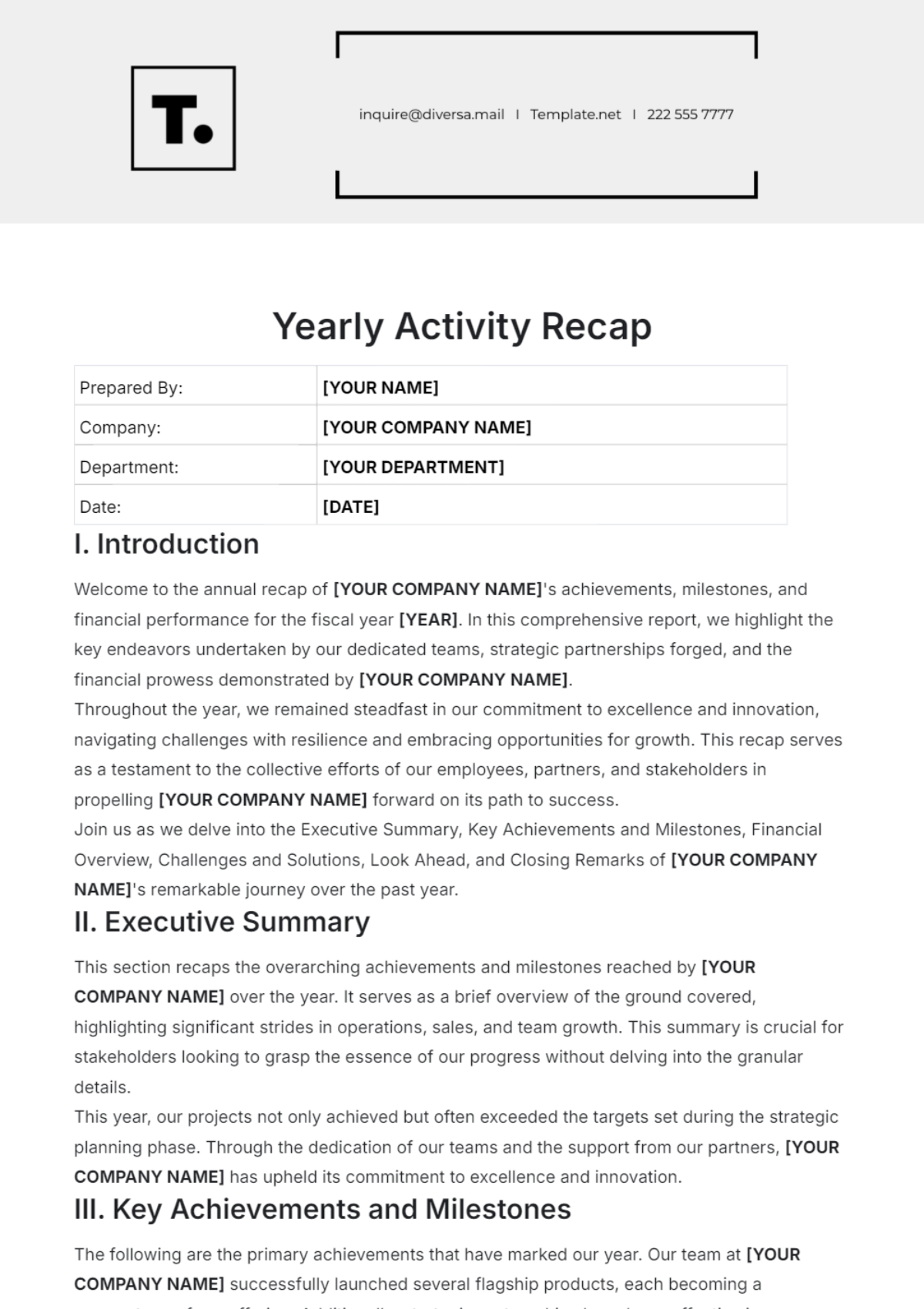
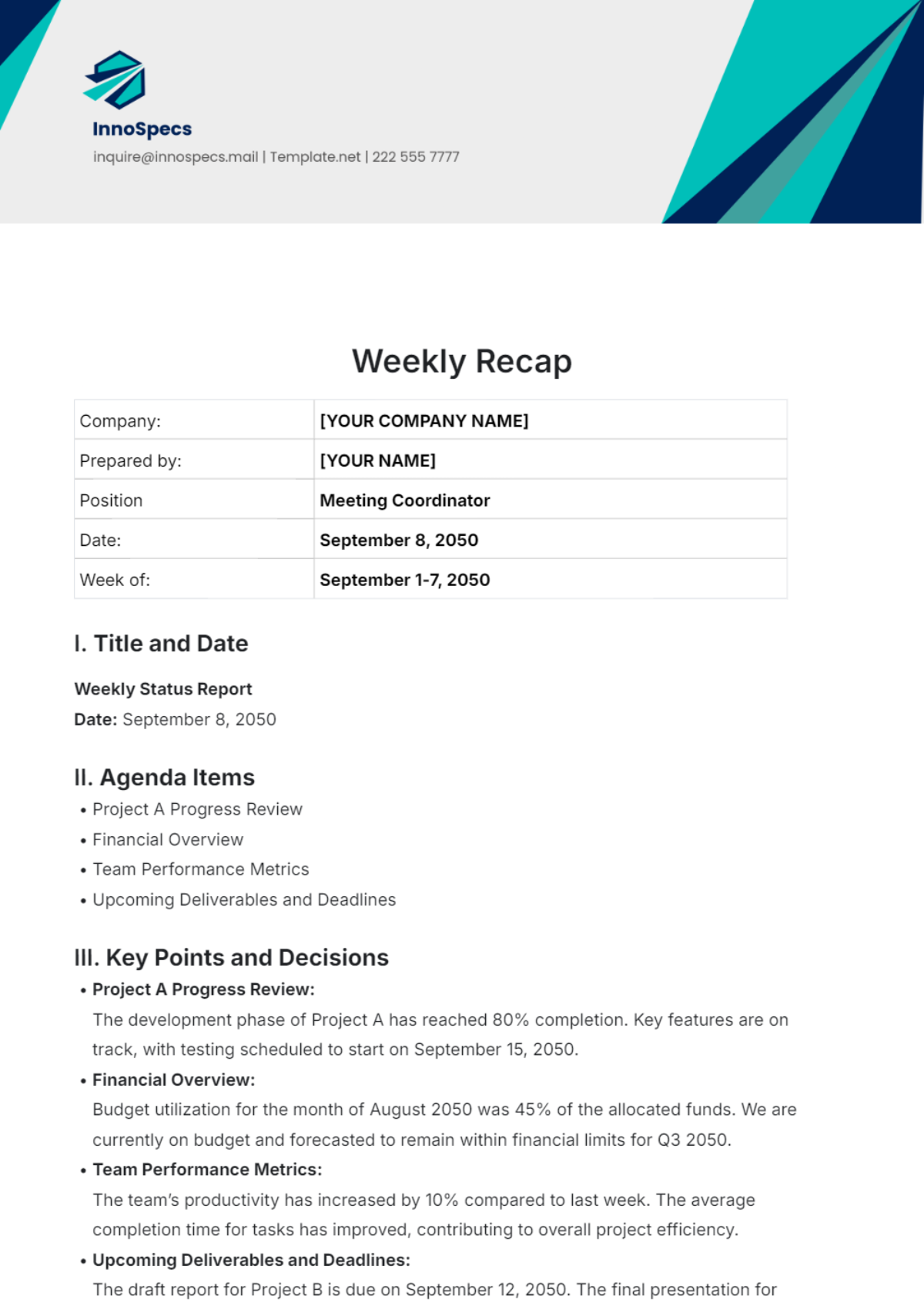
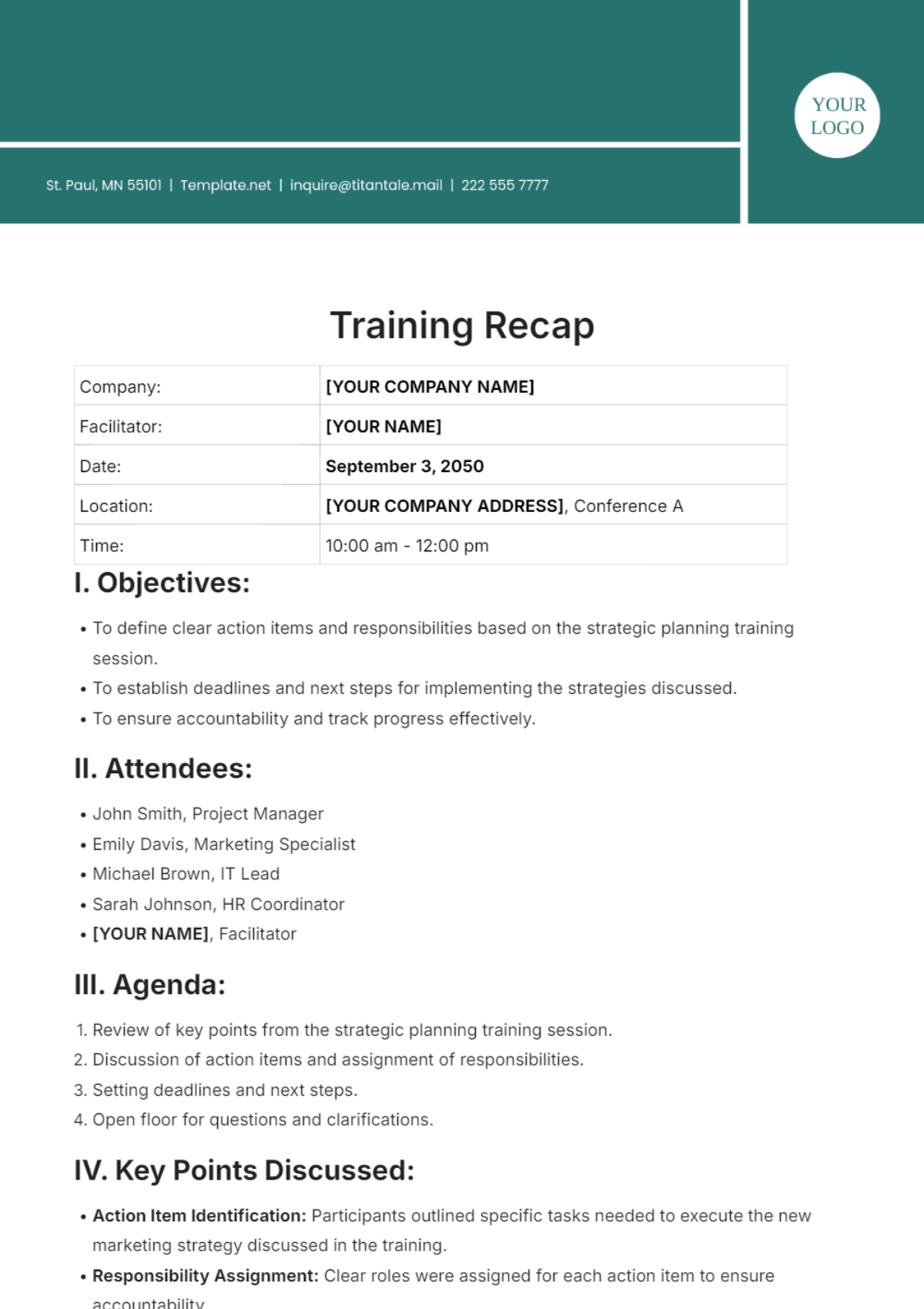
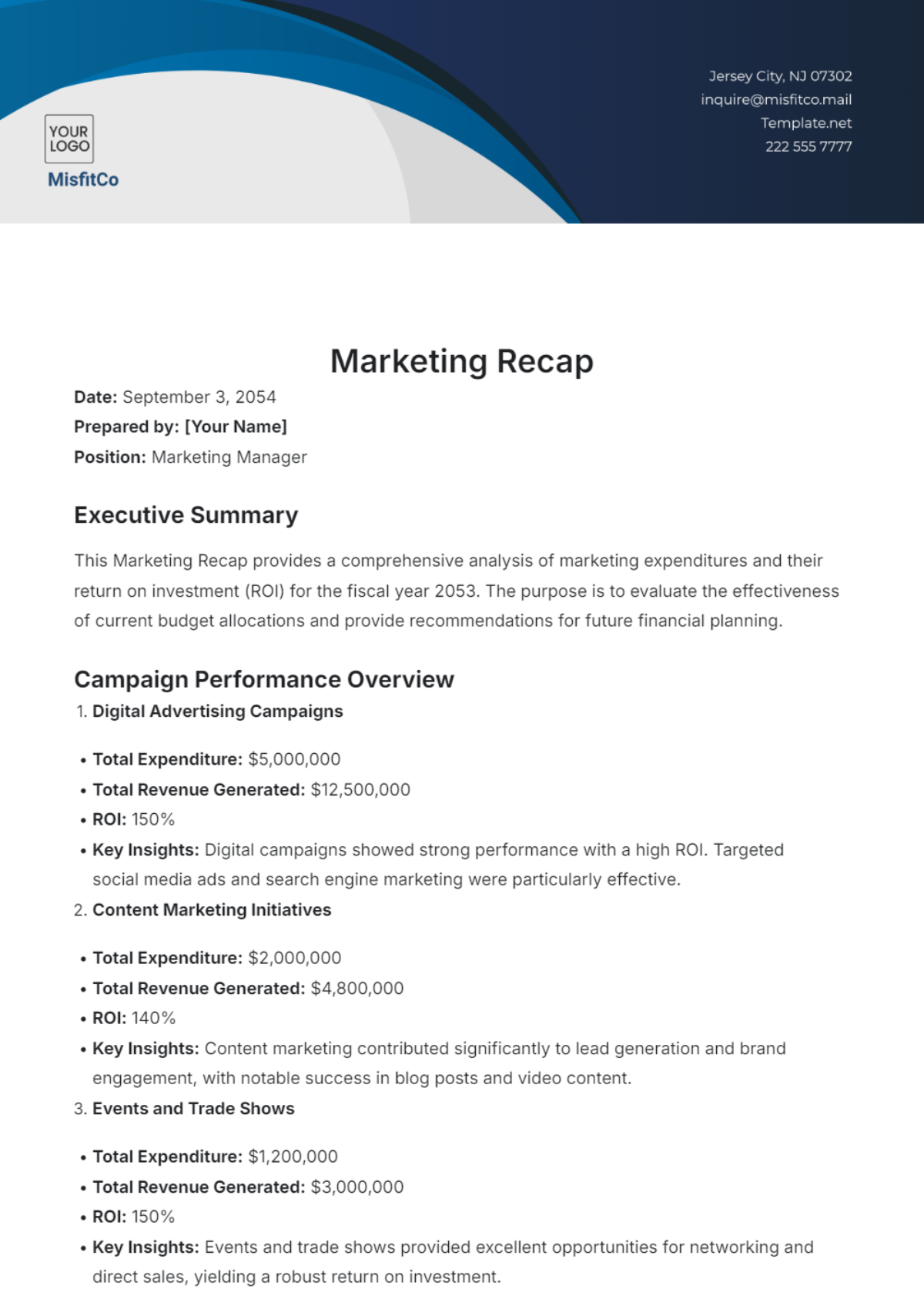
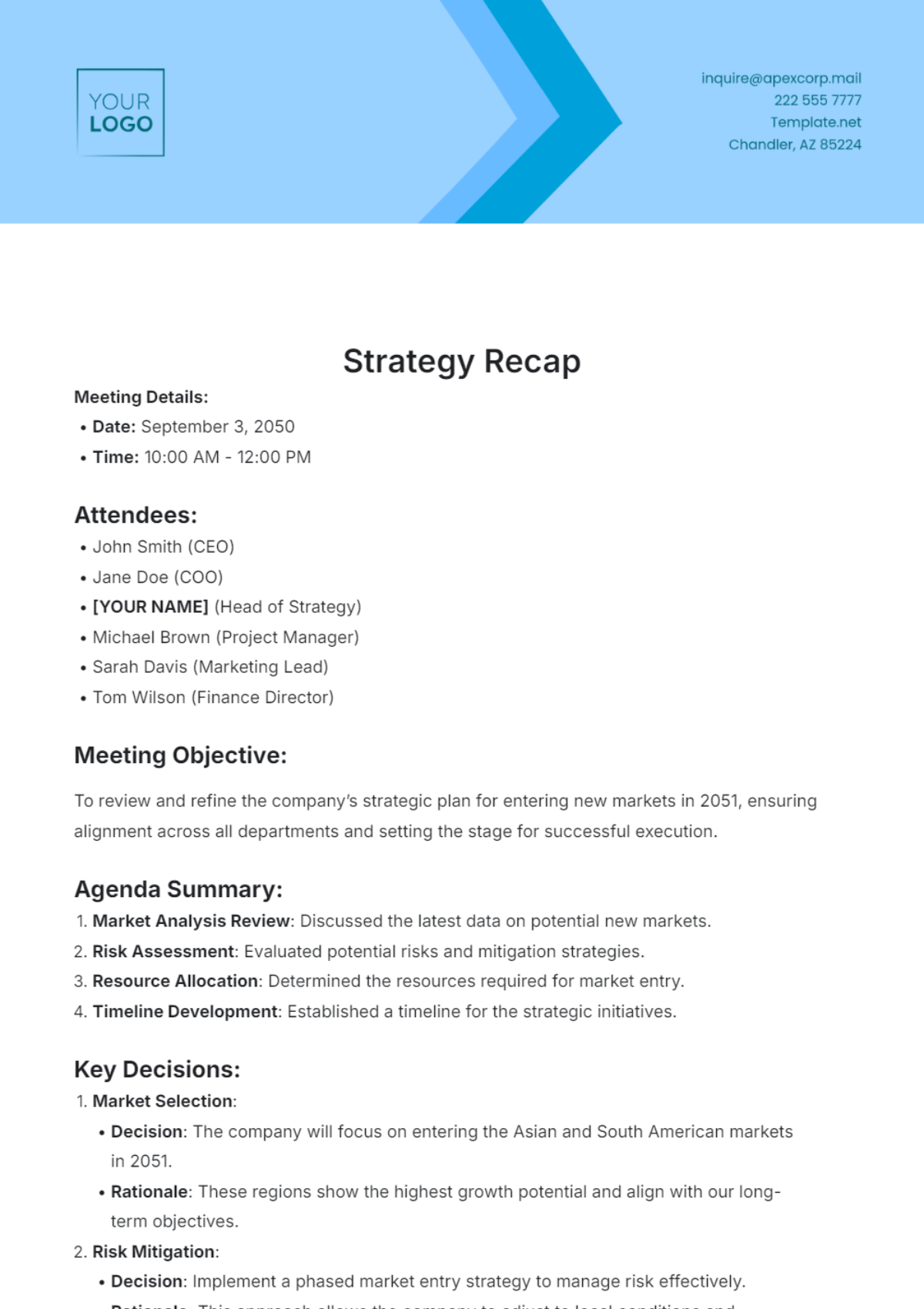
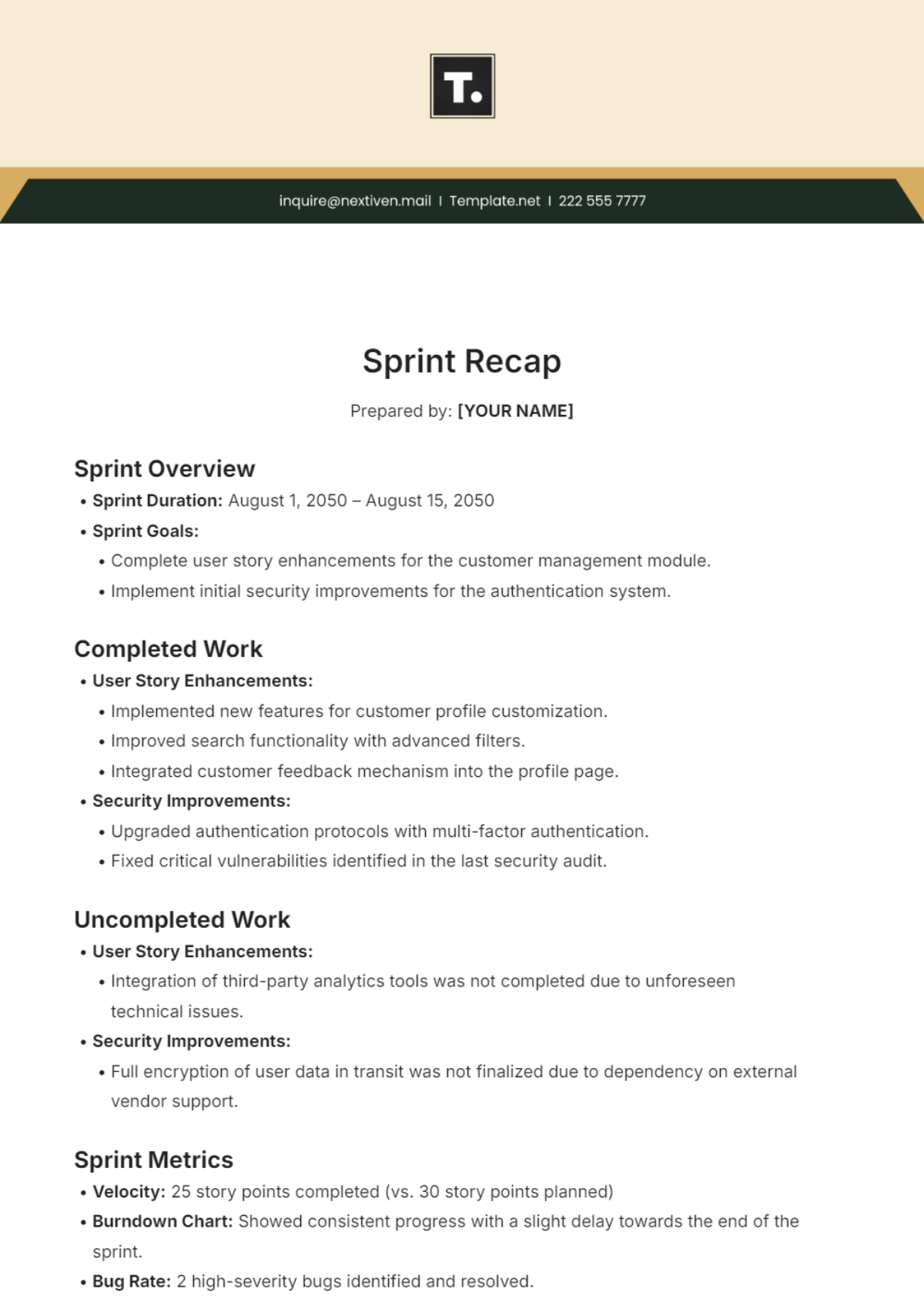
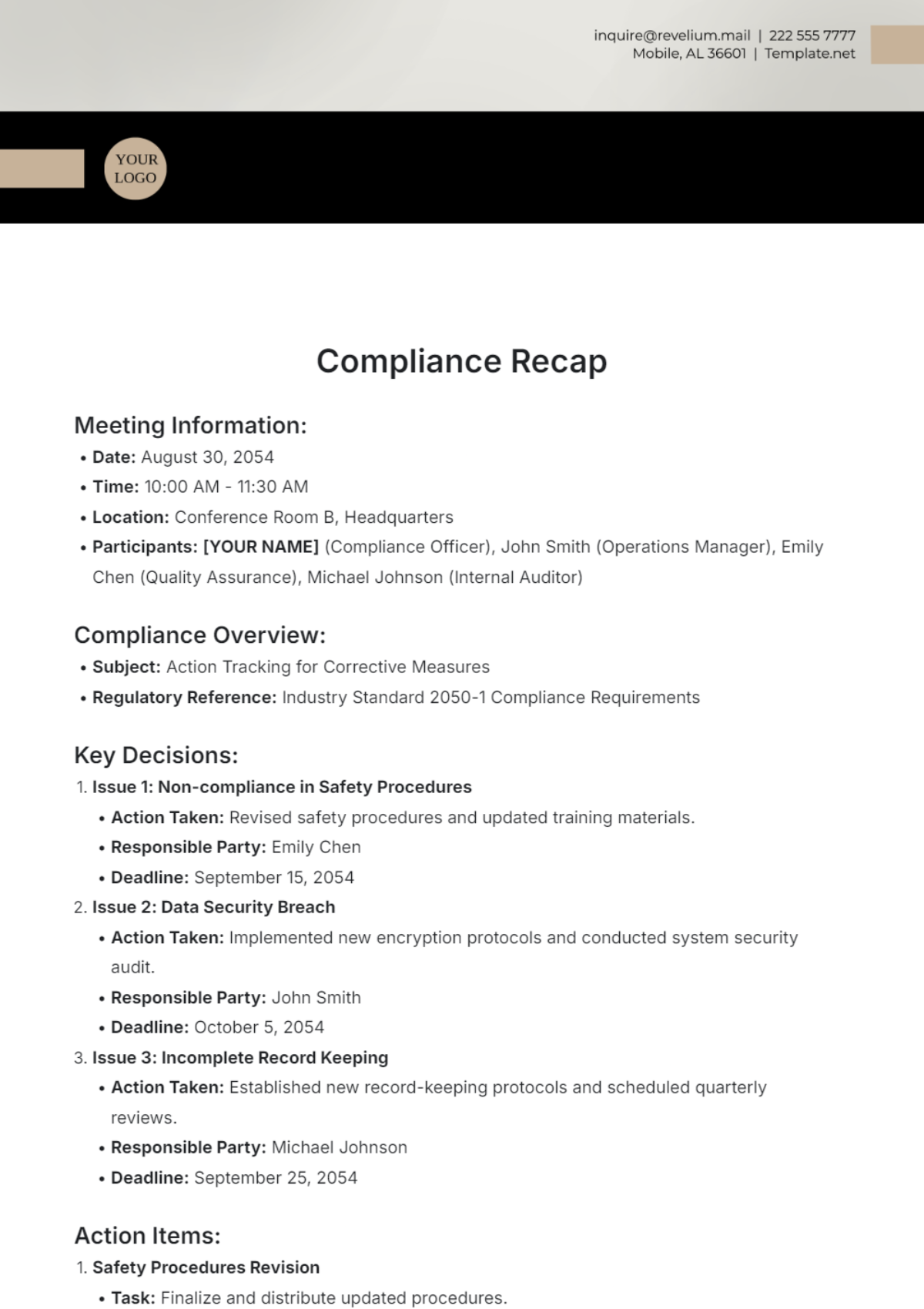
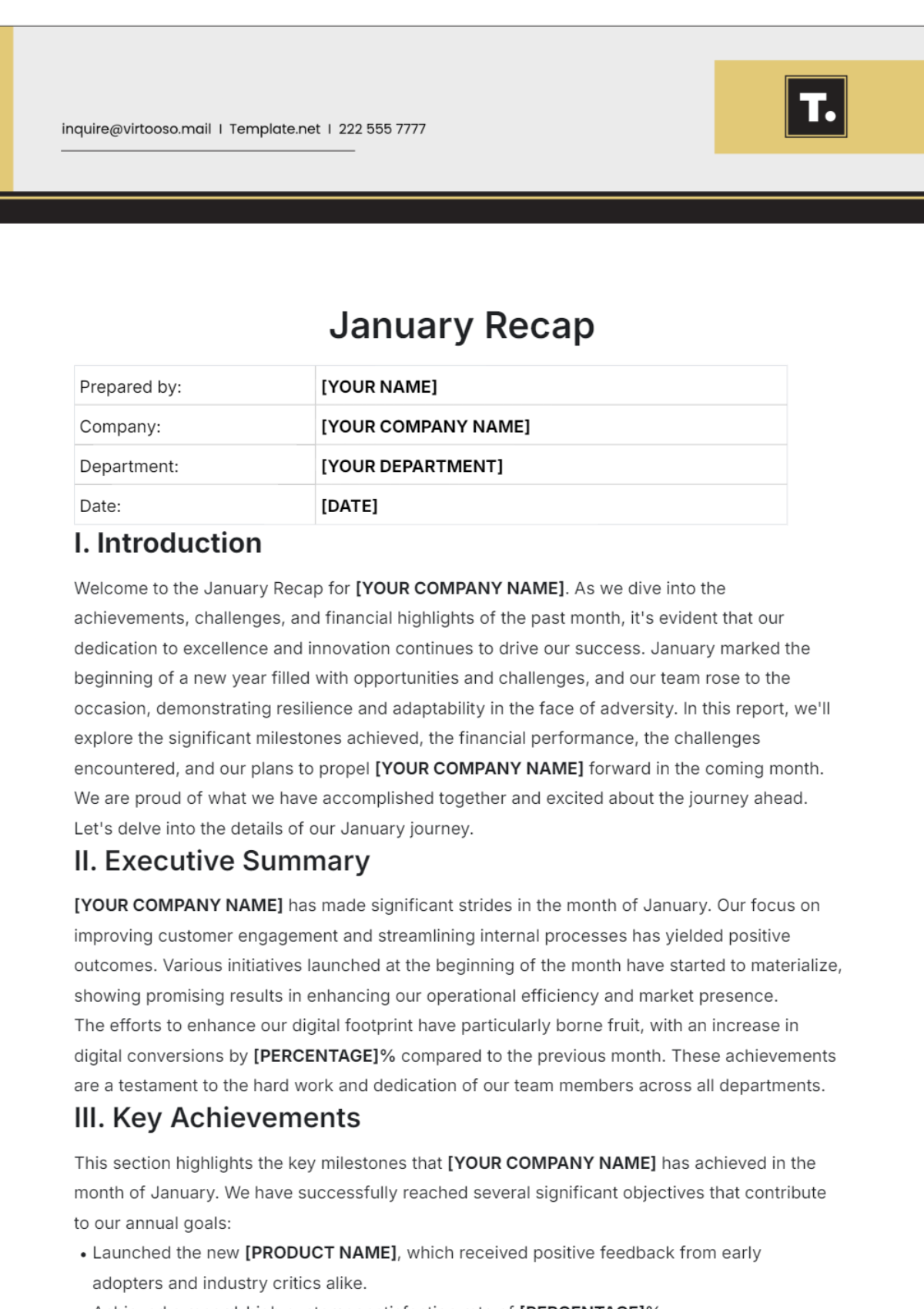
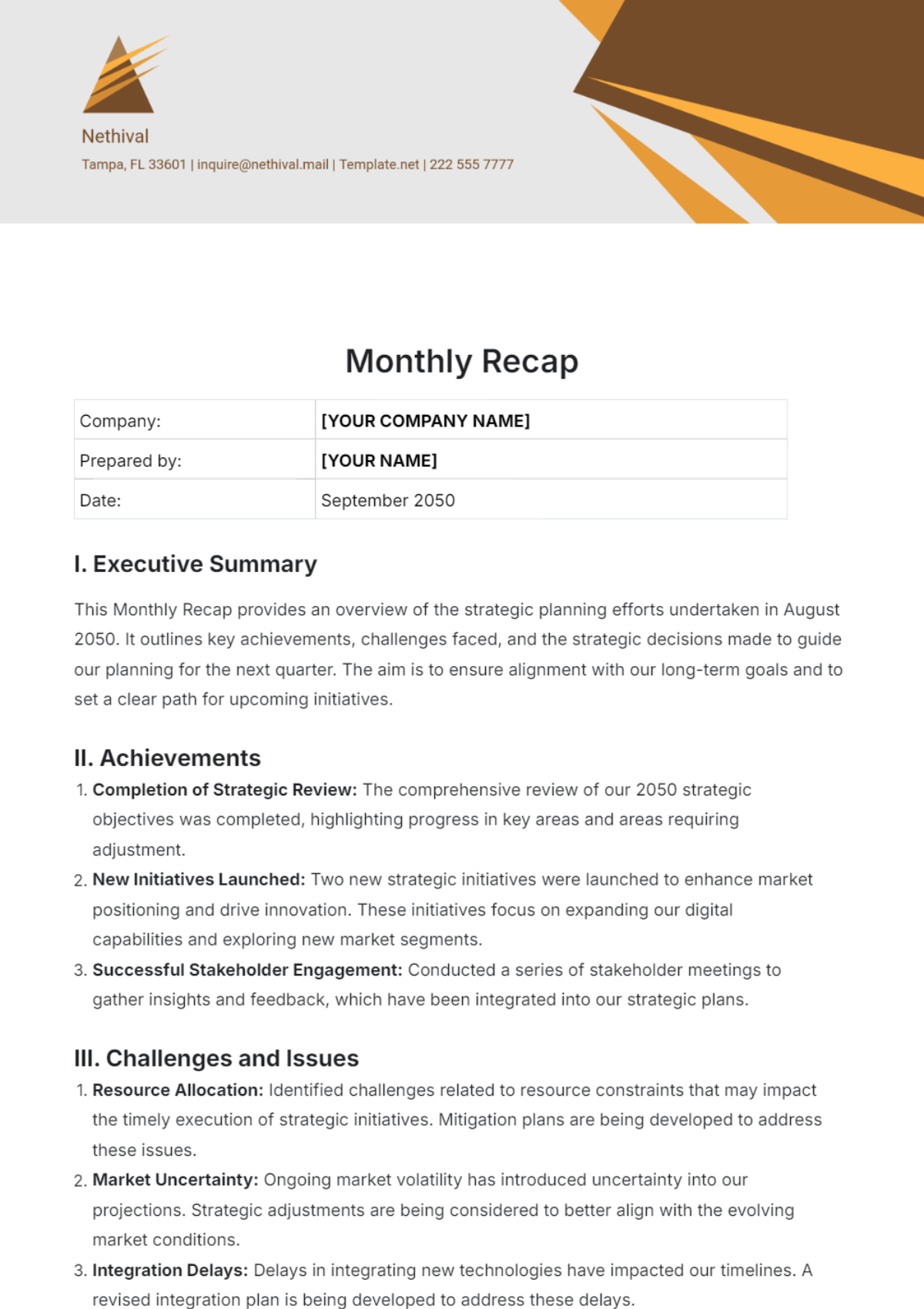
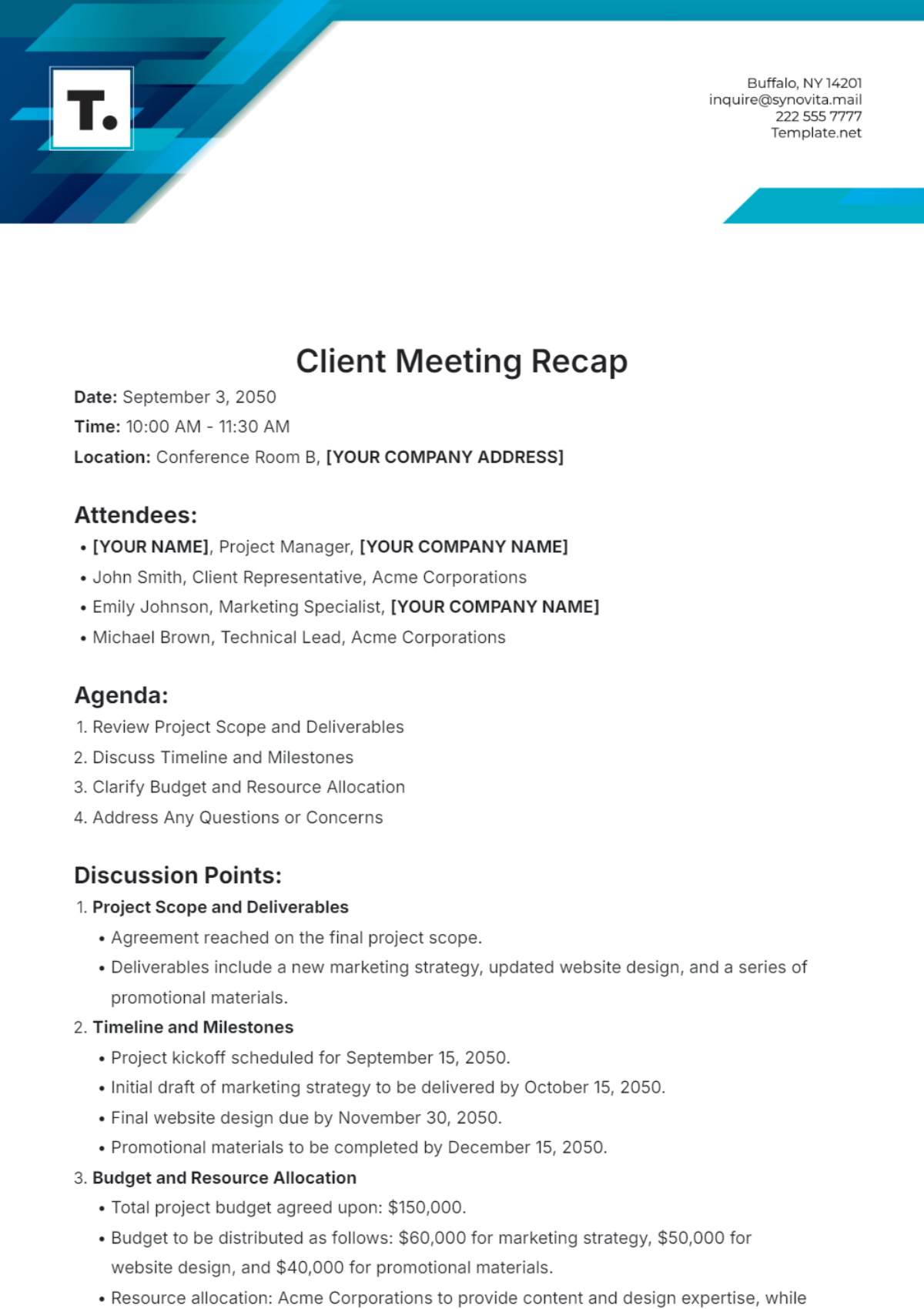
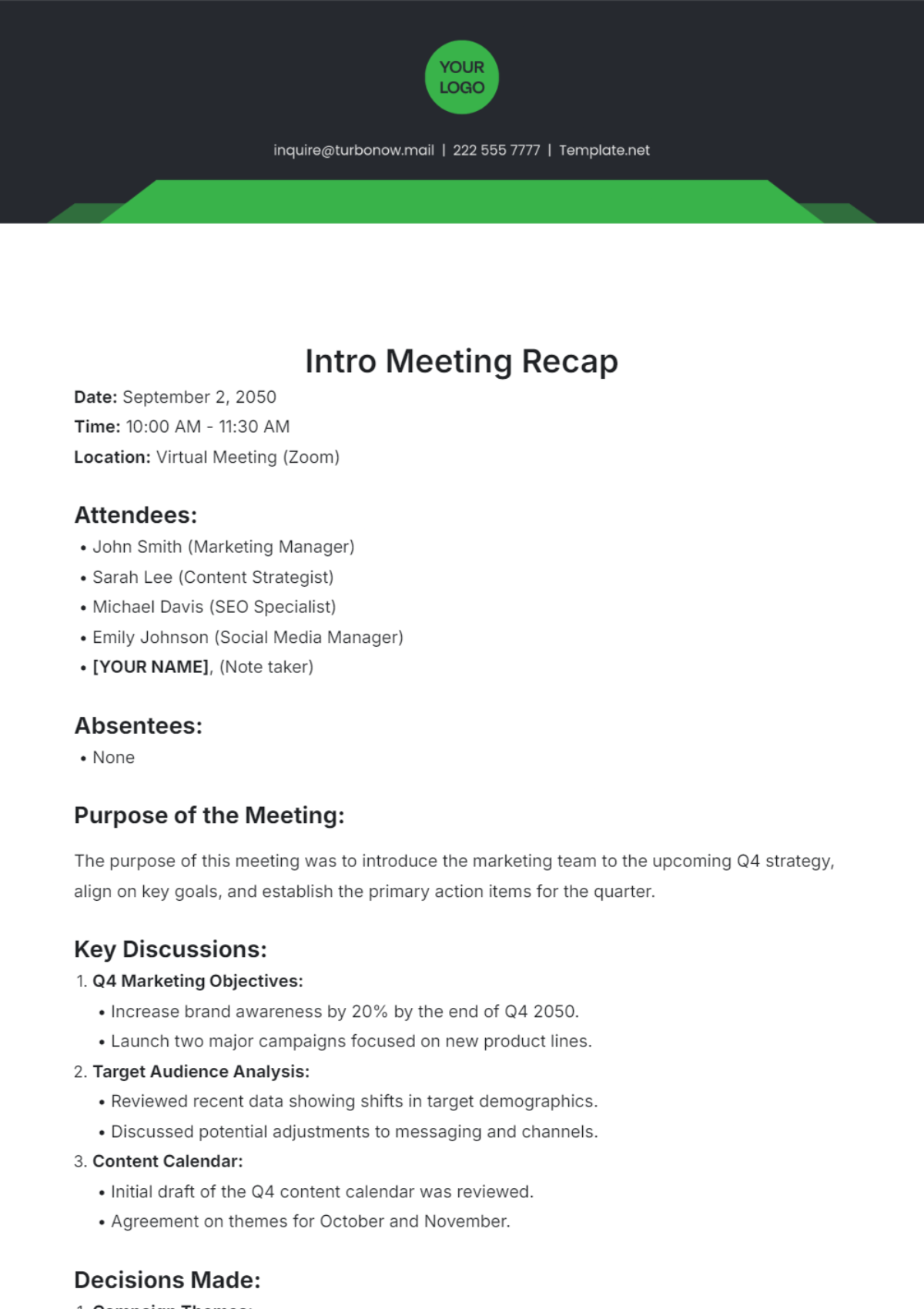
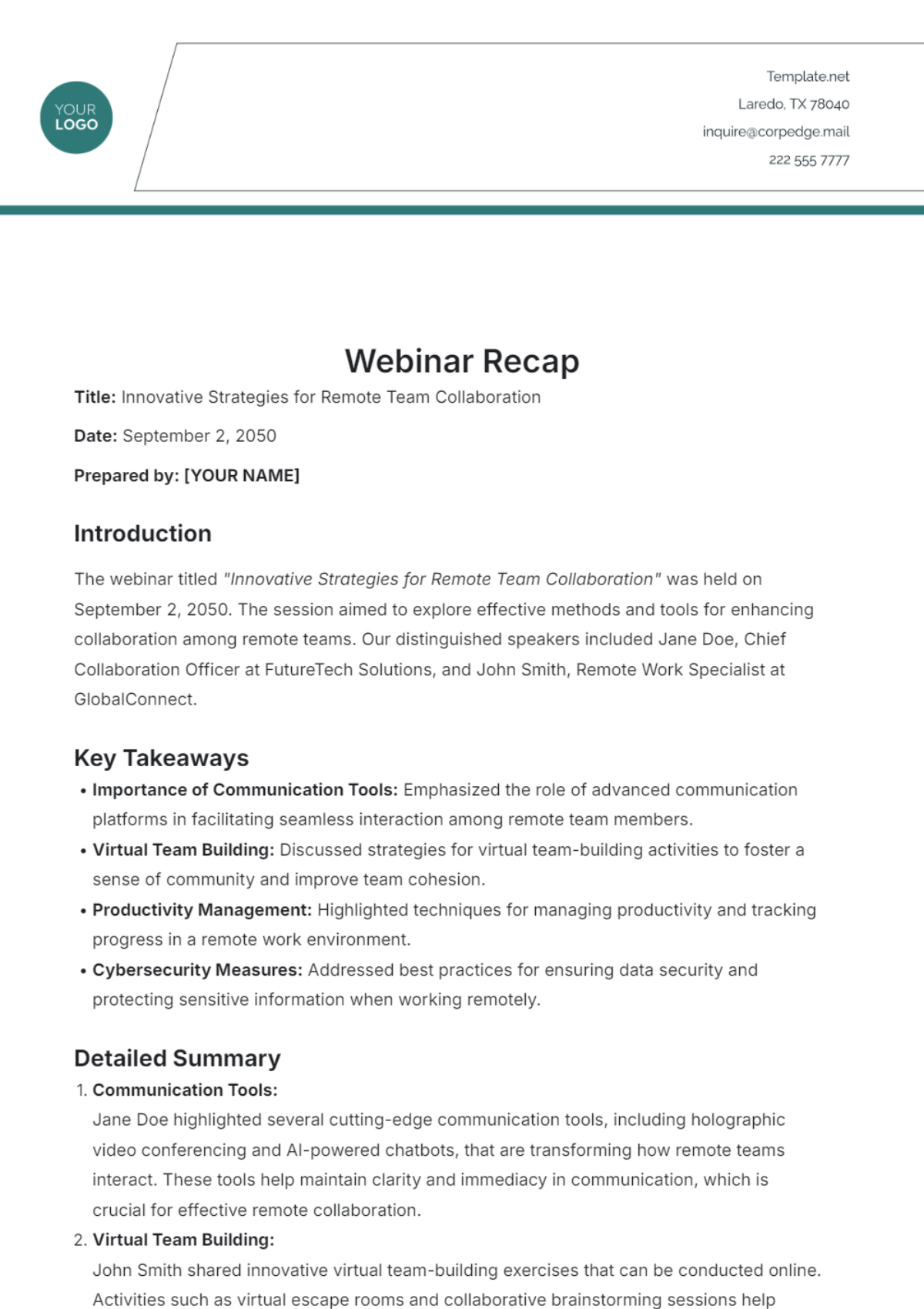
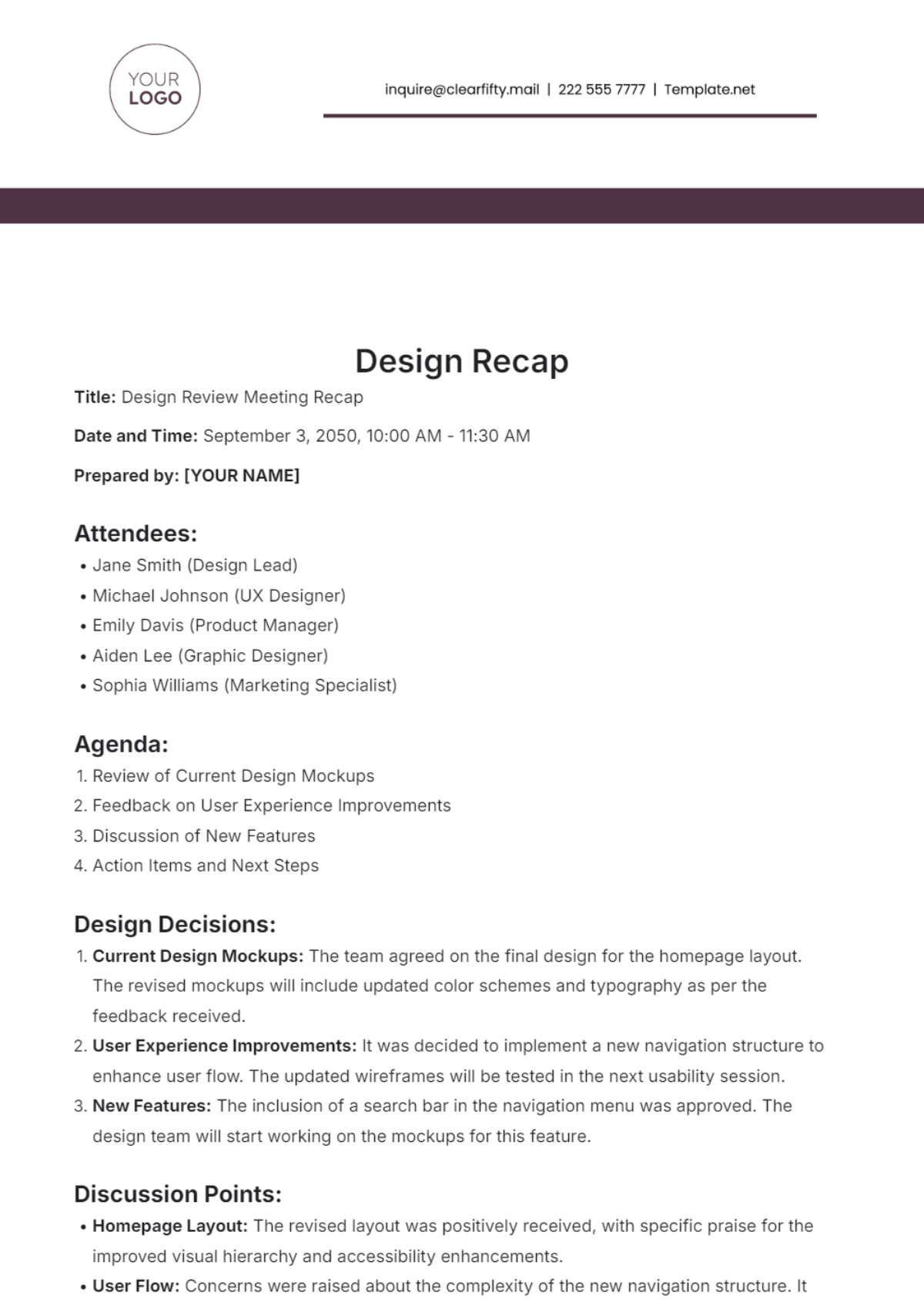
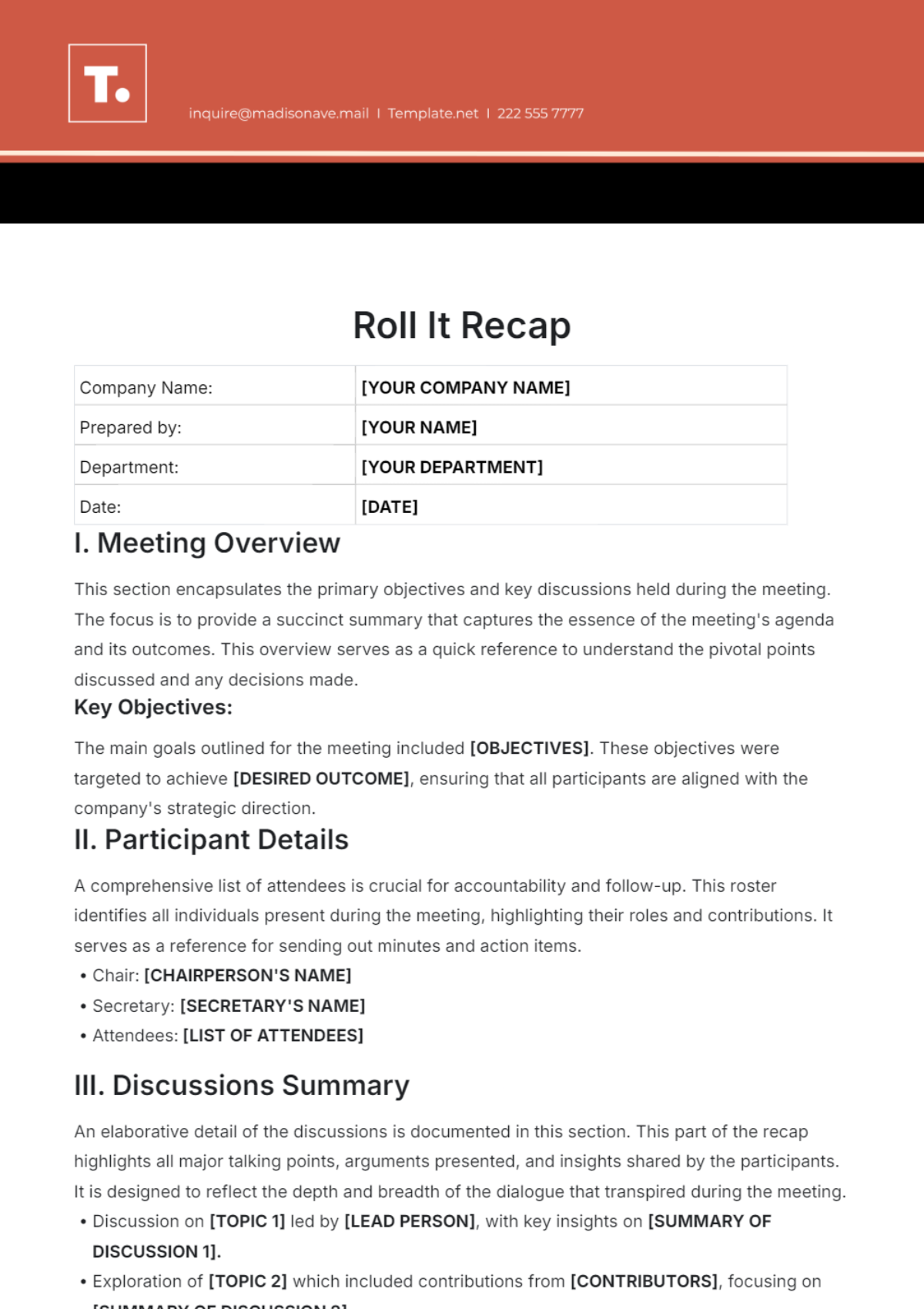
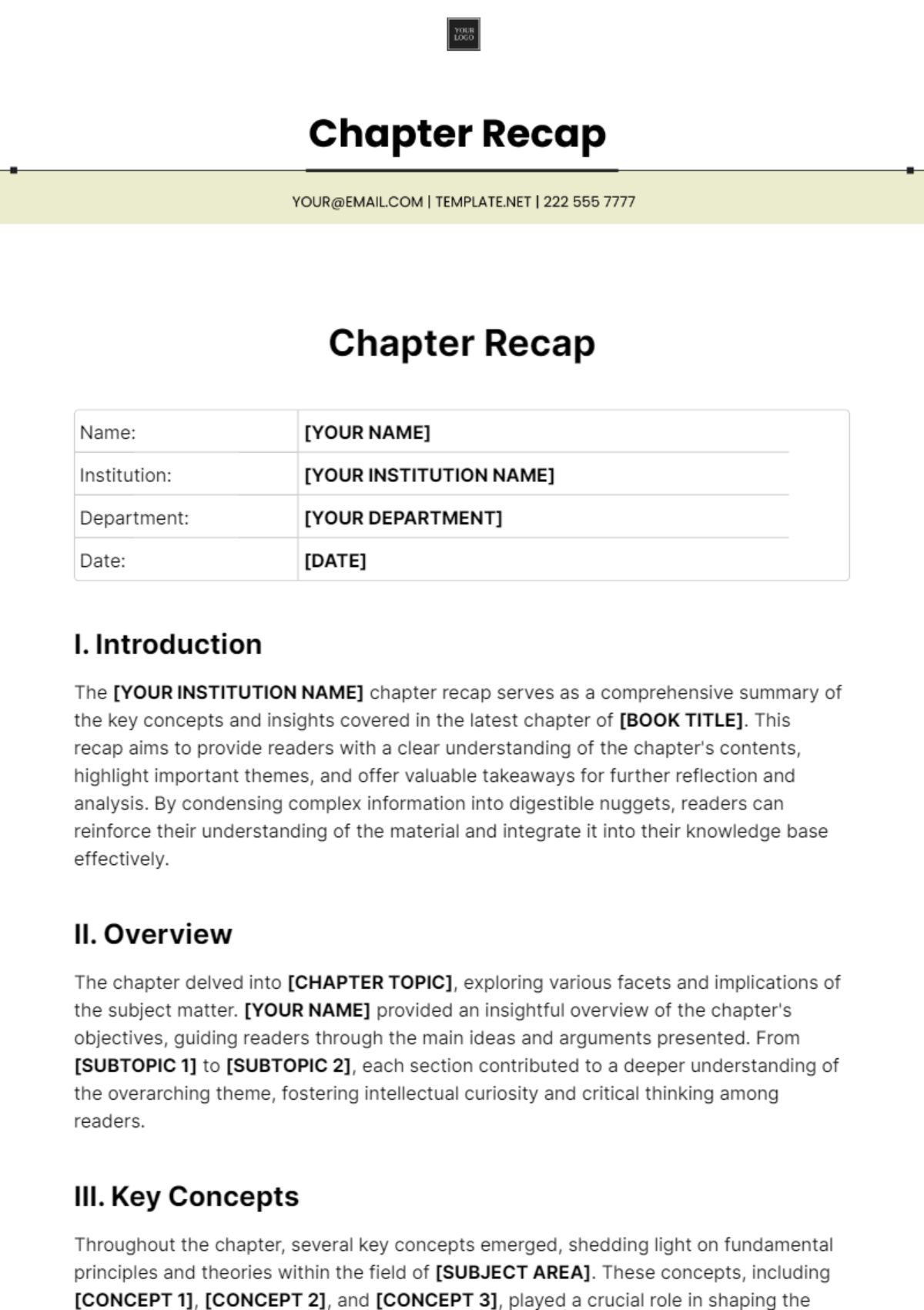
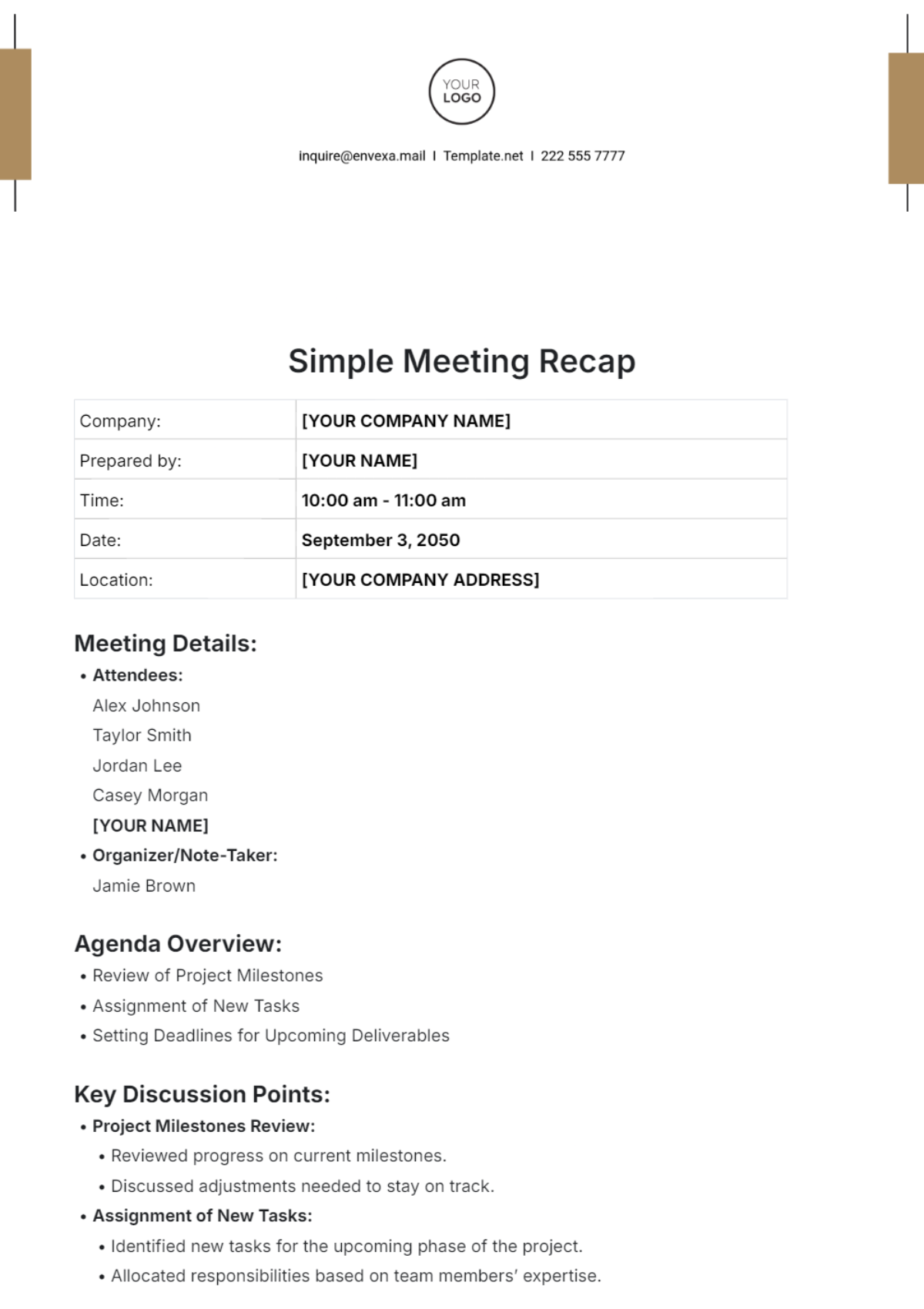
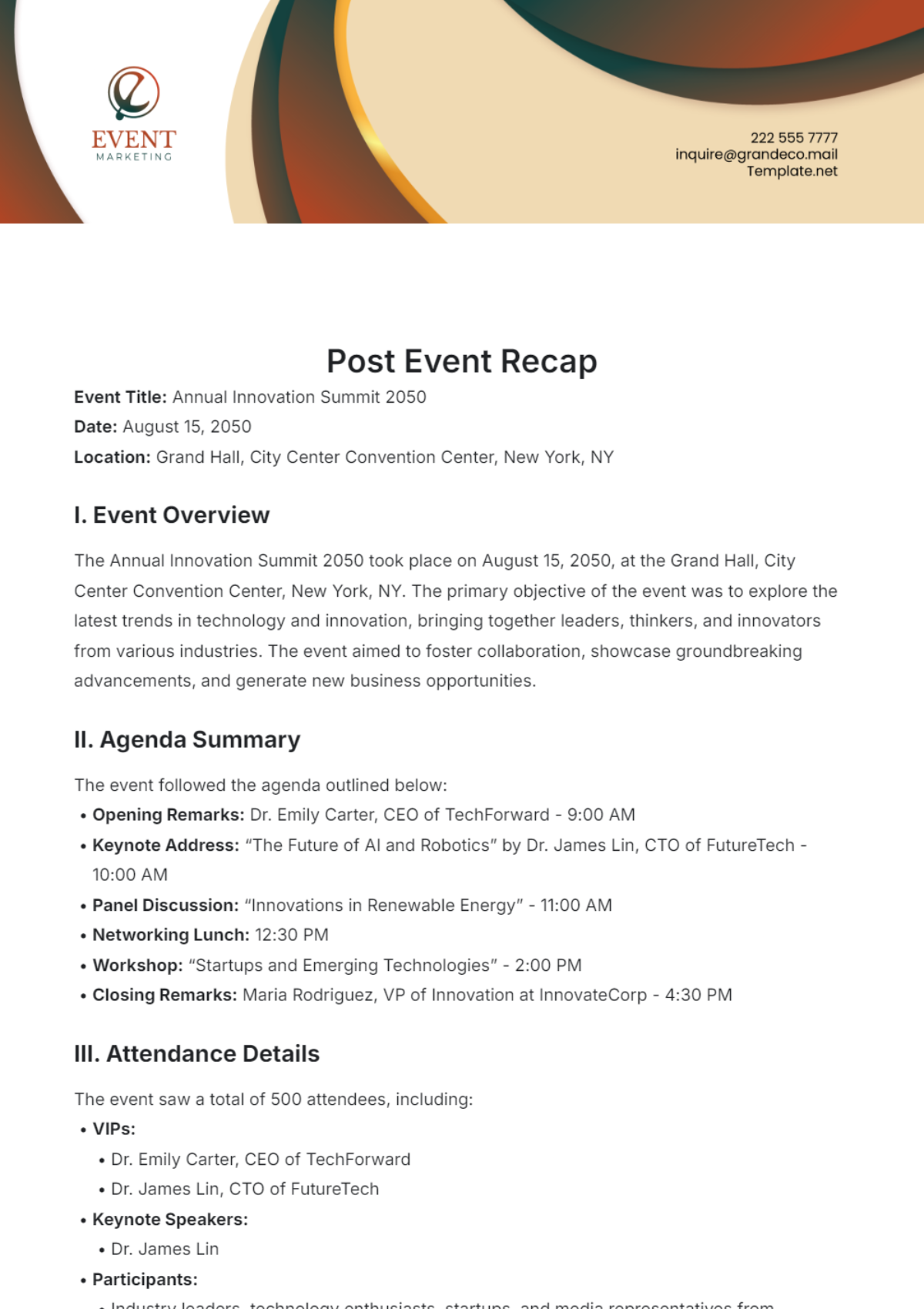
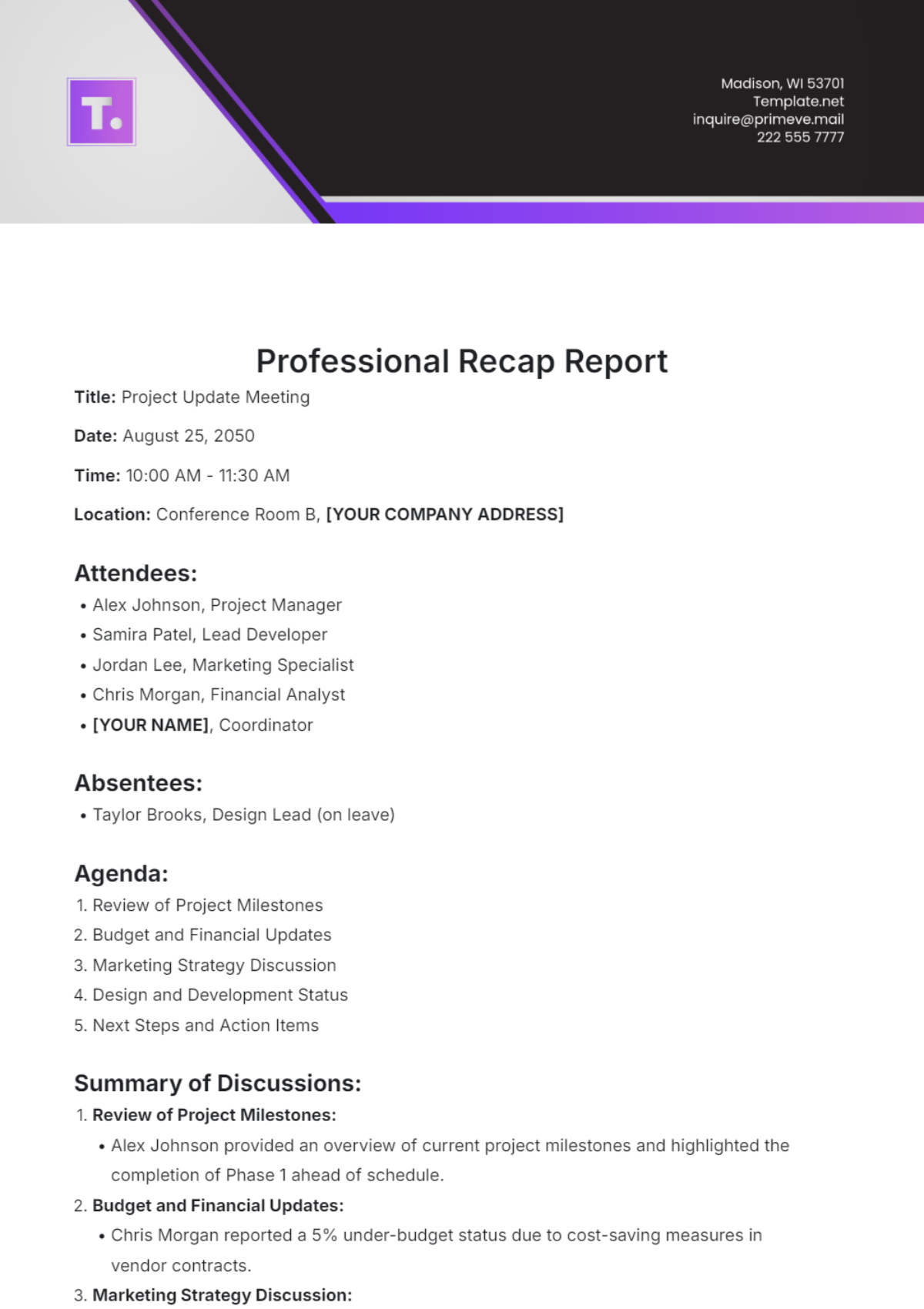
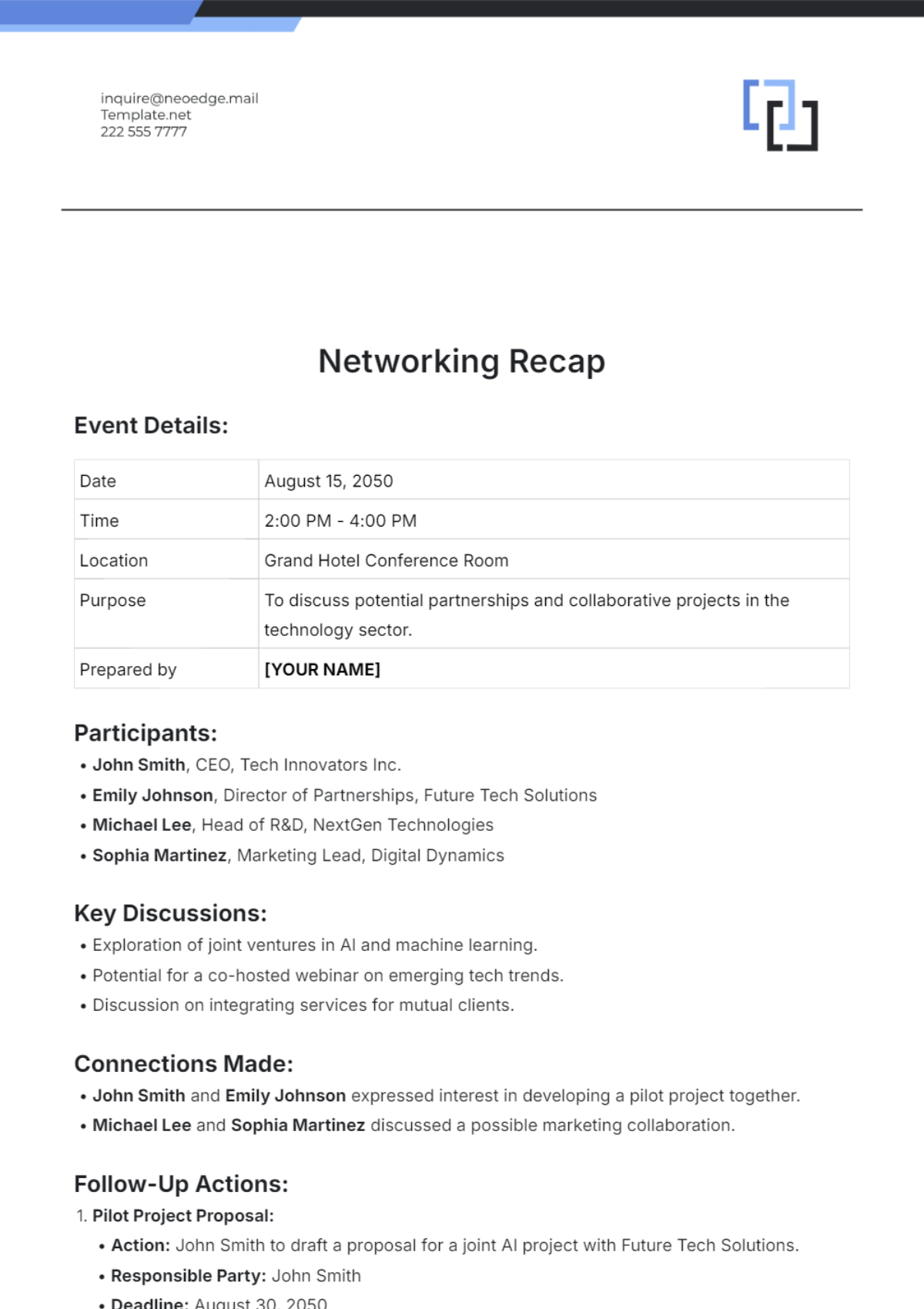
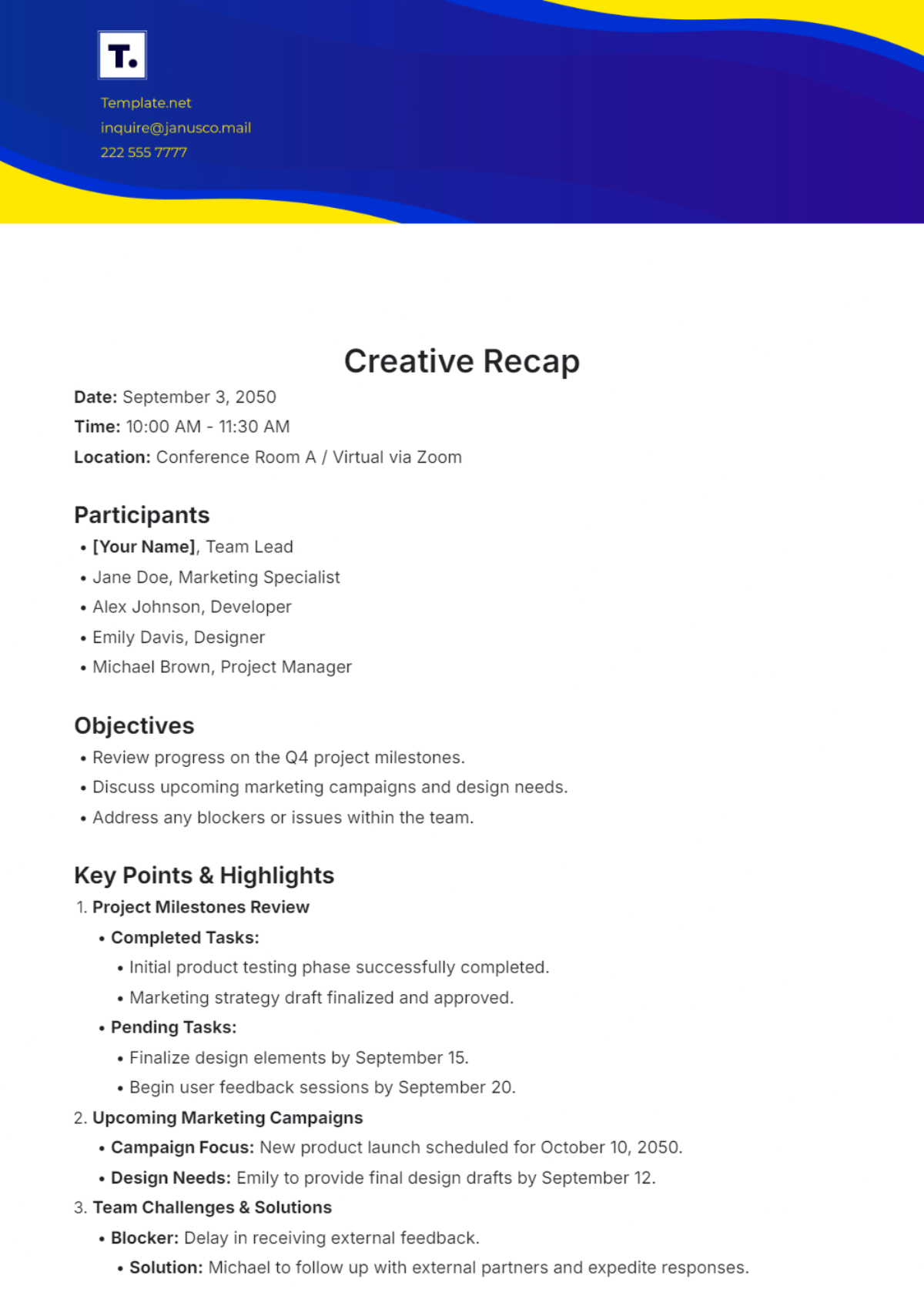
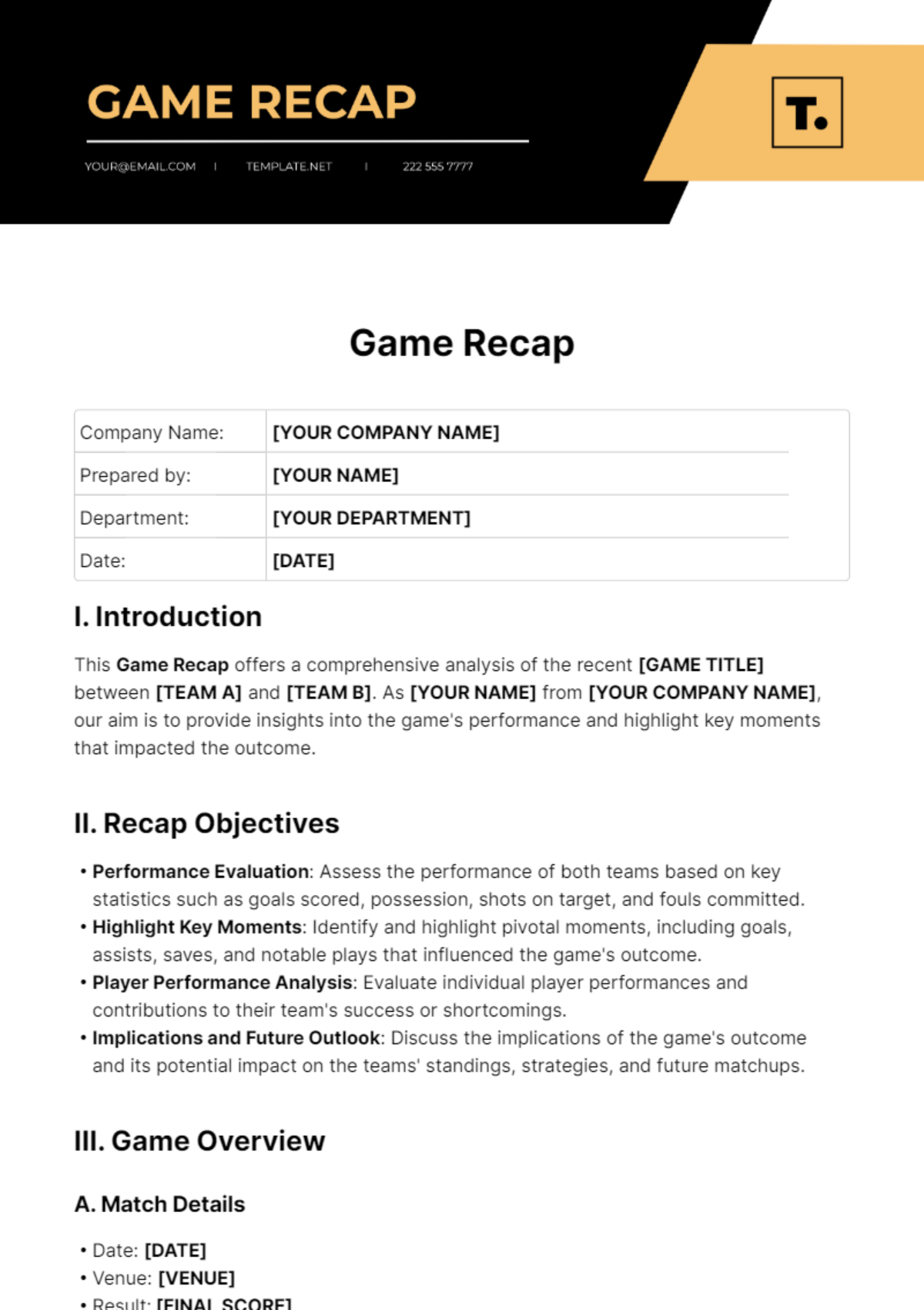
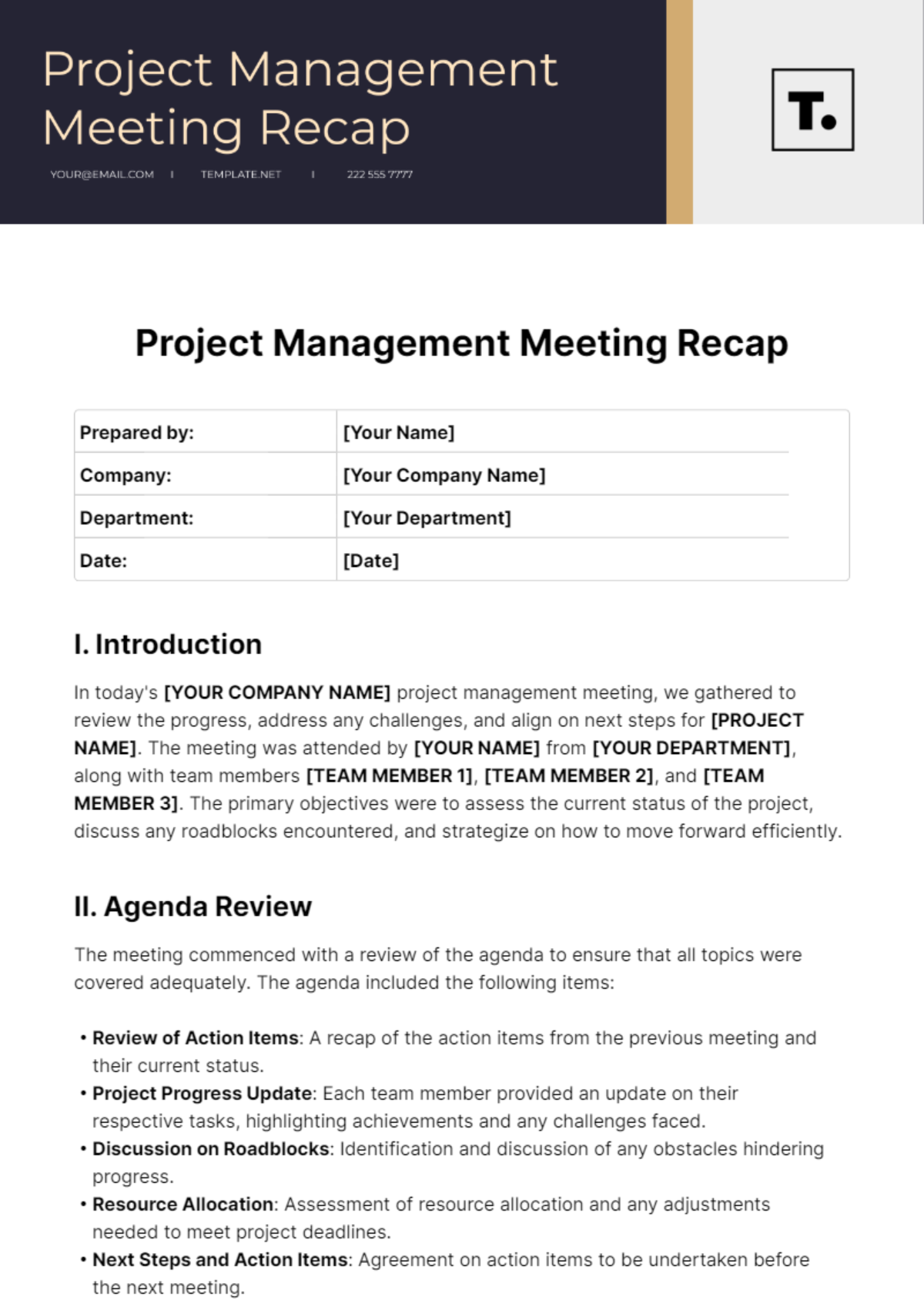
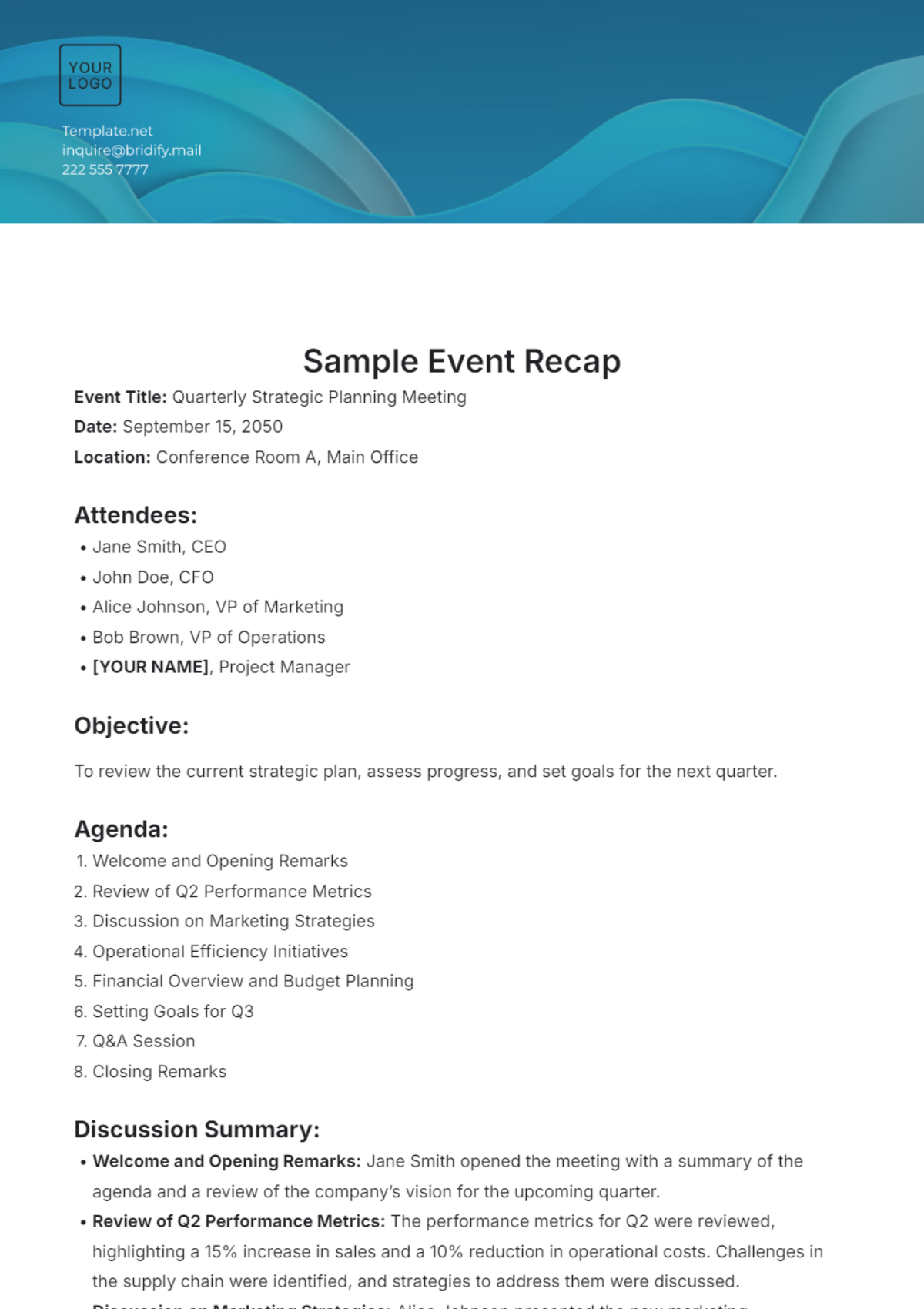
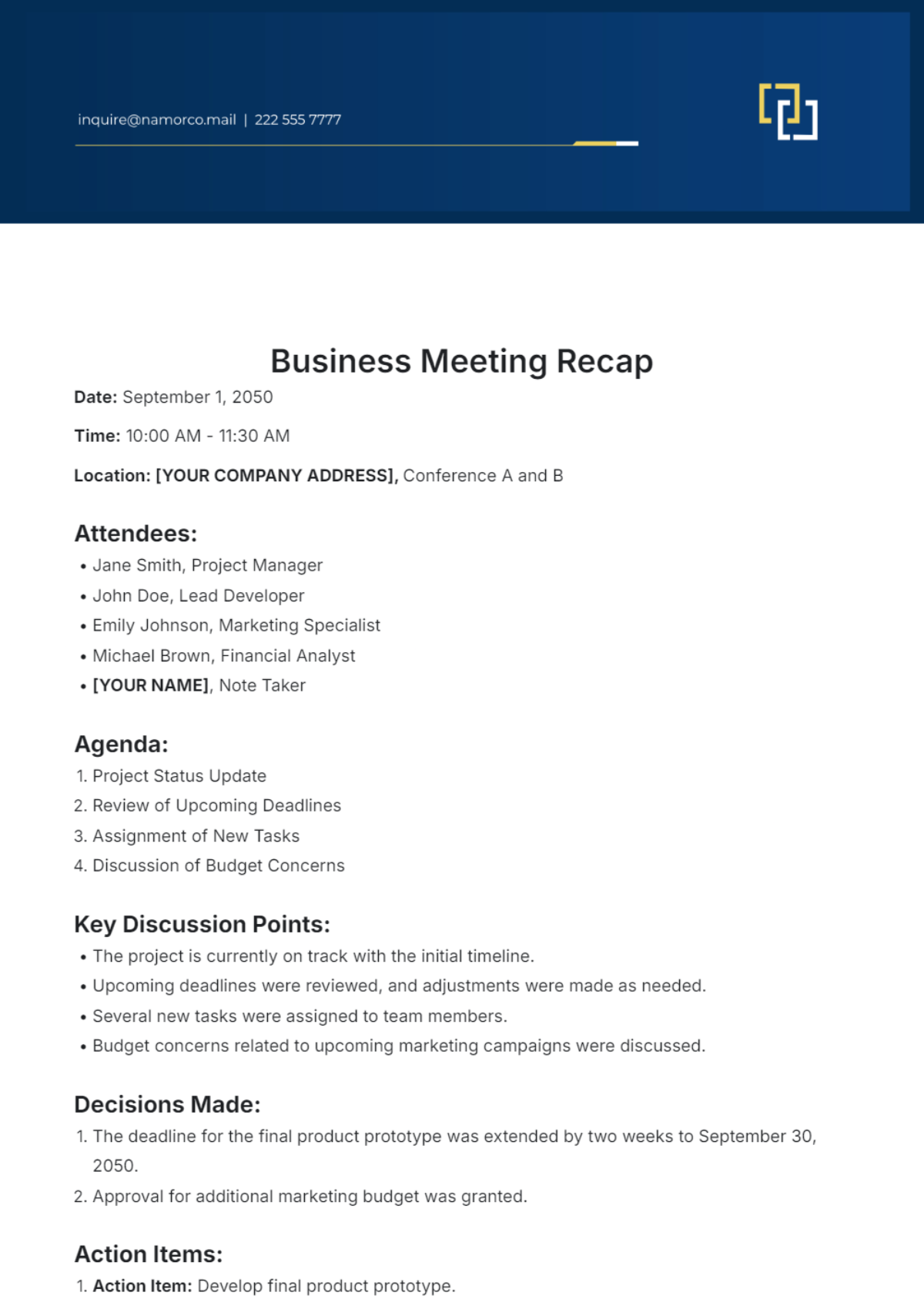
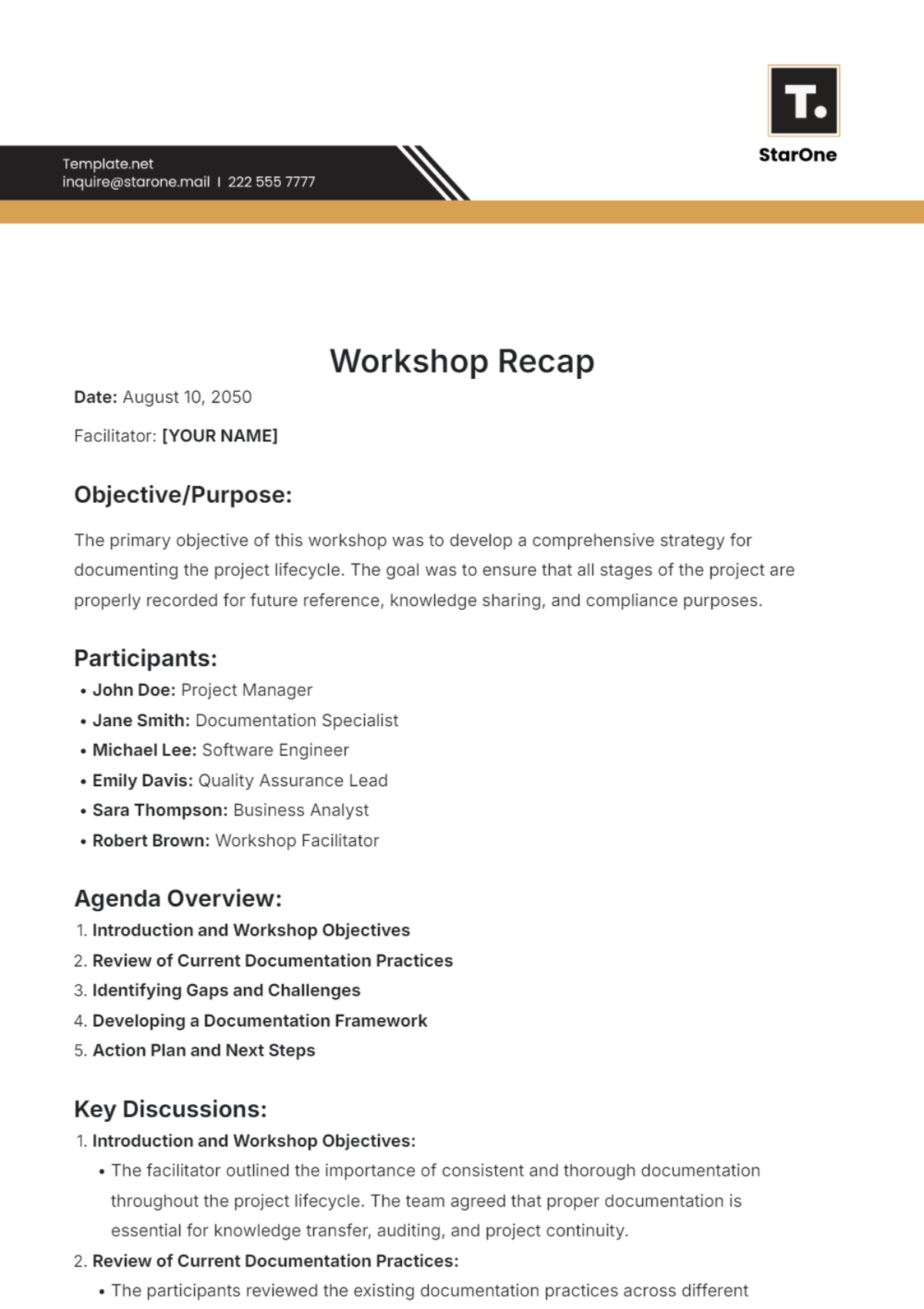
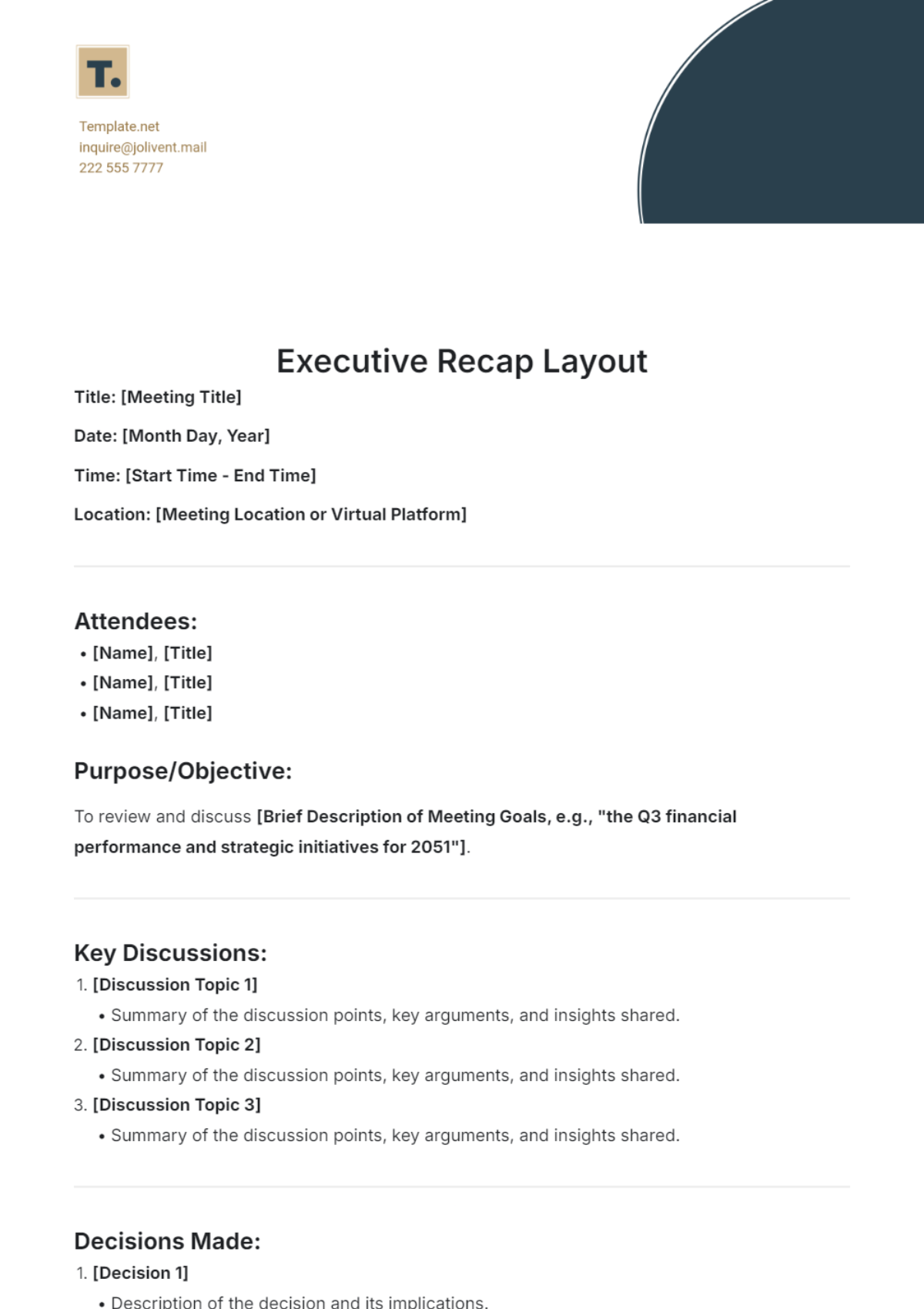
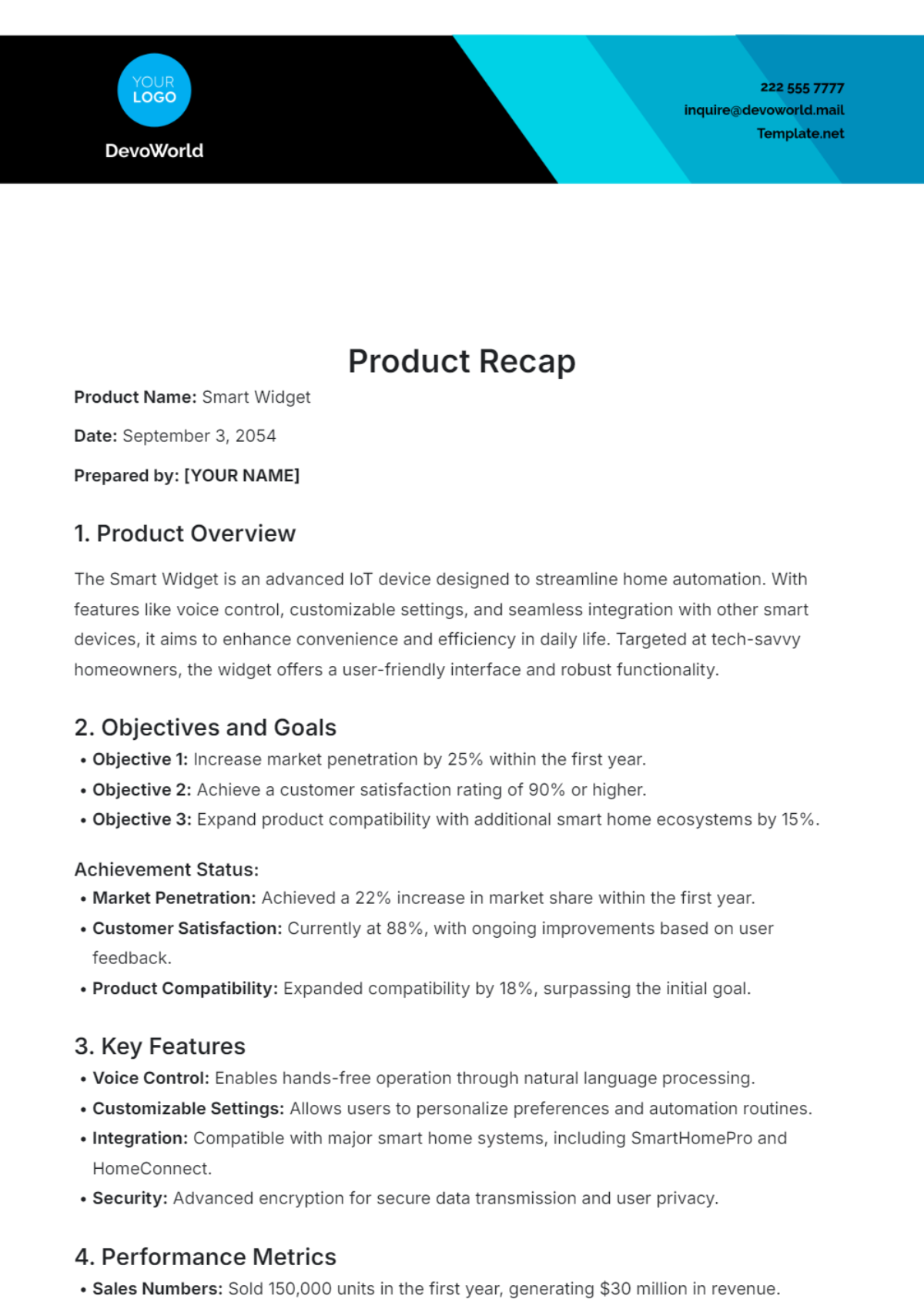
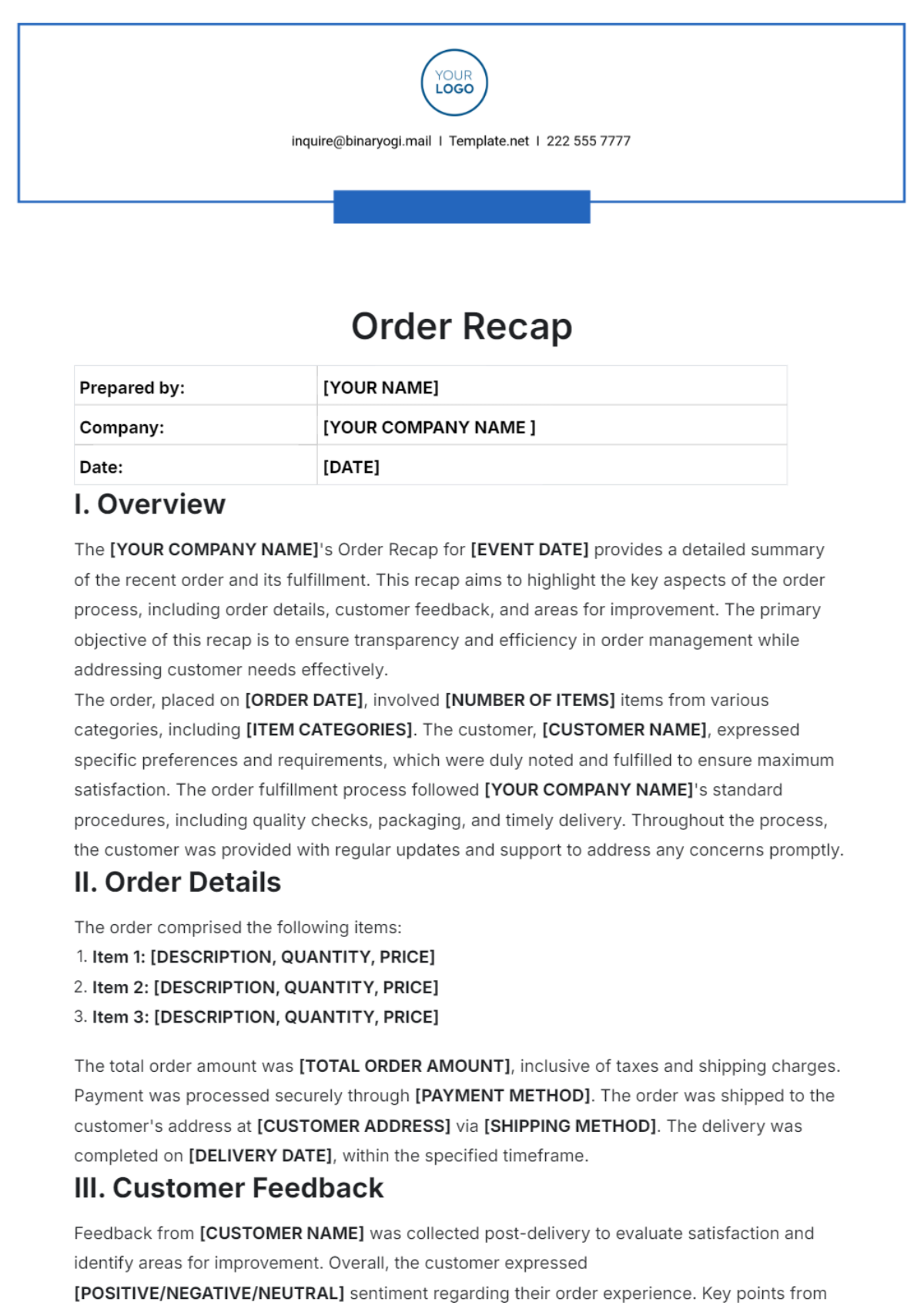
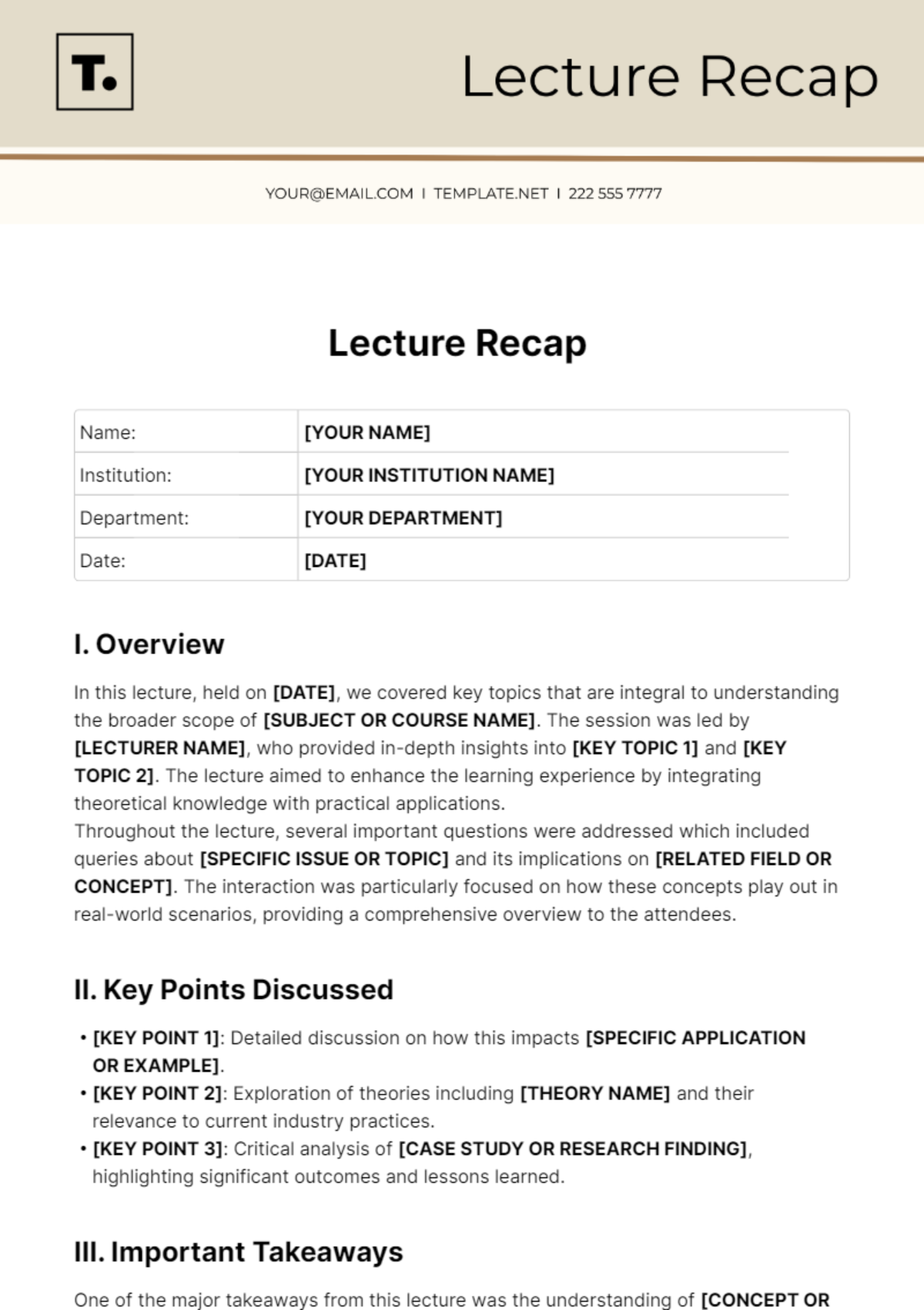
A Recap is a brief summary that highlights important information and decisions from meetings, events, or communications. It serves as a reference to ensure clarity and alignment among stakeholders.

Why should I use a Recap?
Using a Recap helps you consolidate essential information, improve communication, and provide a clear record of discussions or progress. It ensures all participants are informed and accountable.

Who uses Recap?
Recap templates are used by professionals such as project managers, team leaders, executives, and event coordinators who need to document and share summarized information efficiently.

What are the best tips for completing my Recap?
When completing a Recap, focus on clarity, accuracy, and brevity.
- Highlight key points and decisions
- Use bullet points for easy reading
- Include action items with responsible parties
- Keep language concise and objective

Can I create a Recap using AI?
You can create a Recap using AI by leveraging tools like the Recap Generator on Template.net, which helps automatically summarize content efficiently.

What file formats can I download for my Recap?
Template.net offers Recap templates that support multiple export formats including Word, and Google Docs, allowing you to choose the format that best fits your workflow.

When should I use a Recap?
You should use a Recap after meetings, project milestones, or events to document key takeaways, decisions, and next steps. This ensures everyone remains aligned and informed.

What are the essential elements of a Recap?
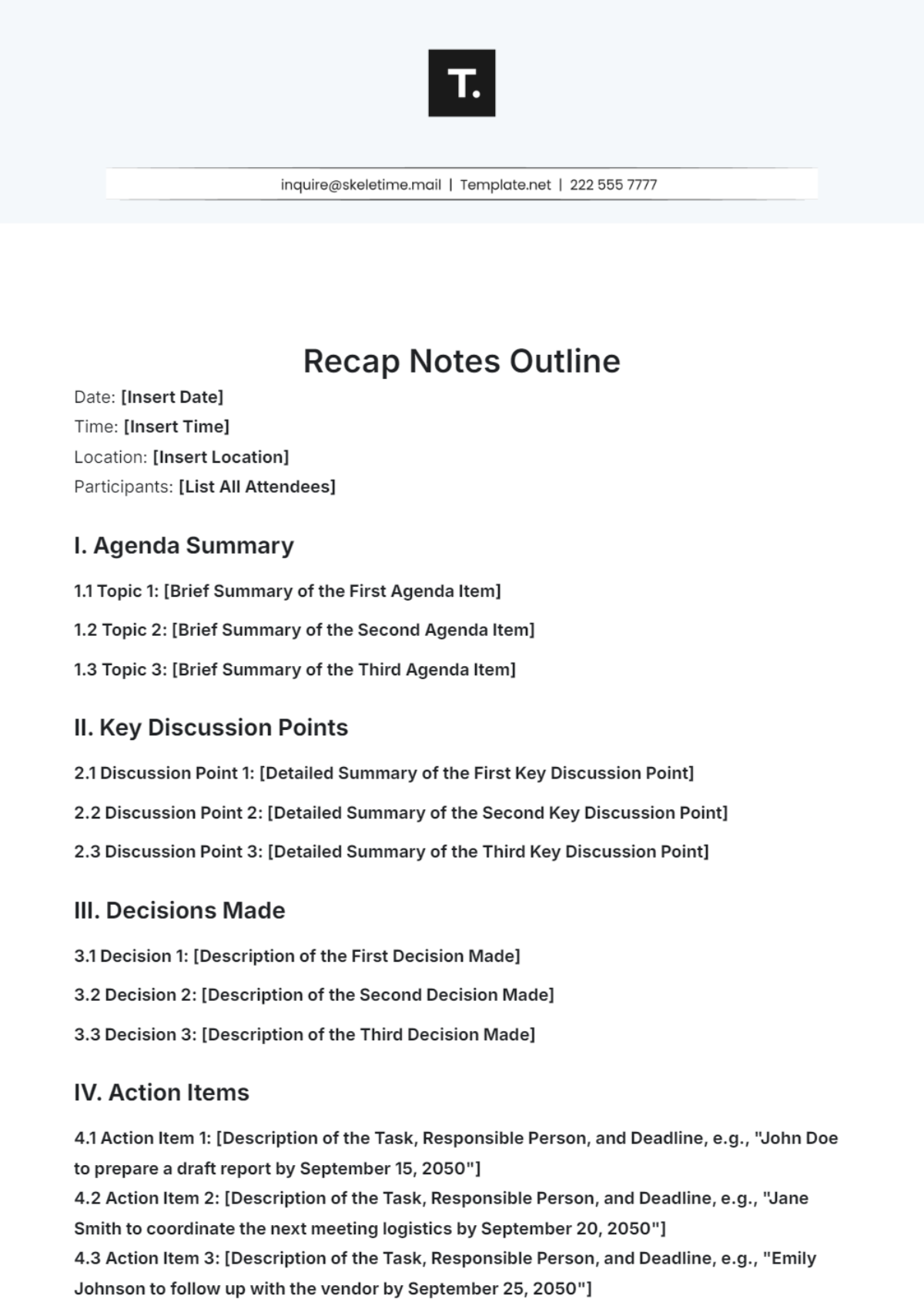
Essential elements of a Recap include:
- Date and title of the meeting or event
- Summary of key points discussed
- Decisions made and action items
- Responsible persons for tasks
- Next meeting or follow-up details

How are Recap templates used in professional workflows?
Recap templates are used to standardize communication by providing a clear, editable summary of meetings or projects. They improve documentation efficiency, facilitate accountability, and support project tracking.
