
Free Gradient Templates








































Gradient Templates: Design Guide, Sizes, and Download Formats
What is a Gradient template?
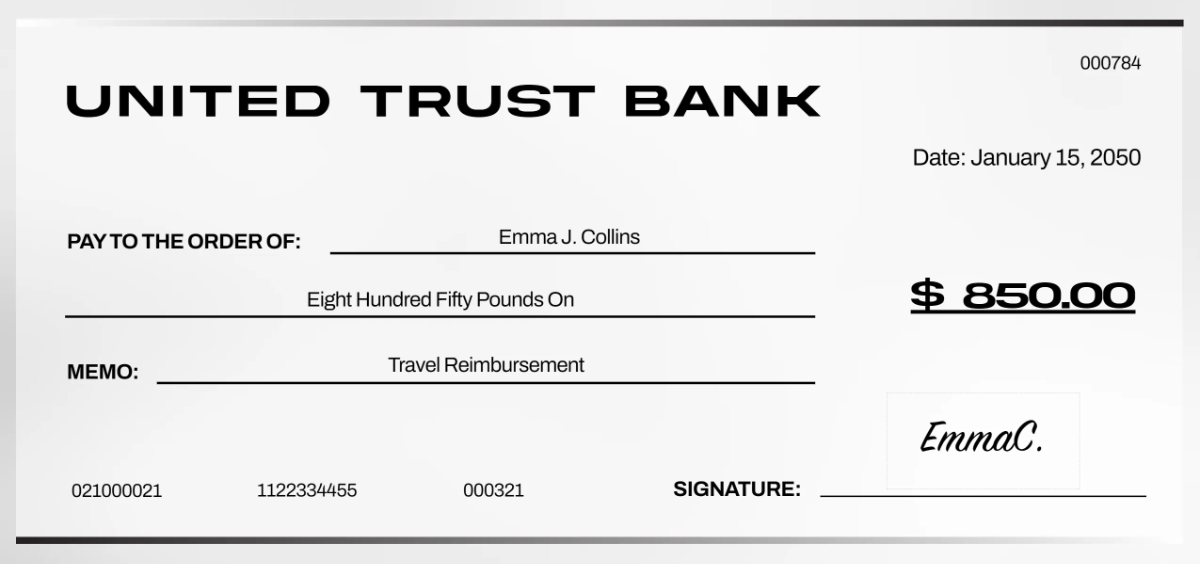
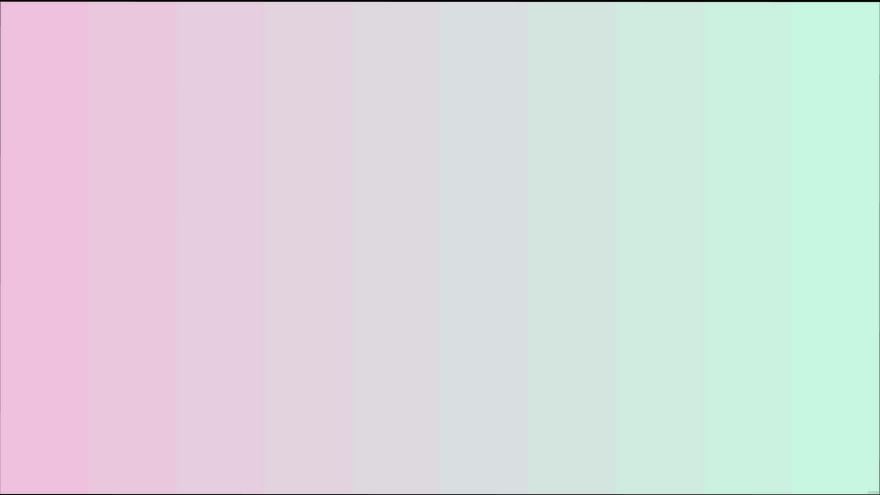
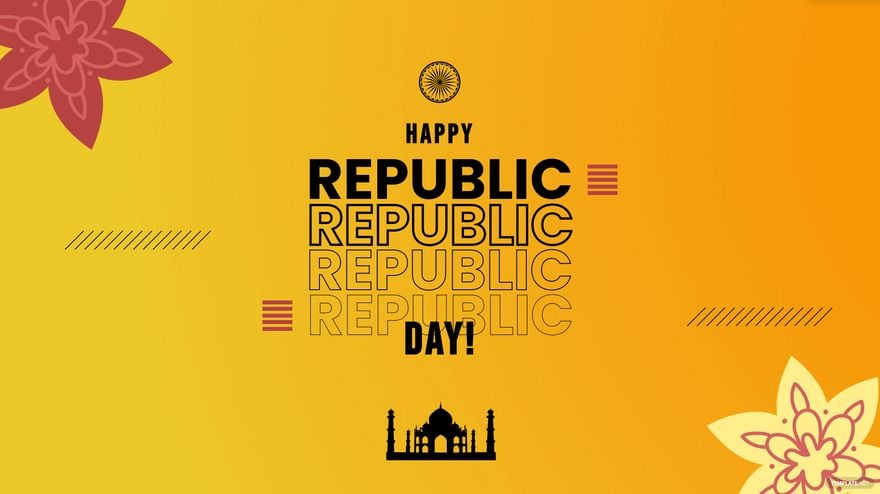
A Gradient template is a design layout that incorporates smooth color transitions and layered visual effects to create appealing backgrounds and elements. These templates are fully customizable, allowing users to edit text areas and colors online for various projects.
Who typically uses Gradient templates?
Gradient templates are commonly used by graphic designers, marketers, content creators, and business owners seeking modern and vibrant designs. These templates serve well for presentations, social media, and branding, offering professional layouts ready for quick customization.
When should I use Gradient templates?
Gradient templates are ideal when a project requires dynamic backgrounds or a modern visual theme that grabs attention. Use these templates for digital ads, event flyers, or websites to enhance engagement with colorful and smooth design layers.
What design tips should I consider for Gradient templates?
For effective Gradient templates, focus on balancing color palettes to ensure readability and harmony. Use layered color transitions subtly and pair gradients with clear headline sections and editable text areas to maintain professional clarity and visual appeal.
What are common sizes for Gradient templates?
Gradient templates come in various standard sizes such as 4 × 6 inches, 5 × 7 inches, and 8.5 × 11 inches to fit print or digital needs. Choosing the correct size depends on the project type, ensuring design layers scale properly without losing quality or impact.
What key elements make up a Gradient template?
A Gradient template includes layered color transitions, editable text areas, graphics or images with gradient overlays, and a clear layout structure. These components ensure easy customization and professional results across various projects.
How can I ensure high-quality printing with Gradient templates?
To print Gradient templates with vibrant and smooth colors, use high-resolution files and select quality paper to preserve color gradients. Confirm that design layers are flattened correctly and export files in print-ready formats for the best output.
What file formats can I download for a Gradient template?
Template.net offers Gradient templates in multiple export formats supporting editing and printing, including Illustrator and PSD. These formats provide layered designs and professional layouts ready for customization.
Can I create a new Gradient template using AI?
Template.net provides an AI-powered tool capable of generating new Gradient template designs from user prompts. This allows users to create unique color palettes and layout blocks efficiently with intuitive online editing.
