
Free Green Templates



















Green Templates: Design Guide, Sizes, and Download Formats

What is a Green template?
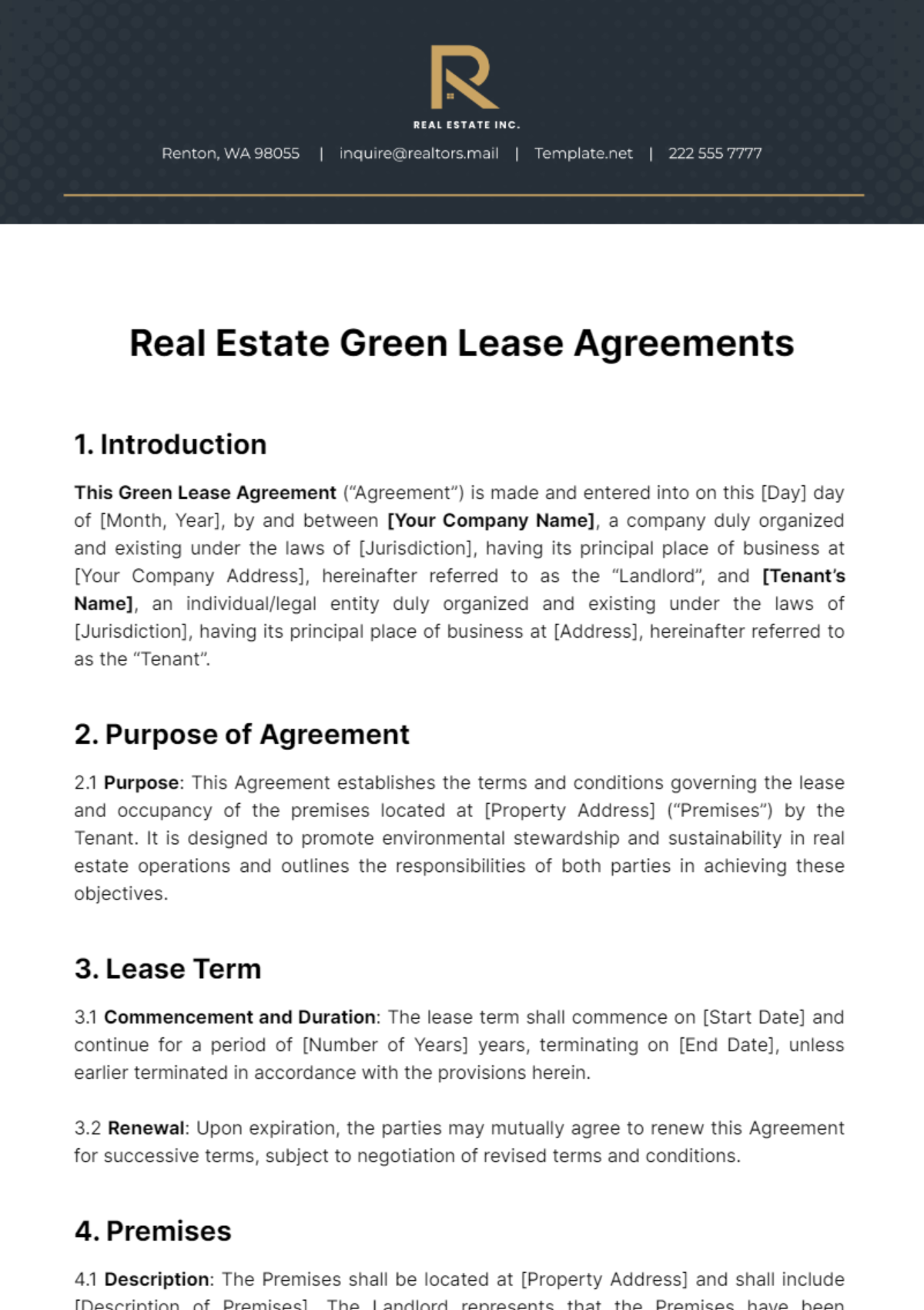
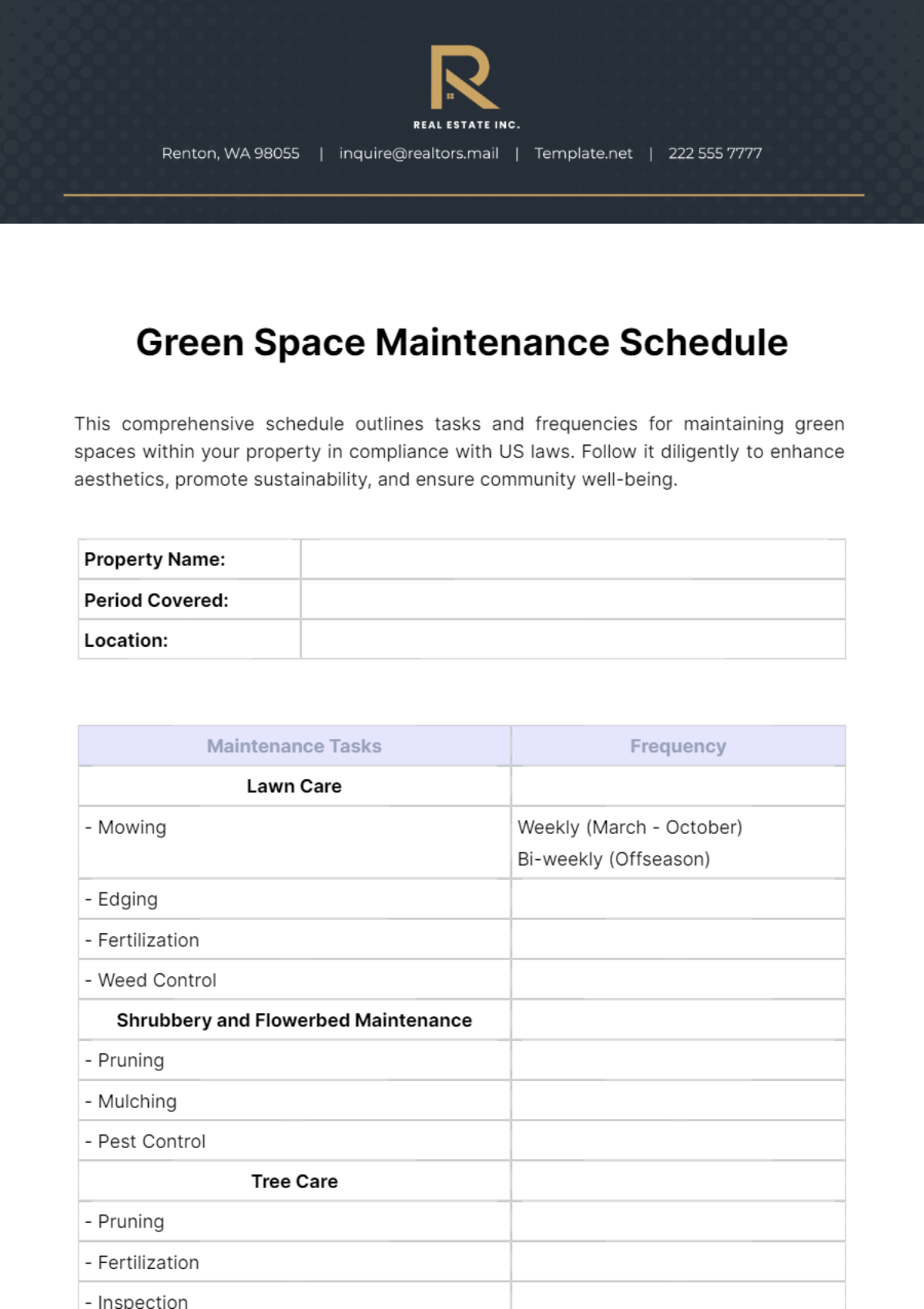
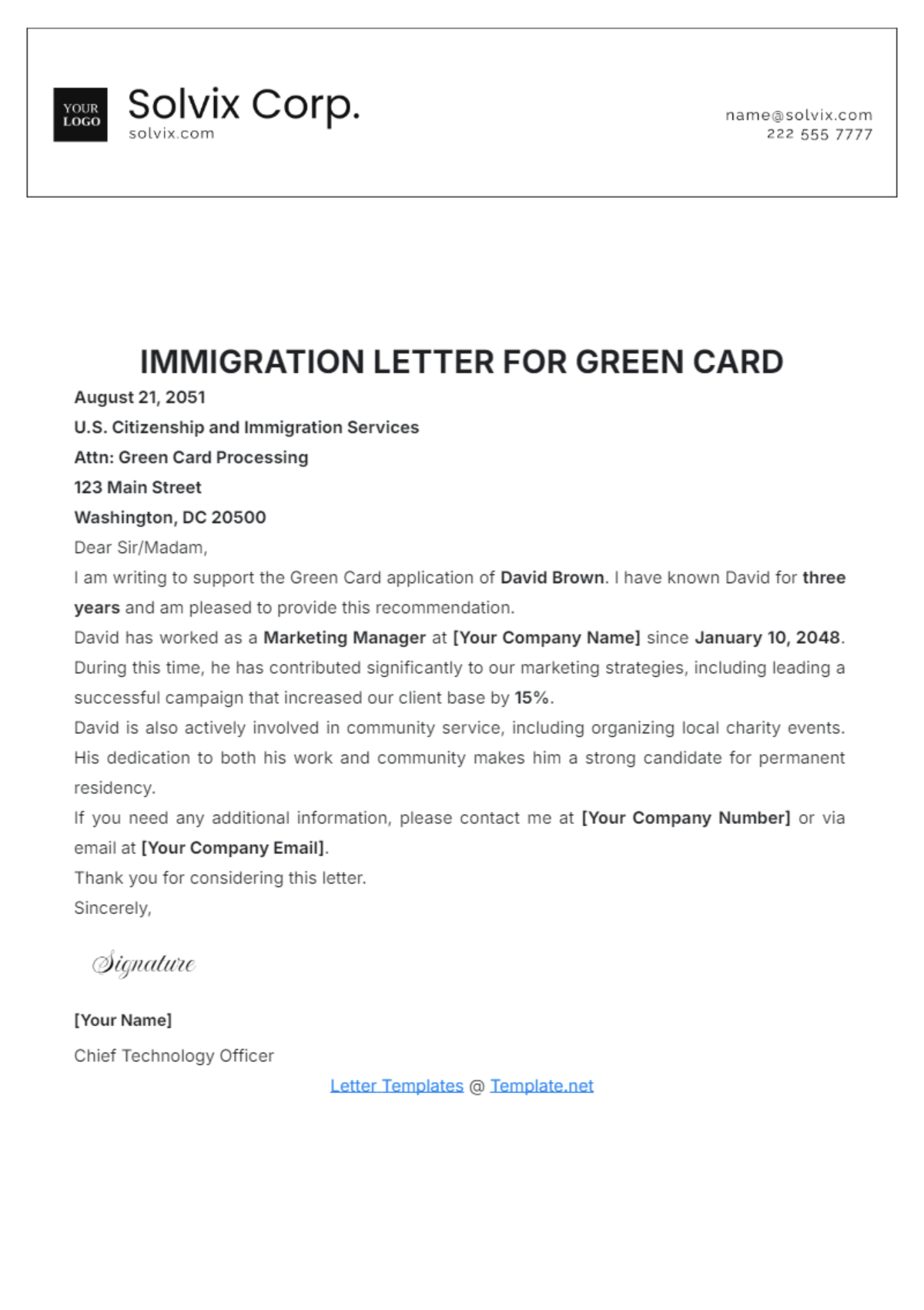
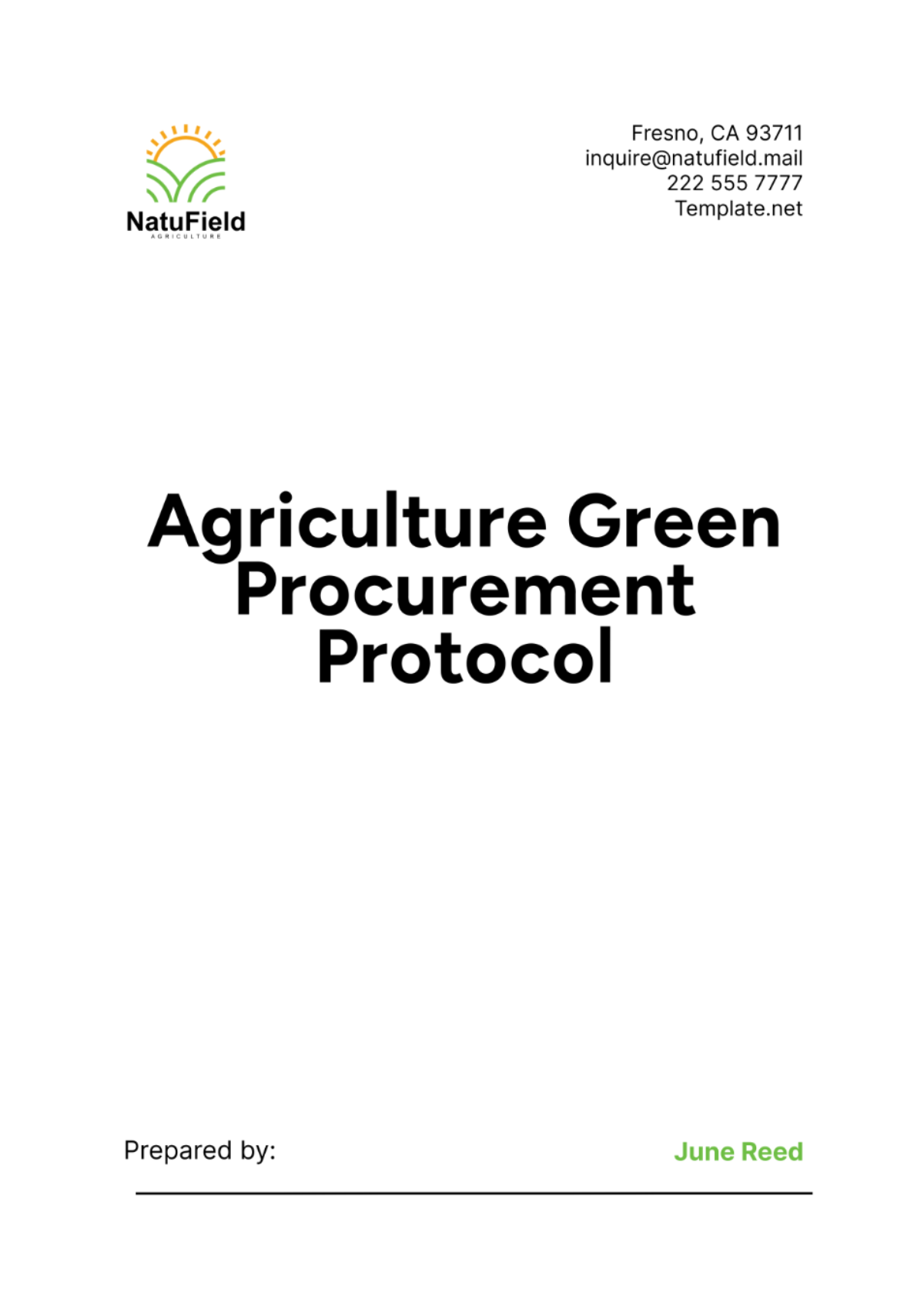
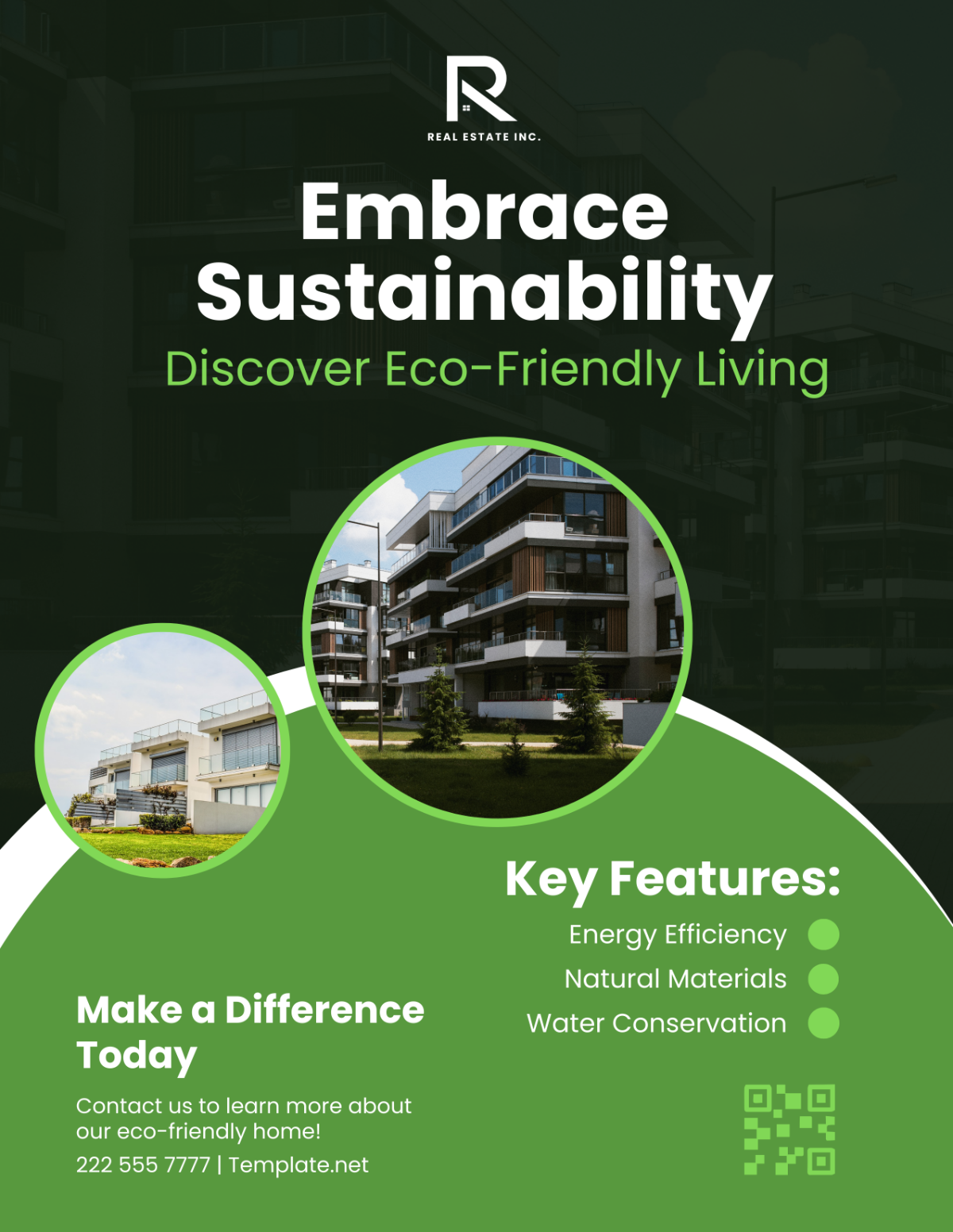
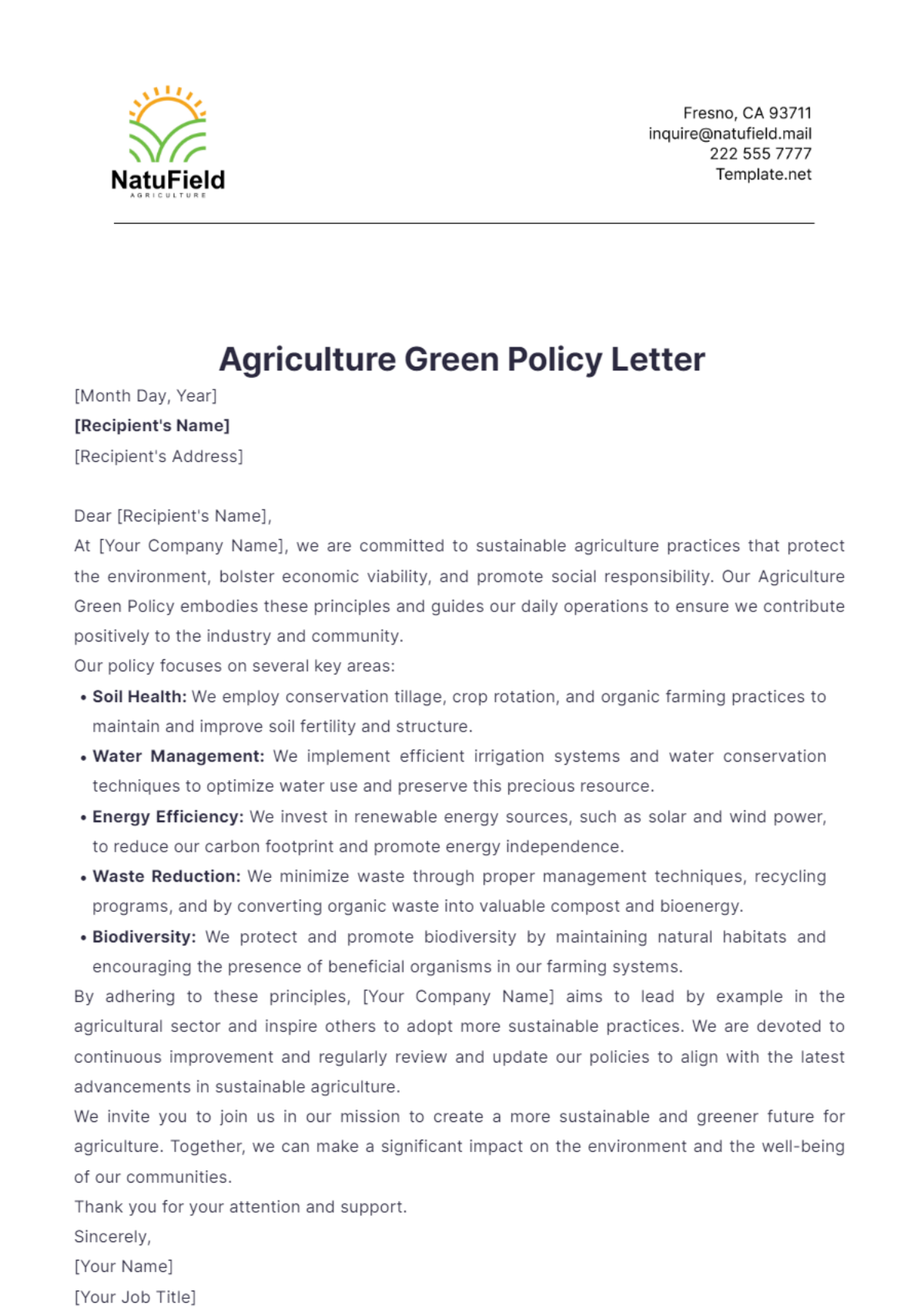
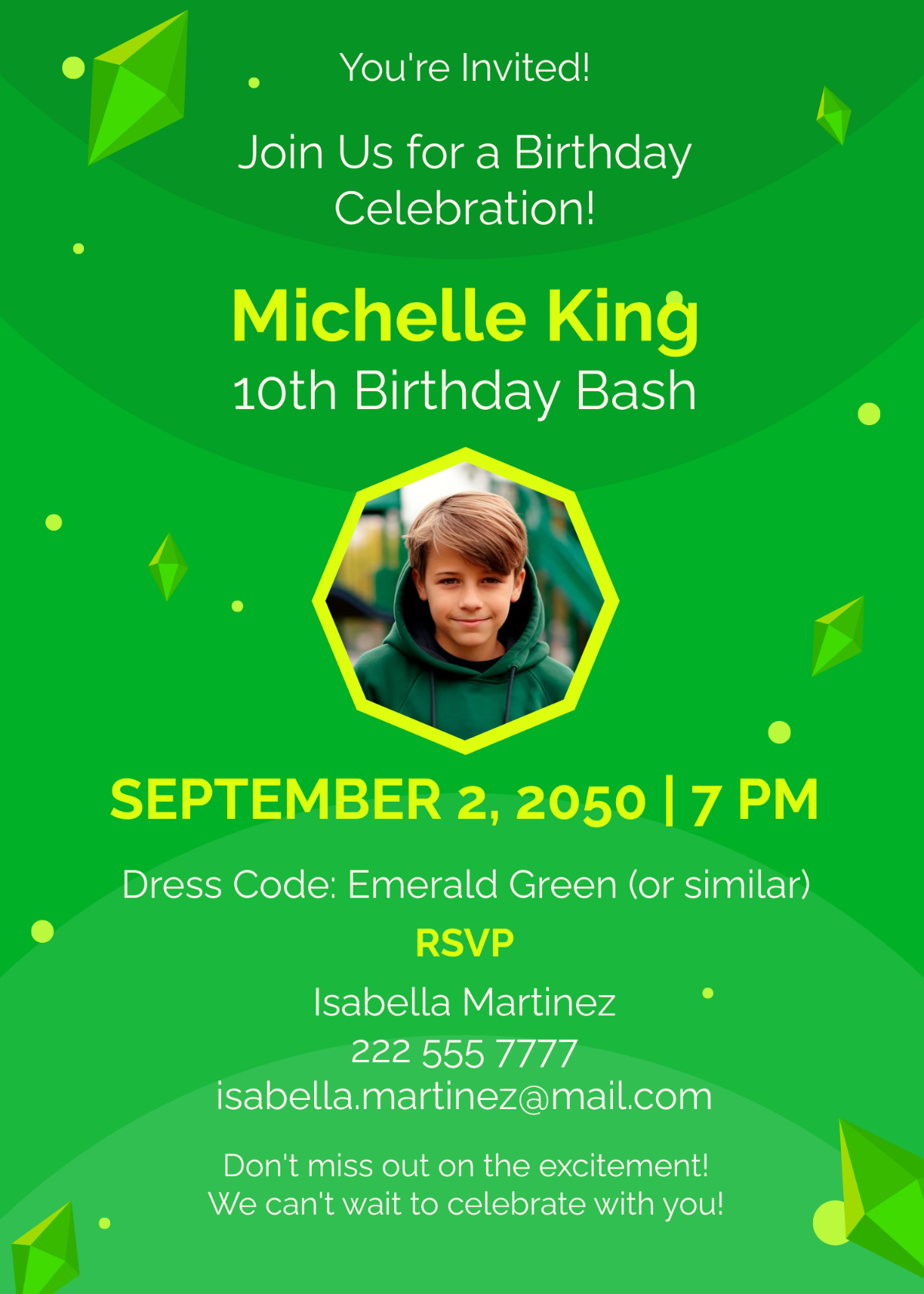
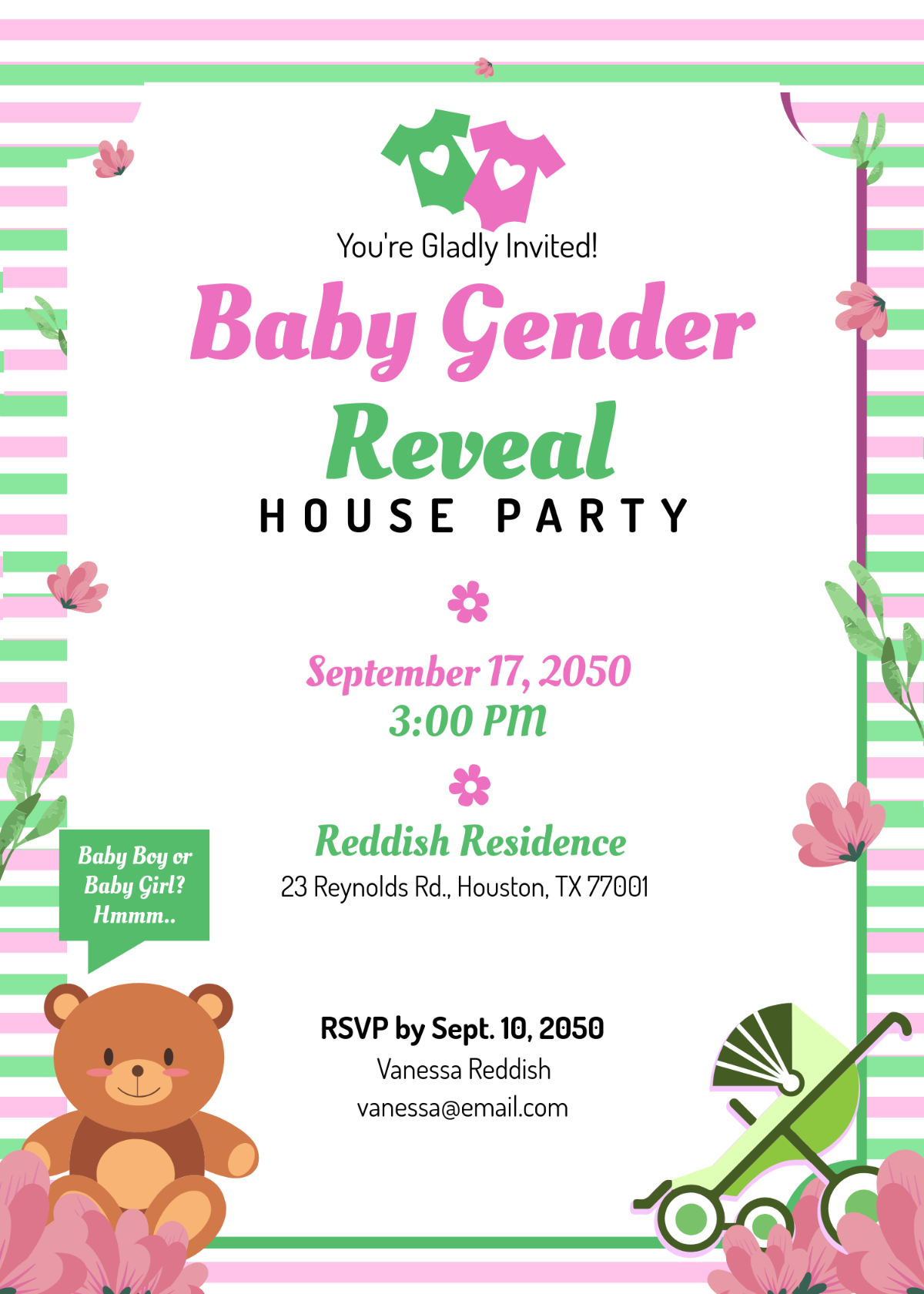
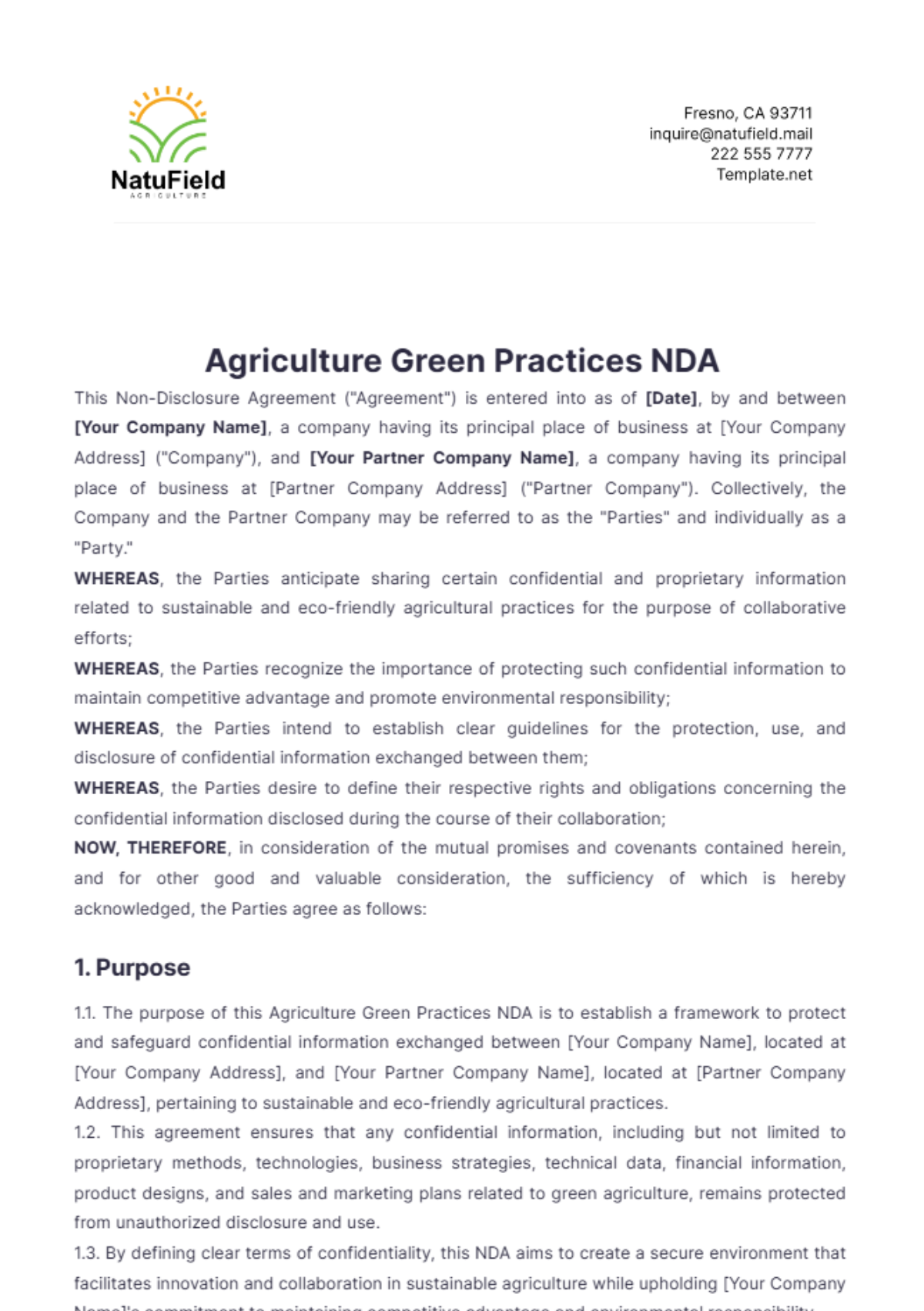
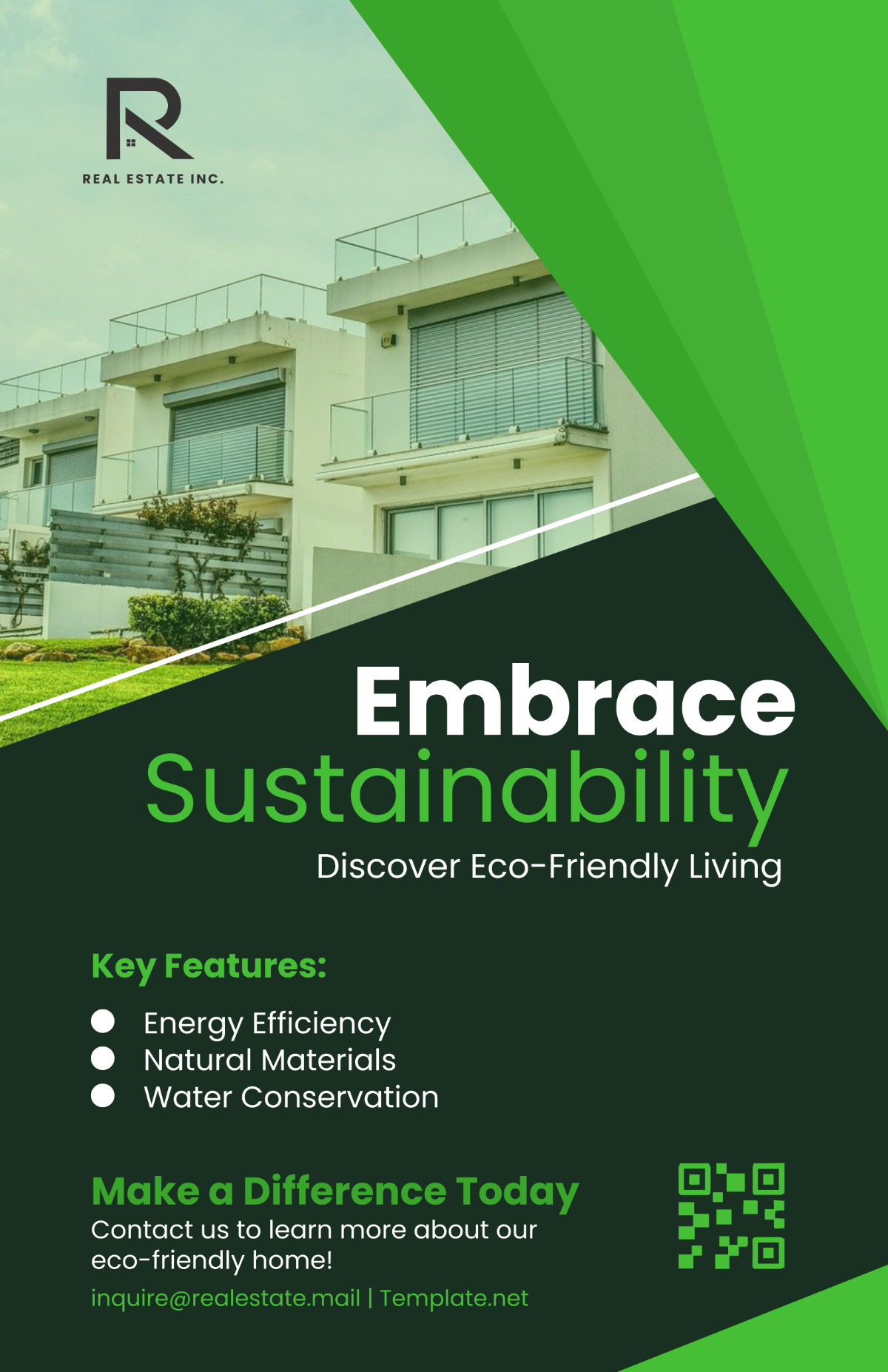
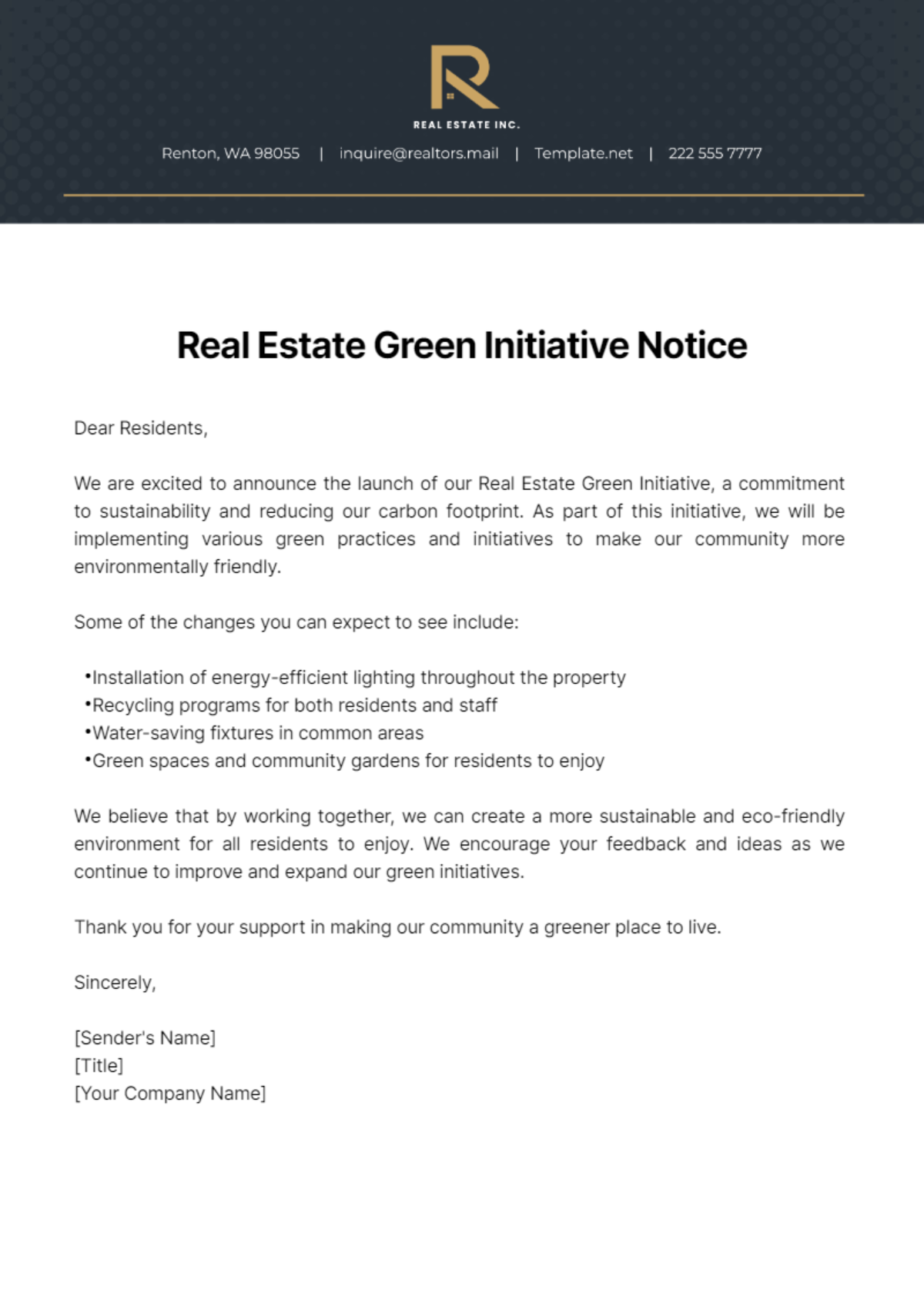
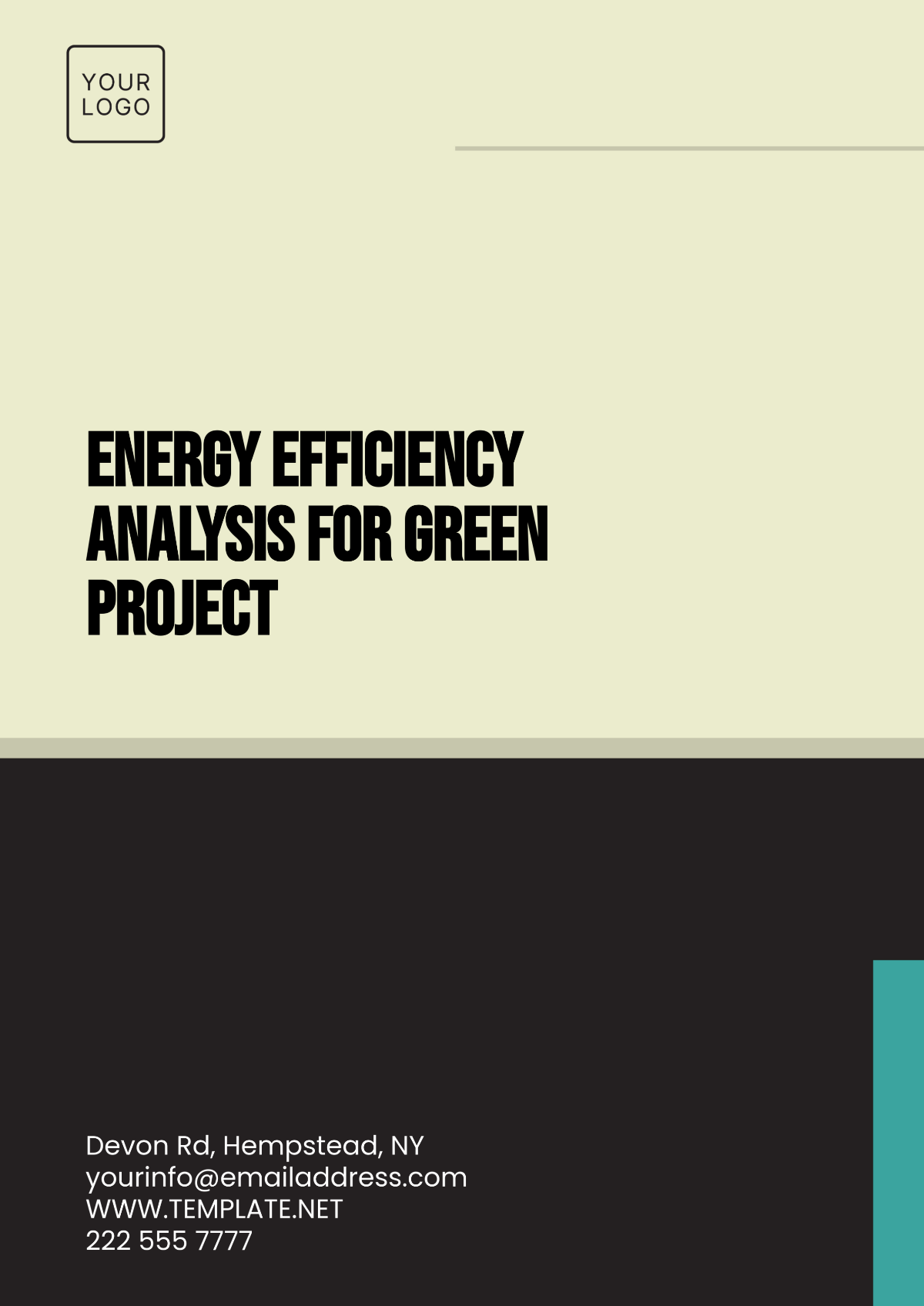
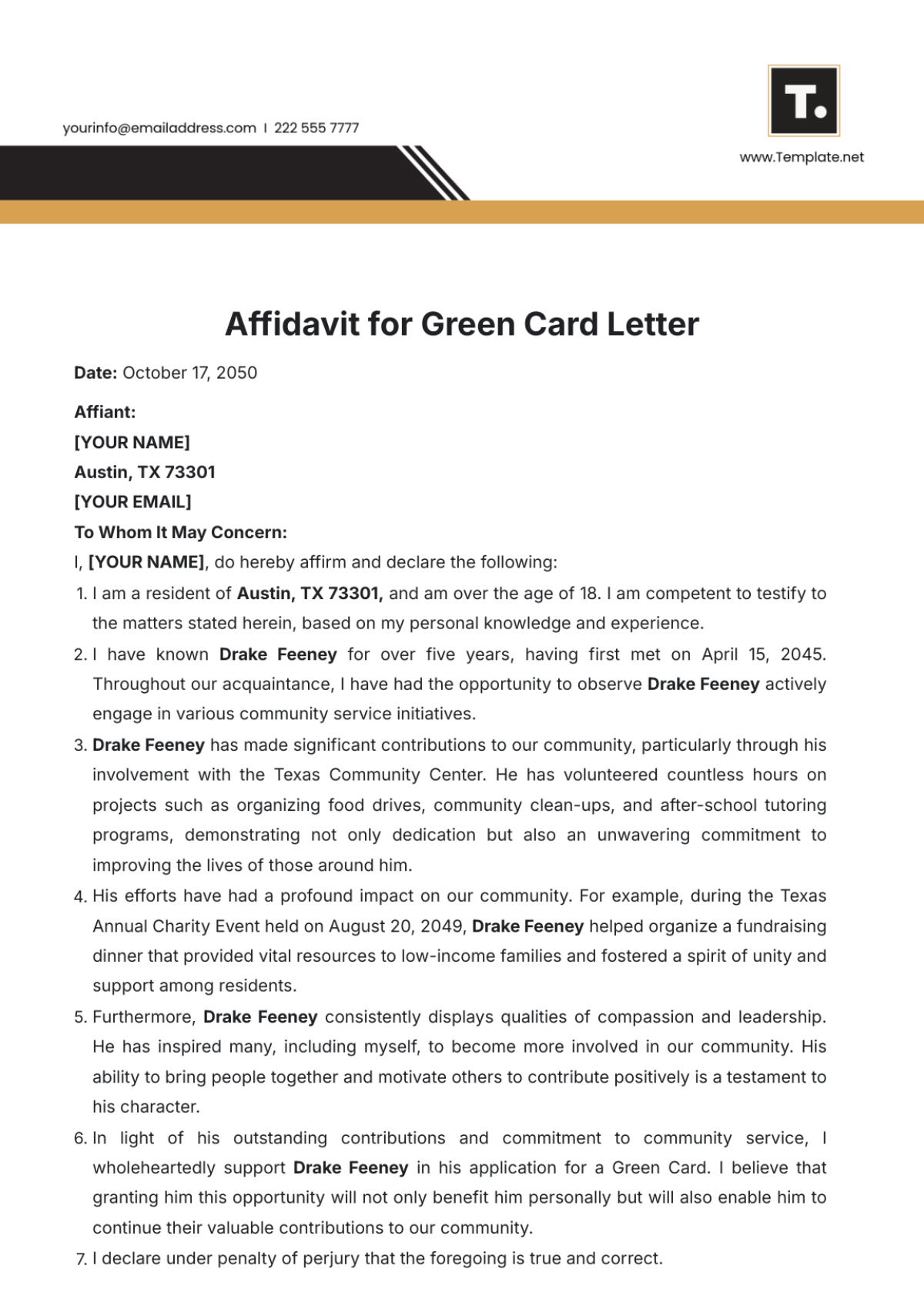
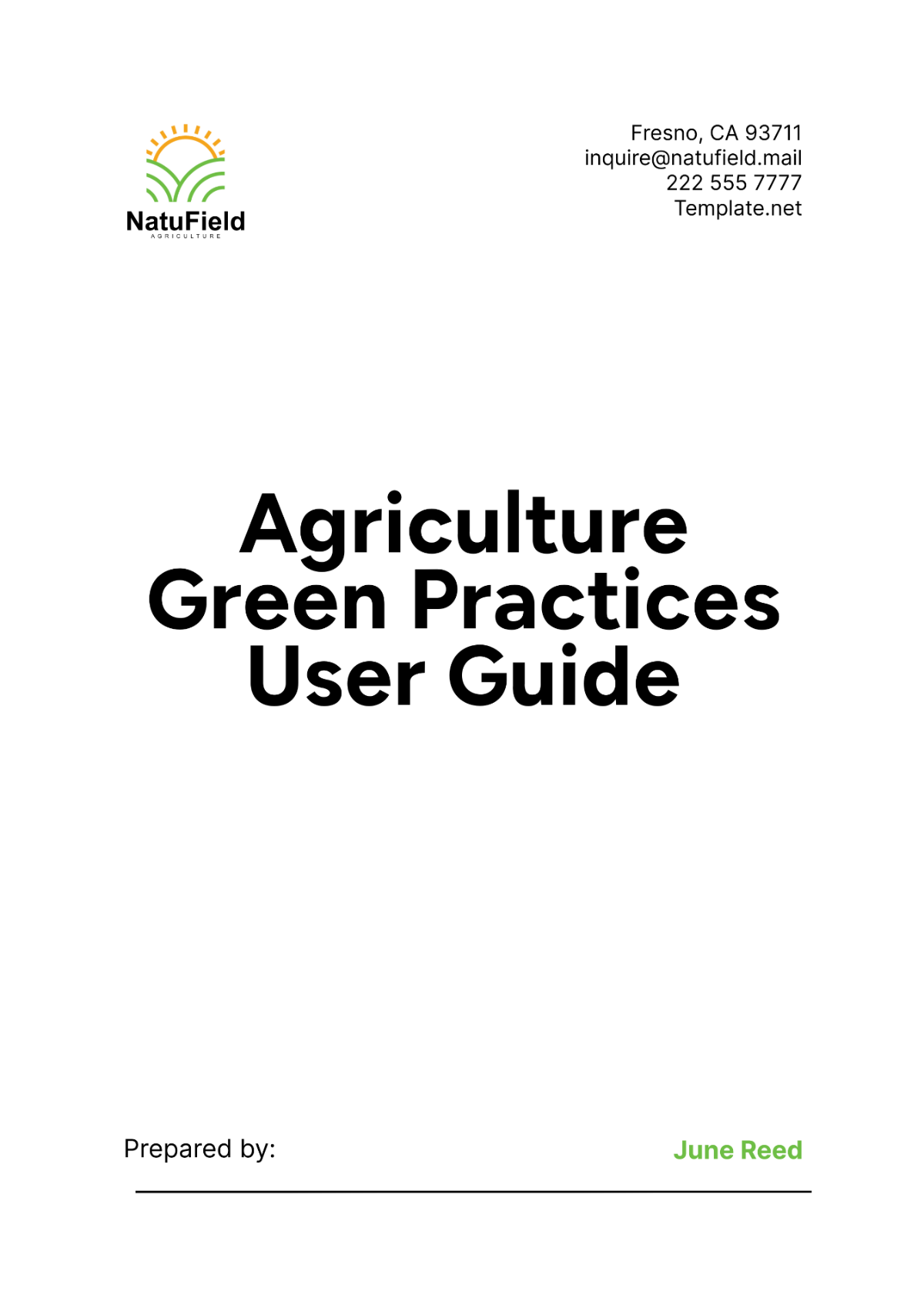
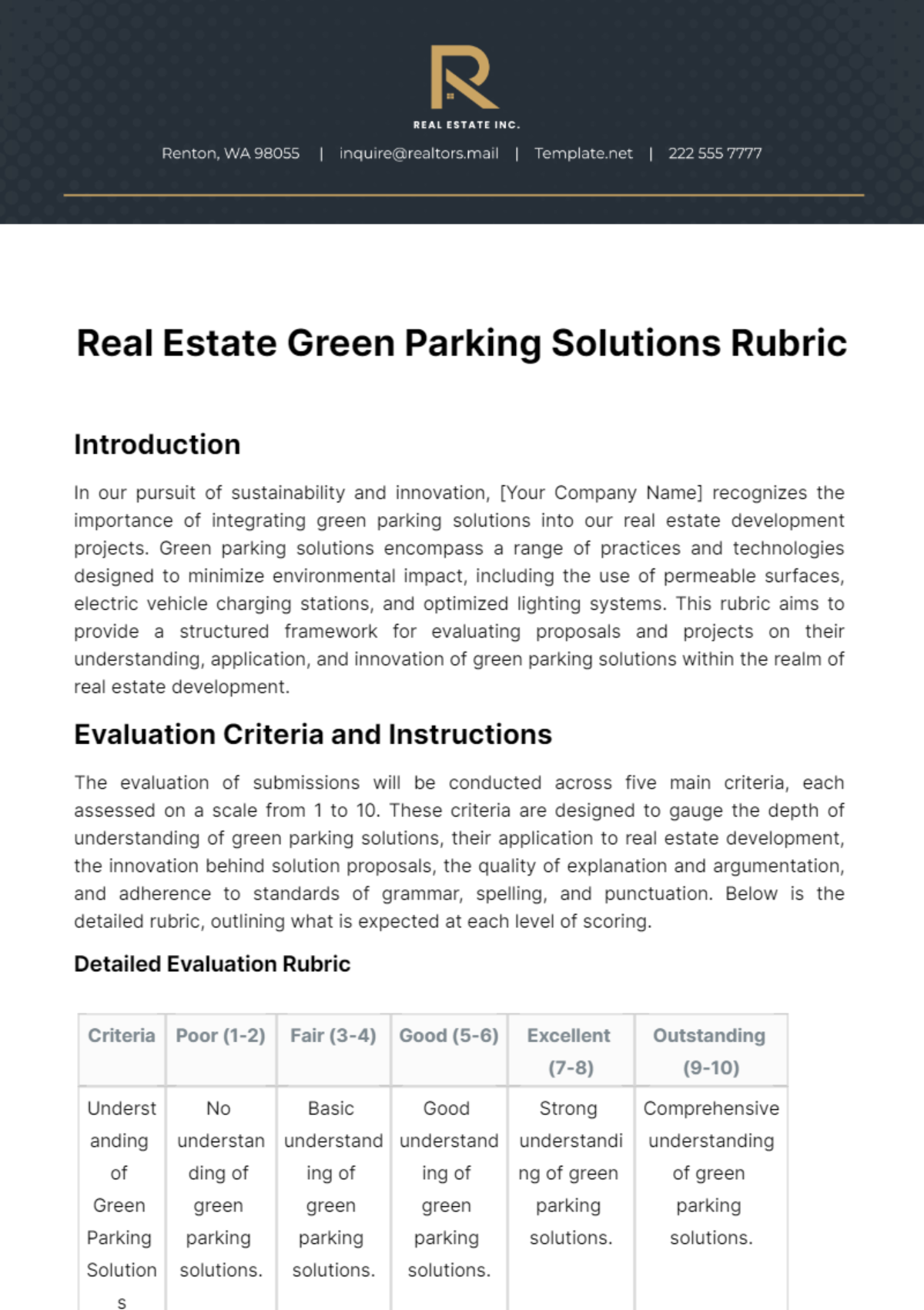
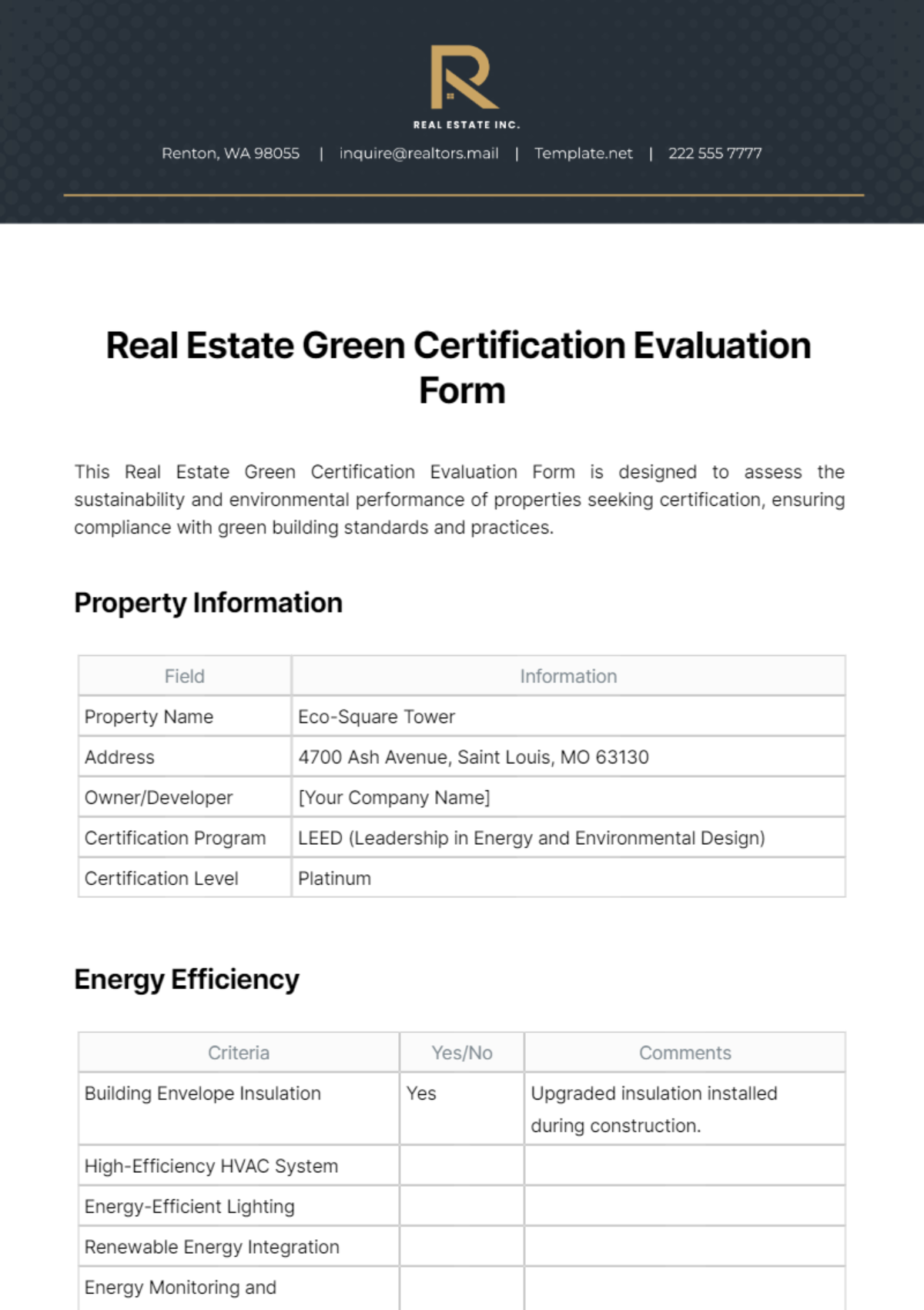
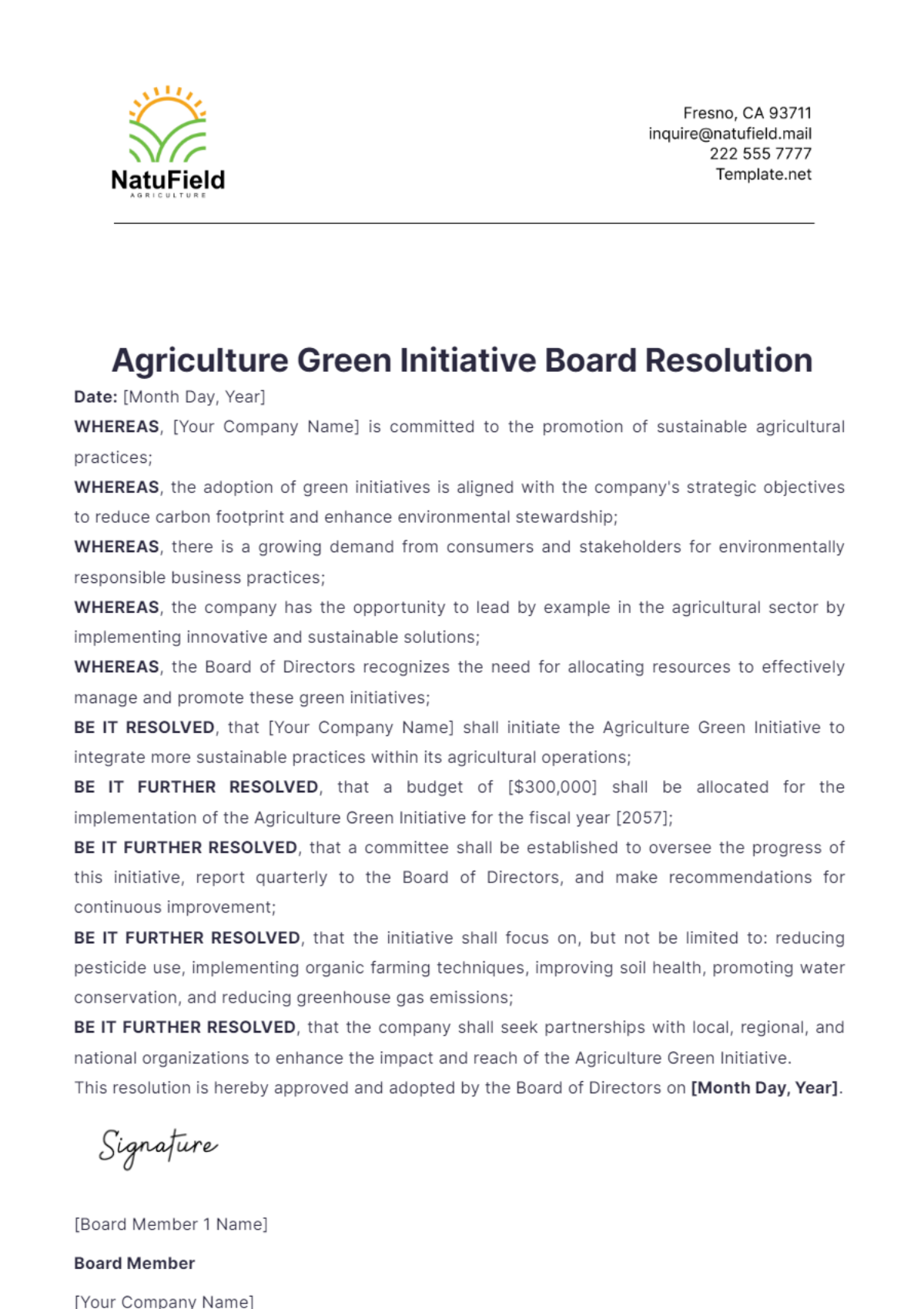
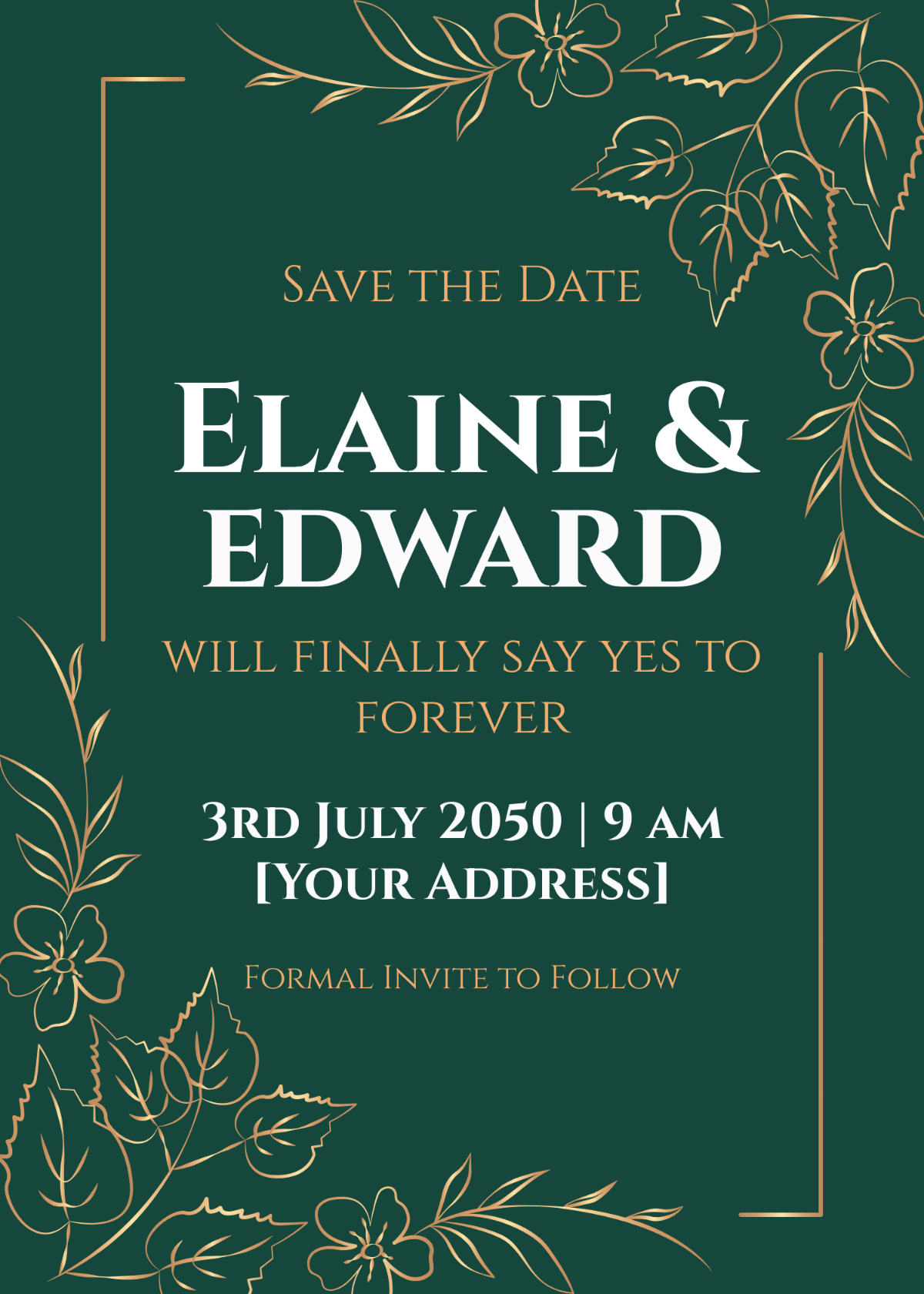
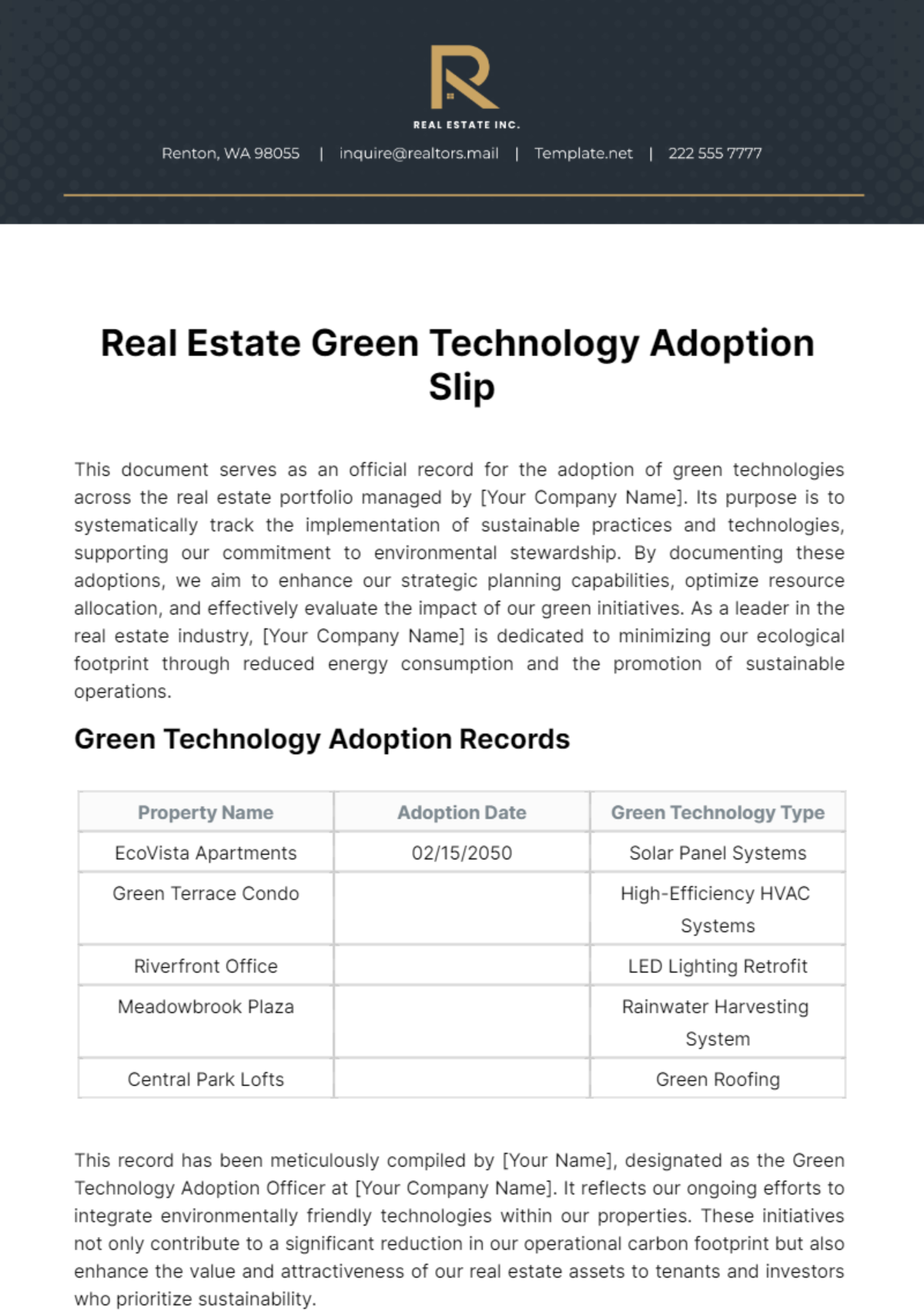
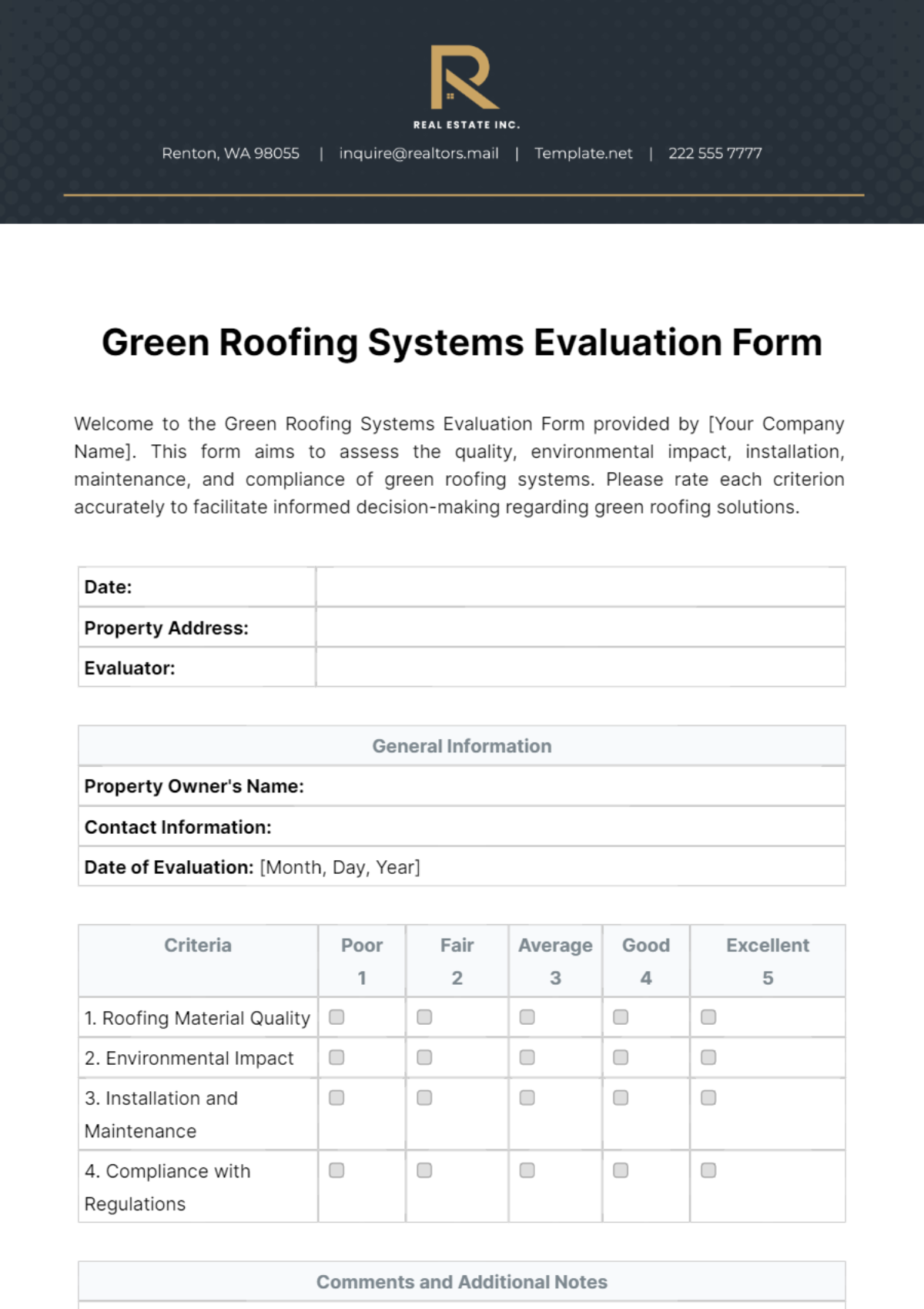
A Green template is a pre-designed layout that incorporates shades of green as a key element in its color palette and overall visual theme. These templates provide editable text areas and graphics to suit eco-friendly, nature-related, or fresh design projects.

Who typically uses Green templates?
Green templates are commonly used by businesses and individuals promoting sustainability, nature, or health. Environmental organizations, eco-friendly brands, and event planners utilize these templates to create professional layouts that highlight their green-themed message effectively.

When should I use Green templates?
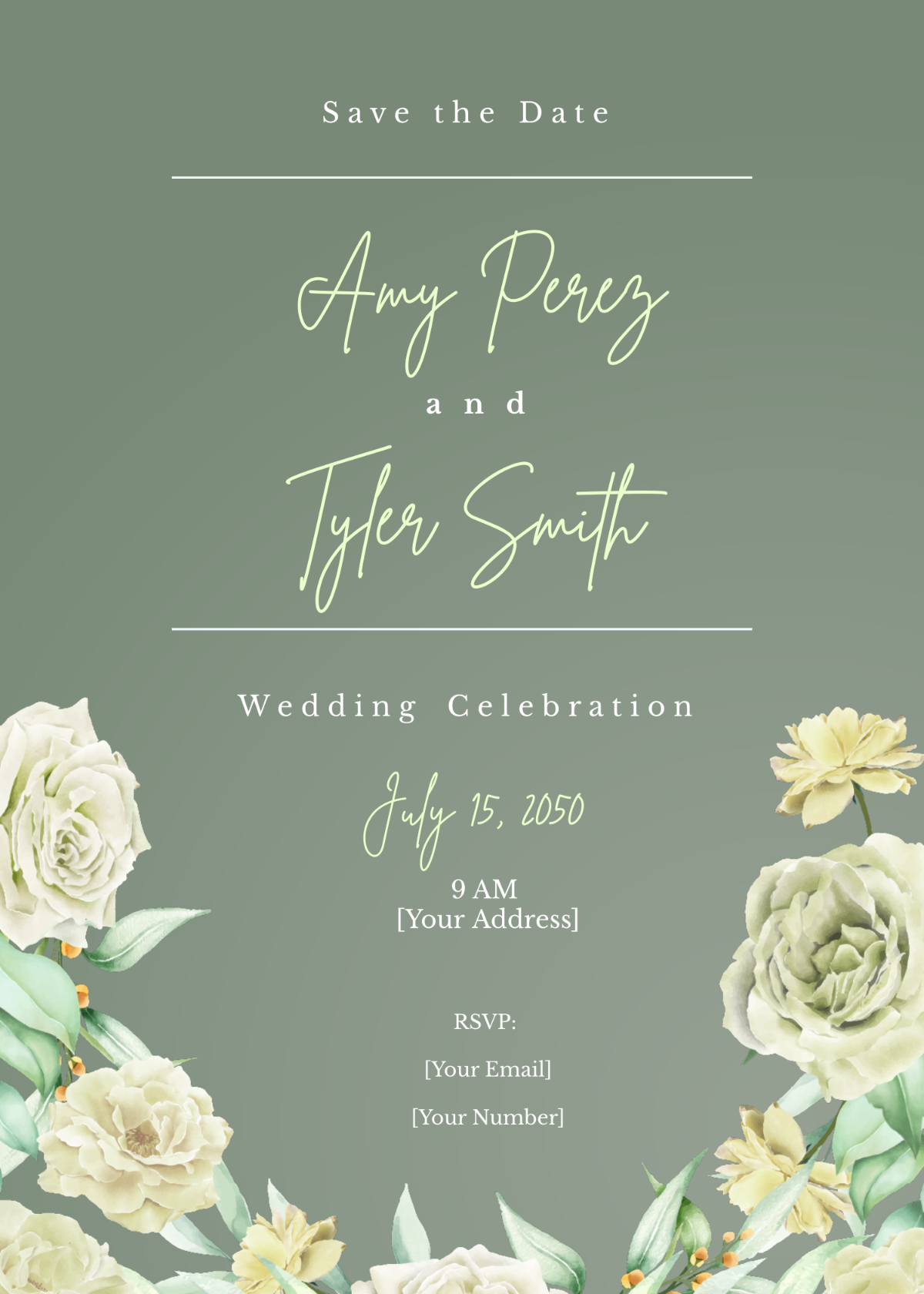
Green templates are ideal when projects require a fresh, natural, or eco-conscious look. Use them for marketing materials, presentations, invitations, or reports that benefit from a strong green color scheme to evoke growth, harmony, or environmental awareness.

What design tips should I consider for a Green template?
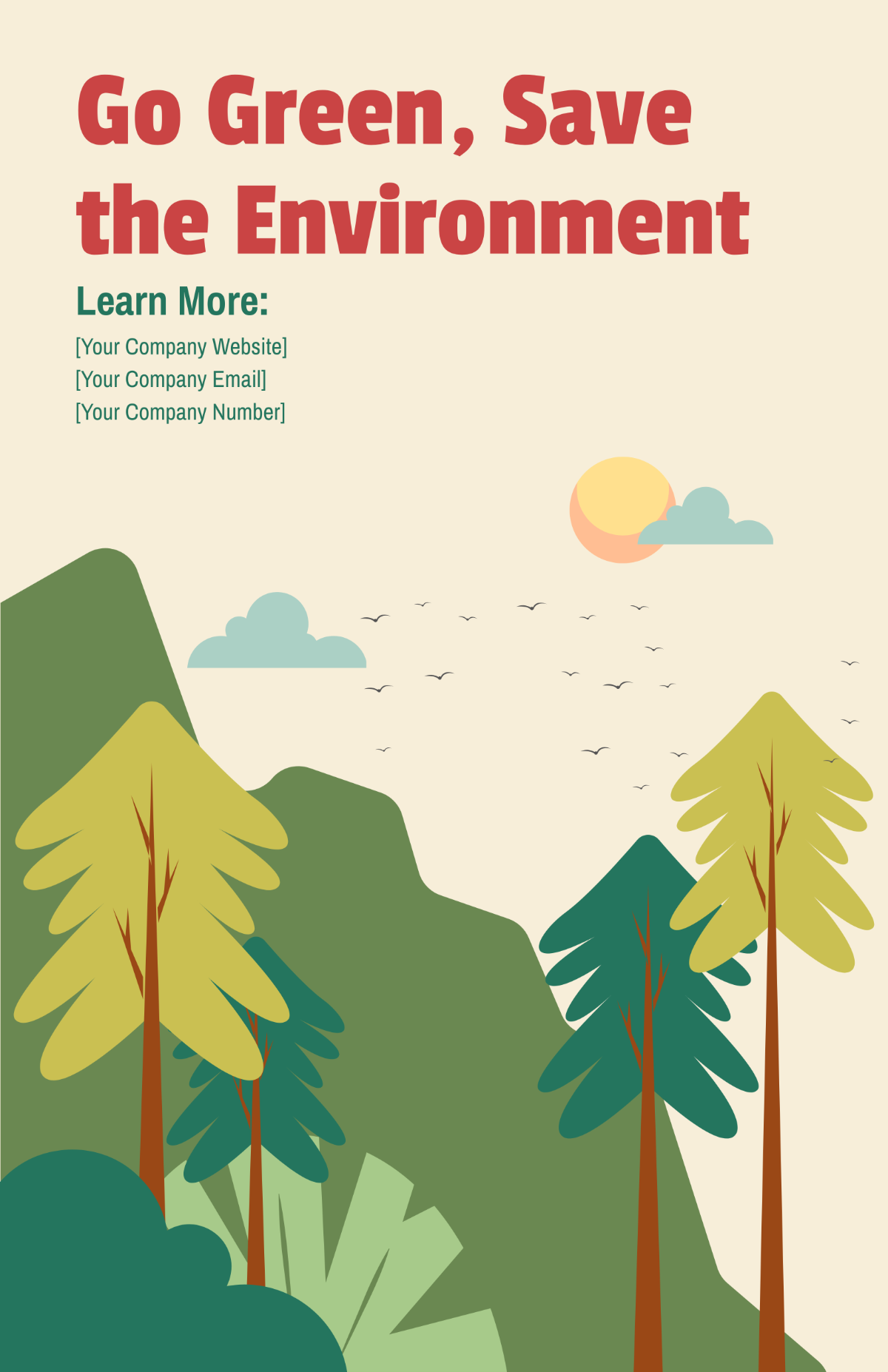
Effective Green templates balance various shades of green with contrasting colors for readability. Incorporate layered design elements like leaves or natural textures and use a clear headline with ample white space to enhance the overall visual appeal.

What sizes are common for Green templates?
Popular Green template sizes include 8.5 × 11 inches for flyers, 5 × 7 inches for invitations, and 4 × 6 inches for postcards. These sizes ensure compatibility with standard printing and digital display formats while maintaining a professional layout structure.

What key elements are included in Green templates?
Green templates feature editable text areas, layered graphics such as leaves or eco-symbols, a consistent color palette dominated by greens, and distinct layout blocks for images and call to actions, enabling easy customization.

How can I print Green templates effectively?
To print Green templates effectively, use high-resolution files and select paper that enhances color vibrancy. Make sure the color palette is CMYK-friendly and check your printer settings to preserve the green hues and crisp design details.


Can I create a new Green template using AI?
Template.net provides an AI-powered tool capable of generating Green template designs to help create unique layouts from prompts. This tool allows for quick creation of original green-themed visuals with professional quality.
