
Free Grocery Templates











Free Grocery Templates: Editable Customization Guide and Download Options
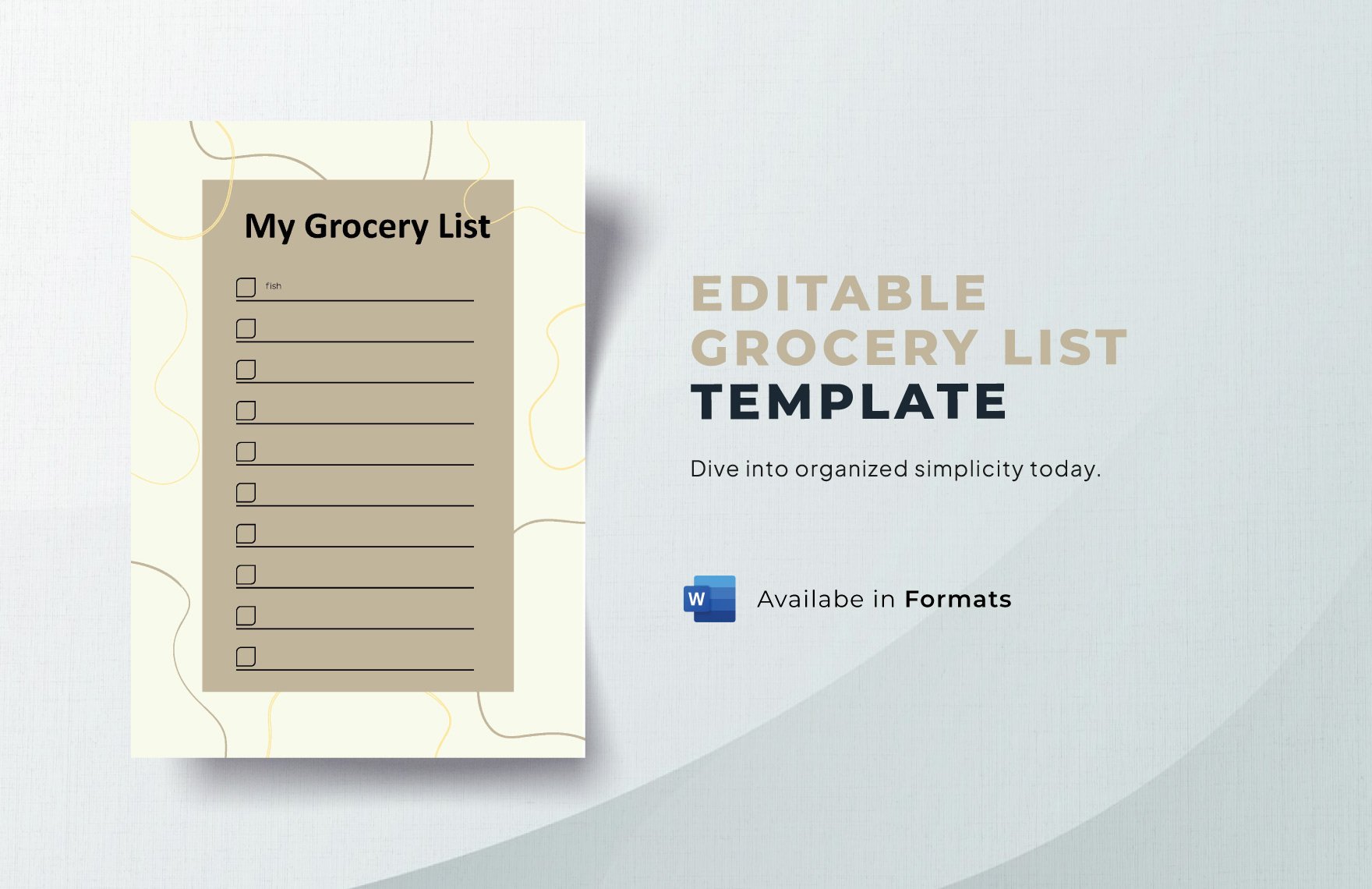
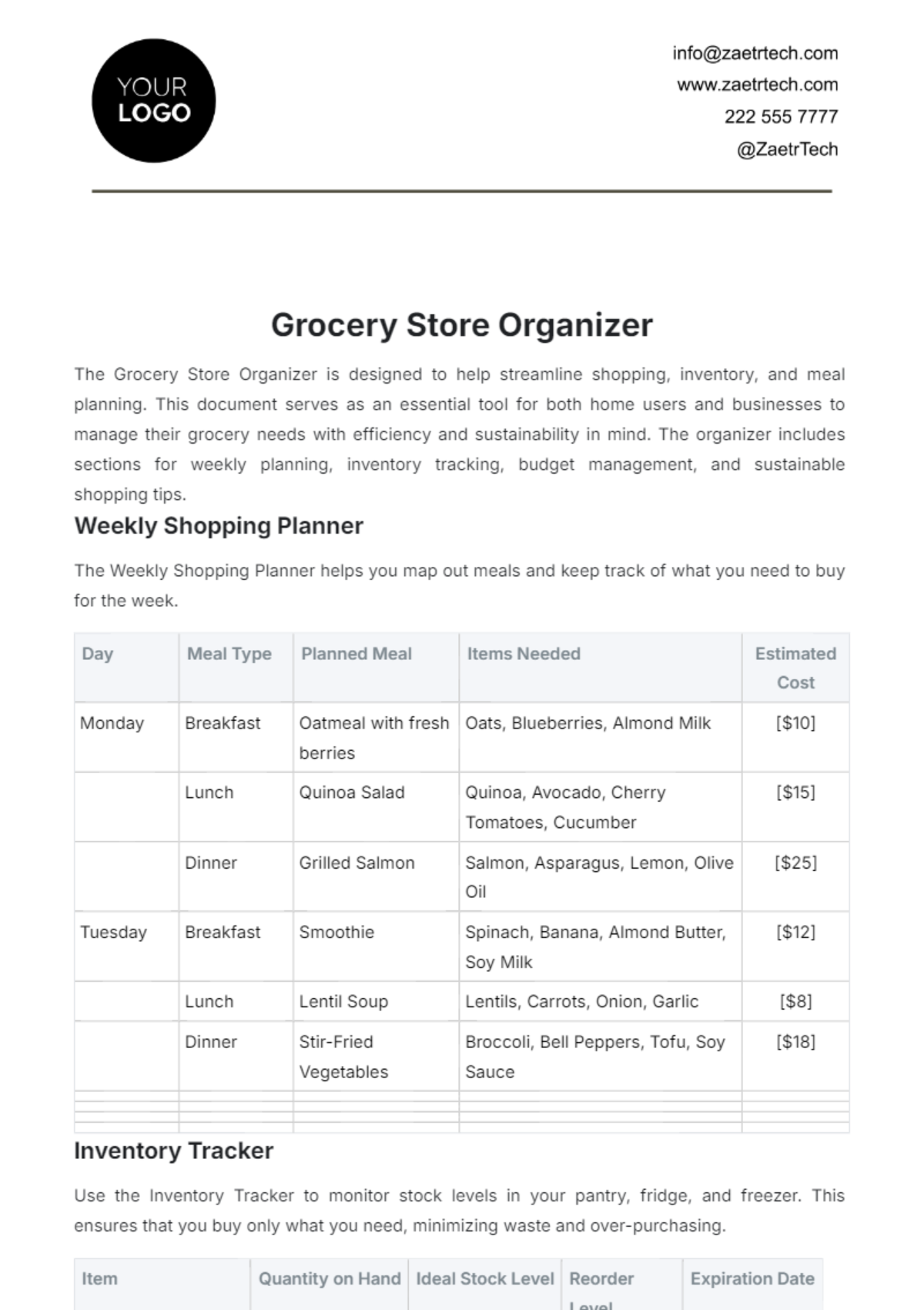
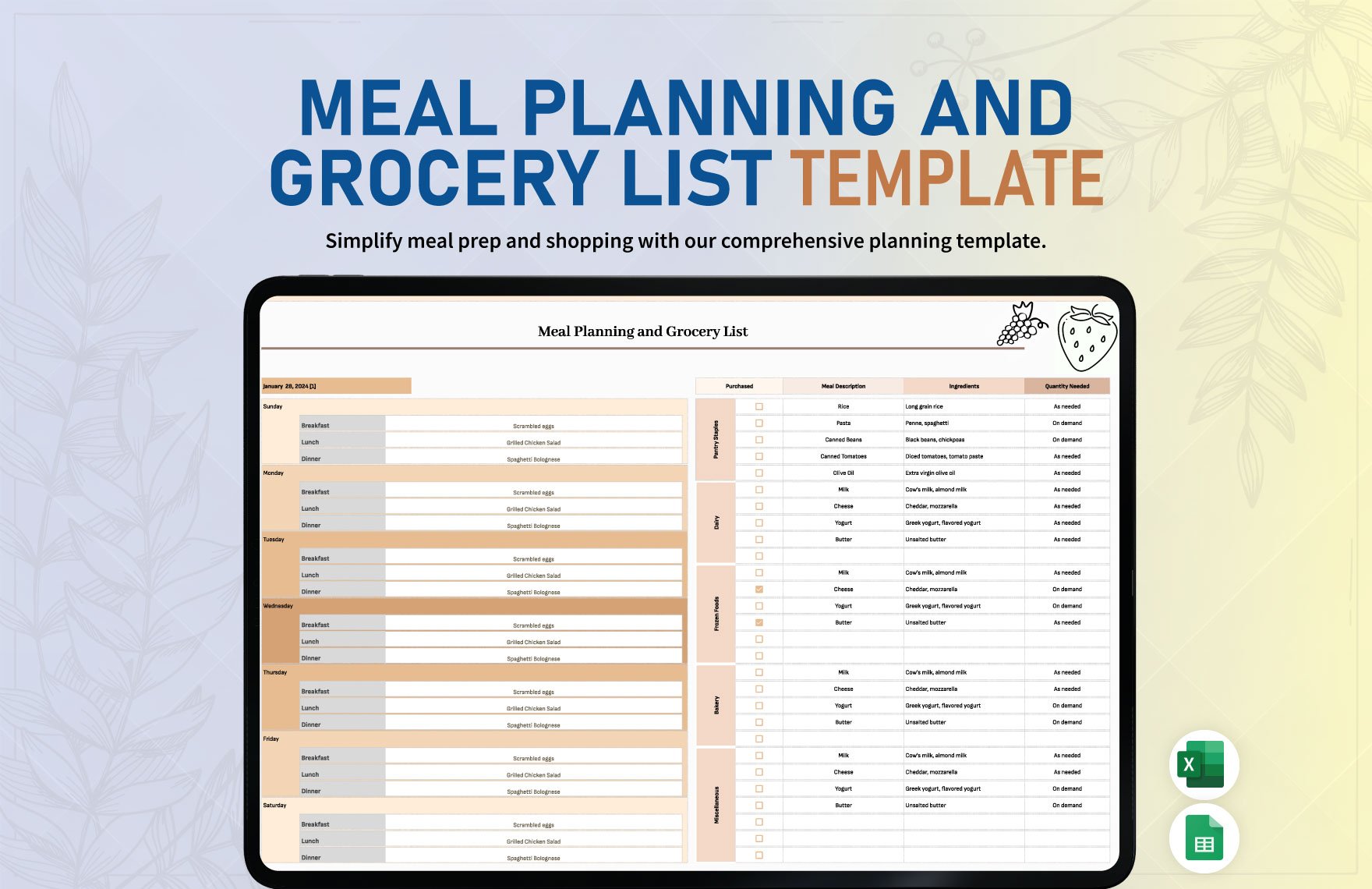
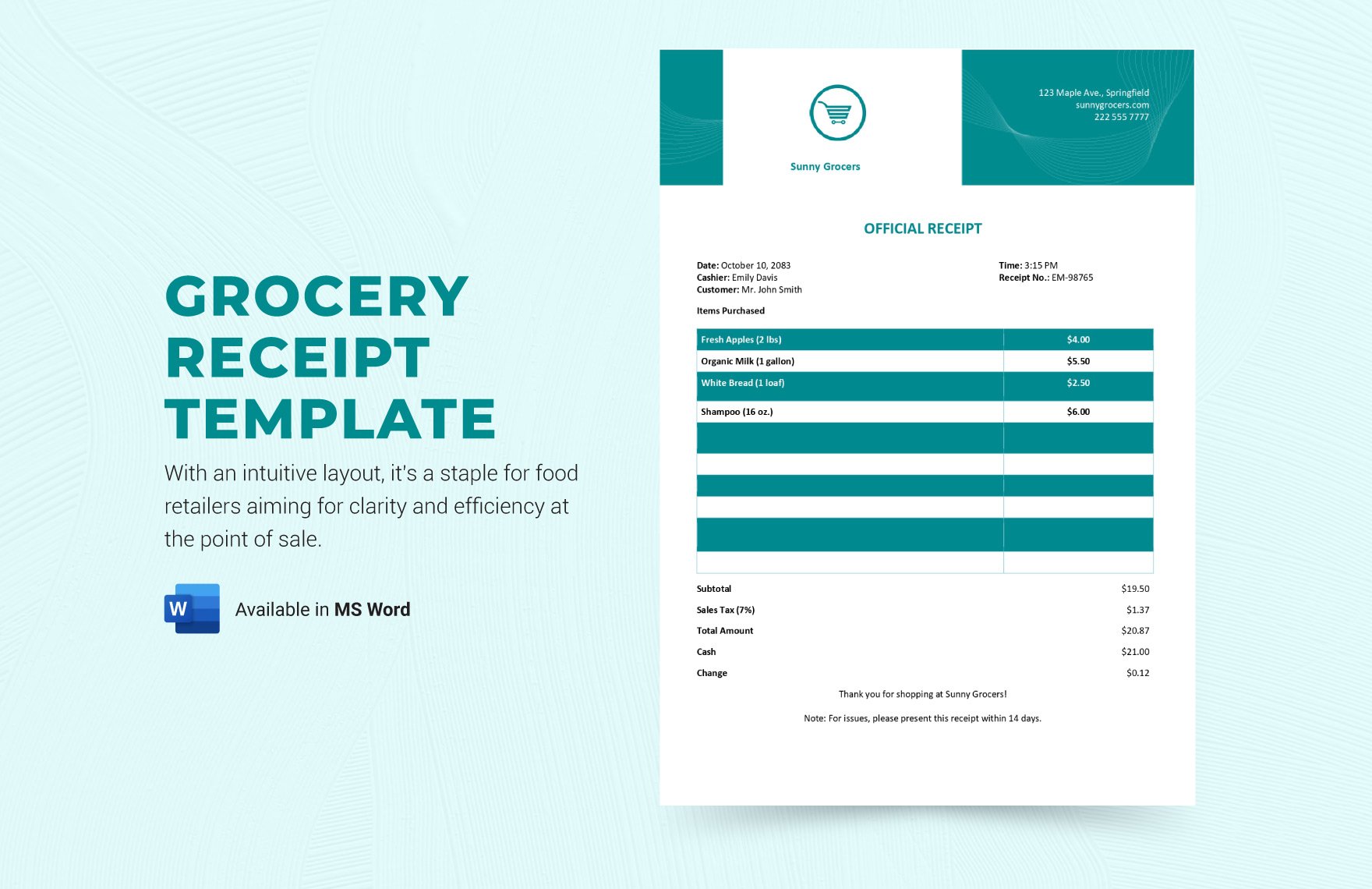
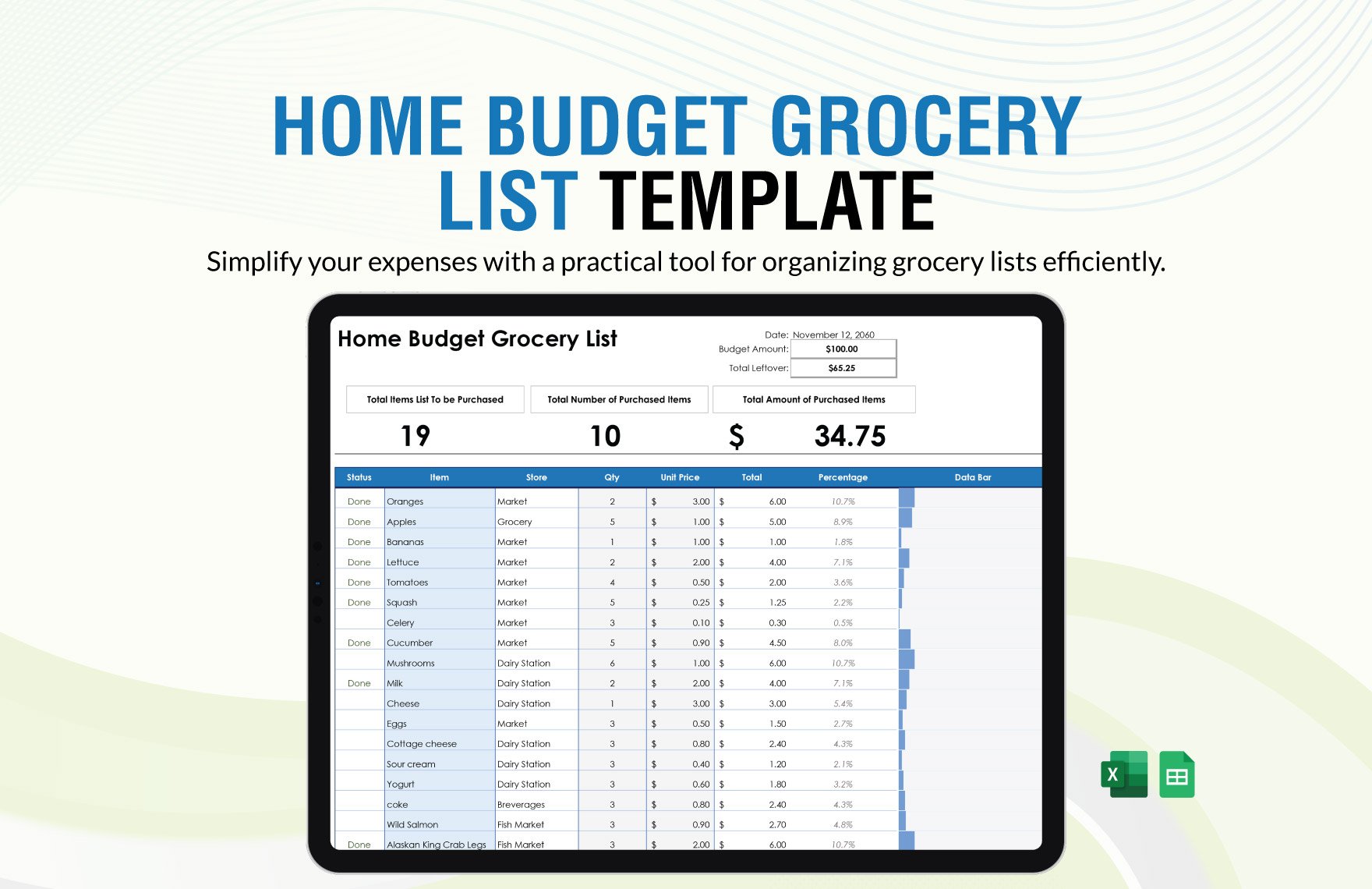
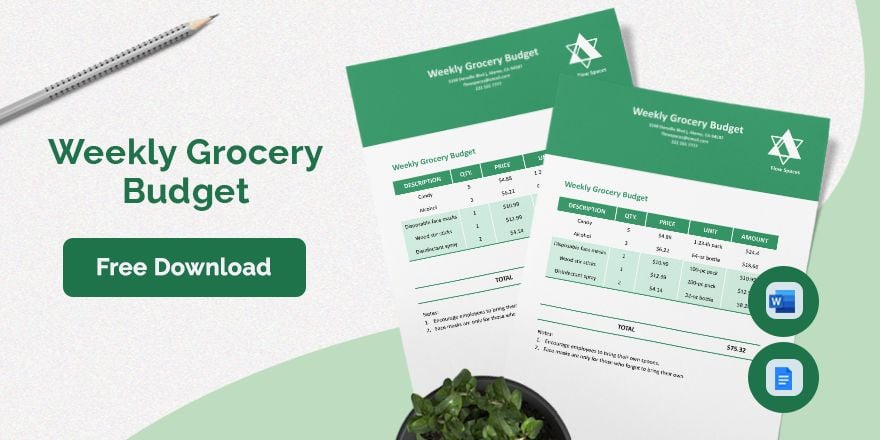
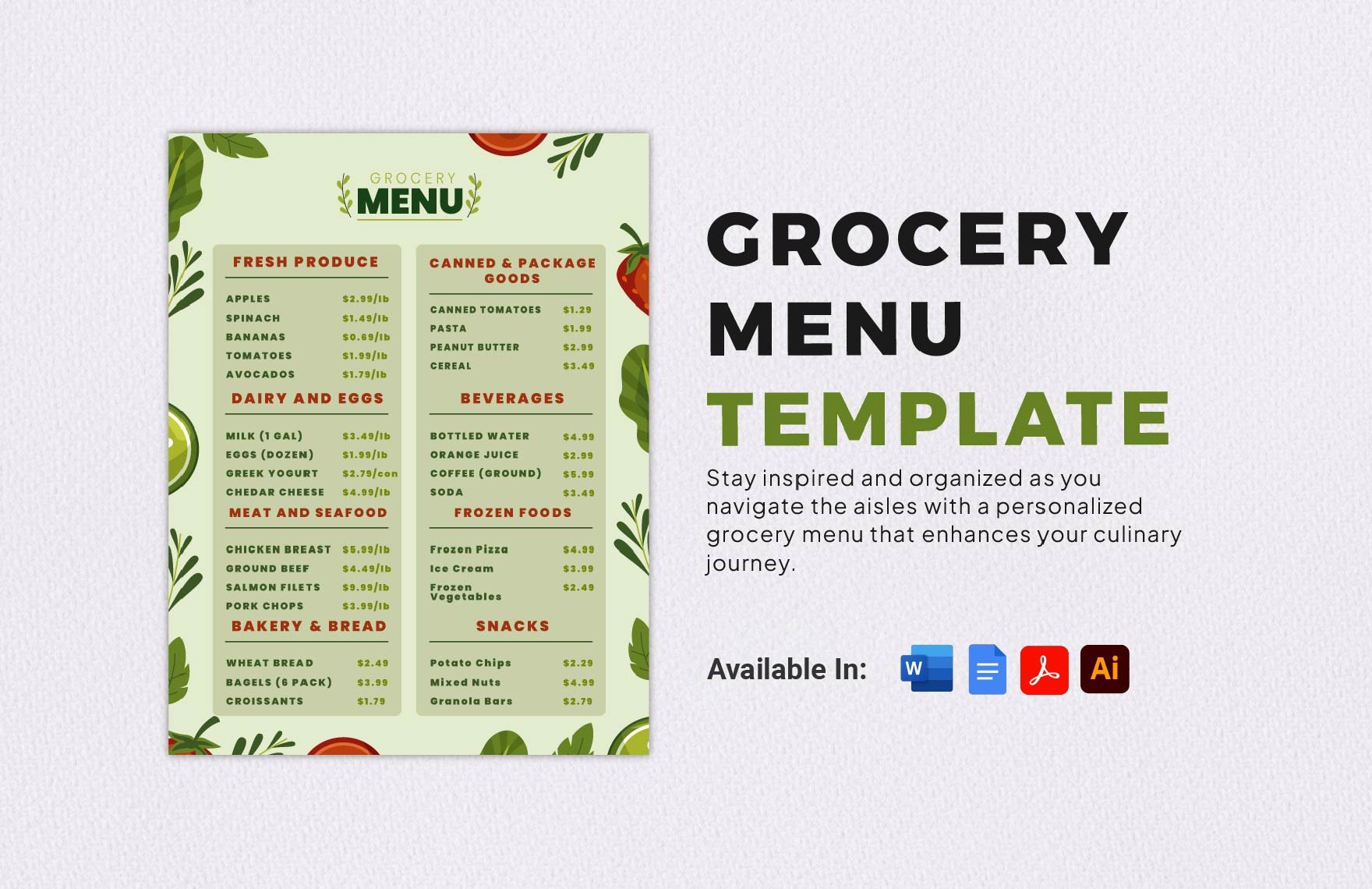
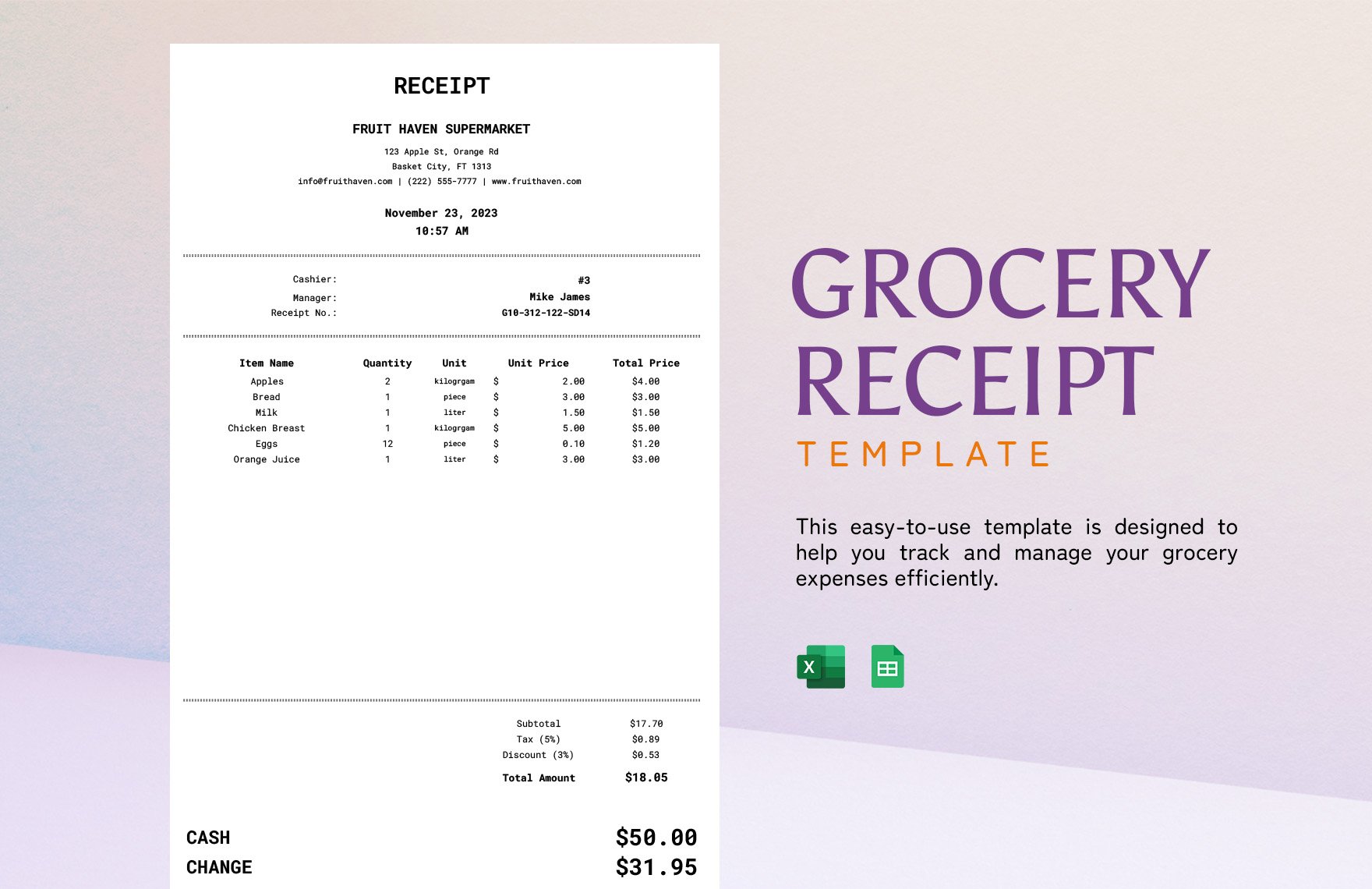
Grocery refers to a collection of editable templates designed to assist with grocery planning, inventory, shopping lists, and related documentation. Template.net offers editable Grocery templates that you can complete or modify directly in your browser to fit your specific needs.
What is a Grocery?
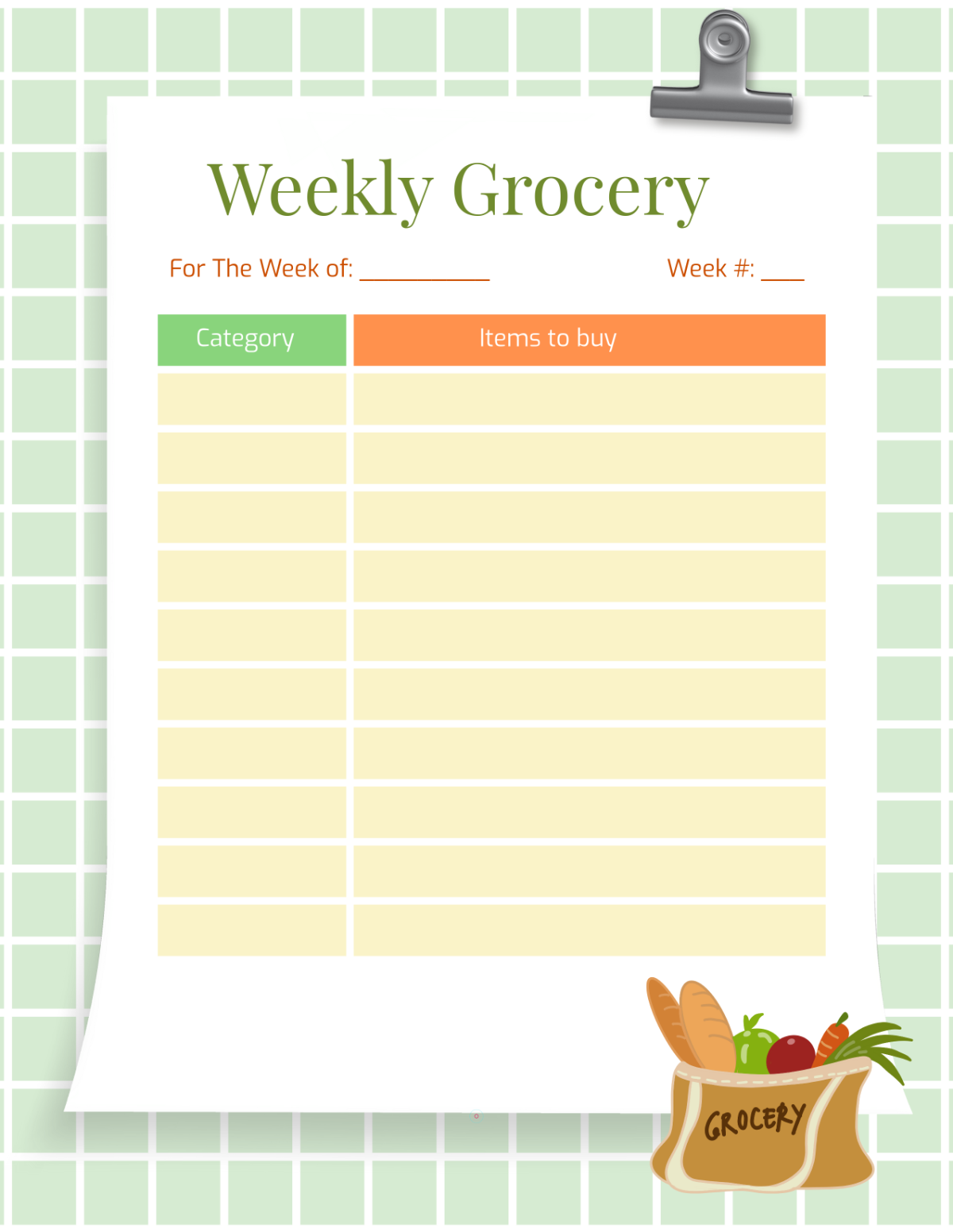
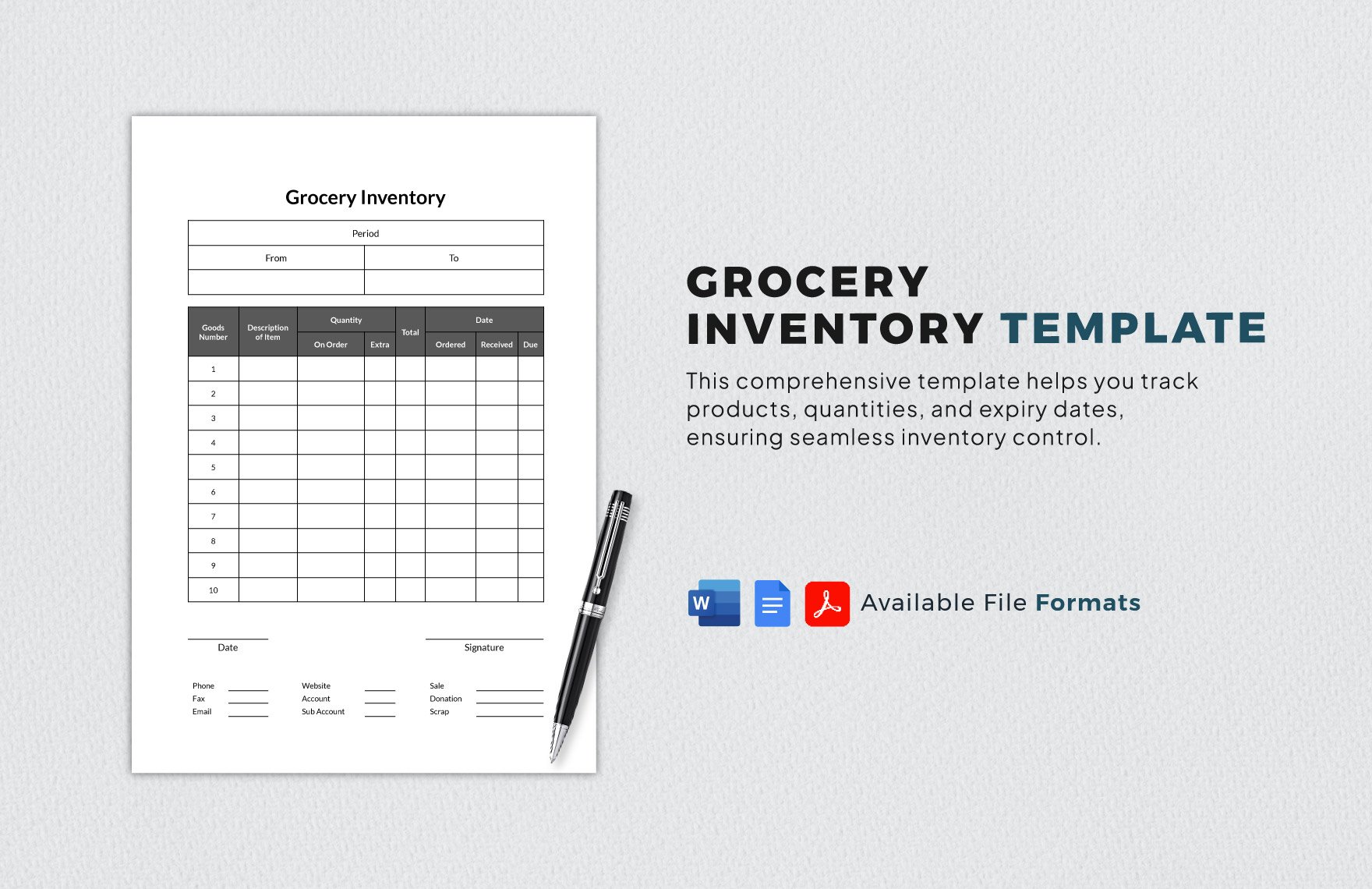
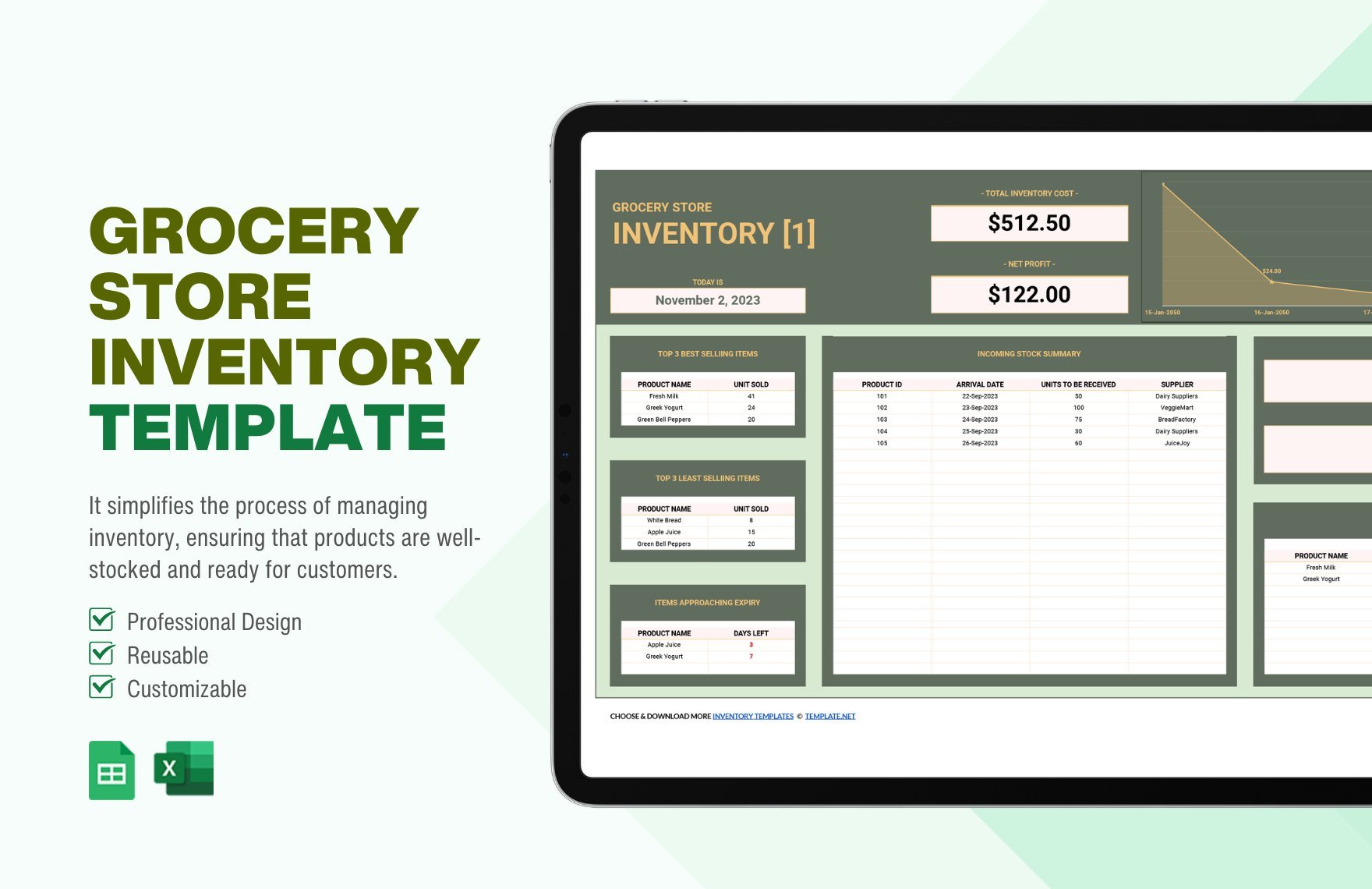
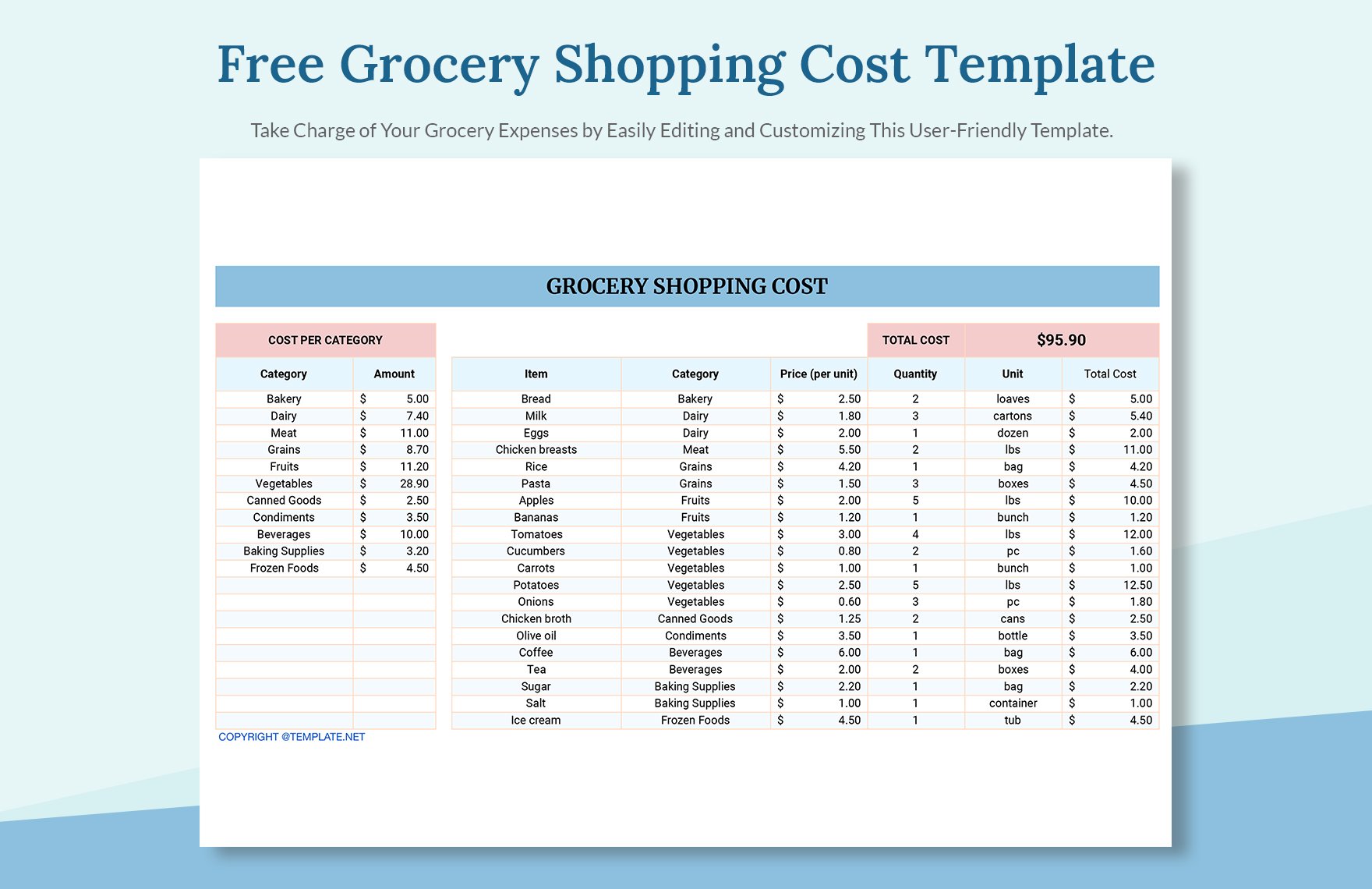
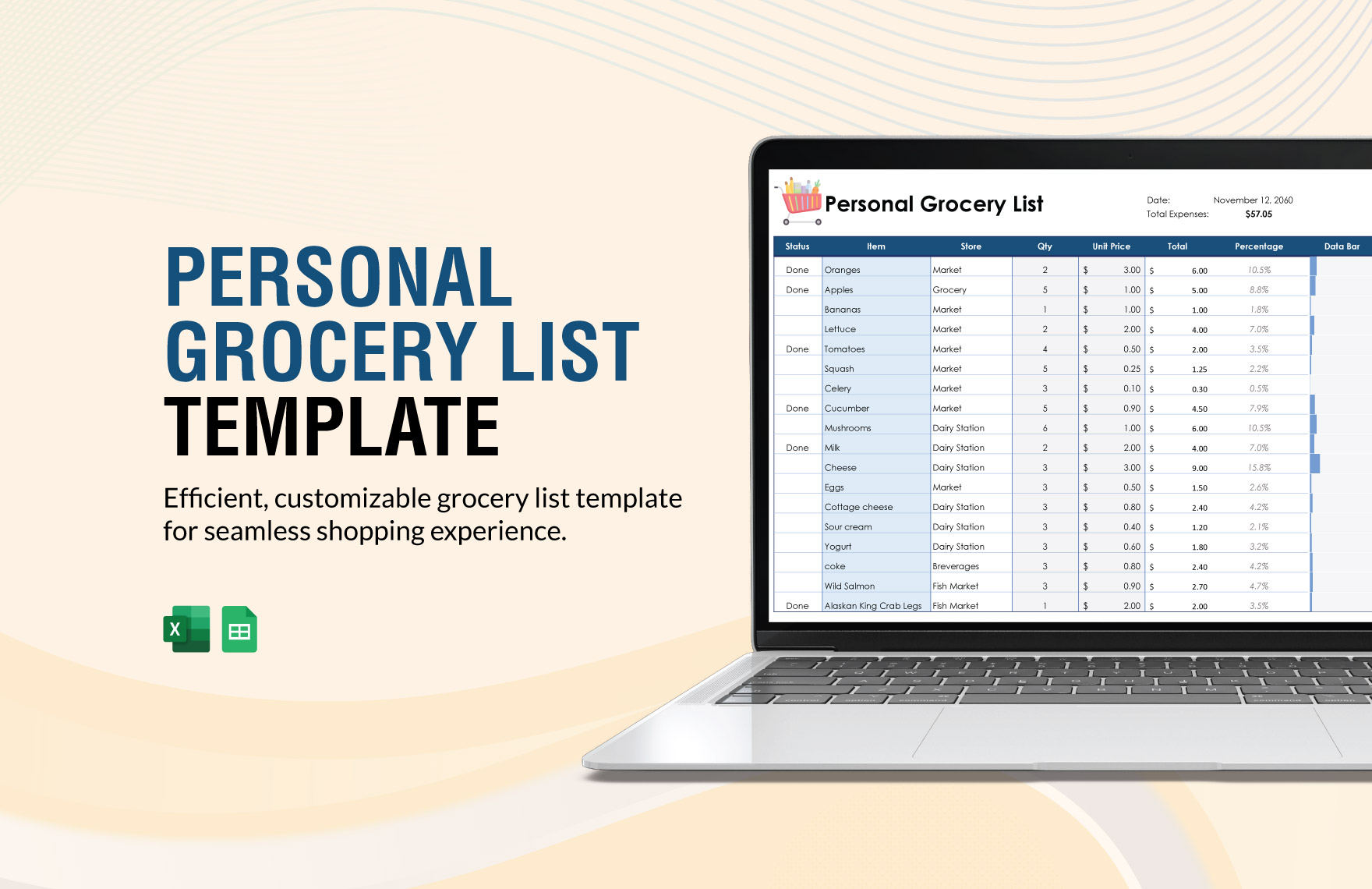
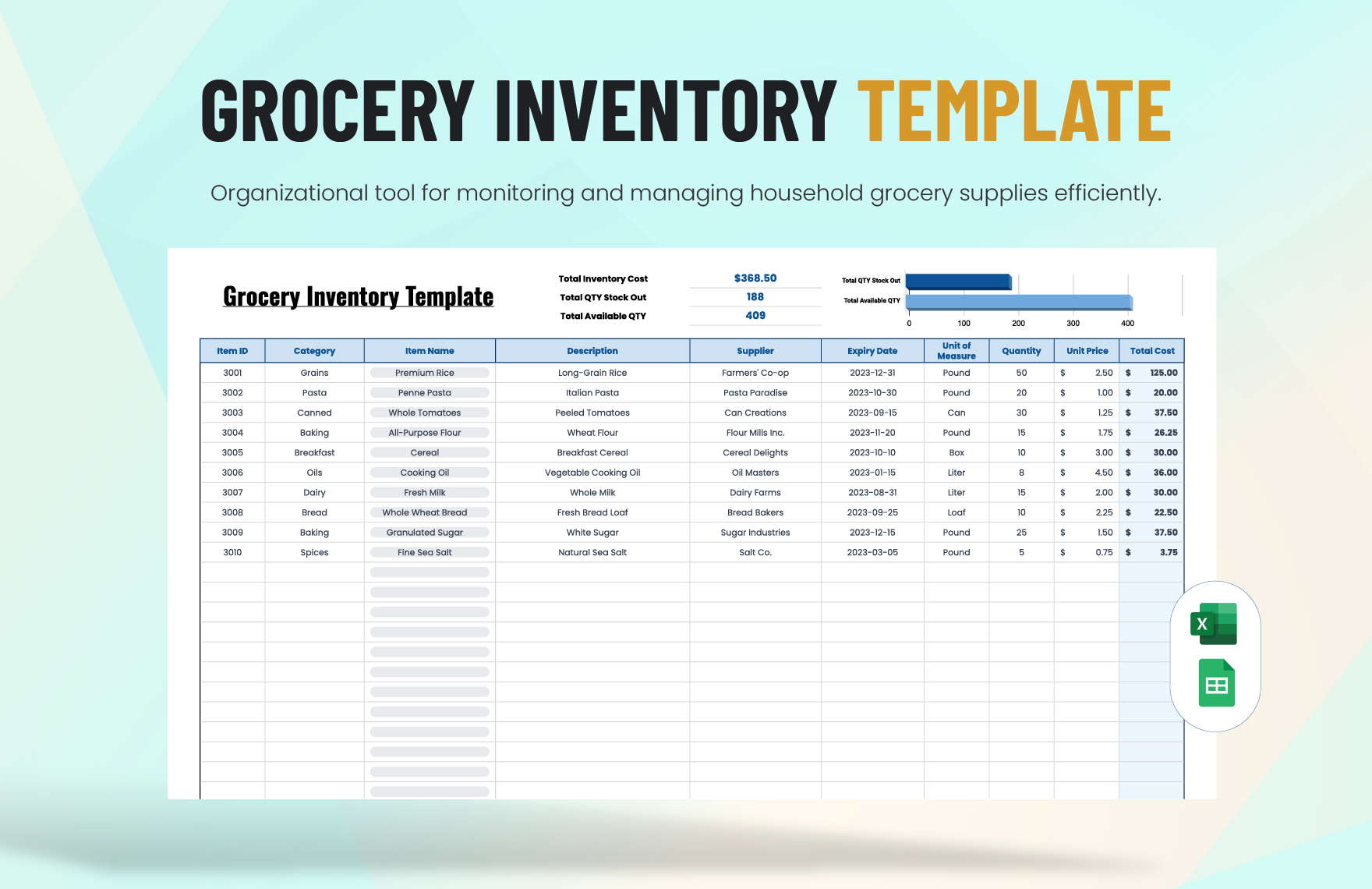
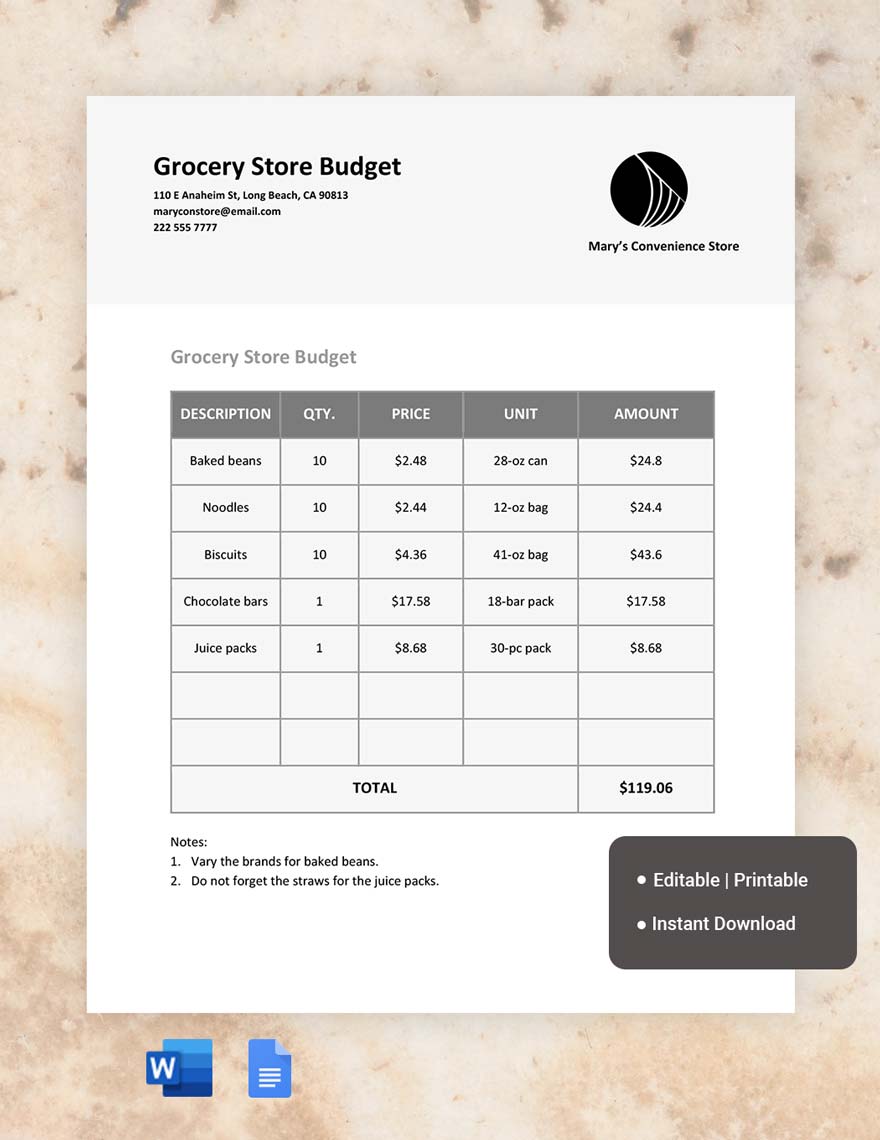
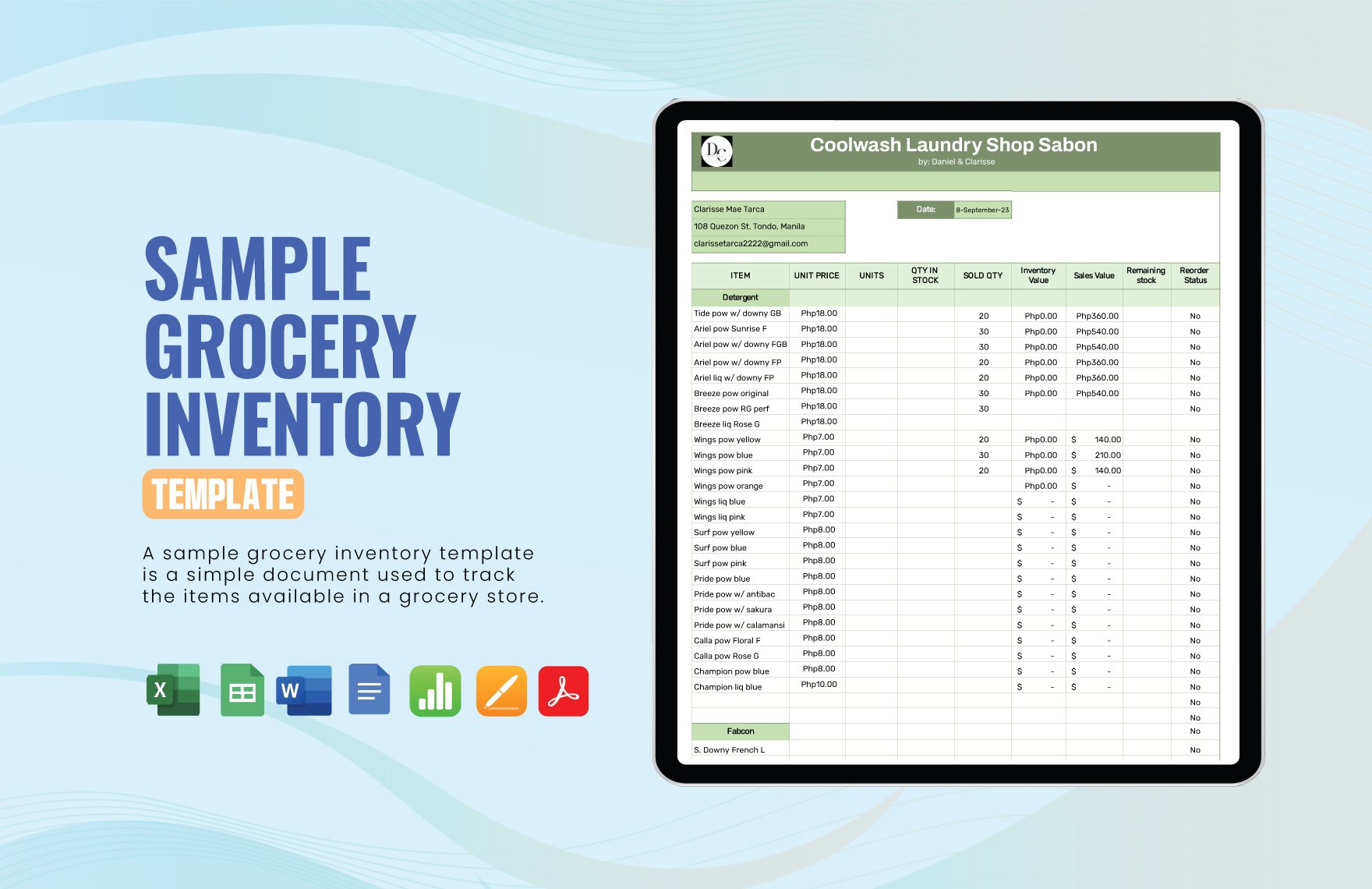
Grocery represents a variety of editable templates focused on grocery-related tasks such as shopping lists, inventory management, and expense tracking. These templates simplify organization and planning for grocery needs, making the process efficient and streamlined.
Why should I use a Grocery?
You should use a Grocery template to save time and reduce errors when managing grocery-related activities. Editable Grocery templates offer structured formats that help organize shopping, budgeting, and inventory tracking with ease and accuracy.
Who uses Grocery?
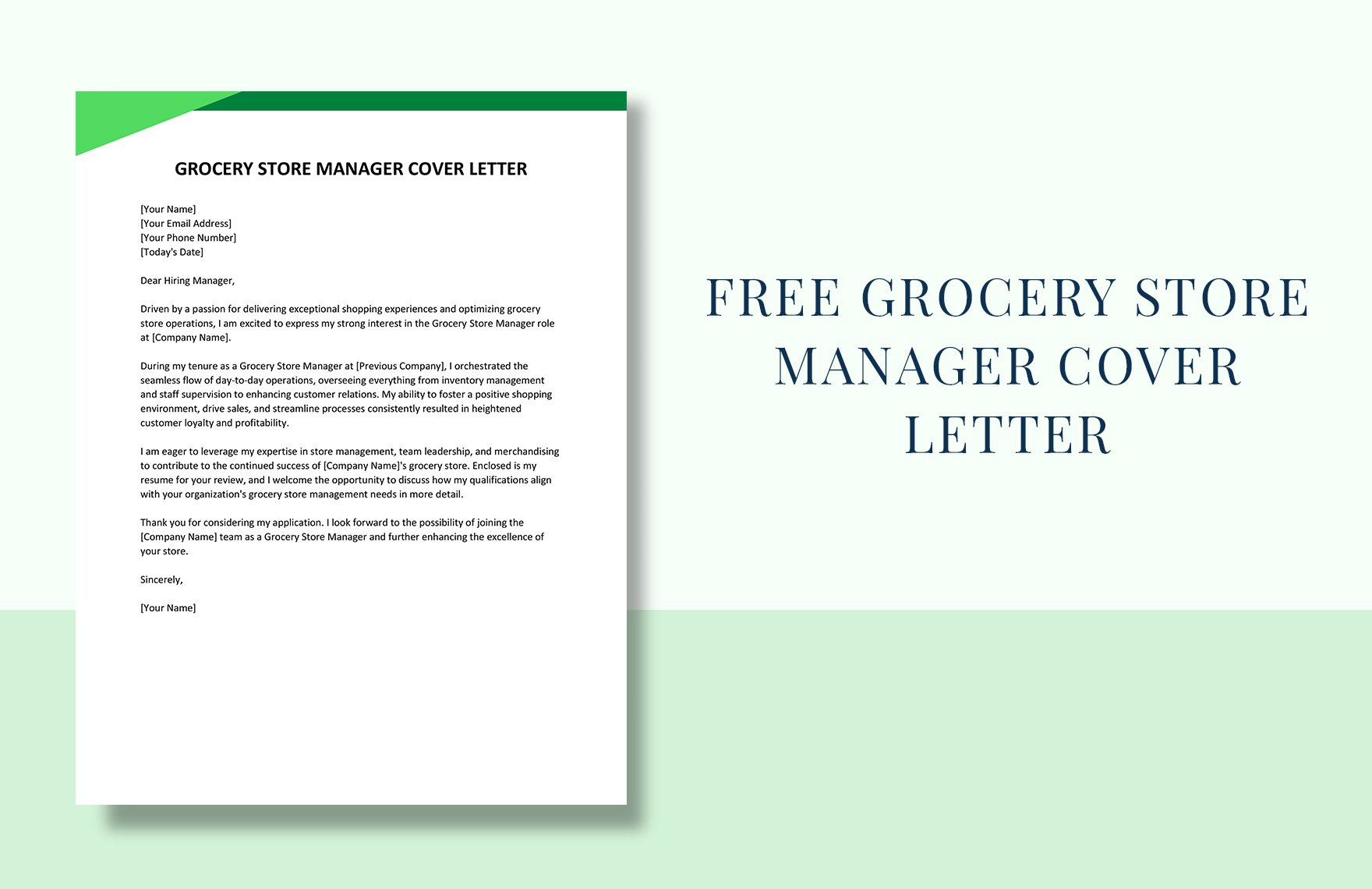
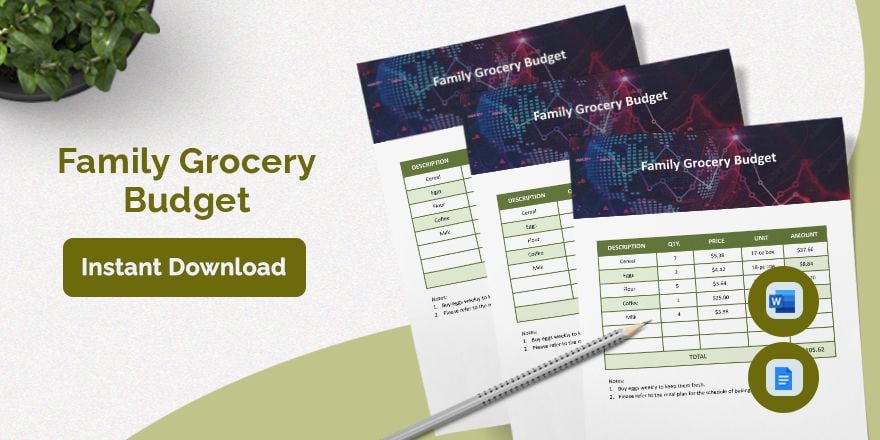
Grocery templates are commonly used by individuals, families, small business owners, and grocery store managers who require organized and editable documents for purchasing, stocking, and budgeting grocery items.
What are the best tips for completing my Grocery?
When completing a Grocery template, ensure you input accurate item descriptions, quantities, and prices. Regularly update your lists and inventory to reflect changes. Use the editable features to customize sections for special dietary needs or budget limits.
Can I create a Grocery using AI?
While Template.net focuses on editable Grocery templates, you can explore AI tools elsewhere on the site for generating customized Grocery documents. However, the primary approach here is manual editing and customization in the browser.
What file formats can I download for my Grocery?
Template.net offers editable Grocery templates in multiple file formats for download including Word, Excel, Google Sheets, and Apple Pages.
What essential elements should a Grocery include?
A Grocery template should include essential elements for organization and clarity.
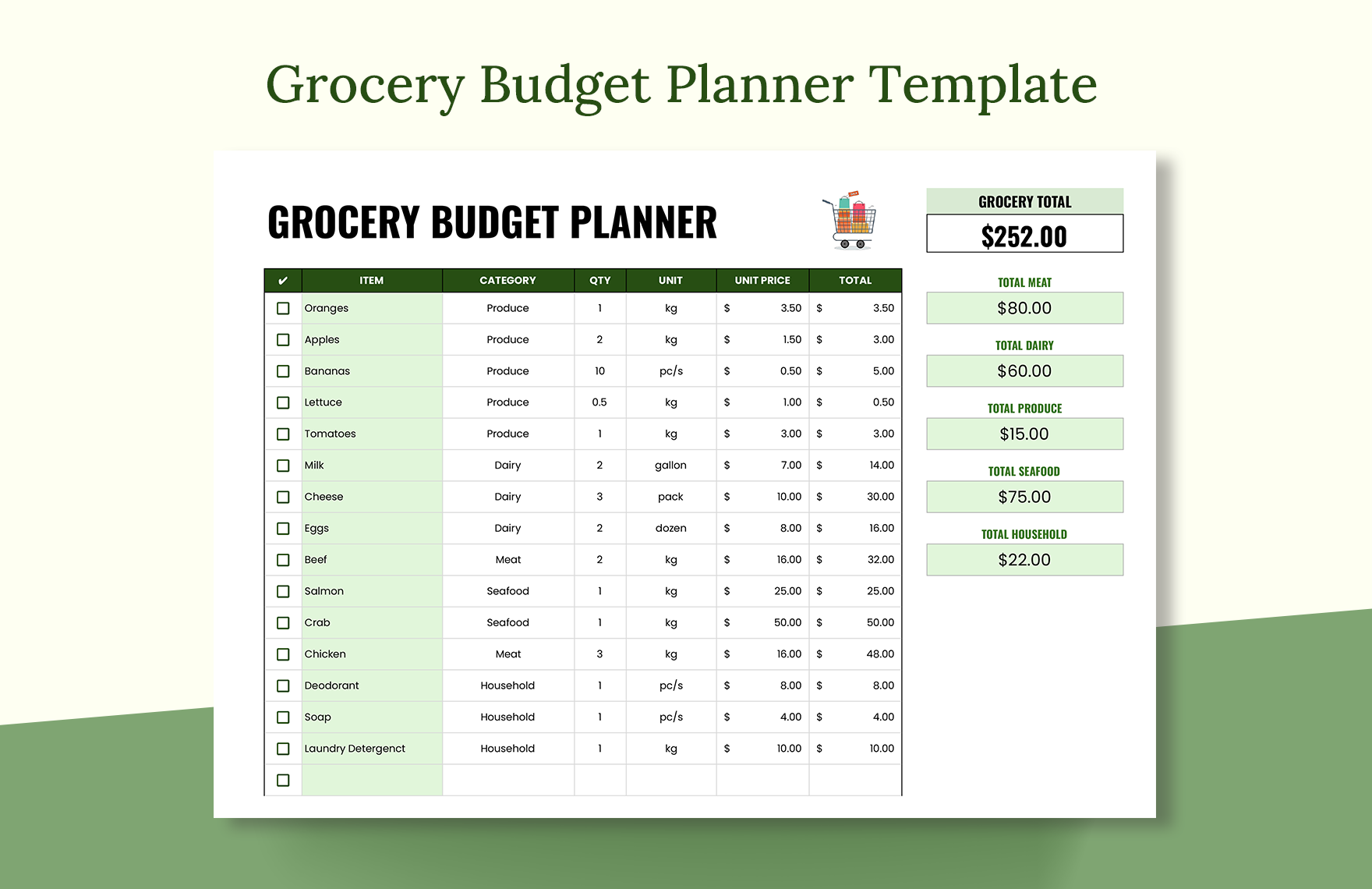
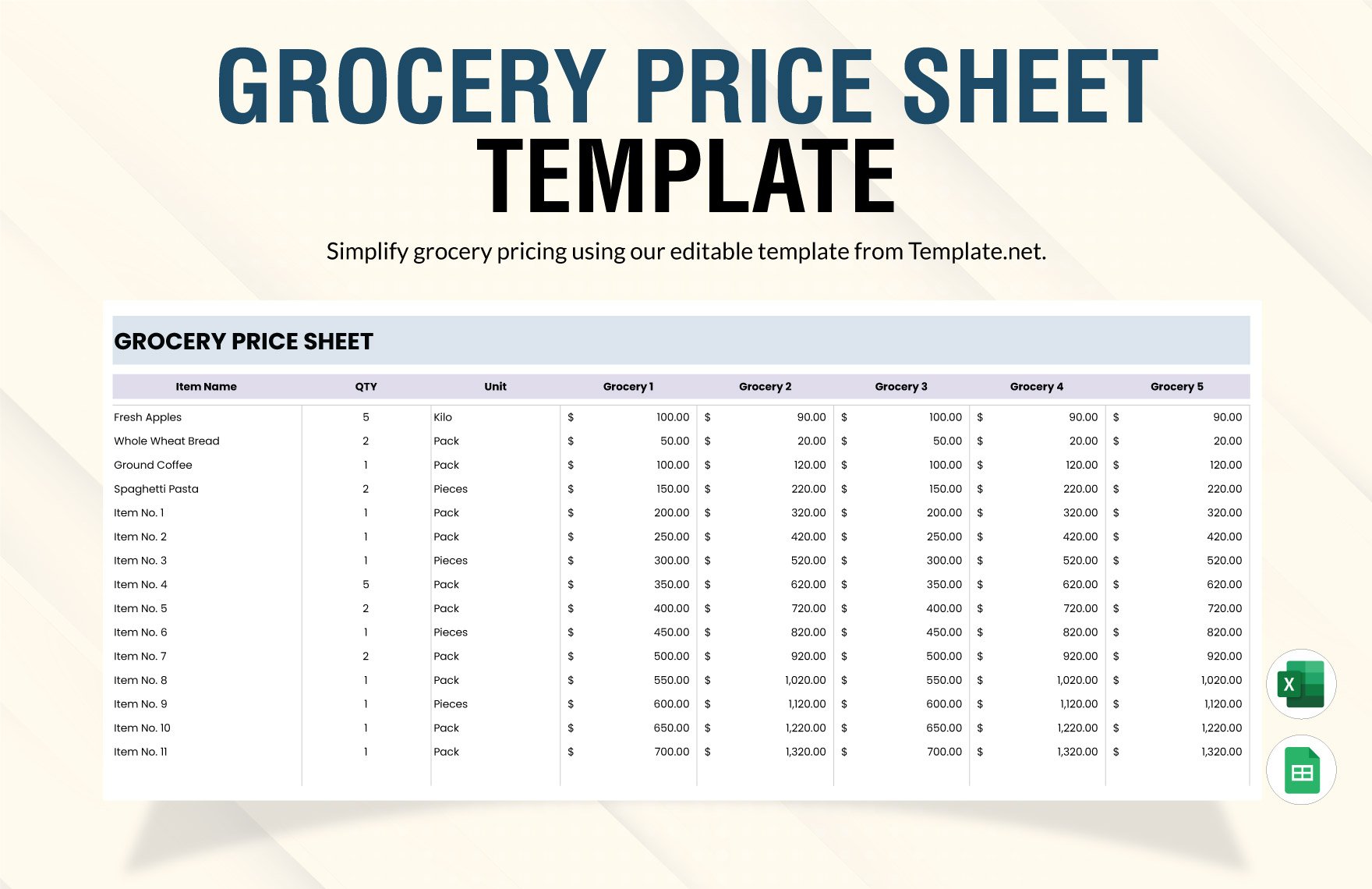
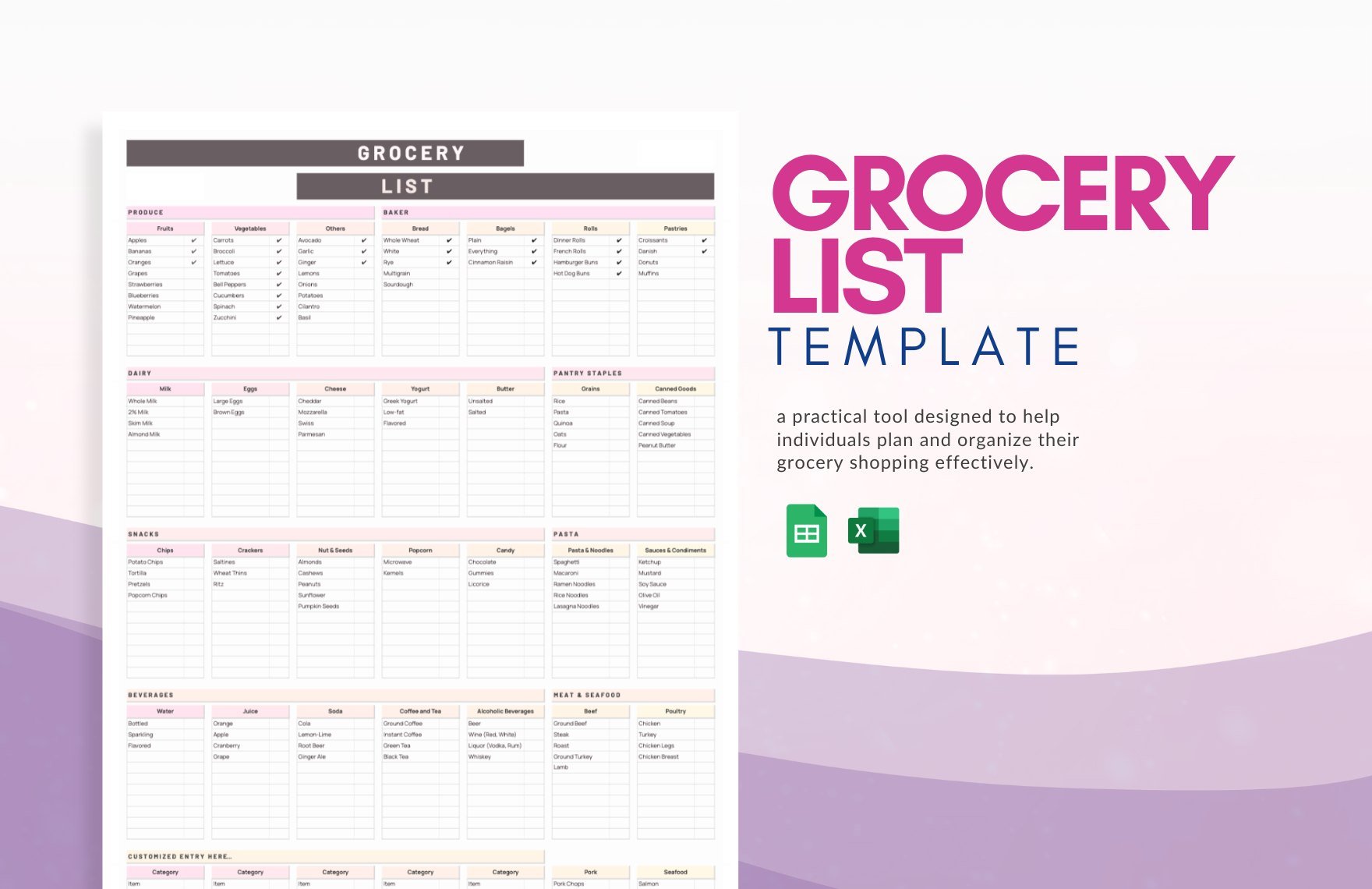
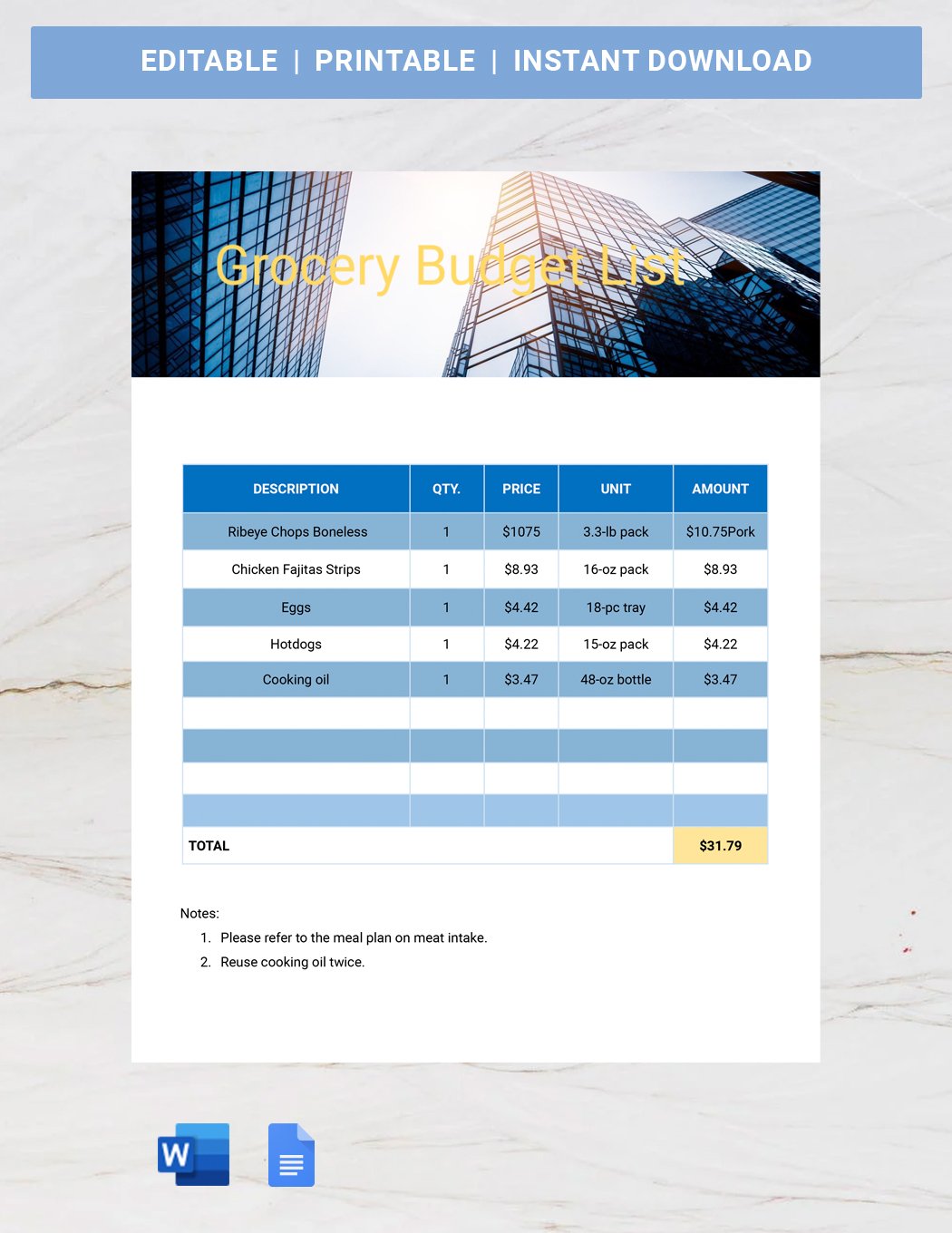
- Item list specifying product names and descriptions
- Quantity fields to track amounts needed or purchased
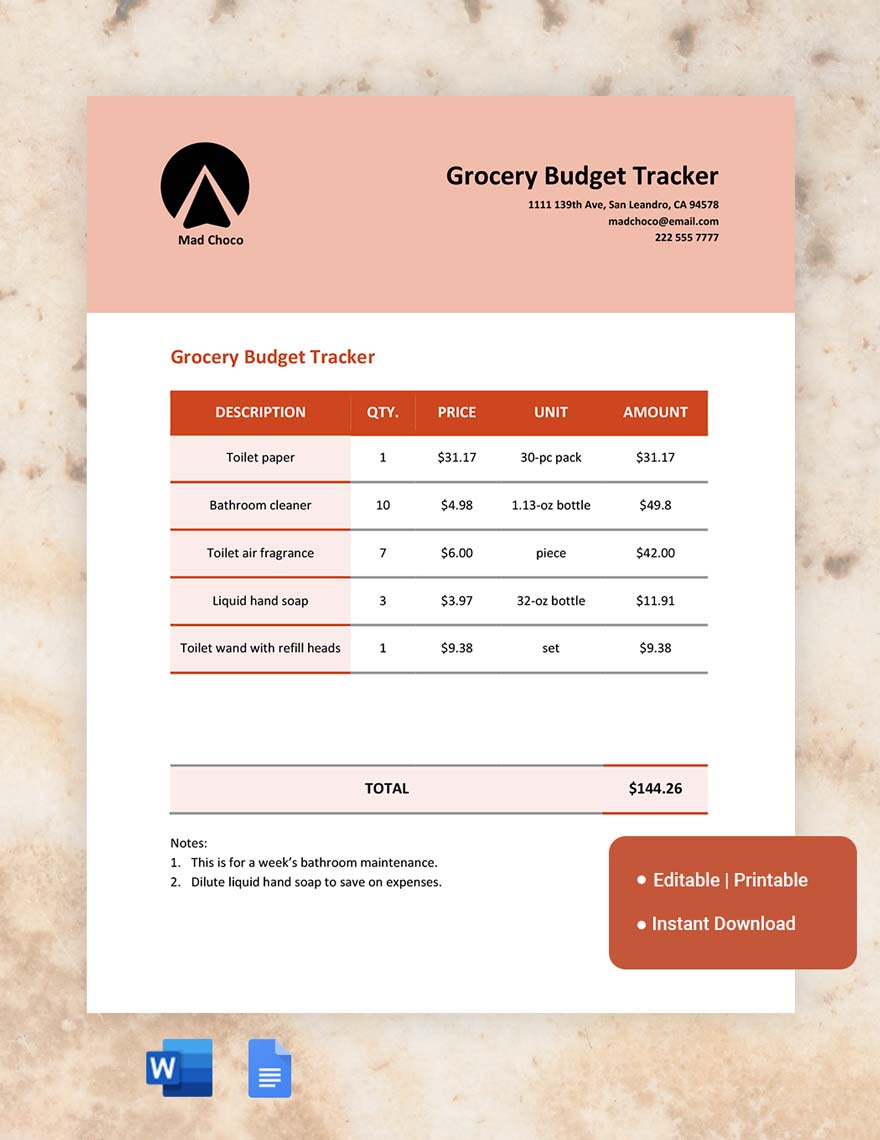
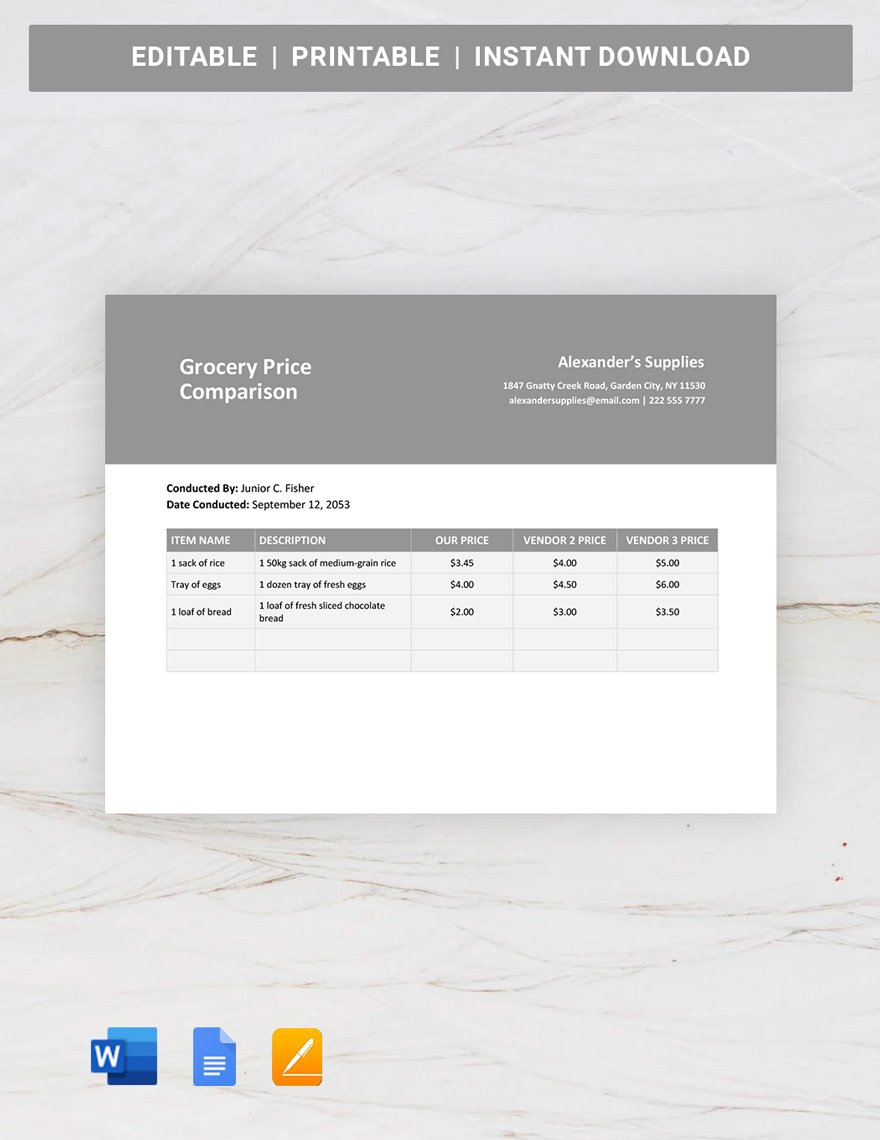
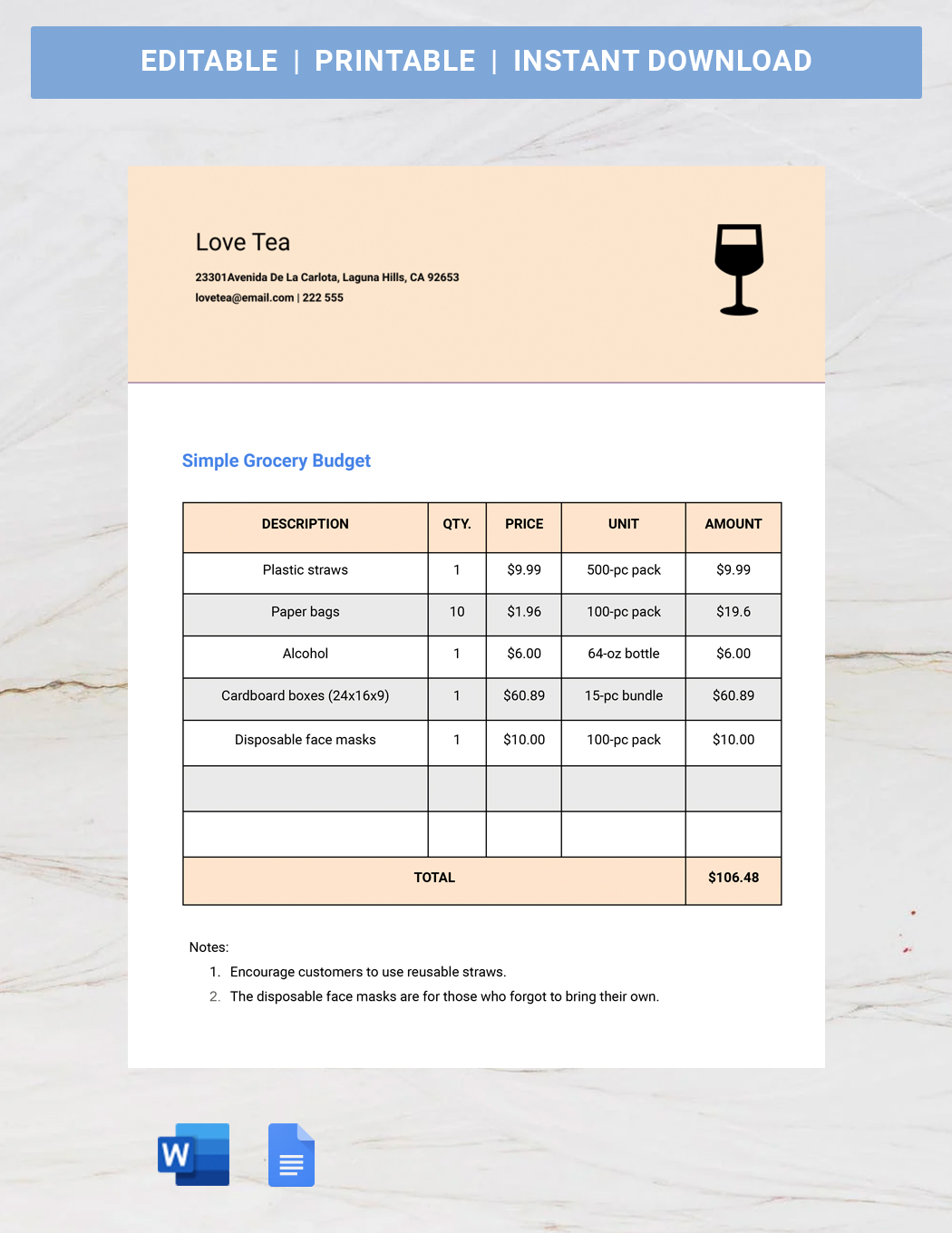
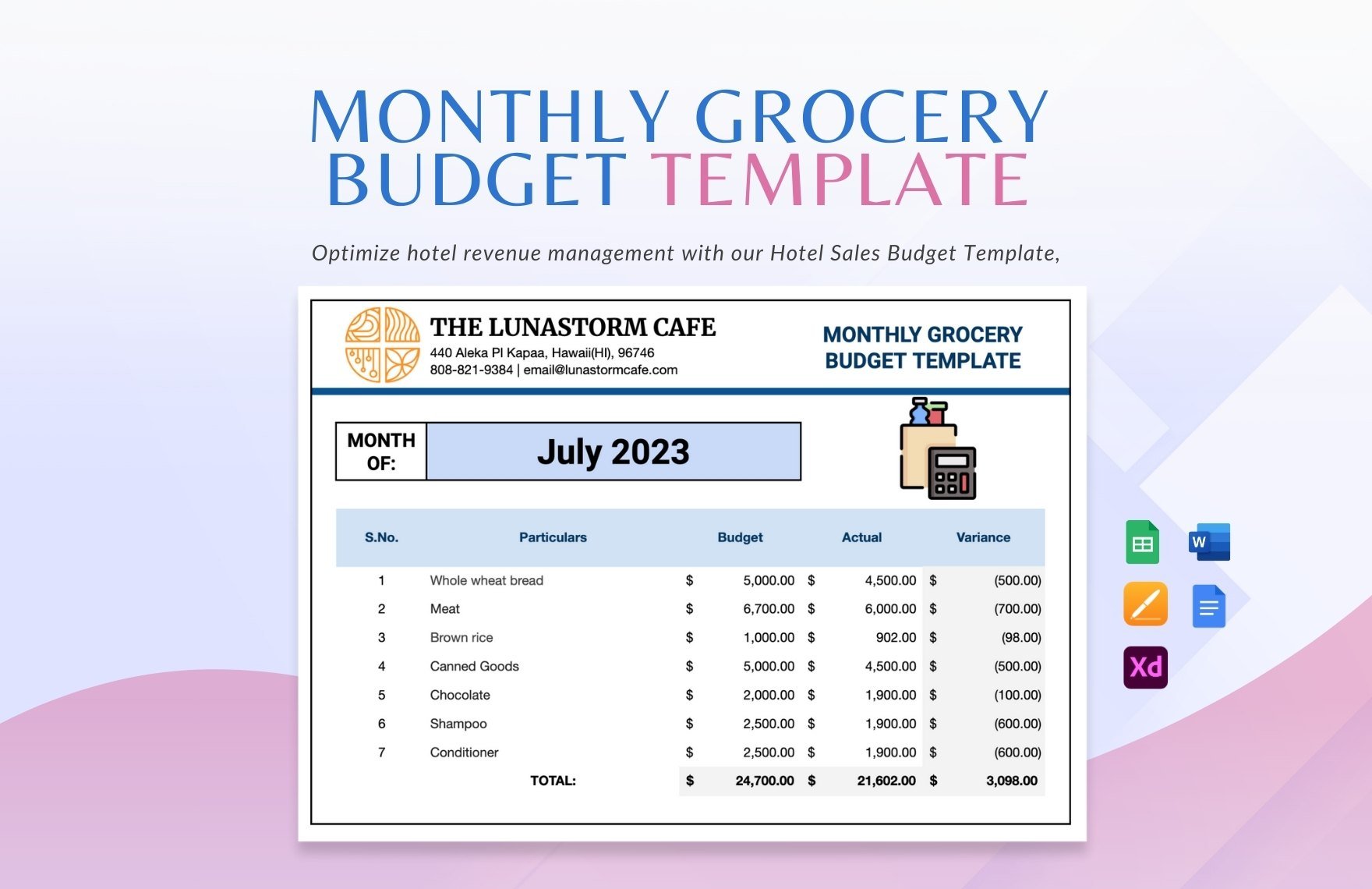
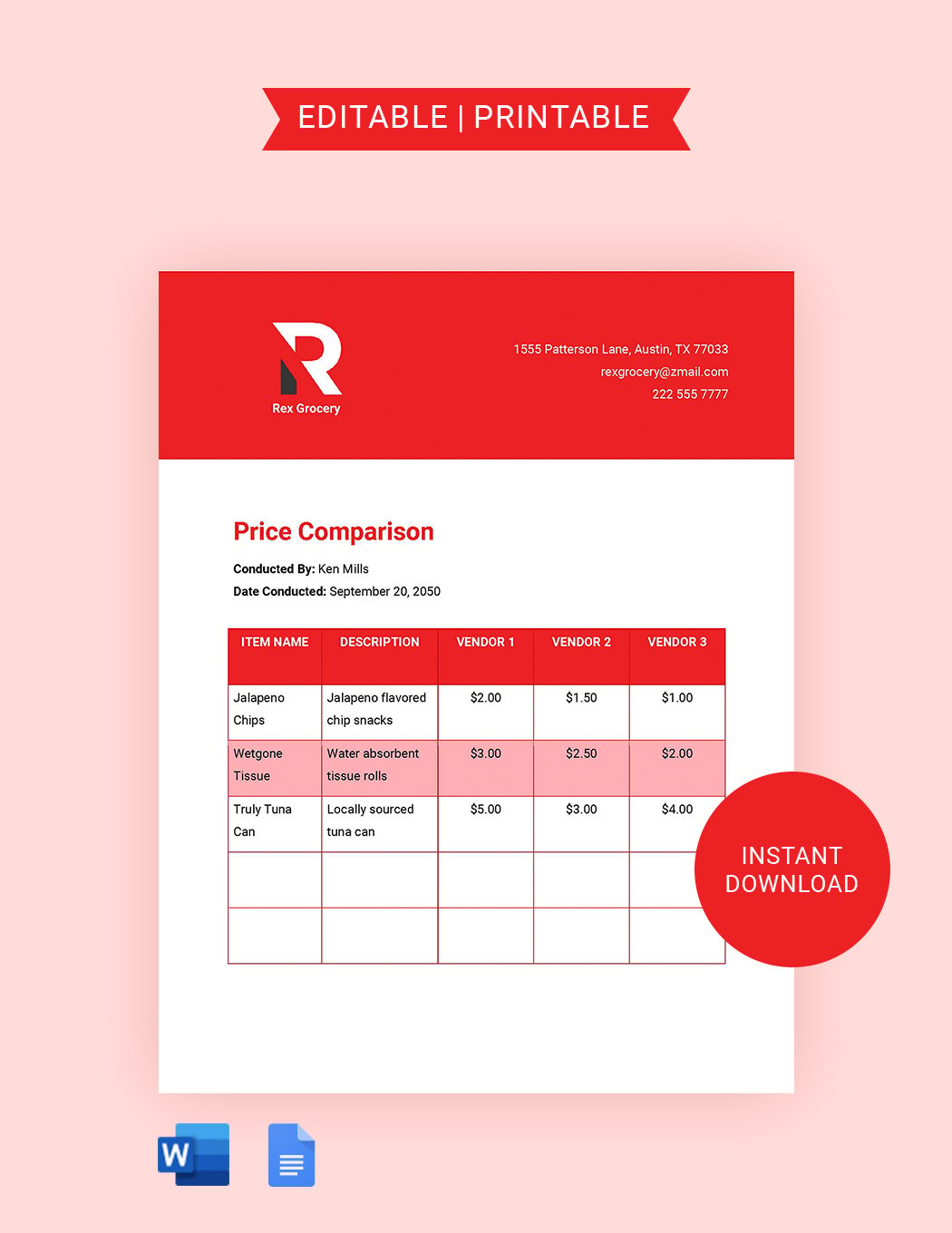
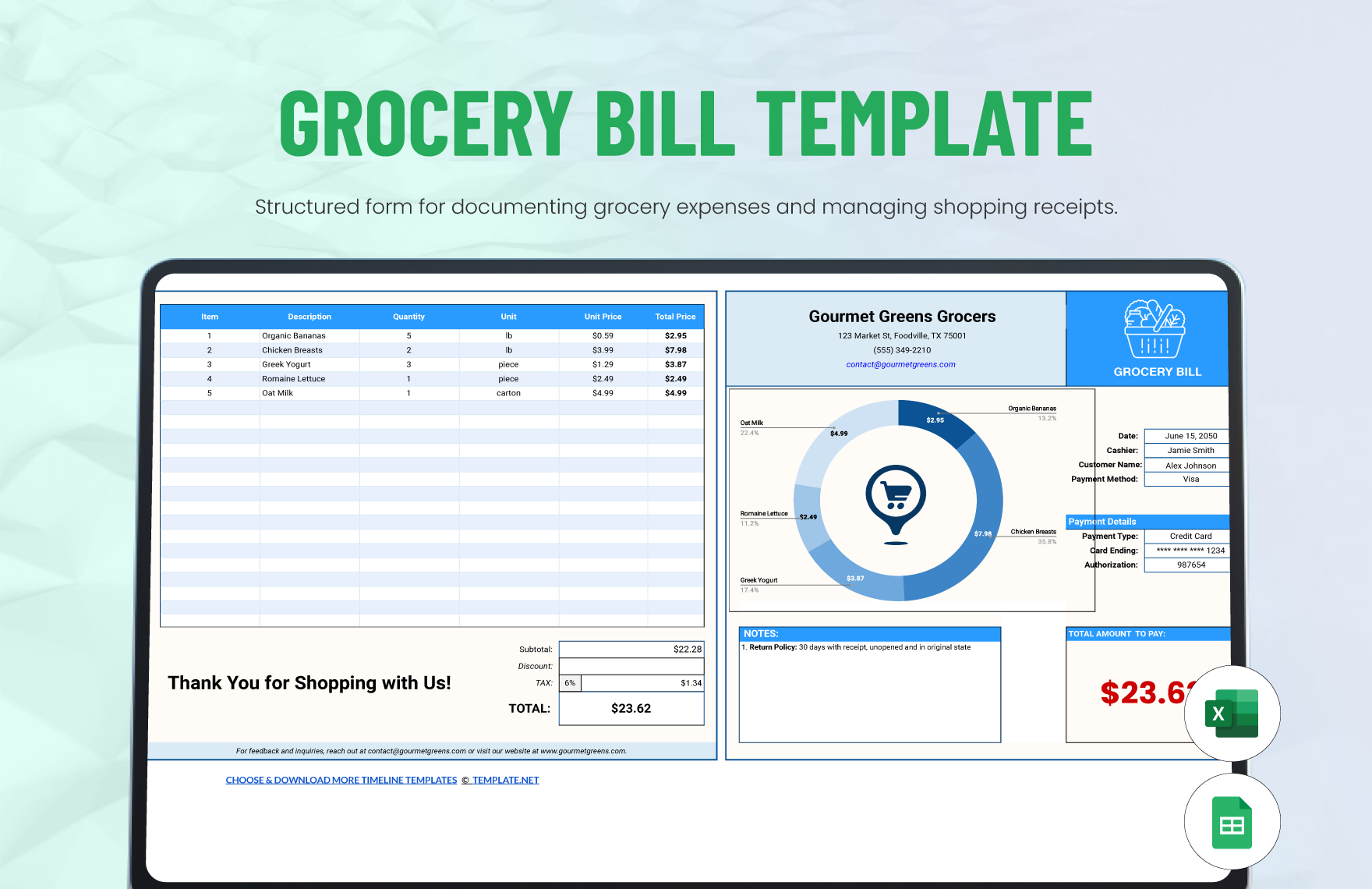
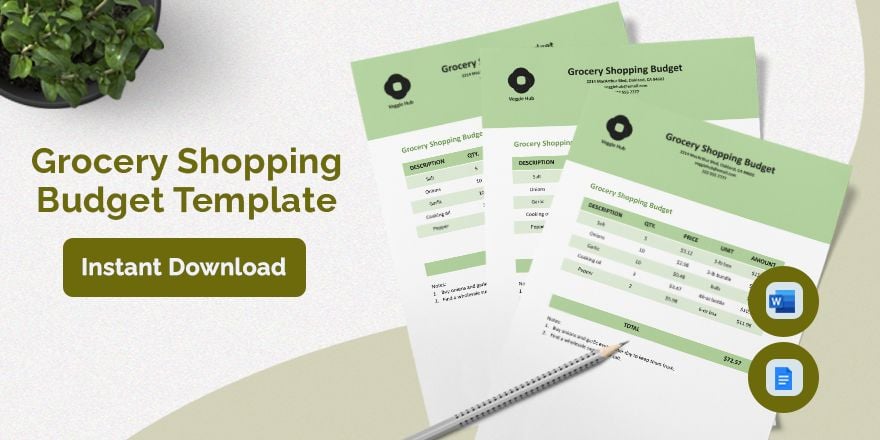
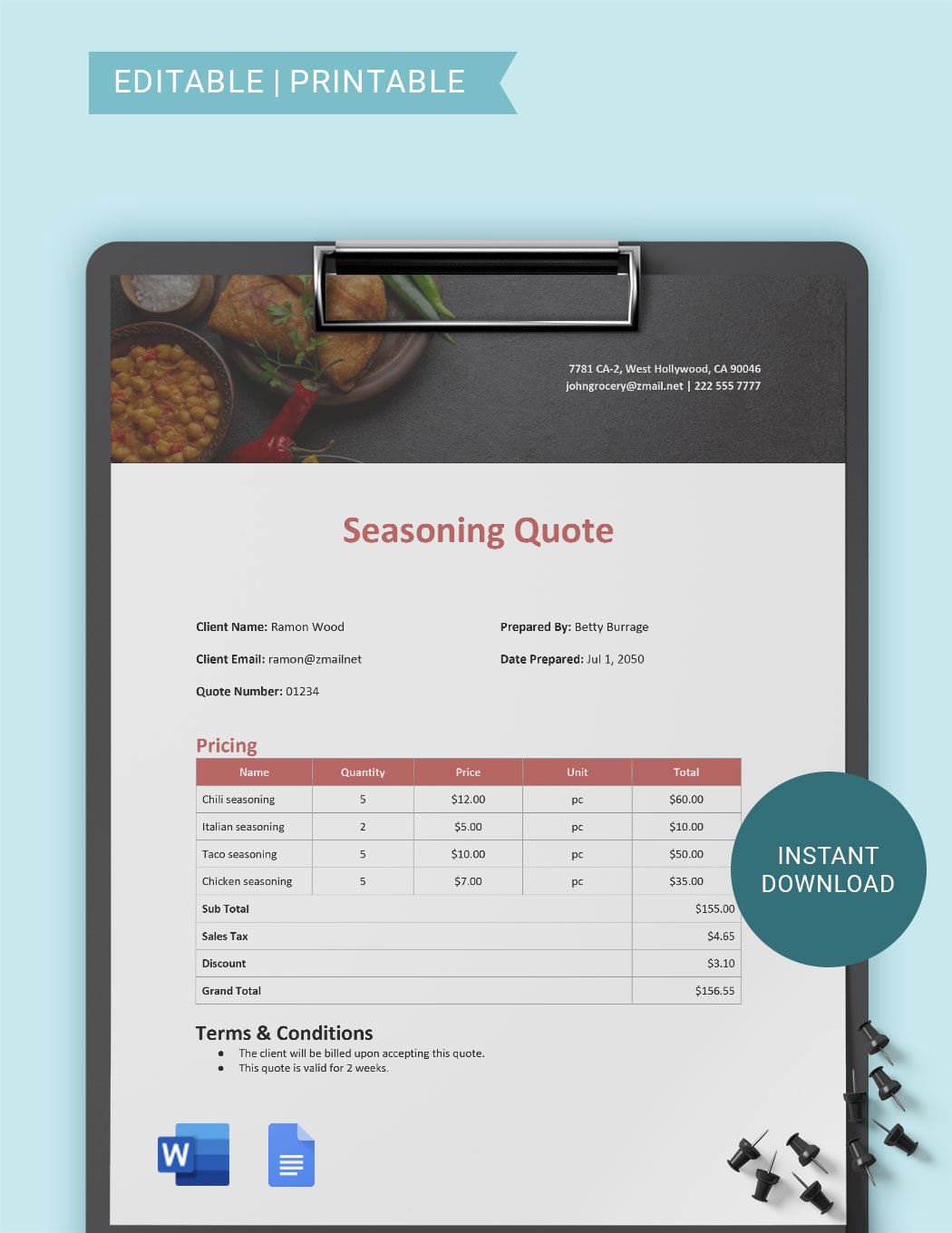
- Prices for budgeting and expense management
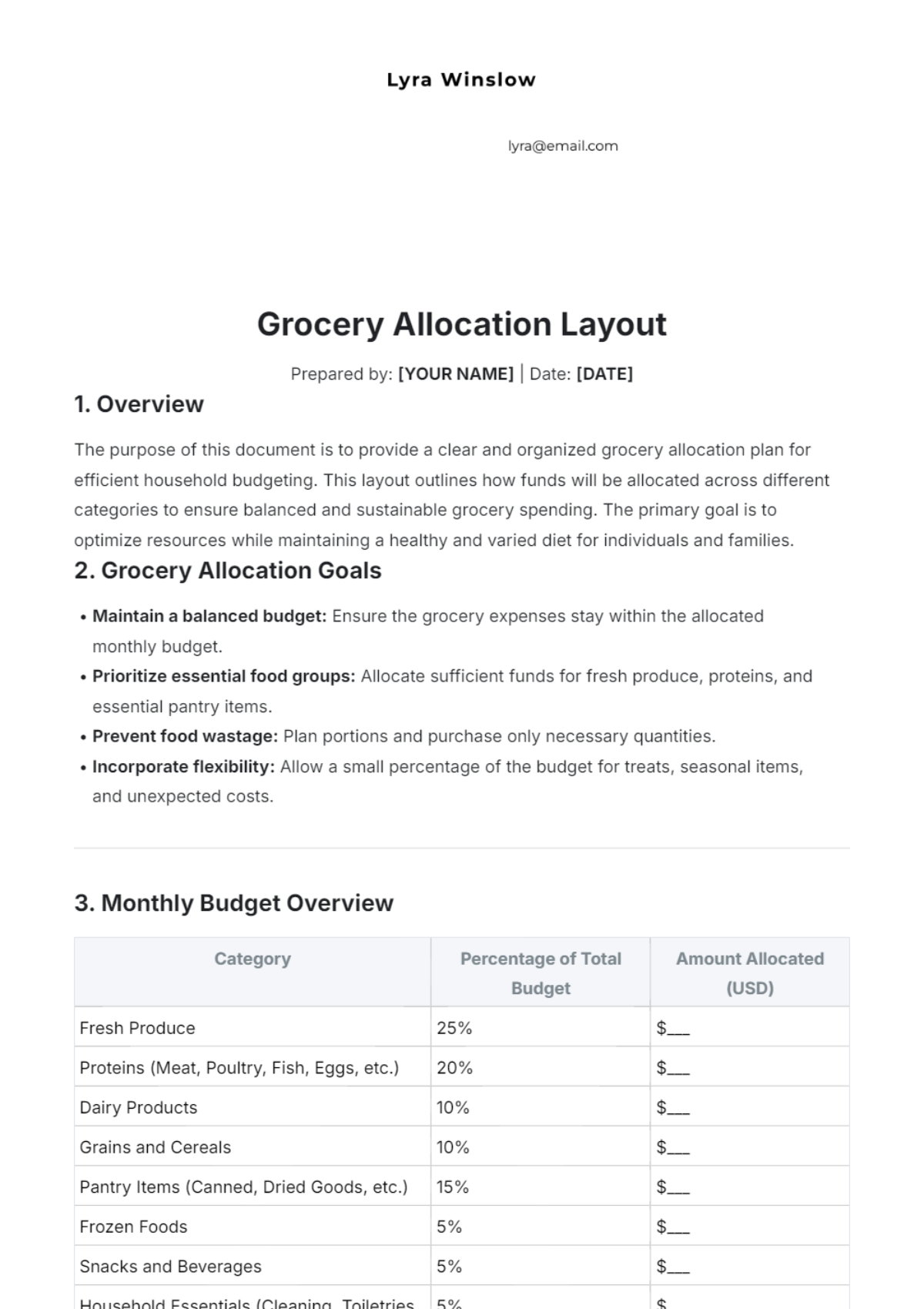
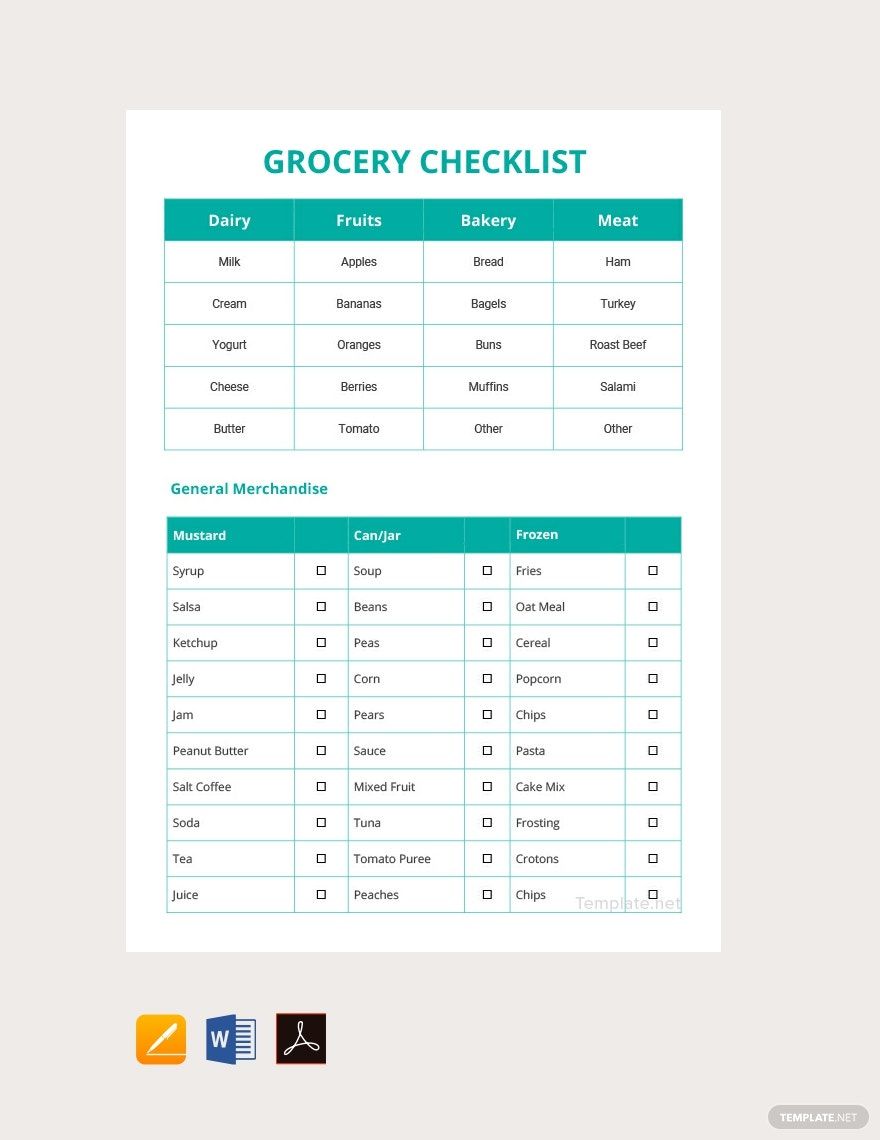
- Categories to group similar products
- Notes section for special instructions or preferences
How are Grocery templates used in professional workflows?
Grocery templates support professional workflows by providing standardized and editable documents for inventory control, order management, and expense tracking. They enable grocery store managers and procurement staff to maintain organized records and streamline purchasing processes.
What are common use cases for Grocery templates?
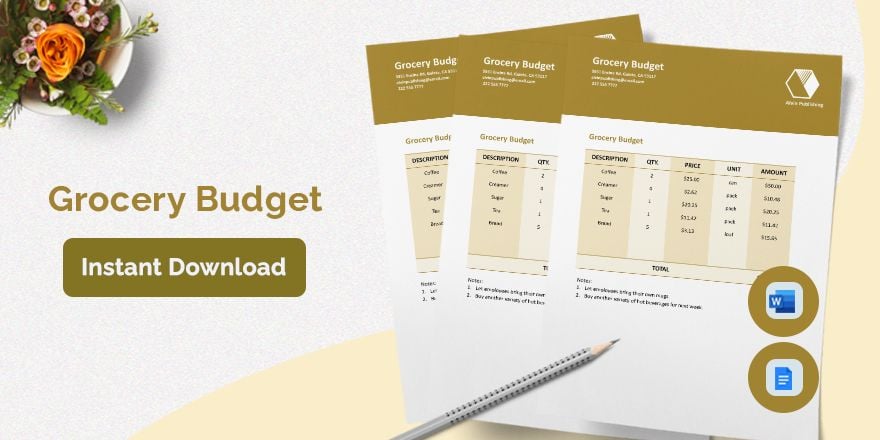
Common use cases for Grocery templates include creating shopping lists for households, managing stock levels in grocery stores, tracking grocery expenses for budgets, and organizing bulk orders for restaurants or cafeterias.
