Free Migration Templates
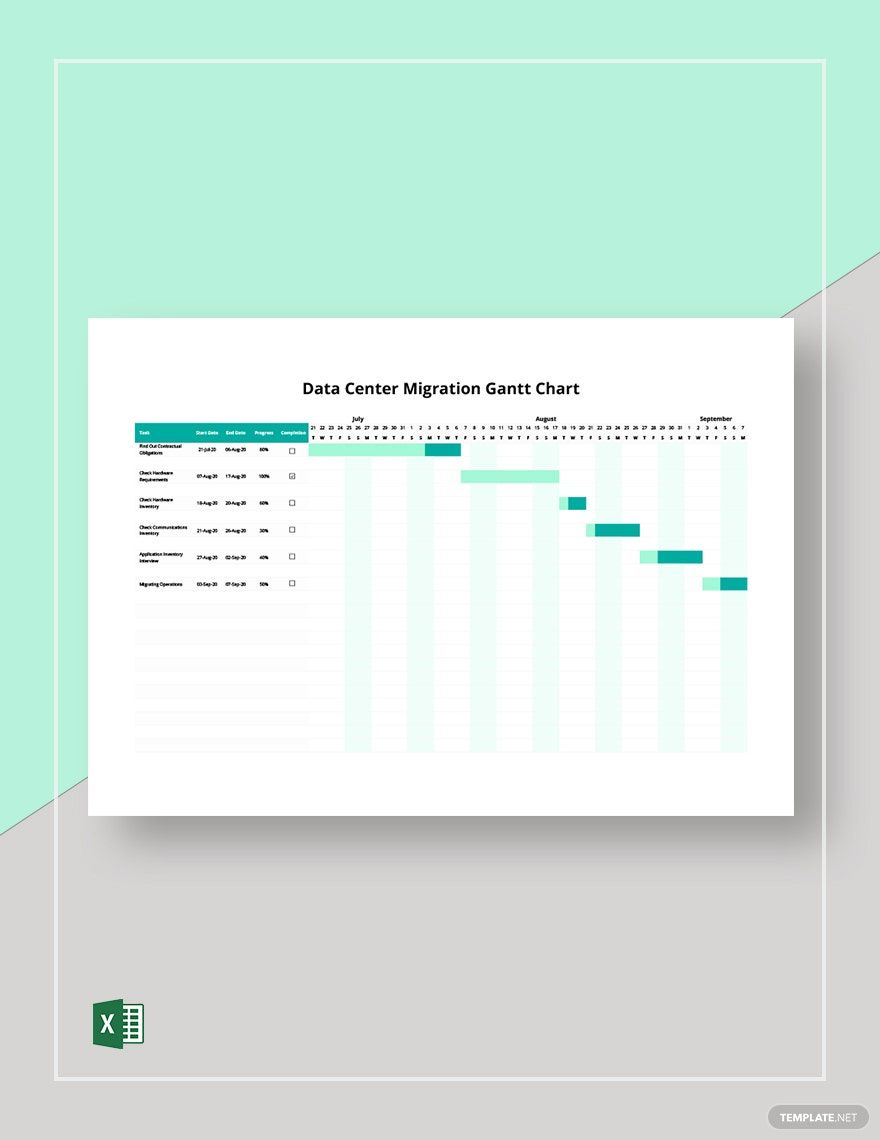

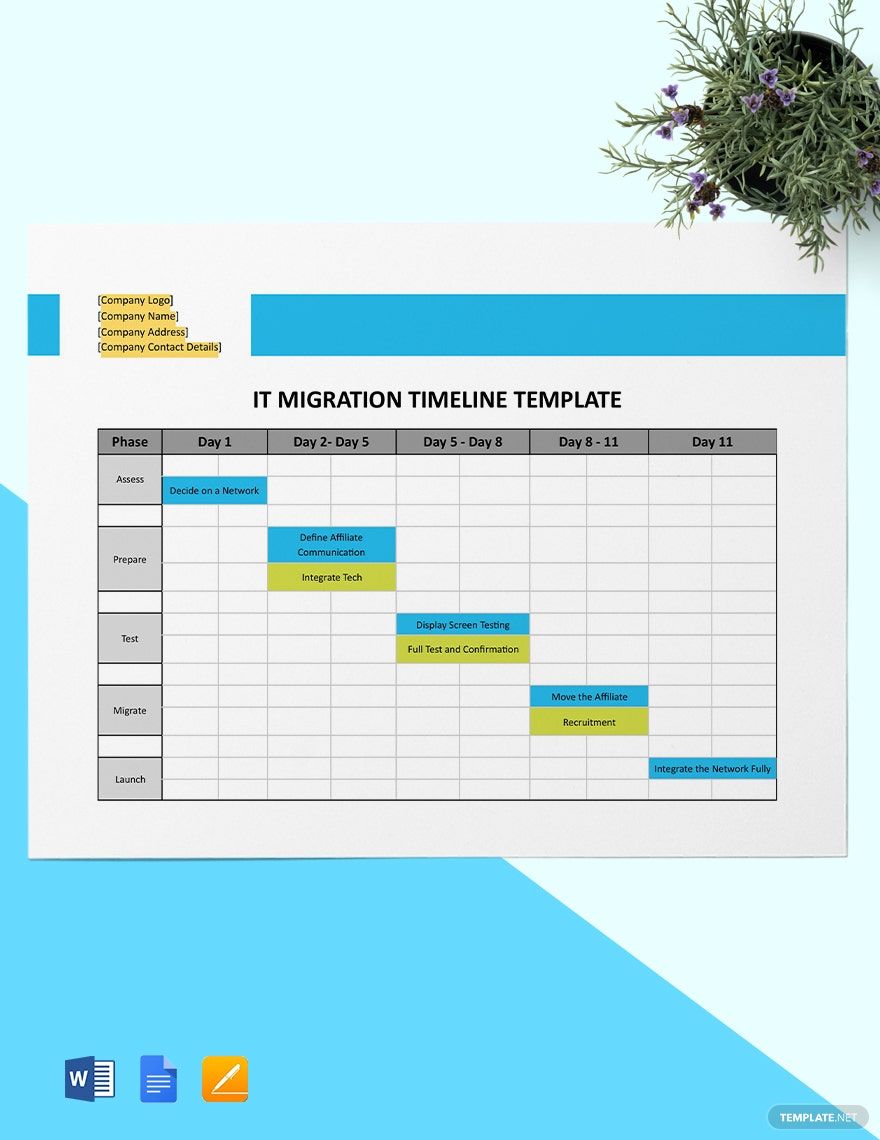
Free Migration Editable Templates: Comprehensive Guide, Uses, and Download Formats
Migration refers to professionally designed templates that assist with planning, documenting, or managing any event or product relocation process with customizable and printable quality.
Template.net offers editable Migration templates that you can complete or modify directly in your browser for efficient workflow integration.
What is a Migration?
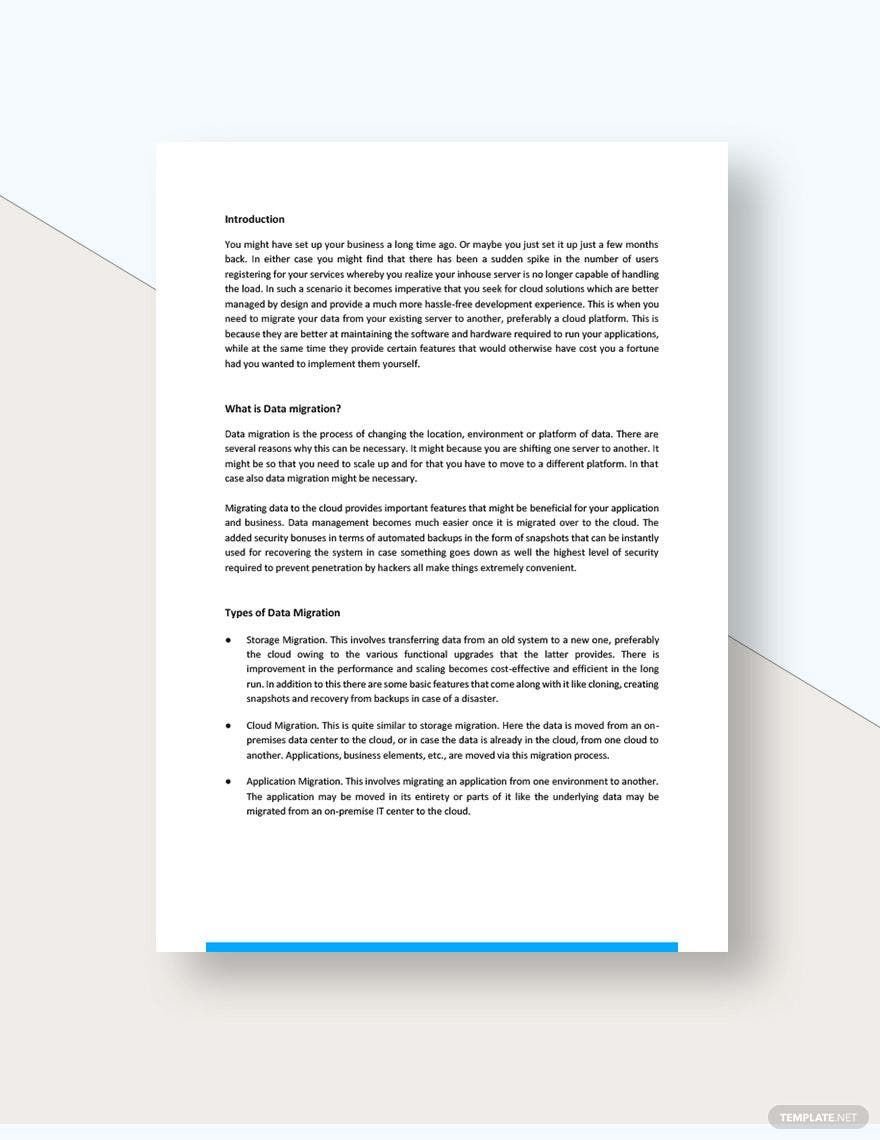
Migration is a structured process template that helps you organize and document the transfer or movement of people, data, products, or services from one place or system to another with clear steps and professional layout.
Why should I use a Migration?
You should use a Migration template to ensure clear communication, reduce errors, and streamline the transition process by providing a reliable, editable framework for planning and execution.
Who uses Migration?
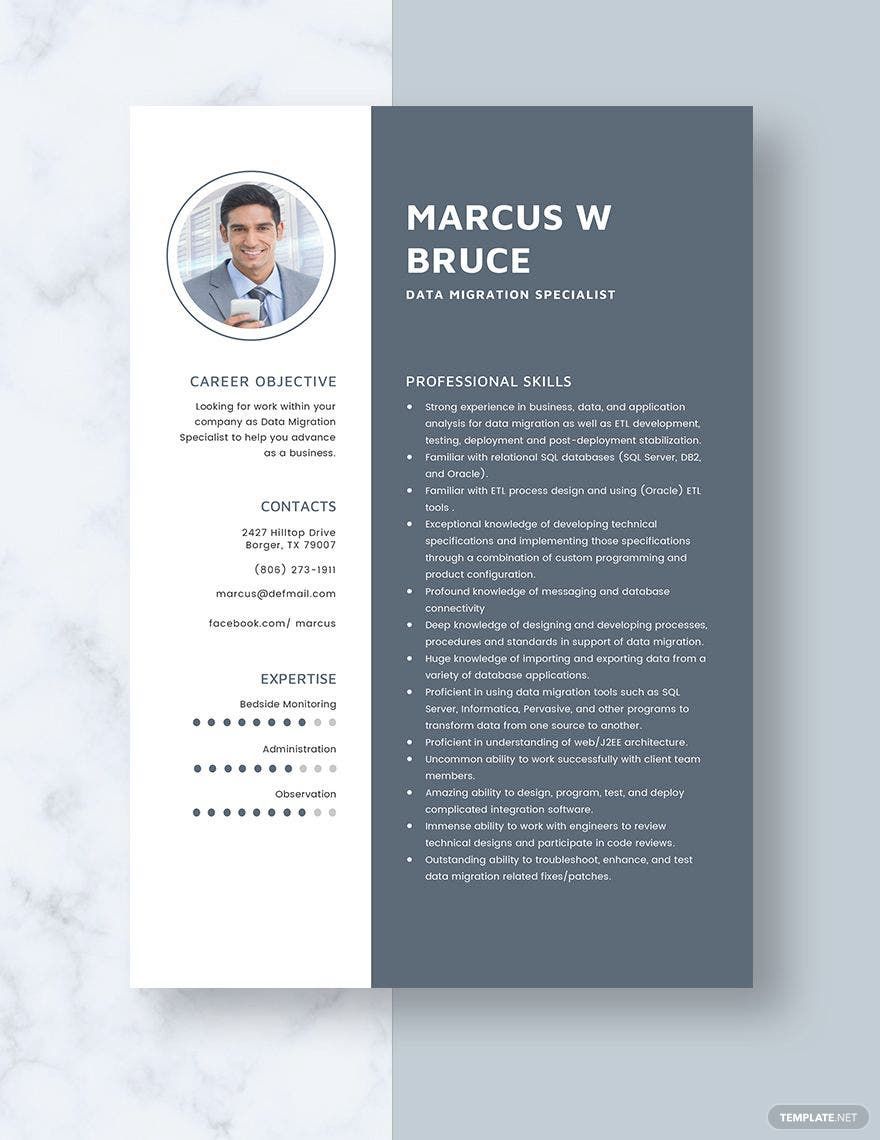
Migration templates are used by project managers, IT professionals, HR teams, event coordinators, and business analysts who manage data transfer, relocation, or product launches requiring detailed documentation.
What are the best tips for completing my Migration?
To complete your Migration template effectively, follow these tips:
- Define clear objectives: Establish what the migration aims to achieve.
- Include key stakeholders: Identify all parties involved in the process.
- Set realistic timelines: Schedule each phase appropriately.
- Document risks and contingencies: Prepare for potential challenges.
- Review and update regularly: Keep the template current with progress.
Can I create a Migration using AI?
While Migration templates on Template.net focus on editable formats, you can complement them by using AI tools for generating content or suggestions, but direct AI generation of Migration templates is not the primary feature on this platform.
What file formats can I download for my Migration?
Template.net supports multiple export formats for Migration templates including Google Docs, PDF, Word, and more, allowing you to choose the most suitable format for your workflow.
What essential elements should a Migration include?
A Migration template should include essential elements such as:
- Project overview: Purpose and scope of migration.
- Stakeholder list: Individuals or teams involved.
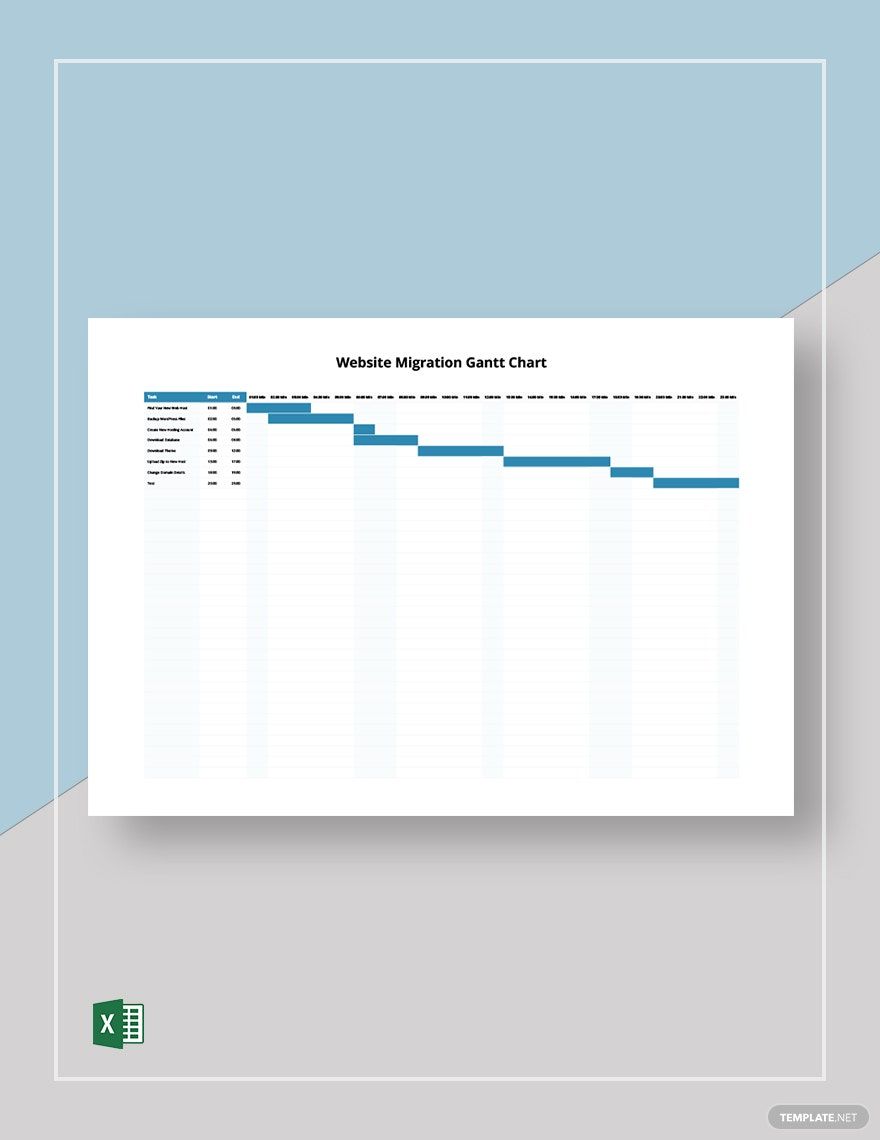
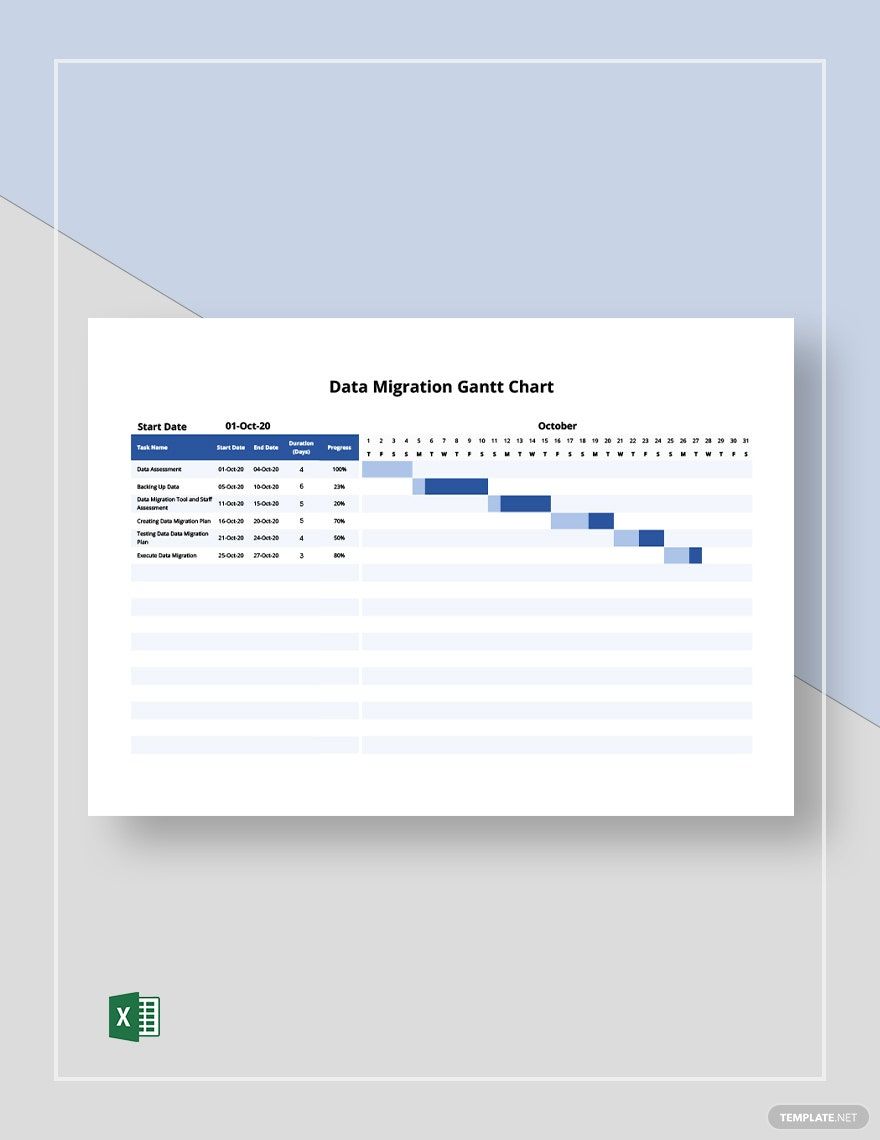
- Timeline and milestones: Key dates and phases.
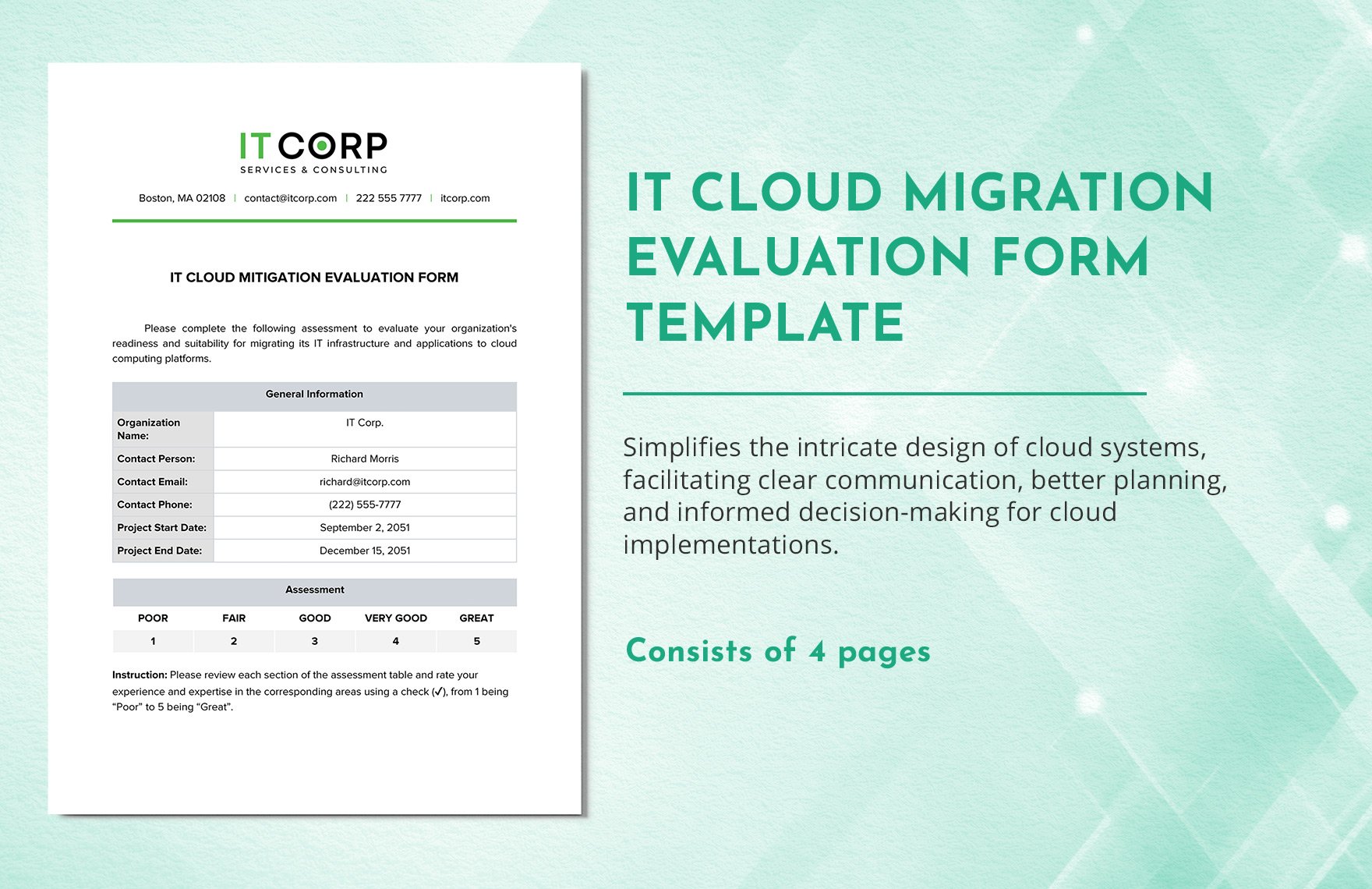
- Risk assessment: Potential issues and mitigation.
- Resource allocation: Tools and personnel needed.
- Communication plan: How updates will be shared.
How is Migration used in professional workflows?
Migration templates are used in professional workflows to facilitate systematic transfer processes, ensuring all phases from planning to execution are documented, tracked, and communicated efficiently.
What are common use cases for Migration?
Common use cases for Migration templates include:
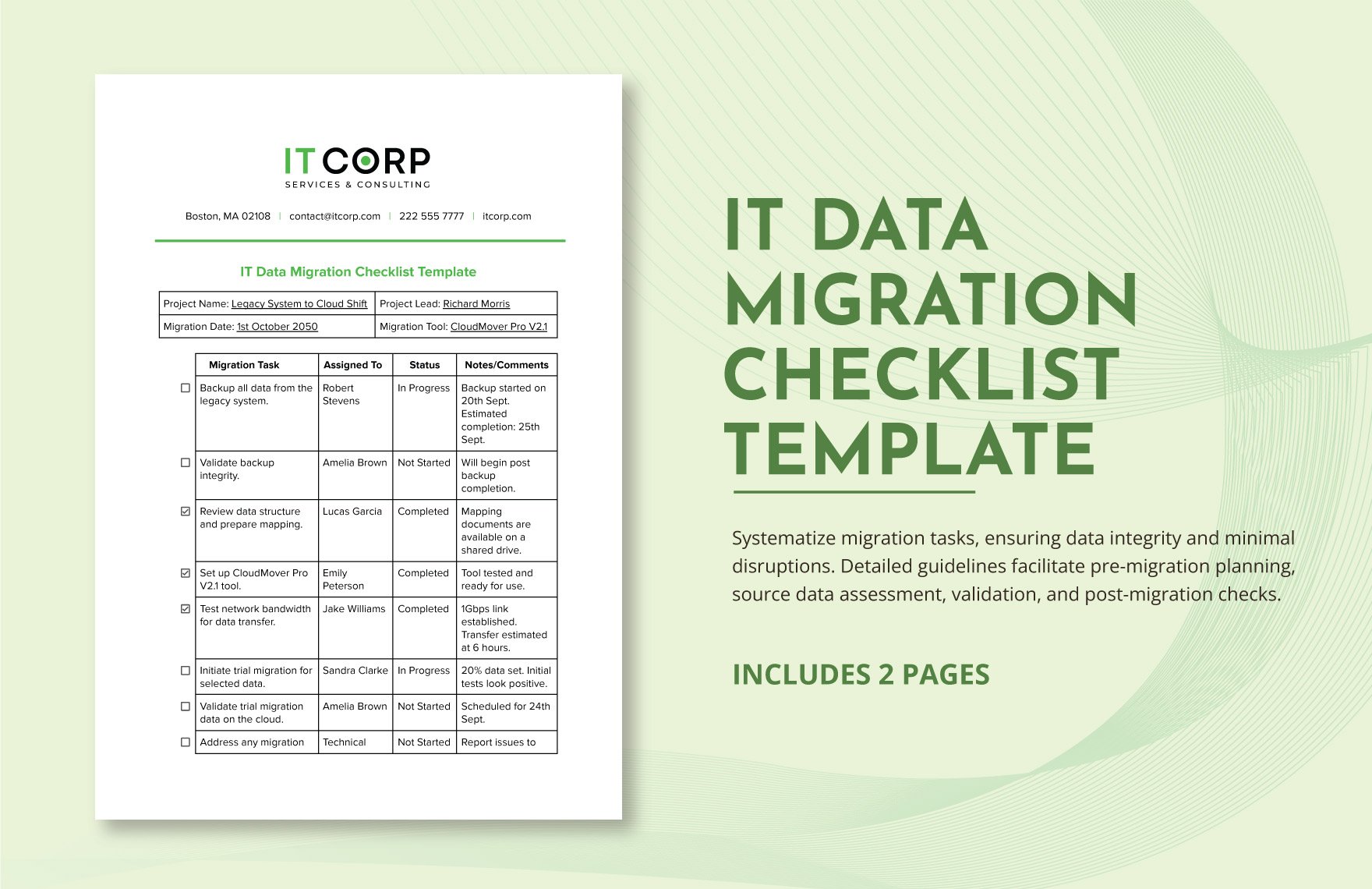
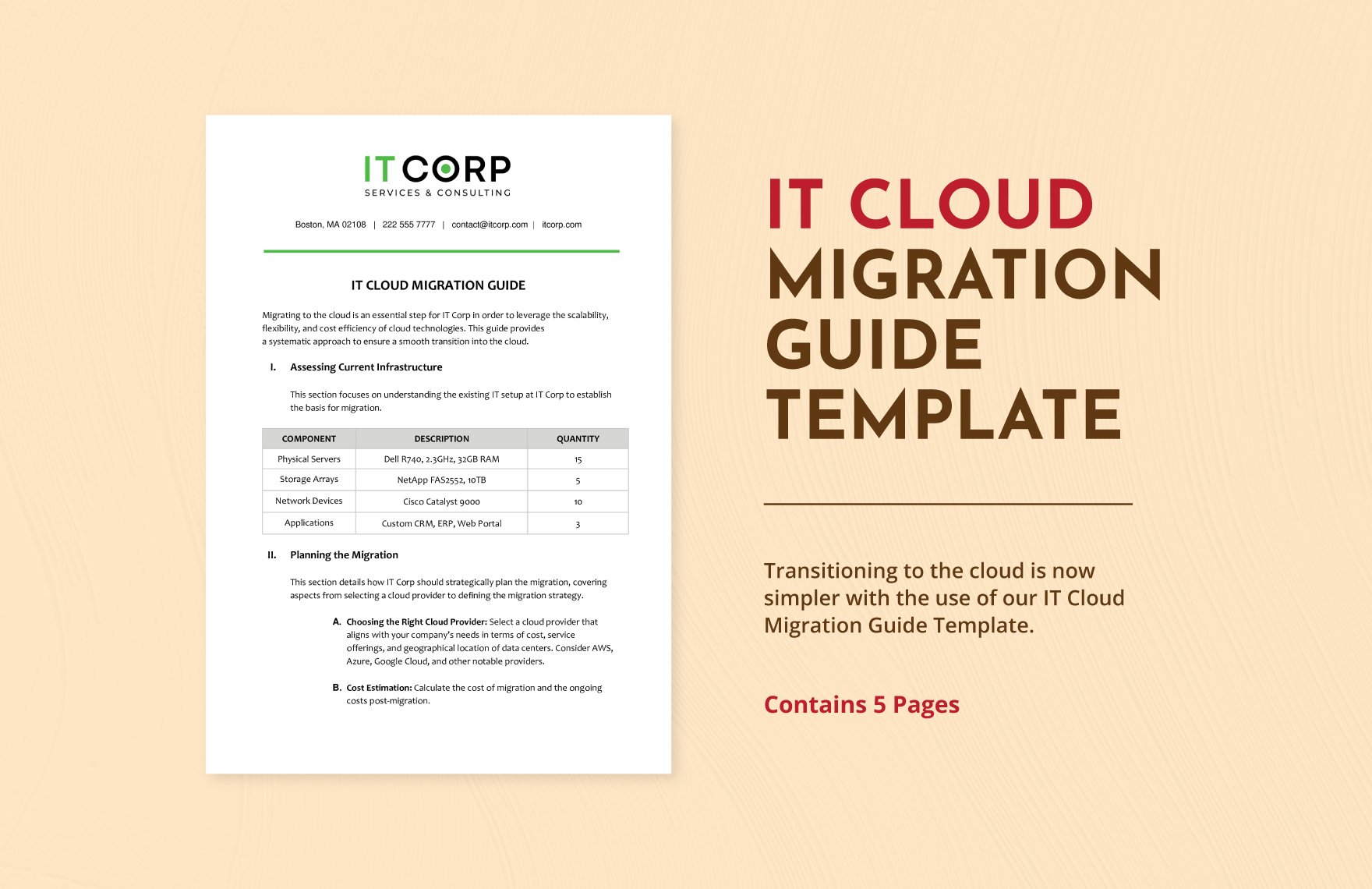
- Data migration: Moving databases between systems.
- Employee relocation: Organizing staff moves.
- Product launches: Coordinating new product rollouts.
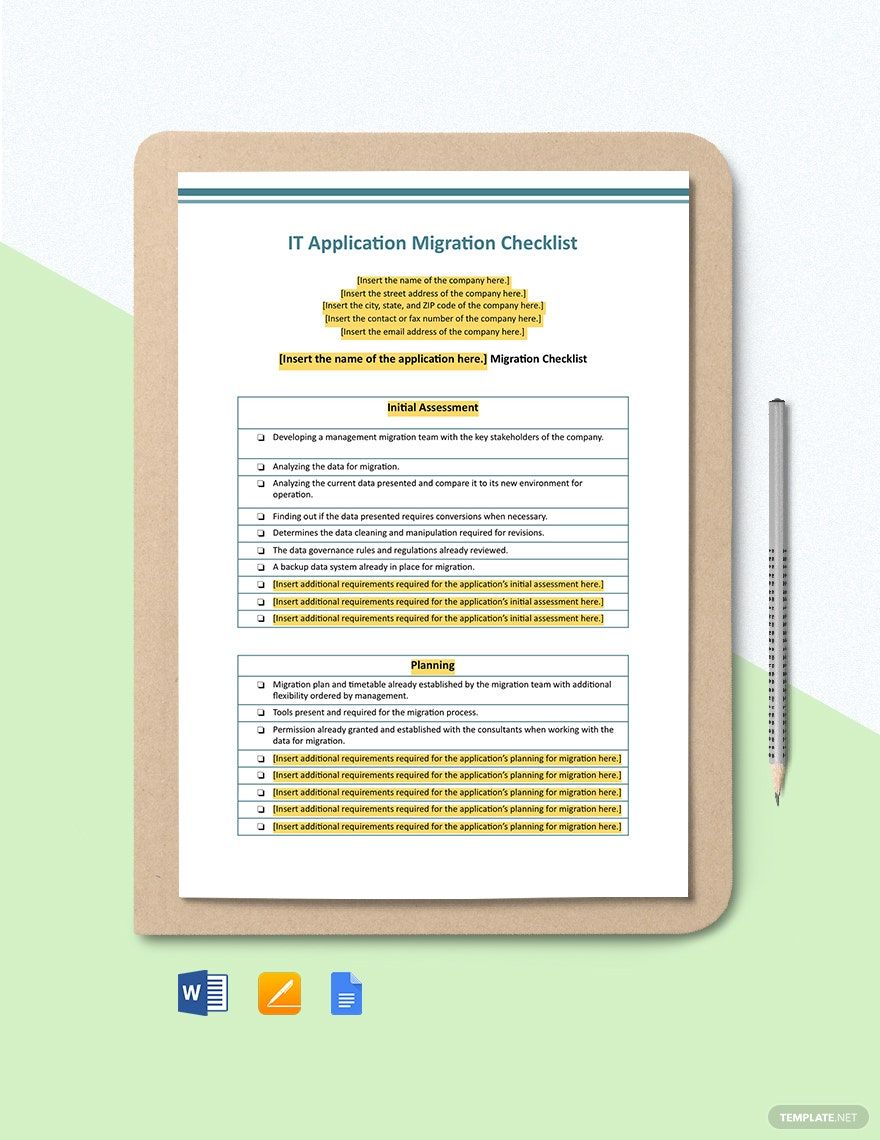
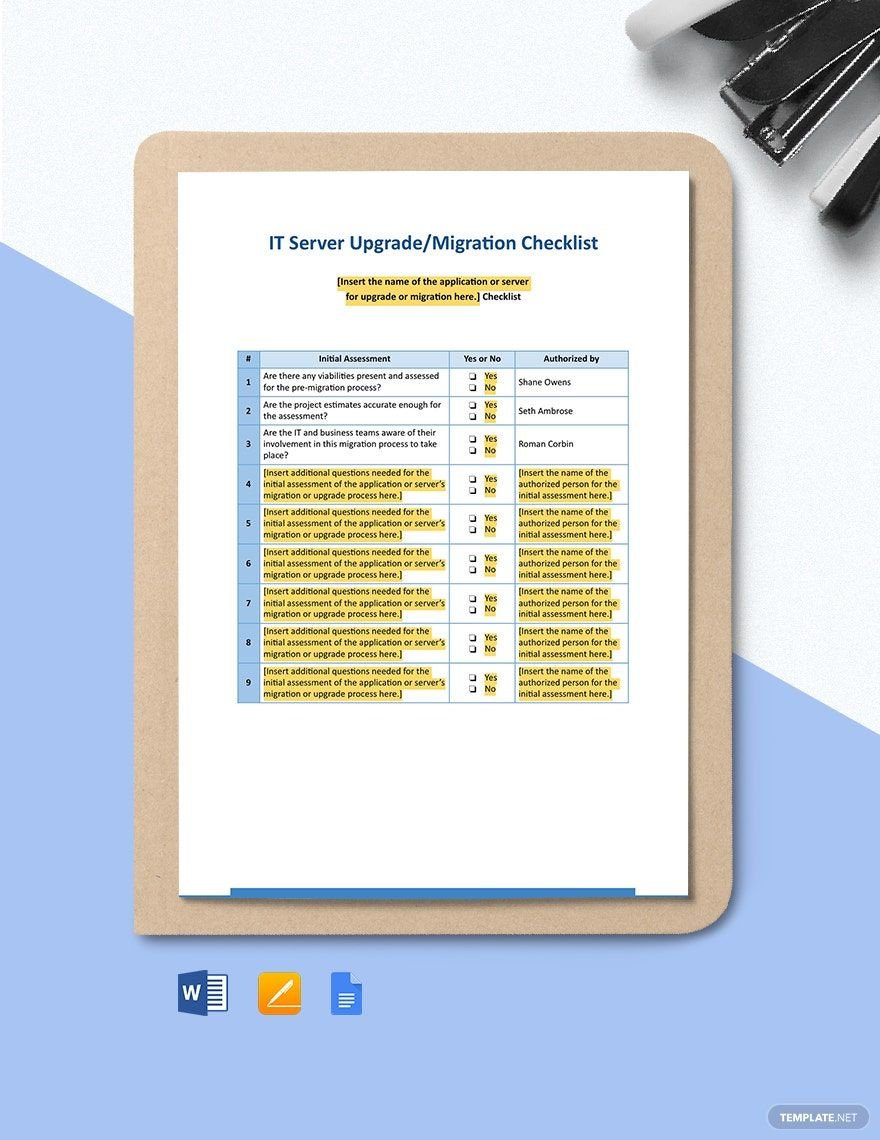
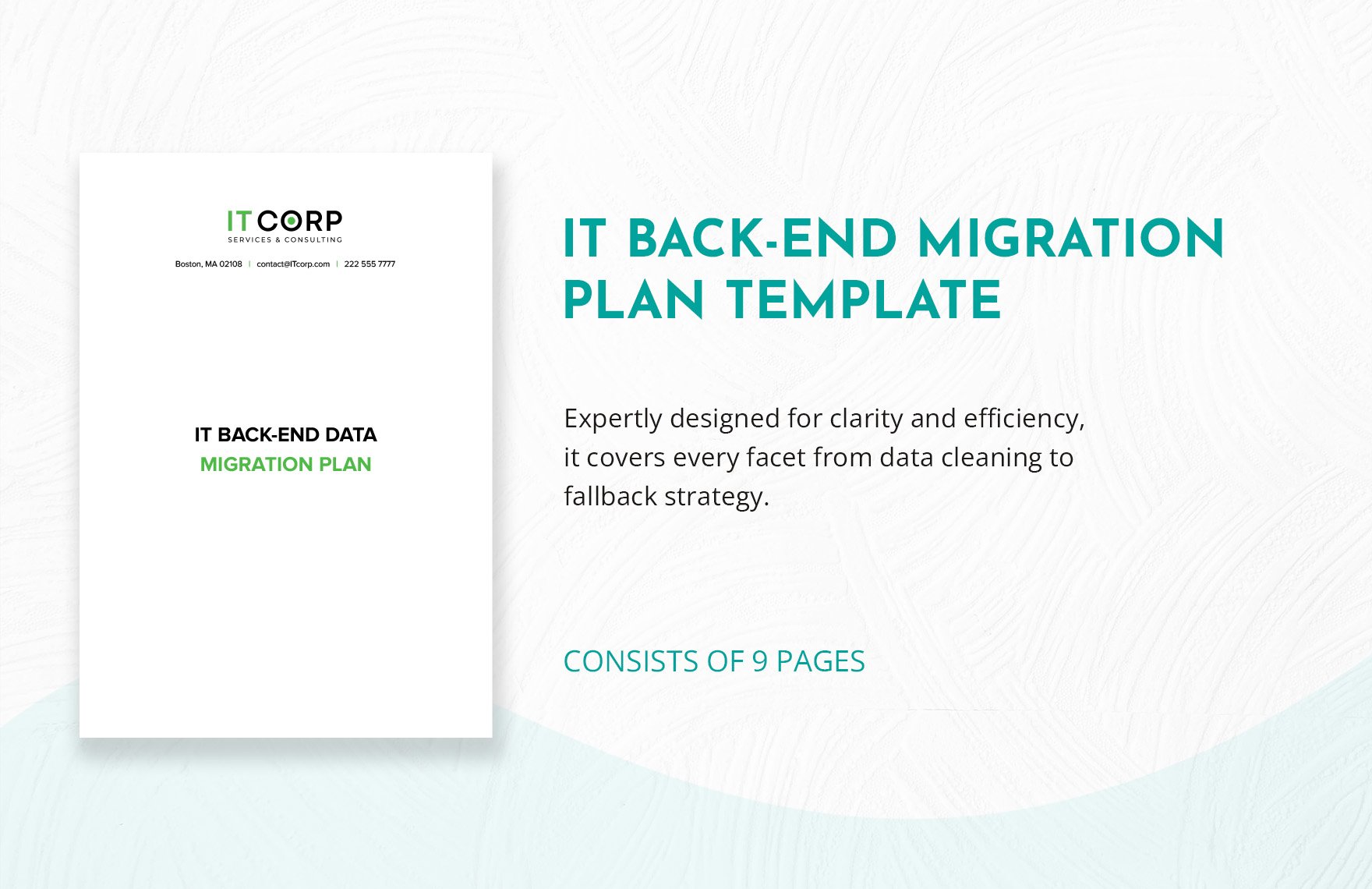
- IT system upgrades: Planning software or hardware changes.
- Event planning: Managing venue transitions or logistics.
