
Free Mouse Templates















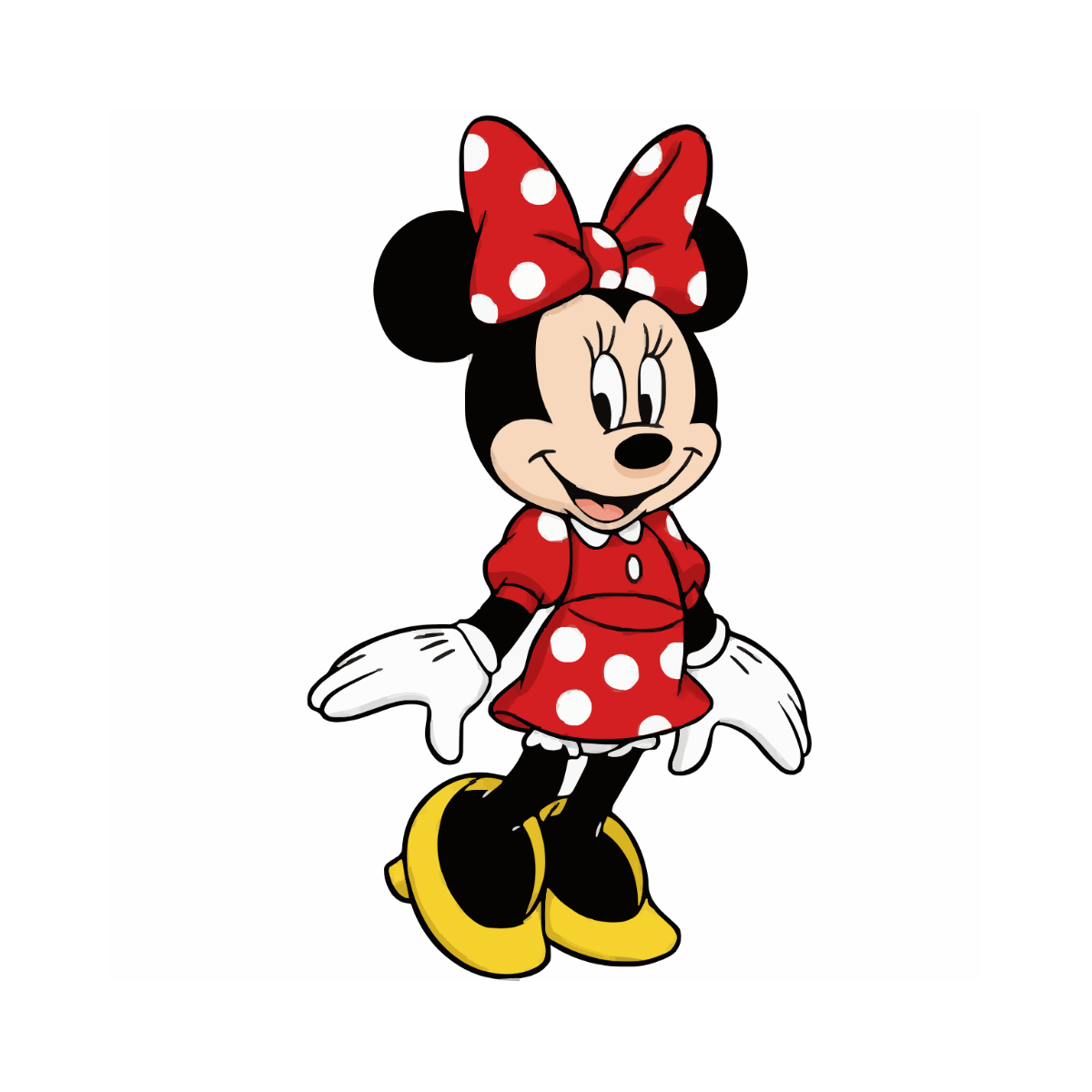


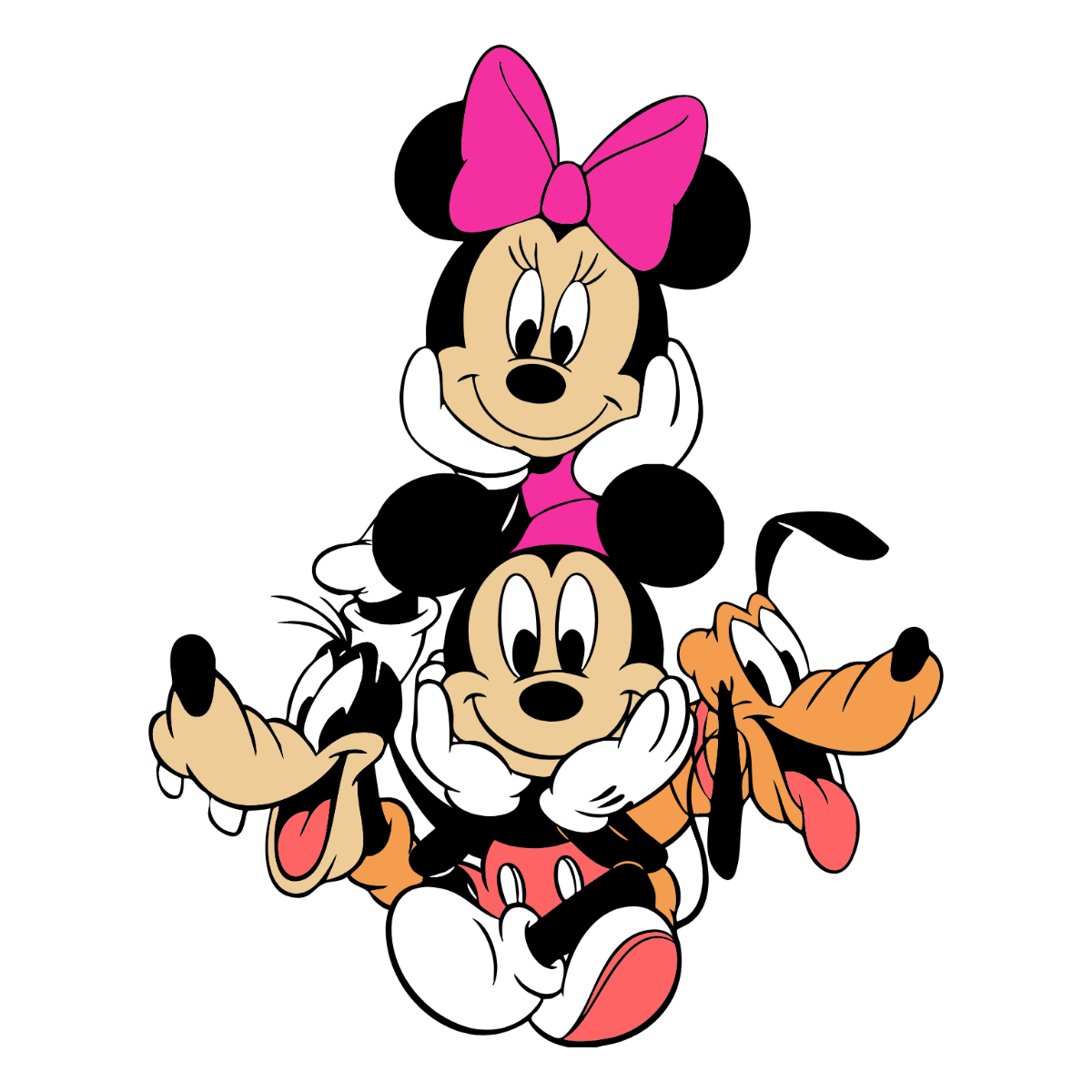




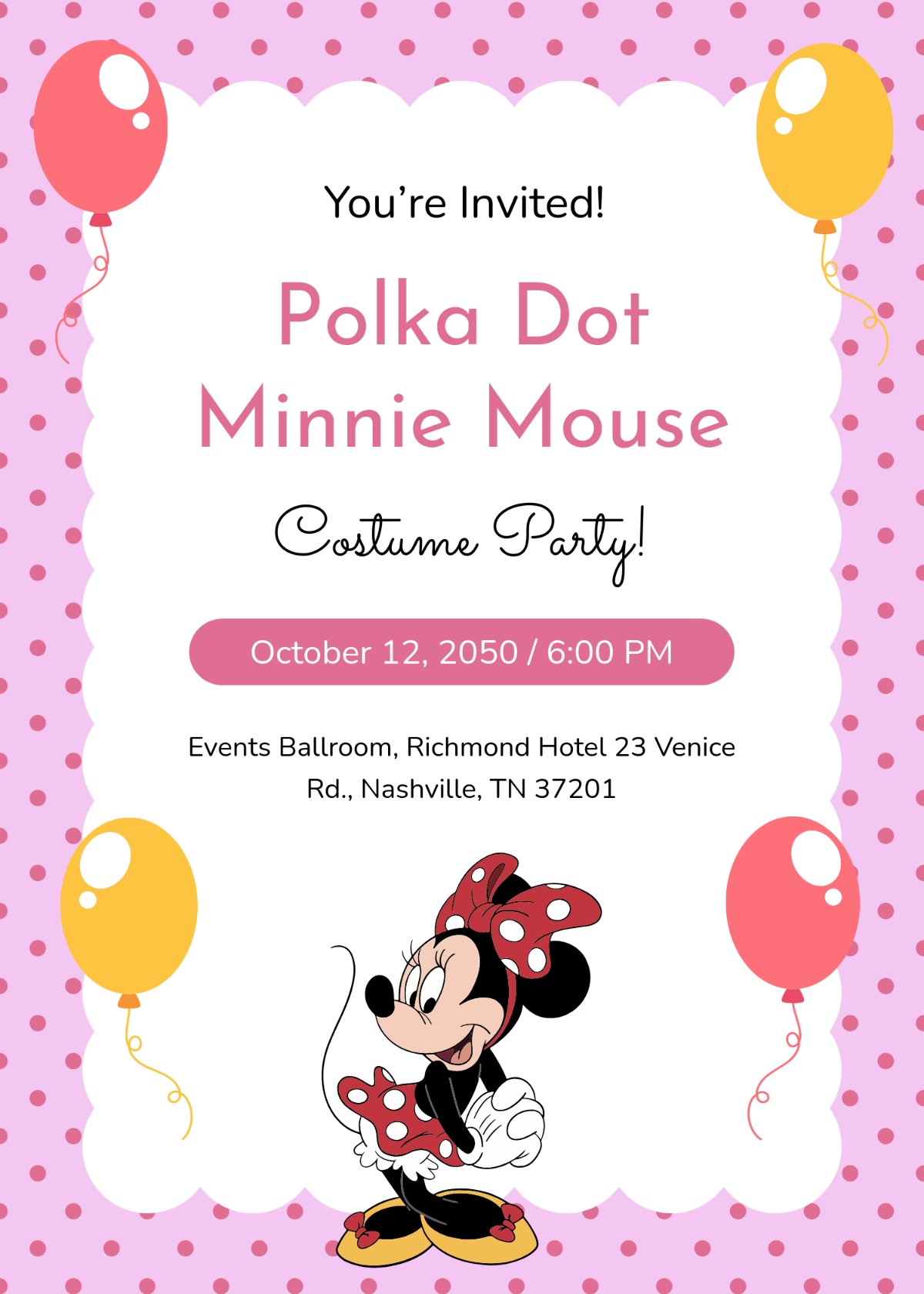














Mouse Templates: Design Guide, Sizes, and Download Formats
What is a Mouse template?
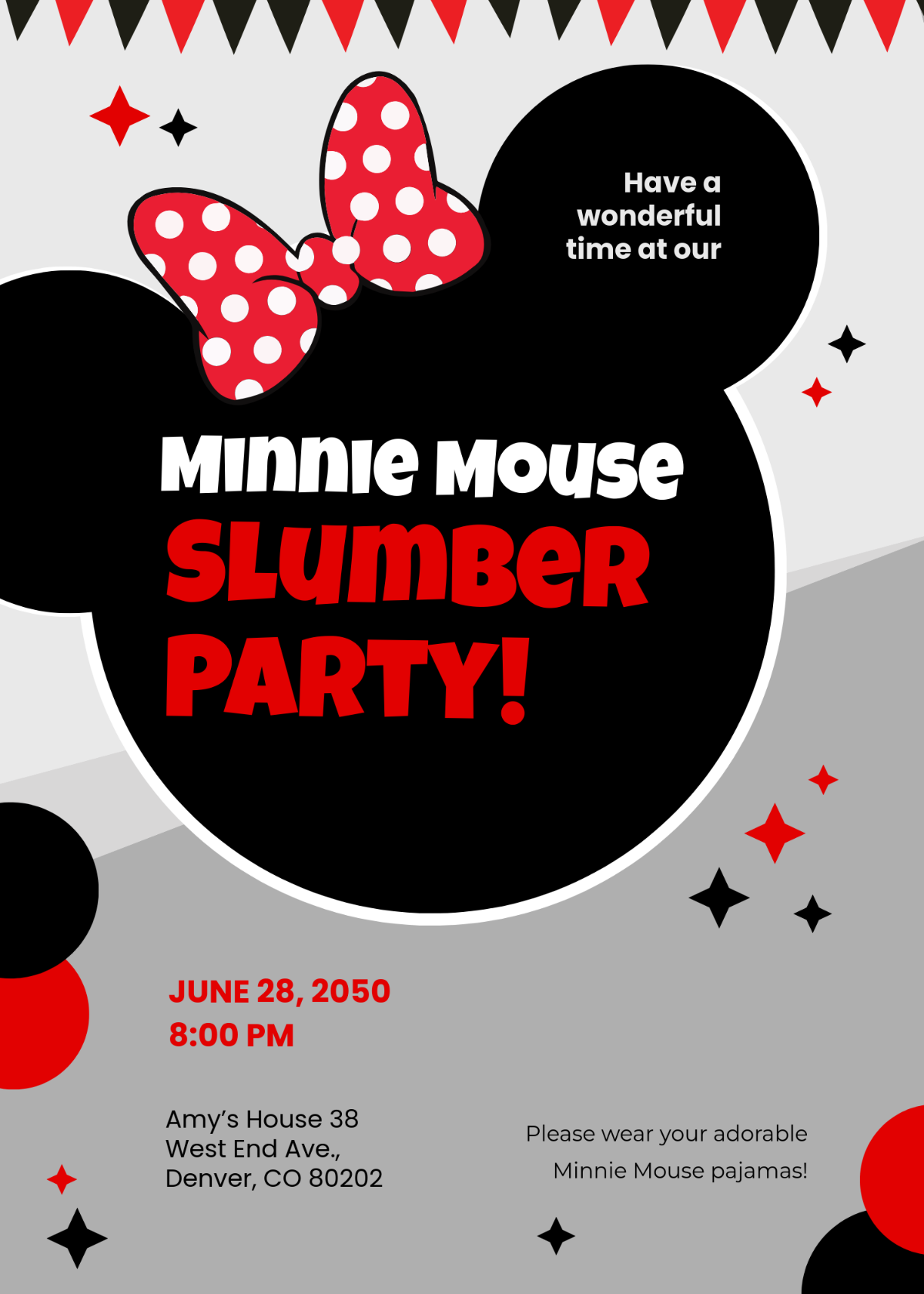
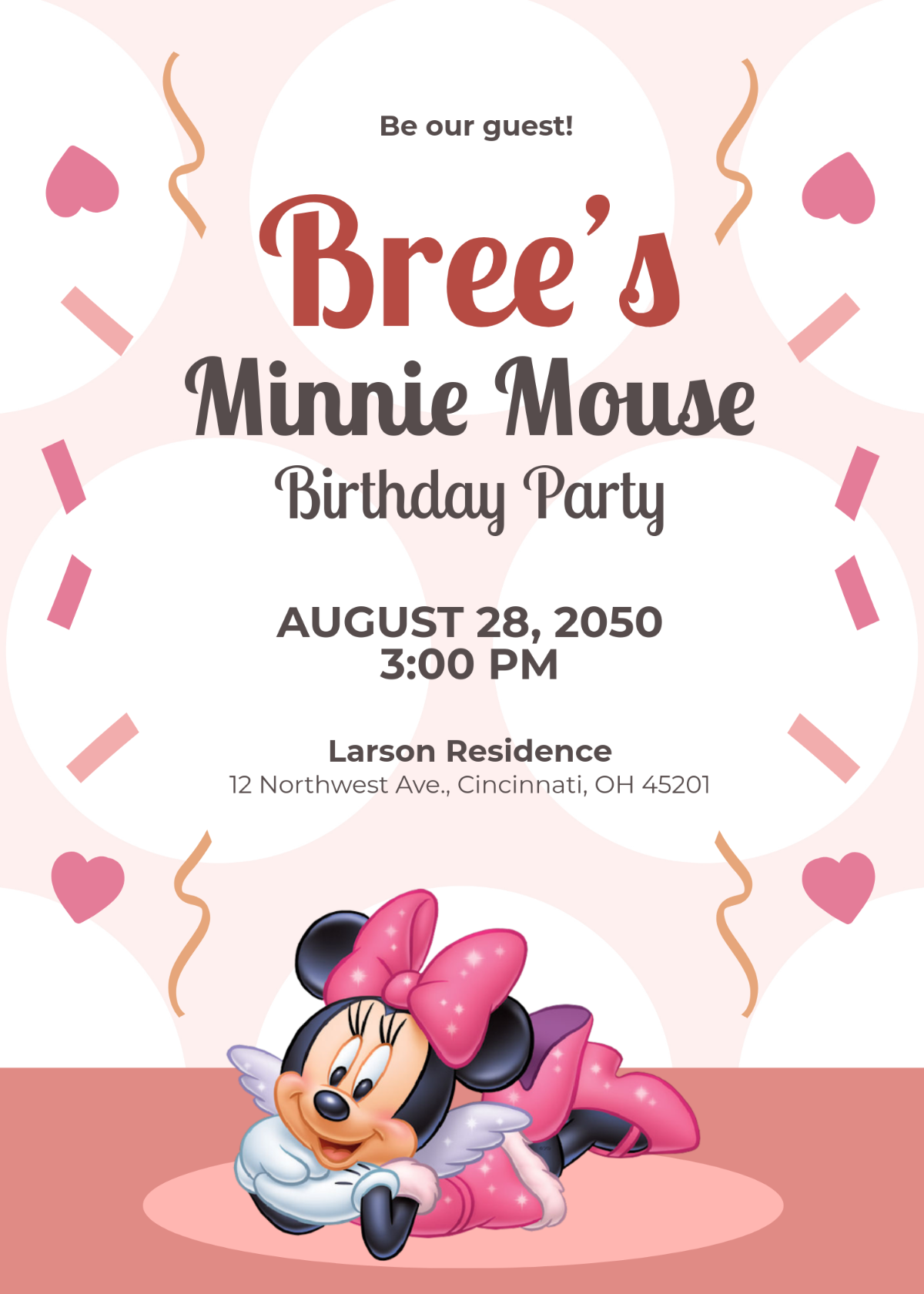
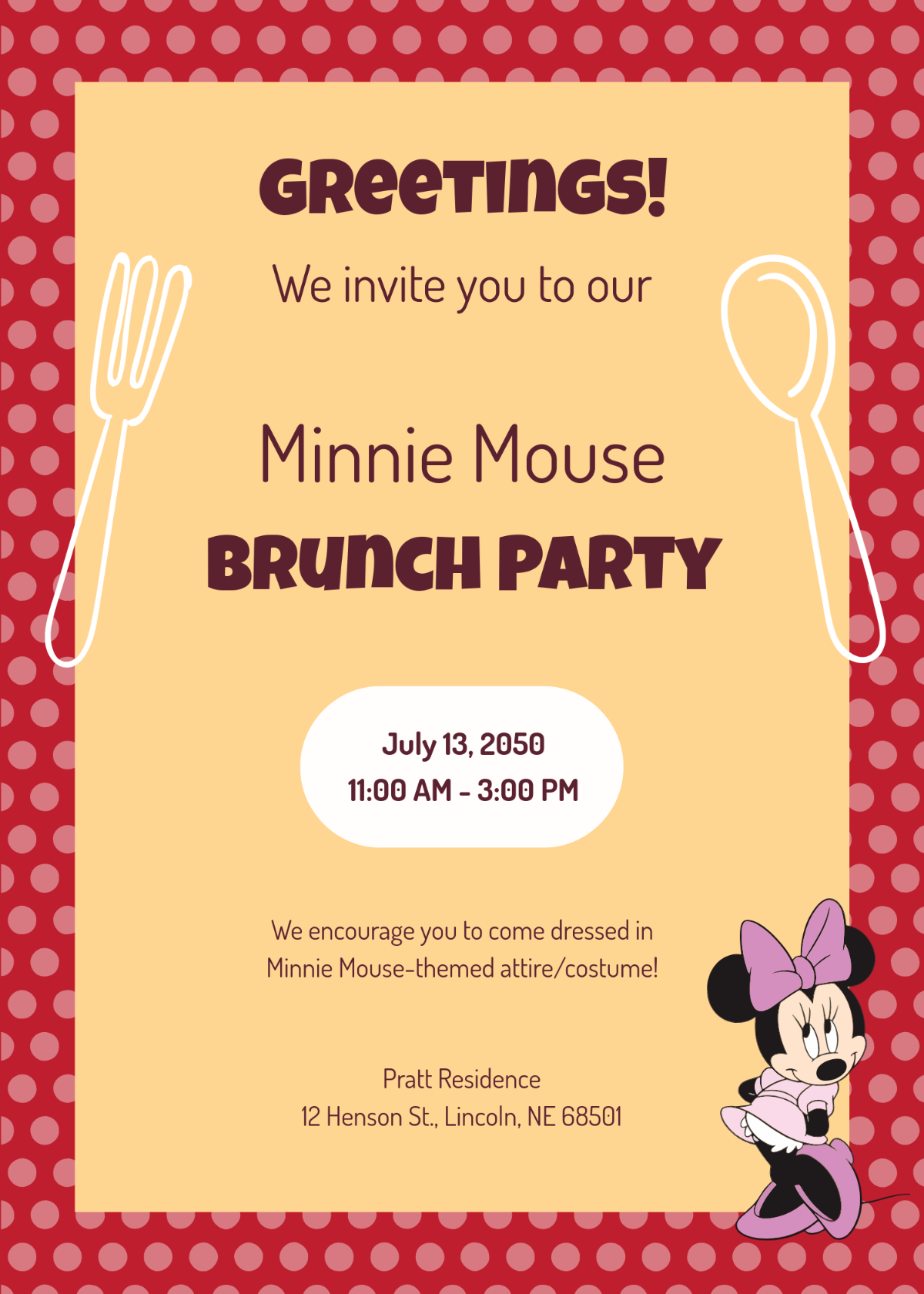
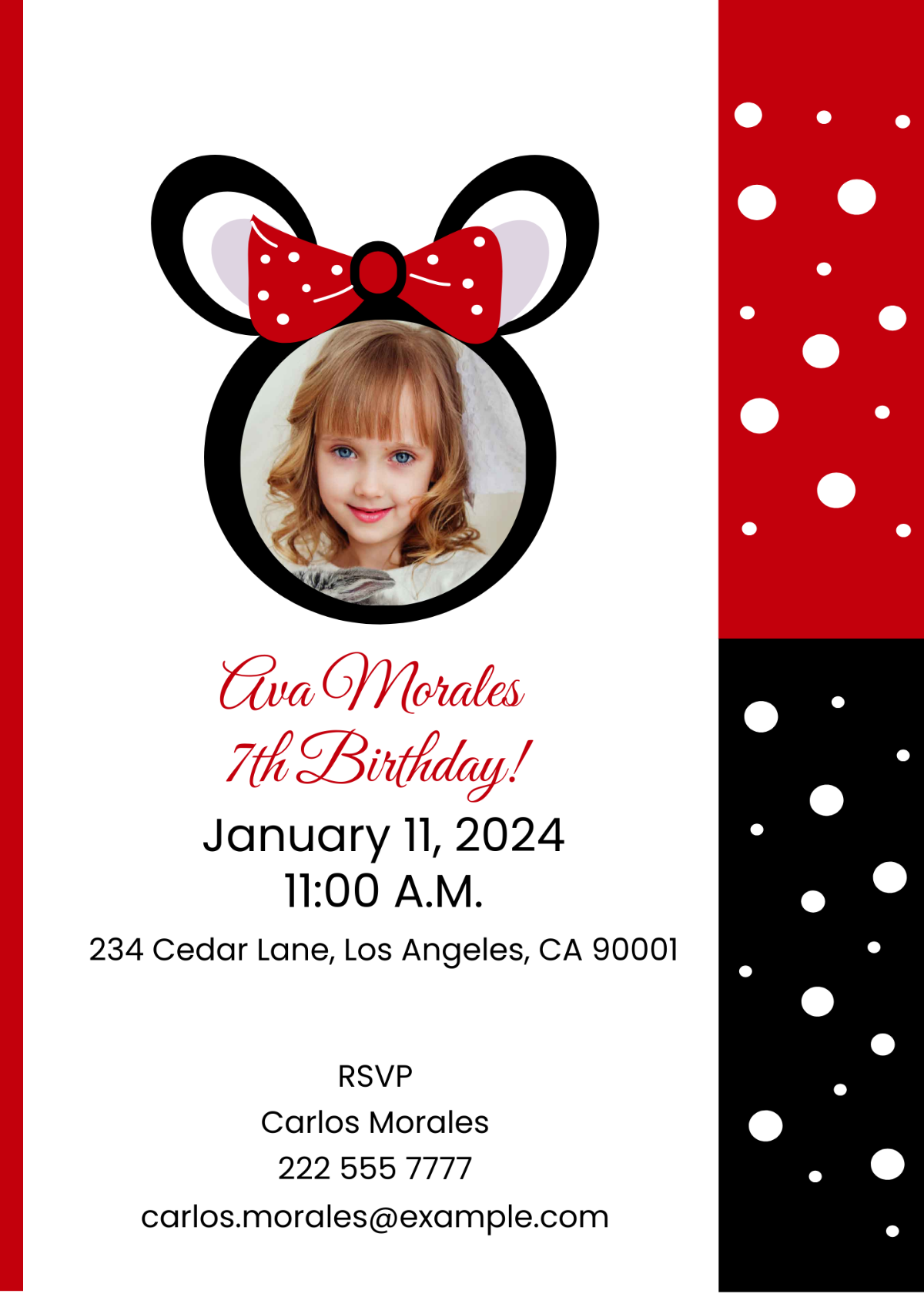
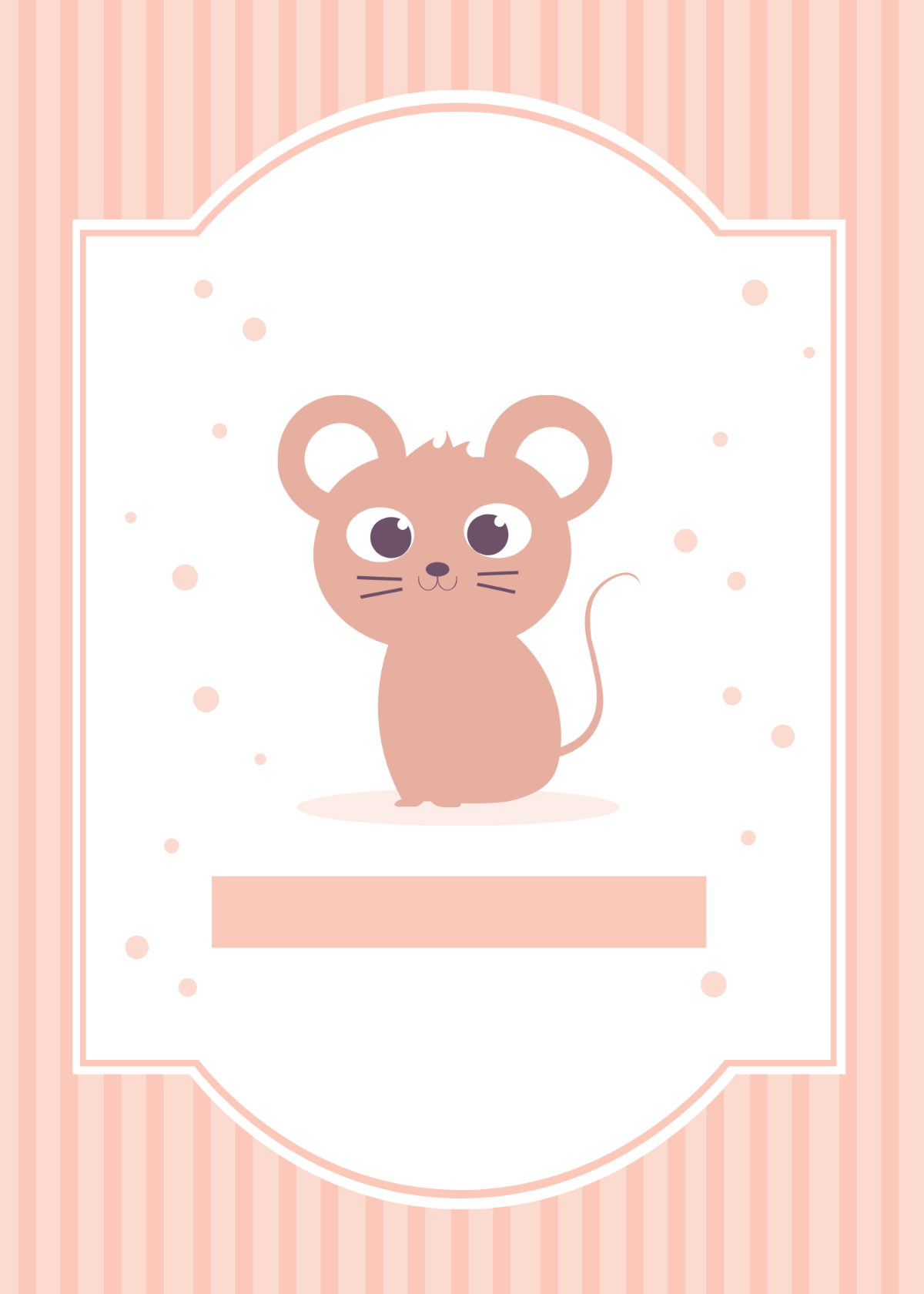
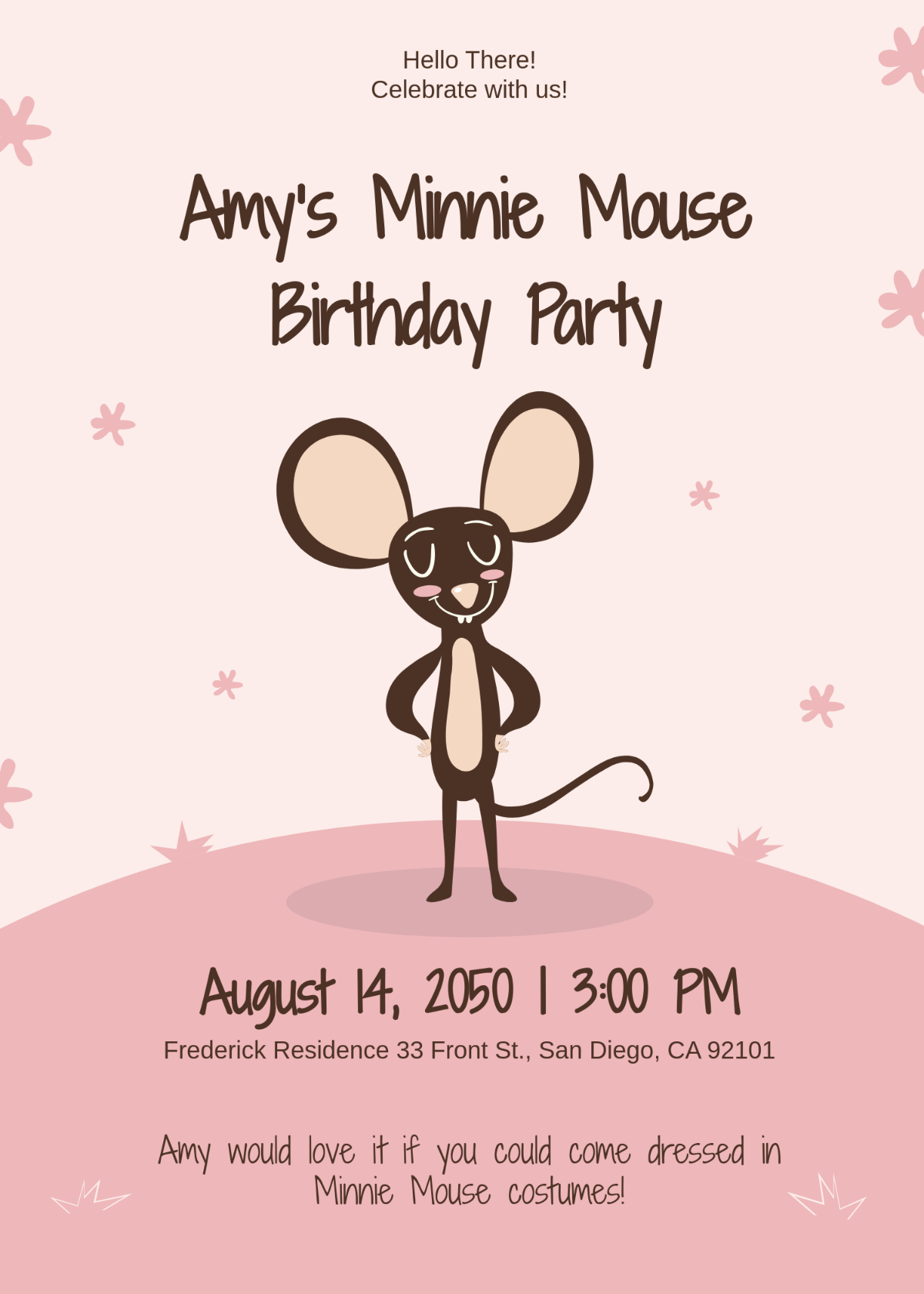
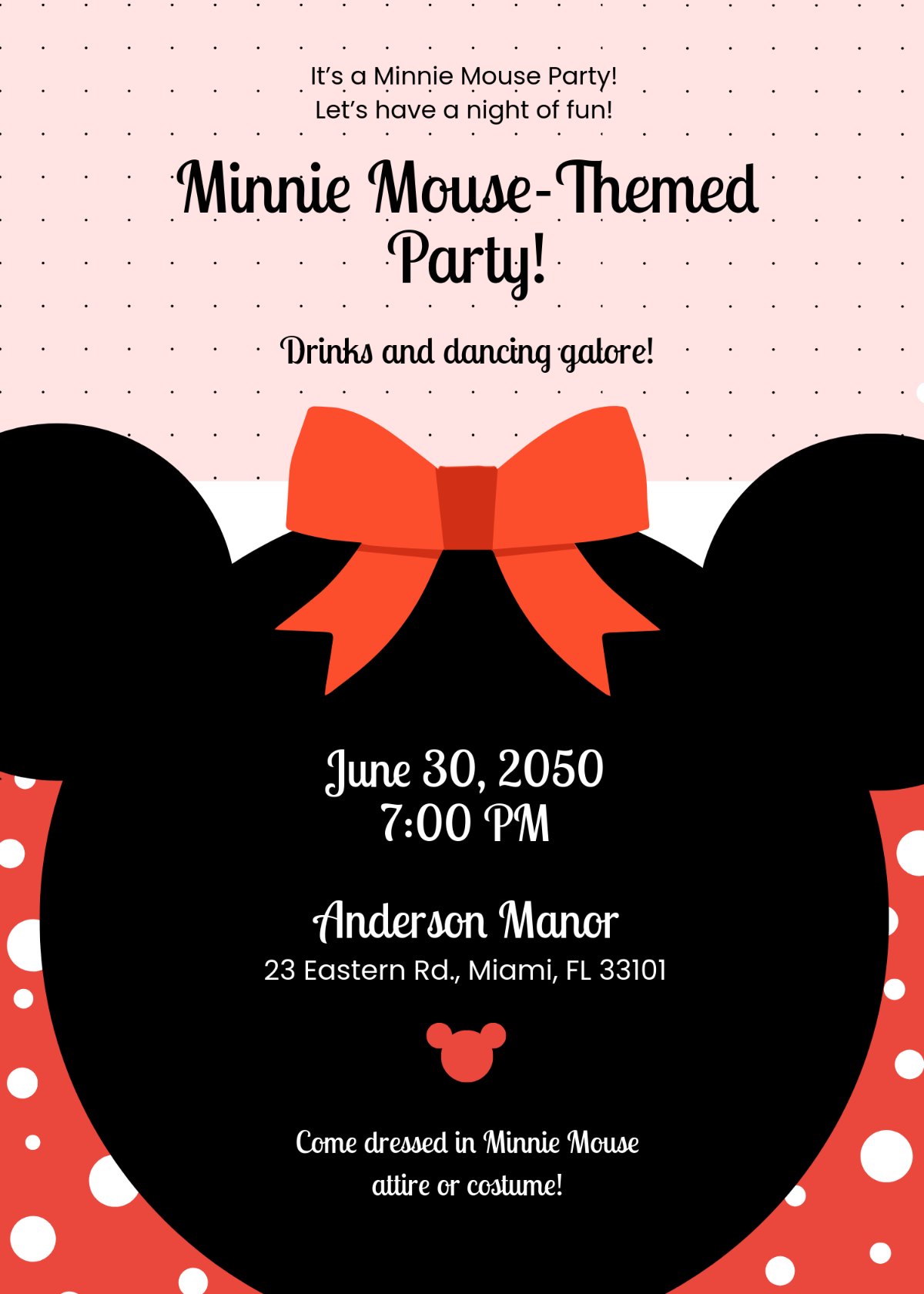
A Mouse template is a pre-designed layout featuring Mouse-themed graphics and editable text areas that users can customize for various purposes. These templates include layered design elements and professional layouts to help create visually appealing documents quickly.
Who typically uses Mouse templates?
Mouse templates are commonly used by designers, marketers, educators, and business professionals seeking themed visuals for presentations, promotions, or creative projects. They benefit from ready-made layouts that simplify the design process and improve productivity.
When should I use Mouse templates?
Mouse templates are ideal for occasions requiring Mouse-themed visuals such as events, campaigns, or educational materials. Use these templates when you want to convey a consistent visual theme quickly with professional design layers and editable content.
What design tips should I follow for a Mouse template?
When designing a Mouse template, focus on cohesive color palettes that complement Mouse-themed graphics and ensure clear headlines. Use editable text areas wisely and maintain balanced layout blocks for readability and visual appeal.
What are common sizes for Mouse templates?
Common Mouse template sizes include 8.5 × 11 inches for documents and flyers, 5 × 7 inches for invitations, and 4 × 6 inches for postcards. Selecting the right size depends on the project type and intended use while maintaining professional layout proportions.
What template elements are essential in a Mouse template?
Essential elements of a Mouse template include editable text areas, Mouse-themed images, layered design blocks, and a consistent color palette. These features enable easy customization and ensure a professional, cohesive look.
How can I print a Mouse template effectively?
To print a Mouse template effectively, use high-resolution graphics and select appropriate paper sizes like 8.5 × 11 inches. Ensure that color settings match the template’s visual theme for crisp and professional output.
Can I create a new Mouse template using AI?
Template.net provides an AI-powered tool capable of generating Mouse template designs from user prompts, allowing for quick creation of unique, customizable layouts. Visit Template.net to explore this feature.
