
Free Olympics Templates


Olympics Templates: Design Guide, Sizes, and Customization
What is a Olympics template?
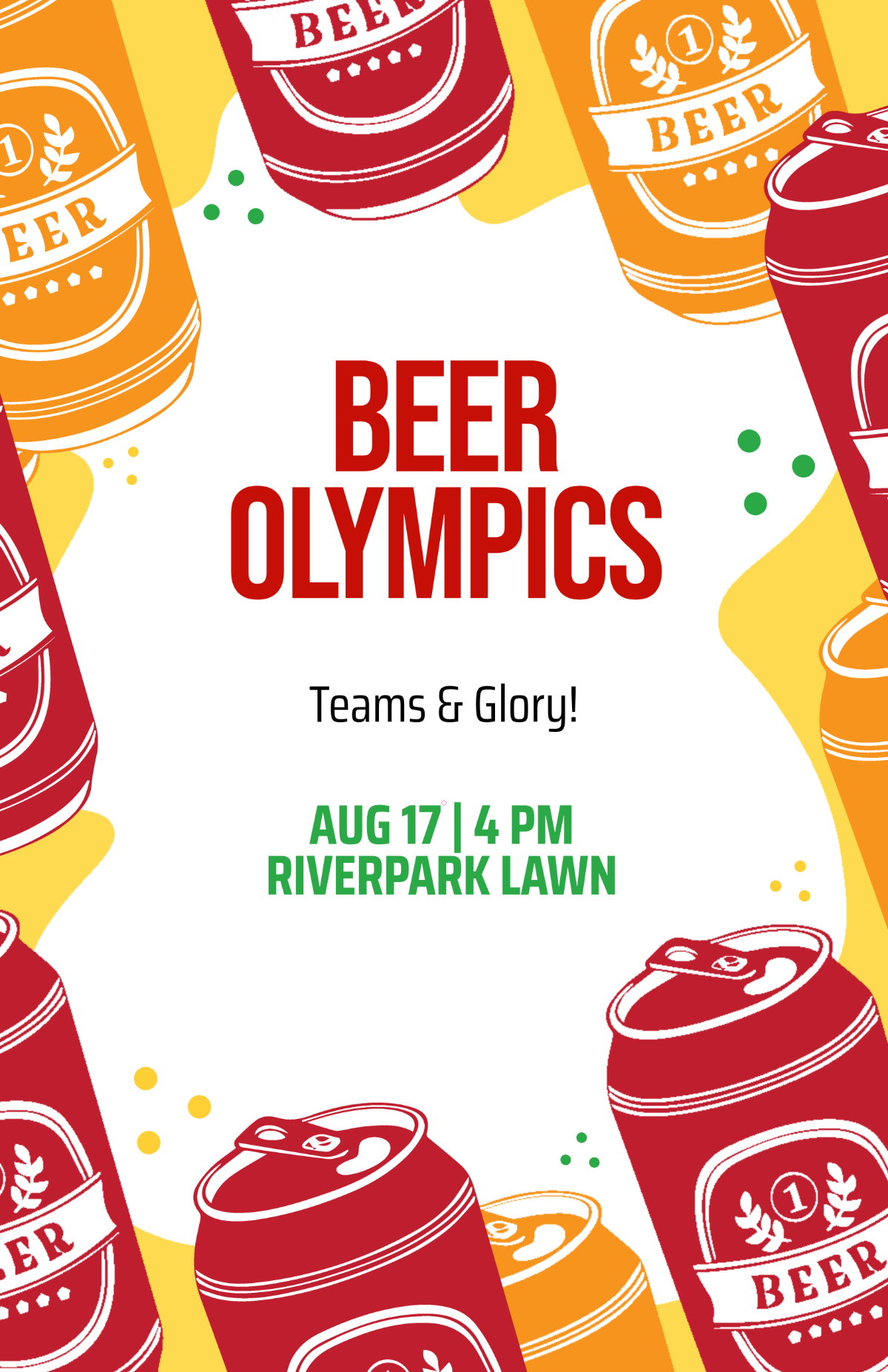
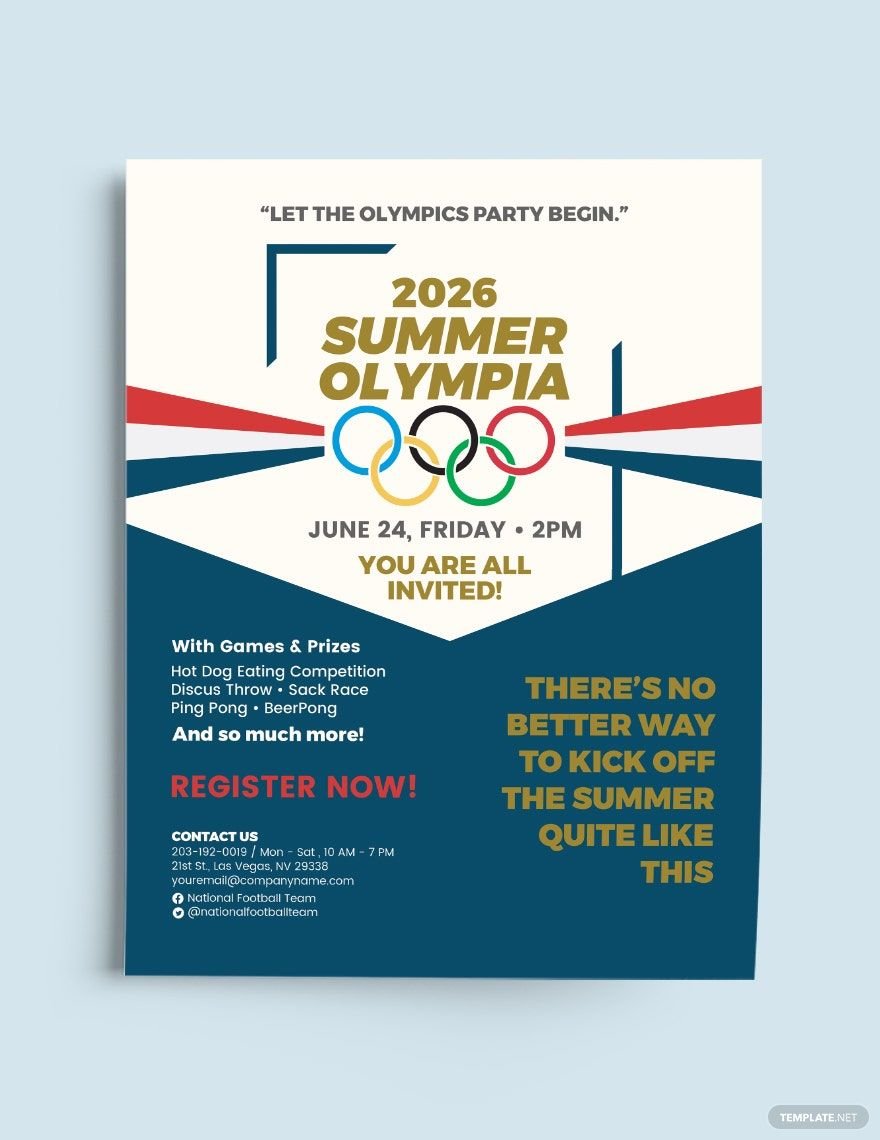
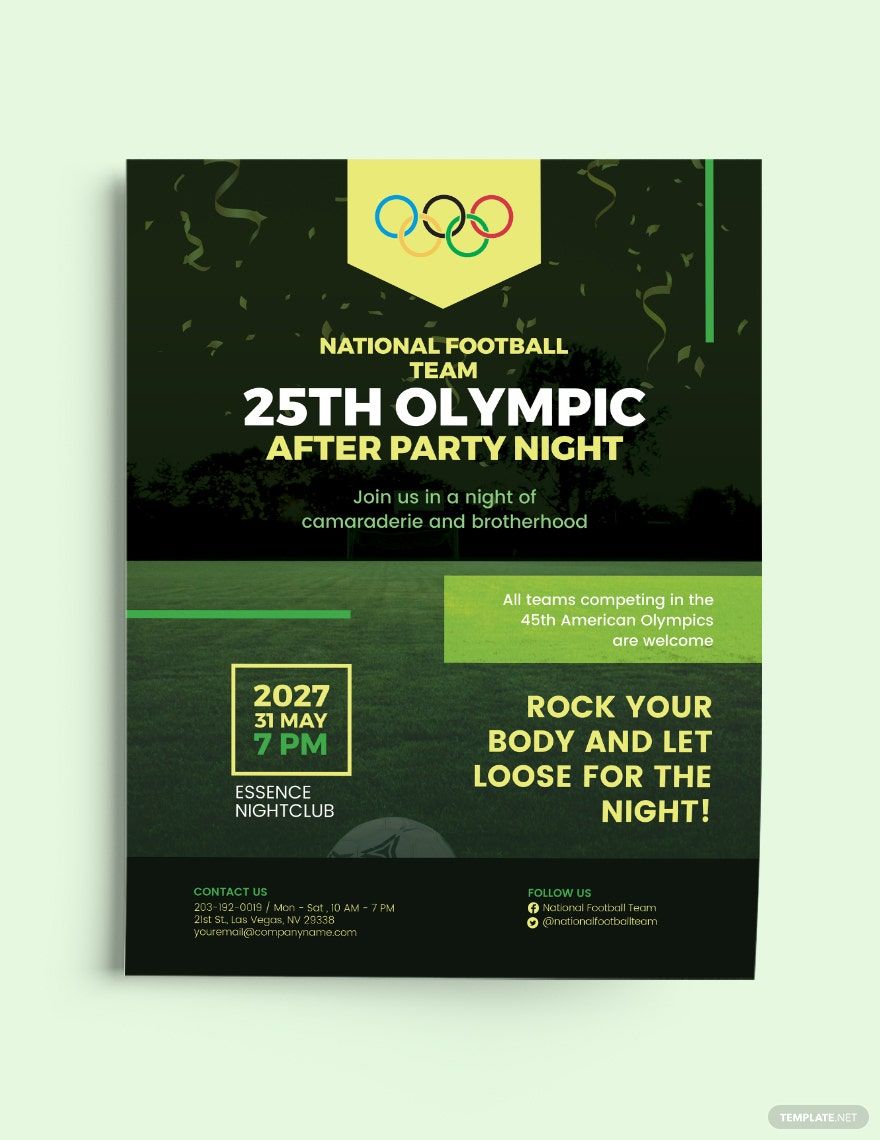
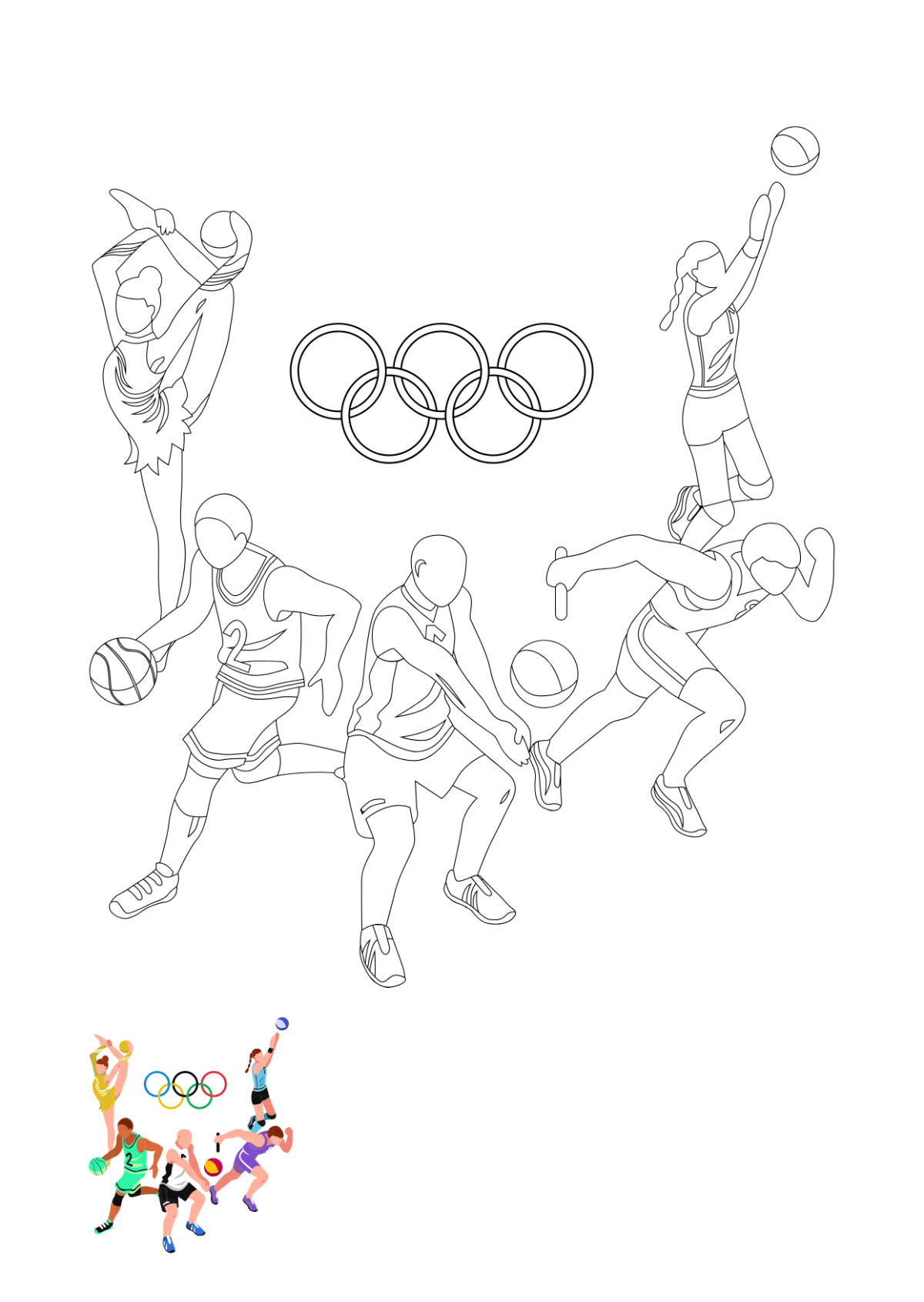
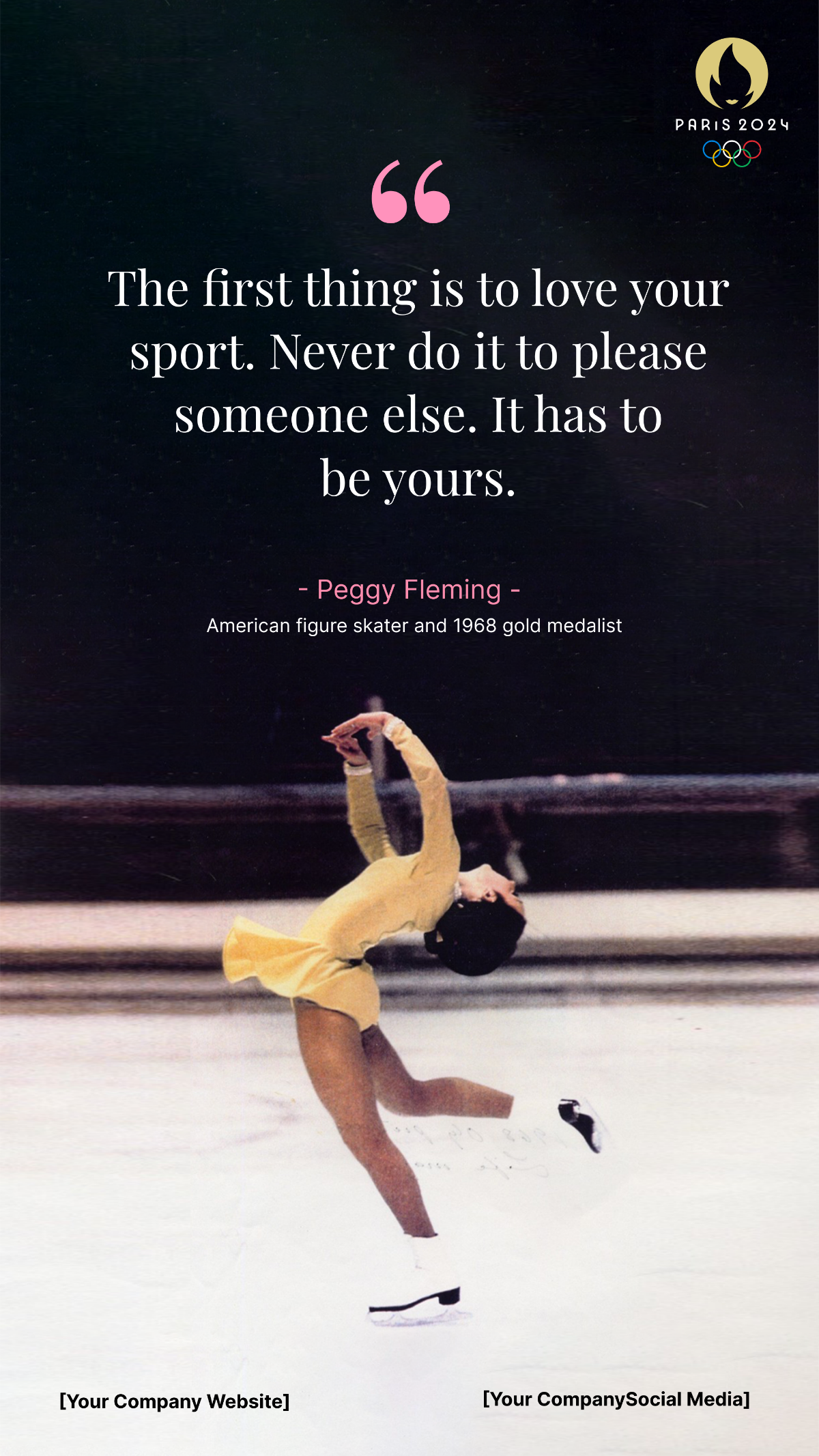
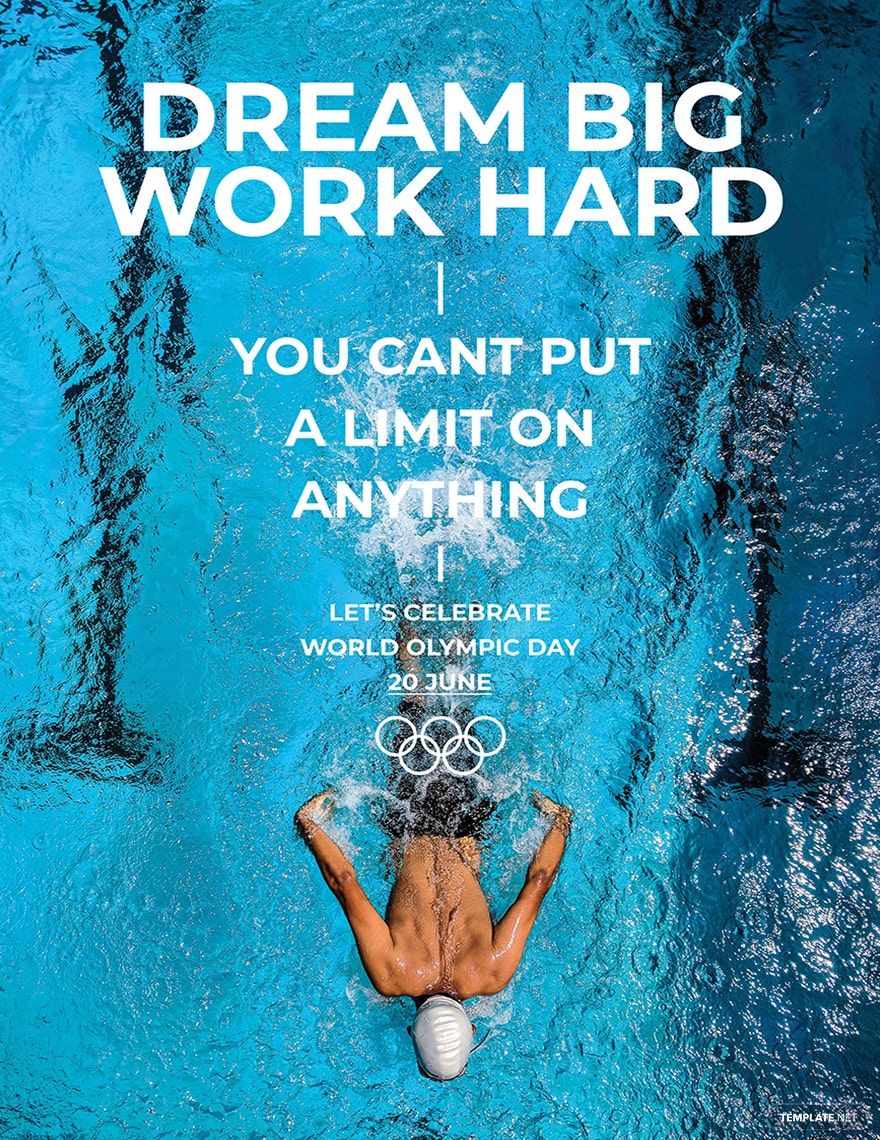
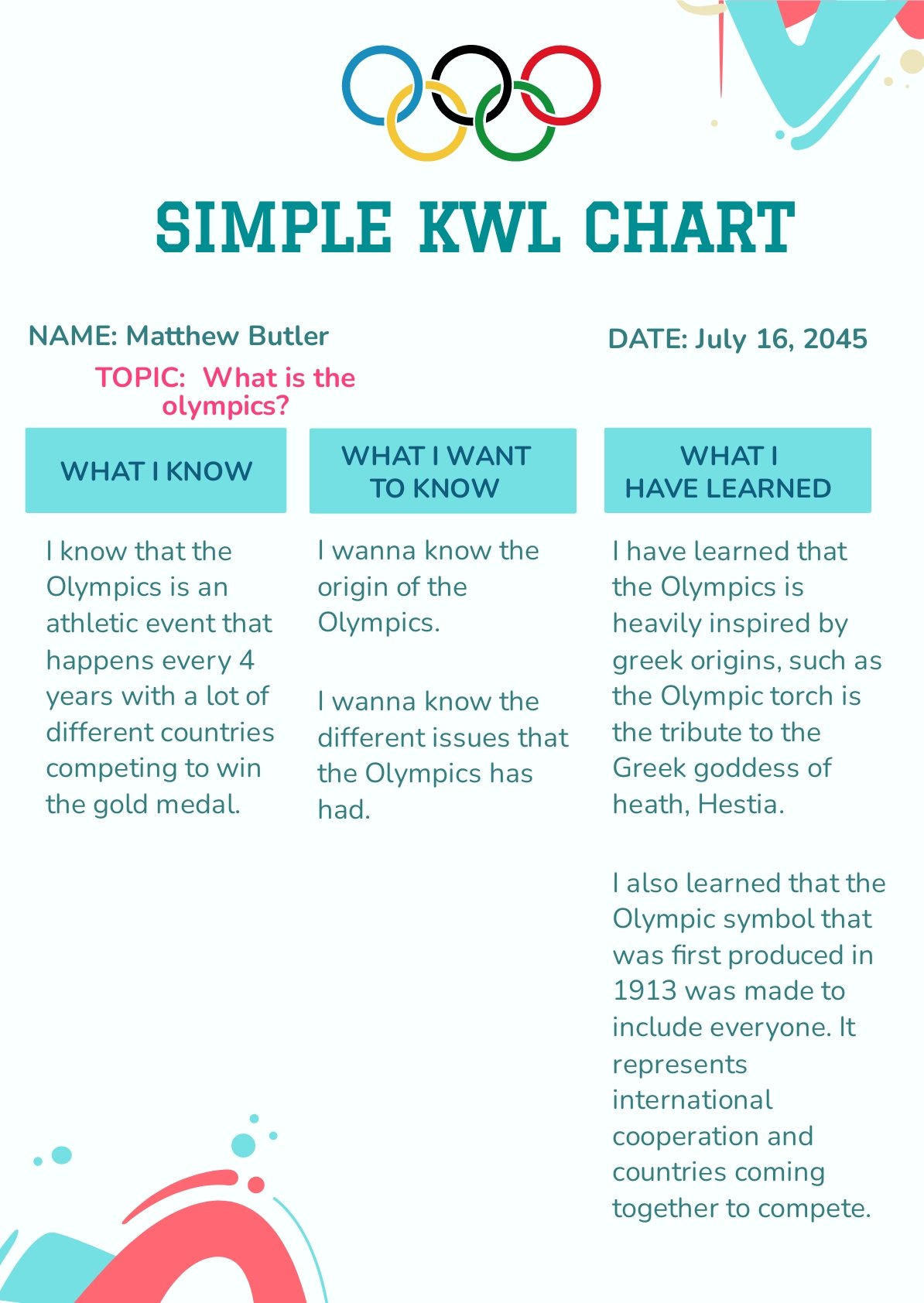
A Olympics template is a pre-designed layout that incorporates Olympics-themed graphics, symbols, and color schemes for use in sports-related projects. These templates include editable text areas and layered design elements to streamline professional customization for event promotions and presentations.
Who typically uses Olympics templates?
Olympics templates are typically used by event organizers, sports clubs, marketing teams, and educators who need professional layouts with Olympics visuals. These templates help users create engaging materials quickly through online editing and customization.
When should I use Olympics templates?
Use Olympics templates when planning Olympics-themed events, sports promotions, educational presentations, or social media campaigns. These templates provide ready-made designs that ensure consistent visual themes and save time with fast online customization.
What design elements should I include in a Olympics template?
A successful Olympics template should include Olympics rings graphics, a harmonious color palette reflecting Olympics colors, clear headline areas, and editable text blocks. Layered design customization allows users to adjust images and layout blocks for a professional finish.
What size should a Olympics template be?
Olympics templates typically come in versatile sizes such as 8.5 × 11 inches for flyers and 4 × 6 inches for invitations. Choosing the correct size depends on the project, and templates offer scalable design layers for easy resizing while maintaining visual quality.
How can I customize the layers in a Olympics template?
Customizing layers in Olympics templates involves editing text areas, swapping images, and adjusting graphics such as Olympics symbols. The layered structure allows for flexible design changes directly in-browser, enhancing creativity and professional results.
What printing tips should I consider for Olympics templates?
When printing Olympics templates, ensure the color palette matches Olympics standards and use high-resolution settings for crisp graphics. Select appropriate paper sizes like 8.5 × 11 inches and check margins to avoid cutting off important design elements.
What color schemes work best for Olympics templates?
Effective Olympics templates use the official Olympics colors including blue, yellow, black, green, and red combined with white backgrounds. A balanced color palette enhances readability and highlights key information sections for a professional, thematic design.
Can I create a new Olympics template using AI?
Template.net provides an AI-powered tool capable of generating new Olympics template designs from user prompts. Explore this innovative feature to create unique, professional layouts quickly with the Template.net platform.
