Free PPT Themes Customizable Templates Guide, Uses, and Online Editing

PPT Themes are professionally designed presentation templates customizable for any occasion to enhance your slideshows with cohesive visual styles and layouts. Template.net provides customizable PPT Themes that you can complete or modify directly in the browser without the need for additional software.
feature icon

What is a PPT Themes?

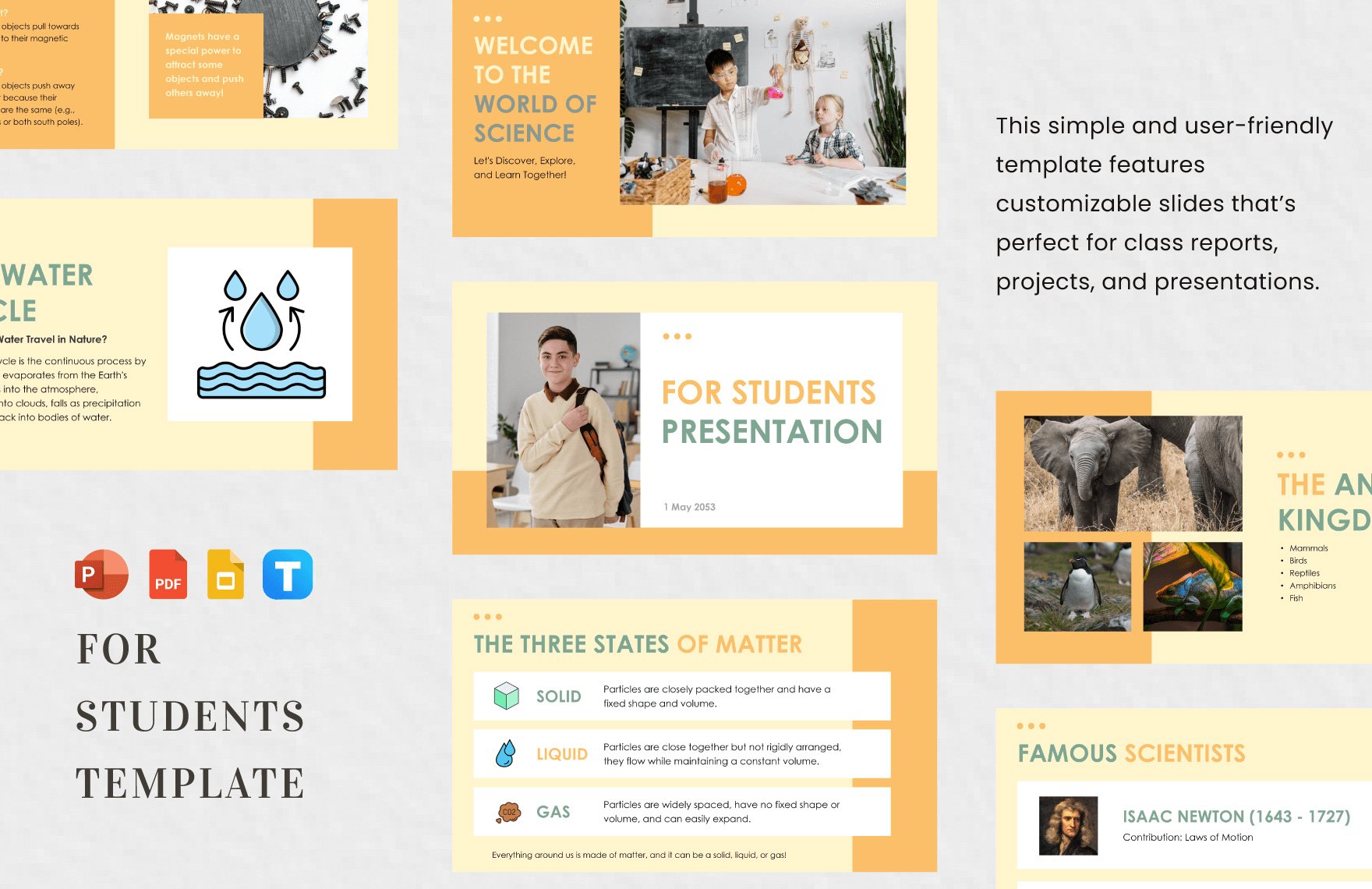
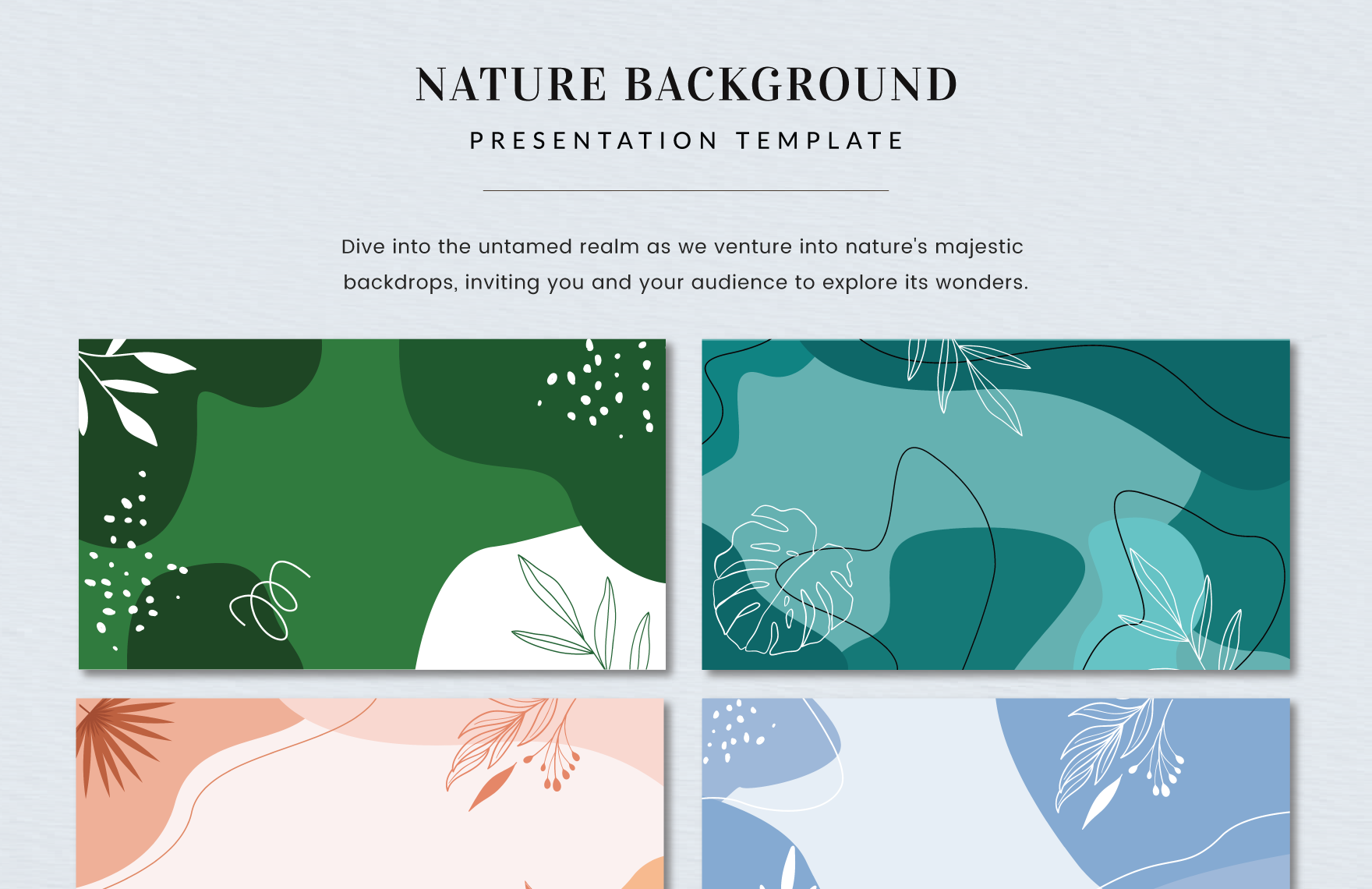
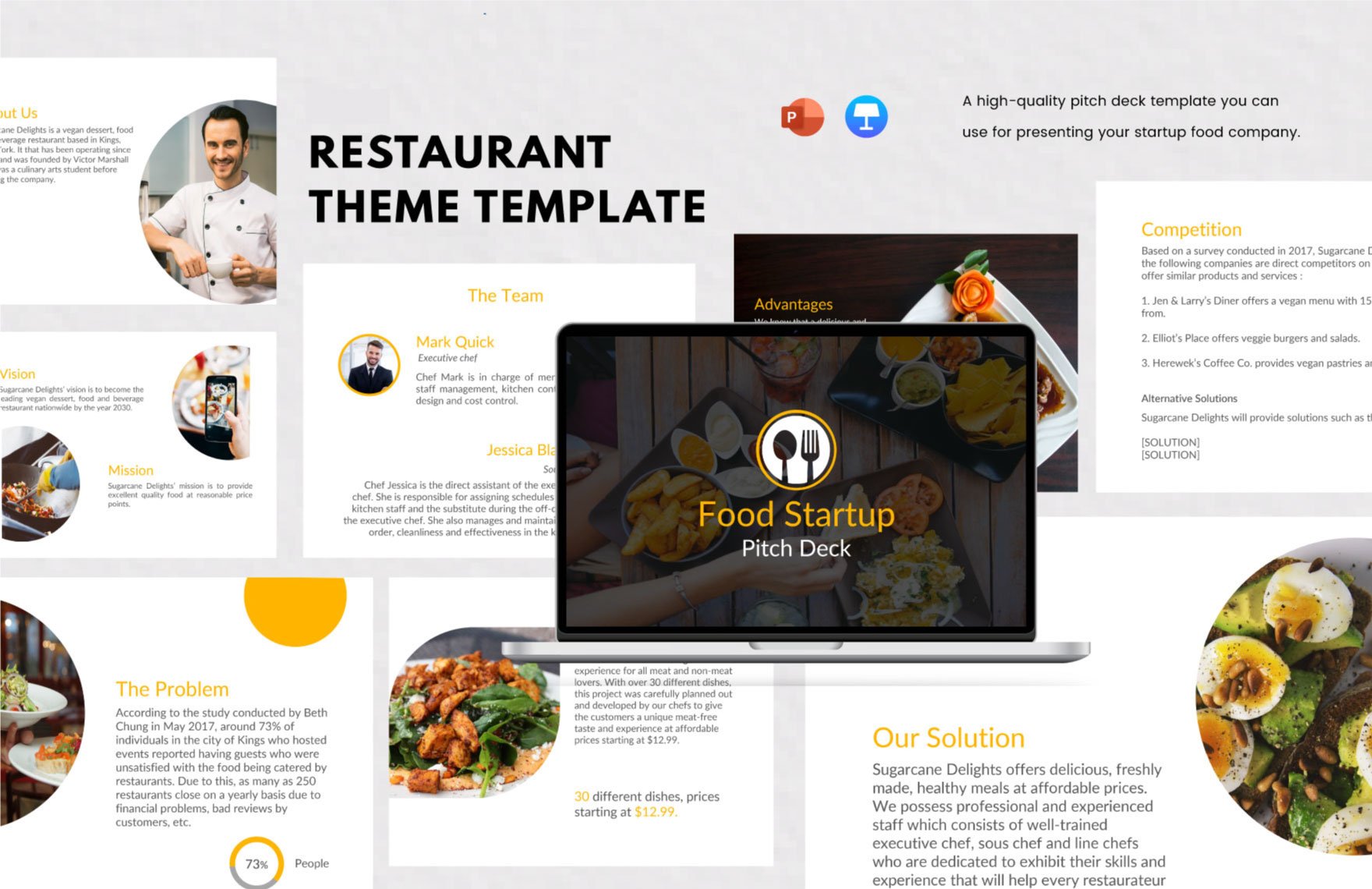
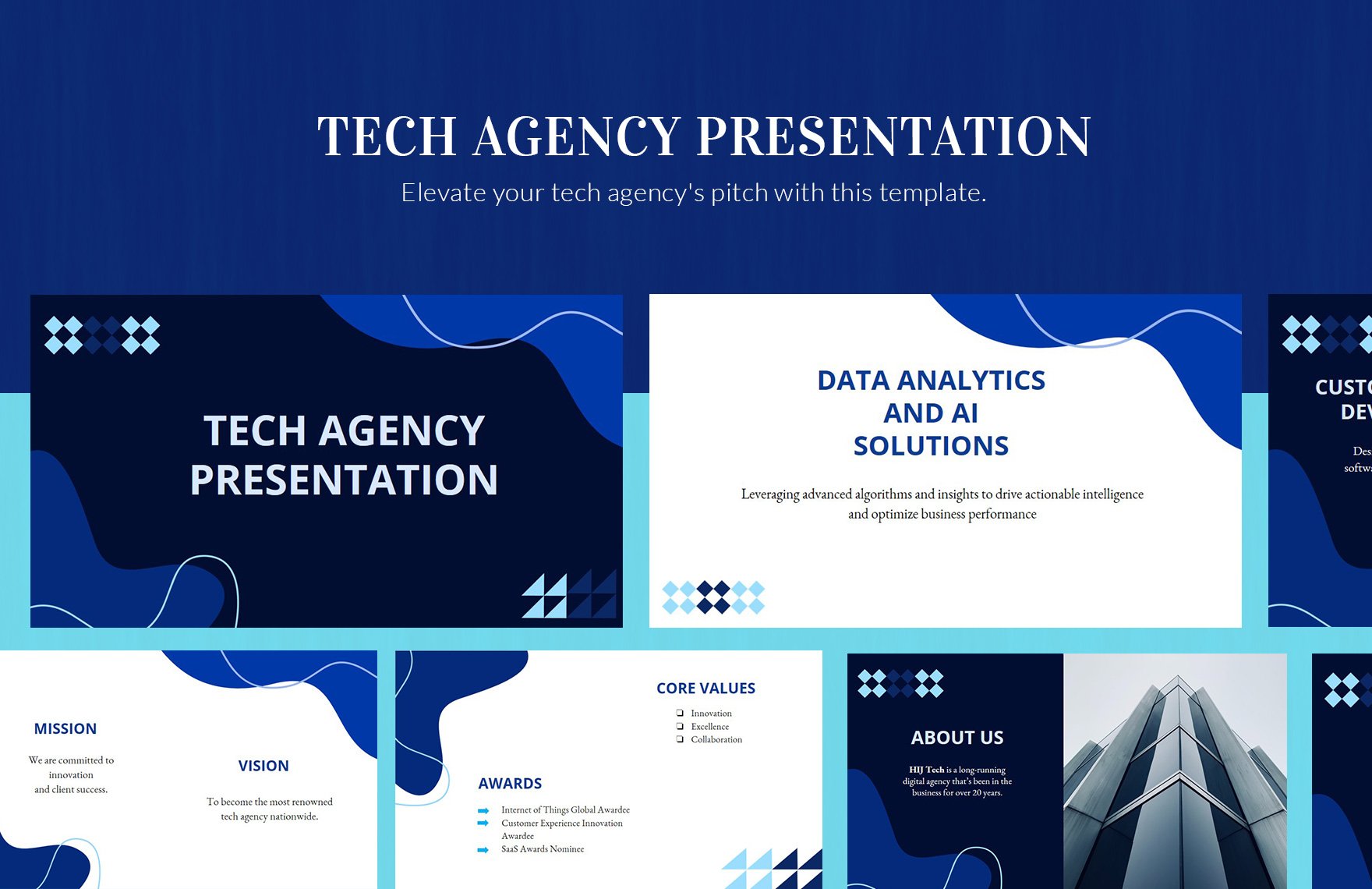
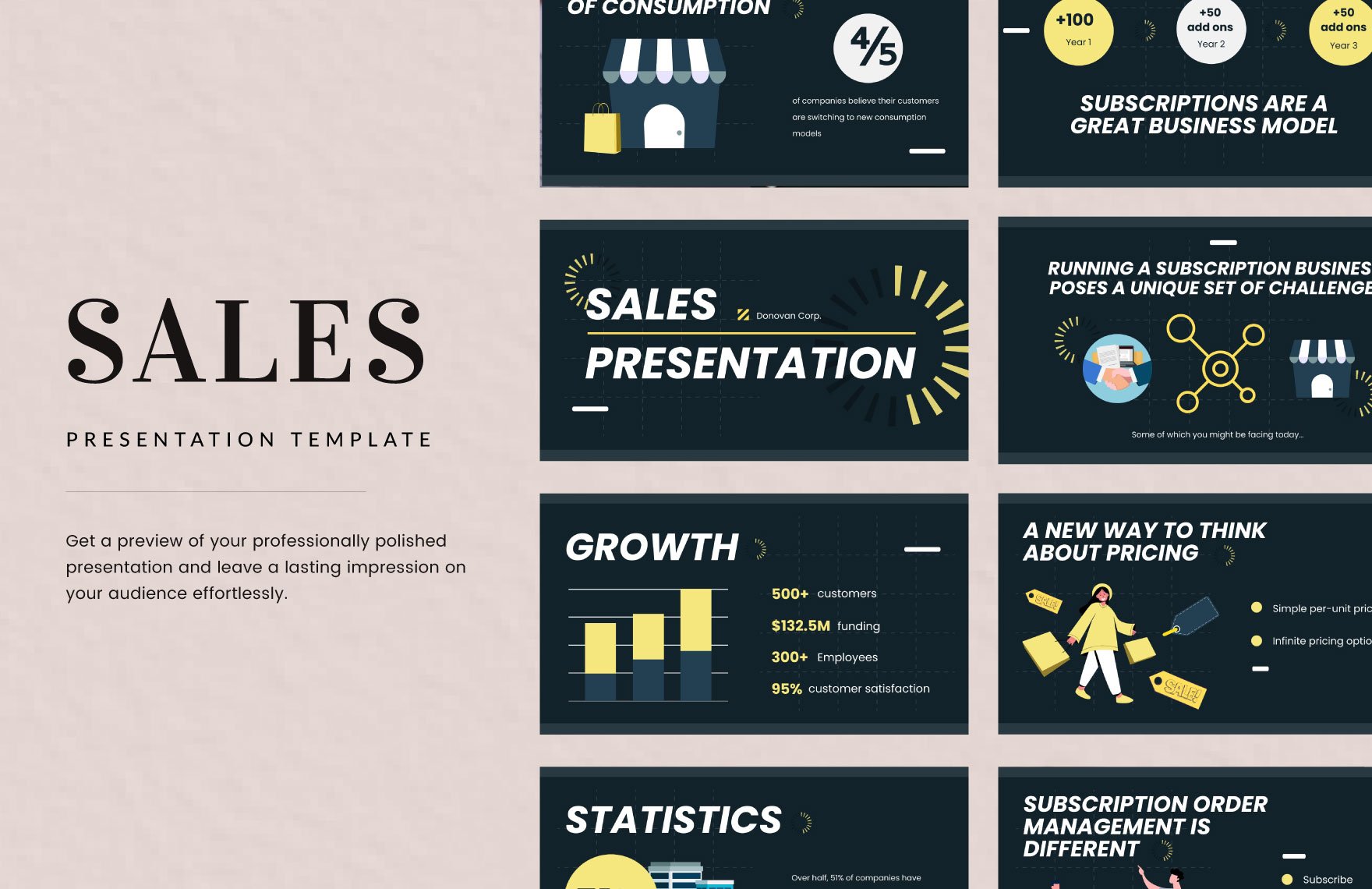
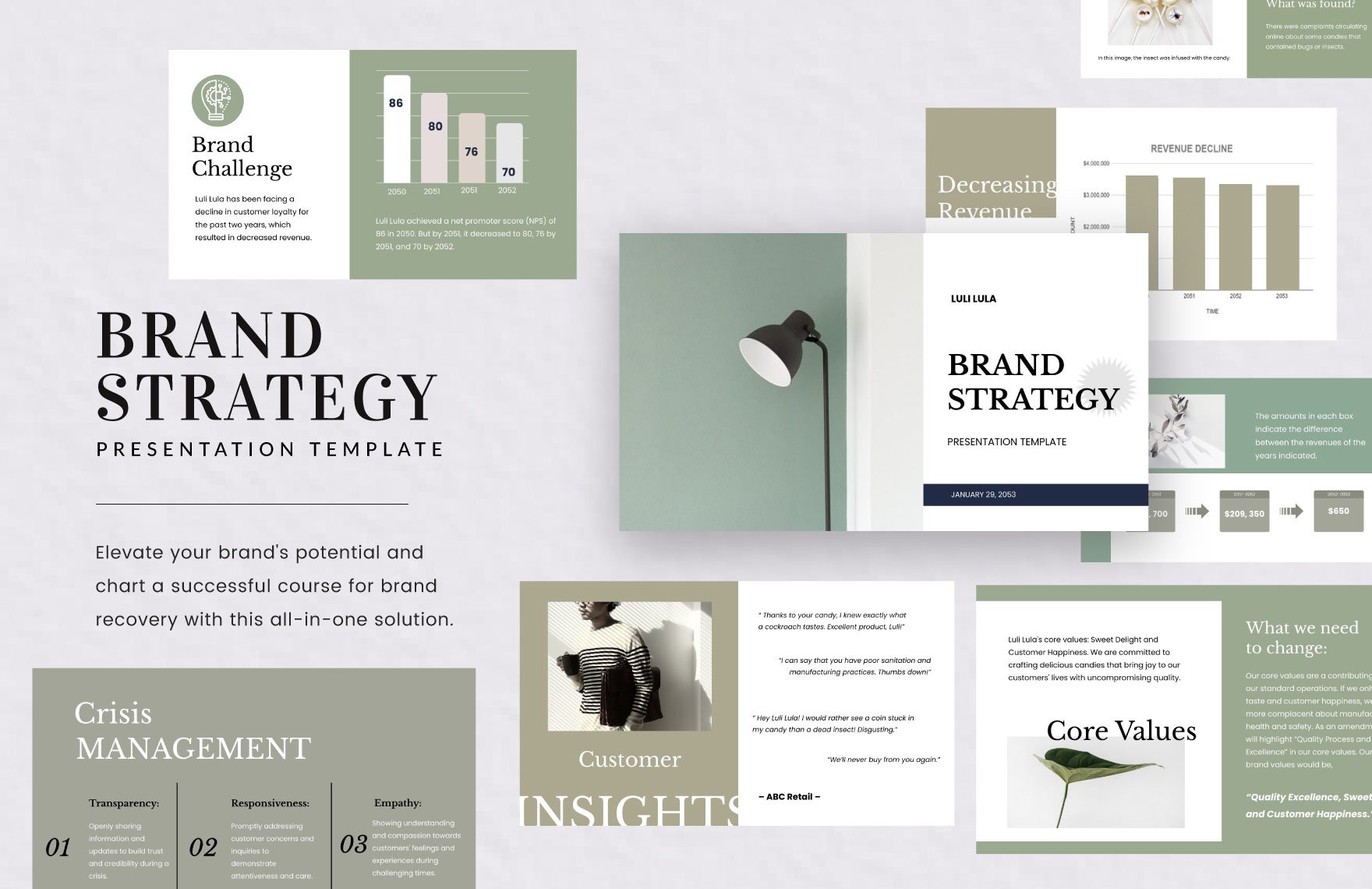
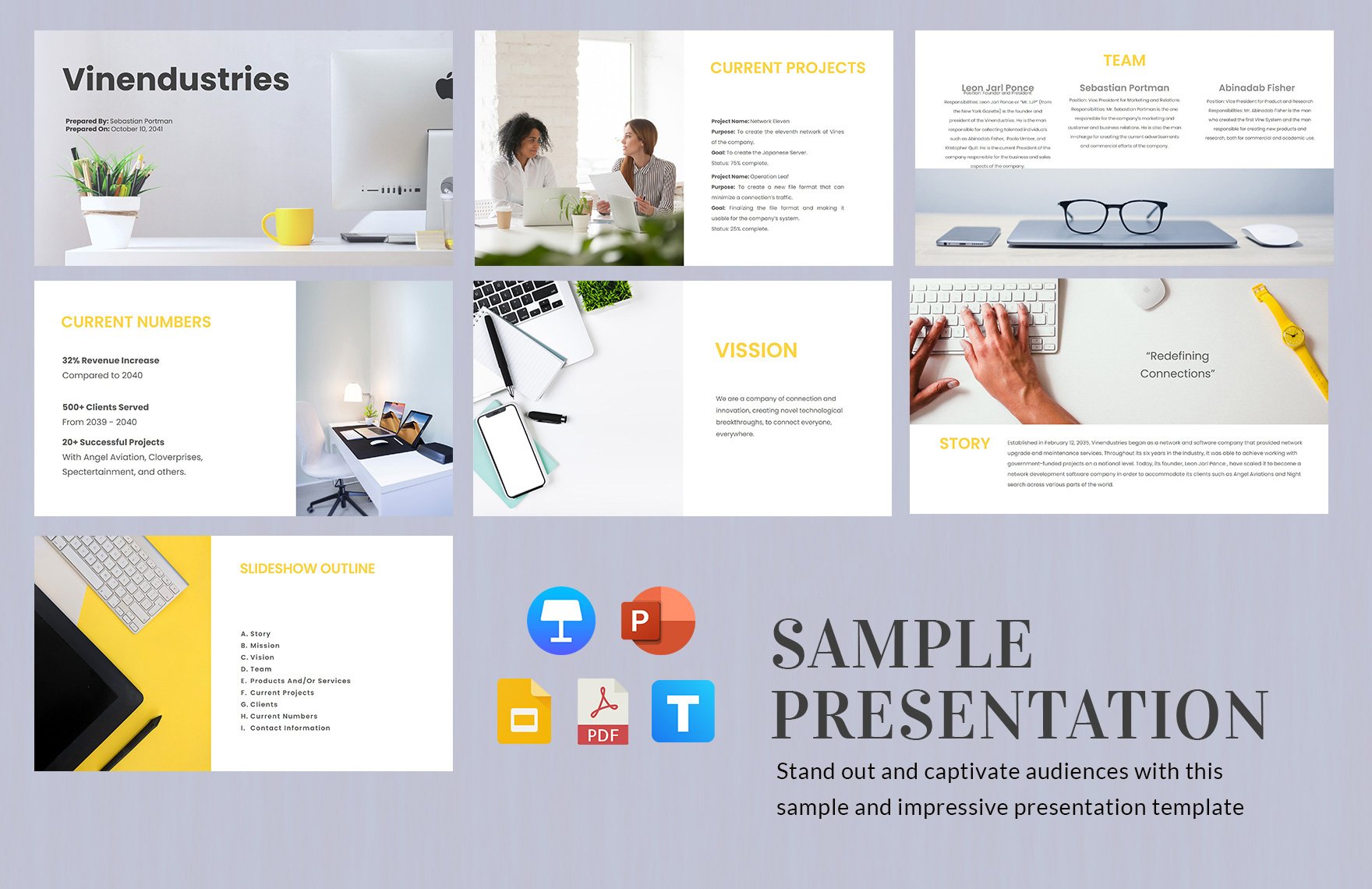
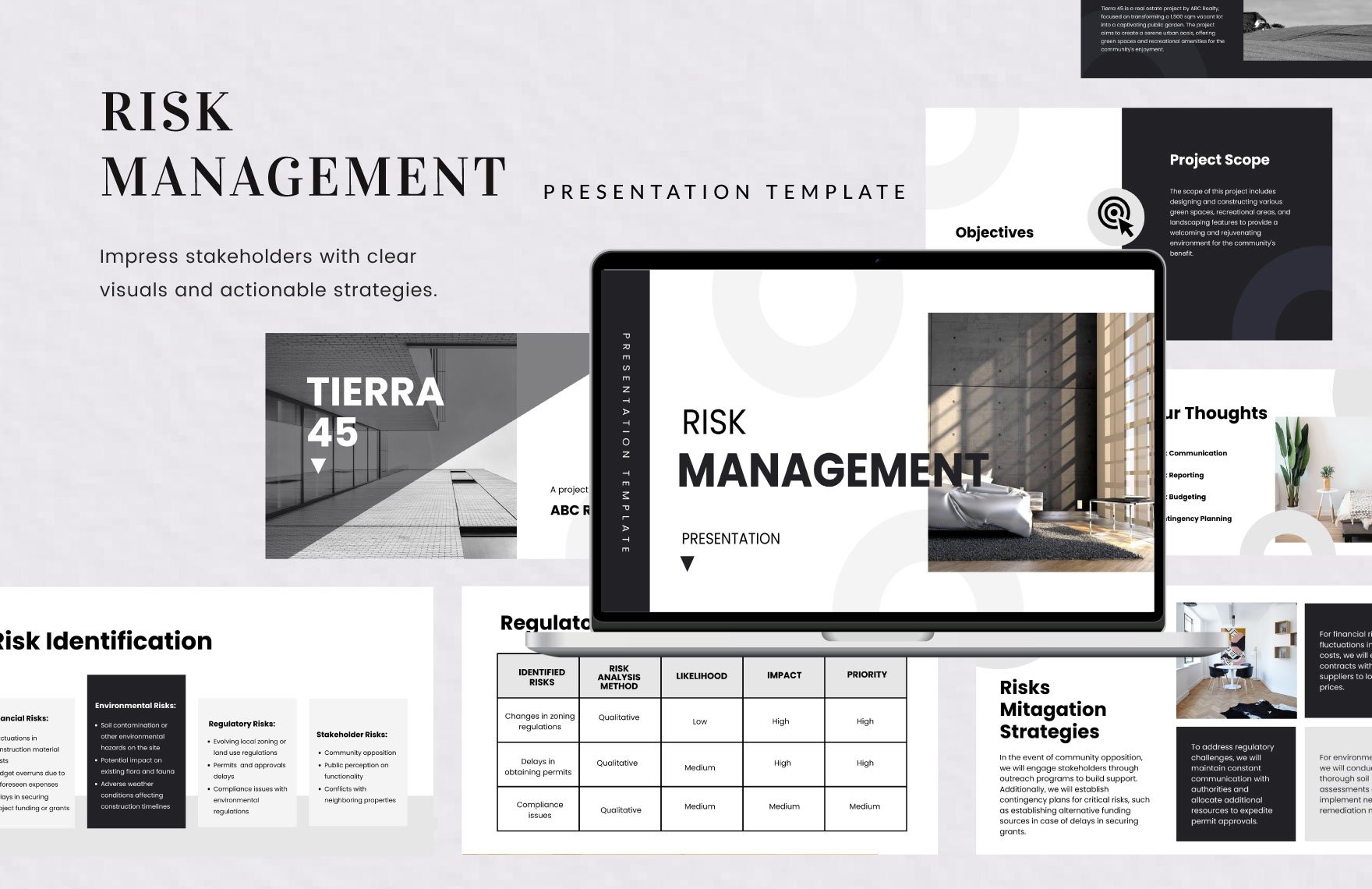
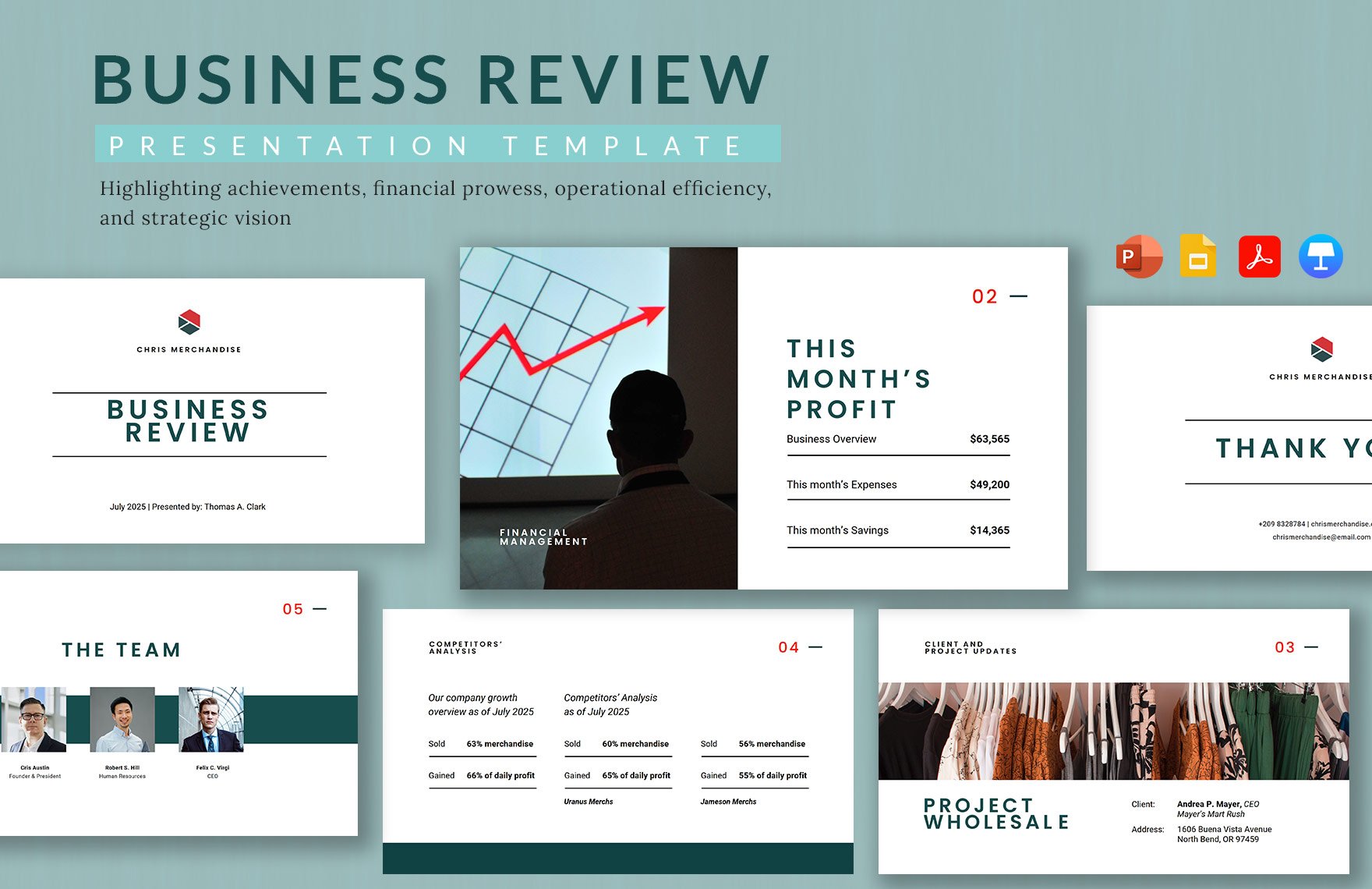
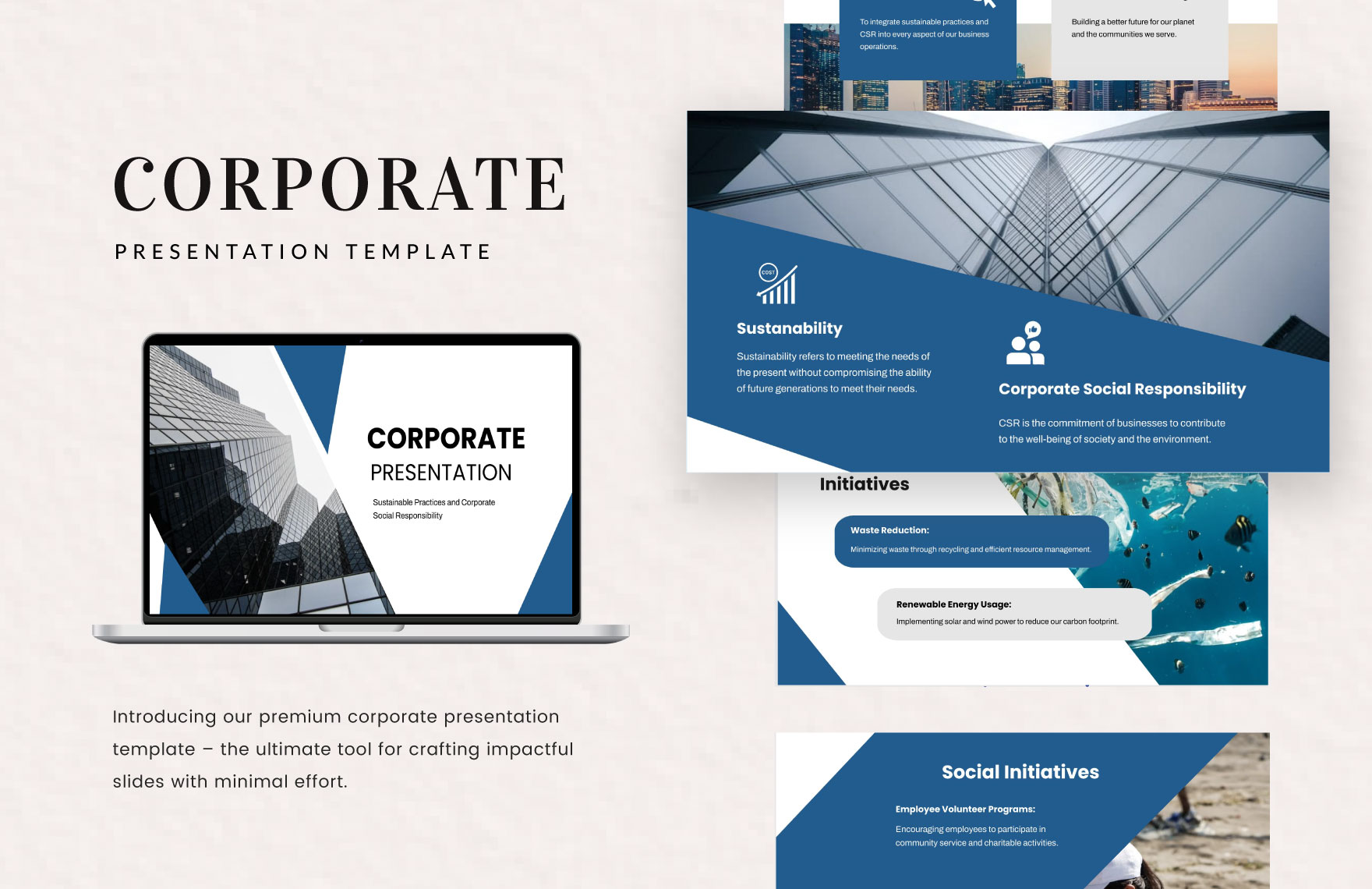
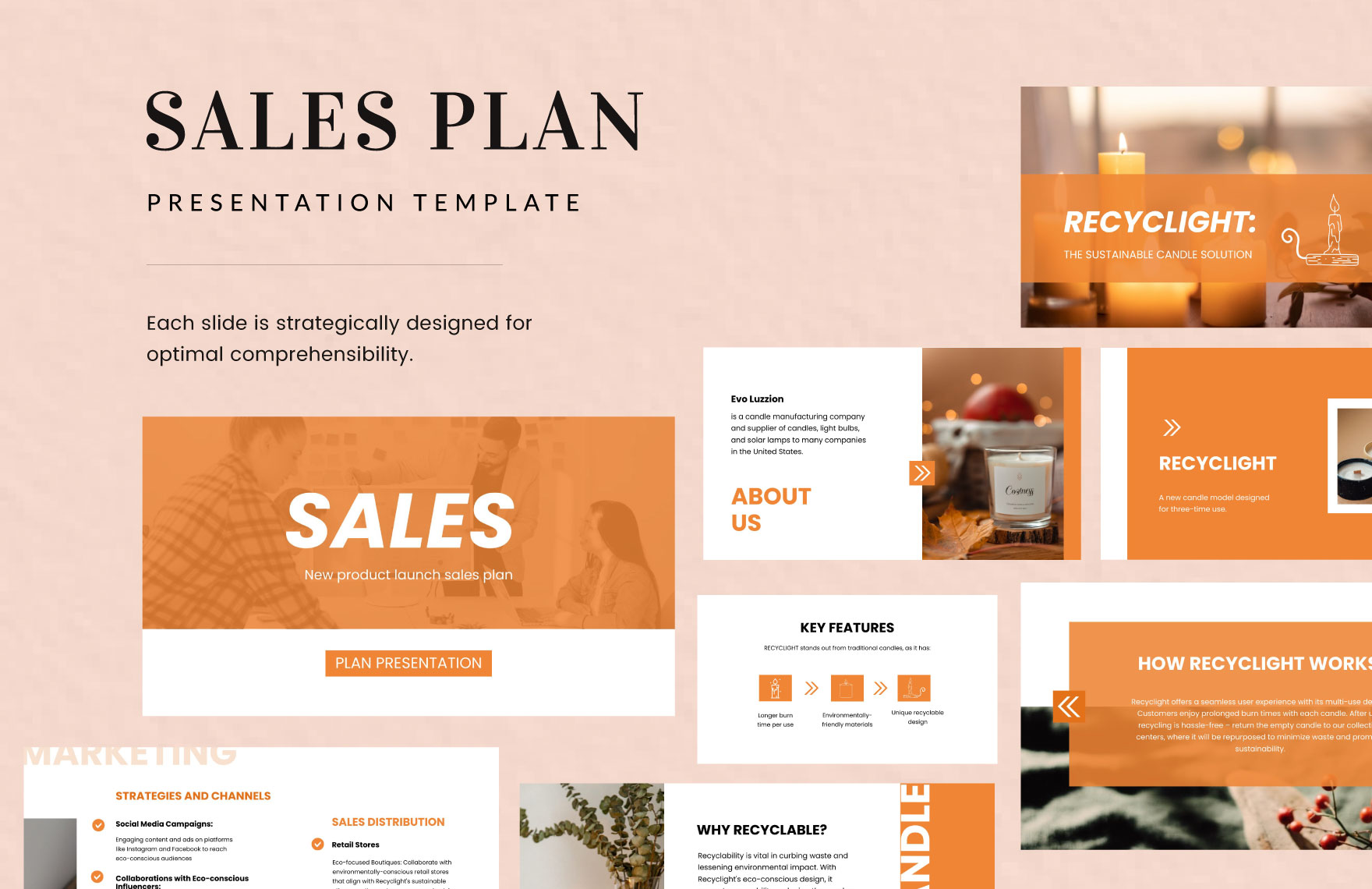
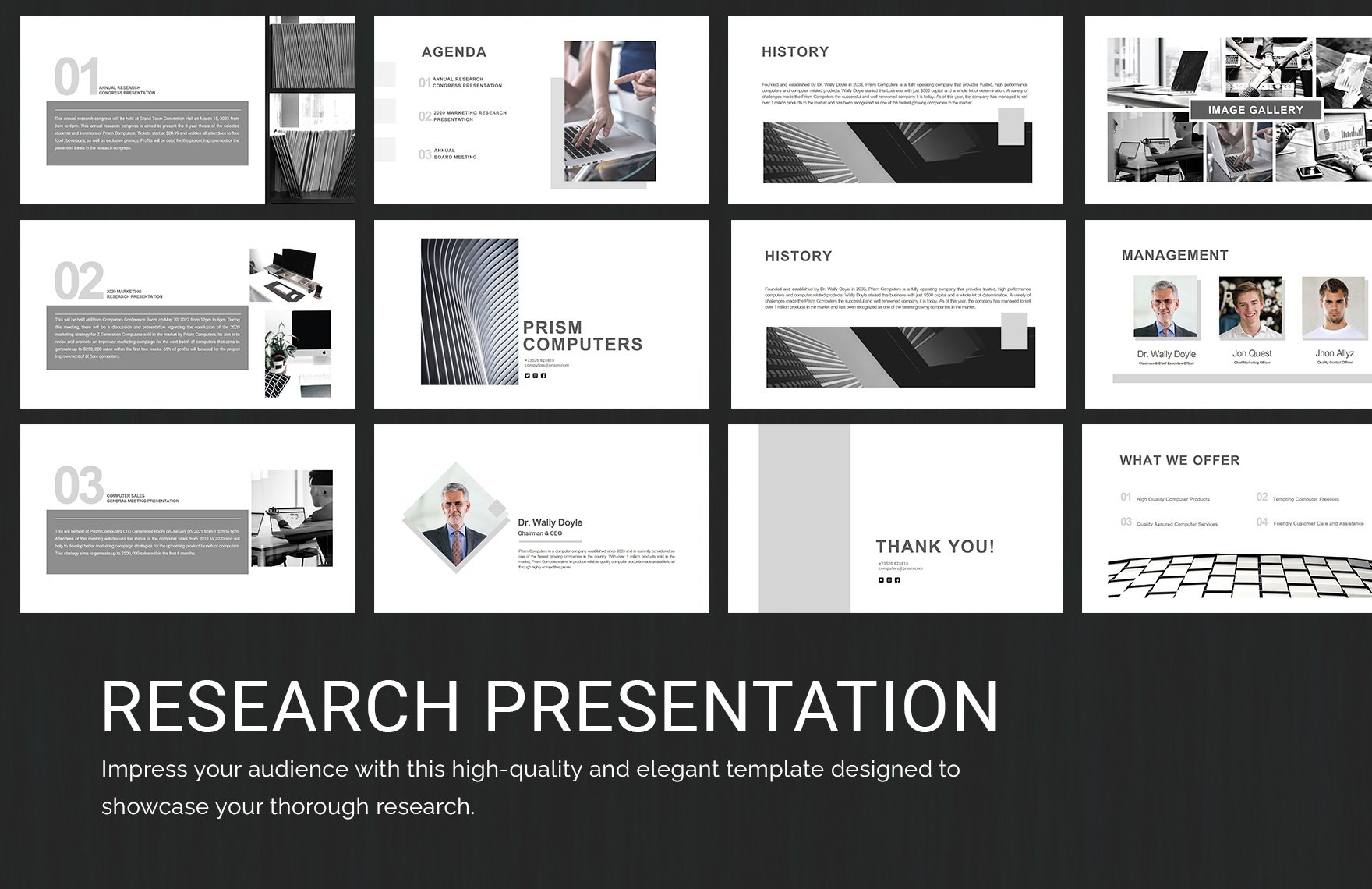
PPT Themes are pre-designed presentation templates that include coordinated colors, fonts, backgrounds, and layouts to ensure consistency and professionalism in your slides. These templates help you create visually appealing presentations quickly by providing a ready-made design foundation.

feature icon

Why should I use a PPT Themes?

Using PPT Themes saves time and improves the visual impact of your presentations by providing a unified design that enhances readability and audience engagement. They ensure professional quality designs and reduce the effort needed to format each slide individually.

feature icon

Who uses PPT Themes?

PPT Themes are used by professionals, educators, marketers, students, and business presenters who need to create polished and effective presentations quickly. These users benefit from the ease of customization and the professional look that PPT Themes provide.

feature icon

What are the best tips for completing my PPT Themes?

To complete your PPT Themes effectively, focus on customizing key elements while maintaining design consistency.

  • Maintain font consistency: Use the theme fonts throughout slides.
  • Use appropriate color schemes: Align colors with your brand or topic.
  • Keep slide layouts balanced: Avoid overcrowding slides.
  • Incorporate relevant visuals: Use images and icons that support your message.
  • Review for clarity: Ensure text is readable and concise.

feature icon

Can I create a PPT Themes using AI?

Creating PPT Themes with AI is possible on platforms dedicated to AI template generation, but Template.net focuses on providing customizable PPT Themes that you can edit directly in your browser rather than generating them with AI. You can visit Template.net's AI template generator for AI-based creation tools.

Template.net

feature icon

When should I use a PPT Themes?

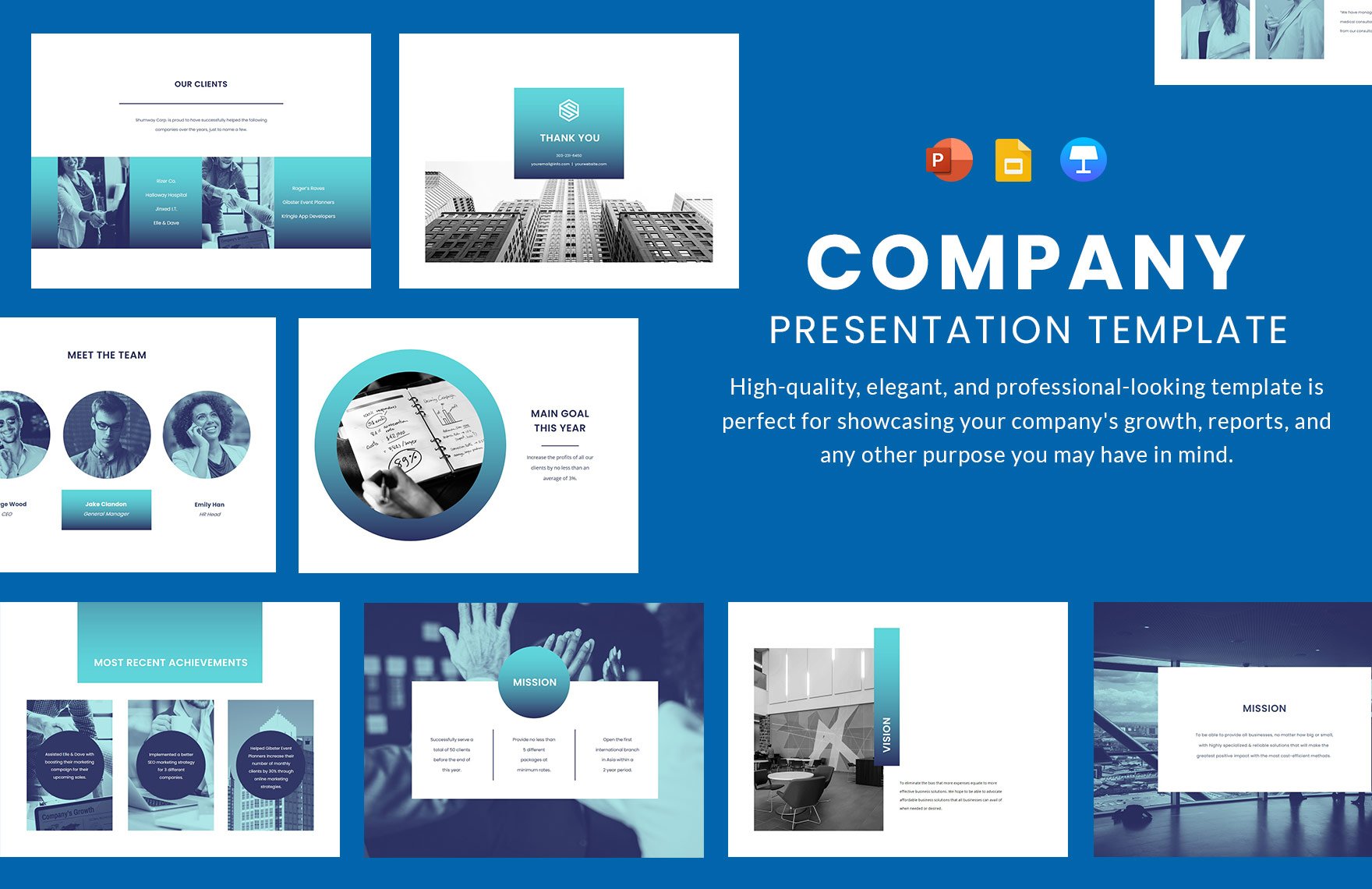
You should use PPT Themes when you need a professional, consistent, and visually appealing presentation quickly. They are ideal for business meetings, academic lectures, marketing pitches, training sessions, and any scenario where clear communication and design uniformity are important.

feature icon

What are the essential elements of PPT Themes?

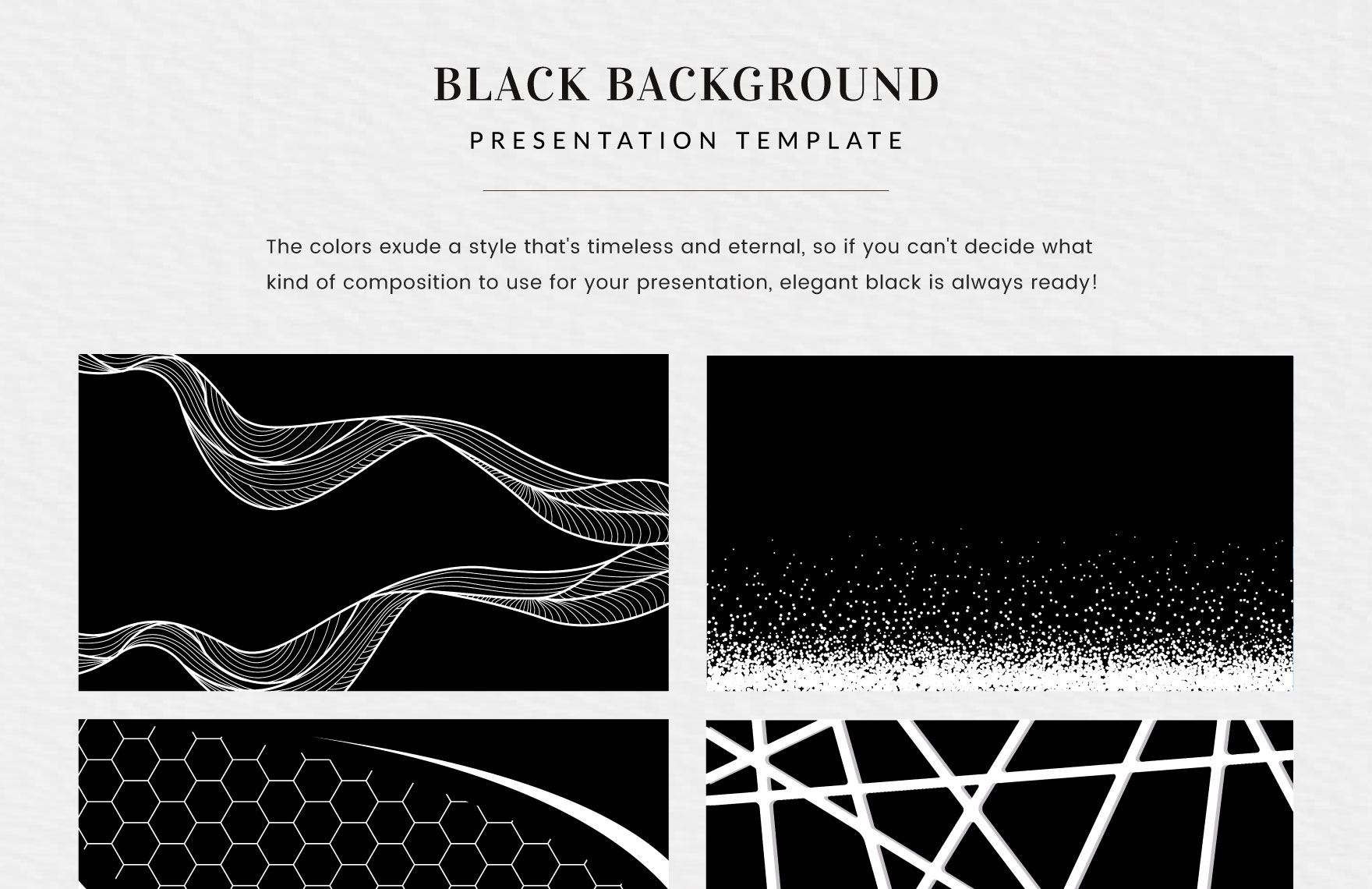
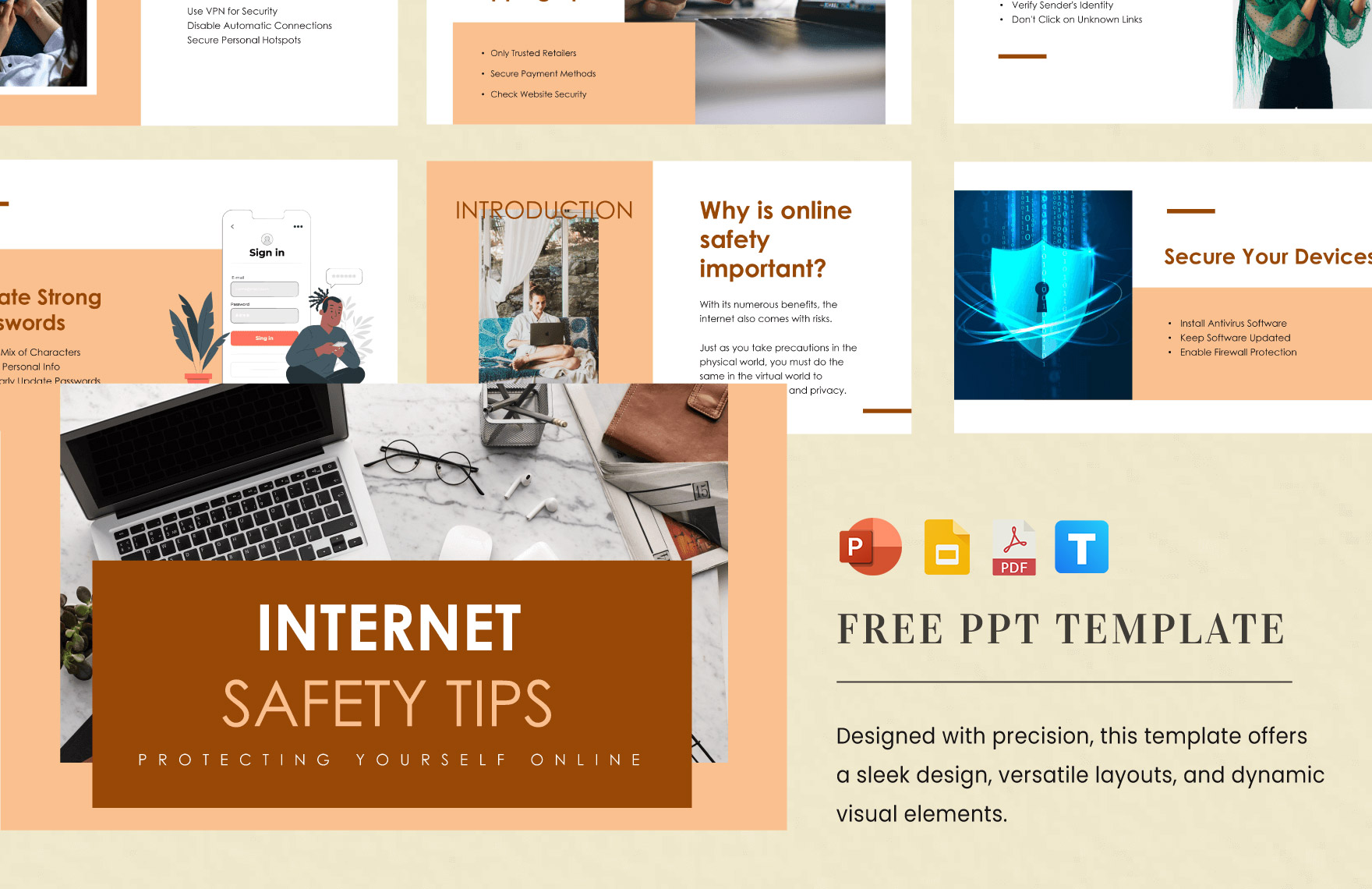
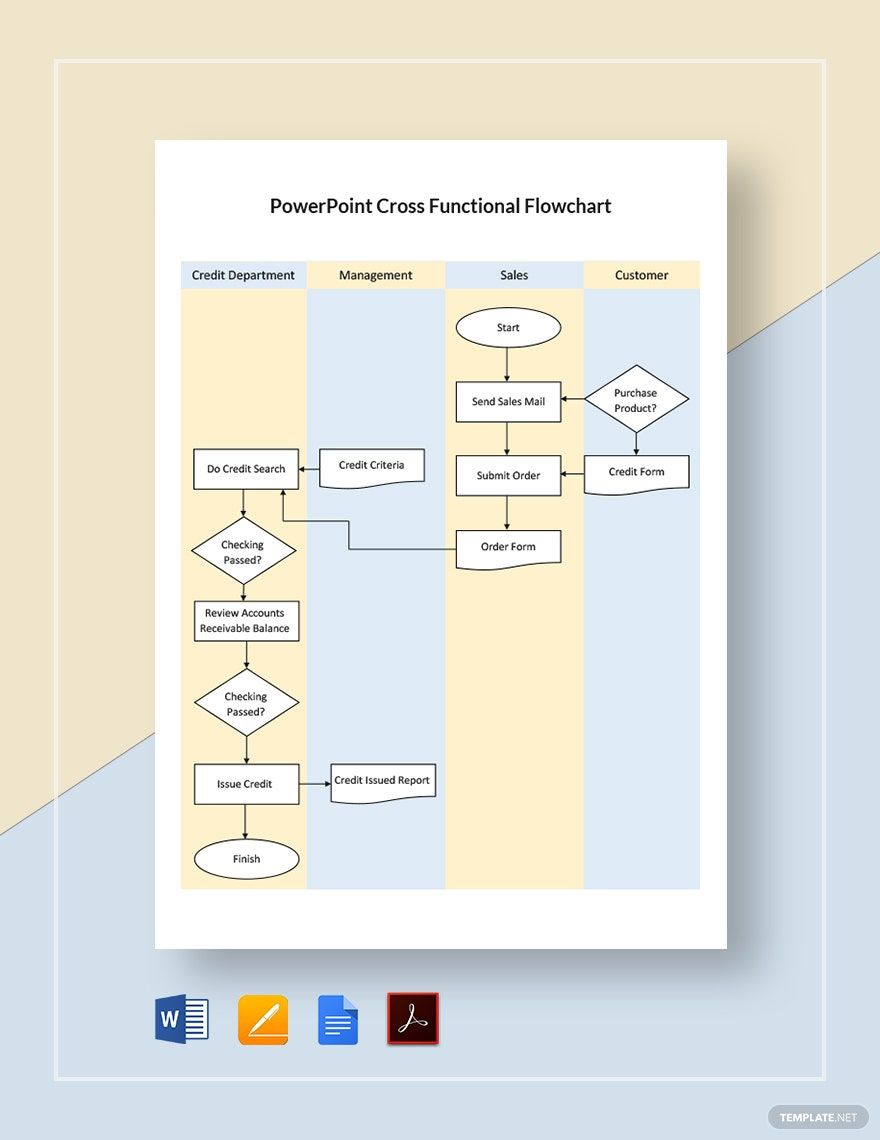
Essential elements of PPT Themes include coordinated color palettes, typography styles, slide layouts, background designs, and graphic elements like icons and shapes. These components work together to create a unified and professional presentation appearance.

feature icon

How is PPT Themes used in professional workflows?

PPT Themes are integrated into professional workflows to streamline the presentation creation process, ensuring brand consistency and design quality across teams. They enable quick customization, reduce design errors, and facilitate collaboration by providing a shared visual standard.

feature icon

What are common use cases for PPT Themes?

Common use cases for PPT Themes include corporate presentations, educational lectures, product demonstrations, sales pitches, project reports, and conference talks. PPT Themes help presenters convey information clearly and maintain audience interest through effective design.