
Free Project Dashboard Templates

Project Dashboard Templates: Definition, Purpose, and Formats
What is a Project Dashboard?
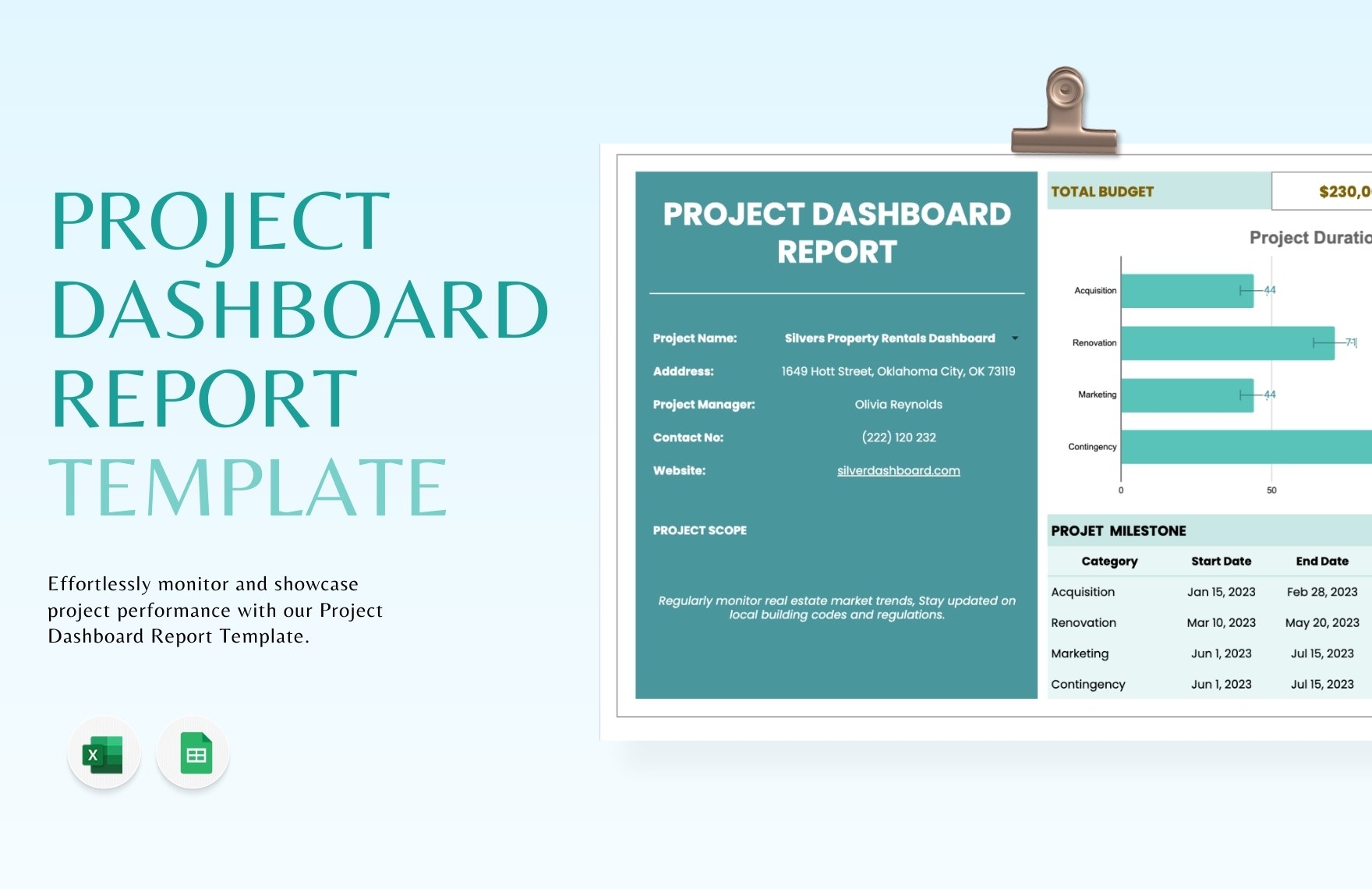
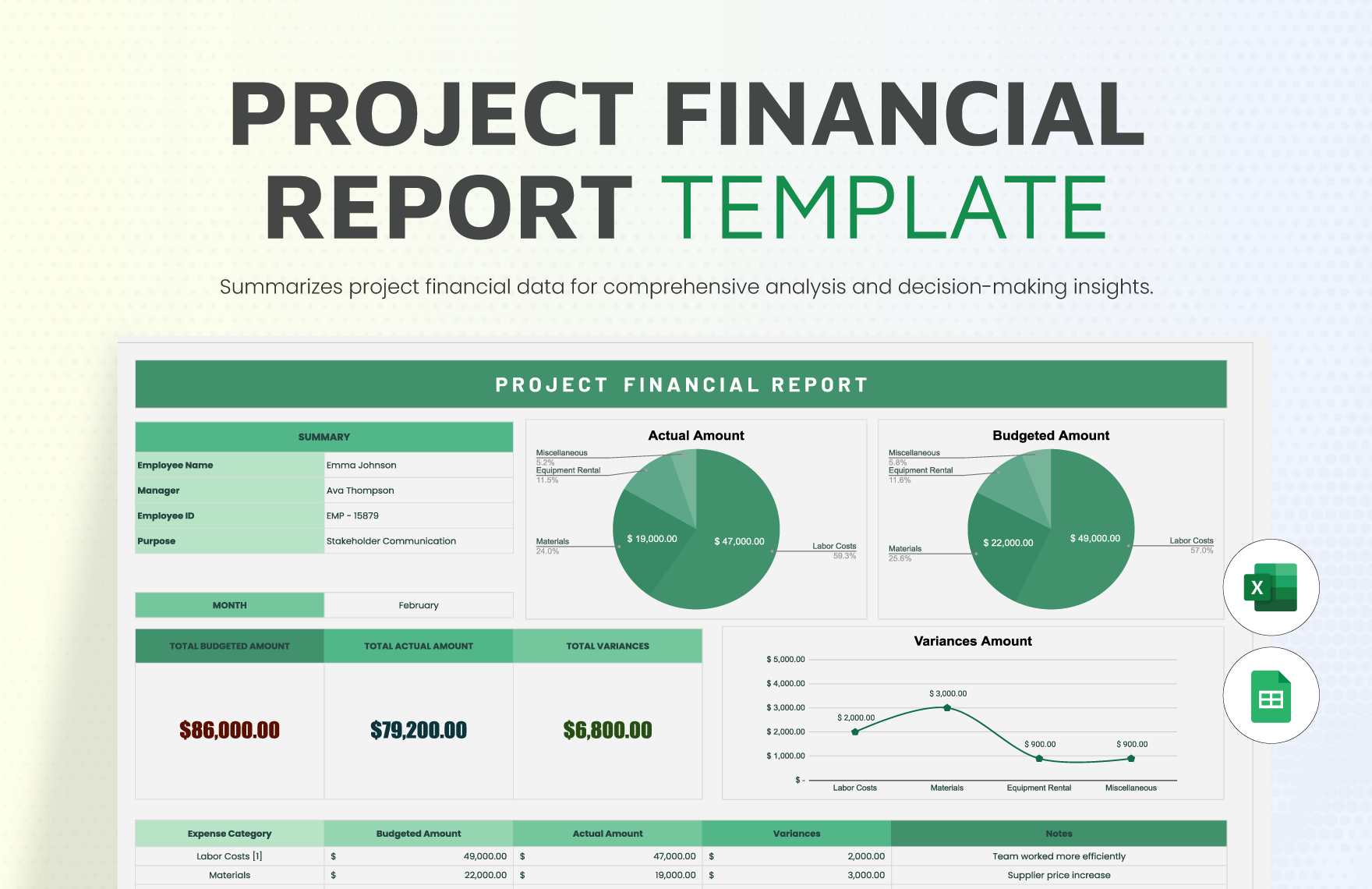
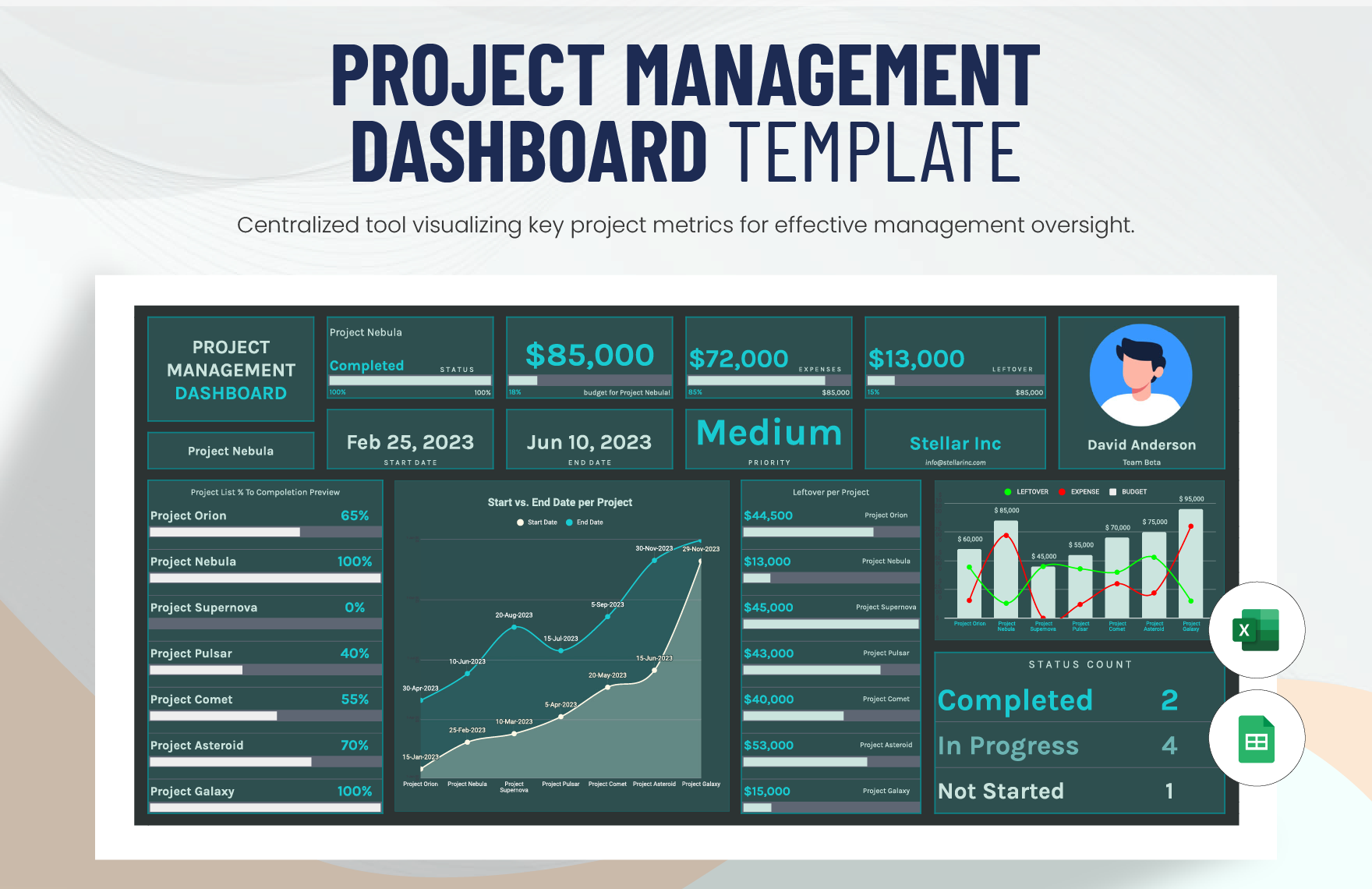
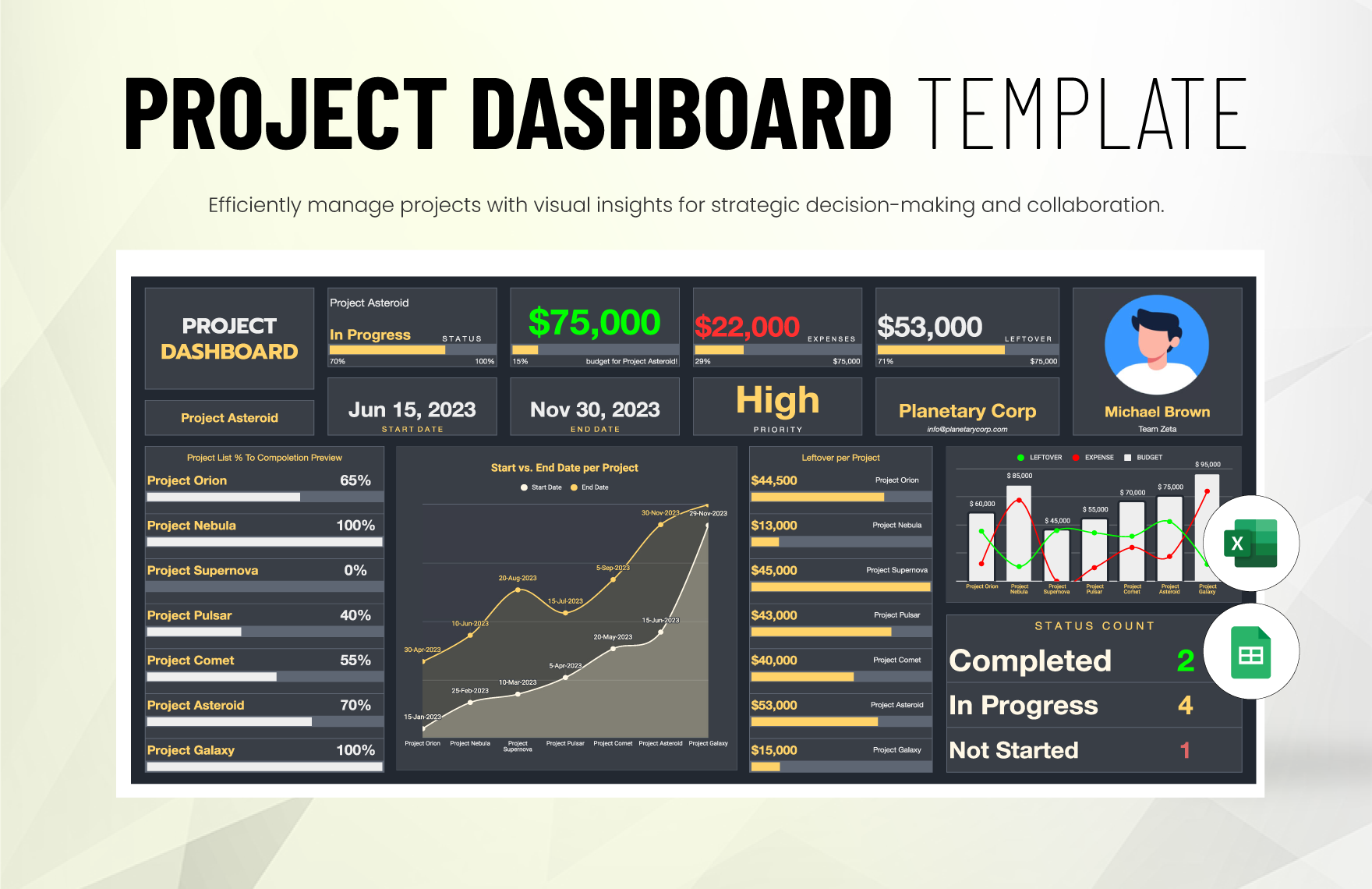
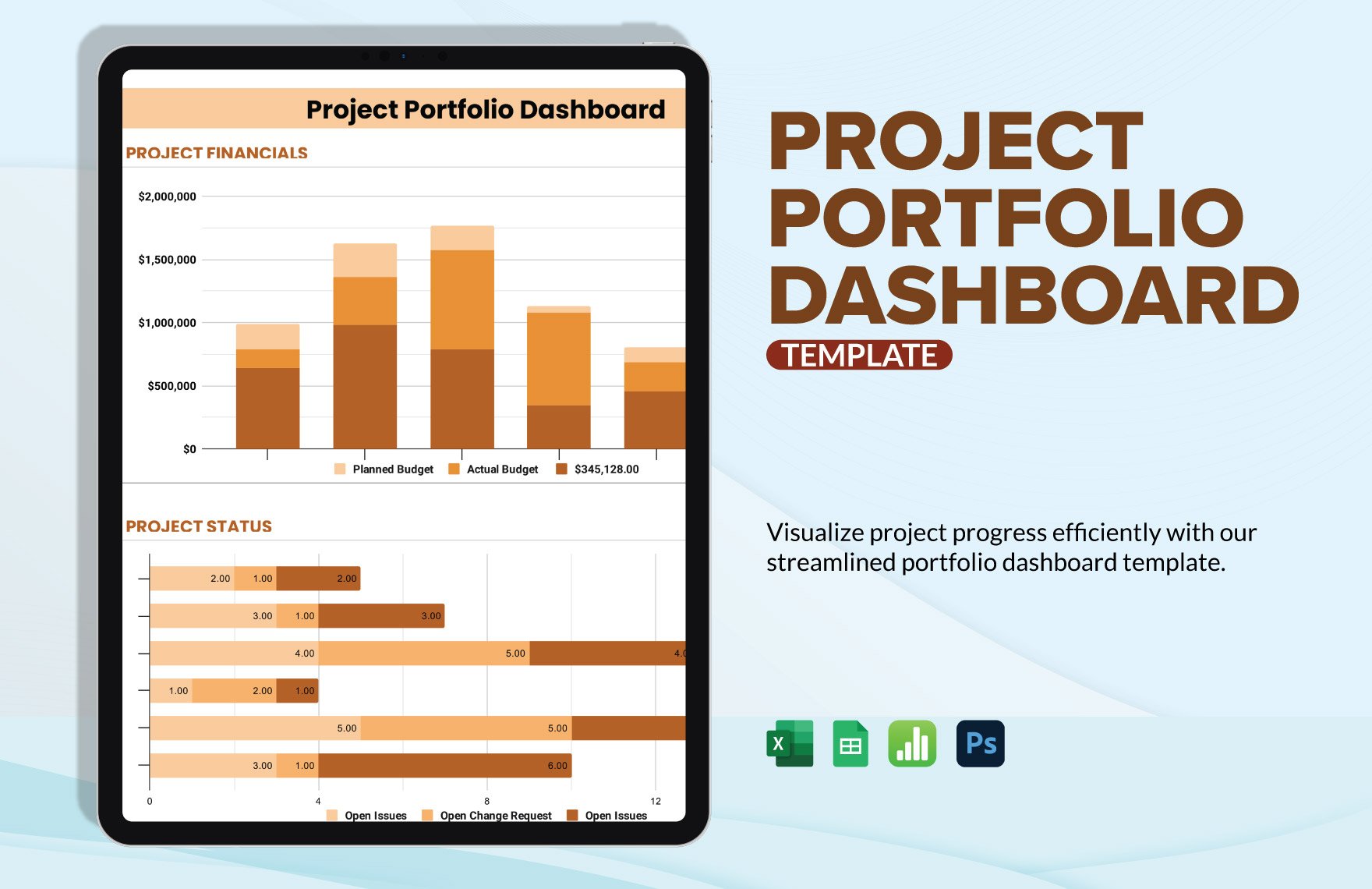
A project dashboard is a structured visual document that consolidates key project metrics and progress updates for quick assessment. Project dashboard templates provide a business-ready layout with sections for tracking milestones, tasks, and performance indicators, designed for easy online editing and professional presentation.
Why use a Project Dashboard?
Using project dashboards helps teams and managers maintain clear visibility of project status, facilitating informed decisions with real-time data and structured formatting. Project dashboard templates streamline updates and reporting, ensuring professional layout and faster communication directly within an editable online environment.
Who typically uses Project Dashboards?
Project dashboards are typically used by project managers, team leads, stakeholders, and executives who require an organized overview of project progress. These templates support collaborative editing and provide a clear, professional format for communicating status across diverse business audiences.
What sections should a Project Dashboard include?
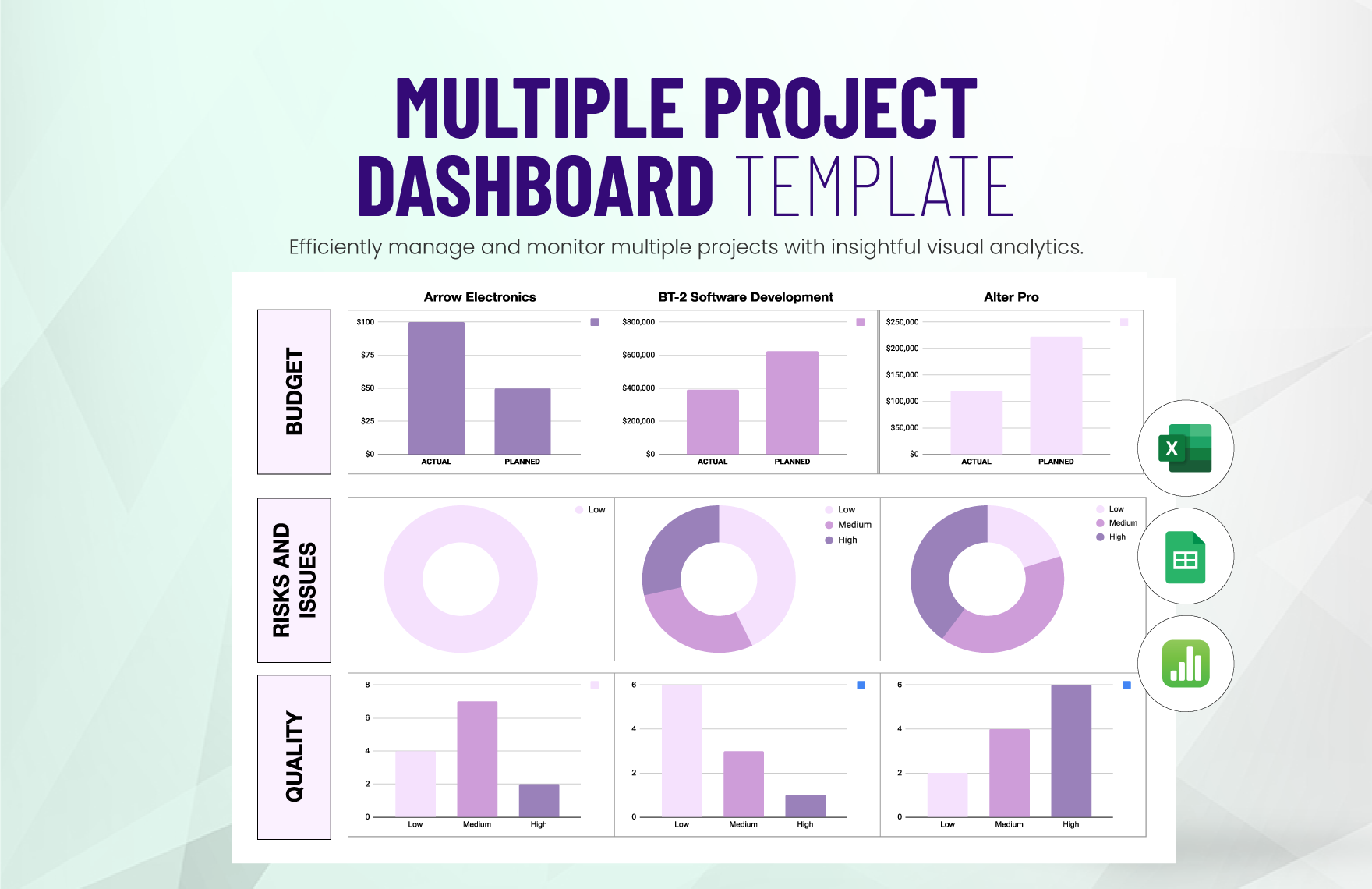
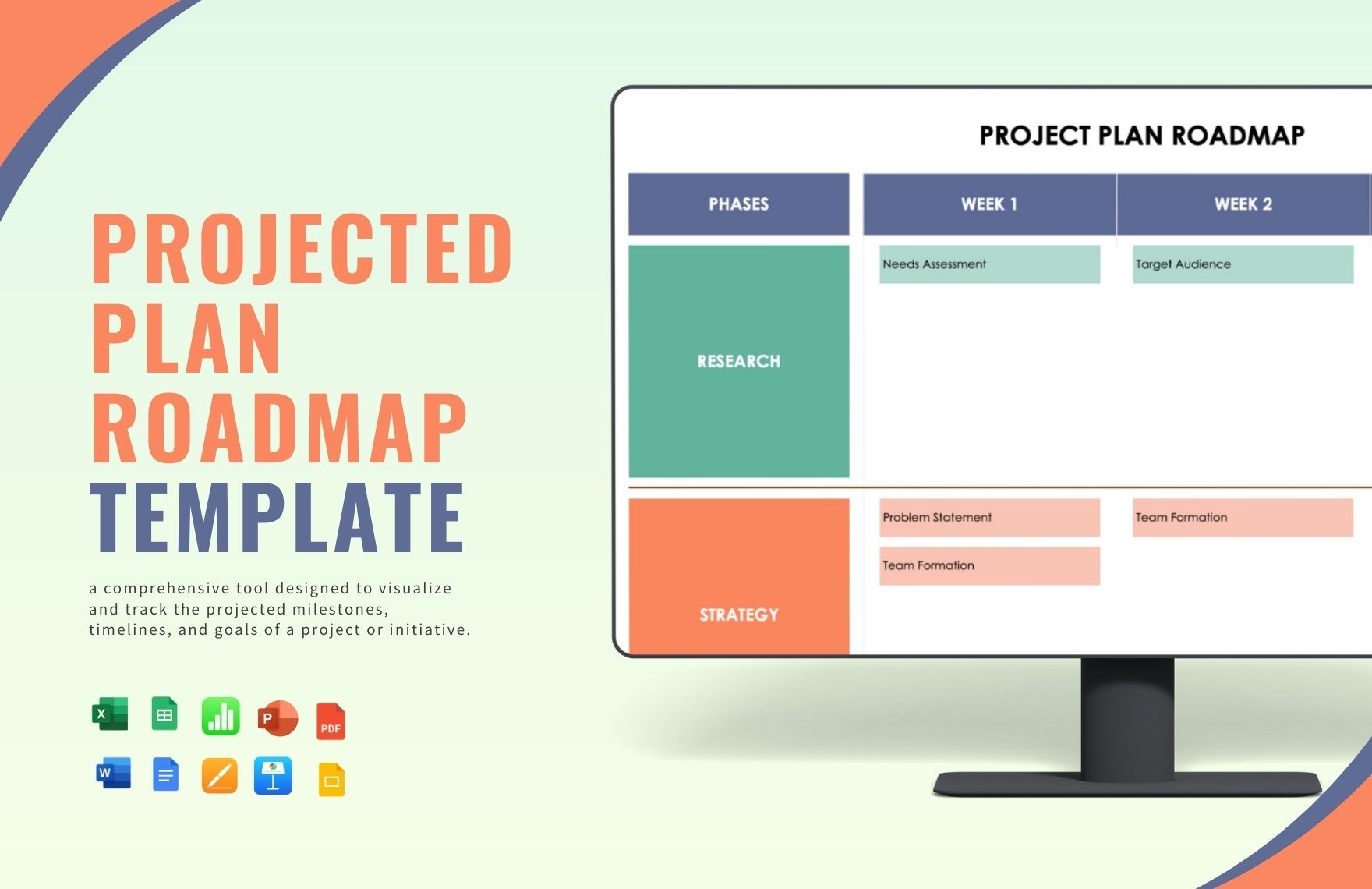
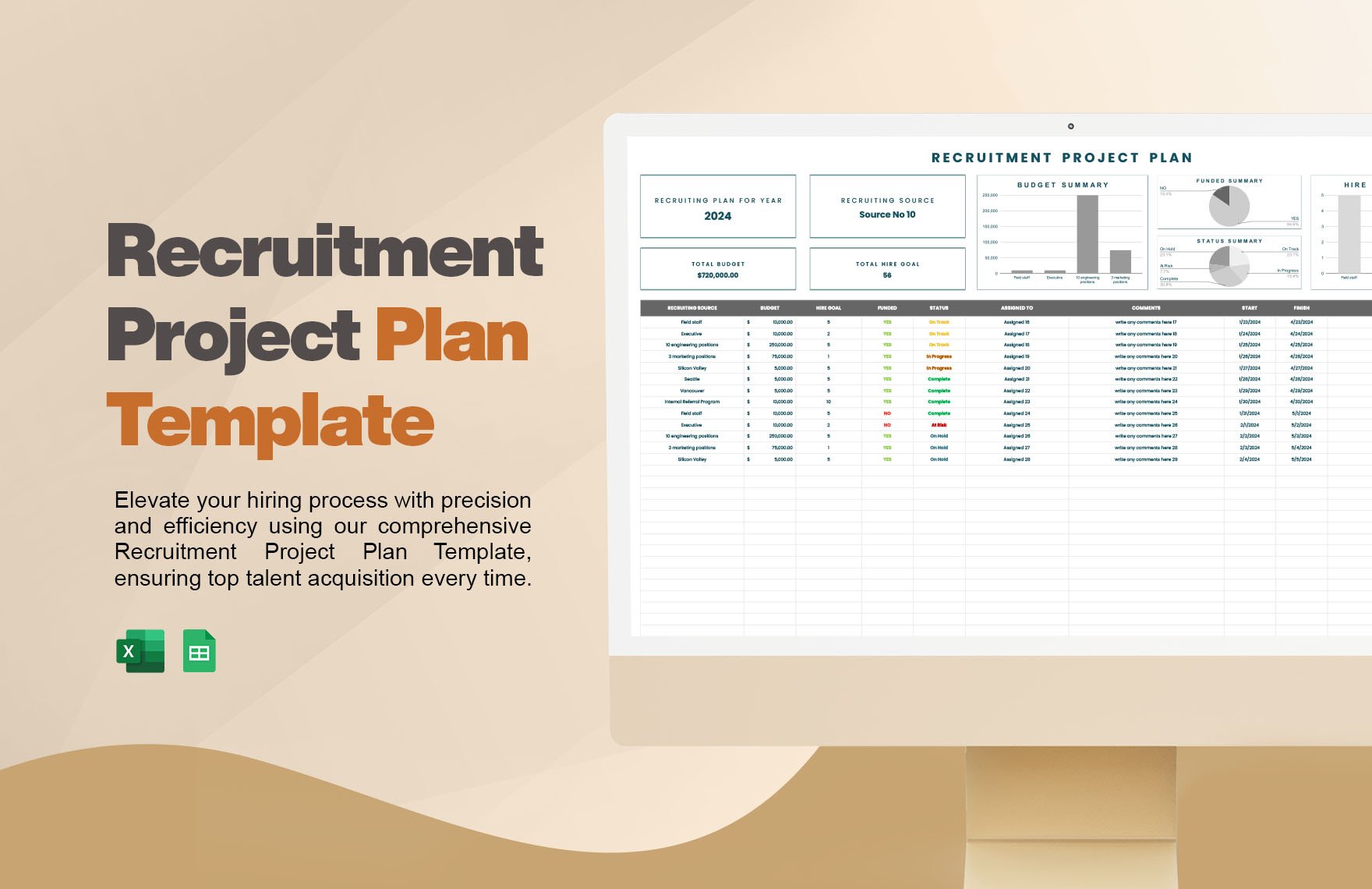
A project dashboard should include sections for key performance indicators, milestones, task progress, resource allocation, and risk assessment. Well-designed project dashboard templates feature a structured layout with headers and charts that enhance readability and facilitate quick updates during online editing.
What are the best tips for formatting a Project Dashboard?
Effective project dashboards use clear headers, concise data presentation, and consistent color coding to highlight priorities. Utilize project dashboard templates with structured formatting and grid alignment to maintain professional layout and ensure the dashboard remains easy to update and print.
How do you print a Project Dashboard?
Project dashboards can be printed as print-ready PDFs using project dashboard templates designed for high-quality output. Template.net templates ensure business-ready layouts that preserve formatting and readability when printed on standard sizes like 8.5 × 11 inches or A4 paper.
Is a Project Dashboard legally and professionally acceptable?
Project dashboards created from Template.net templates are professionally structured and comply with business standards for reporting. These templates support compliance-friendly presentation and maintain professional layout suitable for official project documentation and stakeholder communication.
What file formats can I download for a Project Dashboard?
Template.net project dashboard templates support multiple export formats for editing and printing, including Excel, and Google Sheets. These formats ensure flexible use across platforms.
Can I create a new Project Dashboard using AI?
Template.net provides an AI-powered tool that generates structured project dashboard documents from prompts in 3–10 seconds, ready for online refinement and multi-format export. Use the Project Plan Generator to create customized dashboards quickly and efficiently.
