
Free Rabbit Templates


Rabbit Templates: Design Guide, Uses, and Customization Tips
What is a Rabbit template?
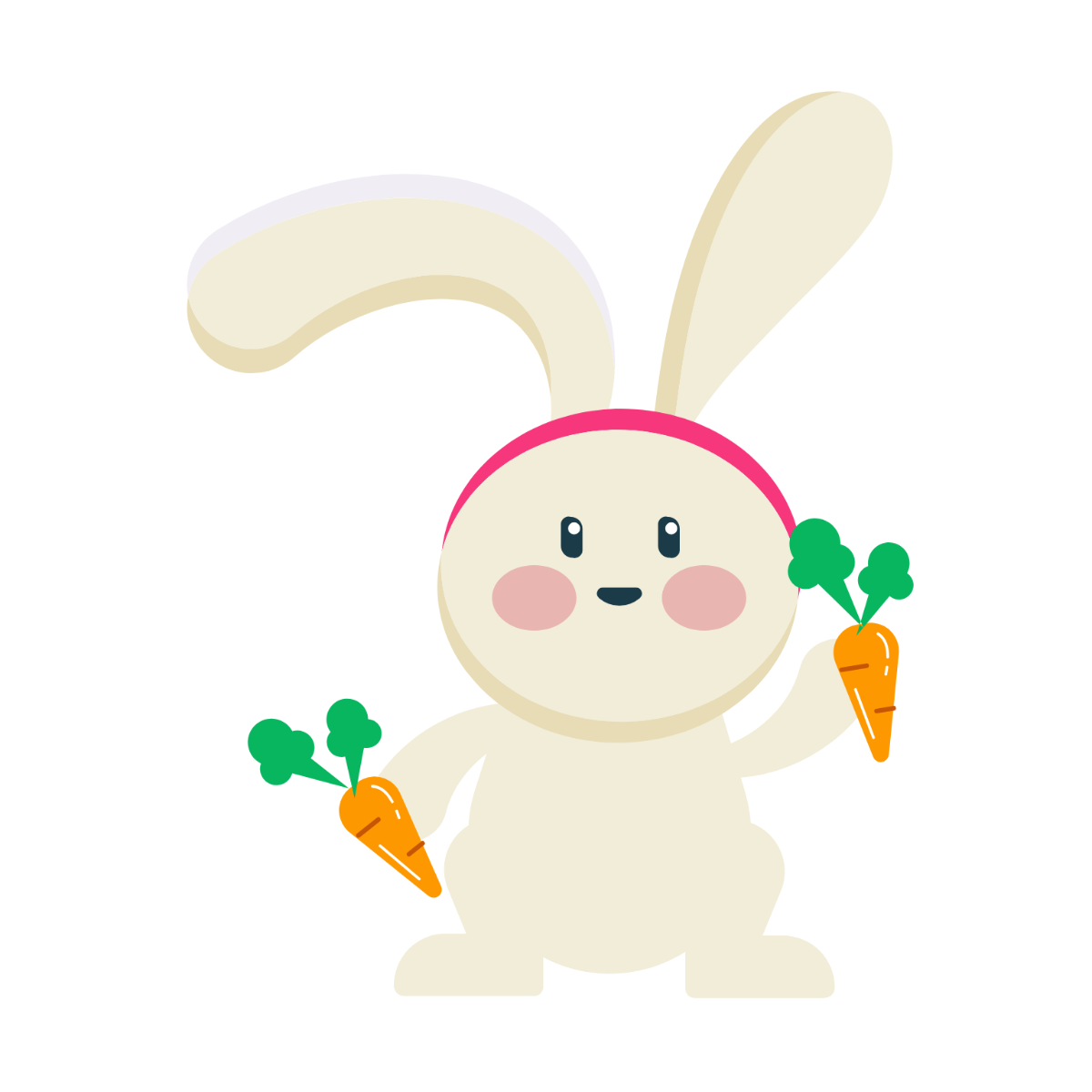
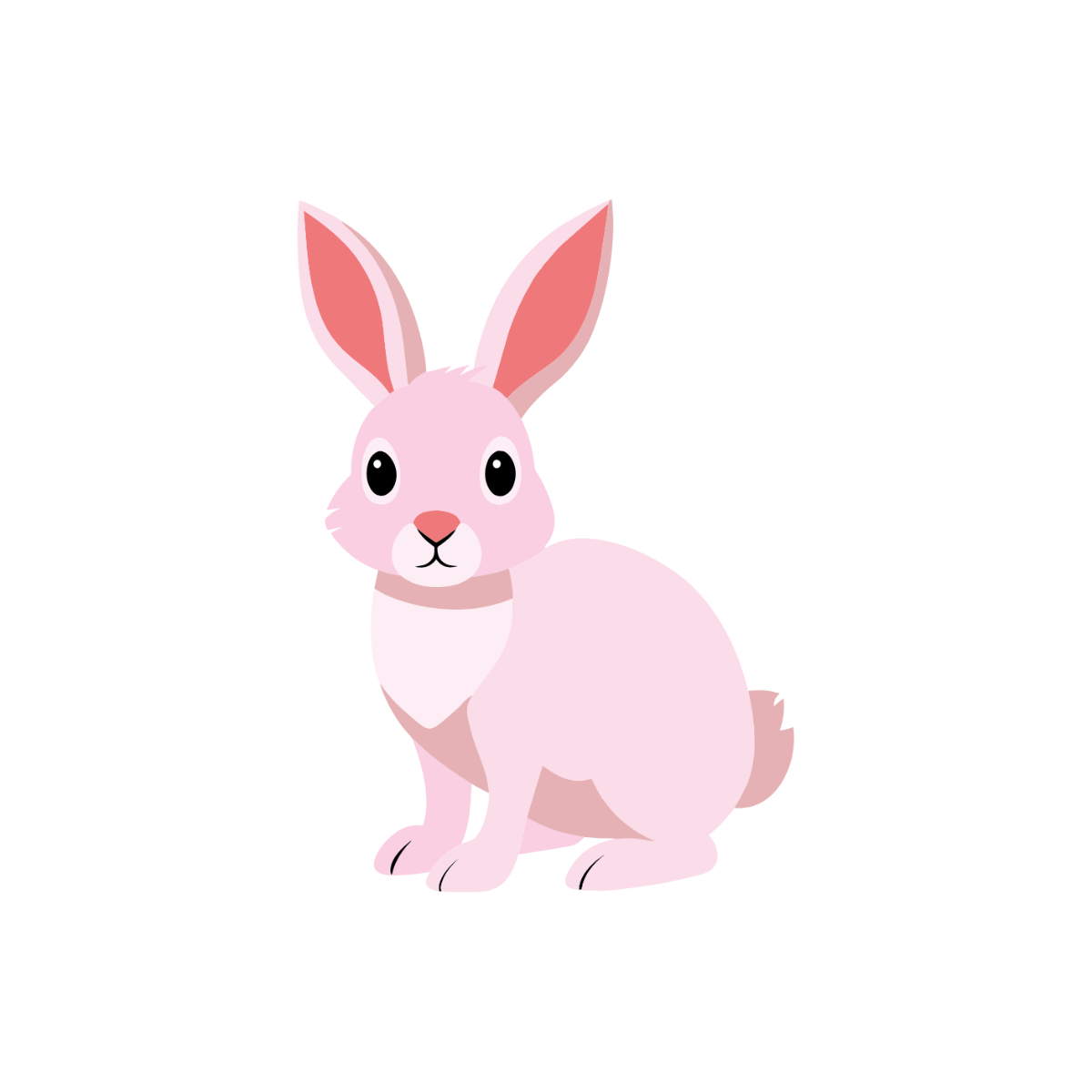
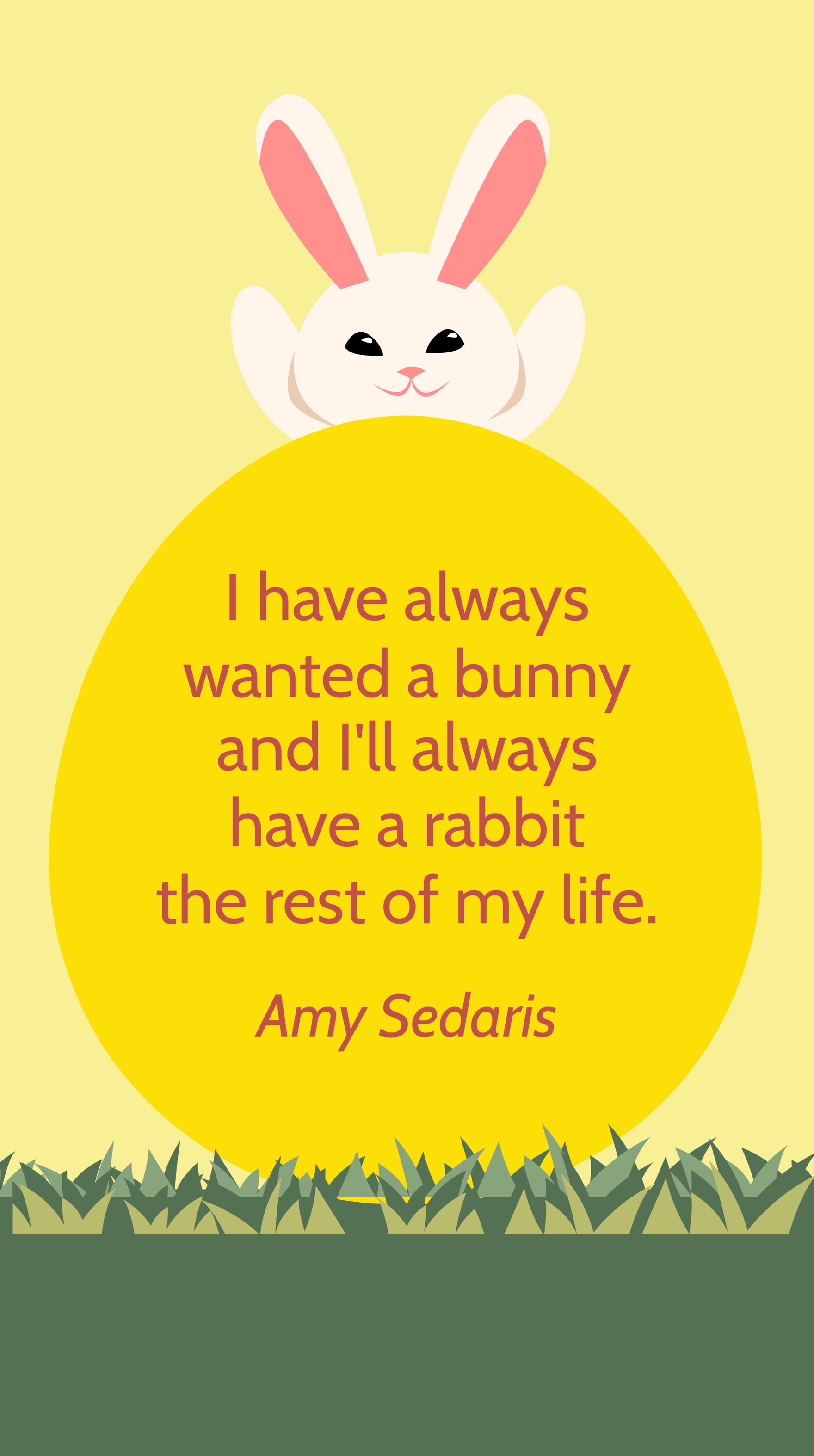
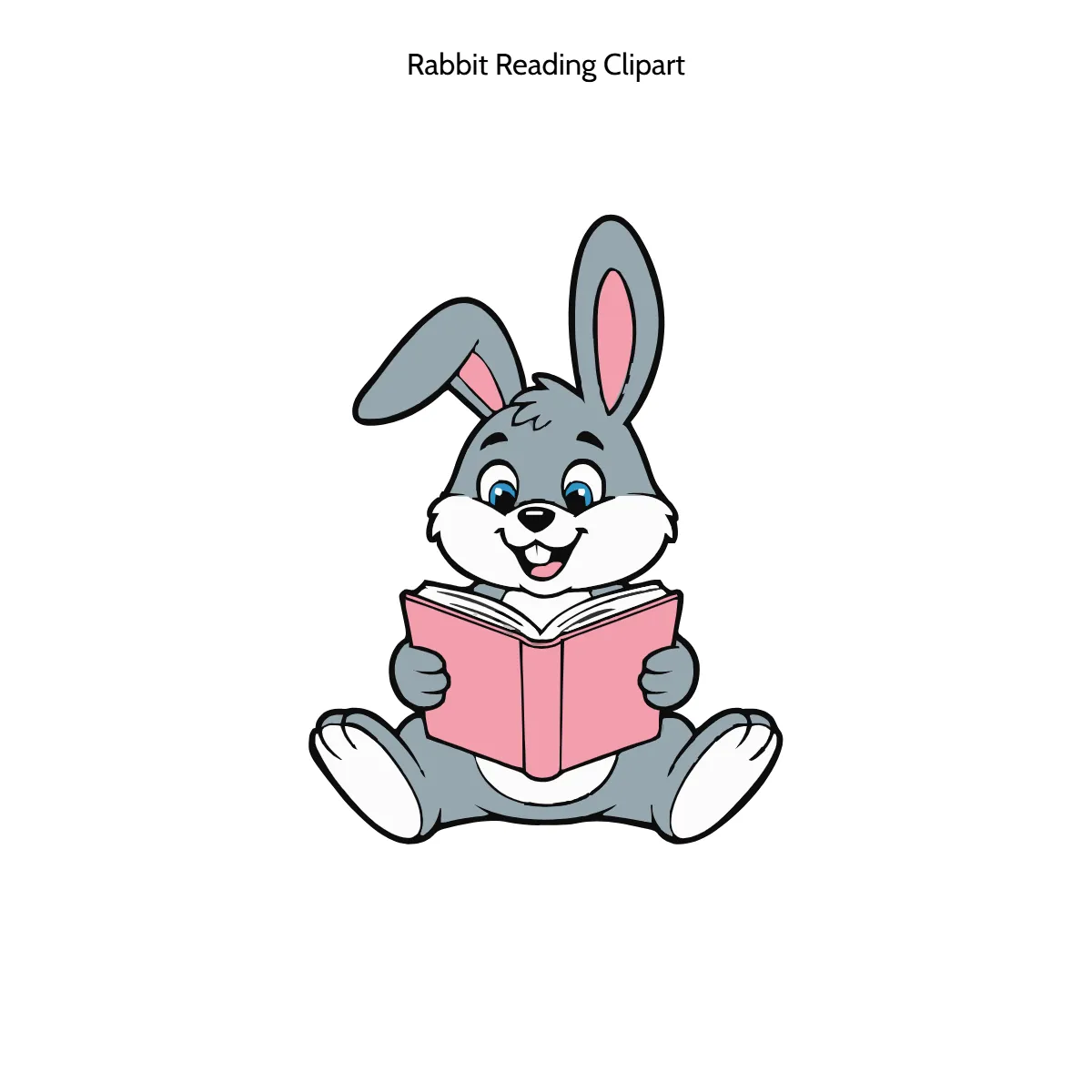
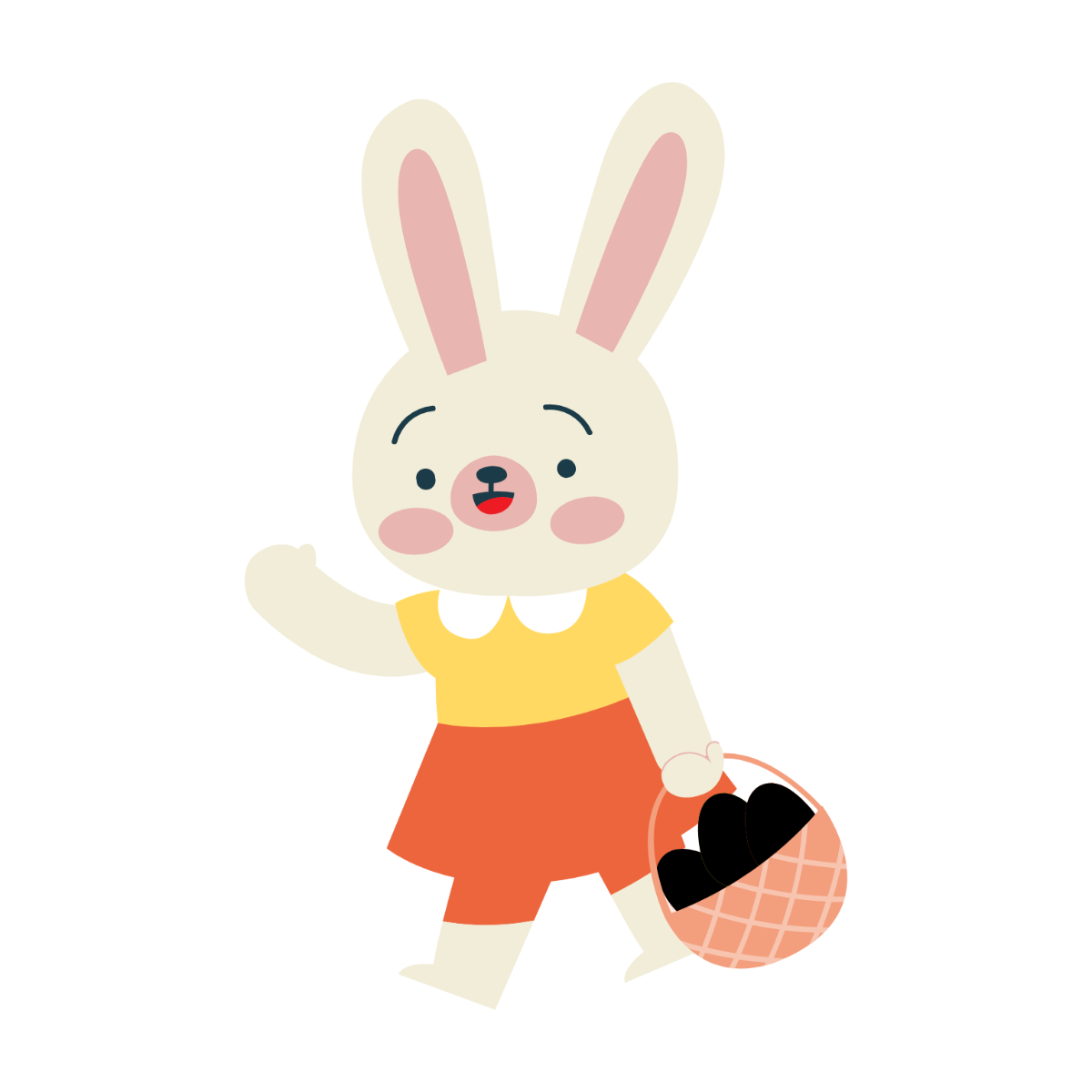
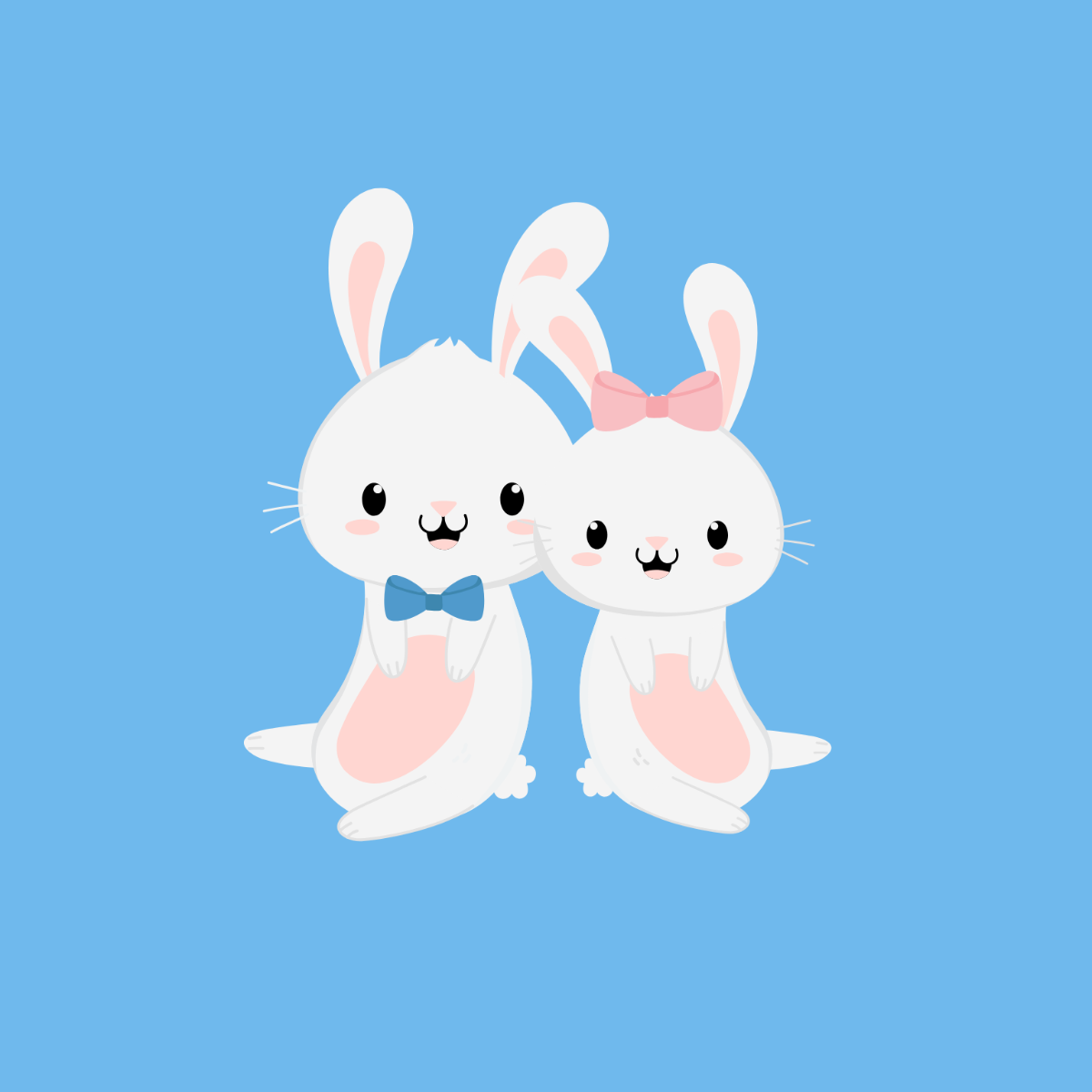
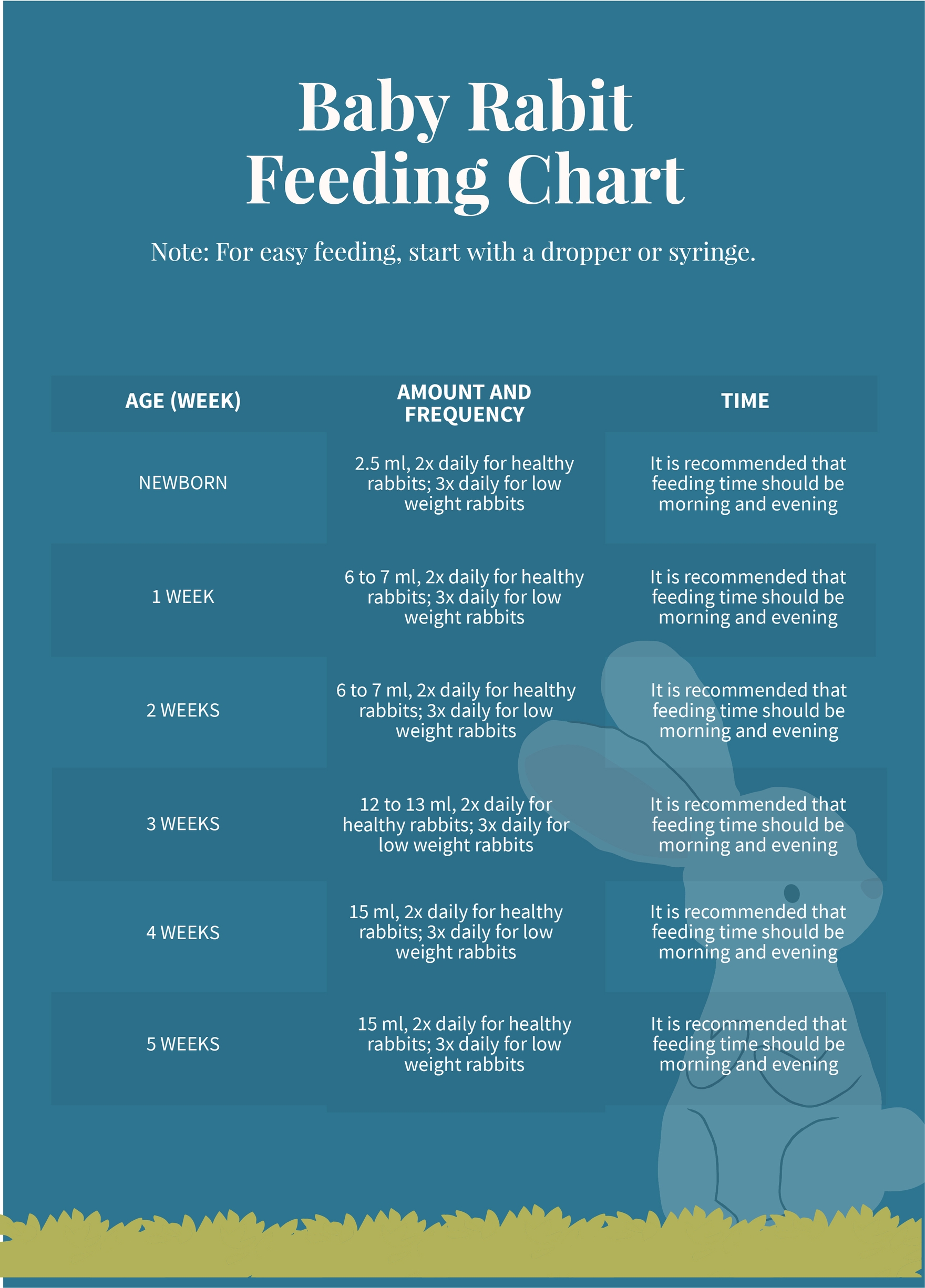
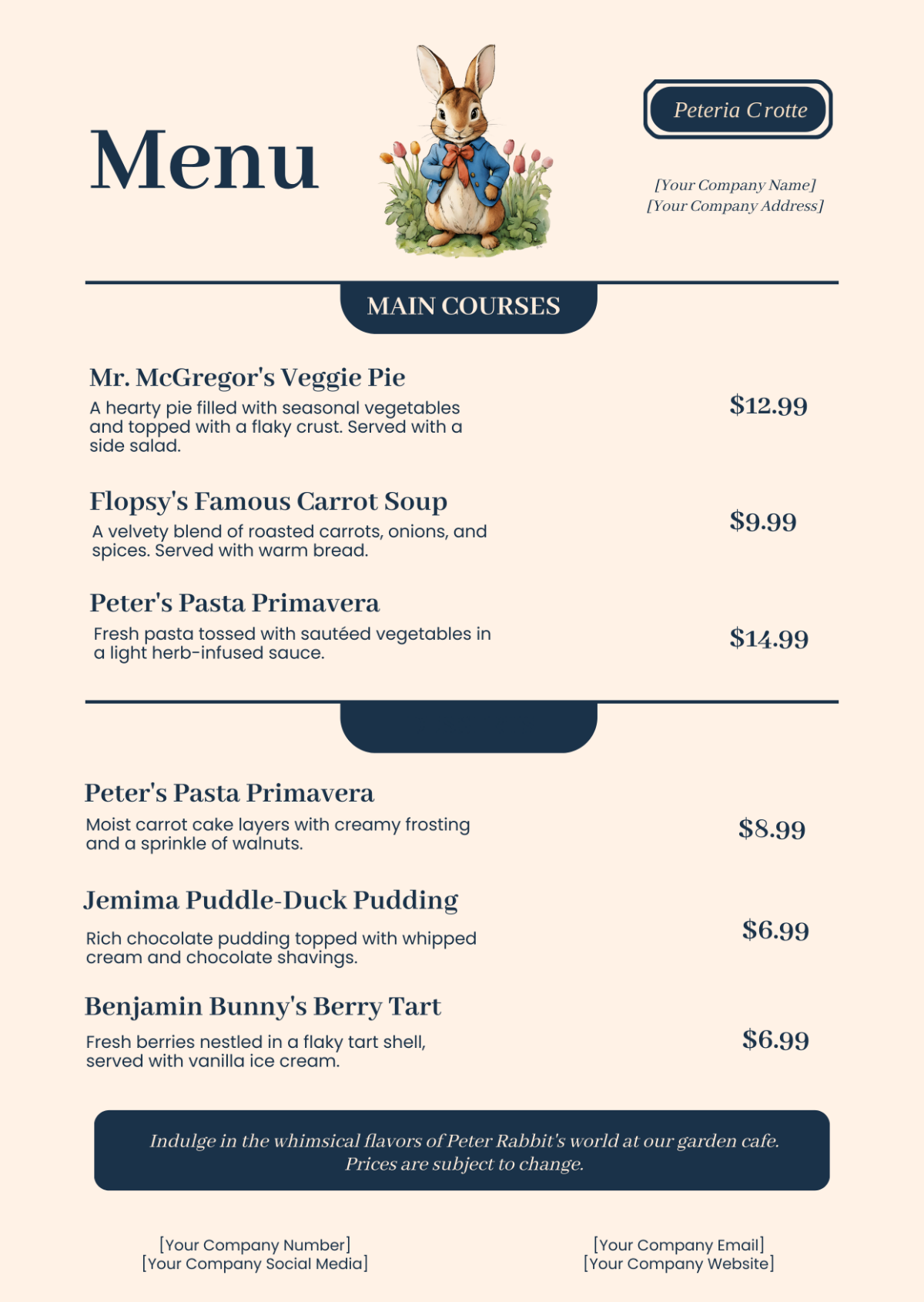
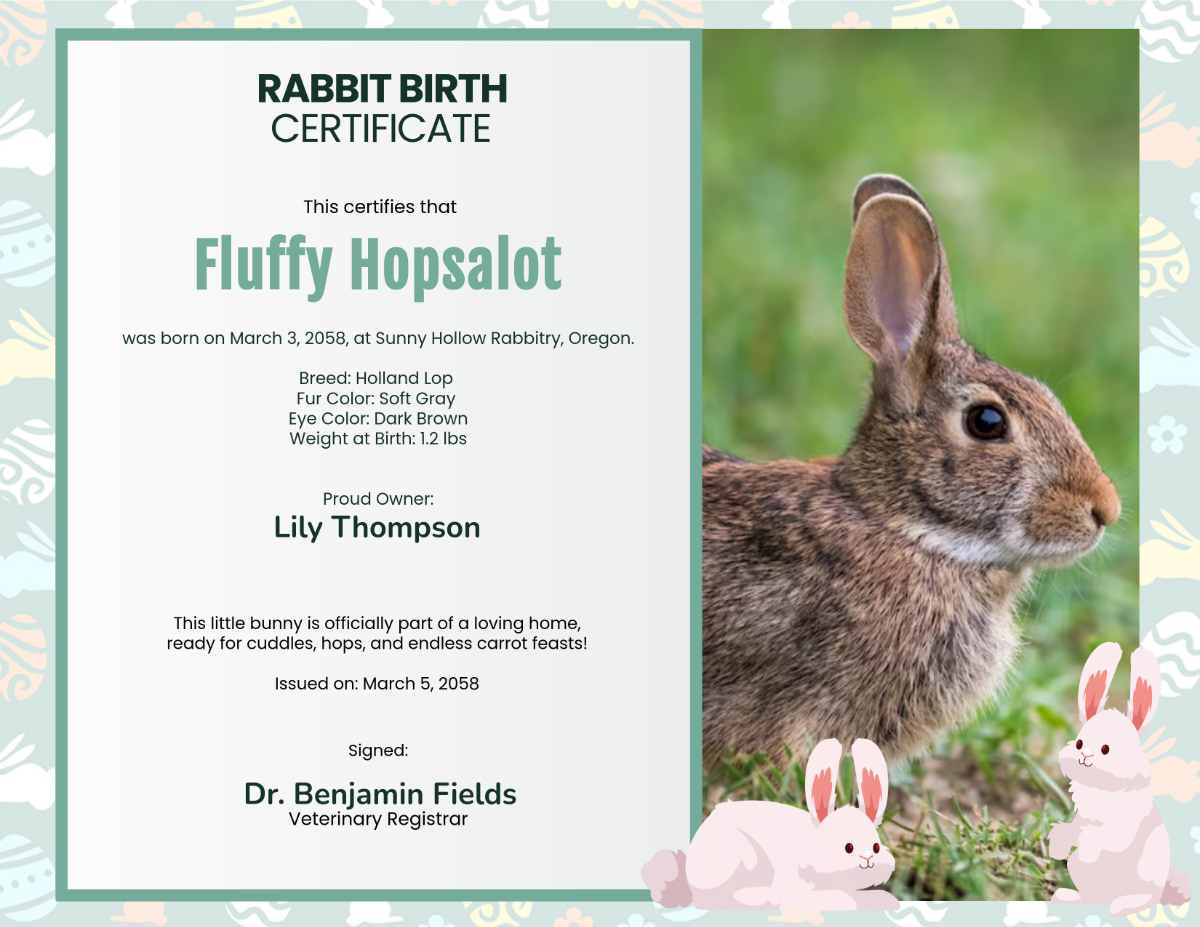
A Rabbit template is a pre-designed layout featuring rabbit-themed graphics and visual elements suitable for invitations, cards, and marketing materials. These templates include editable text areas, layered designs, and a cohesive color palette to ensure easy customization and professional presentation.
Who typically uses Rabbit templates?
Rabbit templates are commonly used by event planners, educators, marketers, and creatives who want to incorporate playful or nature-inspired themes. These templates help users quickly create professional layouts with customizable graphics for seasonal events, promotions, or personal projects.
When should I use Rabbit templates?
Rabbit templates are ideal for occasions like Easter, springtime events, children’s parties, and wildlife awareness campaigns. They provide thematic visuals and editable design layers that enhance the message of events requiring a gentle or whimsical touch.
What design tips should I follow for Rabbit templates?
Effective Rabbit templates use soft pastel colors and clear headlines to complement rabbit imagery. Incorporate layered graphics such as foliage or floral elements and maintain balanced spacing around text to keep the design engaging and readable.
What sizes are recommended for Rabbit templates?
Rabbit templates commonly come in sizes like 5 × 7 inches for invitations and 8.5 × 11 inches for flyers. These standard dimensions support easy printing and digital sharing while providing ample space for editable text areas and visual elements.
What key elements should a Rabbit template include?
A well-crafted Rabbit template includes rabbit-themed illustrations, editable text blocks, a harmonious color palette, and layered design components for flexible customization. These elements ensure the template is visually appealing and easy to personalize.
How can I print Rabbit templates with best results?
To print Rabbit templates professionally, use high-resolution files and select paper types that enhance colors like matte or glossy finishes. Ensure the design layers are preserved during export for crisp images and text in the final print.
What color schemes work best in Rabbit templates?
Rabbit templates often feature soft pastels like pinks, creams, and light browns to evoke a gentle and natural feel. Combining a harmonious color palette with contrasting accents enhances key sections such as headlines and call to action.
Can I create a new Rabbit template using AI?
Template.net provides an AI-powered tool capable of generating new Rabbit template designs based on prompts, enabling quick creation of unique and professional layouts. Explore this feature at Template.net for seamless design innovation.
