
Free Red Templates









































Red Templates: Design Guide, Sizes, and Download Formats

What is a Red template?
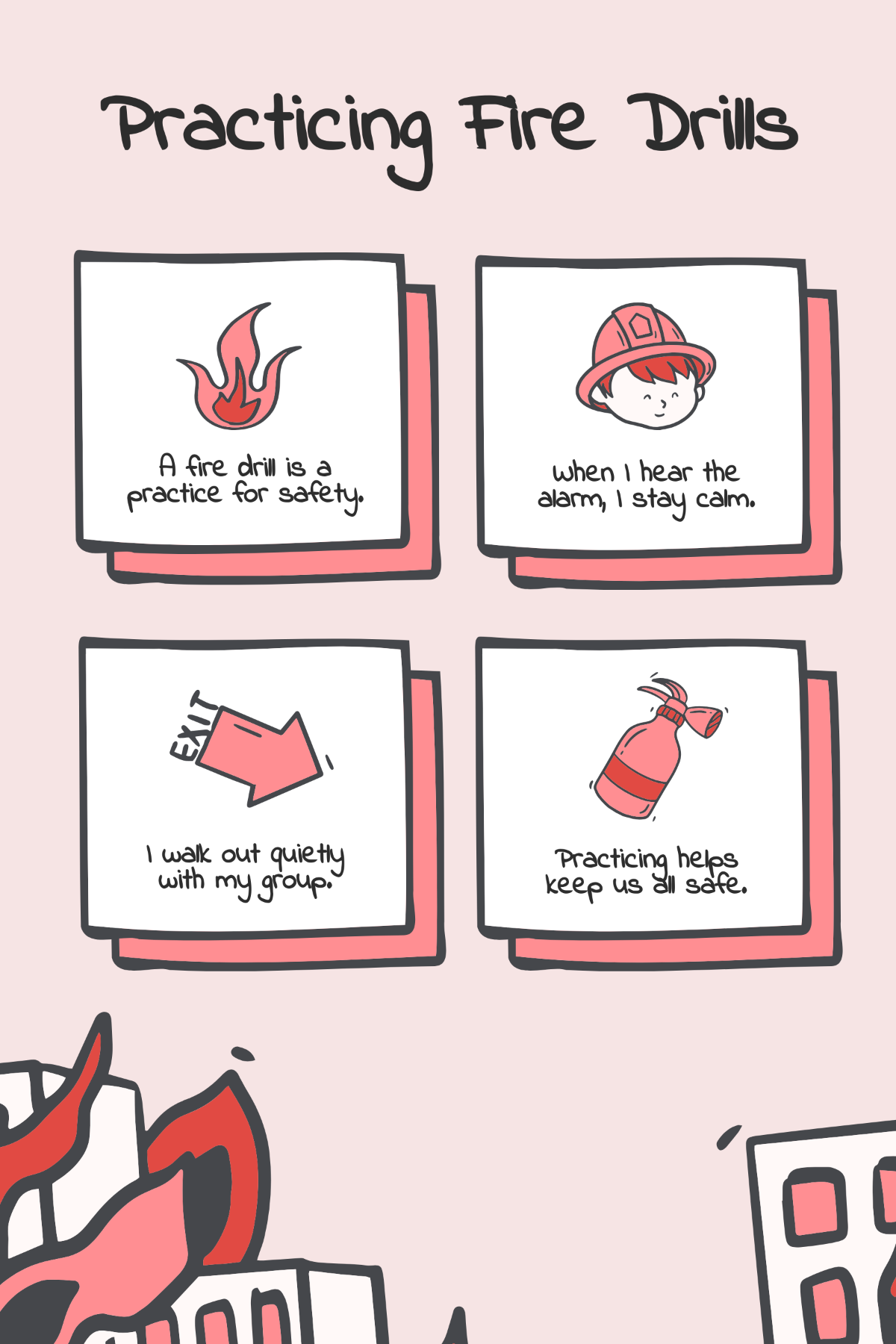
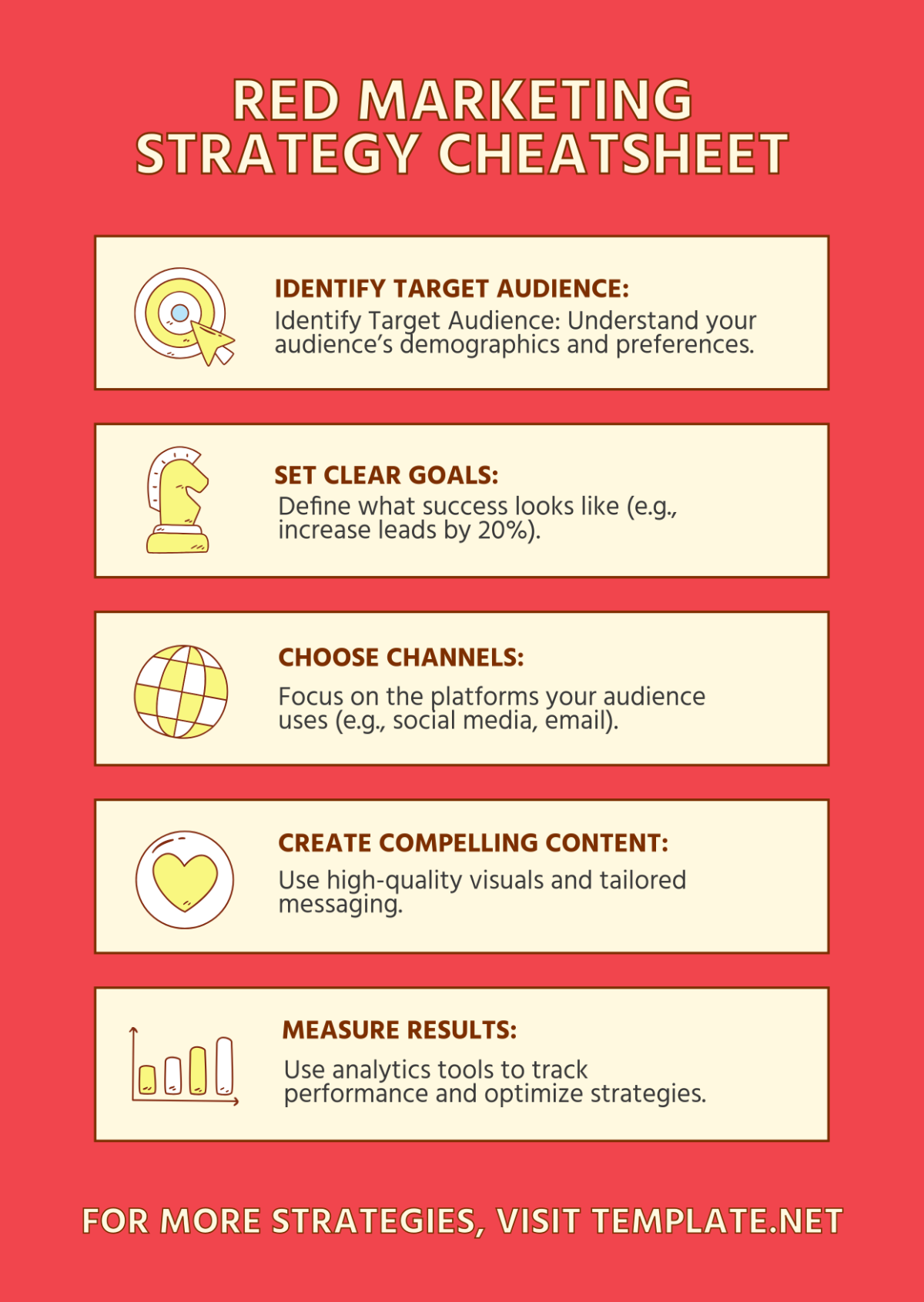
A Red template is a design layout prominently featuring the color red as a visual theme, used to evoke passion, urgency, or energy in professional documents and creative projects. These templates include editable text areas, bold headlines, and color palettes centered around red tones for impactful presentations.

Who typically uses Red templates?
Red templates are commonly used by marketers, event planners, and designers aiming to capture attention in promotions, invitations, or branding materials. Users who want dynamic visuals with a strong emotional impact choose these templates for their professional layouts and easy customization online.

When should I use Red templates?
Red templates are ideal for occasions requiring boldness such as sales campaigns, urgent announcements, or festive events like Valentine's Day. Use these templates when you want to emphasize energy, excitement, or passion through your visual communication with quick and effective online editing.

What design tips should I follow when customizing Red templates?
When customizing Red templates, balance the dominant red with neutral backgrounds and contrasting fonts to maintain readability. Use clear layout blocks and strategic graphics to highlight key information while ensuring the red color enhances rather than overwhelms the design.

What are common sizes for Red templates?
Common sizes for Red templates include 8.5 × 11 inches for flyers and letters, 5 × 7 inches for invitations, and 4 × 6 inches for postcards. These standard dimensions ensure compatibility with most printers and digital platforms, allowing professional results with easy online customization.

What template elements are essential in Red templates?
Essential elements in Red templates include layered design customization for easy editing, bold headlines in red or complementary colors, high-quality images or graphics with red accents, and call to action areas that stand out for effective communication.

How can I print Red templates to maintain color quality?
To print Red templates effectively, use high-quality printers with color calibration to preserve the vibrant red tones. Select templates with CMYK color profiles and ensure margins and bleed areas are set correctly for professional print finishes.

What file formats can I download for a Red template?
Template.net supports multiple export formats for Red templates including Google Docs, PSD, and Illustrator. These formats allow easy editing and printing to suit various project needs.

Can I create a new Red template using AI?
Template.net provides an AI-powered tool capable of generating new Red template designs from user prompts, enabling quick creation of custom layouts with dynamic color schemes and professional design elements. Explore this feature to enhance your creative workflow.
