Retro Templates: Design Guide, Sizes, and Download Formats

Retro templates are ready-made designs featuring vintage aesthetics, nostalgic elements, and classic visual themes, ideal for creative projects and branding. Template.net offers customizable Retro templates that you can edit directly in your browser to create professional designs quickly.
feature icon

What is a Retro template?

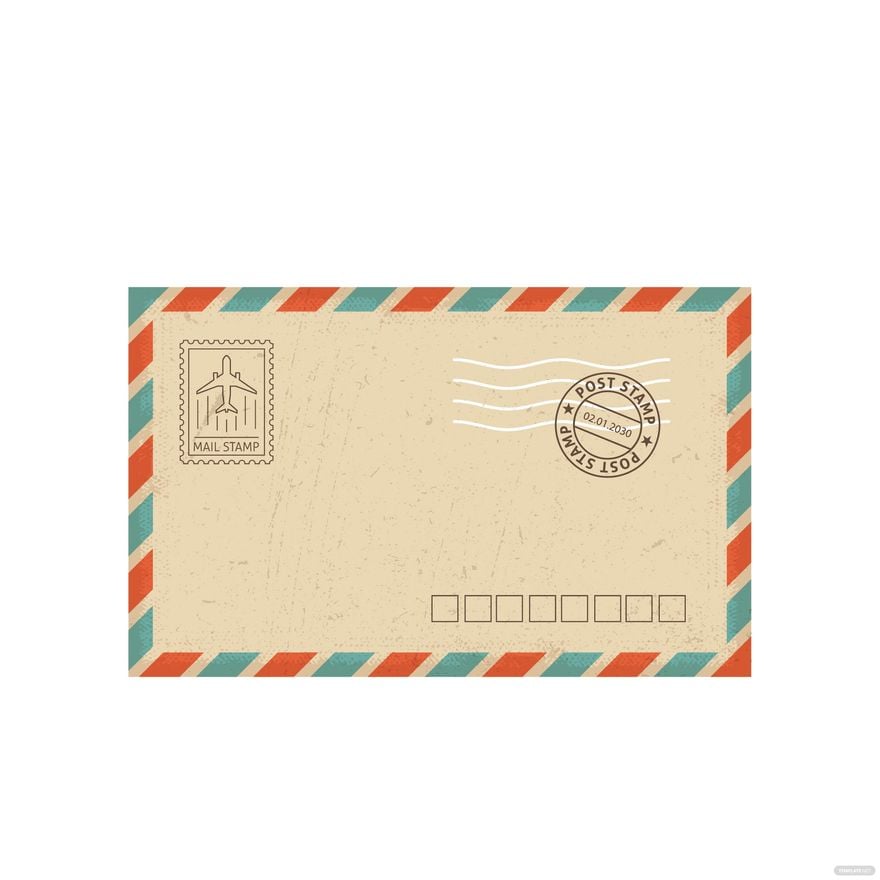
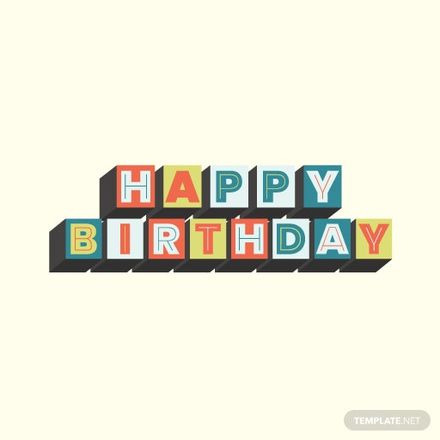
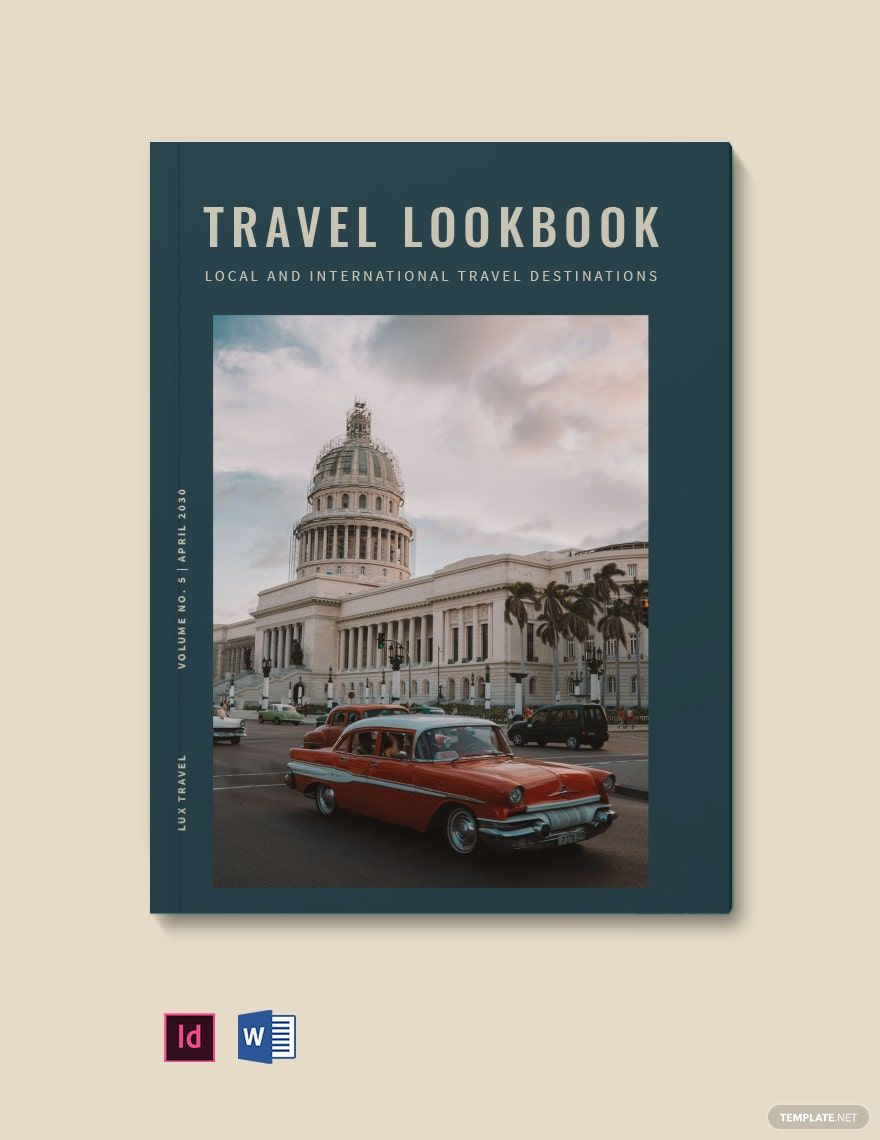
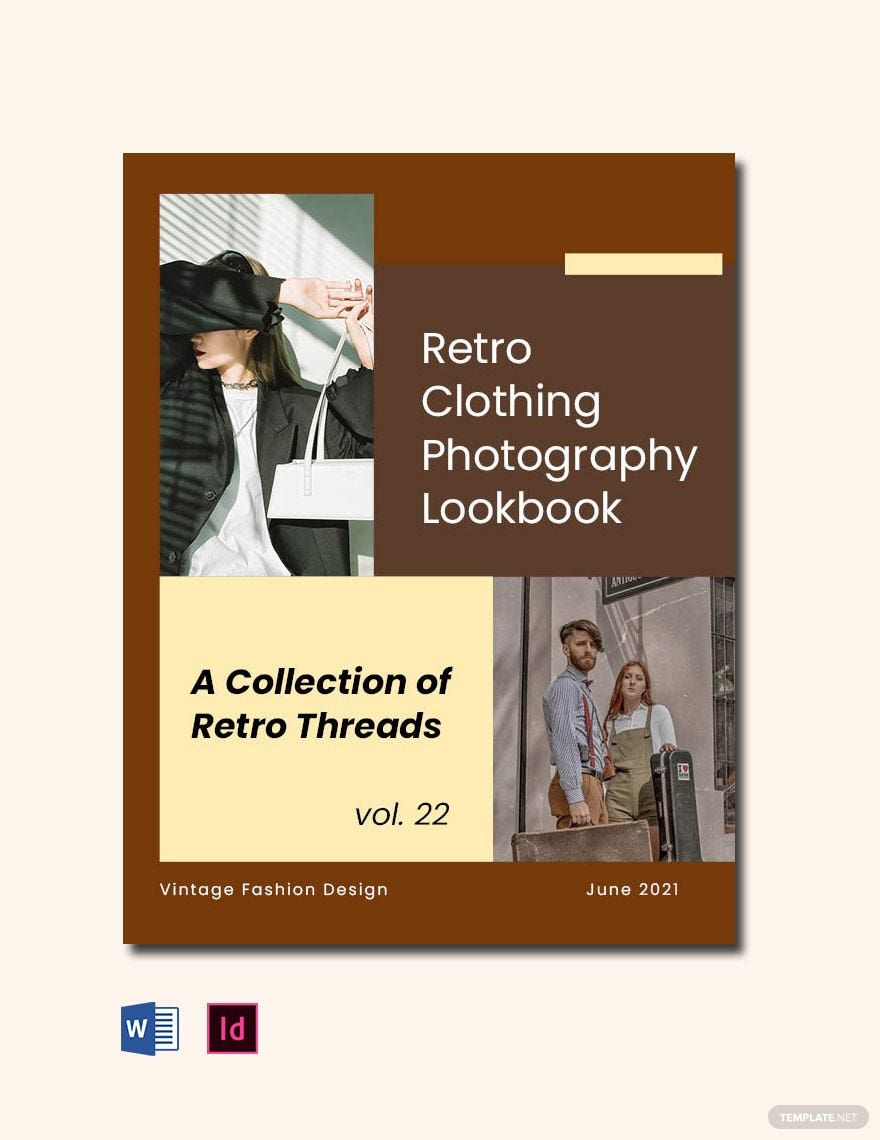
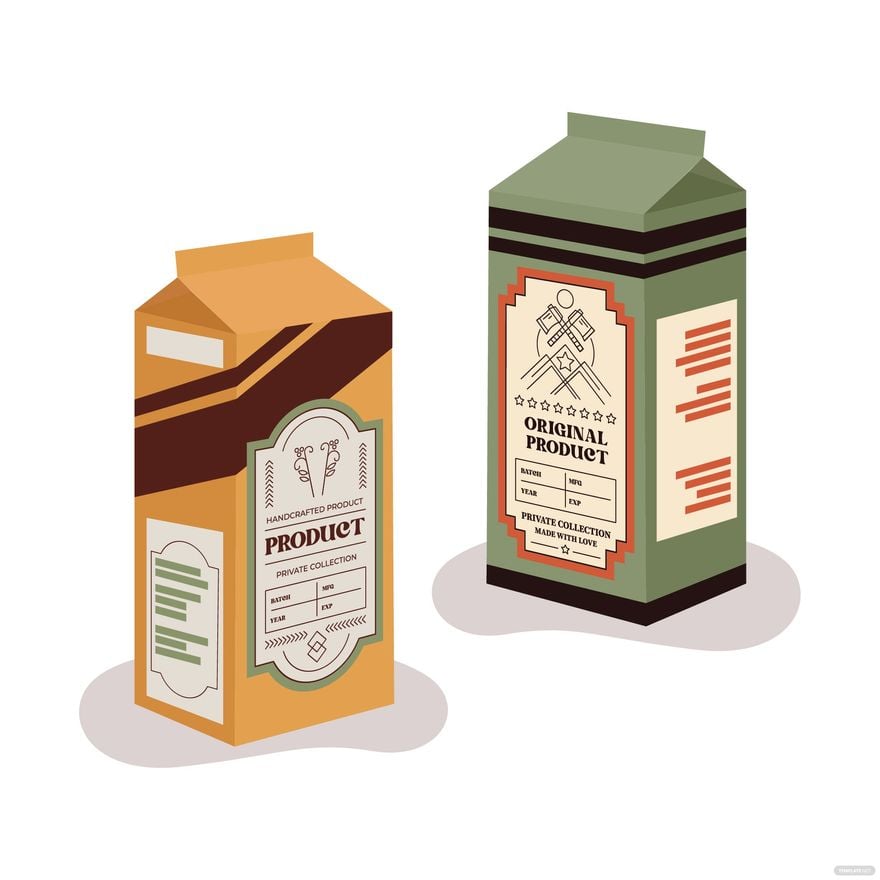
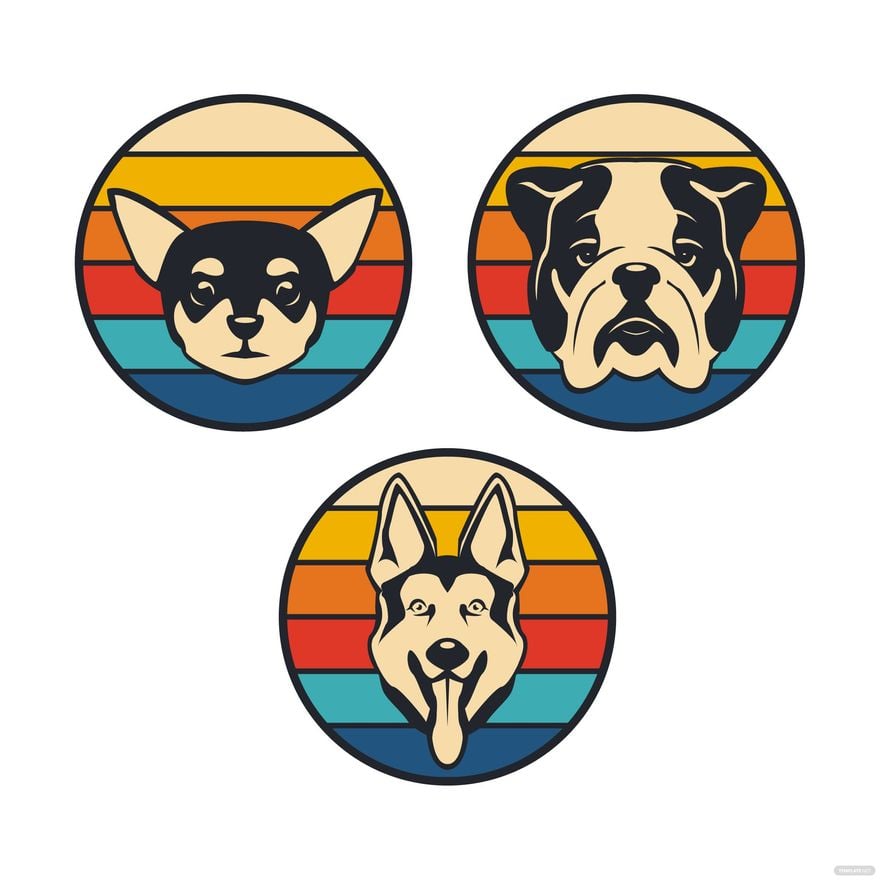
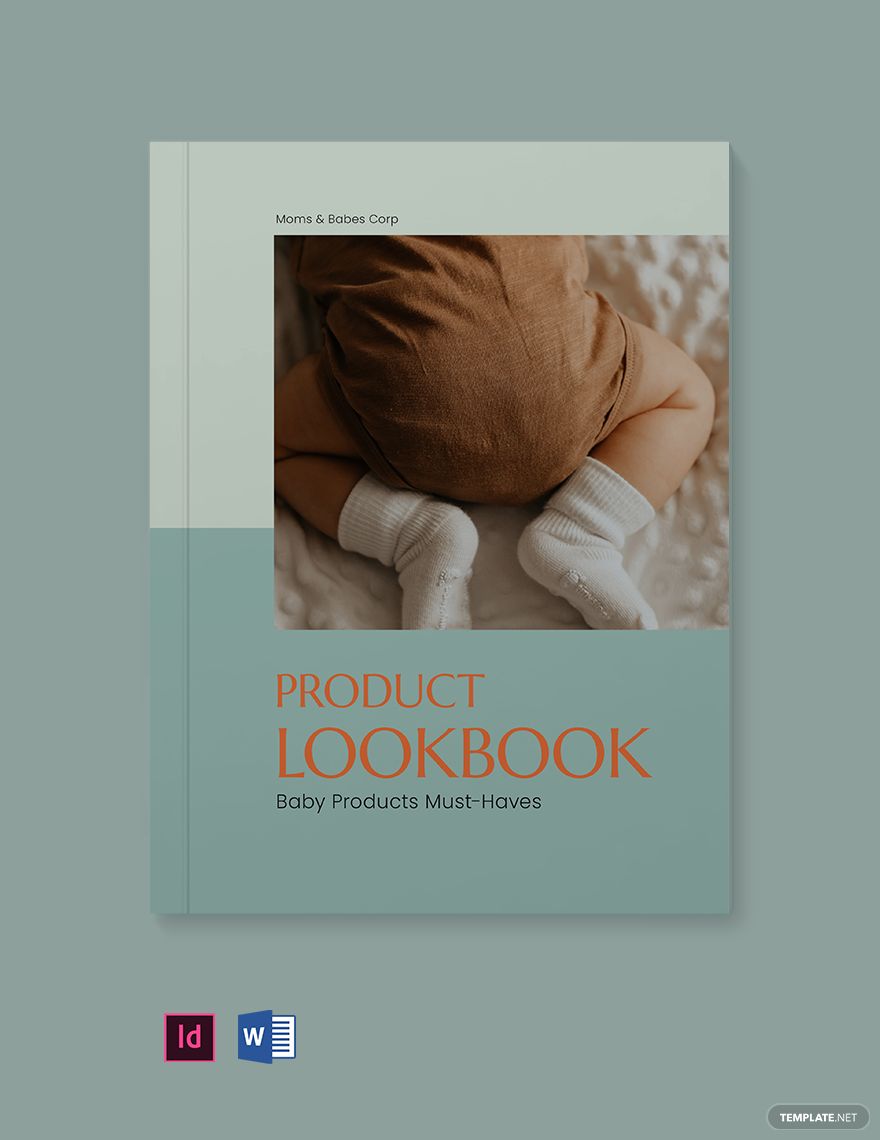
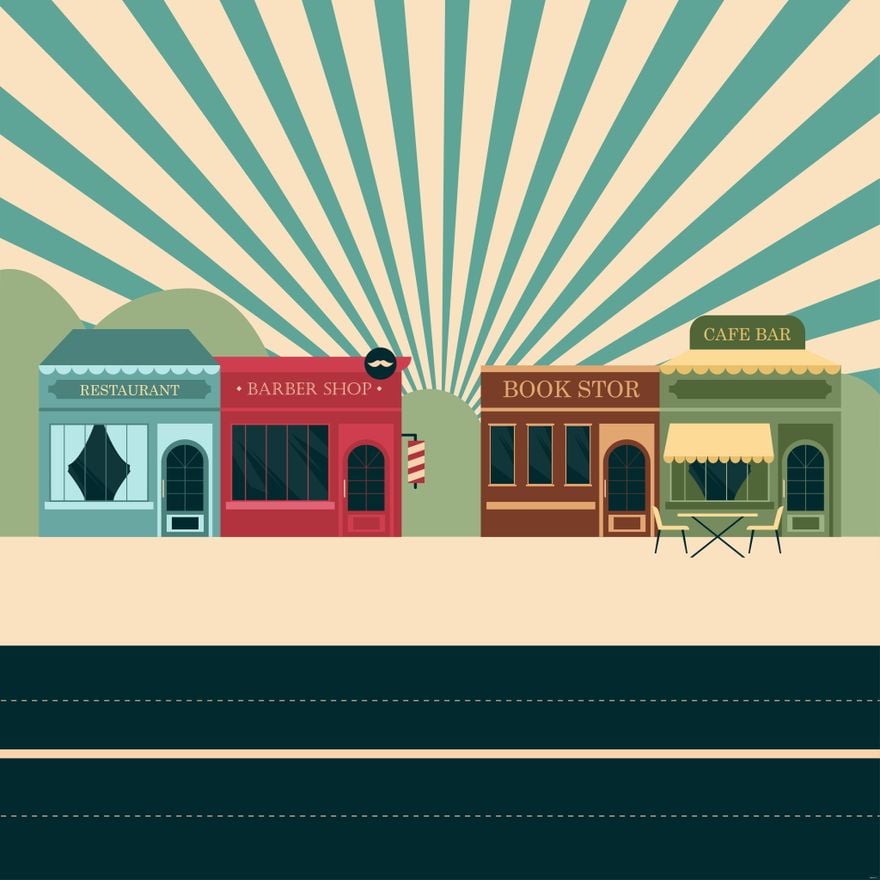
A Retro template is a pre-designed layout featuring vintage style elements, classic typography, and nostalgic graphics that evoke past decades. These templates provide editable text areas, layered design customization, and a cohesive color palette to create authentic Retro-themed designs efficiently.

feature icon

Who typically uses Retro templates?

Retro templates are commonly used by designers, marketers, and small businesses aiming to evoke nostalgia or vintage appeal in branding, advertising, and events. These templates help users quickly create professional layouts with editable graphics and text, suitable for both print and digital media.

feature icon

When should I use Retro templates?

Retro templates are ideal for projects requiring a nostalgic or vintage look, such as themed parties, vintage product promotions, or creative portfolios. Using these templates ensures consistent visual themes and professional design while saving time on layout and styling.

feature icon

What design tips should I follow when using Retro templates?

When using Retro templates, focus on maintaining a harmonious color palette with muted or bold vintage tones, incorporate classic typography, and use layered graphics to enhance depth. Keep headline and call to action areas clear to emphasize your message effectively.

feature icon

What sizes are common for Retro templates?

Common sizes for Retro templates include 5 × 7 inches for invitations, 8.5 × 11 inches for flyers, and 4 × 6 inches for postcards. These dimensions support both print and digital use, allowing flexible customization and easy integration into various projects.

feature icon

What key elements should a Retro template include?

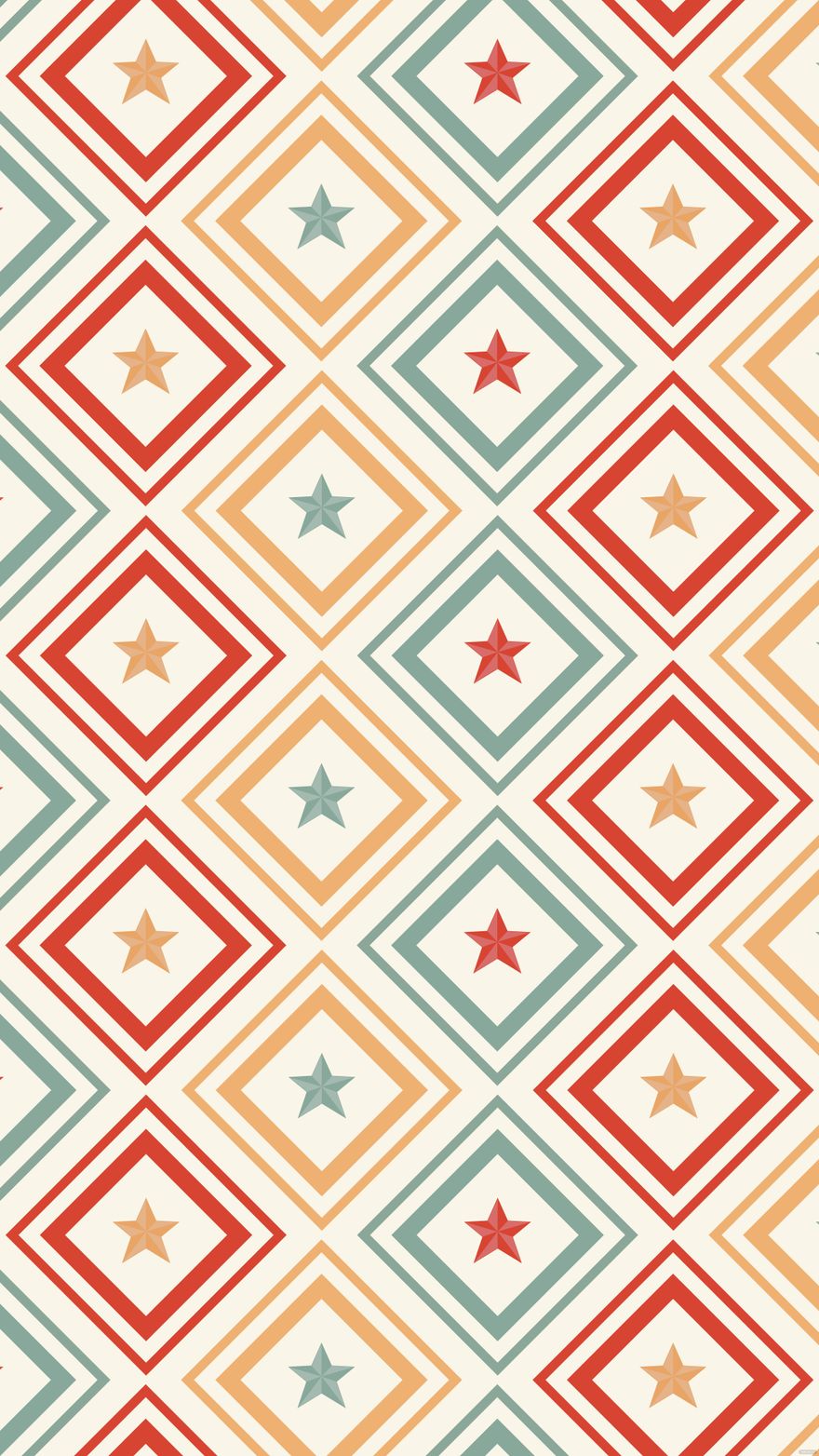
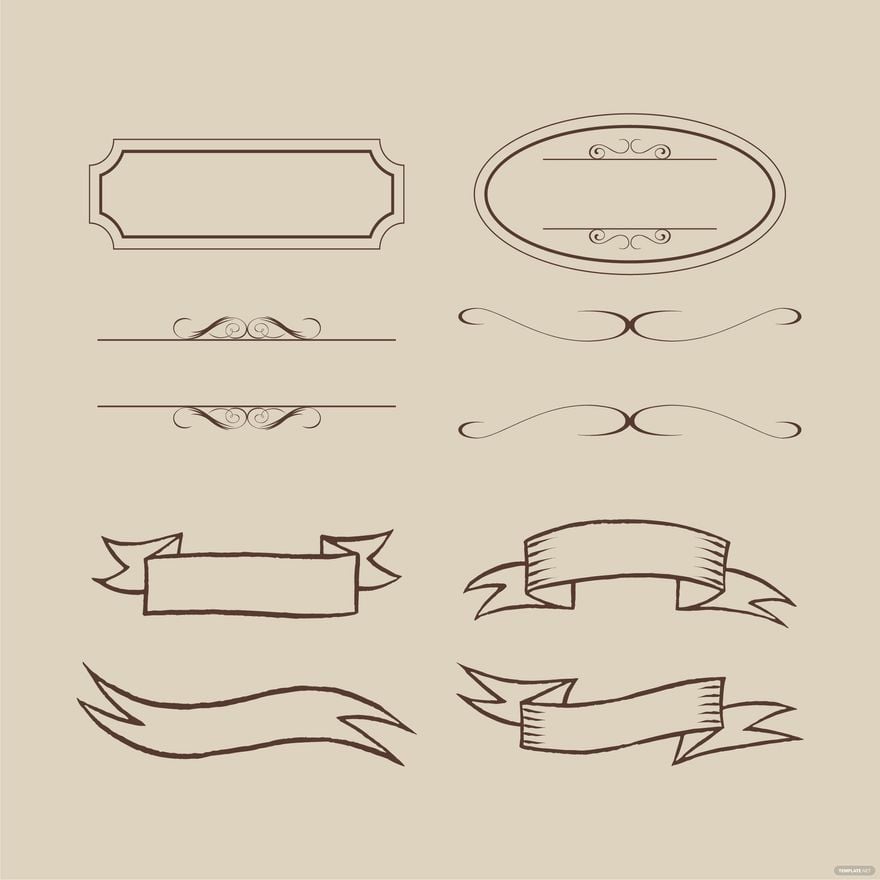
A Retro template should include editable text areas, vintage graphics such as geometric shapes or classic icons, a cohesive color palette, and layered design blocks for easy customization. These elements ensure authentic Retro-themed designs with professional appeal.

feature icon

How do I prepare Retro templates for printing?

To prepare Retro templates for printing, ensure the design uses high-resolution graphics, includes proper bleed and margins, and selects CMYK color mode. Template.net’s templates are optimized with print-ready layouts that maintain color accuracy and sharpness.

feature icon

What file formats can I download for a Retro template?

Template.net supports multiple export formats for Retro templates, including InDesign and Google Docs. These formats allow easy editing, printing, and professional output.

feature icon

Can I create a new Retro template using AI?

Template.net provides an AI-powered tool capable of generating new Retro template designs from your prompts, enabling quick creation of unique, professional Retro-themed layouts.

Template.net