
Free Shadow Templates








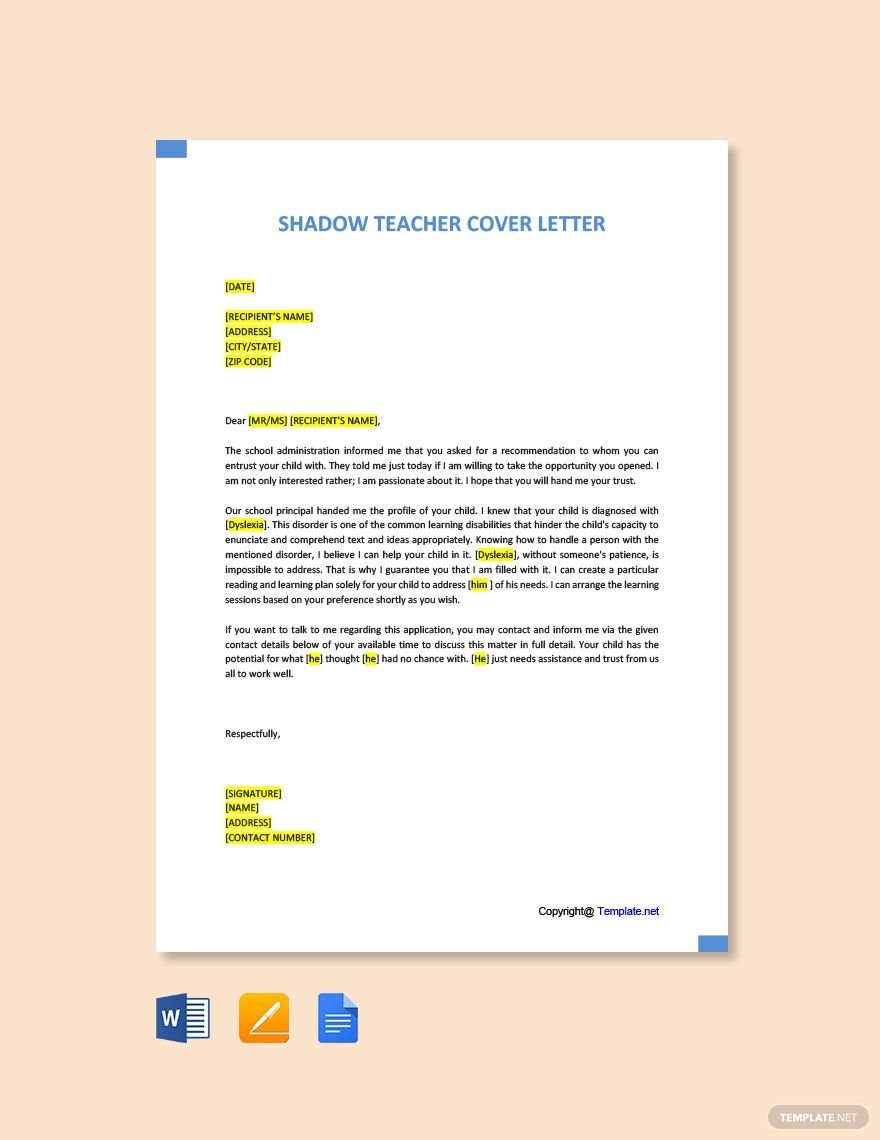


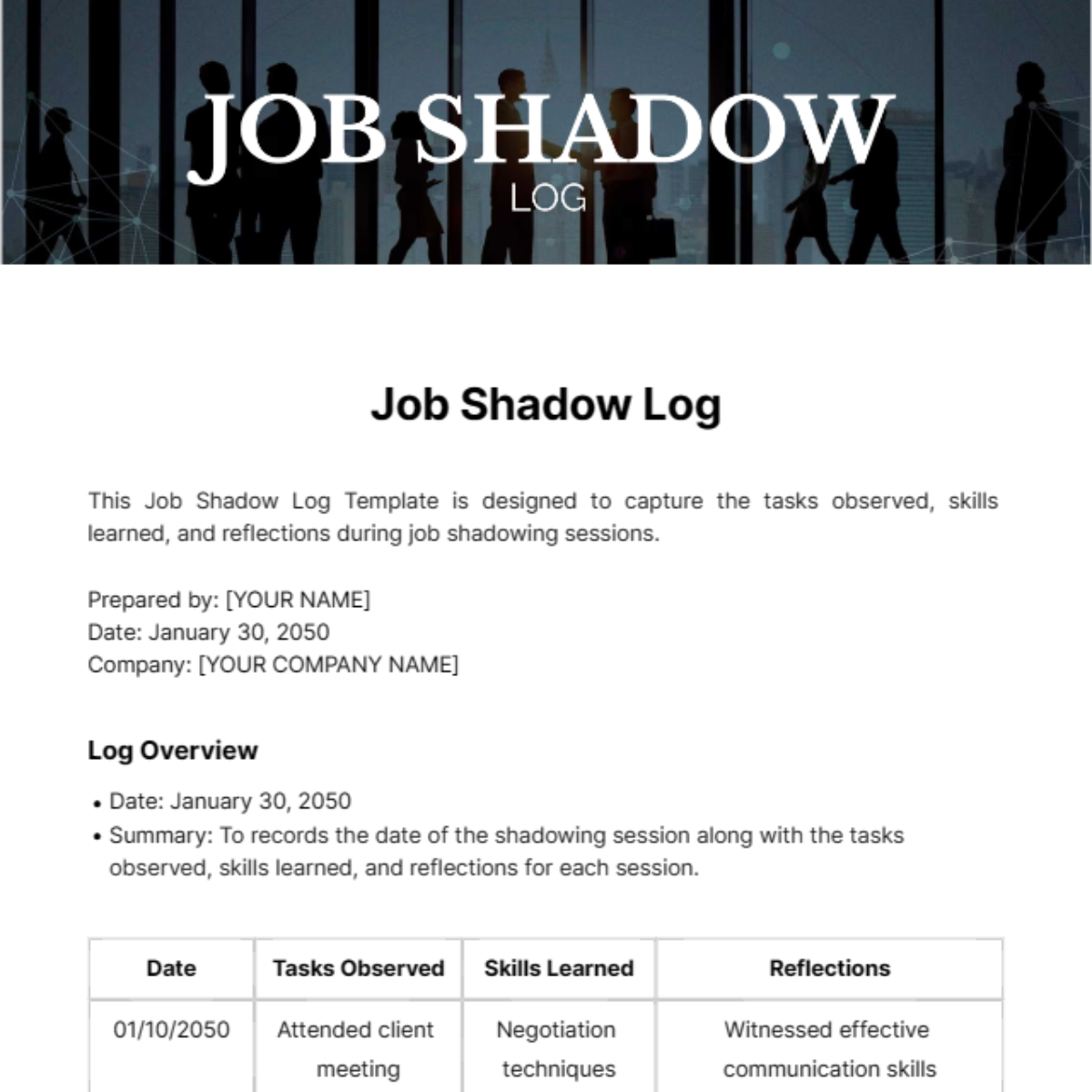
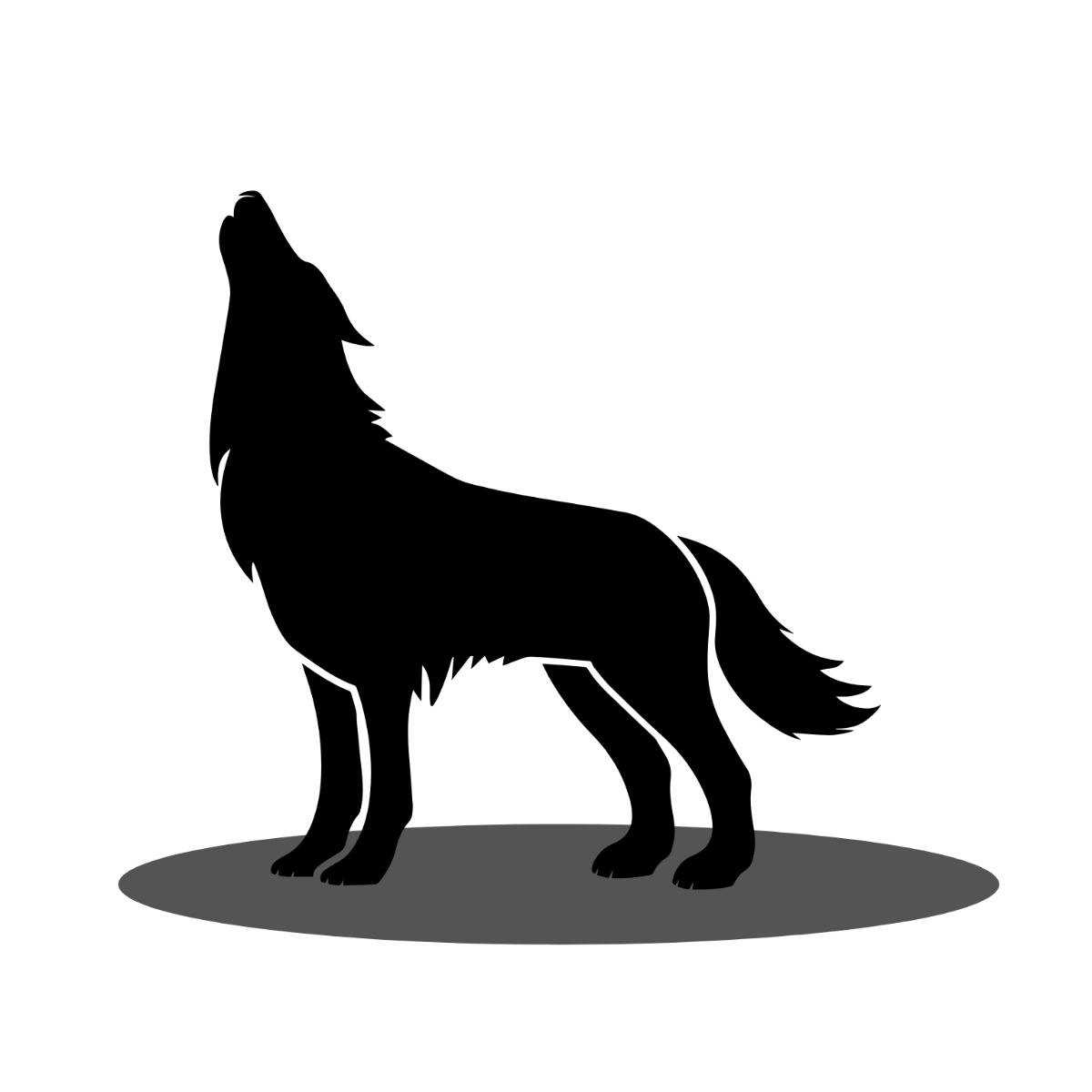
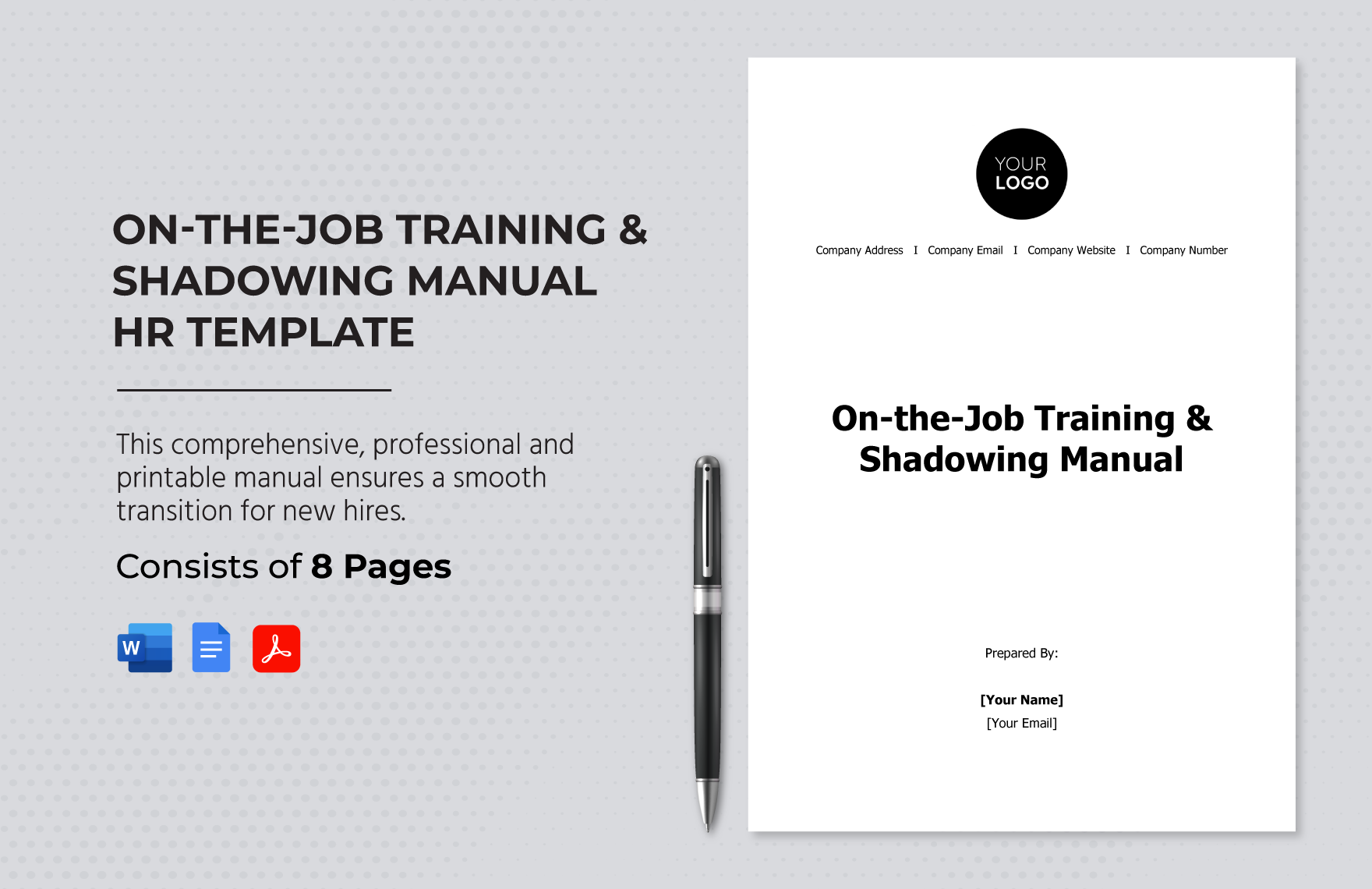




Free Shadow Customizable Templates: Design Guide and Online Editing
What is a Shadow?
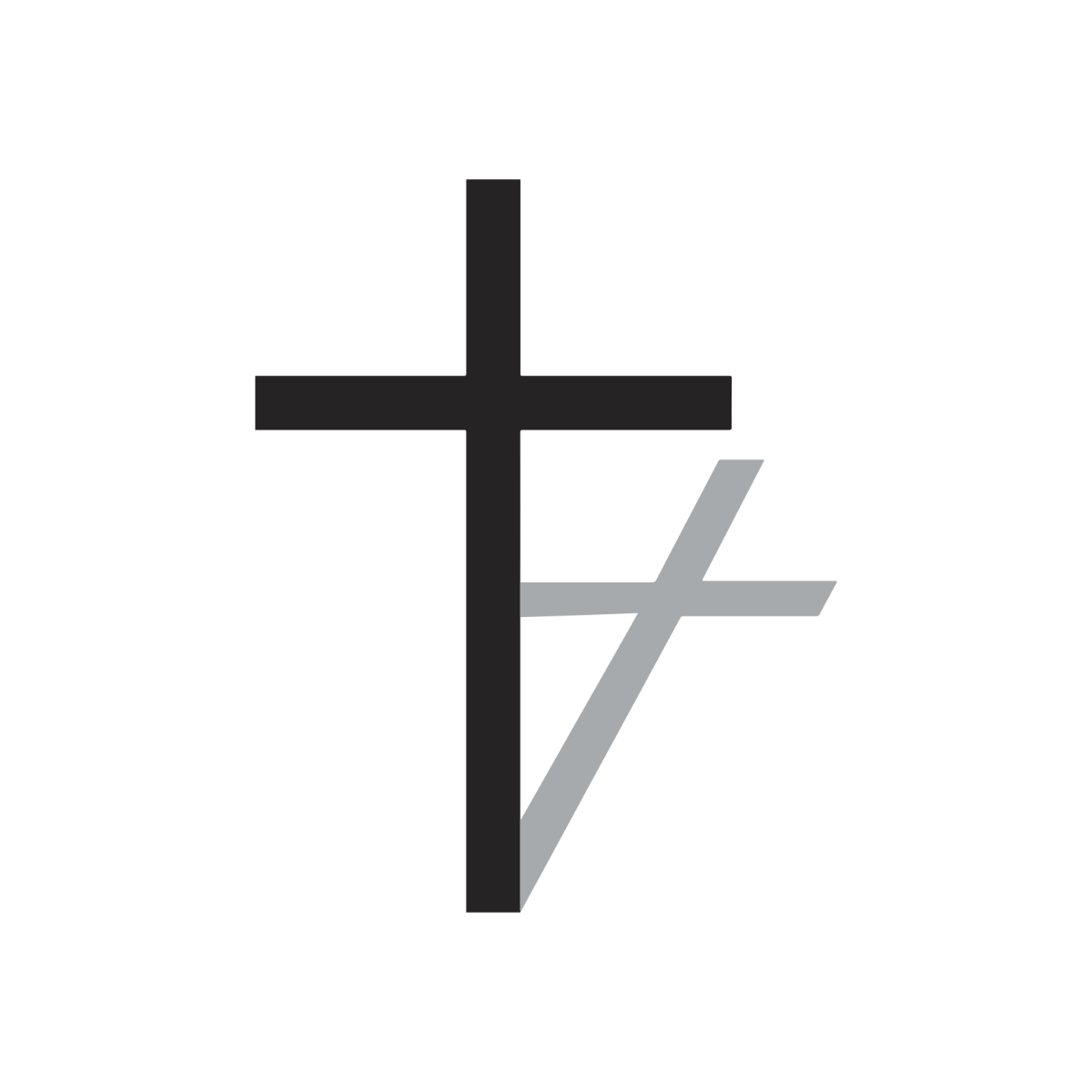
Shadow is a design element that creates the illusion of depth by simulating light and dark effects behind objects. Shadows enhance visual hierarchy and add a professional touch to various digital and print projects.
Why should I use a Shadow?
Shadow improves readability and draws attention to key elements by creating contrast and depth. Using Shadow makes your designs appear more dynamic and professional, which enhances user engagement and visual appeal.
Who uses Shadow?
Shadow is widely used by graphic designers, marketers, web developers, and content creators who want to enhance the visual quality of presentations, advertisements, websites, and digital media.
What are the best tips for completing my Shadow?
To complete your Shadow effectively, consider these tips:
- Balance the shadow’s opacity and blur for a natural look
- Match shadow direction with the light source in your design
- Use subtle shadows to avoid overwhelming your layout
- Test your shadow on different backgrounds for contrast
Can I create a Shadow using AI?
You can create Shadow effects using AI-powered design tools that automate shadow placement and styling, but Template.net primarily offers customizable Shadow templates that you can edit directly in your browser.
When should I use a Shadow?
Shadow should be used when you want to add depth and highlight important elements in your design, such as call-to-action buttons, images, text boxes, and icons, to improve visual hierarchy and user focus.
What are the essential elements of a Shadow?
Essential elements of a Shadow include:
- Offset distance from the object
- Blur radius to control softness
- Opacity for transparency level
- Color to match the design’s lighting
How is Shadow used in professional workflows?
Shadow is used in professional workflows to enhance user interfaces, improve readability, and create a polished look in branding materials, presentations, websites, and marketing collateral.
What are common use cases for Shadow?
Common use cases for Shadow include:
- Buttons and interactive elements on websites
- Text highlighting in presentations
- Image depth enhancement in brochures and flyers
- Icon emphasis in apps and dashboards
