Free Silver Templates





















Silver Templates: Design Guide, Sizes, and Customization
What is a Silver template?
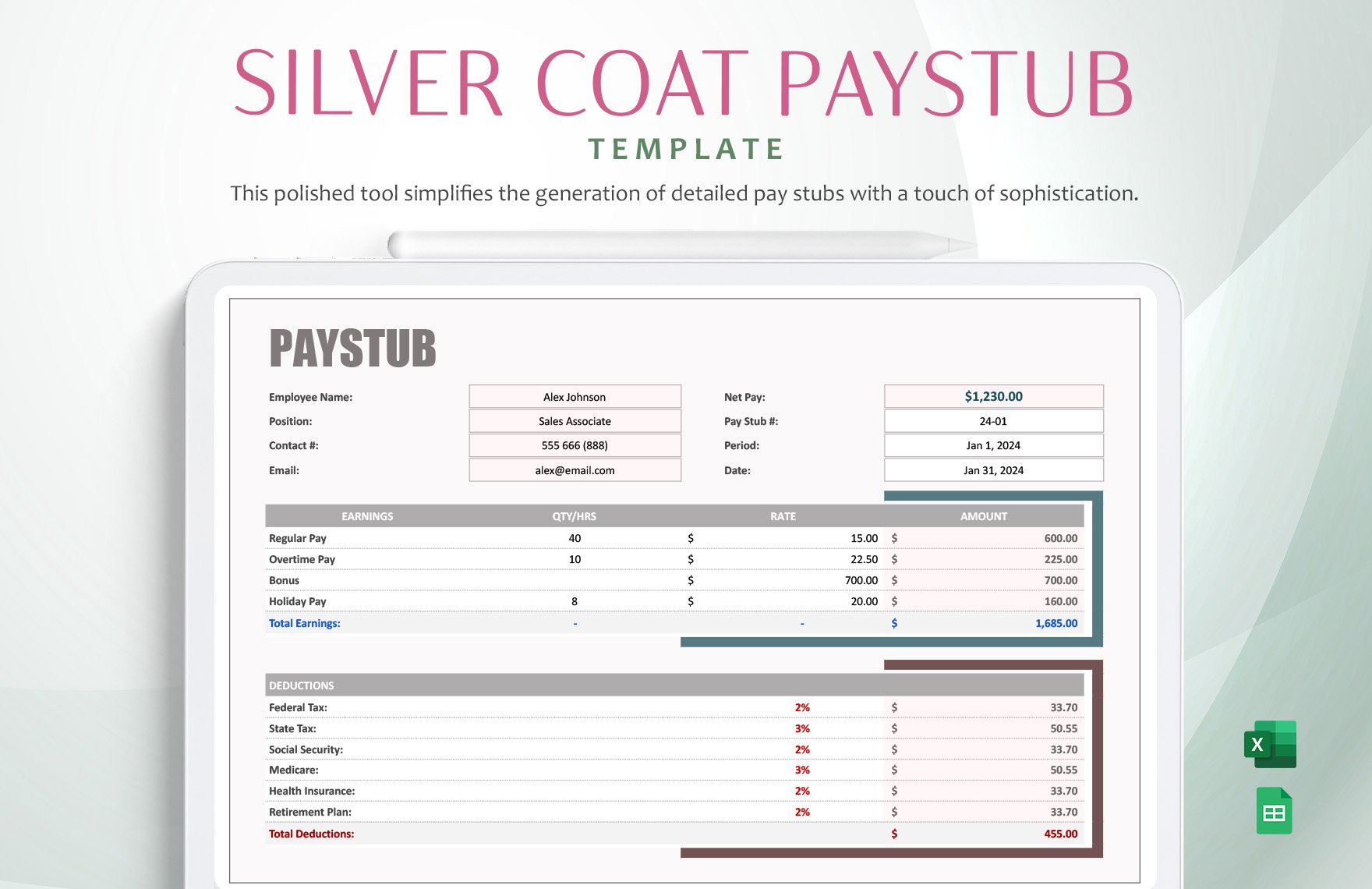
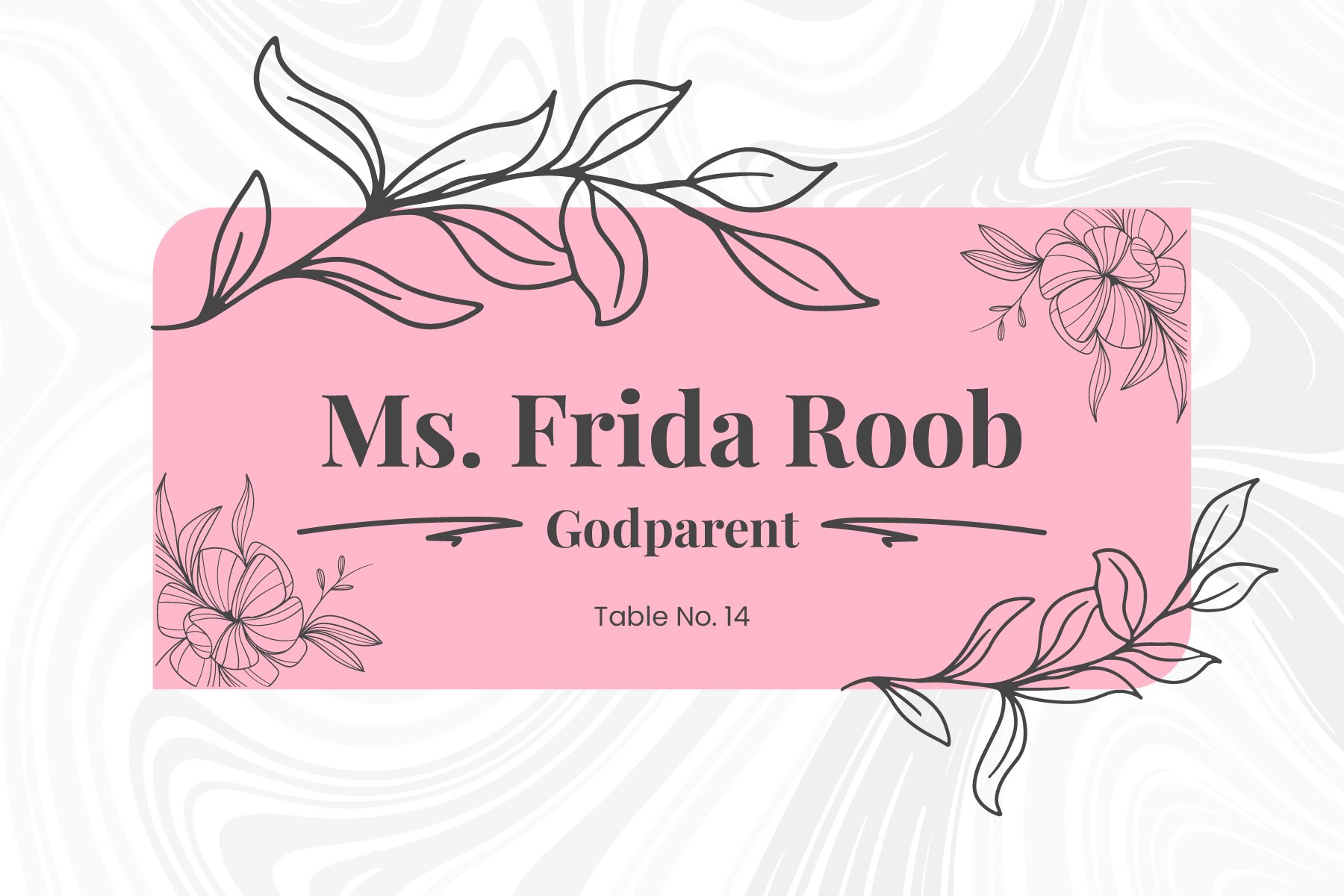
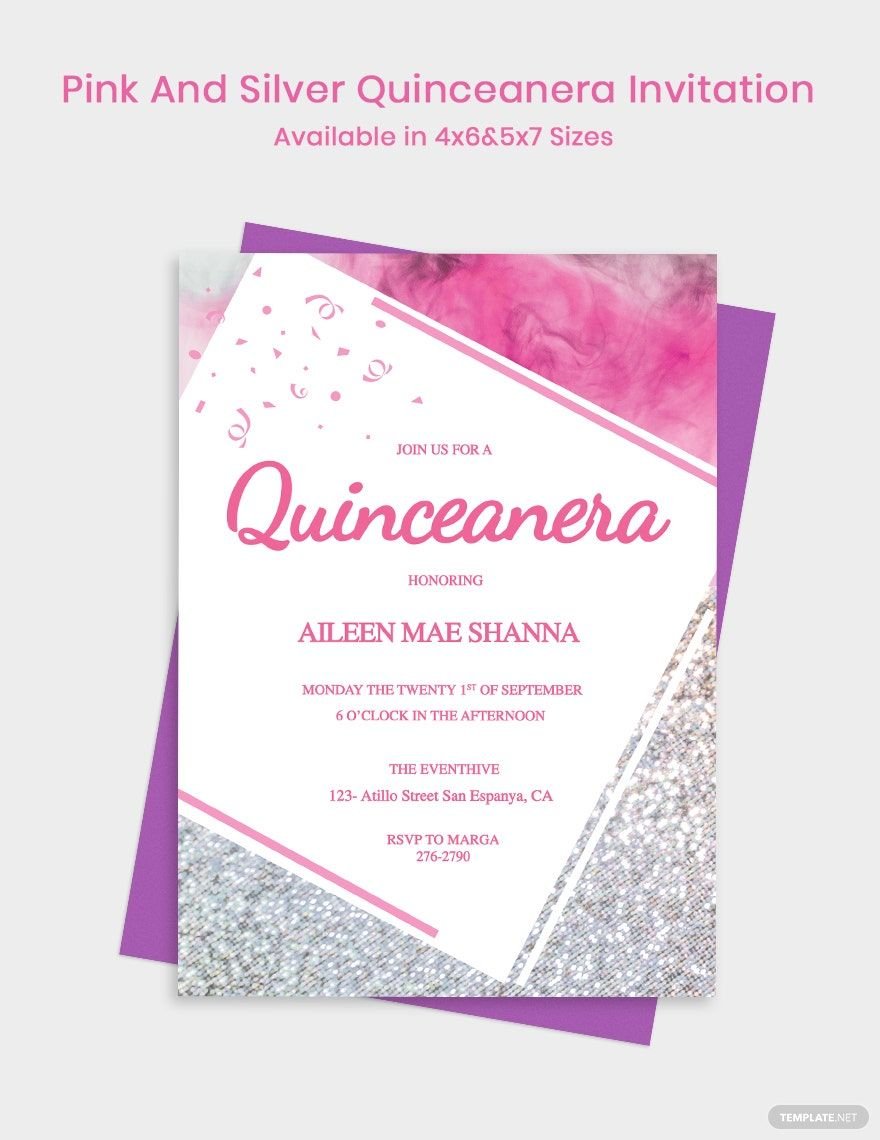
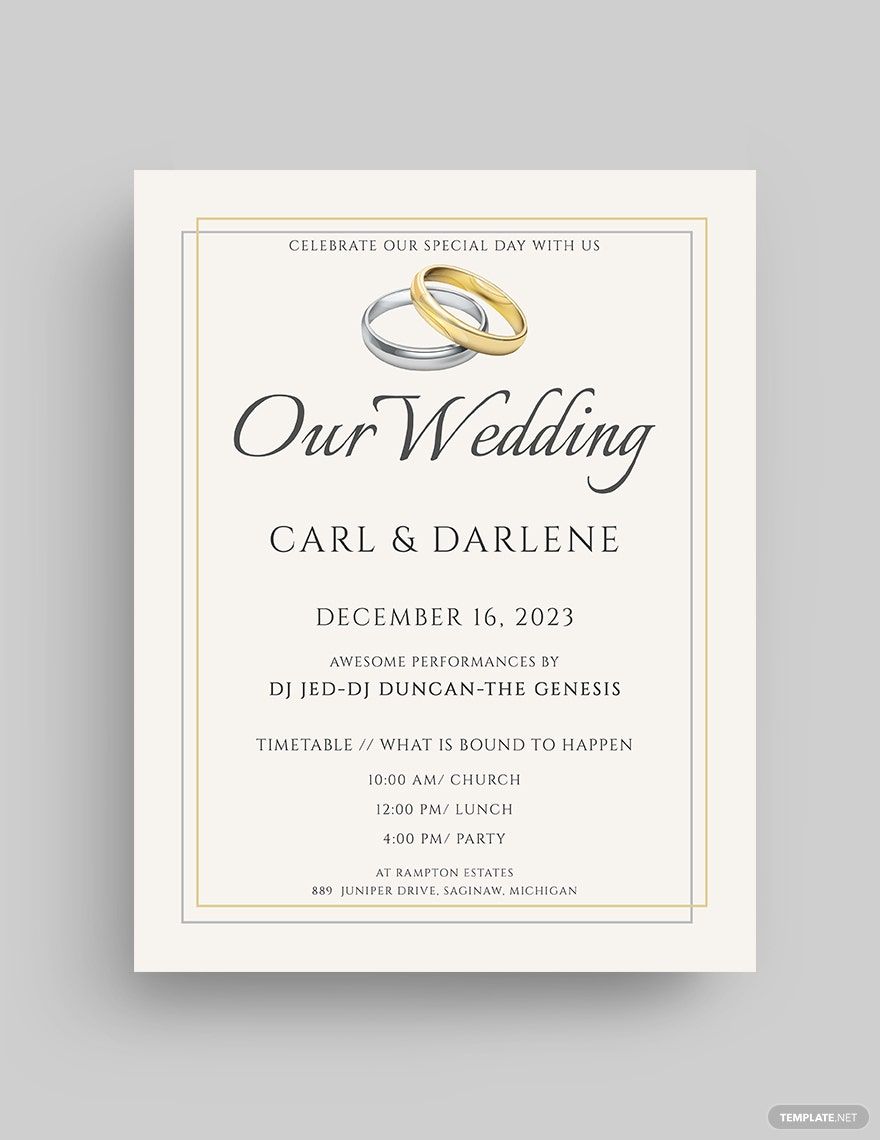
A Silver template is a pre-designed layout featuring silver-themed colors and graphics that provide a sleek, modern look for various design projects. These templates include editable text areas, layered elements, and professional layouts, enabling quick customization for events, business materials, or personal use.
Who typically uses Silver templates?
Silver templates are commonly used by professionals, event planners, marketers, and creatives seeking a stylish and elegant design. These templates suit businesses, weddings, corporate events, and portfolios where a modern metallic aesthetic enhances brand identity or visual appeal.
When should I use Silver templates?
Use Silver templates for occasions and projects that require a sophisticated, contemporary look, such as corporate events, luxury product promotions, holiday cards, or invitations. These templates work well when a clean metallic theme can emphasize professionalism and style.
What design tips should I consider for Silver templates?
When customizing Silver templates, focus on balancing the metallic silver color palette with contrasting text and images to maintain readability. Utilize layered design elements and clean typography to enhance the elegant theme while keeping layouts uncluttered and visually appealing.
What sizes are common for Silver templates?
Silver templates come in various sizes depending on the project type, including standard print sizes like 4 × 6 inches, 5 × 7 inches, and 8.5 × 11 inches. Choosing the appropriate size ensures the design fits professional printing standards and digital display requirements.
What template elements are typical in Silver templates?
Typical Silver templates feature layered design blocks, editable text areas, silver-tone graphics, and placeholders for images or logos. These elements allow users to customize their projects while maintaining a cohesive metallic theme throughout the layout.
How do I prepare Silver templates for printing?
To prepare Silver templates for printing, ensure that the color palette is set to CMYK mode and the layout uses high-resolution graphics. Maintain bleed and margin settings appropriate for professional print quality, and use print-ready file formats for optimal results.
How can I share or collaborate on Silver templates?
Silver templates can be shared and collaborated on directly through Template.net's platform using online editing tools. This enables multiple users to access, edit, and provide feedback in real time, streamlining the design process and ensuring consistent professional output.
Can I create a new Silver template using AI?
Template.net provides an AI-powered tool capable of generating Silver template designs based on user prompts, allowing rapid creation of unique, customized silver-themed layouts. Explore this feature to enhance creativity and save time when developing new projects. Visit Template.net to get started.
