
Free Slideshow Templates in PPT






















Free Slideshow Templates: Customizable Presentation Guide and Uses
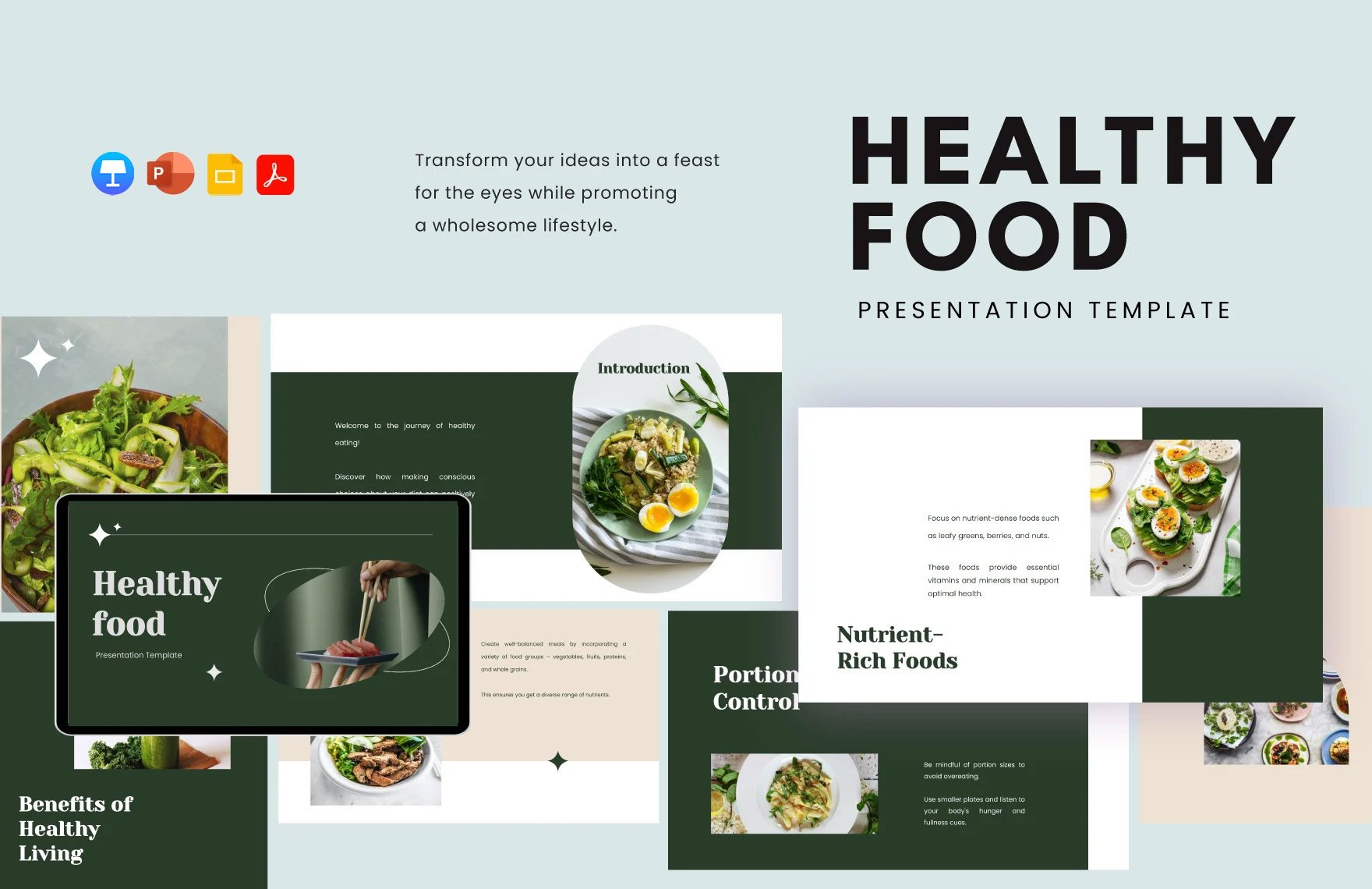
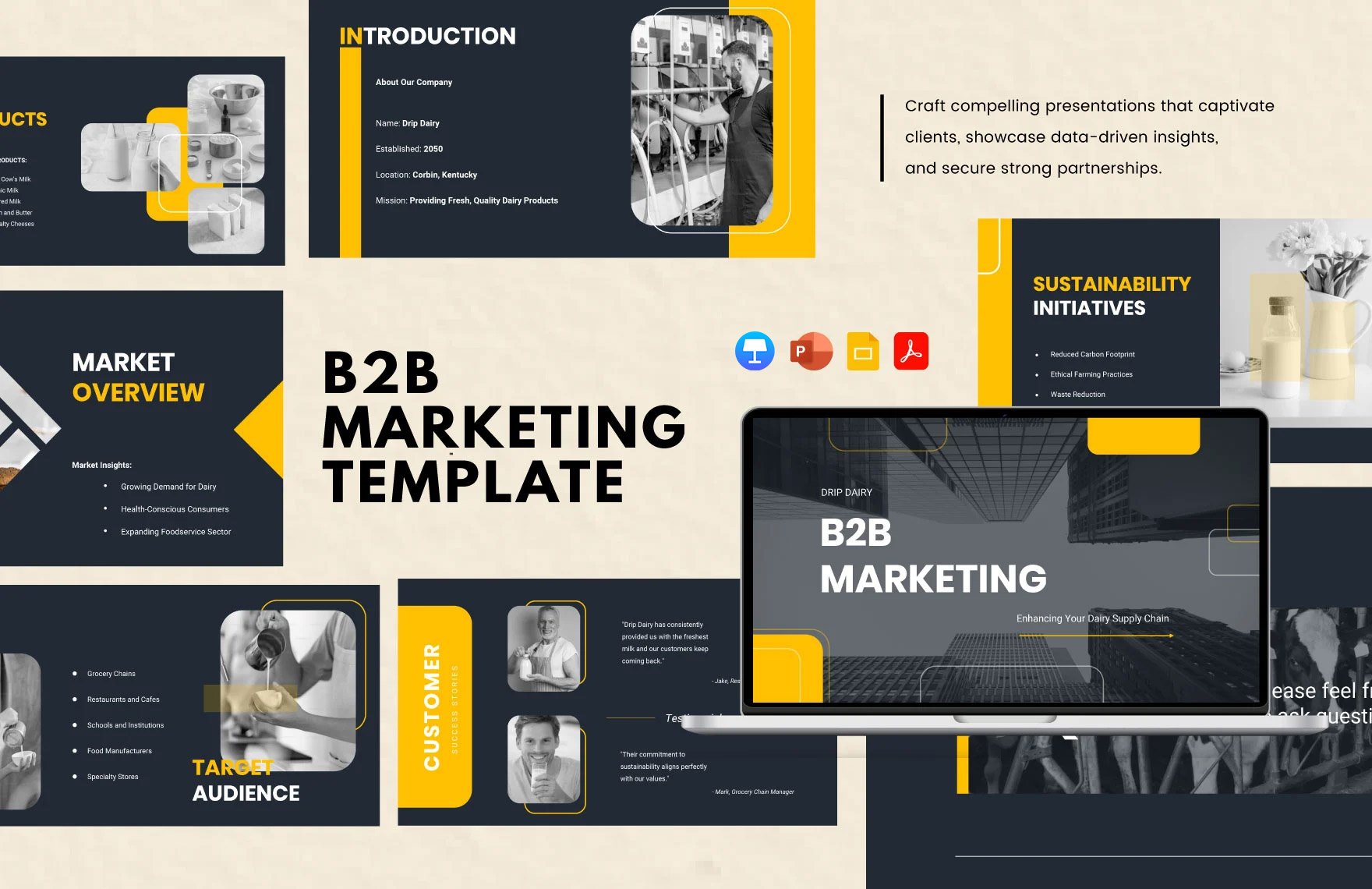
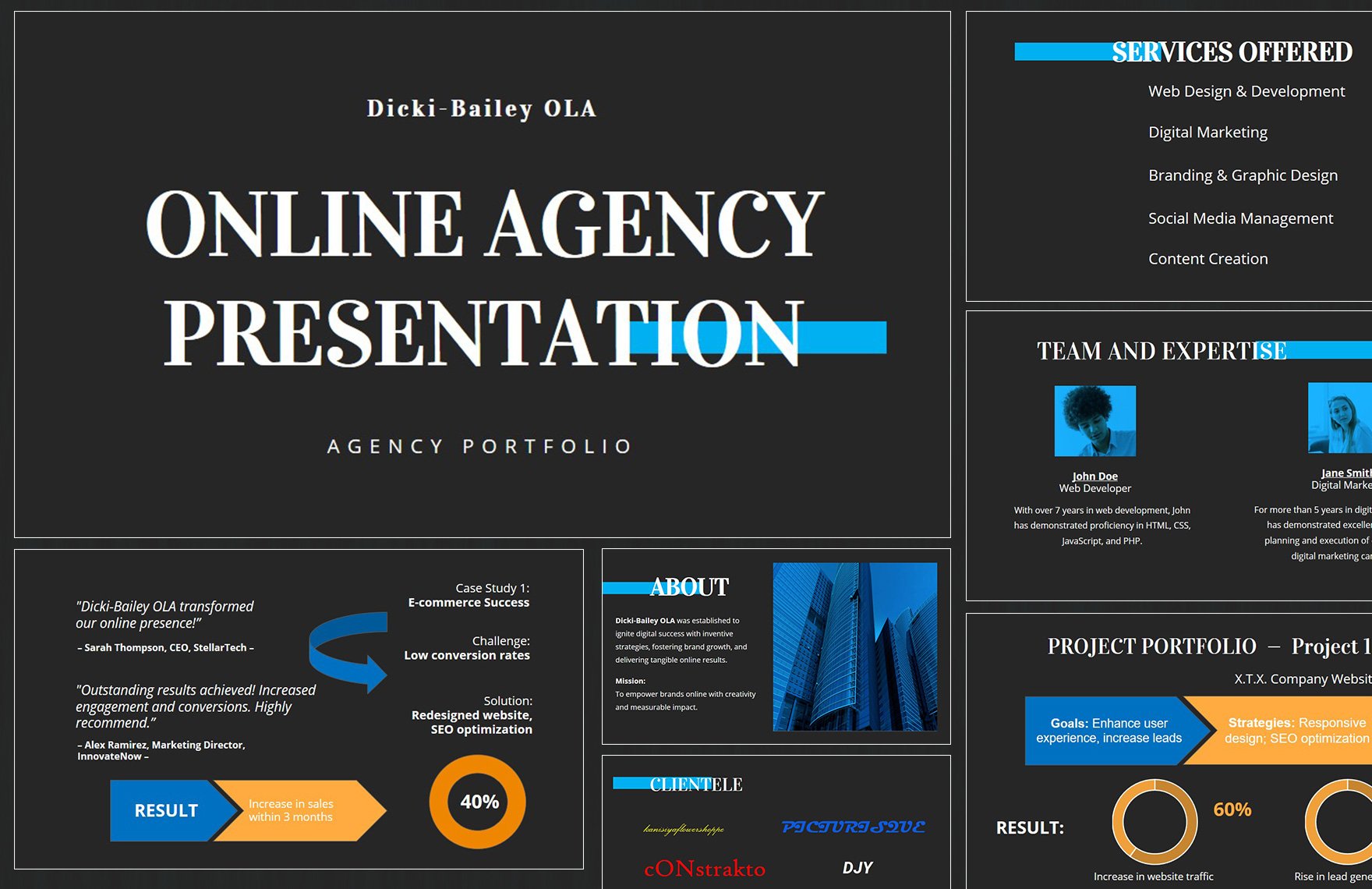
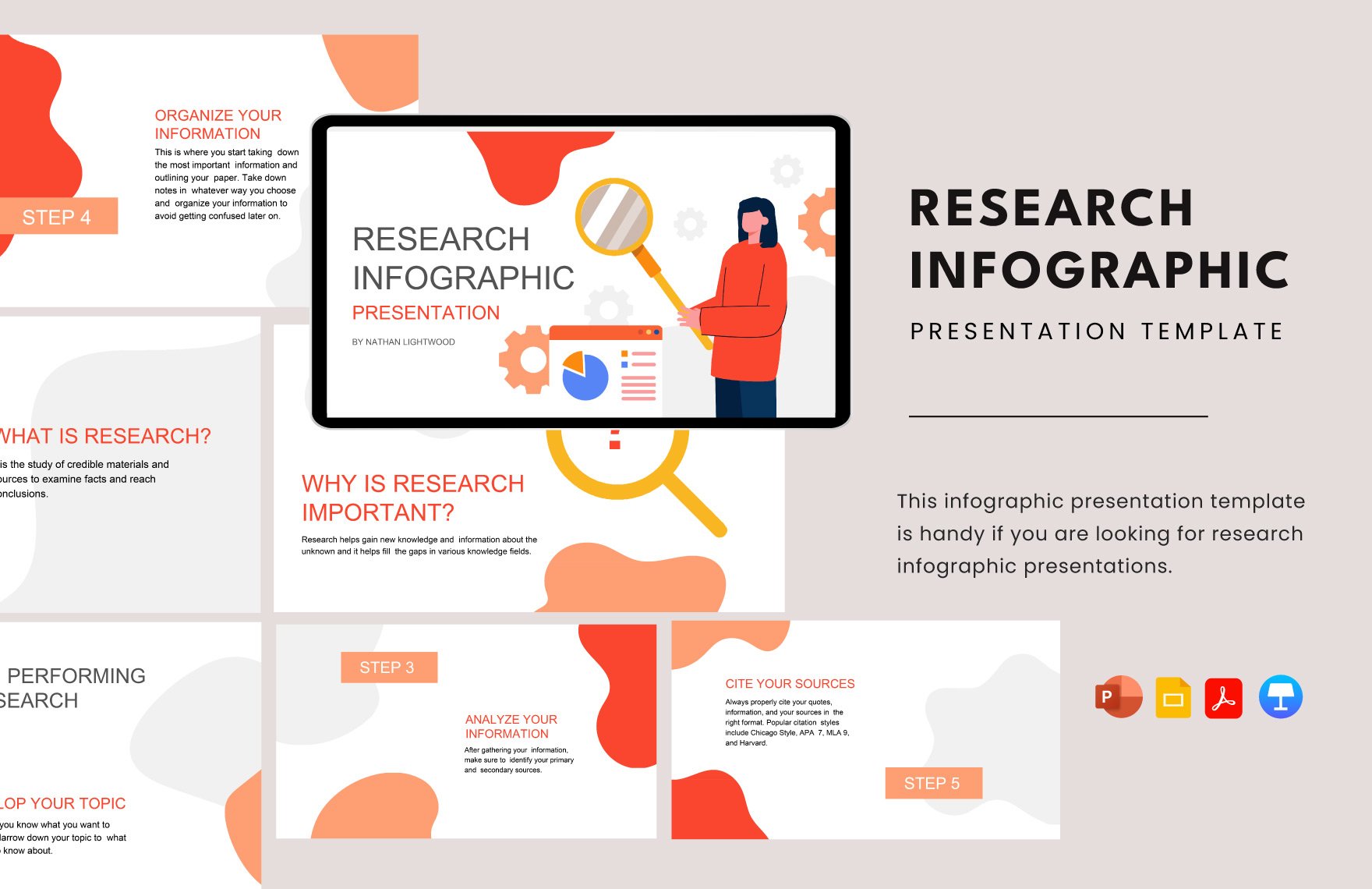
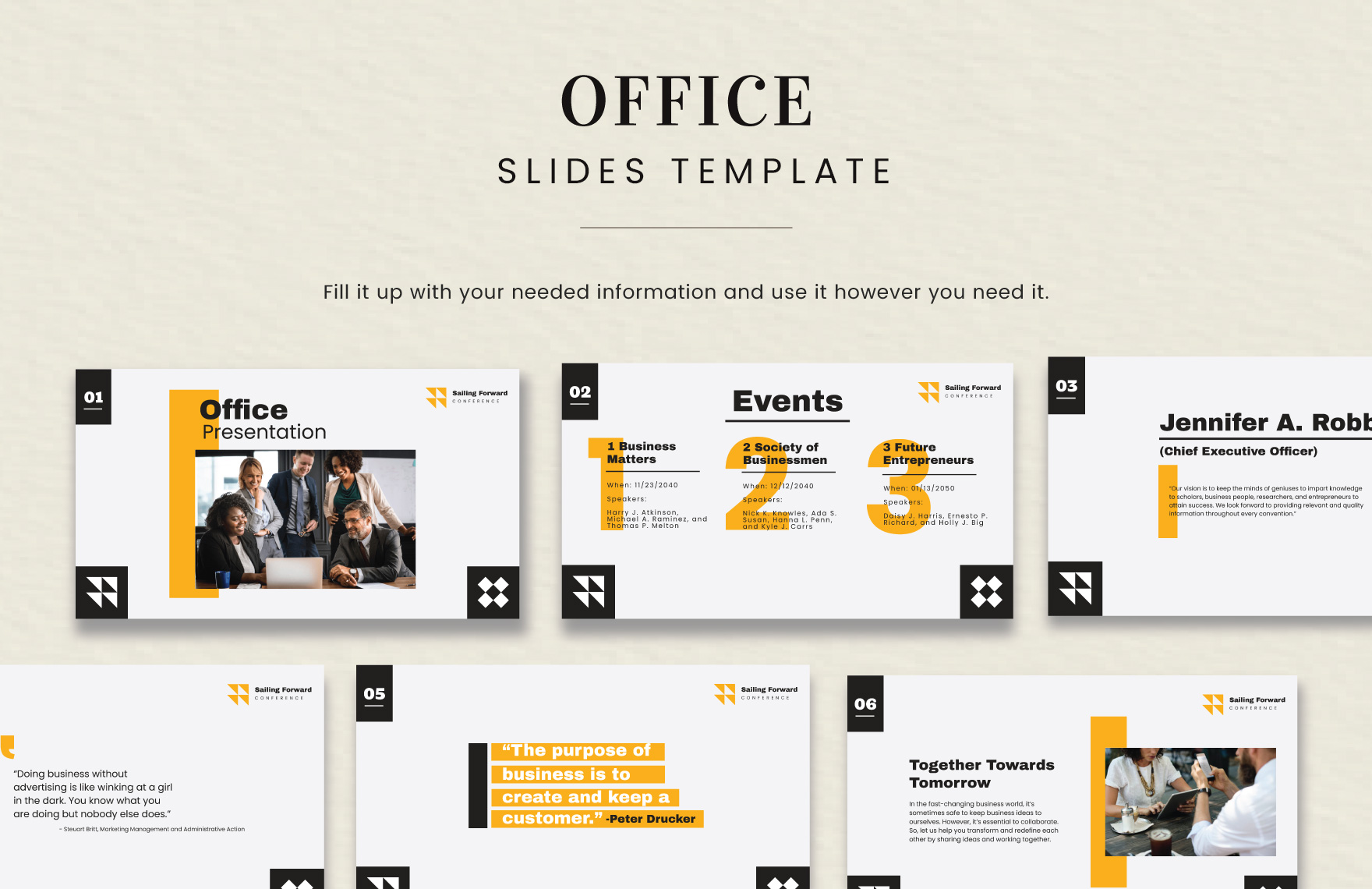
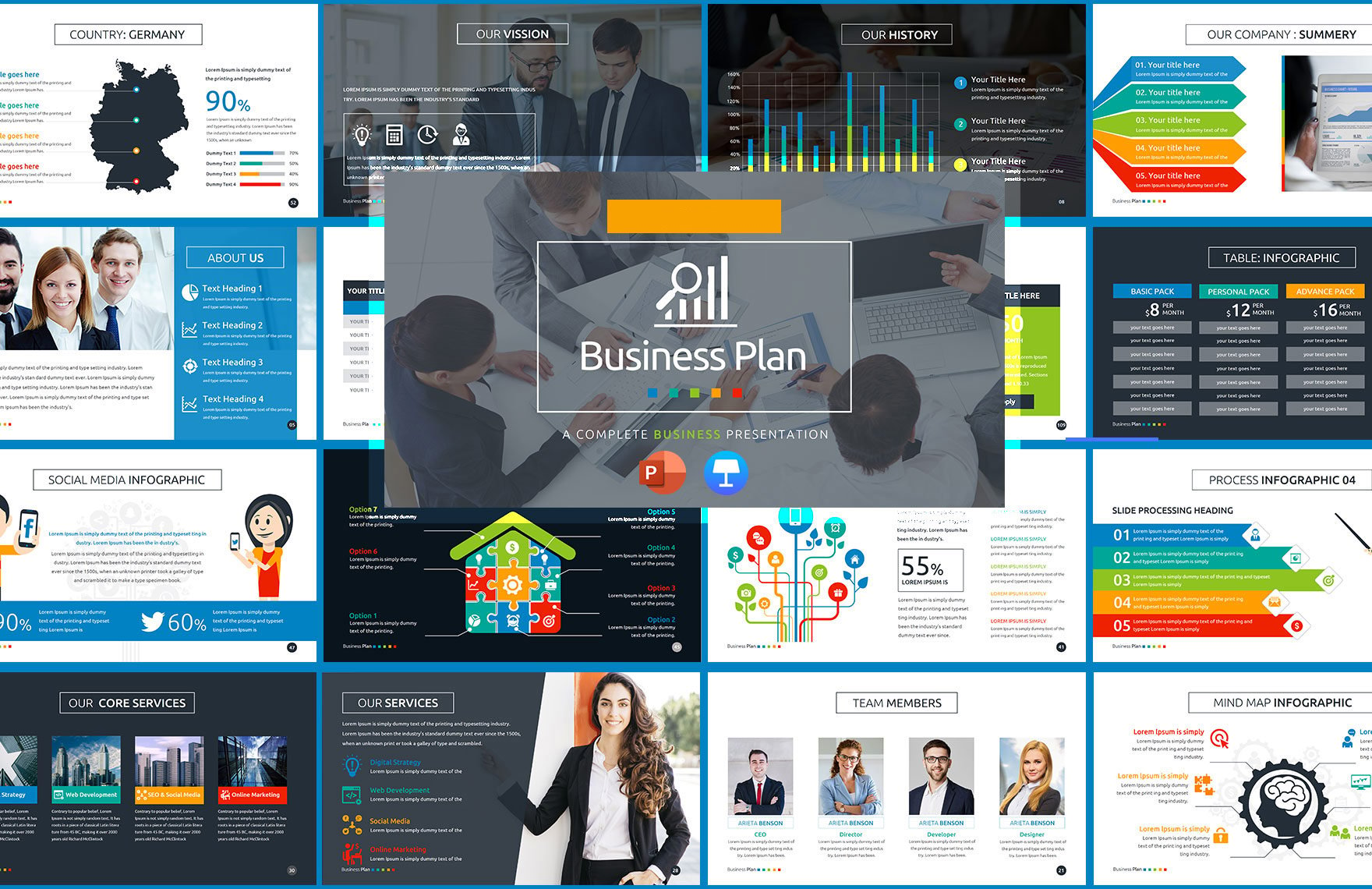
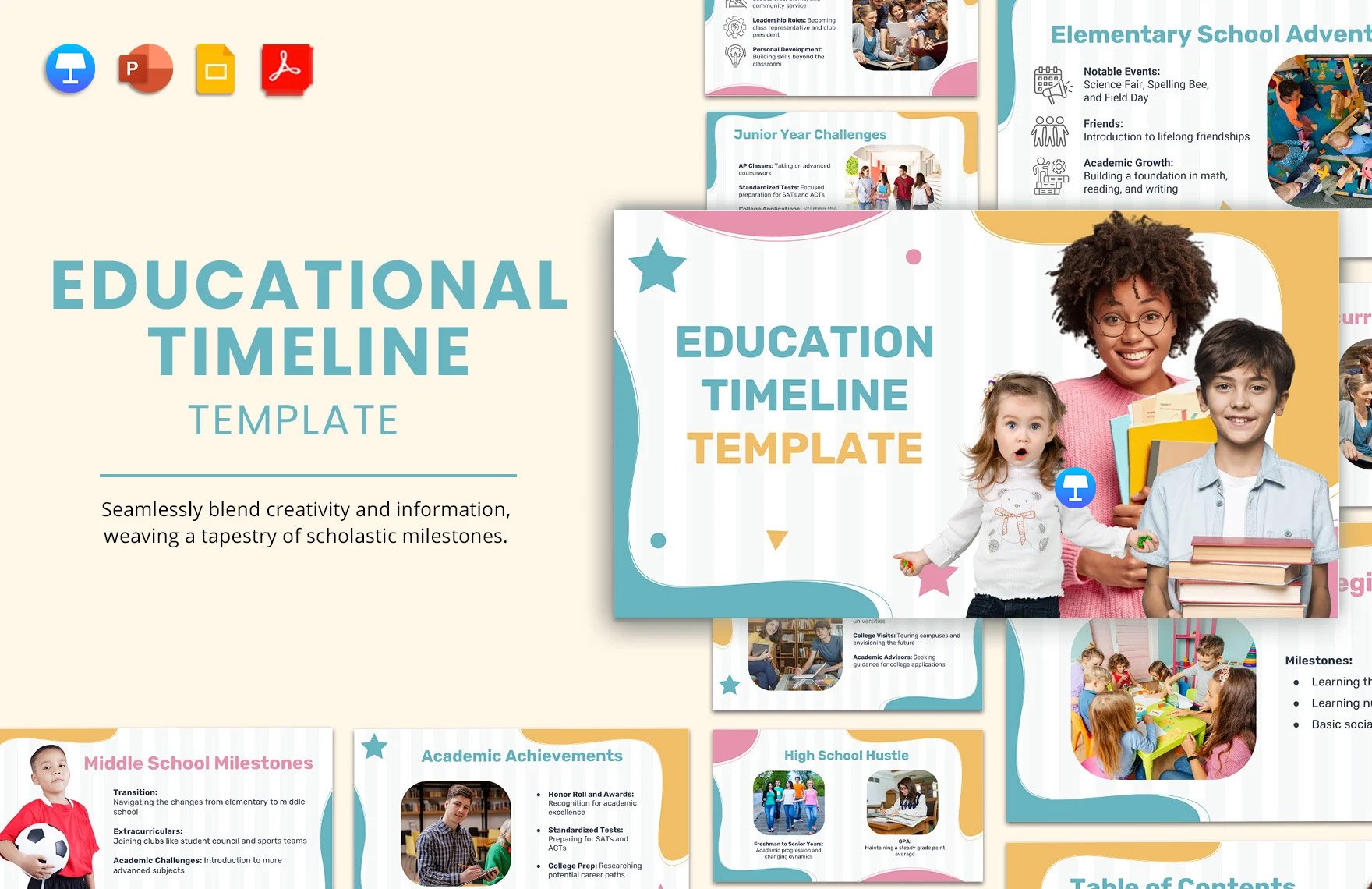
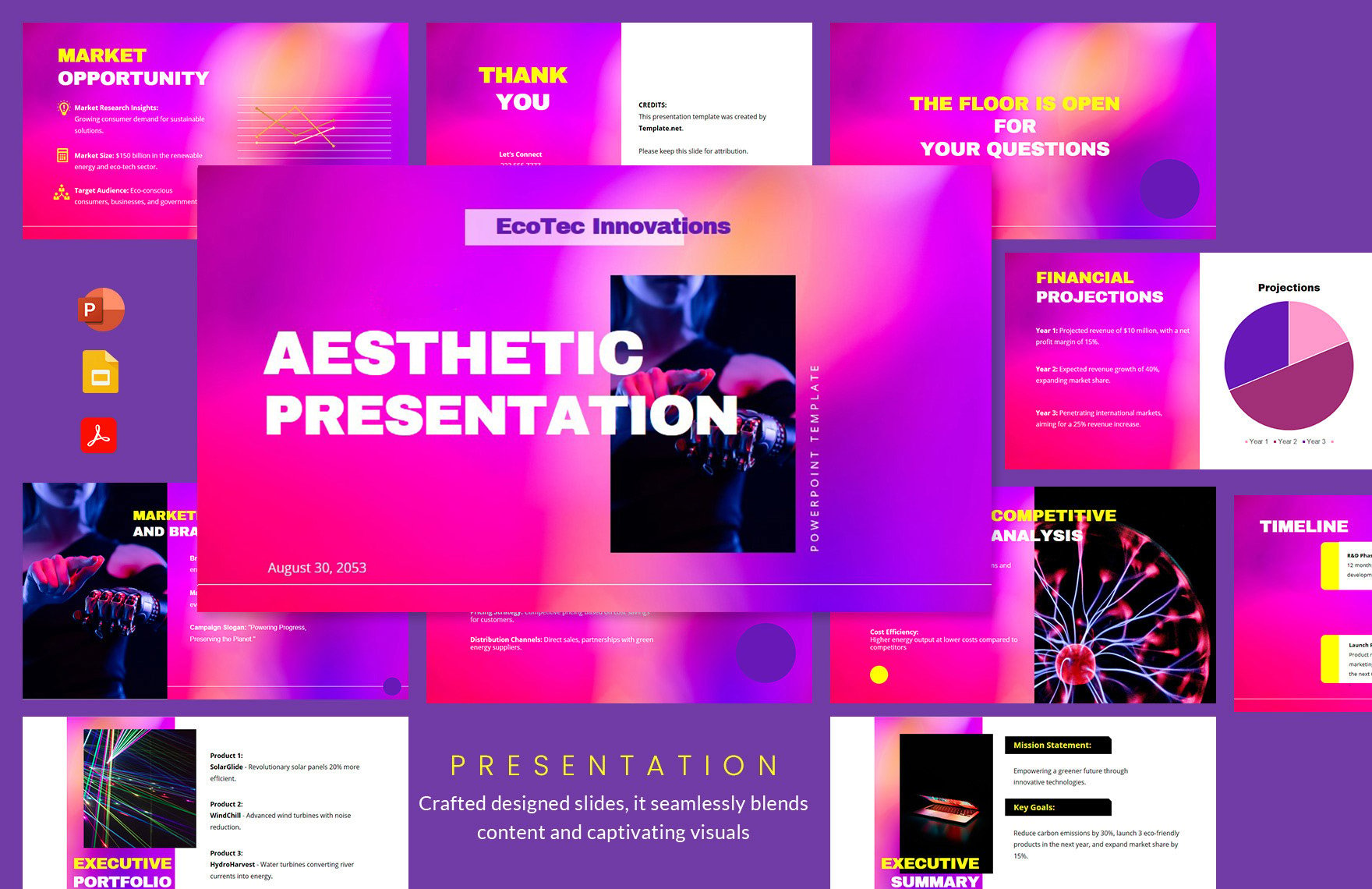
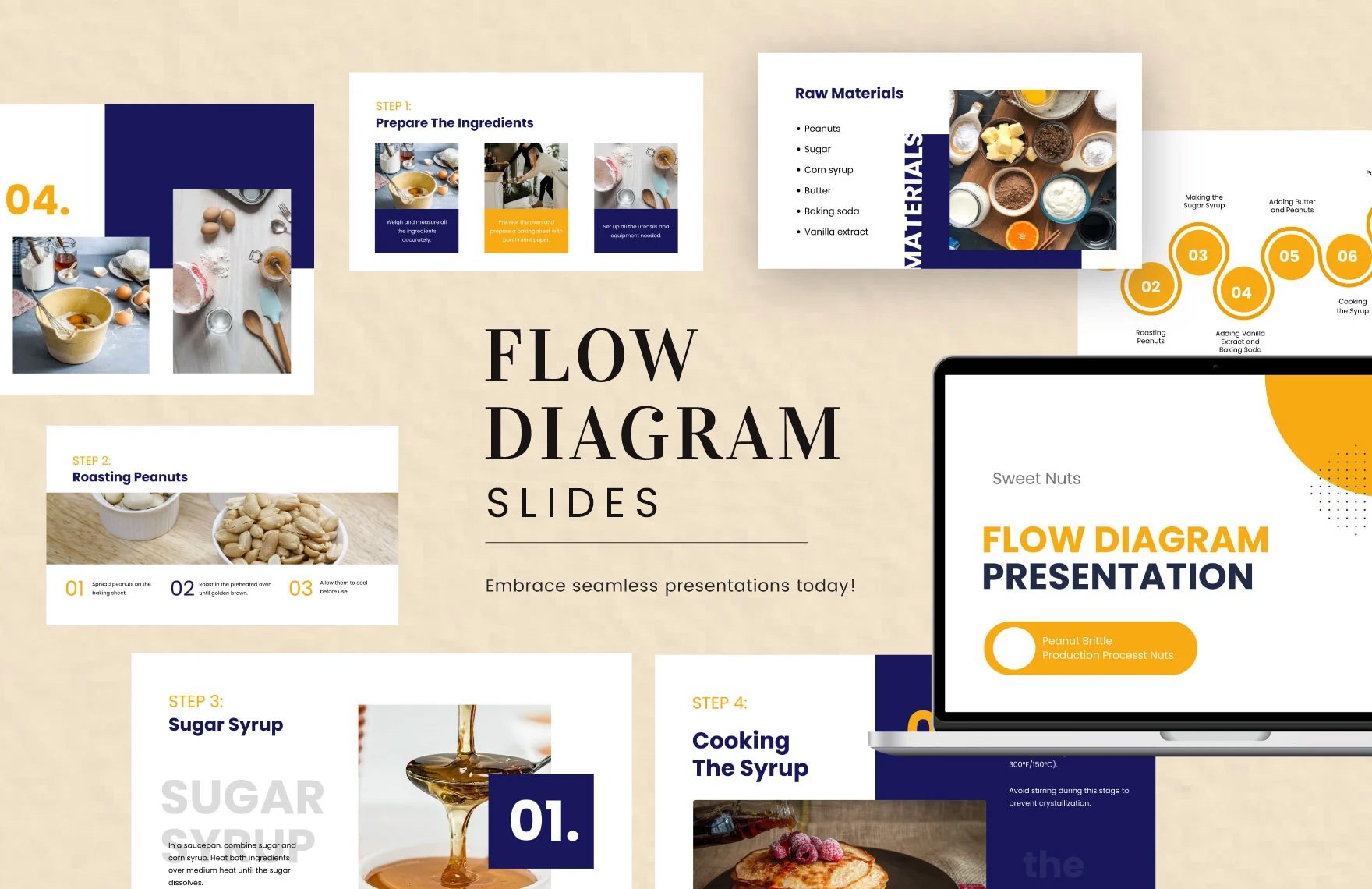
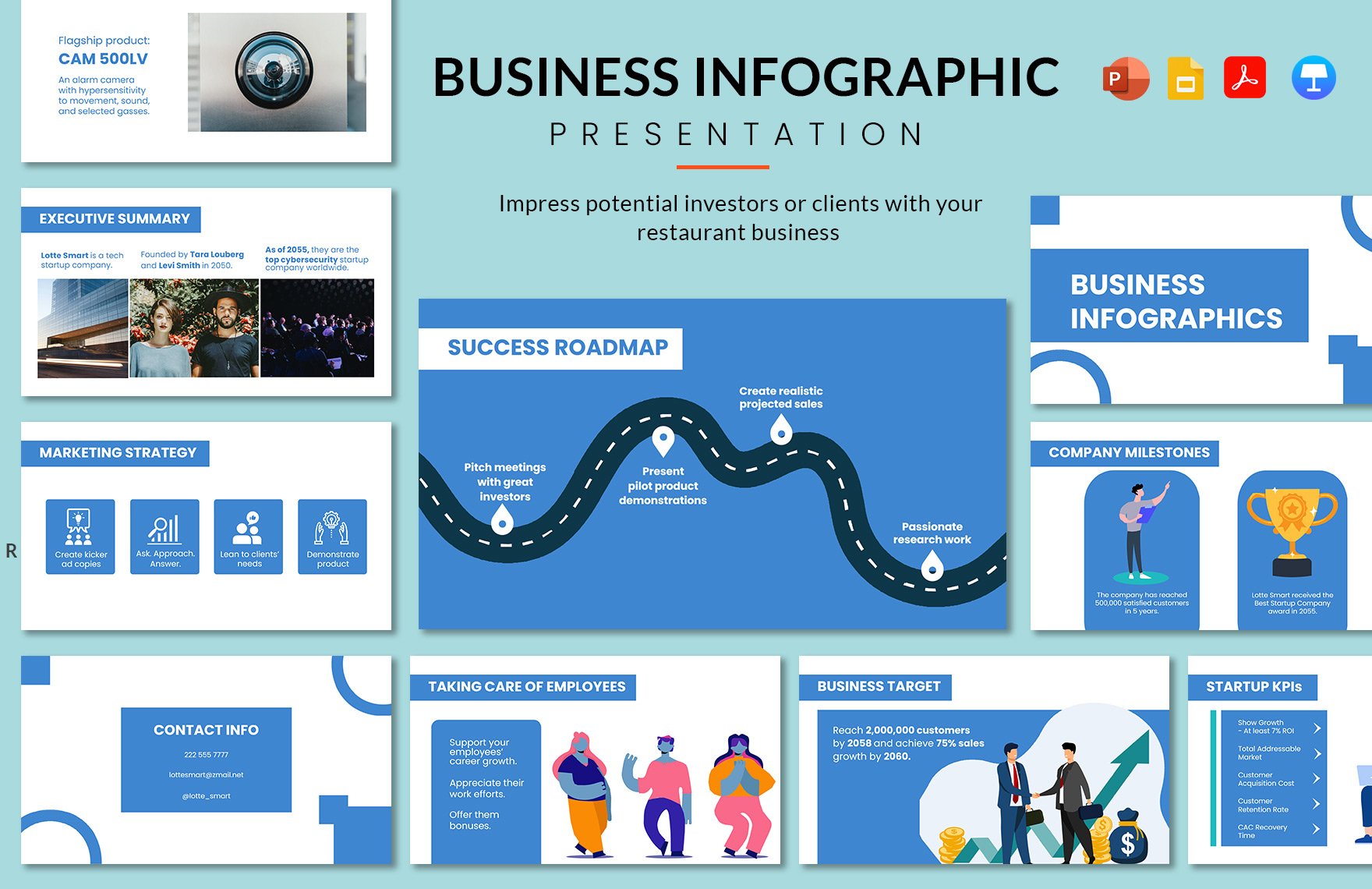
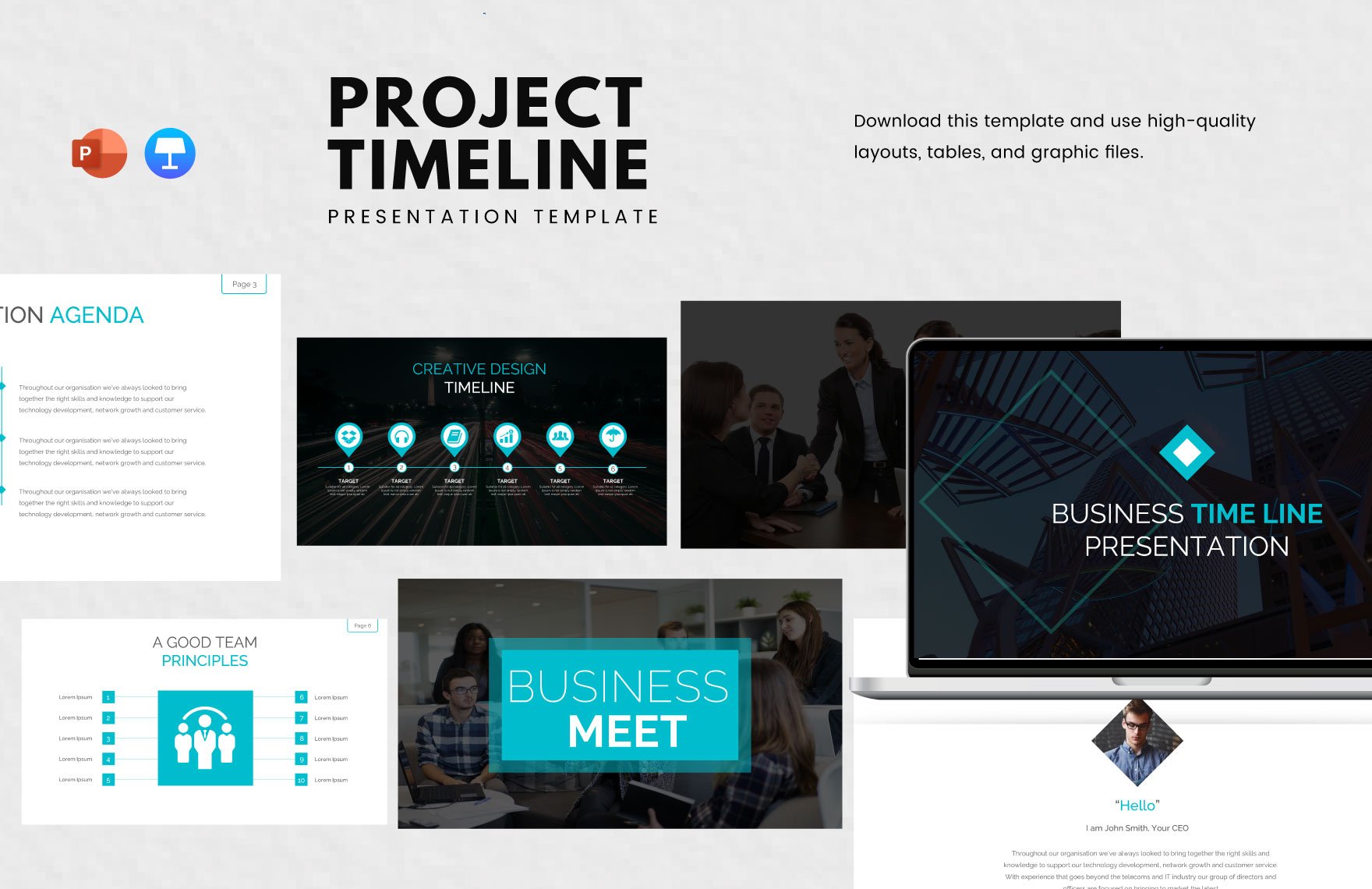
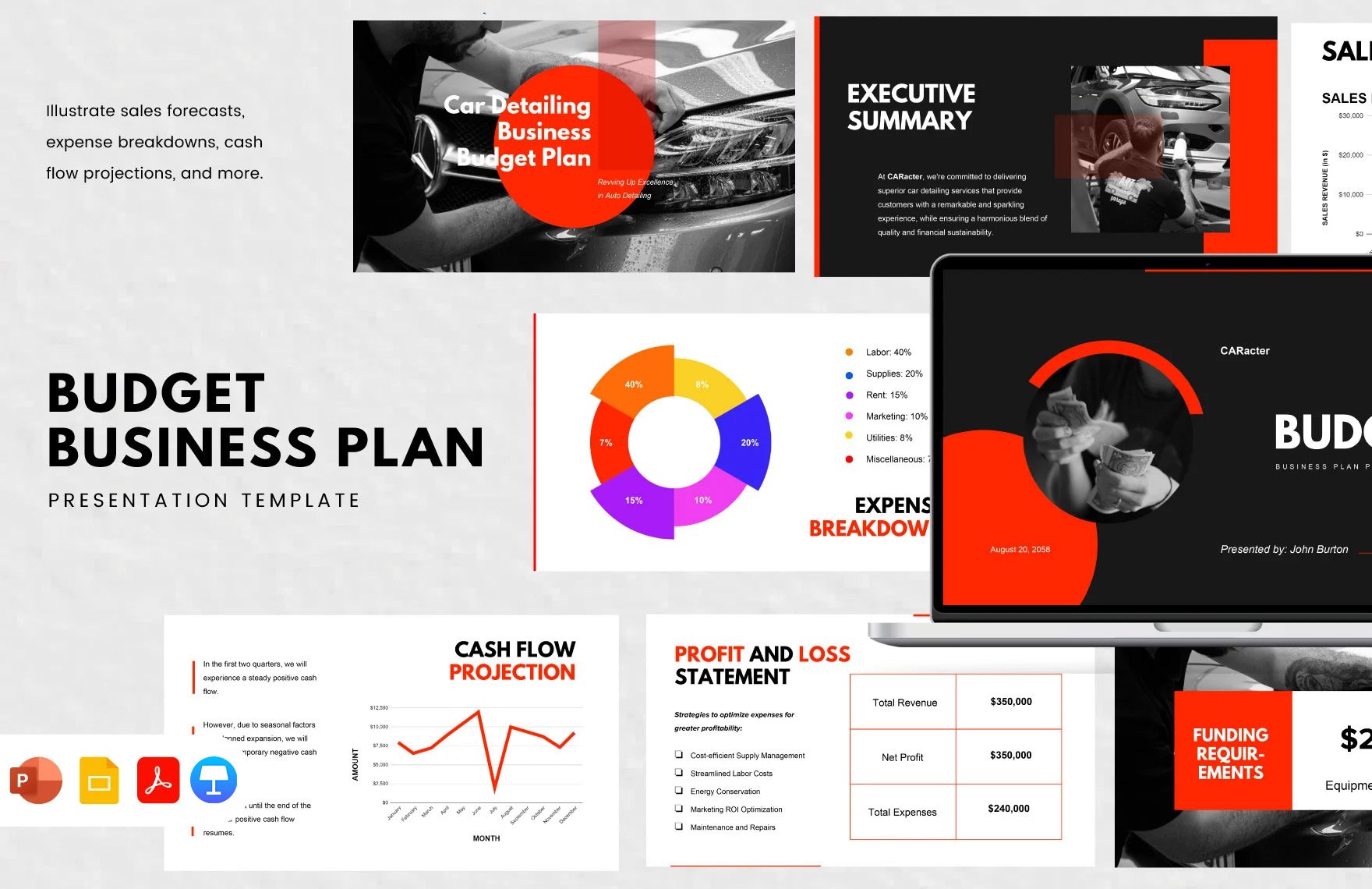
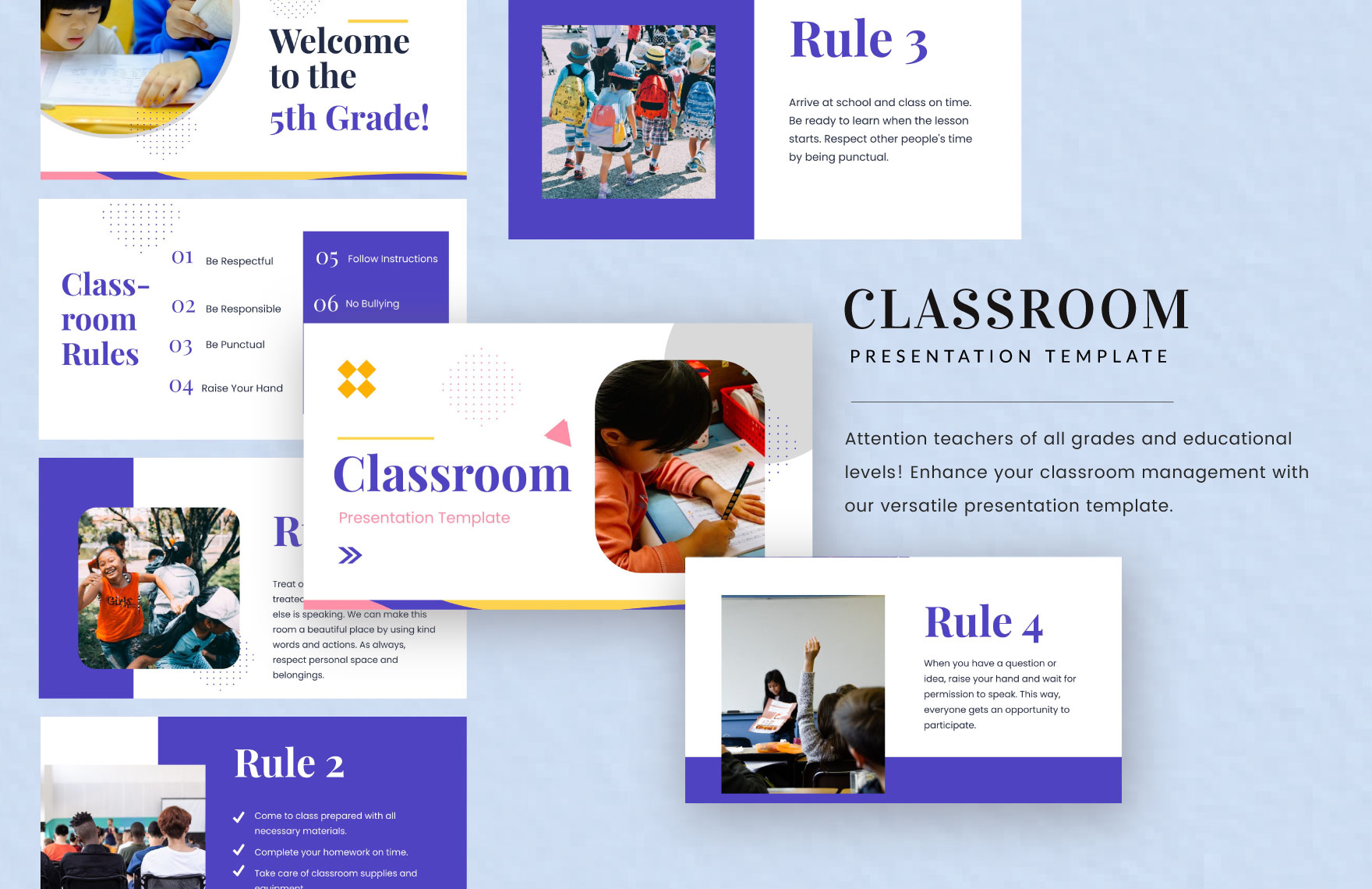
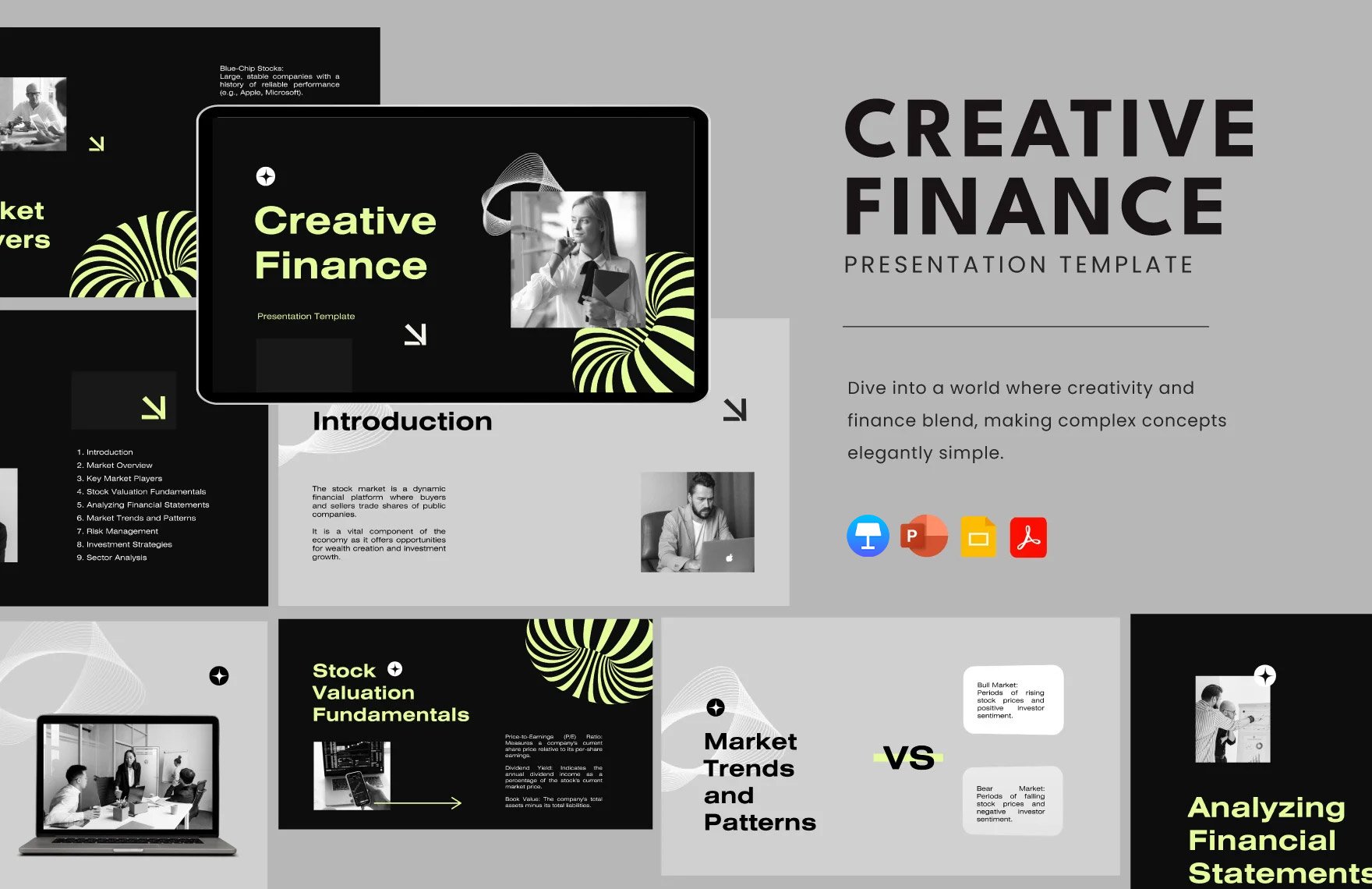
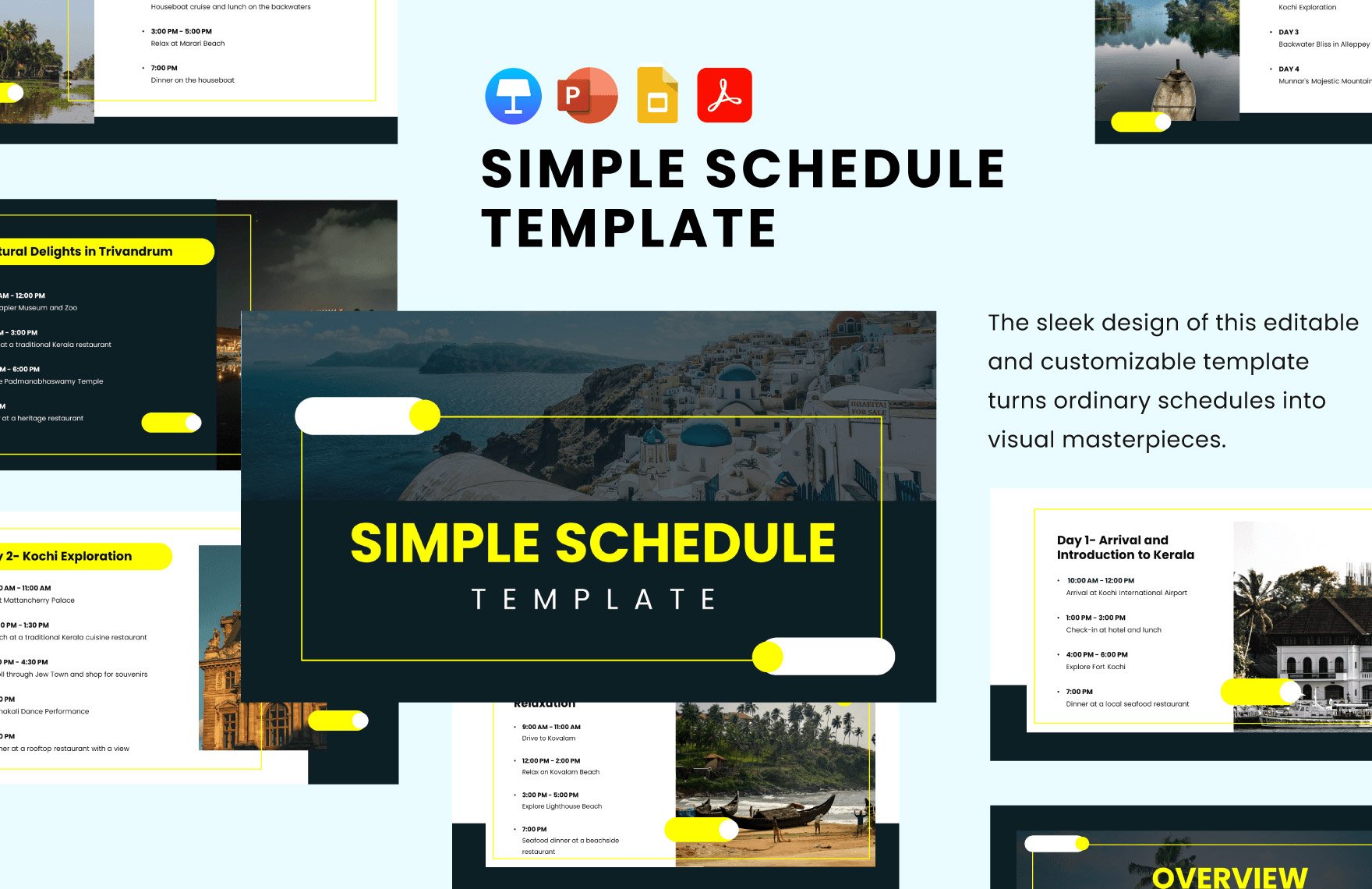
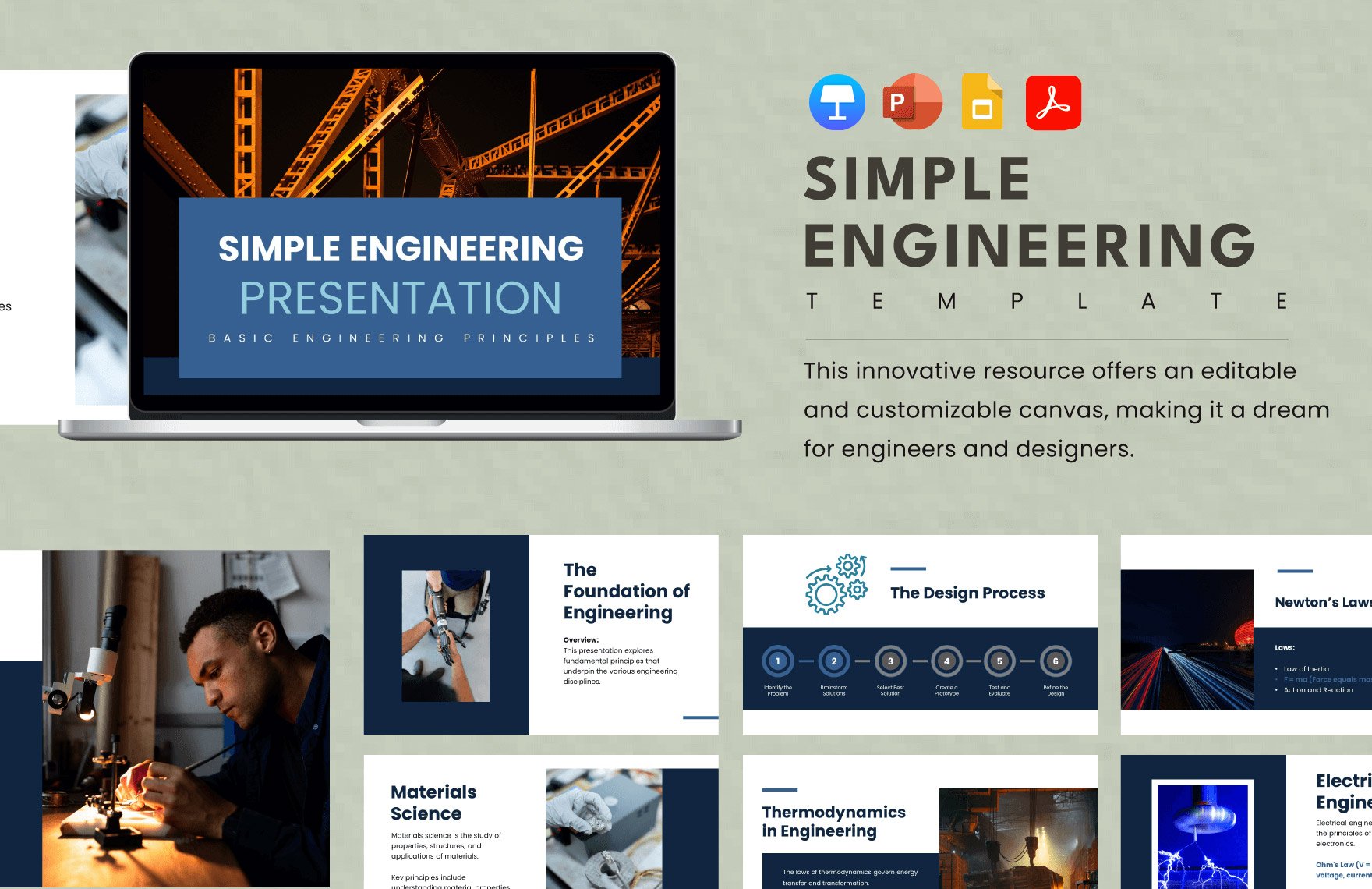
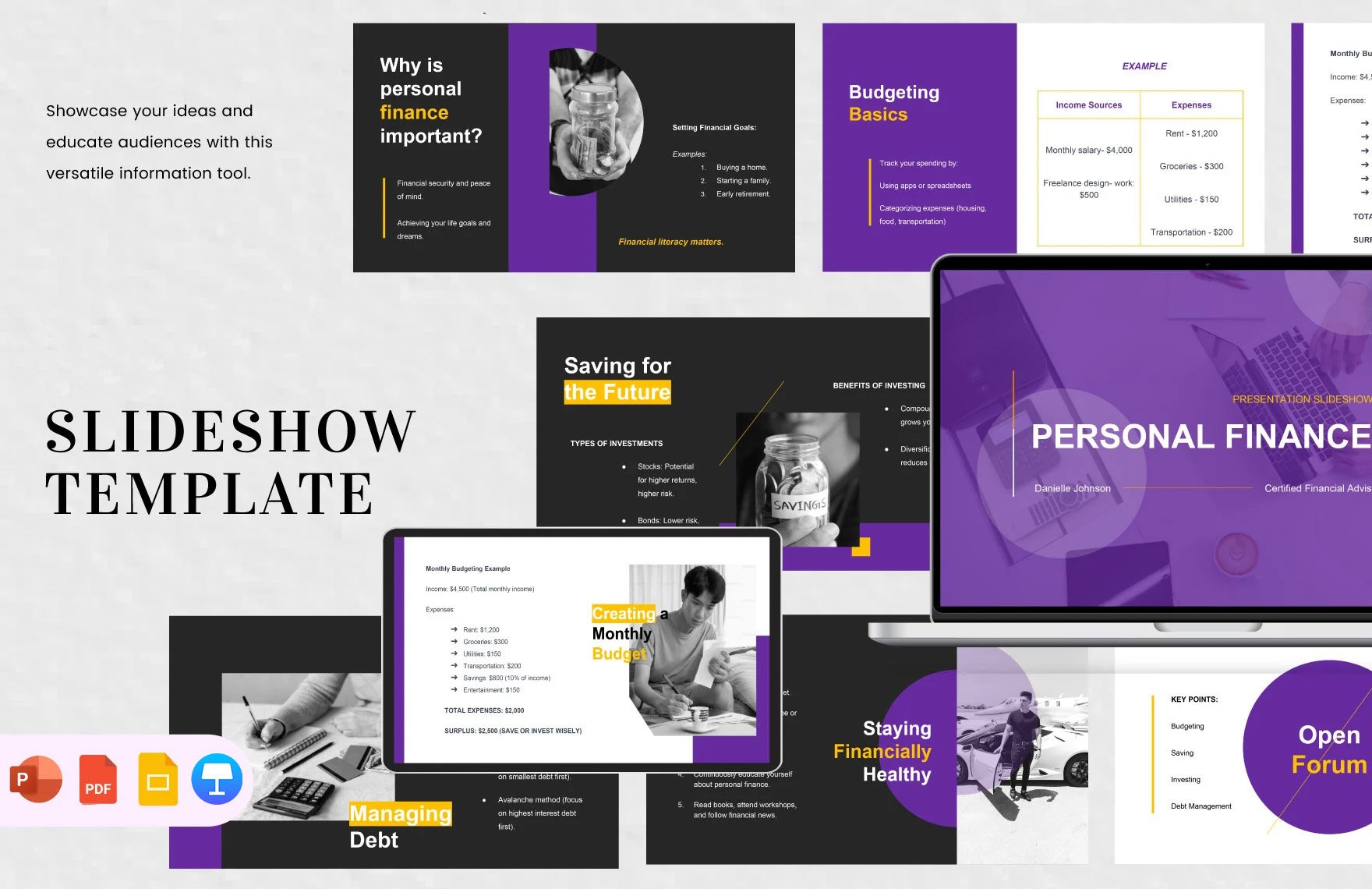
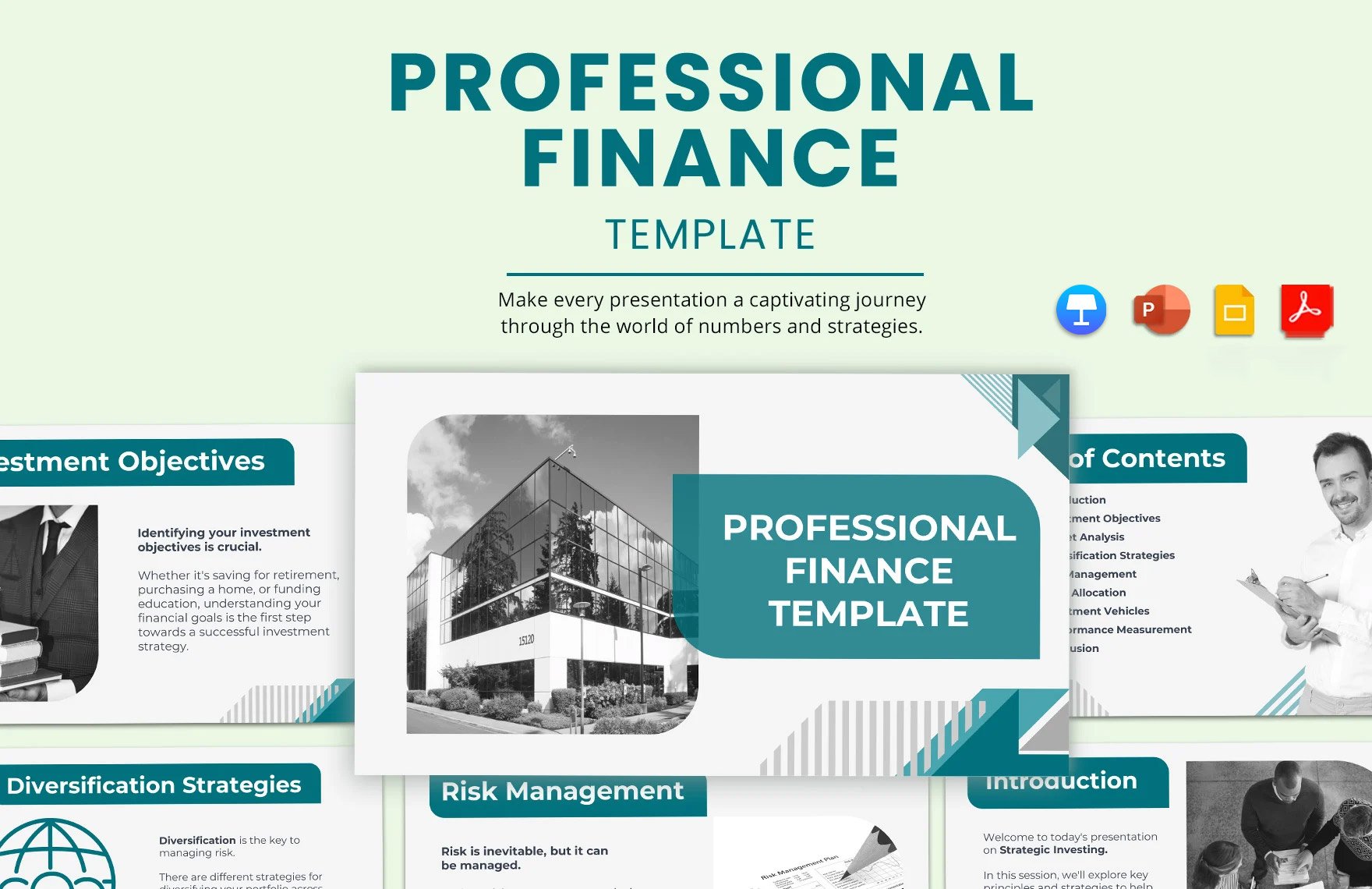
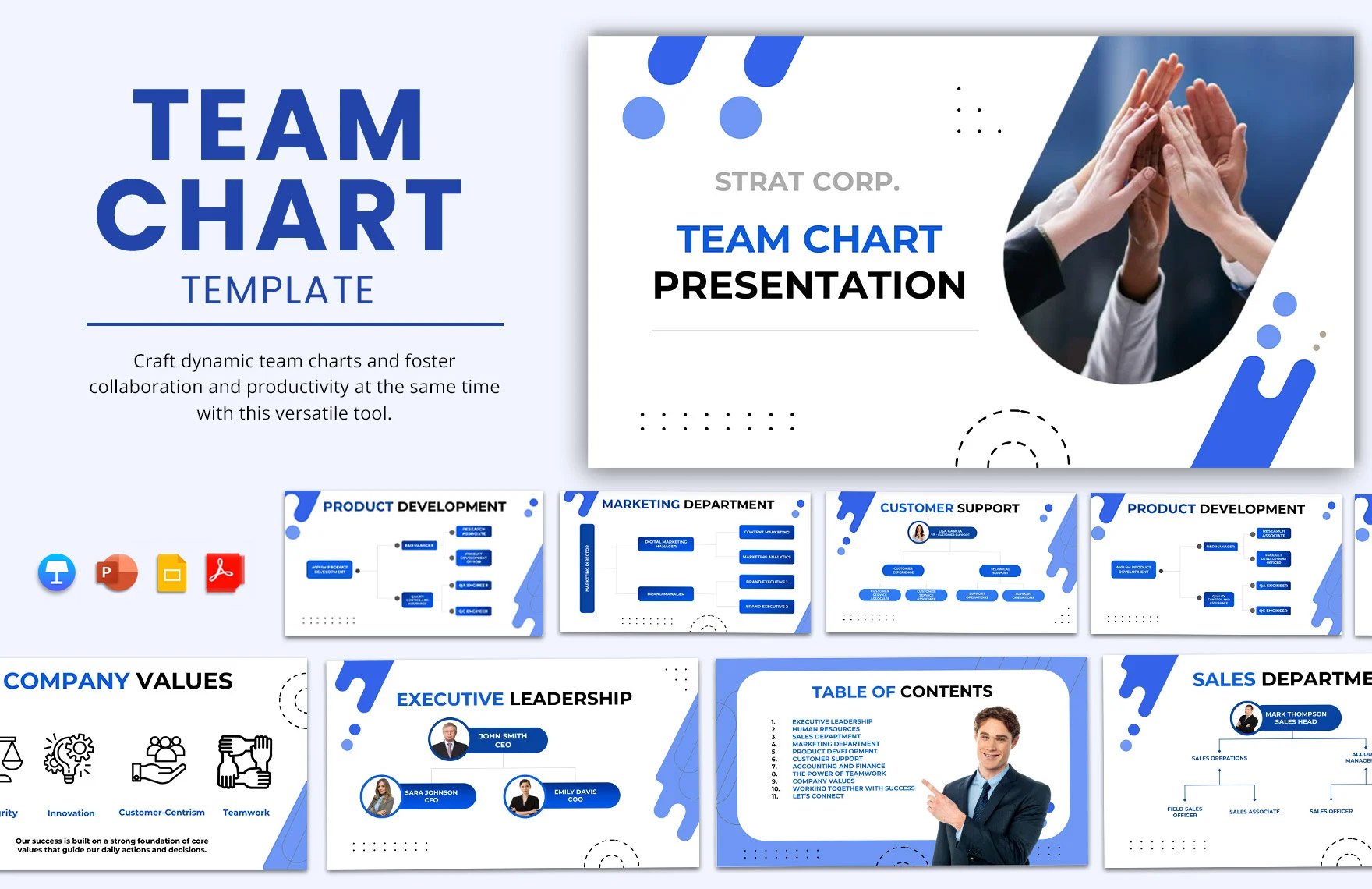
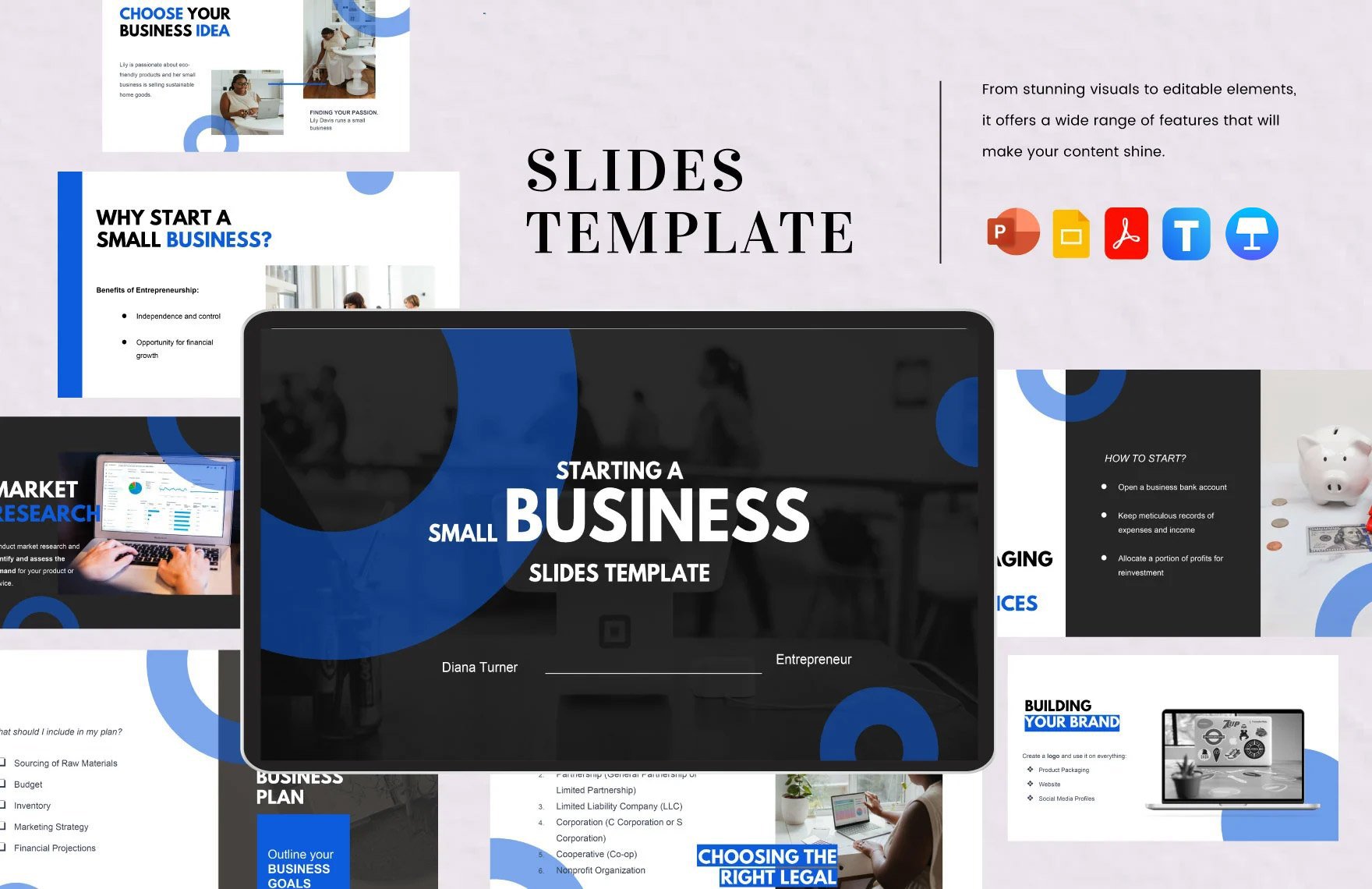
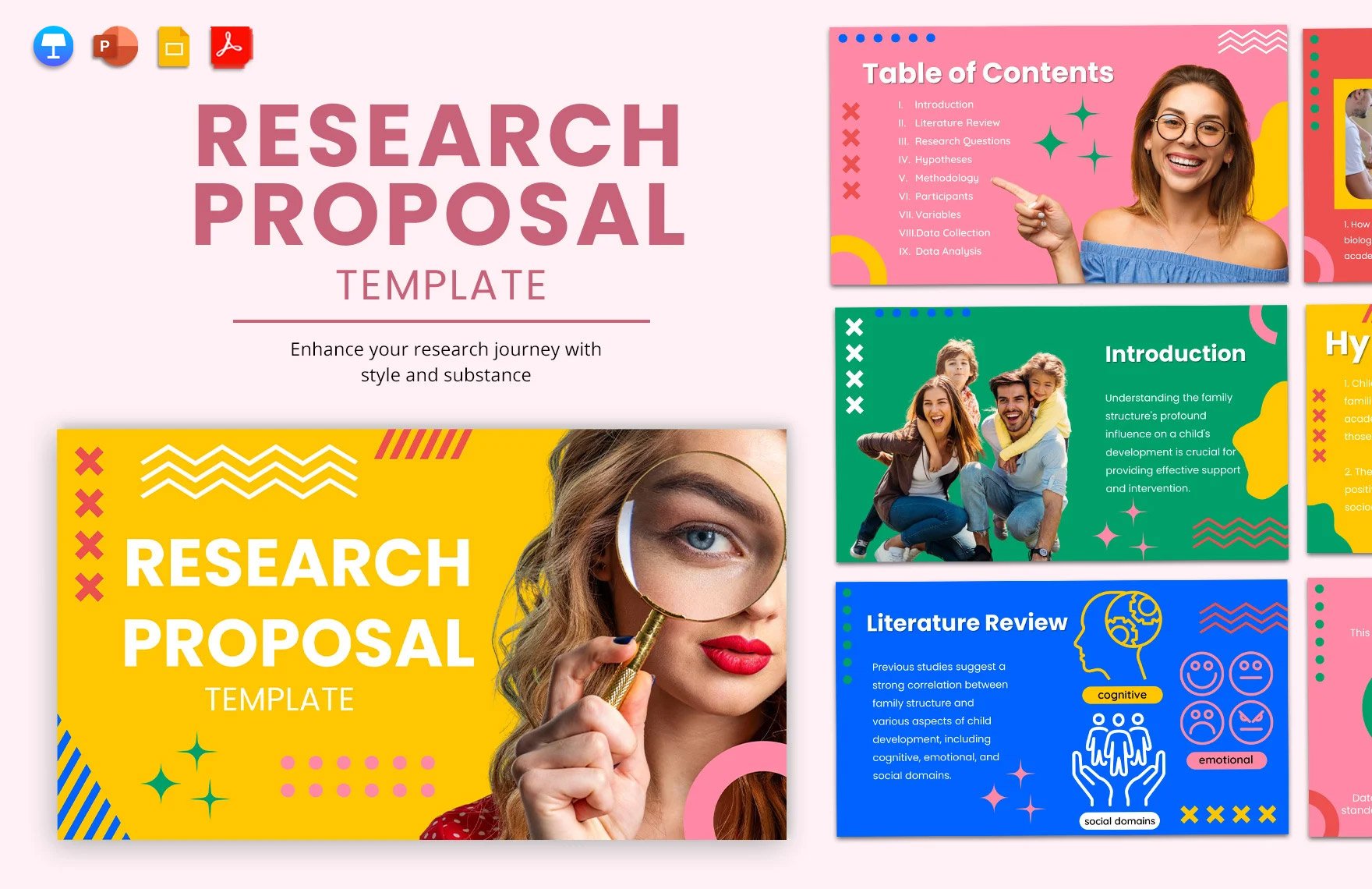
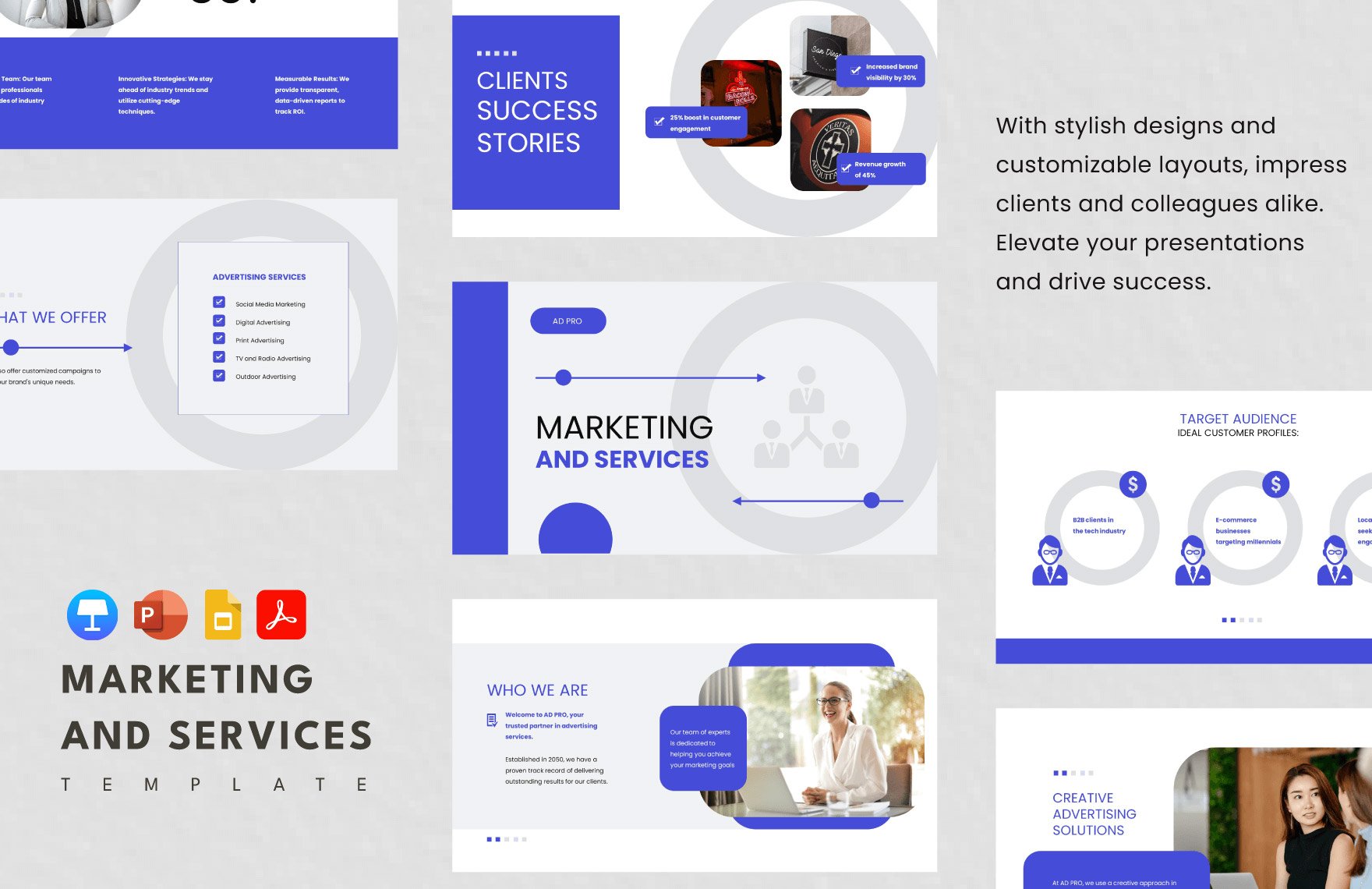
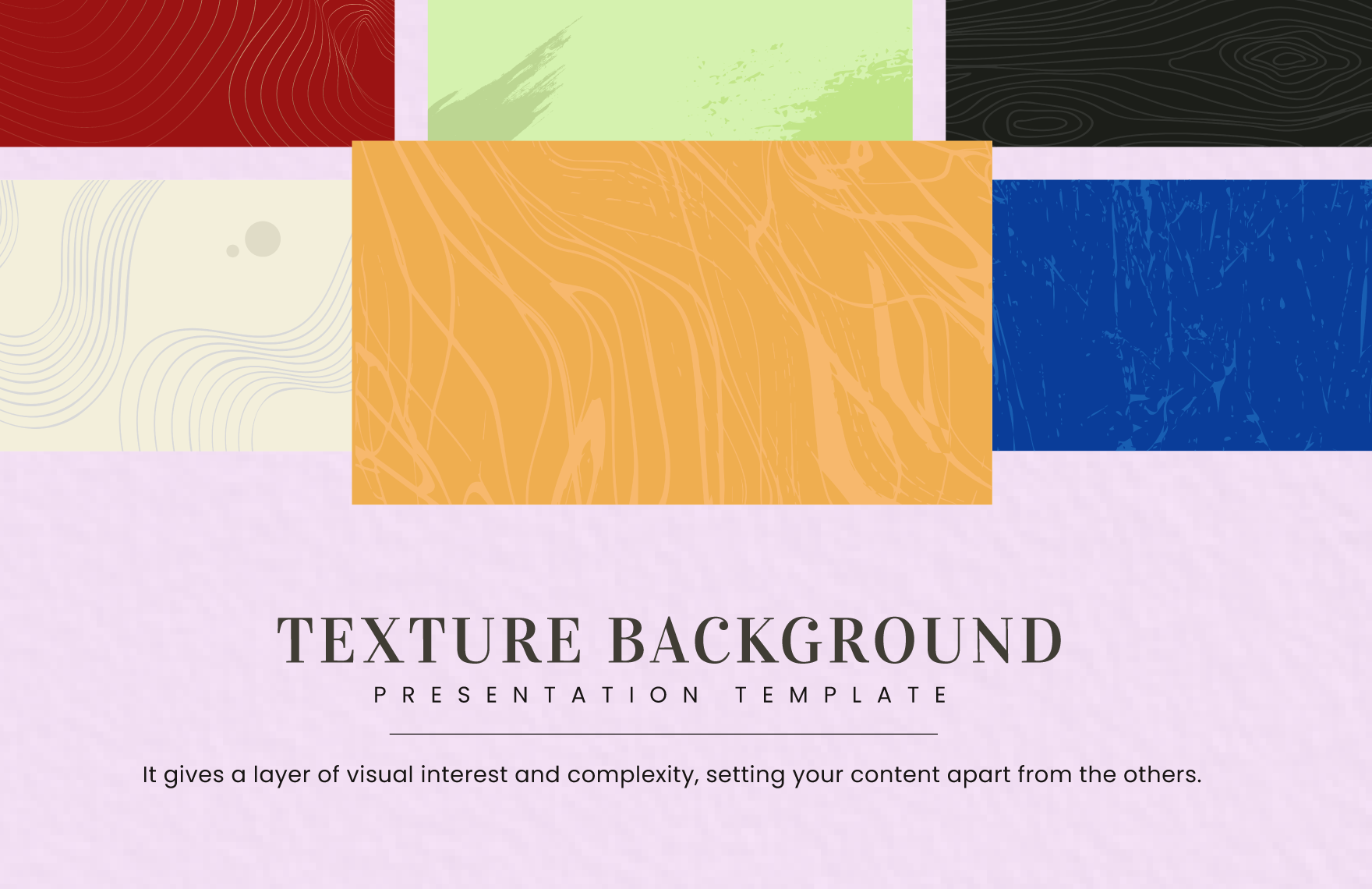
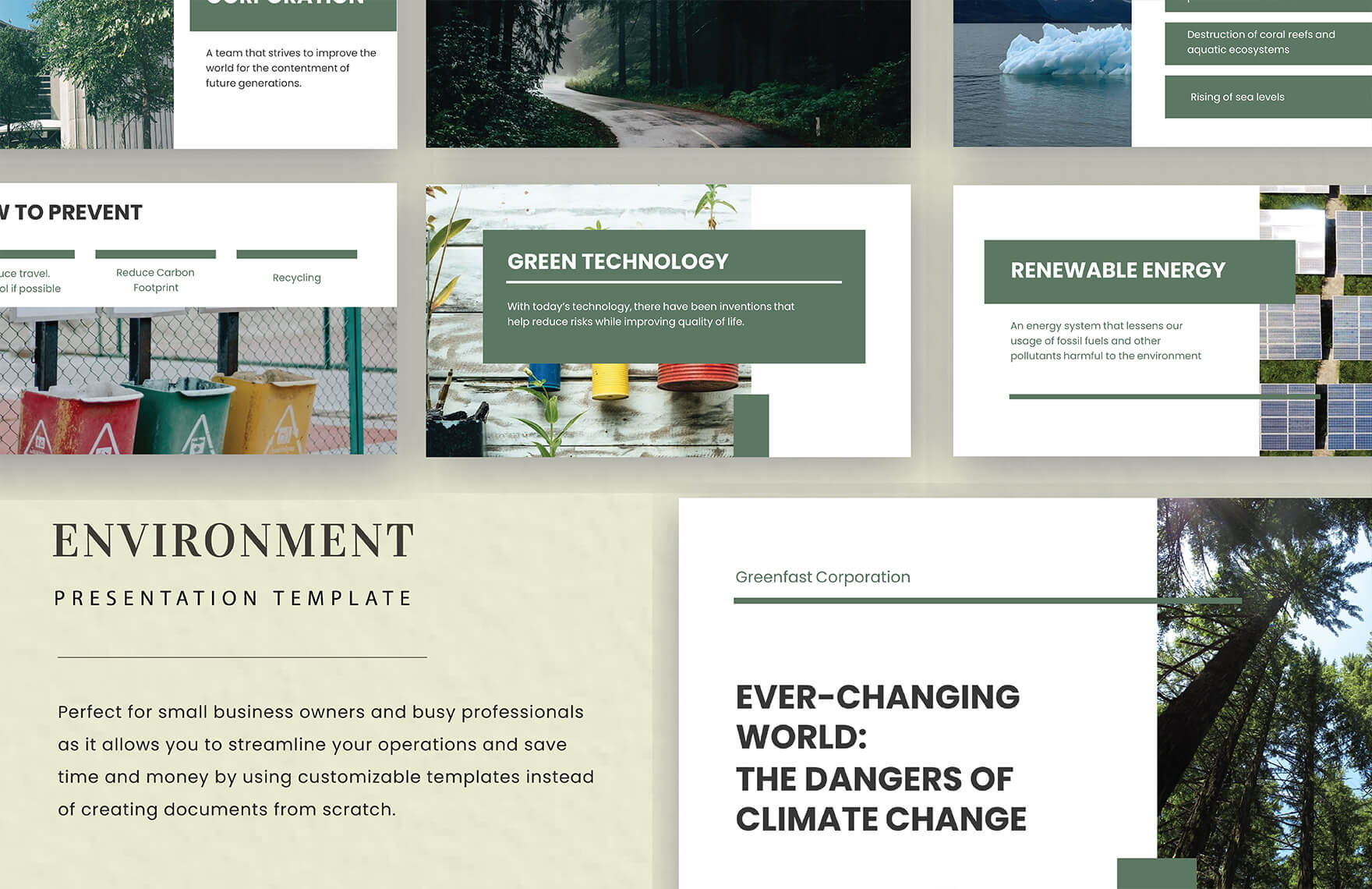
A Slideshow is a professionally designed presentation format in PPT that delivers content visually and dynamically, crafted with professional quality for various uses. Template.net provides customizable Slideshow templates that you can modify and complete directly in your browser without additional software.
What is a Slideshow?
A Slideshow is a sequence of slides created in presentation software like PPT, used to display information visually and sequentially. Slideshow templates help you build structured presentations with consistent design and professional elements.
Why should I use a Slideshow?
You should use a Slideshow to communicate ideas clearly and effectively, combining text, images, and graphics in a dynamic format. Slideshow templates ensure a polished, professional look that enhances audience engagement and comprehension.
Who uses Slideshow?
Slideshow users include professionals, educators, marketers, and students who need to present ideas, reports, or projects visually. These templates support various industries and workflows requiring clear and attractive communication tools.
What are the best tips for completing my Slideshow?
To complete your Slideshow effectively, focus on clarity, consistency, and engagement. Use concise text, high-quality images, and balanced layouts. Follow your template’s structure, customize colors and fonts to match your brand, and rehearse timing for smooth delivery.
Can I create a Slideshow using AI?
Yes, you can create a Slideshow using AI tools like the AI Slideshow Presentation Generator on Template.net, which helps automate slide creation and design for faster, customizable presentations.
When should I use a Slideshow?
You should use a Slideshow when presenting information that benefits from visual support, such as business reports, training sessions, marketing pitches, or educational lectures. Slideshows help organize content and maintain audience attention during presentations.
What are the essential elements of a Slideshow?
Essential elements of a Slideshow include a title slide, agenda or overview, content slides with text and visuals, transitions, and a conclusion or call to action. These elements create a clear, logical flow that supports your message.
How is Slideshow used in professional workflows?
Slideshow is used in professional workflows to present project updates, sales pitches, training materials, and strategic plans. Customizable templates streamline preparation, ensuring consistent branding and efficient communication across teams.
What are common use cases for Slideshow?
Common use cases for Slideshow include business presentations, educational lessons, marketing proposals, product demos, and conference talks. Templates ensure you can quickly tailor slides to your specific audience and purpose.
