Free Table of Content Templates: Customizable Design Guide, Sizes, and Download Formats

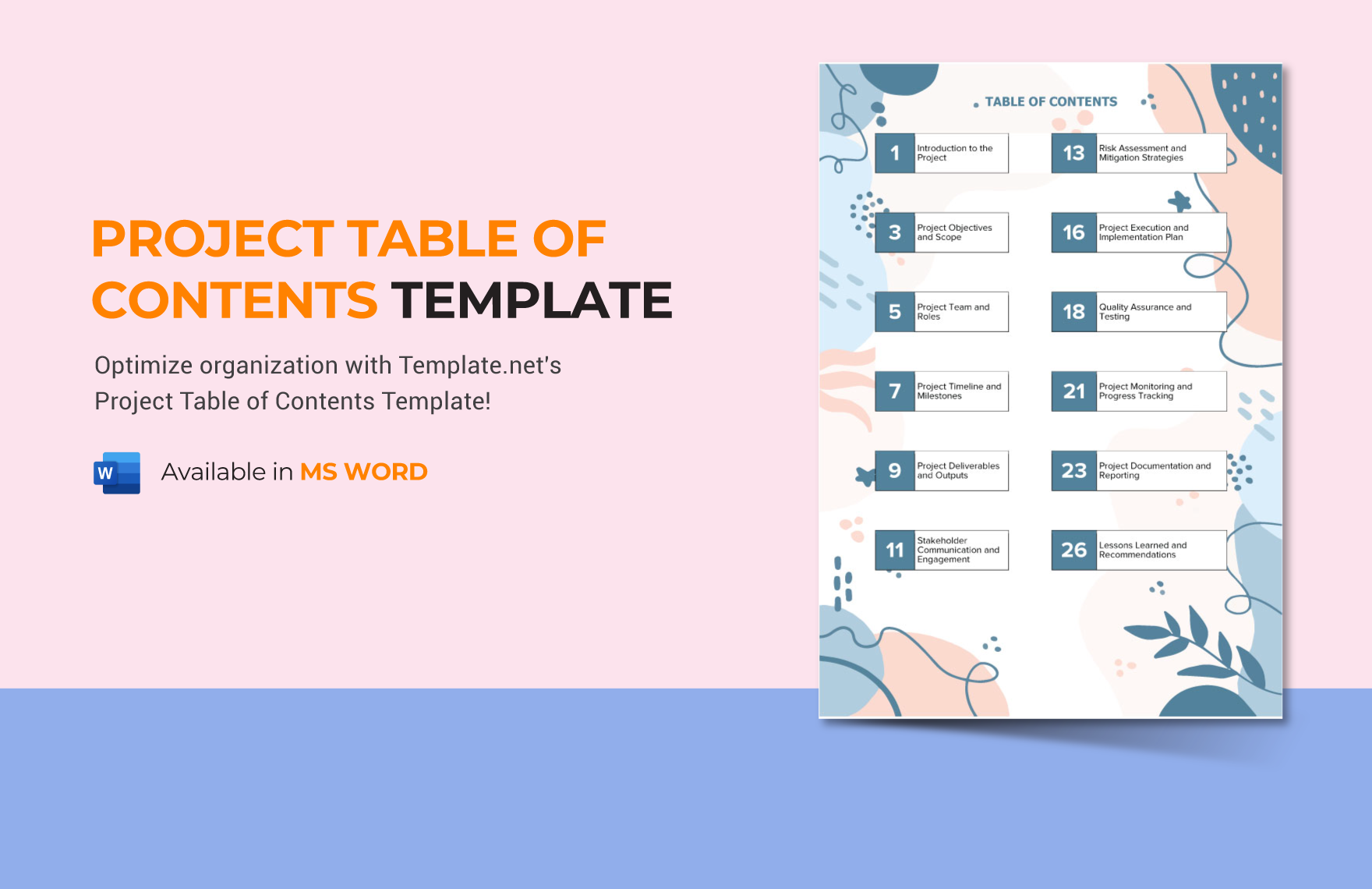
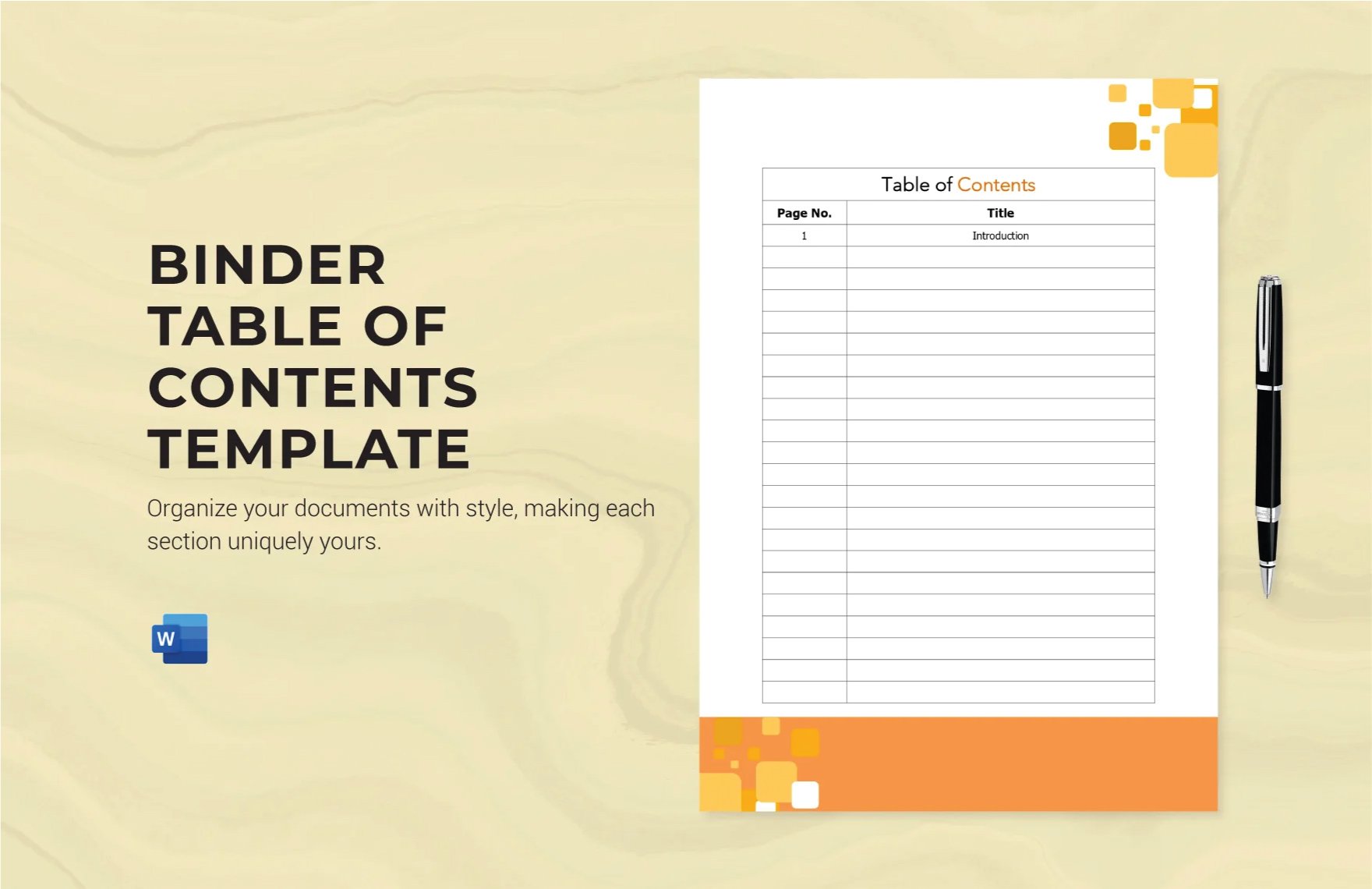
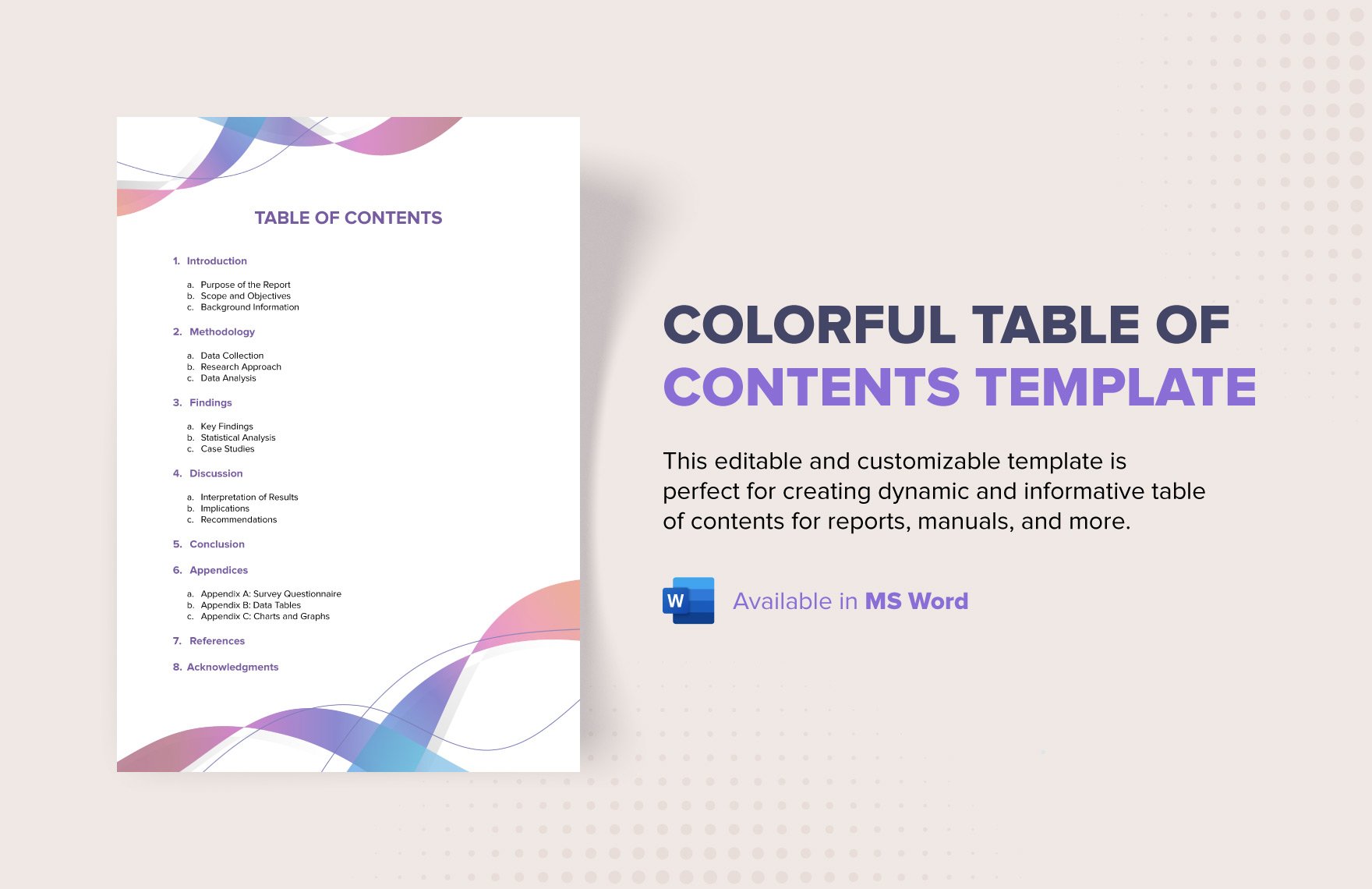
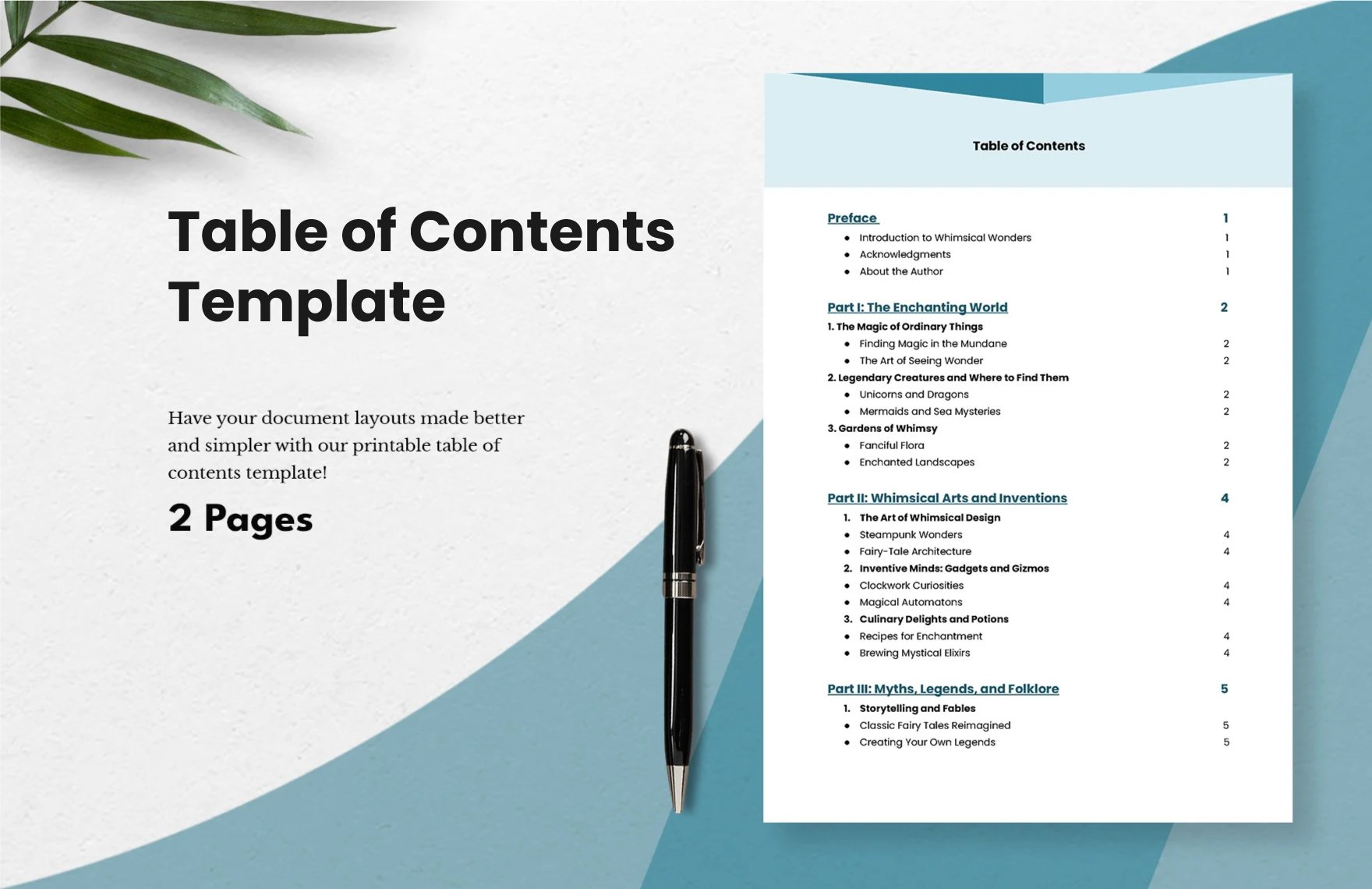
Table of Content templates are structured outlines that organize the sections of a document for easy navigation. Template.net provides customizable online templates for Table of Contents that you can edit directly in your browser.
feature icon

What is a Table of Content?

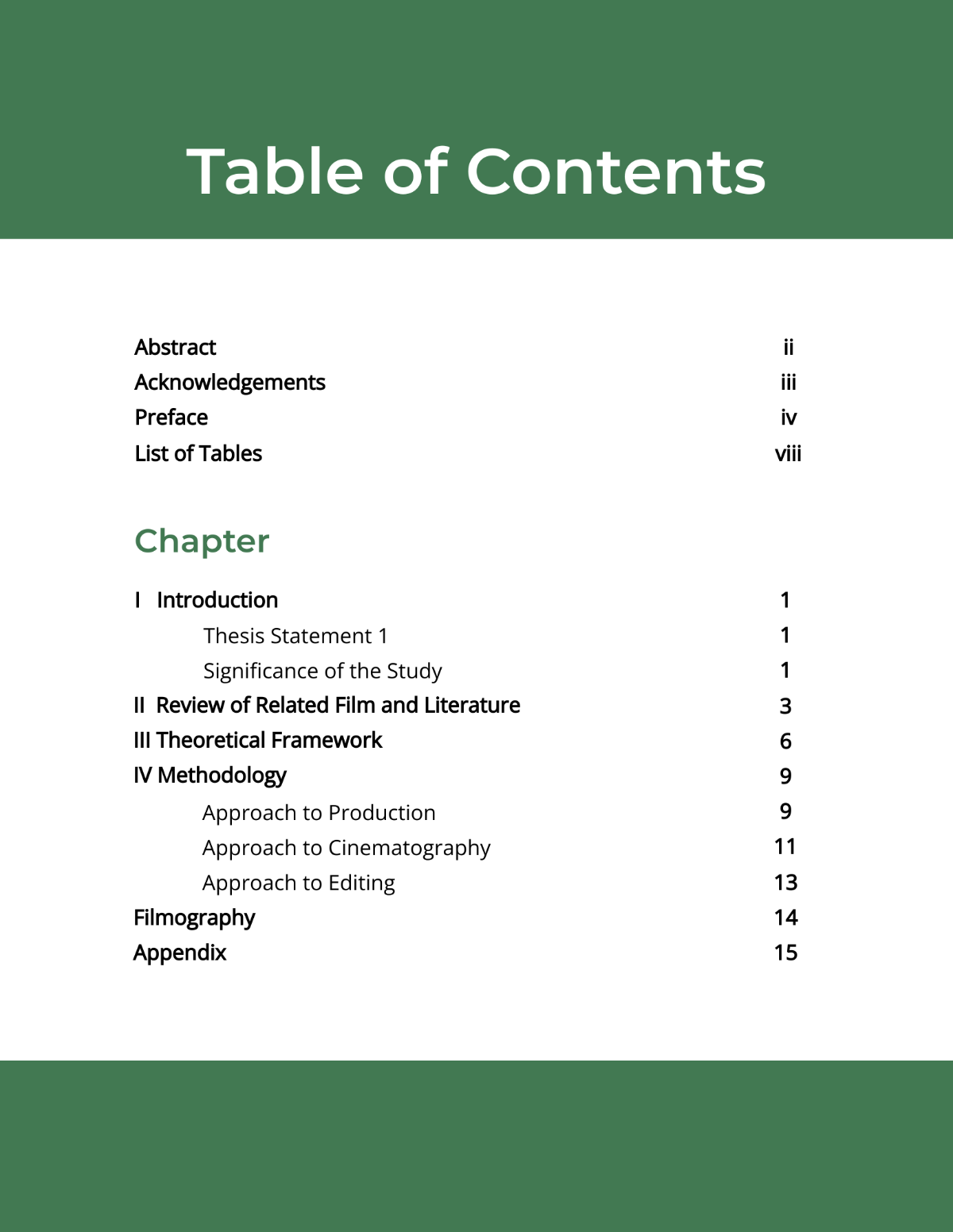
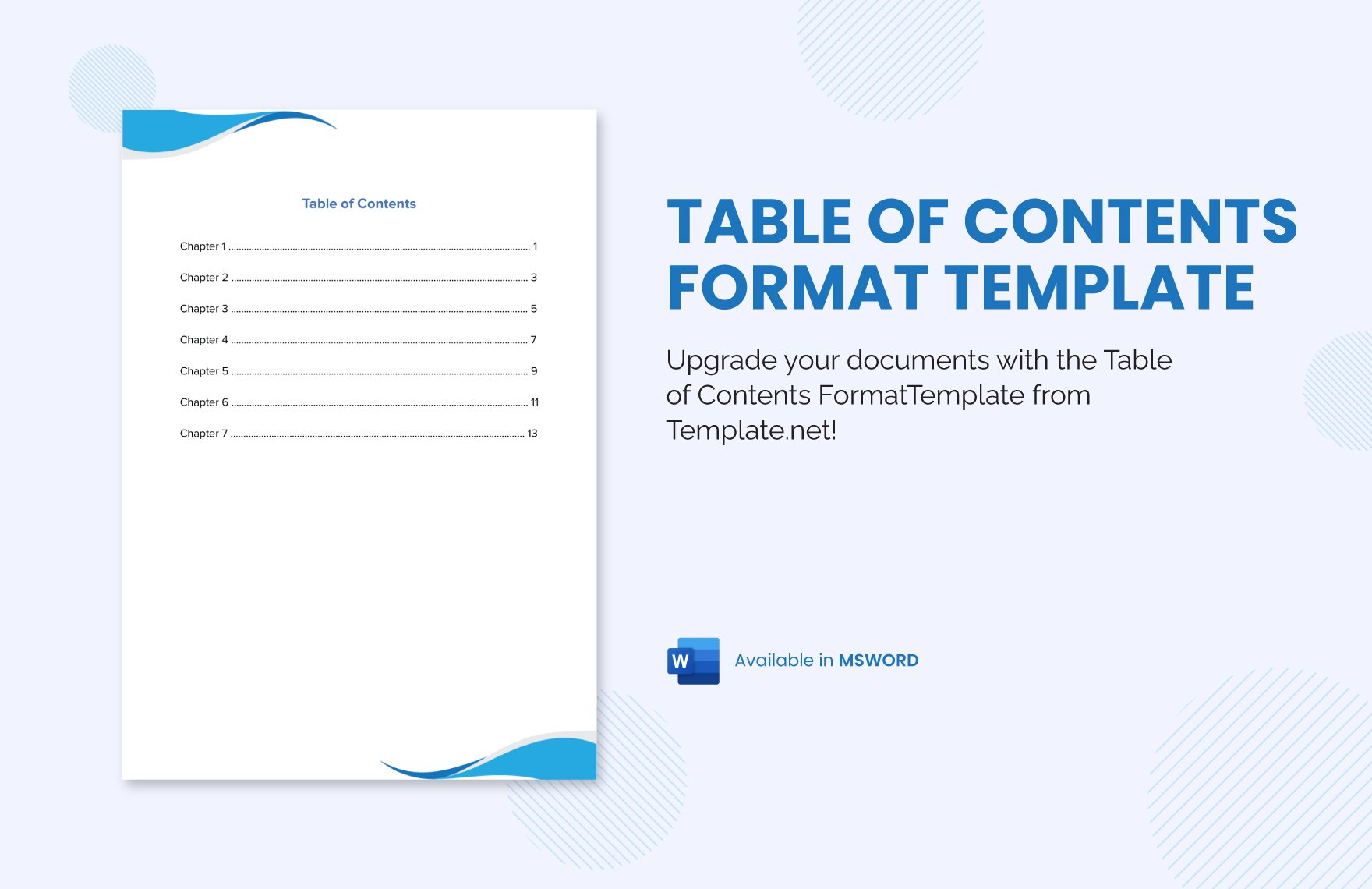
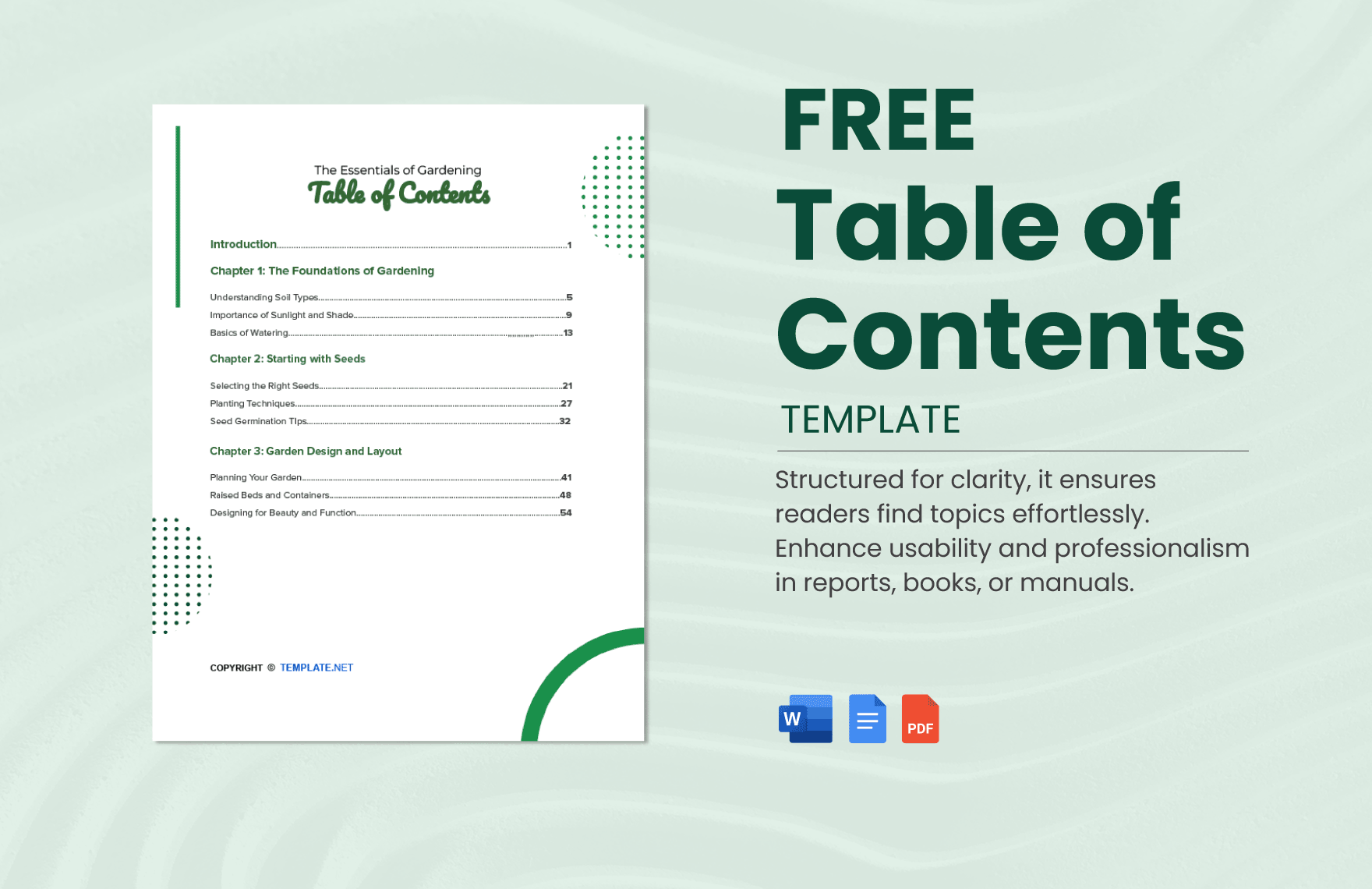
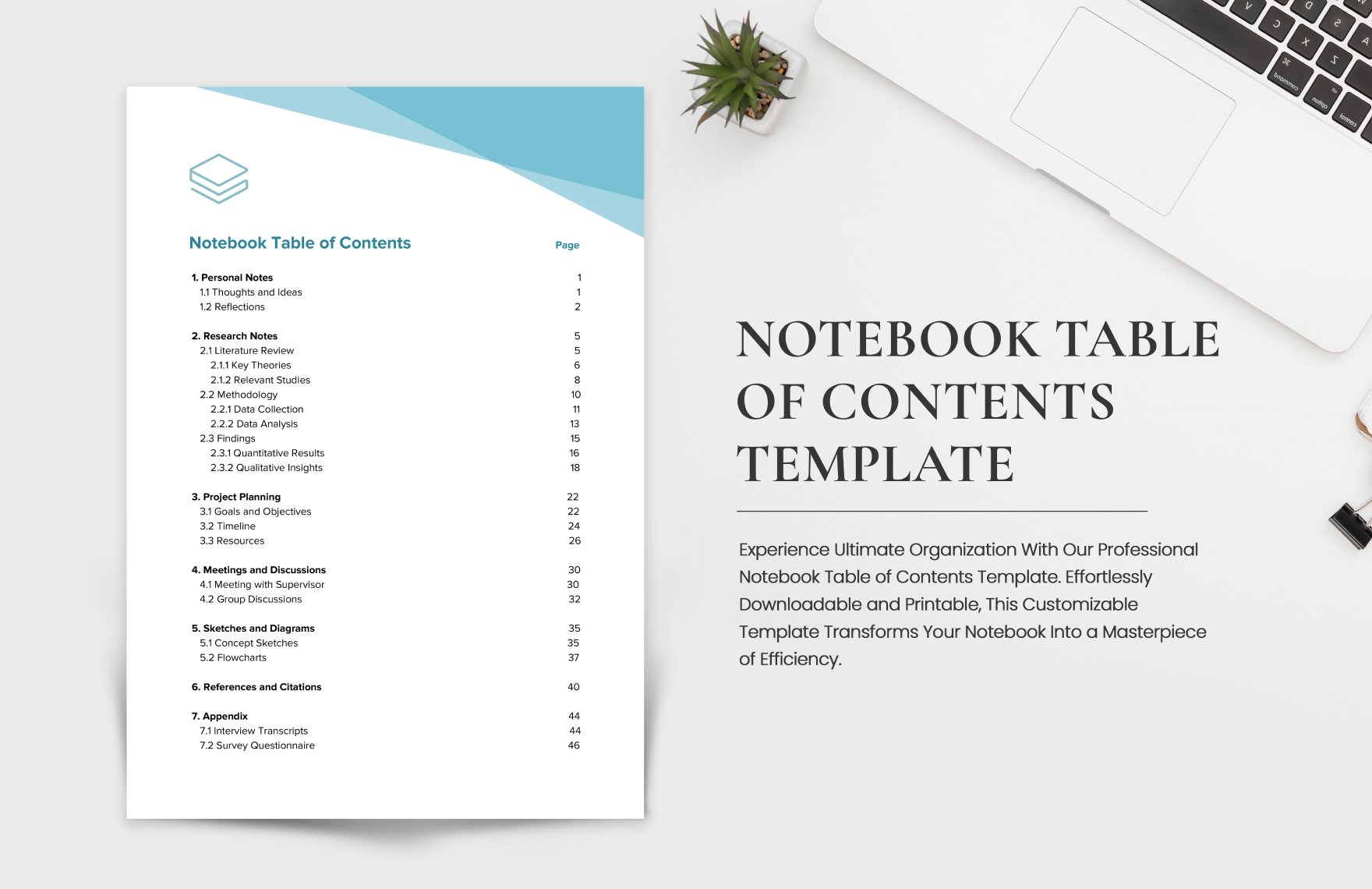
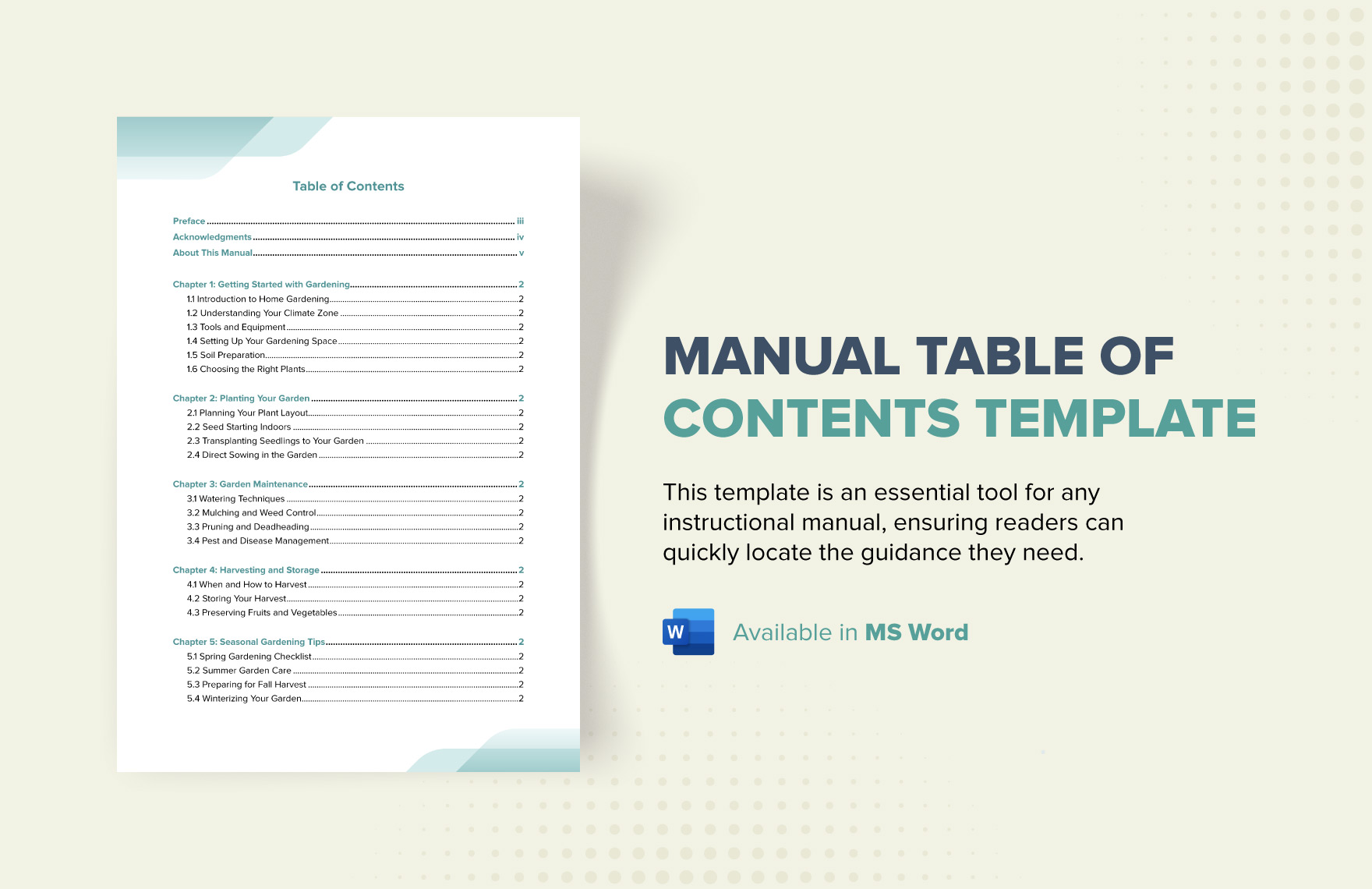
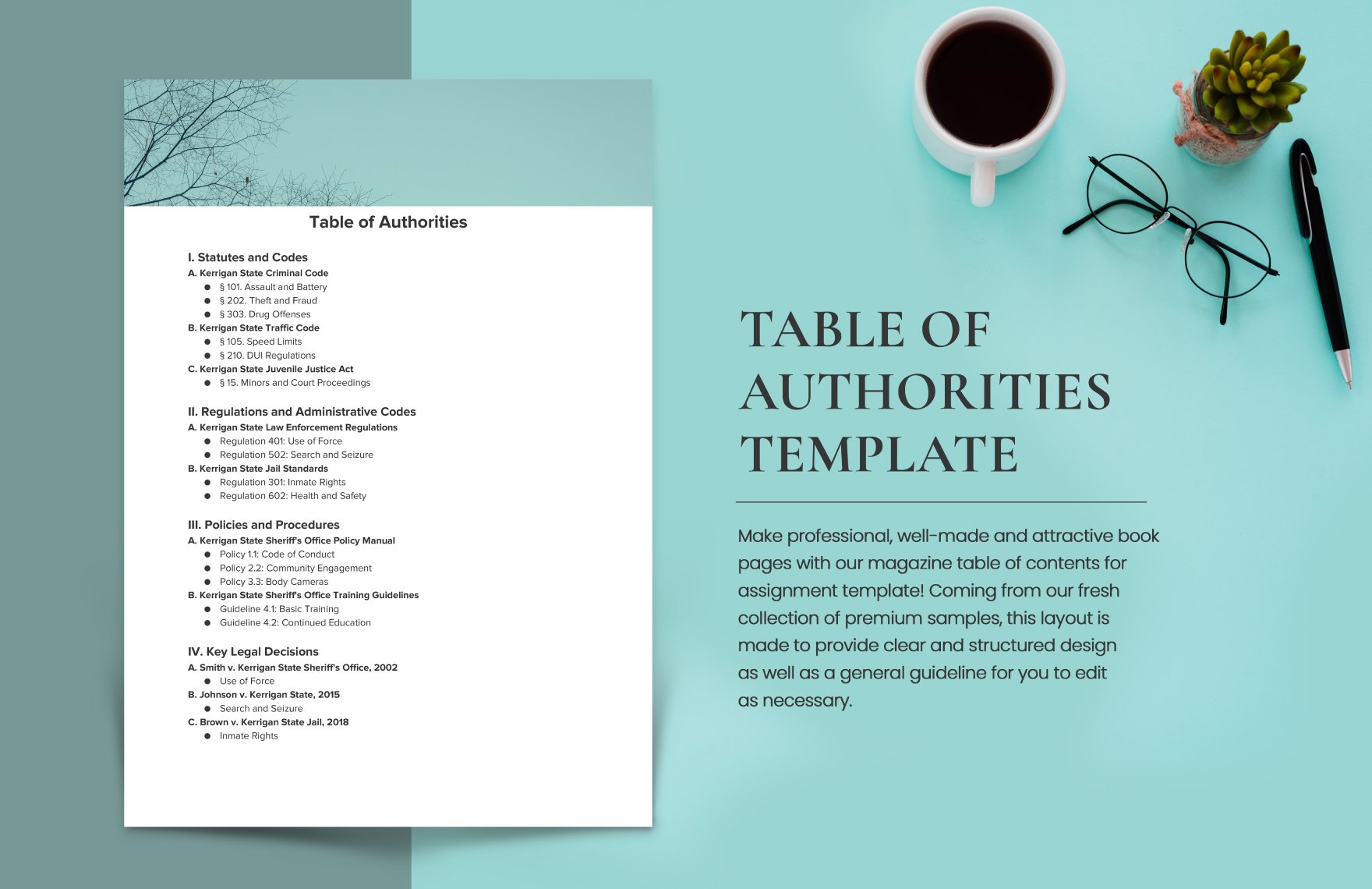
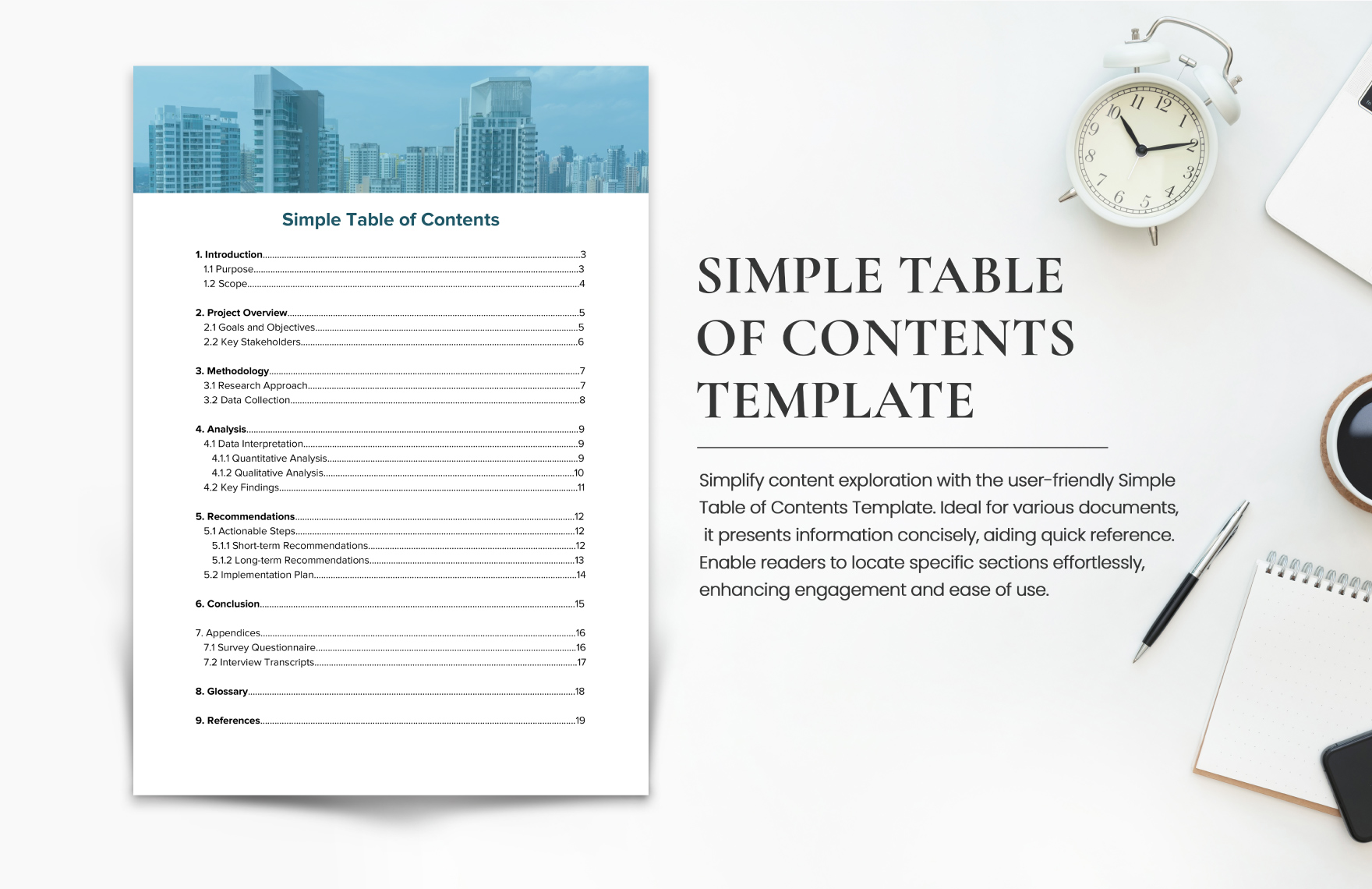
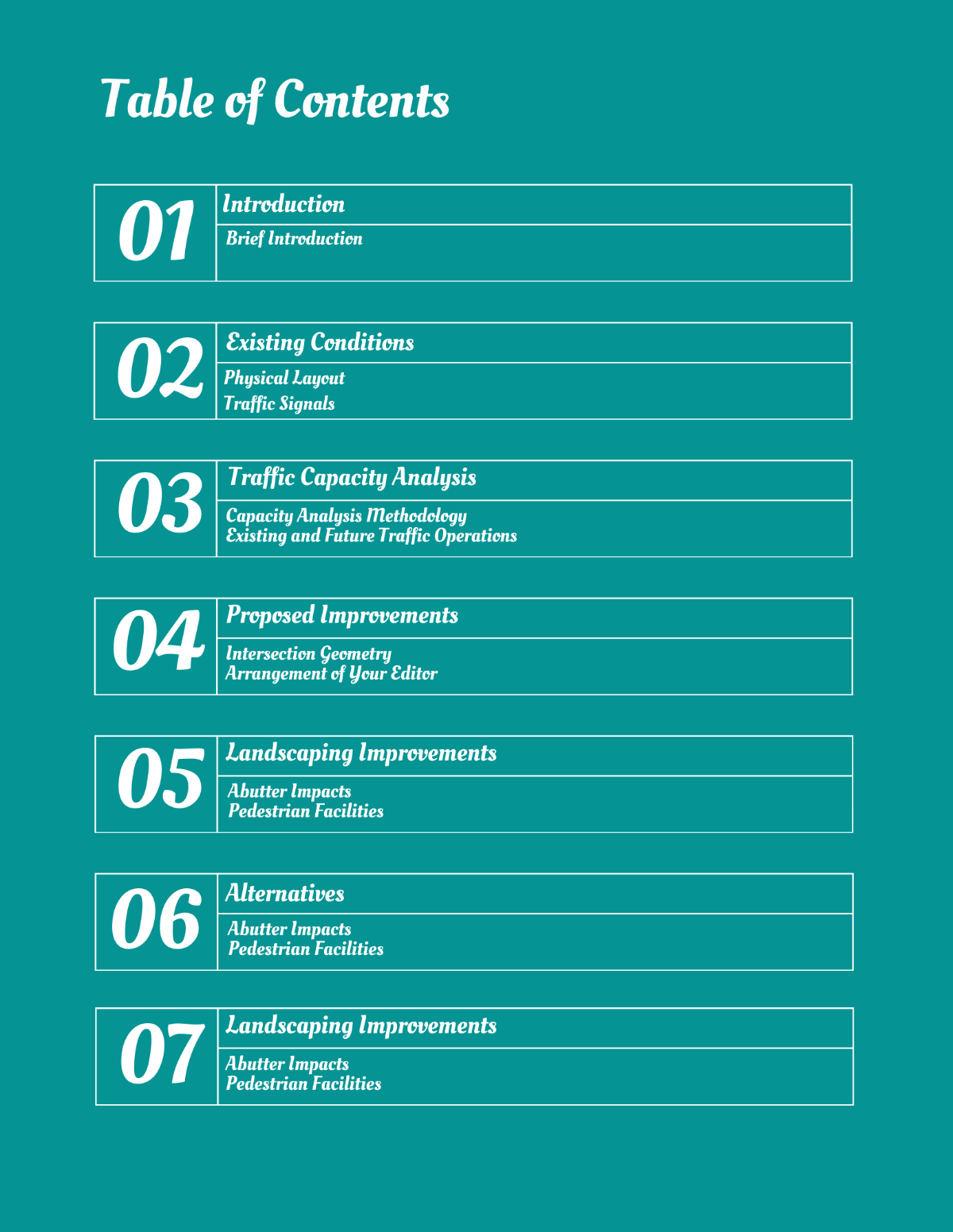
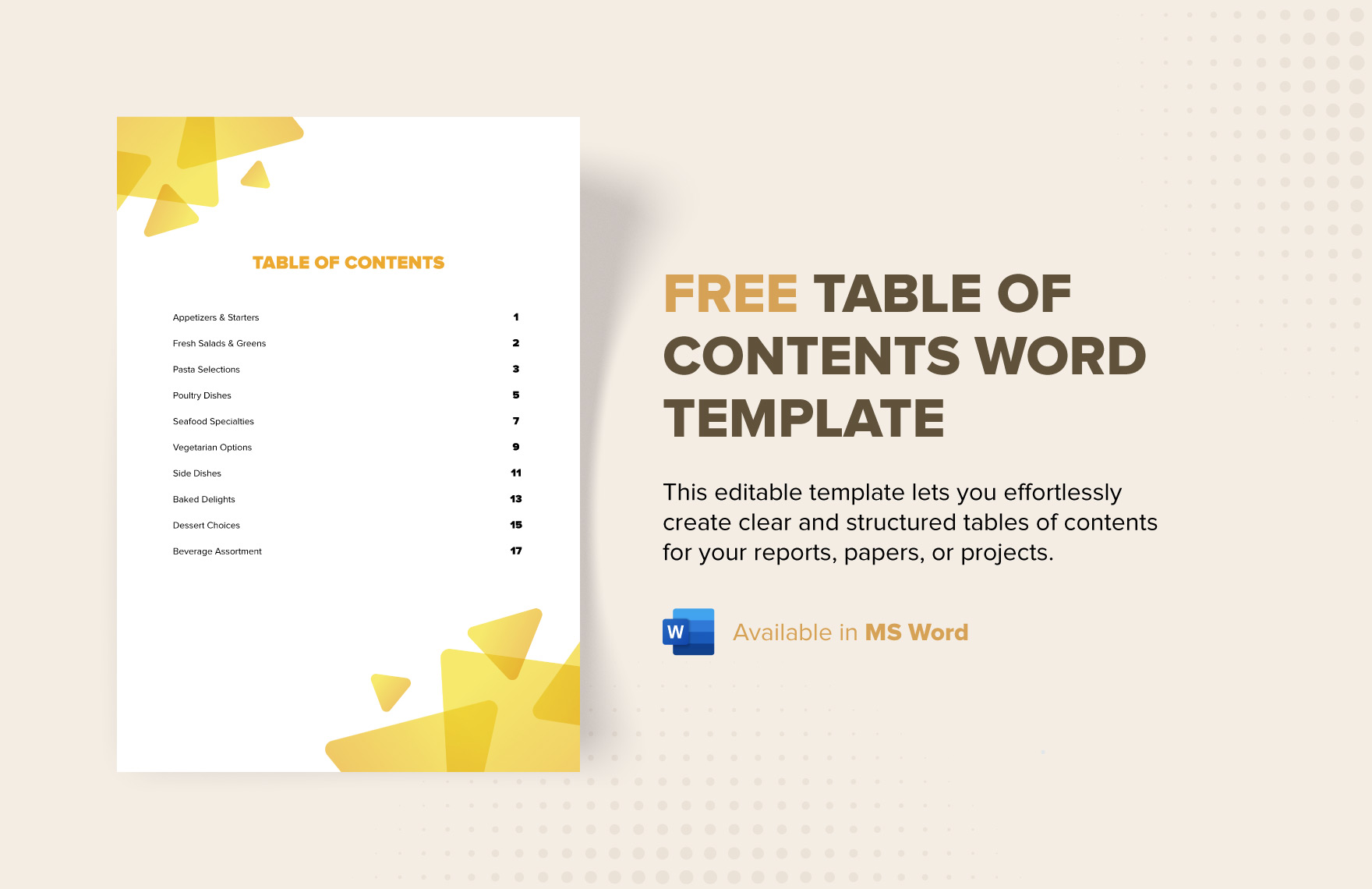
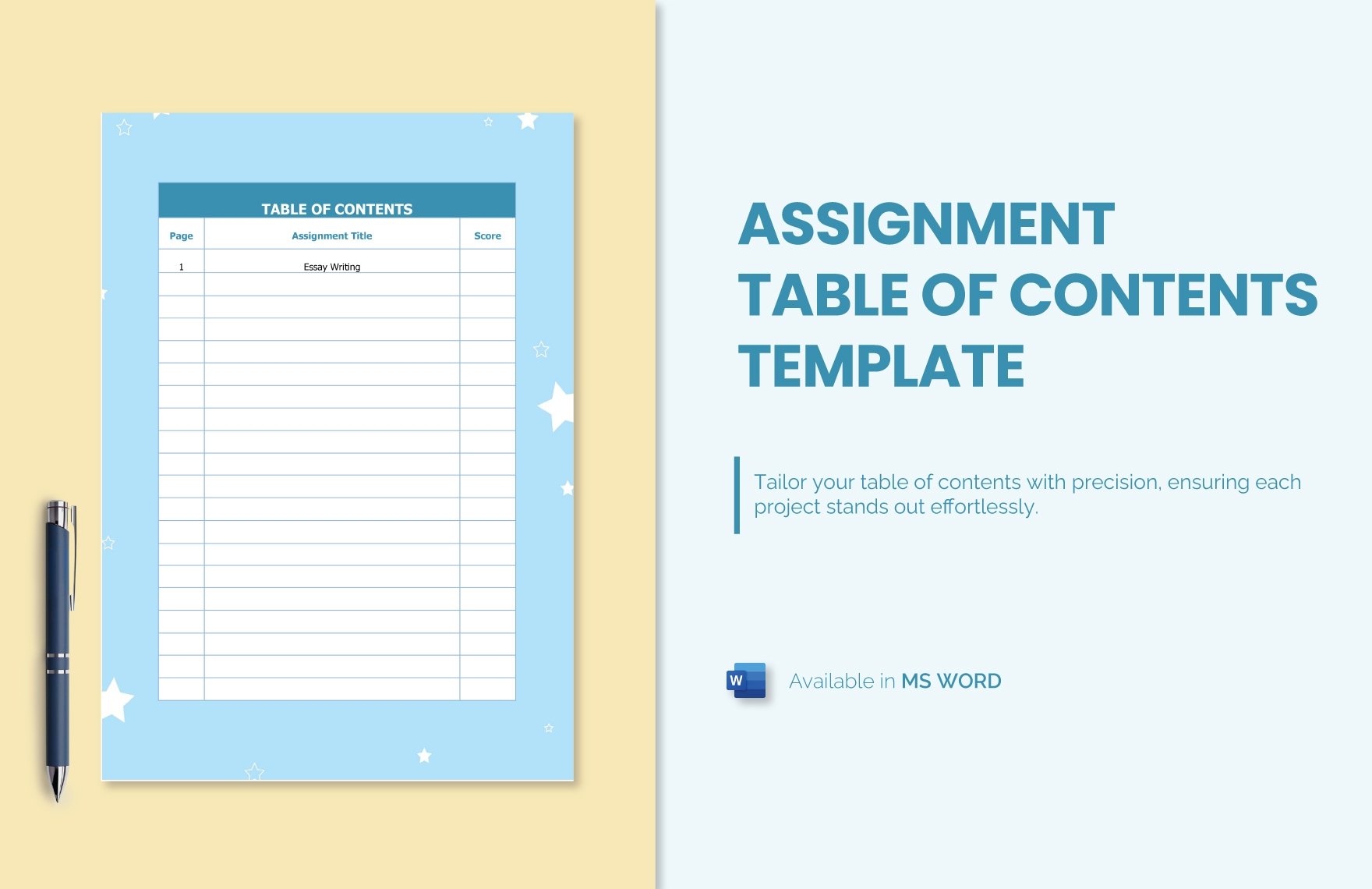
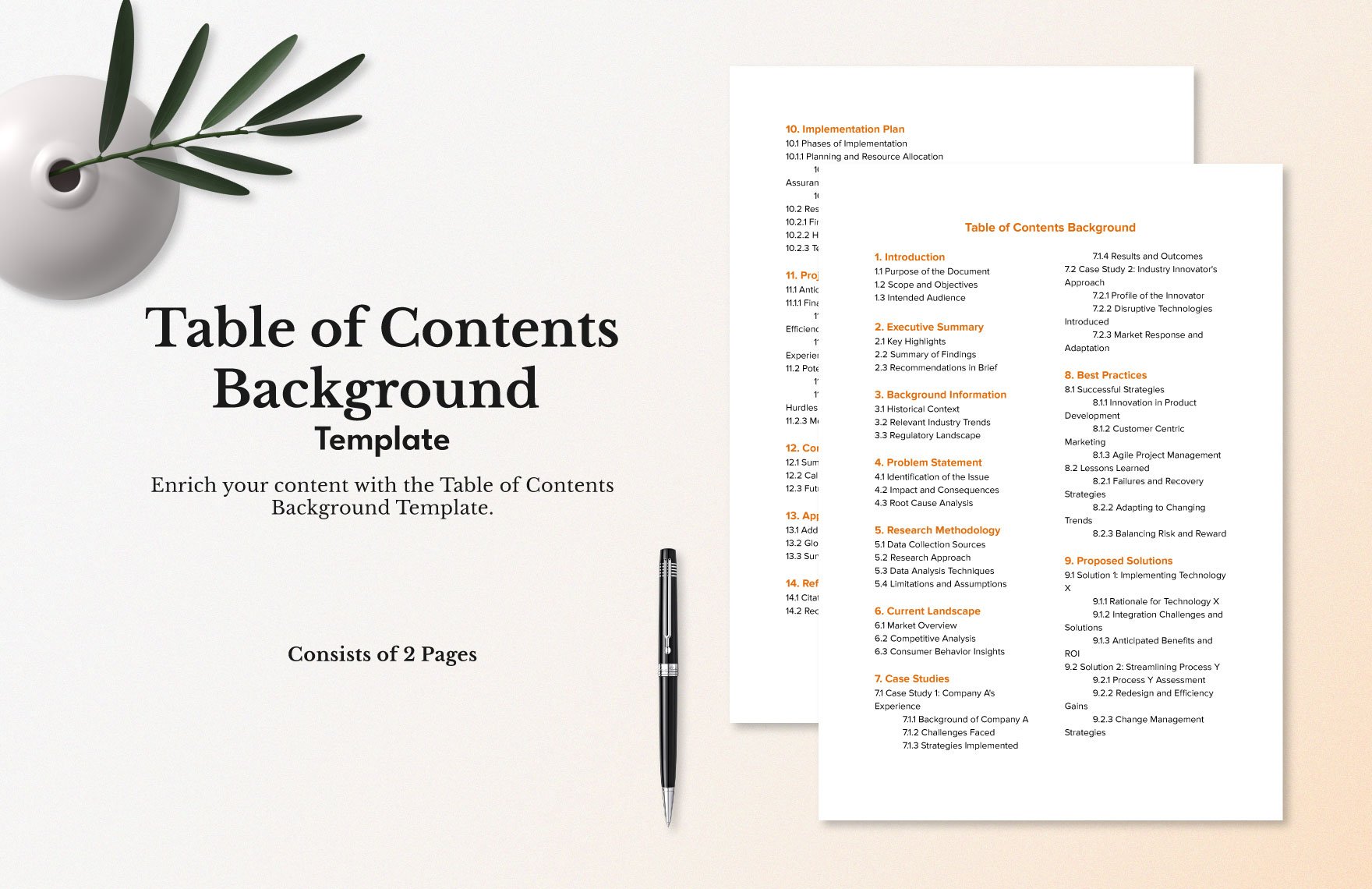
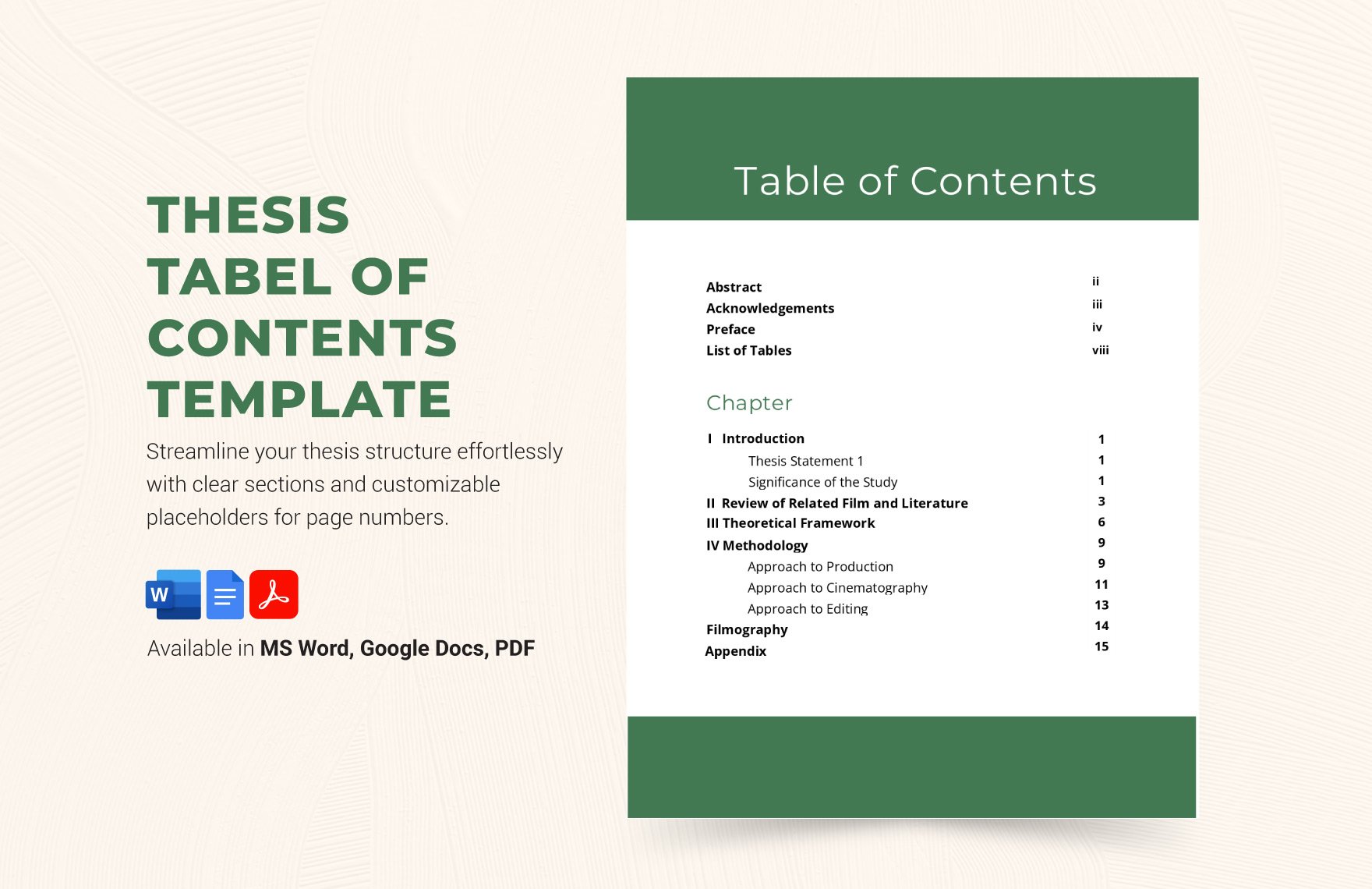
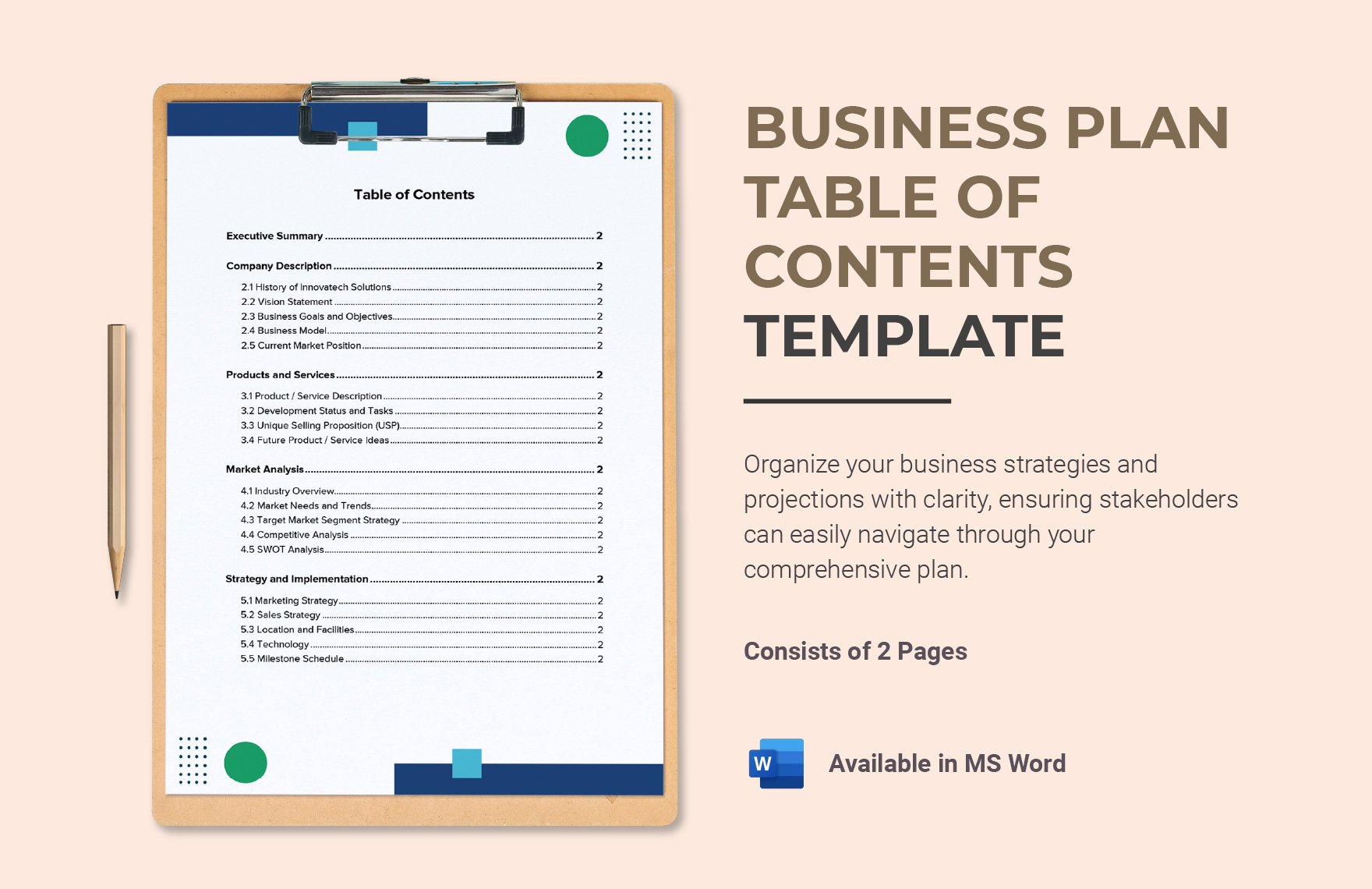
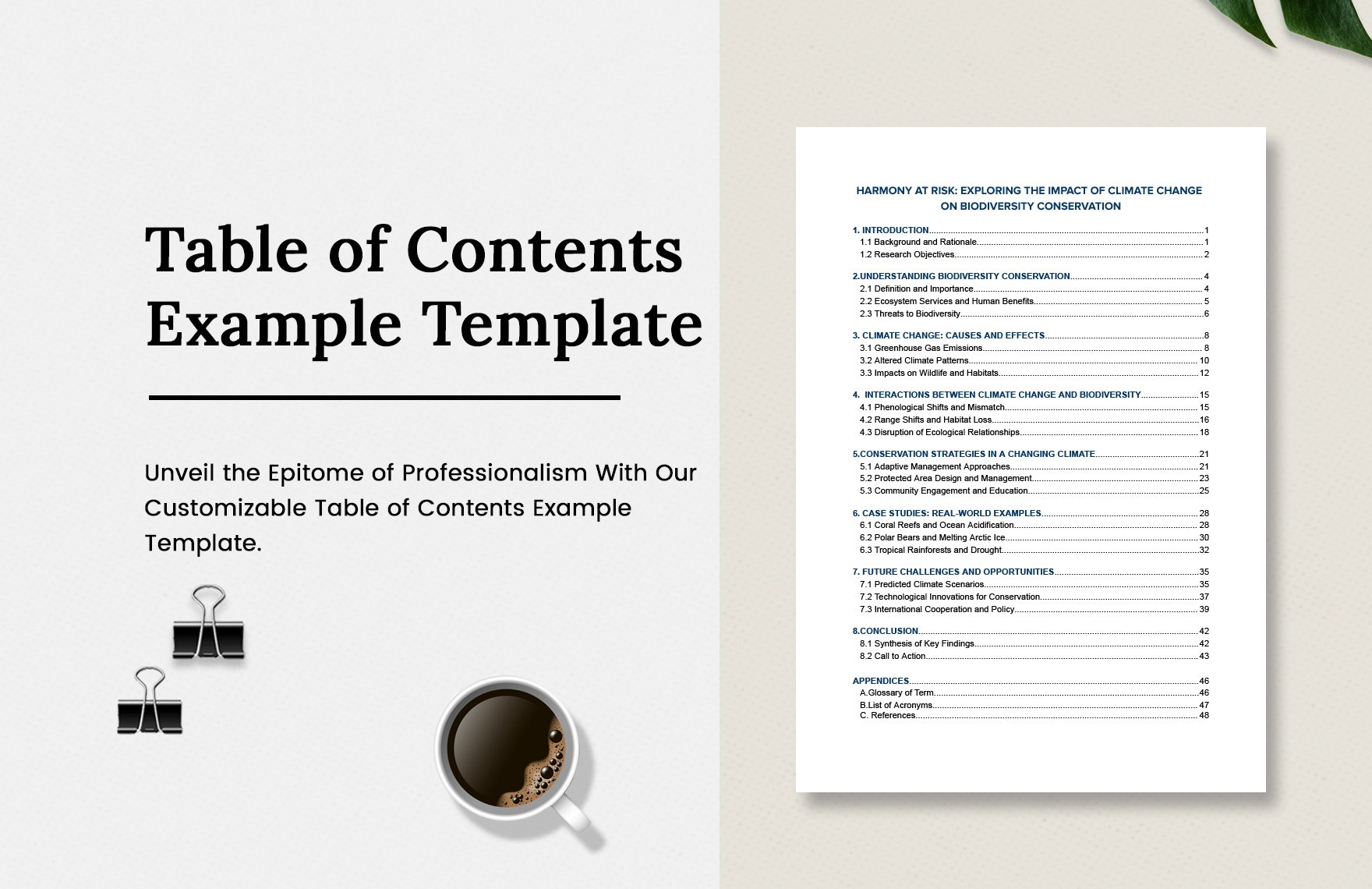
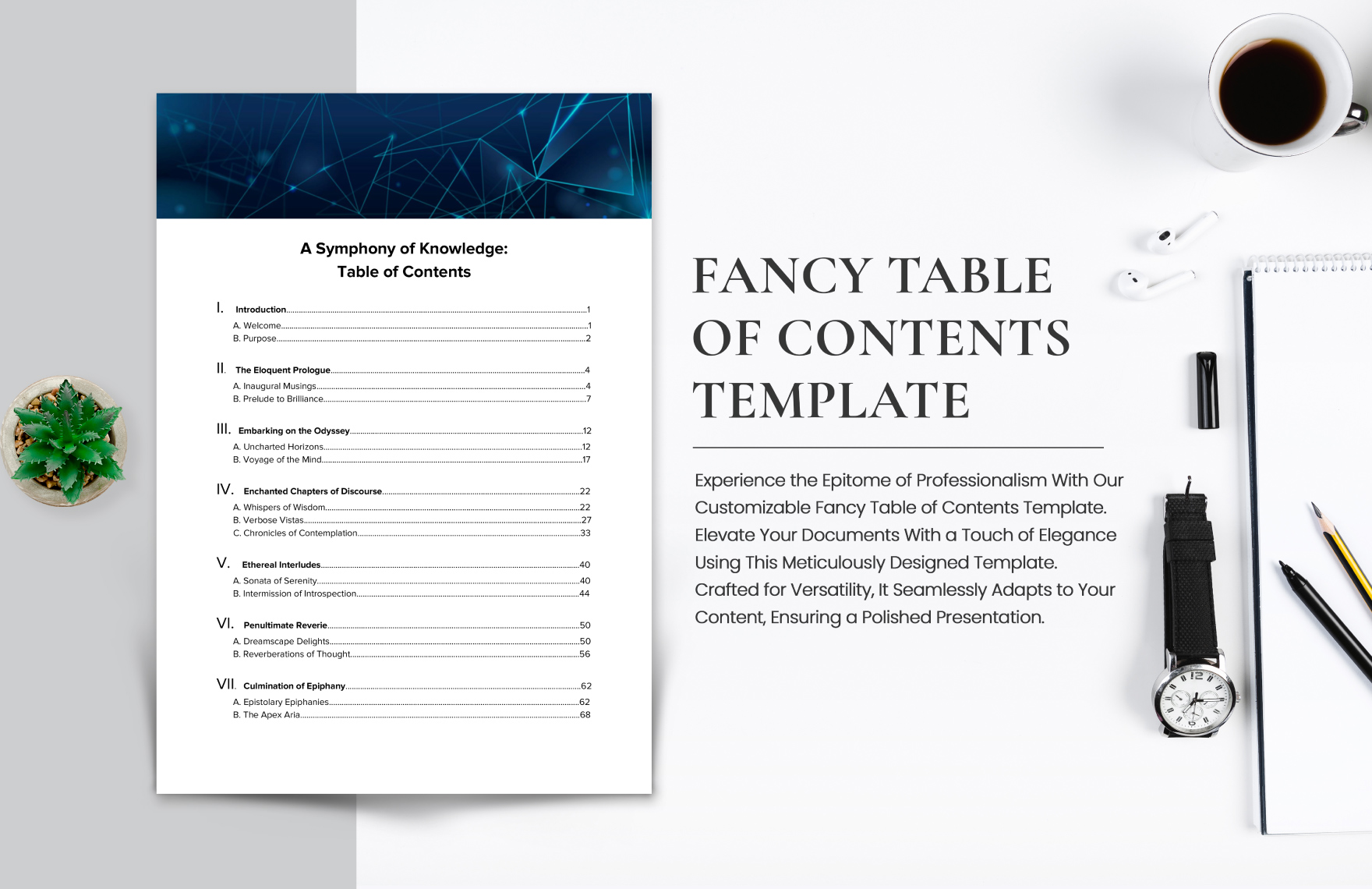
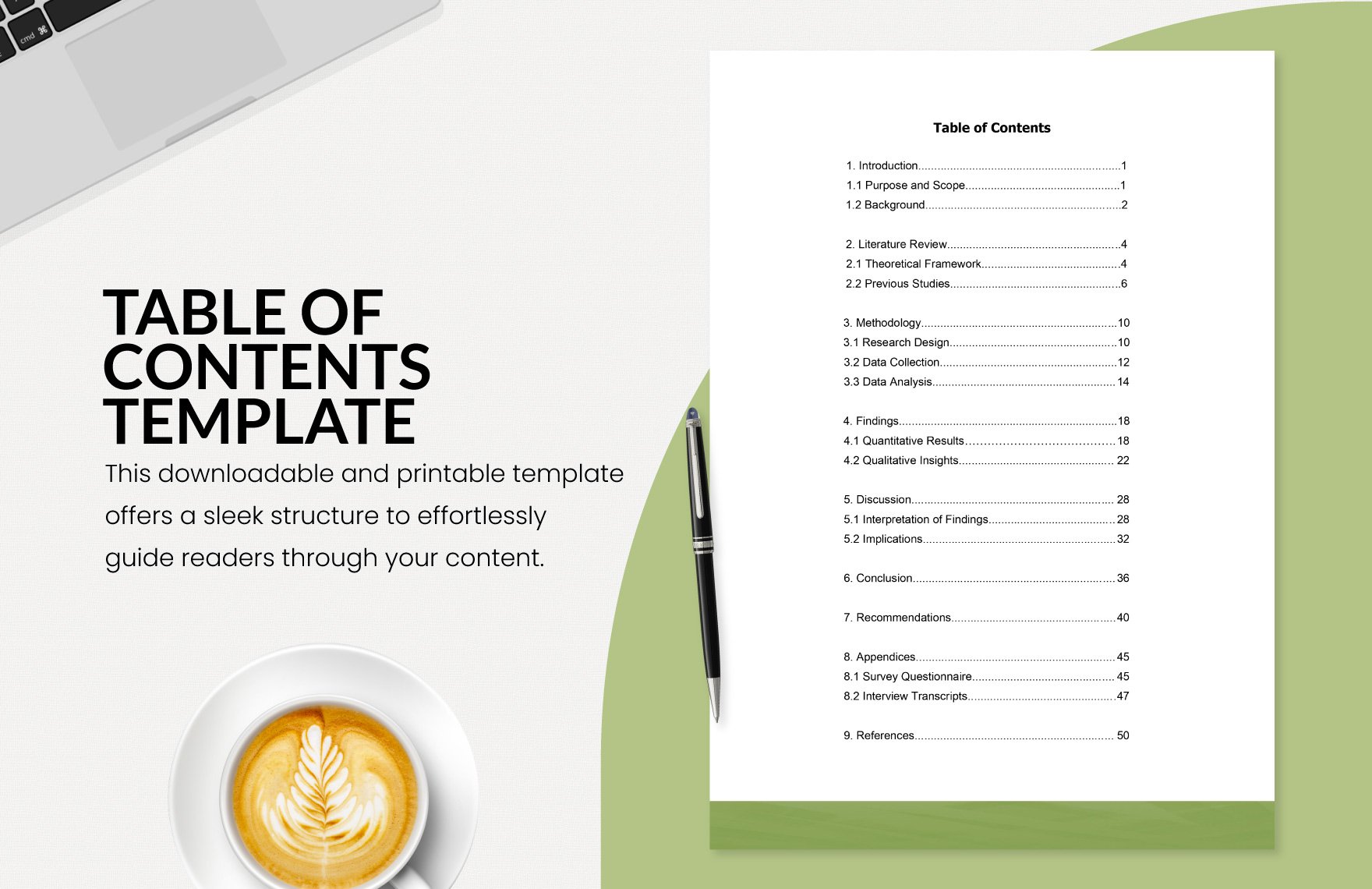
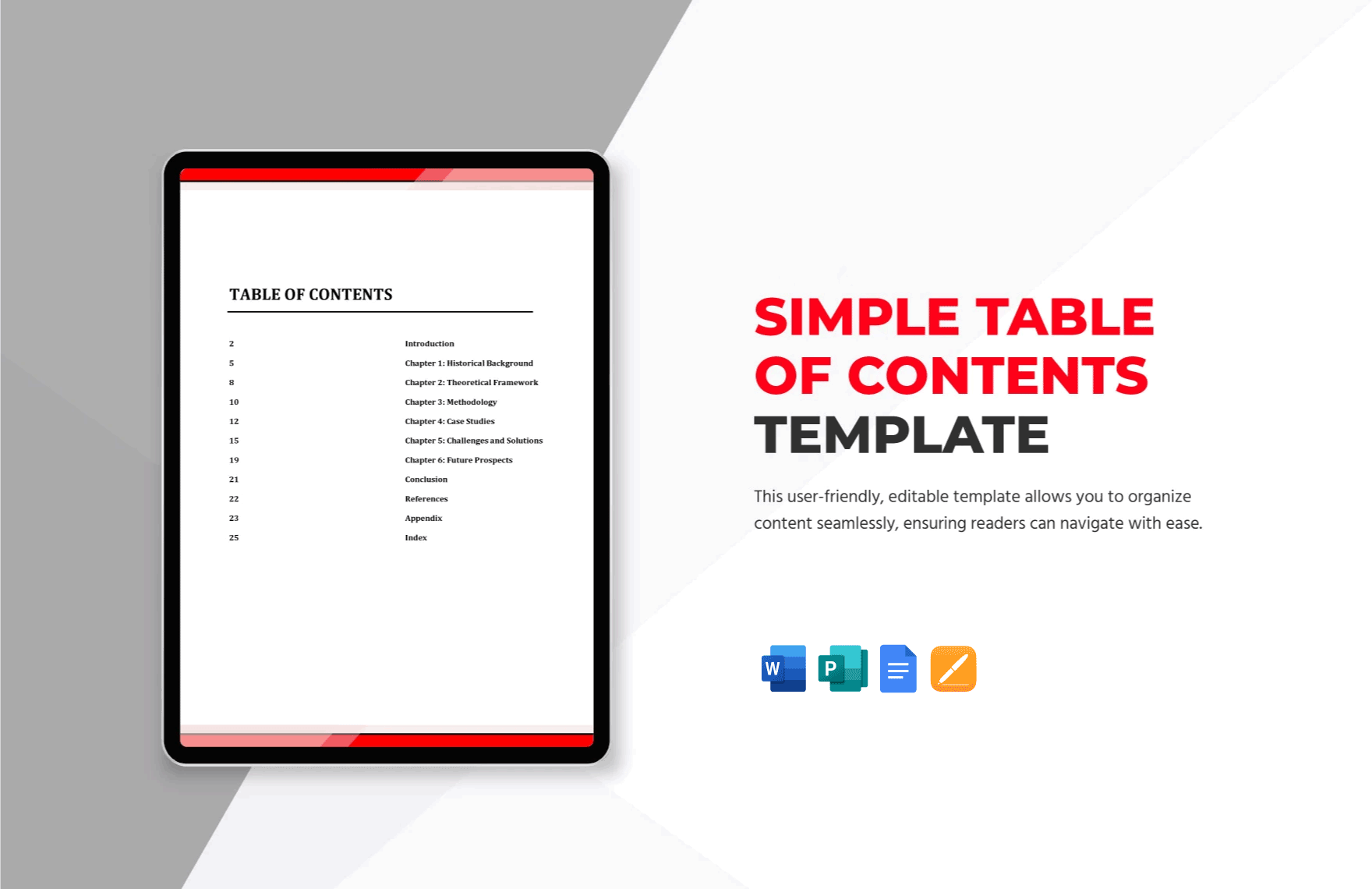
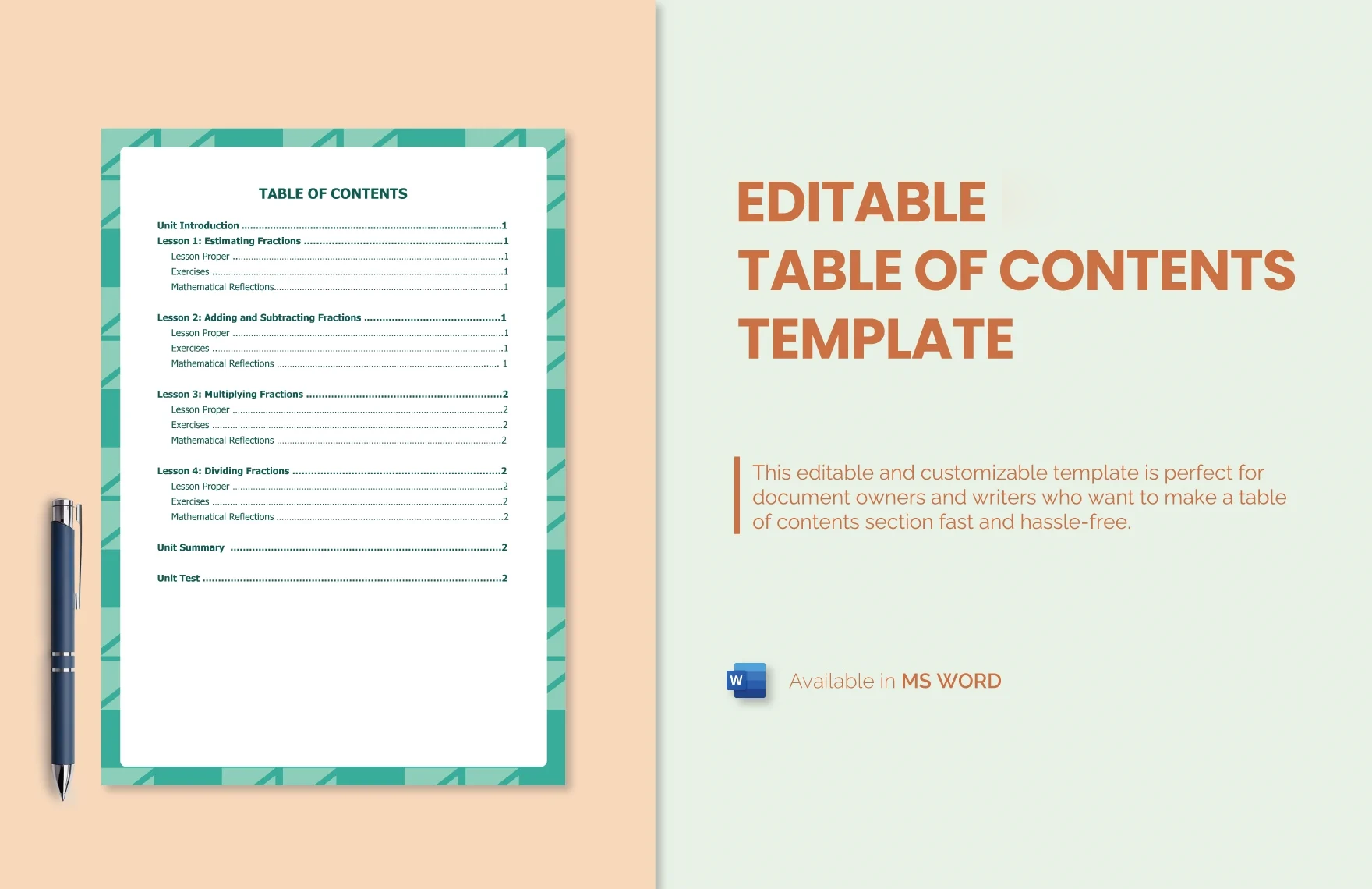
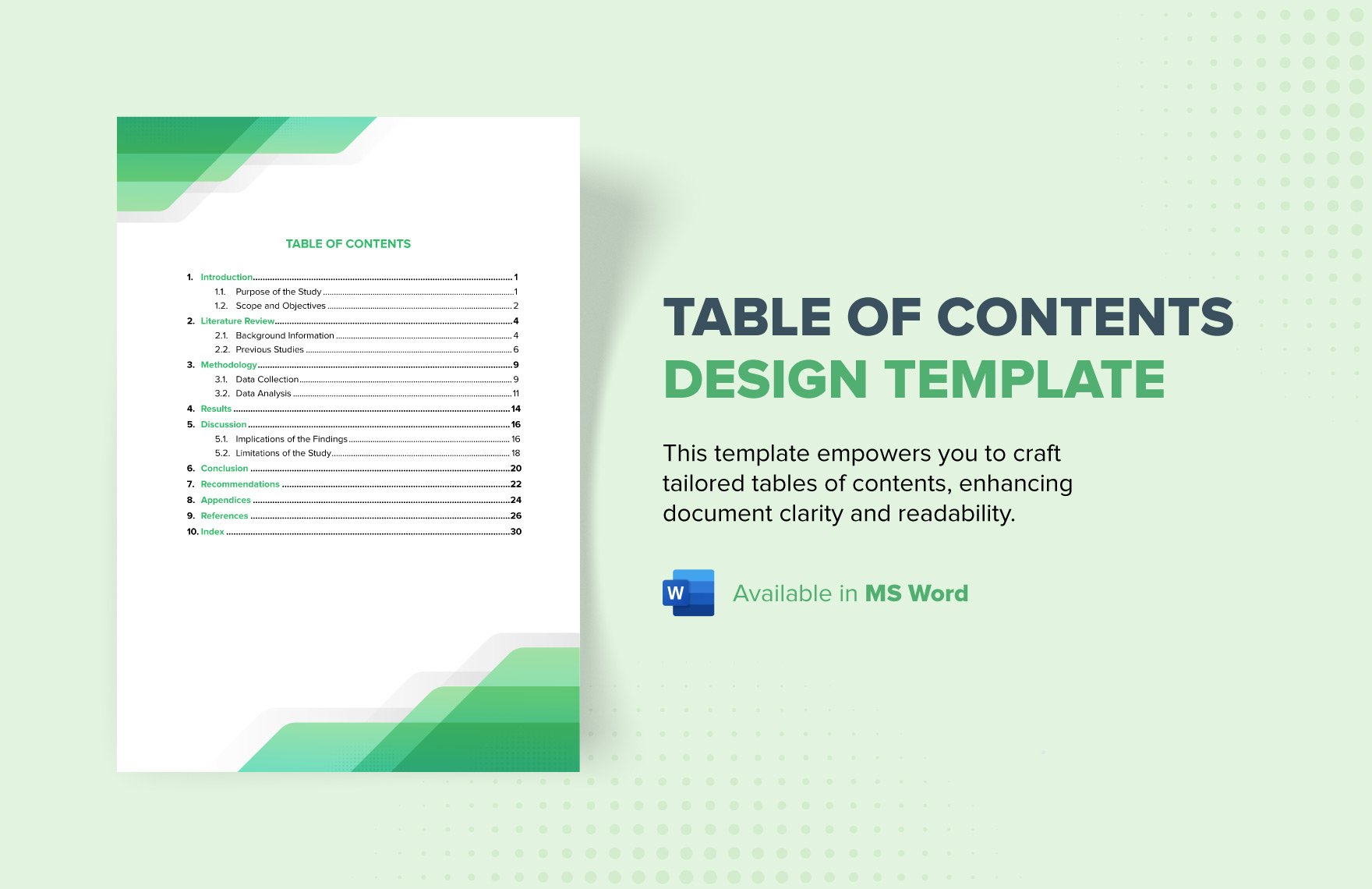
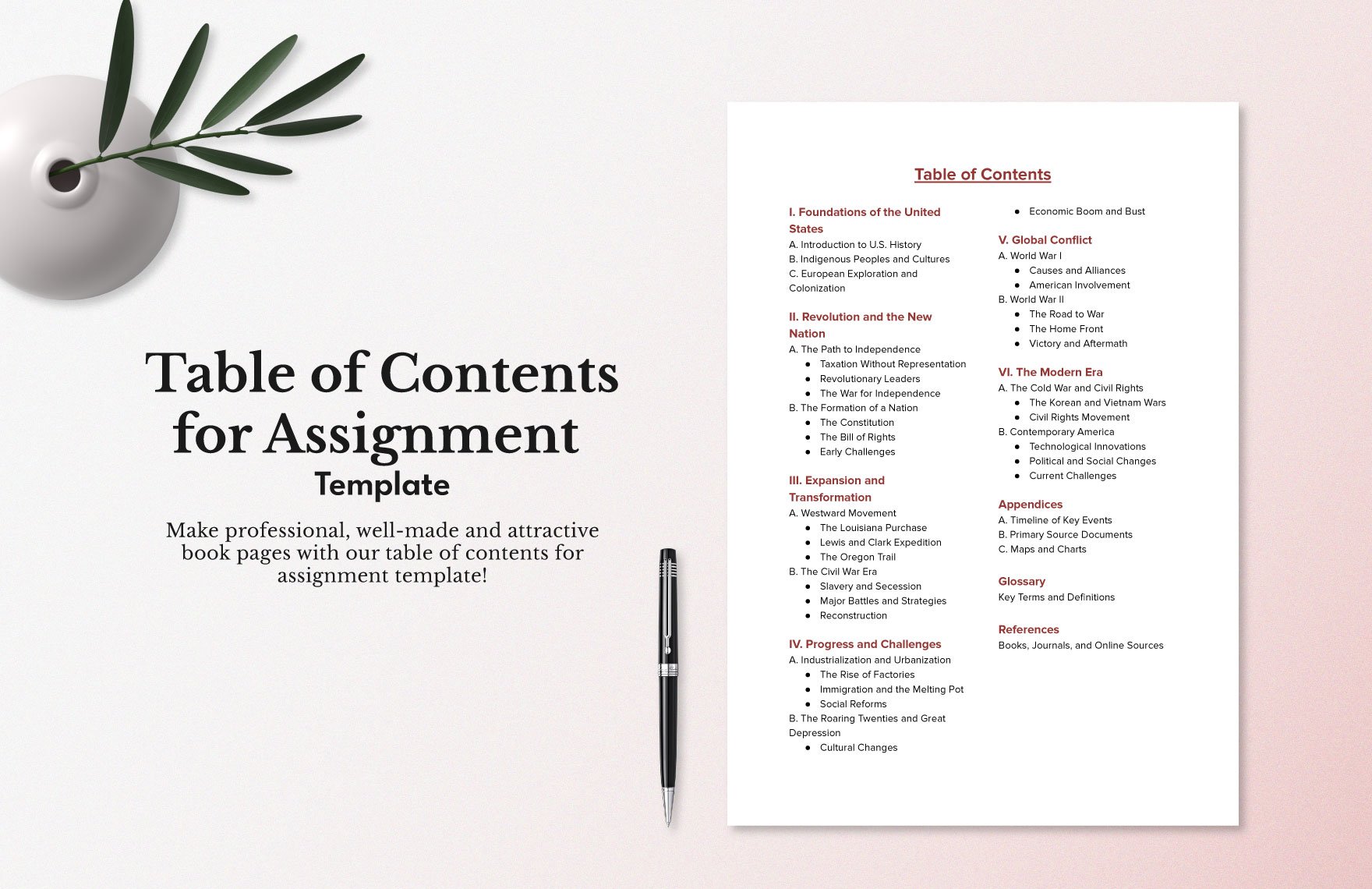
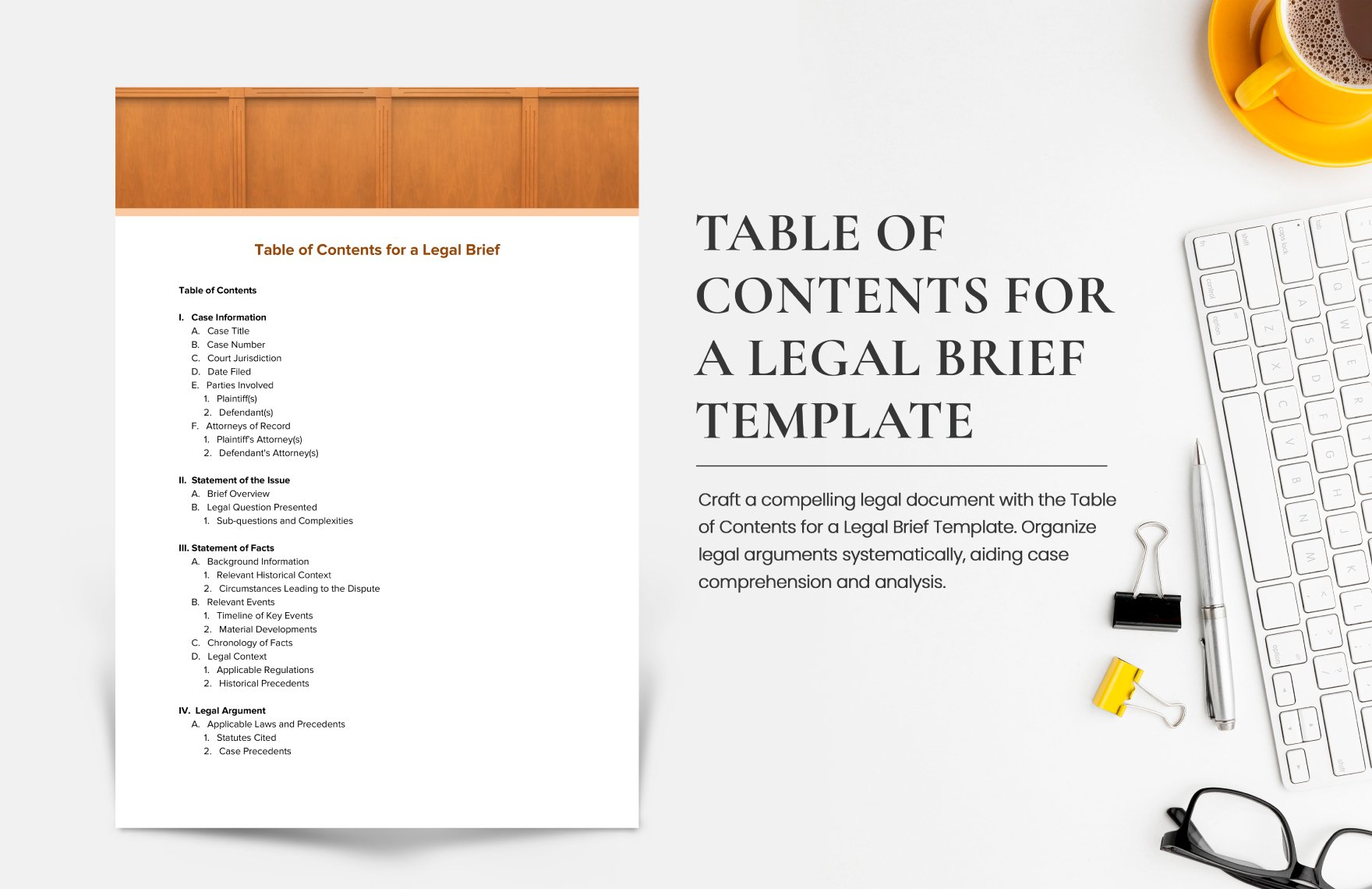
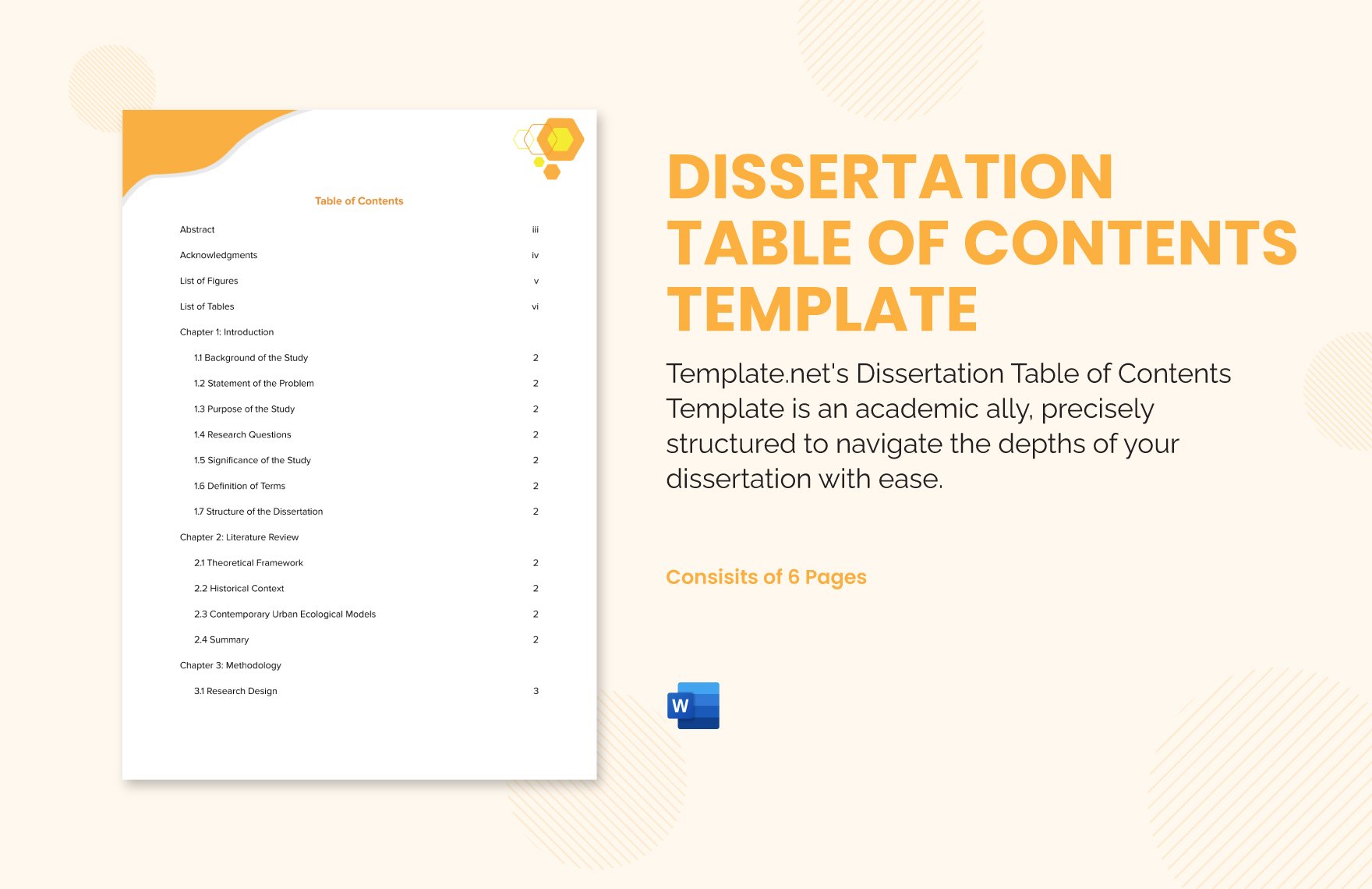
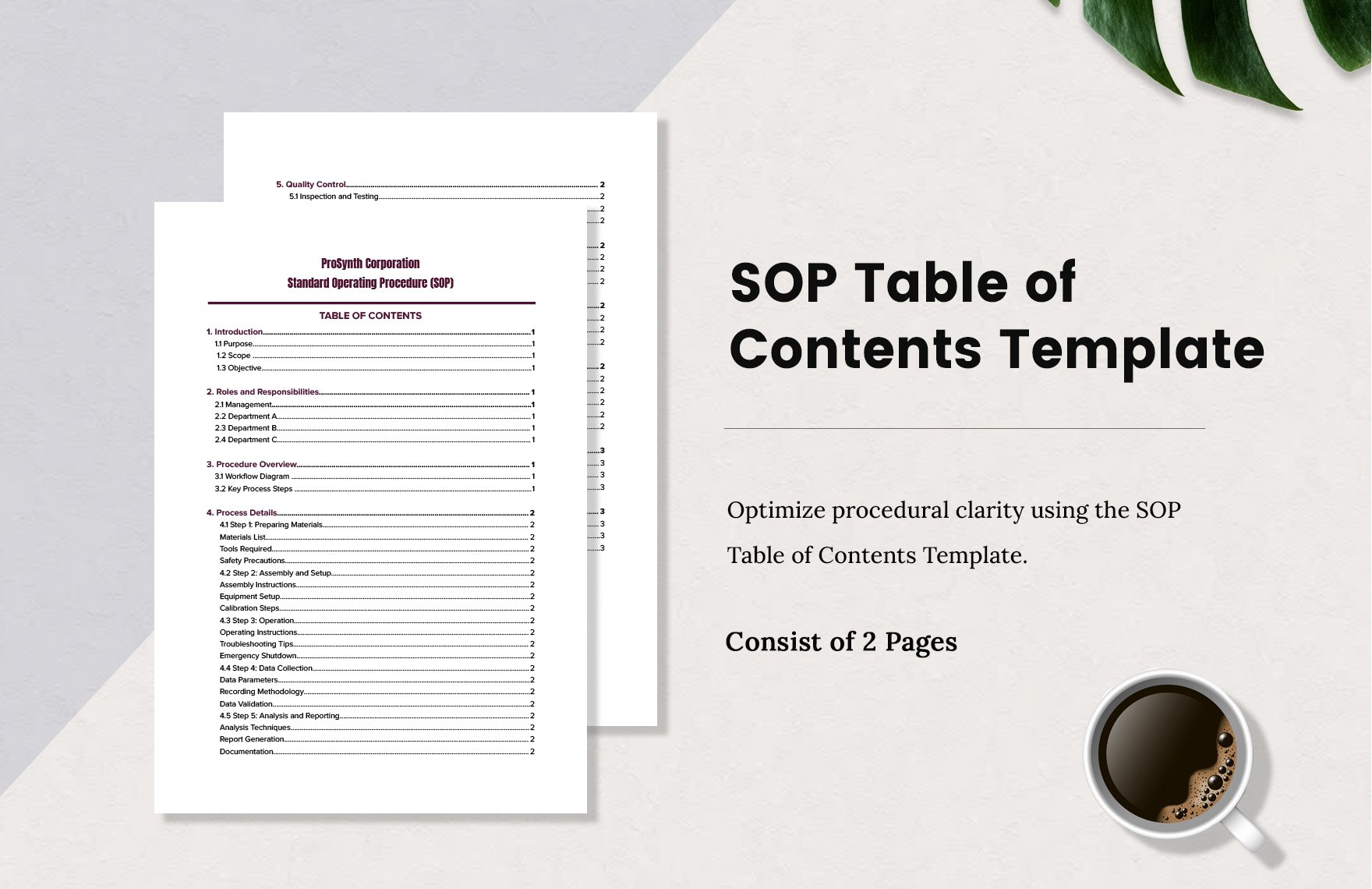
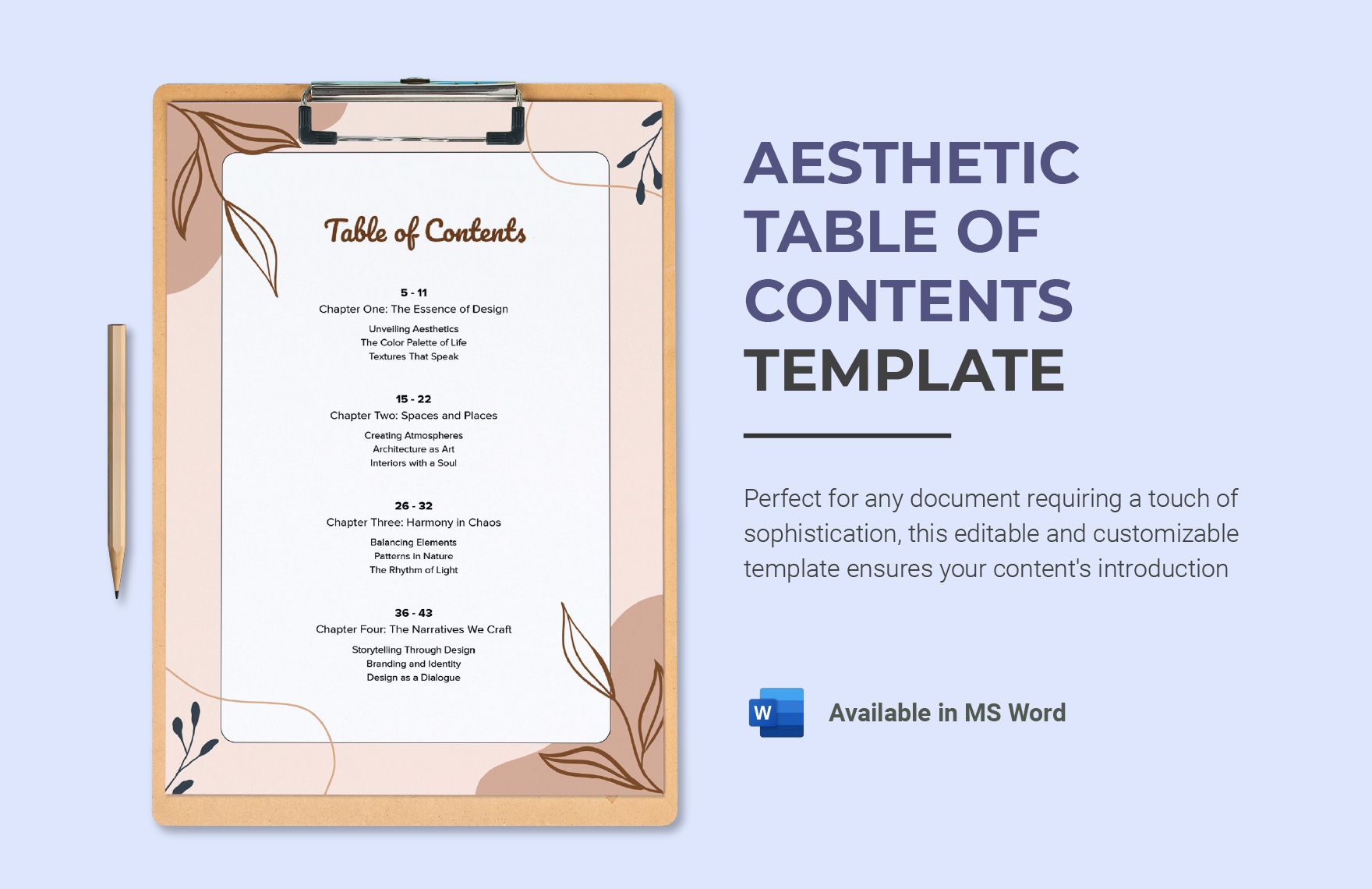
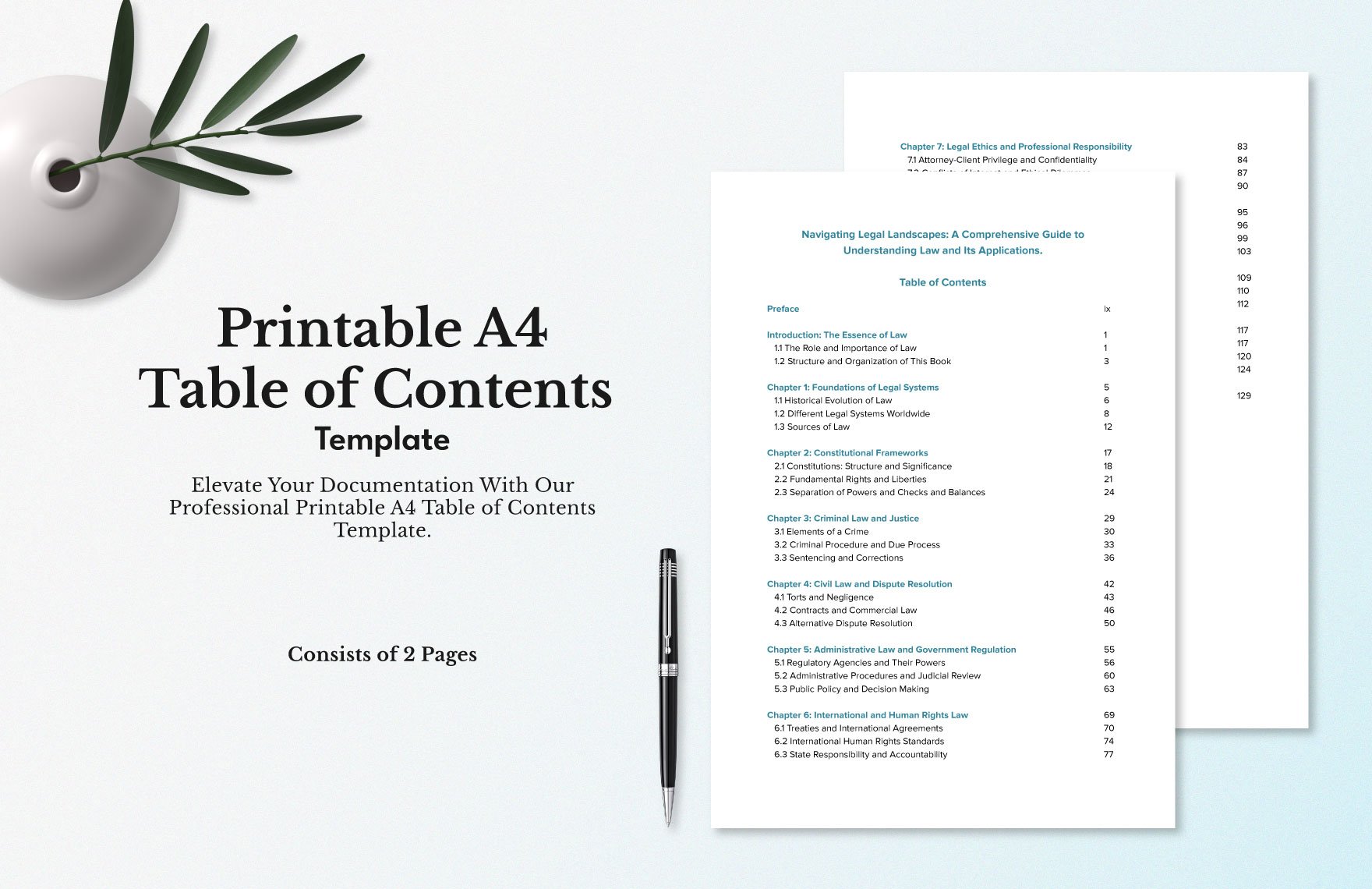
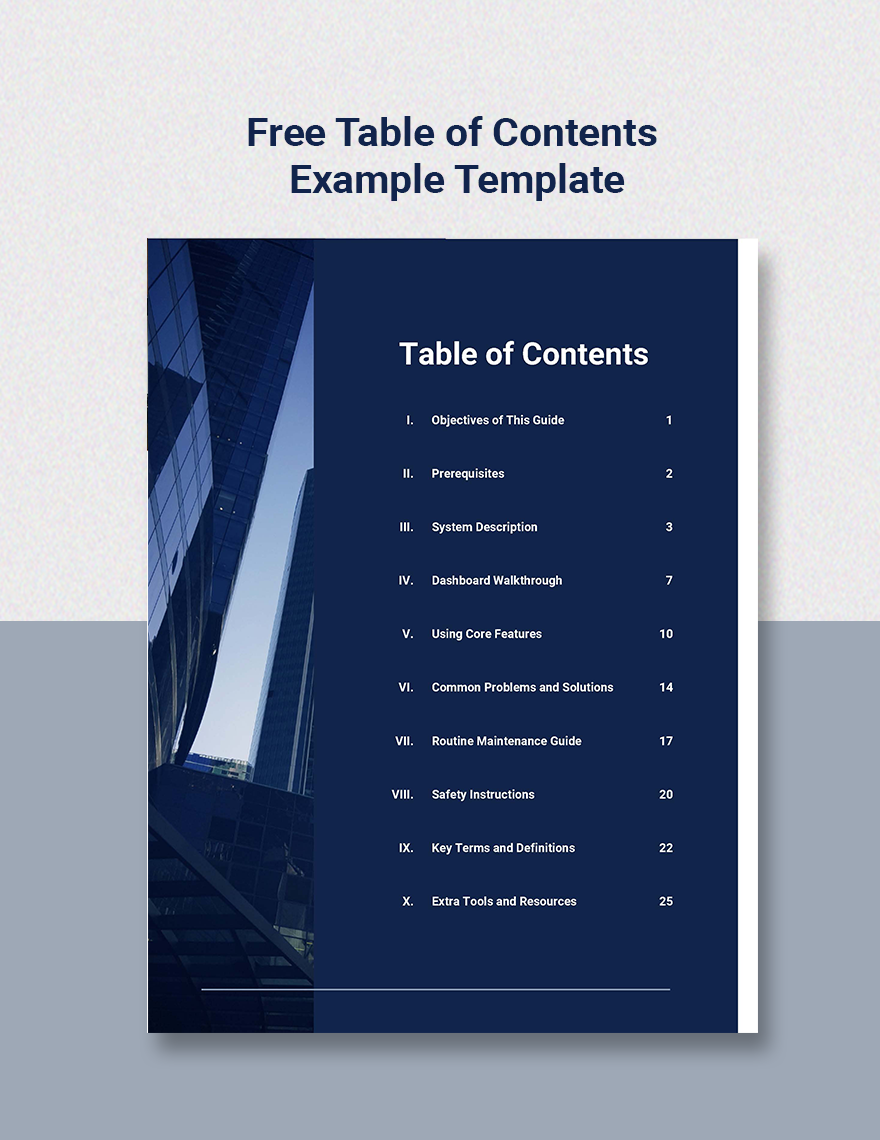
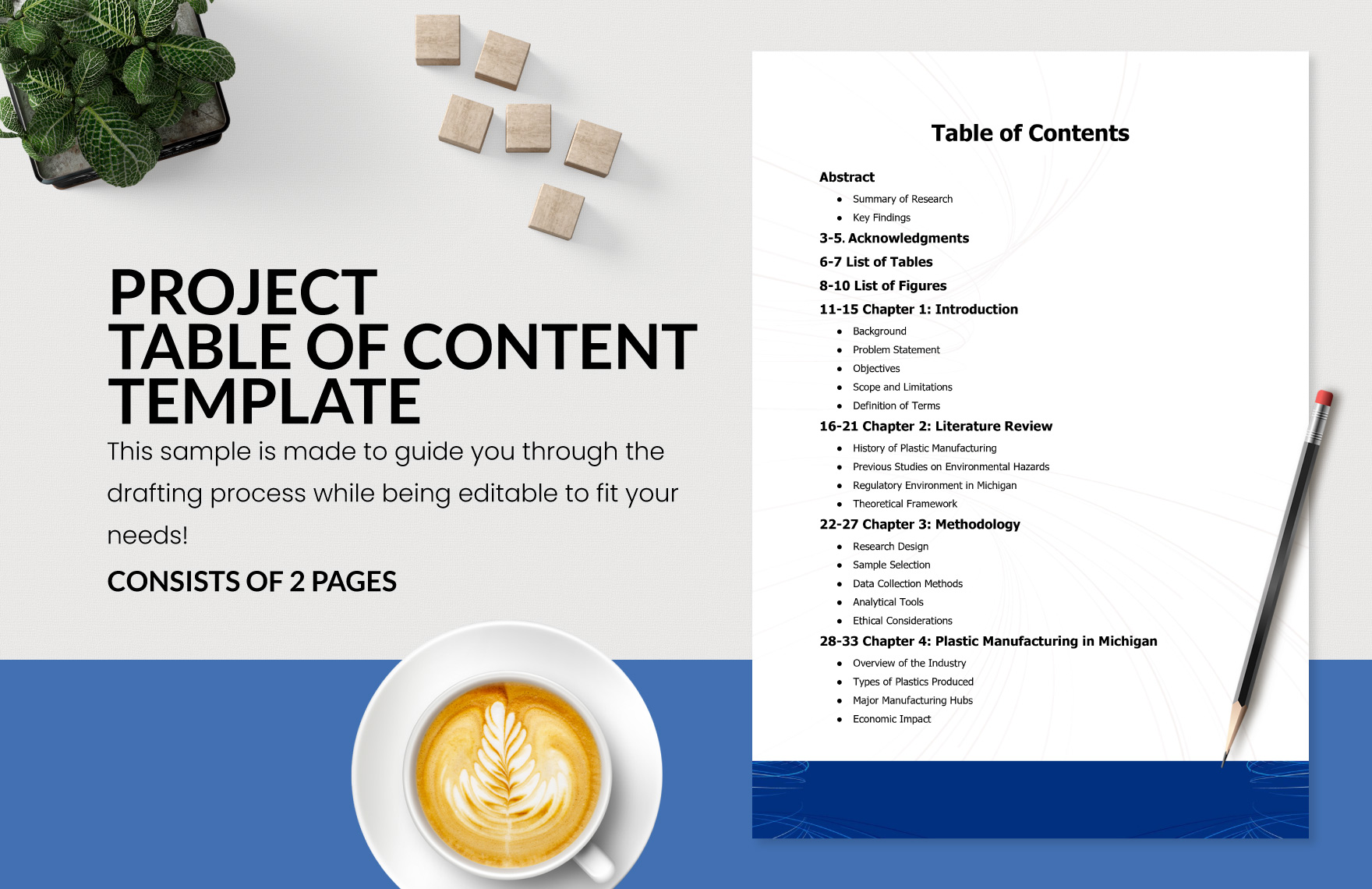
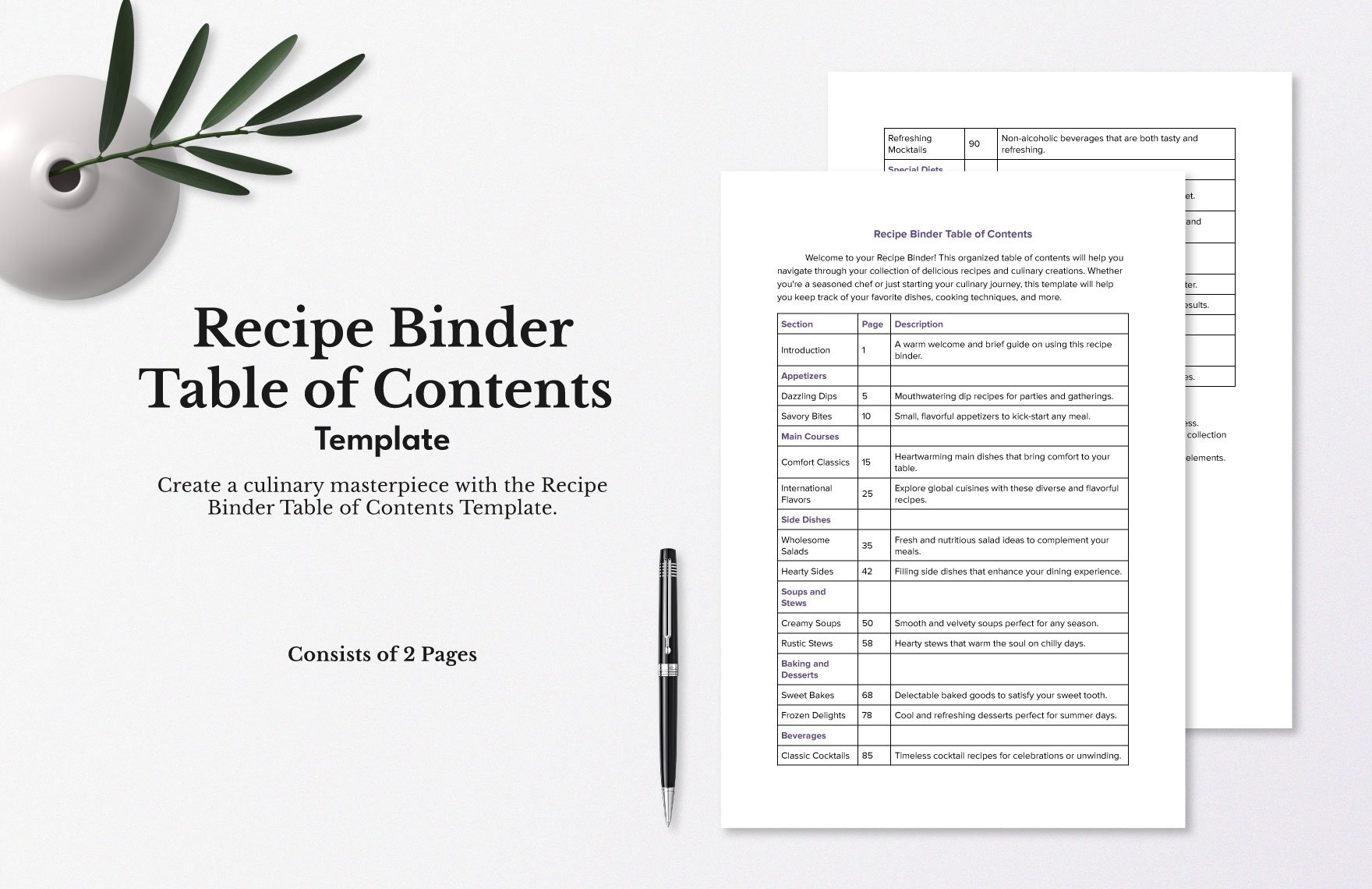
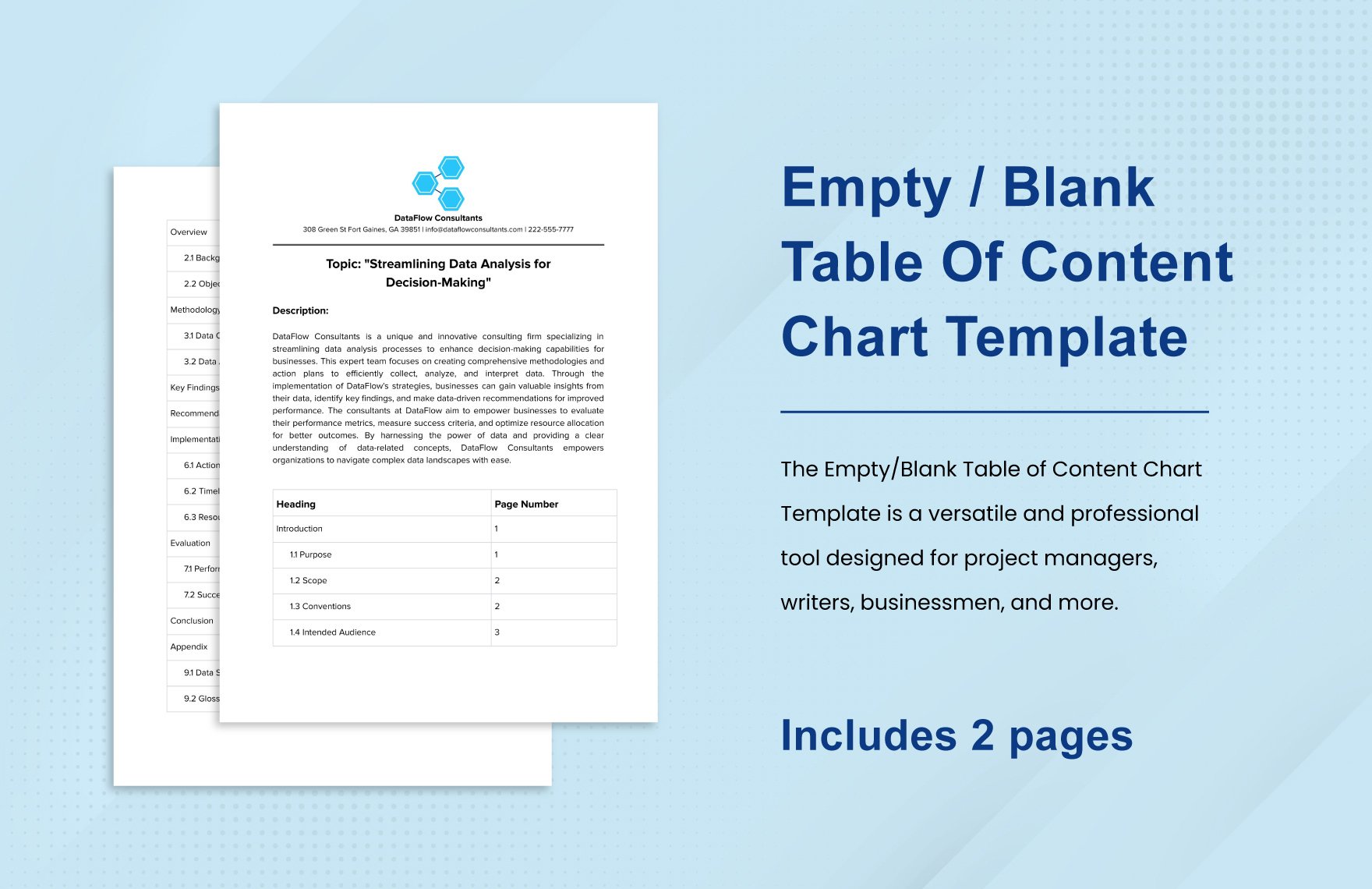
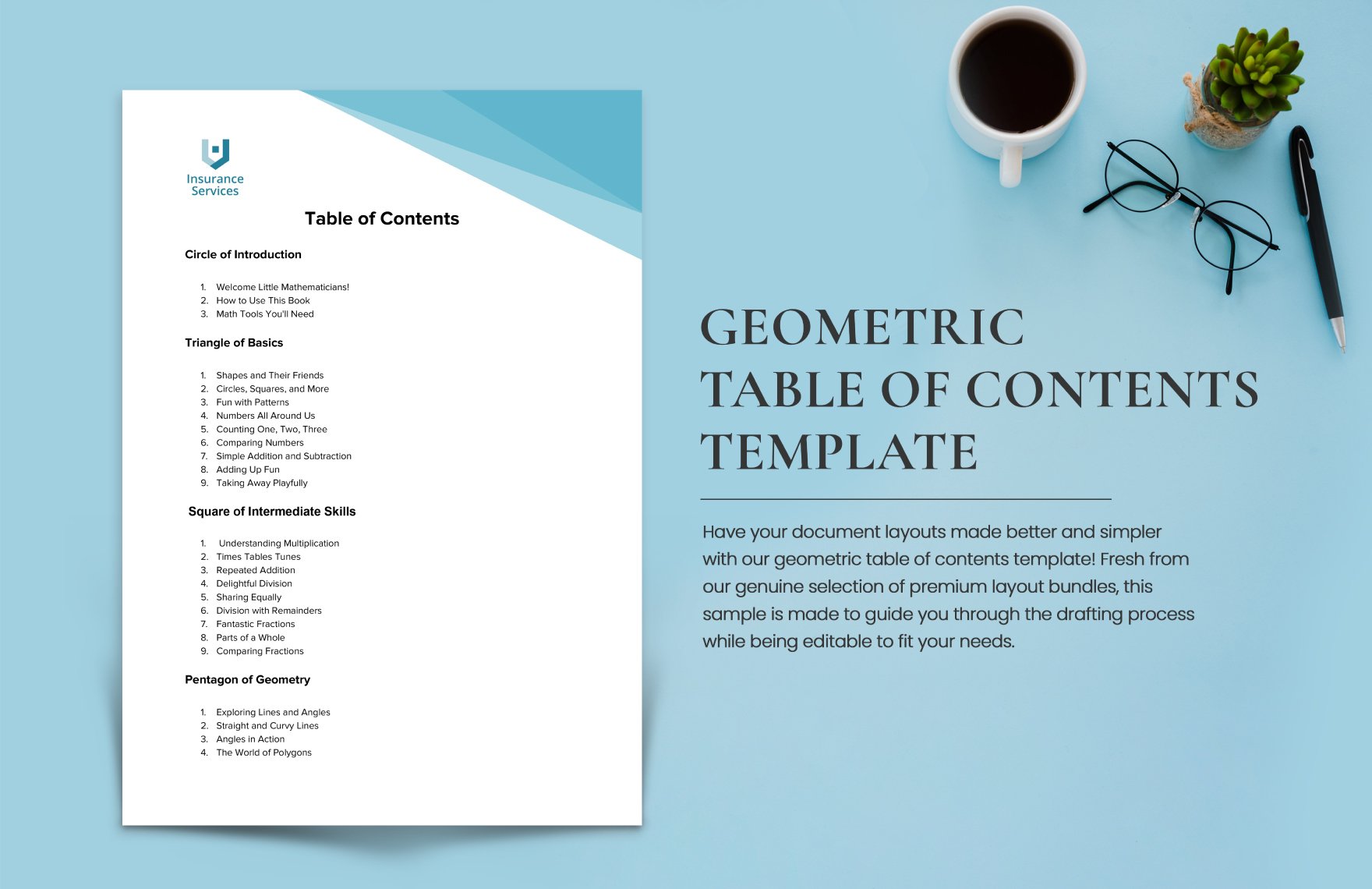
A Table of Content is a structured list of headings and sections in a document, providing an overview and easy navigation. It helps organize content clearly by showing page numbers or links to each section within reports, books, or presentations.

feature icon

Why should I use a Table of Content?

You should use a Table of Content to enhance readability and navigation in your document. It allows readers to quickly find specific sections, improving the overall structure and professionalism of reports, manuals, and lengthy documents.

feature icon

Who uses Table of Contents?

Table of Contents are used by writers, editors, students, business professionals, and publishers who need to organize lengthy documents, manuals, books, reports, or presentations for easy reference and navigation.

feature icon

What are the best tips for designing my Table of Content?

Here are the best tips for designing your Table of Content to ensure clarity and visual appeal:

  • Consistent formatting with uniform fonts and sizes
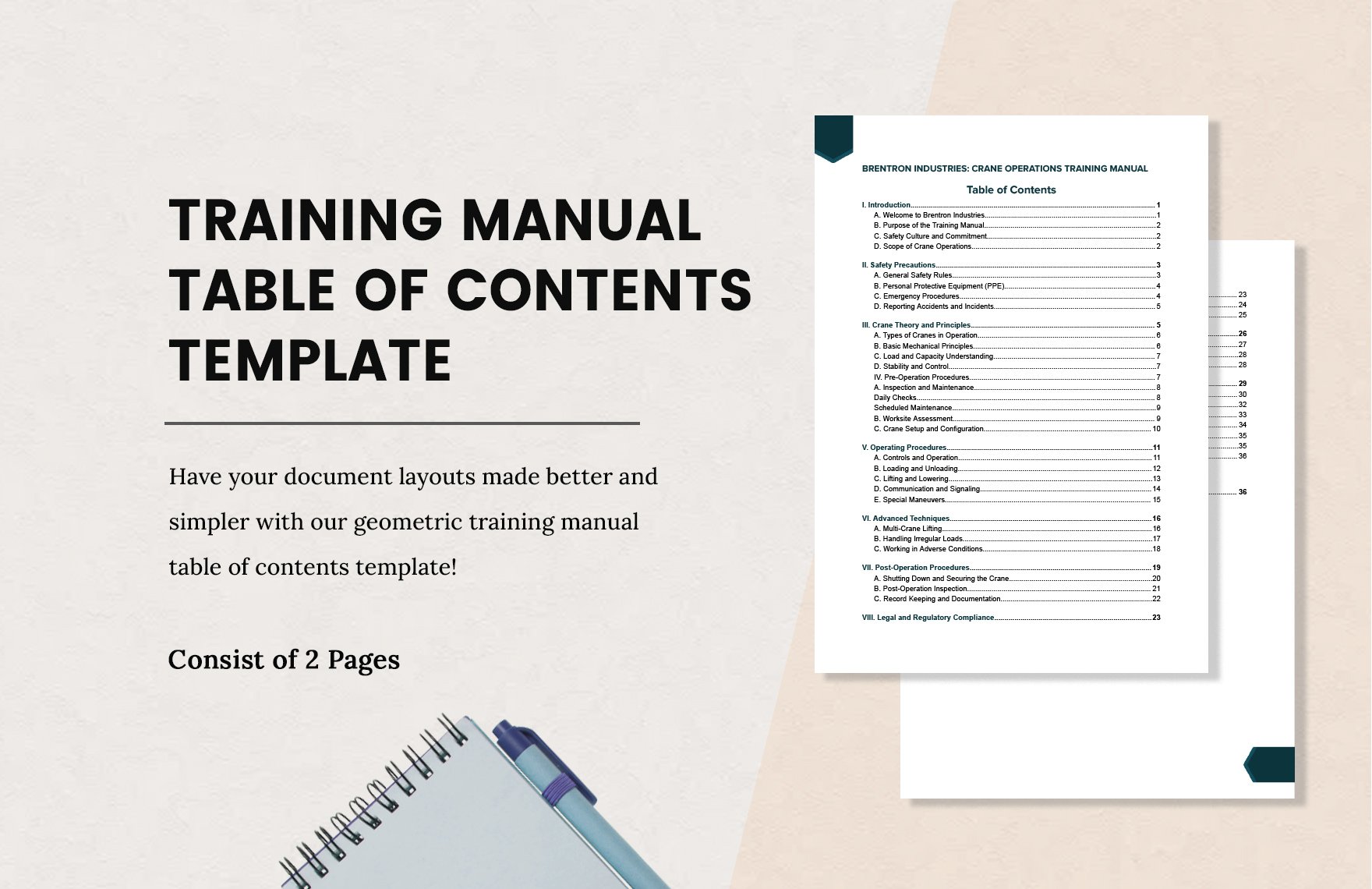
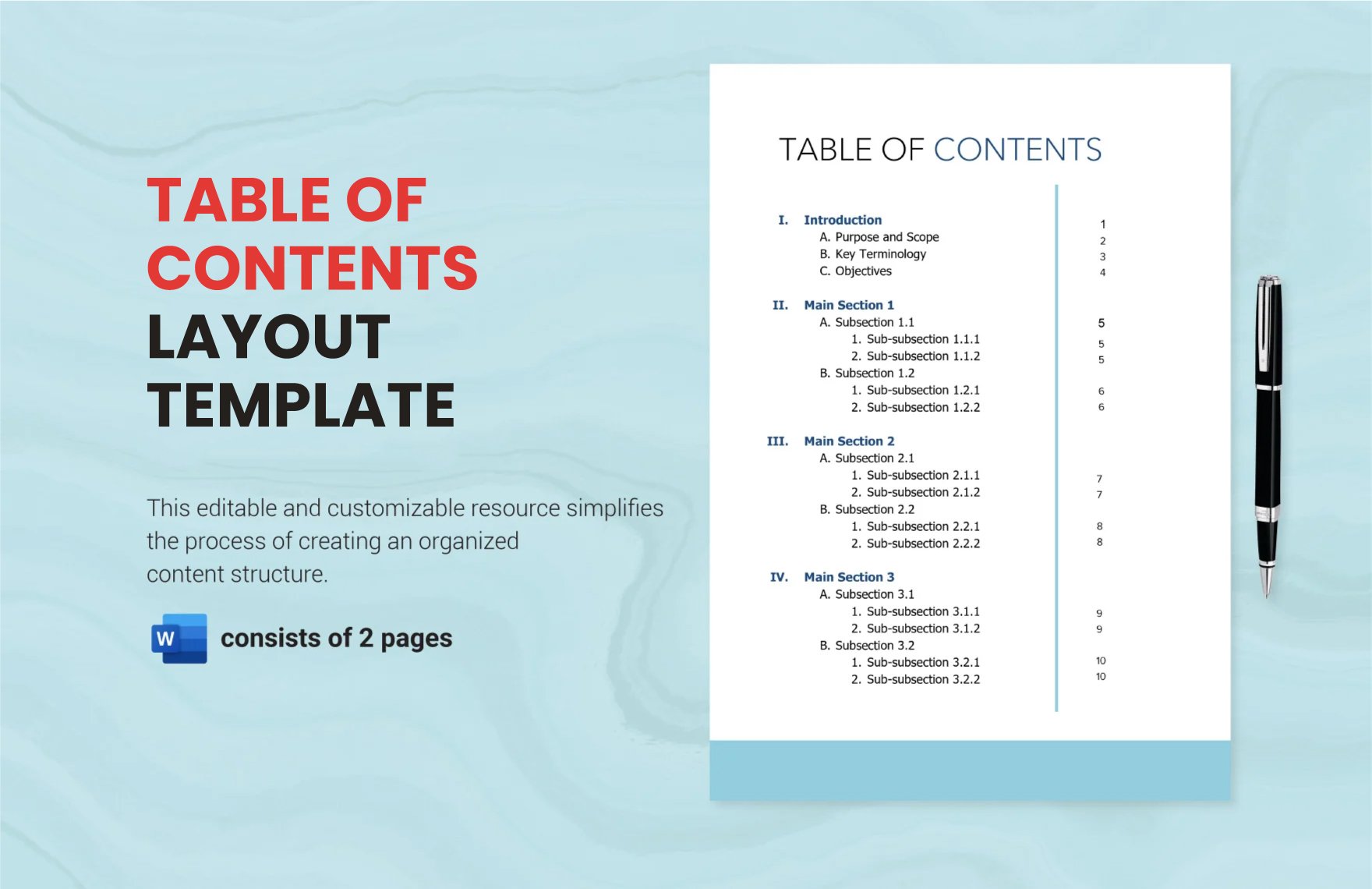
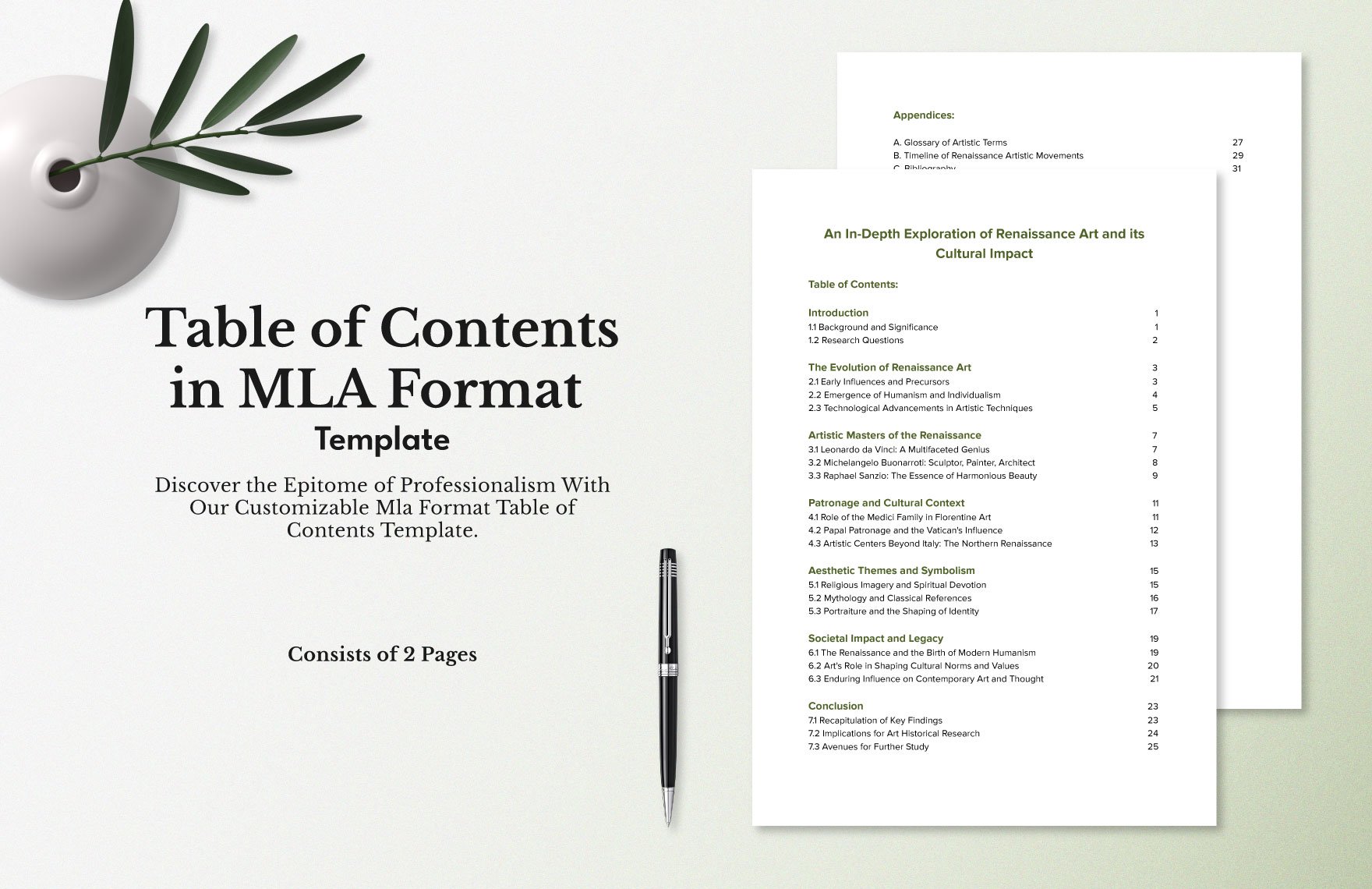
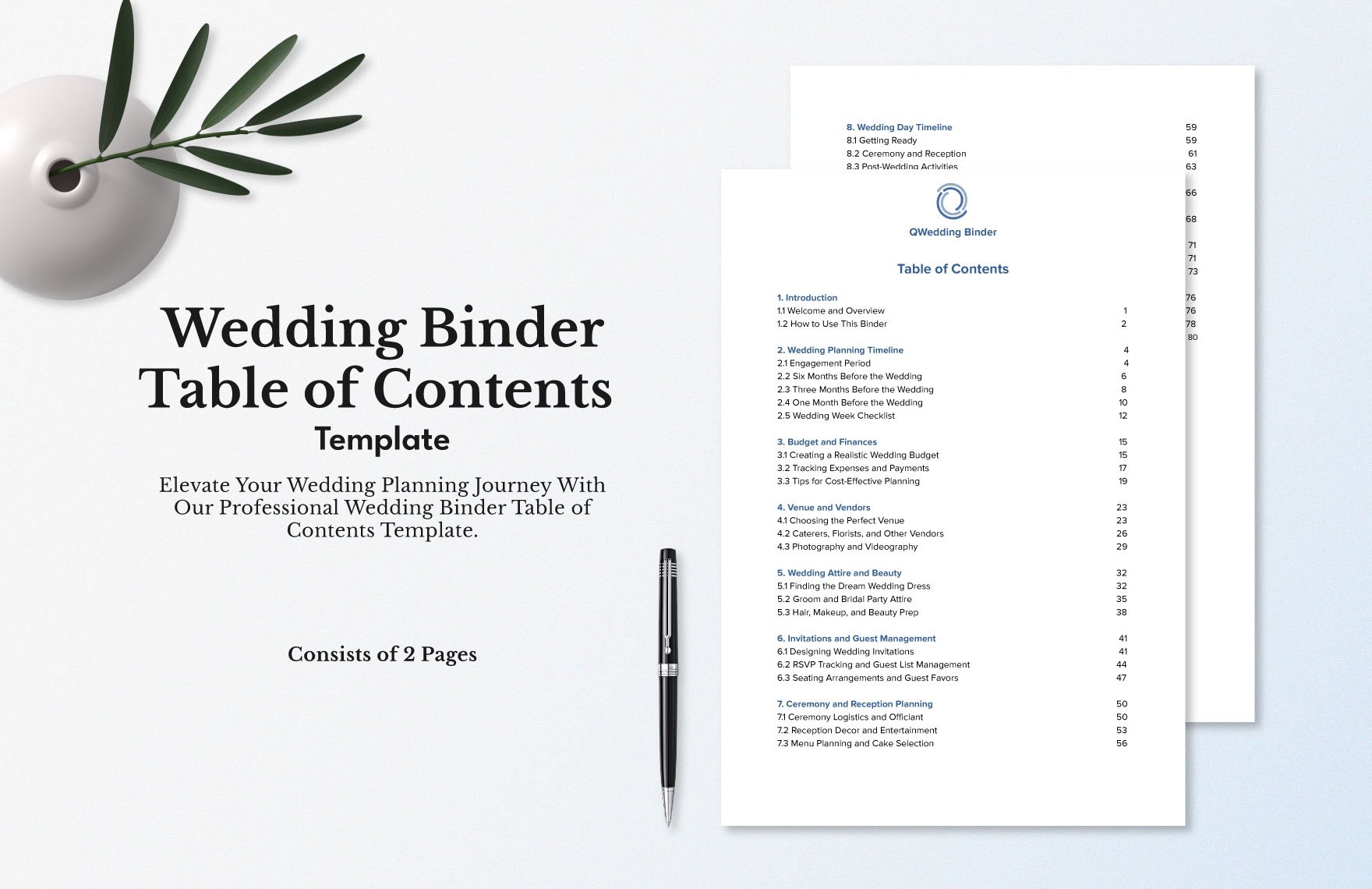
  • Clear hierarchy using indentation or numbering for sections and subsections
  • Readable fonts that are simple and professional
  • Sufficient spacing to avoid clutter
  • Aligned page numbers for easy scanning
  • Use of hyperlinks for digital documents
  • Minimalist design to maintain focus on content
  • Contrast colors for headings and page numbers
  • Accurate section titles that match document content
  • Update regularly to reflect changes in the document
feature icon

What file formats can I download for my Table of Content?

Template.net offers Table of Content templates in multiple export formats for easy editing and sharing. You can download your templates in Word, Google Docs, PDF, Apple Pages, and Publisher.

feature icon

Can I create a Table of Content using AI?

Template.net provides an AI-powered tool capable of generating Table of Content designs that you can customize. Visit Template.net to explore AI-generated templates and designs for your documents.

feature icon

What are the standard digital sizes for my Table of Content templates?

Table of Content templates designed for digital use typically follow these standard pixel dimensions to ensure readability and proper display:

  • 1080 × 1920 pixels for vertical digital documents
  • 1920 × 1080 pixels for horizontal presentations
  • 1280 × 720 pixels for web-friendly display
  • 800 × 1280 pixels for mobile devices
  • 600 × 800 pixels for thumbnails or previews
feature icon

What visual elements should I include in my Table of Content?

Including the right visual elements in your Table of Content improves usability and design impact. Consider adding these elements:

  • Section headers with bold text
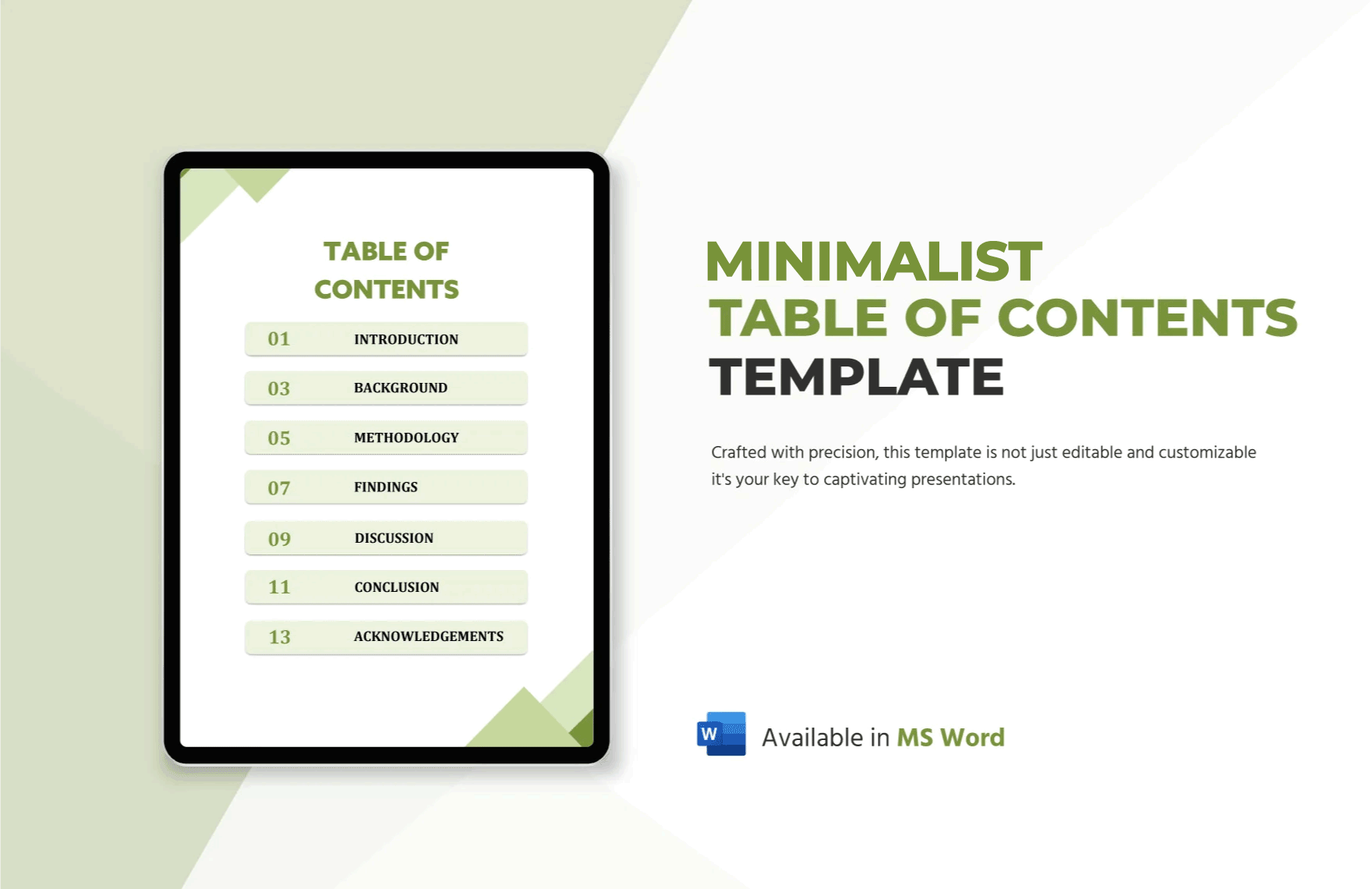
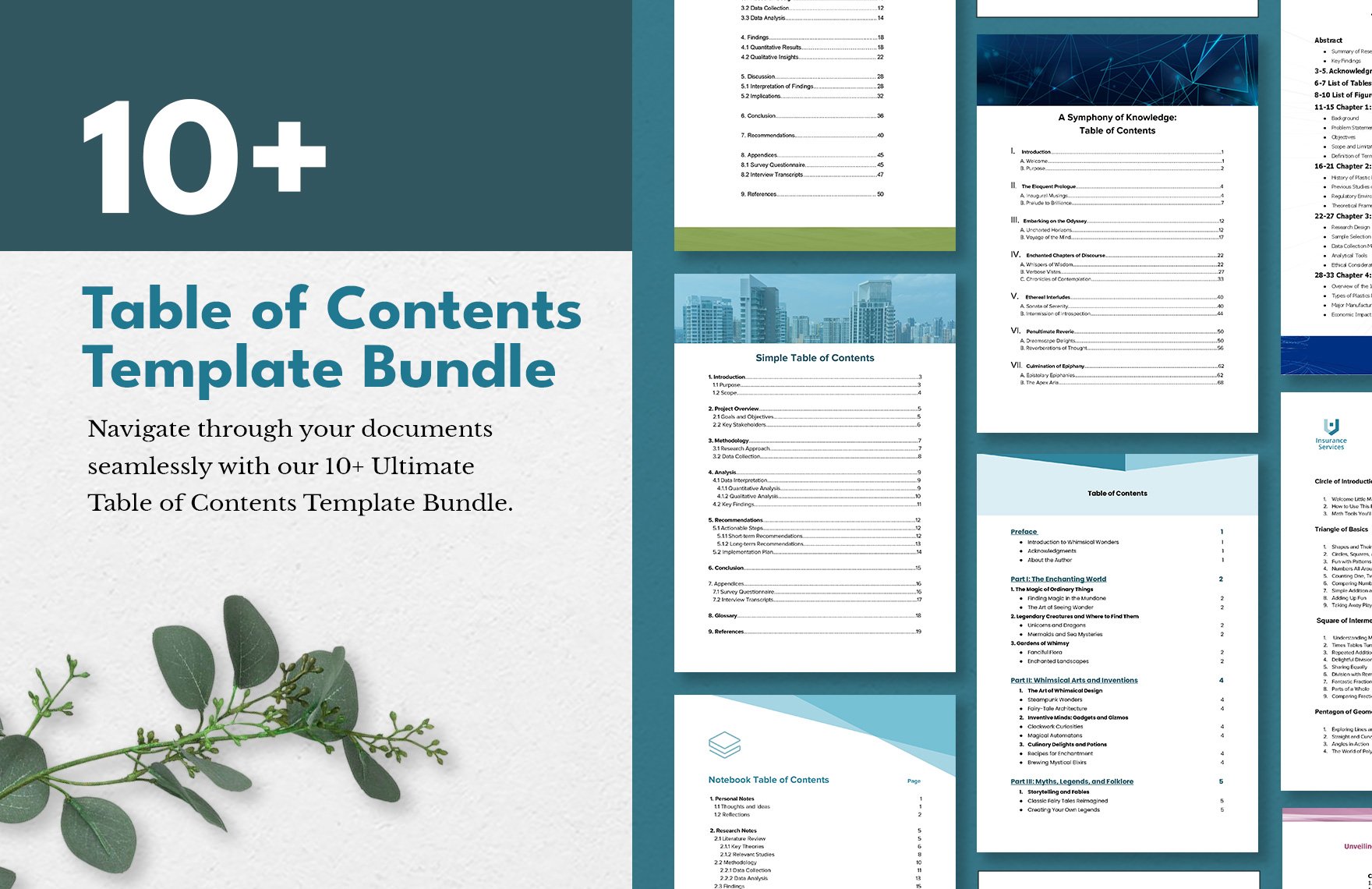
  • Subsection indentation for clear hierarchy
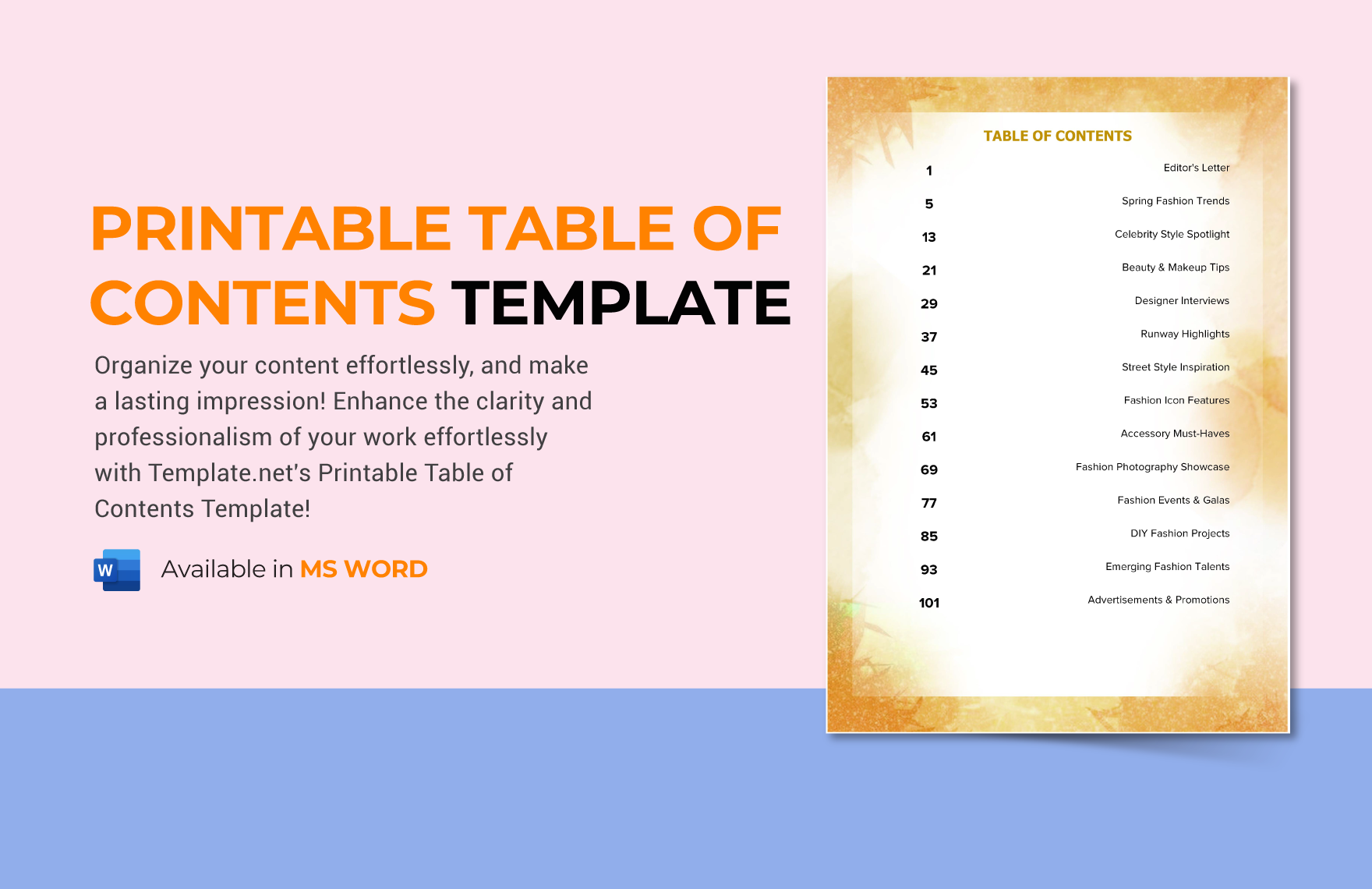
  • Page numbers or hyperlinks for navigation
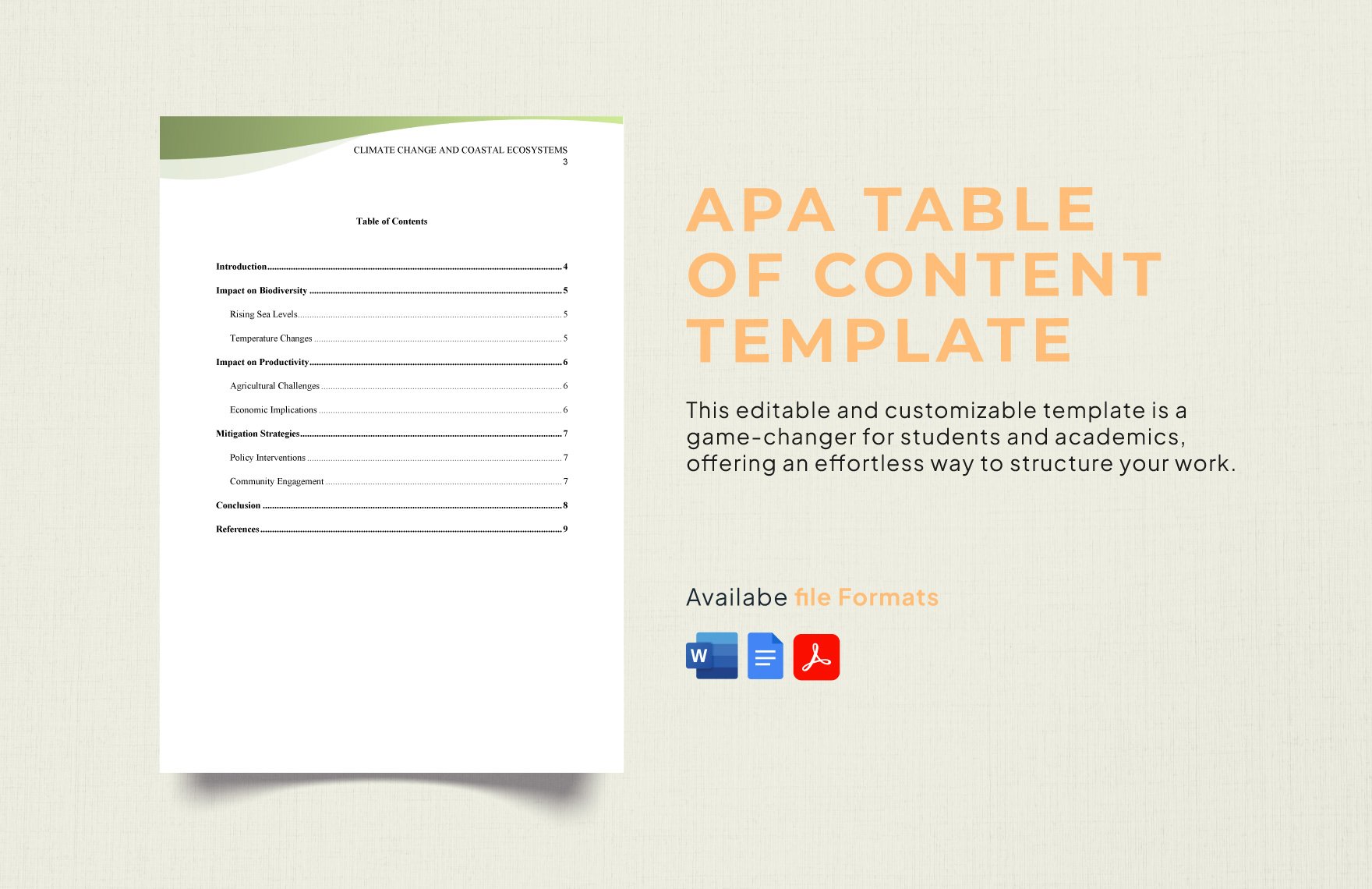
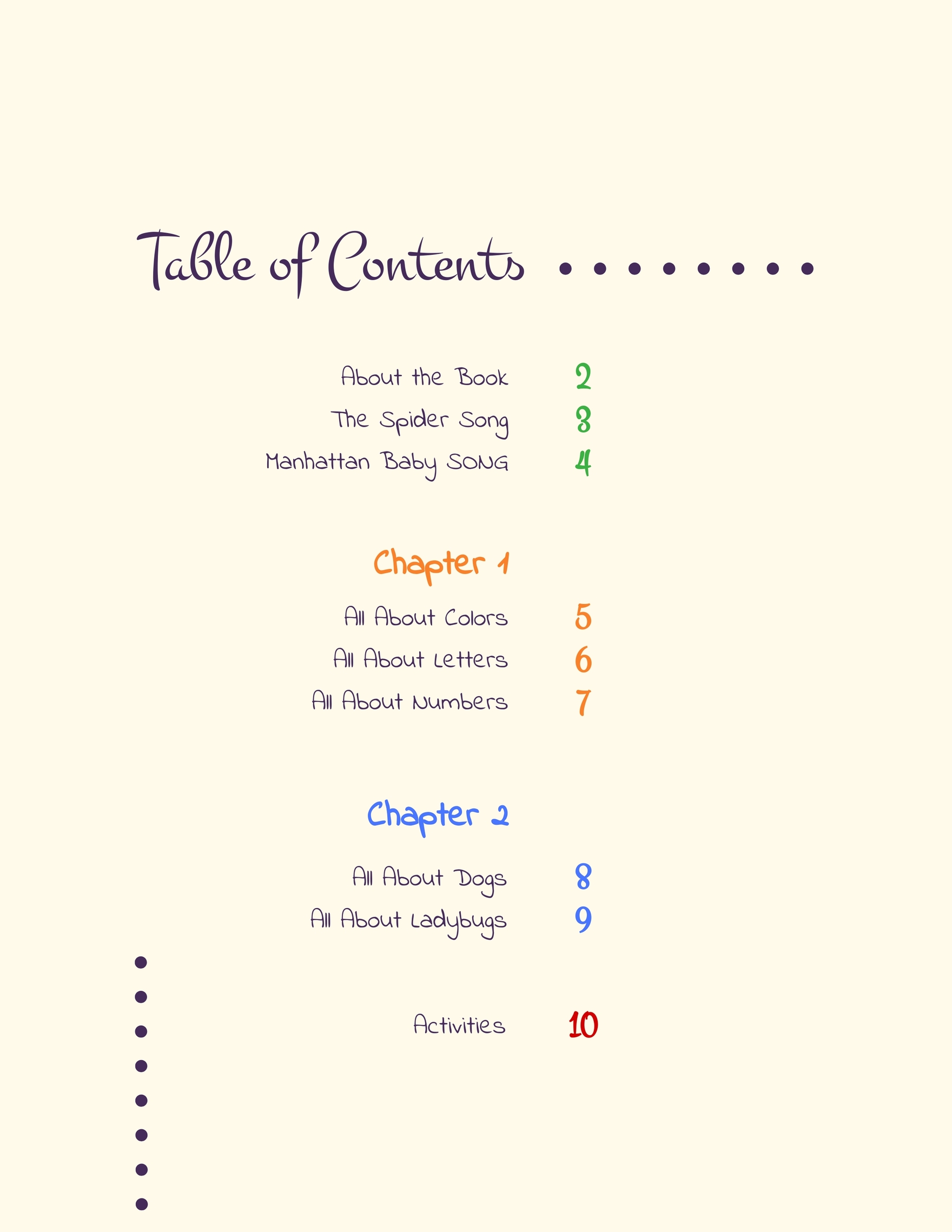
  • Lines or dots connecting titles to page numbers
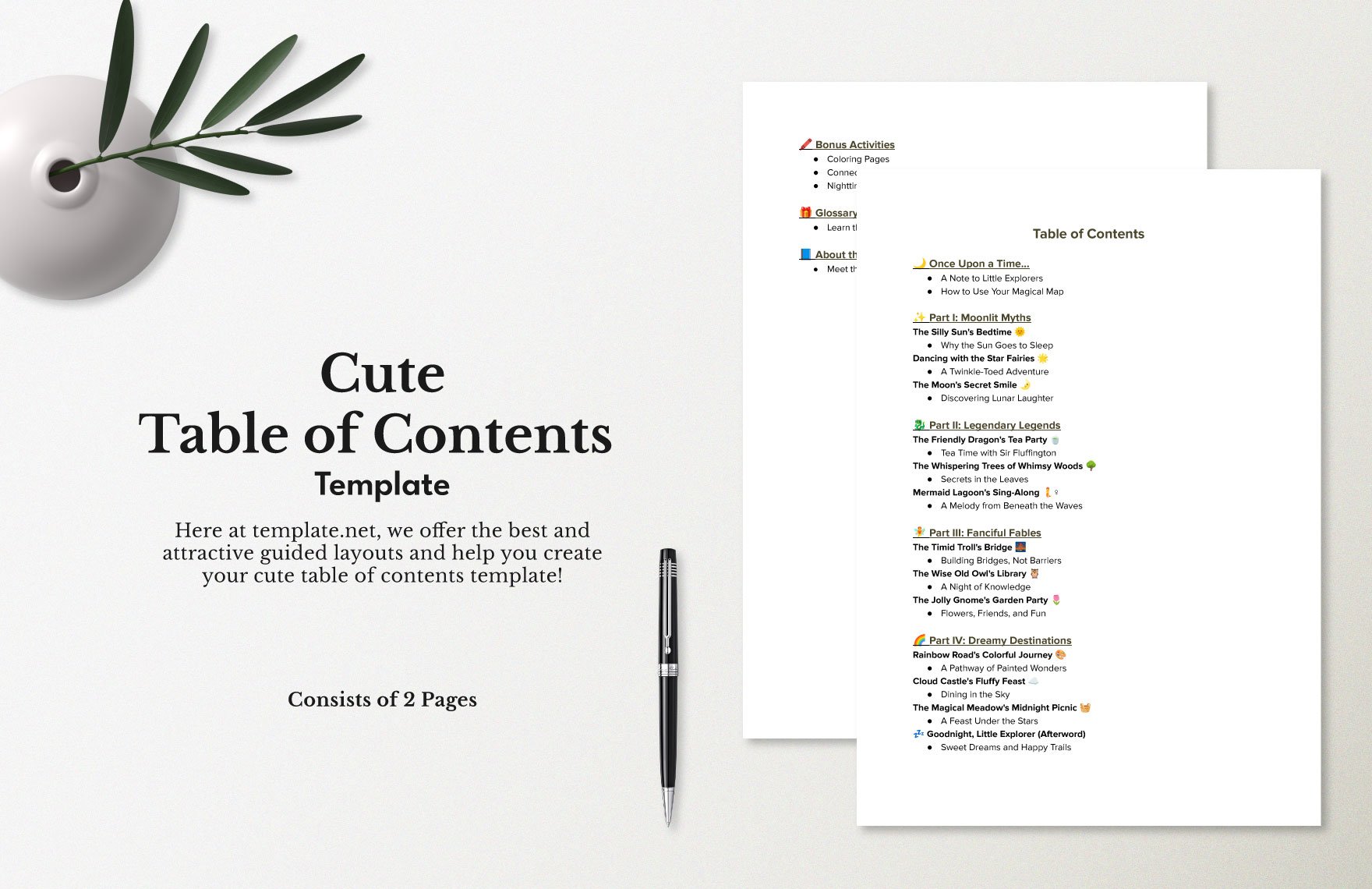
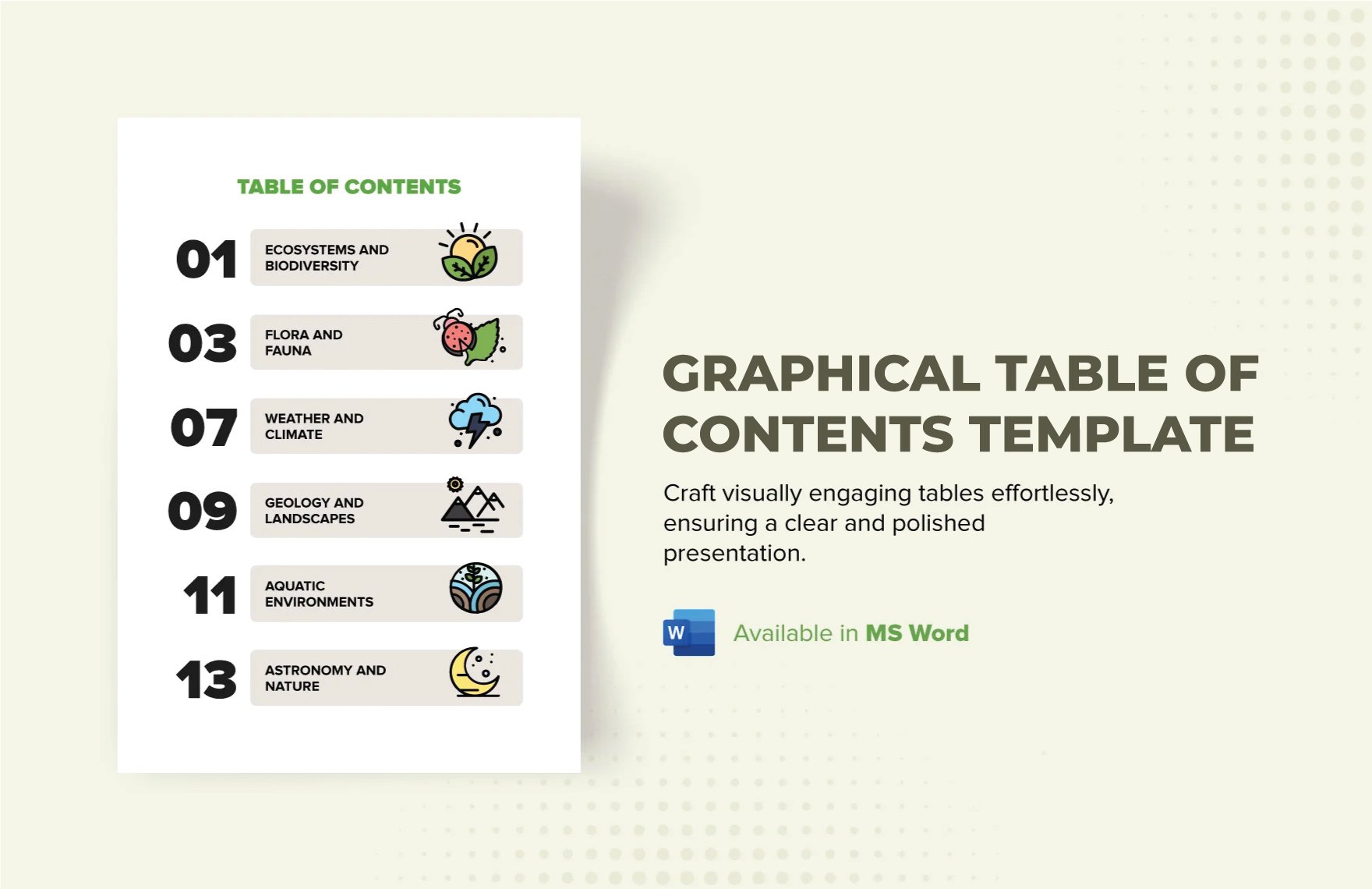
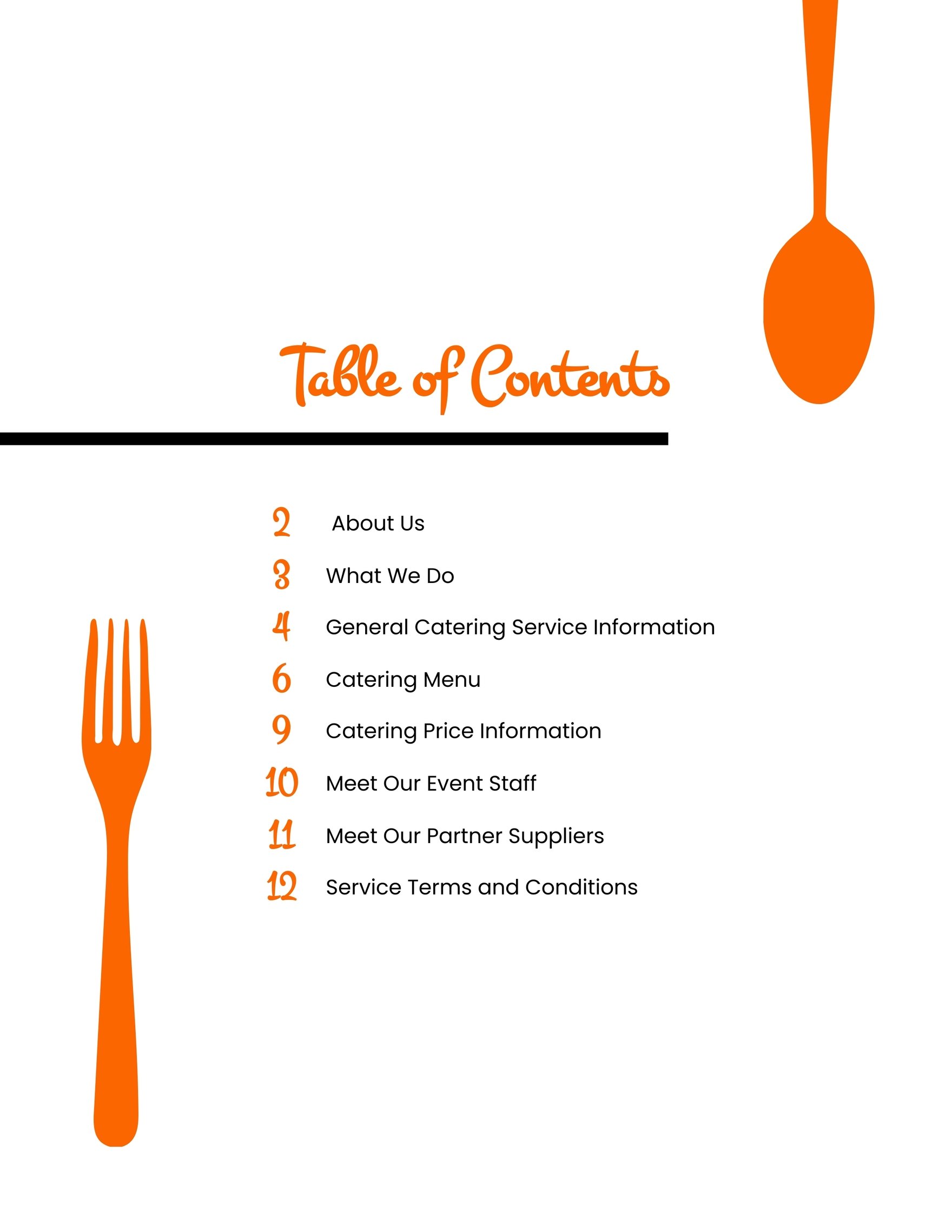
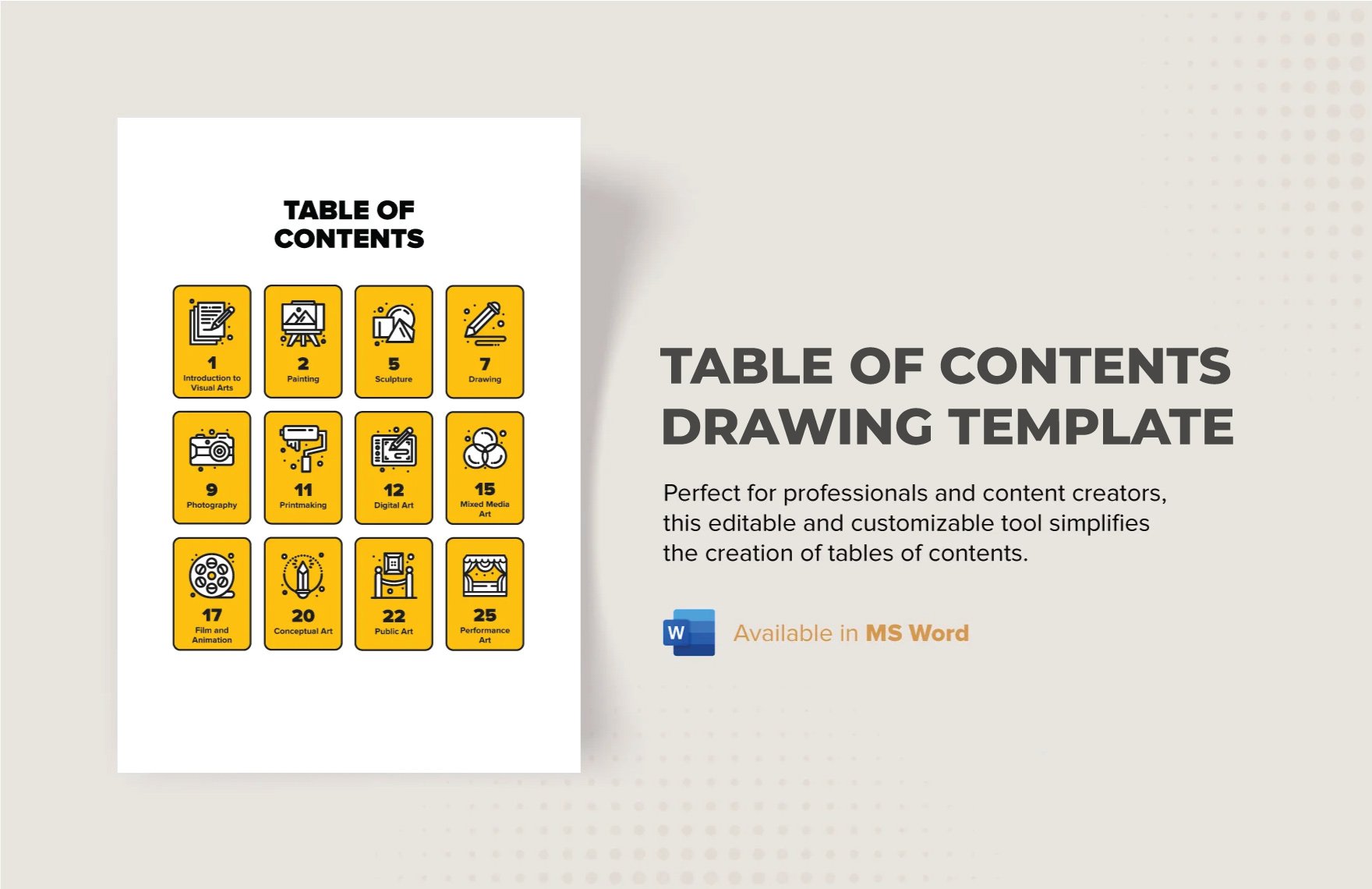
  • Icons or symbols for thematic emphasis
  • Consistent color accents matching your brand or document style
  • Whitespace to avoid clutter
  • Header and footer elements for branding
feature icon

What are the key benefits of using a Table of Content?

Using a Table of Content offers several benefits that enhance your document's effectiveness:

  • Improves document navigation for readers
  • Provides an overview of content structure
  • Enhances professionalism in reports and presentations
  • Saves time by locating sections quickly
  • Supports digital linking in electronic documents
  • Facilitates document updates by tracking section changes