Free Tag Templates
Free Tag Templates: Editable Customization Guide, Uses, and Download Formats
What is a Tag?
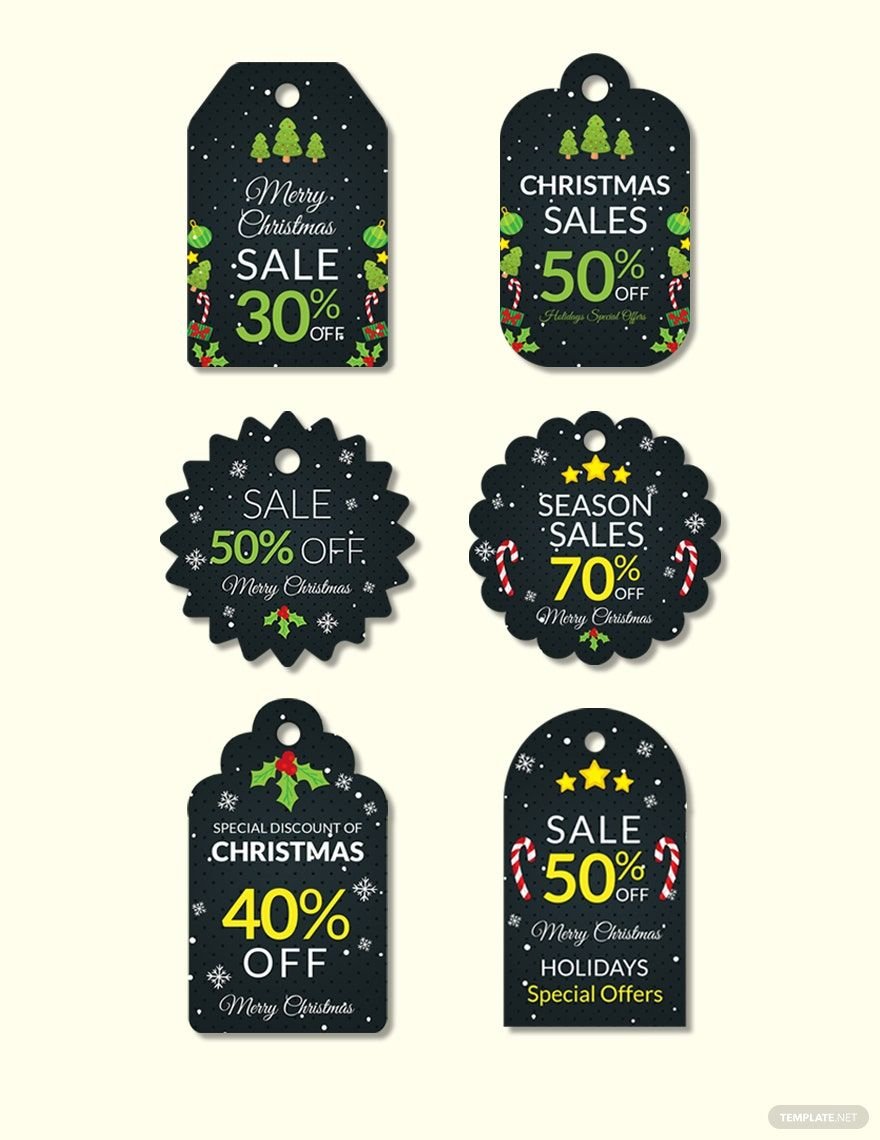
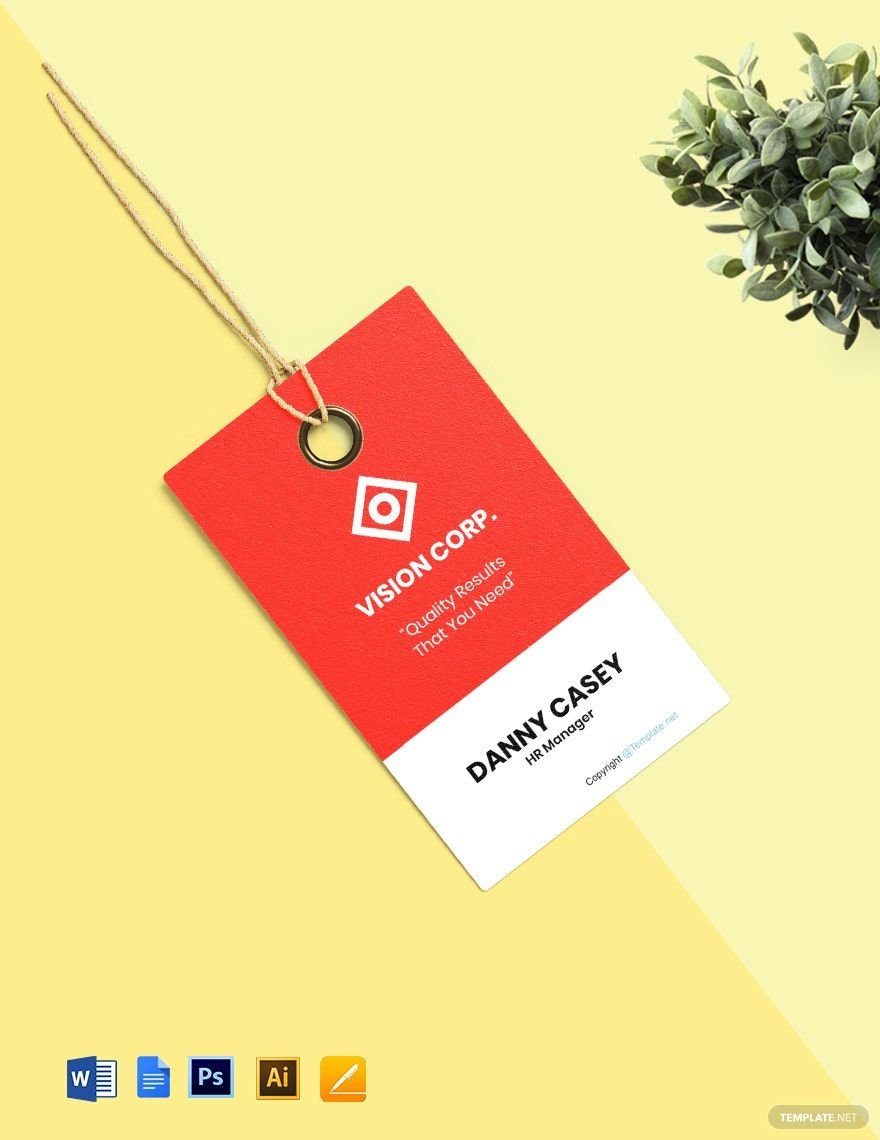
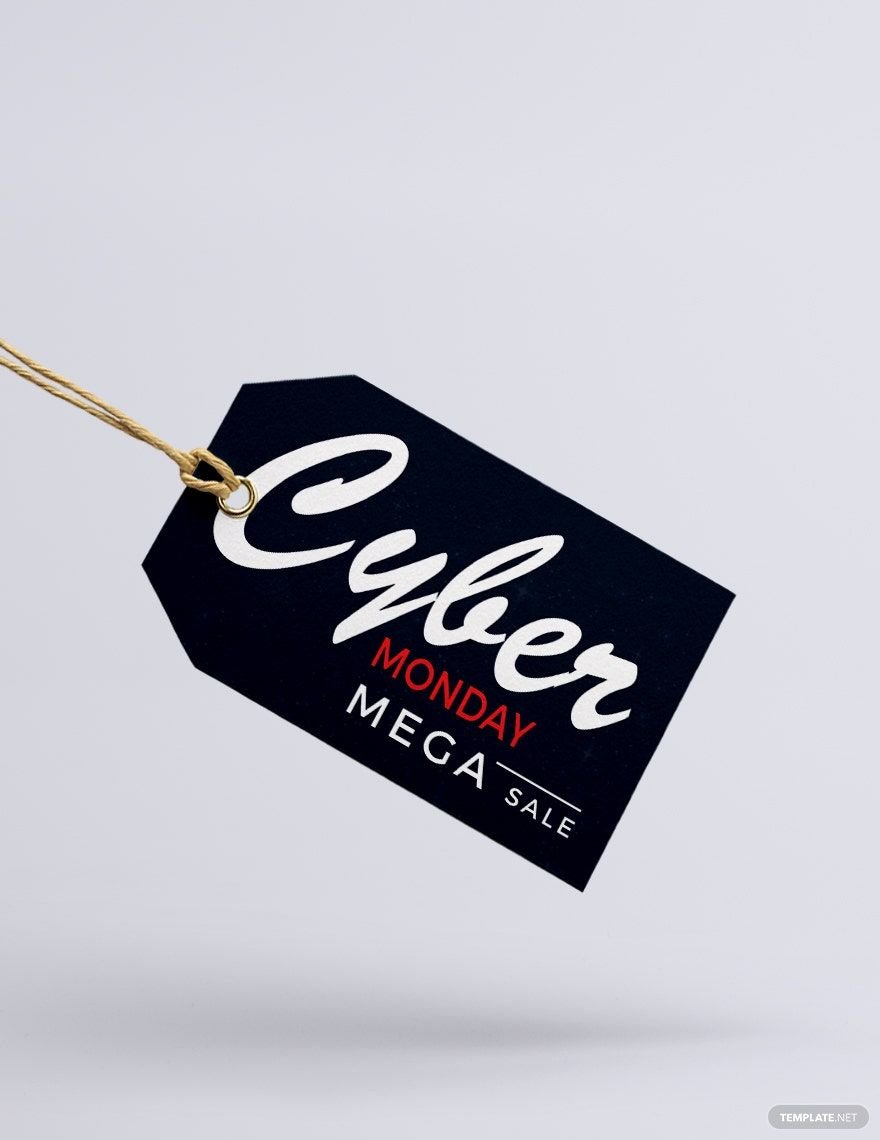
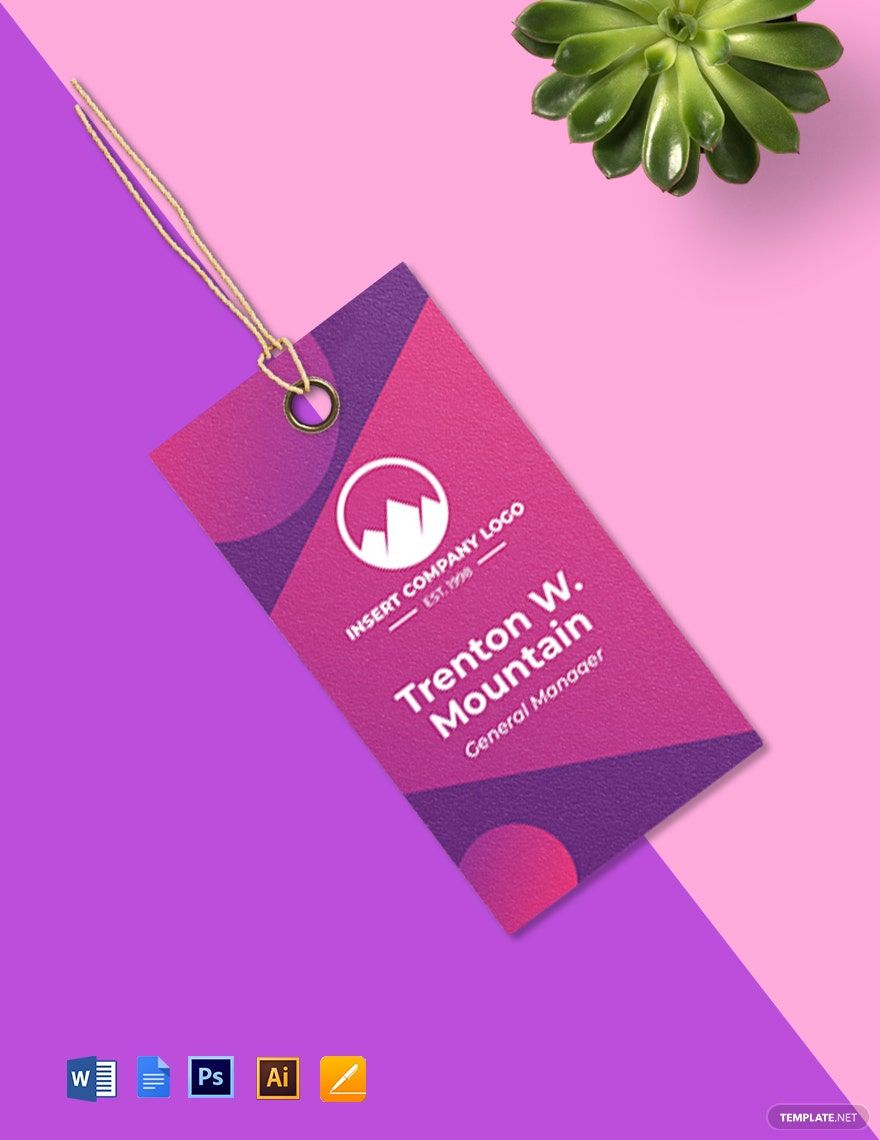
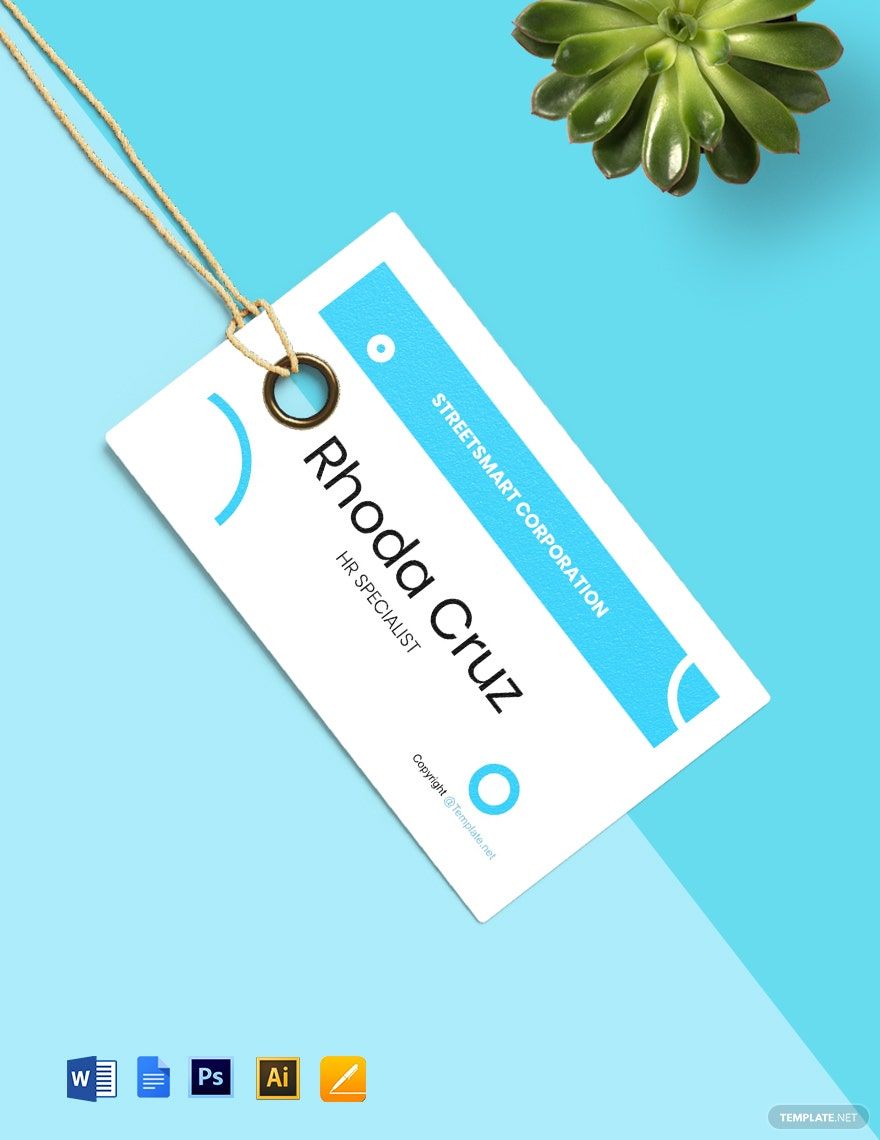
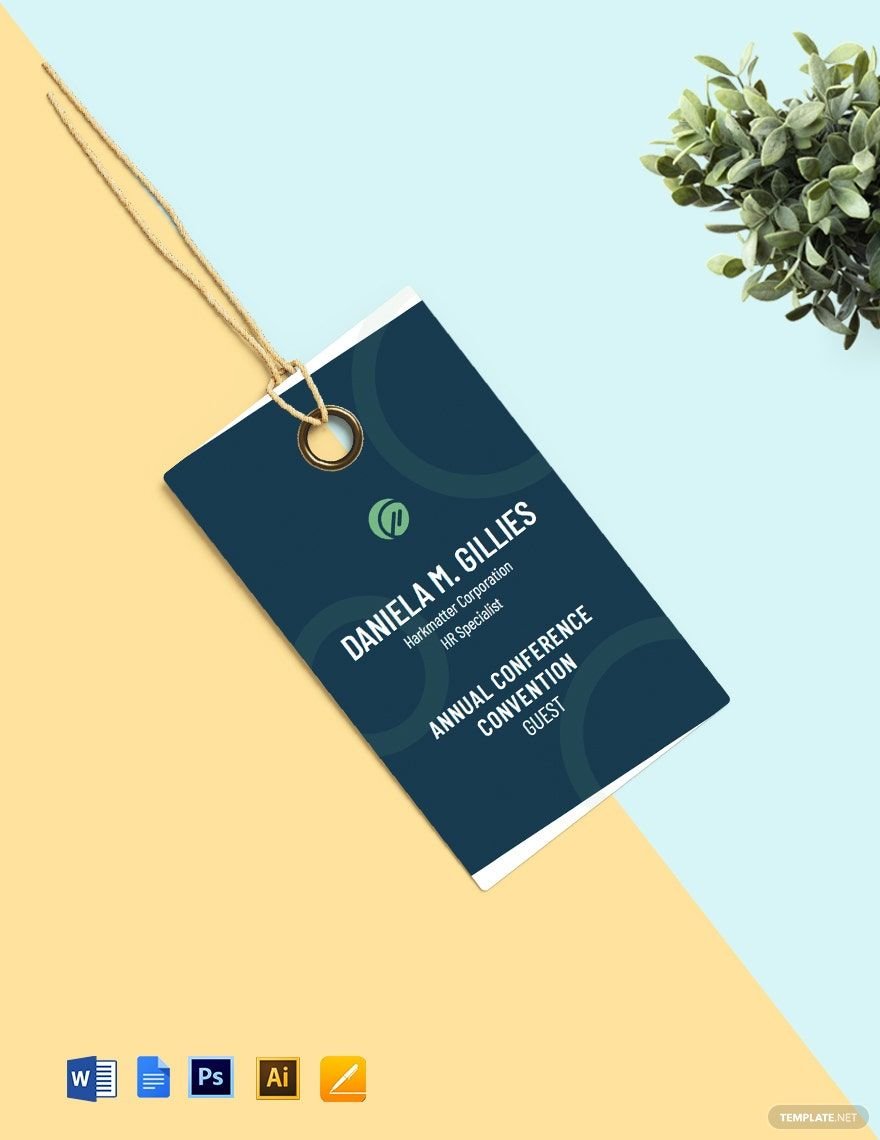
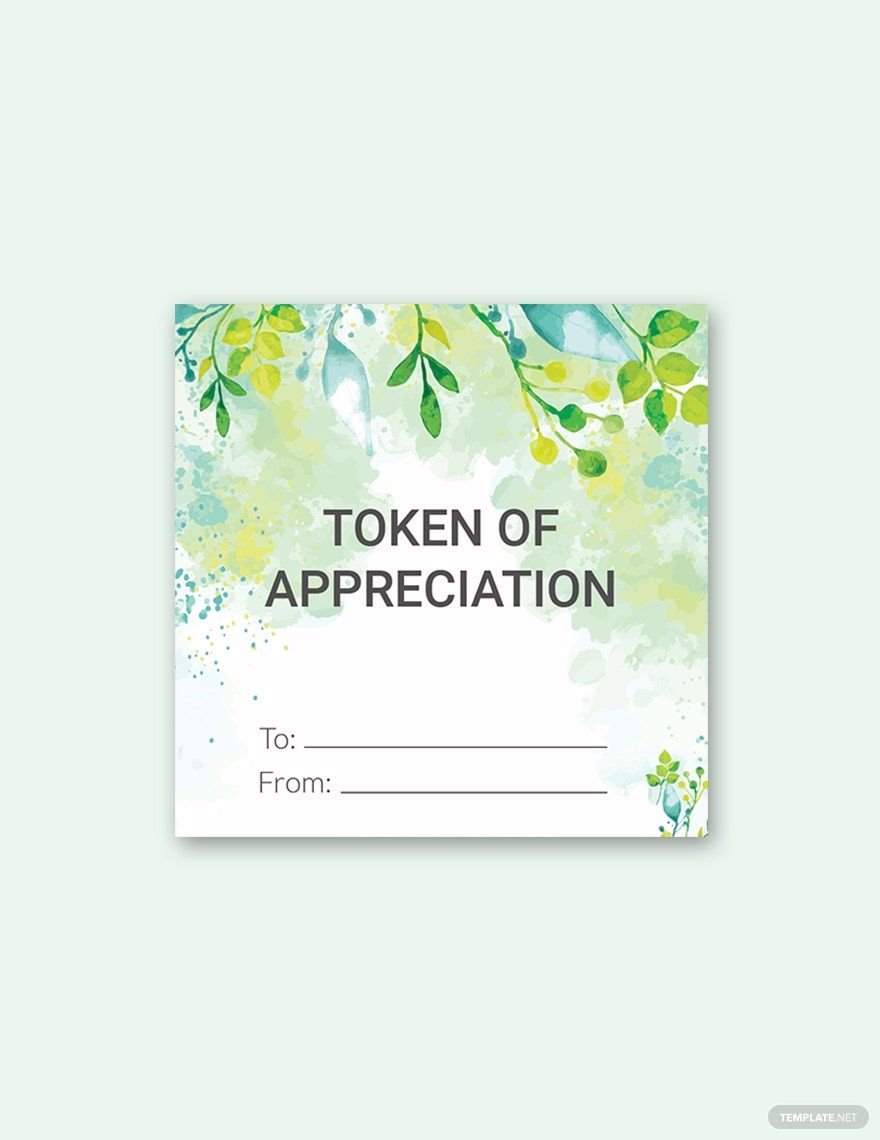
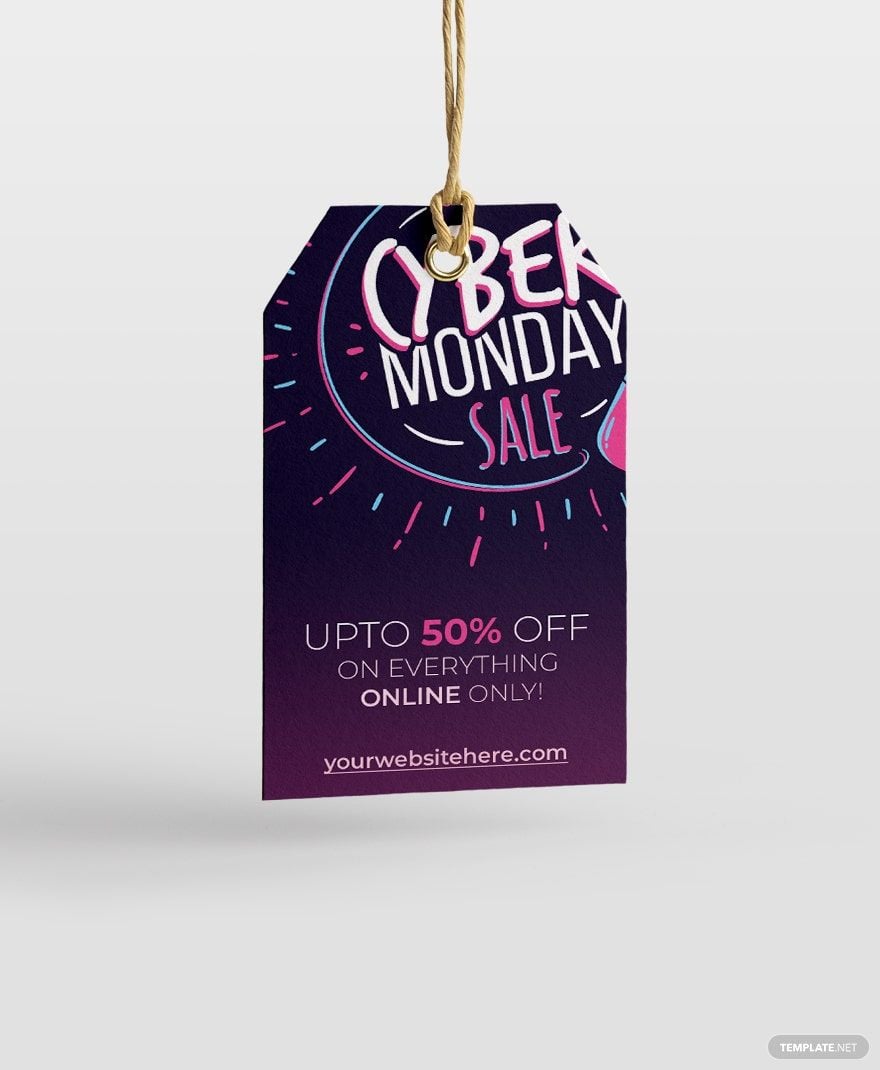
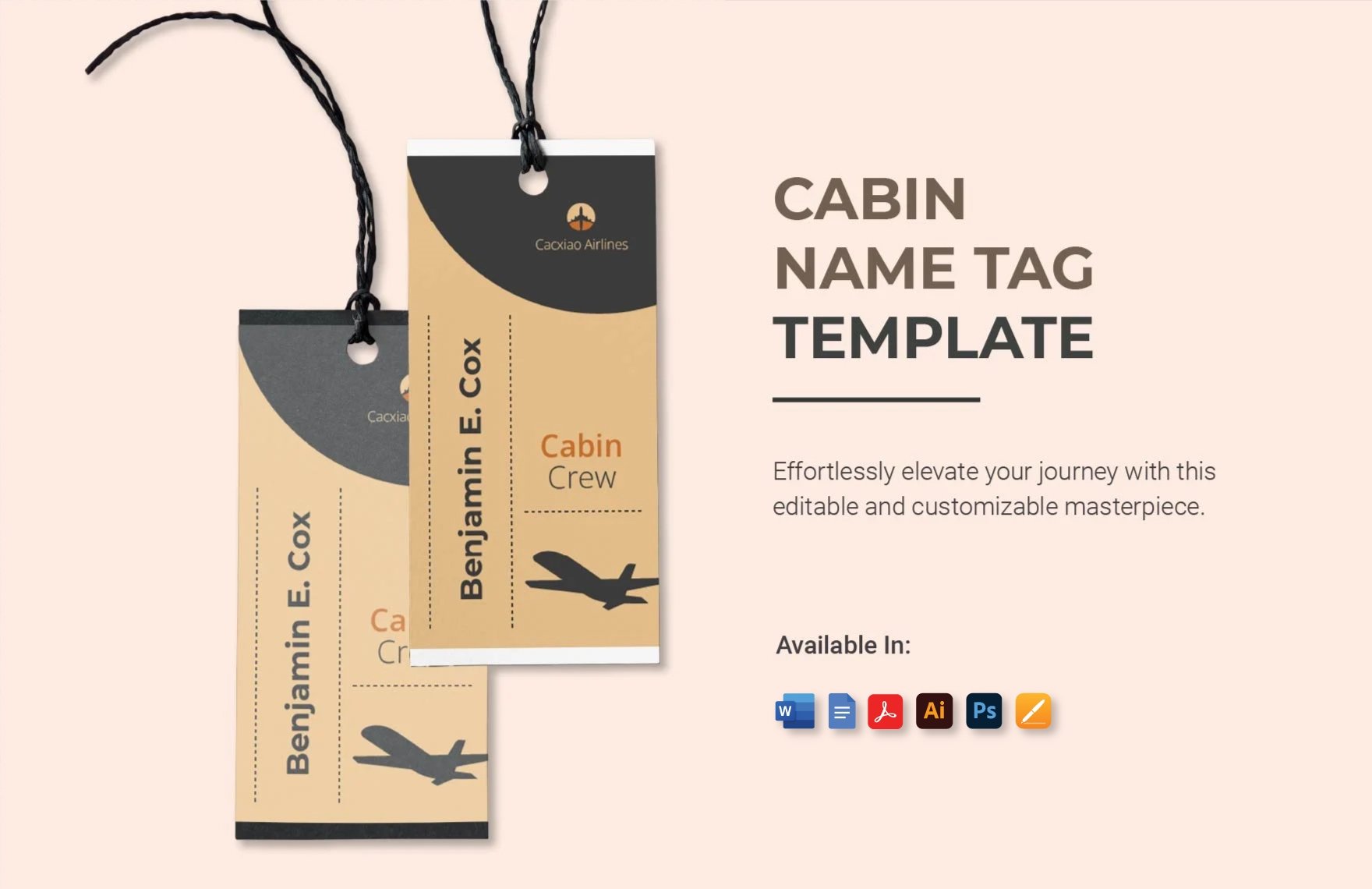
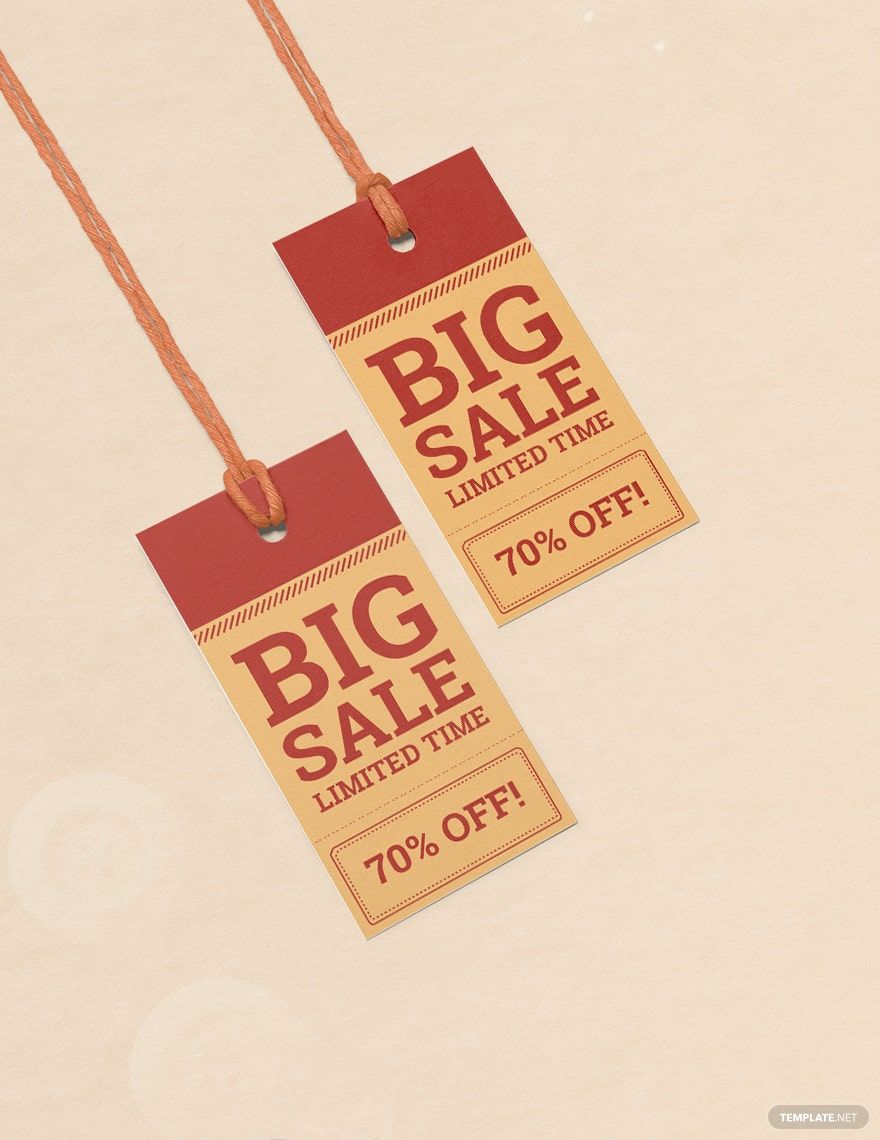
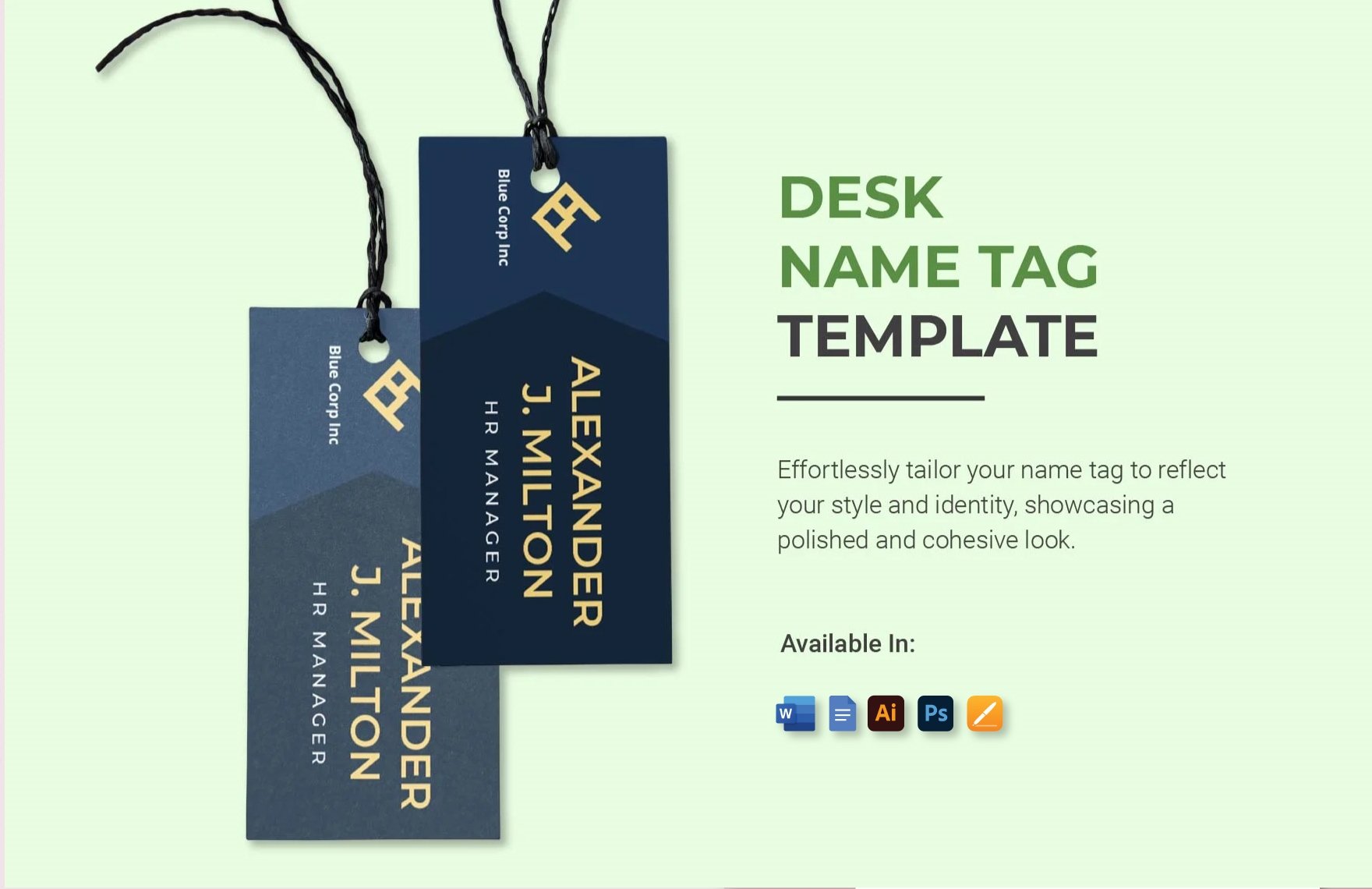
A Tag is a customizable label designed to provide important information, identification, or branding for products, gifts, or organizational needs. Tags can include details like names, prices, instructions, or branding elements, making them versatile for different purposes.
Why should I use a Tag?
Using a Tag enhances the presentation and communication of essential information related to products or projects. Tags offer a clear, professional way to organize, brand, or provide instructions, improving workflow efficiency and customer engagement.
Who uses Tag?
Tag templates are commonly used by small business owners, retailers, event planners, designers, and crafters who need to label products, gifts, or materials with clear, professional tags that can be customized efficiently.
What are the best tips for completing my Tag?
To complete your Tag effectively, focus on clear, concise information and eye-catching design. Use legible fonts, include essential details like product name or price, and choose colors that align with your branding for a professional appearance.
Can I create a Tag using AI?
You can create a Tag using AI tools available elsewhere on Template.net, which help generate initial designs and ideas. However, this category focuses on editable templates that you can customize manually in your browser for precise control.
What file formats can I download for my Tag?
Template.net offers Tag templates available for download in multiple formats including PSD, Illustrator, Publisher, Apple Pages, Word, and Google Docs.
When should I use a Tag?
You should use a Tag when you need to provide identification, pricing, branding, or instructions for products, gifts, events, or organizational purposes. Tags are especially useful in retail, crafts, and event management for clear communication.
What are the essential elements of a Tag?
An effective Tag includes several essential elements to convey its purpose clearly.
- Title or Name: Identifies the product or item.
- Price or Code: Displays cost or inventory number.
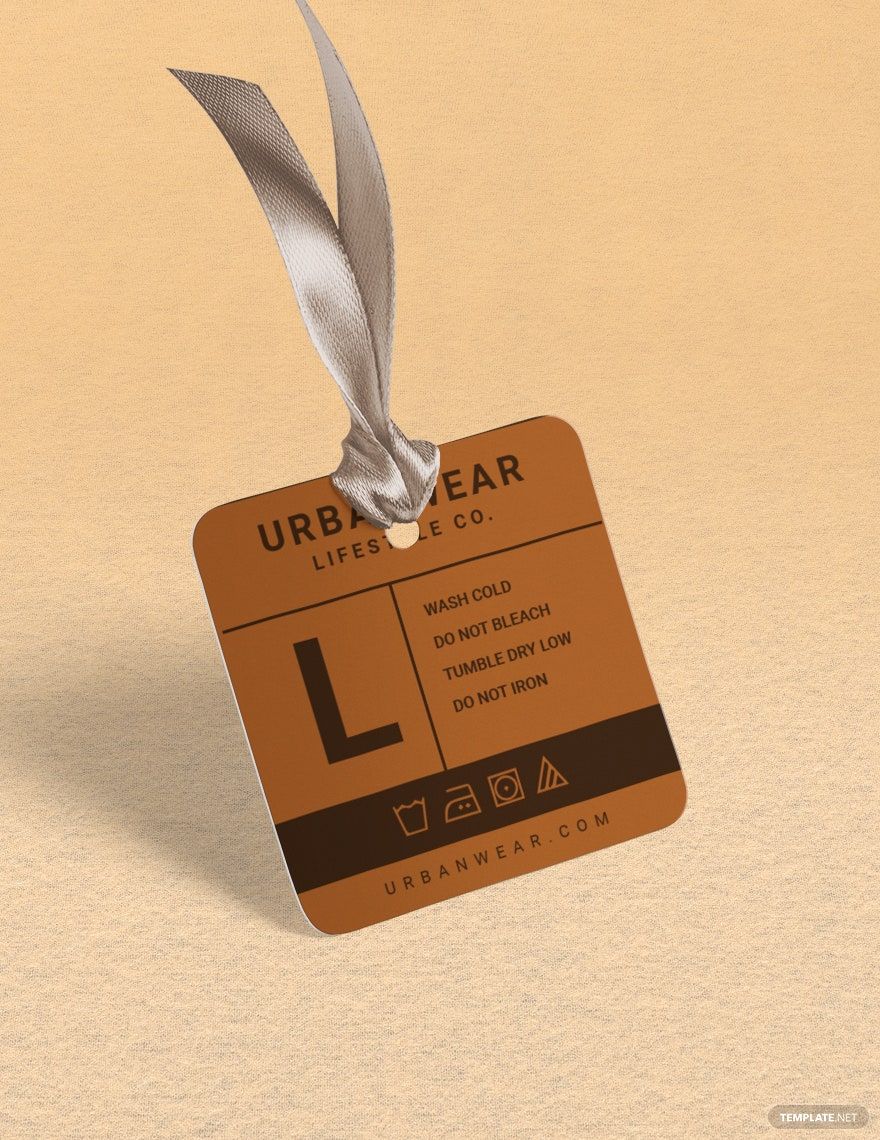
- Instructions: Provides care or usage guidelines if needed.
- Branding: Includes logos or brand colors for recognition.
- Contact Info: Optional details like website or phone number.
How are Tag templates used in professional workflows?
Tag templates streamline professional workflows by providing ready-made, customizable labels that save time and ensure consistency across products or projects. They enable quick edits online and easy integration into packaging, inventory, or event setups.