
Free VBA Excel Templates
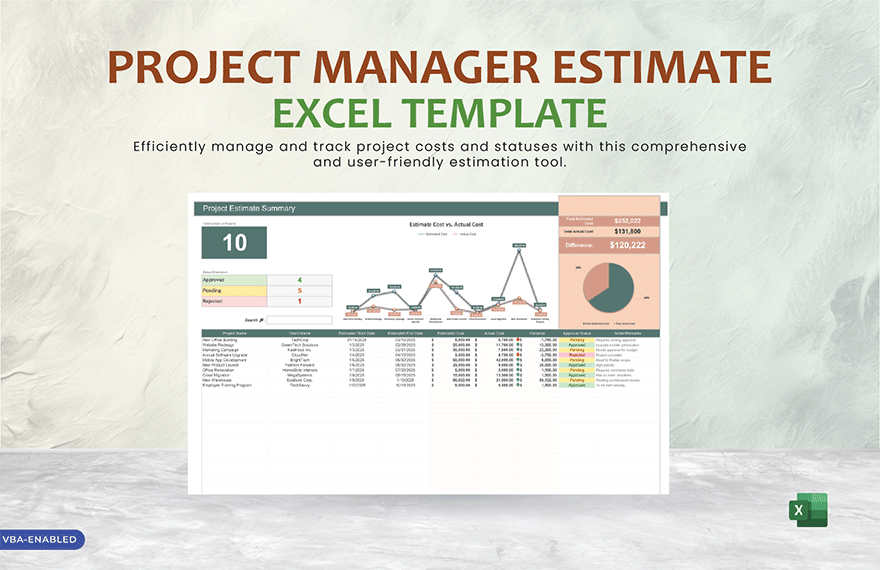
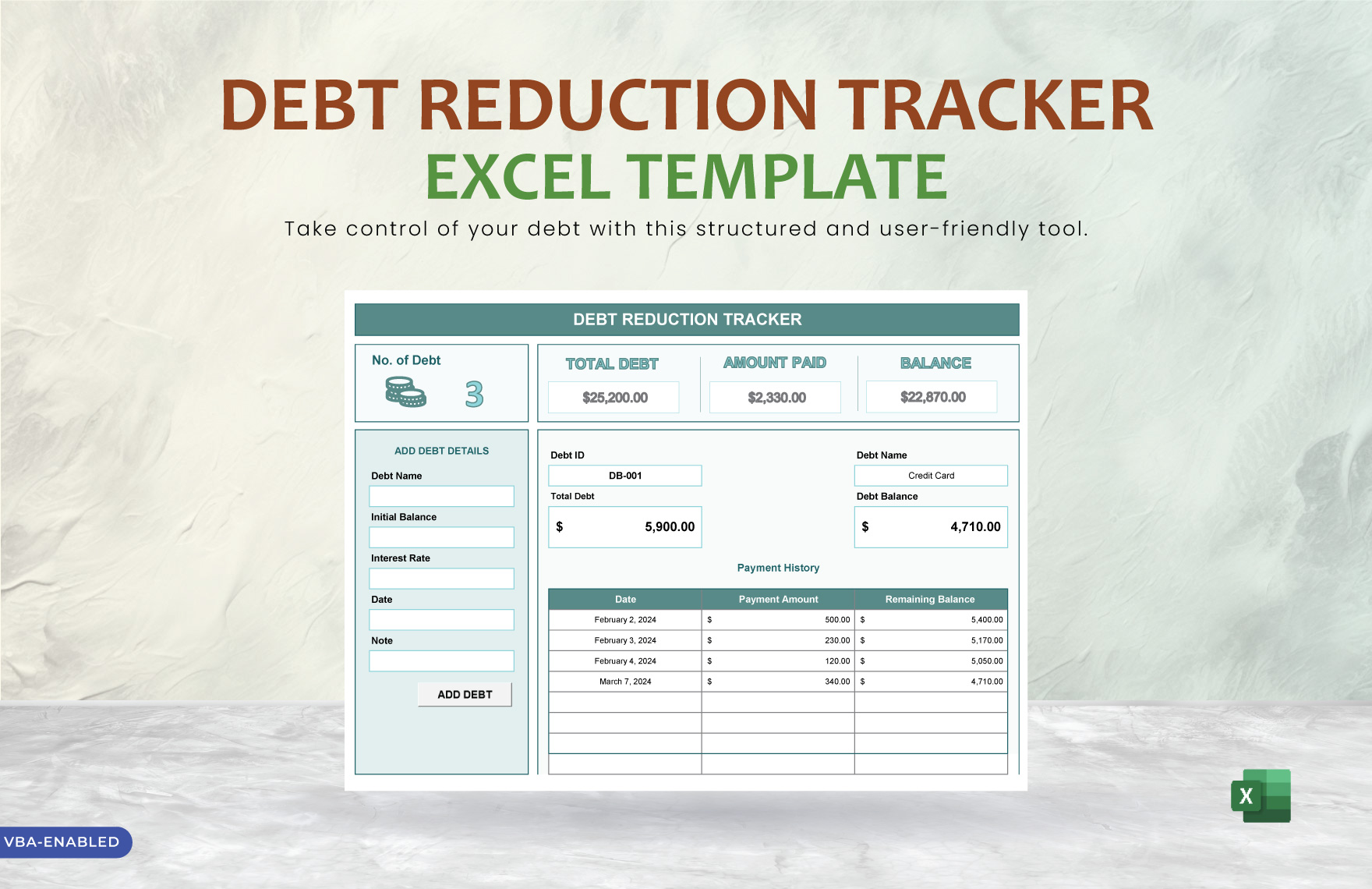
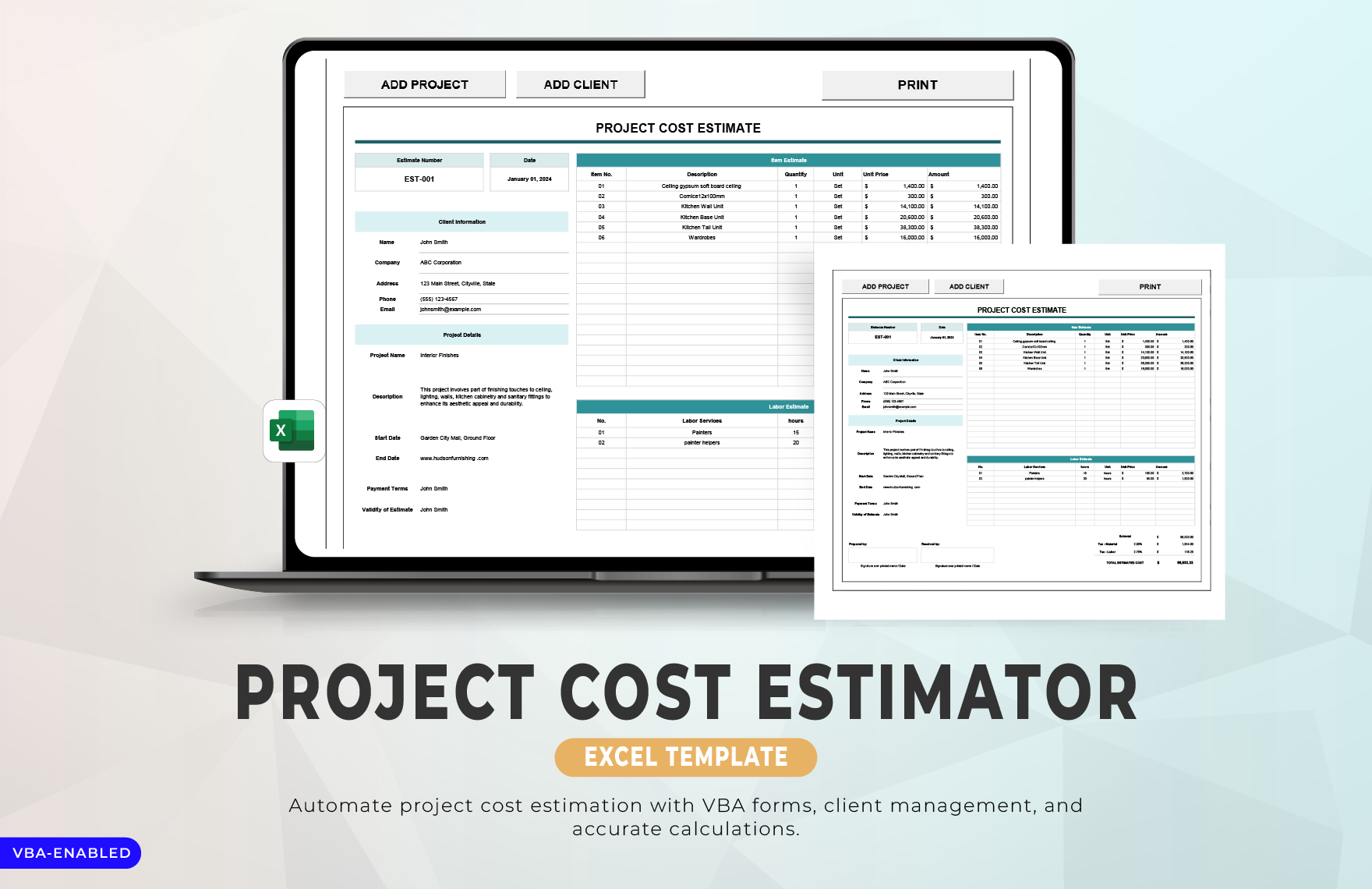
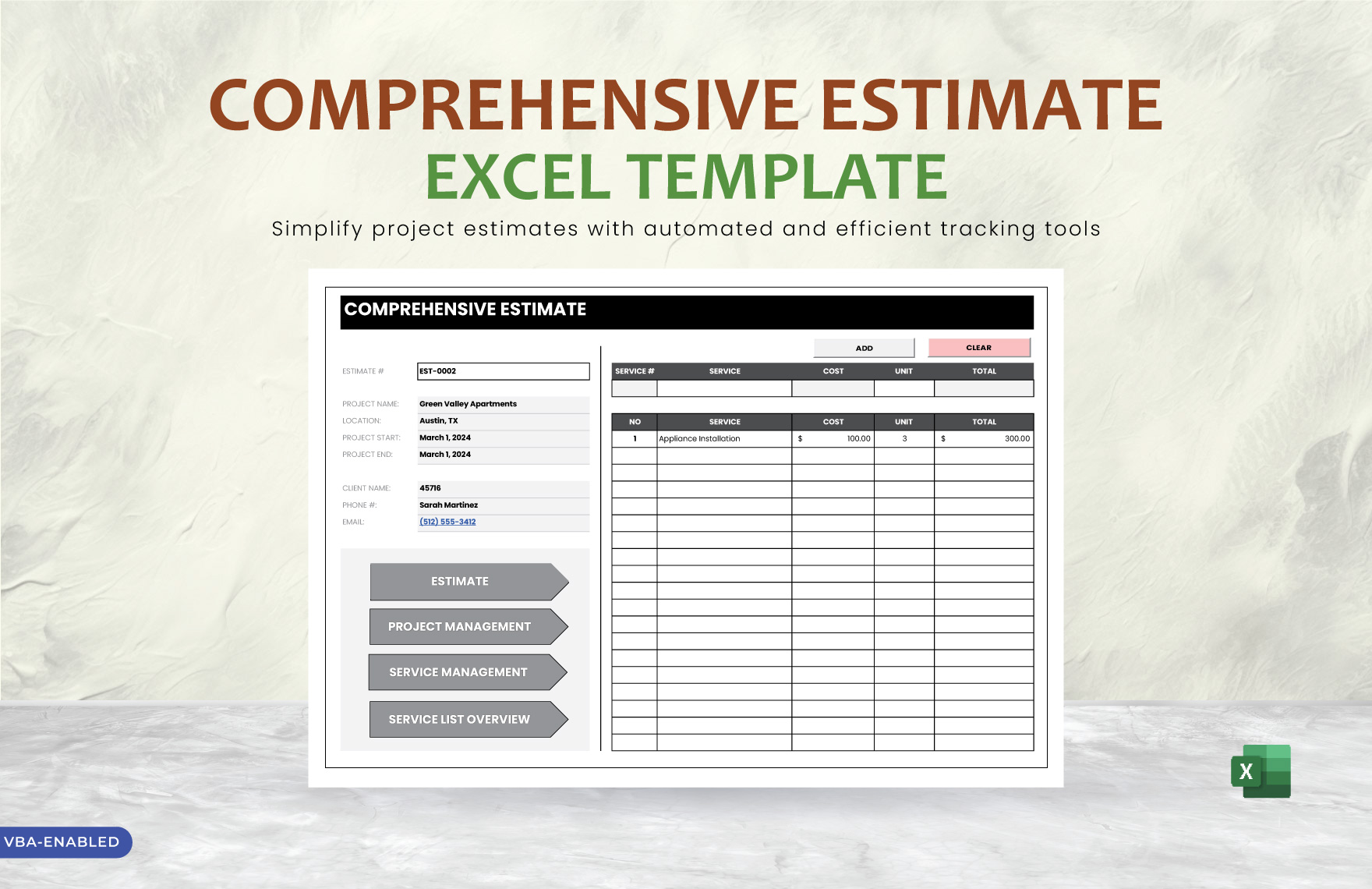
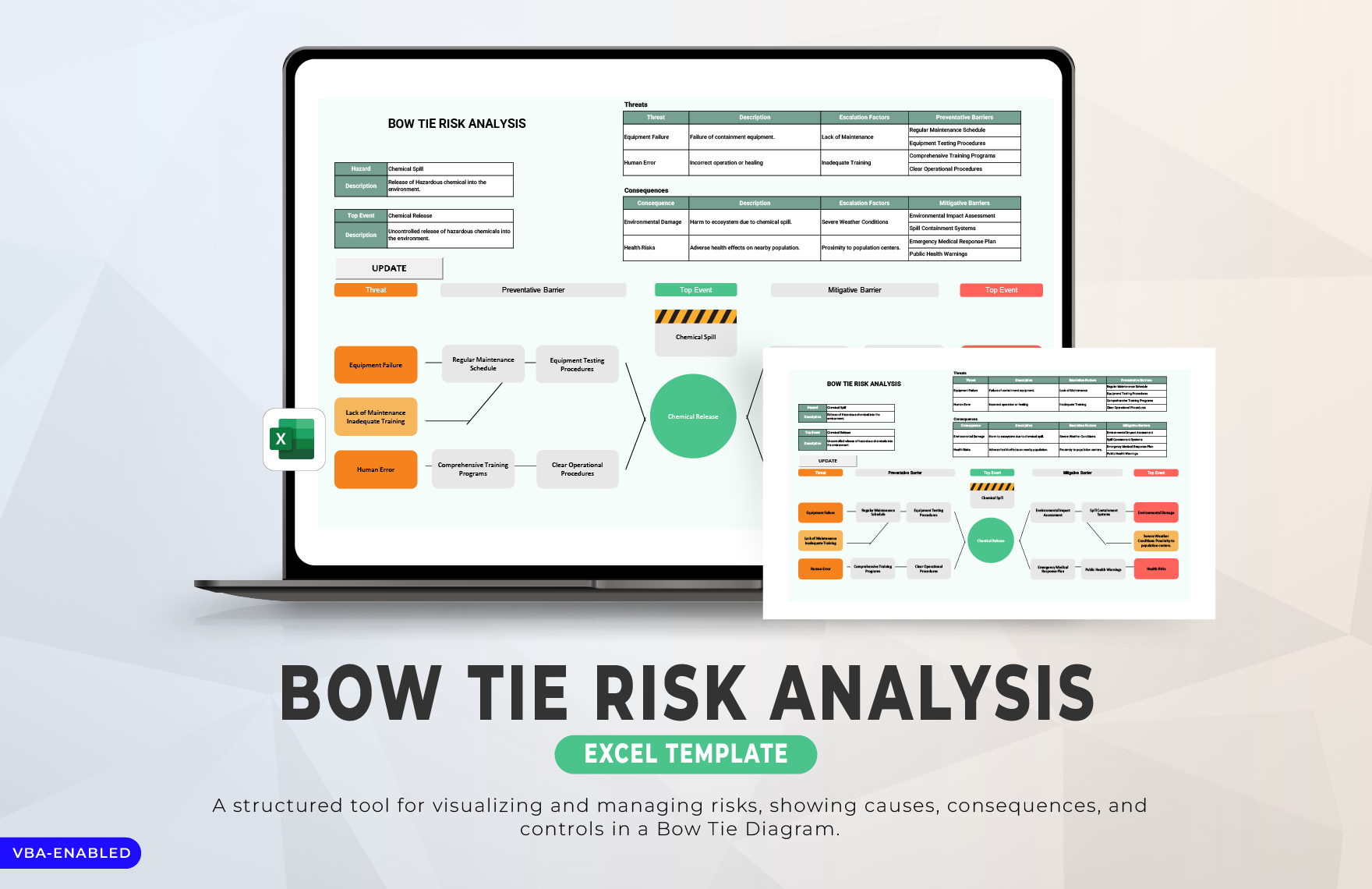
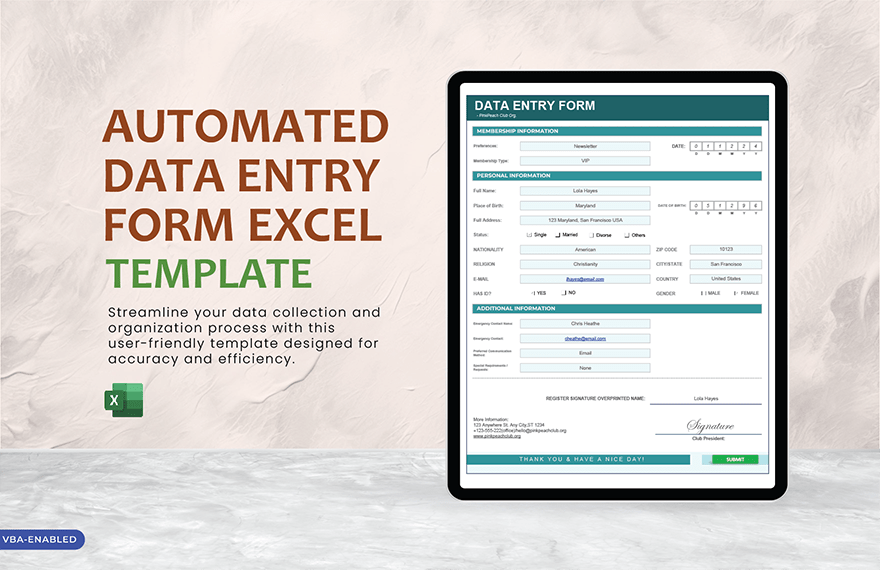
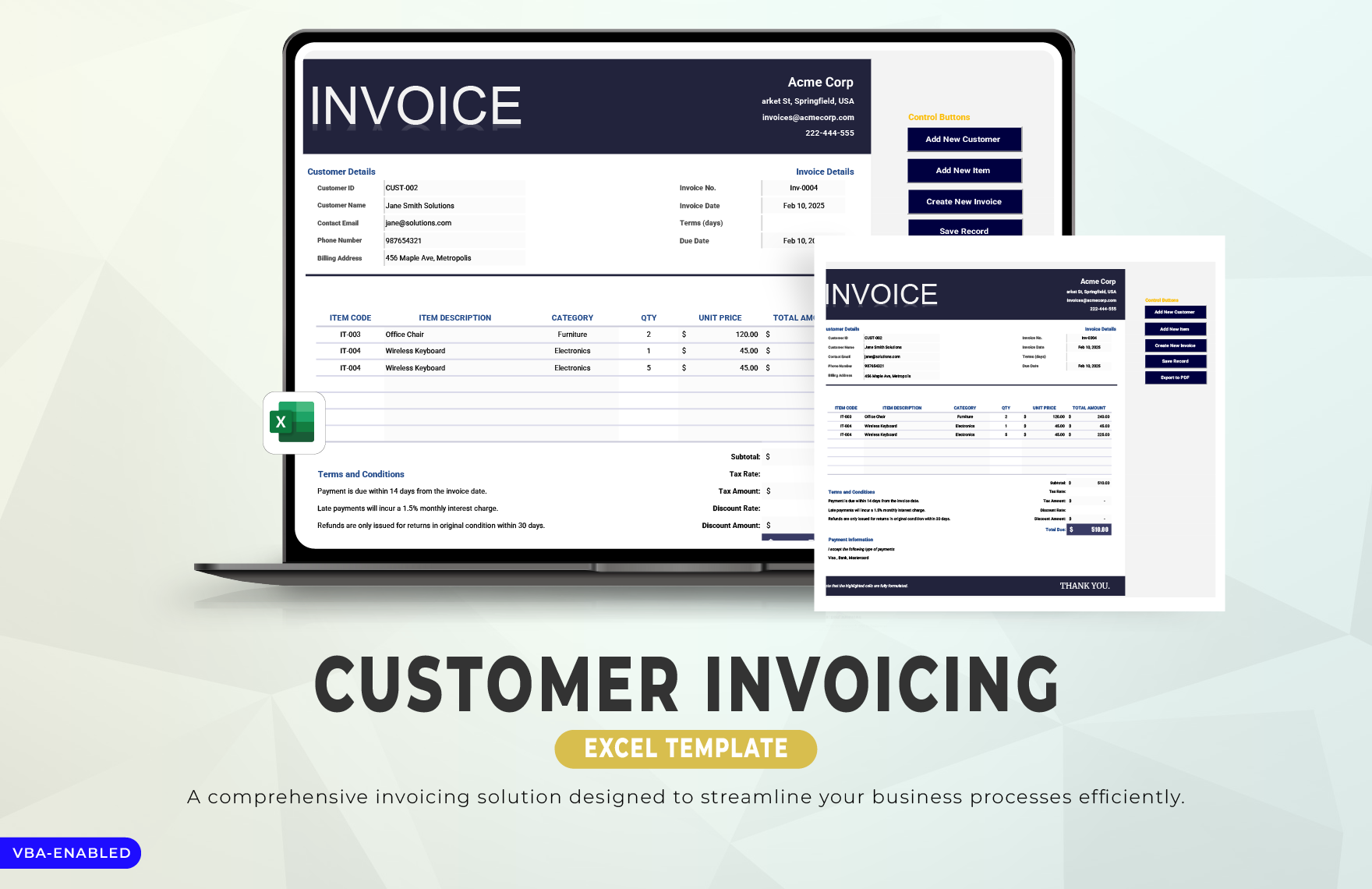
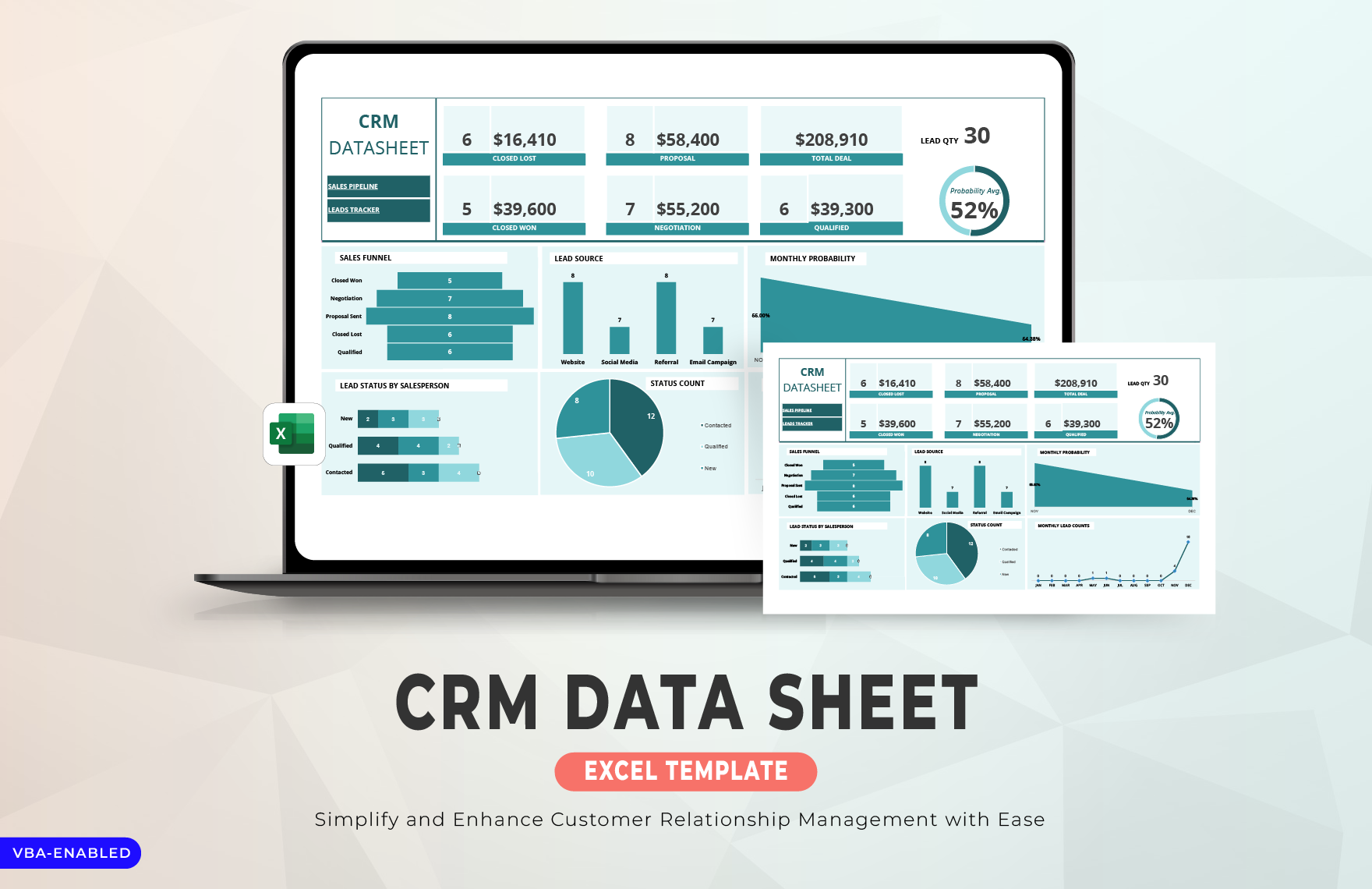
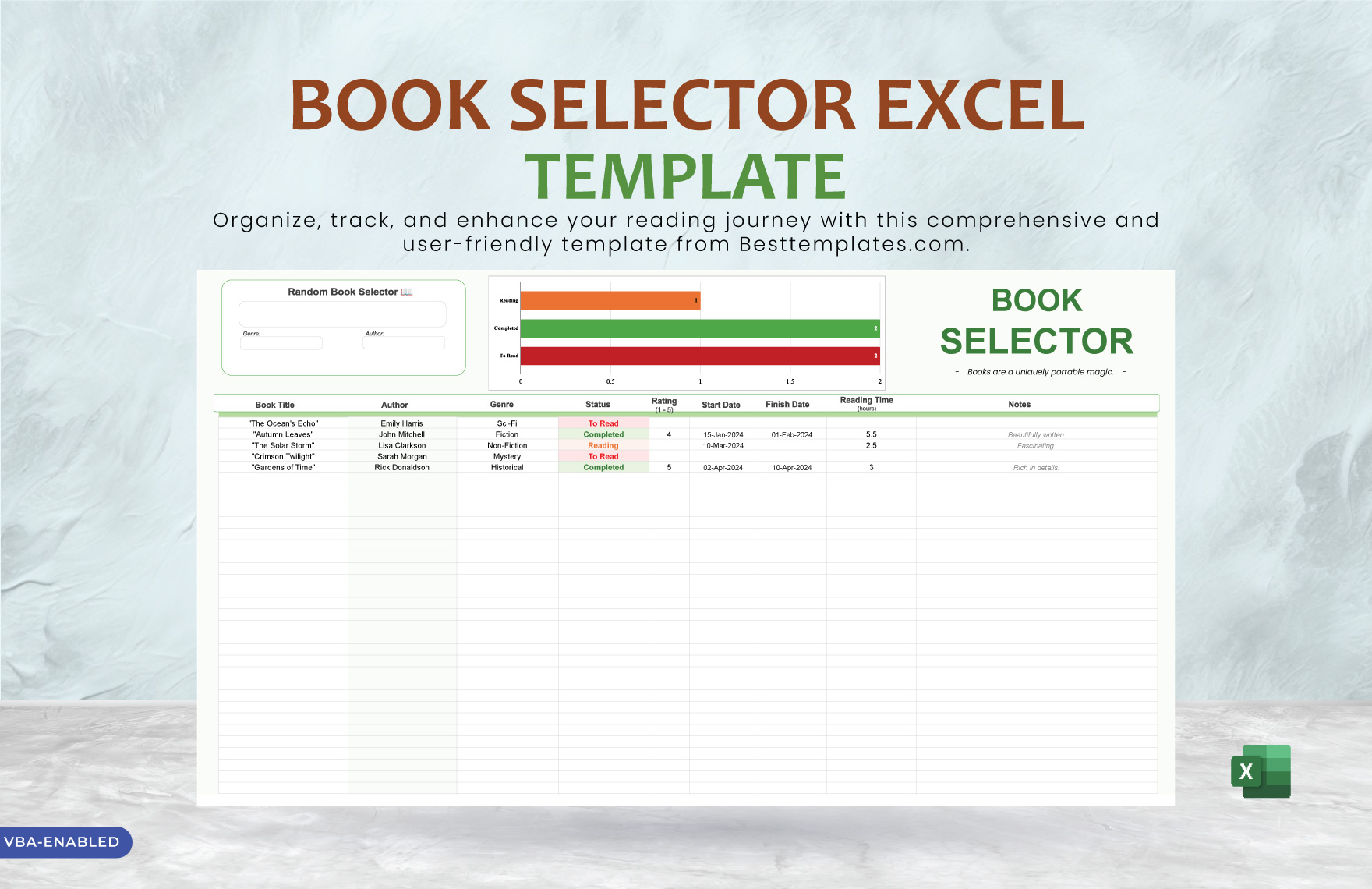
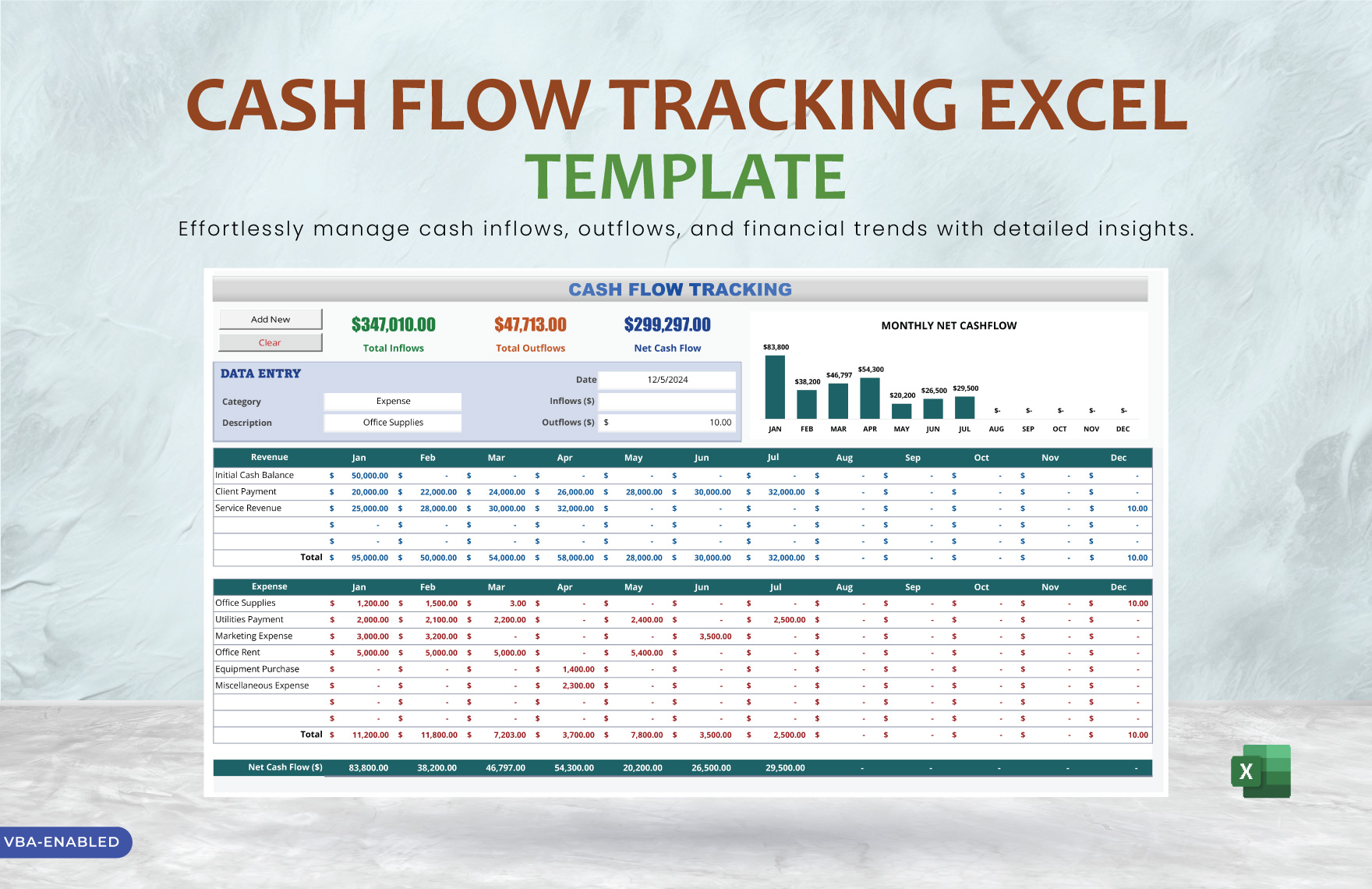
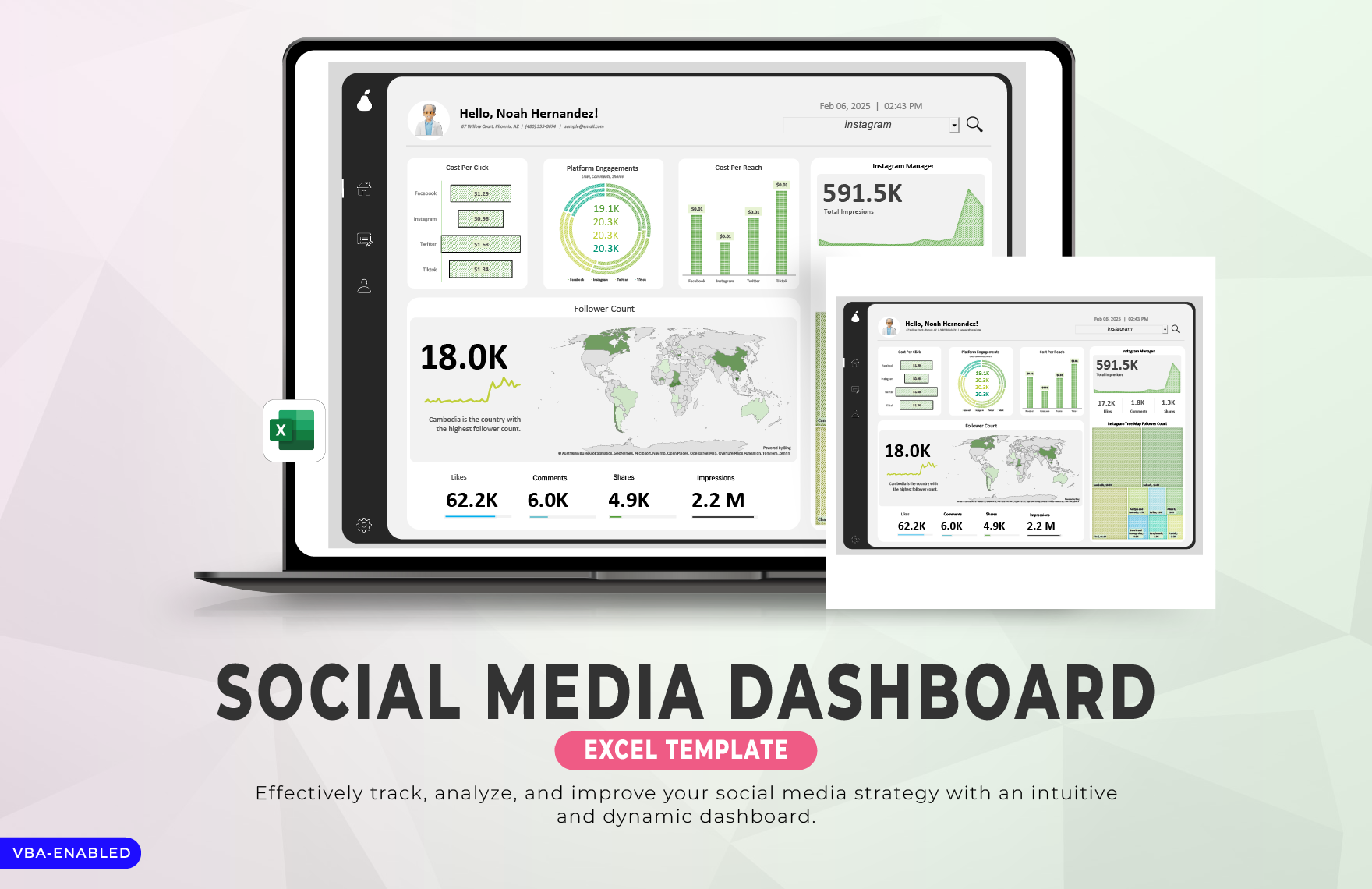
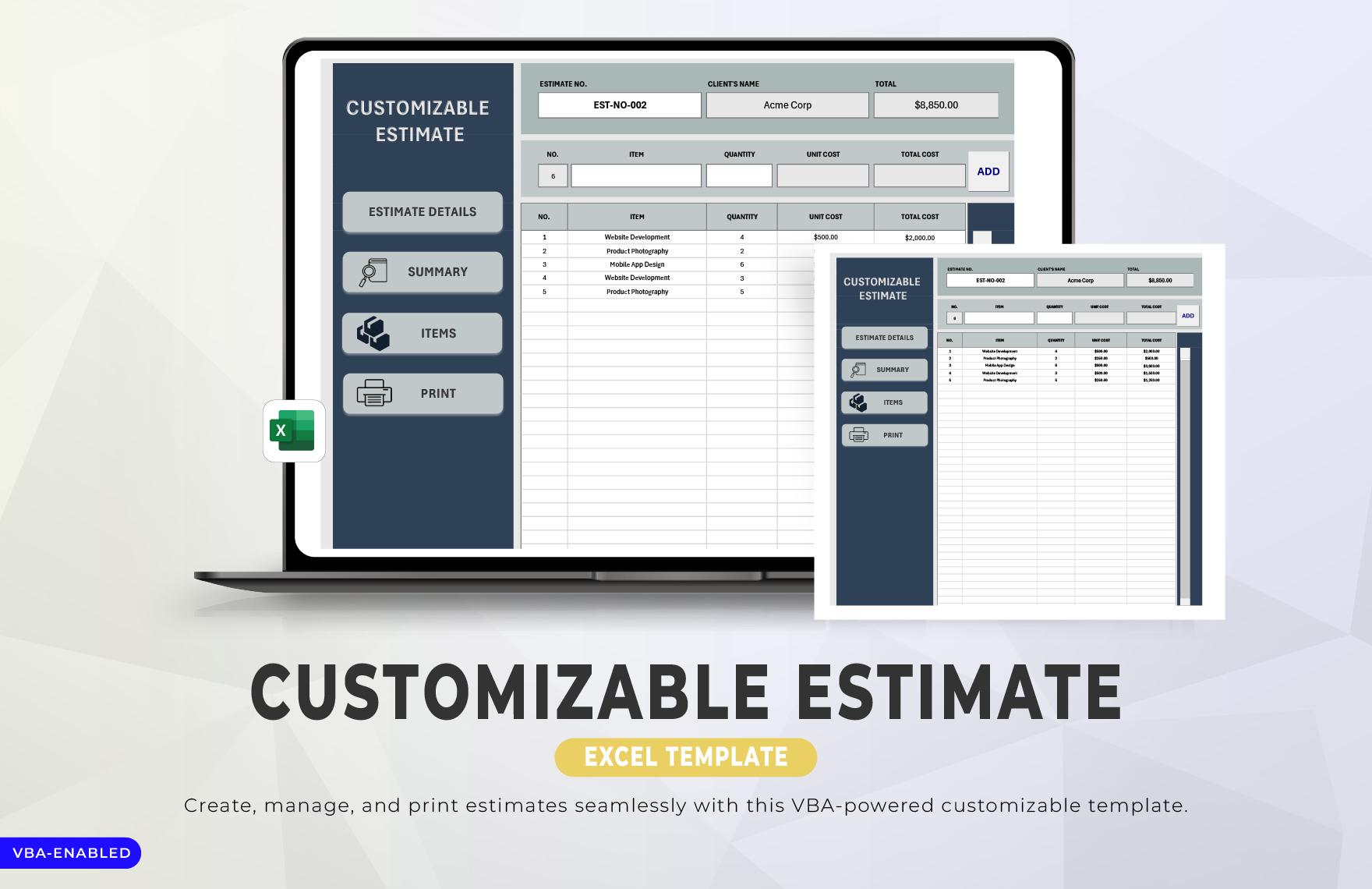
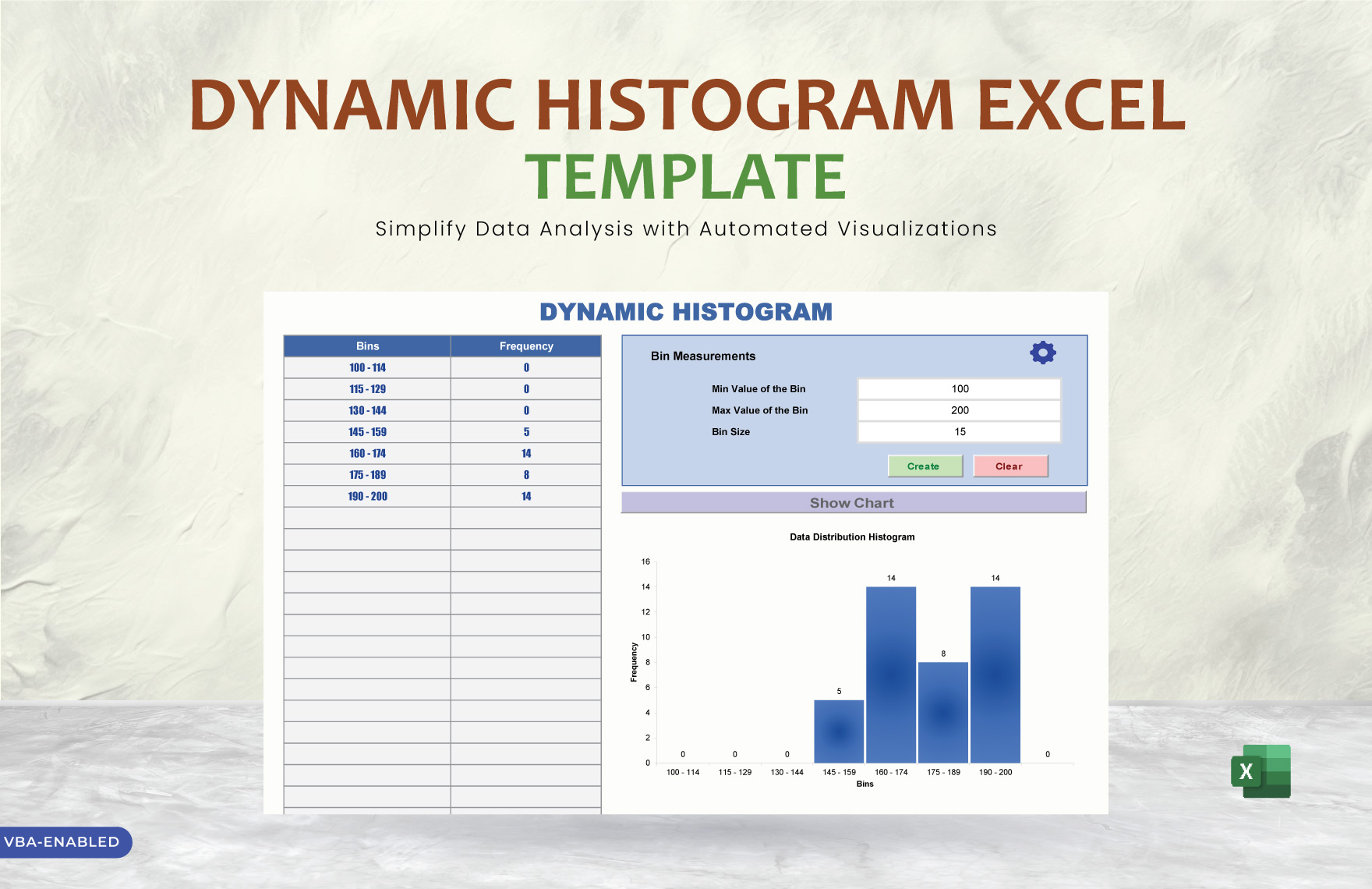
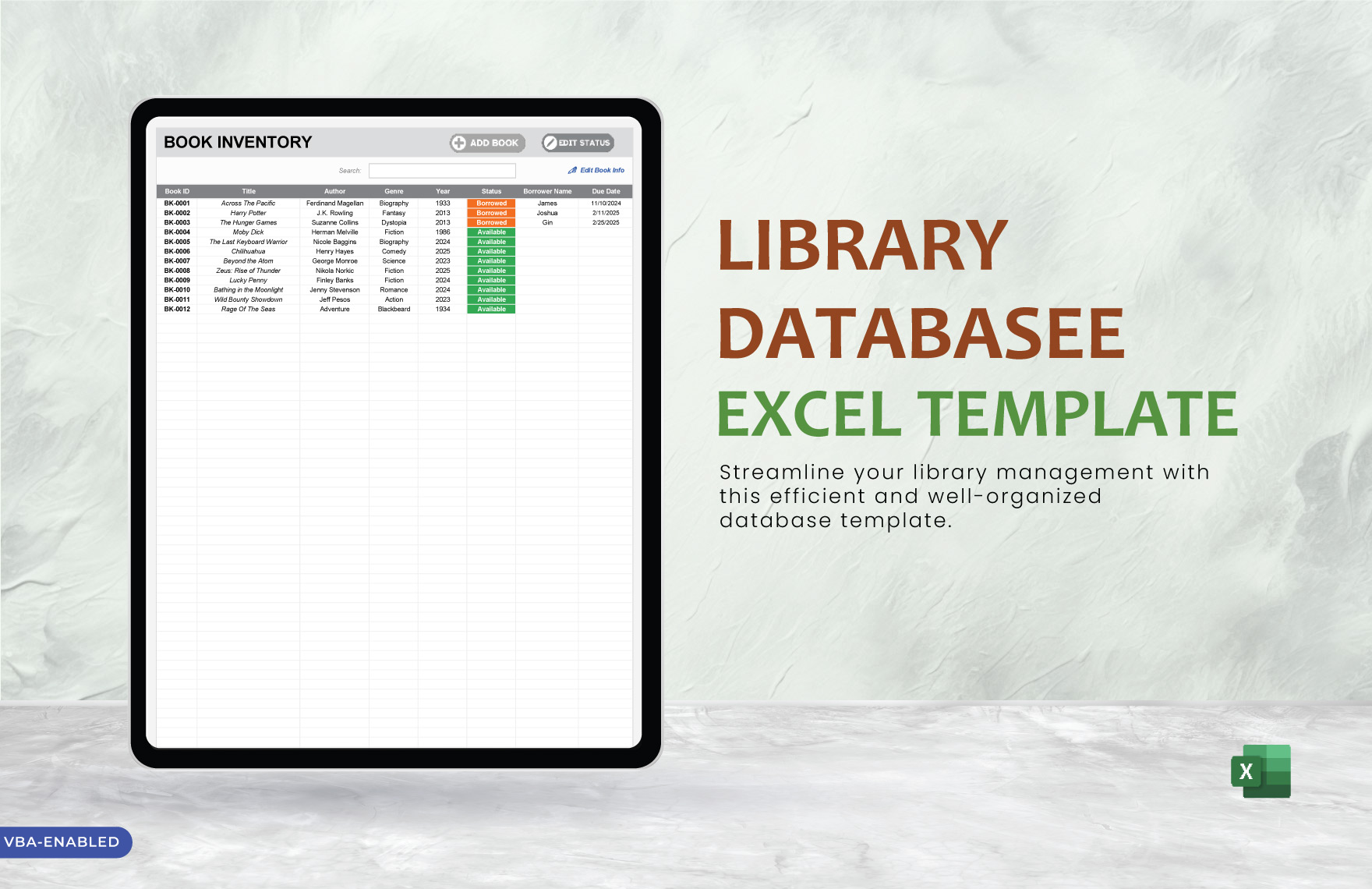
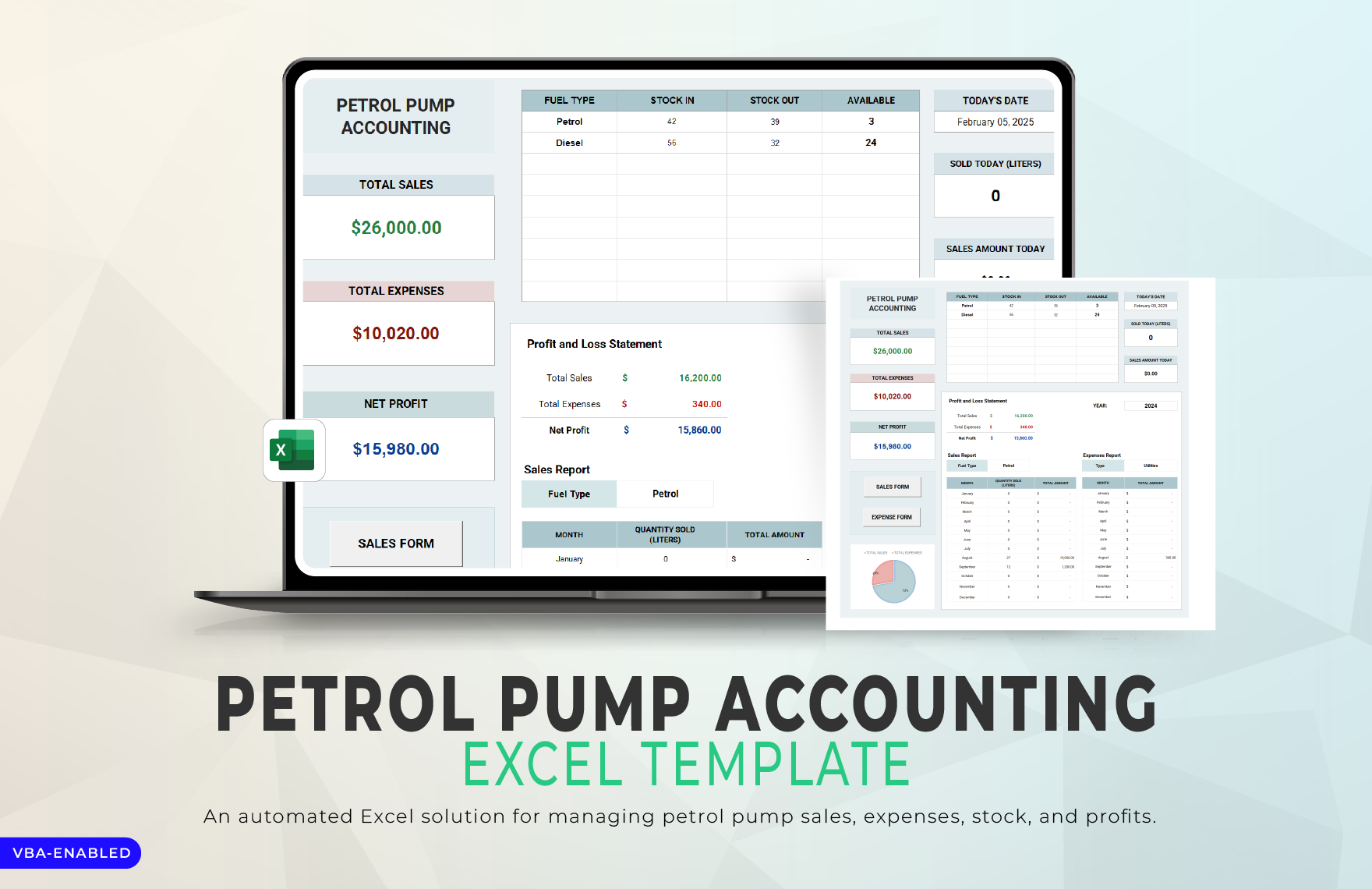
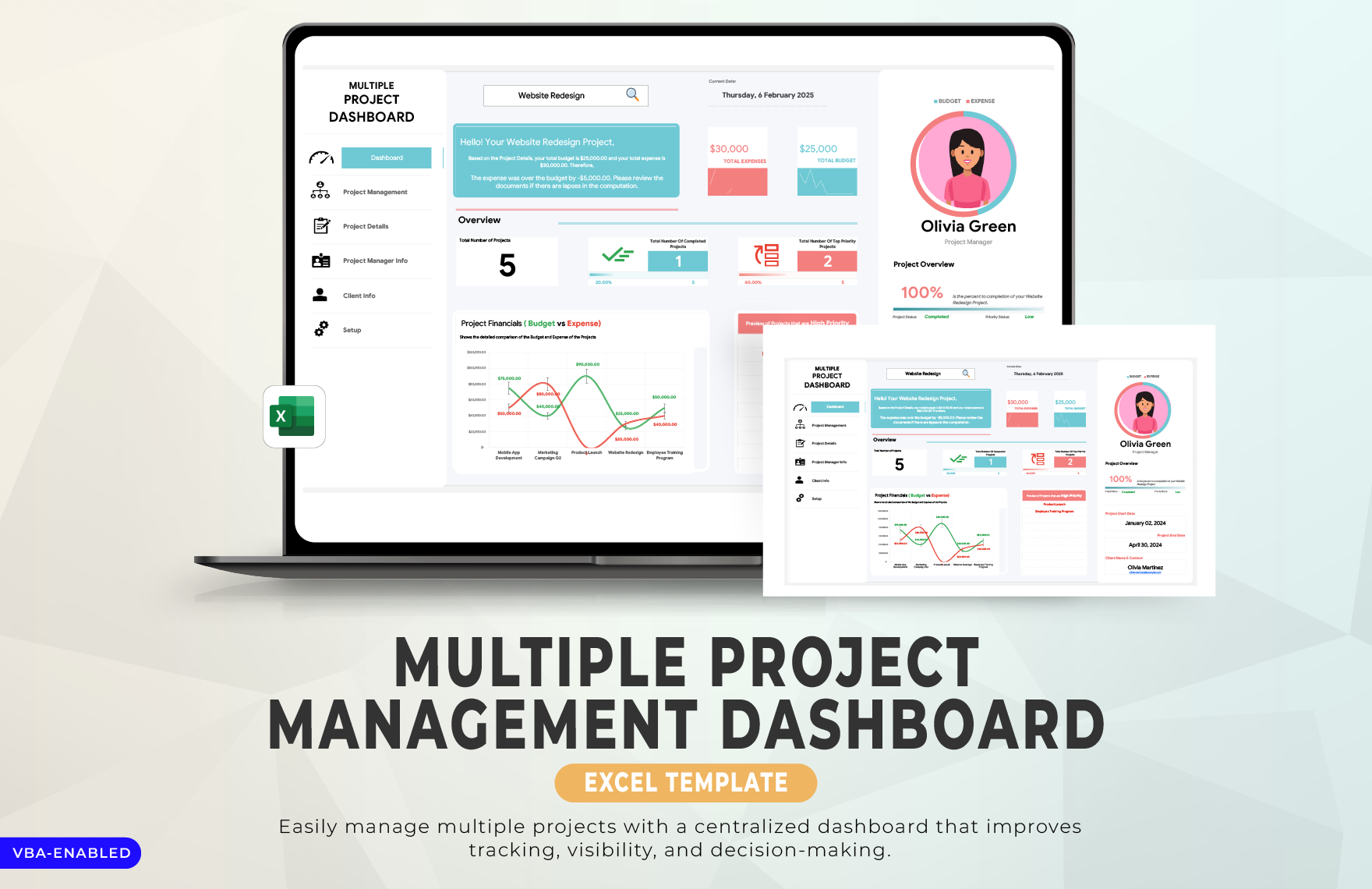
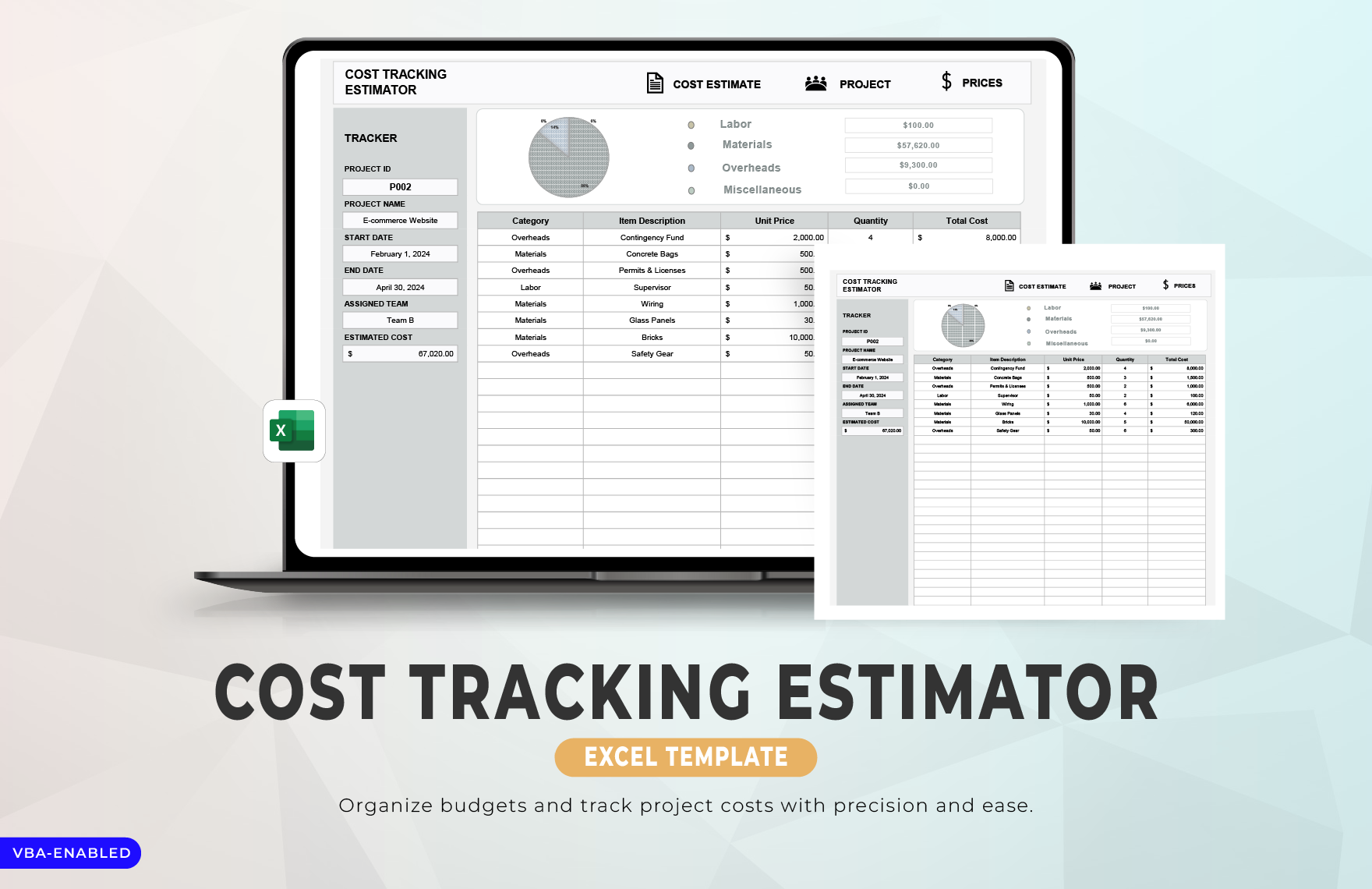
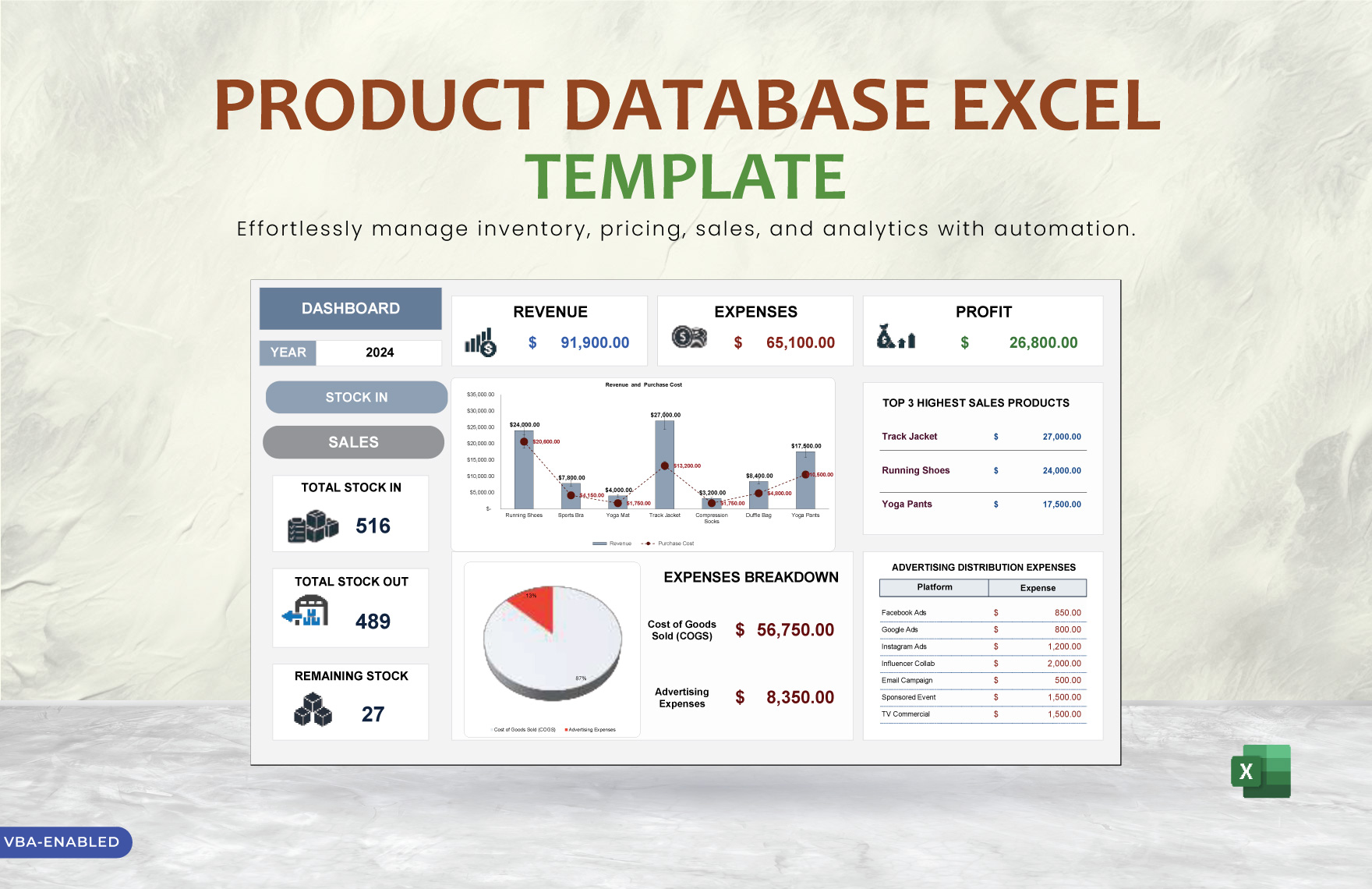
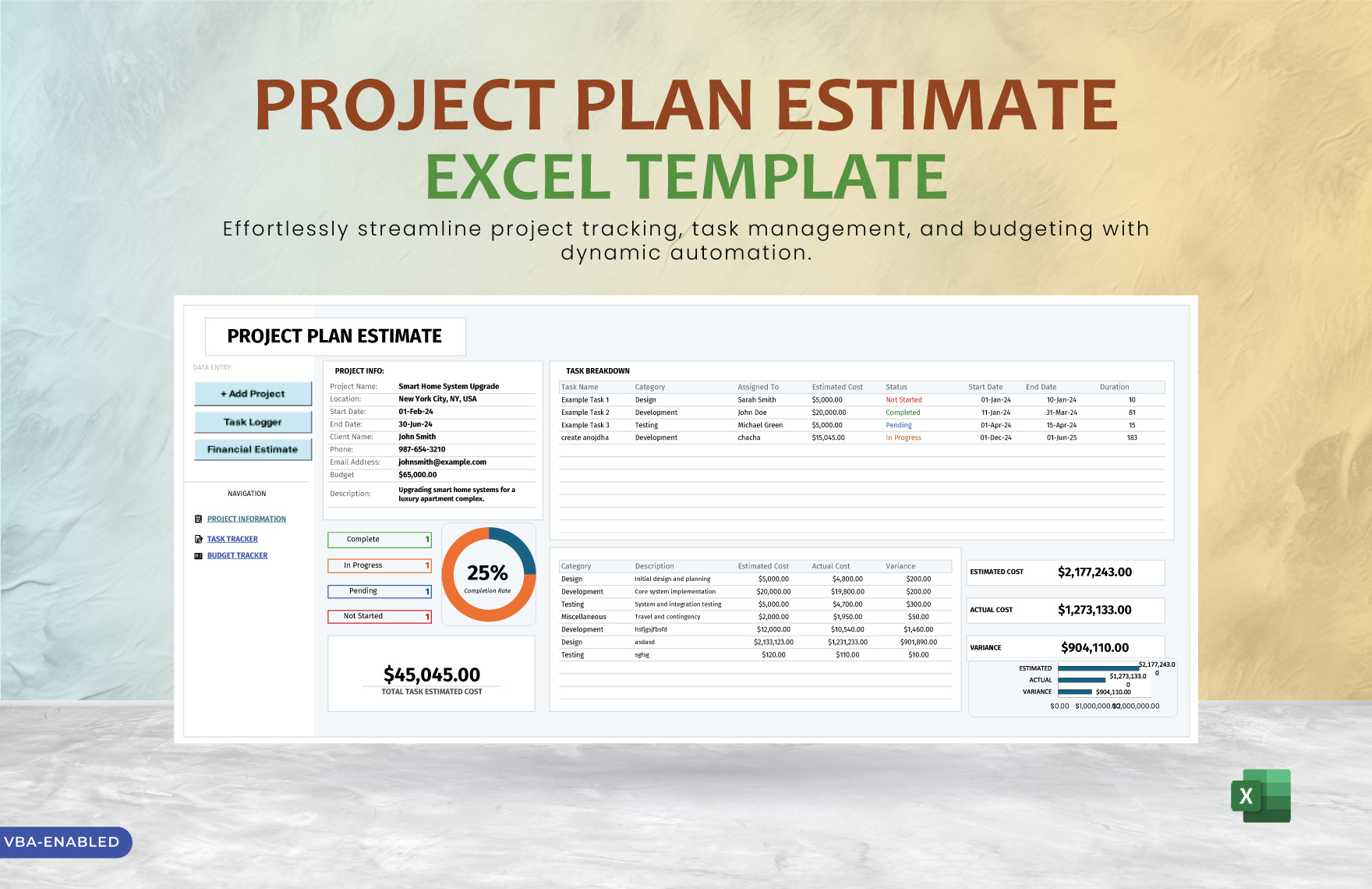
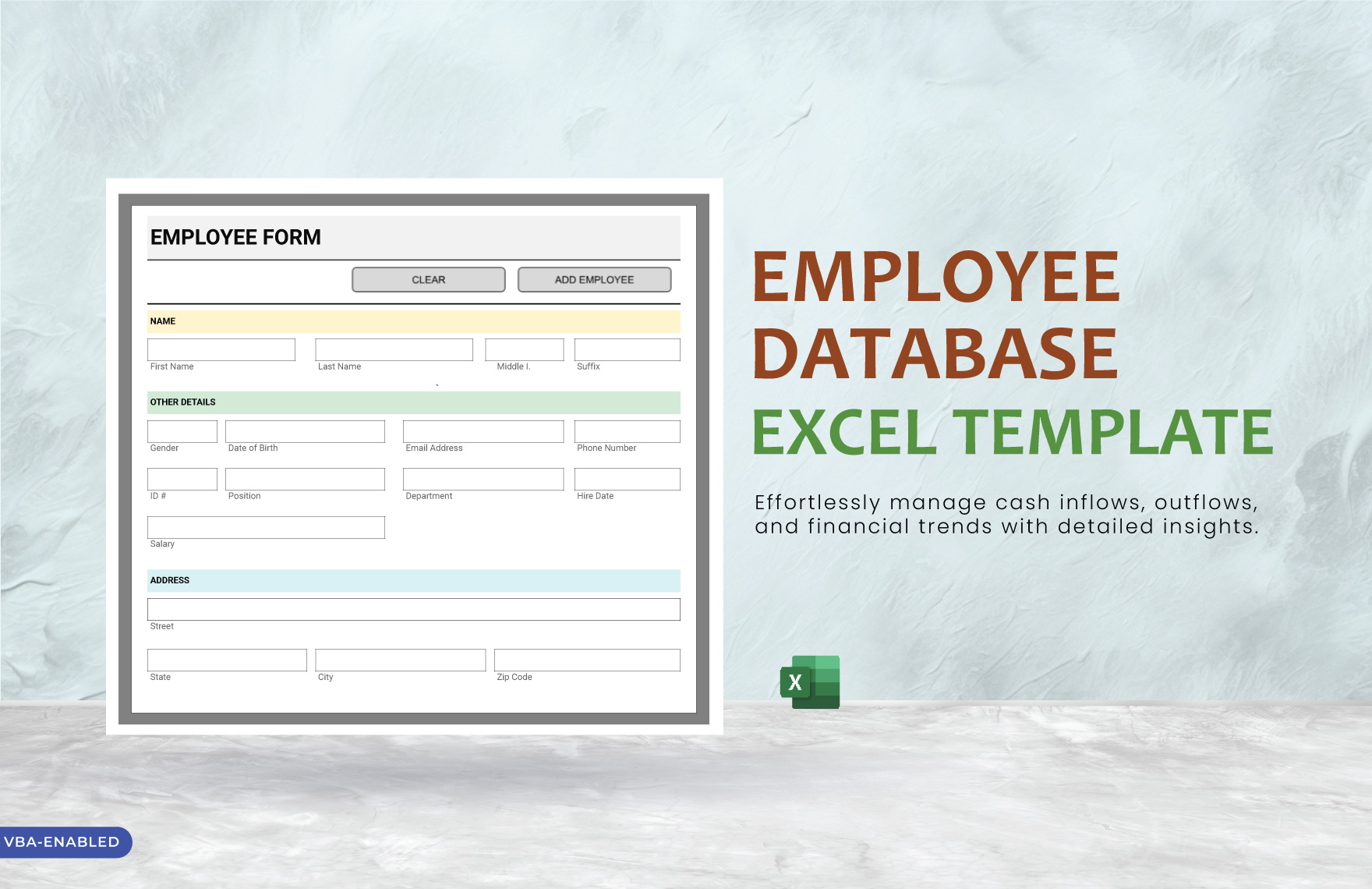
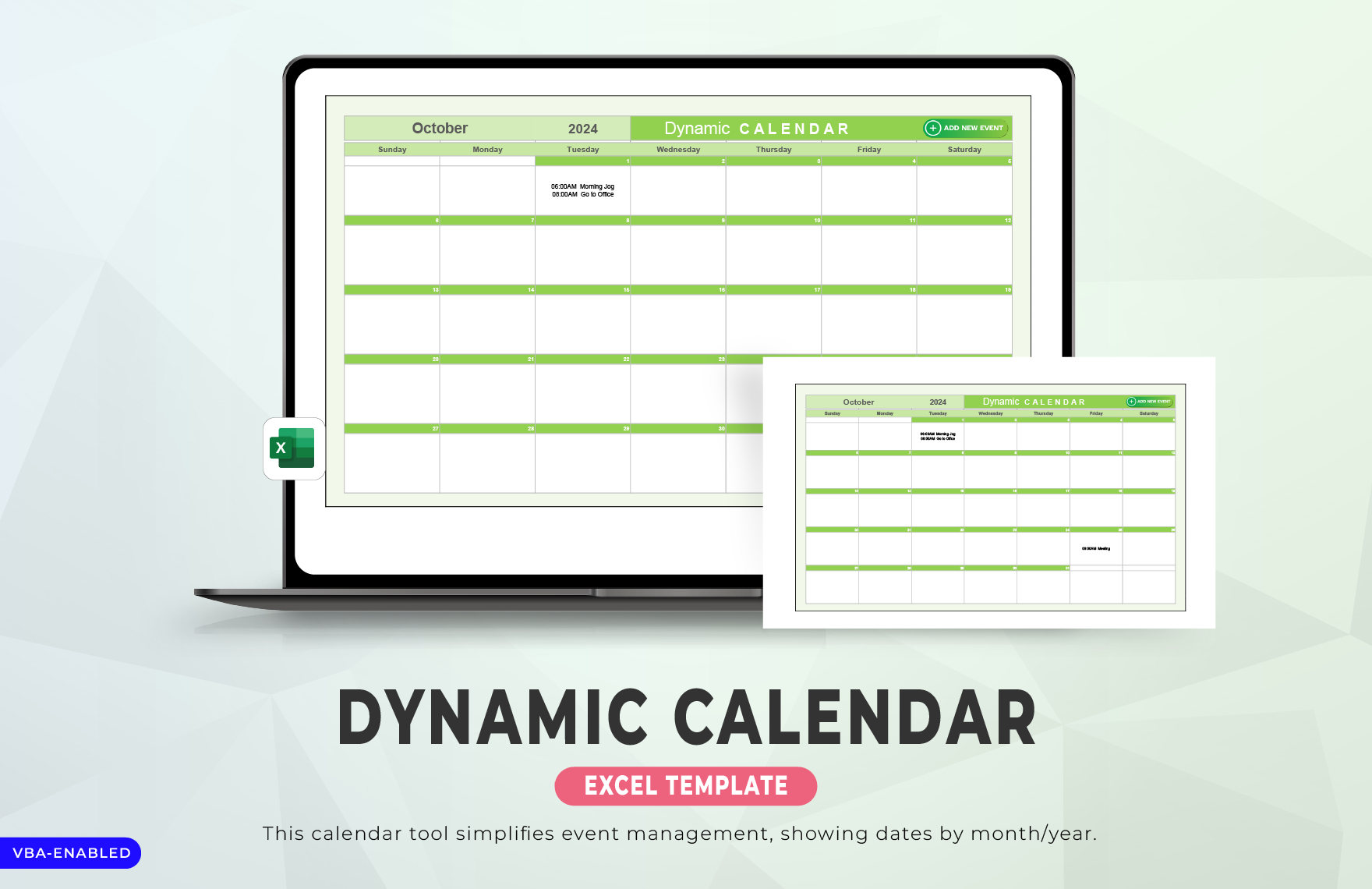
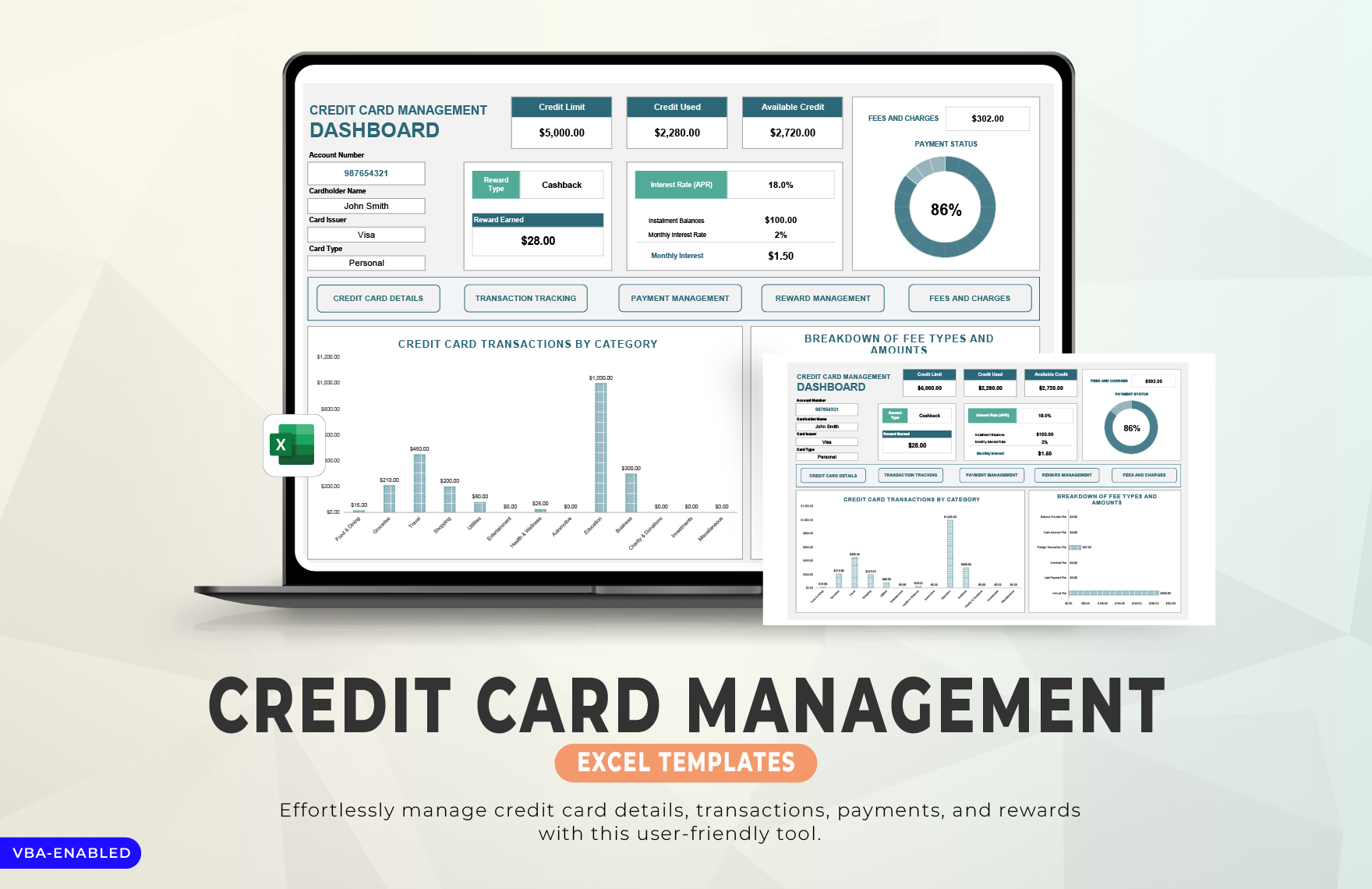
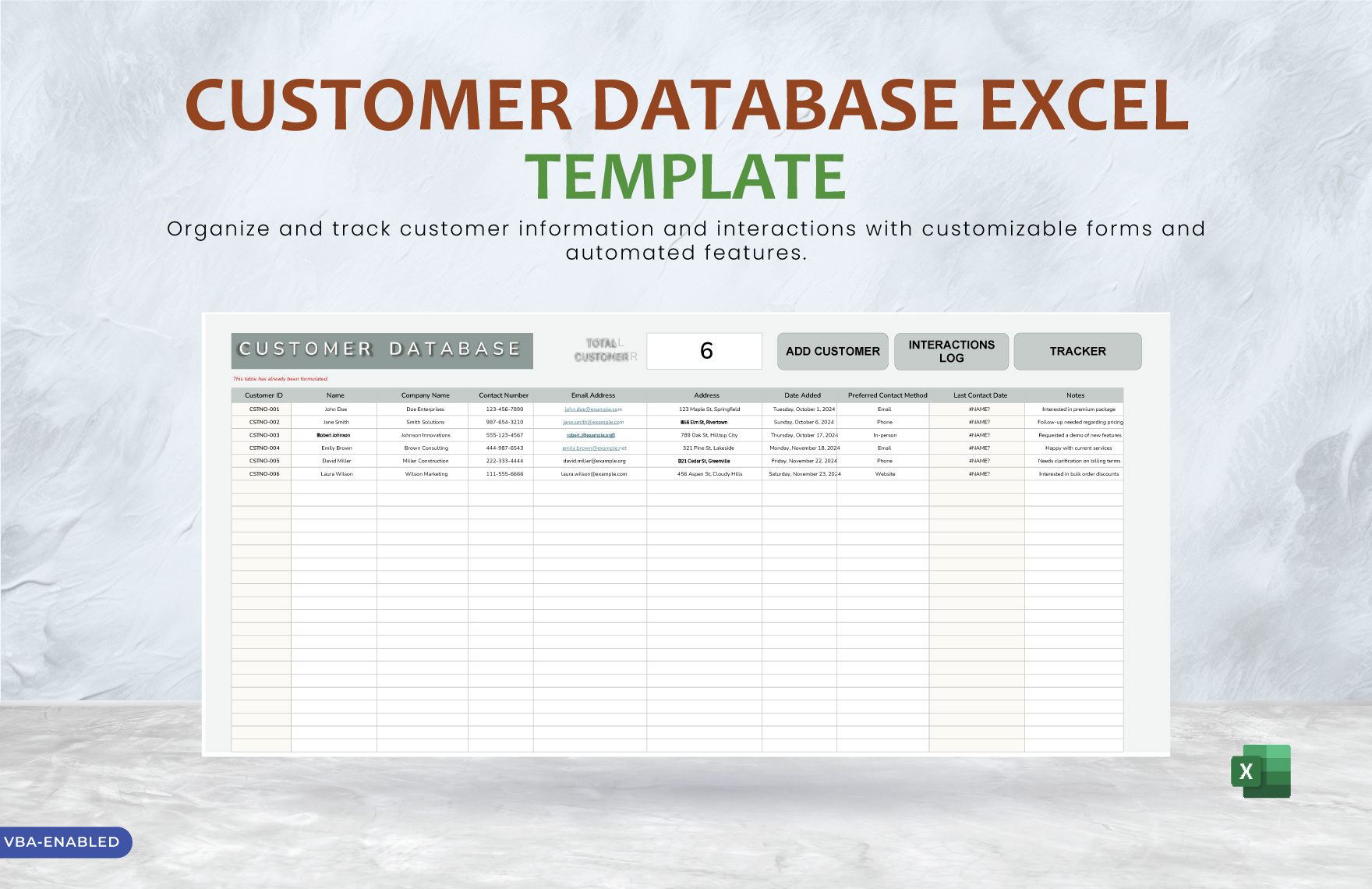
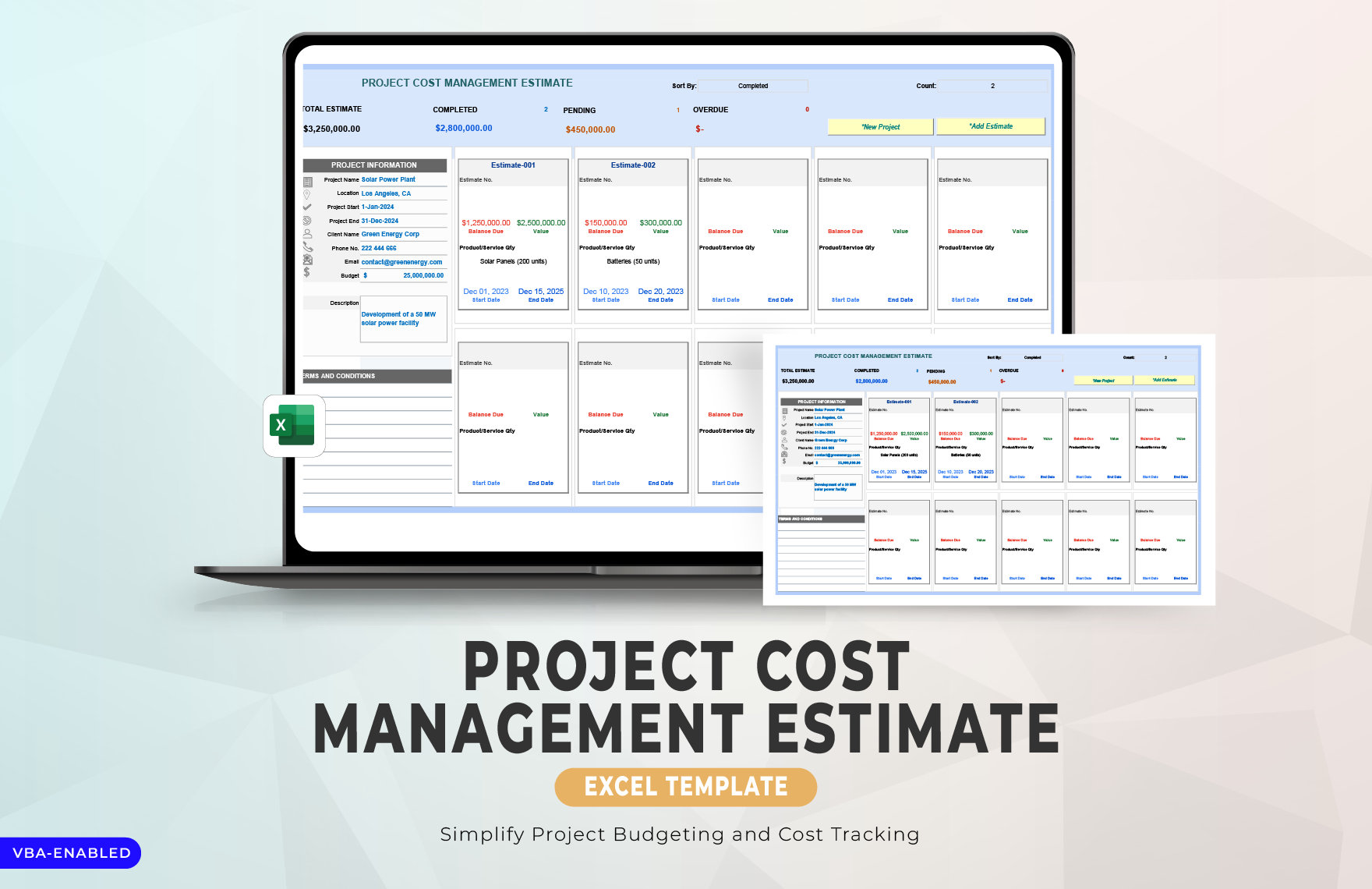
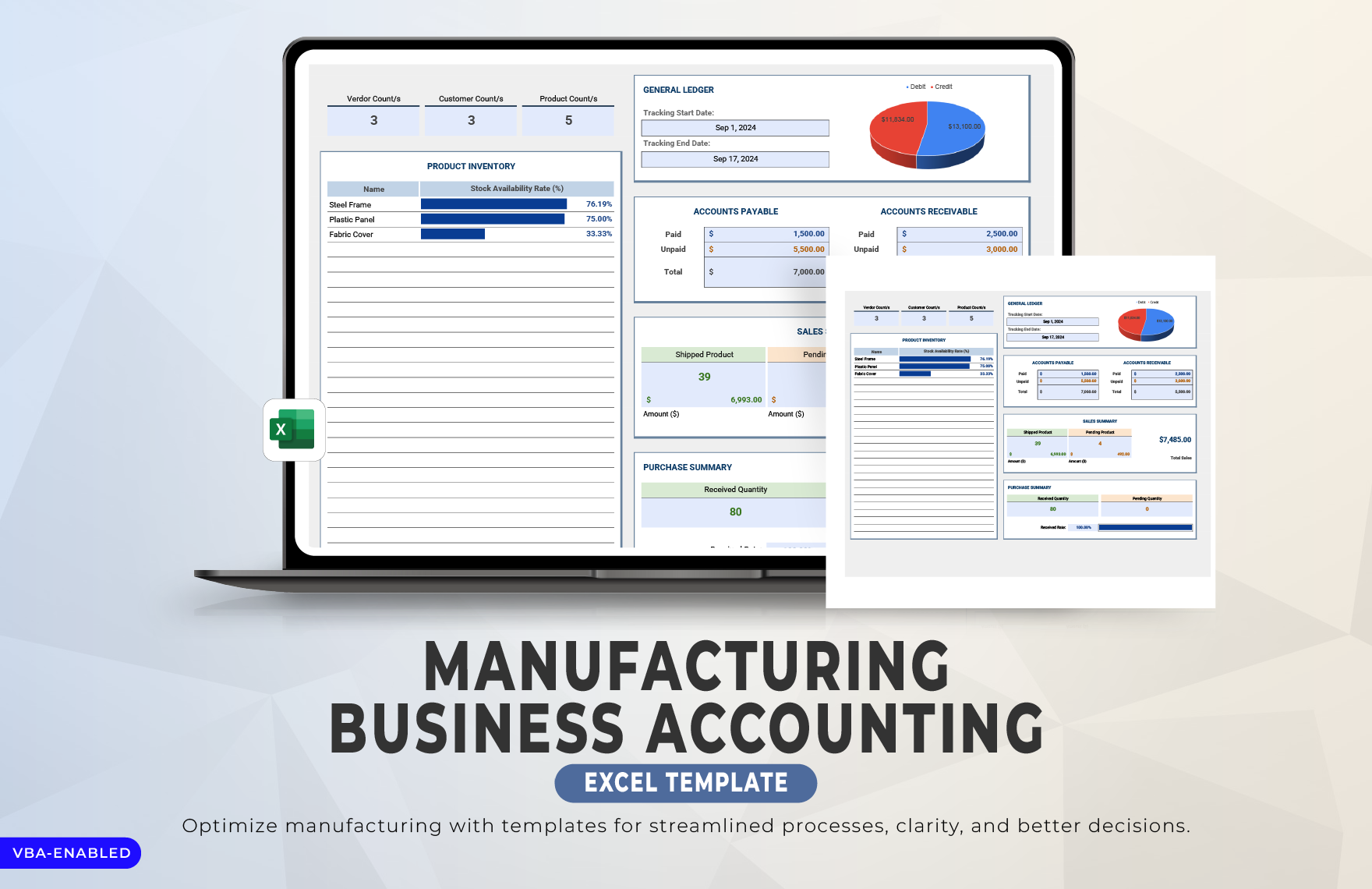
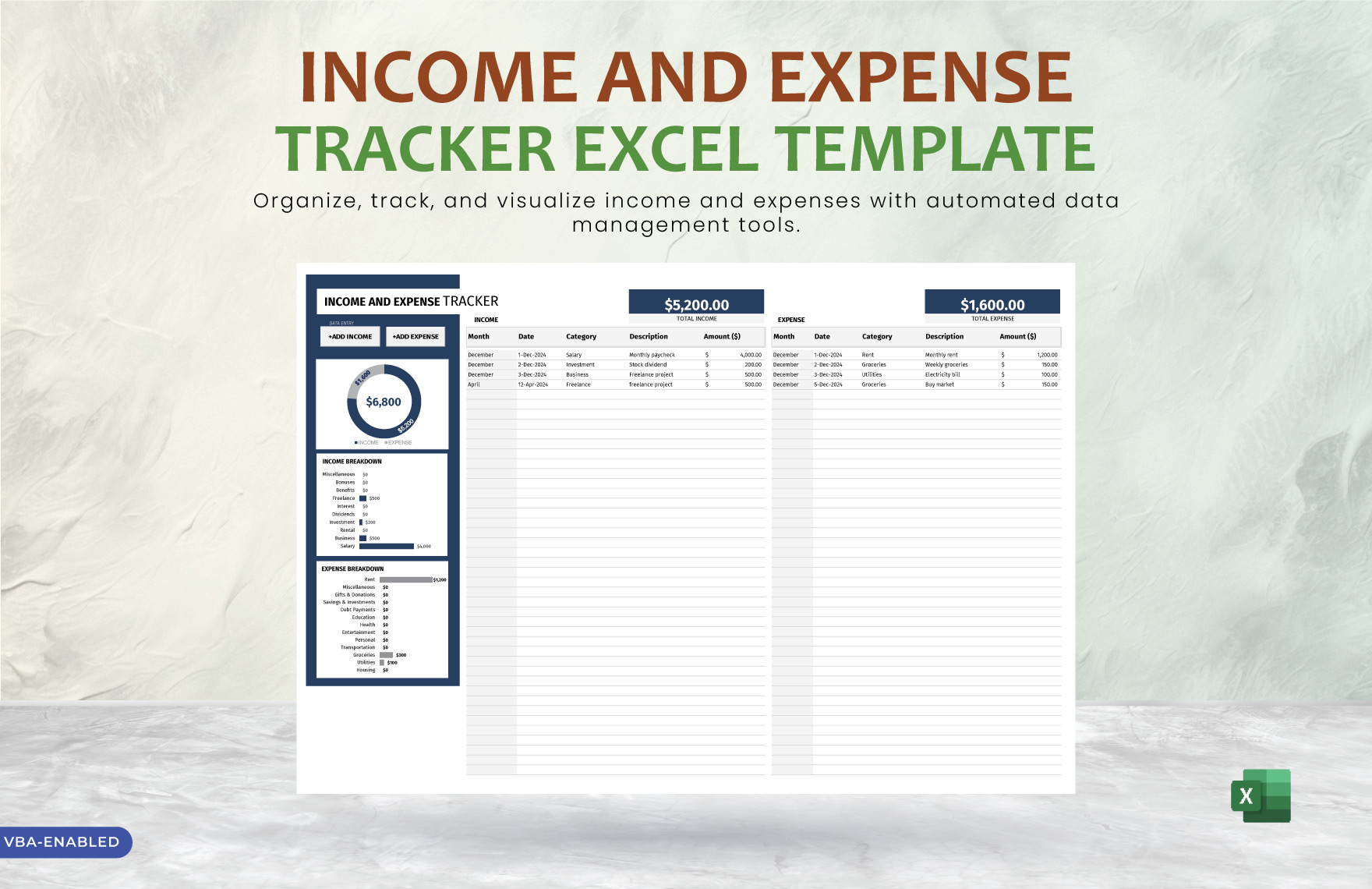
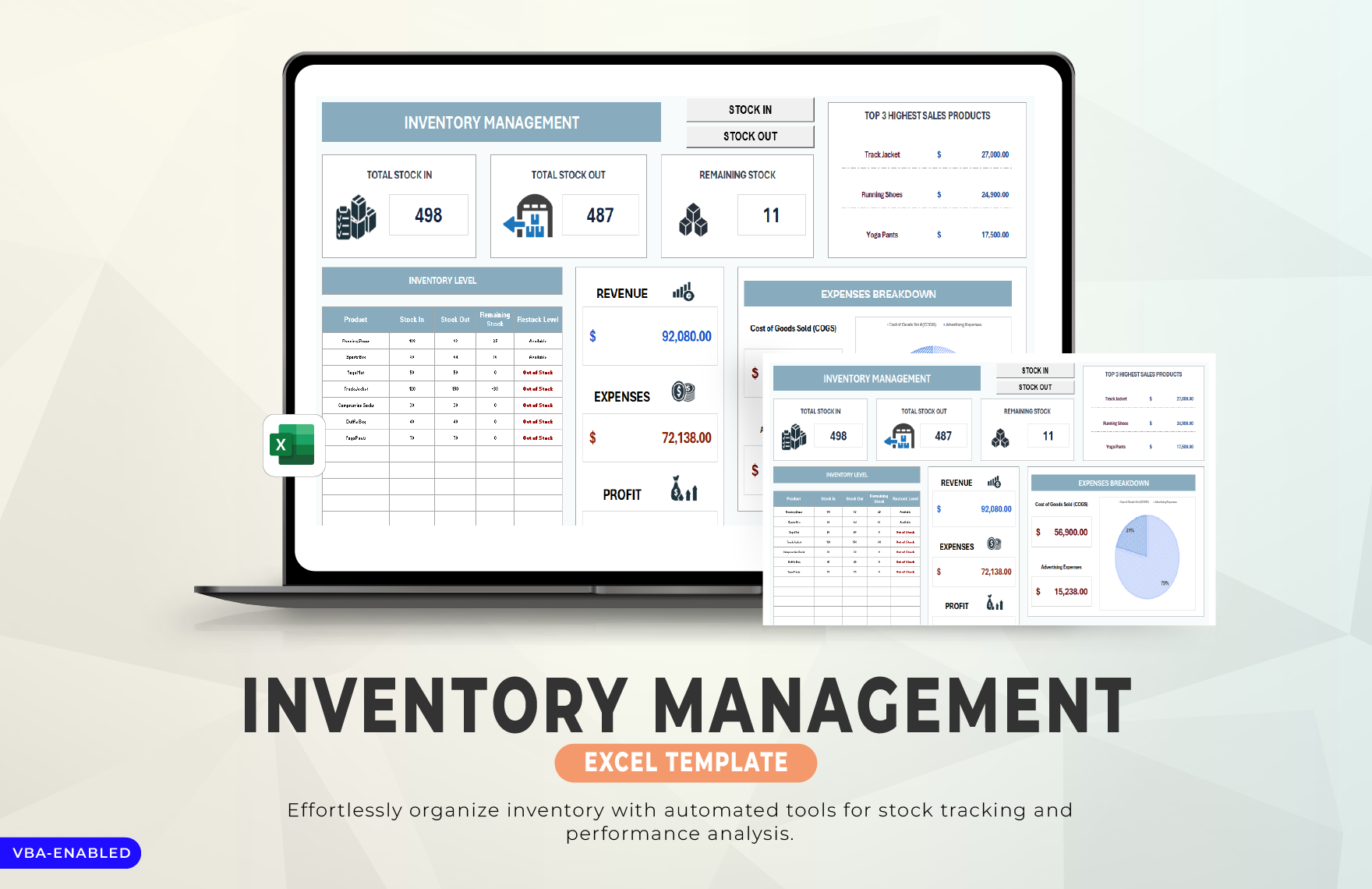
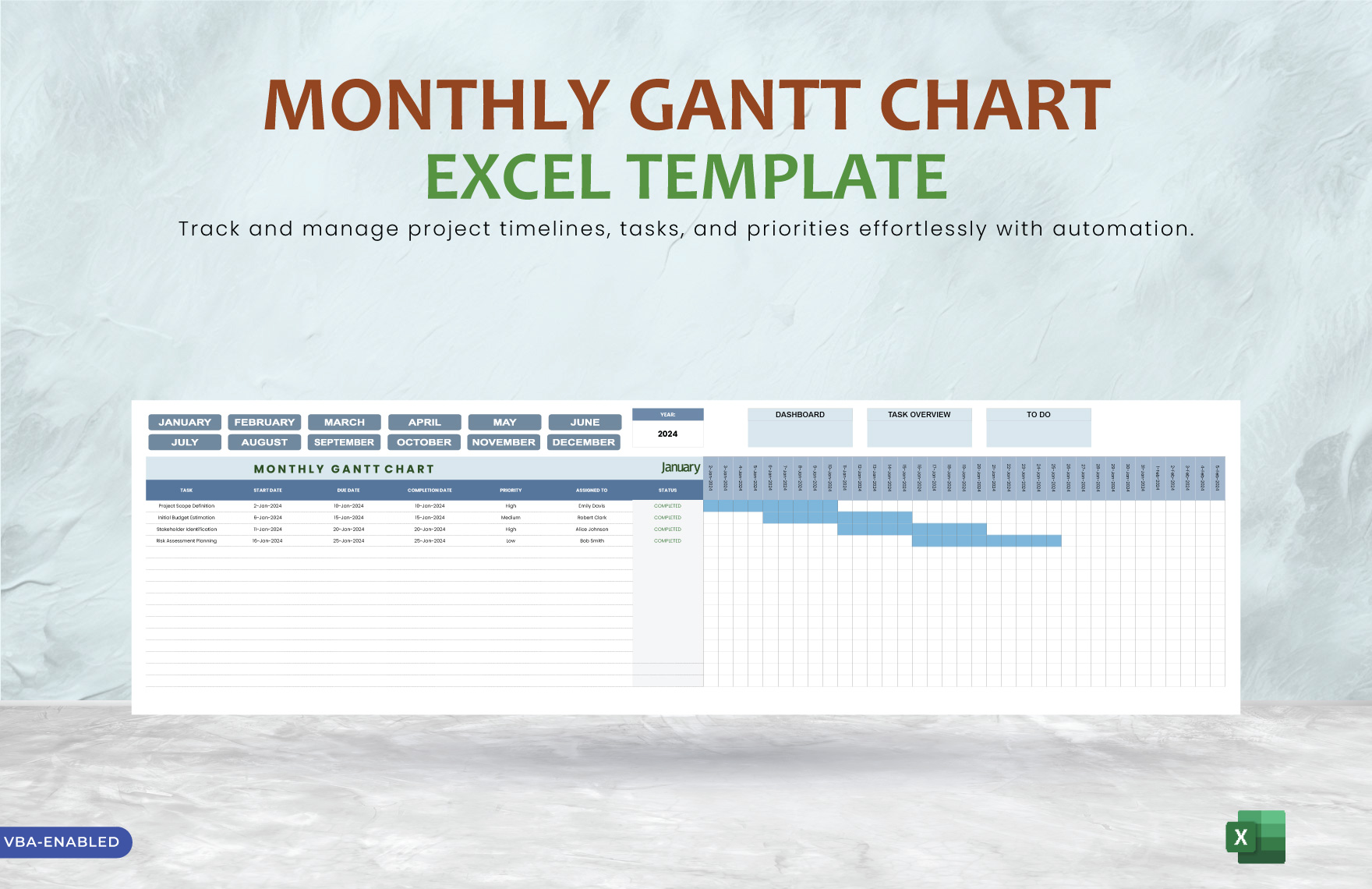
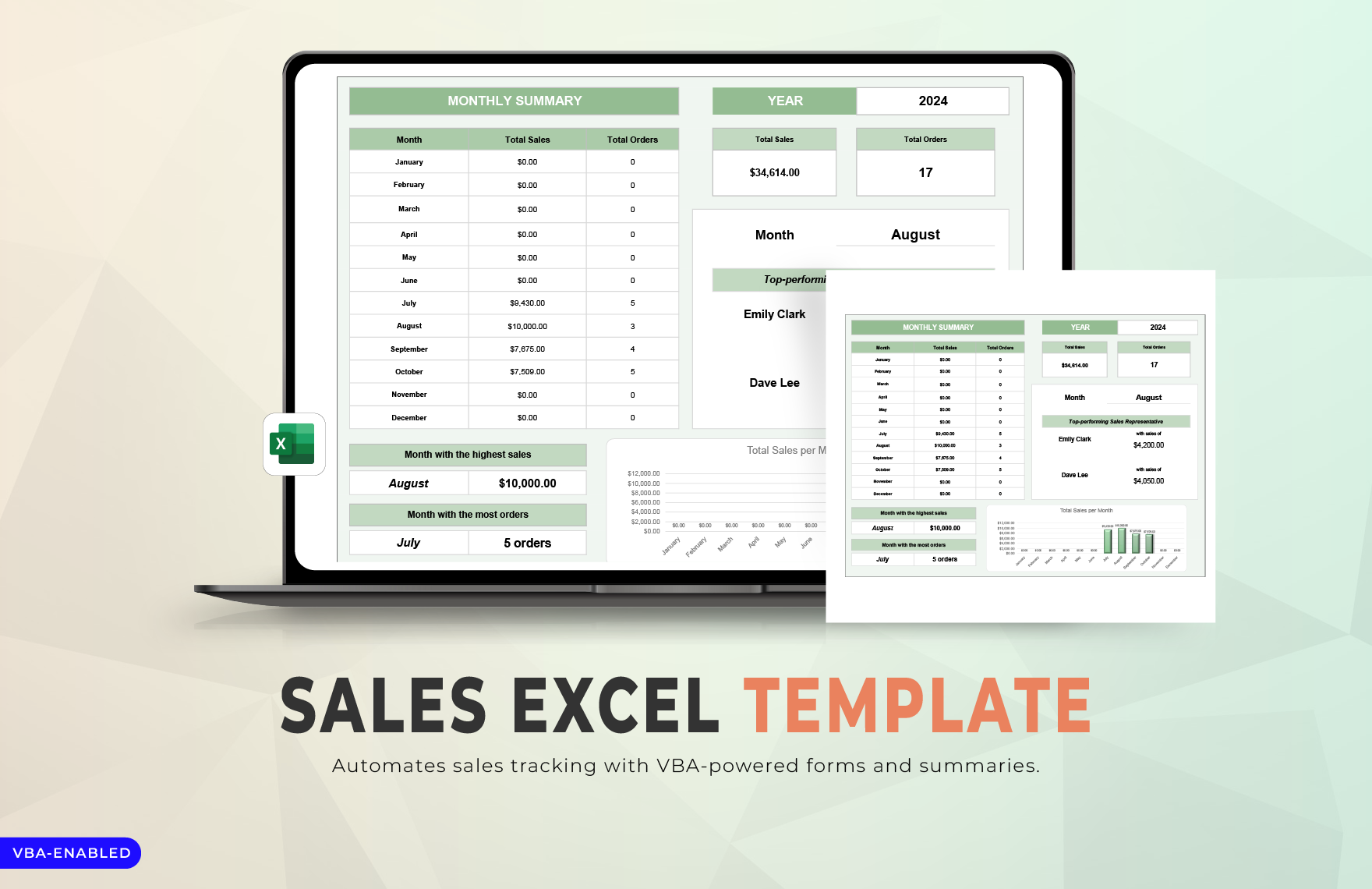
VBA Excel Editable Templates: Practical Uses, Customization, and Online Access
VBA Excel refers to Microsoft Excel files enhanced with Visual Basic for Applications (VBA) code that automates tasks and improves spreadsheet functionality. Template.net provides editable VBA Excel templates that you can complete or modify directly in your browser without additional software.
What is a VBA Excel?
VBA Excel is a Microsoft Excel file that includes Visual Basic for Applications (VBA) programming to automate repetitive tasks, customize spreadsheets, and enhance data processing. These templates combine spreadsheet data with embedded macros or scripts to improve efficiency and accuracy.
Why should I use a VBA Excel?
You should use VBA Excel to automate complex calculations, streamline data entry, and customize spreadsheet functions that are otherwise manual and time-consuming. This saves time, reduces errors, and enables more consistent data management.
Who uses VBA Excel?
Professionals such as accountants, financial analysts, data managers, and project coordinators commonly use VBA Excel templates to automate workflows and manage large data sets efficiently. Users range from beginners modifying templates to advanced developers creating custom solutions.
What are the best tips for completing my VBA Excel?
When completing your VBA Excel template, make sure to review embedded macros, test automation features, and customize input fields carefully. Regularly save your work and backup files to avoid data loss while editing VBA code or spreadsheet formulas.
Can I create a VBA Excel using AI?
While some AI tools can assist in generating VBA code snippets or suggest formula improvements, creating a fully functional VBA Excel template typically requires manual programming knowledge. You can start from editable templates and enhance them with AI-generated code suggestions.
When should I use a VBA Excel?
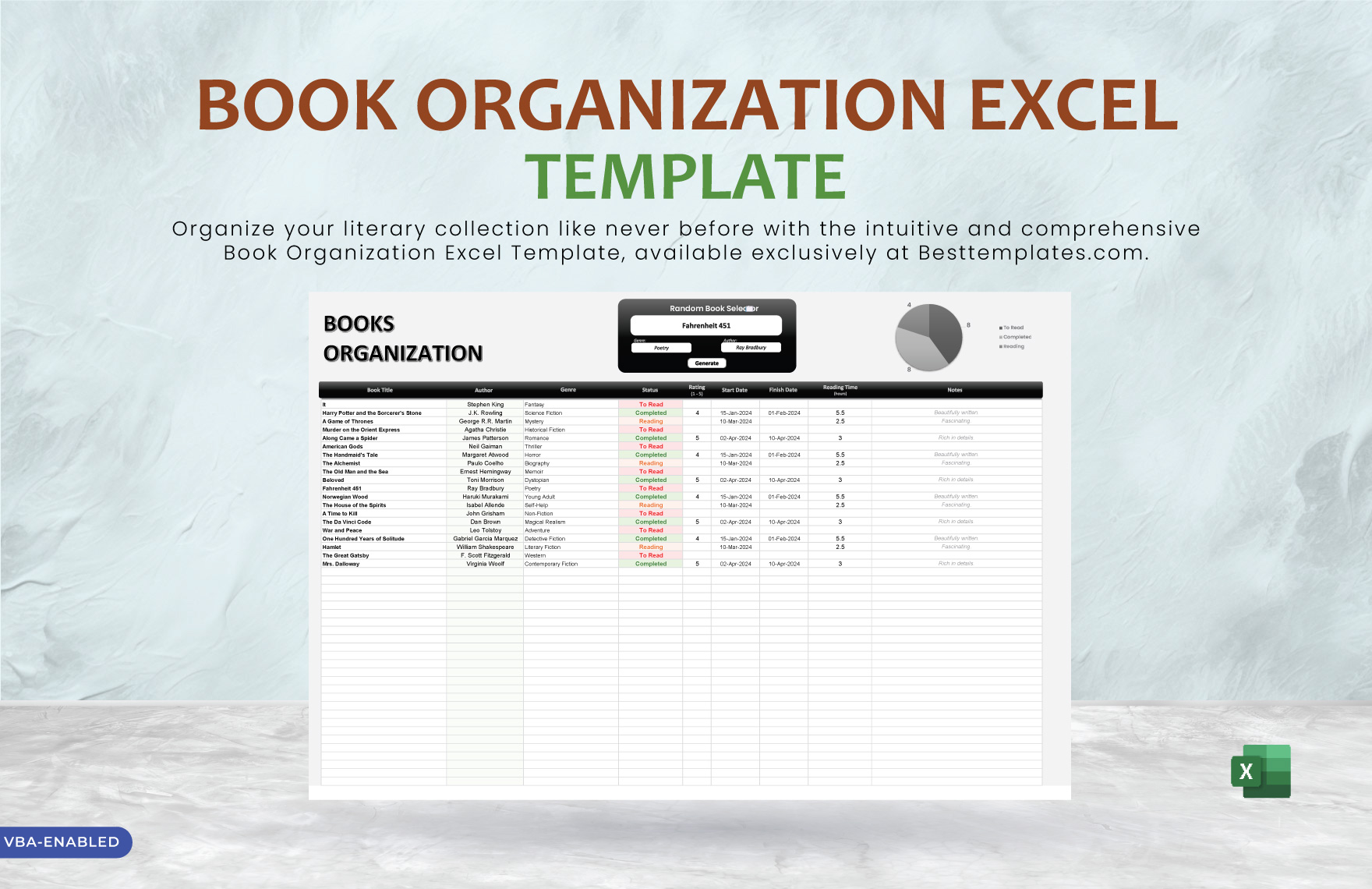
Use a VBA Excel template when you need to automate repetitive spreadsheet tasks, such as generating reports, processing data, or managing workflows that require customized calculations beyond standard Excel functions.
What are the essential elements of a VBA Excel template?
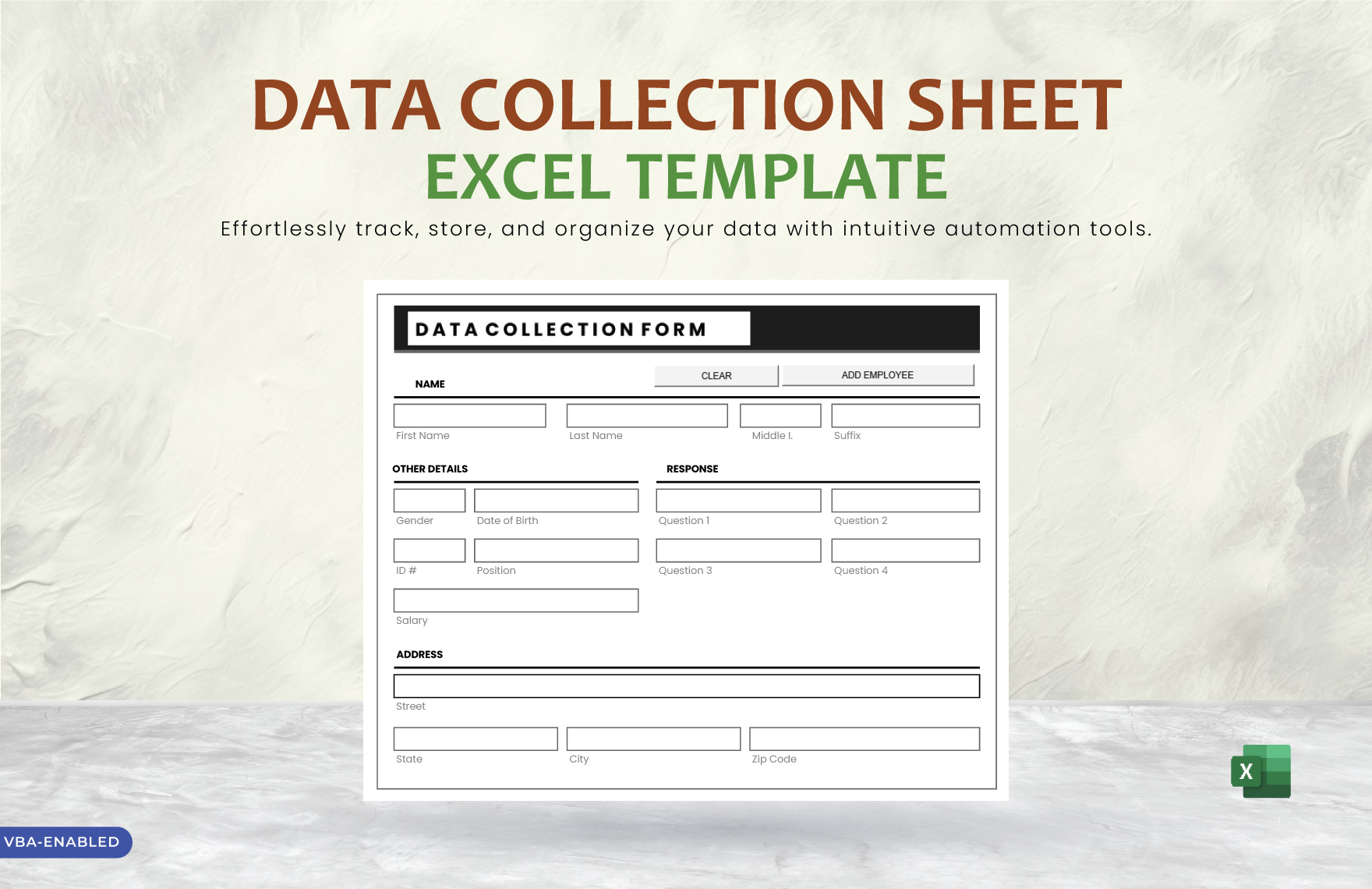
A VBA Excel template typically includes data input fields, form controls, embedded VBA macros for automation, and protected cells to prevent accidental changes. Clear instructions and error handling code are also common.
How is VBA Excel used in professional workflows?
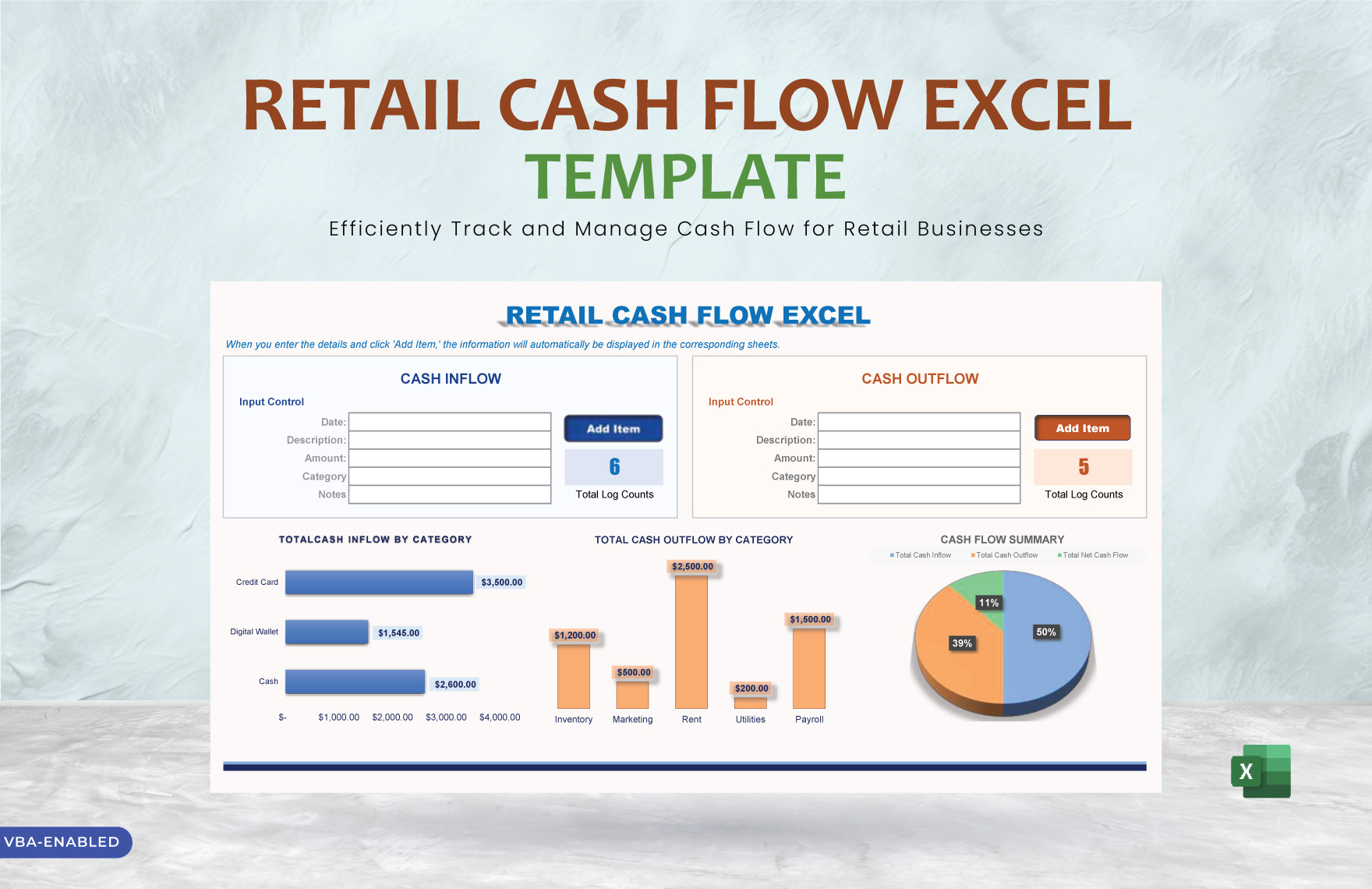
VBA Excel is used in professional workflows to automate report generation, consolidate data from multiple sources, and standardize processes such as budgeting, forecasting, and inventory management, improving speed and accuracy.
What are common use cases for VBA Excel?
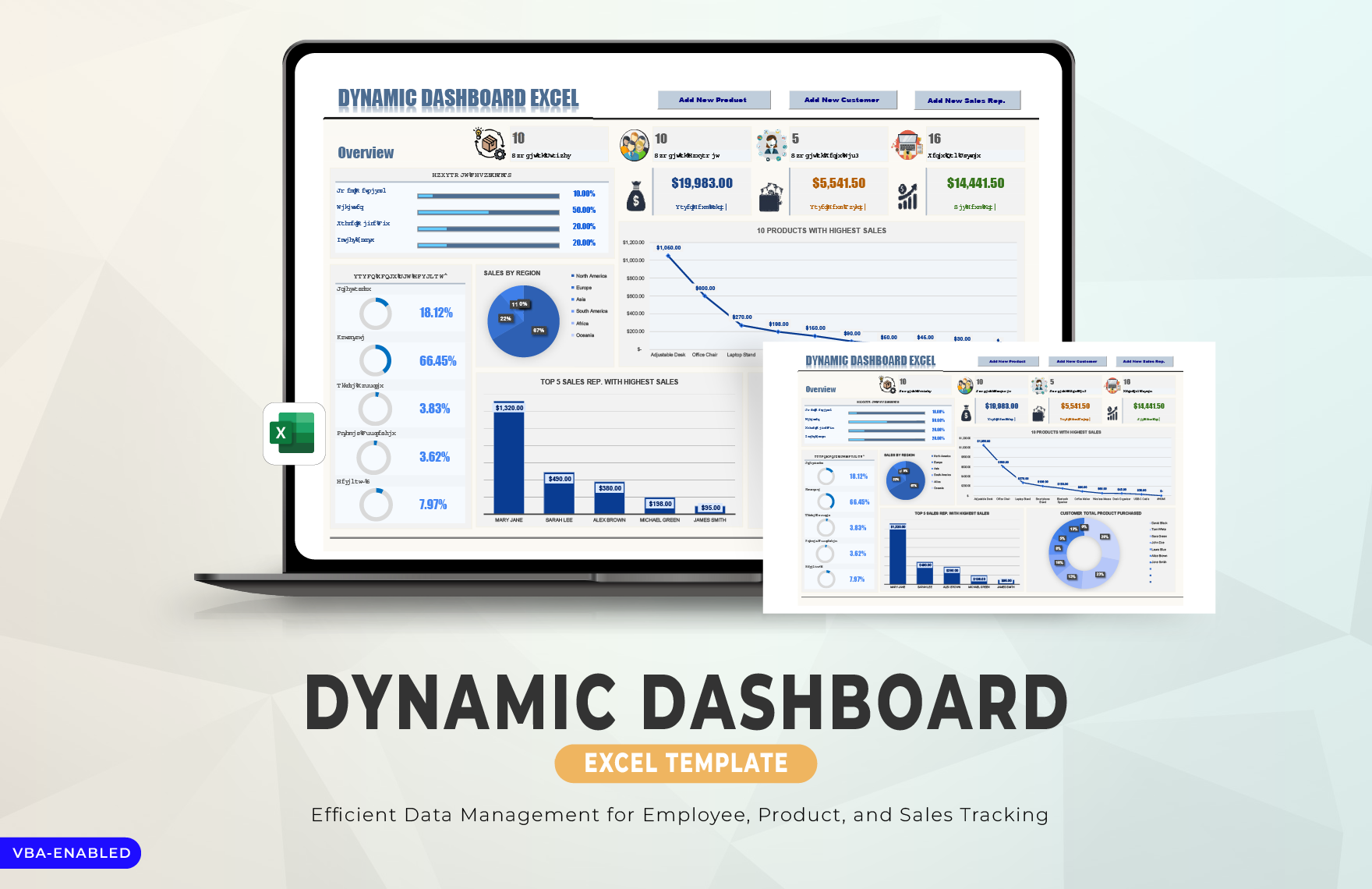
Common use cases for VBA Excel include financial modeling, data analysis automation, custom dashboard creation, and automated data imports and exports that reduce manual work and enhance decision-making.
