
Free Wave Templates


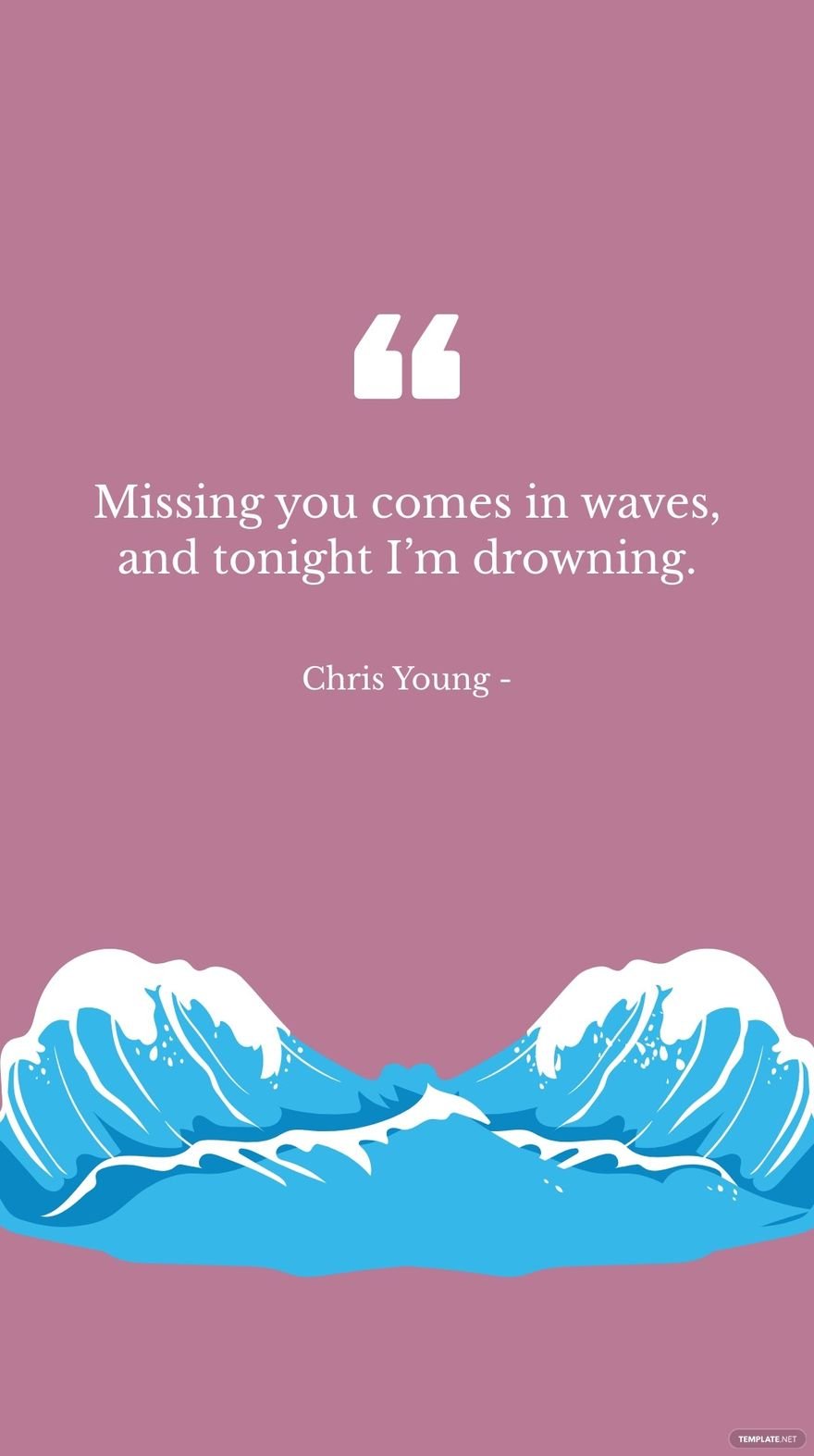
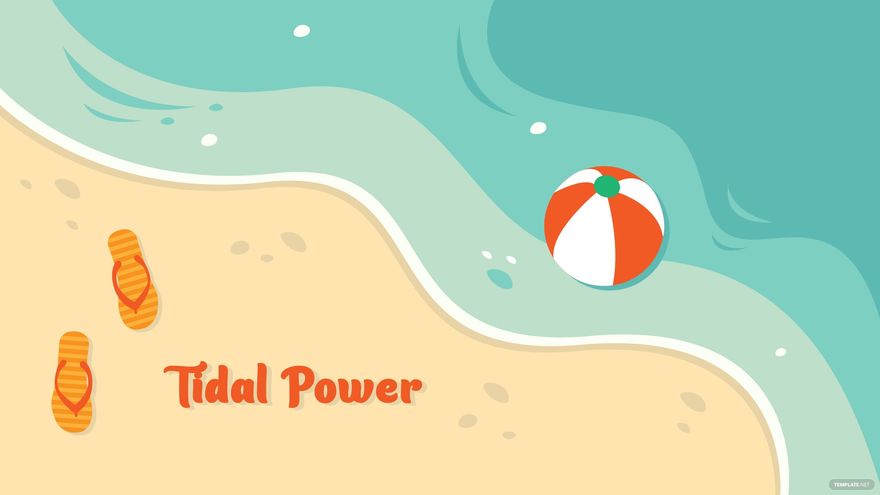
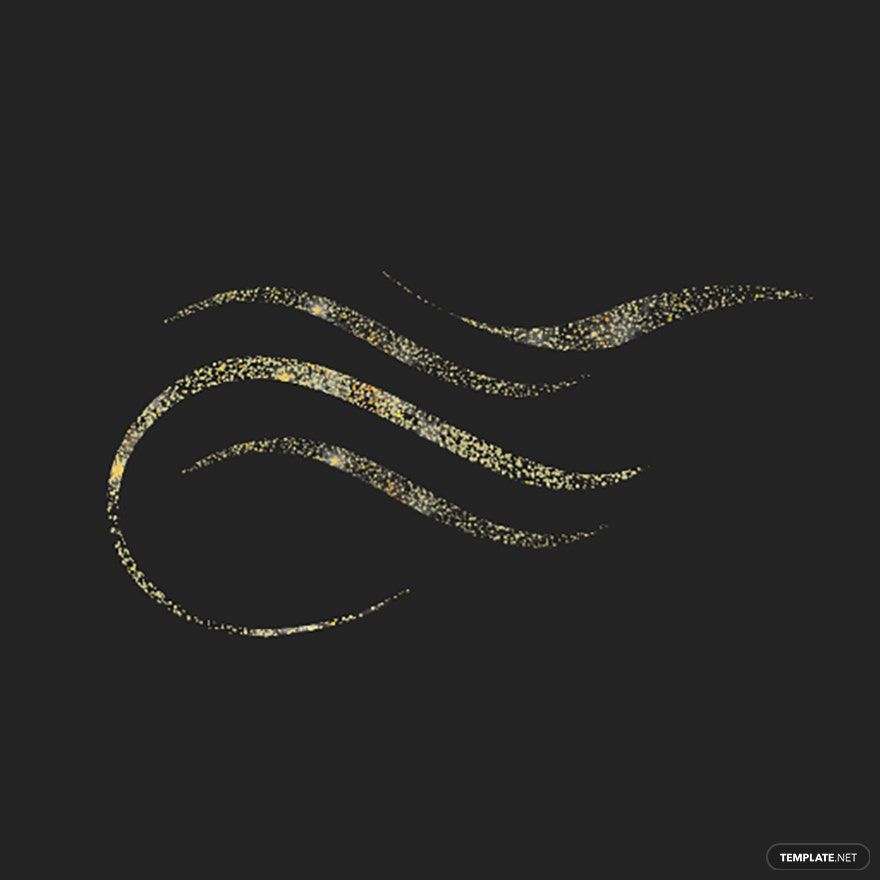
Free Wave Customizable Templates: Design Insights, Uses, and Editing Tips
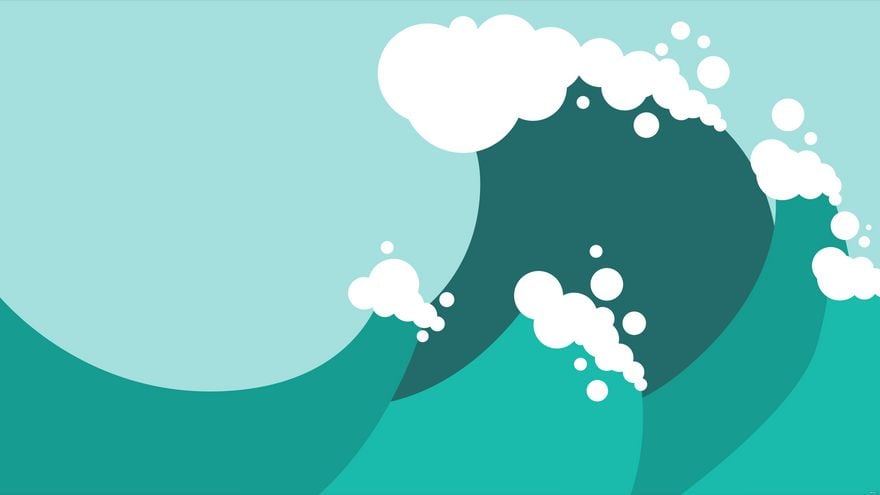
Wave refers to professionally designed visual templates featuring dynamic, flowing line or shape elements that convey movement and rhythm, often used to enhance projects with a modern aesthetic. Template.net provides customizable Wave templates that you can edit or modify directly in your browser without additional software.
What is a Wave?
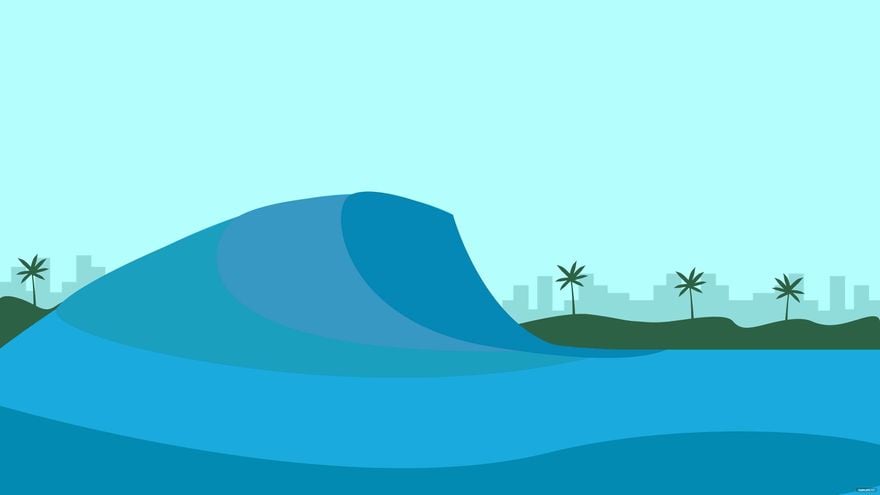
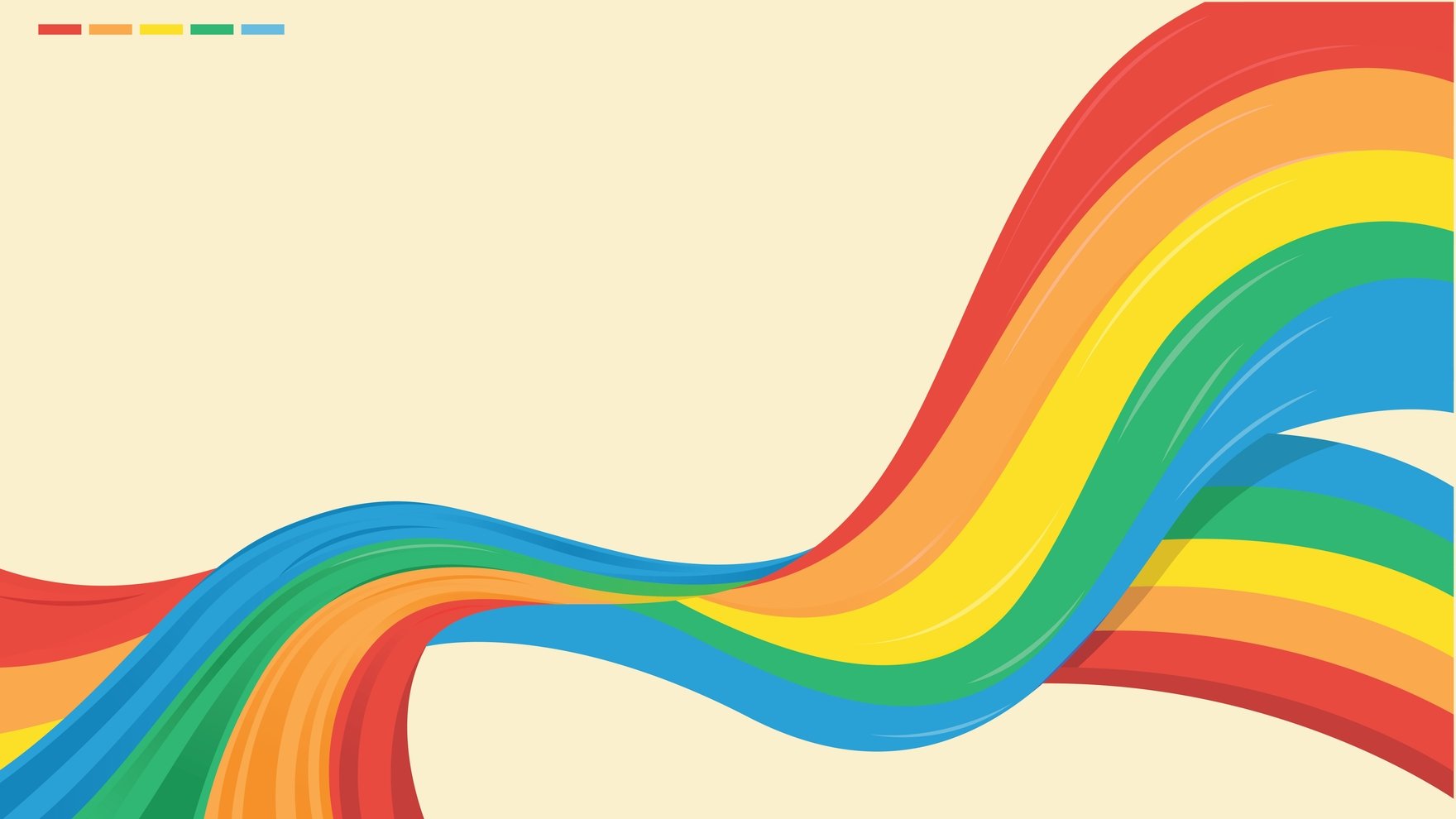
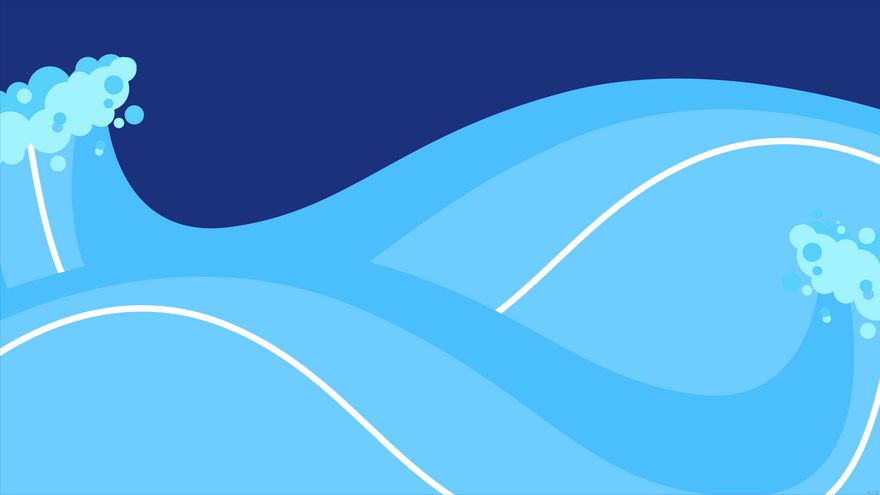
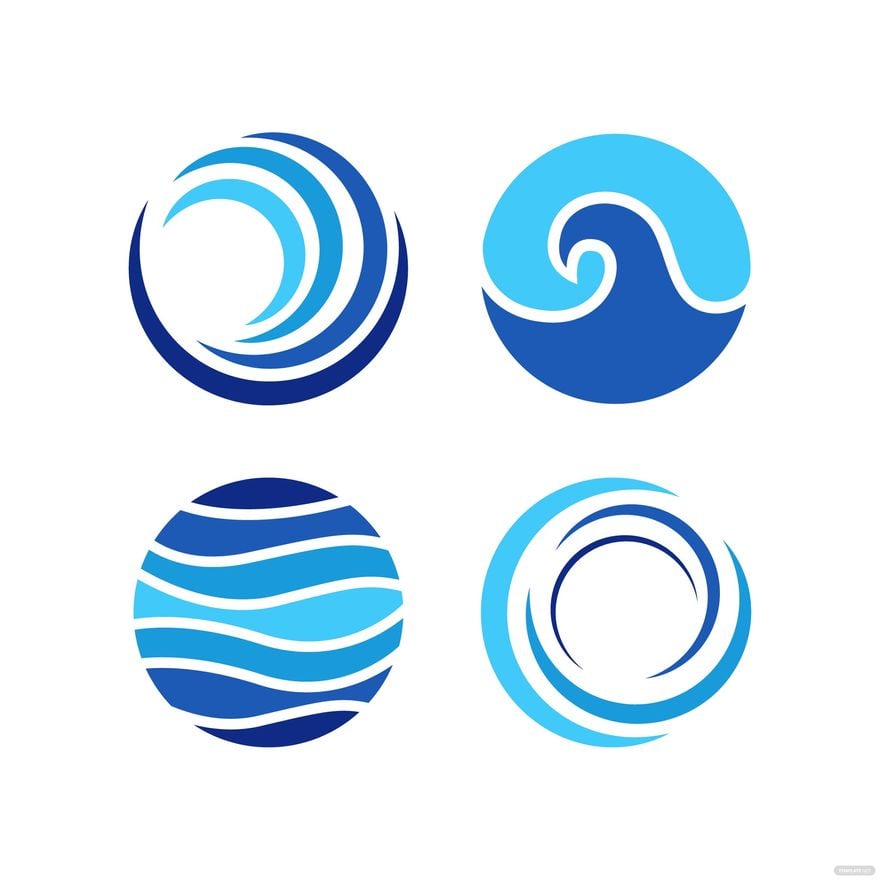
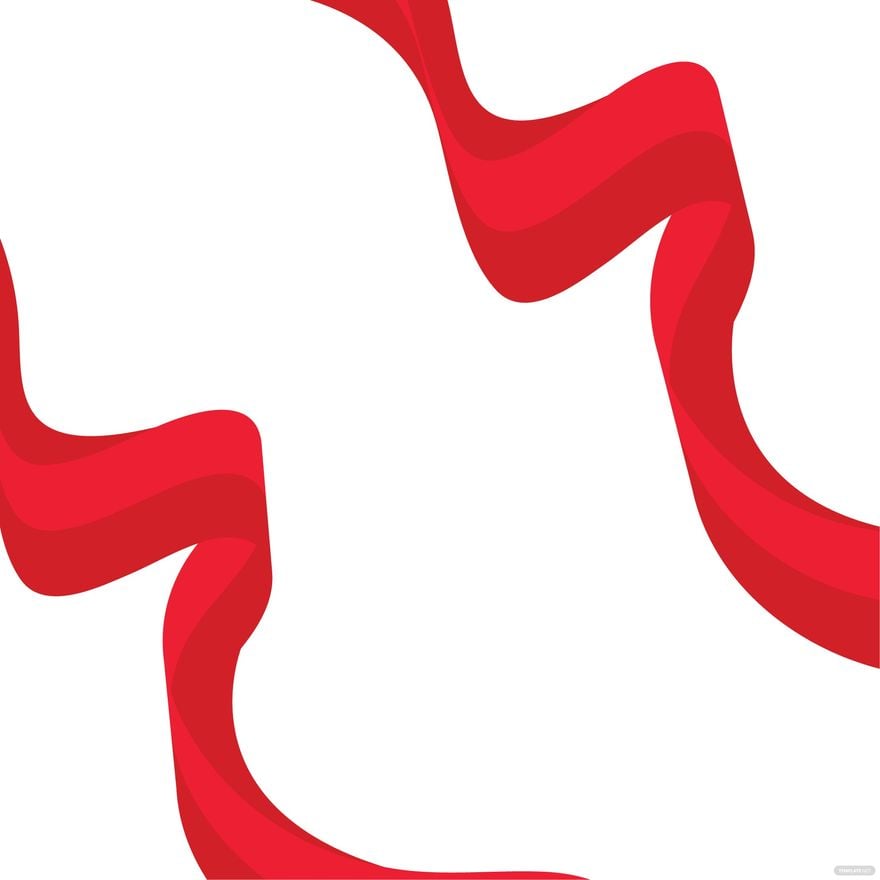
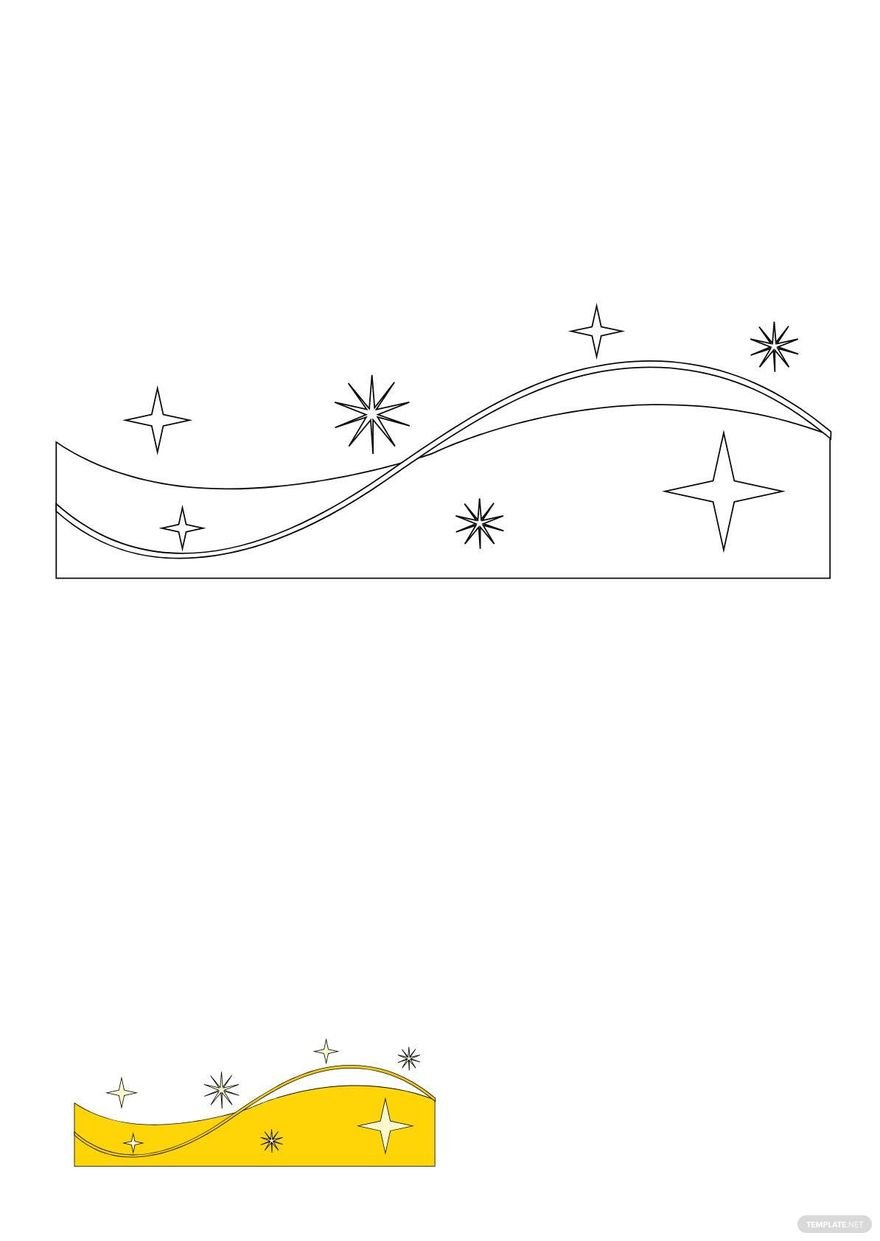
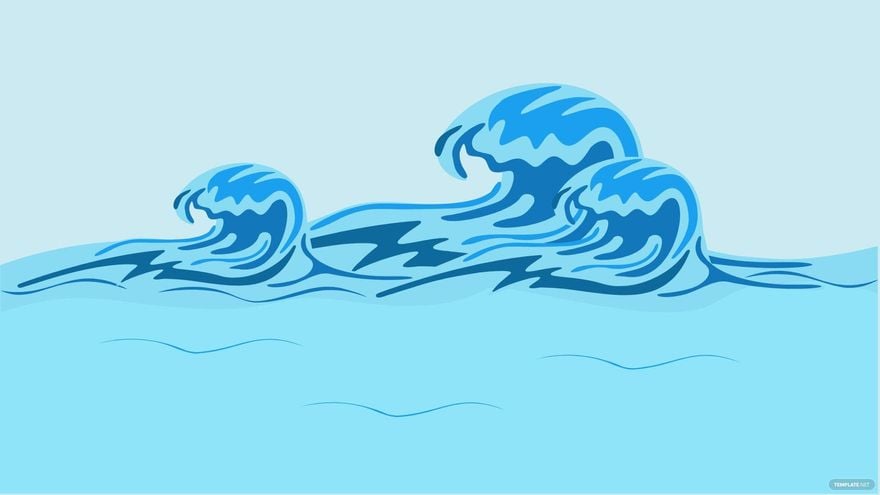
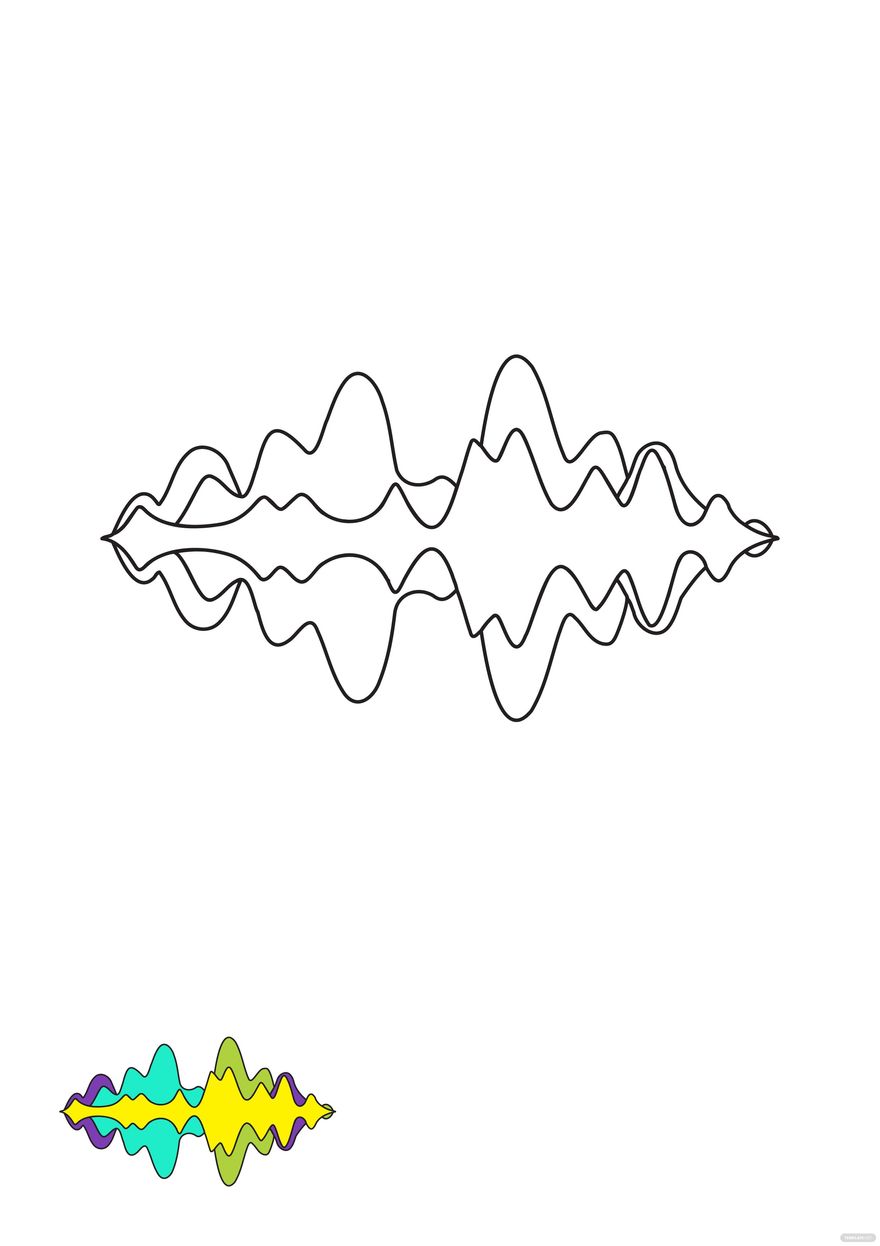
Wave is a graphic design element characterized by smooth, flowing lines or curves that represent movement, energy, or fluidity. In templates, Waves are used as customizable visuals that enhance the design's appeal and professionalism, making projects stand out with dynamic shapes and patterns.
Why should I use a Wave?
You should use a Wave to add visual interest and a sense of motion to your design projects. Waves enhance the aesthetic appeal by creating a modern and elegant look, which helps communicate creativity and professionalism effectively in presentations, flyers, and other visual materials.
Who uses Wave?
Wave templates are used by graphic designers, marketers, educators, and business professionals who want to create visually engaging presentations, promotional materials, and digital content. These users value customizable designs that can be tailored to their specific project needs.
What are the best tips for completing my Wave?
To complete your Wave design effectively, focus on maintaining balance between colors and shapes, use contrasting backgrounds to highlight the Wave, and ensure that text overlays are readable. Customize the Wave's curvature and placement to complement your content without overwhelming it.
Can I create a Wave using AI?
You can create a Wave design by leveraging AI tools available on Template.net or other platforms, which assist in generating customizable Wave-inspired graphics quickly. However, this category focuses on customizable Wave templates you can edit directly in your browser.
When should I use a Wave?
Use a Wave when you want to introduce dynamic flow and modern aesthetics into your designs, such as in presentations, social media graphics, brochures, and flyers. Waves are suitable for projects that benefit from visual movement and a professional yet creative appearance.
What are the essential elements of a Wave template?
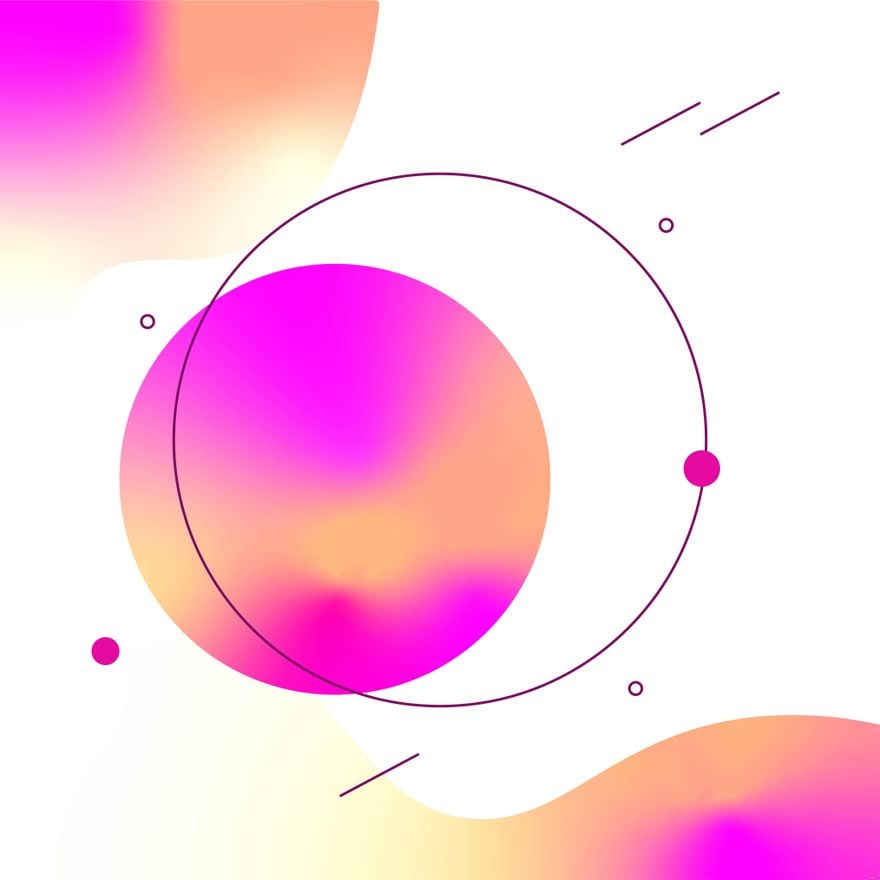
Essential elements of a Wave template include flowing curved lines or shapes, harmonious color gradients or solid fills, layered backgrounds for depth, and space for text or images. These elements combine to create a visually balanced and adaptable design.
How is Wave used in professional workflows?
Wave designs are integrated into professional workflows to enhance visual communication, making reports, presentations, and marketing materials more engaging. Professionals customize Waves to align with brand colors and messaging, ensuring consistency and impact in client or internal communications.
What are common use cases for Wave templates?
Common use cases for Wave templates include creating dynamic presentation slides, eye-catching flyers, social media posts, website banners, and event invitations. Waves add a modern flair that captures attention while maintaining a clean and professional look.
