Free White Templates




































White Templates: Design Guide, Sizes, and Download Formats
What is a White template?
A White template is a design featuring a predominantly white color palette with clean, minimalist layout blocks and editable text areas to create a professional, elegant appearance. These templates emphasize simplicity and clarity for versatile use across different projects.
Who typically uses White templates?
White templates are commonly used by professionals, creatives, and businesses seeking a clean, modern aesthetic. Designers, marketers, and event planners prefer these templates for their versatility and ability to highlight key content sections with minimal visual distraction.
When should I use White templates?
White templates are ideal for projects that require a fresh, minimalist look, such as resumes, presentations, invitations, or portfolios. They work well when emphasizing clarity, elegance, and professional branding without overwhelming graphics or colors.
What design elements should I include in a White template?
A White template should include ample white space, clear headline sections, subtle graphics or icons, and well-organized layout blocks. Emphasizing editable text areas and a restrained color palette enhances readability and visual appeal.
What are the recommended sizes for White templates?
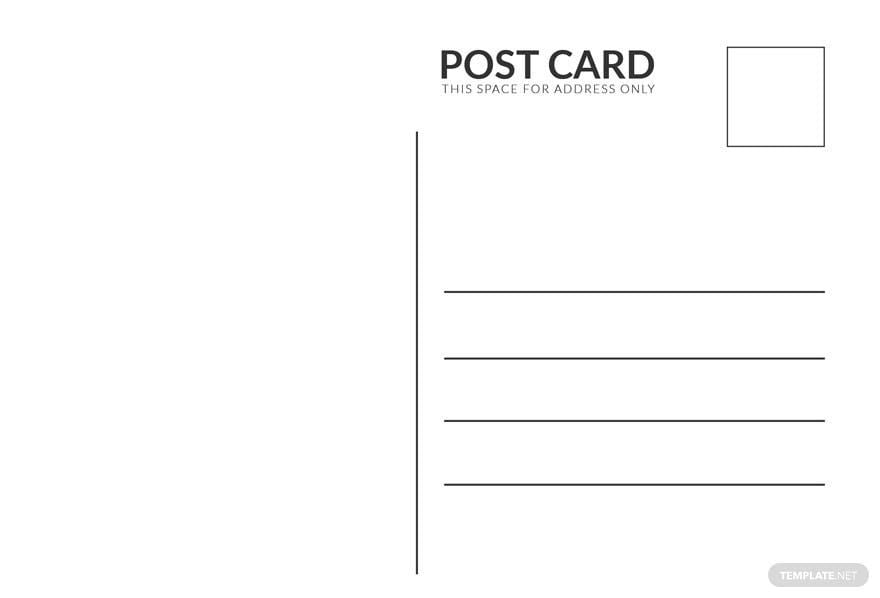
White templates commonly use sizes like 8.5 × 11 inches for documents, 5 × 7 inches for invitations, or 4 × 6 inches for postcards. Choosing the right size depends on the project type and ensures professional layout consistency and print compatibility.
How can I customize the layers in a White template?
Customizing a White template involves editing design layers such as background, text, and graphic elements. Template.net provides layered design customization tools for modifying color palette, images, and layout blocks directly in the browser.
What should I consider when printing White templates?
When printing White templates, consider the paper quality to maintain the clean white aesthetic. Use high-resolution graphics and proper size dimensions like 8.5 × 11 inches to ensure crisp, professional prints without color distortion.
What file formats can I download for a White template?
Template.net supports multiple export formats for White templates, enabling easy editing and printing. Available formats include Word, Apple Pages, Publisher, Google Docs, PSD, Illustrator, and PDF.
Can I create a new White template using AI?
Template.net provides an AI-powered tool capable of generating new White template designs from prompts. This tool enables fast creation of custom White designs with editable elements and professional layouts for diverse projects. Visit Template.net to start creating.
