Free Winter Templates







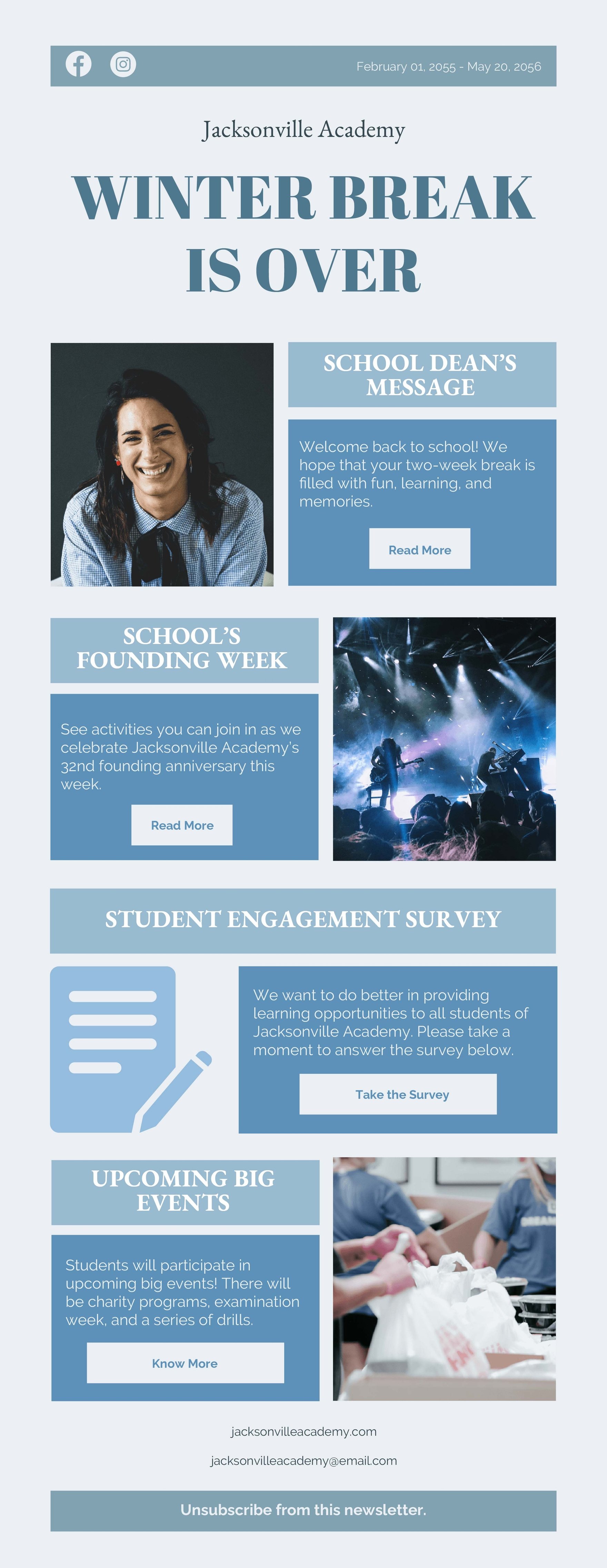







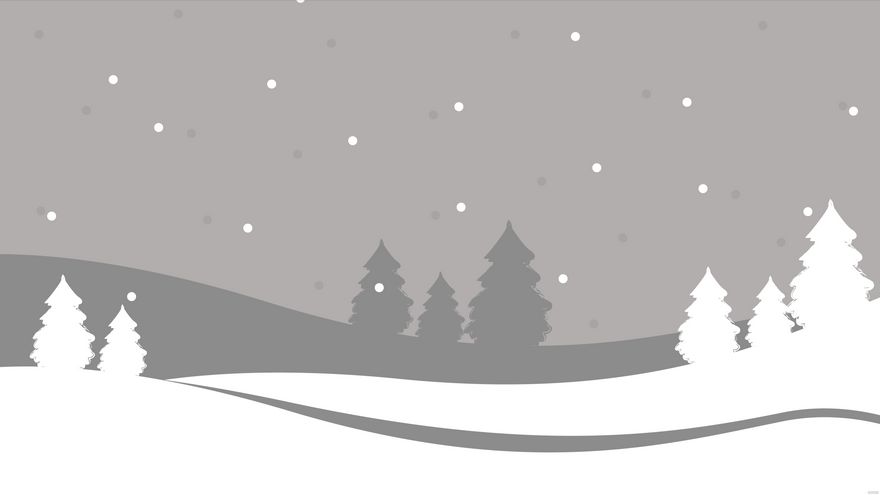
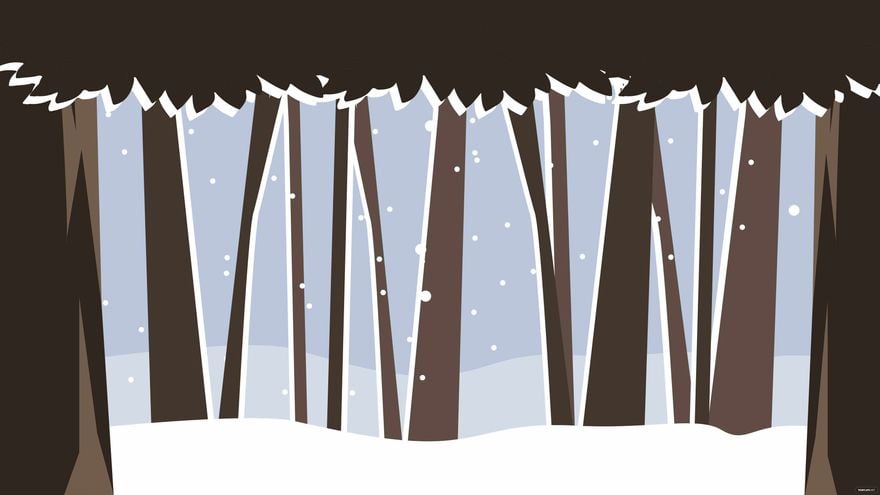
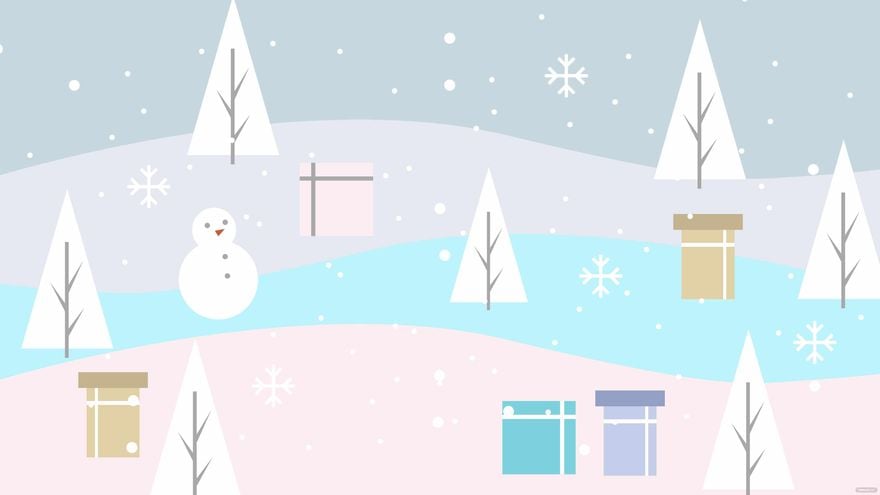


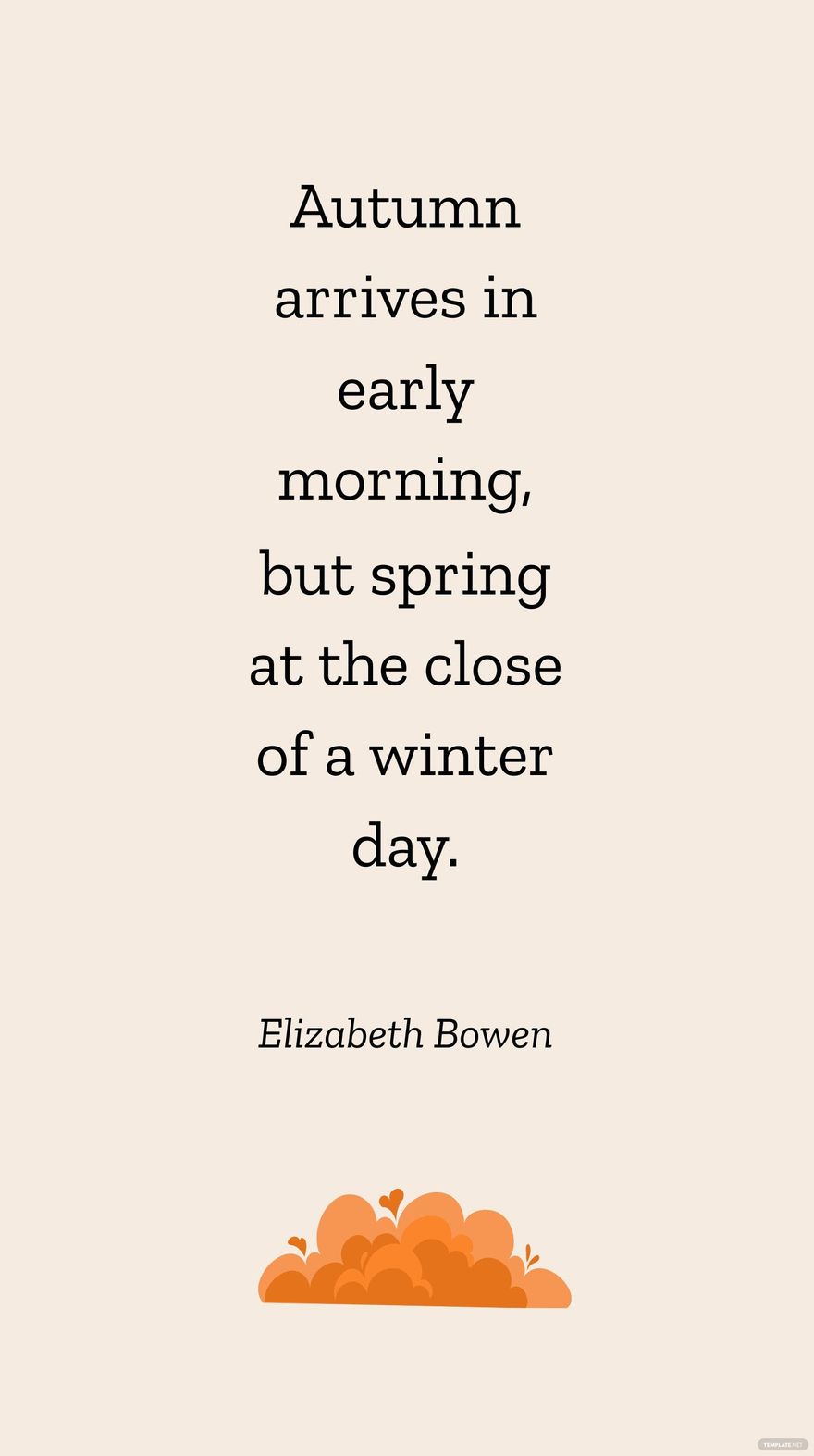














Winter Templates: Design Guide, Sizes, and Download Formats
What is a Winter template?
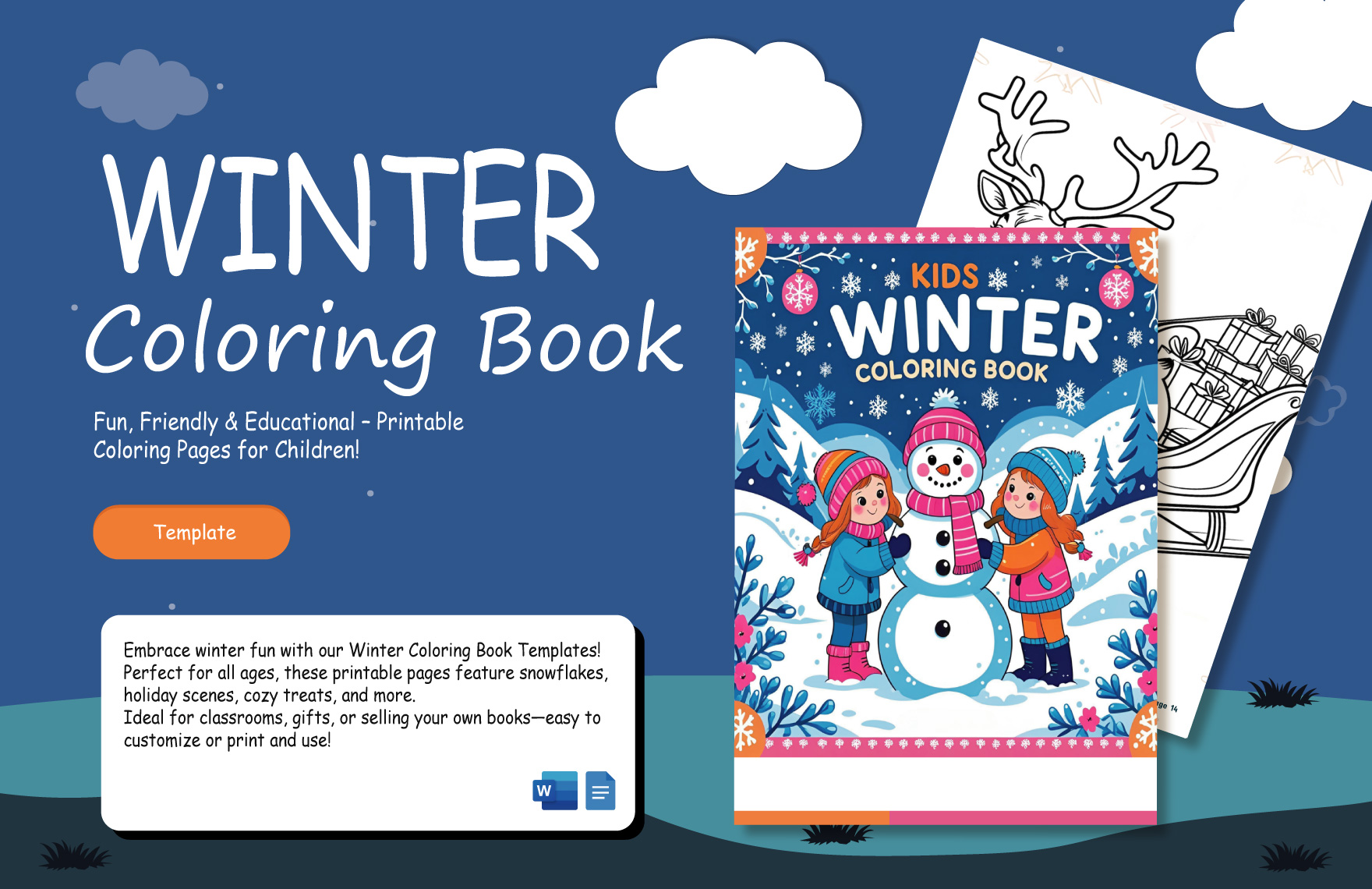
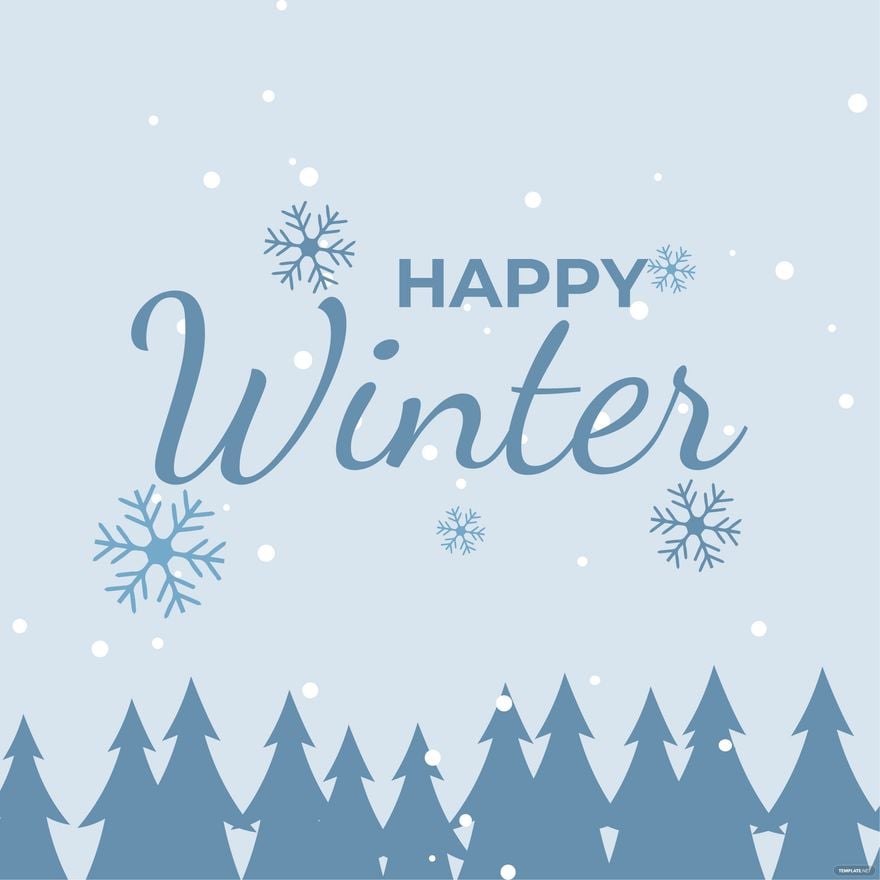
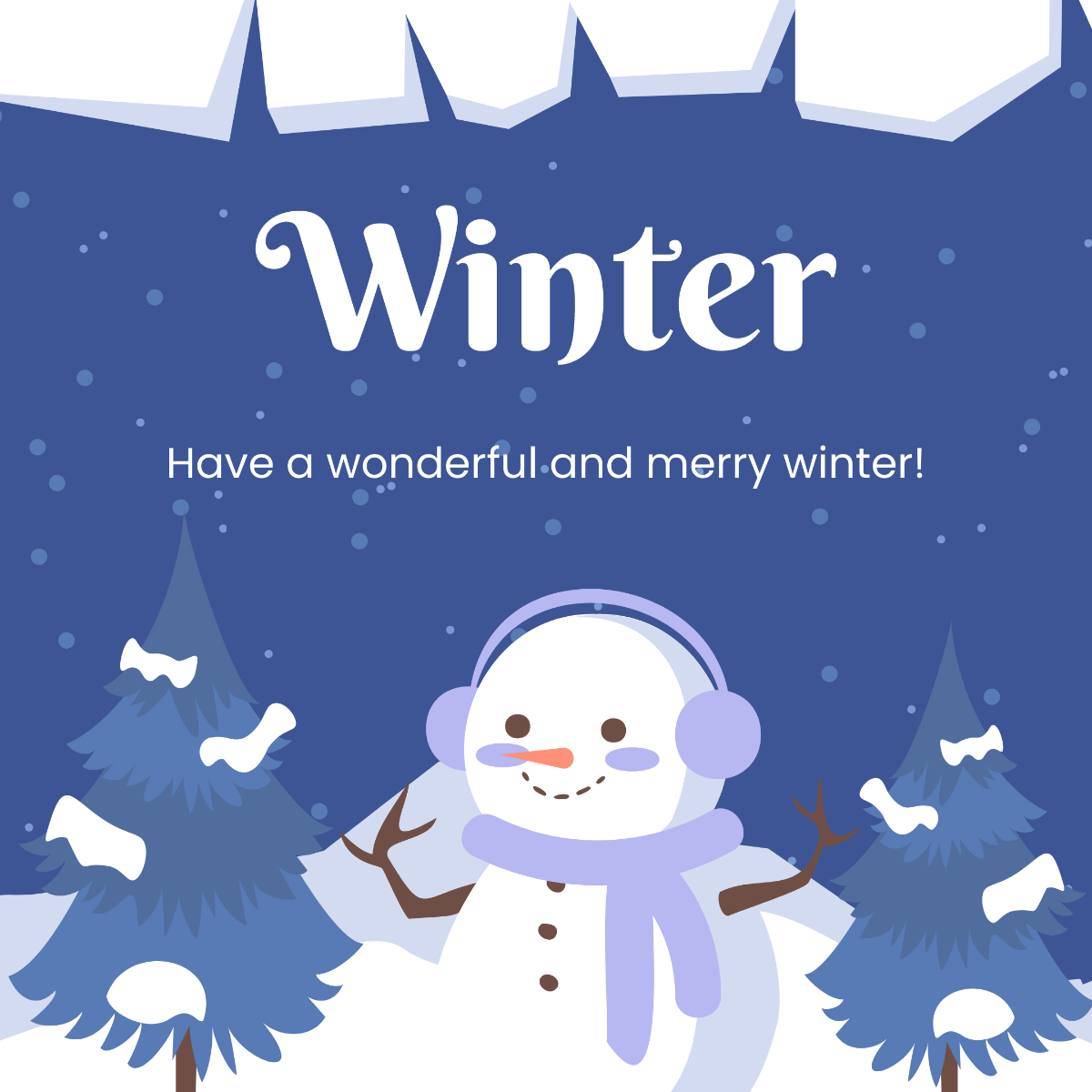
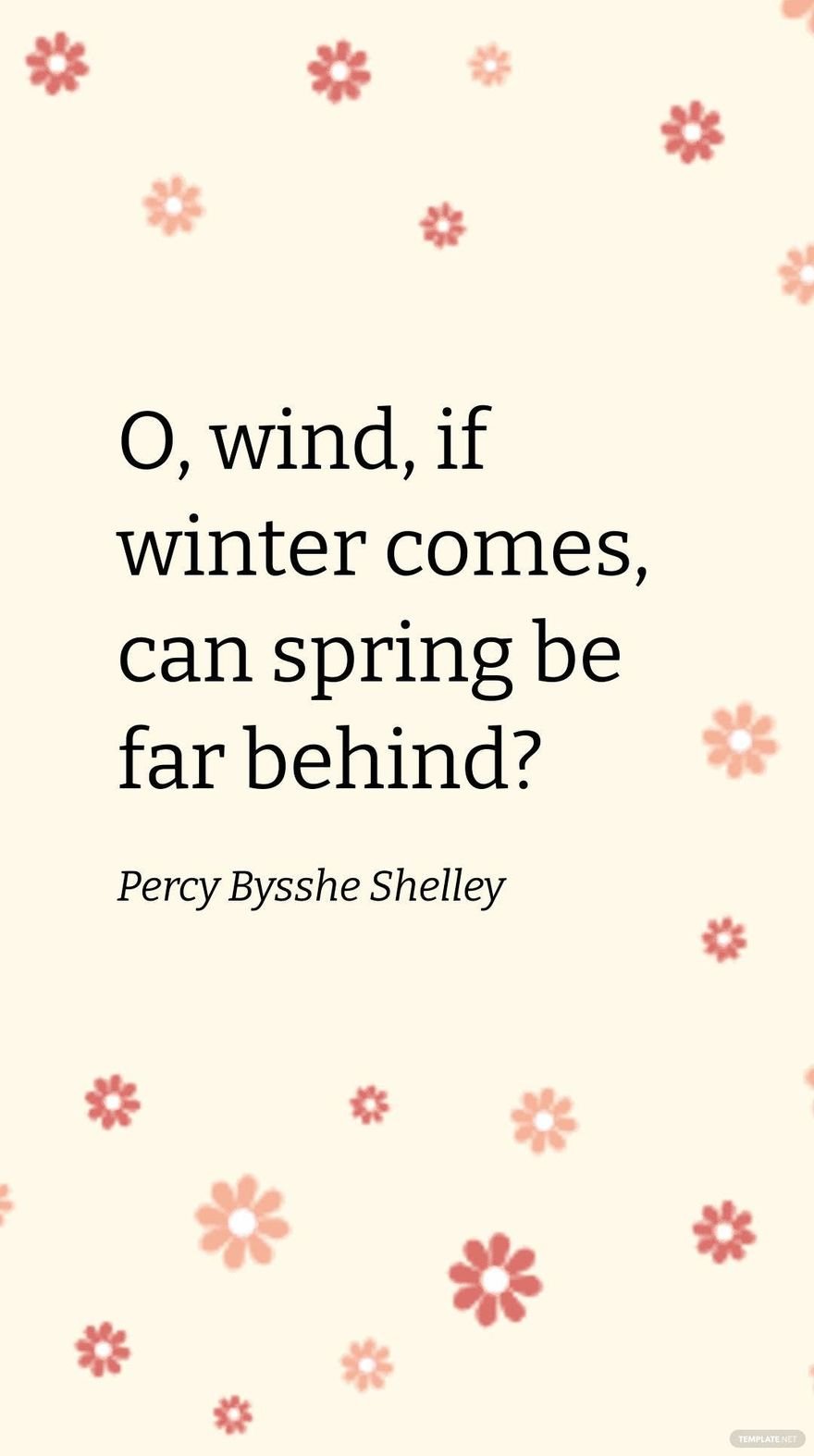
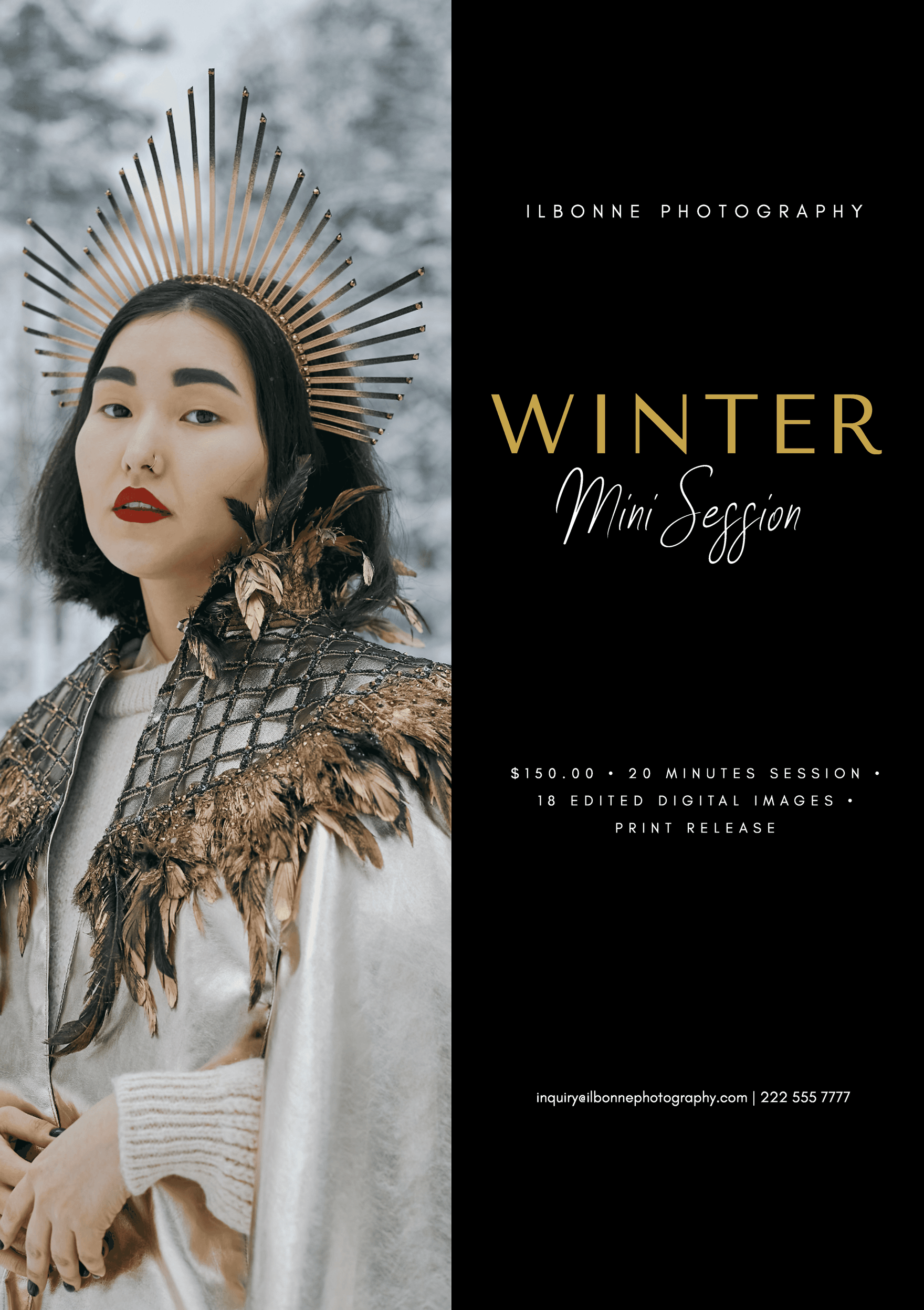
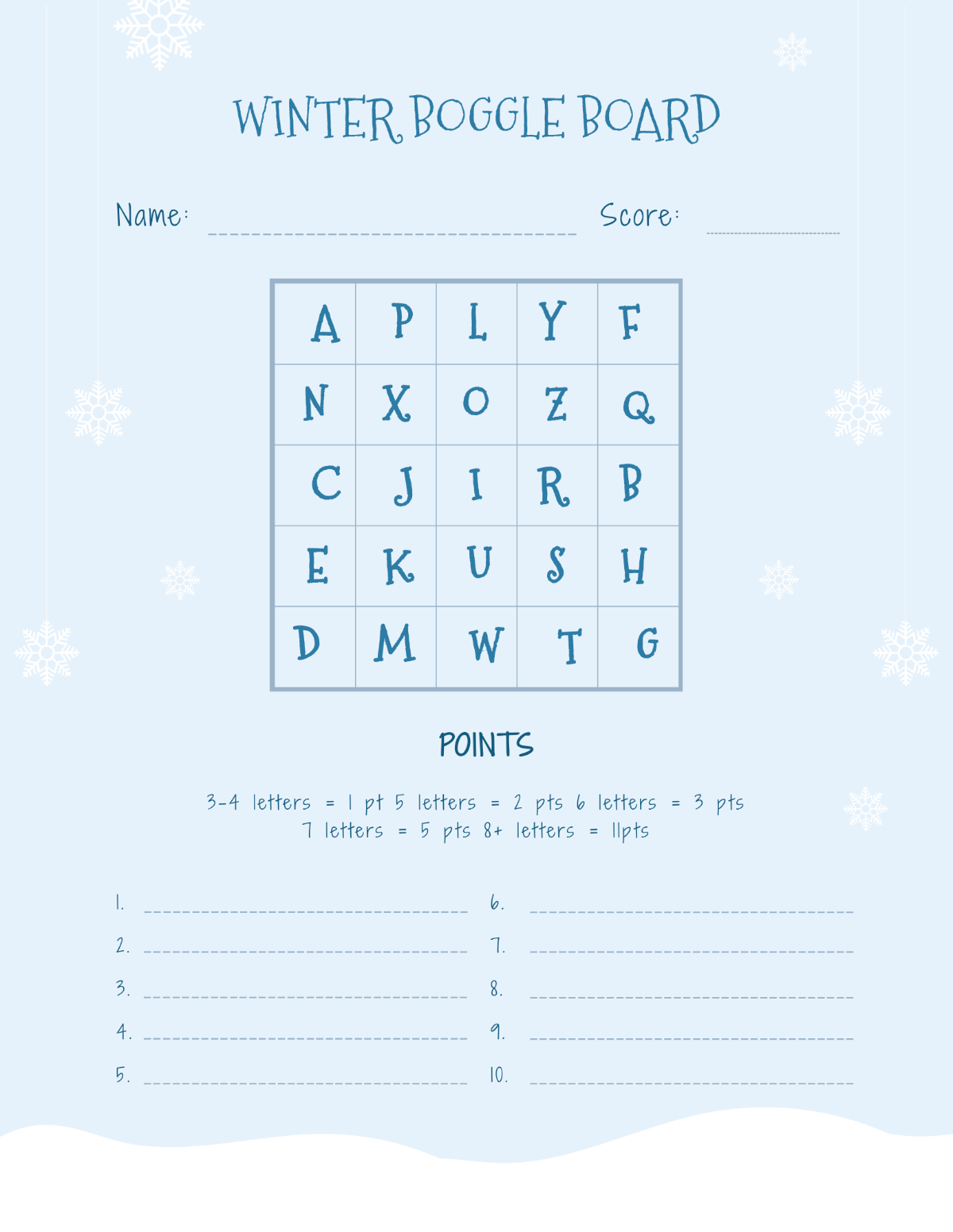
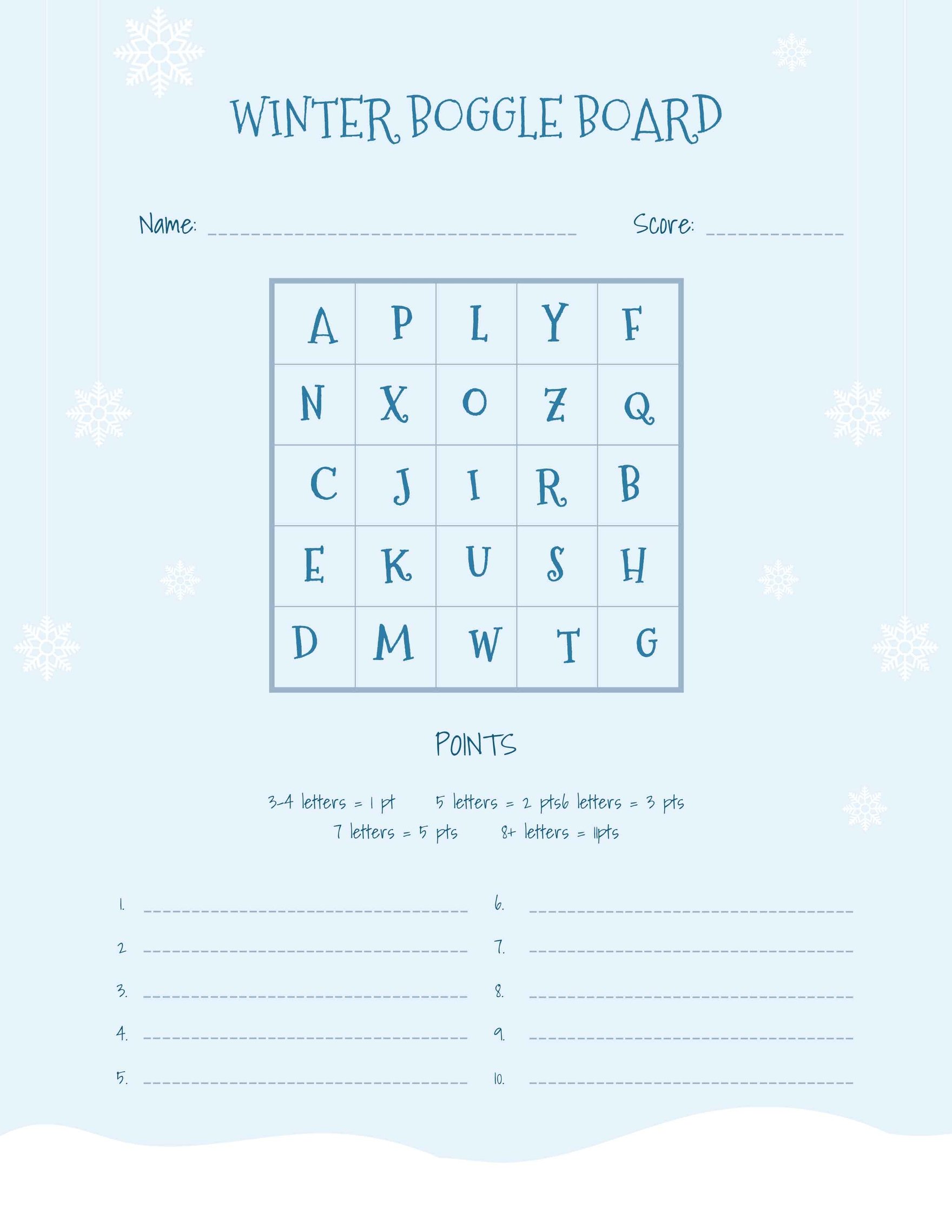
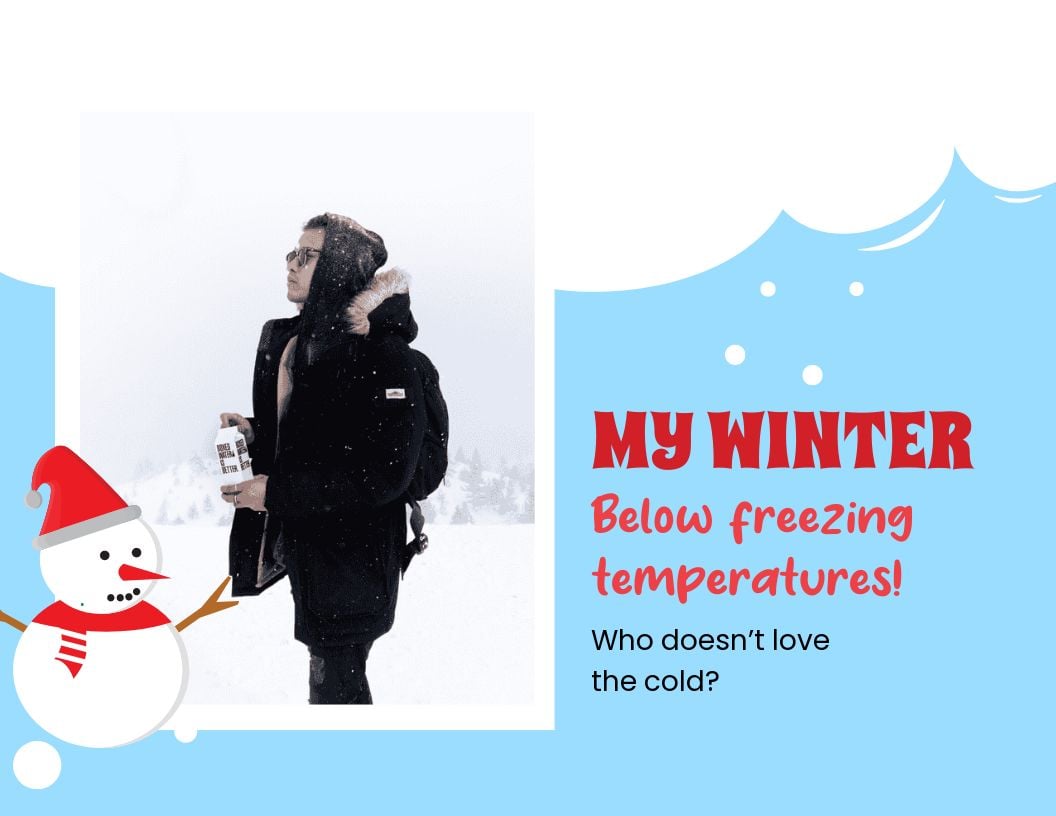
A Winter template is a pre-designed layout featuring seasonal graphics, cool color palettes, and layout blocks suited for winter themes. These templates include editable text areas and design layers to help users create professional winter-themed materials quickly.
Who typically uses Winter templates?
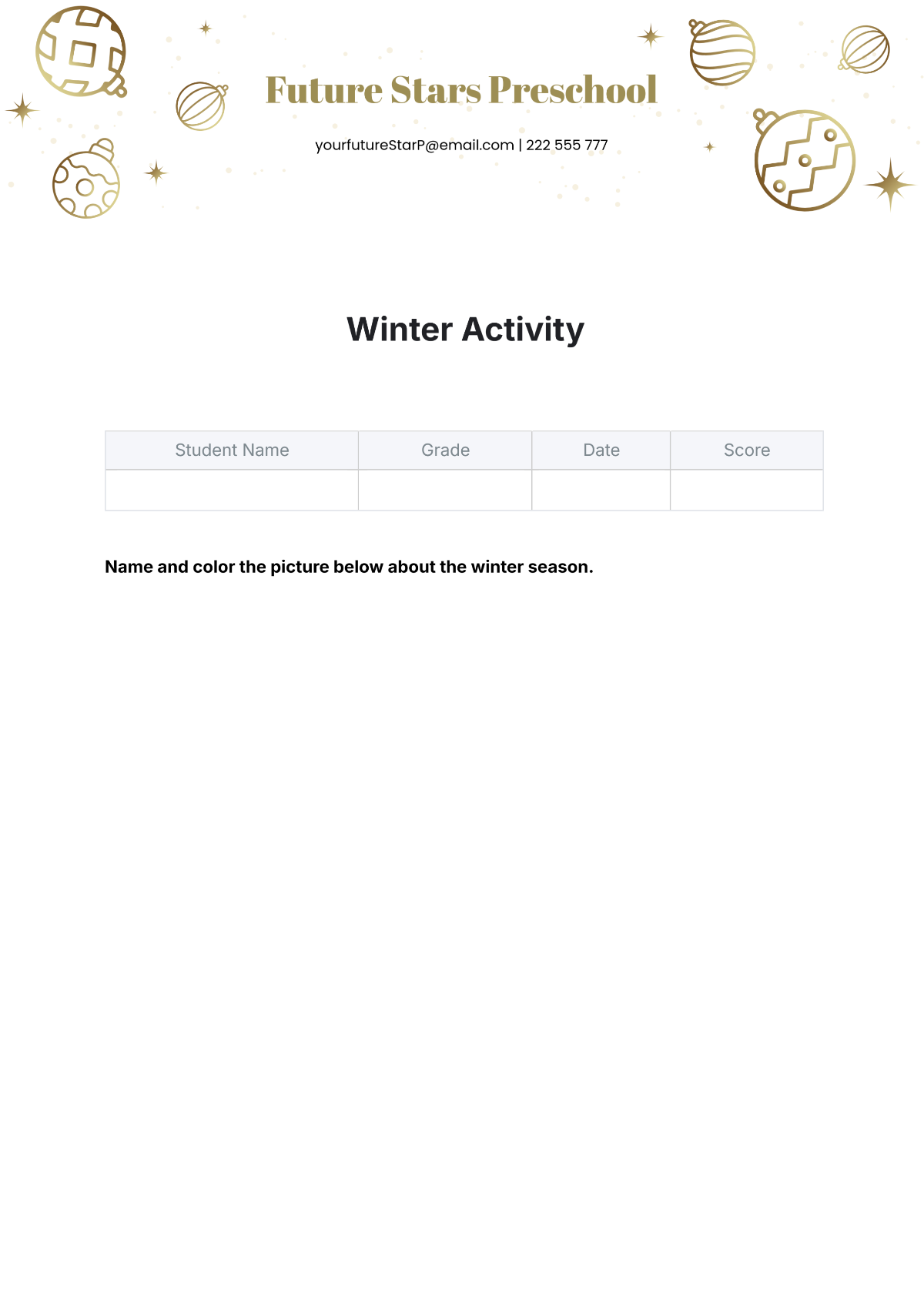
Winter templates are commonly used by marketers, event planners, educators, and designers who need seasonal promotional materials or invitations. These users benefit from customizable layouts that support fast edits and professional winter-themed presentations.
When should I use Winter templates?
Winter templates are ideal for use during winter holidays, seasonal sales, or events that require a winter-themed visual style. They help to communicate seasonal messages effectively with cohesive graphics and layout blocks designed for winter aesthetics.
What design elements should I include in a Winter template?
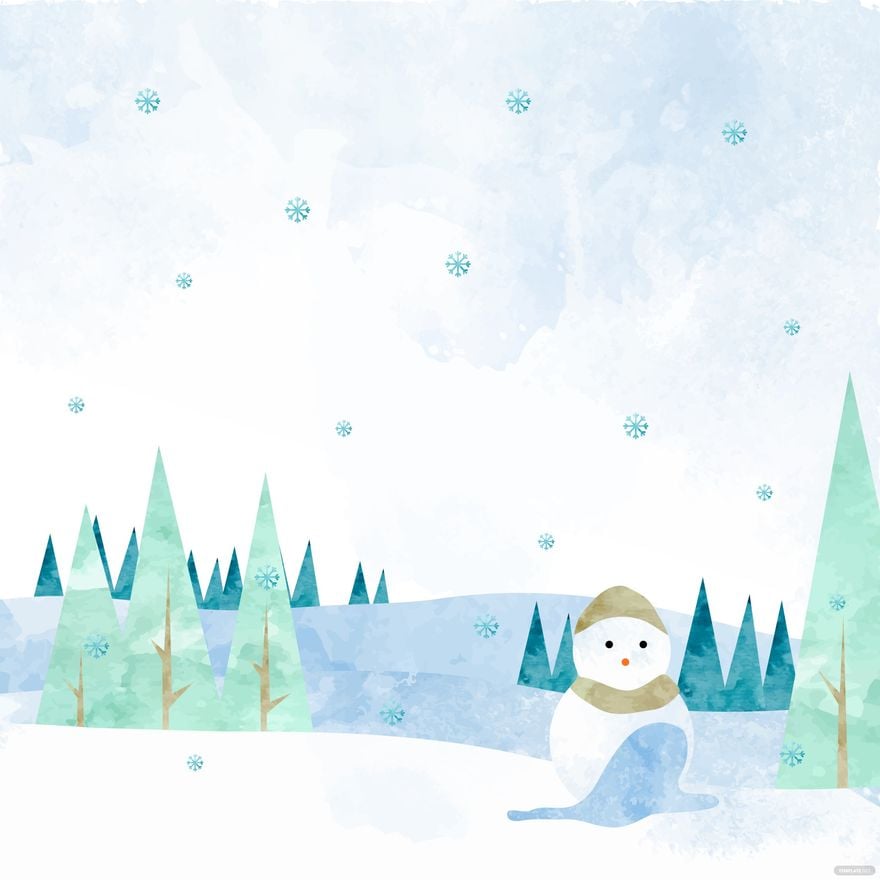
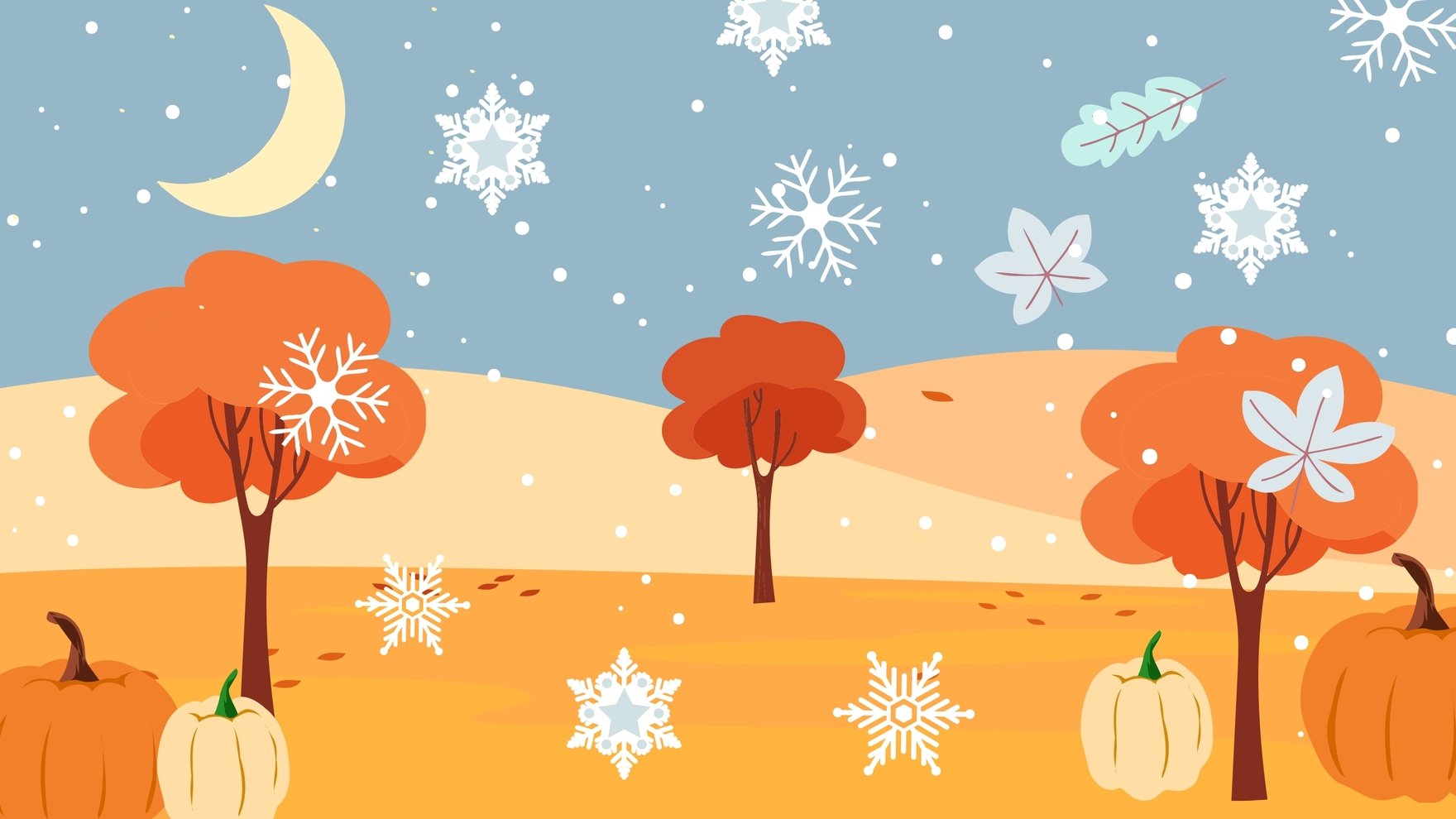
A Winter template should include snowflakes, winter landscapes, and cool color palettes like blues and whites. Incorporate editable text areas and layered graphics to allow customization while maintaining a seasonal theme.
What are the ideal sizes for Winter templates?
Winter templates come in various sizes depending on use, commonly 5 × 7 inches for cards, 8.5 × 11 inches for flyers, and larger formats for posters. Selecting the proper size ensures print readiness and visual impact for winter projects.
How can I customize Winter templates effectively?
Effective customization of Winter templates involves editing layered design elements, adjusting the color palette to suit your brand, and replacing default graphics with seasonal images. Template.net’s in-browser editor supports these changes for quick professional results.
What should I consider when printing Winter templates?
When printing Winter templates, consider paper quality and finish to highlight seasonal graphics. Use standard sizes like 8.5 × 11 inches and ensure the color palette prints accurately to maintain the intended winter theme and professional look.
What file formats can I download for a Winter template?
Template.net supports multiple export formats for Winter templates, including Word, Apple Pages, and PSD. These formats allow for easy editing and high-quality printing.
Can I create a new Winter template using AI?
Template.net provides an AI-powered tool capable of generating Winter template designs from user prompts. This feature helps create unique winter-themed layouts quickly with customizable design layers and professional visual elements. Visit Template.net to start.
