Free Wireframe Templates
Free Wireframe Templates: Editable Design Guide, Uses, and Customization Tips
Wireframe templates are customizable visual blueprints that help you plan and structure digital projects effectively. Template.net offers customizable wireframe templates that you can complete or modify directly in your browser to fit your project needs.
What is a Wireframe?
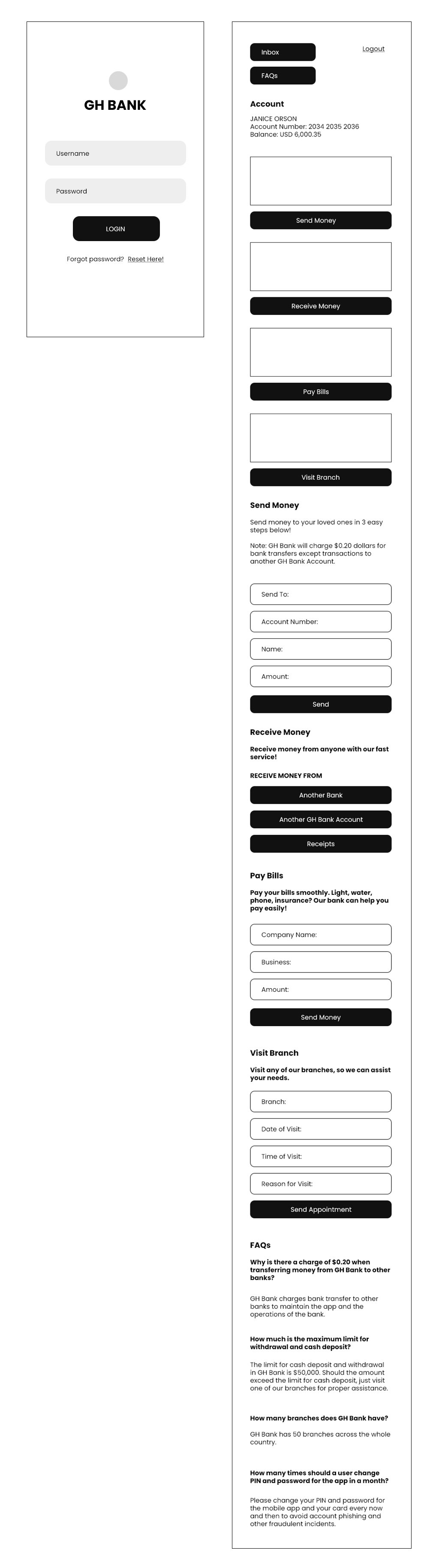
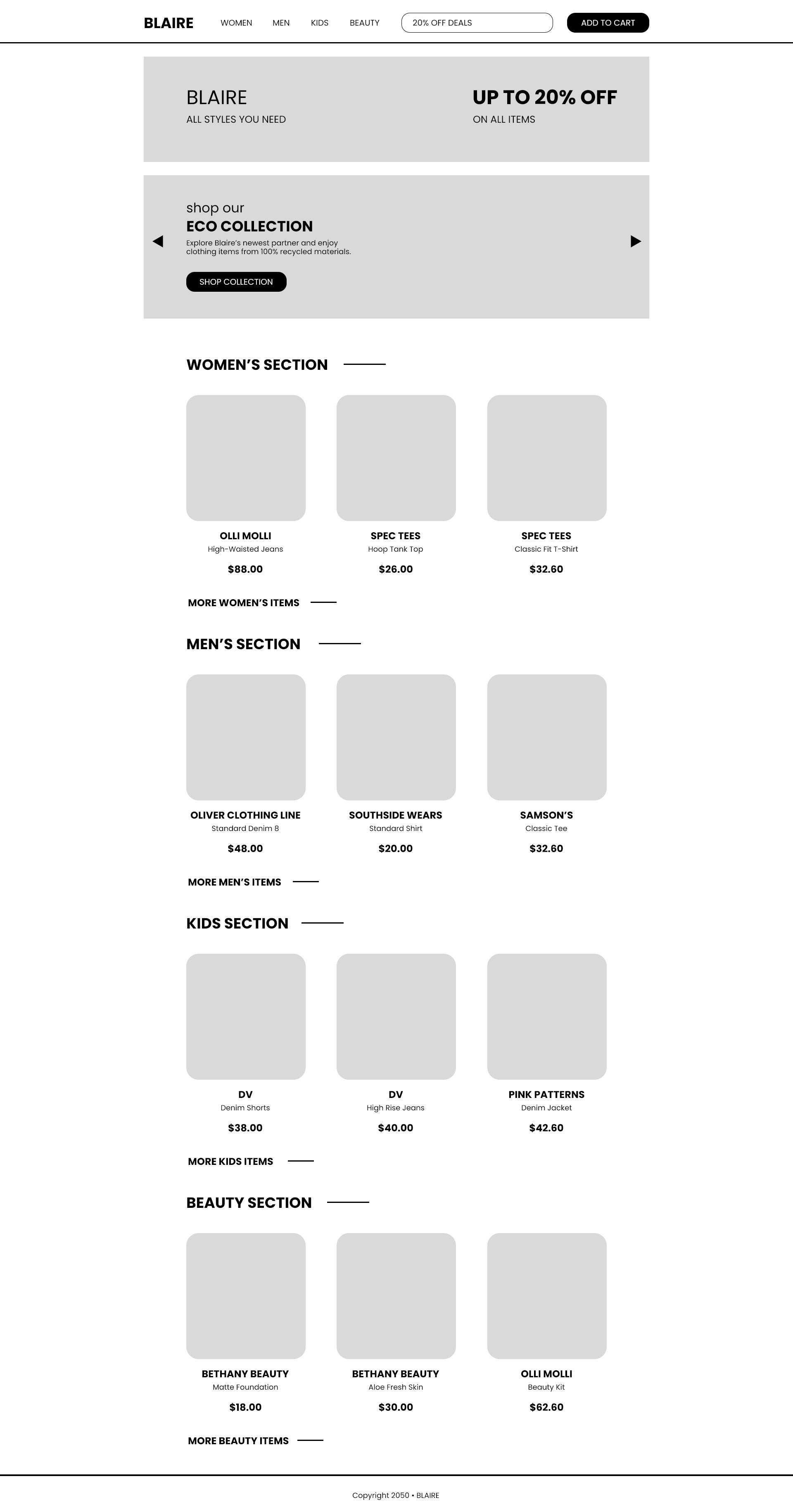
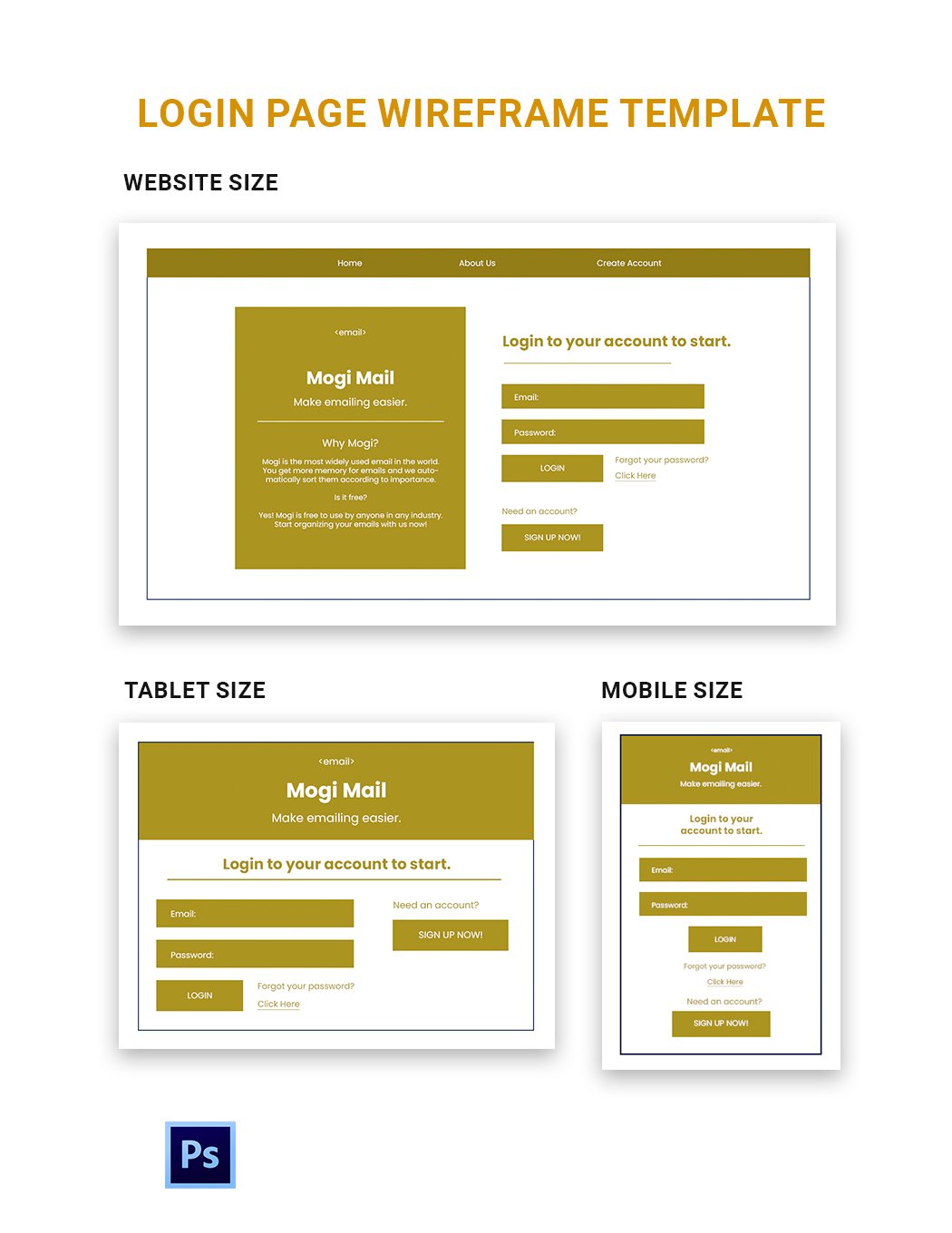
A Wireframe is a customizable visual guide that outlines the skeletal framework of a digital product, such as a website or app. Wireframes focus on layout, structure, and flow without detailed design elements, allowing you to plan content placement and functionality before development.
Why should I use a Wireframe?
You should use a Wireframe to establish a clear structure for your digital project, helping you organize content, improve user experience, and identify potential issues early. Wireframes save time and resources by providing a visual reference before detailed design or coding begins.
Who uses Wireframe?
Wireframe templates are used by designers, developers, product managers, and UX specialists who need to communicate layout and interaction ideas clearly. They are essential tools for teams collaborating on website, app, or software development projects.
What are the best tips for completing my Wireframe?
To complete your customizable Wireframe effectively, focus on clarity and simplicity. Prioritize user flow, include essential elements like navigation and content areas, and avoid detailed styling. Iteratively test and adjust your wireframe based on stakeholder feedback.
Can I create a Wireframe using AI?
You can create a Wireframe using AI-powered tools for faster initial drafts and design suggestions. Template.net features a Wireframe Maker that helps generate customizable wireframes quickly online.
When should I use a Wireframe?
You should use a Wireframe at the early stages of any digital project to outline structure and functionality. Wireframes are ideal before visual design or development, ensuring alignment on layout, navigation, and content hierarchy with your team.
What are the essential elements of a Wireframe?
The essential elements of a Wireframe include:
- Navigation menus for user flow
- Content blocks showing where text and images will appear
- Buttons and links representing interactions
- Placeholders for multimedia
- Annotations explaining functionality
How is Wireframe used in professional workflows?
Wireframe templates are integrated into professional workflows to communicate design intent and gather stakeholder feedback. They serve as a visual tool during brainstorming, client presentations, and development handoffs, helping teams iterate efficiently and maintain project focus.
What are common use cases for Wireframe templates?
Wireframe templates are commonly used for:
- Website design planning
- Mobile app interface layout
- Software user experience mapping
- Landing pages and digital marketing assets
- Dashboard and data visualization structuring