
Free Arrow Templates







































Free Arrow Customizable Templates: Design Guide, Uses, and Editing Tips
Arrow refers to graphical symbols used to indicate direction, flow, or movement in design projects. Template.net offers customizable Arrow templates that you can edit and modify directly in the browser to enhance your visual content.
What is a Arrow?
Arrow is a visual symbol commonly used to indicate direction, movement, or relationships in diagrams and designs. Arrow templates provide ready-made graphical elements to incorporate into your projects, allowing you to convey flow or navigation clearly.
Why should I use a Arrow?
You should use a Arrow to visually guide viewers through information, illustrate processes, or highlight key points. Using customizable Arrow templates simplifies this task by providing professional designs that can be adapted to your specific needs.
Who uses Arrow?
Designers, educators, marketers, and business professionals commonly use Arrow templates to create presentations, infographics, flowcharts, and diagrams that require clear directional cues or process visualization.
What are the best tips for completing my Arrow?
When completing your Arrow, consider these tips:
- Consistency in style and color to maintain visual harmony
- Clarity to ensure arrows clearly indicate flow or direction
- Size and spacing to avoid clutter and improve readability
- Alignment with related elements for professional appearance
Can I create a Arrow using AI?
You can create a Arrow using AI tools, but Template.net primarily offers customizable Arrow templates that you can modify online. For AI-generated content, you may explore other resources or the Template.net AI Template Generator.
When should I use a Arrow?
You should use a Arrow when you need to illustrate direction, sequence, or relationships in visual content such as flowcharts, presentations, or instructional materials. Arrows help guide the viewer’s attention and clarify complex information.
What are the essential elements of a Arrow?
Essential elements of a Arrow include:
- Arrowhead that indicates the direction
- Shaft or line that connects points or shows flow
- Color and style to differentiate or emphasize meaning
- Size appropriate for the design context
How is Arrow used in professional workflows?
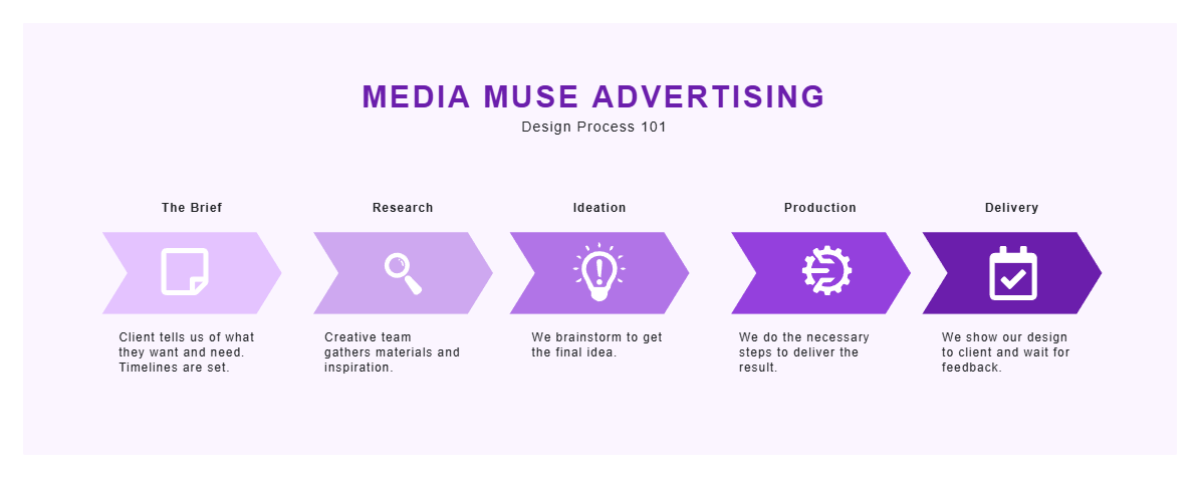
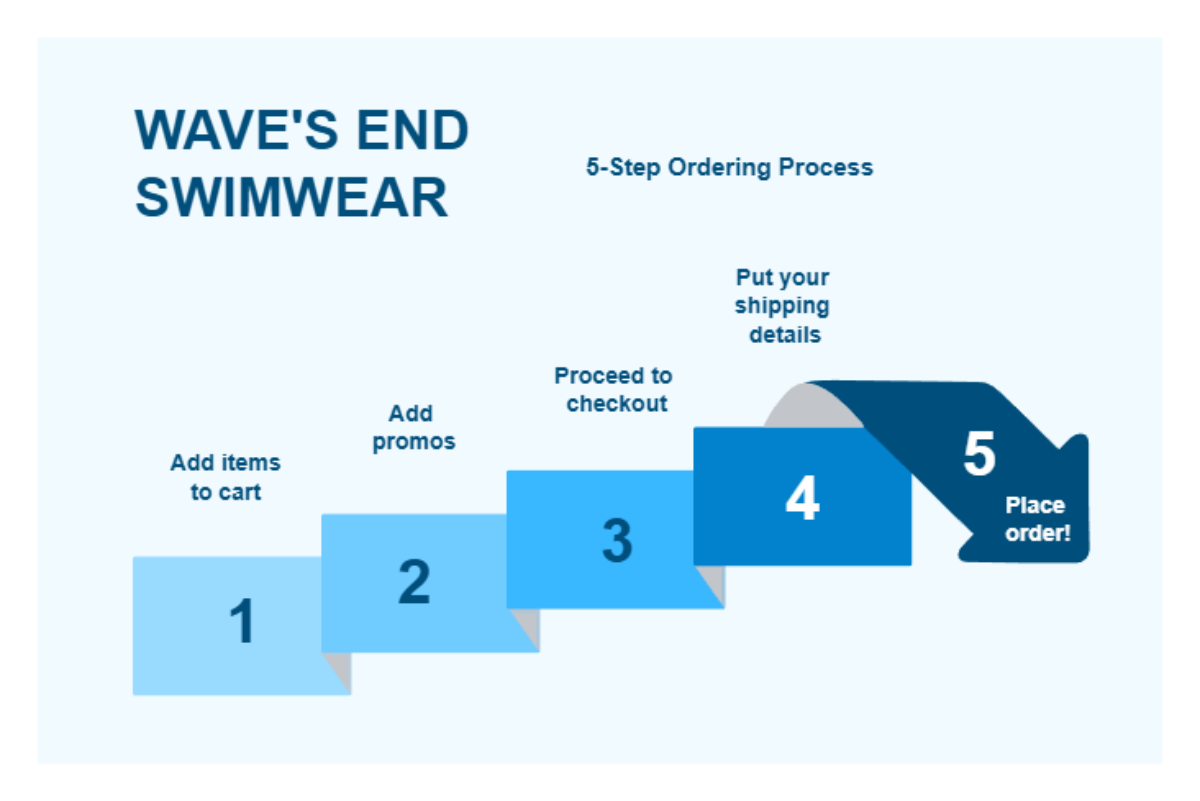
Arrow symbols are used in professional workflows to visualize processes, indicate progression, and map relationships in documents and designs. Customizable Arrow templates streamline the creation of clear and effective visual aids in business and education.
What are common use cases for Arrow templates?
Common use cases for Arrow templates include:
- Flowcharts to depict steps in a process
- Infographics to highlight data progression
- Presentations to guide audience attention
- Instructional materials to show directional instructions
- Marketing visuals to indicate movement or trends
