
Free Automation Templates














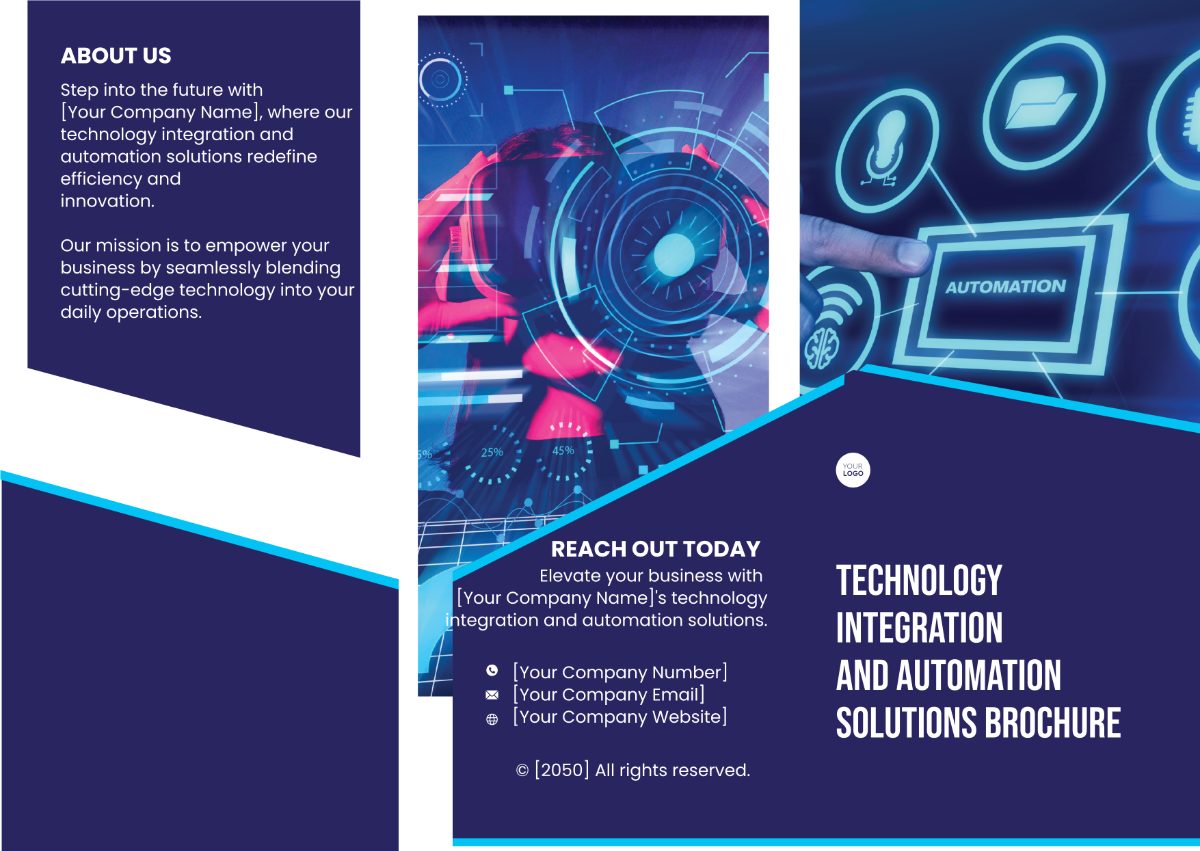
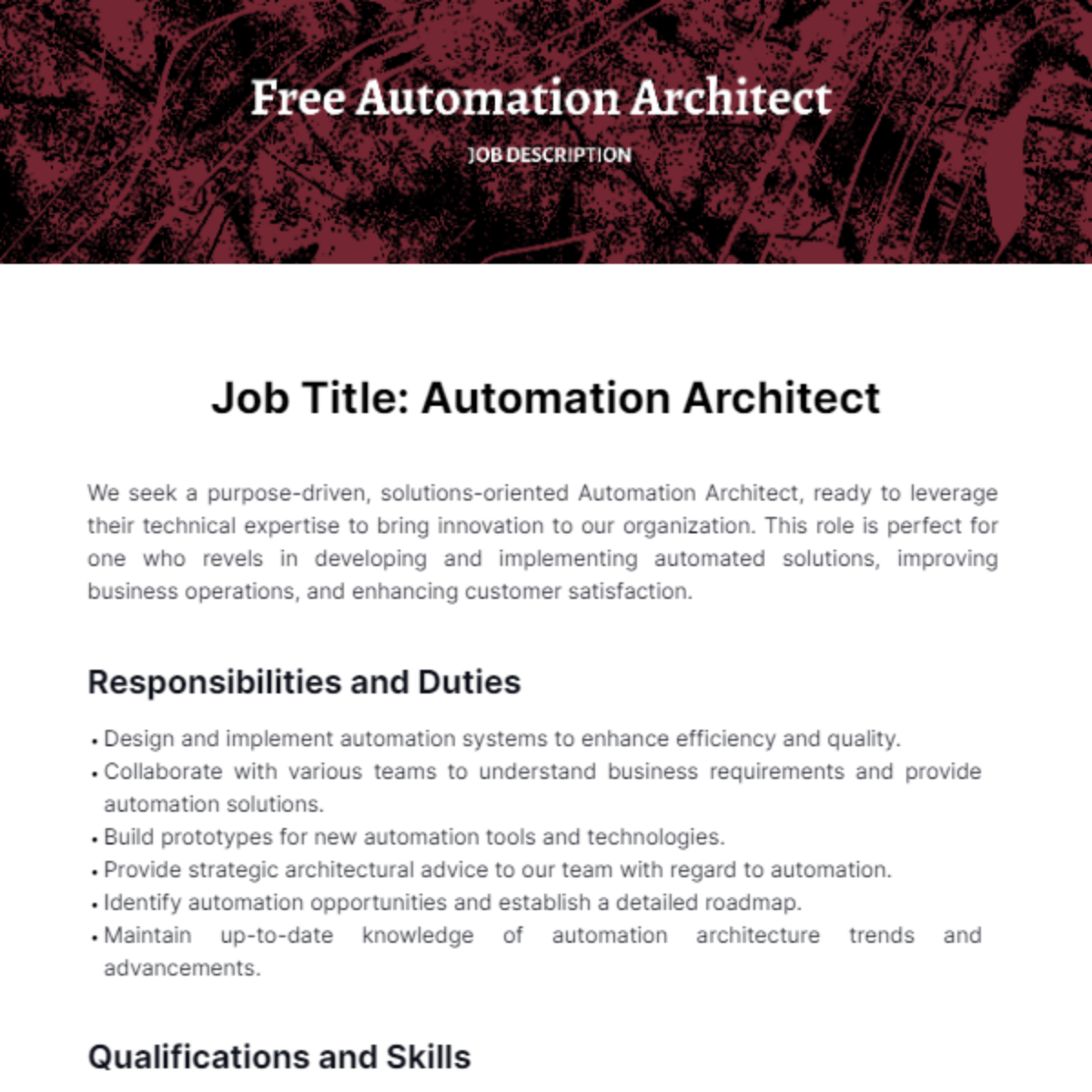
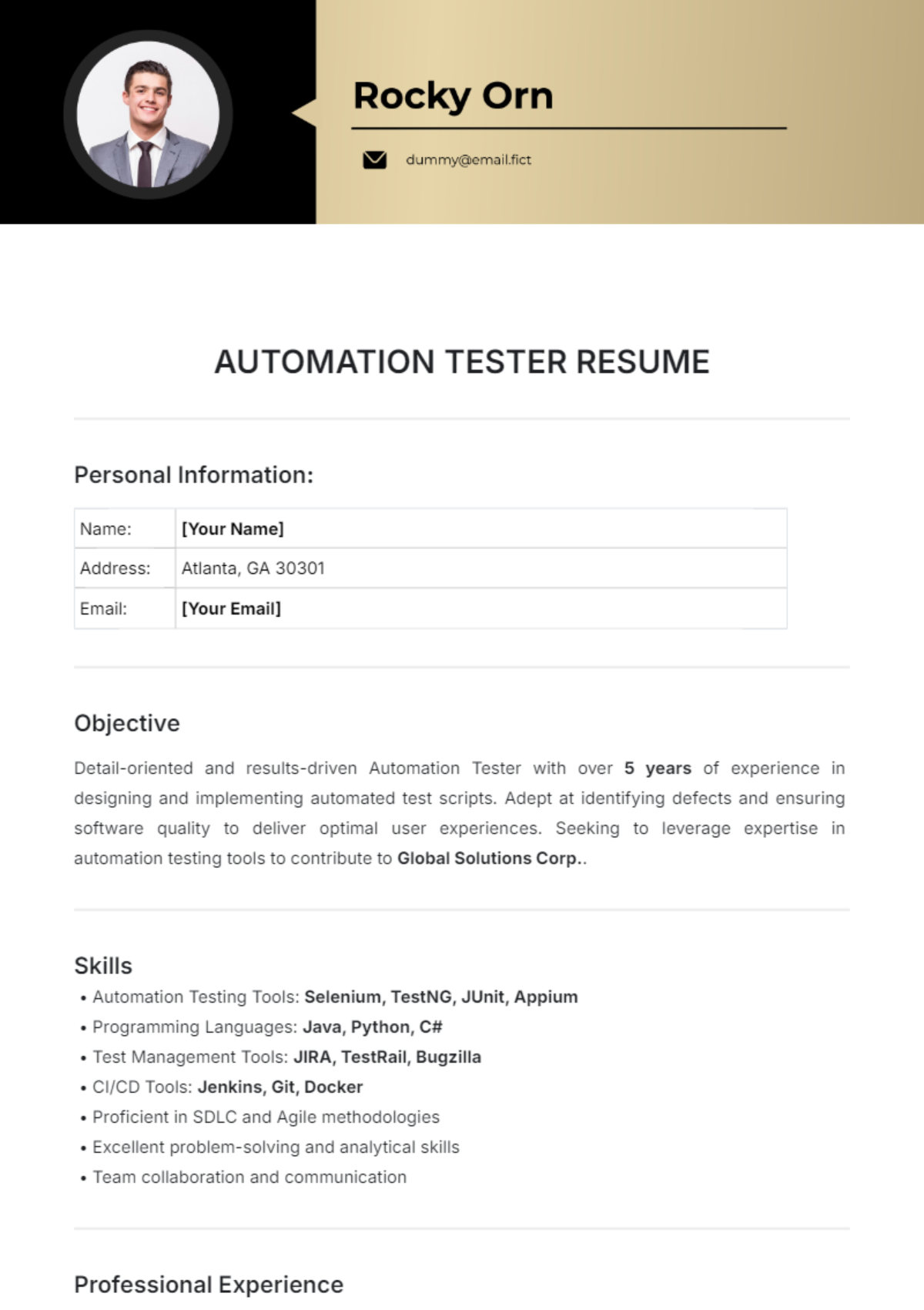
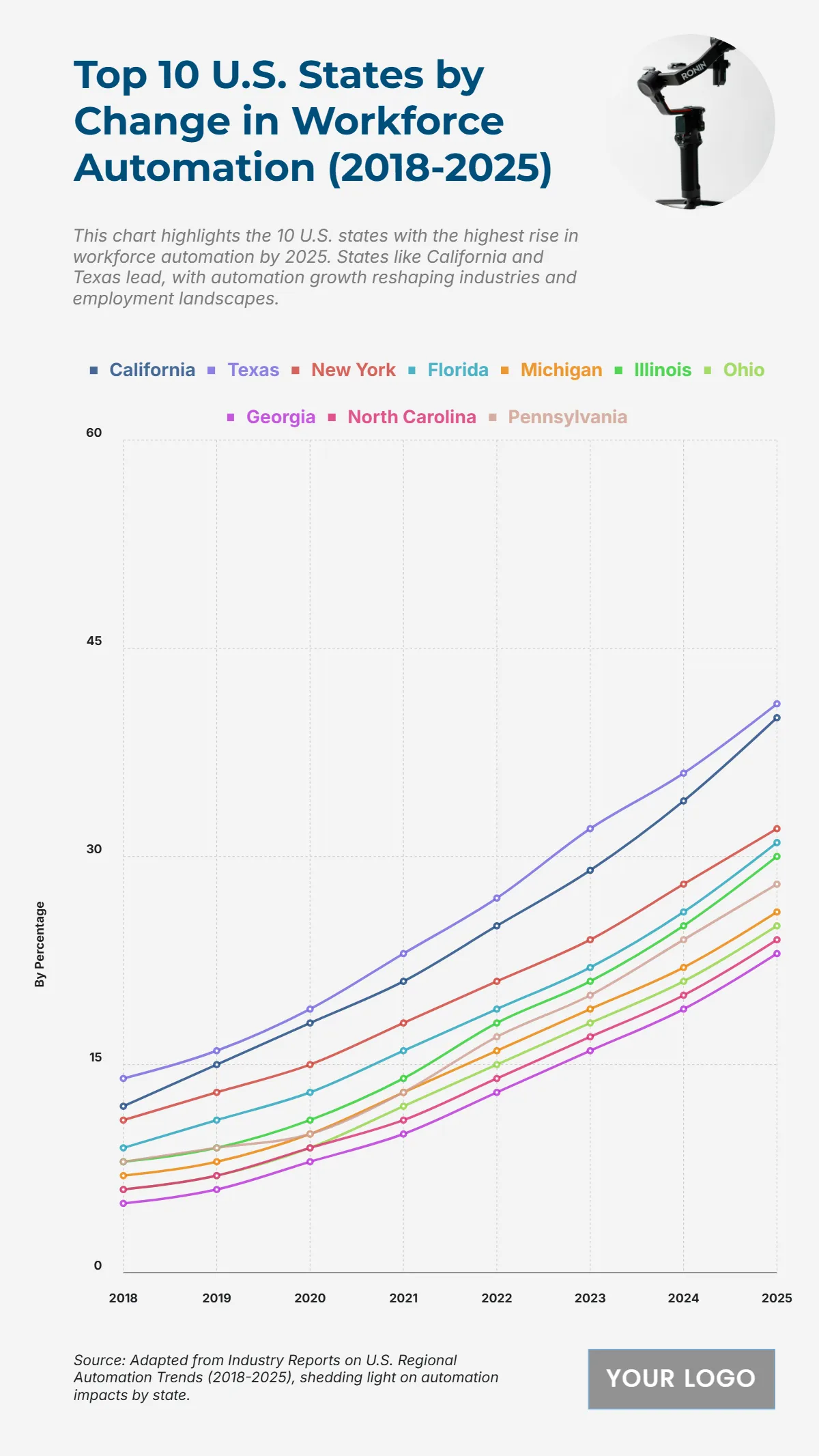


Free Automation Editable Templates: Uses, Benefits, and Online Customization
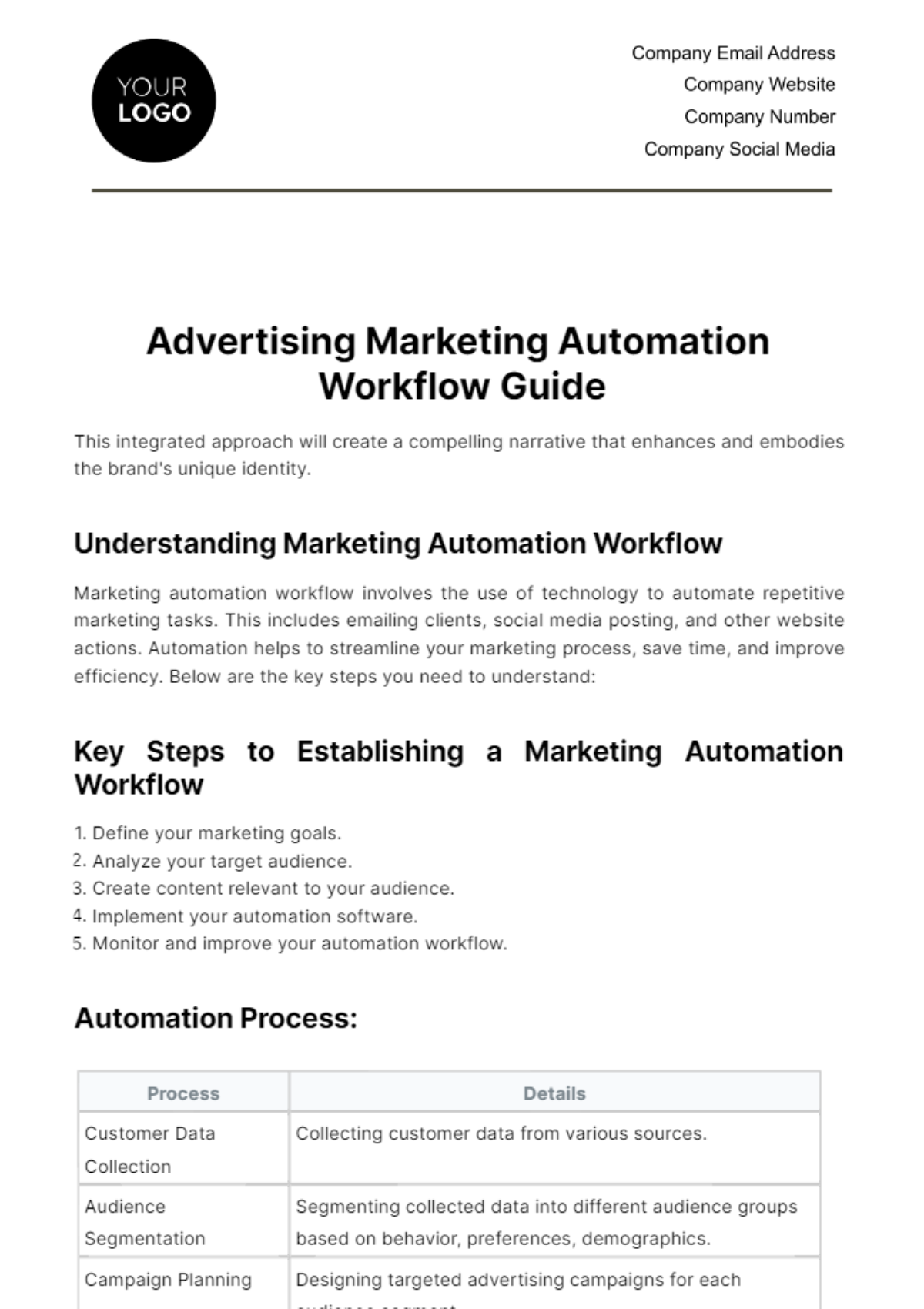
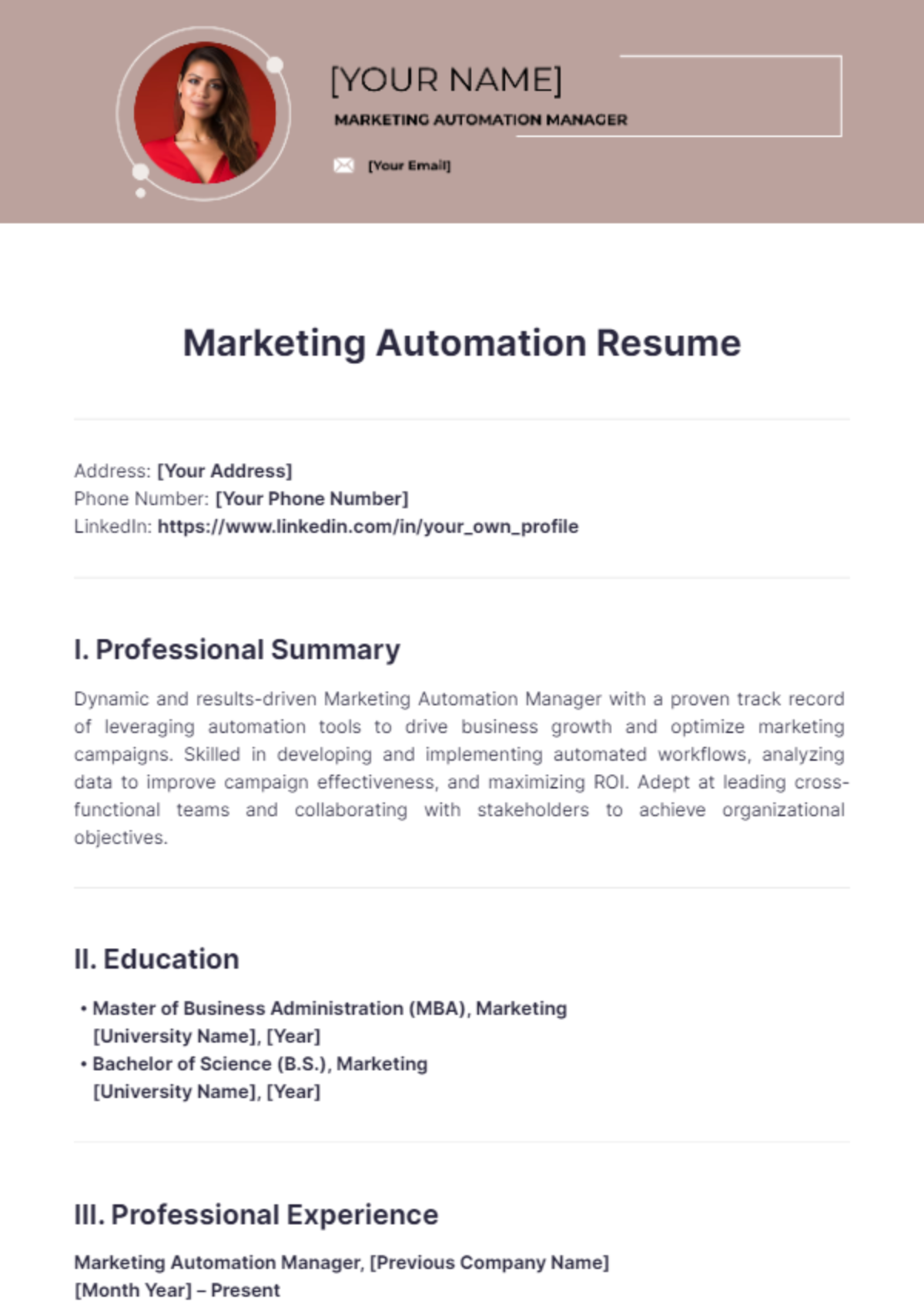
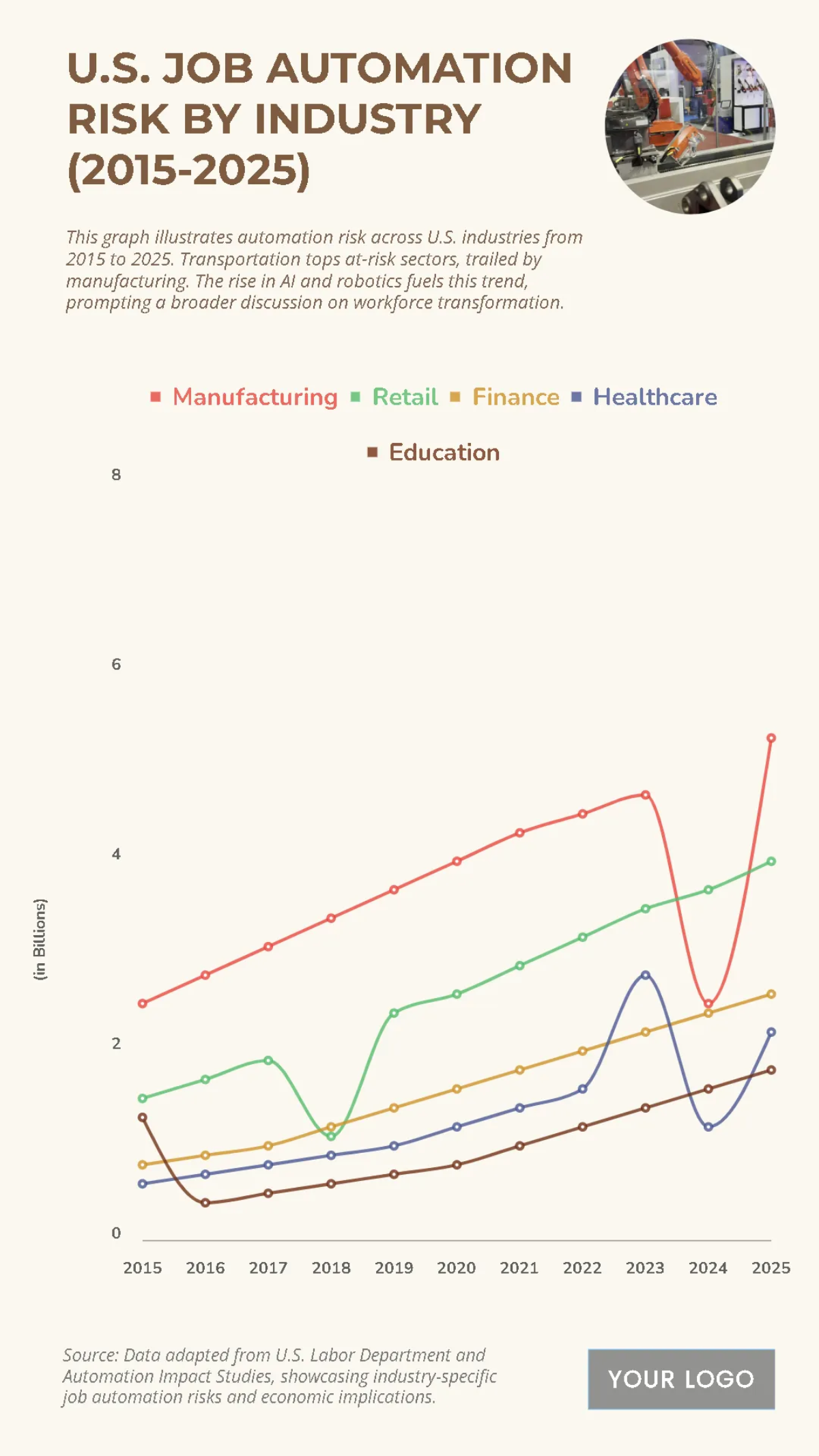
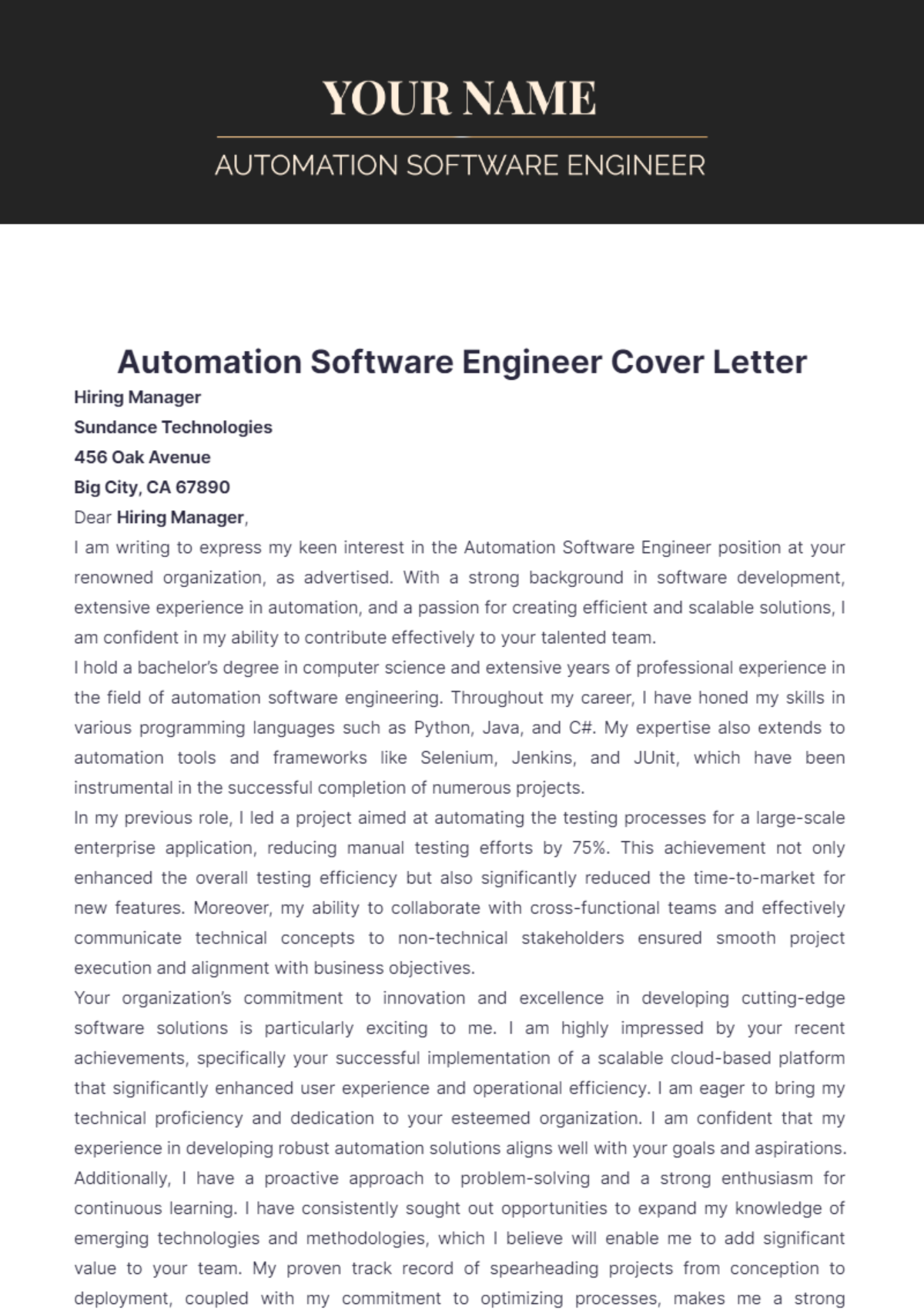
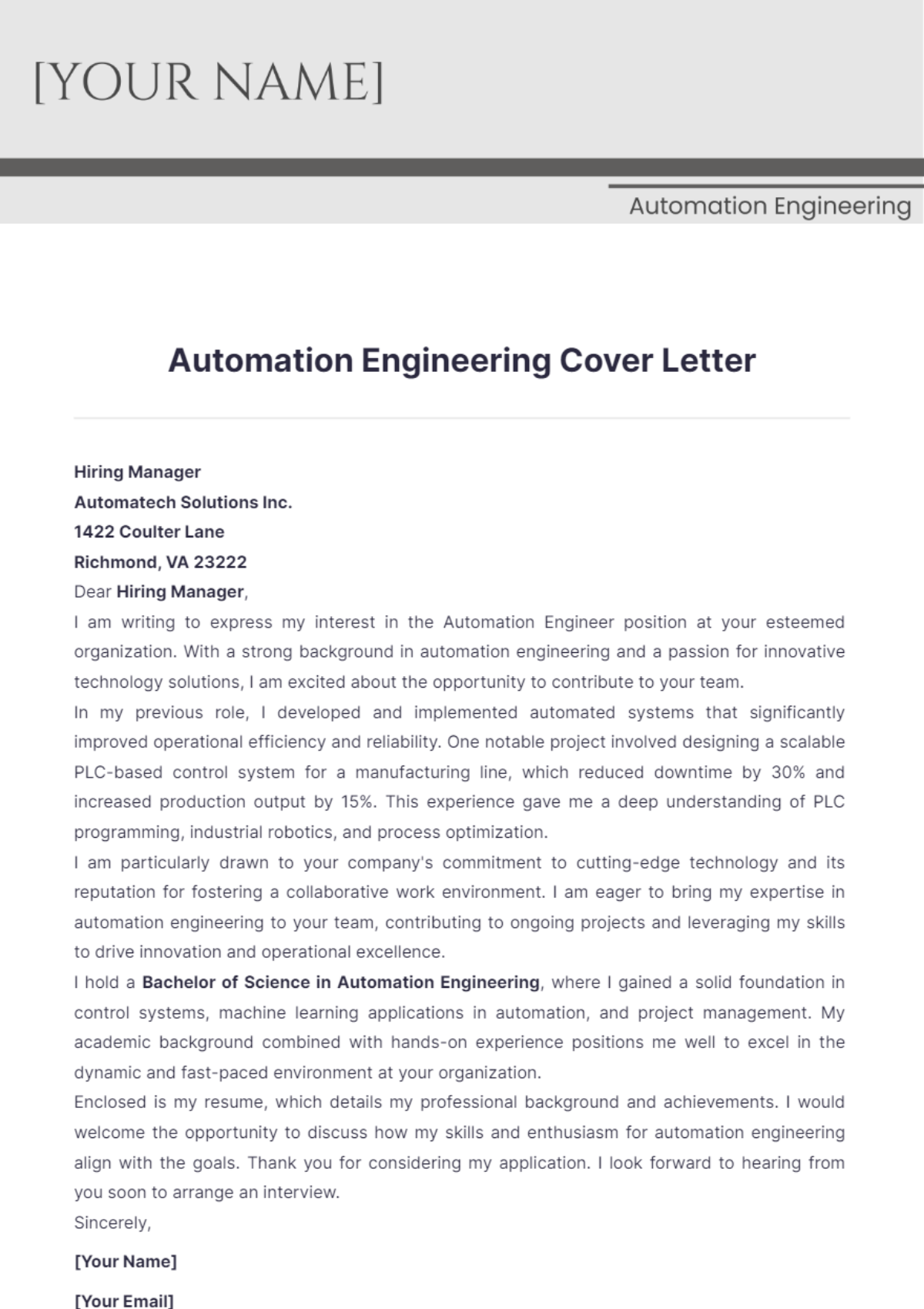
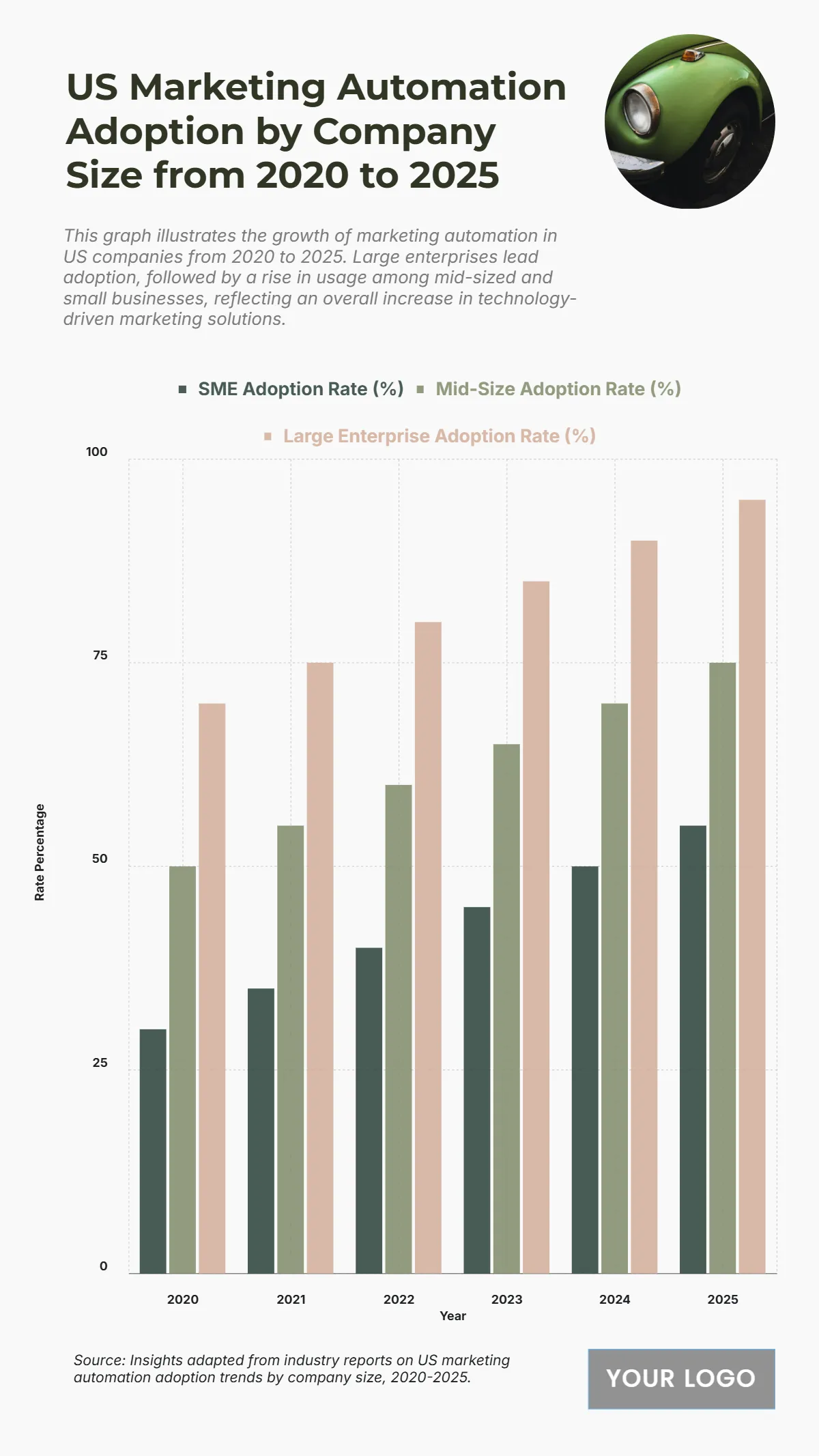
Automation refers to the use of technology and processes to perform tasks with minimal human intervention, enhancing efficiency and consistency. Template.net offers a wide range of editable Automation templates that you can complete or modify directly in the browser to suit your specific project needs.
What is a Automation?
Automation is the process of using technology to perform tasks or workflows with minimal human input, improving accuracy and efficiency. Automation templates provide structured formats that help you implement or document these processes effectively.
Why should I use a Automation?
You should use Automation to reduce manual work, increase productivity, and ensure consistent results. Automation templates guide you in organizing and applying these processes clearly and professionally.
Who uses Automation?
Professionals in industries like manufacturing, IT, marketing, and business operations use Automation to streamline repetitive tasks. Teams and managers rely on Automation templates to plan, implement, and monitor automated workflows effectively.
What are the best tips for completing my Automation?
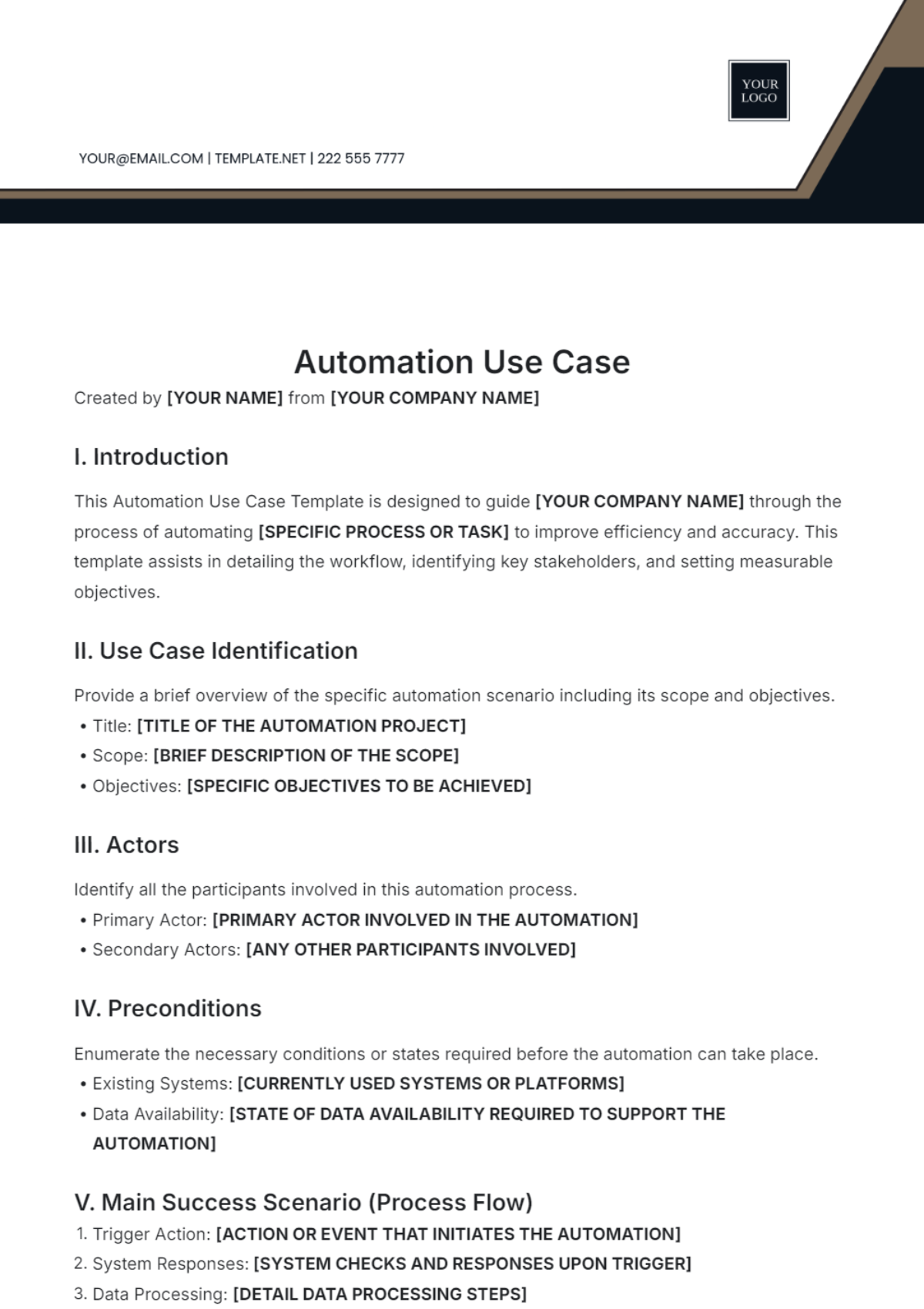
When completing your Automation template, focus on clarity and accuracy. Define each step clearly, specify triggers, actions, and expected outcomes, and customize the template to reflect your unique workflow requirements.
Can I create a Automation using AI?
You can create and enhance Automation templates with AI tools, but Template.net primarily offers editable templates for manual customization. For AI-generated Automation content, you may explore dedicated AI template generators on the platform.
When should I use a Automation?
Use Automation whenever you want to reduce repetitive manual tasks, improve process efficiency, or ensure consistent execution. Automation templates are ideal during planning, documentation, and execution phases of automated workflows.
What essential elements should my Automation include?
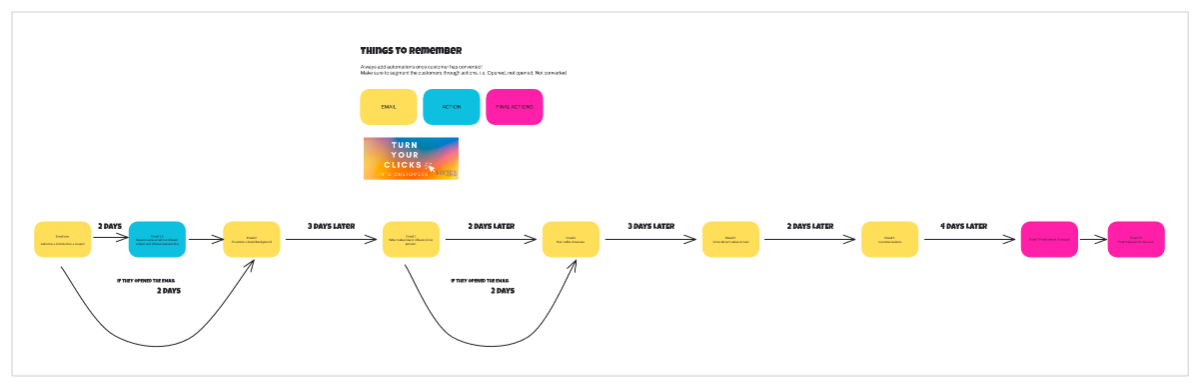
Your Automation should include key elements such as triggers, conditions, actions, responsible personnel, and performance metrics. Including these ensures the automated process is well-defined and measurable.
How is Automation used in professional workflows?
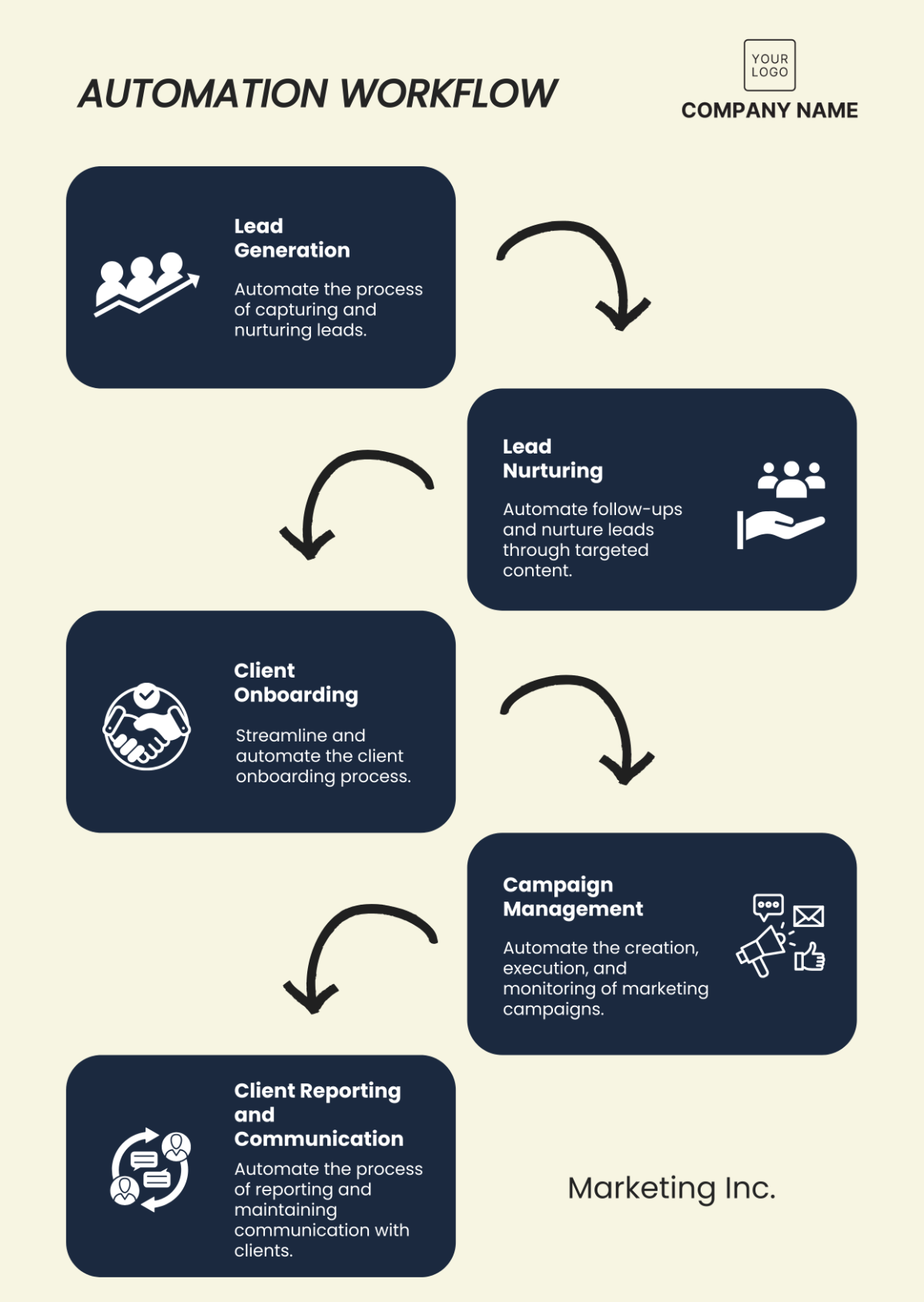
Automation is used to streamline business processes like data entry, customer communications, and production tasks. Professionals rely on Automation templates to design and track these workflows for improved productivity and accuracy.
What are common use cases for Automation templates?
Common use cases for Automation templates include workflow documentation, process standardization, task scheduling, and system integration planning. These templates help professionals implement reliable and repeatable automation strategies.
