
Free Baby Templates





Baby Templates: Design Guide, Sizes, and Download Formats
What is a Baby template?
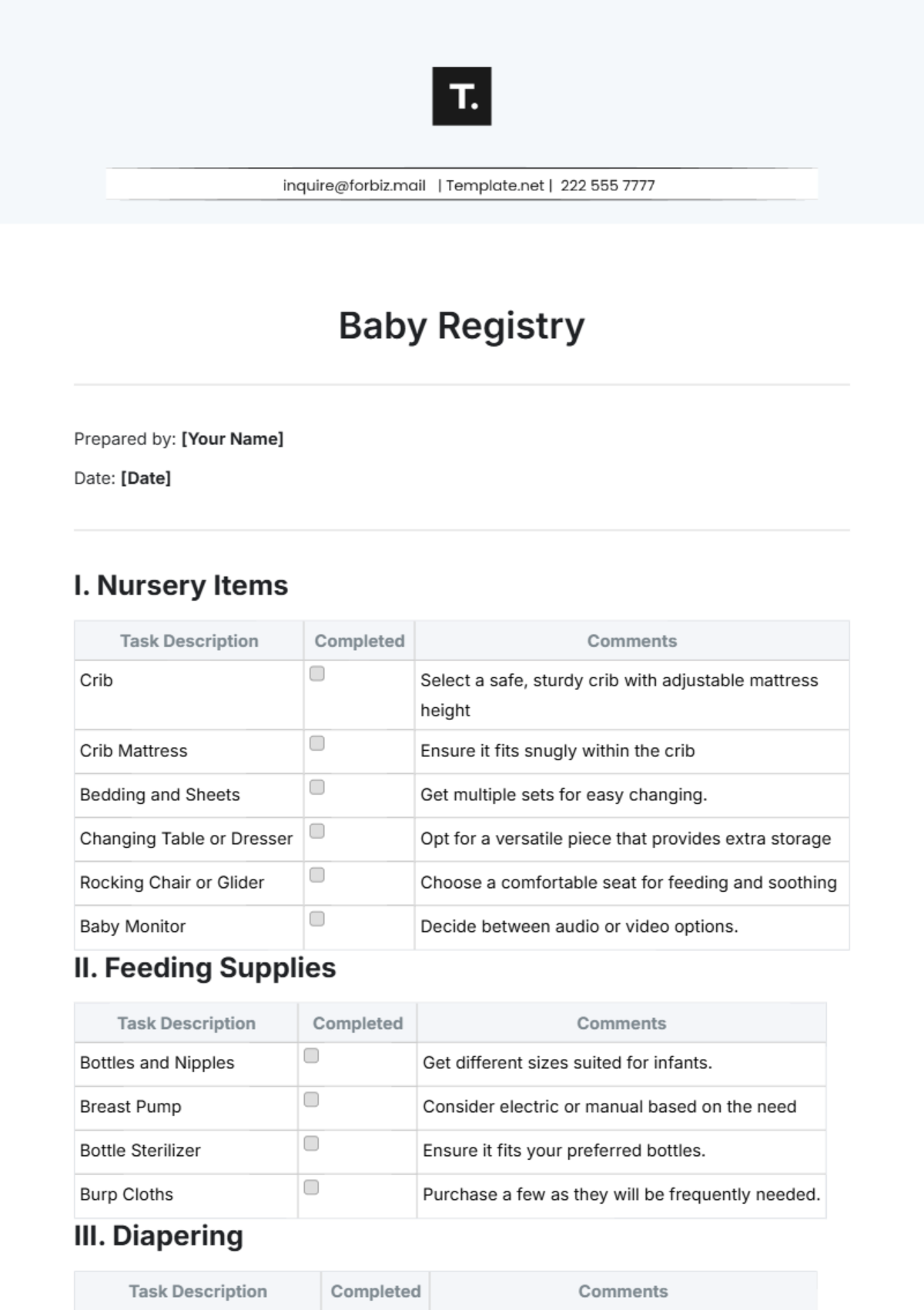
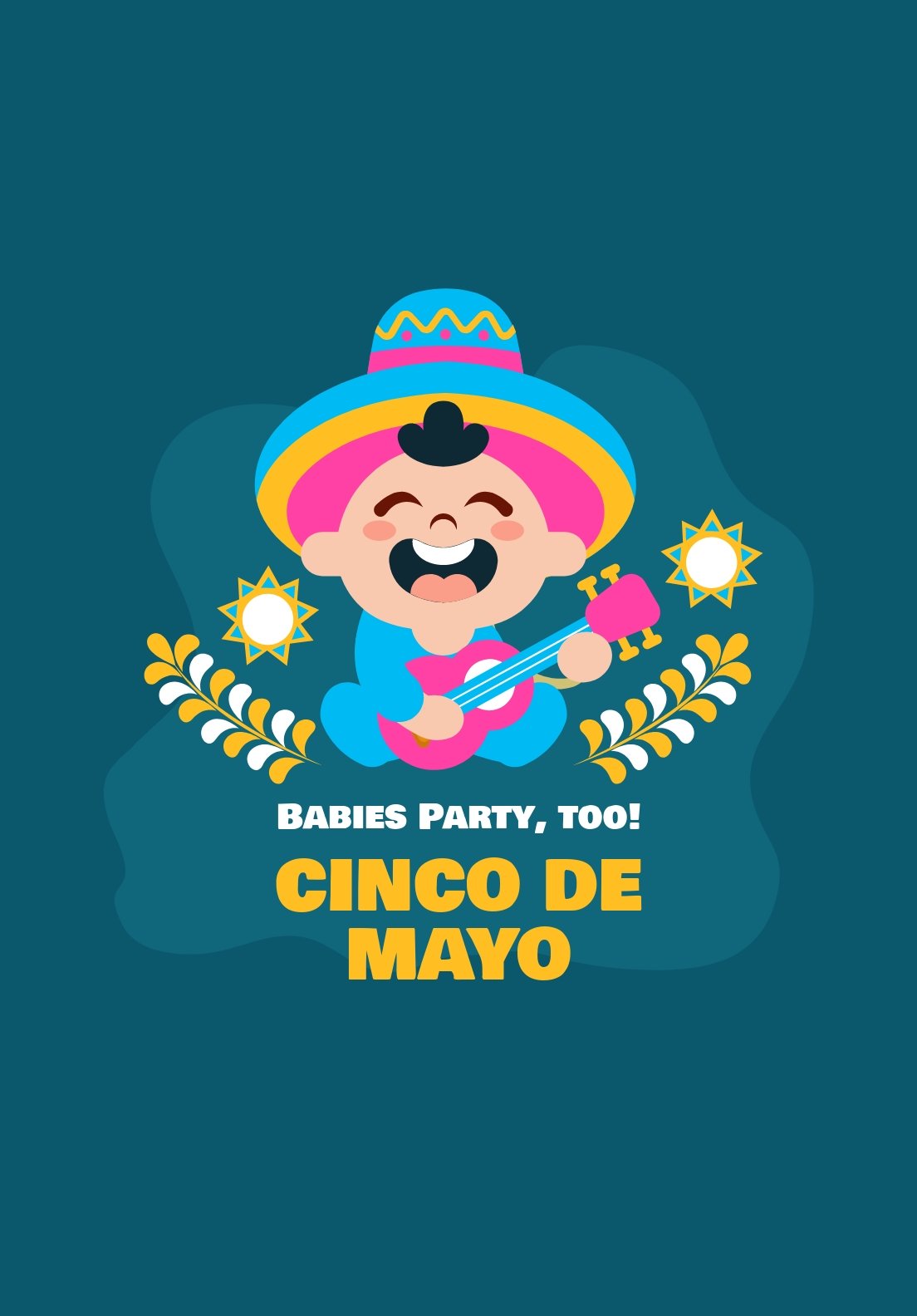
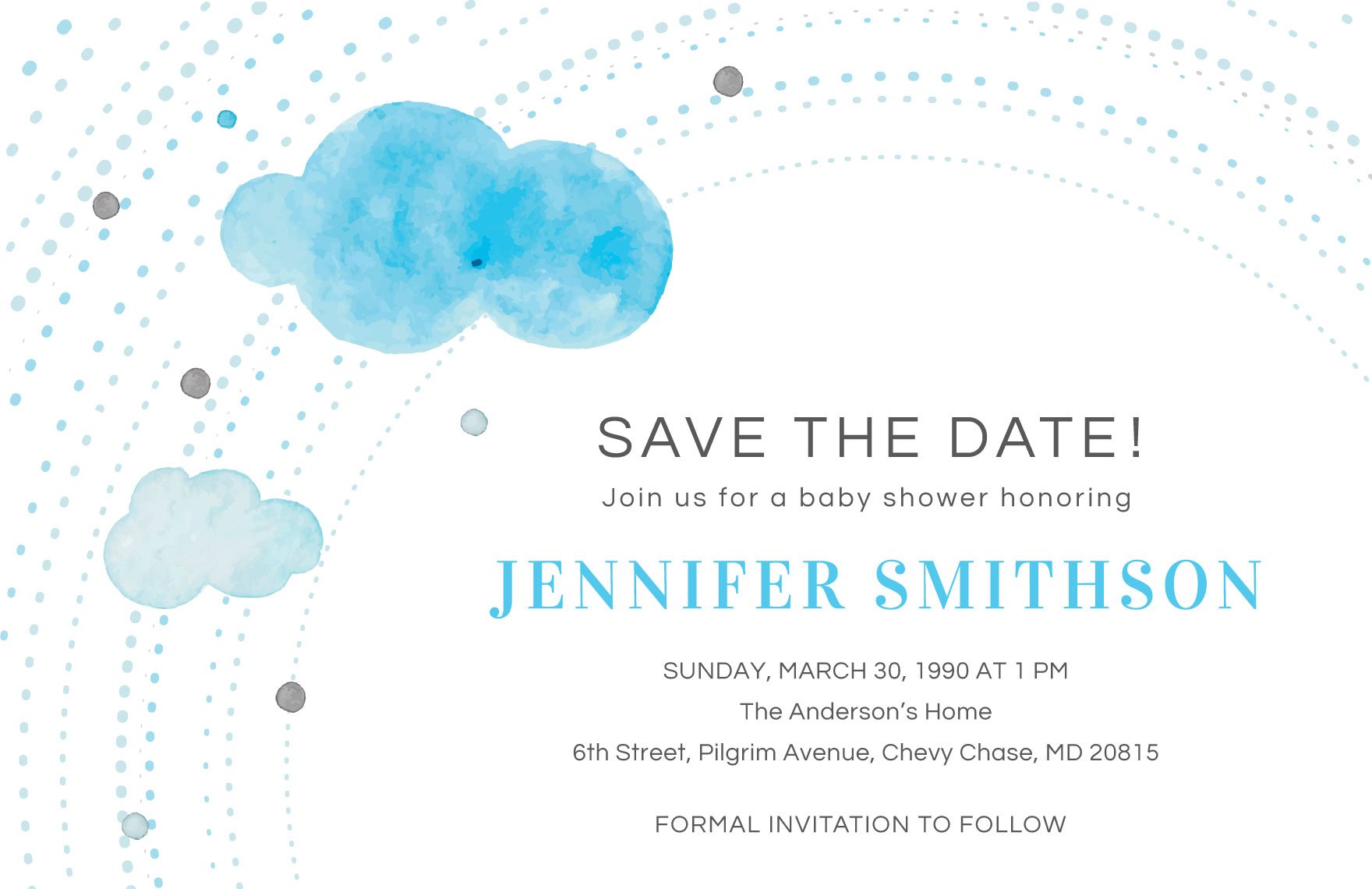
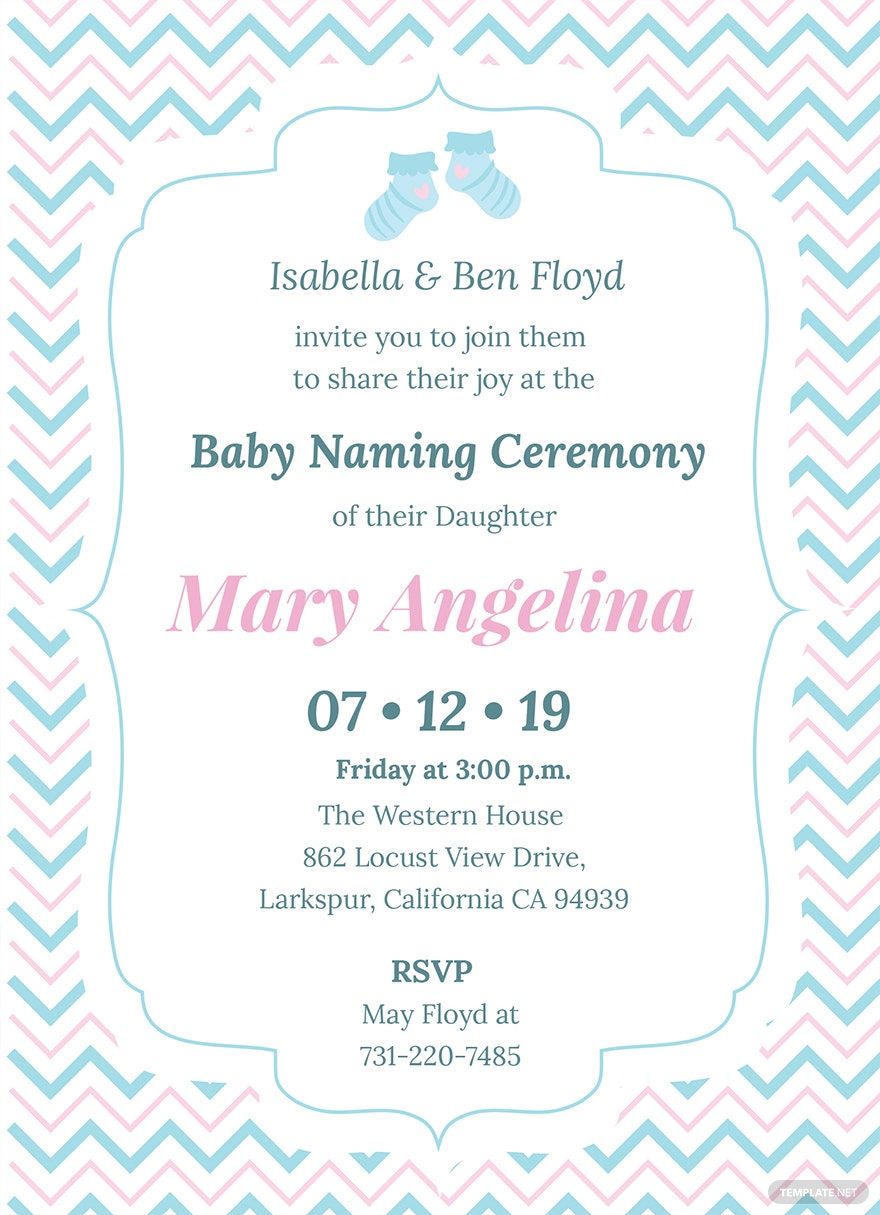
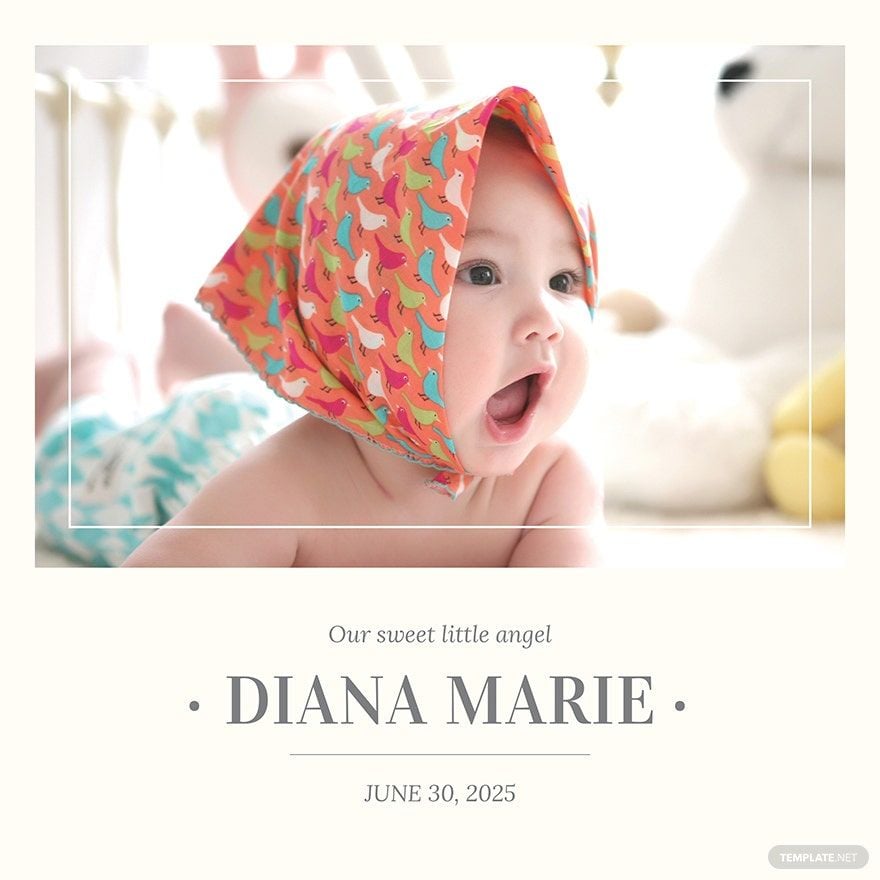
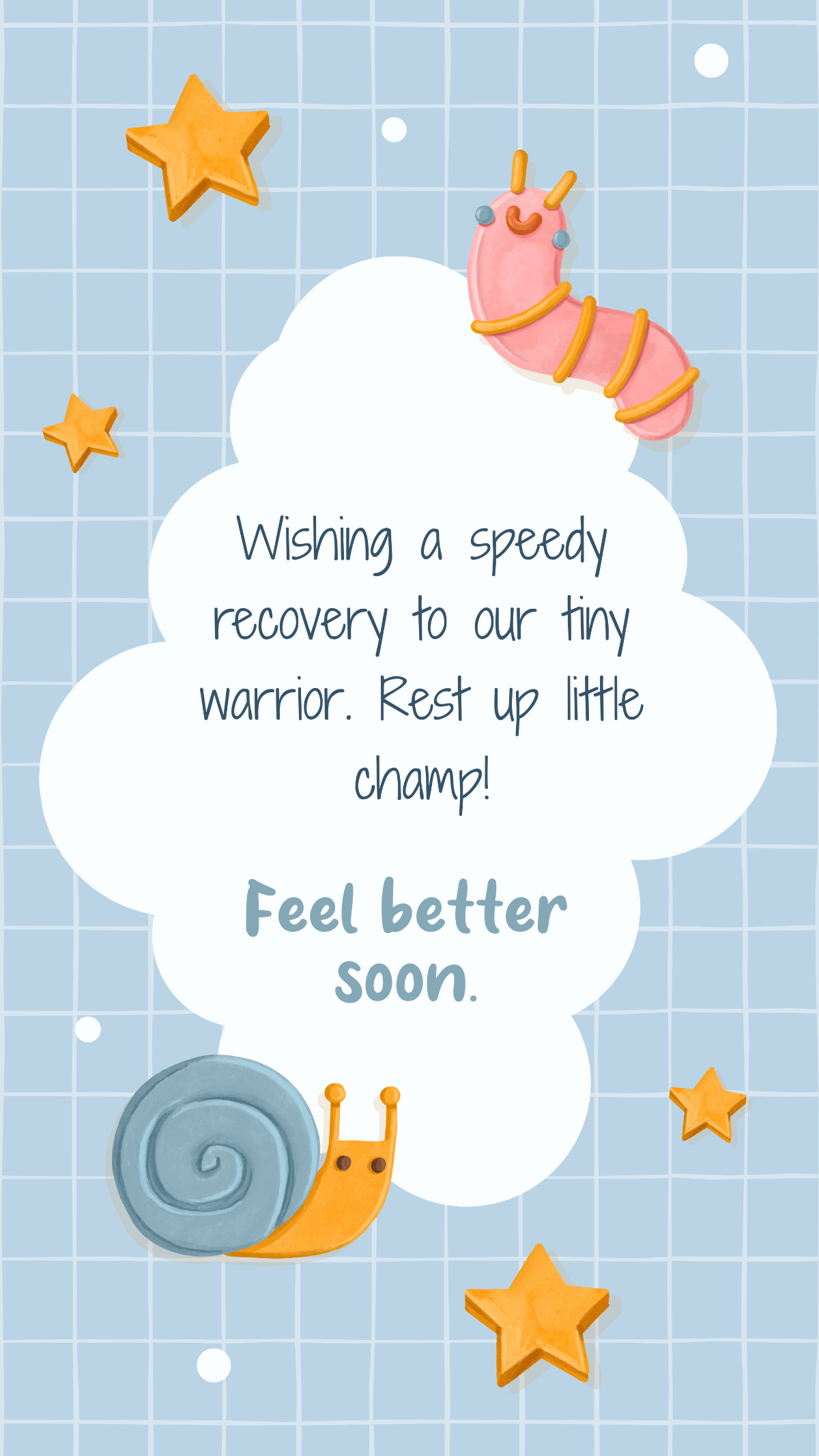
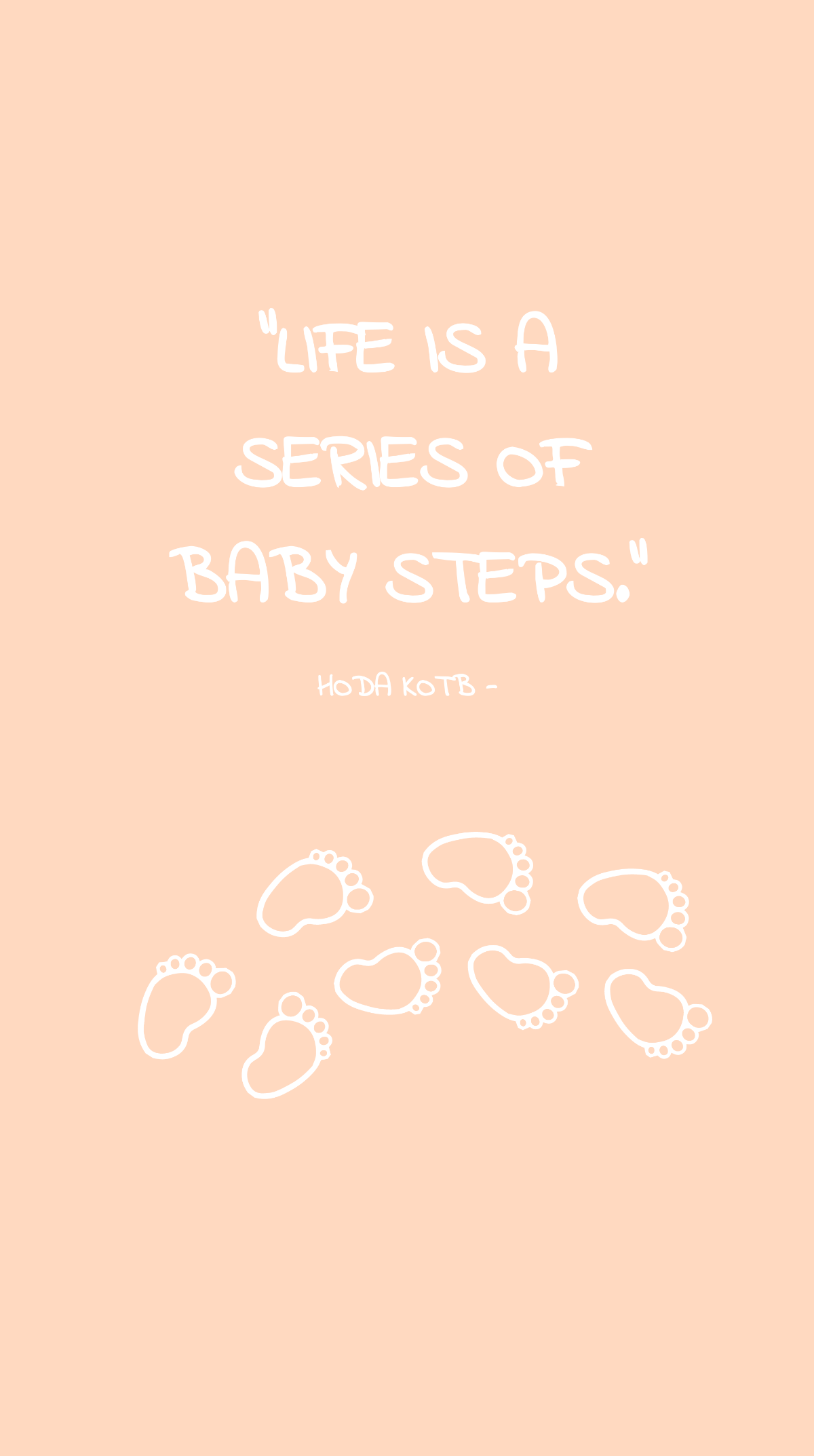
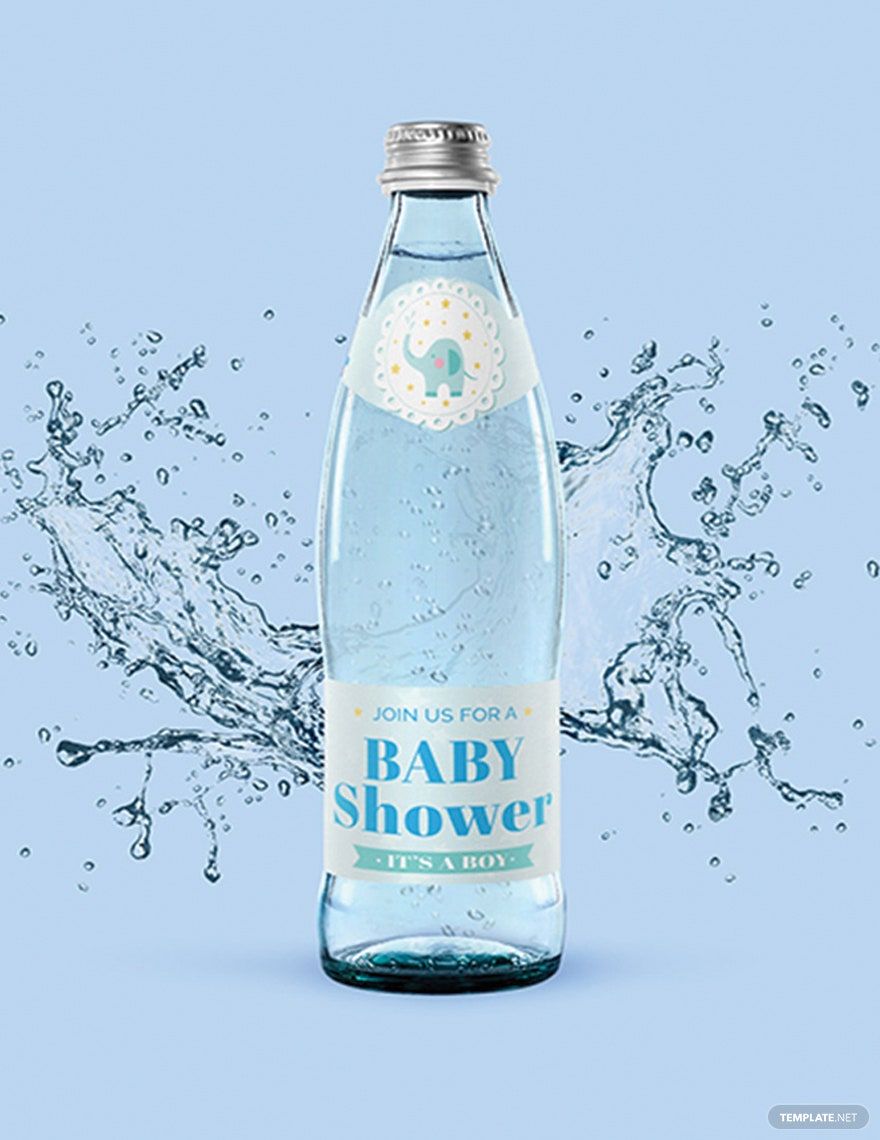
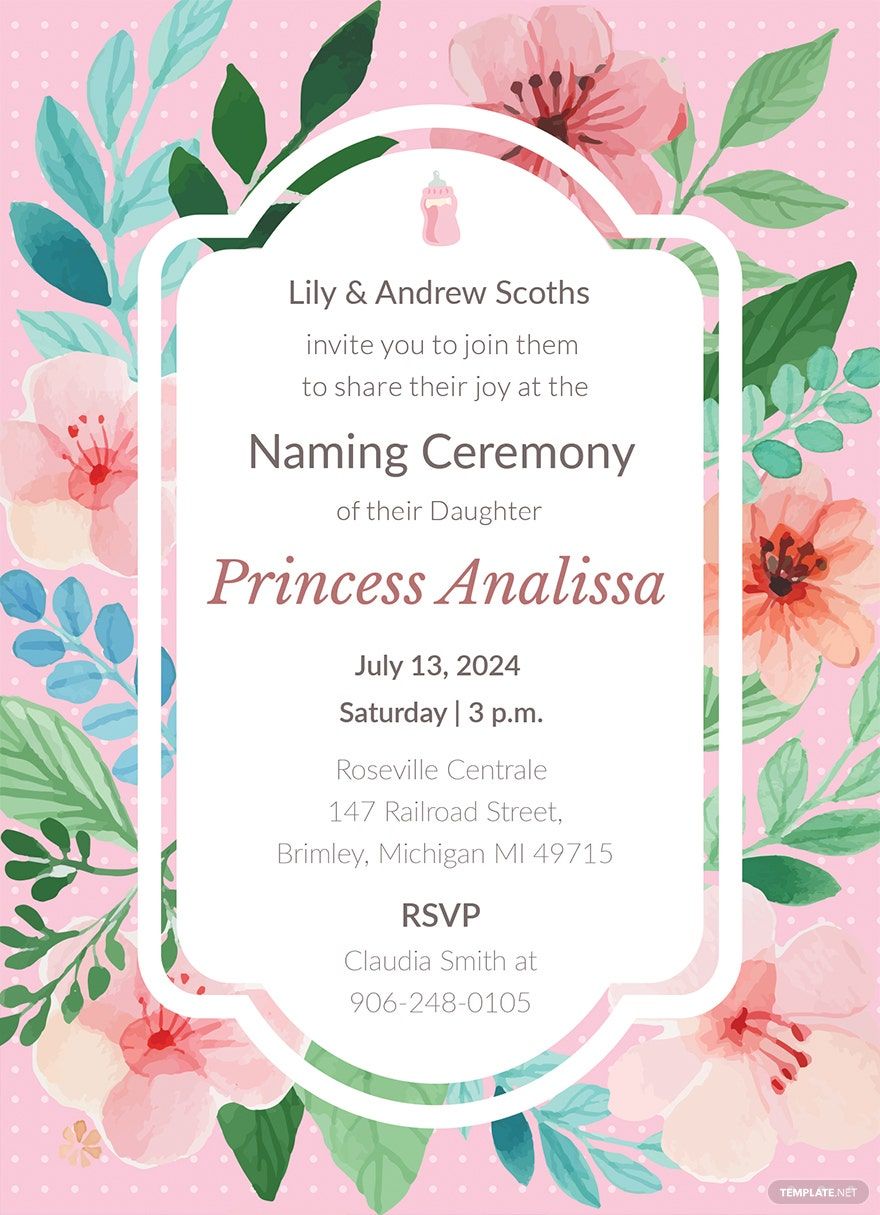
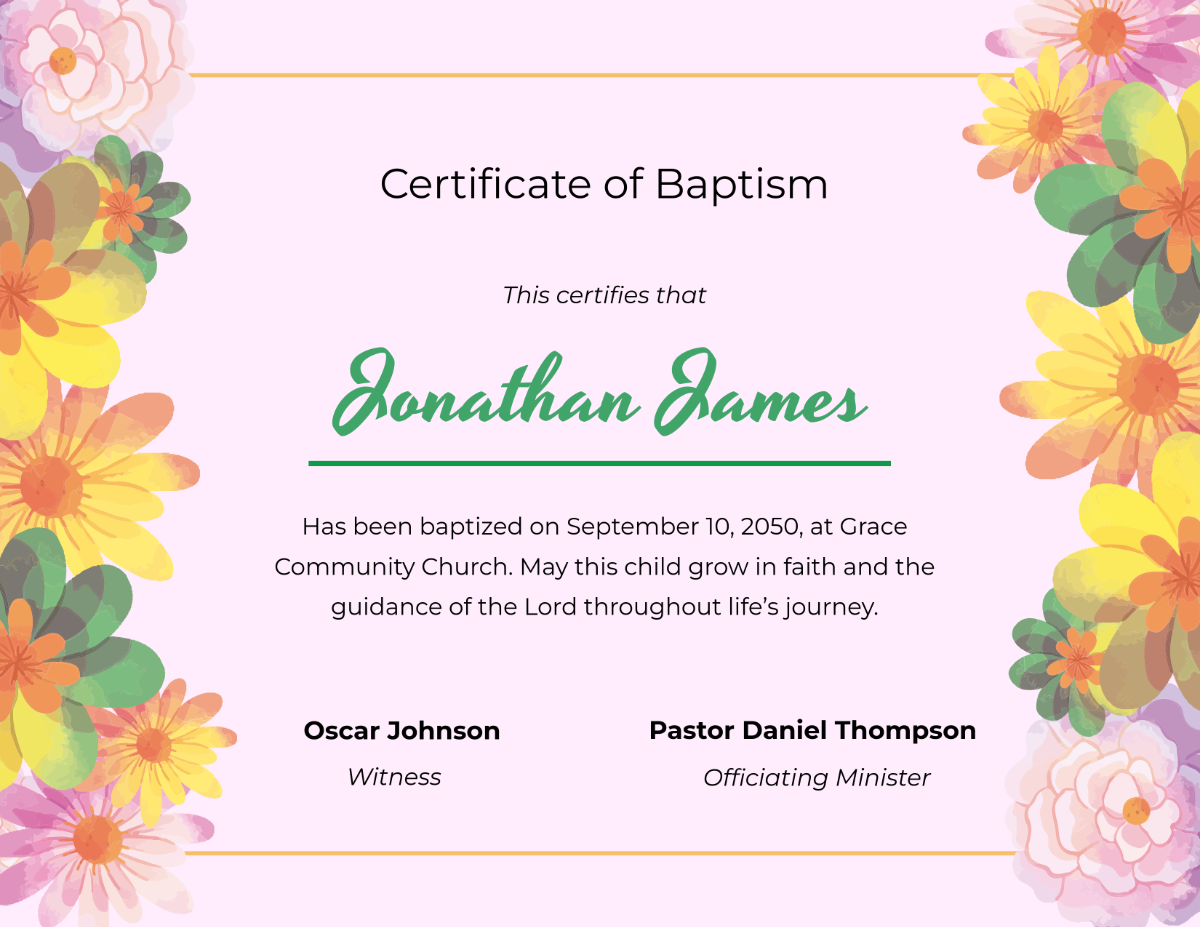
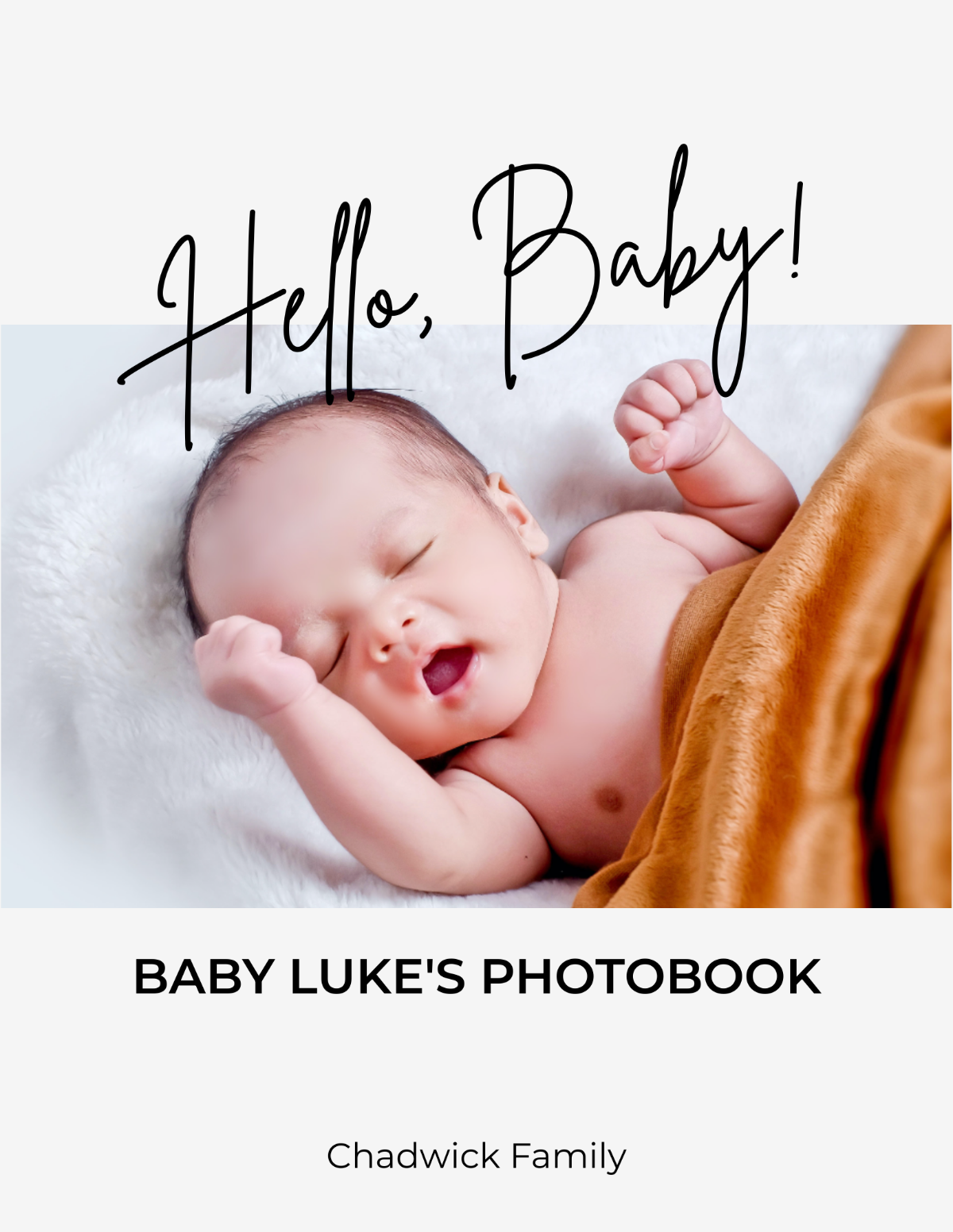
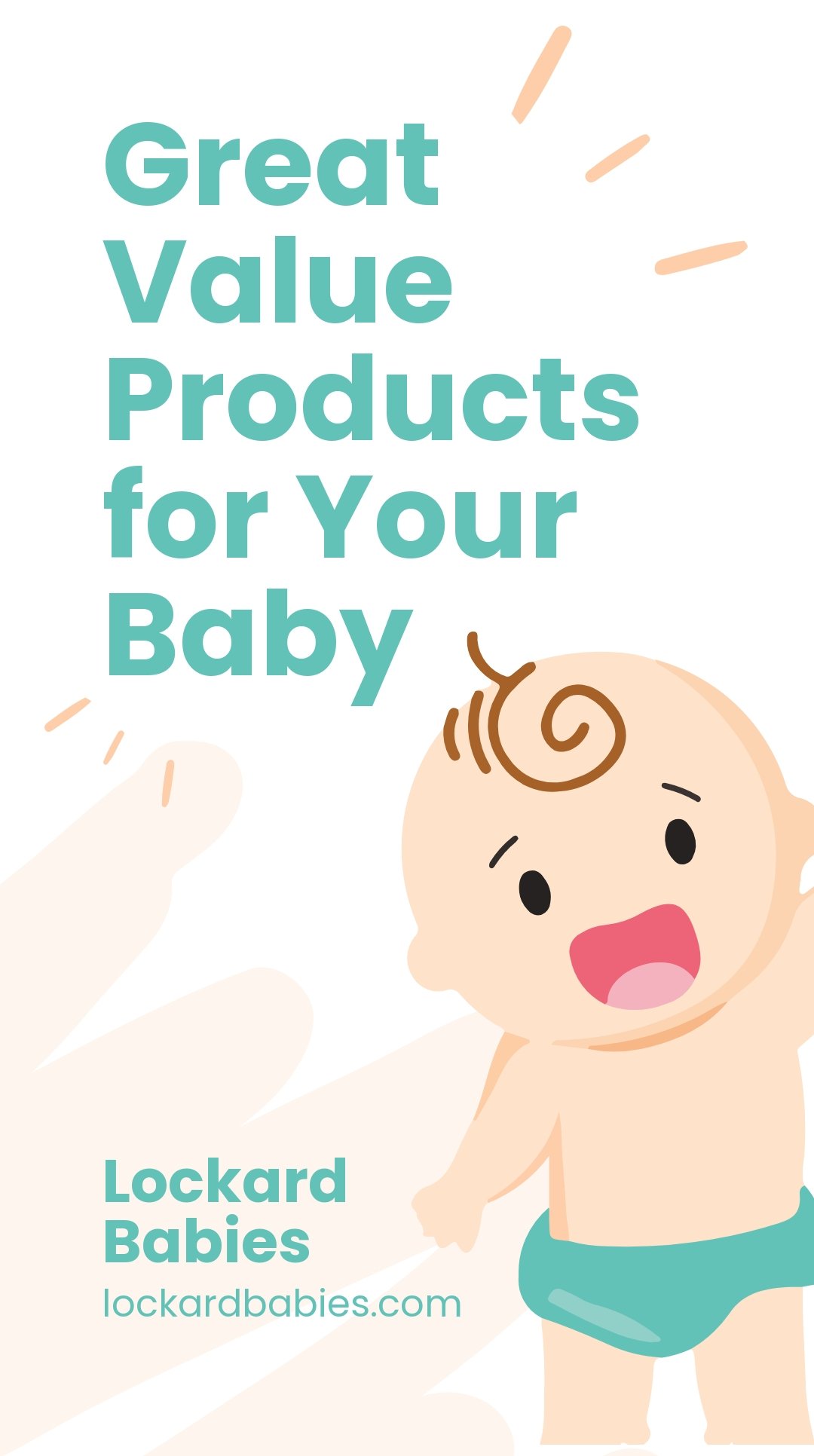
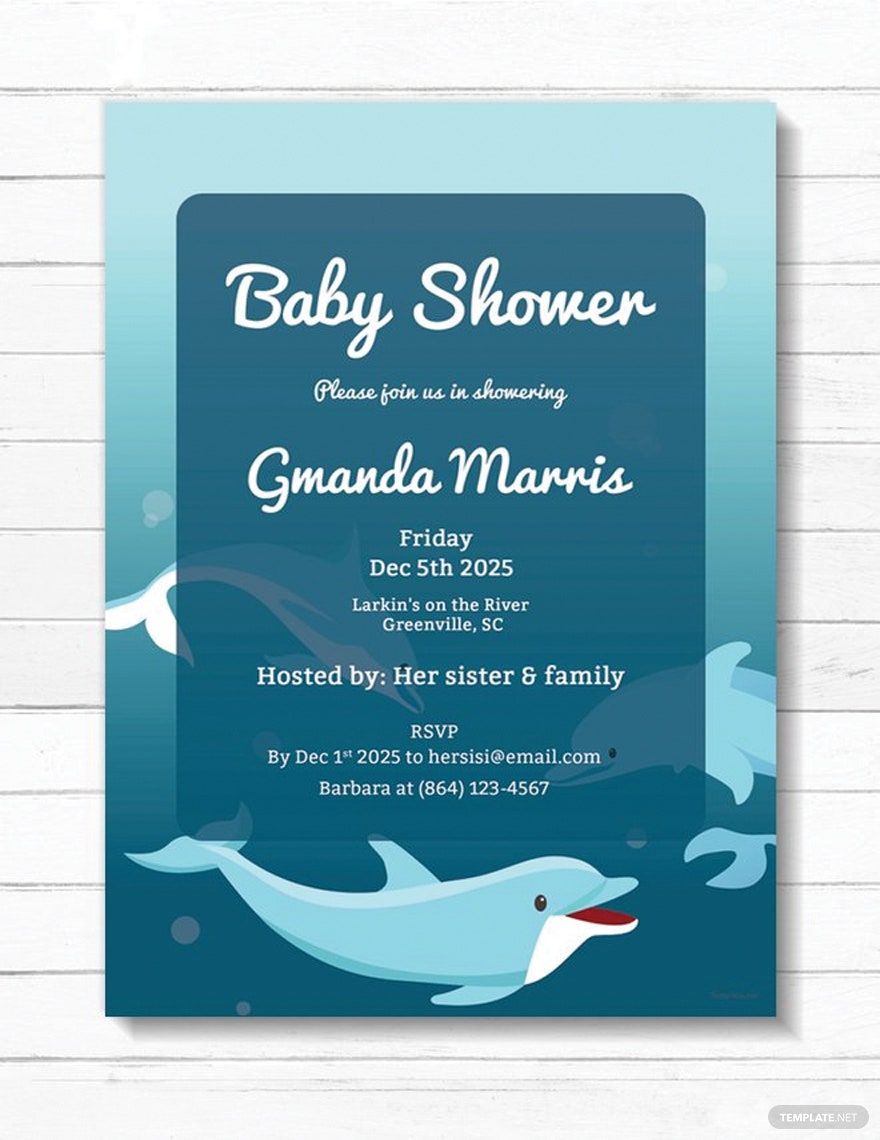
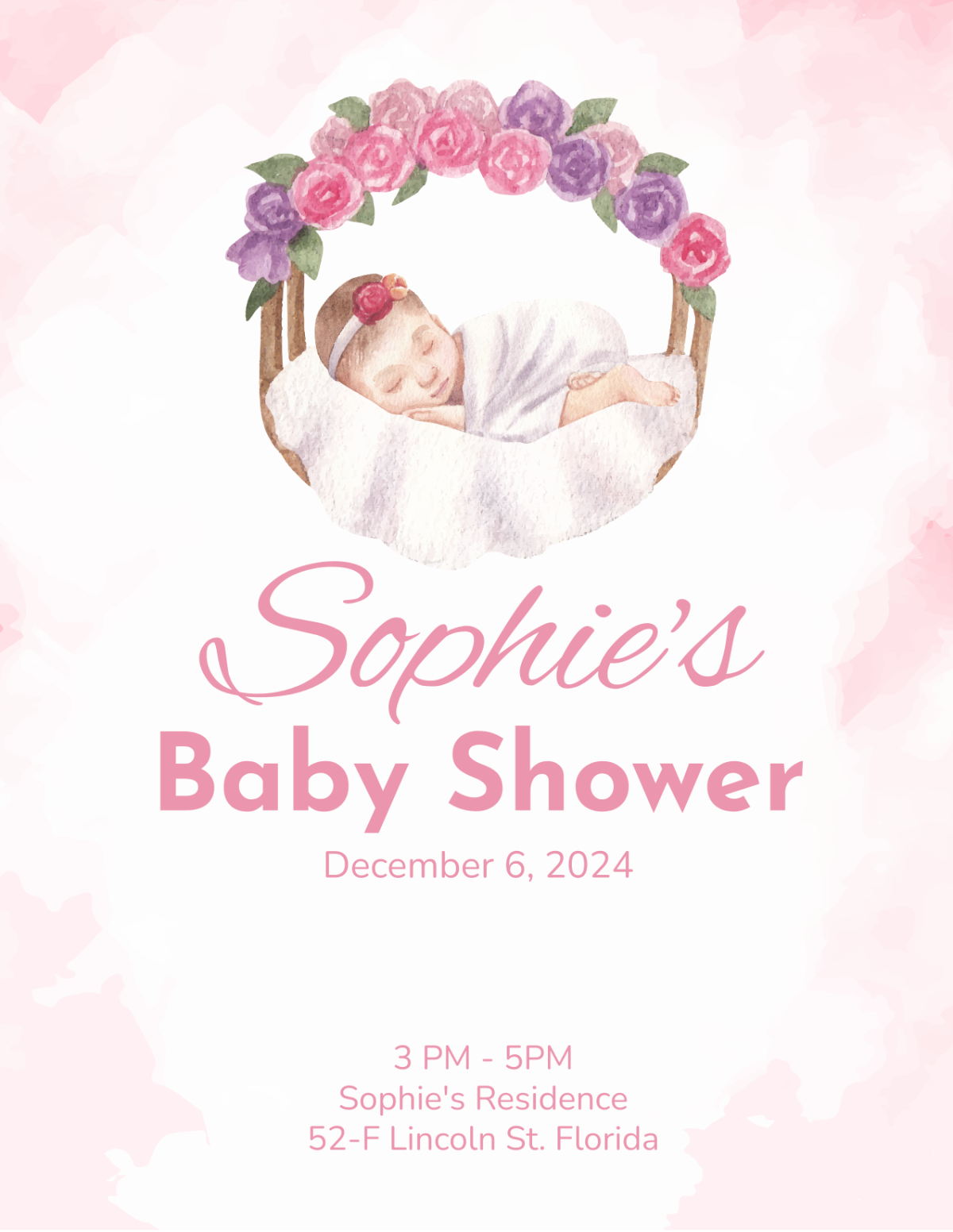
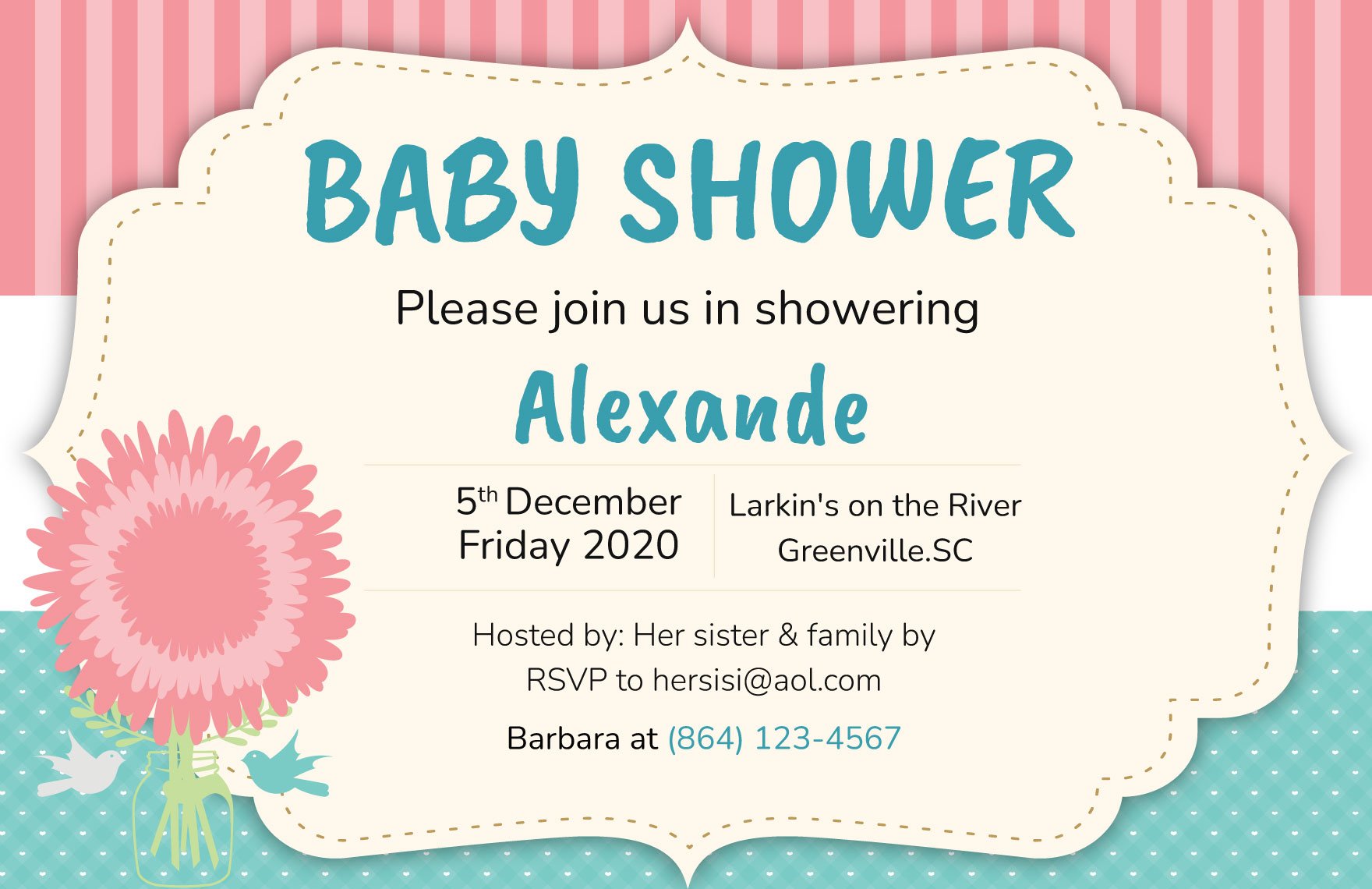
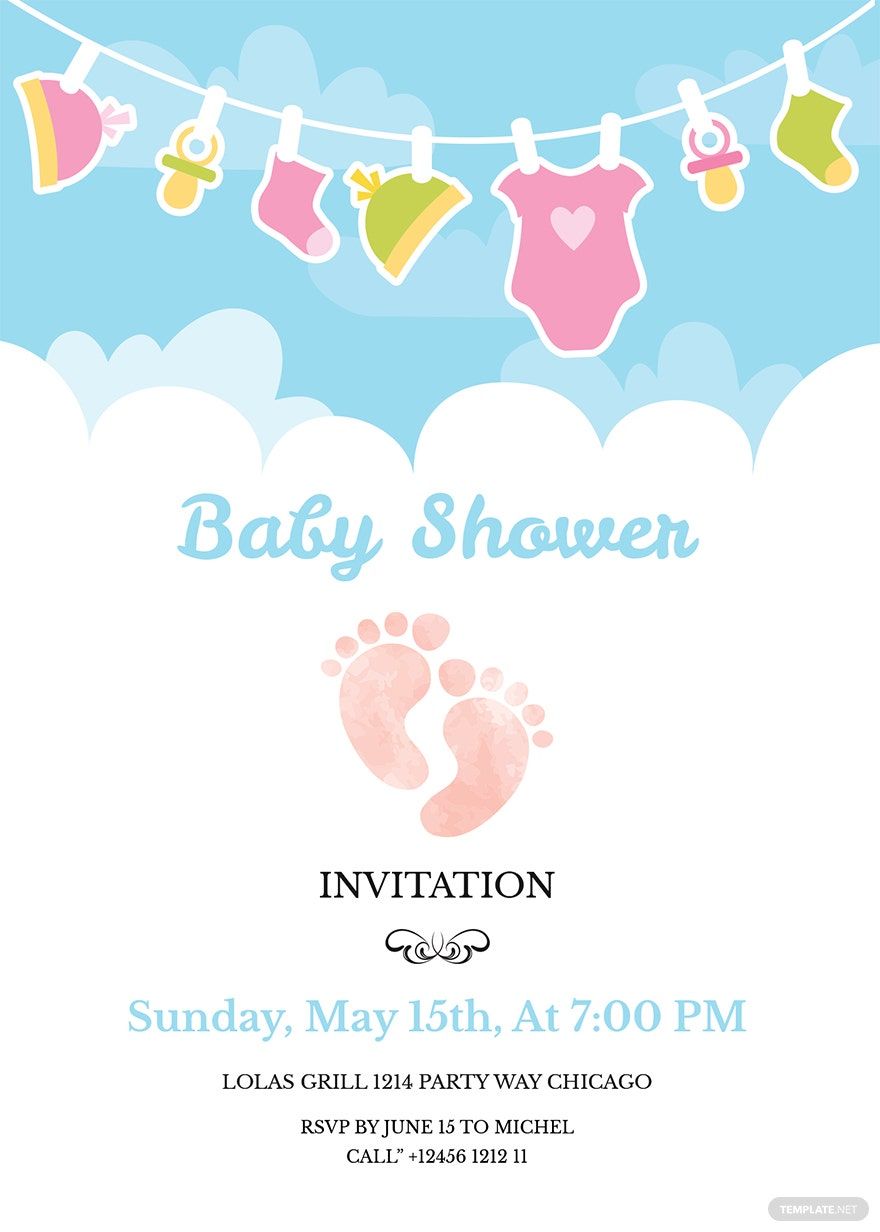
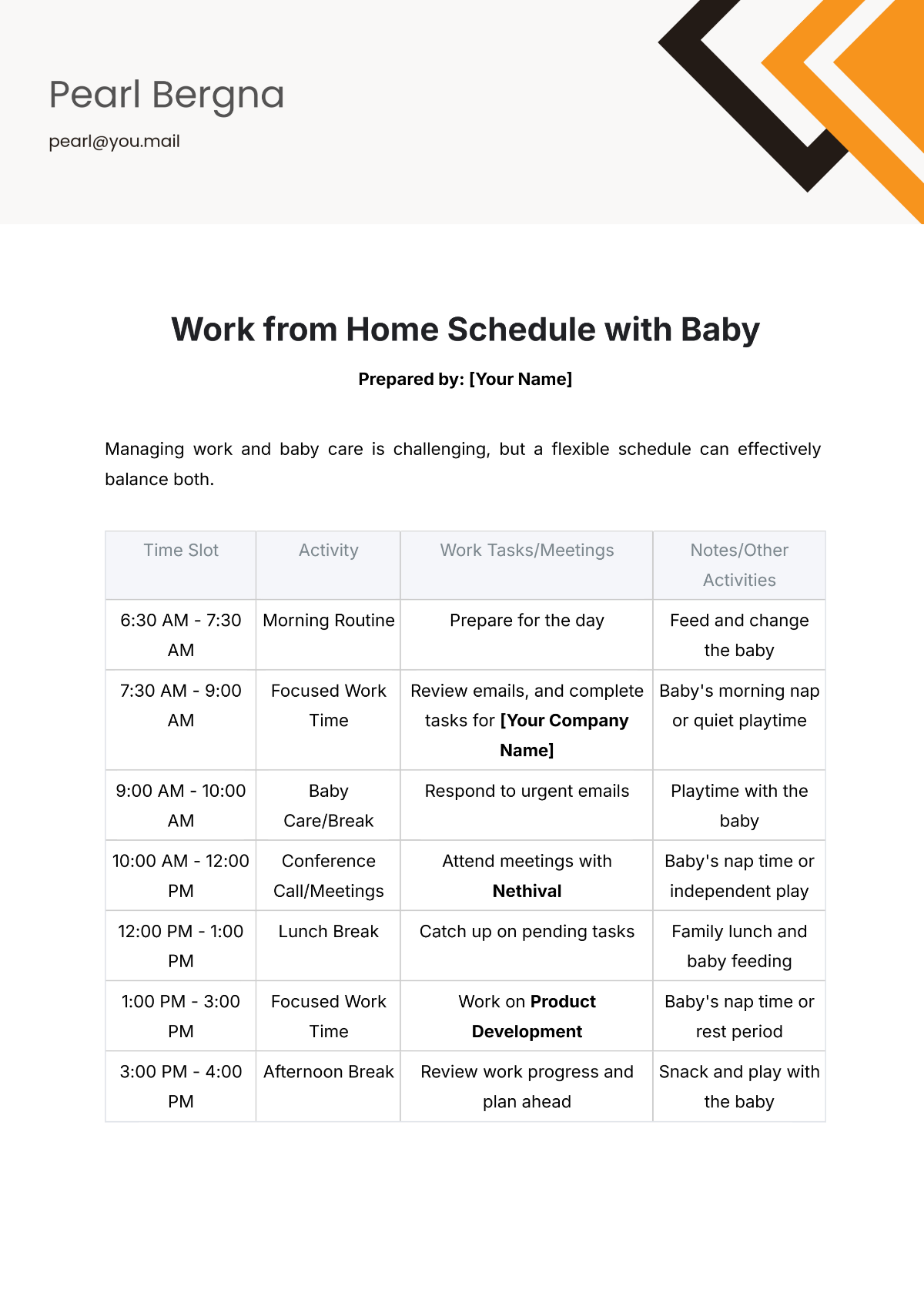
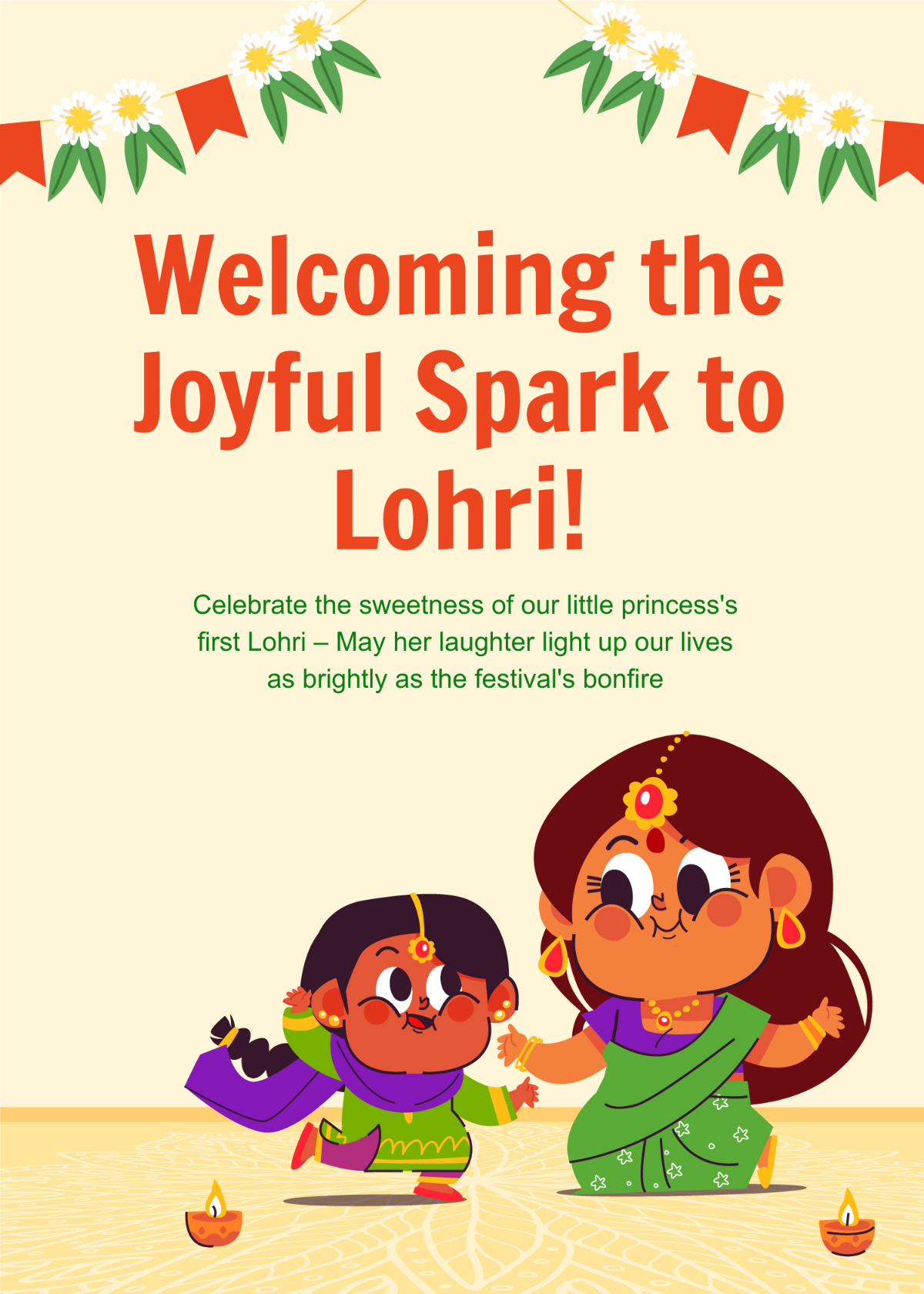
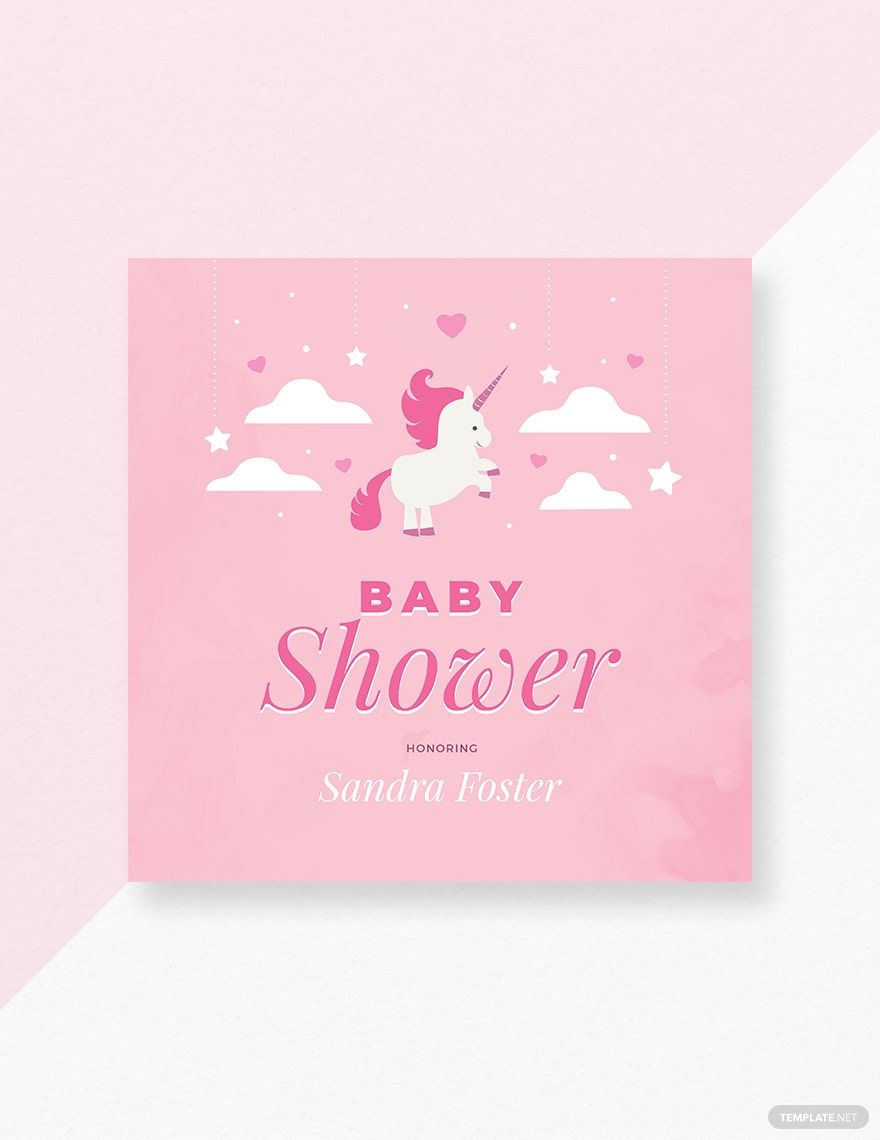
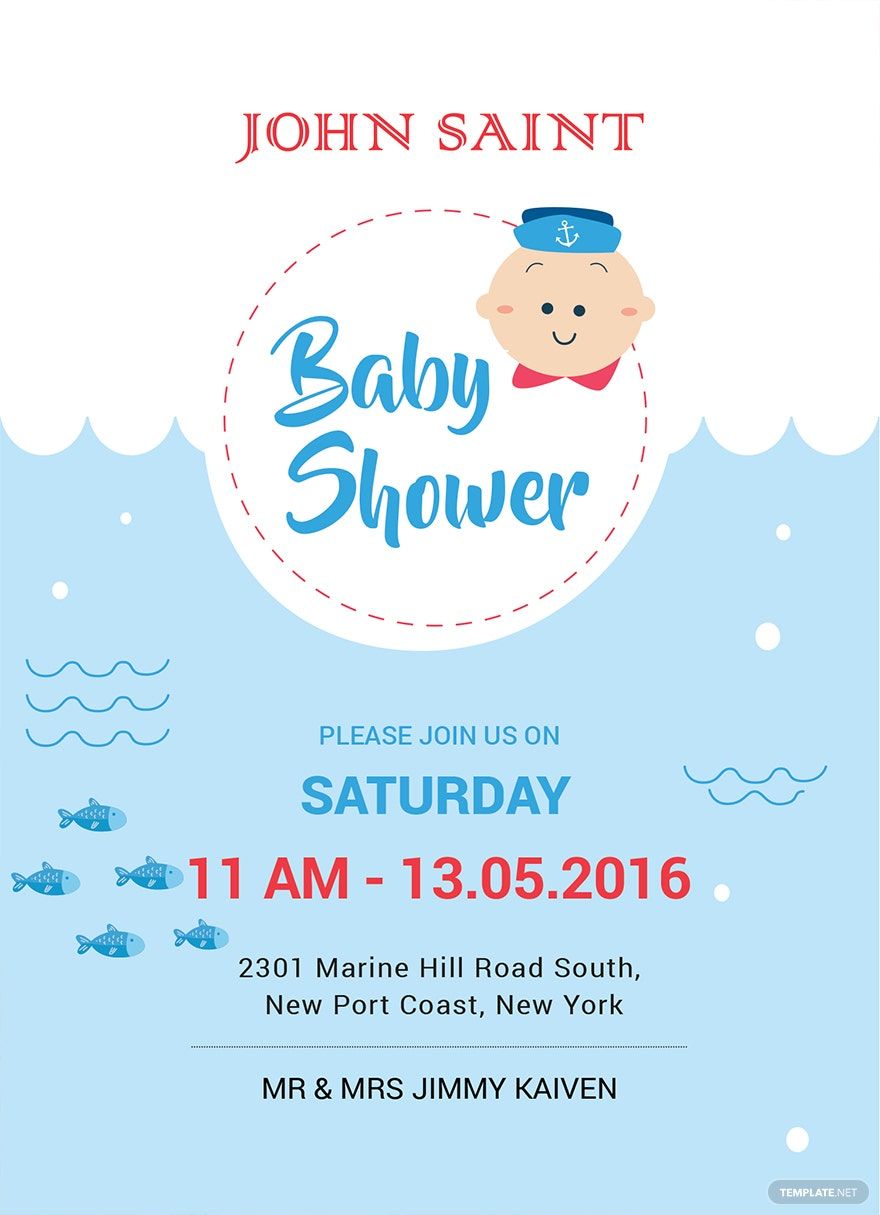
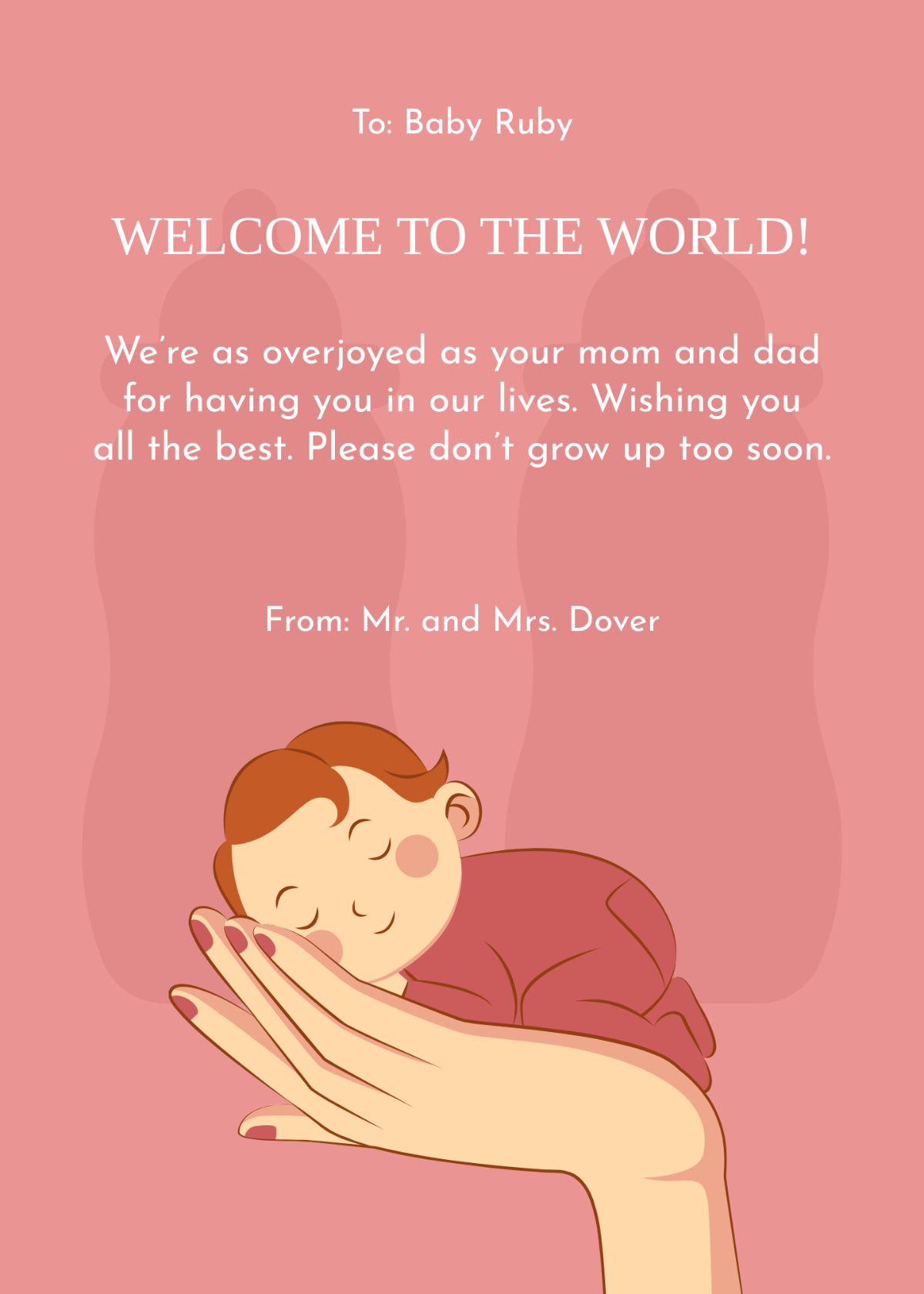
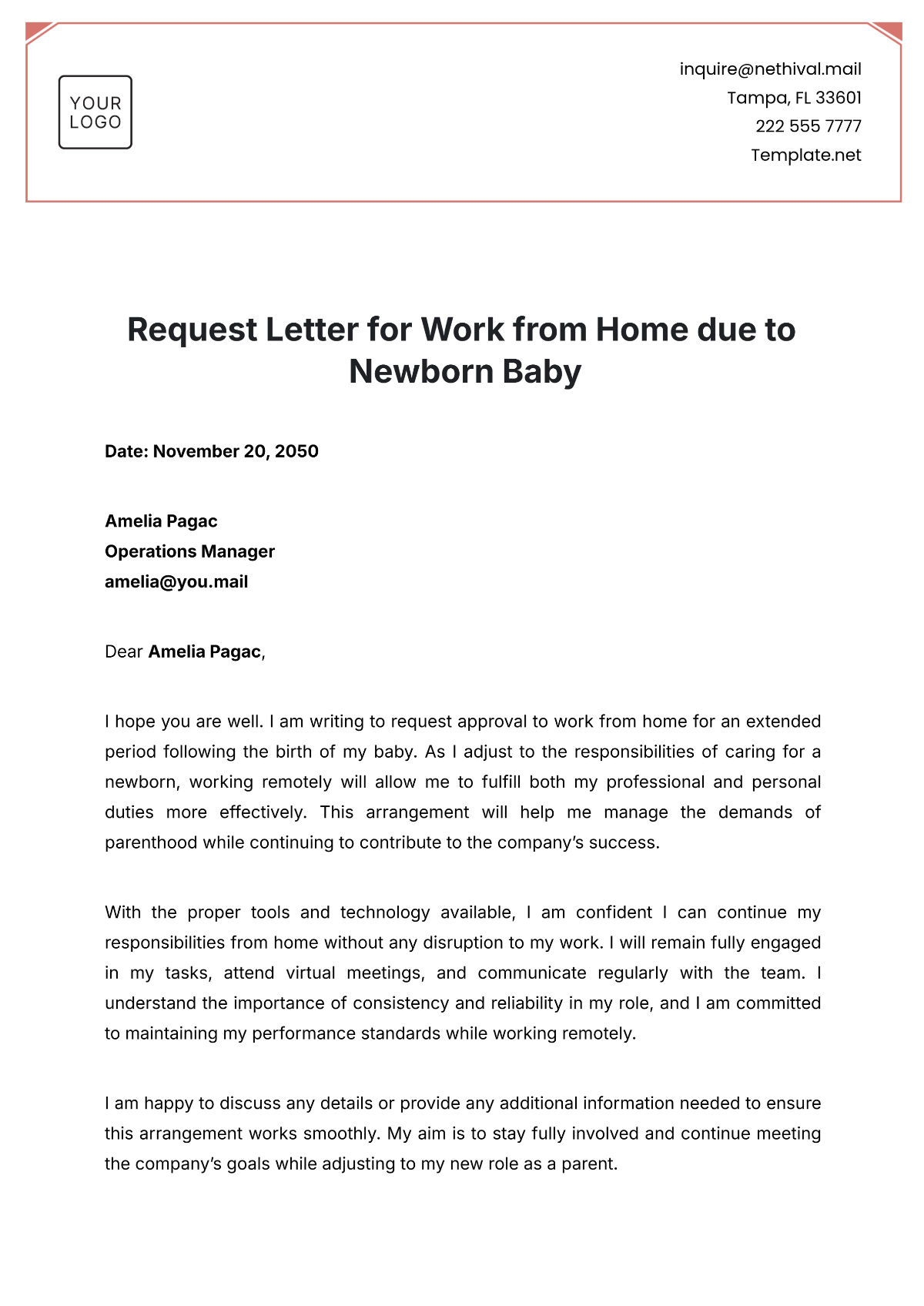
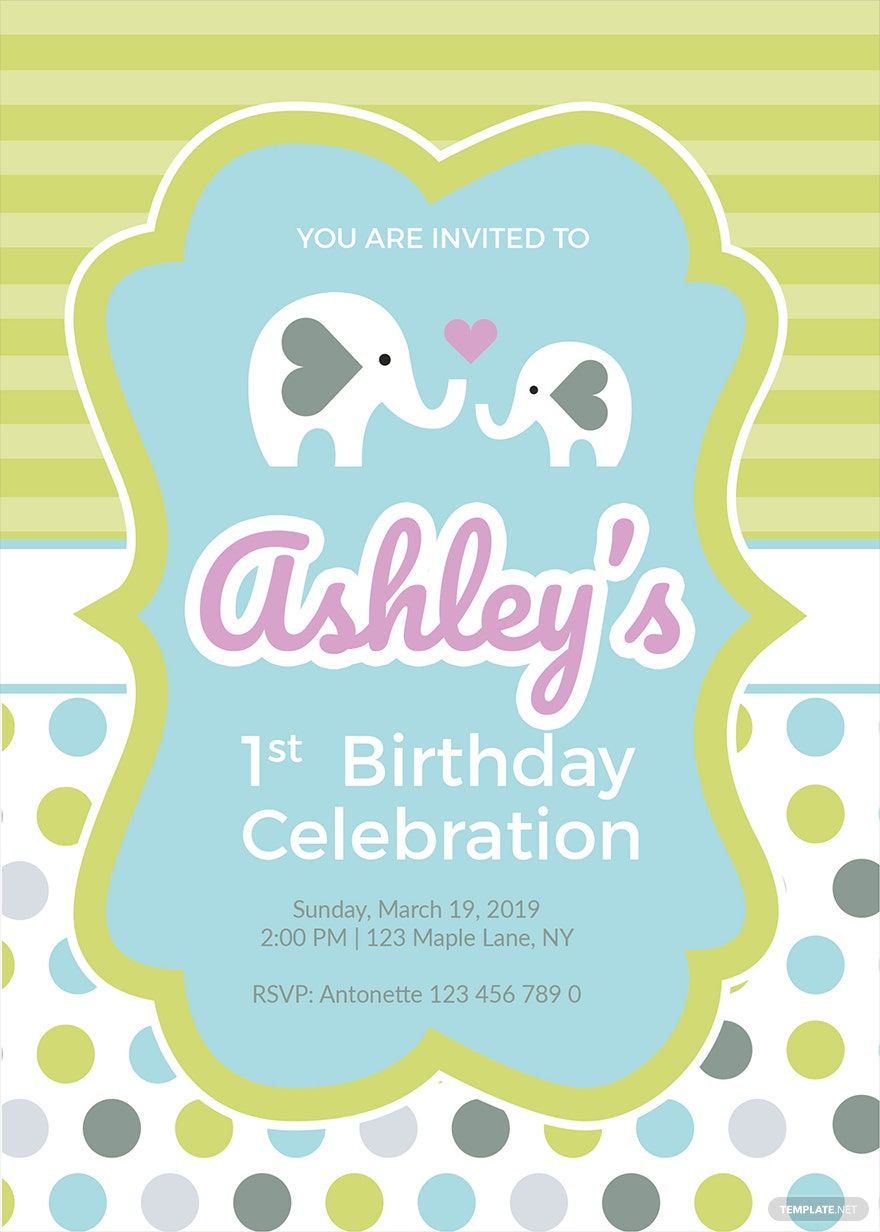
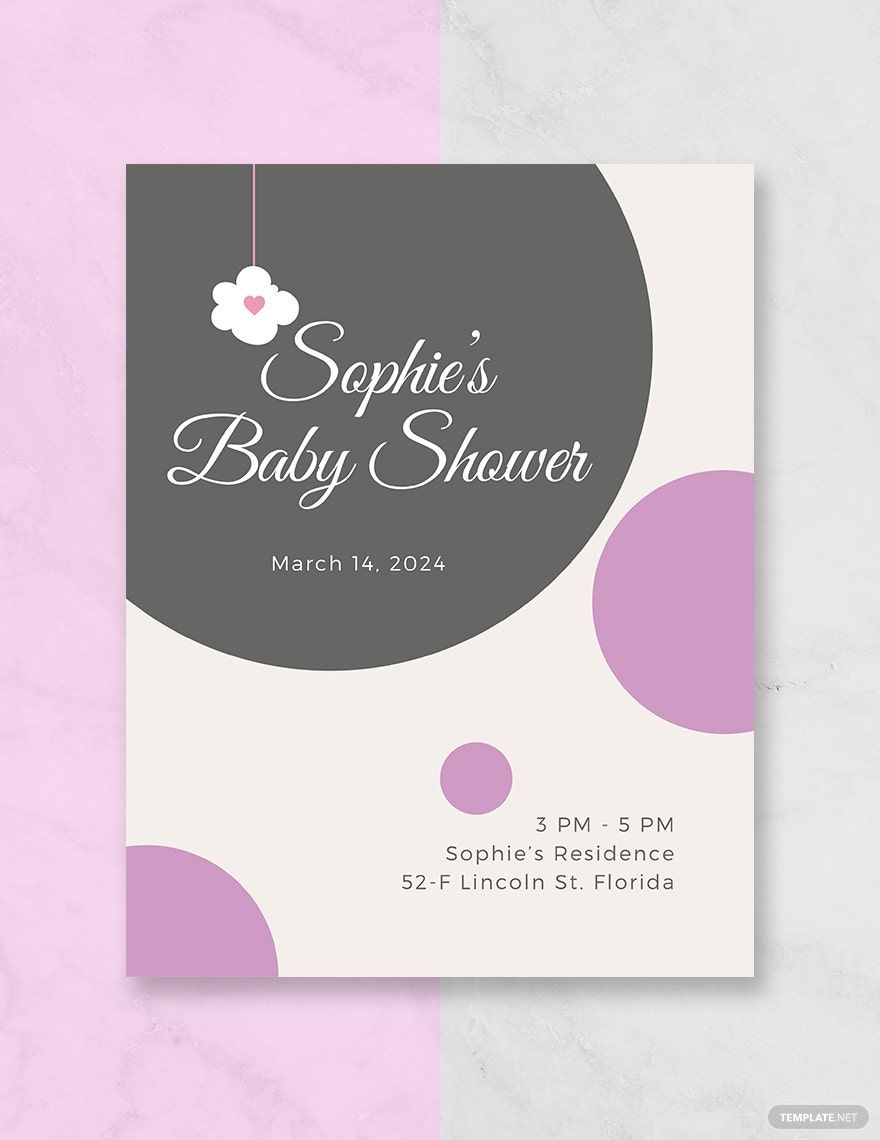
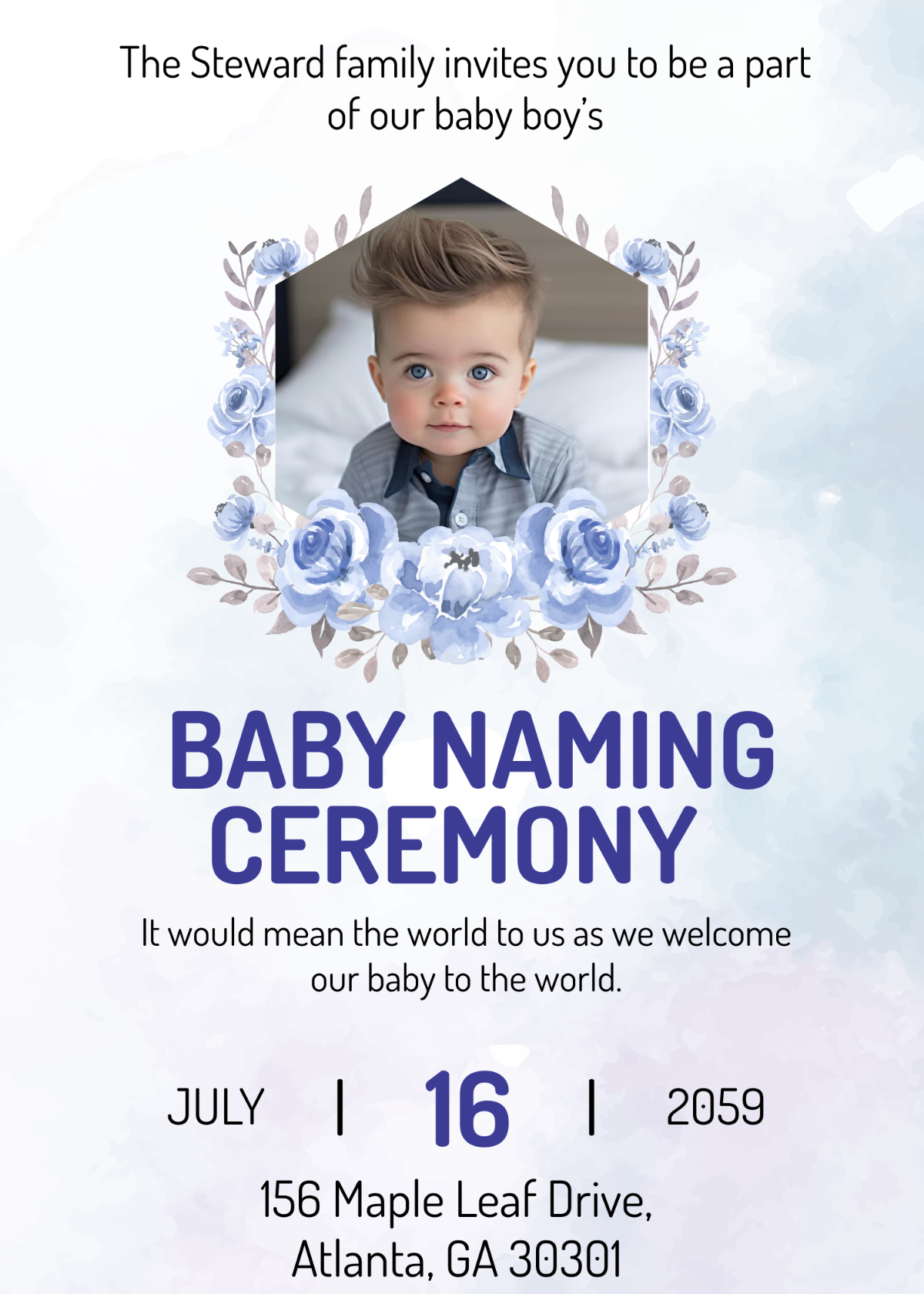
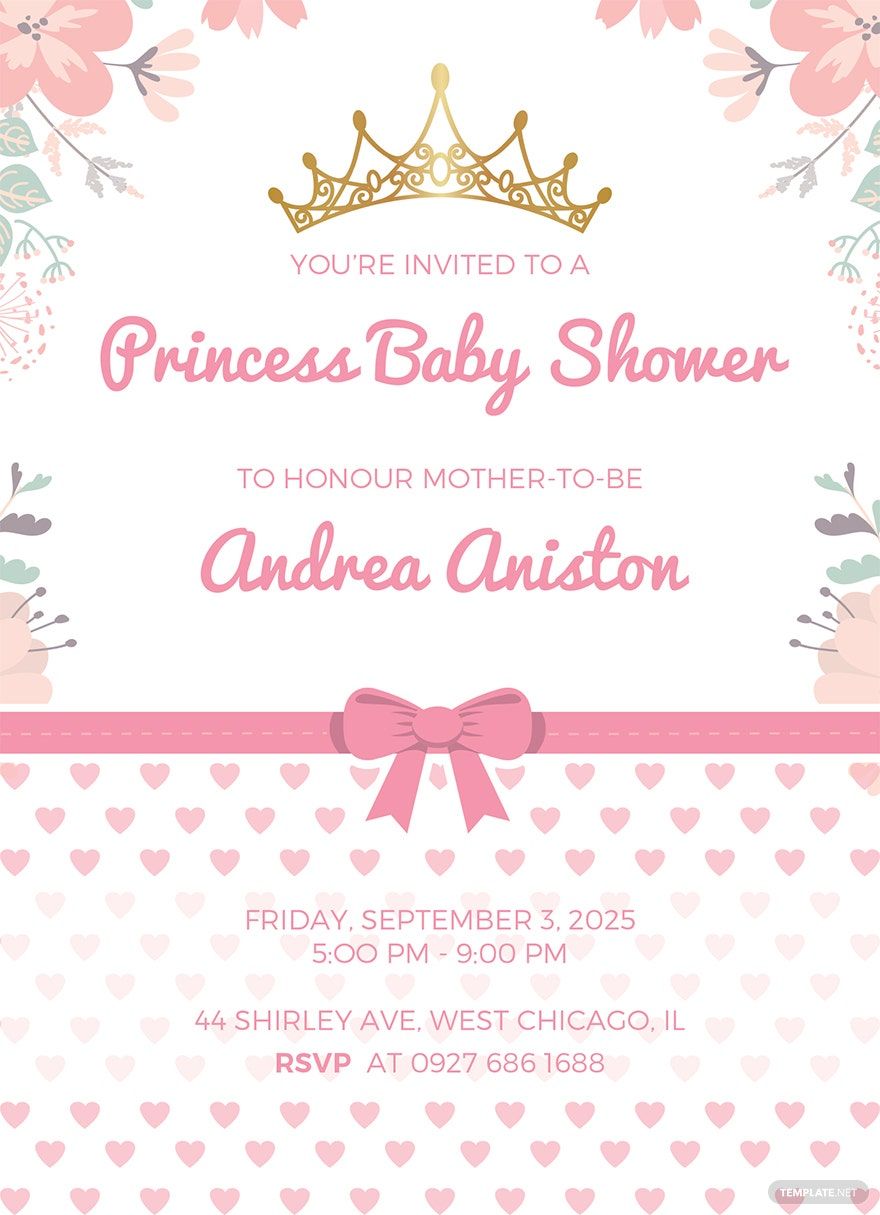
A Baby template is a pre-designed layout featuring infant-themed graphics, editable text areas, and a soft color palette tailored for newborn announcements, baby showers, and related events. These templates provide a professional structure that users can customize for their specific baby-related projects.
Who typically uses Baby templates?
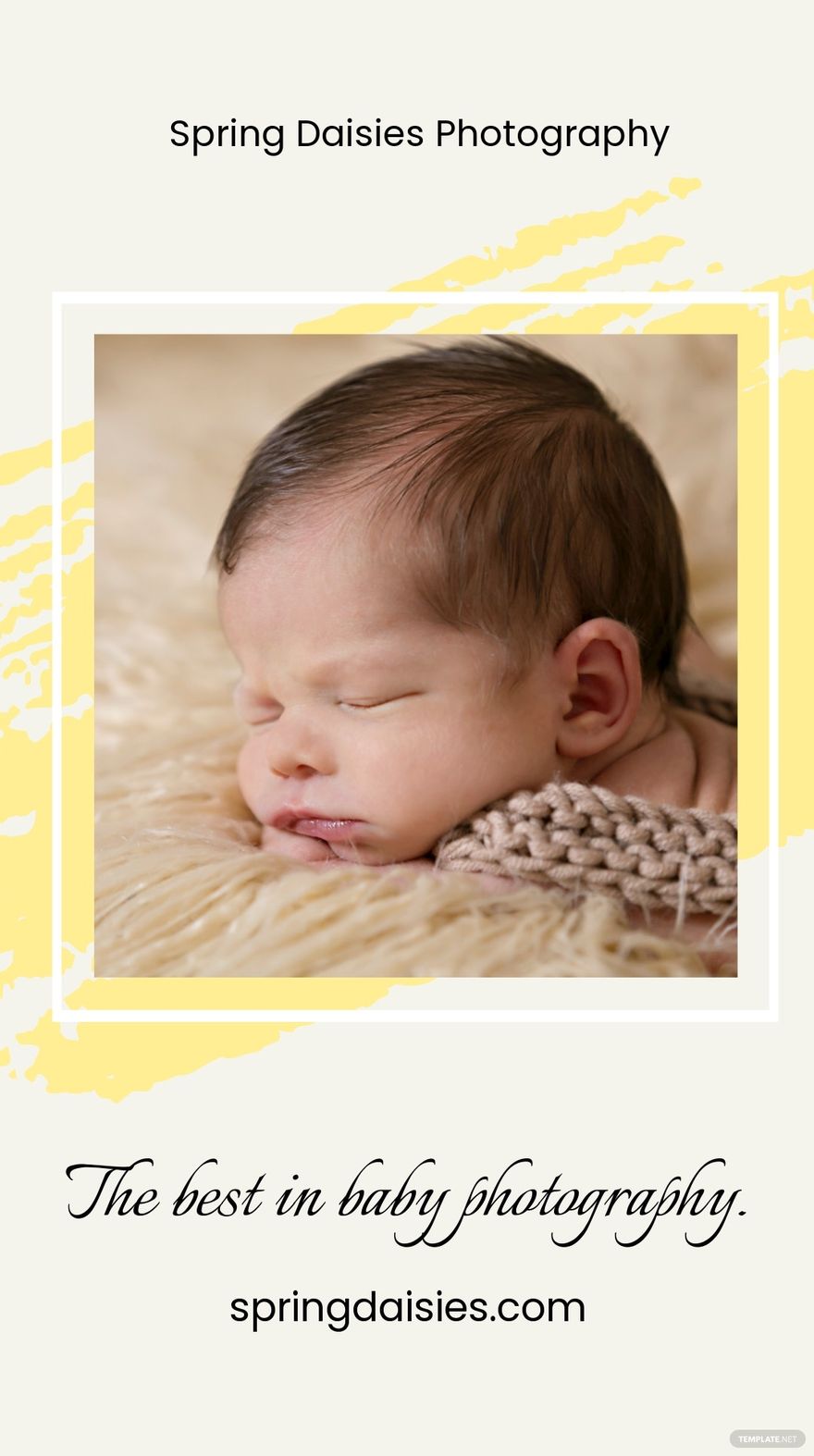
Baby templates are typically used by new parents, event planners, photographers, and small businesses focusing on baby products or services. These users benefit from the ready-made designs and easy customization to create invitations, announcements, or promotional materials efficiently.
When should I use Baby templates?
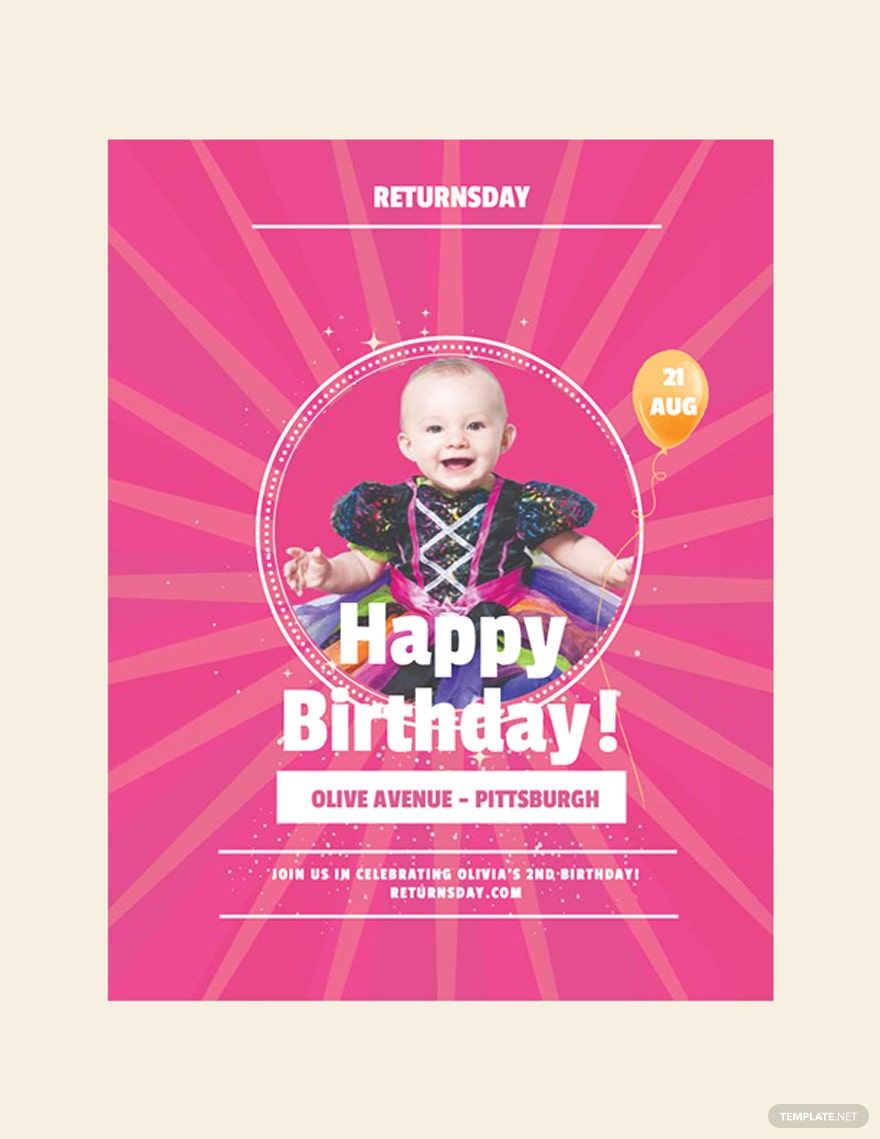
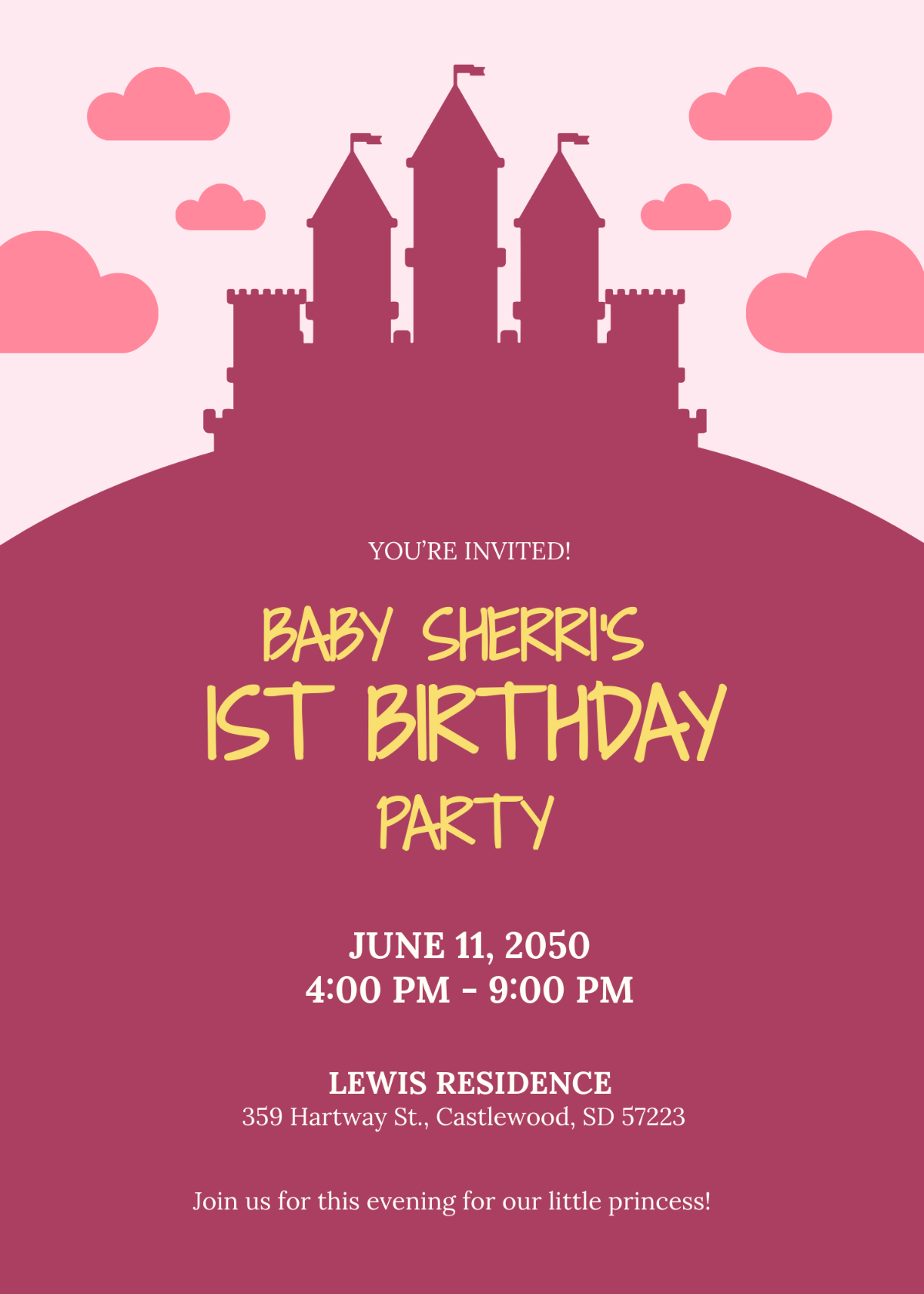
Baby templates are ideal for occasions such as baby showers, birth announcements, milestone celebrations, and baby-related marketing. Using these templates saves time while providing professional layouts suited specifically for infant-themed events and projects.
What design tips should I consider for Baby templates?
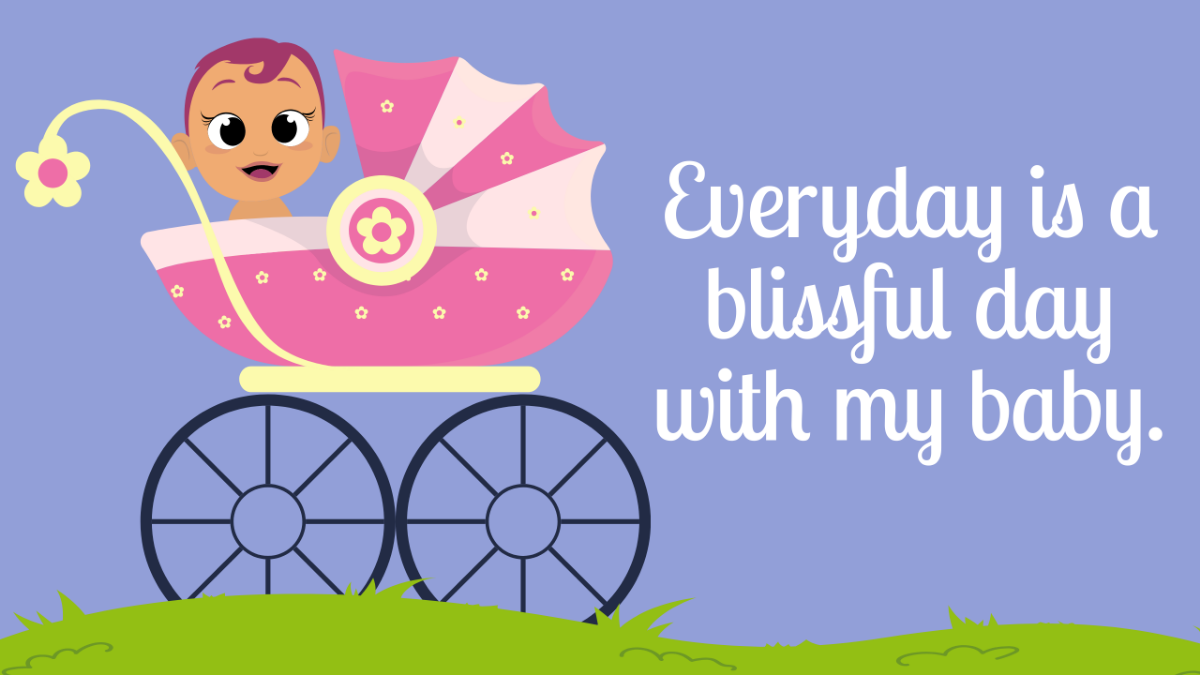
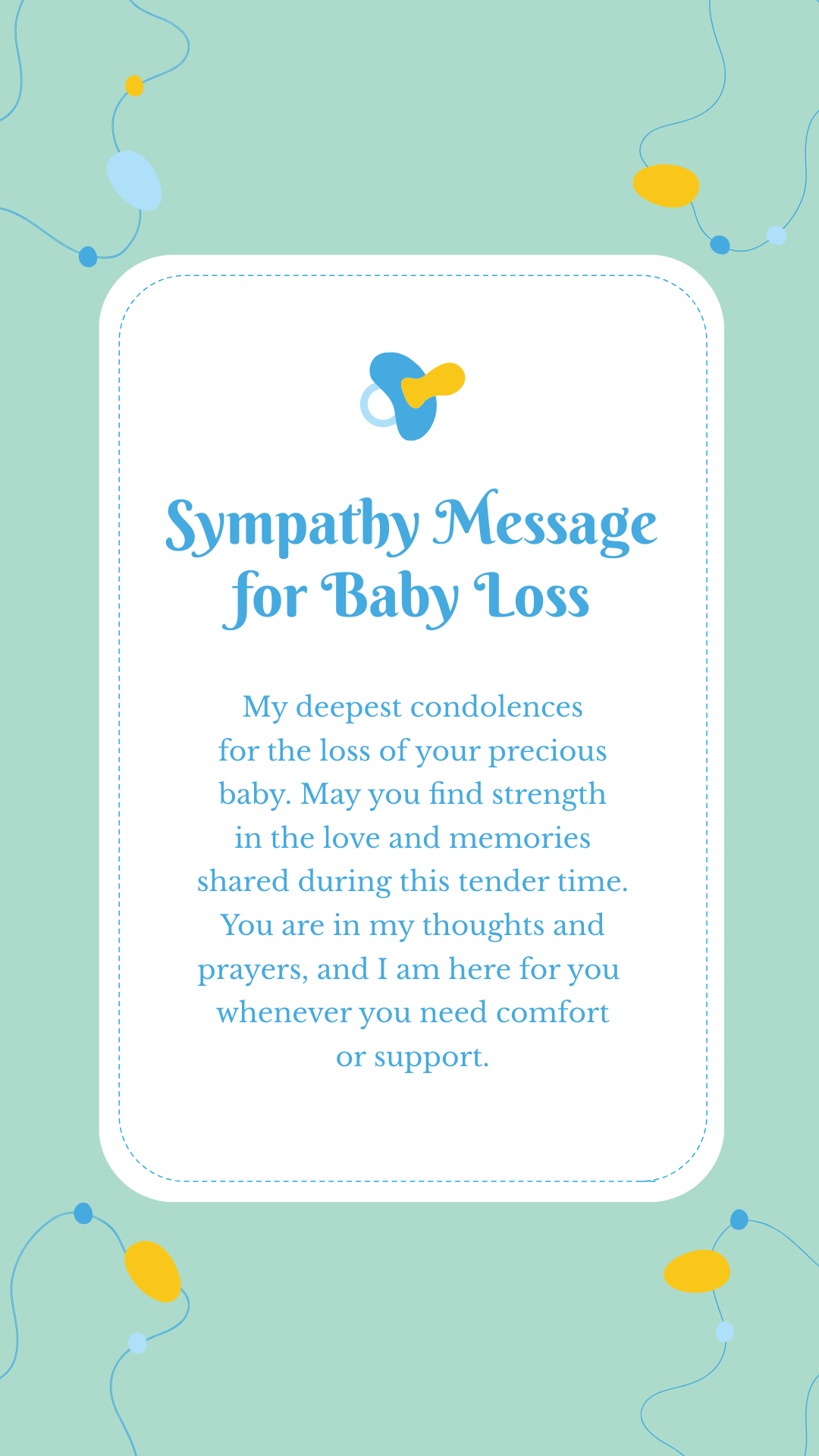
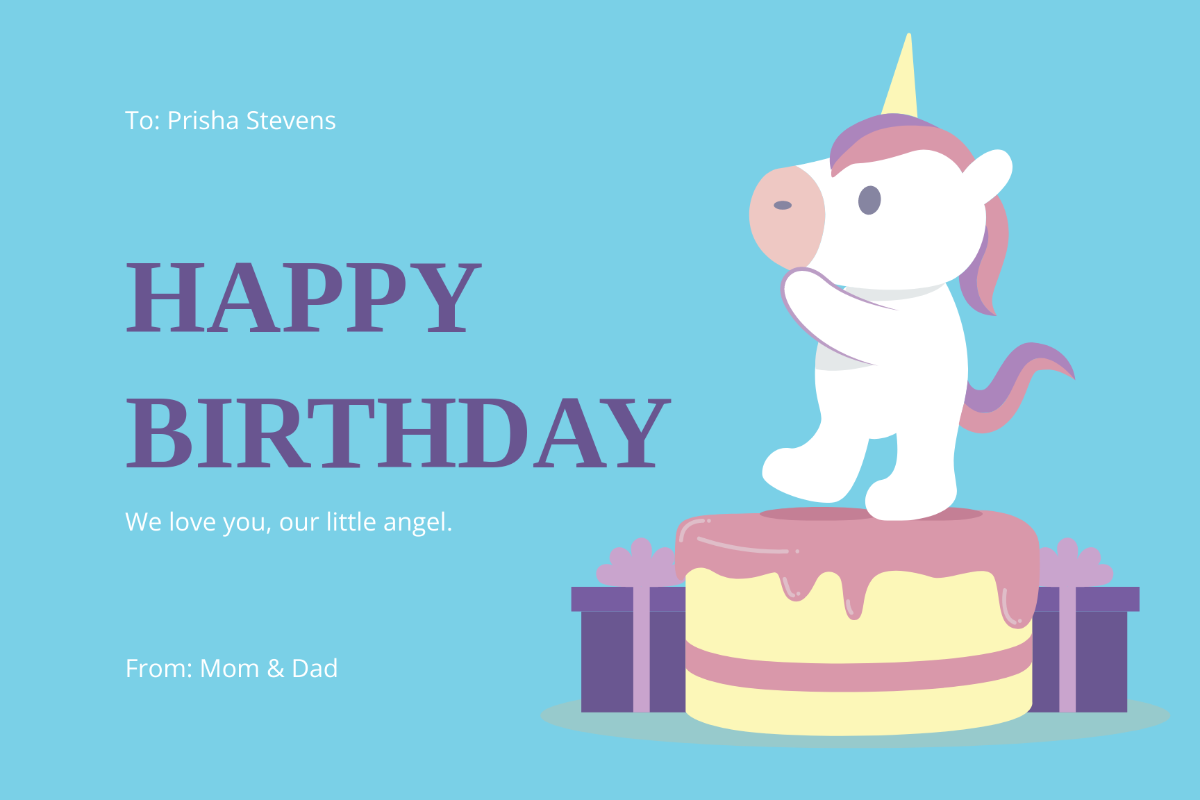
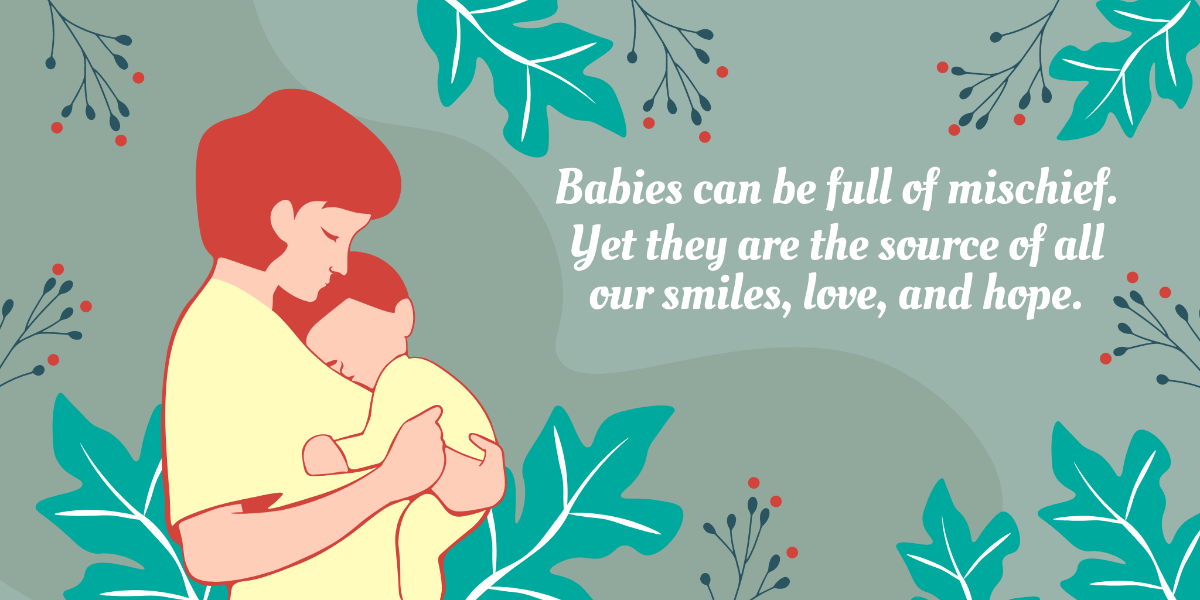
When customizing Baby templates, focus on a soft color palette with pastels, include cute baby-themed images or icons, and maintain a clear headline and call to action. Layered design elements help keep the layout organized and visually appealing.
What are common sizes for Baby templates?
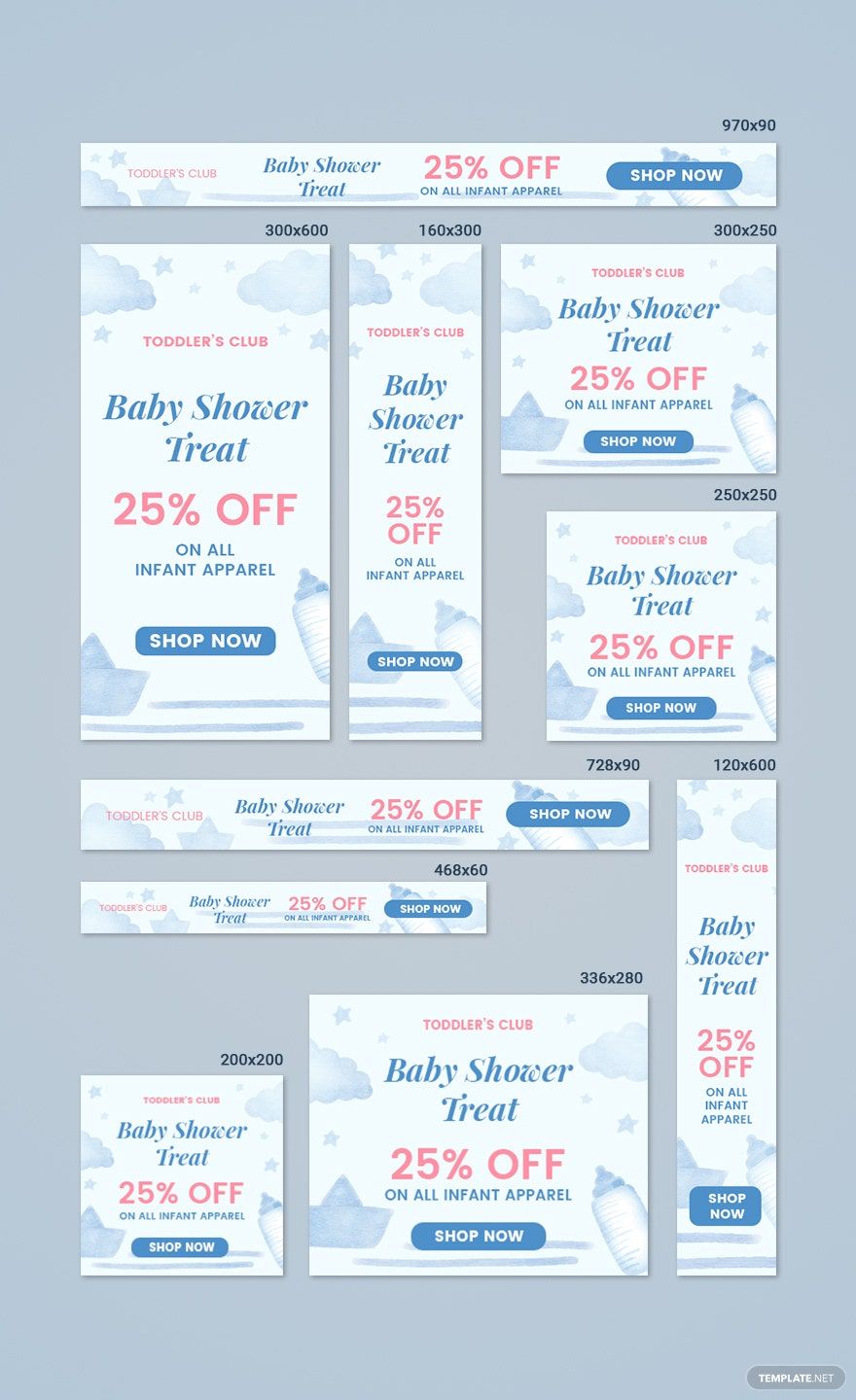
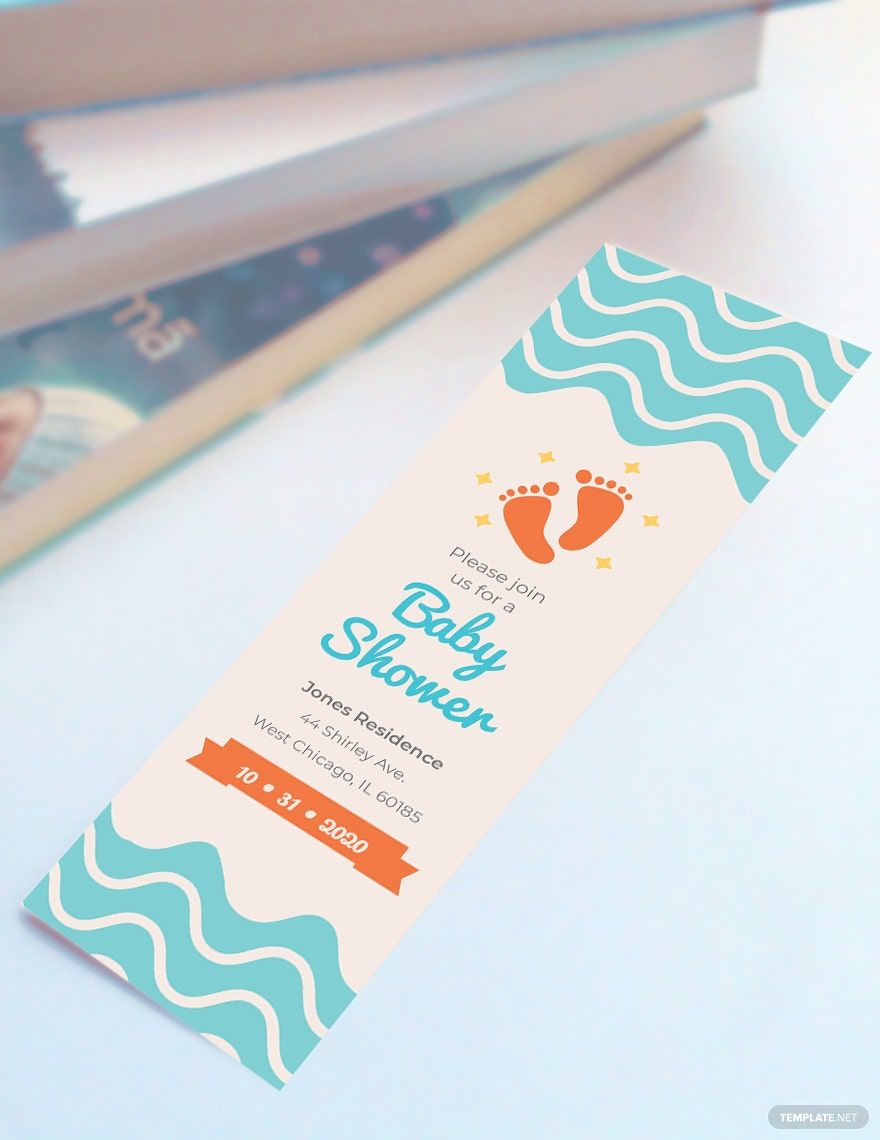
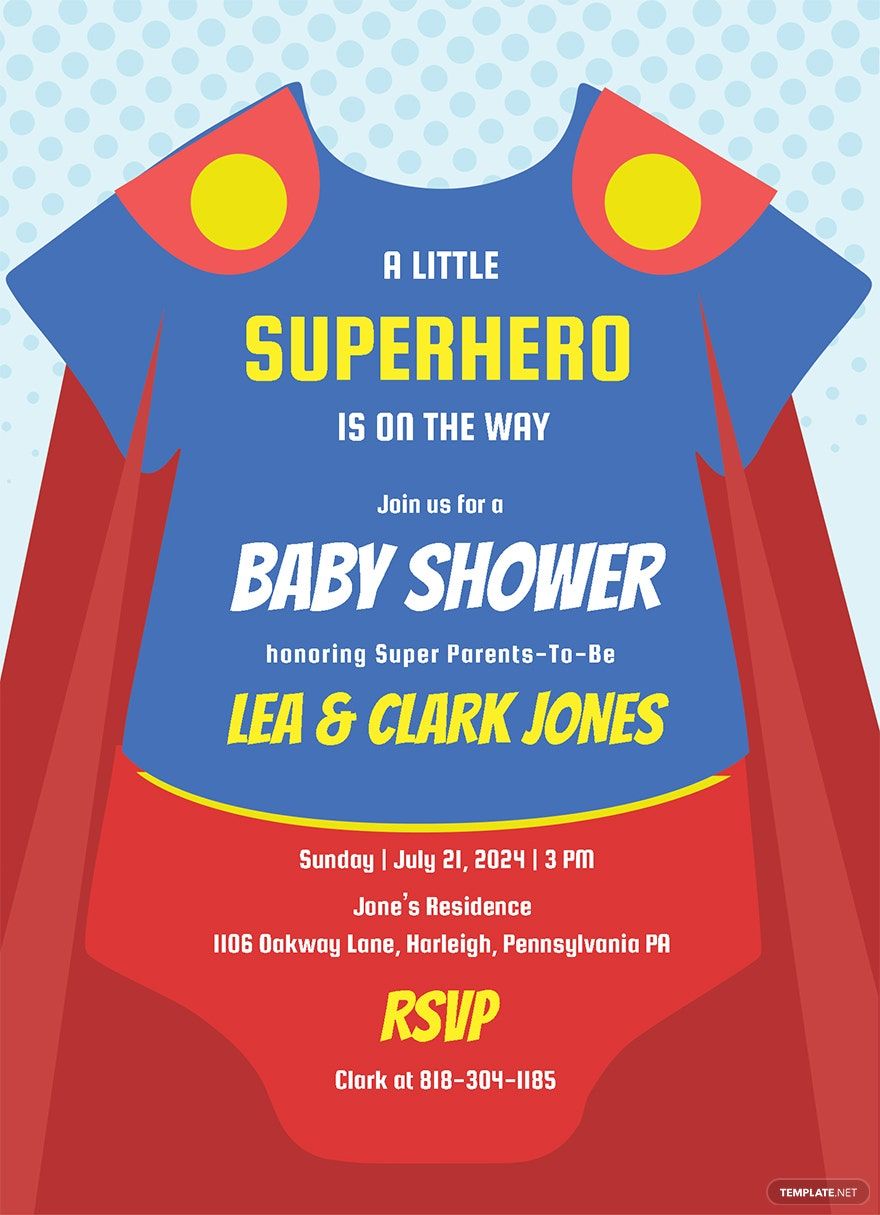
Common sizes for Baby templates include 4 × 6 inches and 5 × 7 inches for cards and invitations, as well as 8.5 × 11 inches for flyers or posters. Choosing the right size ensures the template fits the intended use and printing process effectively.
What typical elements are included in Baby templates?
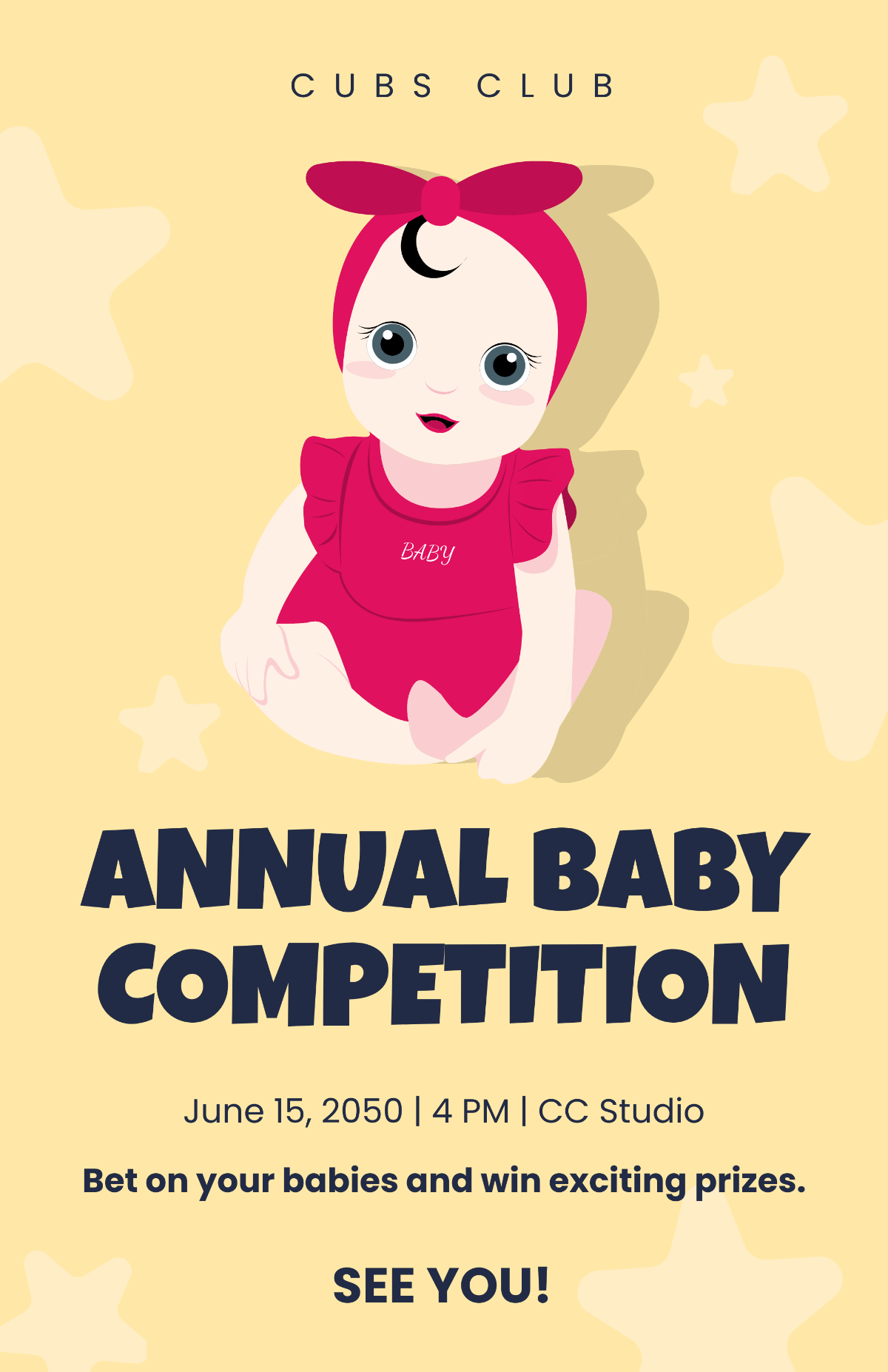
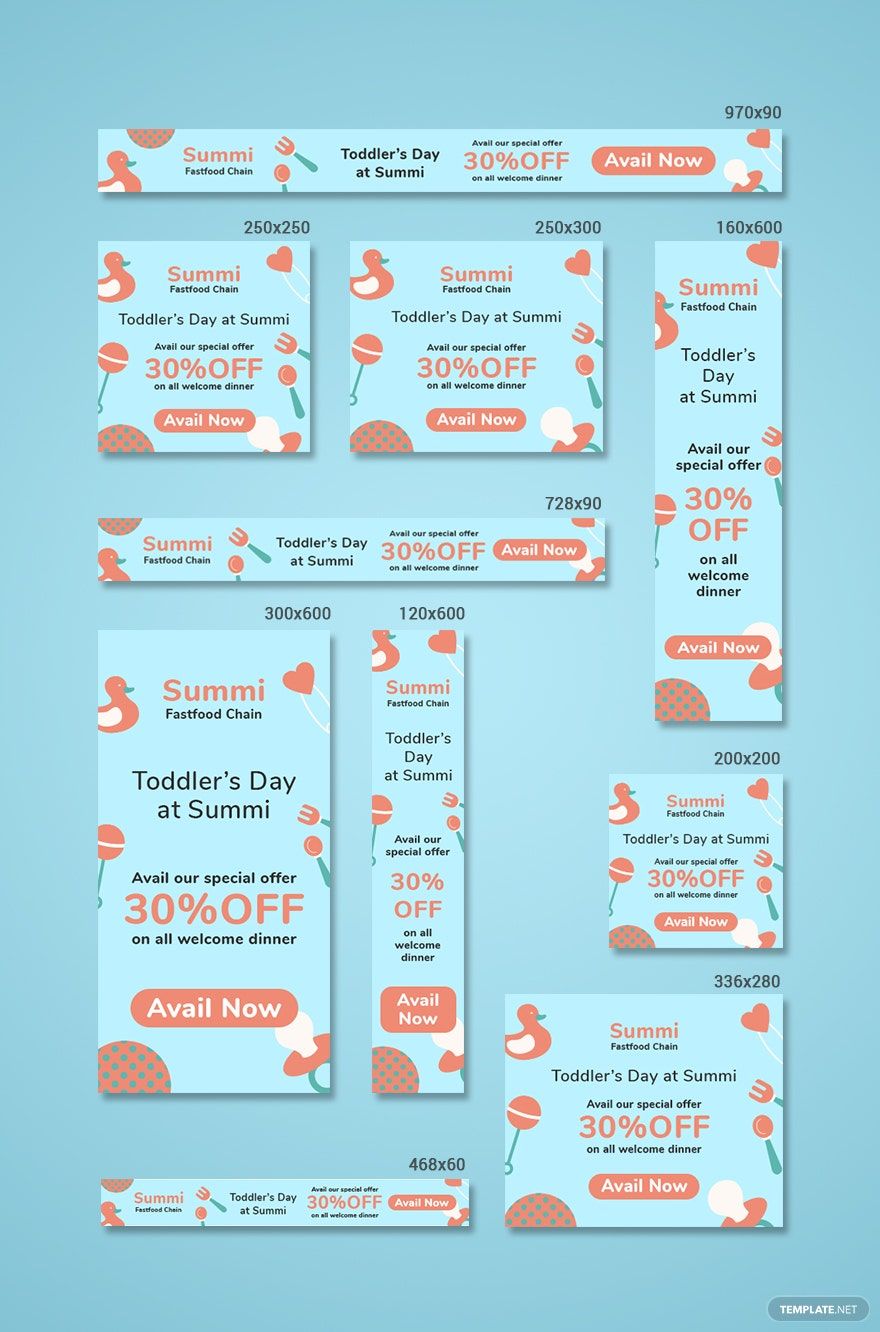
Baby templates usually contain editable text areas, layered graphics such as rattles or pacifiers, soft backgrounds, and visual theme blocks that enhance the infant-related message and make customization straightforward.
How can I prepare Baby templates for printing?
To prepare Baby templates for printing, ensure the resolution is set to 300 dpi, use the correct size measurements such as 5 × 7 inches, and save the file in a print-friendly format. Checking color profiles and bleed settings helps achieve professional print results.
What file formats can I download for a Baby template?
Template.net offers Baby templates in multiple downloadable formats suitable for editing and printing, including PSD, InDesign, Word, Publisher, Illustrator, Google Docs, Apple Pages, and PDF. These formats support layered design customization and professional printing.
Can I create a new Baby template using AI?
Template.net provides an AI-powered tool capable of generating new Baby template designs from prompts, allowing users to create unique layouts quickly. Explore this feature to customize professional designs with ease and speed at Template.net.
