
Free Binder Cover Templates

































Free Binder Cover Templates: Editable Customization Guide and Uses
A Binder Cover is a professionally designed template that allows you to create a personalized cover for binders, suitable for printing and presentation purposes. Template.net offers a wide selection of editable Binder Cover templates that you can customize and complete directly in your browser without additional software.
What is a Binder Cover?
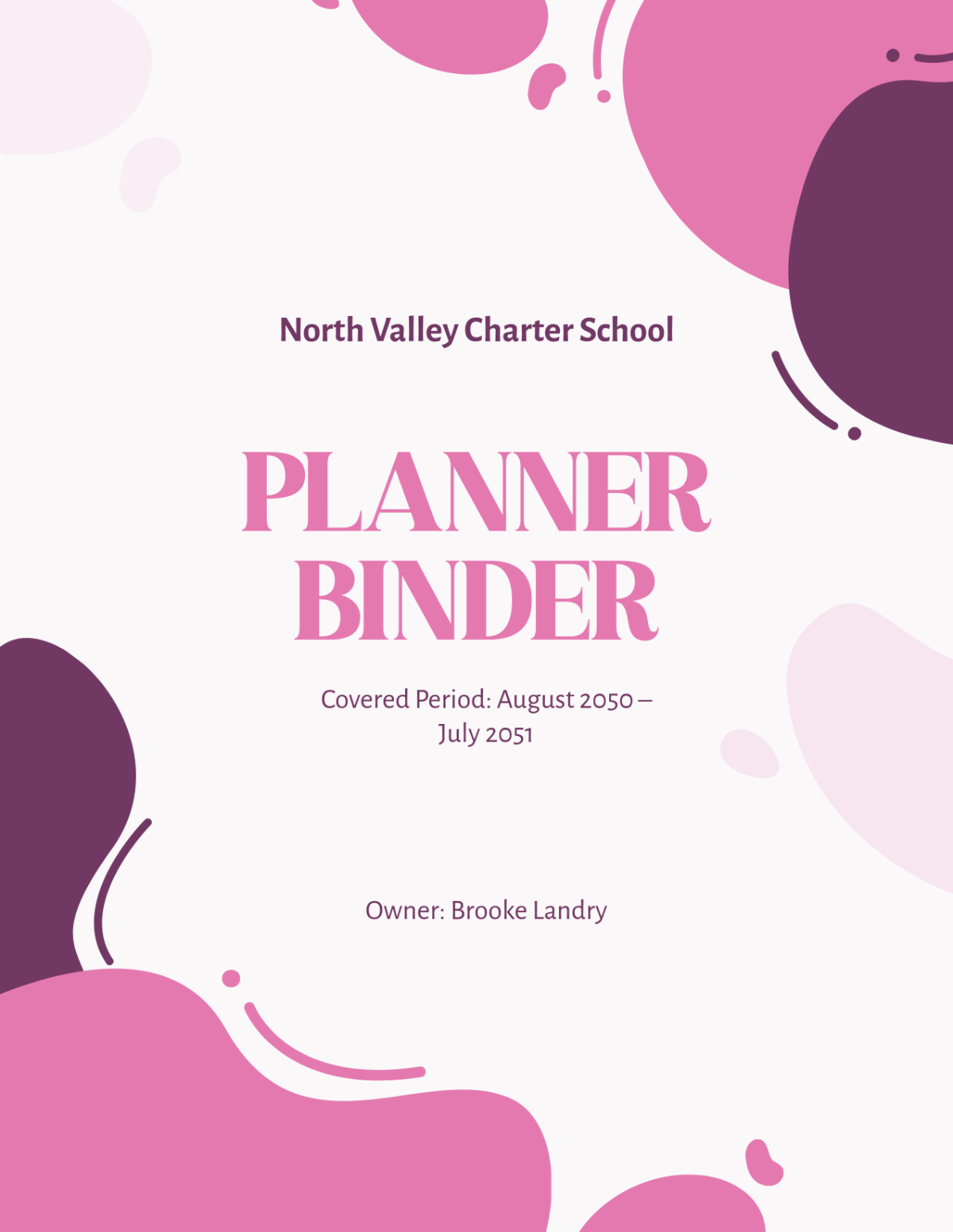
A Binder Cover is a customizable front page designed to organize and protect documents within a binder. It typically includes titles, labels, and design elements to identify the binder's contents clearly and professionally.
Why should I use a Binder Cover?
Using a Binder Cover enhances document organization and presentation by providing a clear, professional appearance. It helps you quickly identify the binder's purpose and contents while protecting the documents inside.
Who uses Binder Cover?
Binder Cover templates are used by students, educators, business professionals, and administrators who need to organize reports, projects, manuals, or presentations in a neat, accessible format.
What are the best tips for completing my Binder Cover?
To complete your Binder Cover effectively, focus on clarity, simplicity, and relevant information. Include a title, subtitle, date, and any identifying logos or graphics. Use consistent fonts and colors to maintain a professional look.
Can I create a Binder Cover using AI?
You can create a Binder Cover using AI tools available on Template.net, which assist in generating designs and layouts. However, this category primarily offers editable templates you can customize manually online.
What file formats can I download for my Binder Cover?
Template.net provides Binder Cover templates in multiple editable formats for your convenience, including Word, PDF, PSD, Apple Pages, and Publisher.
What are the essential elements of a Binder Cover?
A Binder Cover should include key elements to ensure usefulness and clarity.
- Title: Clearly states the binder's purpose or contents.
- Subtitle: Provides additional context or description.
- Date: Indicates when the contents were compiled or updated.
- Author or Organization: Identifies the responsible party.
- Graphics or Logo: Enhances professionalism and branding.
How does using a Binder Cover benefit document workflows?
Using a Binder Cover streamlines document management by making it easier to sort, locate, and present information. It reduces confusion and improves communication within teams or for client presentations.
What are common professional use cases for Binder Cover templates?
Binder Cover templates are commonly used for organizing project reports, training manuals, academic portfolios, financial records, and policy documentation across various industries including education, business, and administration.
