
Free Wedding Border Templates
Wedding Border Templates: Design Guide, Sizes, and Download Formats
What is a Wedding Border?
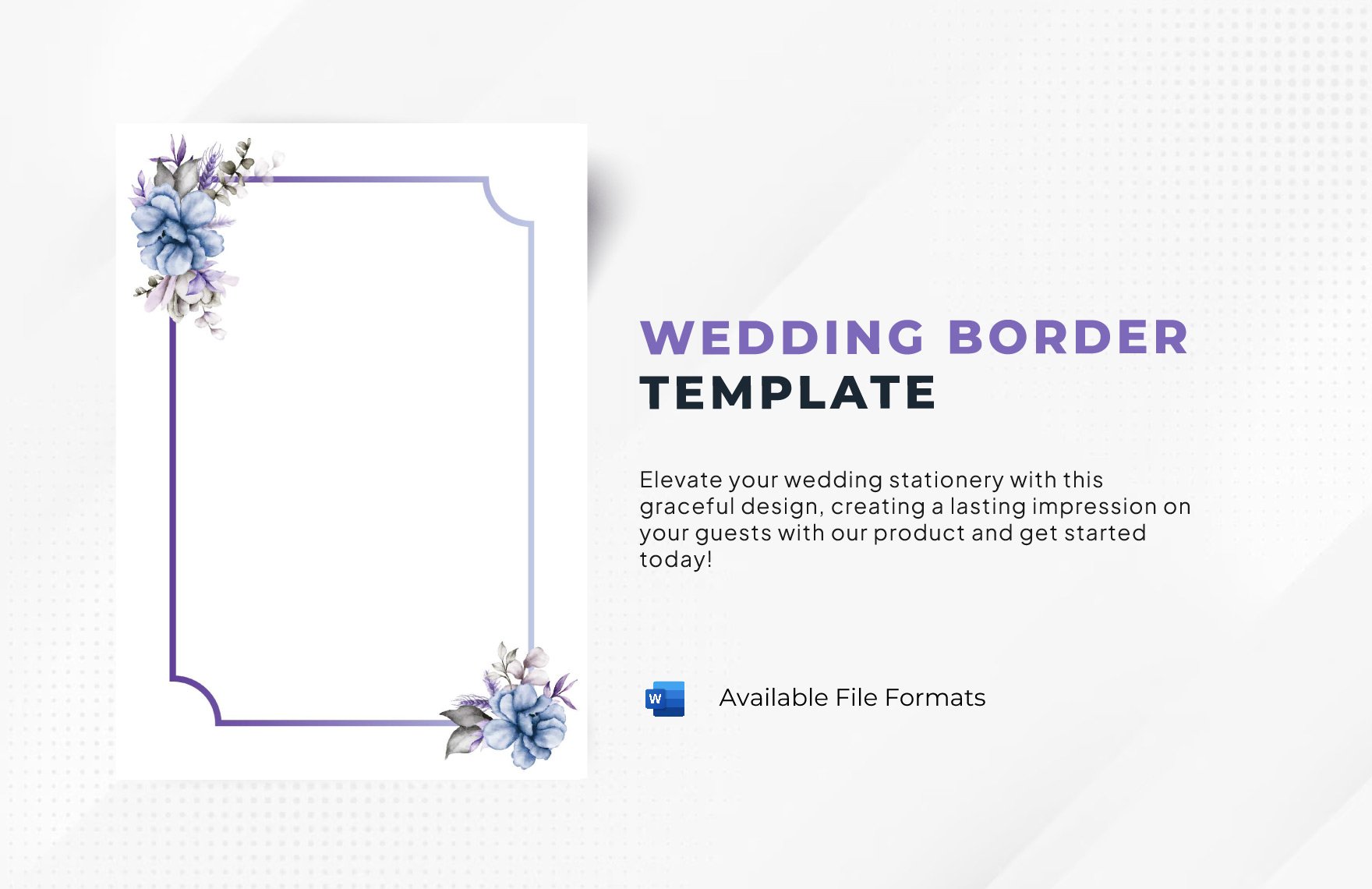
A wedding border is a decorative frame that surrounds wedding stationery, enhancing the visual appeal and thematic consistency. Wedding border templates provide editable text areas and design layers for easy customization in professional layouts.
Why use a Wedding Border?
Wedding borders add a stylish frame that emphasizes the content of wedding invitations and cards. Using wedding border templates ensures consistent design elements and speeds up the creation process with online editable layers.
Who typically uses Wedding Borders?
Wedding planners, graphic designers, couples, and event coordinators commonly use wedding border templates to create customized invitations and stationery sets. These templates provide professional layouts editable directly in the browser.
What size should a Wedding Border be?
Wedding borders typically fit standard invitation sizes such as 5 × 7 inches or 4 × 6 inches. Templates come with predefined dimensions and editable layout blocks to ensure perfect fit for your wedding stationery.
What are the best tips for designing a Wedding Border?
When designing wedding borders, focus on harmonious colors, balanced graphics, and elegant fonts. Utilize layered design customization to adjust elements for a cohesive and professional look.
How do you print a Wedding Border?
Printing wedding borders requires high-resolution downloadable templates compatible with common print sizes. Use print-ready files and verify color accuracy to achieve sharp and vibrant results on quality paper.
What elements should a Wedding Border include?
Wedding borders should include decorative motifs, symmetrical patterns, and space for text. Template.net’s wedding border templates feature design layers and editable graphic elements for easy customization.
Can I create a new Wedding Border using AI?
Template.net provides an AI-powered tool that generates new wedding border designs from prompts for quick customization. Access the tool here: Border Generator.
