
Free Bunny Templates


Bunny Templates: Design Guide, Sizes, and Download Formats
What is a Bunny template?
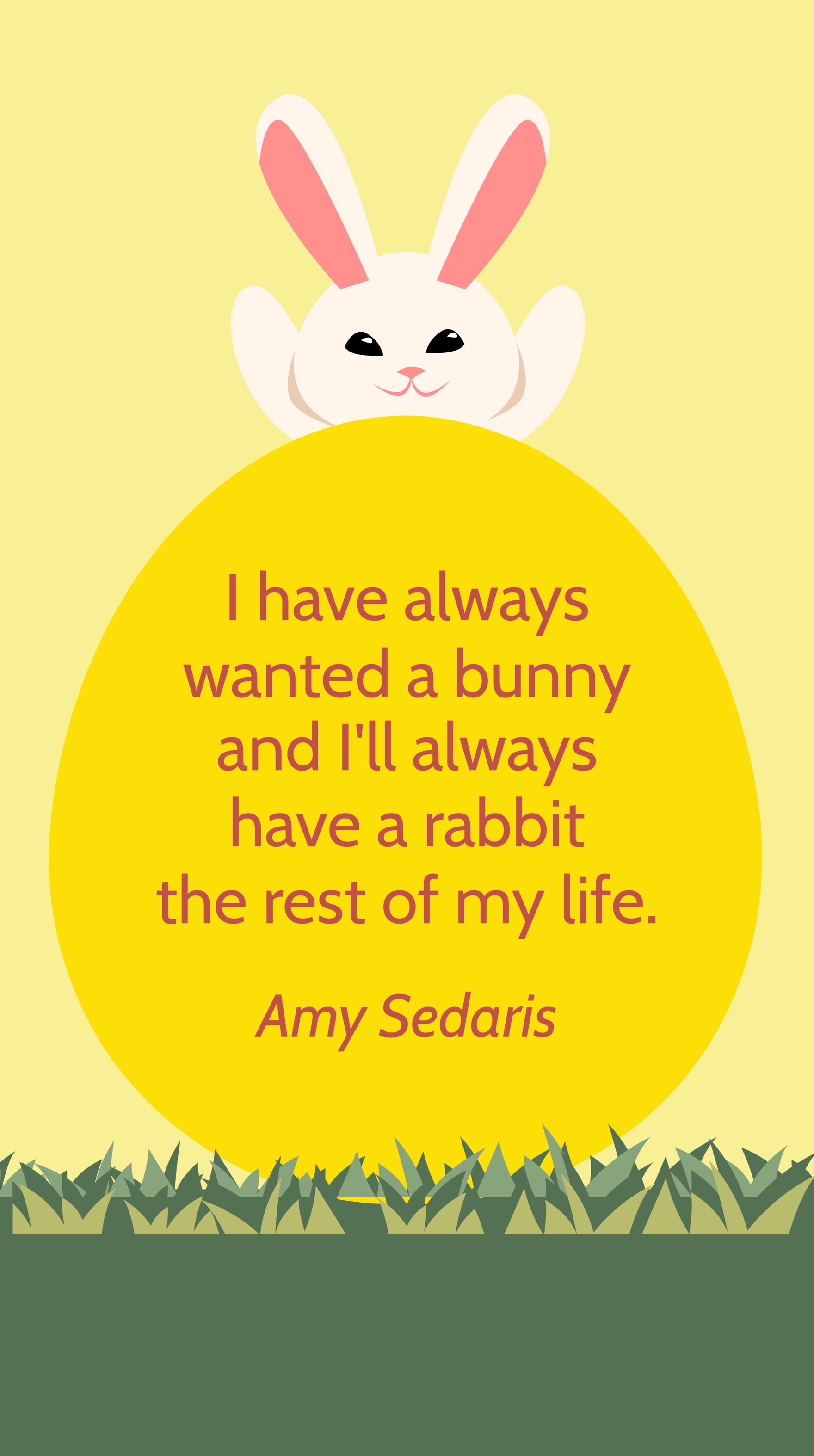
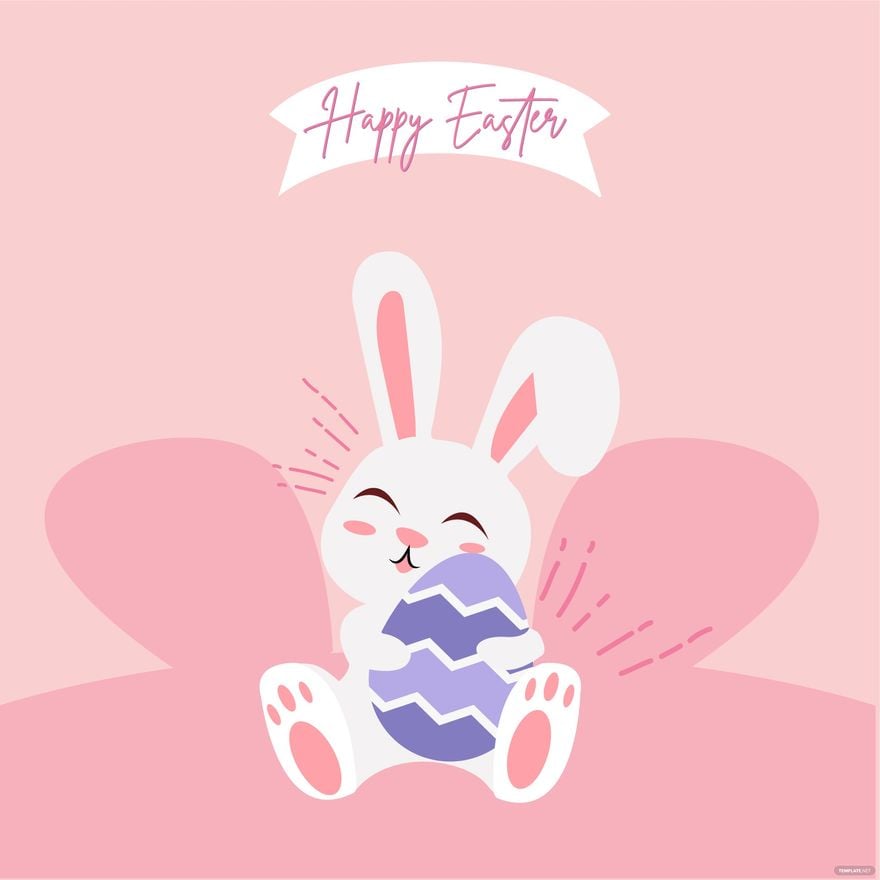
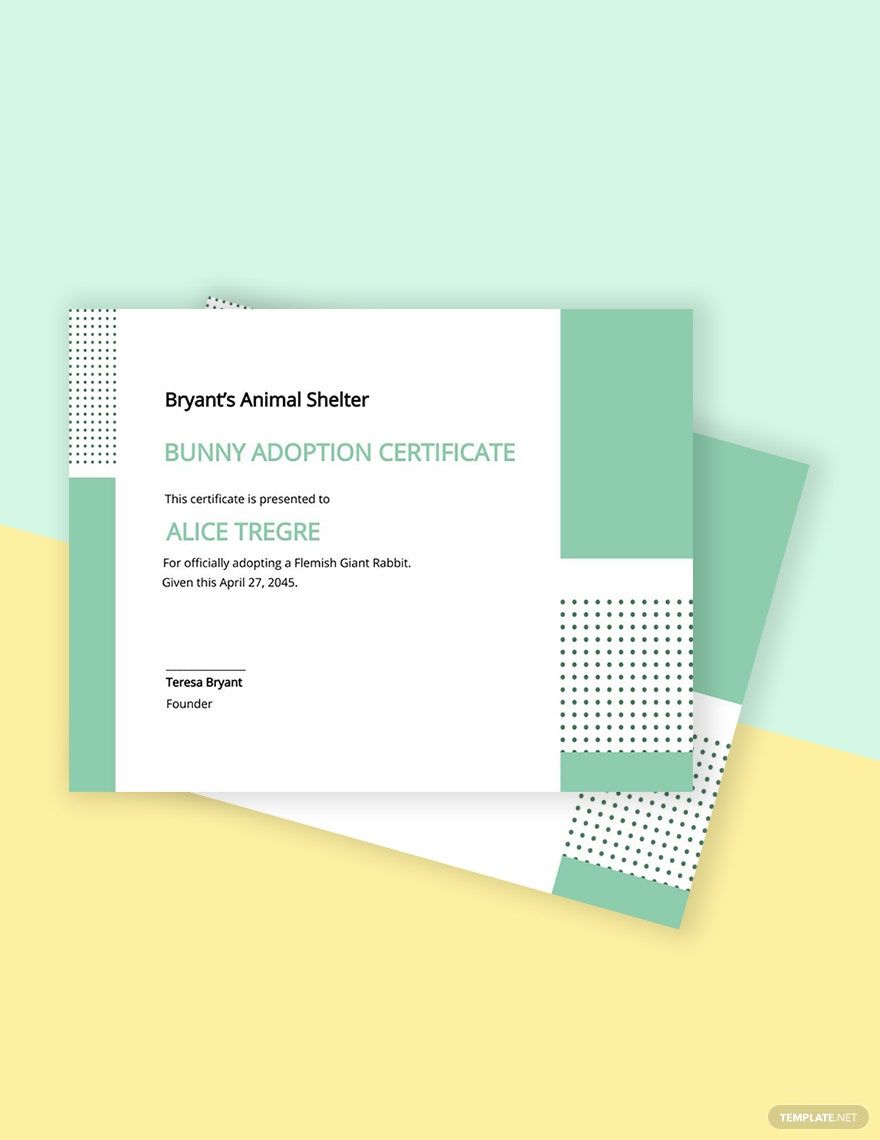
A Bunny template is a pre-designed layout featuring Bunny-themed graphics, illustrations, and editable text areas to create festive or themed projects. These templates provide a professional visual theme that users can customize online for invitations, cards, and promotional materials.
Who typically uses Bunny templates?
Bunny templates are commonly used by event planners, educators, marketers, and individuals preparing for seasonal celebrations or themed promotions. These users benefit from online customizable layouts that save time and ensure visually appealing results.
When should I use Bunny templates?
Bunny templates are ideal for occasions like Easter, spring events, children’s parties, and themed marketing campaigns. Using these designs helps highlight the visual theme with customizable graphics and editable layout blocks suited for timely projects.
What design tips should I follow for Bunny templates?
Effective Bunny templates use a balanced color palette with soft pastels or vibrant spring hues, prominent graphics of bunnies, and clear headline areas. Layered designs allow easy editing of text and images for a harmonious look.
What sizes are Bunny templates usually available in?
Bunny templates typically come in common sizes like 4 × 6 inches, 5 × 7 inches, and 8.5 × 11 inches. These dimensions suit greeting cards, flyers, and posters, providing flexible layout blocks and editable text areas for professional presentation.
What common elements are included in Bunny templates?
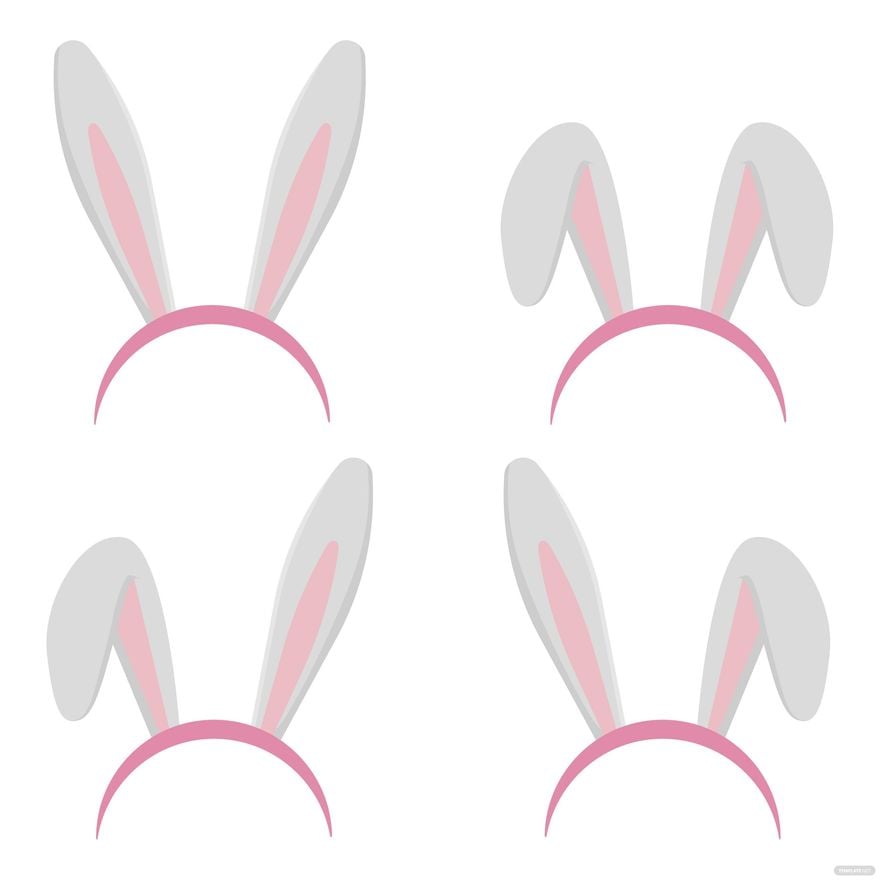
Bunny templates include layered graphics of bunnies, flowers, and themed backgrounds, along with editable text areas and color palettes. These elements allow easy customization of each design layer for unique, professional outputs.
How can I print Bunny templates for best results?
To print Bunny templates effectively, use high-resolution exports and select sizes like 5 × 7 inches or 8.5 × 11 inches. Adjust color settings for vibrant prints and ensure layout blocks remain within printable margins for clean results.
What file formats can I download for a Bunny template?
Template.net supports multiple export formats for Bunny templates, including Illustrator. These formats enable easy editing and high-quality printing for professional use.
Can I create a new Bunny template using AI?
Template.net provides an AI-powered tool capable of generating Bunny template designs quickly from prompts, helping users create unique layouts with customizable graphics and editable layers. Visit Template.net to explore this feature.
