
Free Microsoft Excel Templates




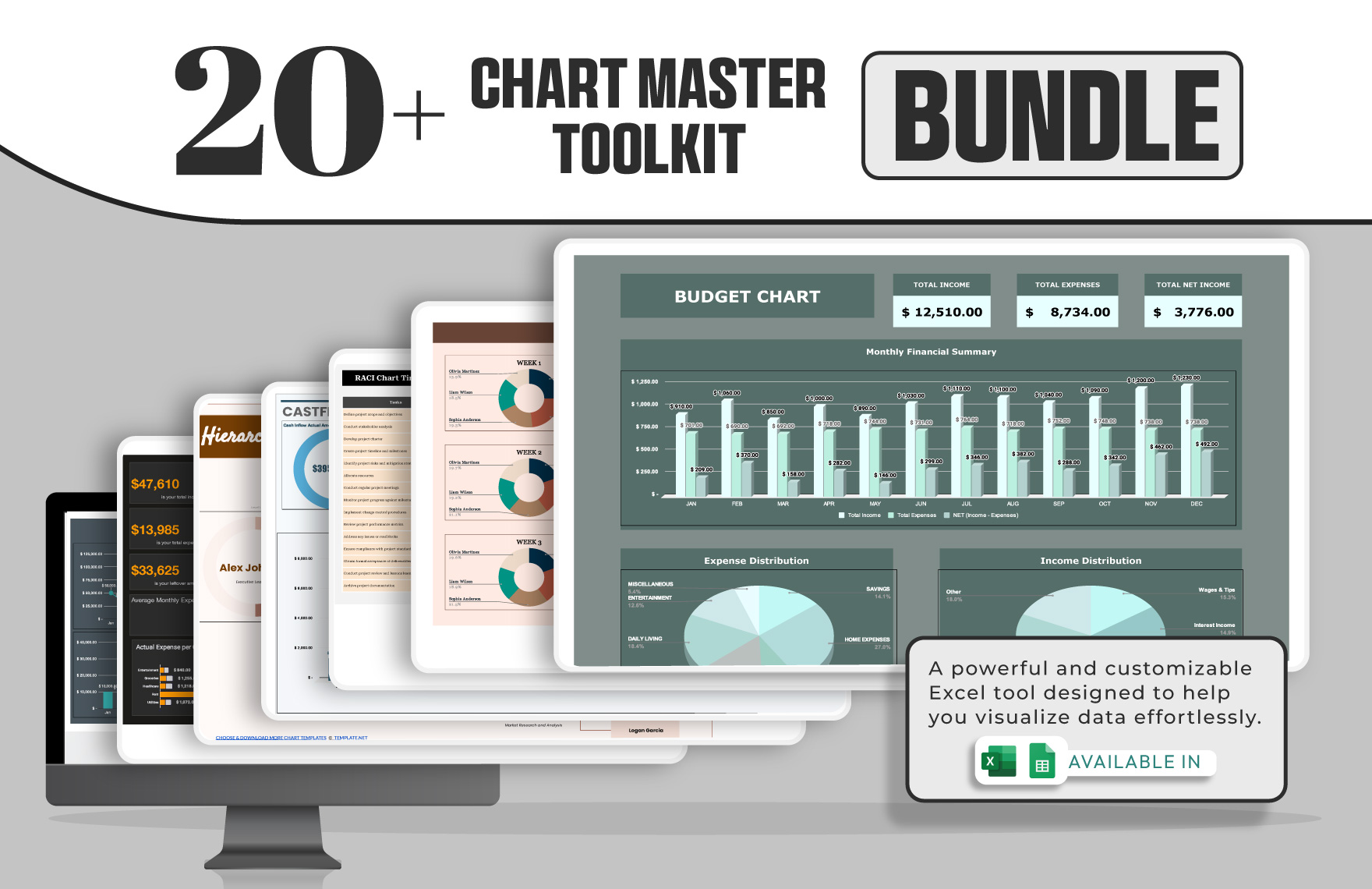
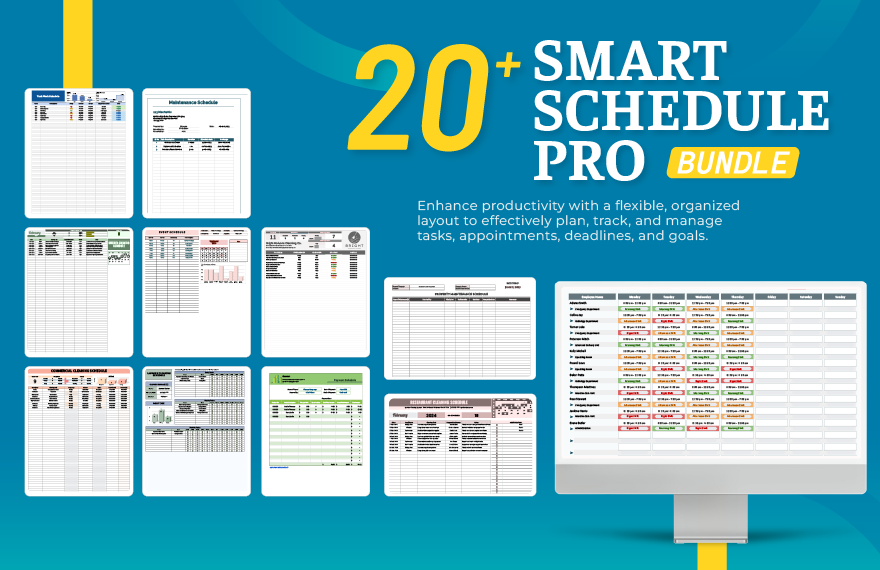
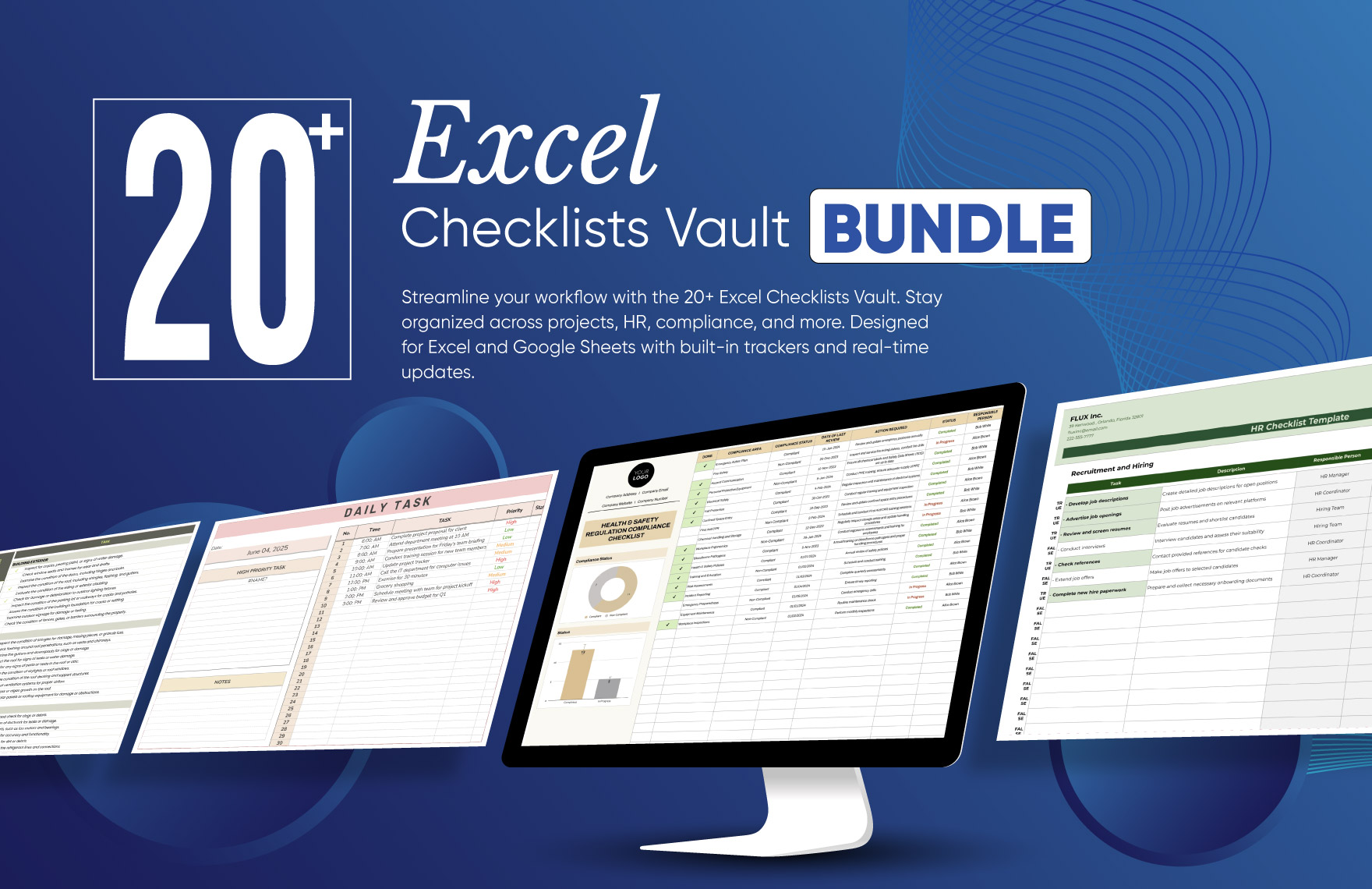
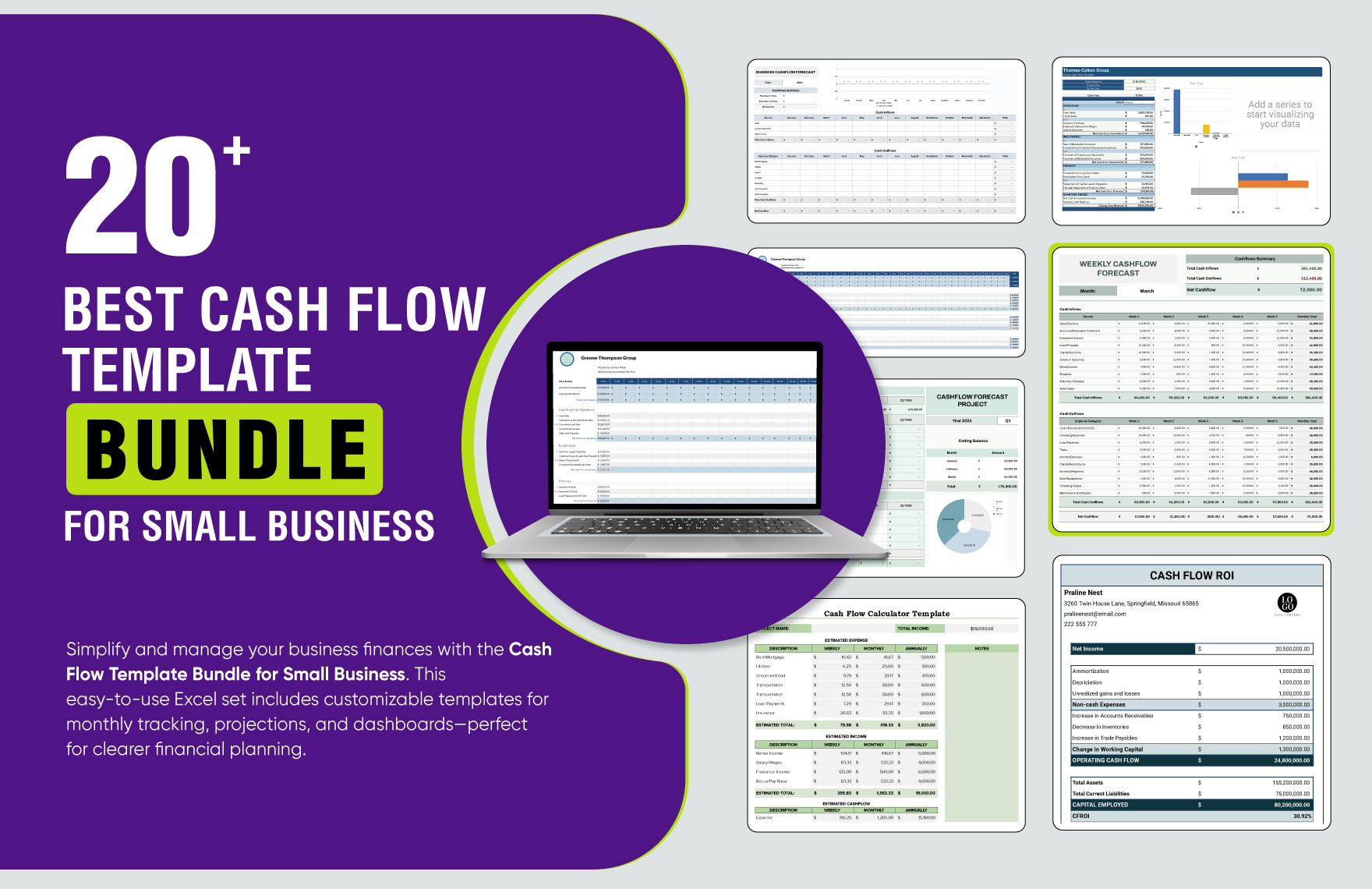
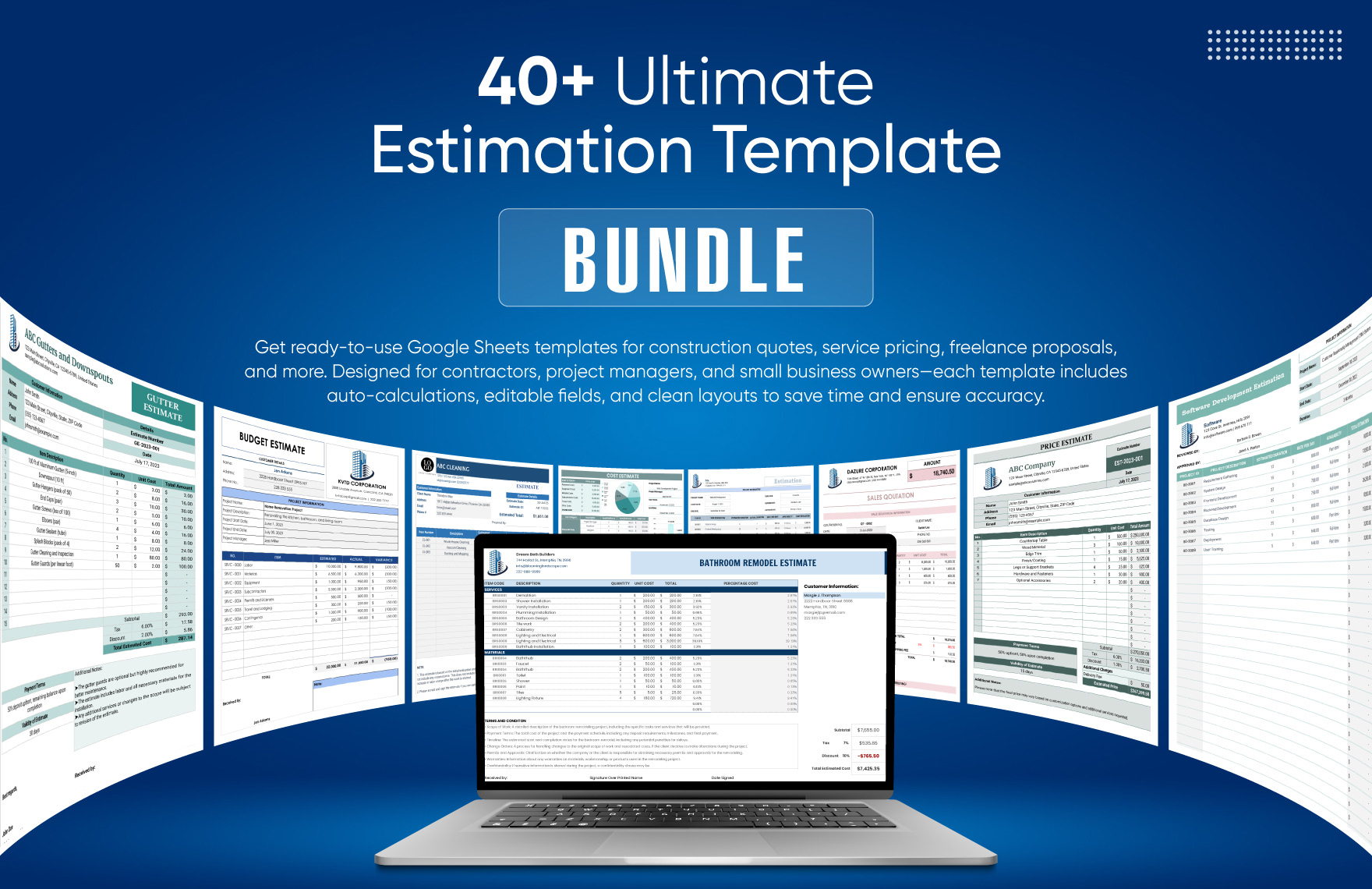

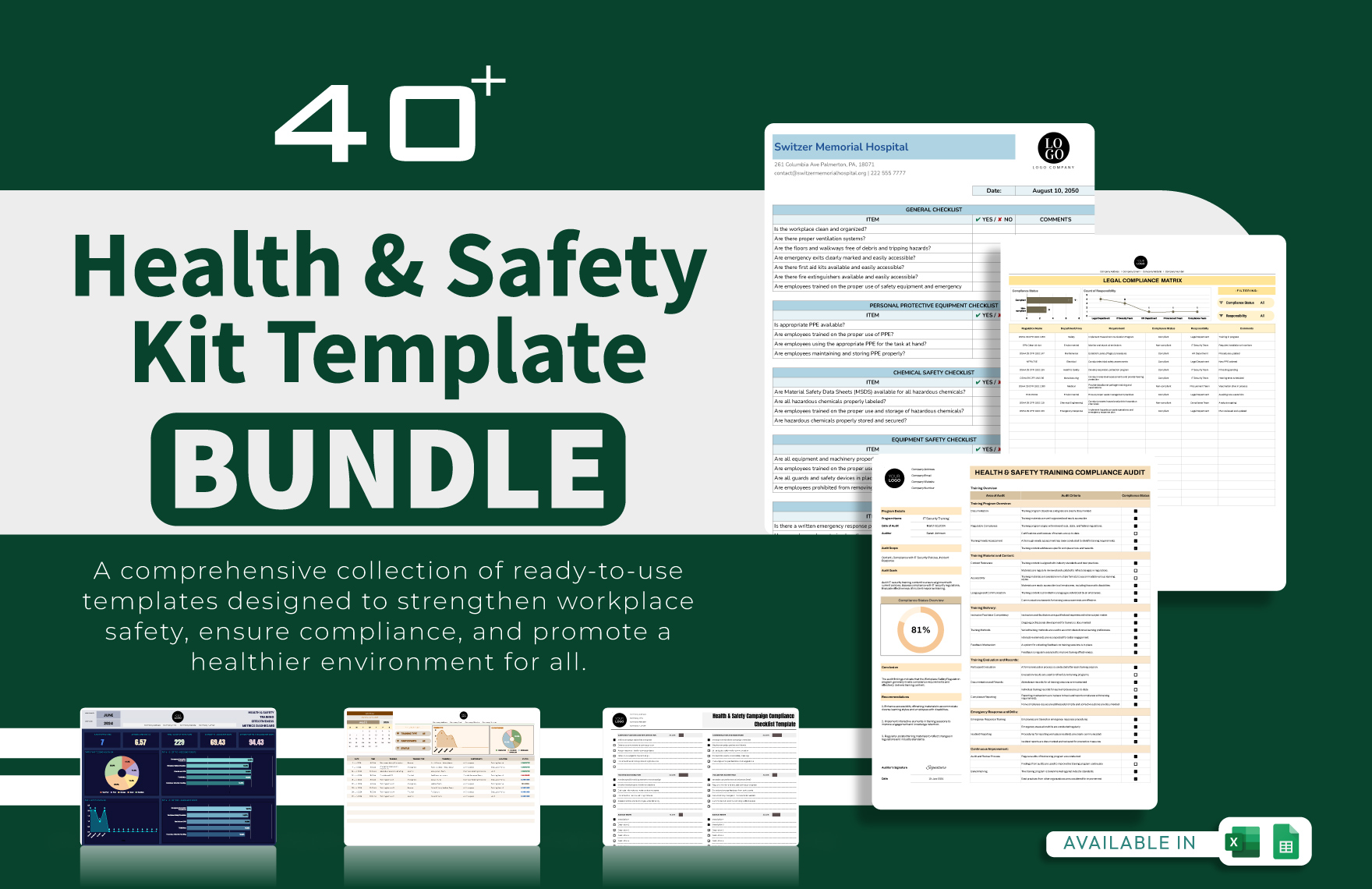
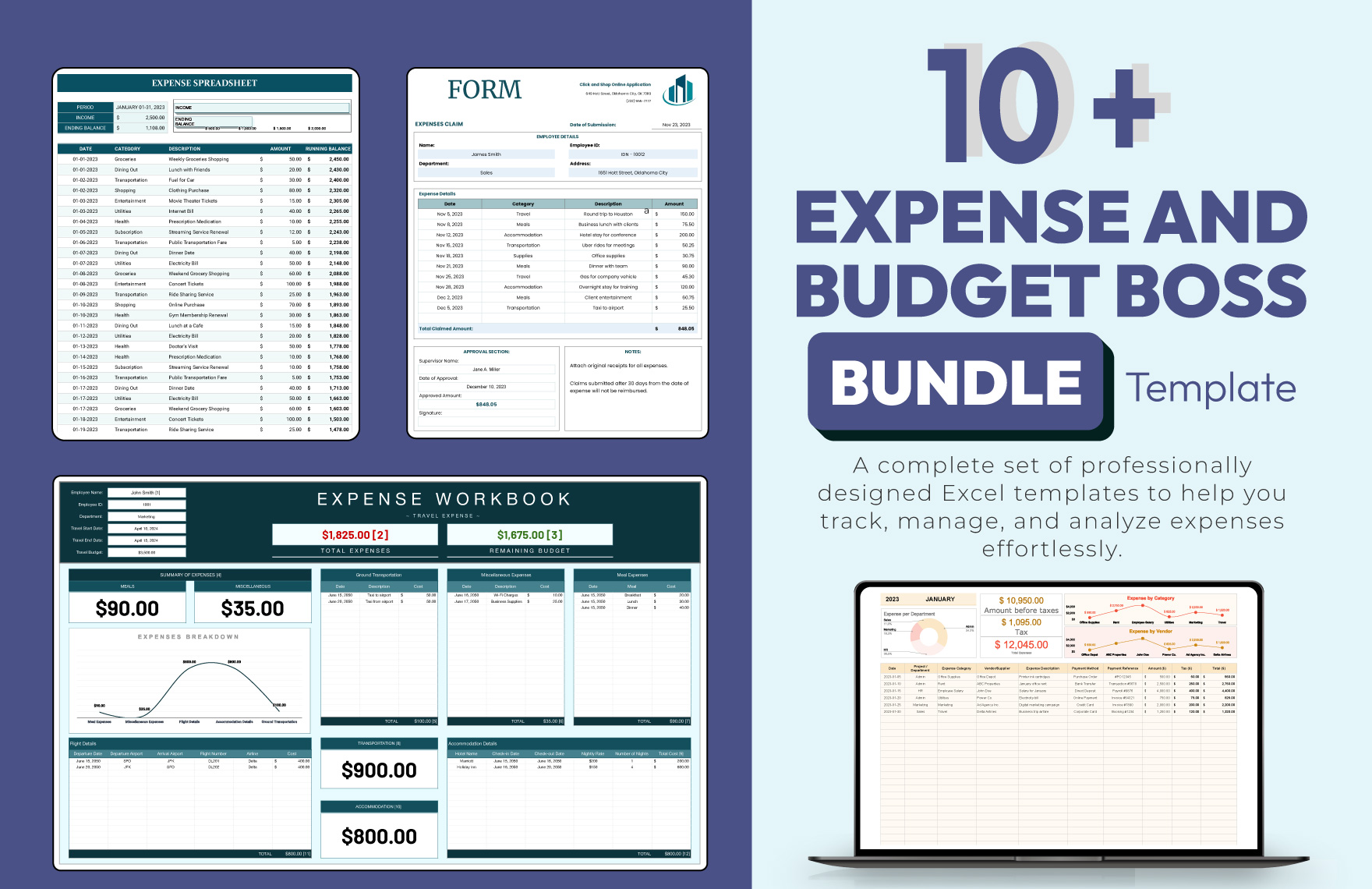


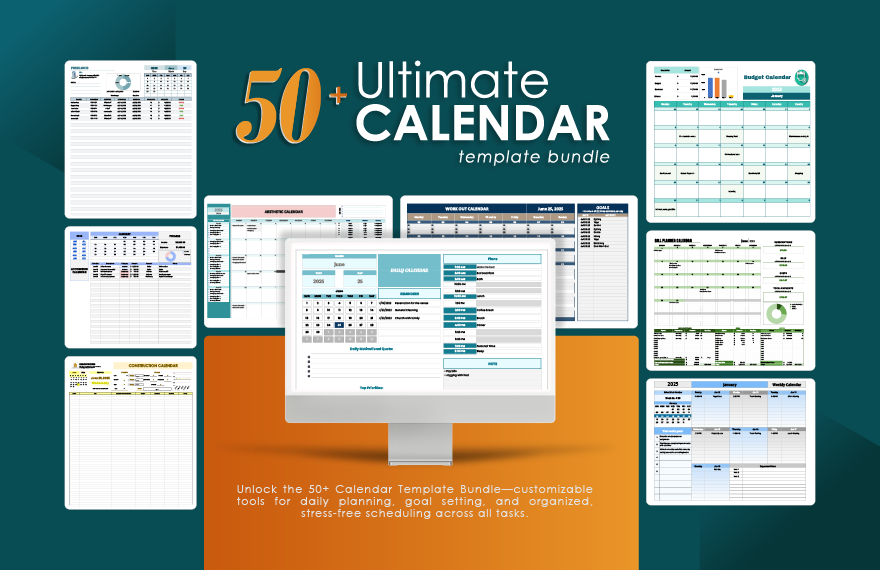
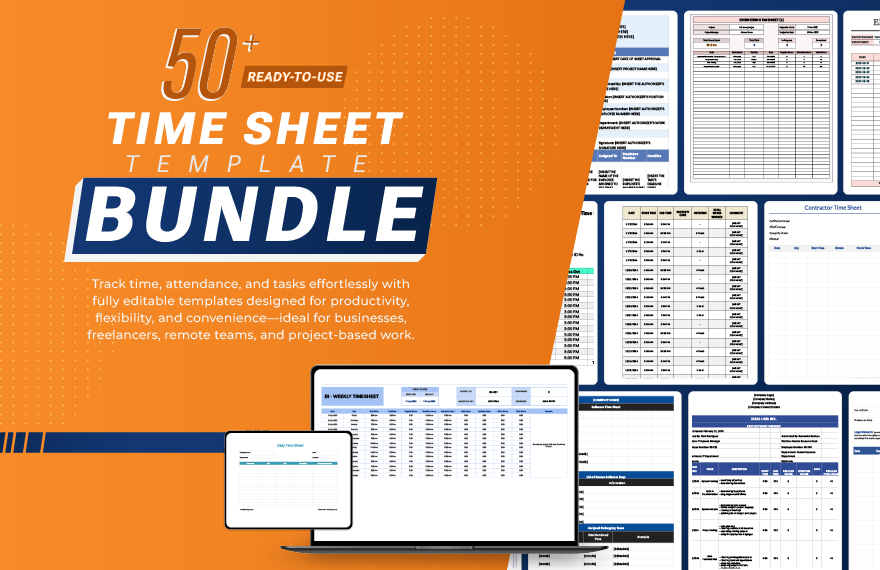
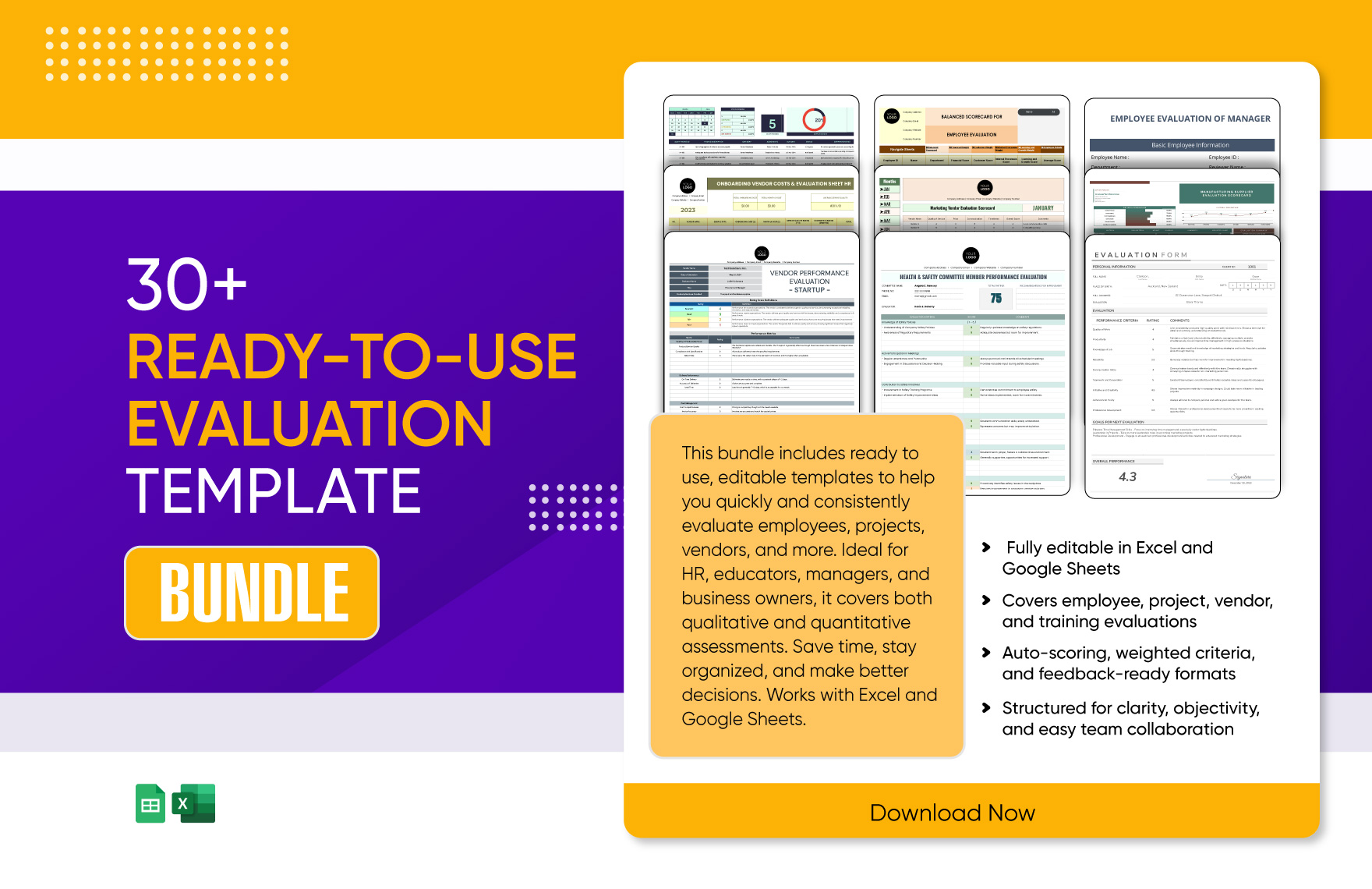
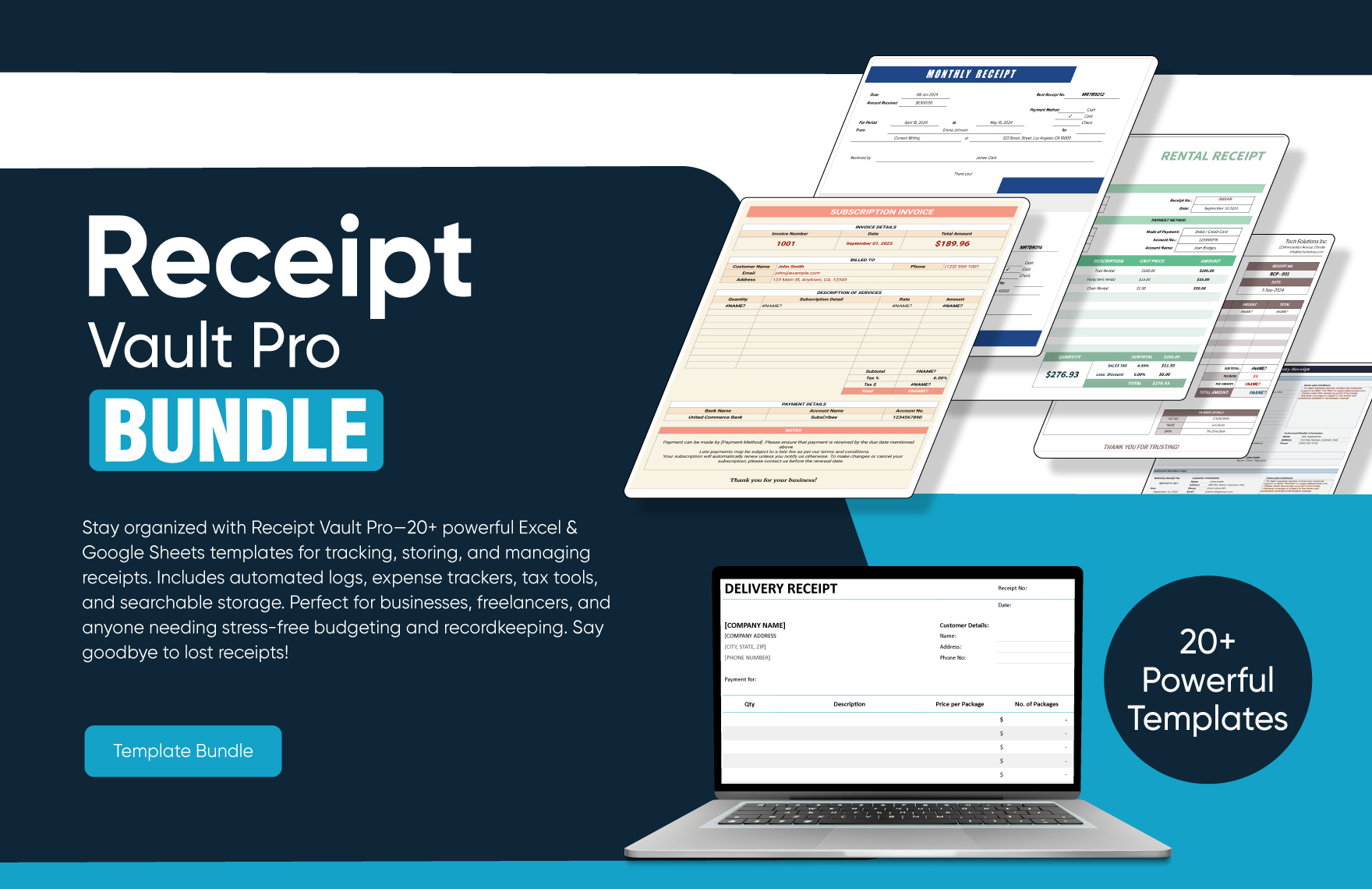
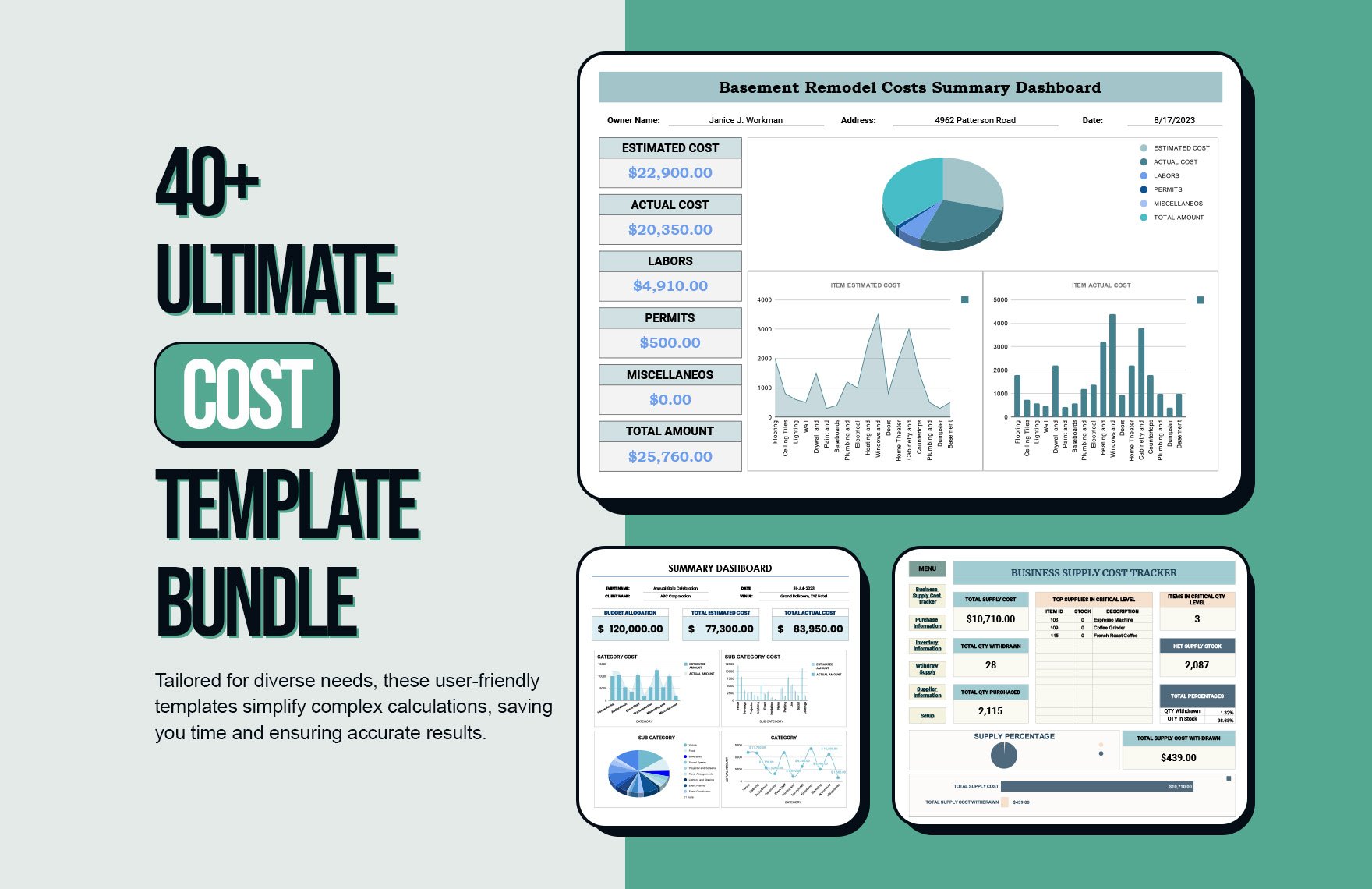


Microsoft Excel Templates: Definition, Usage, and Features
What is a Microsoft Excel?
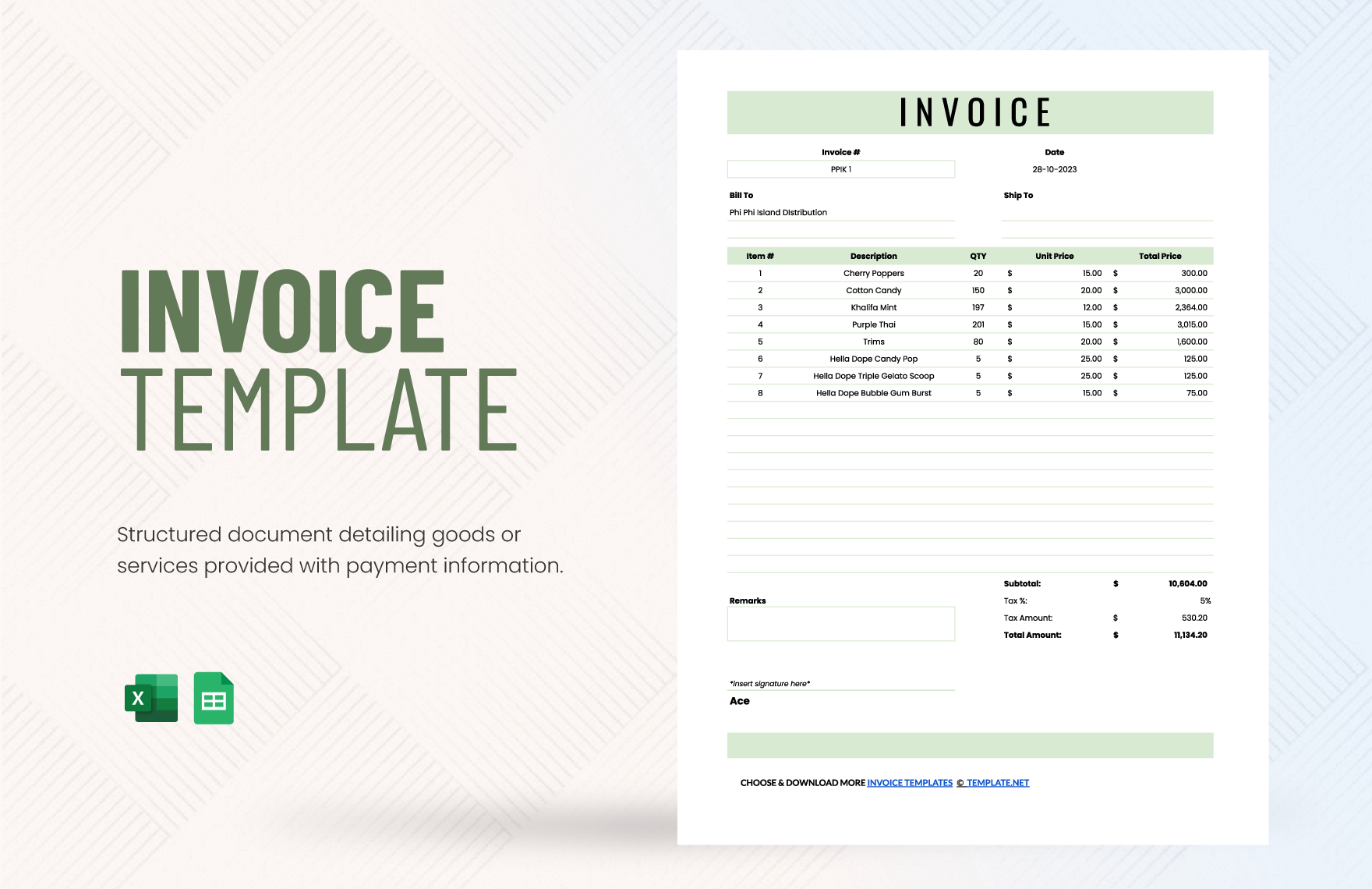
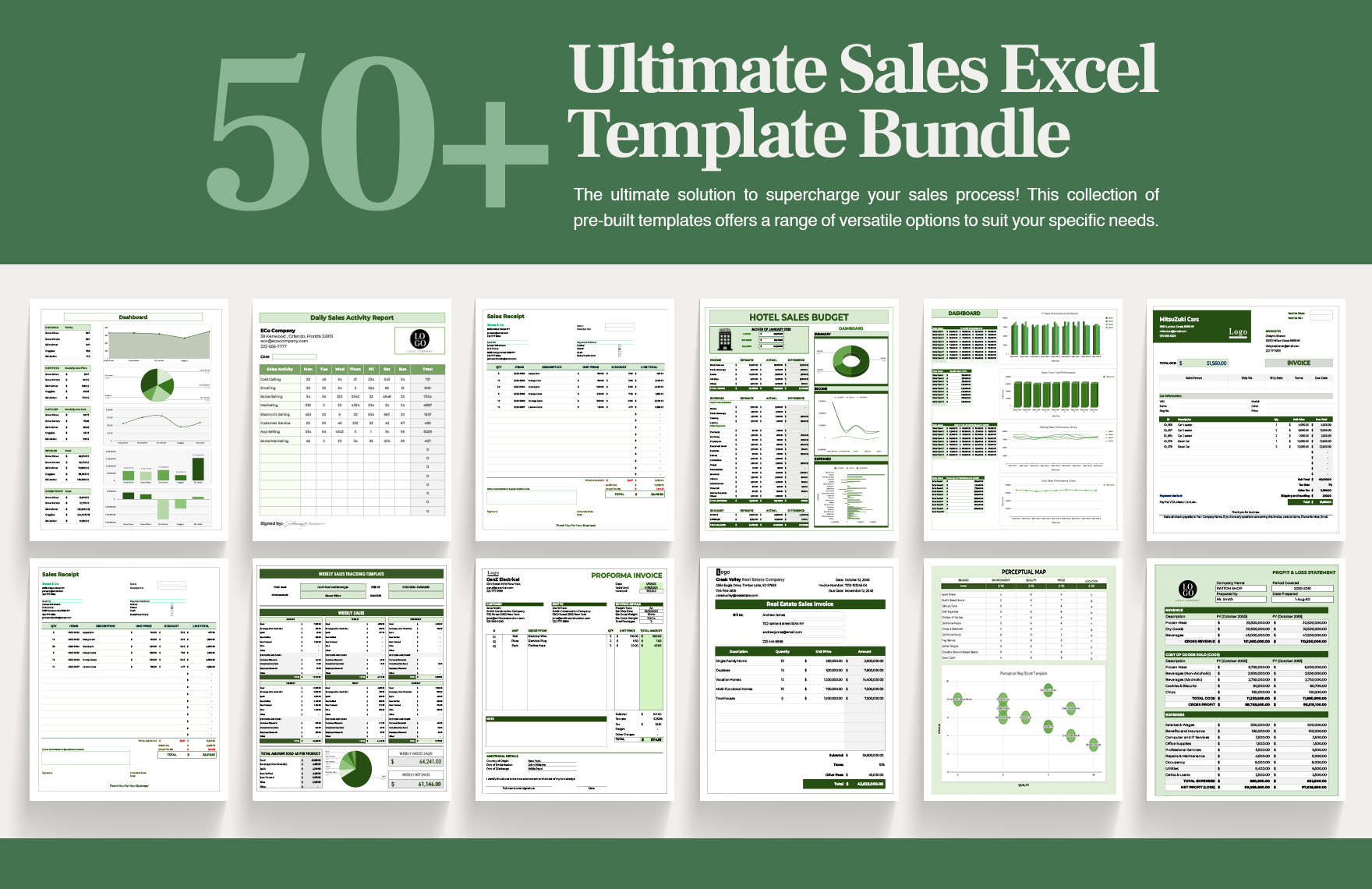
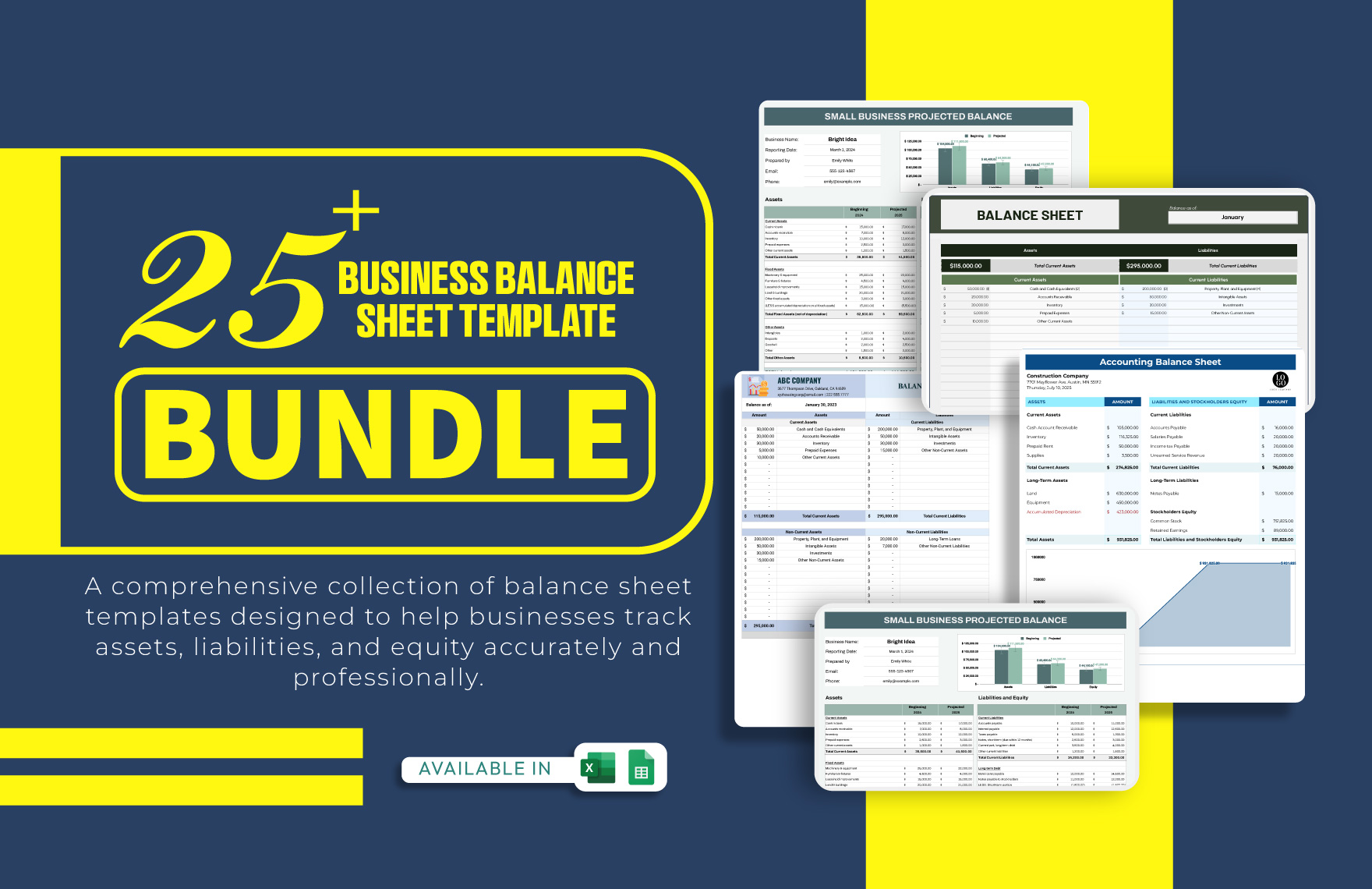
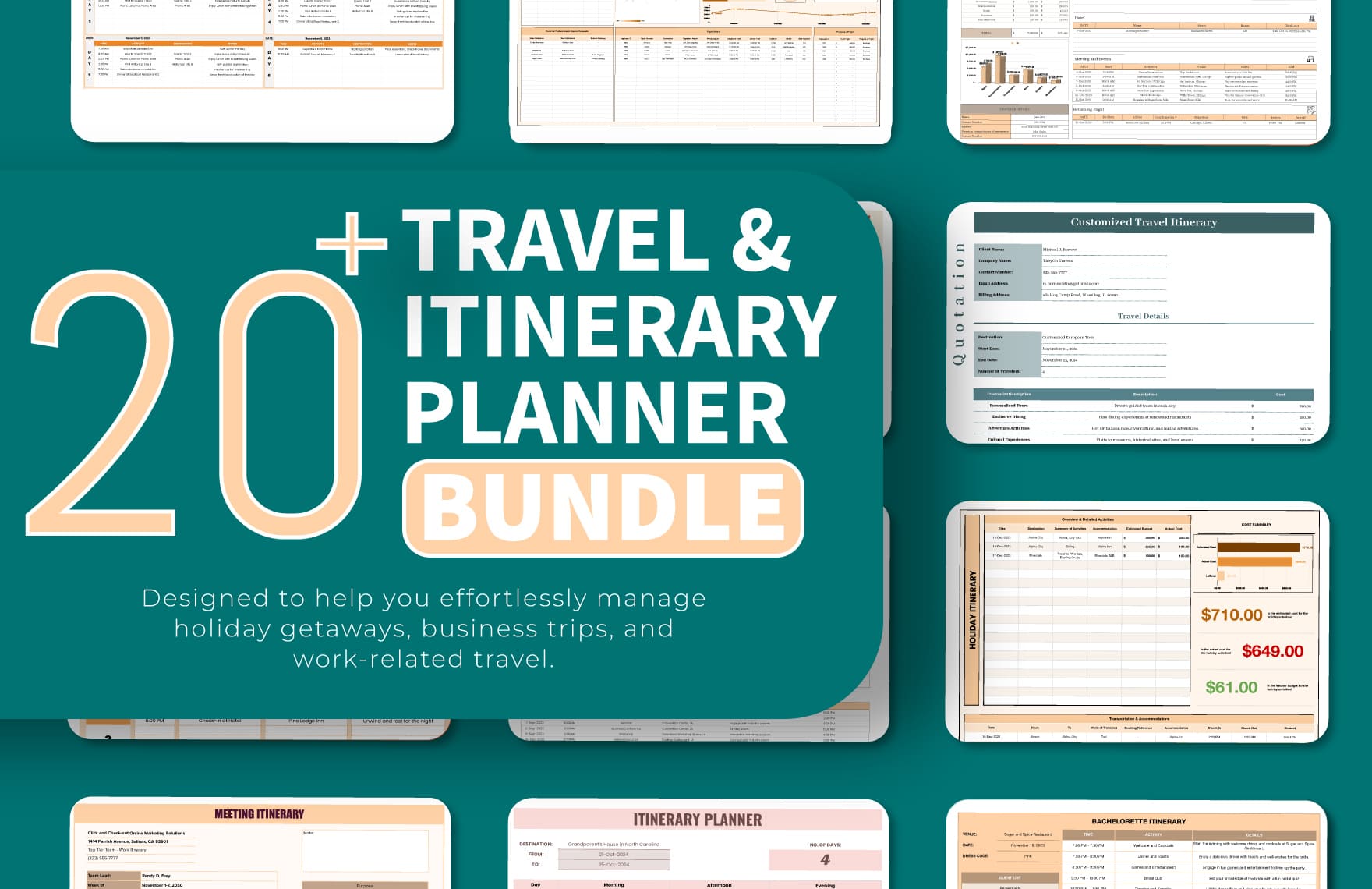
A Microsoft Excel is a spreadsheet software featuring rows and columns to organize data, cell formulas for calculations, and charts for visual analysis. Microsoft Excel templates are pre-built files that simplify data entry and reporting with automated functions.
Why use a Microsoft Excel?
Microsoft Excel templates streamline data management by providing pre-built formulas, calculated totals, and structured data categories for accuracy and efficiency. Using these templates saves time and ensures professional data presentation with minimal setup.
Who typically uses Microsoft Excels?
Microsoft Excel templates are commonly used by professionals, small businesses, educators, and students who require organized rows and columns, automated calculations, and customizable layouts for budgeting, scheduling, and reporting tasks.
What rows and columns should a Microsoft Excel include?
A Microsoft Excel template should include clearly labeled rows and columns relevant to the task, such as dates, categories, amounts, and descriptions, combined with cell formulas for automatic totals and conditional formatting to highlight key data.
What are the best tips for formatting a Microsoft Excel spreadsheet?
Effective Microsoft Excel formatting uses conditional formatting for visual cues, consistent fonts and colors, locked header rows and columns for navigation, and clear data categories to enhance readability and professional appearance.
How do you print or export a Microsoft Excel spreadsheet?
Microsoft Excel templates should be designed with print-ready layouts including page breaks and margins. Users can export spreadsheets as .xlsx files or print directly with options to adjust orientation, scaling, and headers for professional results.
Is a Microsoft Excel accurate and reliable for professional use?
Microsoft Excel templates are accurate and reliable due to pre-built formulas, data validation, and error-checking features that prevent mistakes, ensuring trustworthy calculations and consistent professional data presentation.
How can you customize a Microsoft Excel for different business needs?
Customization of Microsoft Excel templates involves adjusting rows and columns to fit specific data, adding tailored cell formulas, applying unique conditional formatting rules, and incorporating relevant charts to match diverse business workflows.
Can I create a new Microsoft Excel spreadsheet using AI?
Template.net provides AI-powered tools capable of generating structured Microsoft Excel spreadsheets compatible with Microsoft Excel, enabling fast creation of accurate, formula-driven templates ready for online editing and .xlsx download.
