
Free Frame Coloring Templates







Frame Coloring Templates: Definition, Usage, and Design Insights
What is a Frame Coloring?
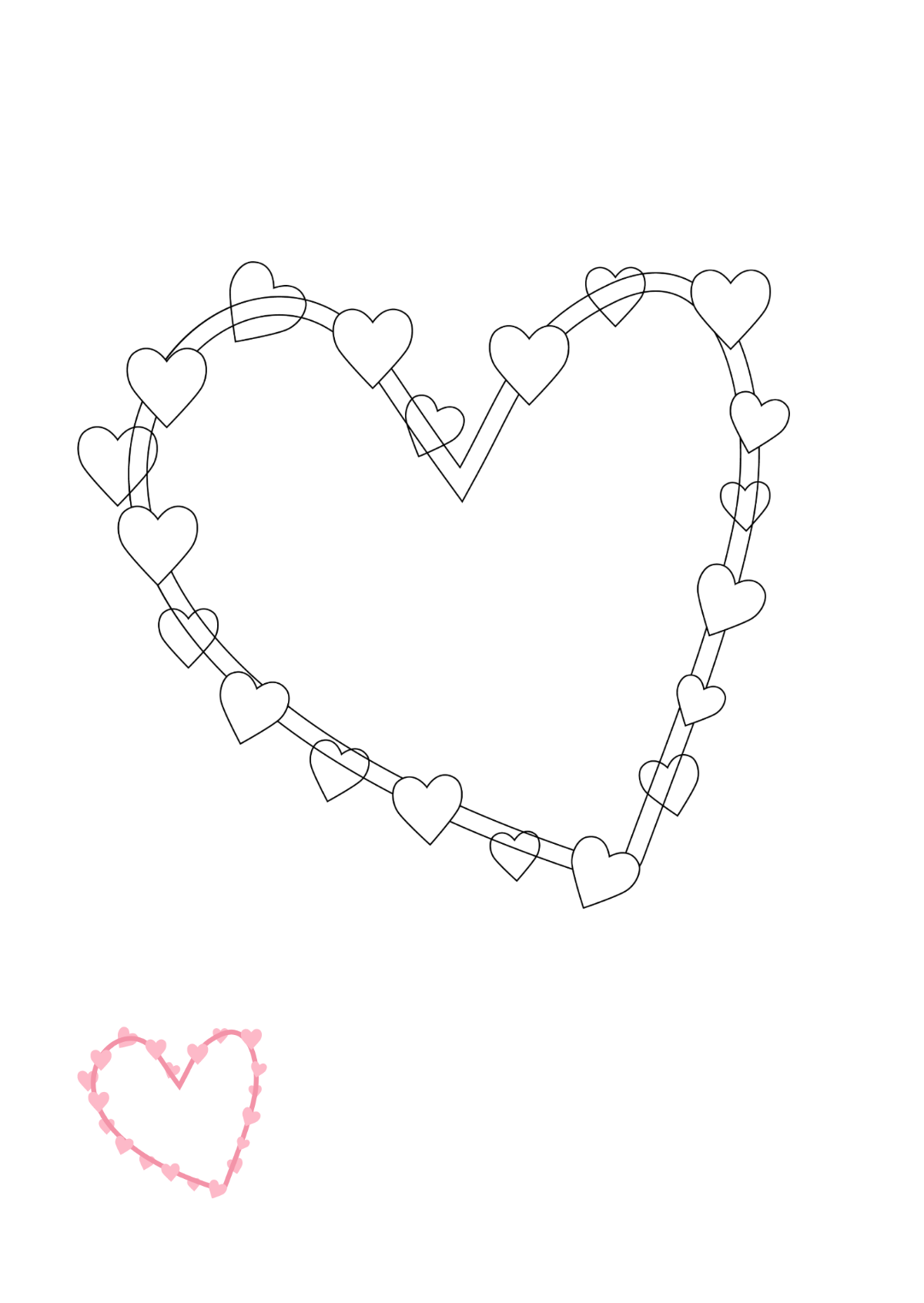
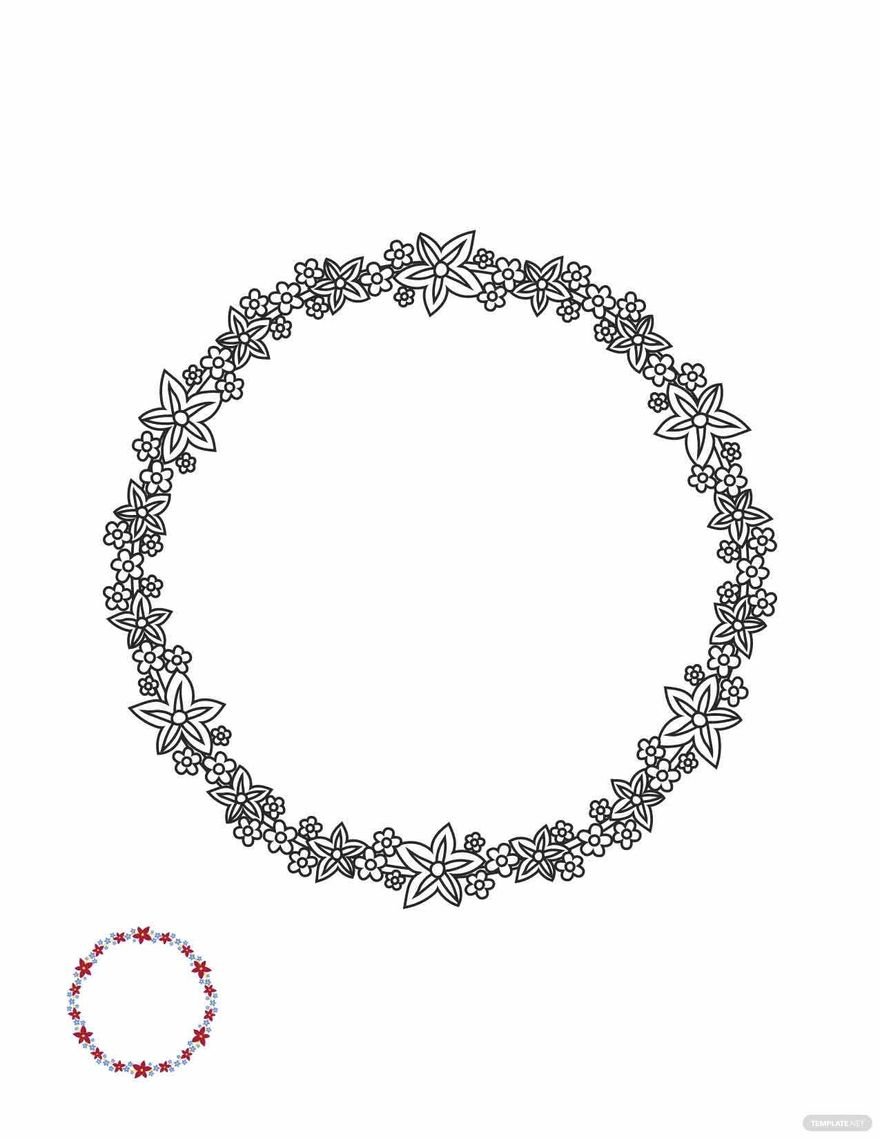
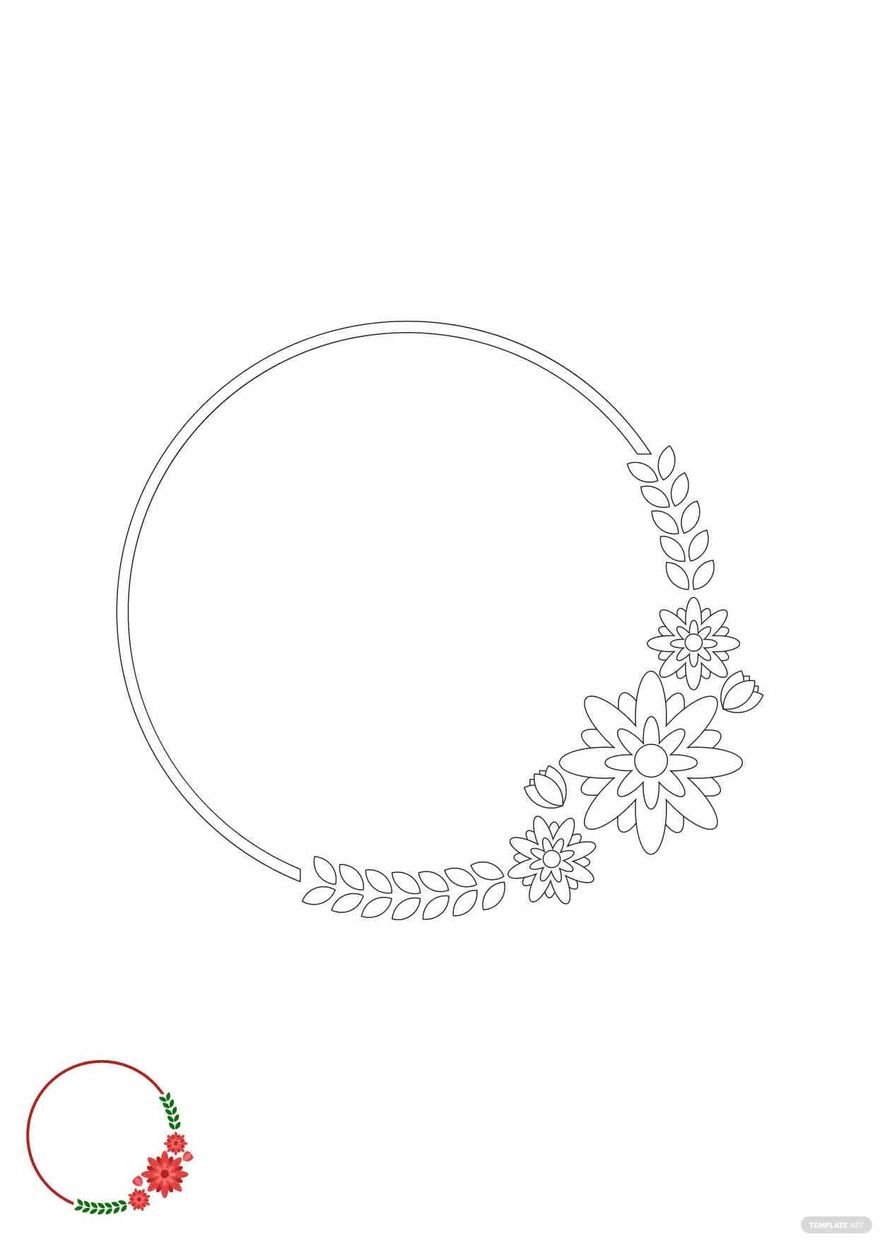
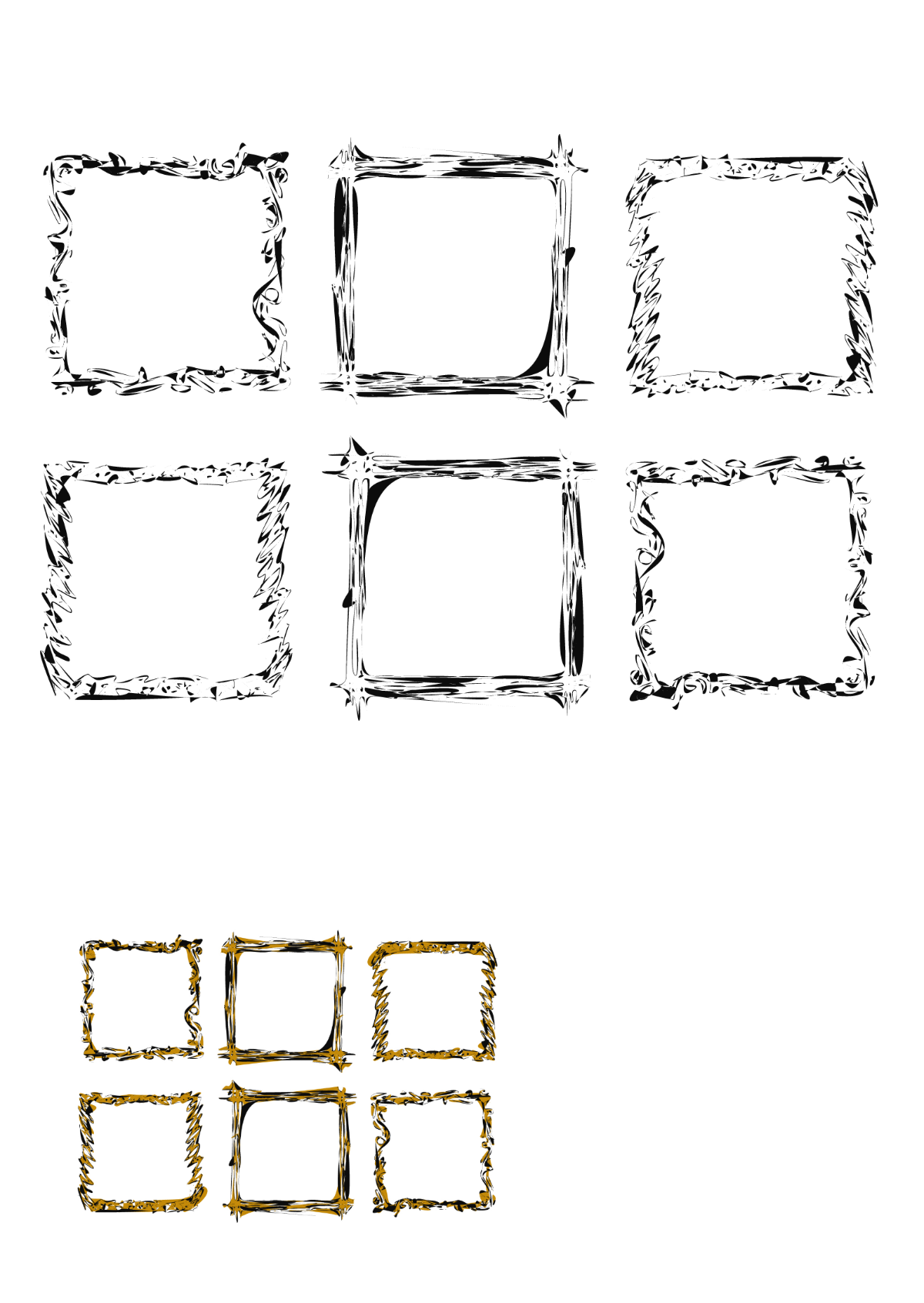
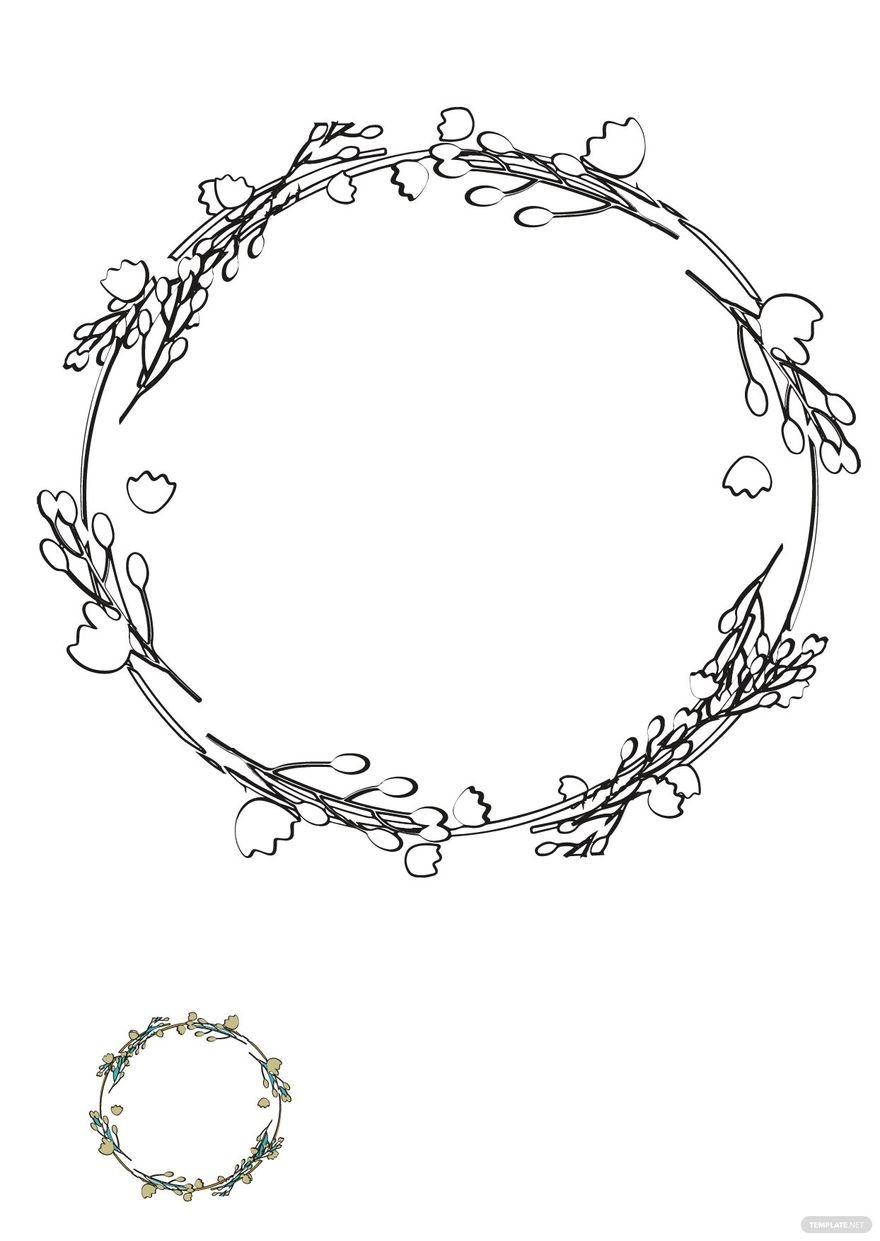
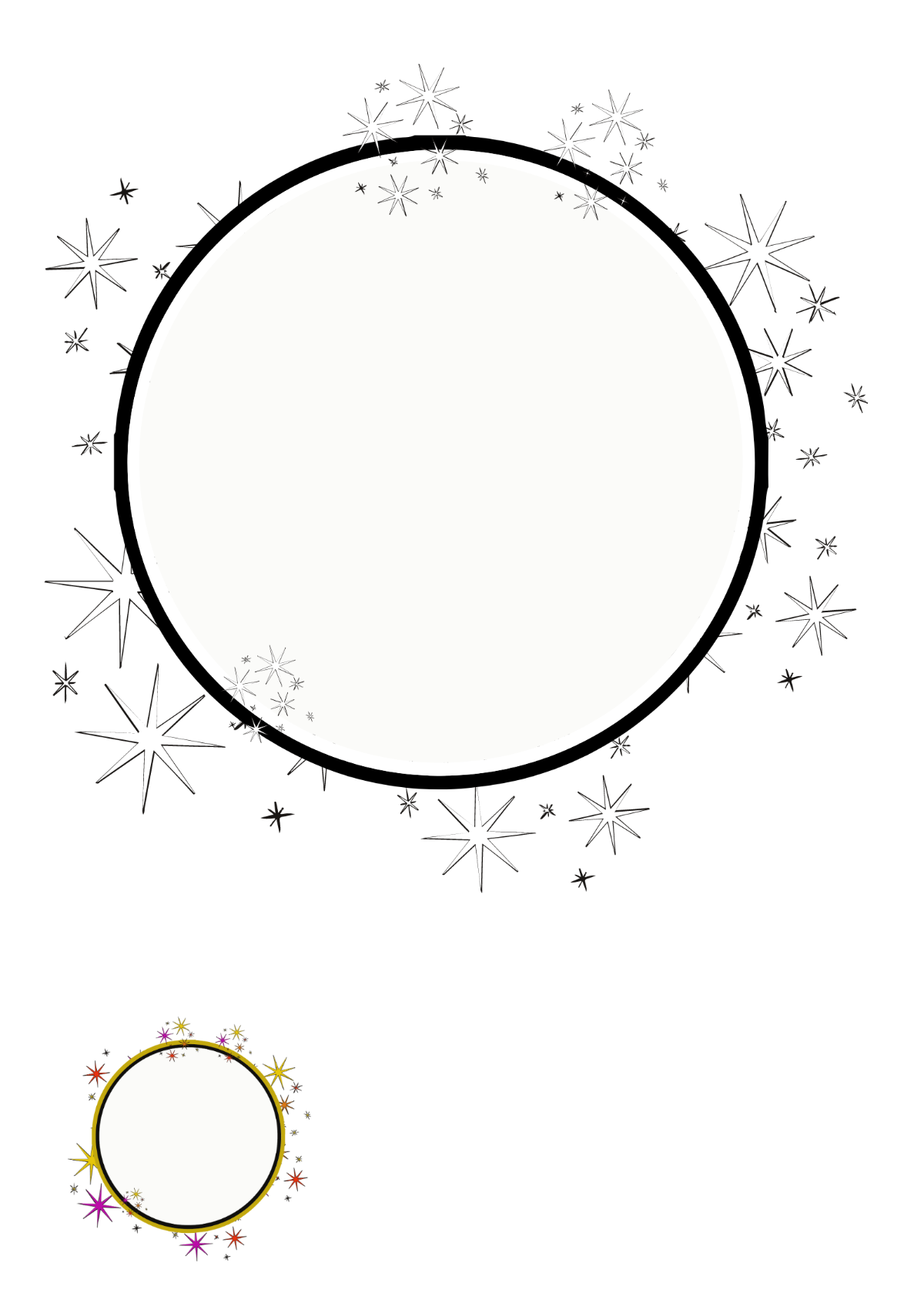
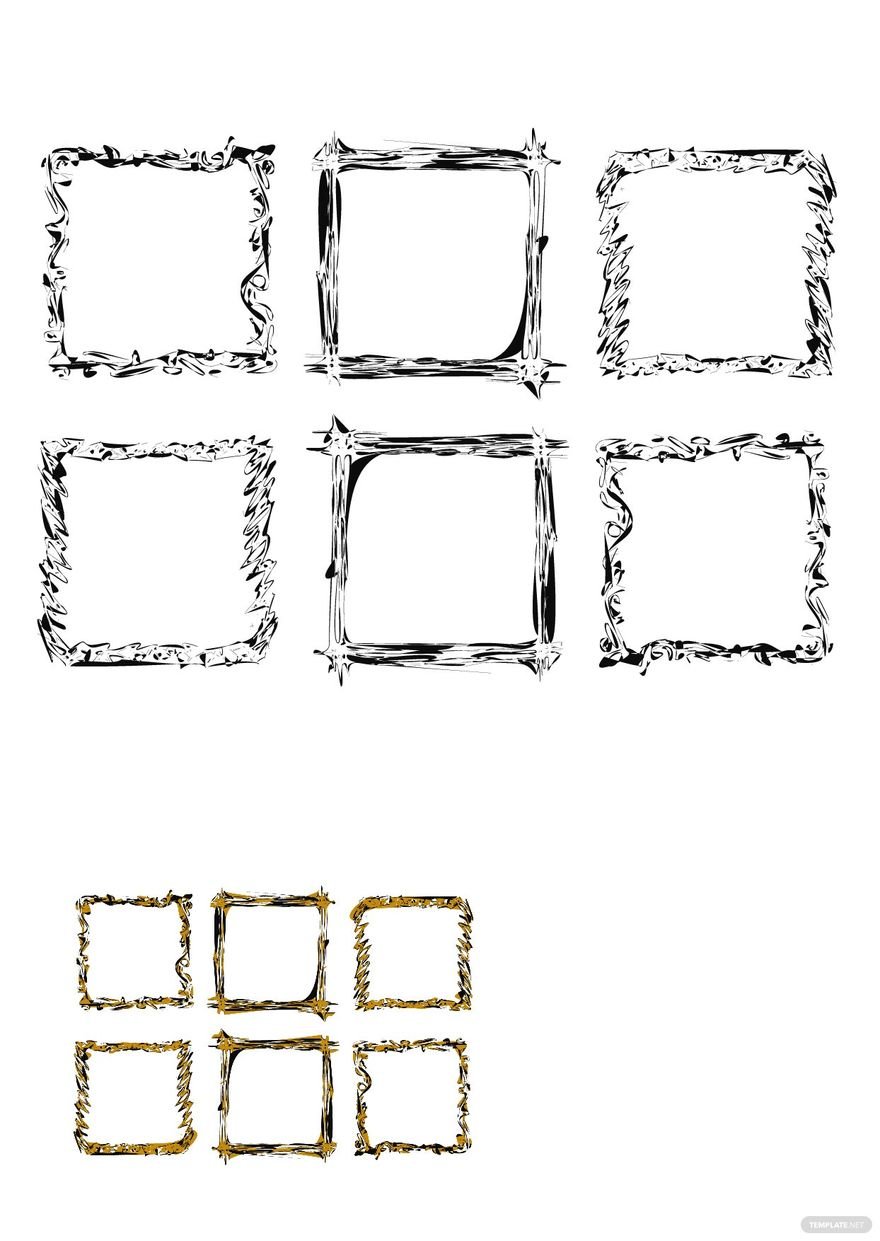
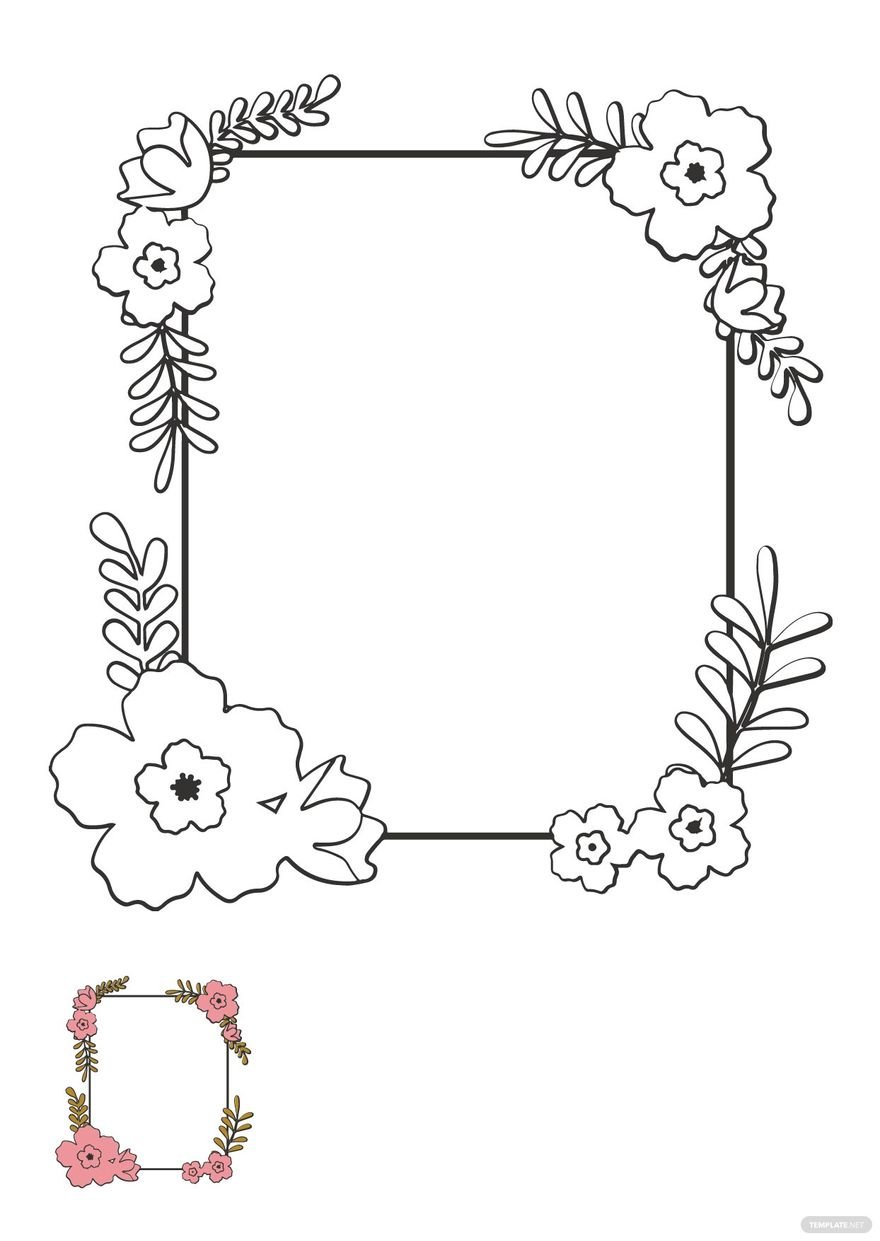
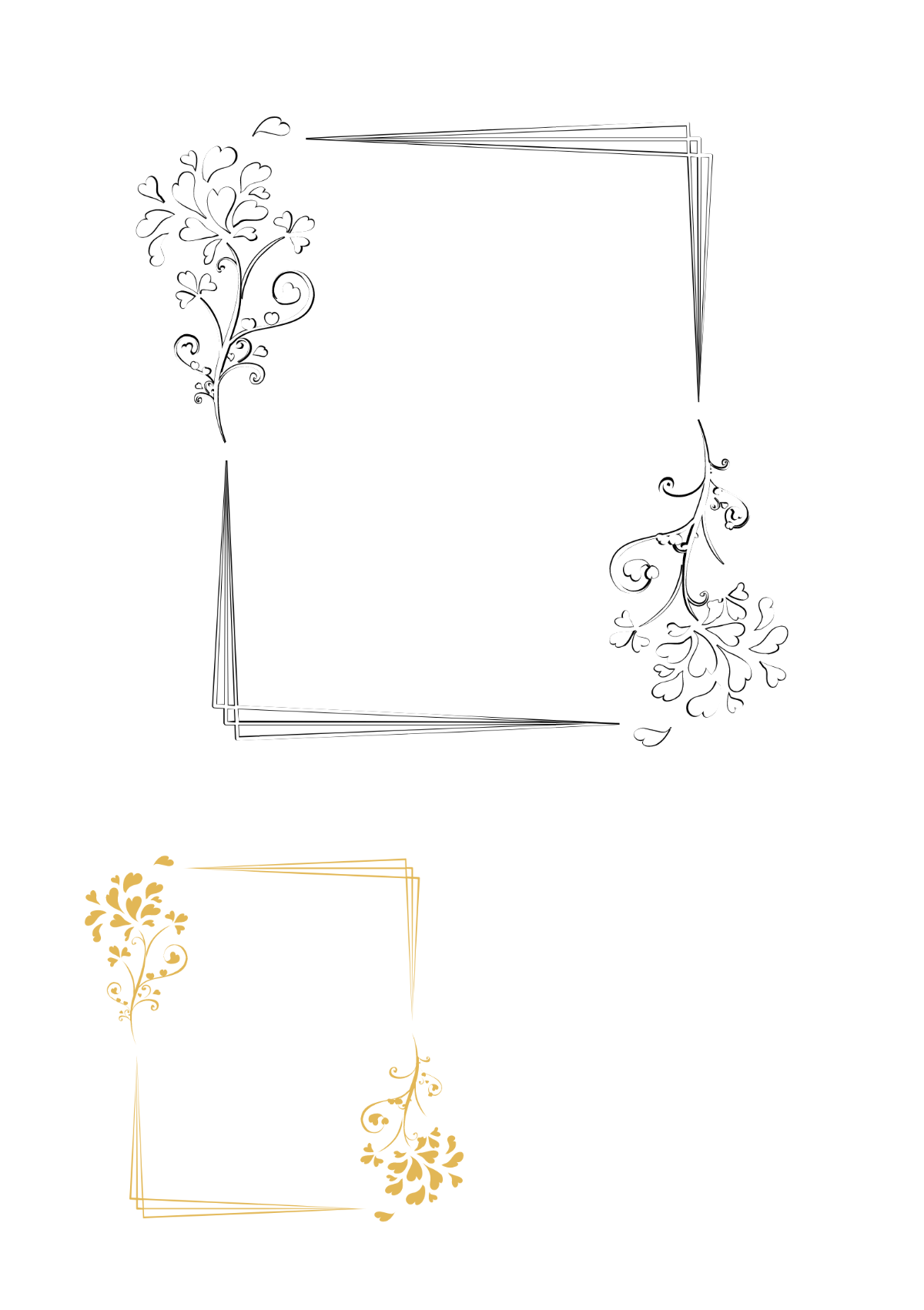
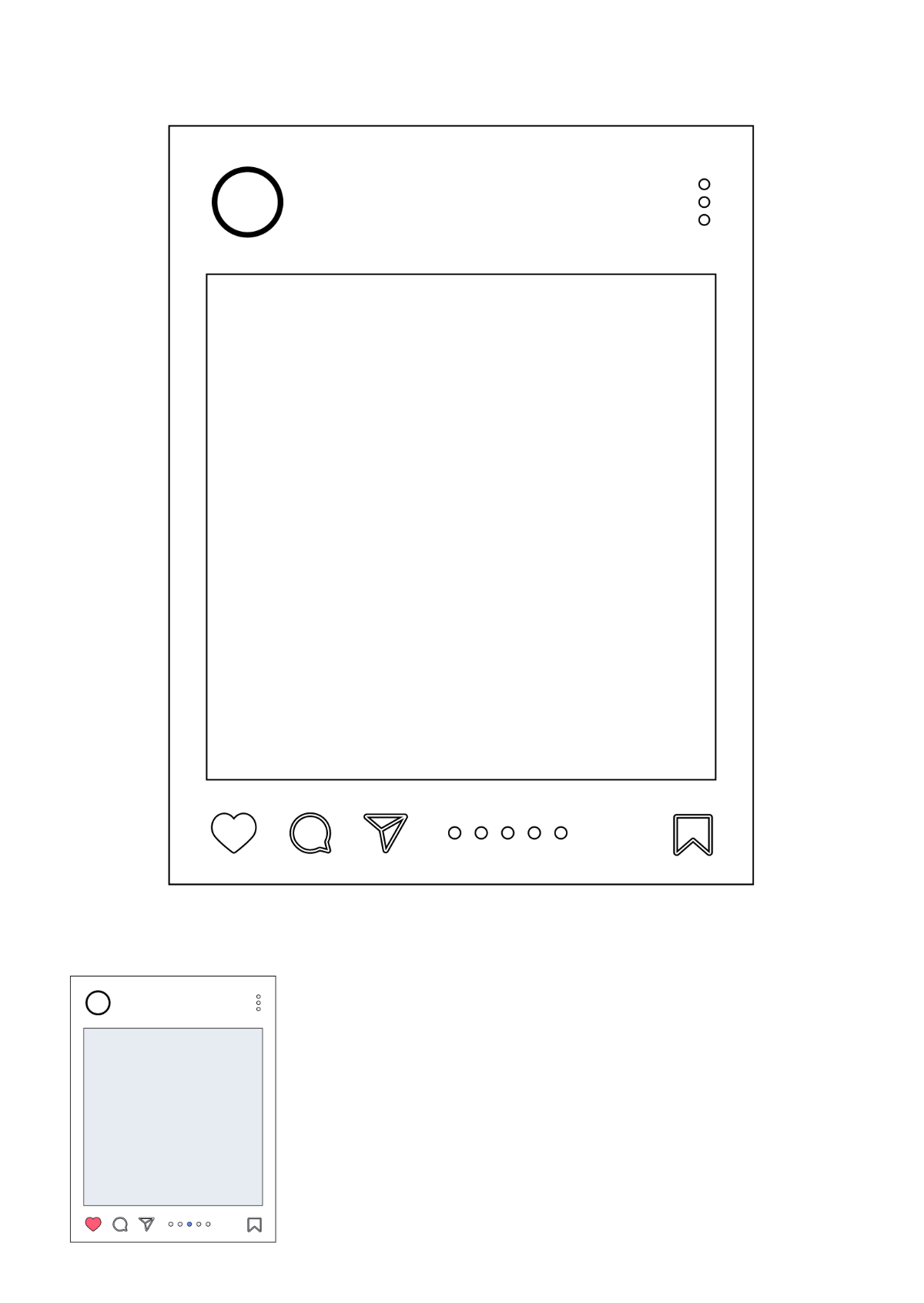
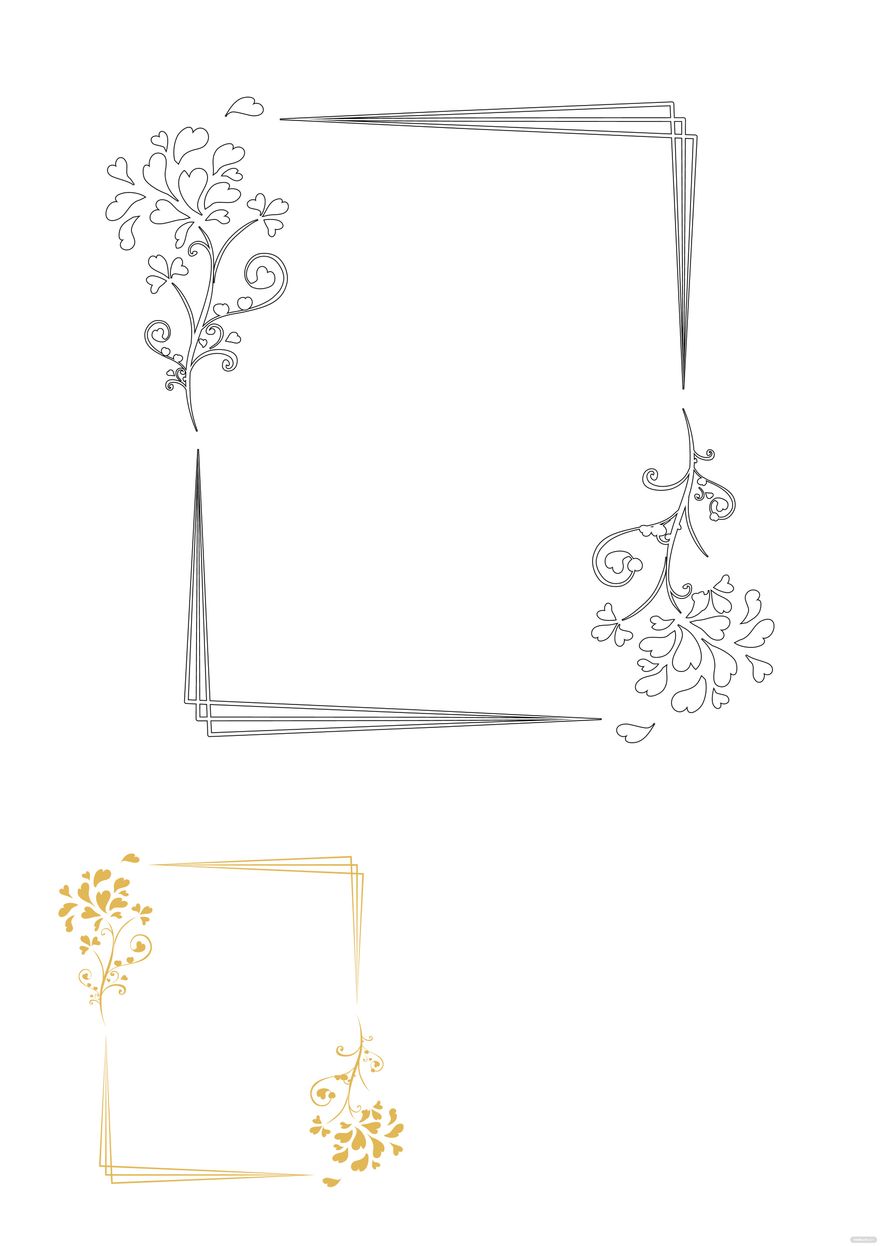
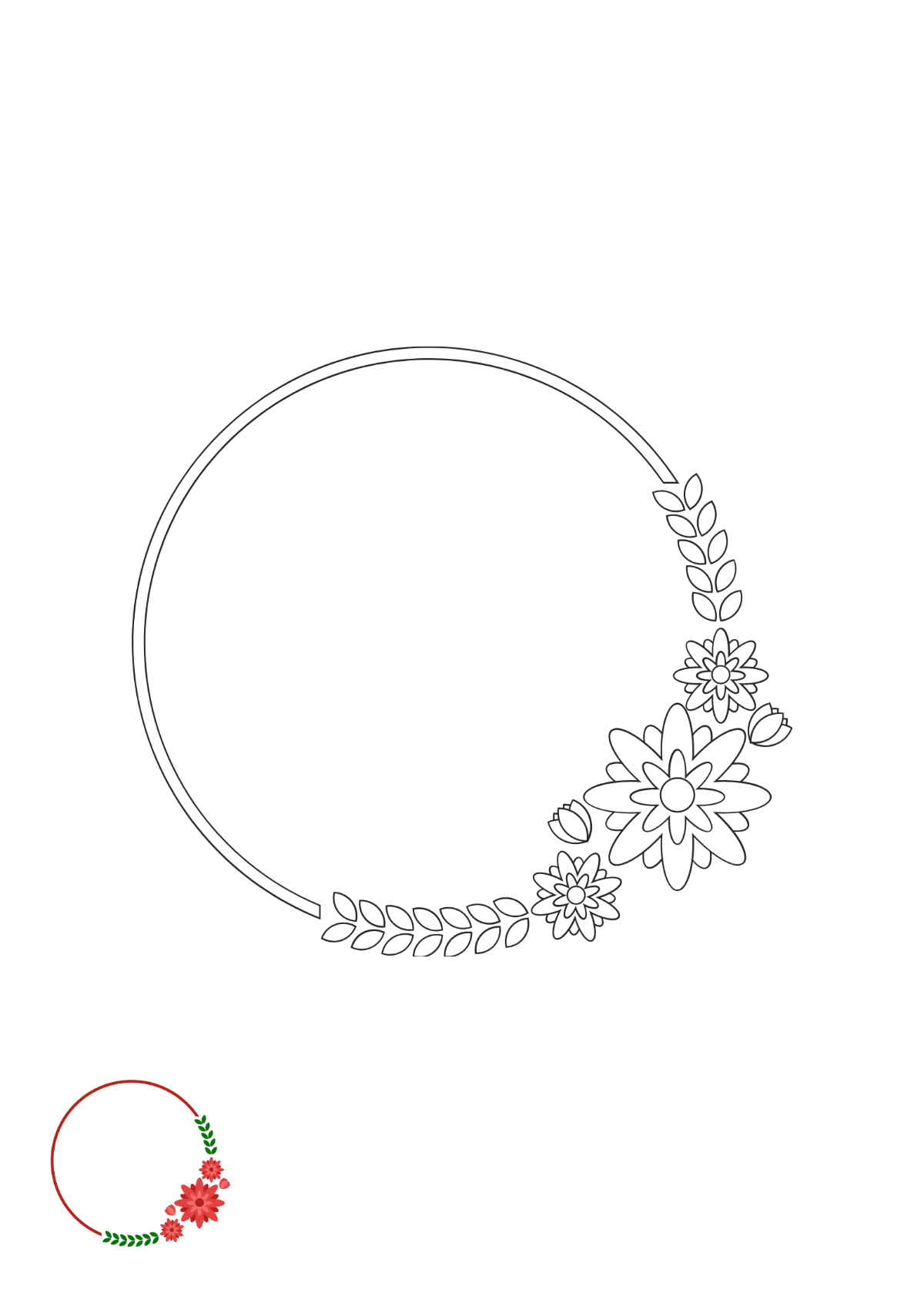
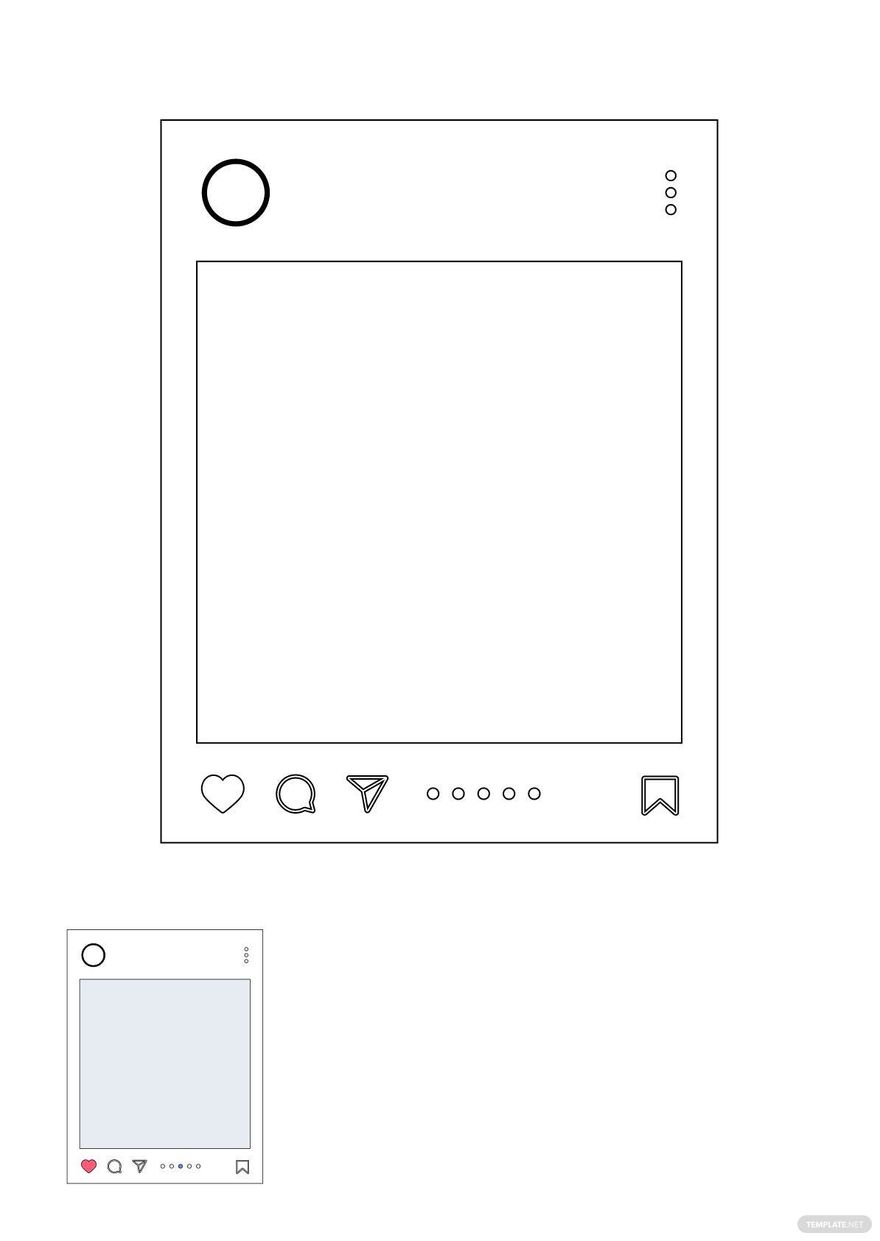
A frame coloring is a template featuring a decorative border frame designed for coloring activities. Frame coloring templates provide structured layout blocks that highlight the central image or text area. These templates allow easy customization of design layers and editable text areas within the frame.
Why use a Frame Coloring?
Frame coloring templates enhance artwork by adding decorative borders that focus attention on the central content. Using frame coloring templates improves visual appeal and provides structured design elements for creative projects. Template.net offers professionally layered templates editable online for fast and polished results.
Who typically uses Frame Colorings?
Frame coloring templates are typically used by educators, artists, and parents to create engaging coloring activities. These templates assist designers and hobbyists in producing customizable framed artwork. Template.net supports a wide audience with user-friendly online editing and downloadable professional layouts.
What size should a Frame Coloring be?
Frame coloring templates commonly use sizes such as 8.5 × 11 inches or 5 × 7 inches for easy printing and handling. The size depends on the intended use but should accommodate clear border frames and ample coloring area. Template.net offers varied size options editable online to fit your project needs.
What are the best tips for designing a Frame Coloring?
When designing a frame coloring, focus on balanced border thickness, clear graphics, and layered design elements for easy coloring. Use editable text areas to personalize messages and ensure the frame complements the central image. Template.net’s templates provide professional layout blocks for effective customization.
How do you print a Frame Coloring?
To print a frame coloring template, select a size such as 8.5 × 11 inches and use high-quality paper for best results. Export the template in a print-friendly format and ensure the border frame and graphics remain clear and crisp. Template.net supports downloadable formats optimized for professional printing.
What elements should a Frame Coloring include?
A frame coloring template should include a decorative border, central coloring area, editable text blocks, and layered design components for customization. These elements ensure the frame guides the coloring activity while allowing personal artistic expression. Template.net templates highlight key design layers for easy editing.
What file formats can I download for a Frame Coloring?
Can I create a new Frame Coloring using AI?
Template.net provides an AI-powered tool that generates new frame coloring designs from prompts. This tool allows you to create unique framed coloring pages quickly with AI assistance. Try the Coloring Page Generator for innovative frame coloring templates.
