
Free Cute Templates












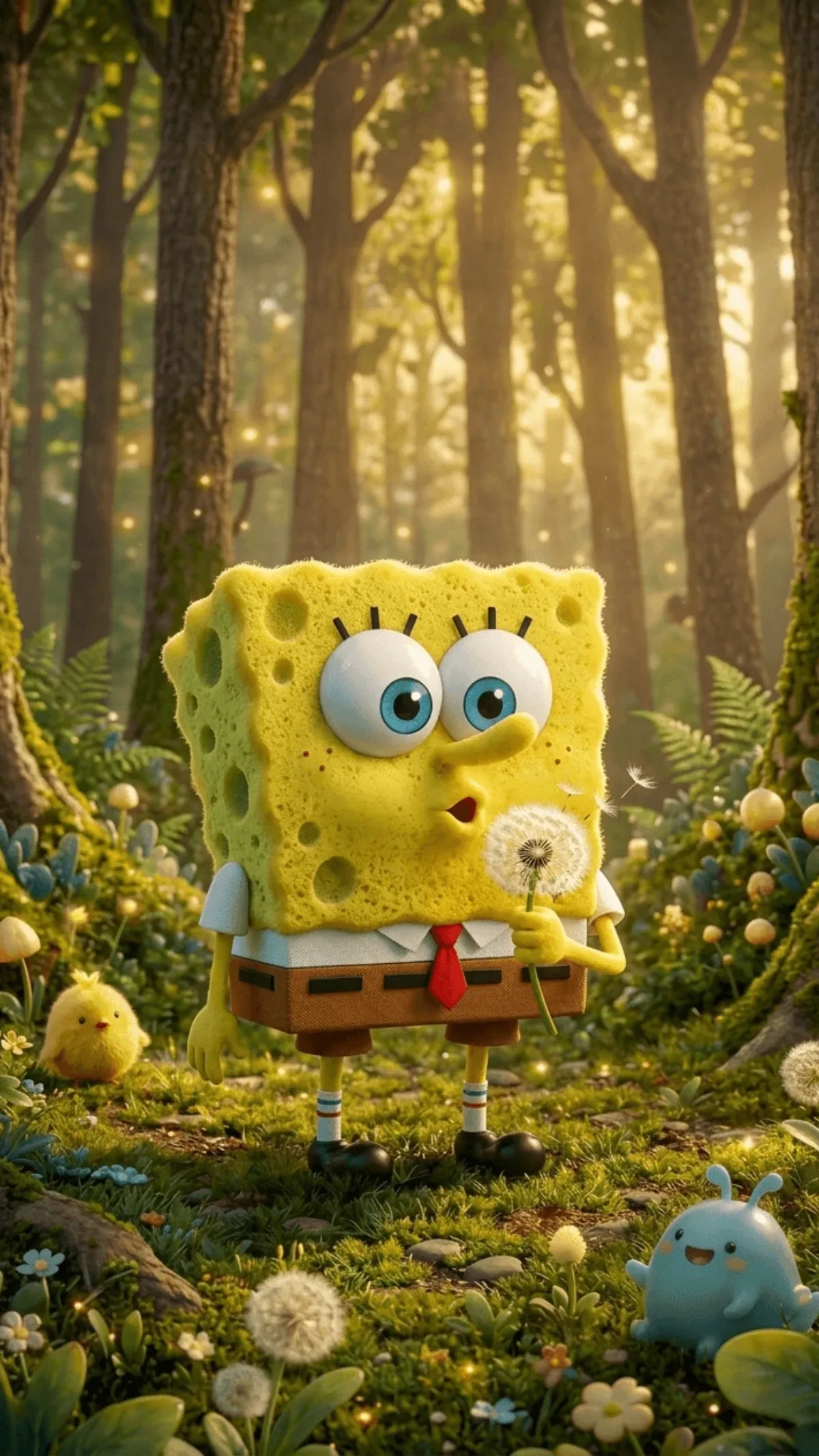
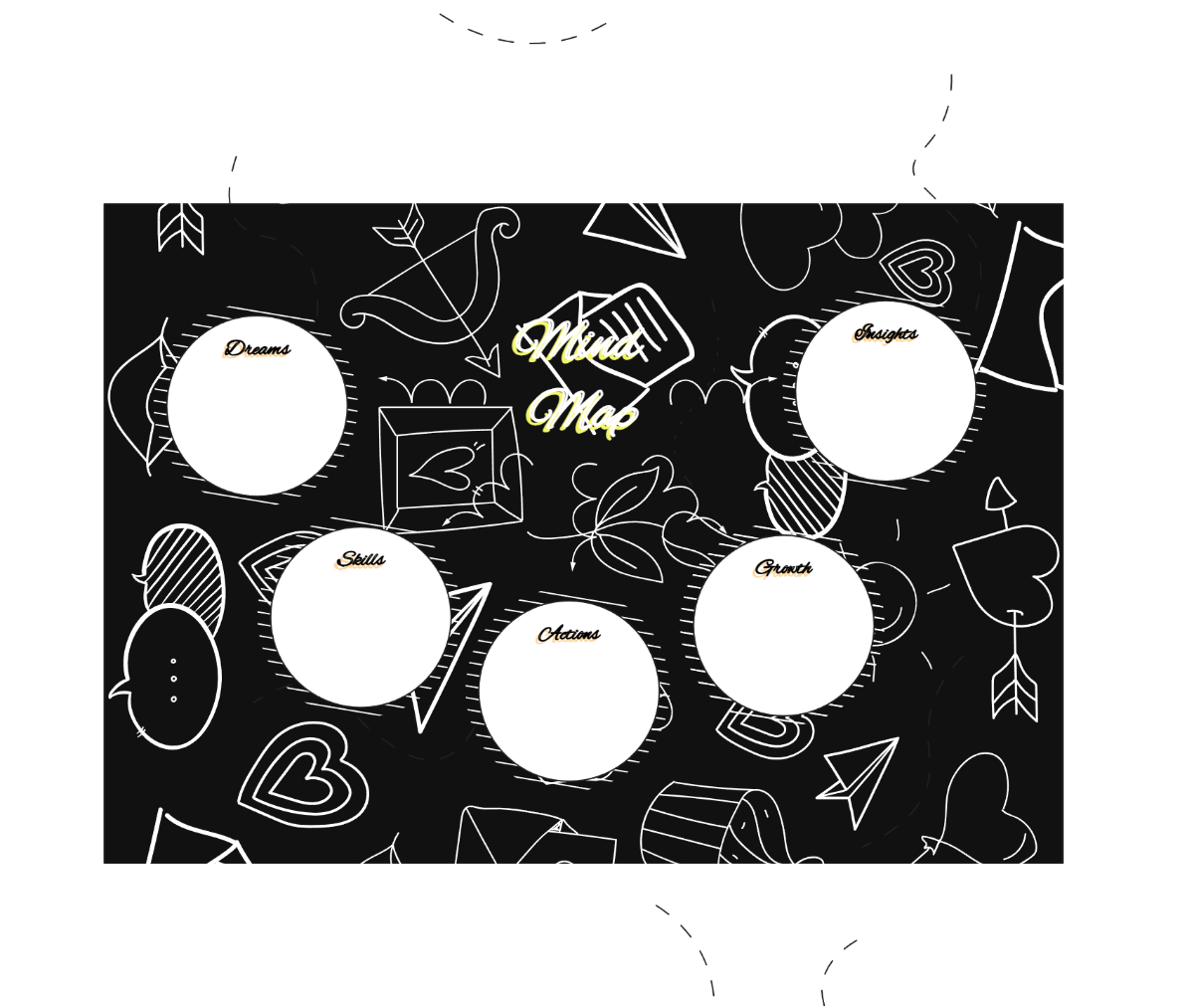

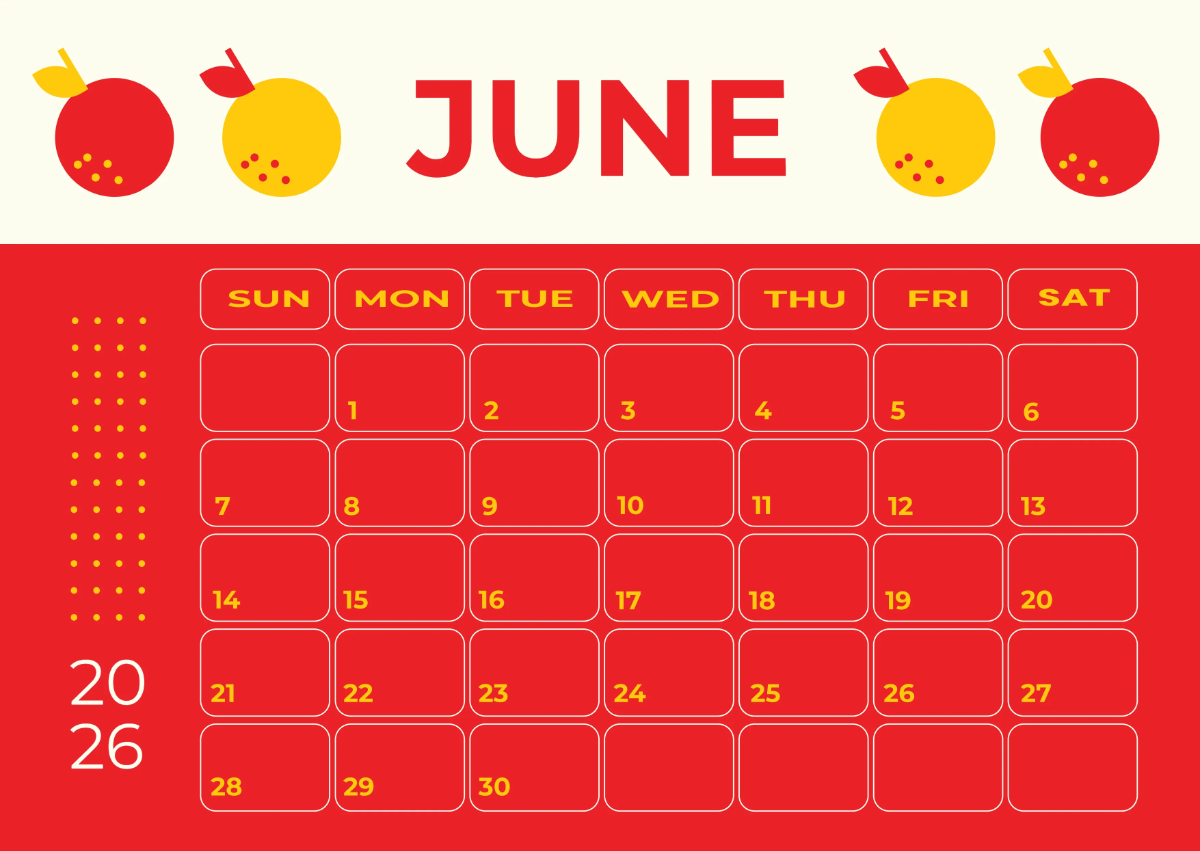






Cute Templates: Design Guide, Usage, and Customization Tips
What is a Cute template?
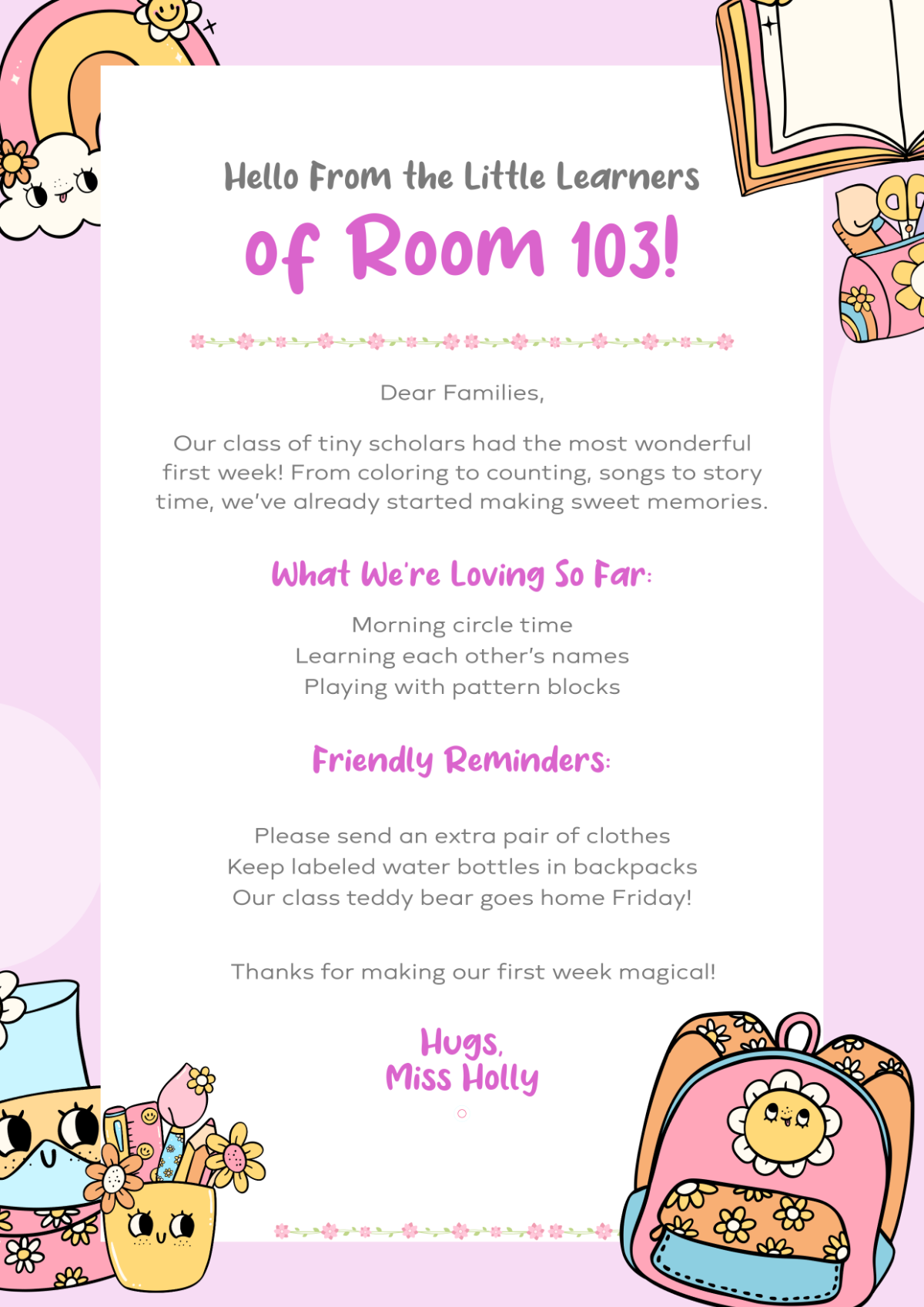
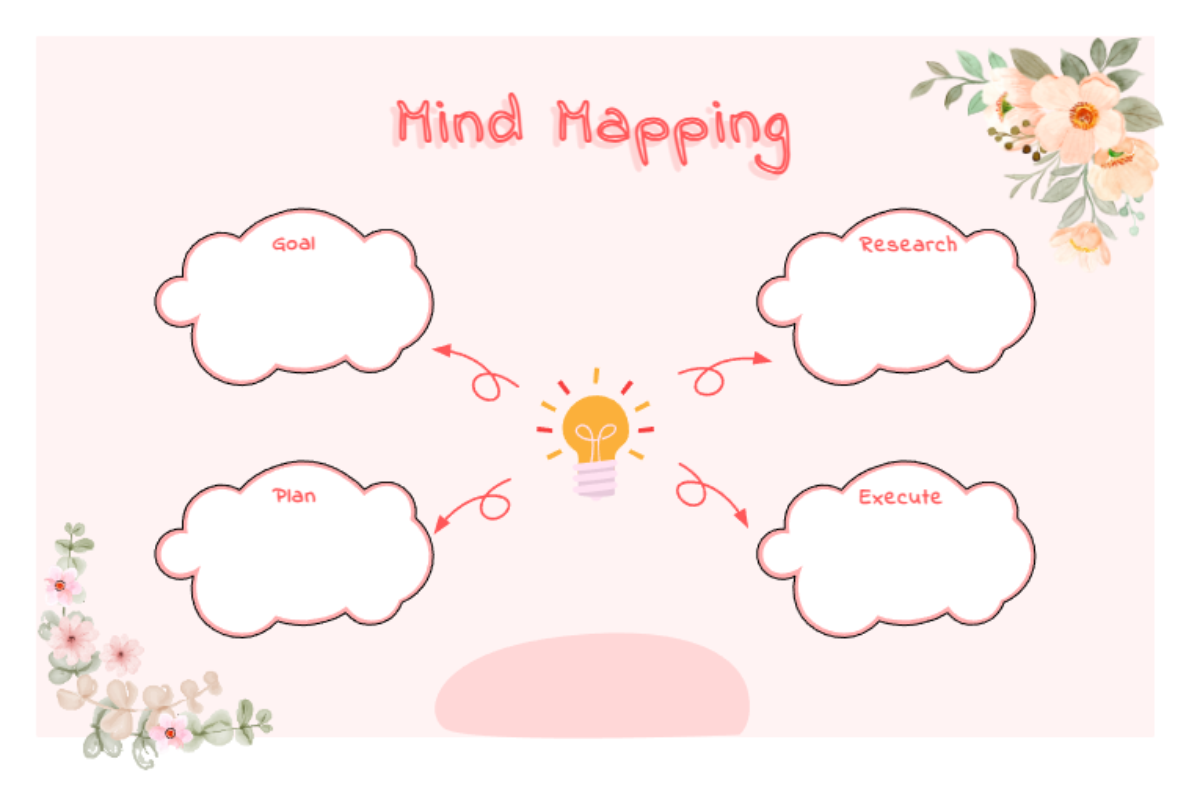
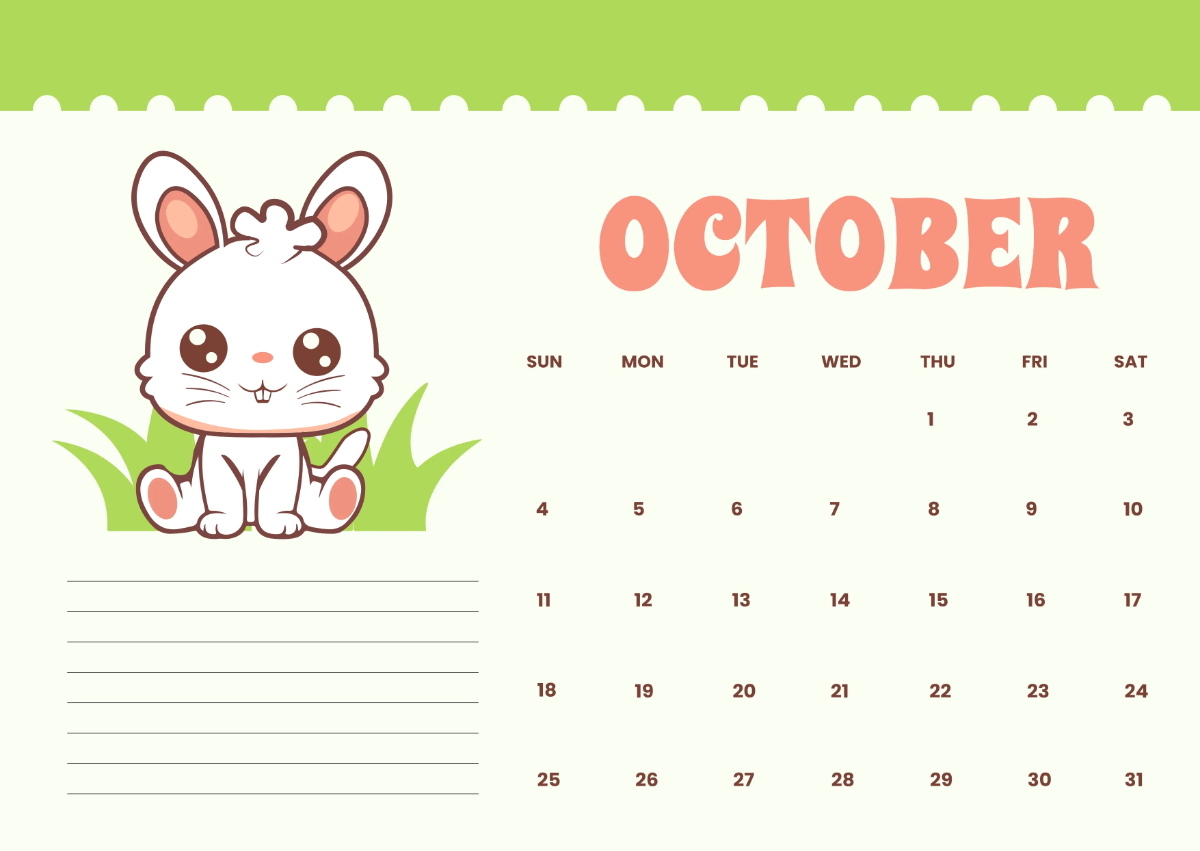
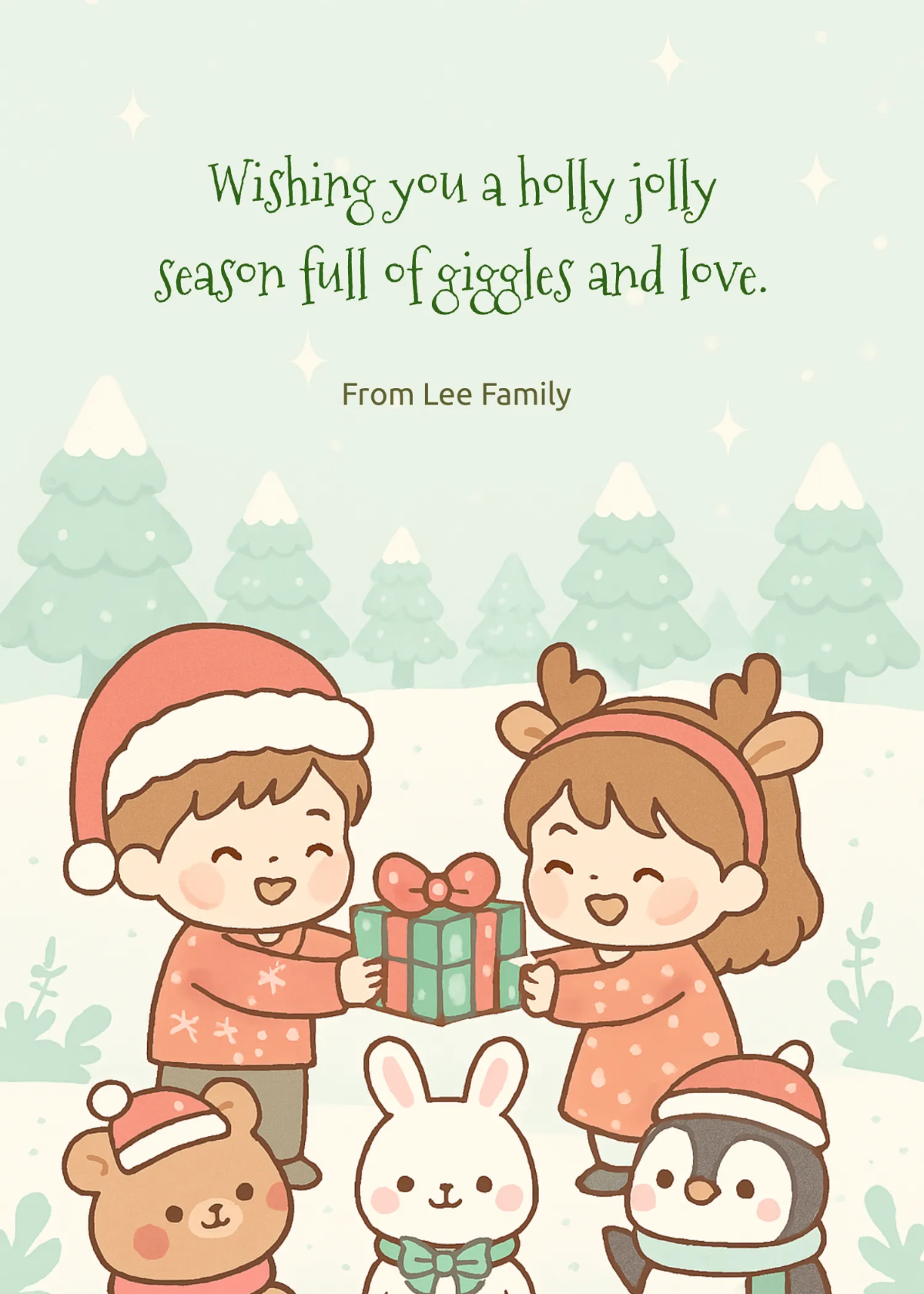
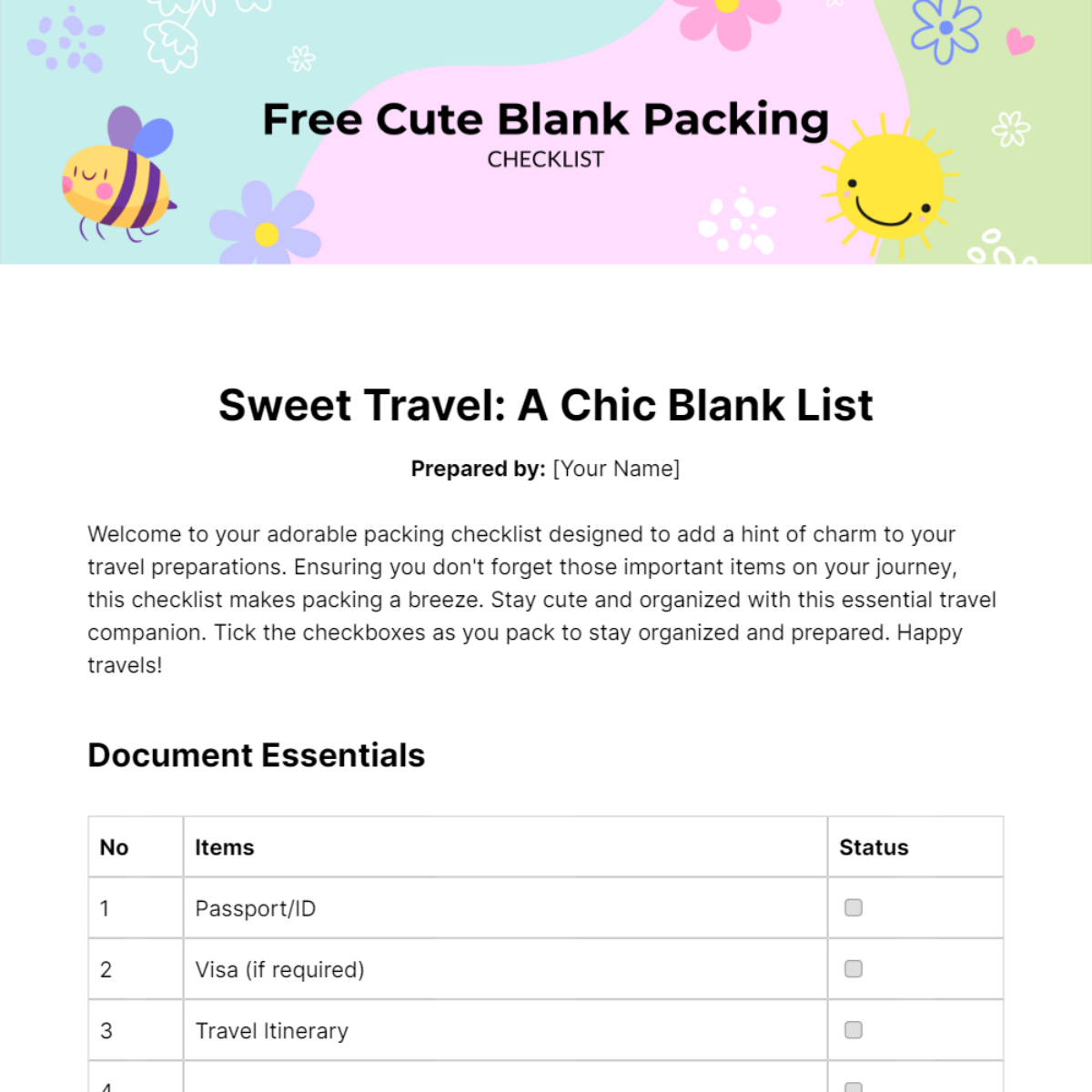
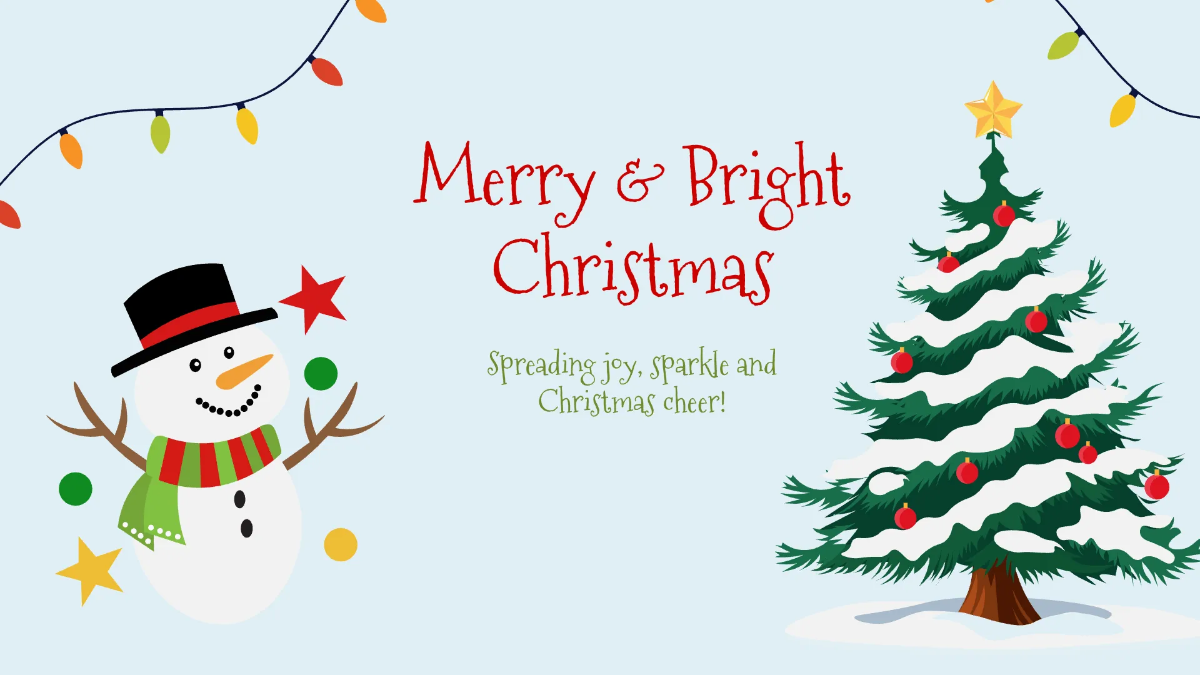
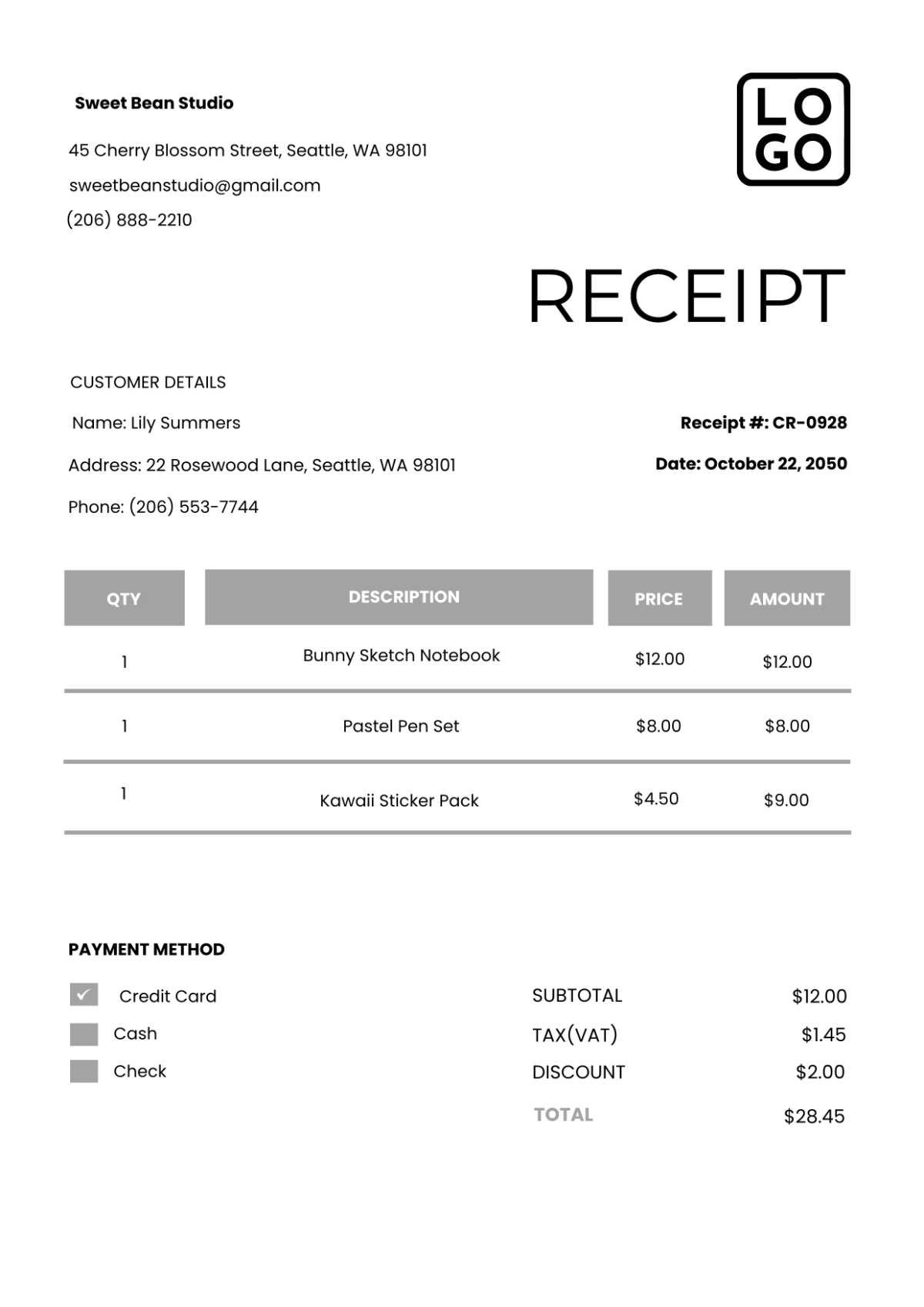
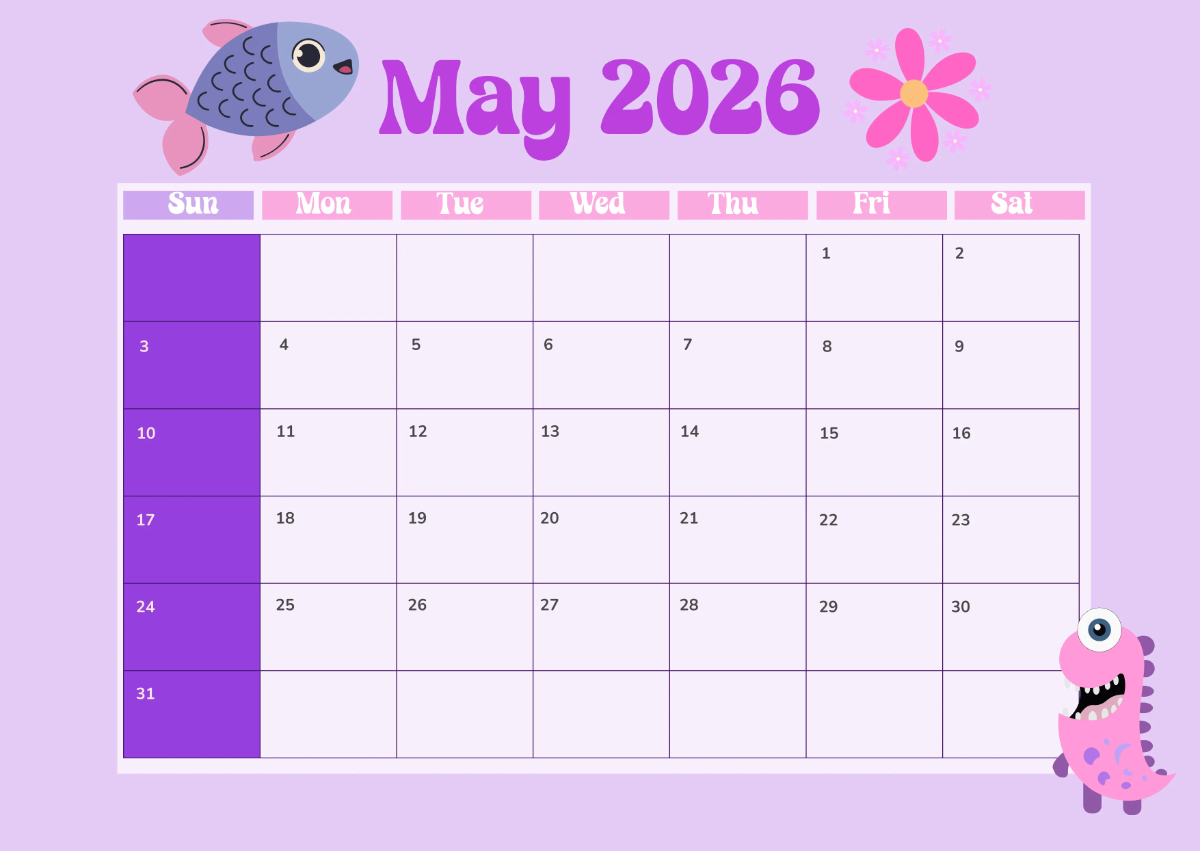
A Cute template is a ready-made design featuring playful and charming visual elements such as pastel colors, whimsical graphics, and soft fonts. These templates include editable text areas and layered design blocks that help users create appealing and professional layouts easily for invitations, cards, and social media posts.
Who typically uses Cute templates?
Cute templates are commonly used by small business owners, event planners, teachers, and social media managers who want to create engaging and visually appealing content. These users benefit from customizable layouts and online editing features that enable quick professional results without advanced design skills.
When should I use Cute templates?
Cute templates are ideal for occasions requiring a friendly and charming aesthetic, such as birthday invitations, baby showers, children’s events, and casual marketing materials. Using these templates helps deliver a warm and approachable message with professional layouts and editable visual elements.
What are some design tips for using Cute templates?
When customizing Cute templates, focus on maintaining a soft color palette with pastel shades and rounded shapes. Use playful graphics and keep editable text areas clear and readable. Layering design elements thoughtfully enhances the overall visual theme and professionalism of your project.
What sizes are common for Cute templates?
Cute templates typically come in popular sizes such as 4 × 6 inches for postcards, 5 × 7 inches for invitations, and 8.5 × 11 inches for flyers. These standard sizes ensure compatibility with common printing options and digital sharing platforms, allowing easy customization of layout blocks and design layers.
What key elements should a Cute template include?
A quality Cute template includes playful graphics like icons and illustrations, a cohesive color palette, editable text areas, and well-organized design layers for easy customization. These elements ensure the template is visually appealing and adaptable to various project needs.
How can I print Cute templates for best results?
To print Cute templates effectively, use high-quality paper and ensure the template size matches printer capabilities such as 5 × 7 inches or 8.5 × 11 inches. Adjust colors in the online editor for print accuracy and check layout blocks to avoid cropping important design elements.
What color schemes work best for Cute templates?
Cute templates work best with soft, pastel color schemes including pinks, blues, yellows, and greens. These colors create a warm and inviting feel. Combining a consistent color palette with playful graphics and clear editable text areas enhances the overall visual theme and appeal.
Can I create a new Cute template using AI?
Template.net provides an AI-powered tool capable of generating new Cute template designs from textual prompts. This allows users to create unique and customizable layouts quickly with professional design elements and editable layers. Explore the tool here: Template.net.
