Free Registry To-Do List

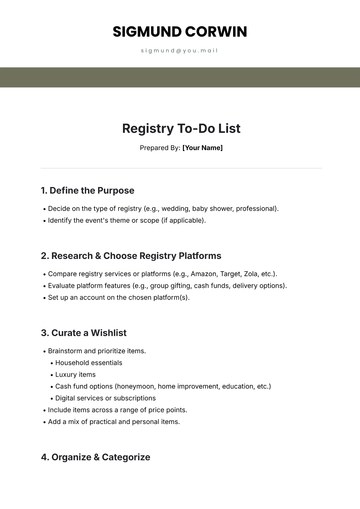
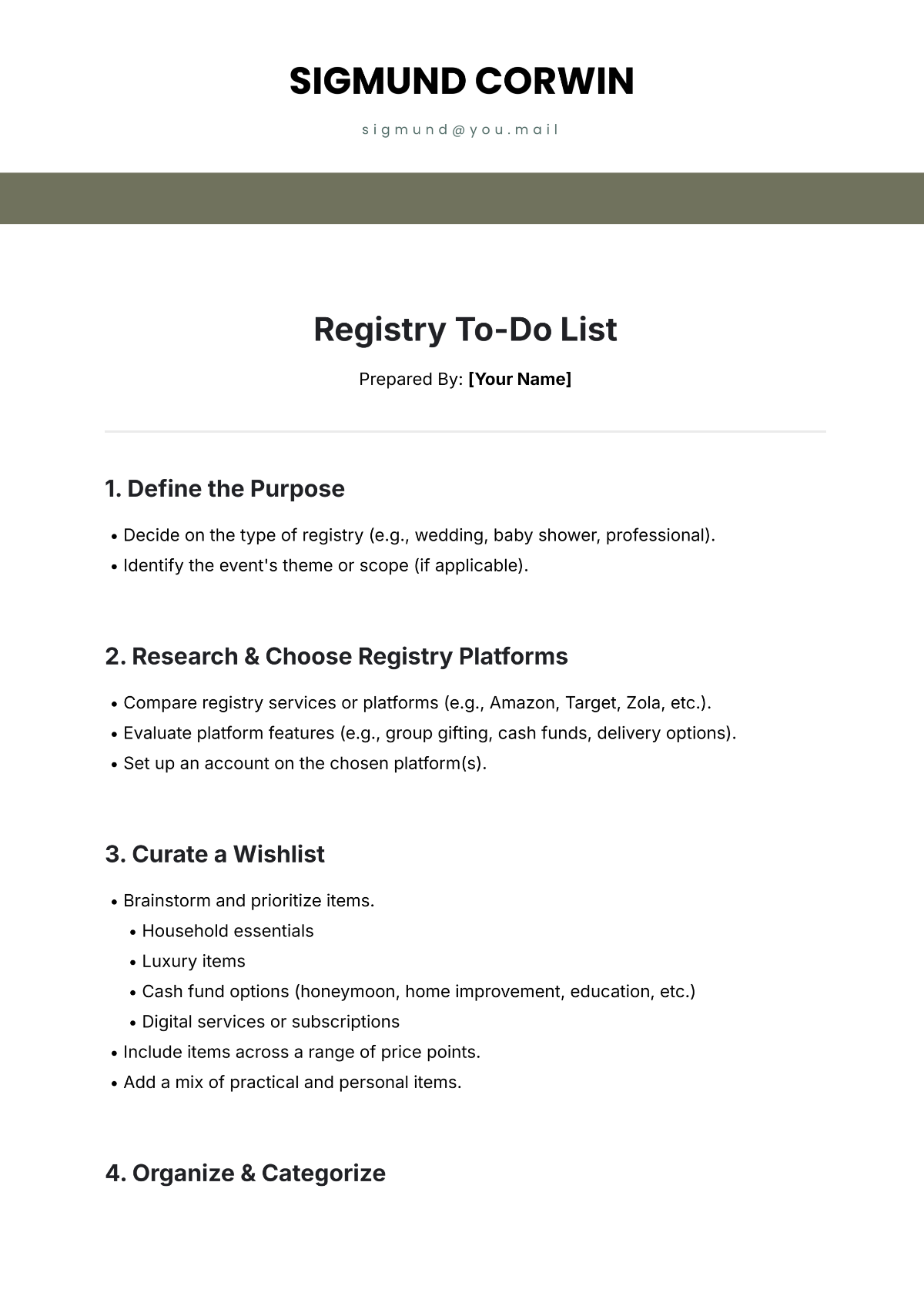
Prepared By: [Your Name]
1. Define the Purpose
Decide on the type of registry (e.g., wedding, baby shower, professional).
Identify the event's theme or scope (if applicable).
2. Research & Choose Registry Platforms
Compare registry services or platforms (e.g., Amazon, Target, Zola, etc.).
Evaluate platform features (e.g., group gifting, cash funds, delivery options).
Set up an account on the chosen platform(s).
3. Curate a Wishlist
Brainstorm and prioritize items.
Household essentials
Luxury items
Cash fund options (honeymoon, home improvement, education, etc.)
Digital services or subscriptions
Include items across a range of price points.
Add a mix of practical and personal items.
4. Organize & Categorize
Group items into categories (e.g., Kitchen, Electronics, Nursery, Entertainment).
Ensure there's a balance between high-need and nice-to-have items.
5. Customize the Registry
Include personal notes for each item (e.g., its significance or usage).
Set priorities for must-have items.
Update privacy settings as needed (public, private, or by invite link).
6. Share with Your Network
Announce the registry via invitations, emails, or social media (as appropriate).
Include registry links on event pages (e.g., wedding websites).
Provide clear instructions for accessing and purchasing items.
7. Maintain the Registry
Monitor activity (purchases, reservations, etc.).
Update the list regularly to reflect new needs or fulfilled items.
Respond to questions from contributors about items.
8. Post-Event Follow-Up
Review the final list of unpurchased items.
Use registry completion discounts (if available).
Send thank-you notes to contributors for their gifts.
9. Evaluate Success
Reflect on the registry experience: What worked? What didn’t?
Save ideas or contacts for future registry needs.

- 100% Customizable, free editor
- Access 1 Million+ Templates, photo’s & graphics
- Download or share as a template
- Click and replace photos, graphics, text, backgrounds
- Resize, crop, AI write & more
- Access advanced editor
Stay organized with Template.net’s Registry To-Do List Template. Customizable and editable, it’s ideal for outlining tasks and tracking registry-related activities. Editable in our AI Editor Tool, this template ensures flexibility and ease of use. Download it to manage your to-do list efficiently and meet all your registry needs.