
Free Class List Templates


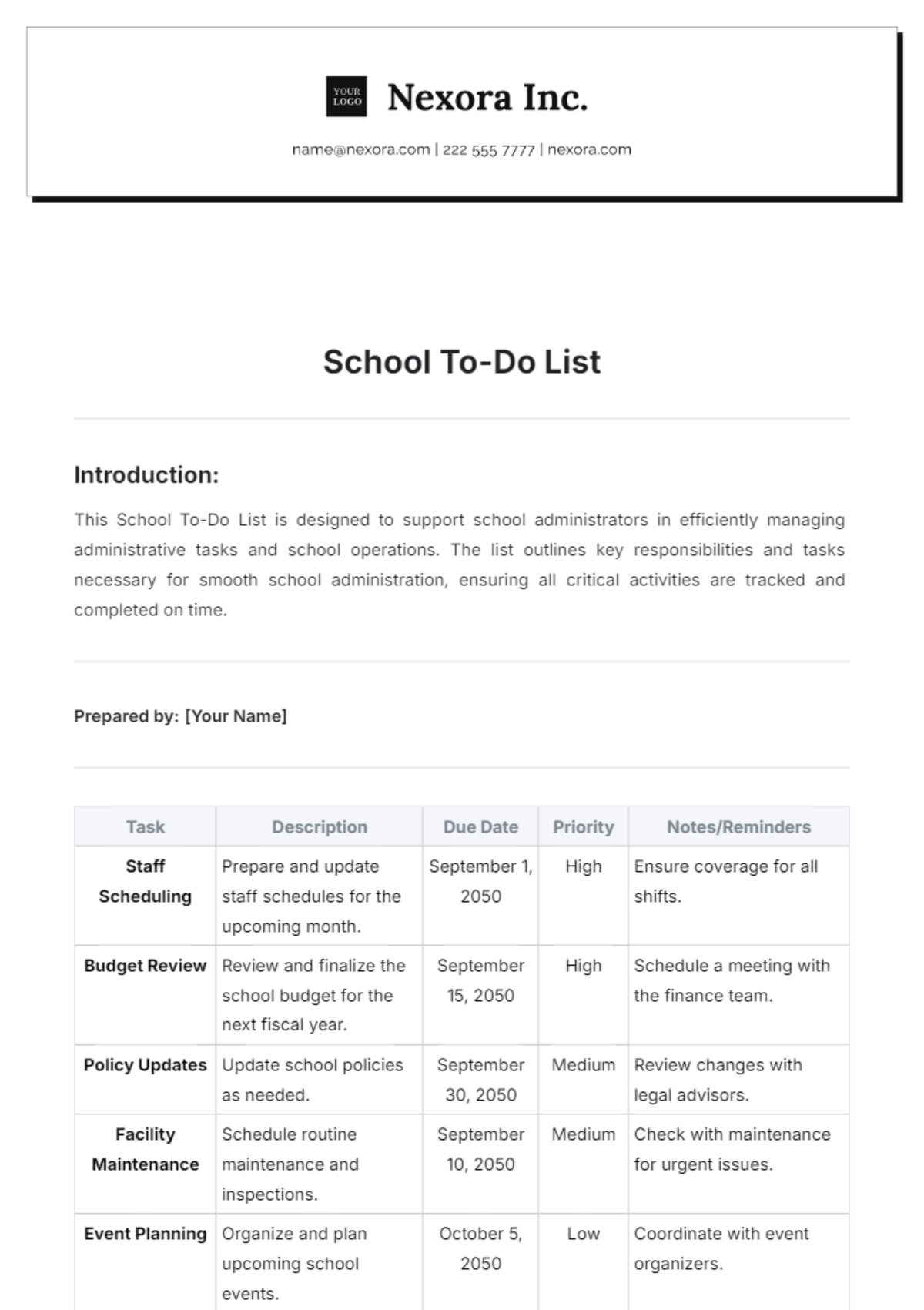
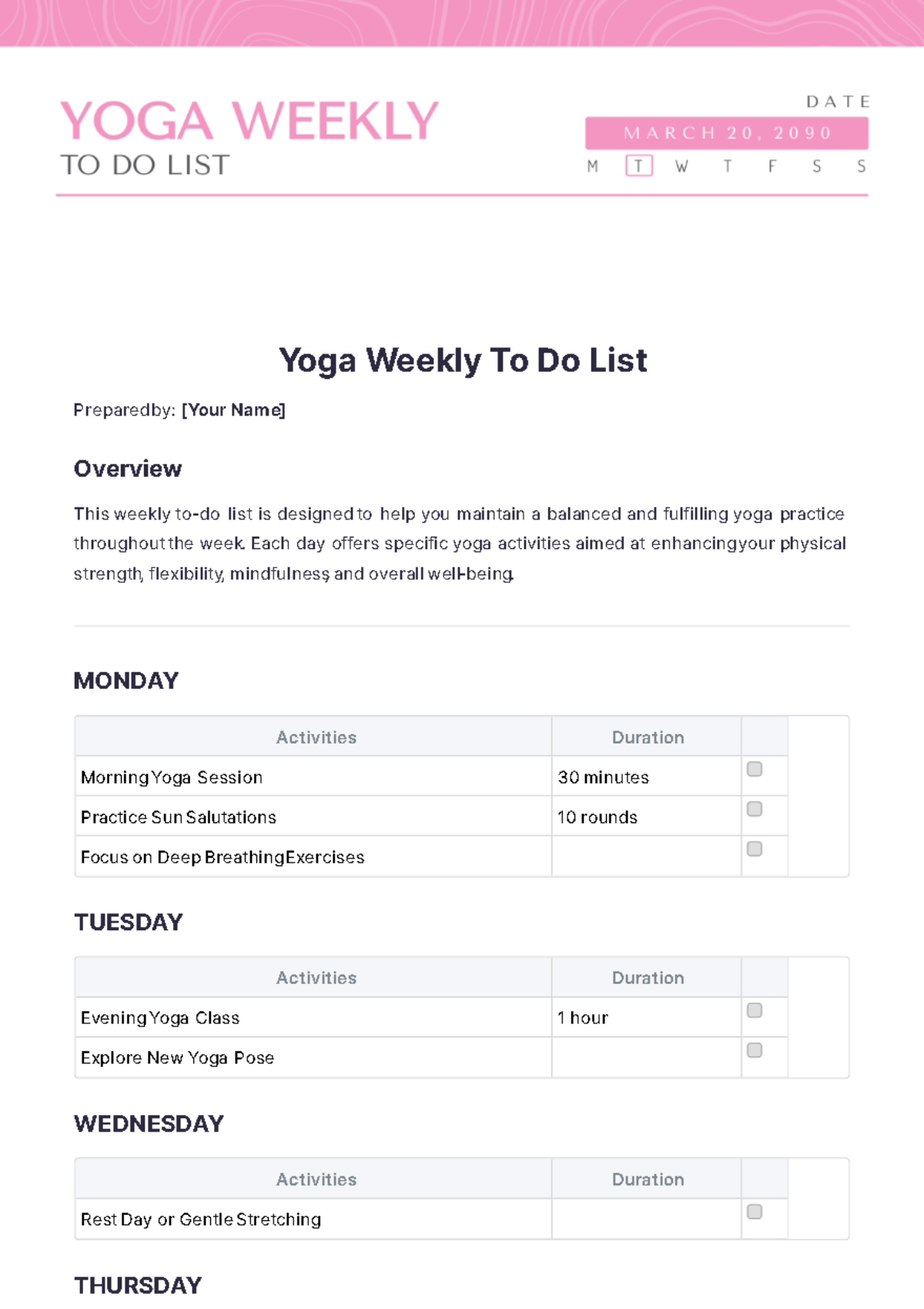
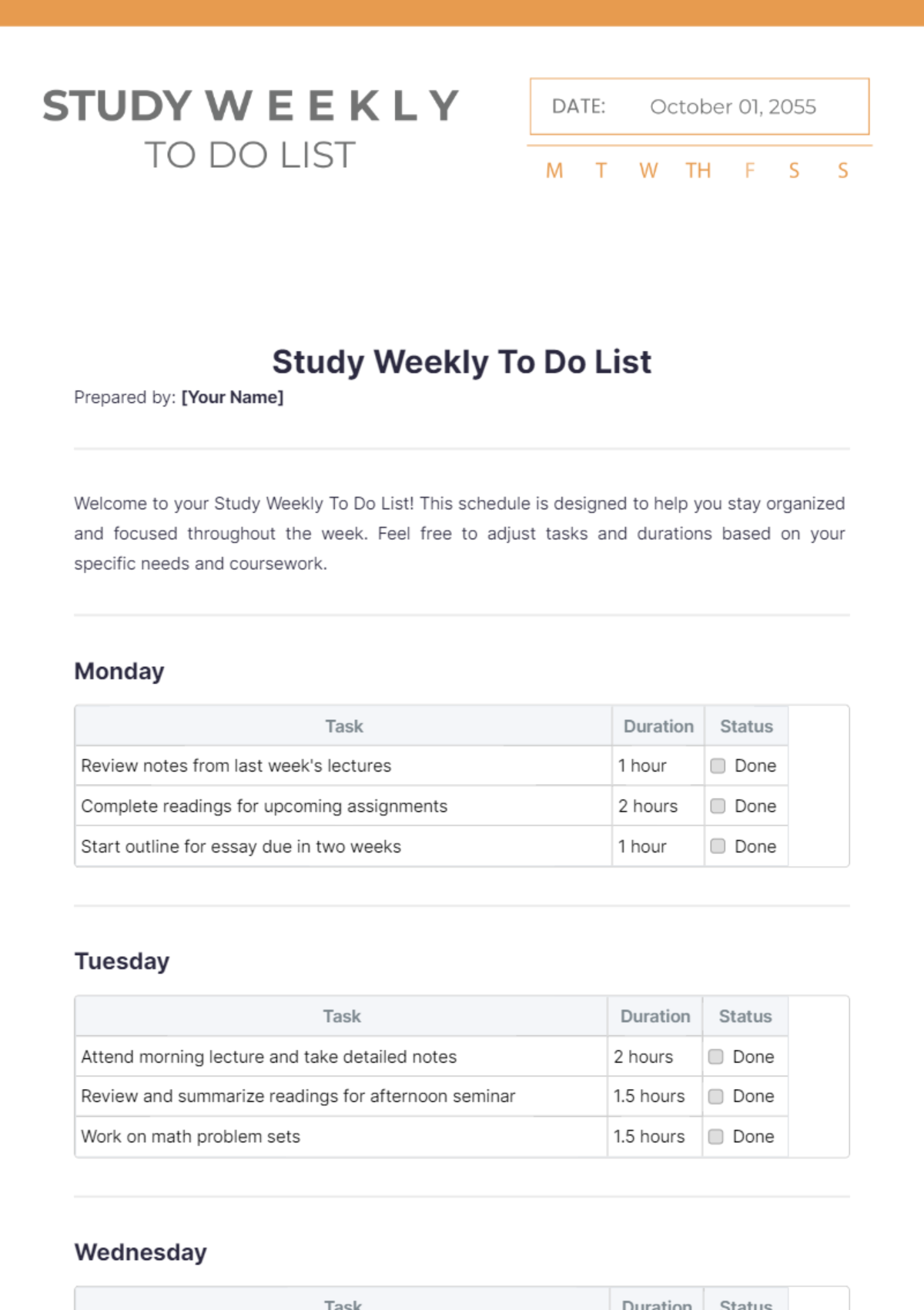
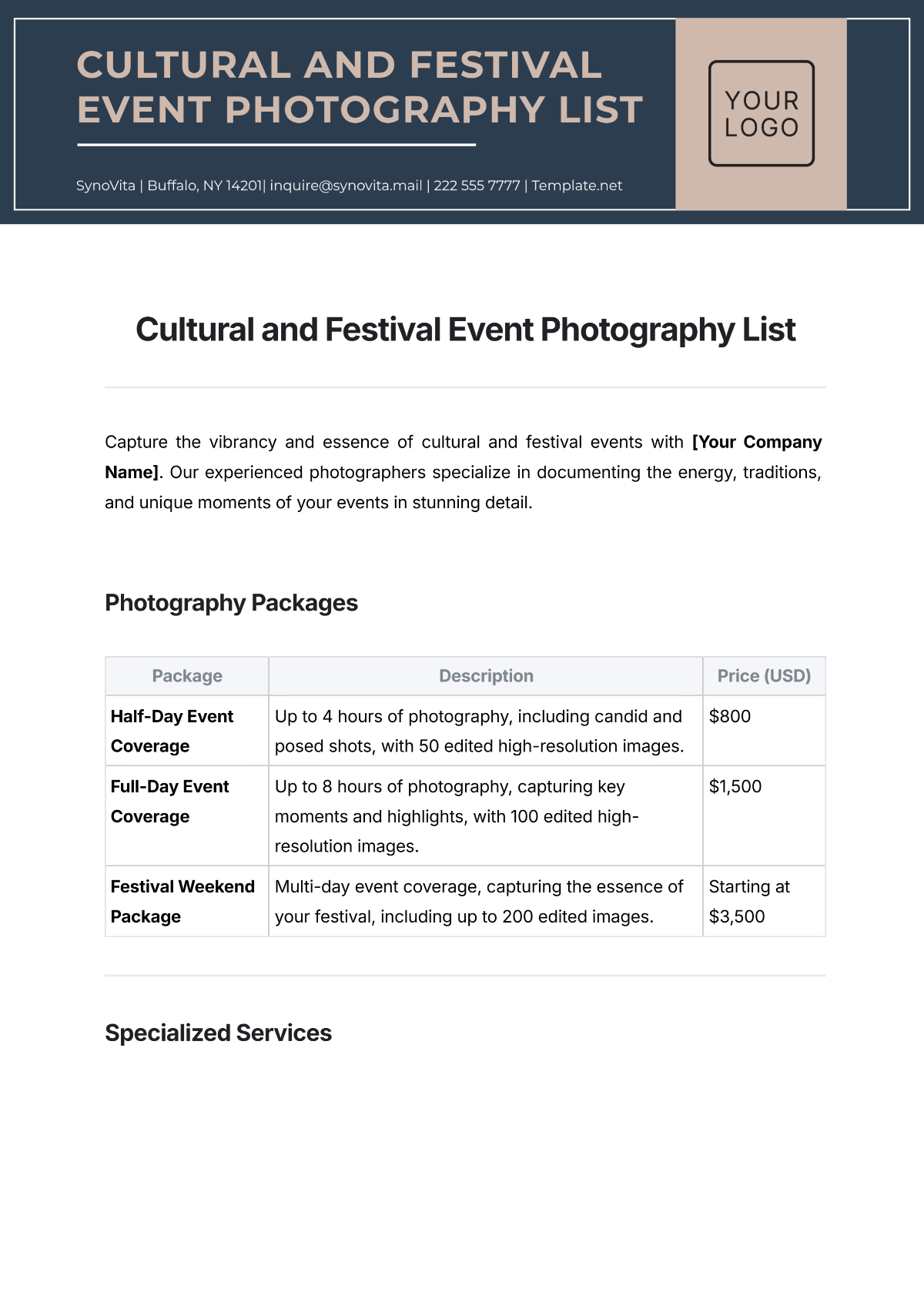




Class List Templates: Definition, Usage, and Formats
What is a Class List?
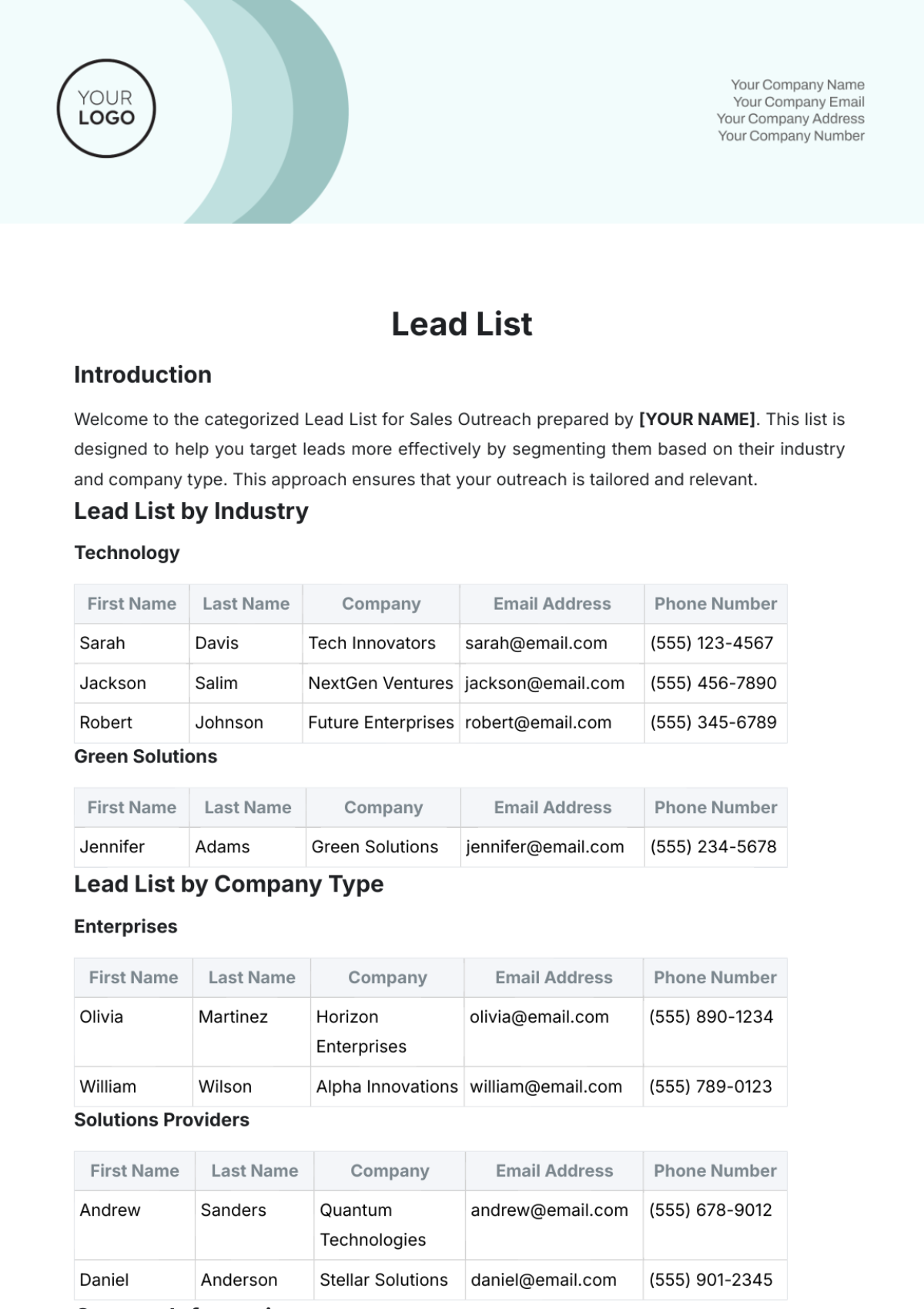
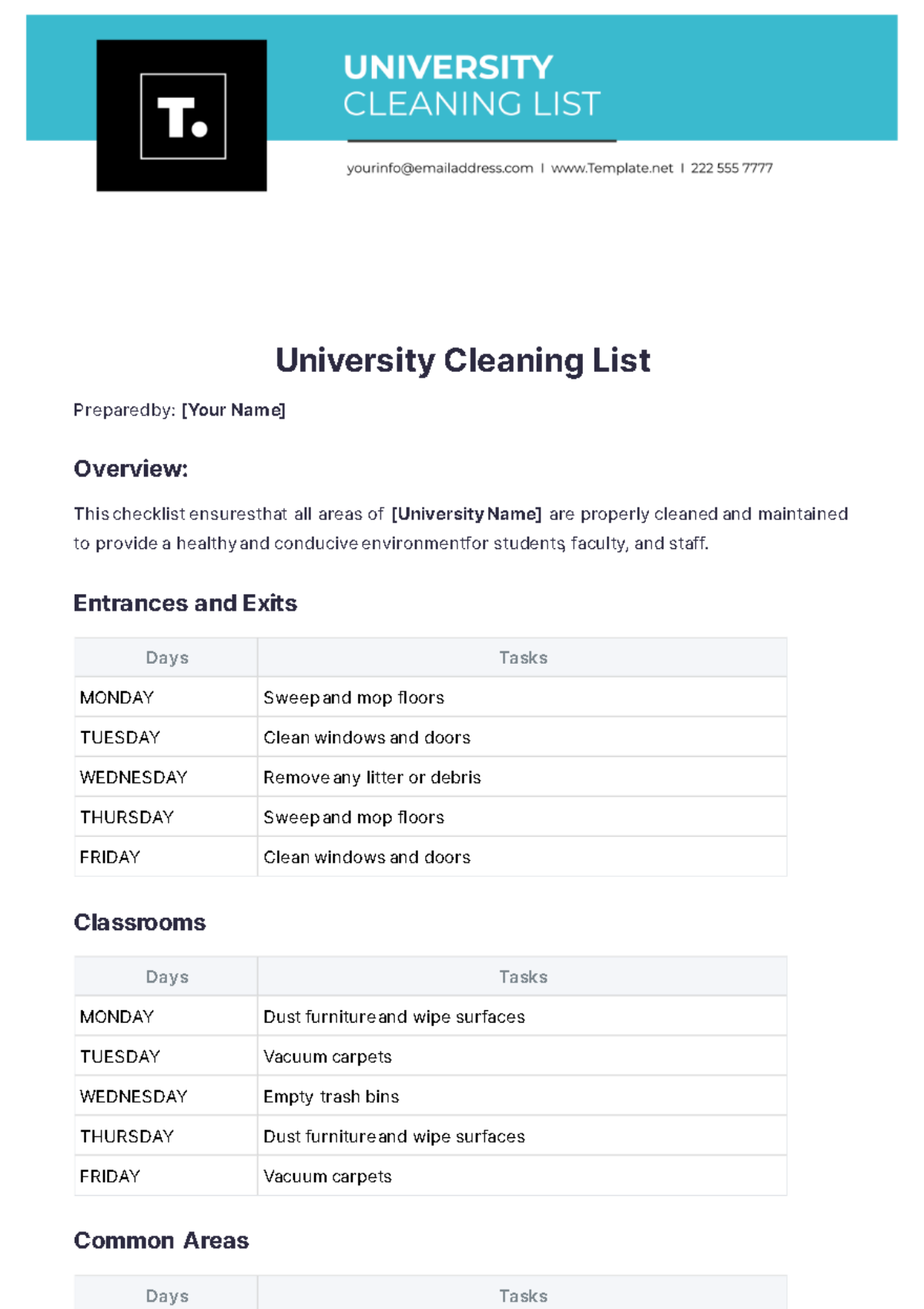
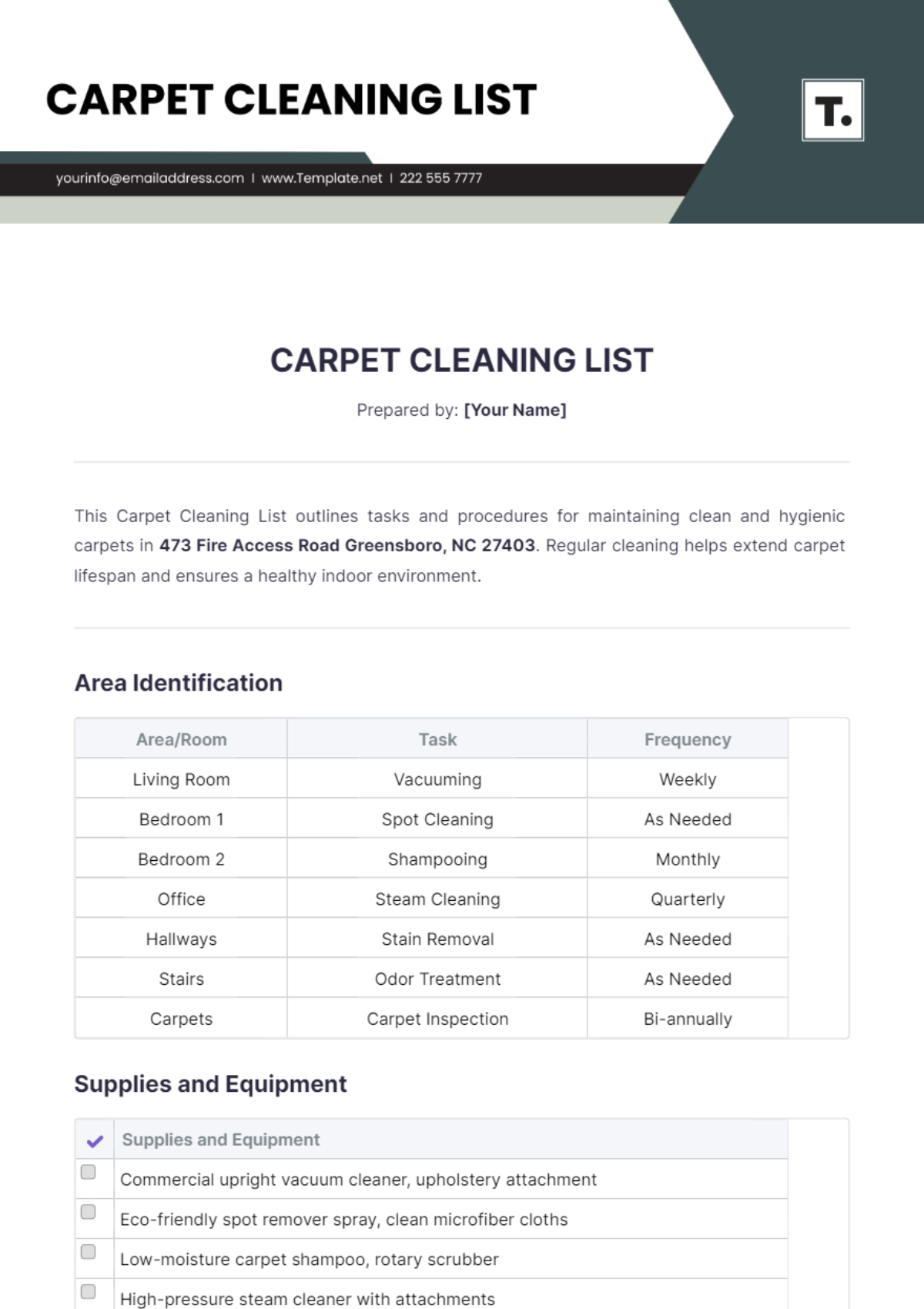
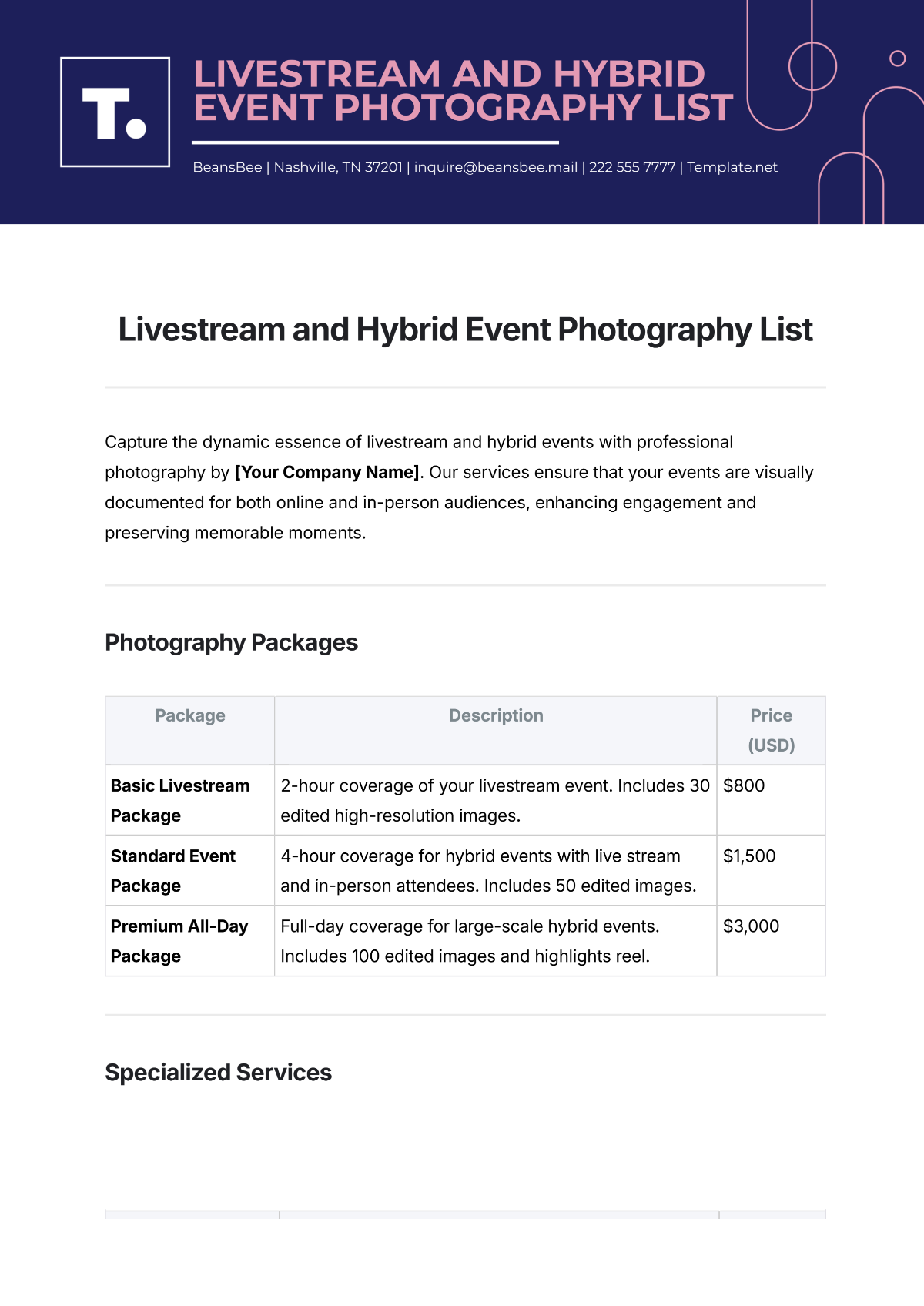
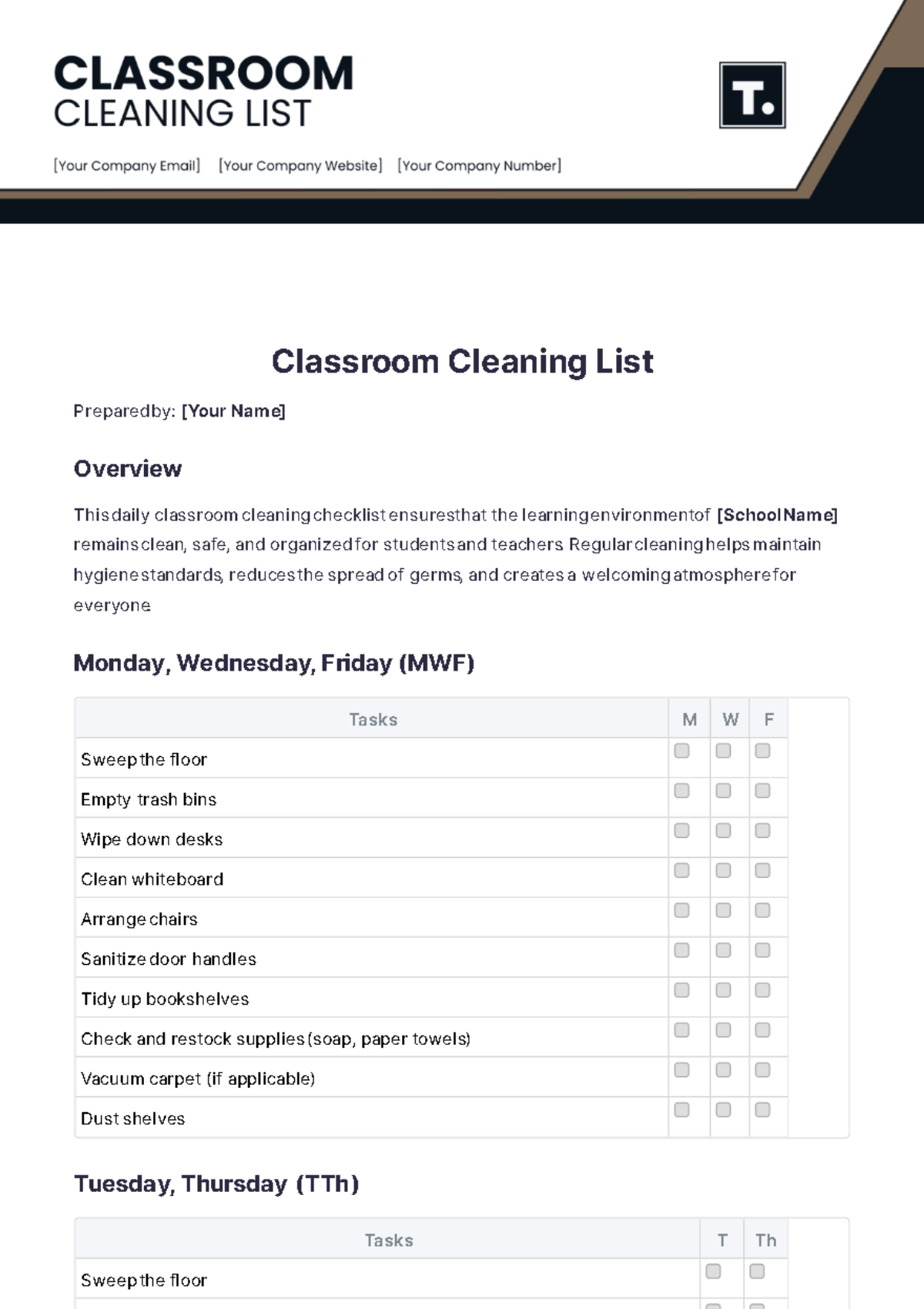
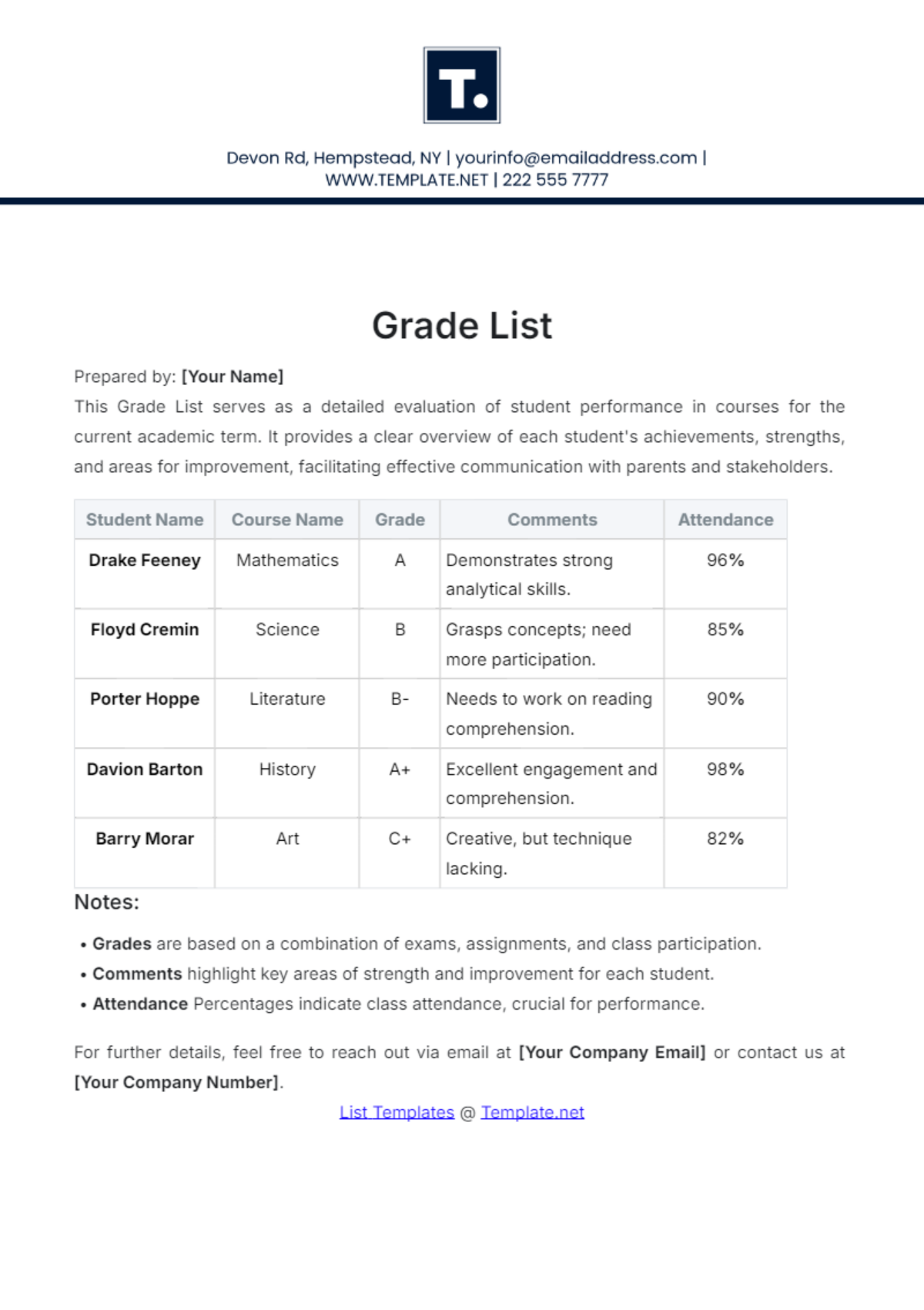
A Class List is a structured document that records the names and details of students enrolled in a particular class or course. This list helps educators manage attendance, track student progress, and organize classroom activities with a professional layout and clear sections.
Why use a Class List?
Class Lists provide a business-ready format for organizing student data, improving classroom management and communication. They enable quick access to essential student information with structured formatting and easy editing, enhancing efficiency in educational settings.
Who typically uses Class Lists?
Class Lists are typically used by educators, school administrators, and academic coordinators who require a print-ready and editable document to manage student information. These users benefit from online editing and professional layout to maintain accurate records.
What sections should a Class List include?
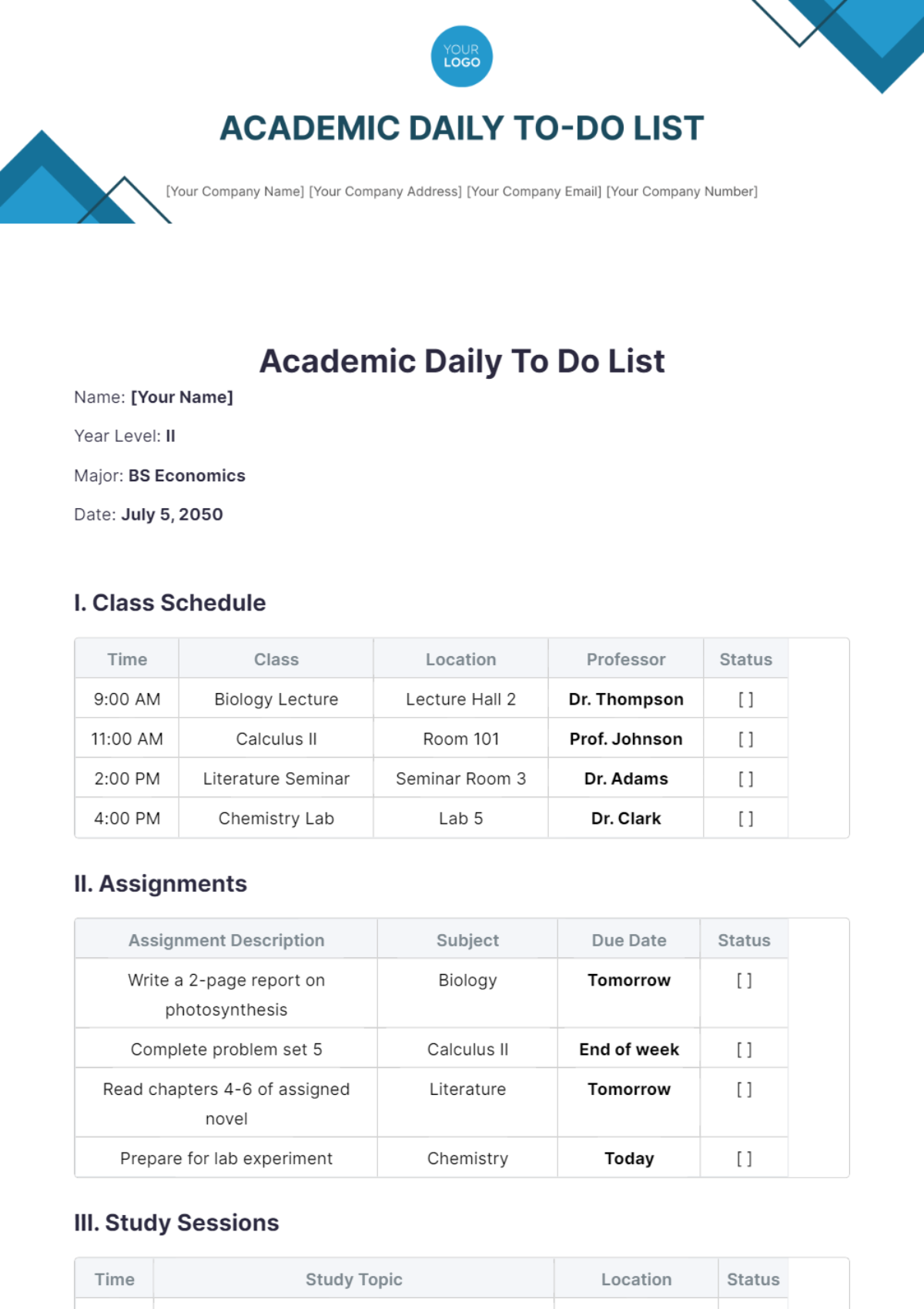
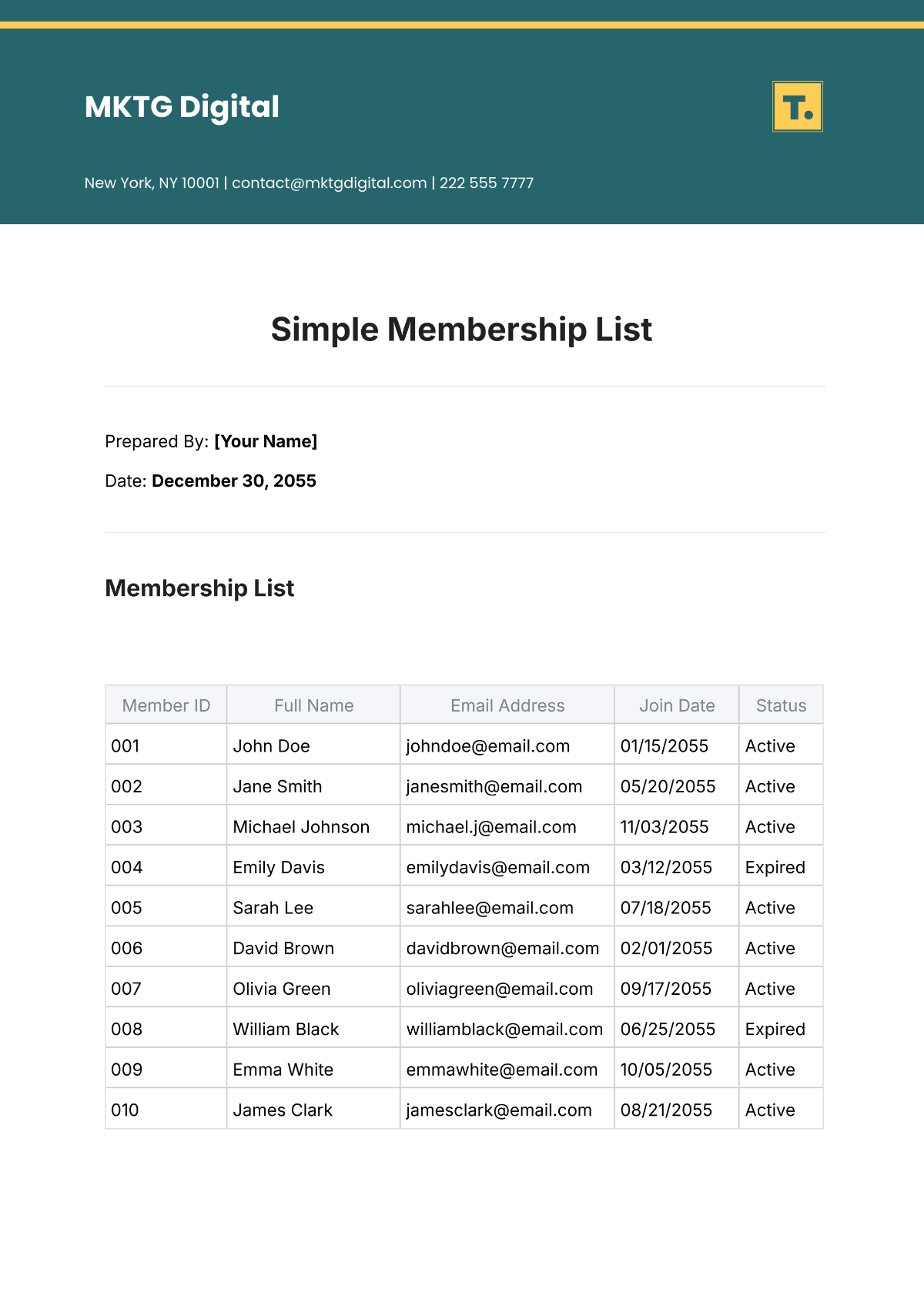
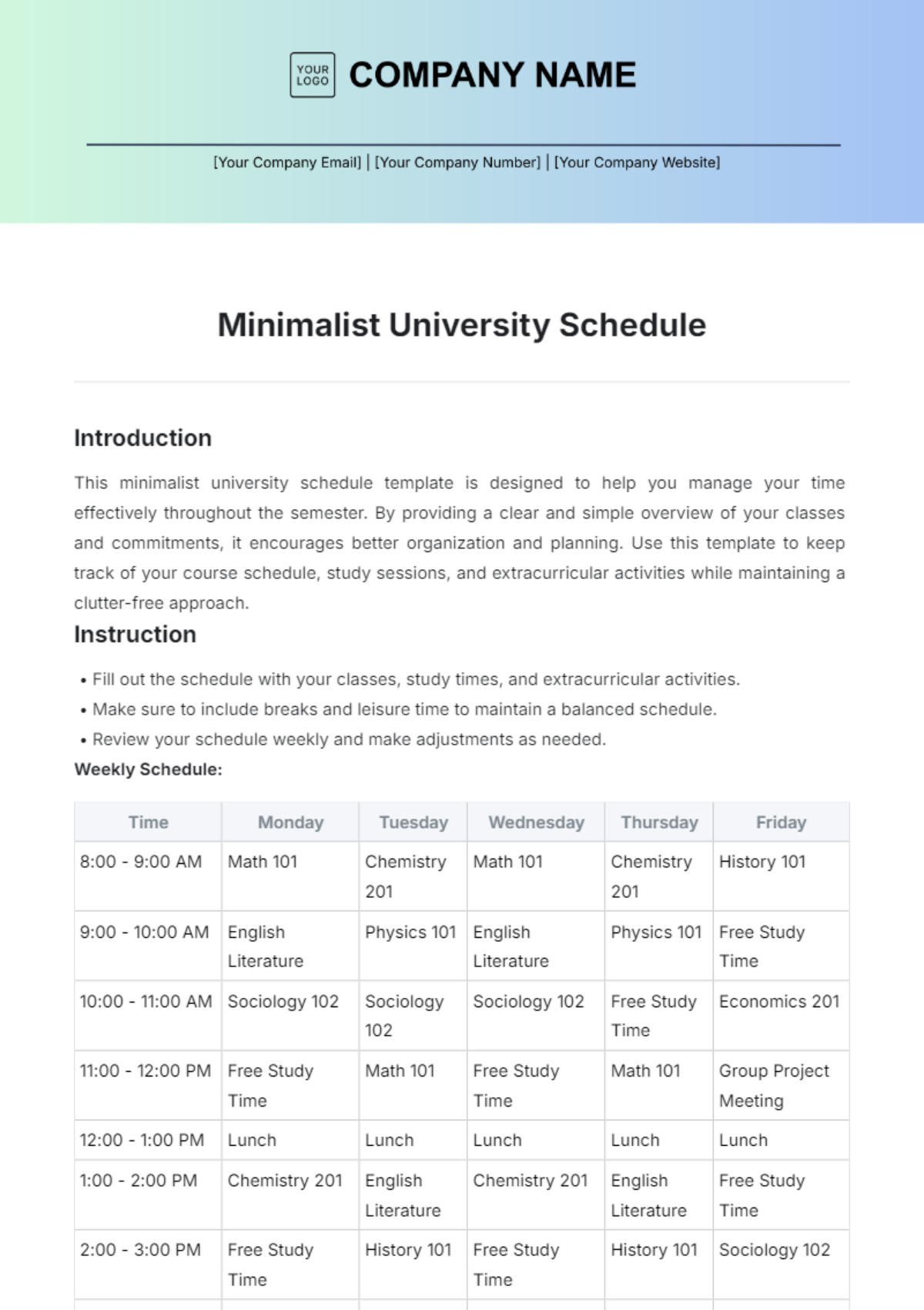
A Class List should include a header with course details, student names, contact information, and attendance or grade columns. These sections provide clear structure and easy navigation within the document for efficient classroom management.
What are the best tips for formatting a Class List?
Effective Class List formatting includes using clear headers, consistent fonts, and alternating row colors for readability. Maintaining structured formatting and a clean layout ensures that the document is easy to navigate and professionally presented.
How do you print a Class List?
Printing a Class List involves selecting a print-ready PDF format with Template.net's templates, ensuring margins and layout fit standard paper sizes like 8.5 × 11 inches. This approach preserves the professional layout and structured formatting for clear, high-quality prints.
Is a Class List legally and professionally acceptable?
A Class List is professionally acceptable when it adheres to privacy regulations and maintains compliance-friendly presentation. Using Template.net templates ensures the document meets standards for confidentiality and professional formatting in educational environments.
What file formats can I download for a Class List?
Template.net Class List templates support multiple export formats for editing and printing, including Word, Excel, Google Sheets, Apple Numbers, Google Docs, and PDF.
Can I create a new Class List using AI?
Template.net provides an AI-powered tool that generates structured Class List documents from prompts in 3–10 seconds, ready for online refinement and multi-format export. Use the List Generator to quickly create professional Class Lists tailored to your needs.
